



How to Choose the Best Laptop Bag: Size, Style, Comfort & Protection Guide
To choose the best laptop bag, start with your laptop's screen size and actual dimensions to find the right sleeve fit. Then pick a style (backpack, messenger, briefcase or sleeve) that suits your daily routine. Look for at least 1 cm of foam padding, water-resistant outer material, organised compartments, and comfortable straps.
Finding the best laptop bag sounds simple enough, but with dozens of styles, materials, and features on the market, it is easy to end up with something that does not quite fit your device or your day. A bag that is too loose offers poor protection; one that is too tight puts stress on the zips and your shoulders. This guide walks you through how to choose a laptop bag.
First Things First: Getting the Size Right
Size is the single most important factor when choosing a laptop bag, and it trips up more buyers than any other, because even the best laptop case will not protect your device properly if the fit is wrong.
How to Measure Your Laptop
Before you browse any bag, take two minutes to measure your laptop properly. Close the lid and measure the width (left to right), the depth (front to back), and the thickness. Then measure the screen diagonally from corner to corner, inside the bezel. That diagonal number is your official laptop size.
Laptop Size to Bag Size: A Quick Reference
|
LAPTOP SCREEN SIZE |
COMMON DEVICE EXAMPLES |
RECOMMENDED BAG SLEEVE |
BAG STYLE FIT |
|---|---|---|---|
|
11–12 inch |
Chromebooks, entry-level ultrabooks |
12–13 inch sleeve |
Sleeve, small backpack |
|
13–13.6 inch |
MacBook Air M4, Dell XPS 13 |
13–14 inch sleeve |
Sleeve, slim messenger, small backpack |
|
14 inch |
HP EliteBook 840, Lenovo ThinkPad E14 |
14–15 inch sleeve |
Messenger, backpack, briefcase |
|
15–15.6 inch |
HP Pavilion 15, Acer Aspire 5, Dell Inspiron 15 |
15.6 inch sleeve |
Backpack, messenger, tote |
|
17–17.3 inch |
Gaming laptops, large workstations |
17.3 inch or larger sleeve |
Large backpack, rolling case |
How Much Extra Room Do You Need?
The sleeve should be about 1 cm (roughly half an inch) larger than your laptop in each direction. This gives a secure, snug fit without forcing the device in. If the compartment is too generous, your laptop will slide around inside and may pick up impact damage at the corners during knocks and drops.
Gaming laptops and thick workstation machines often need special attention here. Even at the same screen size, they tend to be significantly deeper and heavier than slim business or student models, so always cross-check the bag's listed internal dimensions.
Types of Laptop Bags: Which Style Suits You?
The best laptop bag for you will depend on how you carry it, how far you travel, and where you are going when you arrive. Each style comes with genuine trade-offs worth knowing before you buy.
Laptop Backpacks
A lightweight laptop bag in backpack form is the most popular choice for UK commuters, students, and frequent travellers. It distributes weight across both shoulders, which makes a real difference over longer journeys, whether that is walking between tube stations or trekking between university buildings.
- Best for: Daily commuters, students, long-distance travel, carrying multiple items.
- Typical capacity: 15 to 30 litres, fitting 13 to 17.3-inch laptops.
- Key advantages: Even weight distribution, hands-free carry, typically the most storage space.
- Downside: Less polished appearance in formal office or client-facing settings; slower access when you need to grab something quickly.
Modern laptop backpacks often come with padded suspended laptop sleeves, which lift the device off the bottom of the bag and provide better shock absorption. Look for this feature if protecting your machine is a priority.
Laptop Messenger Bags
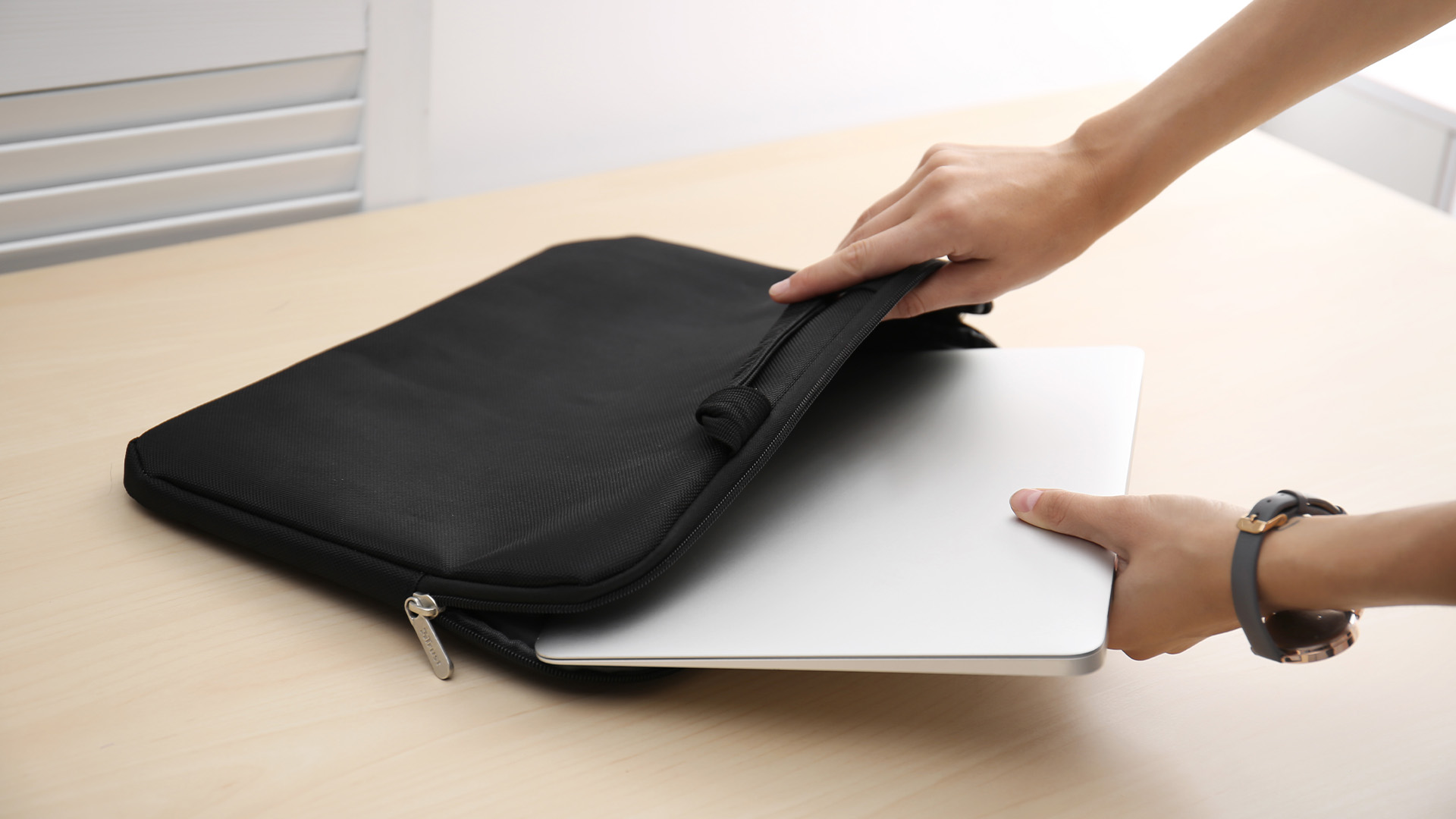
Messenger bags sit across one shoulder and are opened from the side or top, which makes them quicker to access than a backpack. They tend to look more professional and suit people who move between environments throughout the day, such as hot-deskers, creative professionals, and those in client-facing roles. Shoppers comparing the best laptop bags for women may also prefer messenger designs that combine a polished look with practical internal protection.
- Best for: Short commutes, urban professionals, cyclists, café workers.
- Typical capacity: 10 to 20 litres, most commonly fitting 13 to 15.6 inch laptops.
- Key advantages: Quick access, sleek silhouette, professional appearance.
- Downside: Single-shoulder carry puts uneven load on the body; not ideal for commutes longer than 30 minutes on foot.
Laptop Briefcases and Topload Cases
A laptop briefcase or topload case sits between formal and functional. It typically has a top handle and sometimes a removable shoulder strap, making it a good fit for office environments and client meetings. The structured shape keeps contents organised and gives a neat, composed look when you walk into a room.
- Best for: Office professionals, formal meetings, shorter commutes.
- Typical capacity: Slim to medium, fitting 13 to 15.6-inch laptops.
- Key advantages: Smart appearance, laid-flat document storage, quick in-and-out access.
- Downside: Held by hand or one arm, so comfort drops quickly over longer distances.
Laptop Sleeves
A laptop sleeve is not a standalone bag. It is a padded envelope-style cover designed to slide inside another bag and provide an extra layer of scratch and bump protection. If you already carry a large rucksack or handbag, a quality sleeve is a cost-effective way to protect your laptop without switching bags.
- Best for: Minimal carry, adding protection inside an existing bag.
- Typical fit: 11 to 17.3 inch, very close-fitting to the laptop dimensions.
- Key advantages: Lightweight, slim, affordable, easy to swap between bags.
- Downside: No standalone carry option, limited storage for accessories.
|
STYLE |
BEST USE |
COMFORT FOR LONG CARRY |
STORAGE CAPACITY |
PROFESSIONAL LOOK |
|---|---|---|---|---|
|
Backpack |
Commuting, travel, campus |
Excellent |
High |
Casual to smart-casual |
|
Messenger |
Urban, short commute, cycling |
Moderate |
Medium |
Smart-casual to professional |
|
Briefcase / Topload |
Office, client meetings |
Low for long distances |
Low to medium |
Highly professional |
|
Sleeve |
Inside another bag |
N/A (not standalone) |
Minimal |
Not applicable |
|
Tote |
Casual, creative settings |
Low (single-shoulder) |
Medium |
Casual |
Laptop Outlet stocks a range of protective laptop bags suited to different laptop sizes, carry styles, and daily routines. Browse the collection to find a secure fit for your device.
Padding and Protection: What Actually Keeps Your Laptop Safe
Padding is the most important protective feature in any padded laptop bag, but it varies quite significantly between products at different price points. Not all foam is created equal, and the position of the padding matters as much as its thickness.
How Much Padding Is Enough?
As a general rule, look for at least 1 cm of foam padding around the laptop compartment on all sides. Budget bags often have thinner padding at the corners and the base, which are the areas most likely to take impact if the bag is dropped or knocked.
- 1 cm or more of foam: Adequate for daily commuting and light protection.
- Suspended laptop sleeve: The device sits in a padded pocket that does not touch the bottom of the bag directly. This significantly improves shock absorption.
- Corner reinforcements: A worthwhile extra, particularly if you use public transport or travel regularly. Corners absorb the most force in a drop.
- EVA foam panels: A closed-cell foam that compresses on impact and rebounds. Offers better drop protection than standard polyester padding.
Waterproofing and Weather Resistance
In the UK, rain is not a seasonal concern. It can arrive any day of the year. A bag with a water-resistant outer material or a DWR (Durable Water Repellent) coating will handle light rain and splashes well, but it is not the same as a fully waterproof bag.
- Water-resistant: Handles light rain and splashes. Common in polyester and nylon bags.
- Waterproof: Sealed seams, waterproof zips, and coated materials. Suitable for heavy rain and outdoor use.
- No water protection: Canvas and leather bags without treatment are vulnerable to moisture. Always check whether the finish has been treated.
Anti-Theft Features
Theft is a real consideration for commuters, particularly on busy public transport. Some protective laptop bags come with features specifically designed to reduce this risk. They are not essential for everyone, but worth prioritising if you travel in crowded urban environments.
- Hidden zips and back-facing pockets: The most common approach. Your main pocket faces your back so it cannot be accessed while the bag is on.
- Lockable zippers: Zips that can be secured together with a small padlock or looped together to prevent easy opening.
- RFID-blocking pockets: Lined pockets that prevent wireless scanning of contactless cards and passports. Useful if you travel internationally or carry work access cards.
- Cut-resistant panels: Found in specialist anti-theft bags and designed to prevent slash-and-grab attacks. Uncommon but available in higher-end travel bags.
Comfort and Ergonomics: Carrying Your Bag Without the Ache
A bag that hurts your back or shoulders after 20 minutes is not the right bag, regardless of how good it looks or how well-priced it is. Comfort features are easy to overlook in product listings but make a noticeable difference in daily use.
Shoulder Straps
For backpack-style bags, strap quality is critical. Look for straps that are at least 5 cm wide and padded with foam or memory foam. Thin, flat straps dig into the shoulder and cause fatigue much faster. Contoured or S-shaped straps follow the natural curve of the shoulder more comfortably than straight straps.
- Adjustable straps: Allow you to position the bag at the right height against your back. The base of the bag should sit at waist level, not hanging low.
- Sternum strap: A clip across the chest that prevents the shoulder straps from sliding outward. Makes a real difference for longer walks or cycling.
- Chest and hip belt: Found on larger, travel-oriented bags. Transfers some of the weight to the stronger core and hip muscles rather than letting the shoulders carry everything.
Back Panel
The back panel is the section of the bag that rests against your body. An unpadded panel feels uncomfortable quickly, especially in warm weather. Better bags use foam-padded panels with mesh covering to allow some airflow, which reduces heat buildup during walking or cycling.
- Padded back panel: The minimum standard for any bag used more than occasionally.
- Air mesh or channelled ventilation: Creates a small gap between the bag and your back, reducing sweating during active commutes.
- Spinal channel: A central groove in the back panel that avoids direct pressure on the spine. A worthwhile feature if you carry a heavy load.
Bag Weight
The bag itself adds to your overall load before you put a single item inside. Lighter bags made from polyester or nylon weigh considerably less than leather or canvas options. For daily commuting, aim for a bag that weighs under 700 g empty. For larger travel bags, under 1.2 kg is a sensible target.
Materials Guide: Choosing the Right Fabric for Your Needs
The outer material of a laptop bag affects its durability, weight, water resistance, appearance, and how long it will last with regular use. Each material has specific strengths that suit different users and environments.
|
MATERIAL |
DURABILITY |
WATER RESISTANCE |
WEIGHT |
APPEARANCE |
BEST FOR |
|---|---|---|---|---|---|
|
Ballistic Nylon |
Excellent |
Good (with DWR coating) |
Light to medium |
Professional / technical |
Daily commuting, travel |
|
Polyester (600D+) |
Good |
Moderate |
Light |
Casual to smart-casual |
Students, budget buyers |
|
Leather |
Very good (with care) |
Low (unless treated) |
Heavy |
Formal, premium |
Office, professional settings |
|
Waxed Canvas |
Good |
Good |
Medium |
Heritage, casual |
Creative professionals, casual use |
|
Neoprene |
Moderate |
Good |
Very light |
Modern, minimal |
Sleeves, light carry |
|
Recycled / Vegan Materials |
Good |
Moderate to good |
Light to medium |
Modern, eco-conscious |
Sustainable buyers, students |
A Note on Budget vs Build Quality
Very cheap laptop bags often use thin polyester and minimal internal padding. They may look similar to better-quality bags on a product page, but the difference is obvious once you handle them. A bag that costs £12 might last a few months before the zip fails or the stitching frays. A bag in the £25 to £60 range from a reputable brand usually offers meaningfully better construction and a longer service life.
That said, you do not need to spend a fortune. Bags in the £20 to £40 range from brands like HP, Targus, and Samsonite offer solid everyday protection for most users. Consider what you are carrying: a £900 laptop deserves a bag with proper padding, regardless of your budget.
Once you have chosen the right bag material, complete your setup with practical laptop accessories designed to support work, travel, and everyday use.
Organisation and Storage: Making Your Bag Work Harder
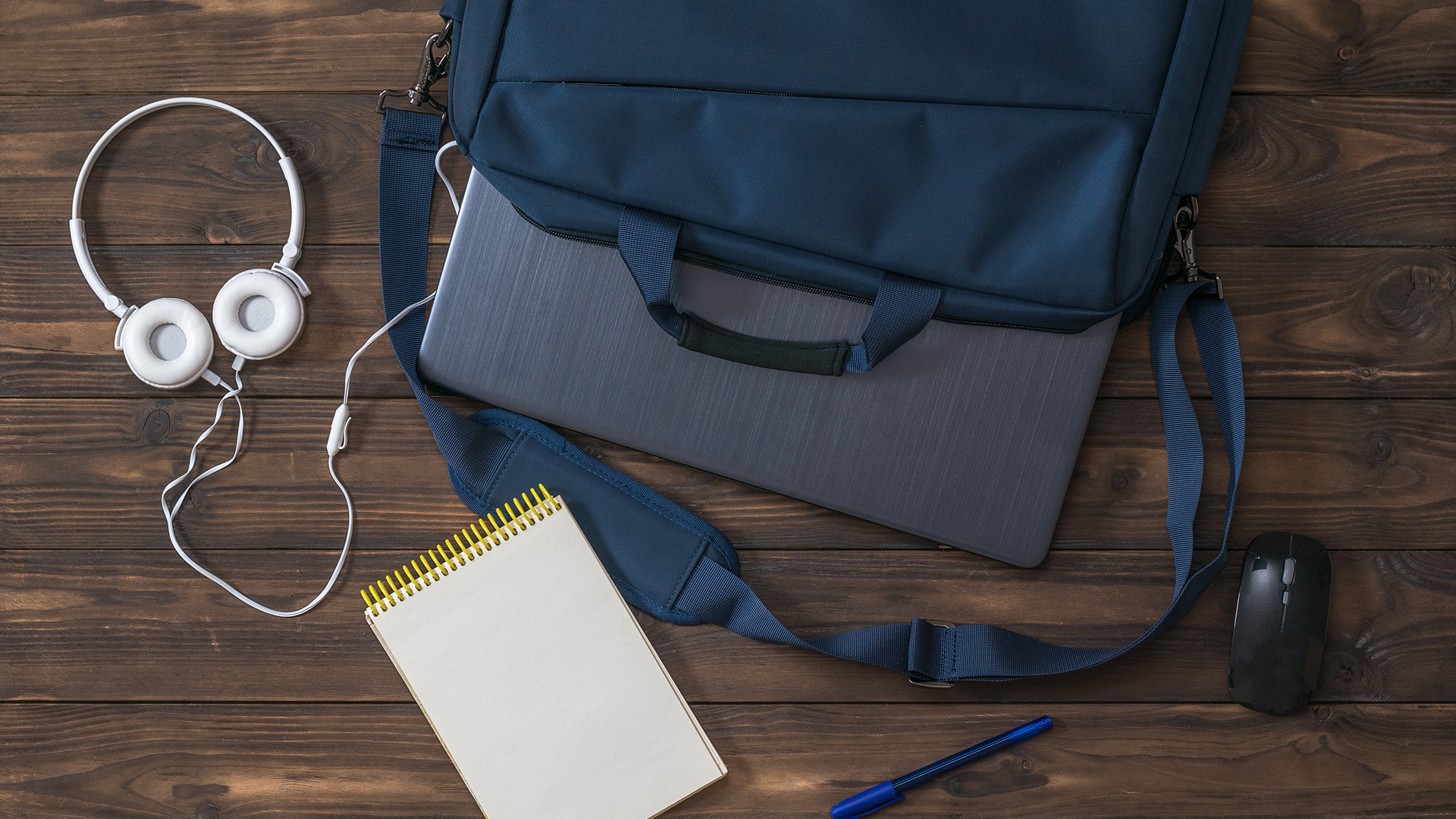
A good laptop bag does more than hold your device. It keeps everything you carry organised and accessible, which saves time and reduces the risk of scratches and pressure damage to your laptop from other items shifting around inside.
What to Look for in a Well-Organised Bag
- Dedicated laptop sleeve: Fully lined, padded, and separated from other compartments. The laptop should not sit alongside cables, pens, or keys.
- Tablet pocket: If you carry a tablet as well as a laptop, a separate padded tablet slot prevents them from rubbing against each other.
- Cable and accessories pocket: A separate zipped pocket or organiser panel with loops for pens, slots for cables, and a key clip. Keeps your everyday tech accessories tidy and accessible.
- External quick-access pocket: For your phone, Oyster card, travel pass, or headphones. Useful on public transport when you do not want to open the whole bag.
- Water bottle holder: A useful and often overlooked feature for commuters and students. Should be deep enough to hold a standard 500 ml bottle securely.
- Luggage pass-through strap: Loops over a suitcase or trolley handle. Helpful if you travel for work or take regular trips with carry-on luggage.
How Many Compartments Do You Actually Need?
More compartments are not always better. An overly divided bag can make it frustrating to find things quickly or to fit slightly larger items. A practical layout for most users is a main compartment, a dedicated laptop sleeve, a front organiser pocket, and one or two external slip pockets.
Upgrade your daily carry with everyday tech accessories that make your laptop bag more practical, whether you need better cable storage, a travel mouse, or extra protection for smaller devices.
Recommended Laptop Bags by Size
Laptop size is the safest starting point when shortlisting bags, because it helps compare real fit, protection and daily carry comfort before checkout online.
Up to 12 Inches
Small laptops and compact Chromebooks need snug protection, not a loose 14-inch sleeve. These options suit light everyday carry inside another backpack or work bag.
|
|
|
|
This sleeve suits small 11-inch MacBook Air users who want light scratch and bump protection inside another bag. Neoprene cushioning, a zip closure and a 260 g build make it useful for lectures, cafés and short commutes. |
This slim 11.6-inch case is a practical pick for compact Windows laptops, Chromebooks and school devices. Its 600D polyester outer, zipped design and grey finish keep the look simple while adding day-to-day protection. |
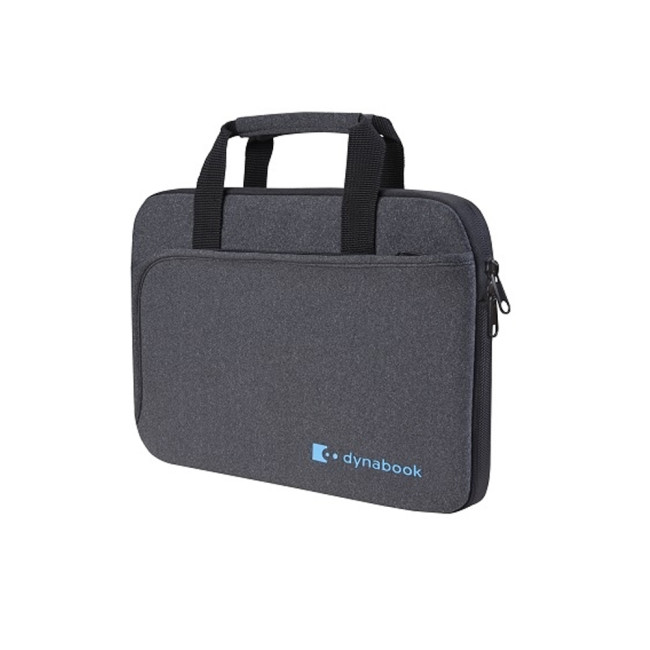
Up to 13.6 Inches
Thirteen and 13.6-inch devices are popular with hybrid workers, Surface users and MacBook Air owners. Choose slim protection if you already carry another main bag.
|
|
|
|
This 13.6-inch hard shell suits MacBook Air users who prefer device-fitted protection instead of a soft sleeve. The anti-shock design, 360-degree coverage and protective spine wrap help reduce scratches during daily desk-to-bag movement. |
This 13.6-inch sleeve works best for Surface Pro users who need a very slim cover for office, campus or commuting. The soft construction and 210 g weight keep it easy to slide into another bag. |
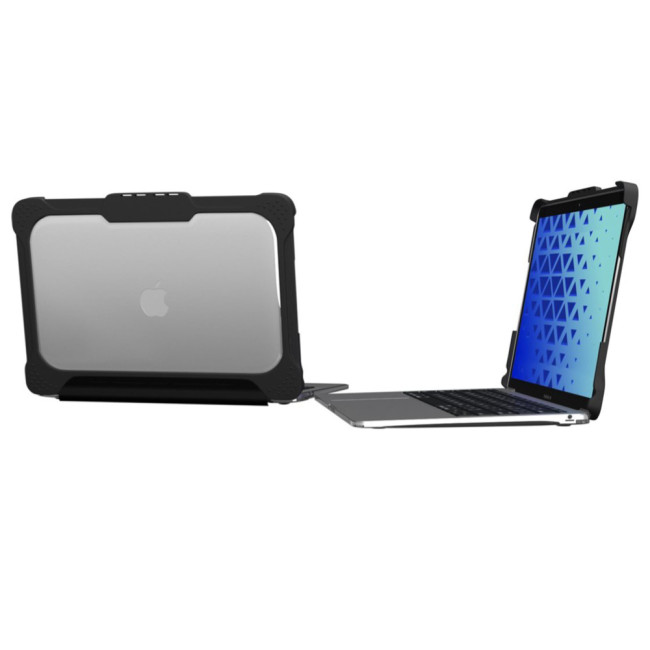

Up to 14 Inches
Fourteen-inch laptops balance portability with screen space, so the best laptop bag here should protect the device without adding awkward bulk to daily travel.
|
|
|
|
This reversible 14-inch HP sleeve is useful for students and hybrid workers who want simple, low-bulk protection. It fits most 14-inch laptops and can sit inside a backpack, briefcase or tote without taking much room. |
This Lenovo 14-inch sleeve is a stronger pick for work users who want handles as well as padding. The padded notebook compartment, lightweight build and black finish make it suitable for commuting and meetings. |
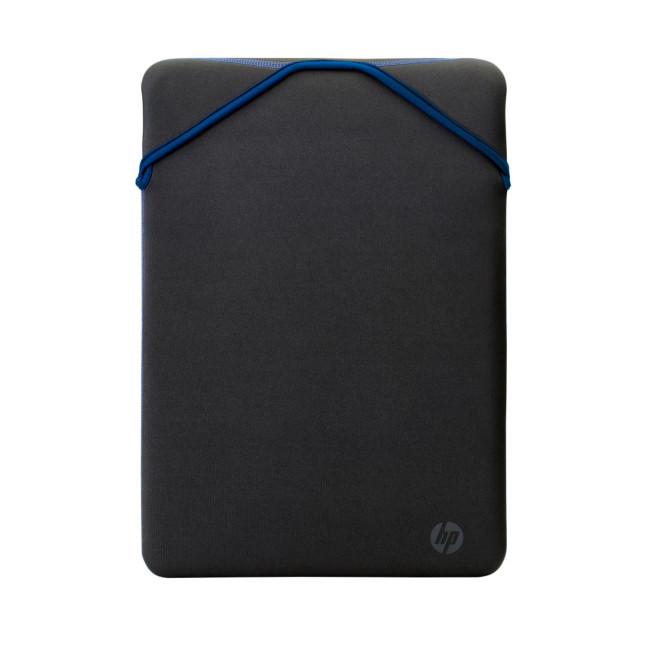
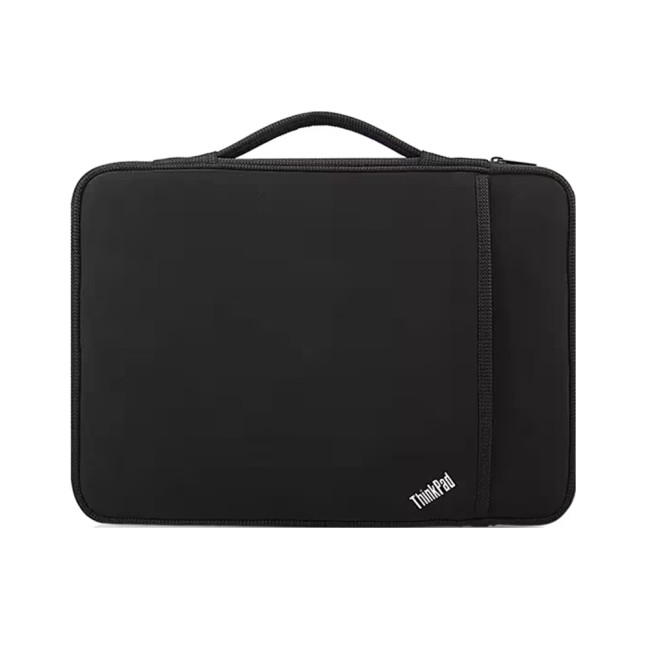
Up to 15.6 Inches
Most full-size everyday laptops sit around 15 or 15.6 inches. This is where backpacks become more useful because chargers, notebooks and accessories add weight.
|
|
|
|
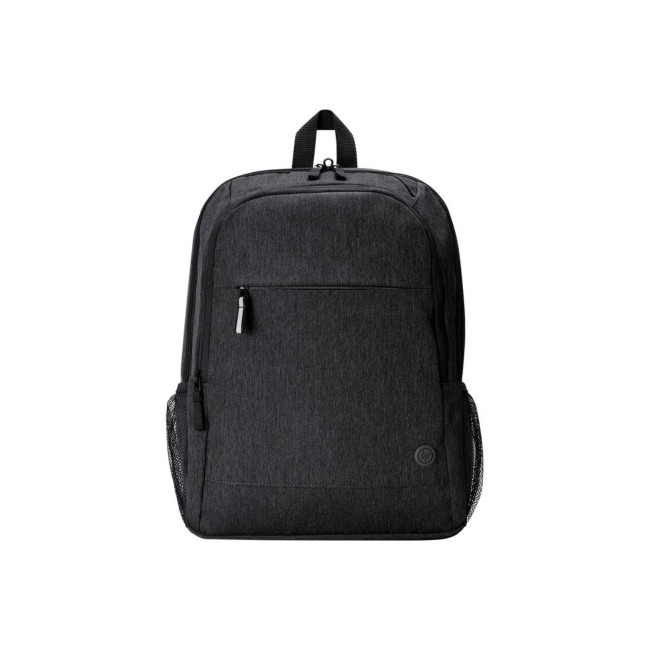
This 15.6-inch backpack is better for commuters who carry a charger, notebook and accessories alongside their laptop. It adds padded straps, water-resistant recycled fabric, lockable zips and a luggage pass-through for everyday work travel. |
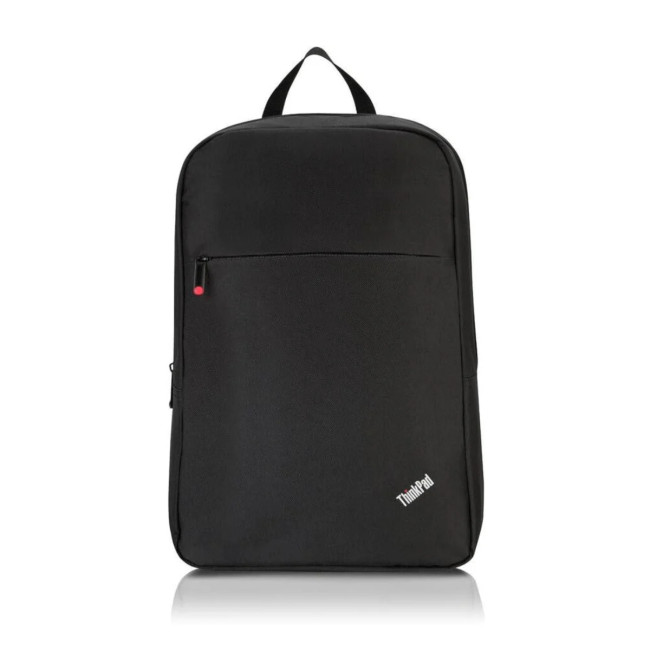
This Lenovo backpack suits practical buyers who want a straightforward 15.6-inch carry option without bulky styling. A padded notebook compartment, shoulder straps and easy-access front storage make it sensible for work, study and daily errands. |
Up to 16 and 17 Inches
Larger laptops need careful sizing because 16 and 17-inch devices can be deeper, heavier and harder to protect. Always compare internal dimensions before checkout.
|
|
|
|
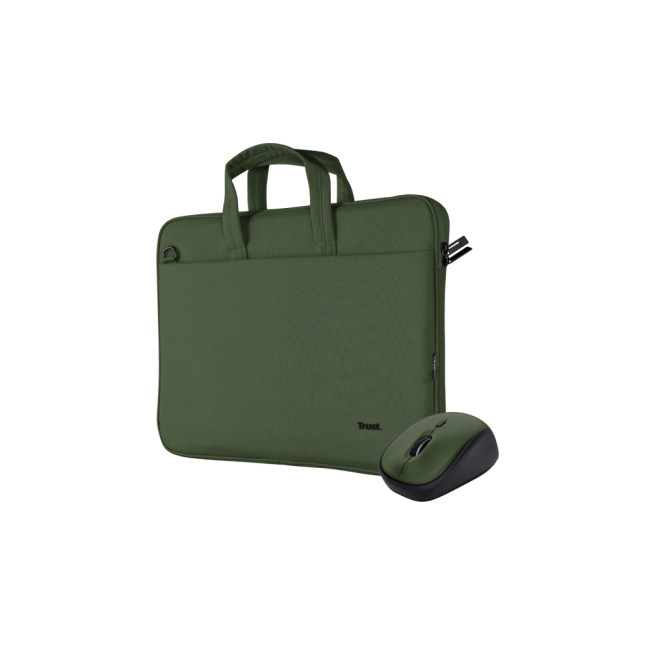
This 16-inch briefcase and mouse set is a useful option for students or hybrid workers who want a light carry case with a bundled wireless mouse. It is better for slim laptops than bulky gaming models. |
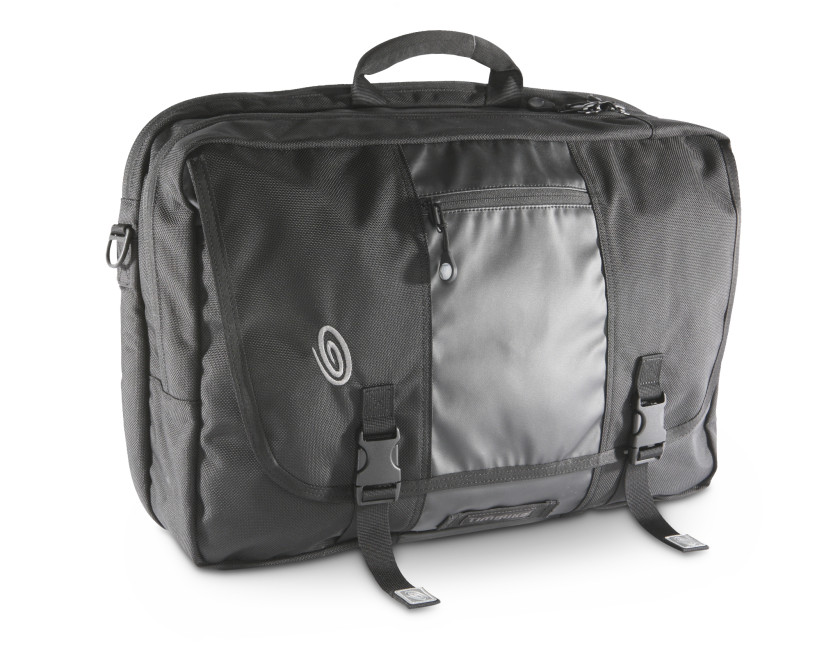
This 17-inch Dell briefcase is the clearest current pick for larger laptops in the bag range. Its shoulder strap, zip closure and professional black finish suit office travel, meetings and users who prefer hand-carry. |
Need a device to go with your new bag? Browse our latest range and buy laptops UK models, with options for work, study, gaming, and everyday use.
Style Considerations: Looking Good Without Compromising Function
Laptop bags have moved a long way from the basic black nylon carry-case of the early 2000s, and today your laptop bag style can be professional, casual, minimal, or travel-focused without compromising protection.
Colour and Finish
Black and dark navy remain the most practical choices for everyday use, as they show less dirt, marks, and wear. Mid-tone colours like charcoal, slate, and olive are growing in popularity and still look tidy after extended use. Lighter colours can look sharp but require more care to keep clean, particularly if you commute on public transport.
Leather vs Fabric for Professional Settings
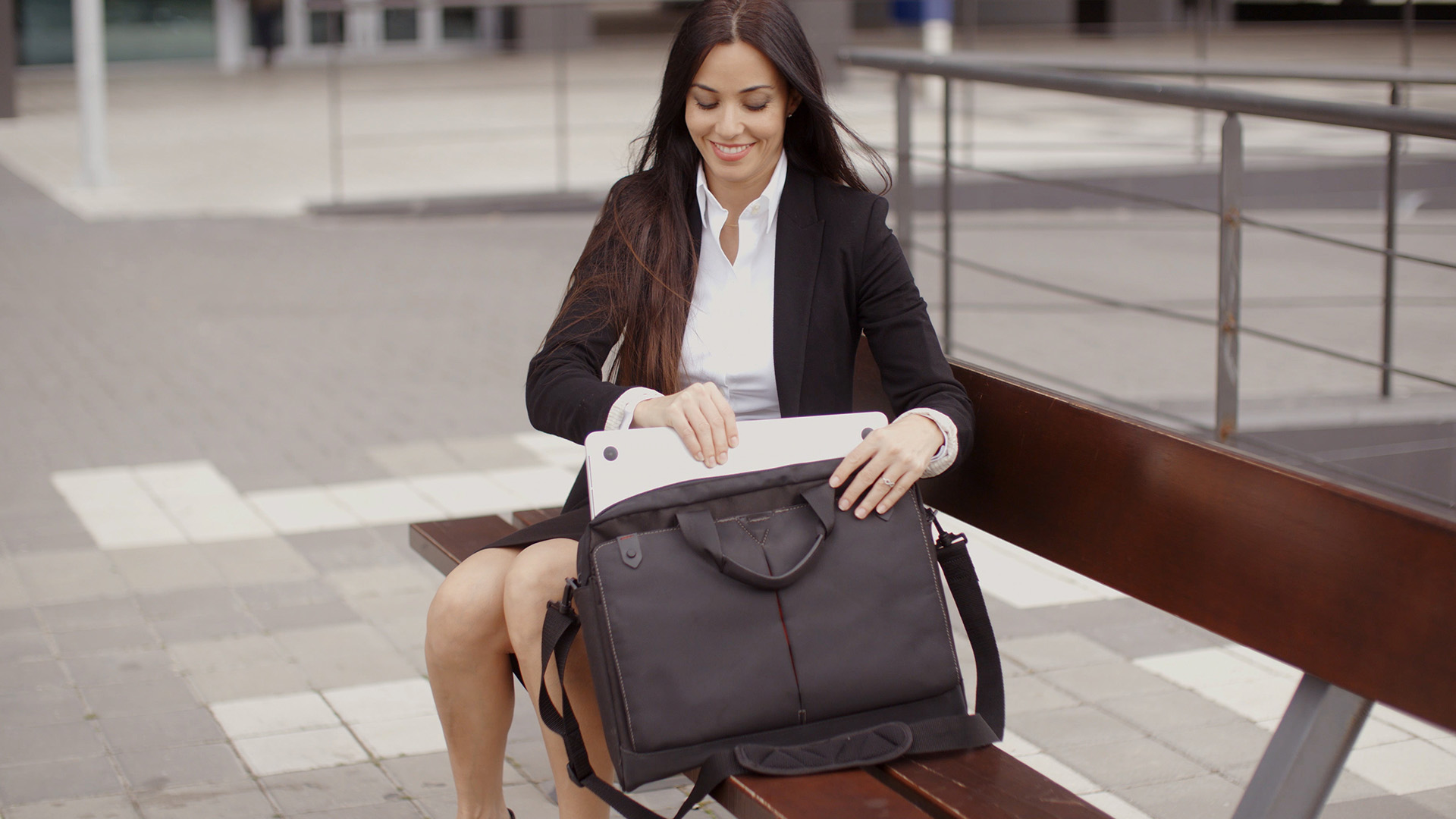
A leather laptop bag remains the go-to for many professionals in formal environments. Full-grain leather develops a patina over time and can look increasingly distinguished with age, provided it is cared for. However, good leather bags come at a cost, typically starting from £60 to £80 for genuine leather at the lower end and rising steeply for premium brands.
High-quality technical fabrics in navy, black, or charcoal, such as ballistic nylon or Oxford weave polyester, can look equally smart for most professional settings. They are lighter, more weather-resistant, and easier to maintain than leather. Many modern professionals prefer this combination of practicality and clean aesthetics.
Sustainable and Eco-Friendly Options
There is growing demand in the UK for laptop bags made from recycled and sustainable materials. Recycled PET (plastic bottles), organic cotton, and vegan leather alternatives are now widely available from mainstream and specialist brands. These options do not require you to compromise on quality or durability, and they suit buyers who want to align their purchases with their values.
Key Things to Check Before You Buy
Before finalising your purchase, run through this quick checklist to make sure the bag you are considering ticks the boxes that actually matter for your situation.
Your Pre-Purchase Checklist✔️ Sleeve dimensions match or slightly exceed your laptop's actual width and depth. ✔️ At least 1 cm of foam padding on all sides of the laptop compartment. ✔️ Outer material is water-resistant or waterproof for UK weather conditions. ✔️ Carrying style (backpack, messenger, briefcase) suits your daily routine and commute length. ✔️ Straps are padded and adjustable (for backpacks, at least 5 cm wide). ✔️ Separate compartment for cables, chargers, and accessories. ✔️ Bag weight (empty) is within a practical range for your load. ✔️ Zips are smooth, well-stitched, and feel solid rather than thin and flimsy. ✔️ Style and colour suit the environments you will carry it into. ✔️ Budget reflects the value of the laptop you are protecting. |
Common Mistakes to Avoid
- Buying by screen size alone: Always check the actual physical dimensions of your laptop against the bag's internal sleeve dimensions.
- Skipping the padding check: Thin padding on cheap bags provides minimal real protection. A dropped bag with inadequate padding can cause real damage to the display or internal components.
- Choosing a single-strap bag for long commutes: Messenger bags and totes are fine for short carry, but a backpack is always more comfortable and safer for longer journeys.
- Overloading a bag not built for the weight: Some bags are designed for a laptop and not much else. Putting a full day's worth of kit into a slim sleeve or light messenger strains the seams and zips.
- Ignoring the zip quality: Cheap zips are one of the most common failure points in budget bags. Heavy-duty or YKK-branded zips last significantly longer.

Choosing the Best Laptop Bag
Choosing the best laptop bag comes down to three fundamentals: the right fit for your device, adequate protection for real-world conditions, and a carry style that works with your daily life. Measure your laptop properly, check the sleeve dimensions, and do not compromise on padding quality, especially if you carry an expensive machine.
Match the bag style to your commute. Students and regular commuters will get the most from a padded ergonomic backpack. Professionals who attend meetings will likely prefer a slim briefcase or messenger. Travellers should prioritise weather resistance and TSA-compatible layouts.
A well-chosen laptop bag is not just a carrier. It is an everyday layer of protection for the device you depend on most. Take your time, use the size guide, and buy once rather than twice.
Looking for more value? Browse affordable refurbished accessories, including laptop bags, and find reliable add-ons without overspending.

In Case You Were Wondering...
What size laptop bag do I need for a 15.6-inch laptop?
Look for a bag with an internal sleeve listed as 15.6 inches or larger. Always cross-check the actual sleeve dimensions against your laptop's physical width and depth, not just the screen size.
Is a backpack or a messenger bag better for daily commuting in the UK?
A backpack is better for longer commutes on foot or public transport. It distributes weight evenly across both shoulders and reduces fatigue over time compared to single-strap messenger bags.
How much padding does a good laptop bag need?
Look for at least 1 cm of foam padding around the laptop compartment. A suspended sleeve that lifts the device off the base of the bag provides the best shock absorption for drops.
What is the difference between a water-resistant and a waterproof laptop bag?
Water-resistant bags repel light rain and splashes using a DWR coating. The best waterproof laptop bags use sealed seams, coated fabrics, and waterproof zips to block heavy rain and full exposure to water.
Can I use a laptop sleeve instead of a full laptop bag?
Yes, but only inside another bag. A sleeve provides scratch and bump protection but no standalone carry option, no accessory storage, and minimal protection from drops on its own.
How much should I spend on a laptop bag in the UK?
Between £25 and £60 covers a solid everyday bag with proper padding, decent materials, and reliable zips. Spending less risks build quality; spending more buys premium materials and longevity.
| Read More |
| Best Laptop Accessories in 2026: Keyboards, Monitors, Hubs & More |
| Best MacBook Accessories for Students & Professionals |
| iPhone 17 Accessories You Need: Best MagSafe Chargers, Cases & More |
Related Articles

Last Updated: June 10, 2026
Looking for the best laptop stands UK buyers can choose for better comfort and posture? A good laptop stand raises your screen to a more natural viewing height, helping reduce neck strain, improve desk setup and make long working hours more comfortable. This guide explains how to choose the right laptop stand for desk use, adjustable setups, bed or couch working, travel, standing desks and dual-screen workstations.
A laptop is convenient, portable and easy to use anywhere, but it is not always the most comfortable device for long working hours. When your laptop sits flat on a desk, bed or couch, the screen is usually too low, which can make you bend your neck, hunch your shoulders and sit in an awkward position.
That is where a good laptop stand can make a big difference. Whether you need a laptop stand for desk use, an adjustable laptop stand for flexible working, a portable laptop stand for travel or a laptop table for bed, the right setup can help you work more comfortably every day.
Last Updated: July 15, 2026
To fix Bluetooth connection issues on your laptop, start by turning Bluetooth off and on, restarting your laptop, removing the problem device, and pairing it again. If that fails, update or reinstall your Bluetooth driver on Windows, or forget and reconnect the device on macOS.
A “Bluetooth not connecting laptop fix” is one of the most searched tech support queries, and it is easy to see why. One minute your wireless mouse, keyboard, or headphones are working fine, and the next they simply will not pair. It is frustrating, especially when you have work to get done.
The good news? Most Bluetooth issues can be resolved at home without spending a penny. This guide will walk you through every step to get you back online.
Why Is Bluetooth Not Connecting on Your Laptop?
The question “why is my Bluetooth not working” has more than one answer. Bluetooth connection problems can stem from a wide range of causes, both software and hardware related.
The Most Common Causes
- Bluetooth is switched
Last Updated: May 22, 2026
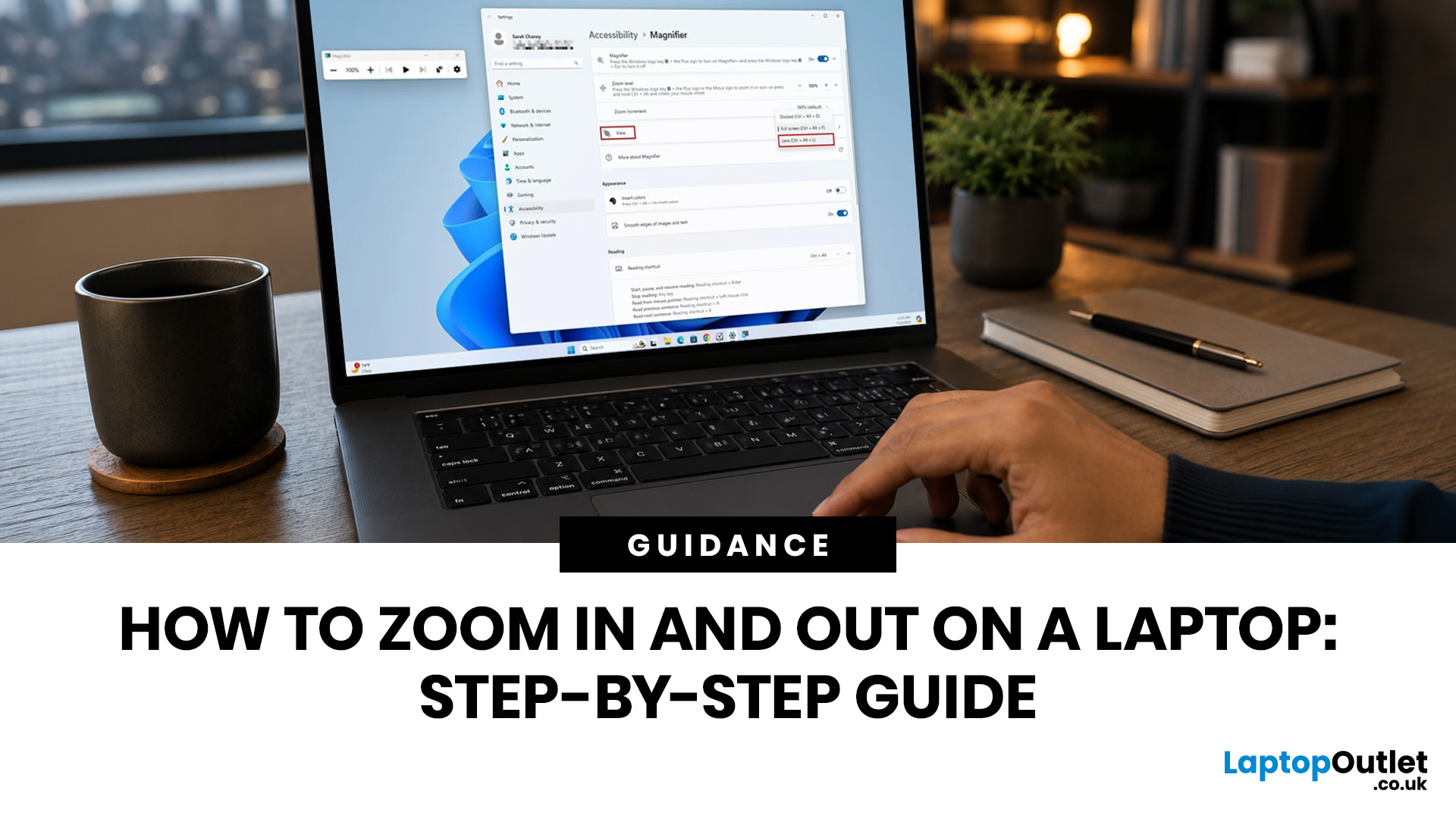
To zoom in and out on a laptop, press Ctrl + + to zoom in and Ctrl + - to zoom out in most browsers, documents, PDFs, pictures, and apps. To reset a webpage to normal size, press Ctrl + 0. If you need to quickly zoom out on a laptop screen, this shortcut is usually the fastest fix.
If the whole Windows screen is zoomed in, press Windows key + Esc to turn off Magnifier. If everything on your laptop still looks too big or too small, open Settings > System > Display and check Scale and Display resolution.
Most laptop Zoom problems happen in one of 5 places: the browser, an app, Windows Magnifier, display scale, or display resolution. The quickest fix depends on what exactly looks too large or too small.
Quick Answer: Laptop Zoom Shortcuts
| WHAT YOU WANT TO DO | SHORTCUT OR SETTING | USE THIS WHEN |
|---|---|---|
| Zoom in on a webpage, document, PDF, or picture | Ctrl + + | Text, images, or details are too small |
| Zoom out on a webpage, document, PDF, or picture | Ctrl + - | A page, file, or app looks too large |
| Reset browser |
Last Updated: September 02, 2026
Looking beyond the MacBook Pro in 2026? This guide explores the best high-performance laptop alternatives for creators, developers, designers, and power users who want premium speed, displays, battery life, and value without being locked into Apple’s ecosystem.
If you're searching for the best MacBook Pro alternatives 2026 has to offer, you're not alone. Apple's flagship laptop remains one of the most impressive machines on the market, but it comes at a significant cost, and it isn't the right fit for everyone. Whether you're moving from macOS to Windows, exploring a different ecosystem, or simply want to know your options before spending over £1,500, this guide is for you.
Why Look for MacBook Pro Alternatives in 2026?
Apple's engineering is exceptional, but there are compelling reasons why even dedicated Mac users are reconsidering their options.
Price
The MacBook Pro starts at well over £1,500 in the UK. For many buyers, particularly students, freelancers, and small business owners,
Published: June 04, 2026
Big-screen laptops are becoming essential for UK buyers who want more workspace, stronger performance and immersive entertainment in one device. This 2026 guide compares 16-inch, 17-inch and larger laptops for work, gaming, study and creativity, helping you choose the right model for productivity, portability, battery life and long-term value today.
A larger display gives you more room for spreadsheets, timelines, browser tabs, creative apps, coding windows, and immersive games. Whether you are comparing laptops and notebooks, upgrading your work-from-home setup or searching for a capable gaming machine, large screen laptops now offer a much better balance of performance, display quality and portability than older bulky models.
Why Big Screen Laptops are More Popular Than Ever in 2026
Big-screen laptops are having a strong moment because people expect more from one device. A laptop is no longer used only for emails and web browsing. It may now need to handle video calls, AI meeting notes,
Published: June 04, 2026
Gaming laptops are built to push frames, load heavy worlds, and keep up with long sessions. But when temperatures climb, performance can take a hit. That is where the right cooling setup matters.
A gaming laptop cooling pad can help improve airflow around your laptop, raise it into a better position, and reduce heat build-up during long gaming sessions. For more advanced setups, PC builders may also look at liquid coolers, CPU coolers, and performance cooling fans to keep gaming rigs running cooler and more consistently.
In this guide, we break down the Best laptop cooling pads UK shoppers should look for in 2026, what features actually matter, and the top cooling picks to upgrade your gaming space.
Why Laptop Cooling Matters for Gaming
Gaming pushes your laptop harder than everyday browsing or streaming. The CPU and GPU work together to deliver smooth frame rates, detailed graphics, and fast response times. More power means more heat.
When your laptop gets too hot, it may reduce performance
Last Updated: July 07, 2026
Laptops are powerful enough to handle work, study, streaming, gaming and creative tasks, but the right accessories can make a big difference to how comfortable and productive your setup feels. From keyboards and monitors to laptop bags, hubs and stands, choosing the best accessories helps you get more from your device every day.
| The best laptop accessories in 2026 are the ones that make your device more comfortable, productive, portable and easier to use every day. Essential picks include a wireless keyboard and mouse, external monitor, USB-C hub, laptop stand, protective sleeve, mouse pad, webcam, headphones, cooling pad and external storage. Whether you use your laptop for work, study, gaming or travel, the right accessories can turn a basic setup into a more efficient workspace. |
In 2026, laptop users are not just looking for basic add-ons. They want accessories that improve posture, speed up multitasking, protect their devices and create a cleaner desk setup. Whether you are building
Last Updated: June 11, 2026
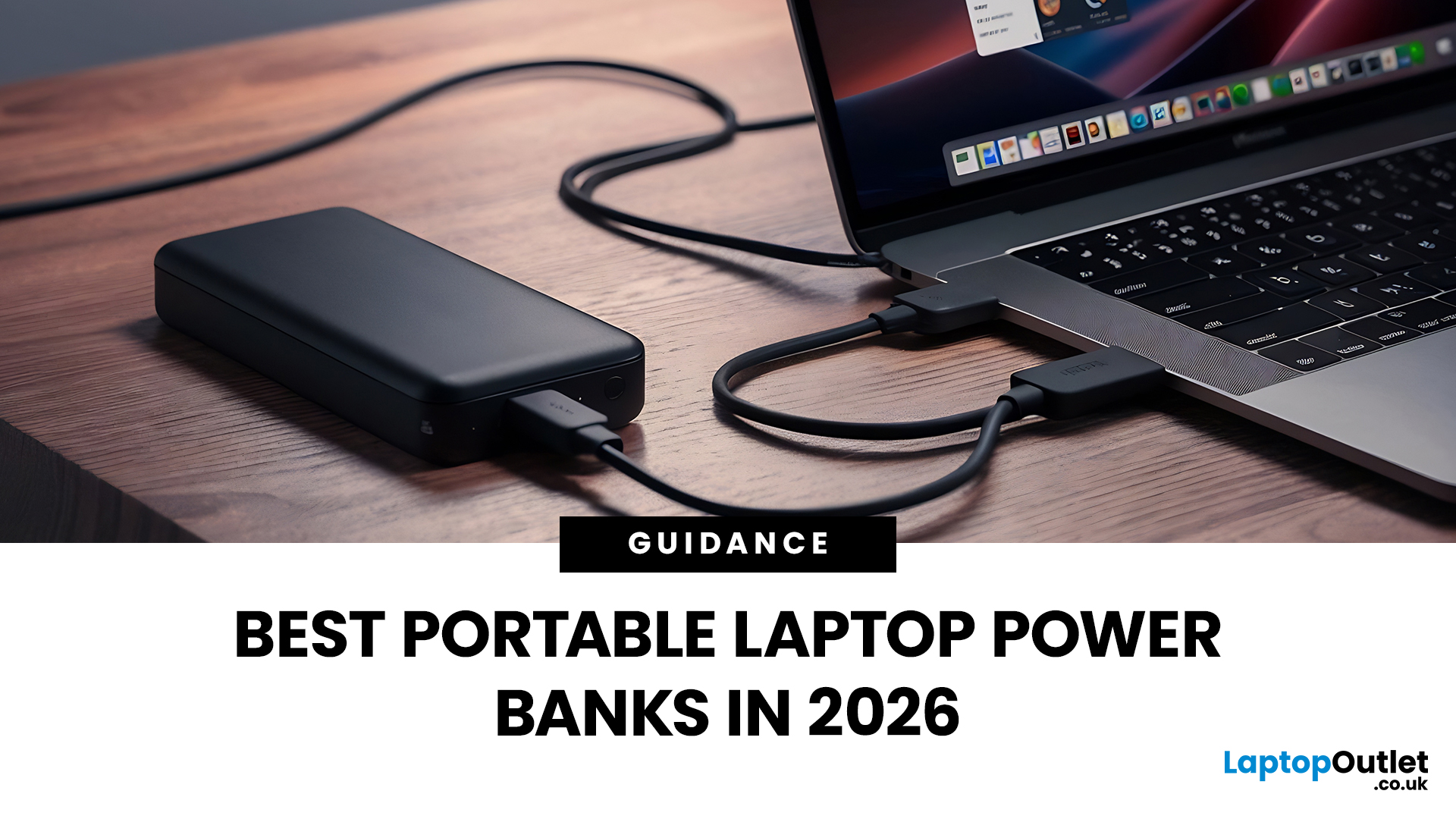
A laptop power bank is not the same as a phone power bank. A charger may look powerful because it has 20,000mAh or 30,000mAh capacity, but that does not automatically mean it can charge your laptop properly.
| The best laptop power banks in 2026 are USB-C PD models that match your laptop’s wattage. For most users, 65W is enough, while MacBook Pro and creator laptops may need 100W to 140W. Choose at least 20,000mAh for backup power and check the Wh rating before flying. |
For laptops, the most important detail is output wattage. A small phone power bank may only deliver 18W or 22.5W, while many laptops need 45W, 65W, 100W, or more to charge efficiently. That is why choosing the best power bank for laptops is less about picking the biggest number on the box and more about matching the power bank to your laptop’s real charging needs.
In this guide, we explain how to choose a laptop power bank for work, study, commuting, business travel, and everyday use. We will cover wattage, battery capacity,
Last Updated: June 18, 2026
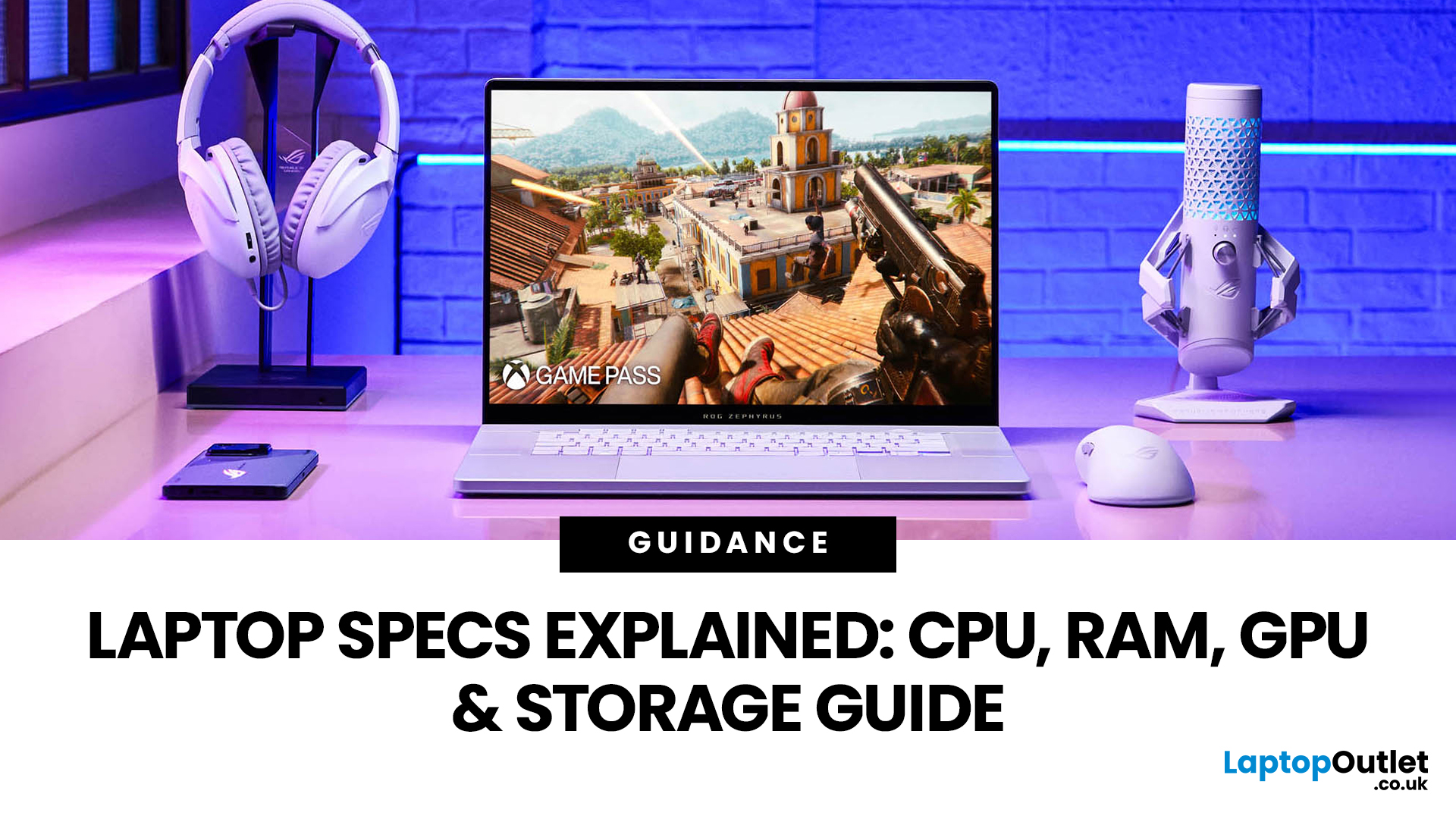
For most buyers in 2026, the best laptop specs are a modern Intel Core Ultra 5/7 or AMD Ryzen AI 5/7 processor, 16GB RAM, 512GB SSD storage, and integrated graphics. Choose 32GB RAM, 1TB storage, and a dedicated GPU if you edit videos, create content, play demanding games, or use professional software.
Buying a new laptop in 2026 can feel confusing, especially when every product page is packed with technical words, numbers, and abbreviations. This processors & specs explained guide breaks everything down in plain English so you can understand what matters before you spend your money.
For most buyers, the four most important laptop components are the CPU, RAM, GPU, and storage. Once you understand these, it becomes much easier to compare models, avoid overspending, and choose a laptop that actually suits your daily needs.
What are Laptop Specs and Why Do They Matter?
Understanding laptop specifications becomes important. Specs affect:
- How fast your laptop feels when opening apps.
- How many
Last Updated: July 09, 2026
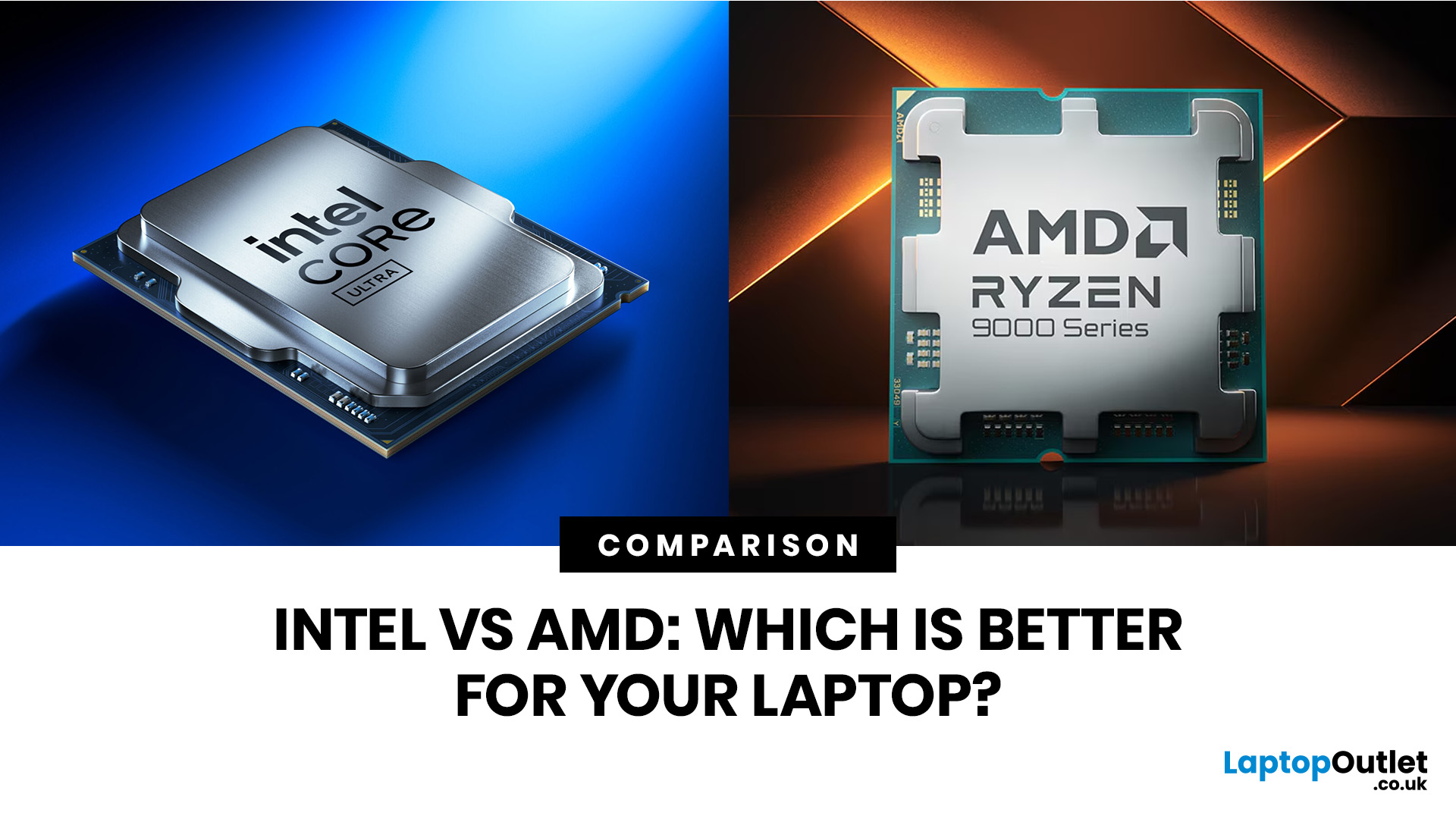
Choosing a laptop CPU should not feel like decoding a boss fight.
You open five tabs, see terms like Core Ultra, Ryzen AI, Core i7, Ryzen 7, NPU TOPS, HX, U-series, integrated graphics, and suddenly the simple question - AMD or Intel for laptop? - becomes way more stressful than it should be.
This guide breaks down the Intel vs AMD laptop 2026 debate in plain English. You will learn how AMD Ryzen vs Intel laptop performance compares, which processor types in laptops actually matter, when Intel is the smarter buy, when Ryzen gives better value, and which in-stock Laptop Outlet models are

