



MEDION ERAZER Deputy 15 P1 Specs, Features and Gaming Performance
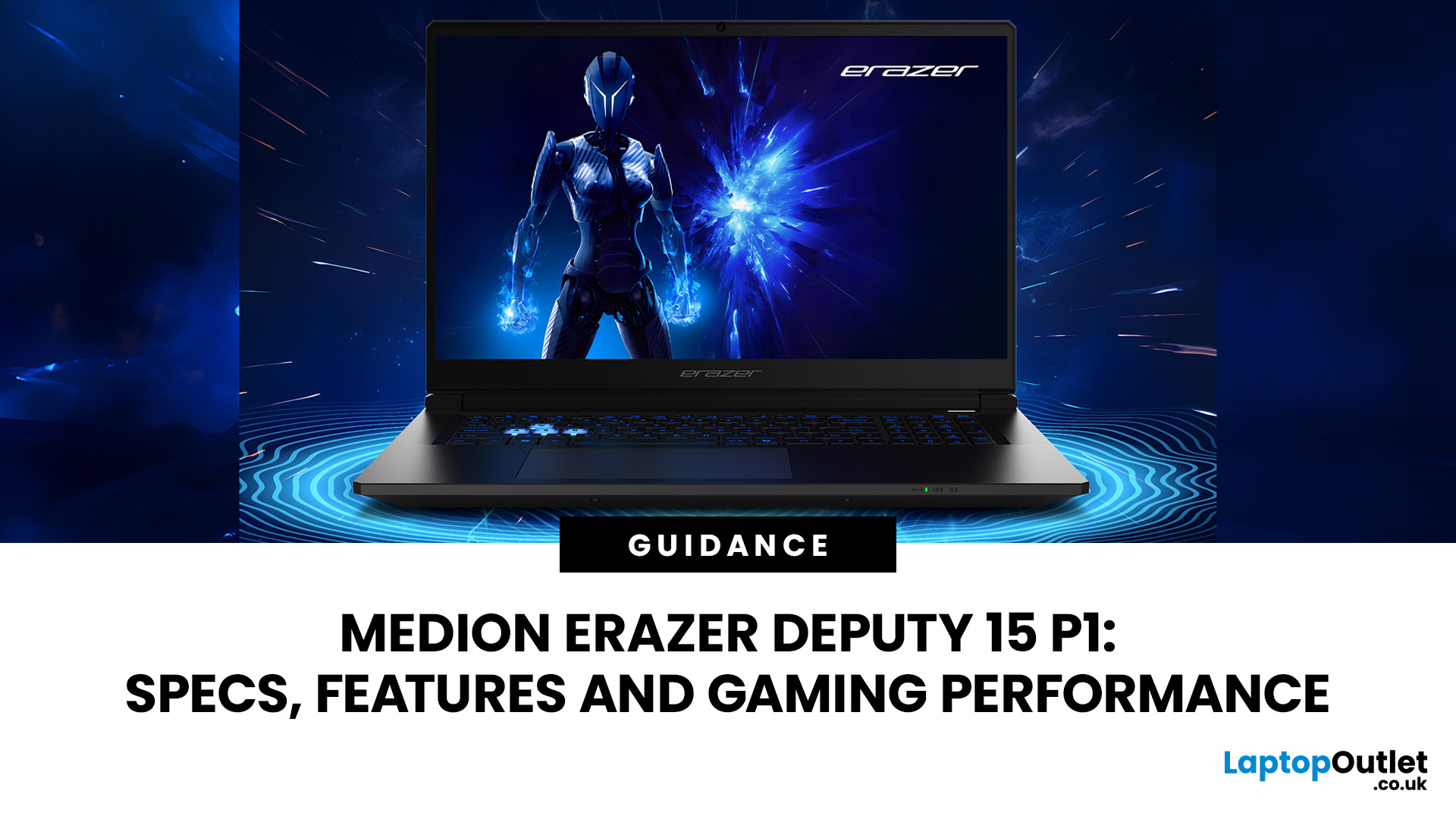
The MEDION ERAZER Deputy 15 P1 targets gamers who value frame rates over luxury finishes. Its RTX 5060 or RTX 5070, 144Hz Full HD display, and upgradeable memory create an appealing package, but the narrow colour gamut, loud fans and small battery reveal the cost-cutting. This review examines Deputy 15 P1 performance and shows where the Medion Erazer Deputy 15 gaming laptop beats or trails its budget rivals.
MEDION ERAZER Deputy 15 P1 Full Specifications
|
Specification |
RTX 5060 configuration |
RTX 5070 configuration |
|
Processor |
Intel Core i7-13620H |
Intel Core 9 270H |
|
CPU cores |
10 |
14 |
|
Maximum boost speed |
Up to 4.9GHz |
Up to 5.8GHz |
|
Graphics |
NVIDIA GeForce RTX 5060 Laptop GPU |
NVIDIA GeForce RTX 5070 Laptop GPU |
|
Graphics memory |
8GB GDDR7 |
8GB GDDR7 |
|
RAM |
16GB |
32GB |
|
Storage |
1TB SSD |
2TB SSD |
|
Display |
15.6-inch Full HD IPS |
15.6-inch Full HD IPS |
|
Resolution |
1920 × 1080 |
1920 × 1080 |
|
Refresh rate |
144Hz |
144Hz |
|
Wireless connectivity |
Wi-Fi 6E and Bluetooth 5.2 |
Wi-Fi 6E and Bluetooth 5.2 |
|
Operating system |
Windows 11 Home |
Windows 11 Home |
|
Approximate weight |
2.25kg |
2.25kg |
Processor Options: Intel Core 7 250H vs Core 9 270H
The 14-core, 20-thread Core 7 250H is the sensible Intel Core H-series processor for the RTX 5060. The faster-boosting Core 9 270H better suits the RTX 5070 and CPU-heavy work. The accurate name is Core 9 270H, not “Core Ultra 9 270H”.
GPU Configurations: RTX 5060 vs RTX 5070
The deputy 15 P1 RTX 5060 runs at up to 115W. Both GPUs use 8GB of GDDR7 graphics memory and support DLSS 4. The NVIDIA GeForce RTX 5070 Laptop GPU offers more headroom, while the NVIDIA GeForce RTX 5060 Laptop GPU better matches the 1080p screen.
Not every title supports every RTX feature. Available options will depend on the game, graphics driver and software version. In addition, users who do not require dedicated gaming graphics can explore the best MEDION laptops for everyday work, study, and entertainment.
RAM, Storage, and Upgrade Potential
The reviewed Medion deputy 15 P1 carried 16GB DDR5-5600 and a 1TB SSD. Two SO-DIMM slots and two M.2 2280 positions allow memory and storage upgrades, although both RAM slots were occupied in the tested 16GB model.
Display Specs (144Hz Full HD IPS Panel)
The 15.6-inch Full HD IPS panel is a realistic GPU match. Its 144Hz refresh rate suits shooters, but it is not an HDR or creator-grade display.
Design and Build Quality
Chassis Materials and Flex Concerns
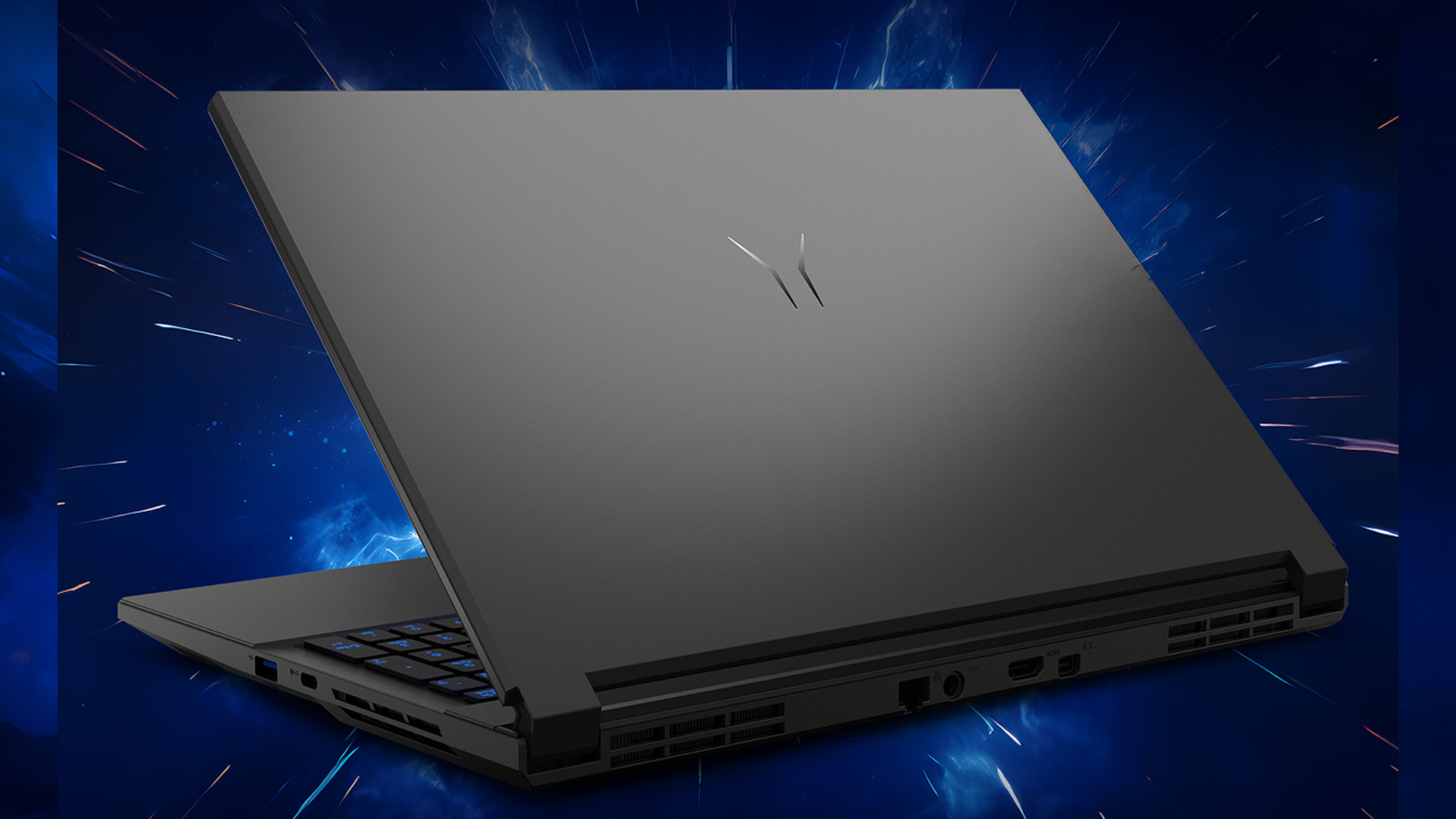
MEDION combines a metal lid with a plastic base. Reviewers noted some flex and a budget feel. Its understated design is less aggressive than many Deputy gaming laptops, while the hinge opens to about 130 degrees.
Weight, Thickness, and Portability
At roughly 2.25kg, the Medion deputy is portable enough for occasional travel, although its 180W adapter adds about 600g. Compare other latest Medion gaming laptops if weight or screen size is a priority.
Port Selection and Connectivity
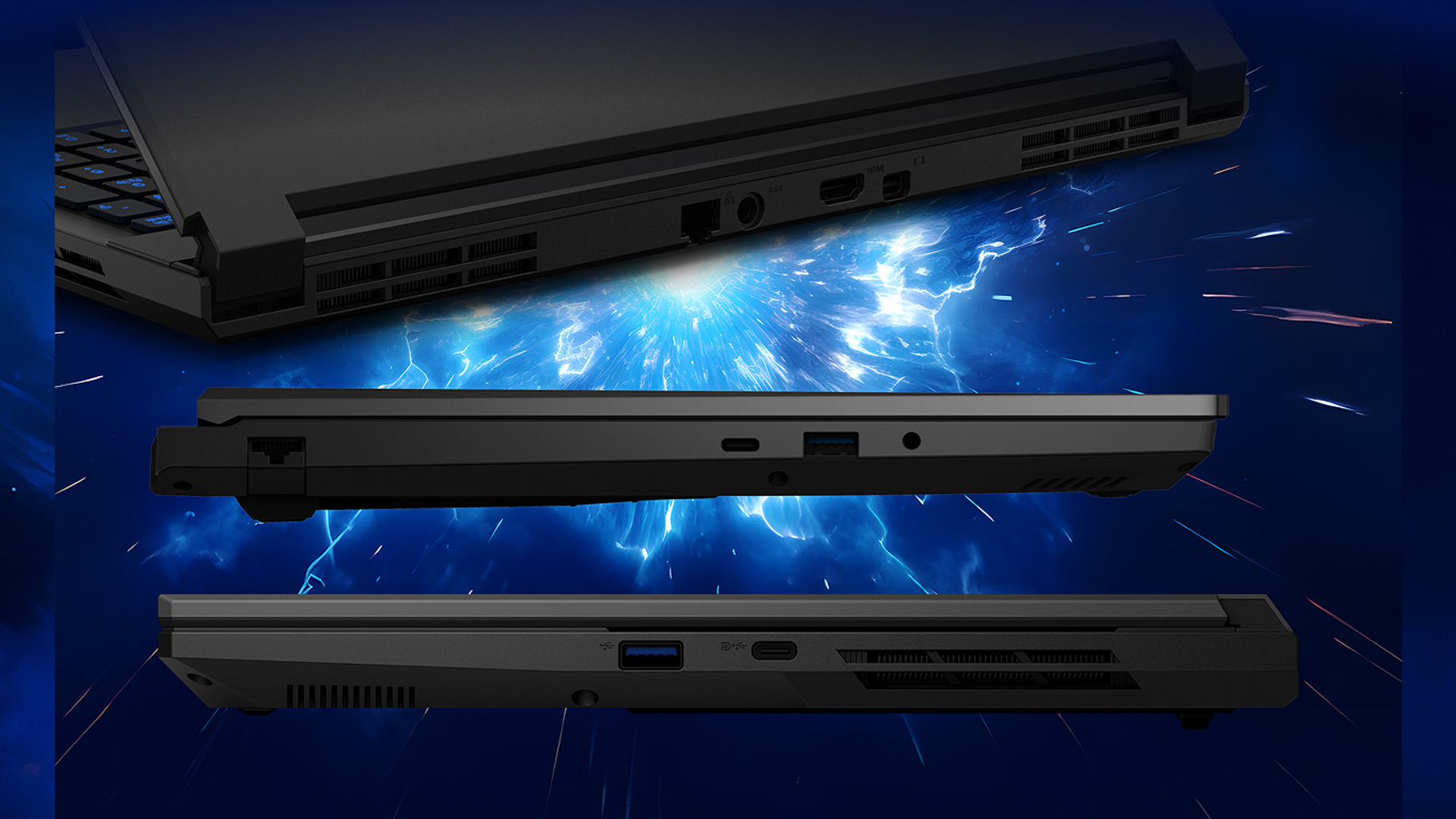
Connectivity includes three USB-A ports, USB-C with DisplayPort, HDMI, Mini DisplayPort, Ethernet, audio and Wi-Fi 6E. Thunderbolt 4, USB4 and a card reader are absent.
Keyboard, Display, and Everyday Usability
RGB Keyboard and Typing Experience
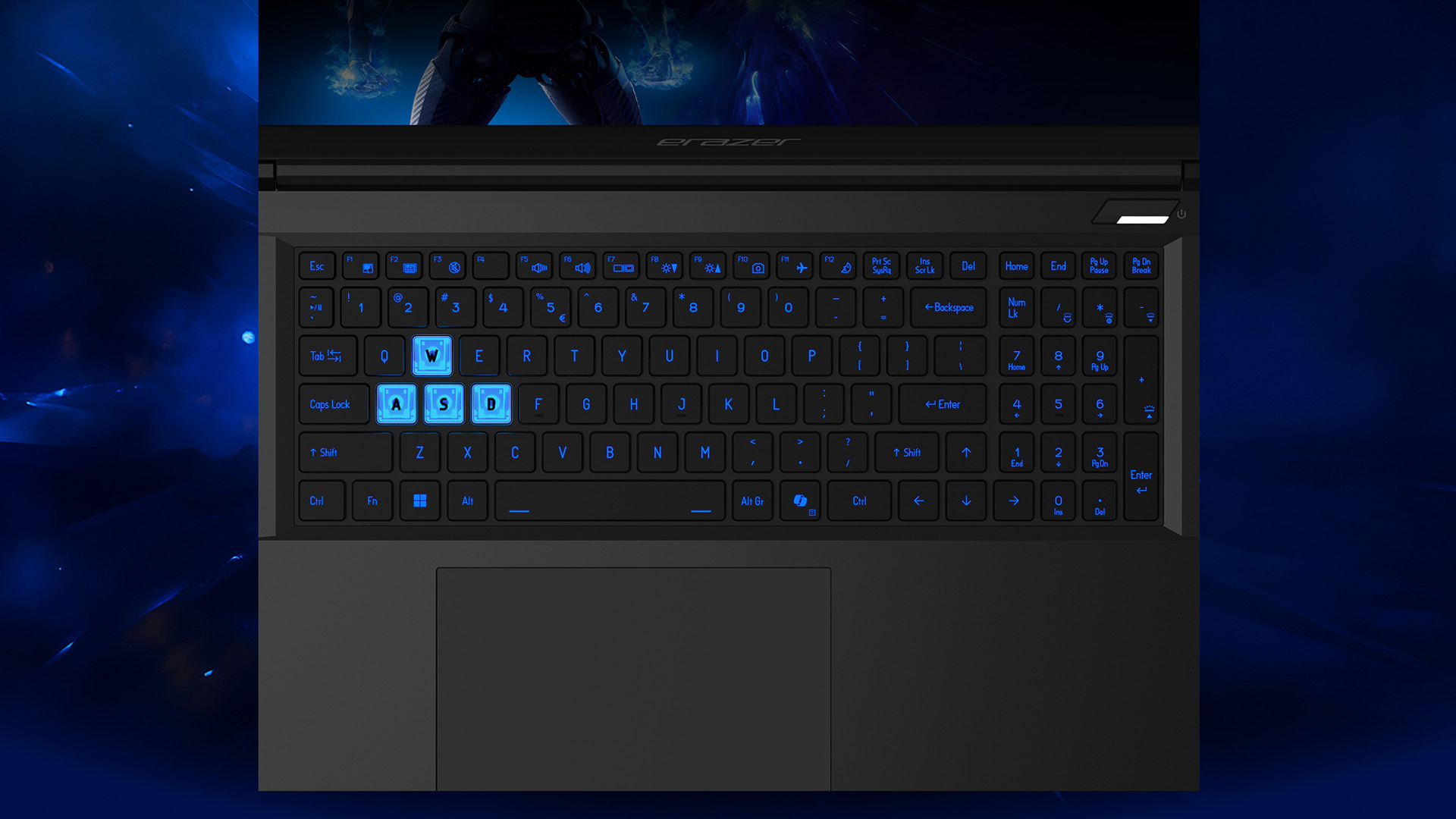
The RGB-backlit keyboard has a number pad and well-sized arrows. Travel is decent, but feedback feels soft and narrow keycaps may cause mistypes.
Screen Brightness, Colour Gamut, and Motion Clarity
Testing recorded approximately 314 nits, 58.4% sRGB and a 1,660:1 contrast ratio. Motion is acceptable, but colours appear muted. Use an external monitor for colour-sensitive work.
However, for a larger-screen alternative with desktop-class power, explore whether the MEDION ERAZER Beast 18 X1 is the ultimate desktop replacement for serious gaming and demanding workloads.
Speakers and Audio Quality
The speakers reach reasonable volume but lack bass. A headset is advisable.
Gaming Performance Benchmarks
1080p Performance in AAA Titles (Cyberpunk 2077 and Others)
75.2fps in Cyberpunk 2077 at native 1080p Ultra on the Core 7 250H and RTX 5060 model. It also recorded 88.6fps in ARC Raiders at High and 66.3fps in The Outer Worlds 2 at High, confirming strong 1080p results.
RTX 5060 vs RTX 5070 Real-World Frame Rates
No dependable same-chassis test establishes a fixed percentage difference. The RTX 5060 suits the built-in 144Hz panel; choose the RTX 5070 for heavier ray tracing, mods or a higher-resolution monitor.
Multi Frame Generation and DLSS Performance Gains
It has about 160 fps in Cyberpunk 2077 using 4x Multi Frame Generation. Generated frames improve smoothness but not latency, so use them only from a stable base frame rate.
Thermal Management and Fan Noise Under Load
Cooling works, but gaming mode reached around 55dB(A) in Cyberpunk 2077. Top and underside hotspots measured about 43°C and 52°C, while the CPU and GPU stayed just under 80°C in stress testing. Keep rear vents clear and use entertainment mode when full power is unnecessary.
Battery Life and Power Efficiency
Advertised vs Actual Battery Capacity
Some early listings incorrectly quoted 99Wh. Tested systems contained approximately 51.6Wh or 53Wh, so verify the exact model specification before ordering.
Real-World Battery Test Results
You can use it for 5 hours 12 minutes of Wi-Fi use at reduced brightness. Measured 6 hours 47 minutes of video playback and 1 hour 47 minutes in a gaming battery test. Expect several hours of light use, not extended unplugged gaming.
Charging Speed and Power Adapter
The 180W adapter supports the 115W GPU model, and one review measured about two hours for a full recharge. Play demanding games while plugged in to avoid battery-mode performance limits.
Upgradeability and Long-Term Value
RAM and SSD Expansion Options
Two RAM and two M.2 slots give the Erazer deputy P1 valuable longevity. Disconnect power and check whether both memory slots are occupied before upgrading.
Software, Bloatware, and Windows 11 Experience
Windows 11 Home includes ERAZER Control Center for performance profiles. Use gaming mode for demanding titles and entertainment mode for quieter everyday use. Remove unwanted trials, update NVIDIA drivers and obtain firmware only from MEDION. You can shop the Medion range at Laptop Outlet.
MEDION ERAZER Deputy 15 P1 vs Rival Budget Gaming Laptops
Deputy 15 P1 vs Gigabyte G6X
The Gigabyte G6X may provide a larger screen, but common older models use RTX 4060 graphics. The Deputy offers the more modern DLSS 4 feature set.
Deputy 15 P1 vs Acer Nitro V 15
The Nitro V 15 can offer a 165Hz panel, Thunderbolt 4, USB4 and a larger battery. The Deputy has delivered stronger gaming results in reviewed RTX 5060 comparisons. Choose Acer for connectivity and battery capacity, or MEDION for frame-rate value.
Deputy 15 P1 vs MSI Cyborg 15
Some MSI Cyborg models use low-power GPUs. RTX 5050 unit ran at 45W versus the Deputy’s 115W ceiling. The Deputy is the safer performance choice.
Pricing and Where to Buy
Available Configurations and UK/EU Pricing
Published UK pricing ranged from about £1,099.99 to £1,699; the upper model combined Core 9 270H, RTX 5070, 32GB RAM and 2TB storage. Check live specifications and stock. Laptop Outlet lists the series beside other high-performance gaming laptops.
Is It Worth It for Budget Gamers?
Yes, particularly when the RTX 5060 model undercuts better-finished competitors. It is a contender for the best Medion Erazer deputy on value, though not automatically the best Medion gaming laptop for every user. Compare affordable Intel gaming laptops before buying.
Final Verdict: Who Should Buy the MEDION ERAZER Deputy 15 P1?
Best Suited For
The Erazer gaming notebook deputy p1 suits budget-focused gamers wanting high 1080p frame rates, DLSS 4, useful ports and upgradeable hardware. It works best as a plugged-in desktop replacement that occasionally travels.
Who Should Consider Alternatives
Look elsewhere if you need a colour-accurate screen, quiet fans, premium materials, long battery life or Thunderbolt. The Medion Erazer deputy P1 prioritises performance per pound.
FAQs
Is the MEDION ERAZER Deputy 15 P1 good for gaming?
Yes. Its high-power RTX 5060 or RTX 5070 and 144Hz Full HD display provide strong modern 1080p gaming.
What are the MEDION ERAZER Deputy 15 P1 specifications?
Options include Core 7 or Core 9 processors, RTX 5060 or RTX 5070 graphics, 16GB–32GB DDR5, 1TB–2TB SSD storage and a 144Hz Full HD IPS screen.
Which graphics card does the MEDION ERAZER Deputy 15 P1 use?
It uses either an RTX 5060 Laptop GPU or RTX 5070 Laptop GPU with 8GB GDDR7 memory.
What processor does the MEDION ERAZER Deputy 15 P1 have?
Depending on configuration, it uses an Intel Core 7 250H, Core 9 270H or another listed H-series processor.
How well does the MEDION ERAZER Deputy 15 P1 perform in AAA games?
The reviewed RTX 5060 unit averaged approximately 75fps in Cyberpunk 2077 at native 1080p Ultra, with higher displayed rates available through DLSS and frame generation.
| Read More: |
| Medion vs HP Laptops: Affordable Choices for Everyday Users |
| Best Big Screen Laptops 2026: Powerful Picks for Work & Gaming |
| Wi-Fi vs Ethernet: Which Connection is Better for Laptops? |
Related Articles

Last Updated: August 25, 2026
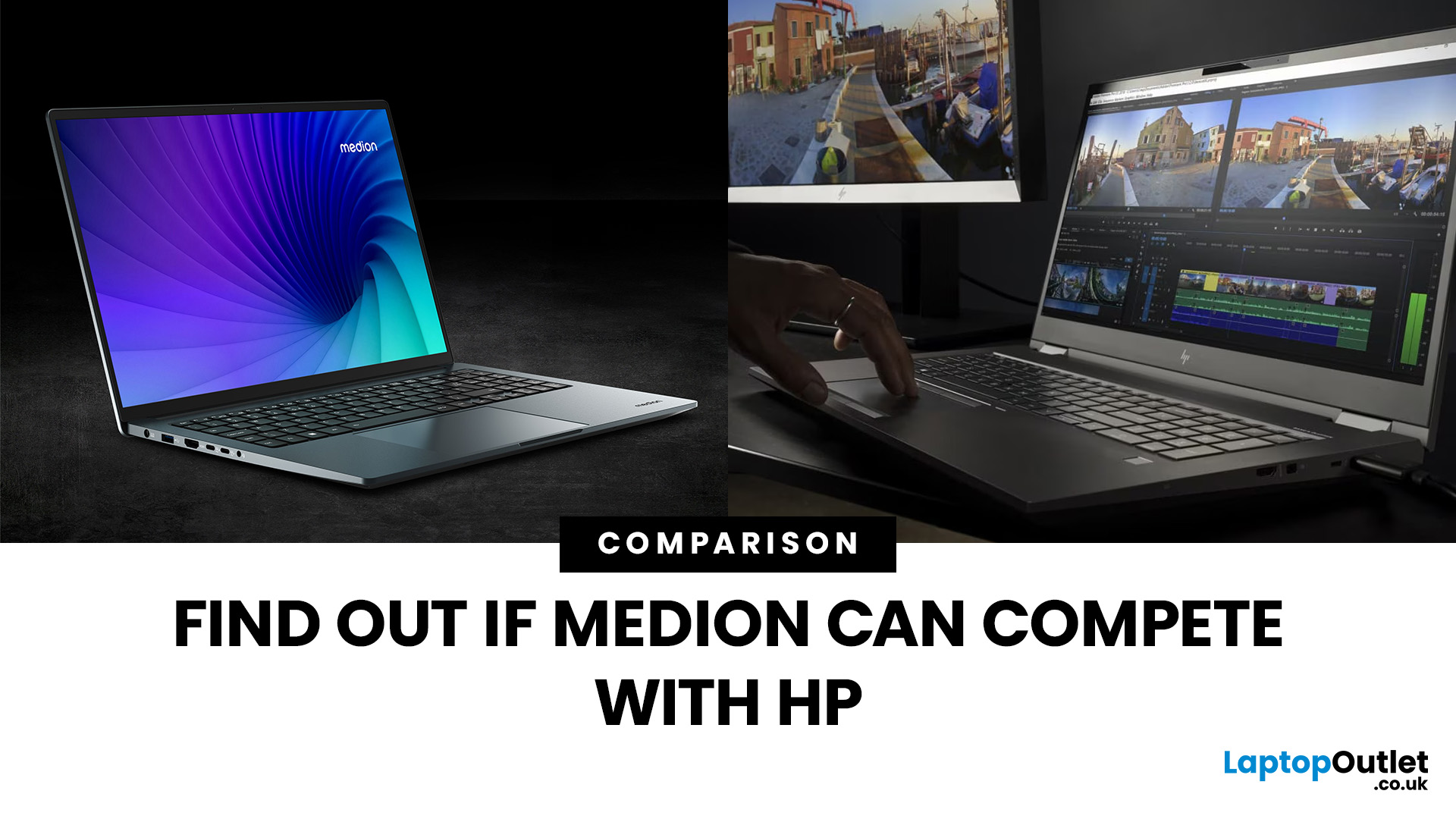
“Everyday user” laptops need to do the basics well; surfing, streaming, document editing, video calls, without breaking the bank. If you’re comparing Medion vs HP laptops, you're comparing two brands that aim to hit that sweet spot: affordability, usability, and decent performance. Medion leans into budget value and basic gaming, while HP offers more variety across entry, mid and upper tiers, often with extra polish.
Let’s dig into what each brand does well, where they fall short, and which is better depending on what you do daily. It will help you decide whether to buy a Medion or HP laptop.
What Is Medion? What Is HP?
- Medion is a German-brand, long known for delivering solid value. Its main UK laptop ranges include AKOYA for general home and office use and ERAZER for gaming. Medion has been part of the Lenovo Group since 2011.
- HP (Hewlett-Packard) is one of the most established laptop makers. Its range covers affordable consumer laptops, premium devices,
Last Updated: September 03, 2026
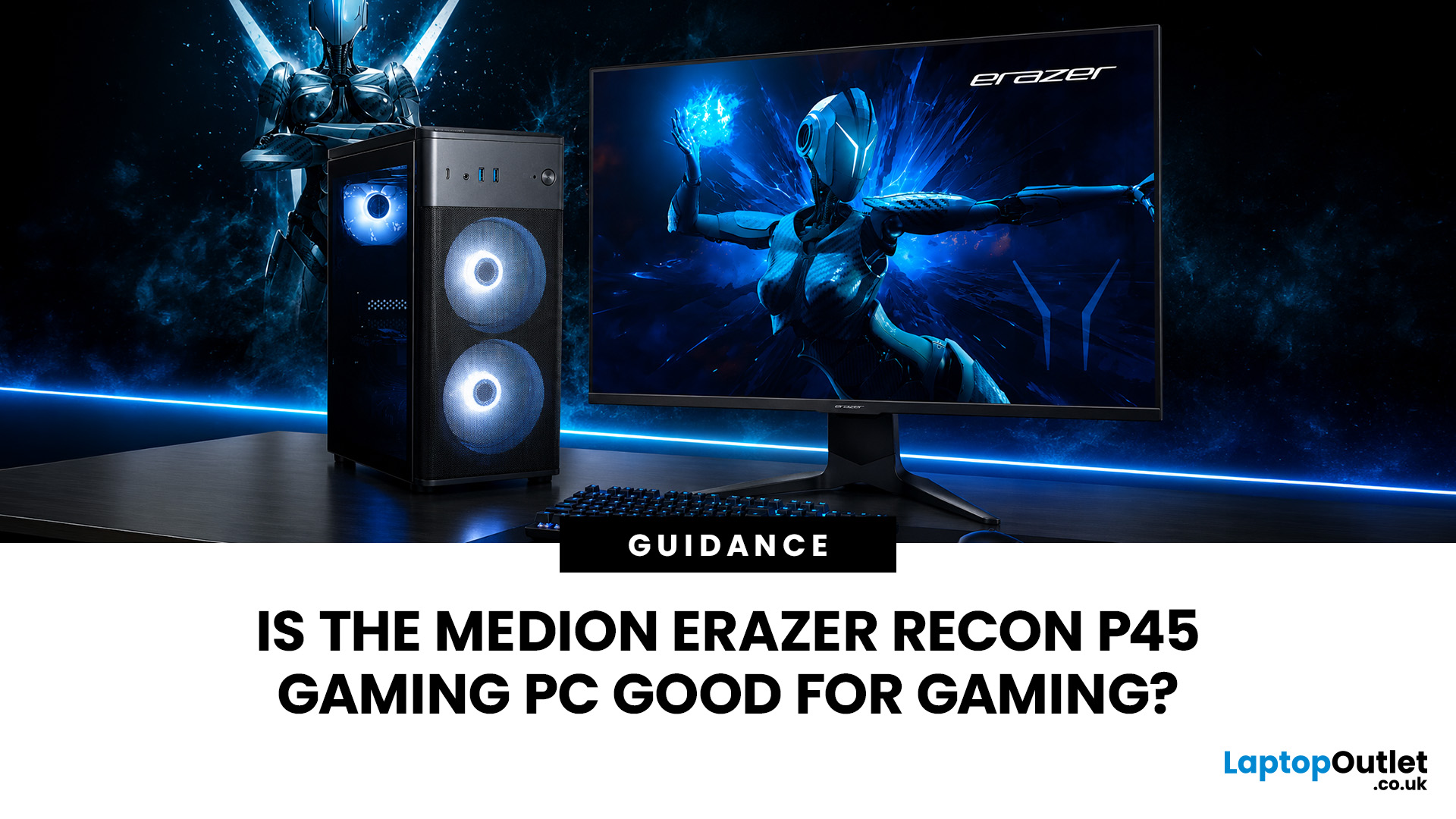
Yes, the Medion Erazer Recon P45 is a good gaming PC for players who want smooth everyday gaming, strong 1080p performance, fast loading times and a ready-to-use desktop without building a PC from scratch.
At Laptop Outlet, current Medion Erazer Recon P45 Gaming PC options include configurations with an AMD Ryzen 5 5500, 1TB SSD, Windows 11 Home, and dedicated NVIDIA RTX graphics, including RTX 5060 and RTX 5050 variants. The RTX 5060 model also includes 32GB RAM in the listed specification, while the RTX 5050 model is listed with 16GB RAM.
Is the Medion Erazer Recon P45 Worth it?
For most UK gamers, the Medion Recon P45 PC makes sense if you want a capable prebuilt gaming desktop that can handle modern games, multitasking, streaming, schoolwork, everyday browsing, and entertainment. It is especially suitable for:
| User Type | Is it a Good Fit? | Why |
| Beginner gamers | Yes | No PC-building knowledge needed |
| 1080p players | Yes | RTX graphics and Ryzen 5 power are well matched |
| Students | Yes | Good for gaming, |
Last Updated: July 27, 2026
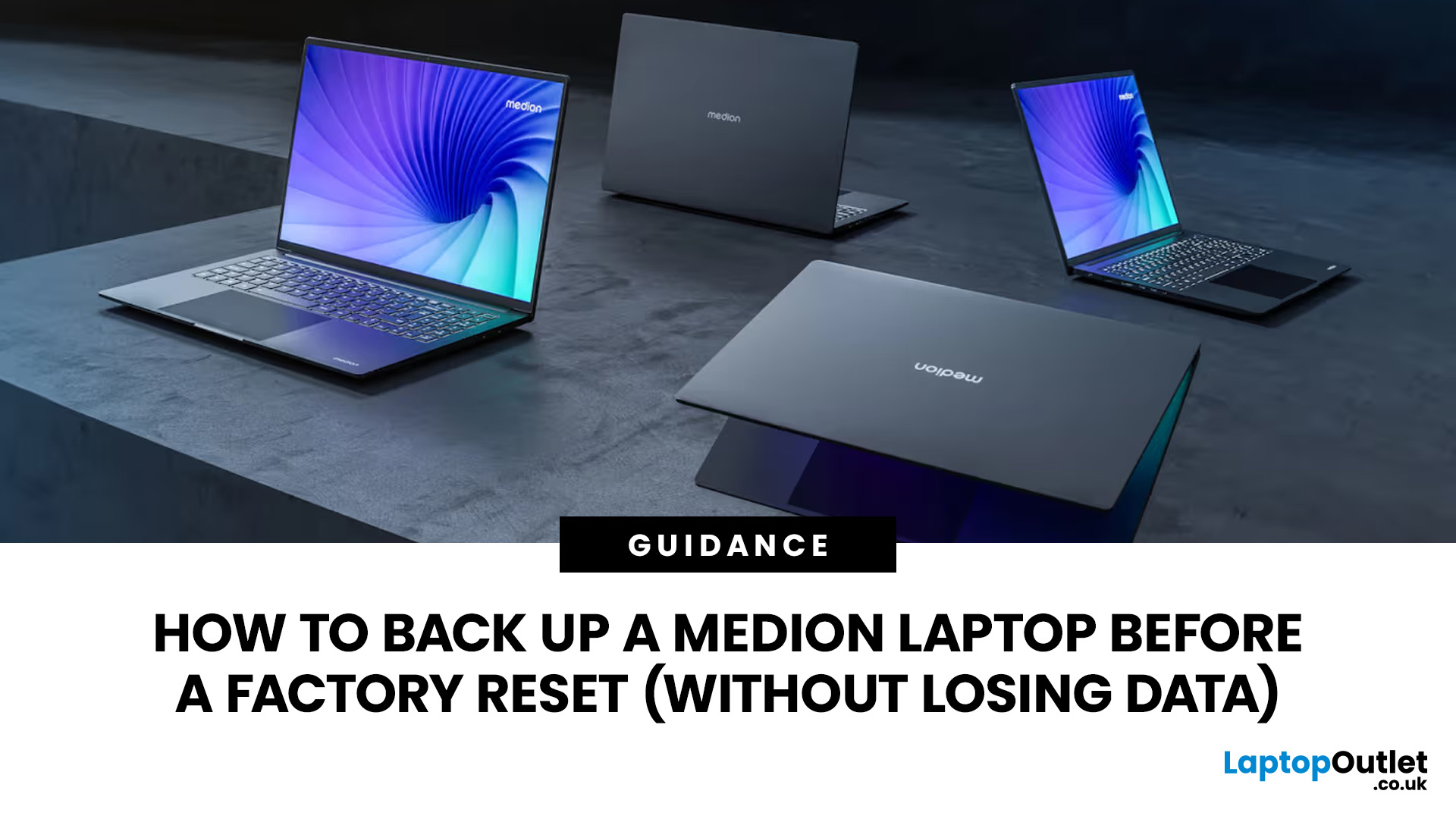
Before you reset MEDION laptop settings or reinstall Windows, copy your personal files to an external drive and create a second copy with Windows Backup and OneDrive or another drive.
Check Desktop, Documents, Downloads, Pictures, Videos, email archives, browser data, game saves and application folders. Open several files directly from the backup to confirm that they work.
Save your BitLocker recovery key, record essential applications and licences, then safely eject and disconnect the external drive before starting the reset.
A factory reset can solve persistent Windows problems, but it may remove applications, settings and personal files. Even when you choose Keep my files, treat it as a recovery option rather than a substitute for a verified backup.

Last Updated: August 06, 2026
Published: July 27, 2026
Last Updated: July 27, 2026
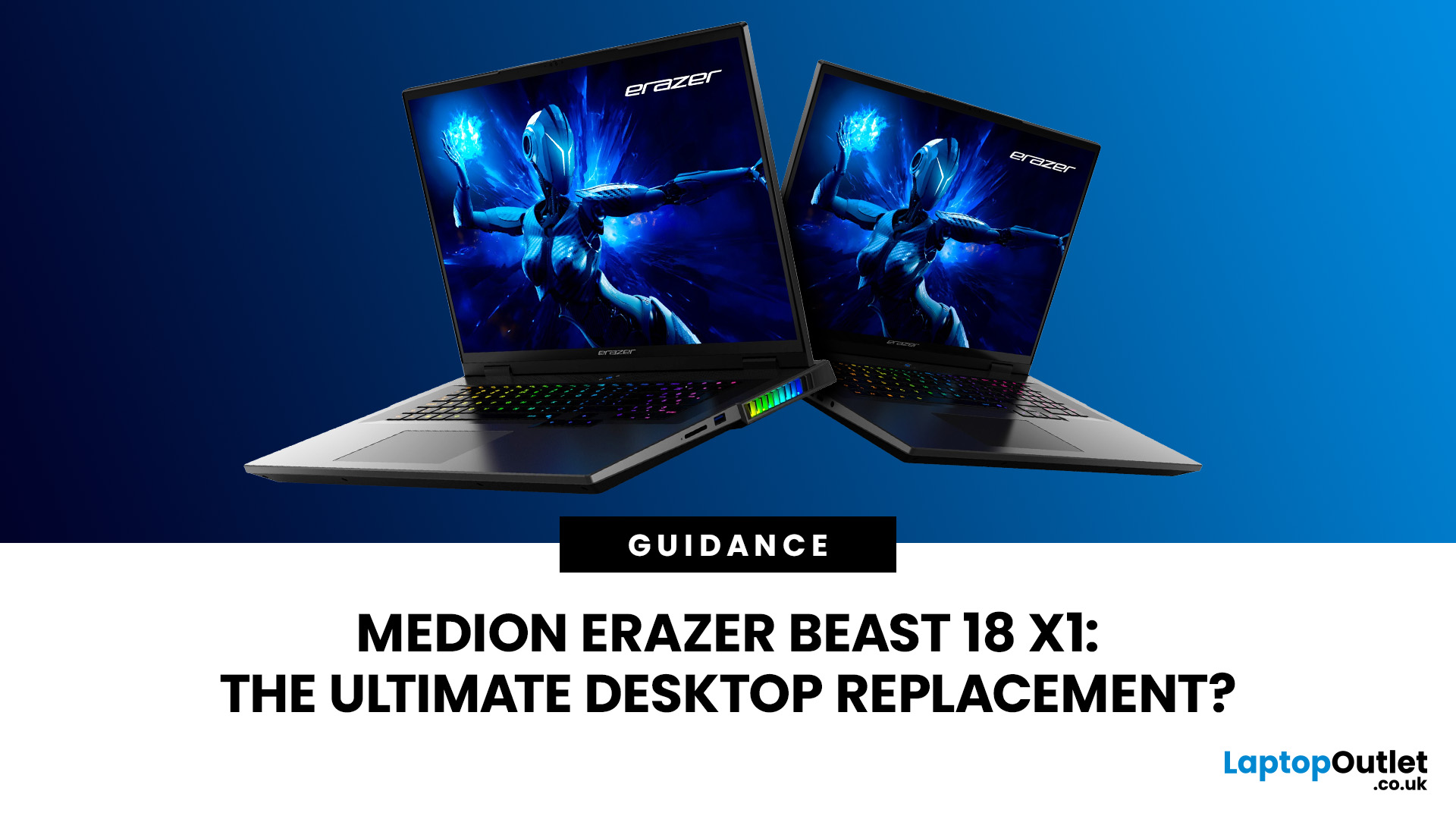
The MEDION ERAZER Beast 18 X1 is an 18-inch high-performance gaming laptop for buyers who want desktop-class hardware in one movable system. Its Intel Core Ultra 9 275HX processor, NVIDIA GeForce RTX 5080 or RTX 5090 Laptop GPU, 240Hz QHD+ display and upgrade options make it a serious desktop-replacement candidate. However, its weight, fan noise and IPS panel mean it will not suit everyone.
This assessment uses official specifications and independent test data rather than presenting third-party results as Laptop Outlet testing.
What Is the MEDION ERAZER Beast 18 X1?
The Beast 18 X1 is MEDION ERAZER’s first 18-inch laptop. It focuses on maximum gaming and creative performance
Last Updated: August 06, 2026
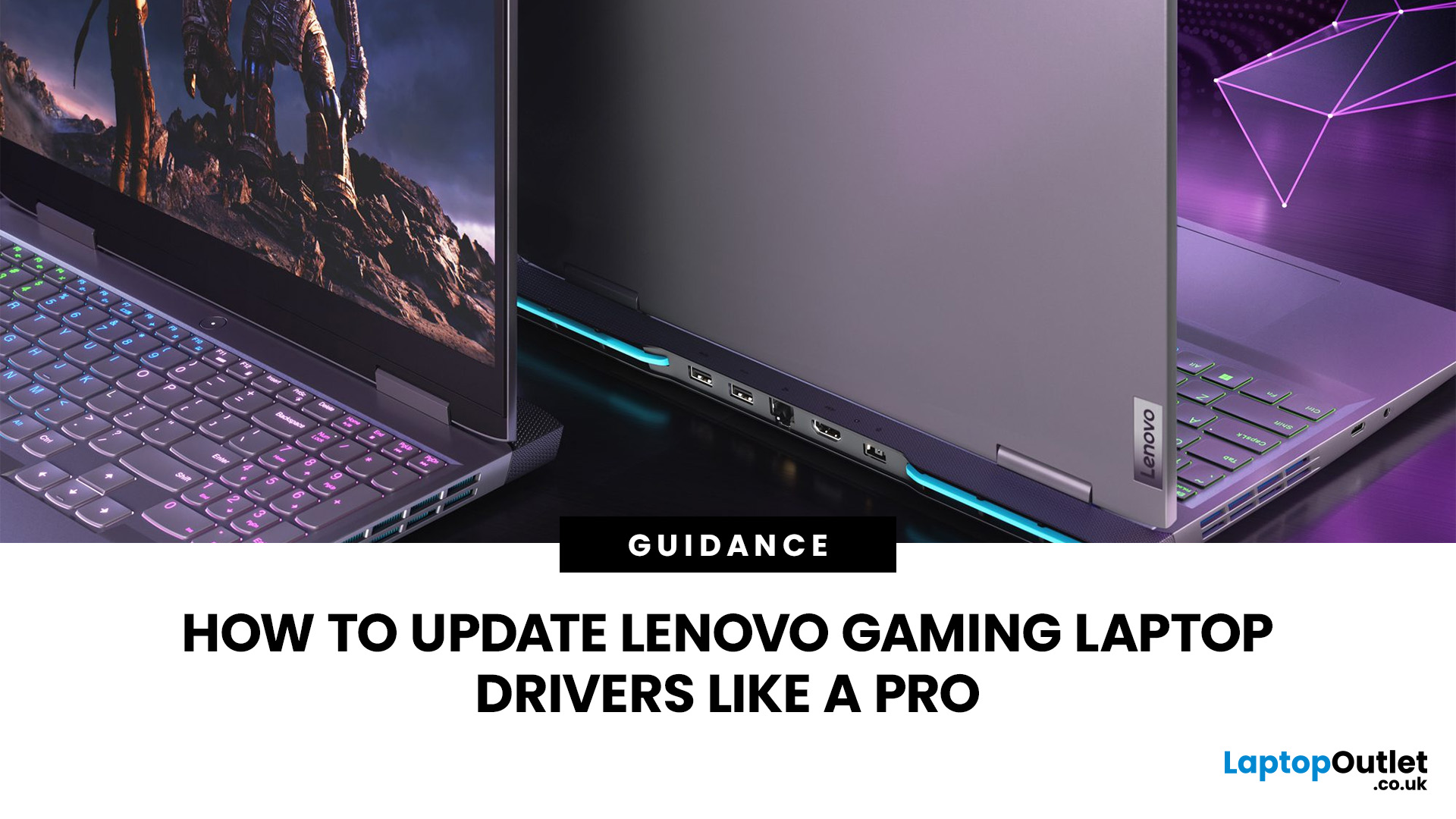
A safe Lenovo drivers update should begin with Lenovo Vantage or Lenovo Support, followed by Windows Update and, when needed, the official NVIDIA or AMD graphics software. Using these trusted sources helps ensure that chipset, graphics, audio, network, firmware and system drivers are matched to your specific Lenovo Legion or LOQ laptop.
Updating drivers can fix hardware problems, improve compatibility with newer games and address security or stability issues. However, installing every available update immediately is not always necessary. Graphics drivers often change frequently, while BIOS and firmware updates require more caution.
This guide explains how to check your current versions, install Lenovo laptop drivers safely and recover if an update causes problems. The same general process can also apply to professional Lenovo laptops for work, although gaming systems require additional attention to graphics and performance-related drivers.
Quick Driver Update Order
For most Lenovo gaming
Last Updated: July 28, 2026
Last Updated: October 22, 2026
Last Updated: July 29, 2026
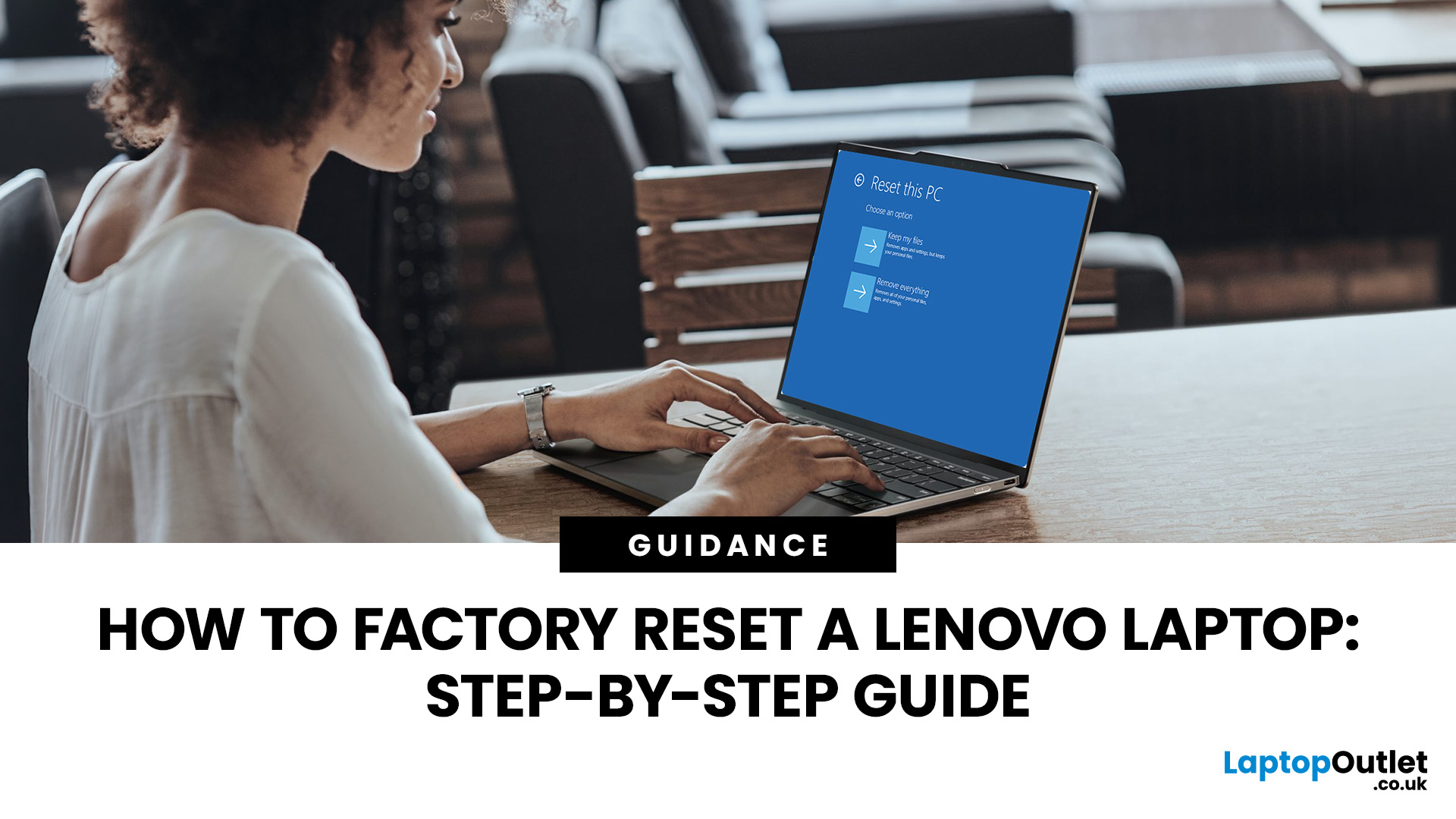
Your Lenovo laptop is slow, crashing, affected by persistent software problems or being prepared for a new owner; don't panic, it’s simply time for a factory reset.
A proper Lenovo factory reset reinstalls Windows and may remove applications, settings and personal data. This guide explains how to reset Lenovo laptop systems through Settings, the sign-in screen, Lenovo recovery mode, the Novo button or recovery media.
Before You Factory Reset Your Lenovo Laptop
- Back up documents, photos and other important files to cloud storage or an external drive.
- Keep the charger connected, remove unnecessary laptop accessories

