



Refurbished Laser vs. Inkjet Printers: Which is Better for You?
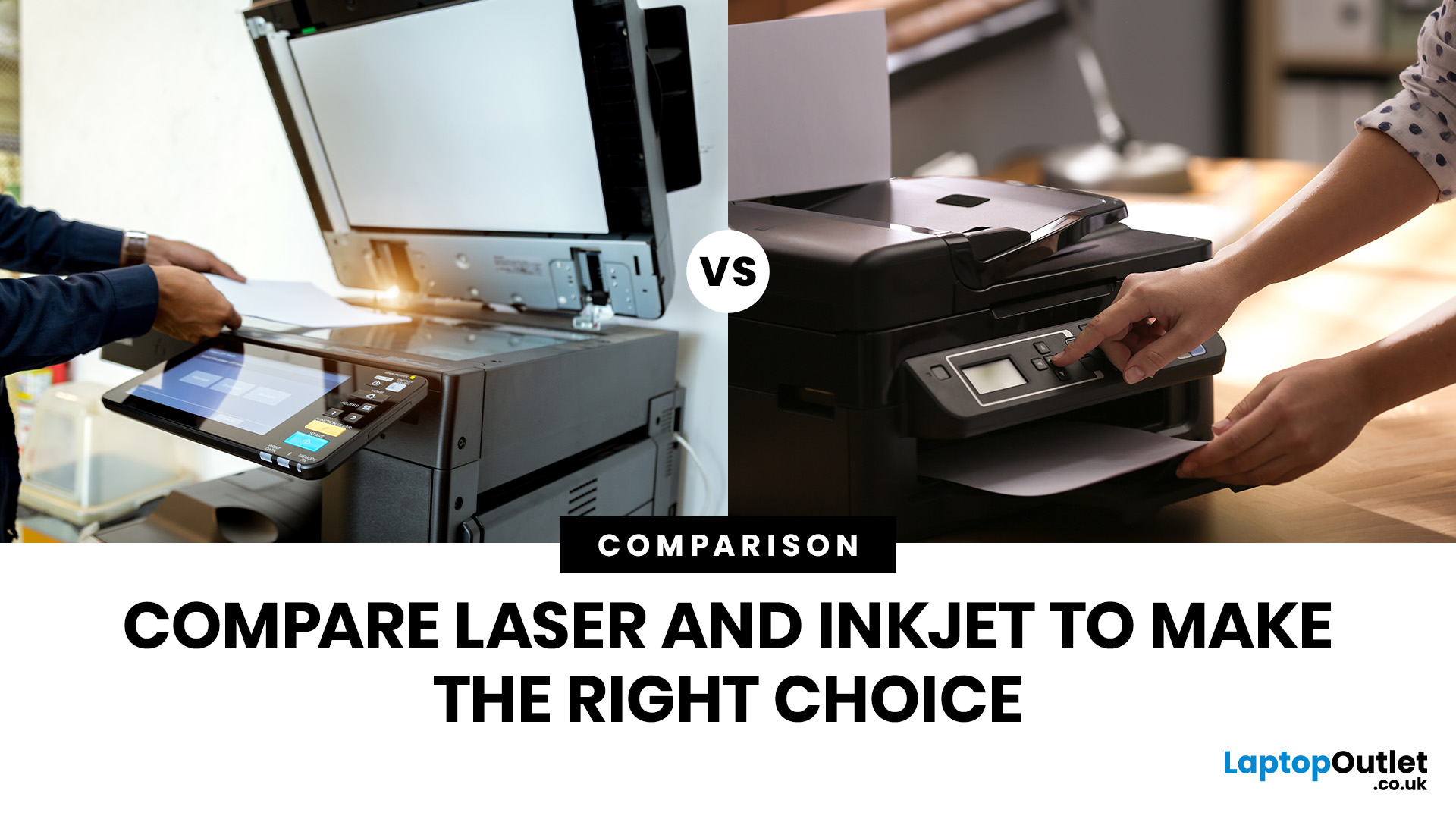
Tired of high printing costs or dealing with slow, unreliable printers? You’re not alone. Choosing the right printer, especially a refurbished one, can be tricky, but it doesn’t have to be.
Whether you're looking for speed, colour quality, or overall value, understanding refurbished laser vs inkjet printers is key. Each has its own strengths, and the best choice depends on how you plan to use it.
In this blog, we’ll break it all down in simple terms helping you find the right printer for your home, office, or study setup, without the stress or confusion.
Let’s dive in.
Understanding the Two Types: Laser vs. Inkjet Printers
Before you decide which refurbished printer is right for you, it helps you to understand how each type works and what they’re best at.
Laser Printers
Laser printers use a completely different method to print pages. Instead of spraying ink, they use a laser beam, heat, and powdered toner to produce text and images. These printers are known for speed, consistency, and sharp text output, especially for black-and-white documents.
Types of Laser Printers:
There are different types of laser printers, each suited to different needs:
- Monochrome Laser Printers: These print in black and white only. They’re cost-effective, fast, and perfect for users who mostly print text-based documents.
Best for: Offices, schools, and students handling lots of paperwork.
- Colour Laser Printers: These use four toner colours (cyan, magenta, yellow, black) to produce colour prints. While more expensive than monochrome models, they’re faster and cheaper per page than colour inkjets in high-volume settings.
Best for: Small businesses, marketing teams, and offices needing basic colour graphics.
- All-in-One Laser Printers (Multifunction): These include printing, scanning, copying, and sometimes faxing. Great for offices looking to save space and increase functionality in one machine.
Best for: Shared workspaces, admin teams, and home offices.
How Laser Printer Works:
A laser draws your page onto a metal drum using static electricity.
The drum picks up toner (fine powder).
The toner is then fused to the paper using heat and pressure.
You get a dry, smudge-proof page instantly.
Why People Like Them:
- Super-fast printing speeds, especially for large jobs
- Sharp, clear text, even in small font sizes
- Great for printing lots of black-and-white pages
- Toner cartridges last longer and don’t dry out
Best For:
- Offices or small businesses with high printing volume
- Students or professionals printing documents, essays, or contracts
- Anyone who wants speed, reliability, and low per-page cost
Refurbished Canon Laser Printers are a solid choice here. Known for durability and precision, they’re built to handle frequent use, making them ideal for the workplace or shared spaces.
What are Inkjet Printers?
Inkjet printers are the classic choice for home users. Instead of toner powder, they use liquid ink that’s sprayed through nozzles directly onto the paper.
Types of Inkjet Printers:
Here are the common types of inkjet printers and what they offer:
- Standard Colour Inkjet Printers: These are the most common household printers. They typically come with four cartridges (cyan, magenta, yellow, black) and are great for everyday tasks.
Best for: Families, students, casual home use.
- Photo Inkjet Printers: These use additional colour cartridges (like light cyan or grey) for richer and more detailed photo prints. Designed for photography lovers and graphic work.
Best for: Photographers, creatives, and anyone printing high-quality images.
- All-in-One Inkjet Printers (Multifunction): These combine printing, scanning, copying, and often wireless features into one device. Compact yet versatile, they’re ideal for homes or small home offices.
Best for: Remote workers, families, and hybrid workers needing flexibility.
How Inkjet Printer Works:
Tiny nozzles spray microscopic droplets of ink onto the paper.
Multiple colours blend to create sharp photos and full-colour graphics.
The paper comes out slightly damp and needs a second to dry.
Why People Like Them:
- Great for photo printing and colourful documents
- Can print on more types of paper (like glossy or matte photo paper)
- Compact and easy to set up
- Lower initial cost (especially when bought refurbished)
Best For:
- Home users, students, or creatives printing images or artwork
- Occasional use with mixed colour/text jobs
- Families needing something for school projects or everyday tasks
HP Refurbished Inkjet Printers are a popular pick, offering excellent print quality with wireless convenience perfect for modern homes and hybrid work setups.
If you run into issues along the way, our article on common inkjet printer problems and how to solve them can help you troubleshoot quickly and easily.
Refurbished Laser vs. Inkjet Printers: Side-by-Side Comparison
|
Feature |
Refurbished Laser Printers |
Refurbished Inkjet Printers |
|
Print Quality |
Excellent for text; crisp, sharp, and clean. Not ideal for high-quality colour photo prints. |
Great for colour prints, images, and photos. Slightly less sharp for very fine text. |
|
Print Speed |
Very fast and can handle large batches efficiently |
Slower, especially for colour or photo printing. |
|
Cost Per Page |
Low cost as toner cartridges print thousands of pages, making each page cheaper. |
Higher cost as ink runs out quicker and increases per-page cost. |
|
Ink/Toner Replacements |
Toner lasts longer; fewer replacements needed. |
Requires frequent cartridge changes; ink can dry out when unused. |
|
Upfront Cost (Refurbished) |
Slightly higher upfront price, but better value over time. |
Lower initial cost, great for occasional or casual users. |
|
Refurbished Value |
Excellent value, durable and cost-effective for long-term use. |
Good value for light use or creative applications. |
|
Size & Space |
Bulkier and better suited for office or dedicated spaces |
Compact and lightweight fits easily in home or small workspaces. |
|
Noise Level |
Quieter during operation. |
Quieter during operation. |
|
Maintenance |
Low maintenance; fewer moving parts and solid construction. |
Requires regular cleaning; ink heads can clog if unused. |
|
Durability & Lifespan |
Built to last and ideal for frequent, high-volume printing. |
More suited for occasional use; may wear quicker over time. |
If you're new to this type of printer, it’s worth reading our guide on Everything You Need to Know About Inkjet Printers to understand how they work and what to expect.
Personalised Guide: Which Printer Suits Your Needs?
Choosing the right printer isn’t just about the specs, it’s about how and where you’ll use it. Whether you’re printing school assignments at home, colourful flyers for a side hustle, or high-volume reports in an office, the best printer for you depends on your day-to-day needs.
Let’s break it down:
Printer for Home Use
Recommended: Refurbished Inkjet Printers
For most households, printing tends to be light and varied. You might occasionally need to print:
- School assignments and worksheets
- Colourful posters or flyers
- Family photos or travel prints
- Personal documents or boarding passes
This is where refurbished inkjet printers shine. They’re:
- Compact and easy to set up, which is ideal for smaller spaces like bedrooms or shared study areas
- Affordable upfront, especially when refurbished, making them great for tight budgets
- Capable of high-quality colour prints, which are perfect for creative tasks or children’s projects
- Able to handle different paper types like glossy photo paper for family pictures
Things to keep in mind: Ink cartridges can dry out if the printer isn’t used regularly, and replacement ink can be costly over time. However, if you only print a few pages now and then, this might not be a major concern.
Look for HP refurbished inkjet printers, which often include wireless connectivity, mobile printing, and solid colour performance, all perfect for modern home use.
Printer for Office Use
Recommended: Refurbished Laser Printers
In a busy office or even a home office where you're working full-time efficiency and reliability are key. Offices typically need to print:
- Invoices and contracts
- Reports, proposals, and manuals
- Monochrome text-heavy documents
- Multiple copies quickly and consistently
This is exactly what refurbished laser printers are built for. They offer:
- High-speed printing helps reduce downtime in a fast-paced setting.
- Lower cost per page, especially important when printing in bulk.
- Crisp, smudge-free text, ideal for professional documents.
- Long-lasting toner cartridges, which means less maintenance and fewer interruptions.
- Many models support duplex printing and network connectivity, which is great for team use.
In terms of longevity and daily performance, refurbished laser printers provide business-grade reliability without the hefty price tag of buying new.
Ideal users include:
- Small business owners
- Freelancers and remote workers
- Educational institutions
- Shared office environments
To get a clearer picture of whether this option suits your needs, take a look at our breakdown of the advantages and disadvantages of inkjet printers.
Eco-Conscious Printing: Why Refurbished Wins
Choosing a refurbished printer isn’t just good for your budget; it’s good for the planet. By extending the life of perfectly functional devices, refurbished printers help reduce electronic waste and lower your carbon footprint. Whether you're setting up a home office or upgrading your workplace, going refurbished supports a more sustainable tech cycle.
Refurbished Printer Maintenance Tips
- Clean your printer regularly: Gently wipe the exterior and use a soft cloth or cotton swab to remove dust from paper trays and ink/toner areas.
- Use your printer often: Infrequent use, especially inkjet printers, can cause ink to dry and clog up nozzles. Print a test page weekly to keep it in good shape.
- Update firmware and drivers: Keep your printer software up to date for improved performance and compatibility.
- Store in a cool, dry place: Avoid placing printers near heat sources or in humid environments to prevent damage to internal components.
- Use quality paper and consumables: Poor-quality paper can cause jams or wear on rollers. Always use compatible ink or toner cartridges.
- Turn it off properly: Use the power button instead of unplugging the unit to allow internal parts to reset and park correctly.
- Check for dust buildup: Especially around vents and internal rollers, dust can affect print quality and airflow.

Key Takeaway!
Choosing between refurbished laser vs. inkjet printers depends on what you need most, speed and volume, or vibrant colour and flexibility. Laser printers are perfect for high-volume document printing, while inkjet printers are great for colourful, creative tasks.
To complete your setup, pair your refurbished printer with refurbished desktop PCs and monitors; ideal for building a cost-effective, high-performance workspace.
Everything you need for a reliable, budget-friendly office or home setup is available now at Laptop Outlet.

FAQs
What is the main difference between refurbished laser and inkjet printers
Refurbished laser printers use toner and are typically better suited for high-volume, text-heavy printing, while inkjet printers use liquid ink and are ideal for colour printing and images. “Refurbished” simply means the printer has been professionally restored to working condition.
Are refurbished laser printers reliable?
Yes, when purchased from a reputable supplier, refurbished laser printers can be very reliable. They are often built for durability and heavy use, making them a cost-effective option for offices or frequent printing.
Which type is cheaper to run: laser or inkjet?
Laser printers are usually cheaper to run over time because toner cartridges last longer than ink cartridges. Inkjet printers may have a lower upfront cost, but their ink can be more expensive per page.
Are inkjet printers better for home use?
Inkjet printers are often preferred for home use, especially if you print photos or colour documents occasionally. They are typically smaller, quieter, and better at producing high-quality images.
Is buying a refurbished printer a good idea?
Buying a refurbished printer can be a smart choice if you want to save money without sacrificing performance. Just make sure it comes with a warranty and has been tested or certified by a trusted seller.
| Read More: |
| Best Printers for Home Use in 2025 |
| How to Choose the Right Printer for Your Needs |
| how to print from my phone to printer |
Related Articles

Last Updated: July 03, 2026
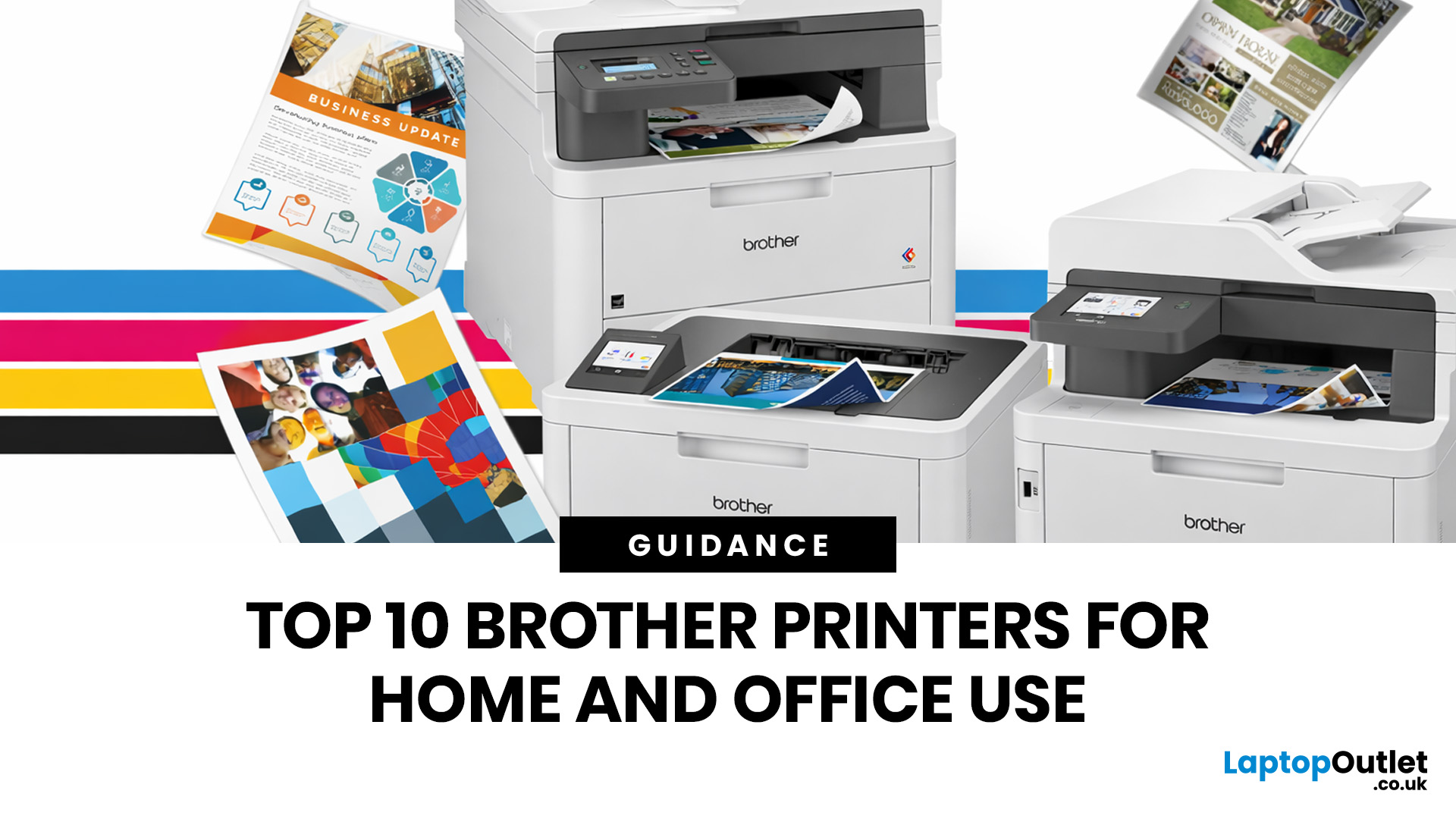
Brother is a prevalent brand in the printing world, and its printers are a popular choice for home and business use. Brother printers offer many models with wireless connectivity, high-speed printing, and cost-effective solutions. Whether looking for an Inkjet, laser or all-in-one printer, Brother has something for you. Engineered to provide sharp and professional quality prints, Brother printers feature a user-friendly interface and features like automatic duplex printing, cloud-based printing options, and mobile device compatibility.
We have tested and reviewed over 100 of the best printers, ranking Brother high among the competition. So, here we are rounding up the best picks for Brother printers you can buy in 2026. These printers have been selected based on their performance, features, and overall user satisfaction. If you're a student, a professional, or a small business owner, you're sure to find the ideal Brother printer to meet your specific printing needs.
So, let's jump right
Last Updated: June 18, 2026
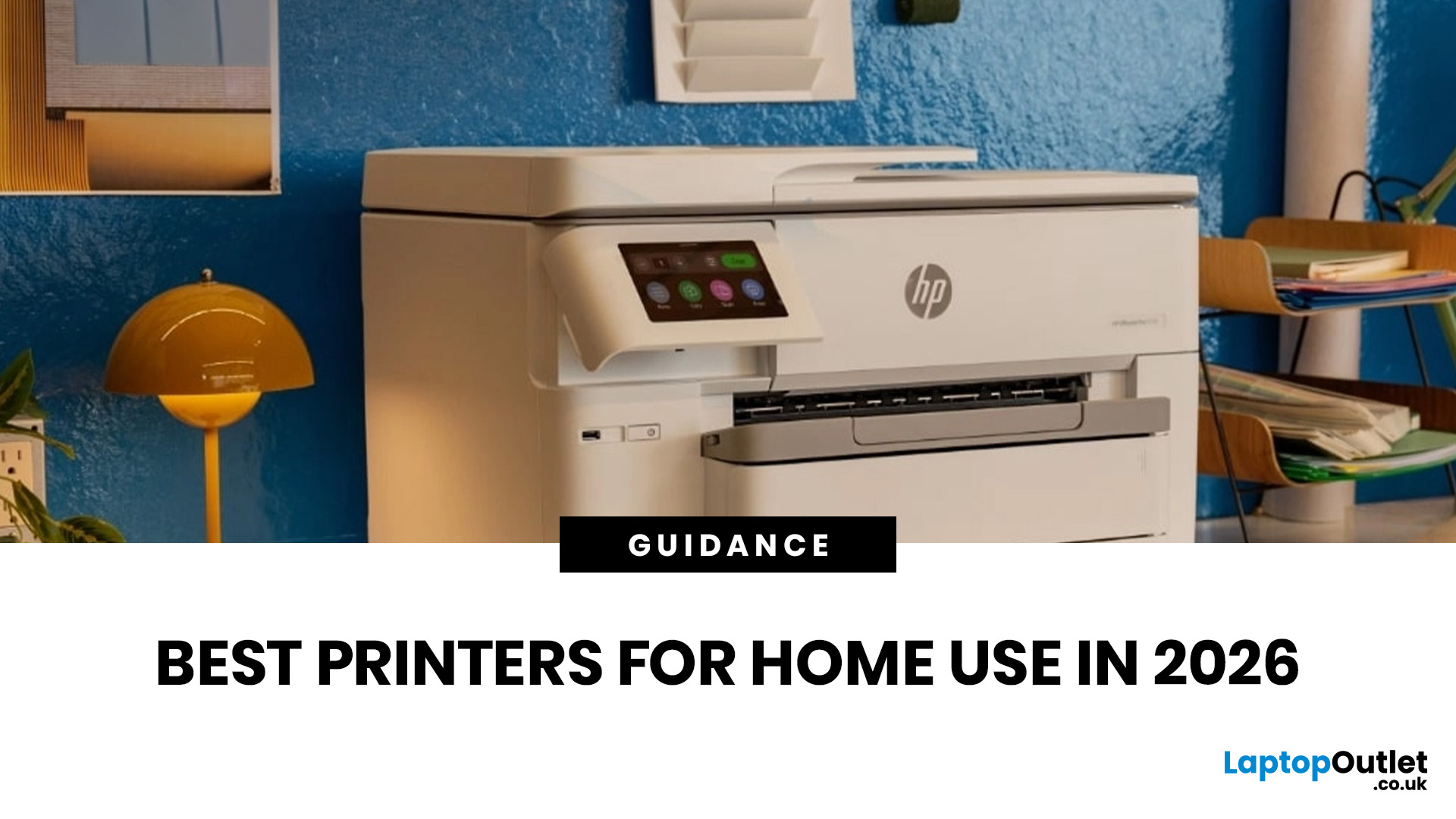
Buying the best home printer can seem overwhelming; the market is flooded with multiple brands offering a host of features. You must determine which printer suits your needs by looking at their specifications, running a comparison among different models, and making the final selection. Remember, we have a wide variety of exceptional printer models, so set aside ample time for this task.
However, if you are short on time, which we assume you are, just read this blog. It provides a curated list of the best computer printers for home use. They are suitable for everyday printing, especially at home, delivering professional-standard results. So, let’s look at them.
Types of Printers: Inkjet vs. Laser
Before you choose the right printer, it helps to know about inkjet and laser printers, the two main printer types. The following comparison will assist you in choosing the right type for your needs:
| Feature | Inkjet Printers | Laser Printers |
| Usage | Colour printing (photos, graphics) | Fast, high-volume |
Last Updated: April 03, 2026
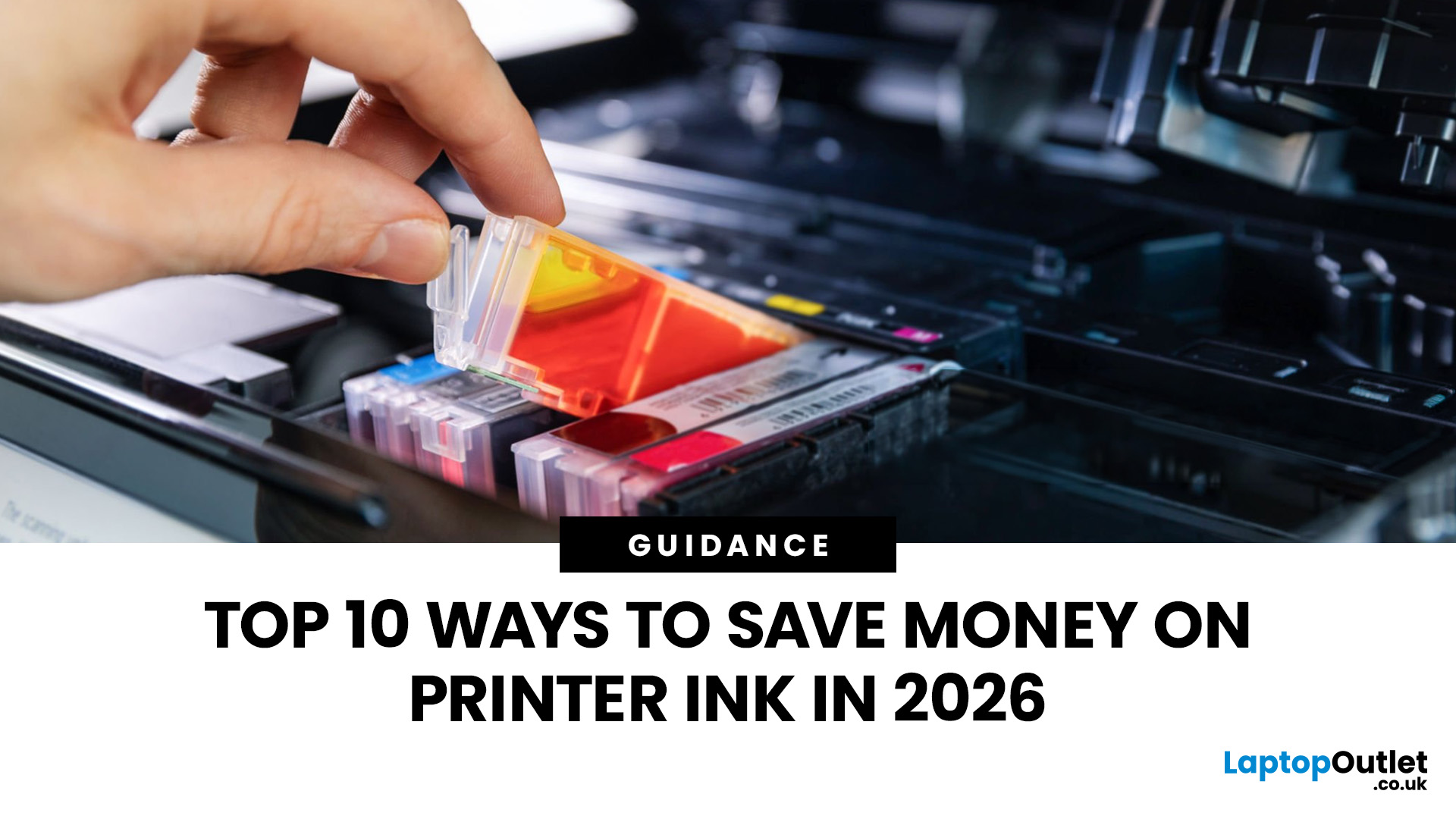
Printer ink is one of those costs that sneaks up on you. The printer itself can feel affordable, but the ongoing cartridge replacements are where the budget starts to hurt. If you print at home, for school, or for a small business, it can genuinely feel like you’re paying premium prices for something you go through far too quickly.
The good news is most people can cut printing costs without changing their whole setup. Small setting changes, smarter habits, and a couple of “do this once and forget it” tweaks can stretch cartridge life and reduce how often you’re buying replacements.
Here are 10 practical ways to reduce ink spend in 2026, without turning your prints into faint, unreadable pages.
1) Use Draft or Economy Mode for Everyday Printing

If you’re printing internal documents, rough drafts, return labels, school worksheets, or anything that doesn’t need to look perfect, switch to draft or economy mode. Many printers reduce ink density in this setting, so you use less ink per page

Last Updated: April 03, 2026
Mobile Printing Made Simple
Need to print a document, photo, or ticket from your phone? You don’t need to transfer files to a laptop first. Mobile printing lets you print directly from your smartphone or tablet to a wireless printer—fast and hassle-free. Here’s how to do it on both iPhone and Android.
What You’ll Need
Before you start:
- A Wi-Fi-enabled printer
- Your smartphone or tablet
- Both devices connected to the same Wi-Fi network
How to Print from an iPhone (iOS)
1. Use Apple AirPrint
Most modern printers support AirPrint, Apple’s built-in wireless printing feature.
Steps:
- Open the document, photo, or webpage you want to print
- Tap the Share icon (box with arrow)
- Tap Print
- Select your printer from the list
- Choose print settings (number of copies, pages, etc.)
- Tap Print
2. Use the Printer Manufacturer’s App
- If your printer doesn’t support AirPrint:
- Download the manufacturer’s app (e.g., HP Smart, Canon PRINT, Epson iPrint)
- Follow the in-app instructions

Last Updated: April 03, 2026
Printer Offline? Let’s Fix That.
You hit print—and your computer tells you the printer is offline. Frustrating, right? Whether you’re using Windows or macOS, this common error usually has a simple fix. Let’s explore the reasons why your printer might say it’s offline and how to get it back online.
1. What Does “Printer Offline” Mean?
It means your computer can’t communicate with the printer. This could be due to:
- Connection issues (Wi-Fi, USB, or cable)
- Printer being powered off or asleep
- Incorrect default printer settings
- Outdated or corrupted drivers
It doesn’t always mean your printer is broken—just that the computer can’t detect it.
2. Check the Printer Connection
- Ensure the printer is powered on
- Check Wi-Fi or Ethernet connections
- If using USB, confirm the cable is securely plugged in
- Try restarting the printer and your computer
3. Set the Printer as Default (Windows)
Sometimes your computer sends the job to a different printer.
Steps:
- Go to Settings
Last Updated: April 03, 2026
Printing Without Ink?
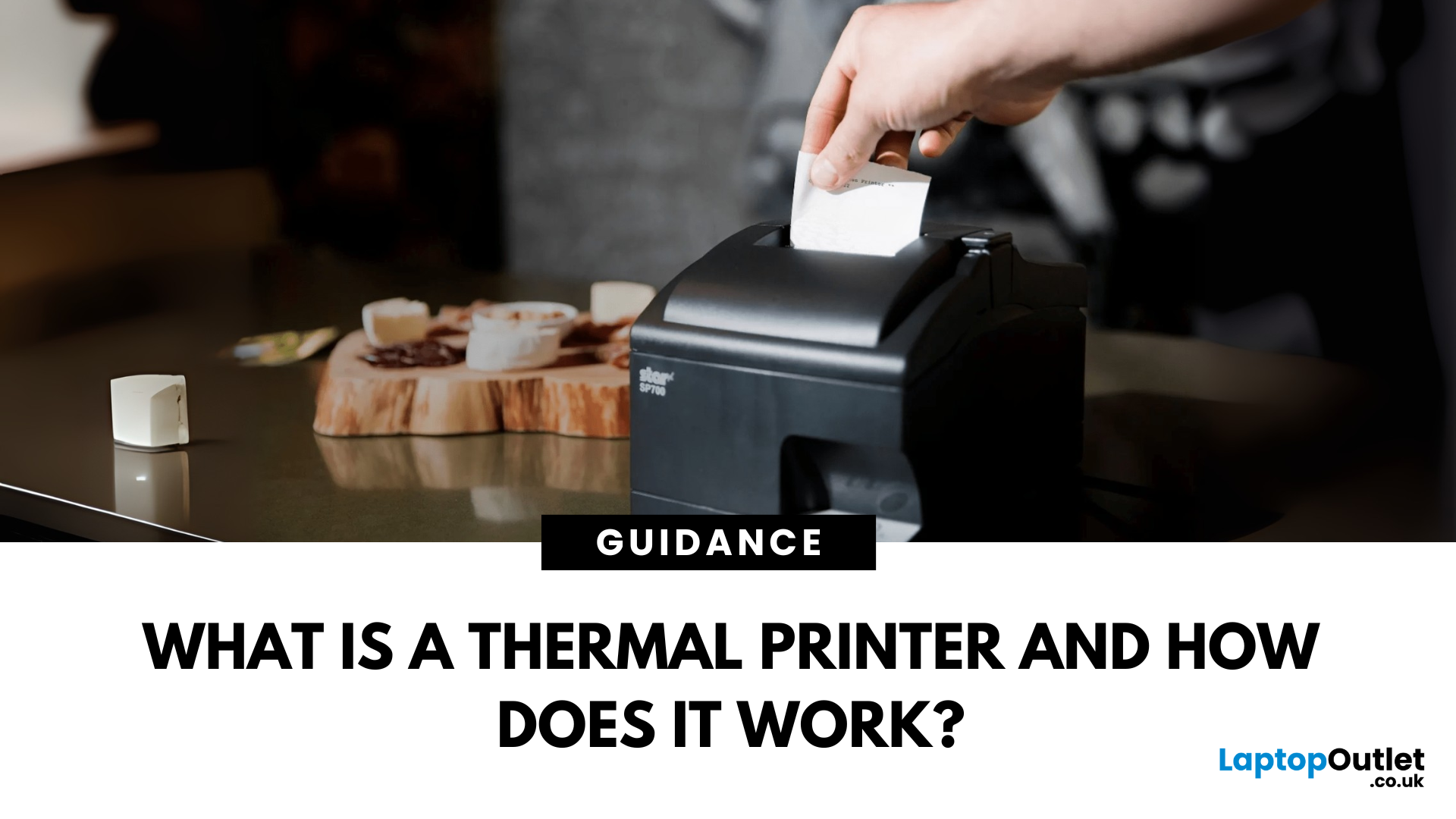
If you’ve ever received a receipt, shipping label, or wristband ticket, you’ve probably used a thermal printer—even if you didn’t know it. But what is a thermal printer, and how is it different from regular printers? Here’s a simple breakdown.
What Is a Thermal Printer?
A thermal printer creates images by applying heat directly to special heat-sensitive paper. Unlike inkjet or laser printers, it doesn’t use ink, toner, or ribbons (in most cases).
It’s fast, quiet, and ideal for high-volume printing environments like retail or logistics.
How Do Thermal Printers Work?
Direct Thermal (DT):
- Heat is applied to chemically treated paper
- The heat darkens the paper where applied
- No ink or ribbon required
Thermal Transfer (TT):
- Heat transfers ink from a ribbon onto the paper or label
- More durable than direct thermal printing
What Are Thermal Printers Used For?
- Retail: Receipts, price tags
- Logistics: Shipping labels, barcodes
- Healthcare: Wristbands,
Last Updated: June 15, 2026
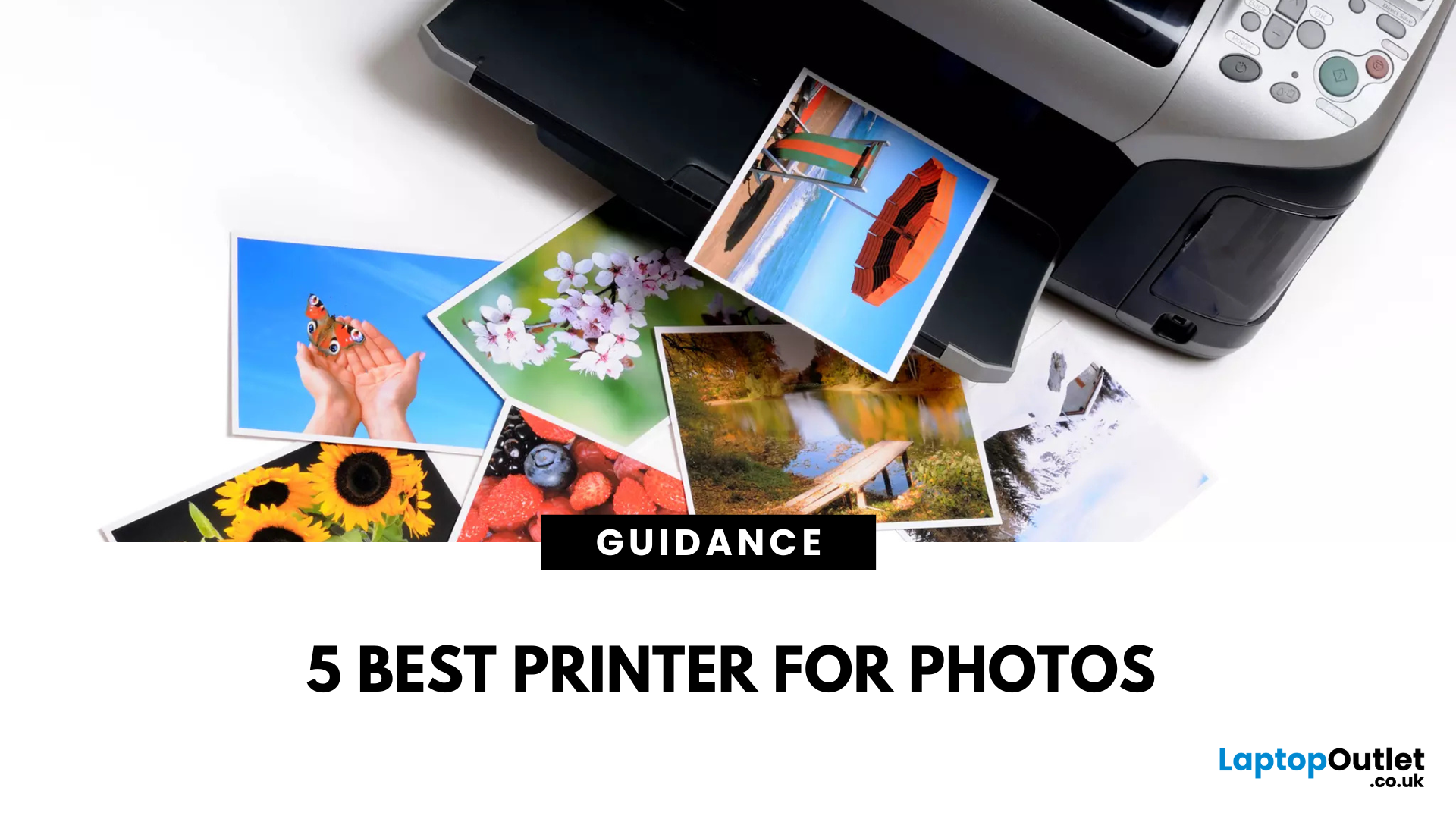
Want to preserve precious memories or showcase creative work? Nothing quite matches the beauty of a beautifully printed photograph. Whether you’re an aspiring photographer, a creative hobbyist, or simply someone who values high-quality photo prints, choosing the right printers for photos can make all the difference.
But with so many options on the market, the big question remains: What is the best photo printer?
In this guide, we’ll explore some of the finest photo printers available today, comparing their features, print quality, and usability. Each photop/picture printer in our list caters to different needs, from everyday photo enthusiasts to professional creators seeking gallery-worthy prints.
Canon PIXMA G650: Best for High-Volume Printing
Who is it for?
For creative users who need bulk photo printing without sacrificing quality, the Canon PIXMA G650 is a smart and sustainable choice.
Top Features:
-
Refillable ink tanks drastically lower per-photo cost.
-
Massive yield of up to
Last Updated: September 09, 2025
Printers might not get the same hype as laptops or smartphones, but for students, professionals, small businesses, and even home offices; they're essential. Whether it’s printing out coursework, client contracts, shipping labels, or your child’s homework, a reliable printer is still a core part of modern-day convenience.
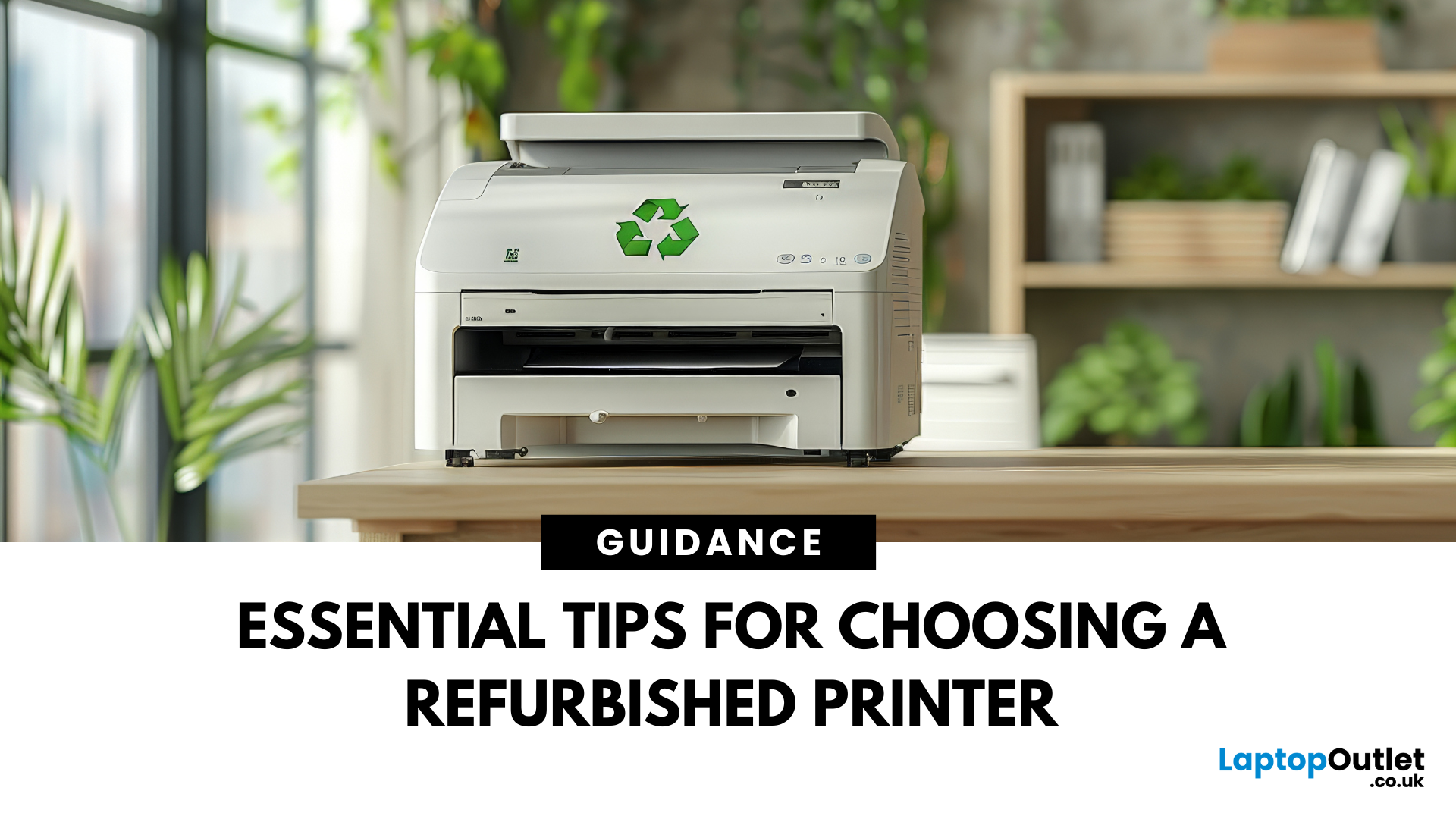
But buying a brand-new printer can quickly become expensive, especially if you want high-speed printing, scanning, copying, or colour capabilities. That’s where buying a refurbished printer becomes a smart alternative. A refurbished printer can save you a considerable amount of money without compromising performance or quality if you know what to look for.
In this guide, we’ll walk you through everything you should consider before buying a refurbished printer, from print quality and page yield to connectivity and warranty.
What to Look for When Buying a Refurbished Printer – A Complete Breakdown
Buying a refurbished printer can deliver excellent value, but you need to look
Last Updated: April 03, 2026
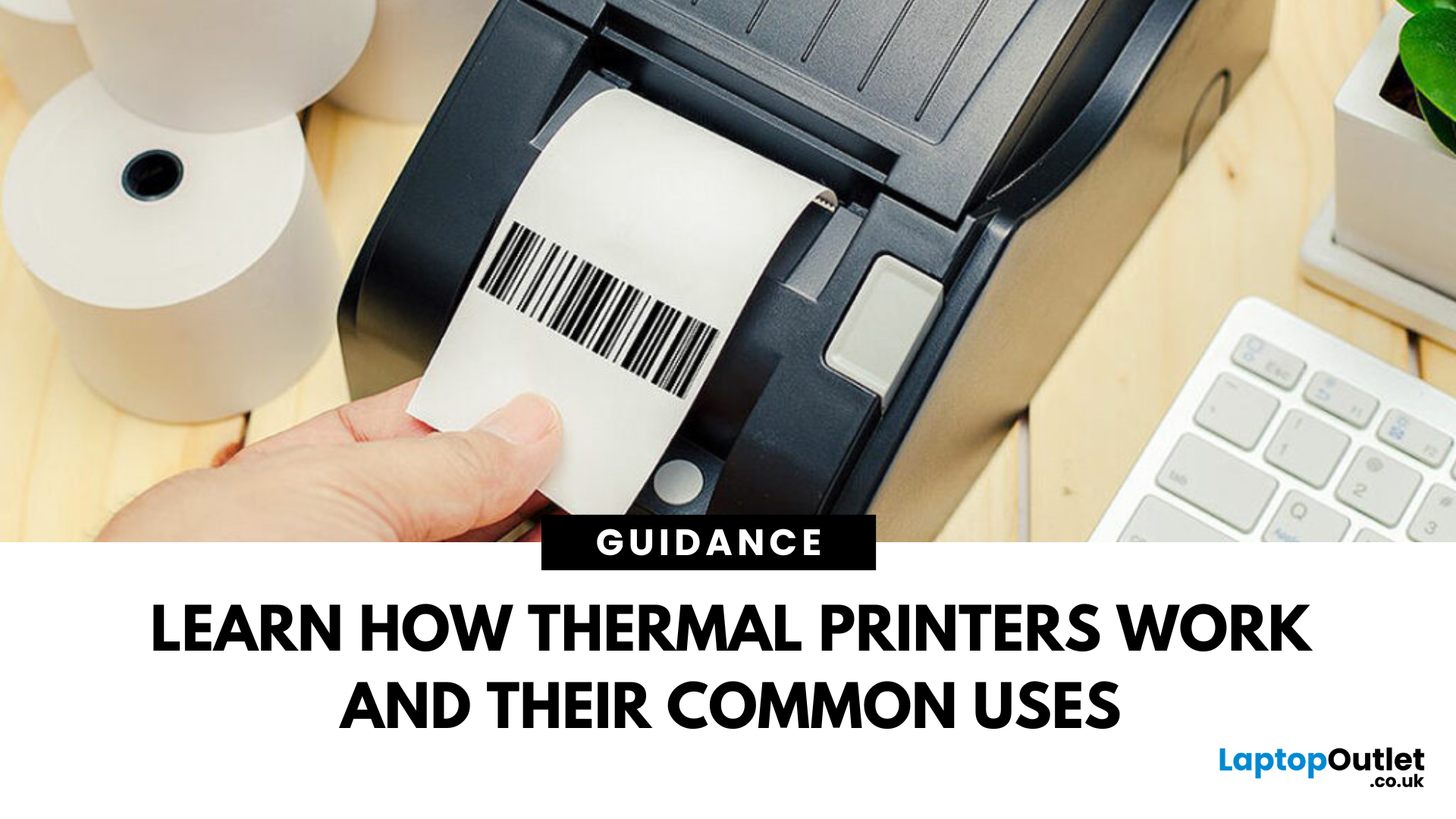
Thermal printers are essential tools across retail, healthcare, manufacturing, and logistics sectors. They are fast, efficient, and remarkably low maintenance. If you've ever wondered how a small device without ink or toner can produce crisp, high-speed prints especially for labels and receipts - this in-depth guide will give you the full picture. Whether you're using a mini thermal printer at a pop-up stall or a thermal printer for shipping labels in a warehouse, the core principles remain the same.
From the science behind thermal printing to choosing between direct thermal and thermal transfer models, this blog explores how thermal printers work, what they're best used for, their benefits and drawbacks, and how to maintain them. Let's dig deep.
What Is a Thermal Printer?
A thermal printer is a specialised type of printer that produces images or text using heat. Unlike inkjet or laser printers that rely on ink cartridges or toner, thermal printers generate output by applying heat to a

