



New Year Printer Deals 2026: Discounts on HP, Canon, Xerox, Brother & More
A printer upgrade may not sound exciting, but it makes a real difference—clean prints, quick scans, and no paper jams. That’s why New Year printer deals matter, as January is when people reset workspaces and prepare for school or home offices.
Printer New Year deals 2026 aren’t just about lower prices—they’re about choosing the right printer for your needs. From HP and Canon for home use to Brother and Xerox for high-volume printing, the best deal is the one that fits your habits and keeps costs low.
If you’re browsing Laptop Outlet, it’s easiest to begin broad and then narrow. Many shoppers start by clicking Start 2026 with New Year Tech Deals and then head into the printers section once they’ve set a budget and a goal—because the sale covers a wide range of tech categories and often includes meaningful discounts. From there, you can compare models across inkjet, laser, and multifunction types in one place via best document pc printers (don’t worry, we’ll keep it simple and practical below).
What’s changed about printers in 2026 (and why it helps deal hunters)
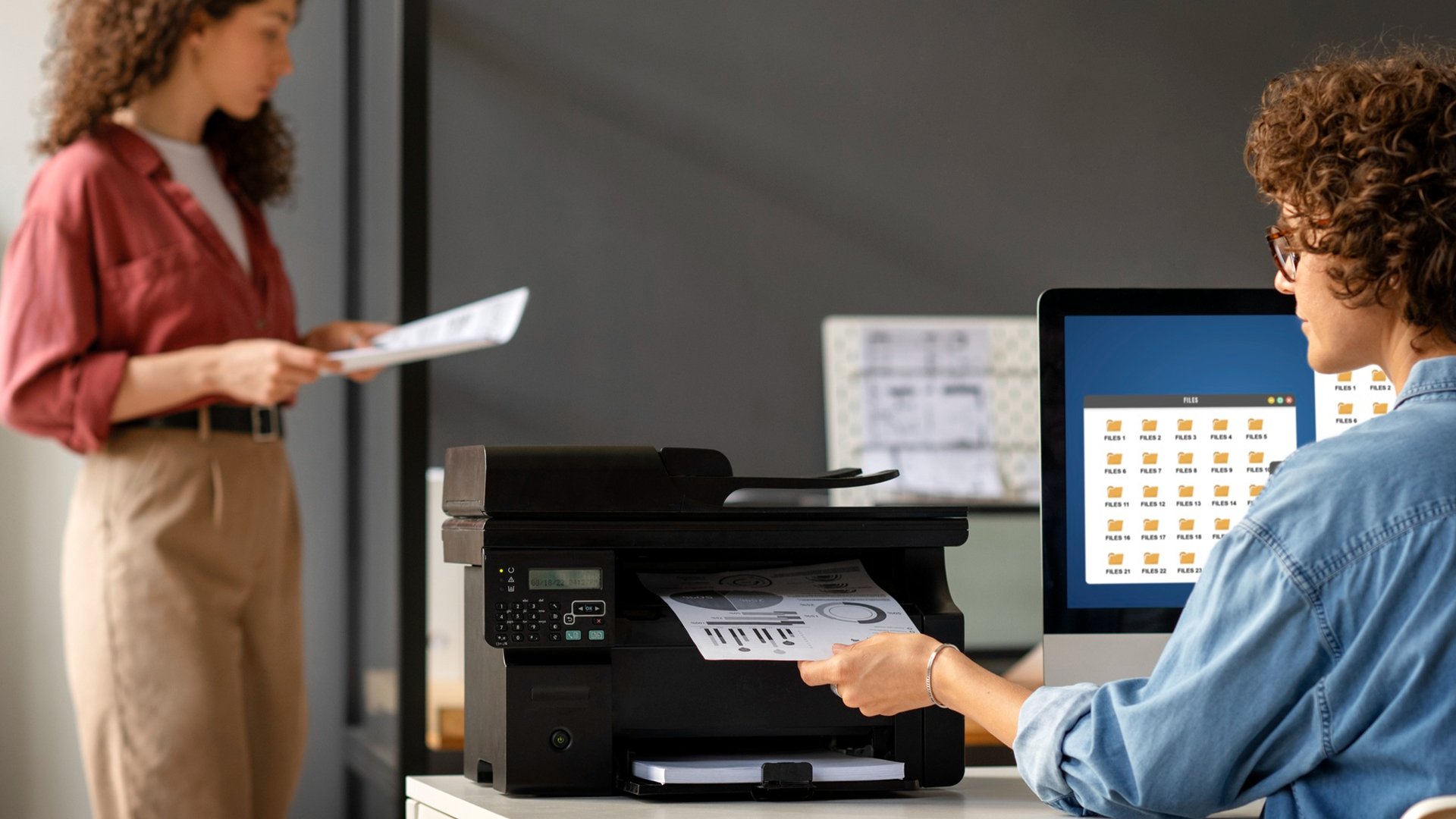
Modern printers are easier to live with than they used to be. Wireless setup is more common, mobile printing is expected, duplex printing is easier to find even at mid-range budgets, and all-in-one models have become the default for many households and home offices. Laptop Outlet’s printer range focuses on inkjet, laser, and all-in-one options for home, office, school, and professional use, which is useful because it naturally aligns with the way people shop: “What do I need this for?” rather than “Which random spec looks impressive?”
The biggest shift for deal-season buyers is this: in 2026, you can often make a major quality-of-life upgrade without jumping to premium pricing, if you choose based on print volume, running costs, and features you’ll actually use.
A printer upgrade often pairs naturally with other workspace essentials highlighted in top 10 business laptops for professionals in New Year deals 2026, particularly for users setting up or upgrading a home office for 2026.
Inkjet vs laser printer savings: the decision that matters most
When people compare inkjet vs laser printer savings, they’re really trying to answer a simple question: “What will this printer cost me over the year?” Upfront price is only half the story. Consumables, ink cartridges or toner, often determine whether your “cheap” printer stays cheap.
When inkjet is the smarter buy
Inkjet printers usually win when:
- you print occasionally (homework, tickets, forms, return labels)
- you want colour without a high upfront cost
- you value photo printing or colour graphics
Inkjet also tends to be popular for general home use because it can cover a wider mix of documents, especially if you only print a few times a week.
When laser is the smarter buy
Laser printers usually win when:
- you print regularly (home office, admin-heavy tasks, small business)
- you want crisp text and consistent output
- you want lower cost per page over time
If your life includes invoices, contracts, shipping labels, school packs, or weekly paperwork, laser can be the “buy once, stop worrying” choice. That’s one reason Xerox laser printer deals (alongside other laser options) are so attractive during New Year promotions: the long-term cost and reliability often justify the purchase even if the upfront price is higher.
A simple rule: if you print mostly documents and you print often, laser tends to feel like the better deal. If you print a mix of colour and you print occasionally, inkjet usually gives the best value.
Budget-focused buyers often combine printer savings with offers from New Year refurbished laptop deals 2026: Cheap laptops under £200, especially when setting up secondary study spaces or shared family desks.
Why all-in-one printer discounts are so popular right now
If you’ve ever had to scan a signed form, copy an ID, or send documents for a refund or application, you already understand why all-in-ones are everywhere. In 2026, all-in-one printer discounts are one of the biggest New Year upgrade opportunities because they remove friction from daily life. Printing is only half the job—scanning and copying are what keep your admin from turning into a time sink.
An all-in-one is especially worth it if you:
- work from home (even part-time)
- have kids in school
- run a side business
- deal with frequent forms, deliveries, returns, and paperwork
Laptop Outlet’s printer category highlights exactly these practical benefits: many models combine printing, scanning, and copying, and often include wireless/mobile printing and duplex options that make everyday tasks smoother.
The “home office printer” checklist that prevents regret
A home office printer doesn’t need to be fancy. It needs to be dependable. Before you click buy during New Year printer deals, decide which of these features matter to you:
- Duplex printing (prints both sides): saves paper, looks professional
- Wi-Fi printing: less cable mess, easy multi-device printing
- ADF (Automatic Document Feeder): essential if you scan multi-page docs
- Decent paper capacity: fewer refills if you print often
- Mobile printing support: print from phone/tablet quickly
- Reasonable running costs: ink or toner you can live with
Laptop Outlet specifically calls out features like wireless/mobile printing and duplex capability in its printer guidance, these are exactly the “daily-use” features that matter more than obscure specs.
Brand guide: what shoppers usually mean when they search these deals
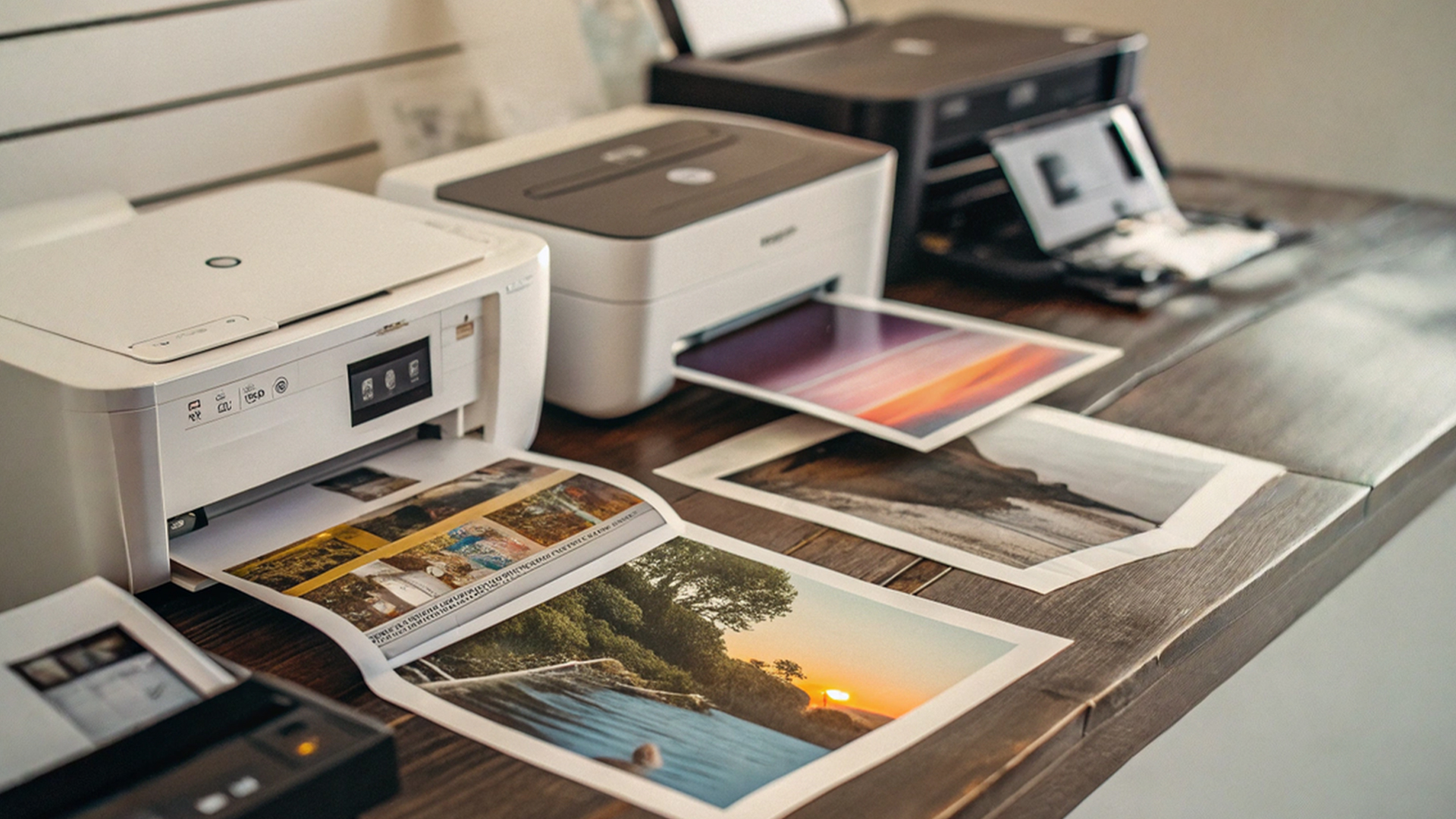
Your title includes the big names, so let’s translate what shoppers typically want when they type these brand queries—without turning the article into a model-by-model list.
HP printer discounts New Year
People hunting HP printer discounts New Year often want a straightforward setup with popular cartridge ecosystems and strong home/home-office coverage. HP is commonly associated with convenient all-in-ones and wide availability of replacements, which appeals to buyers who don’t want to “research ink” every time.
Canon printer deals
Searches for Canon printer deals are often driven by colour printing needs—family documents, creative projects, and everyday printing that still needs good photo/colour output. Canon is a common brand choice for households that want colour results without jumping into pro print equipment.
Brother printer offers New Year
Buyers looking for Brother printer offers New Year frequently prioritise reliable document printing and home-office practicality. Brother is a favourite “workhorse brand” vibe, especially for people who want a dependable printer that gets through weekly paperwork without drama.
Xerox laser printer deals
Xerox laser printer deals are typically the search term of someone who prints a lot, values durability, and wants professional-grade text output. Xerox is strongly associated with laser reliability, which is why it often comes up for business and higher-volume needs.
The takeaway: brand matters, but your printing habits matter more. Use brand filters to narrow the field but choose based on volume, running costs, and features.
Cheap printers under £200: how to buy “budget” without buying trouble
Yes—cheap printers under £200 can be excellent in 2026. The trick is to define “cheap” correctly. A cheap printer is not just a low price tag; it’s a low total cost of ownership for your usage.
How to win under £200
If you’re shopping budget-first during printer New Year deals 2026, prioritise:
- Wi-Fi printing (you’ll use it constantly)
- duplex printing if you do paperwork
- all-in-one capability if you scan/copy at least occasionally
- reasonable ink/toner costs (this is where “cheap” turns expensive)
If you print rarely, a basic inkjet can be fine and very affordable. If you print regularly, a budget laser (often monochrome) can be the smarter long-term deal. Under £200, the “best choice” is almost always tied to how frequently you print documents.
Also: if your budget is tight because you’re upgrading multiple home-office items at once, starting the shopping journey through start 2026 with New Year tech deals can help you keep an eye on broader promotions before you narrow into printers.
Running costs: the part most shoppers forget (and the part that hurts later)
Most printer disappointment isn’t about print quality, it’s about consumables. If you buy a printer that uses expensive cartridges and you print regularly, your “deal” can evaporate in a few months.
Here’s how to stay sane:
- If you print frequently, prioritise lower cost per page (often laser or refillable systems)
- If you print occasionally, prioritise reliability and ease of use (inkjet can be great, but keep it active)
- If you print both photos and documents, consider how much photo printing you really do—some buyers overestimate this and end up paying more than needed
Laptop Outlet’s printer guidance mentions cost efficiency and options like refillable ink systems, which is exactly the angle to keep in mind when you compare deals.
The smartest “New Year value move”: discounted refurbished PC printers
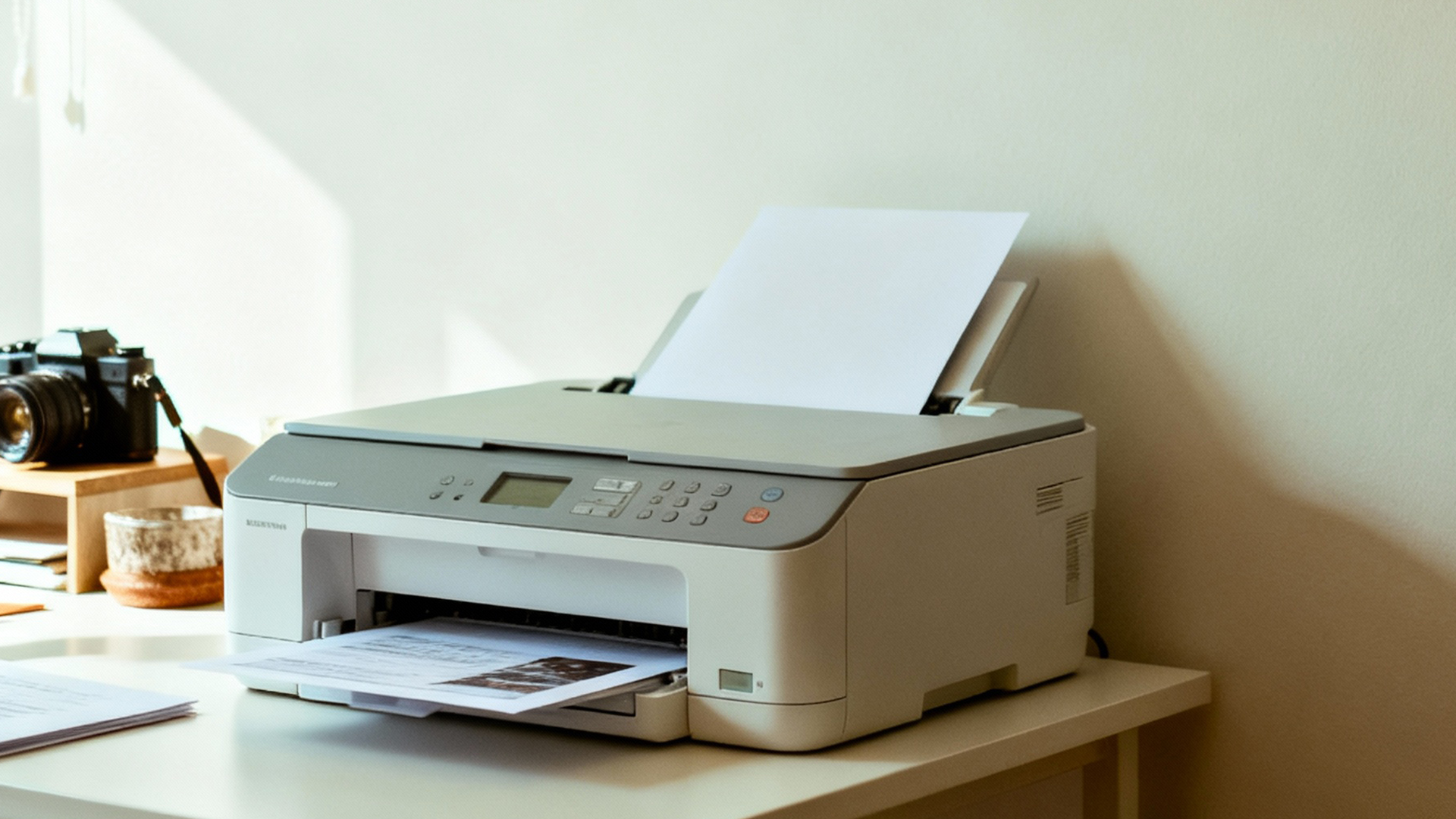
If you want the biggest savings without dropping into “too good to be true” territory, refurbished is often where real value lives especially for laser and business-style all-in-one printers. That’s why so many buyers now intentionally search discounted refurbished pc printers during New Year.
Laptop Outlet’s refurbished printers page shows that refurbished stock can include well-known brands and both multifunction inkjet and laser types, often with visible price reductions and “save £X” callouts, exactly what deal shoppers are looking for.
Refurbished can be especially smart when:
- you want laser reliability but want to stay within a budget
- you want an all-in-one for a home office without paying “new” pricing
- you’re setting up an extra printer for a second workspace or study area
If you want to browse this route while still filtering by the type you need, it’s easy to shop directly through discounted refurbished pc printers and compare refurbished inkjet vs laser options side by side.
Practical buying scenarios: choose the printer that matches your life
To make this guide useful (and not just a wall of specs), here are common scenarios and what usually works best:
“I print schoolwork, forms, labels, and occasional colour pages”
A wireless all-in-one inkjet is often the best fit especially if you want scanning and copying. That’s where all-in-one printer discounts can offer the most value per pound because you’re replacing multiple devices in one purchase.
“I run a home office and print weekly documents”
A home-office-friendly all-in-one with duplex printing is a great baseline; if your print volume is high, laser becomes more attractive. This is where the “inkjet vs laser printer savings” question really matters because it’s often the difference between cheap running costs and monthly surprises.
“I print mostly black-and-white documents, often”
Laser is typically the most satisfying option. Text is crisp, output is fast, and you’re less likely to deal with ink drying out. This is also where Xerox laser printer deals (and other laser discounts) can become your best New Year purchase: higher upfront, but calmer ownership.
“I want the lowest upfront spend”
Focus on cheap printers under £200, but protect yourself: make sure it has the connectivity you need and that replacement ink/toner isn’t wildly expensive. A budget printer that’s frustrating to use costs you time—often more valuable than the money saved.
“I want the best value, full stop”
Go refurbished first. Many shoppers are surprised by how much functionality they can get for the money with discounted refurbished pc printers, especially when the goal is everyday document printing and scanning.
How to shop New Year Printer Deals without getting overwhelmed
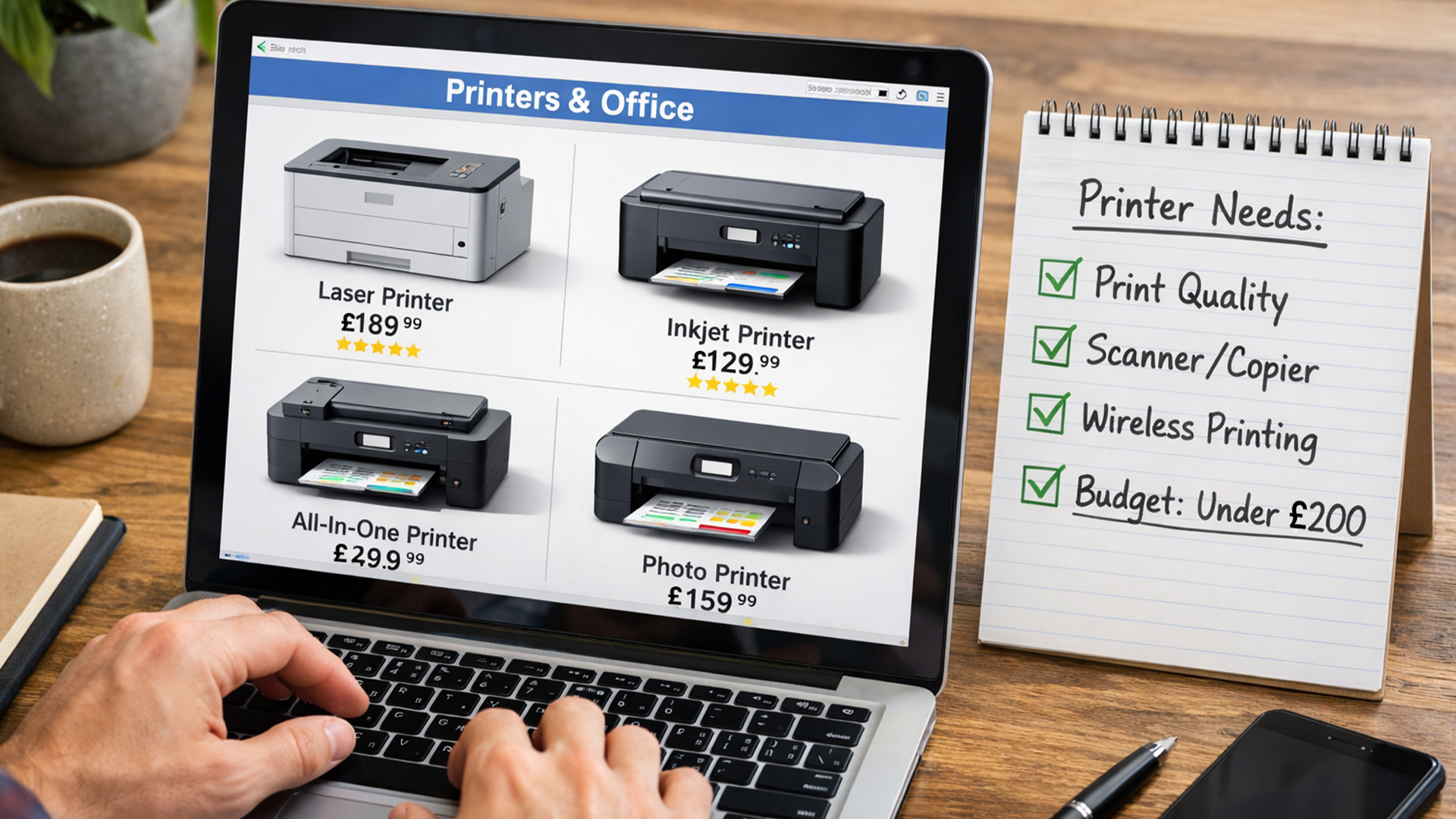
Deal pages can feel endless, so here’s a simple process that keeps you focused:
- Decide your print volume: occasional / weekly / daily
- Decide your colour needs: monochrome documents only or colour too
- Decide if you need scanning/copying: yes/no
- Decide your “must-have” features: Wi-Fi, duplex, ADF, paper capacity
- Choose the tech: inkjet for mixed/occasional; laser for frequent documents
Then browse with purpose. If you want the broadest comparison view, start with best document pc printers and filter down from there by type and brand. If value is your main goal, open a second tab for discounted refurbished pc printers and compare features and prices directly. And if you’re building a full home office setup for the year, beginning at Start 2026 with New Year Tech Deals keeps you aware of wider promotions that can free up budget for paper, ink, or accessories.
Quick setup tips to make your new printer feel “new” all year
Once you buy, a few small habits prevent most frustrations:
- Put the printer where Wi-Fi is strong (printing problems are often Wi-Fi problems)
- Use duplex and draft modes when you don’t need perfect quality
- Print a small test page occasionally if you own an inkjet and print rarely (helps prevent dried ink issues)
- Keep a spare cartridge/toner if you print for work (running out mid-deadline is always worse than you think)
- Use the scanner features for paperwork workflows, saving PDFs and naming them properly is a real productivity upgrade
These aren’t flashy tips, but they’re the difference between “new printer joy” and “why is it doing this again?”

Final thought: The best New Year Printer Deals are the ones you stop thinking about
A great printer purchase is boring in the best way: you stop troubleshooting, stop re-printing, stop scanning with your phone, and stop paying extra for urgent print runs. That’s why New Year Printer Deals are worth your attention in 2026: you can upgrade the one device that quietly supports everything else, work, study, admin, and daily life.
If your priority is a simple household upgrade, keep an eye on HP printer discounts New Year and Canon printer deals while focusing on wireless, all-in-one features, and manageable running costs. If you print documents regularly, Brother printer offers New Year and Xerox laser printer deals can be especially appealing—because laser reliability and cost-per-page often win in the long run. And if you want maximum value without sacrificing functionality, browsing discounted refurbished pc printers can be the smartest deal move you make this season.

When are the best New Year Printer Deals available in 2026?
The best New Year Printer Deals usually launch right after Christmas and run through early January. This is when retailers discount older models, bundles, and refurbished stock, making it an ideal time to find printer New Year deals 2026 on HP, Canon, Brother, and Xerox printers at some of the lowest prices of the year.
Are New Year printer deals better than Black Friday discounts?
In many cases, yes. While Black Friday focuses on limited-time hype, New Year printer deals often include deeper discounts on everyday models, all-in-one printer discounts, and clearance stock. New Year sales also tend to offer better availability and pricing on cheap printers under £200 and refurbished options.
Should I choose an inkjet or laser printer during New Year sales?
It depends on how you print. Inkjet printers are great for colour, photos, and occasional home use, while laser printers offer faster speeds and lower running costs for document-heavy workloads. During inkjet vs laser printer savings events like New Year, both types are heavily discounted—making it a great time to upgrade whichever suits your needs.
Are refurbished printers a good option during New Year deals?
Absolutely. Discounted refurbished PC printers are professionally tested, cleaned, and often include warranties. During New Year sales, refurbished HP, Canon, Brother, and Xerox printers can offer significant savings while still delivering reliable performance, especially for home offices and small businesses.
What’sthe best printer to buy for a home office in 2026?
The best home office printer depends on your workload. All-in-one printers are ideal for scanning and copying, while laser printers are better for high-volume document printing. New Year is the perfect time to find deals on the best document PC printers, with strong discounts across trusted brands and price ranges.
Related Articles

Last Updated: July 03, 2026
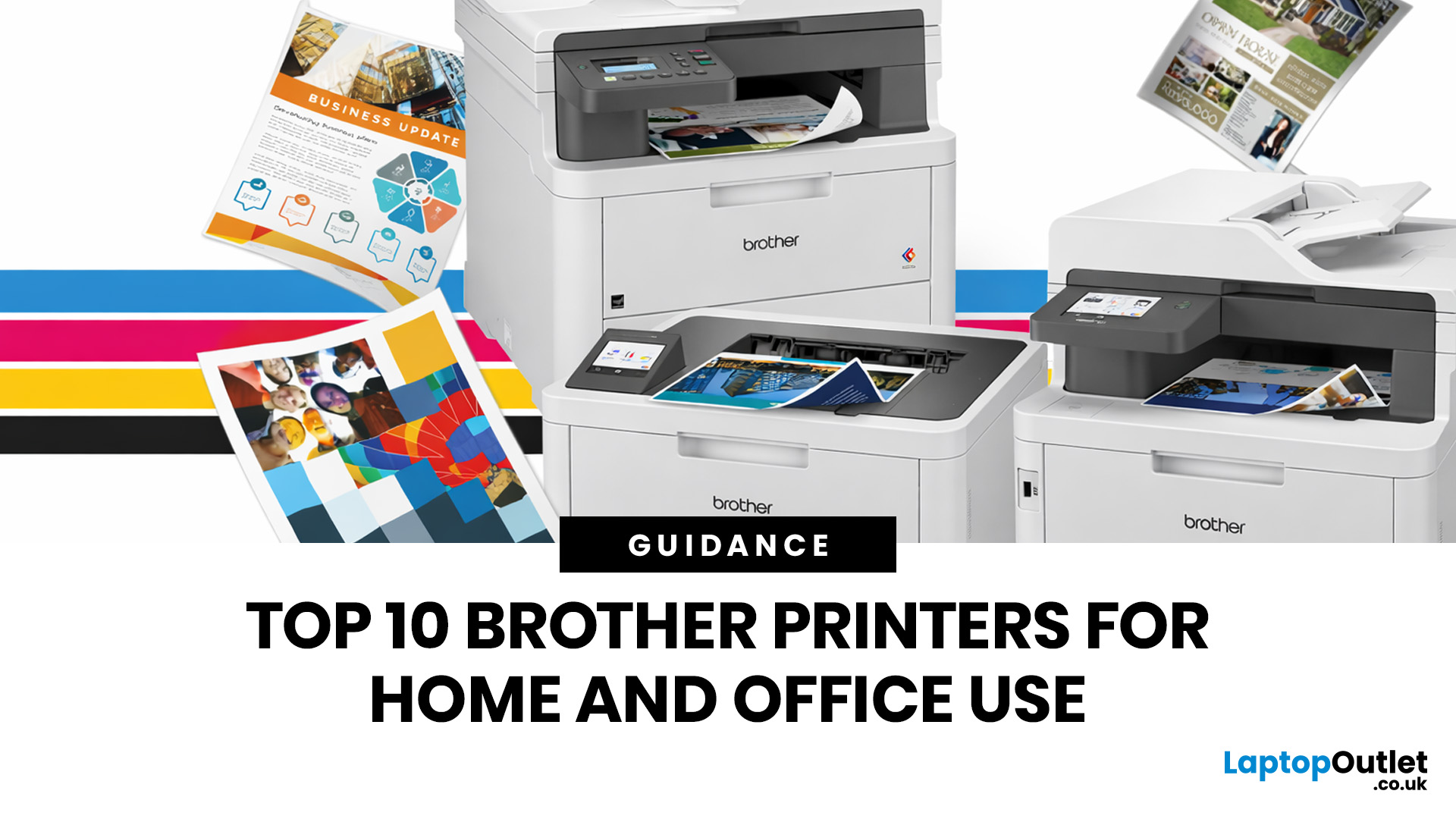
Brother is a prevalent brand in the printing world, and its printers are a popular choice for home and business use. Brother printers offer many models with wireless connectivity, high-speed printing, and cost-effective solutions. Whether looking for an Inkjet, laser or all-in-one printer, Brother has something for you. Engineered to provide sharp and professional quality prints, Brother printers feature a user-friendly interface and features like automatic duplex printing, cloud-based printing options, and mobile device compatibility.
We have tested and reviewed over 100 of the best printers, ranking Brother high among the competition. So, here we are rounding up the best picks for Brother printers you can buy in 2026. These printers have been selected based on their performance, features, and overall user satisfaction. If you're a student, a professional, or a small business owner, you're sure to find the ideal Brother printer to meet your specific printing needs.
So, let's jump right
Last Updated: April 03, 2026
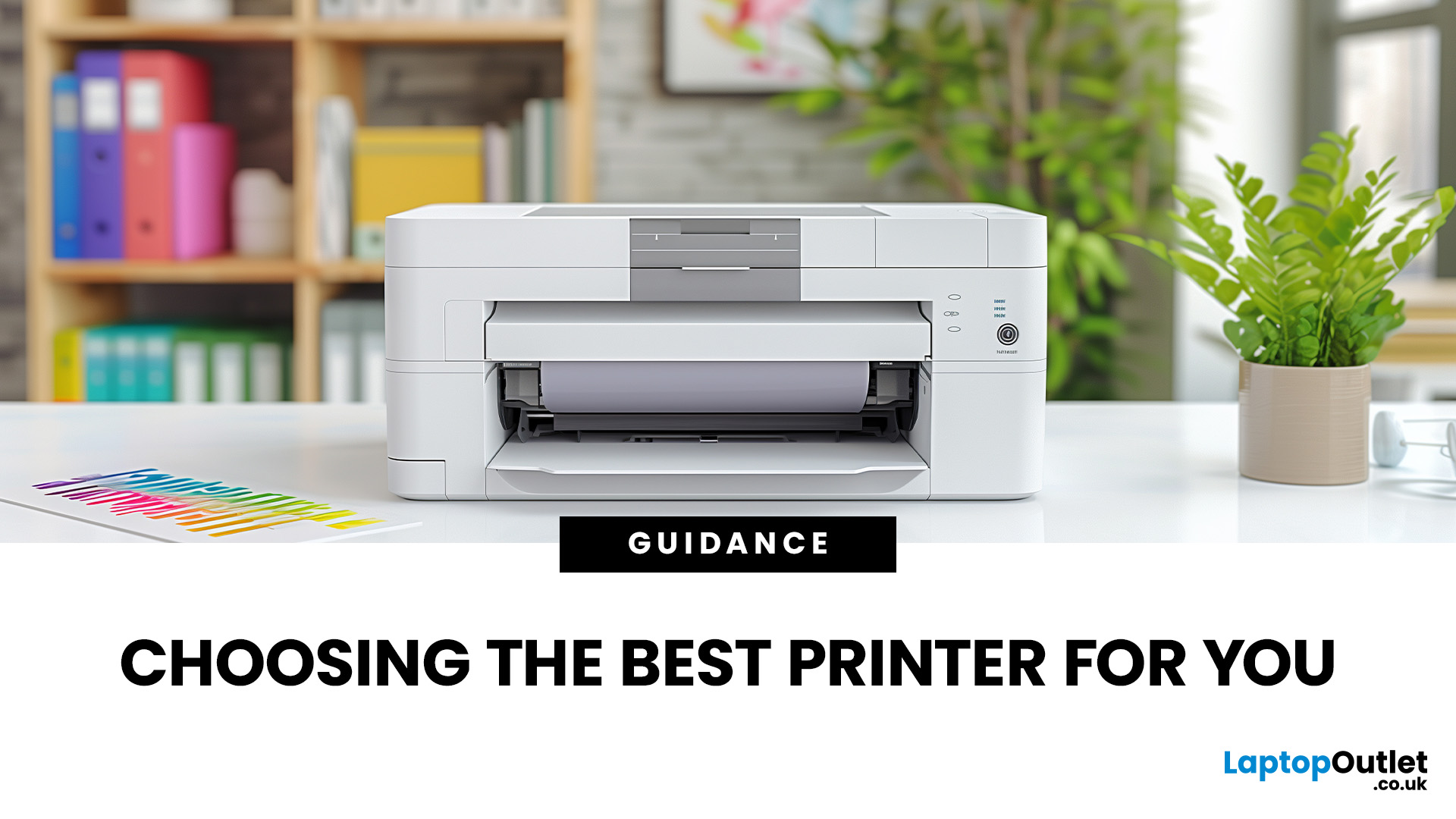
From compact inkjet printers for home use to heavy-duty laser printers for businesses, each model is designed with specific users in mind. While buying a printer may feel challenging, one important thing to remember is that the features you value will greatly impact your long-term satisfaction. Knowing how to choose the right printer for your needs ensures you get value for money, efficiency, and the features that matter most.
Why Choosing the Right Printer Matters
A printer is more than just an accessory, it’s a productivity tool. Picking the wrong one could mean high running costs, slower performance, or features you never use. The right printer, on the other hand, will save time, reduce costs, and fit seamlessly into your lifestyle or workplace.
Things to Consider Before Buying a Printer
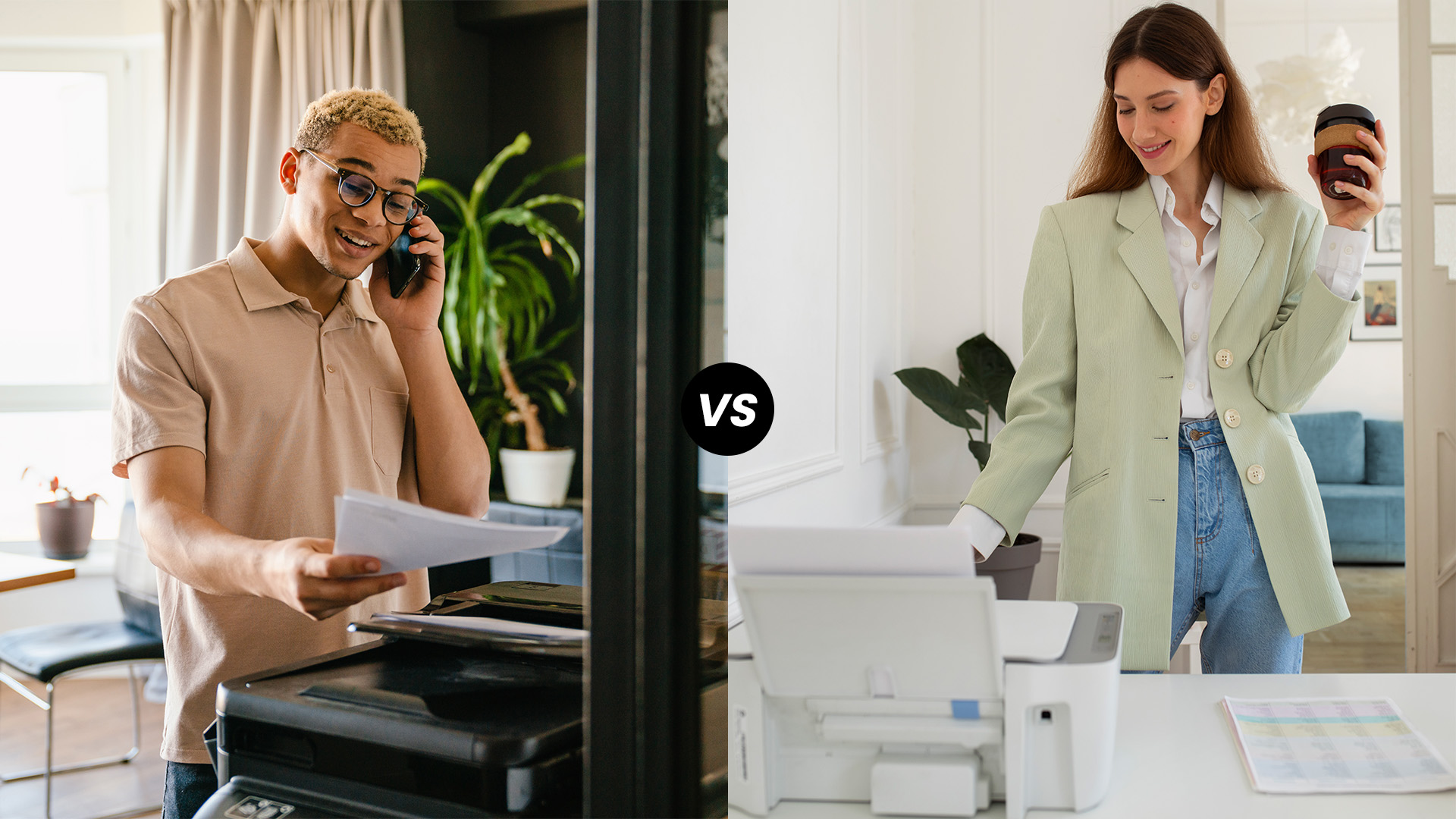
What Will You Be Printing?
Not all printers are created equal, and the type of documents you print most often should guide your choice. If you're only printing everyday documents like work reports,
Last Updated: June 18, 2026
Buying the best home printer can seem overwhelming; the market is flooded with multiple brands offering a host of features. You must determine which printer suits your needs by looking at their specifications, running a comparison among different models, and making the final selection. Remember, we have a wide variety of exceptional printer models, so set aside ample time for this task.
However, if you are short on time, which we assume you are, just read this blog. It provides a curated list of the best computer printers for home use. They are suitable for everyday printing, especially at home, delivering professional-standard results. So, let’s look at them.
Types of Printers: Inkjet vs. Laser
Before you choose the right printer, it helps to know about inkjet and laser printers, the two main printer types. The following comparison will assist you in choosing the right type for your needs:
| Feature | Inkjet Printers | Laser Printers |
| Usage | Colour printing (photos, graphics) | Fast, high-volume |
Last Updated: April 03, 2026
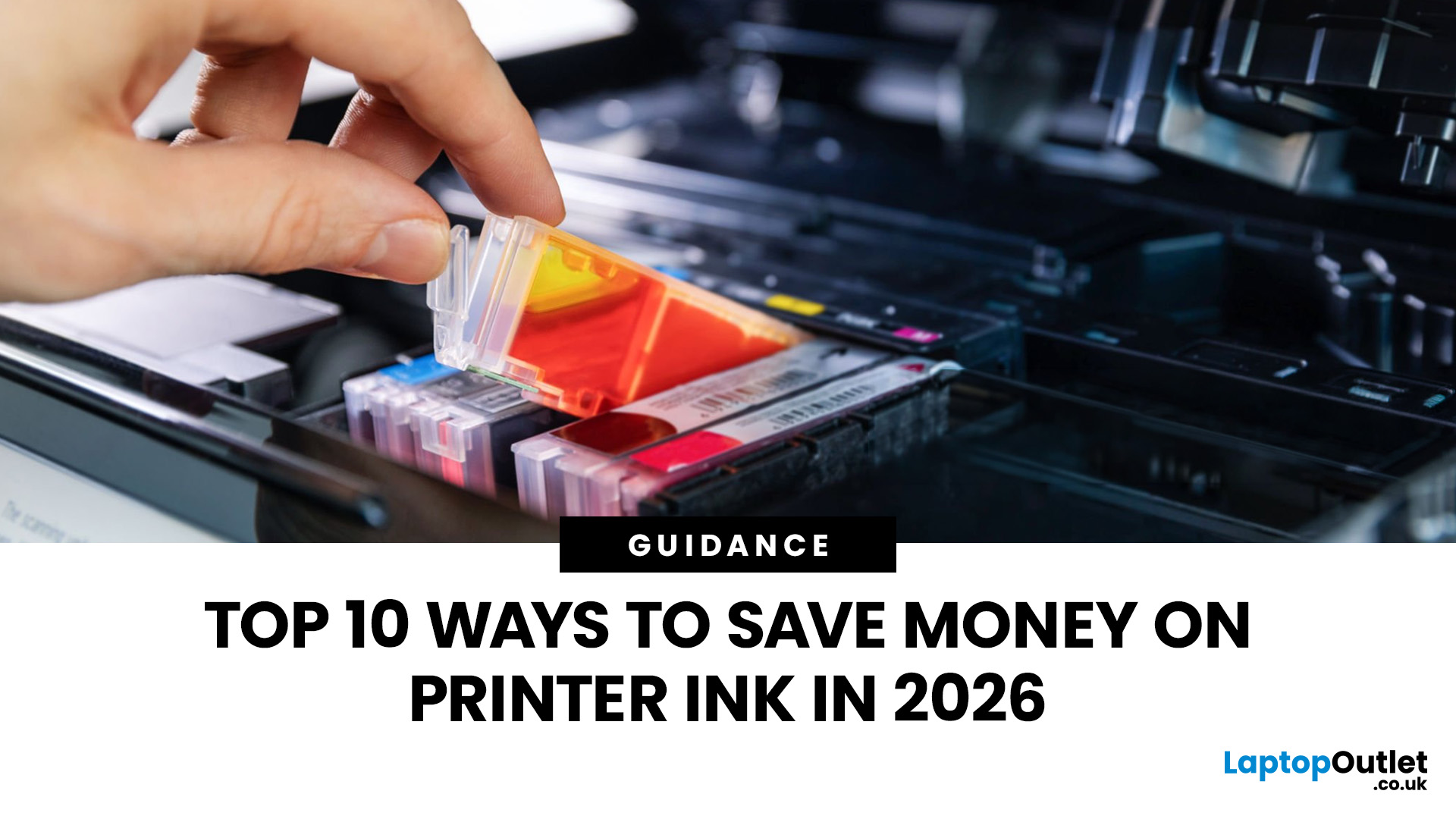
Printer ink is one of those costs that sneaks up on you. The printer itself can feel affordable, but the ongoing cartridge replacements are where the budget starts to hurt. If you print at home, for school, or for a small business, it can genuinely feel like you’re paying premium prices for something you go through far too quickly.
The good news is most people can cut printing costs without changing their whole setup. Small setting changes, smarter habits, and a couple of “do this once and forget it” tweaks can stretch cartridge life and reduce how often you’re buying replacements.
Here are 10 practical ways to reduce ink spend in 2026, without turning your prints into faint, unreadable pages.
1) Use Draft or Economy Mode for Everyday Printing

If you’re printing internal documents, rough drafts, return labels, school worksheets, or anything that doesn’t need to look perfect, switch to draft or economy mode. Many printers reduce ink density in this setting, so you use less ink per page
Last Updated: June 10, 2026
Quick Answer: If your printer is not working, start by checking it is powered on, connected to the correct Wi-Fi network, and set as the default printer. Clear any stuck print jobs from the queue, update or reinstall the printer driver, and restart the Print Spooler service on Windows. On Mac, reset the printing system via System Settings. Most printer problems are solved within minutes with these steps.
A ‘printer not working’ issue is one of the most common tech complaints in UK homes and offices. The good news? Most printer problems are surprisingly easy to fix once you know where to look. This guide covers every major printer fault, with accurate, step-by-step fixes for both Windows 11 and macOS.
What Should I Check First When My Printer Stops Working?
Before diving into software fixes, run through this 60-second physical checklist. You would be surprised how often the simplest things are the actual culprit.
- Power: Is the printer switched on and showing a ready or

Last Updated: October 03, 2025
Wireless Printing Made Easy
No more messy cables or complicated setups—connecting your HP printer to Wi-Fi lets you print from anywhere at home or work. Whether you’ve got a new printer or you’re reconnecting, this guide shows you exactly how to get it done.
What You’ll Need
Before you start, make sure you have:
- An HP wireless printer
- Wi-Fi network name (SSID) and password
- A laptop, PC, or smartphone connected to the same Wi-Fi network
How to Connect HP Printer to Wi-Fi – Step by Step
1. Use HP Auto Wireless Connect (For Compatible Models)
- Plug in and turn on your printer
- On your computer, install the HP Smart app or visit 123.hp.com
- Follow on-screen instructions to connect your printer to Wi-Fi automatically
Pro Tip: This is the easiest option if your printer supports it—no need to enter Wi-Fi credentials manually.
2. Use the Printer’s Control Panel (Manual Setup)
- Press the Wi-Fi or Wireless icon on your printer’s screen
- Go to Settings > Wireless Setup Wizard
Last Updated: April 02, 2026
Why You Need Your Printer’s IP Address
Whether you’re setting up a new device, troubleshooting, or connecting wirelessly—knowing your printer’s IP address is essential. It’s how your laptop or phone finds and communicates with the printer over Wi-Fi. Here’s how to find it in a few simple steps.
How to Find a Printer’s IP Address
1. Check the Printer’s Display Screen (If Available)
- Most modern printers display their network settings.
- Press Menu or Settings on the printer
- Navigate to Network Settings > Wi-Fi Settings
- Look for IP Address
2. Print a Network Configuration Page
- Many printers allow you to print a page showing their network information.
- Go to Settings > Network > Print Network Configuration
- Look for the IPv4 Address or IP Address section on the printout
3. Find Printer IP Address on Windows
- Click Start > Settings > Devices > Printers & Scanners
- Select your printer > Manage > Printer Properties
- Go to the Ports tab and look for the IP address
Alternatively:

Last Updated: April 03, 2026
Mobile Printing Made Simple
Need to print a document, photo, or ticket from your phone? You don’t need to transfer files to a laptop first. Mobile printing lets you print directly from your smartphone or tablet to a wireless printer—fast and hassle-free. Here’s how to do it on both iPhone and Android.
What You’ll Need
Before you start:
- A Wi-Fi-enabled printer
- Your smartphone or tablet
- Both devices connected to the same Wi-Fi network
How to Print from an iPhone (iOS)
1. Use Apple AirPrint
Most modern printers support AirPrint, Apple’s built-in wireless printing feature.
Steps:
- Open the document, photo, or webpage you want to print
- Tap the Share icon (box with arrow)
- Tap Print
- Select your printer from the list
- Choose print settings (number of copies, pages, etc.)
- Tap Print
2. Use the Printer Manufacturer’s App
- If your printer doesn’t support AirPrint:
- Download the manufacturer’s app (e.g., HP Smart, Canon PRINT, Epson iPrint)
- Follow the in-app instructions

Last Updated: April 03, 2026
Printer Offline? Let’s Fix That.
You hit print—and your computer tells you the printer is offline. Frustrating, right? Whether you’re using Windows or macOS, this common error usually has a simple fix. Let’s explore the reasons why your printer might say it’s offline and how to get it back online.
1. What Does “Printer Offline” Mean?
It means your computer can’t communicate with the printer. This could be due to:
- Connection issues (Wi-Fi, USB, or cable)
- Printer being powered off or asleep
- Incorrect default printer settings
- Outdated or corrupted drivers
It doesn’t always mean your printer is broken—just that the computer can’t detect it.
2. Check the Printer Connection
- Ensure the printer is powered on
- Check Wi-Fi or Ethernet connections
- If using USB, confirm the cable is securely plugged in
- Try restarting the printer and your computer
3. Set the Printer as Default (Windows)
Sometimes your computer sends the job to a different printer.
Steps:
- Go to Settings
Last Updated: April 03, 2026
Printing Without Ink?
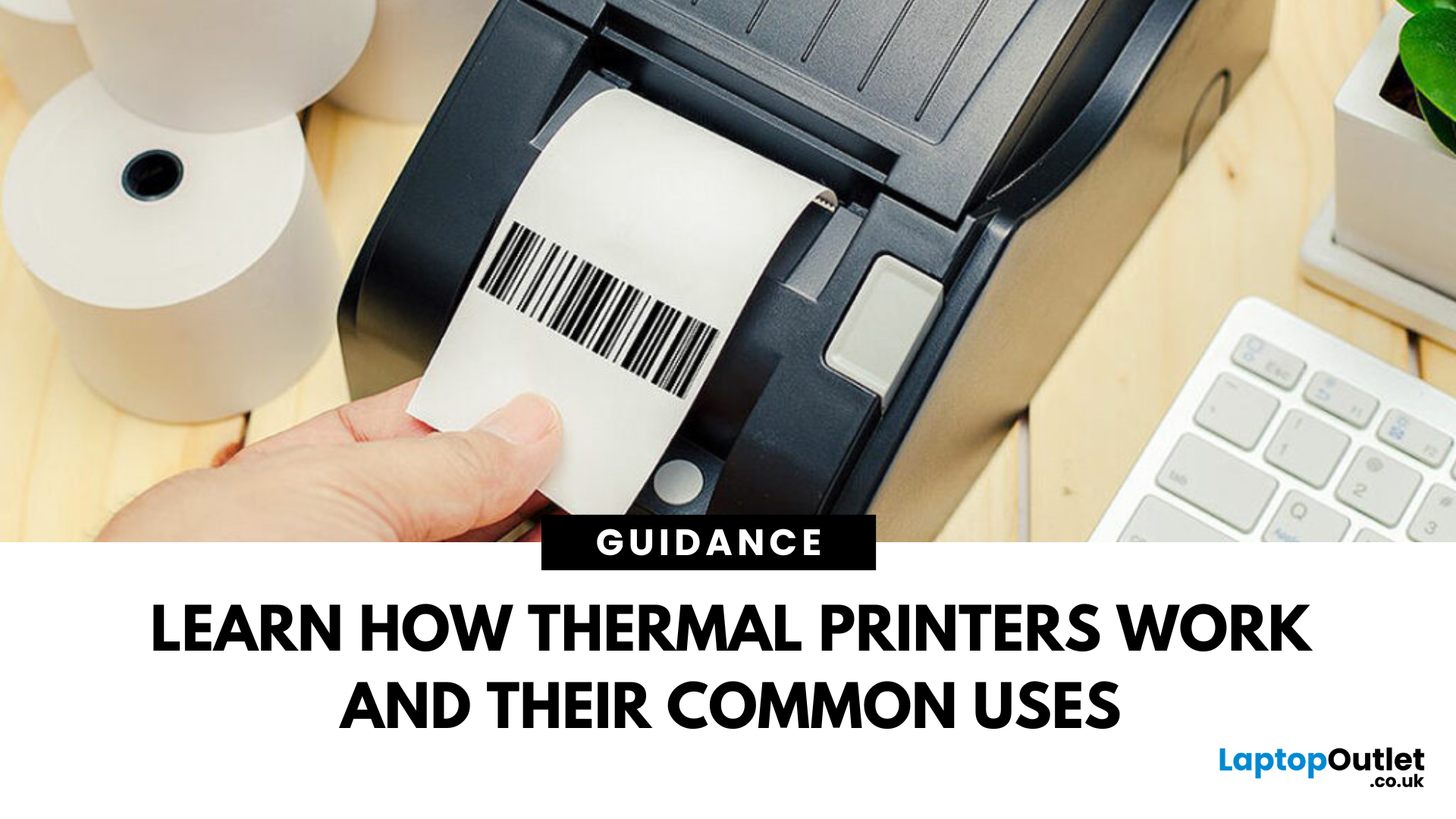
If you’ve ever received a receipt, shipping label, or wristband ticket, you’ve probably used a thermal printer—even if you didn’t know it. But what is a thermal printer, and how is it different from regular printers? Here’s a simple breakdown.
What Is a Thermal Printer?
A thermal printer creates images by applying heat directly to special heat-sensitive paper. Unlike inkjet or laser printers, it doesn’t use ink, toner, or ribbons (in most cases).
It’s fast, quiet, and ideal for high-volume printing environments like retail or logistics.
How Do Thermal Printers Work?
Direct Thermal (DT):
- Heat is applied to chemically treated paper
- The heat darkens the paper where applied
- No ink or ribbon required
Thermal Transfer (TT):
- Heat transfers ink from a ribbon onto the paper or label
- More durable than direct thermal printing
What Are Thermal Printers Used For?
- Retail: Receipts, price tags
- Logistics: Shipping labels, barcodes
- Healthcare: Wristbands,

