



Everything You Need To Know About Brother Printers
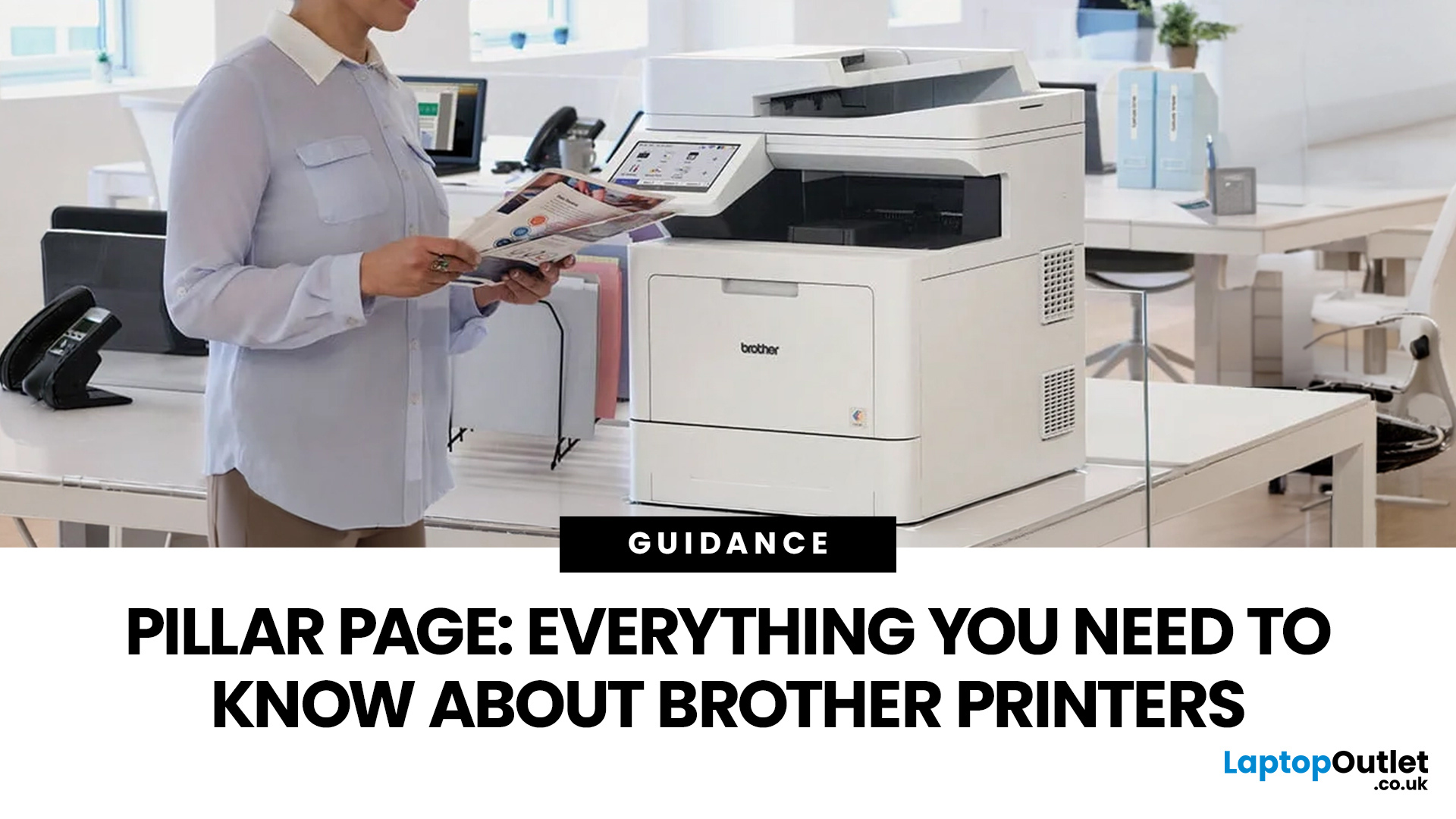
In the late 1980s, owning a printer wasn’t simple, unlike today - it was expensive, rare, and felt like a luxury. Printing was something most people could only dream of having at home.
Then Brother stepped onto the scene, redefining what a printer could be. They didn’t just enter the market, they changed it. By combining reliability, efficiency, and affordability, their printers quickly became a staple in offices and homes, setting a new standard for what printing could be.
Brother printers are widely used across the UK because they offer a practical mix of reliability, performance, and ease of use. However, with so many options available, inkjet, laser, all-in-one, wireless, the real challenge is understanding which one actually suits your needs.
This guide shows how their reliable, affordable, and easy-to-use printers fit real-life needs and helps you pick the right one without the tech overload.
What Makes Brother Printers So Popular?
Brother has built its reputation by focusing on function over flash. While some brands lean heavily into design or niche features, Brother focuses on delivering printers that work consistently for everyday tasks.
For UK users, that reliability is often the deciding factor. A printer is not something people want to troubleshoot regularly. It is something they expect to work when needed, whether that is printing last-minute coursework, scanning documents for work, or handling admin tasks at home.
Brother printers are particularly popular because they suit a wide range of users. They are not limited to one type of buyer. Instead, they scale well across different needs.
Some of the key reasons people choose Brother printers include:
- A broad range of models for home, office, and mixed use
- Strong focus on all-in-one functionality
- Reliable performance for document printing
- Easy wireless and mobile printing options
- Accessible support for setup, drivers, and troubleshooting
Another important factor is flexibility. A student, a remote worker, and a small business owner can all find suitable options within the same brand. That makes Brother an easy starting point for buyers who are not sure exactly what they need yet.
How Brother Printers Work
Understanding how Brother printers work makes it much easier to choose the right one. The main distinction comes down to two technologies: inkjet and laser.
Inkjet printers use liquid ink to produce prints. They are designed for flexibility and are particularly useful when you need colour output. This makes them a strong choice for:
- Coursework and study materials
- Colour documents and diagrams
- Occasional photo printing
- General home use
Laser printers, on the other hand, use toner and a laser imaging process. They are built for efficiency and are better suited to:
- High-volume printing
- Black-and-white documents
- Office or professional use
- Fast, consistent output
This difference is important because many buyers choose based on price rather than usage. A cheaper printer may seem appealing, but if it does not match how you print, it can quickly become frustrating.
There is also a second key distinction: single-function vs all-in-one printers.
An all-in-one printer combines several functions in one device:
- Printing
- Scanning
- Copying
- Sometimes faxing
For most UK users, an all-in-one is the more practical option. Even if you do not need scanning or copying immediately, those features often become useful over time.
Wireless printing is another major part of how modern Brother printers work. Many models allow you to print from multiple devices without needing a physical connection. This is particularly useful in:
- Shared homes
- Student accommodation
- Hybrid work setups
Types of Brother Printers
Brother printers can be grouped into four main categories. Understanding these categories will help you narrow your options quickly.
Inkjet printers
Inkjet printers are designed for flexibility. They work well for users who need colour printing and do not print heavily every day.
They are best suited for:
- students
- home users
- mixed printing needs
They are particularly useful when you need a balance between text and colour output.
Laser printers
Laser printing solutions are built for performance and efficiency. They are ideal for users who print frequently, especially documents.
They are best suited for:
- professionals
- home offices
- small businesses
If your printer is part of your daily routine, a laser model is often the better choice.
All-in-one printers
All-in-one printers are the most versatile option. They combine multiple functions in one device, making them suitable for a wide range of tasks.
They are best suited for:
- home offices
- students
- families
- small businesses
They are often the safest long-term investment because they adapt to changing needs.
Wireless printers
Wireless printers focus on convenience. They allow printing from multiple devices without needing cables.
They are best suited for:
- shared households
- flexible work environments
- multi-device users
For most modern users, wireless functionality is no longer optional, it is expected.
Key Brother Printer Features to Look For
Once you understand the type of printer you need, the next step is to look at features that actually impact usability.
Print speed
Print speed becomes important when printing is part of your routine. If you regularly print documents, a faster printer will save time and reduce frustration. If you only print occasionally, this is less critical.
Duplex printing
Duplex printing allows automatic double-sided printing. This feature is particularly useful for:
- coursework
- reports
- office documents
It reduces paper usage and makes documents look more professional.
Automatic document feeder (ADF)
An ADF allows you to scan or copy multiple pages automatically. This is useful if you deal with:
- forms
- contracts
- multi-page documents
Without it, you would need to scan each page manually.
Paper capacity
Paper capacity determines how often you need to reload paper. A larger tray is useful if you print frequently, while a smaller one is fine for occasional use.
Connectivity
Connectivity is one of the most important modern features. Look for:
- Wi-Fi support
- mobile printing compatibility
- multiple connection options
For most users, wireless printing is essential.
How to Choose the Right Brother Printer
Choosing the right printer becomes much easier when you focus on how you will use it.
Start by asking yourself a few simple questions.
- Do you print often or occasionally?
- Do you need colour printing?
- Do you need scanning or copying?
- Will multiple people use the printer?
Your answers will guide your decision.
If you print occasionally, a simple inkjet or compact all-in-one is usually enough. Focus on ease of use and affordability.
If you print regularly, especially documents, a laser printer is often a better investment. It will be faster and more efficient over time. If you need flexibility, an all-in-one printer is the safest option. It covers multiple tasks without needing extra devices.
If your printer will be shared, prioritise wireless connectivity. This makes it easier for multiple users to access the device.
A quick decision guide:
- Light use → inkjet
- Regular document printing → laser
- Mixed use → all-in-one
- Multiple users → wireless
Brother Printer Cost: What to Expect
The cost of a printer is not just the purchase price. It includes how much it costs to run and maintain over time.
There are four main cost factors:
- upfront price
- ink or toner costs
- printing frequency
- efficiency features
A cheaper printer may seem like a good deal, but if it is slow or expensive to run, it can cost more in the long term.
On the other hand, a slightly more expensive printer may offer better value if it matches your usage.
Cost considerations by user type
|
User type |
Priority |
|
Student |
affordability and flexibility |
|
Home user |
balance of cost and features |
|
Professional |
efficiency and reliability |
|
Business |
long-term performance |
Brother Printer Setup Basics
Setting up a Brother printer is generally straightforward and does not require advanced technical knowledge.
The basic process includes:
- Unboxing and positioning the printer
- Installing ink or toner
- Loading paper
- Connecting to Wi-Fi or USB
- Installing drivers or apps
- Printing a test page
Wireless setup is recommended for most users, as it allows easier access across multiple devices.
Common Brother Printer Problems and How to Solve Them
Even reliable printers can encounter occasional issues. Most of these are simple to fix.
Printer offline
This is often caused by connection issues or incorrect settings.
Solution:
- check network connection
- restart the printer
- reselect it as default
Wi-Fi connection issues
These usually occur after network changes.
Solution:
- reconnect to Wi-Fi
- restart router
- reinstall drivers if needed
Paper jams
Often caused by incorrect loading or paper quality.
Solution:
- remove jammed paper carefully
- check alignment
- use correct paper type
Slow printing
Can be affected by settings or connection.
Solution:
- check print settings
- update drivers
- ensure stable connection
Driver problems
Solution:
- download latest drivers
- update software
Brother Inkjet vs Laser: Which Is Better?
There is no single “better” option. The right choice depends on your needs.
|
Need |
Best option |
|
Colour printing |
Inkjet |
|
High-volume documents |
Laser |
|
Mixed tasks |
All-in-one |
|
Multiple devices |
Wireless |
The key is to match the printer to your routine.
Are Brother Printers a Good Choice in 2026?
Brother printers remain a strong option because they focus on reliability and practicality. They are not designed to impress with unnecessary features but to deliver consistent performance.
They are especially suitable for:
- students
- home users
- remote workers
- small businesses
If you want a printer that works without constant issues, Brother is a dependable choice.

Final Thoughts
The best Brother printer is not the most expensive one. It is the one that fits your needs.
Start by understanding how you print. Then choose the type of printer that matches that routine. From there, focus on features that improve usability, such as wireless connectivity, duplex printing, and scanning capabilities.

What People Often Ask About Brother Printers
How long do Brother printers typically last?
Brother printers are generally known for their durability, especially laser models. With regular maintenance and proper use, many Brother printers can last several years. Laser printers tend to have a longer lifespan than inkjet models, particularly in environments with frequent printing.
Are Brother printers compatible with Mac and Windows devices?
Yes, Brother printers are compatible with both Windows and macOS systems. Most models also support mobile operating systems like iOS and Android, allowing users to print from smartphones and tablets using wireless or app-based printing.
Can you use third-party ink or toner with Brother printers?
While third-party ink or toner cartridges may work with Brother printers, they are not always recommended. Using non-genuine consumables can sometimes affect print quality and may lead to compatibility or performance issues over time.
Do Brother printers require regular maintenance?
Brother printers require minimal maintenance, but basic care helps keep them running smoothly. This includes keeping the printer clean, using the correct paper type, updating drivers, and replacing ink or toner when needed.
Are Brother printers energy efficient?
Many Brother printers are designed with energy efficiency in mind. Features such as sleep mode and automatic power-saving settings help reduce energy consumption, making them suitable for both home and office environments.
| Read More: |
| Top 10 Brother Printers for Home and Office Use in 2026 |
| Brother Printer Troubleshooting Guide: Fix Common Issues |
| How to Install and Set Up a Brother Printer Easily |
Related Articles

Last Updated: July 03, 2026
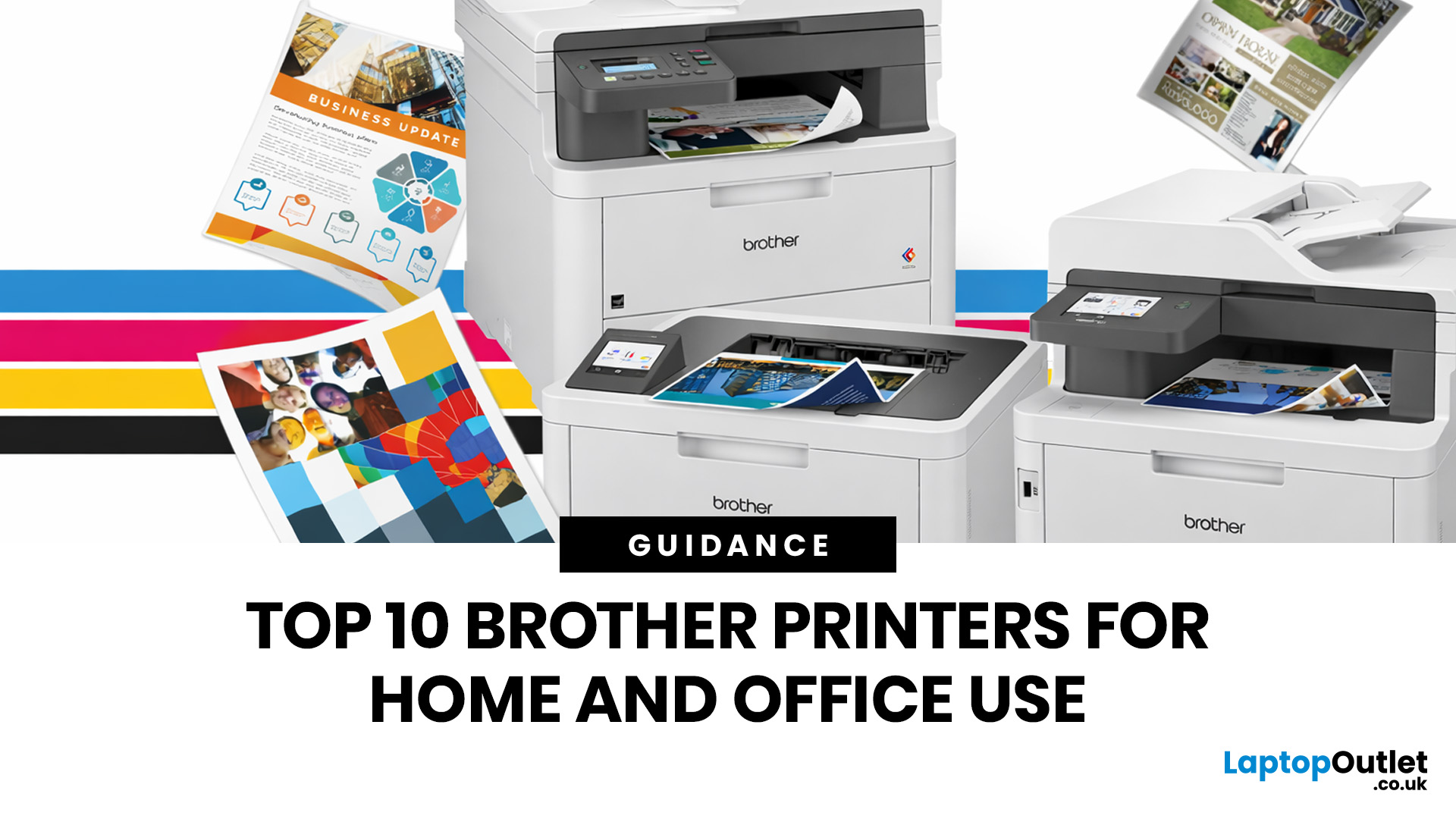
Brother is a prevalent brand in the printing world, and its printers are a popular choice for home and business use. Brother printers offer many models with wireless connectivity, high-speed printing, and cost-effective solutions. Whether looking for an Inkjet, laser or all-in-one printer, Brother has something for you. Engineered to provide sharp and professional quality prints, Brother printers feature a user-friendly interface and features like automatic duplex printing, cloud-based printing options, and mobile device compatibility.
We have tested and reviewed over 100 of the best printers, ranking Brother high among the competition. So, here we are rounding up the best picks for Brother printers you can buy in 2026. These printers have been selected based on their performance, features, and overall user satisfaction. If you're a student, a professional, or a small business owner, you're sure to find the ideal Brother printer to meet your specific printing needs.
So, let's jump right
Last Updated: June 18, 2026
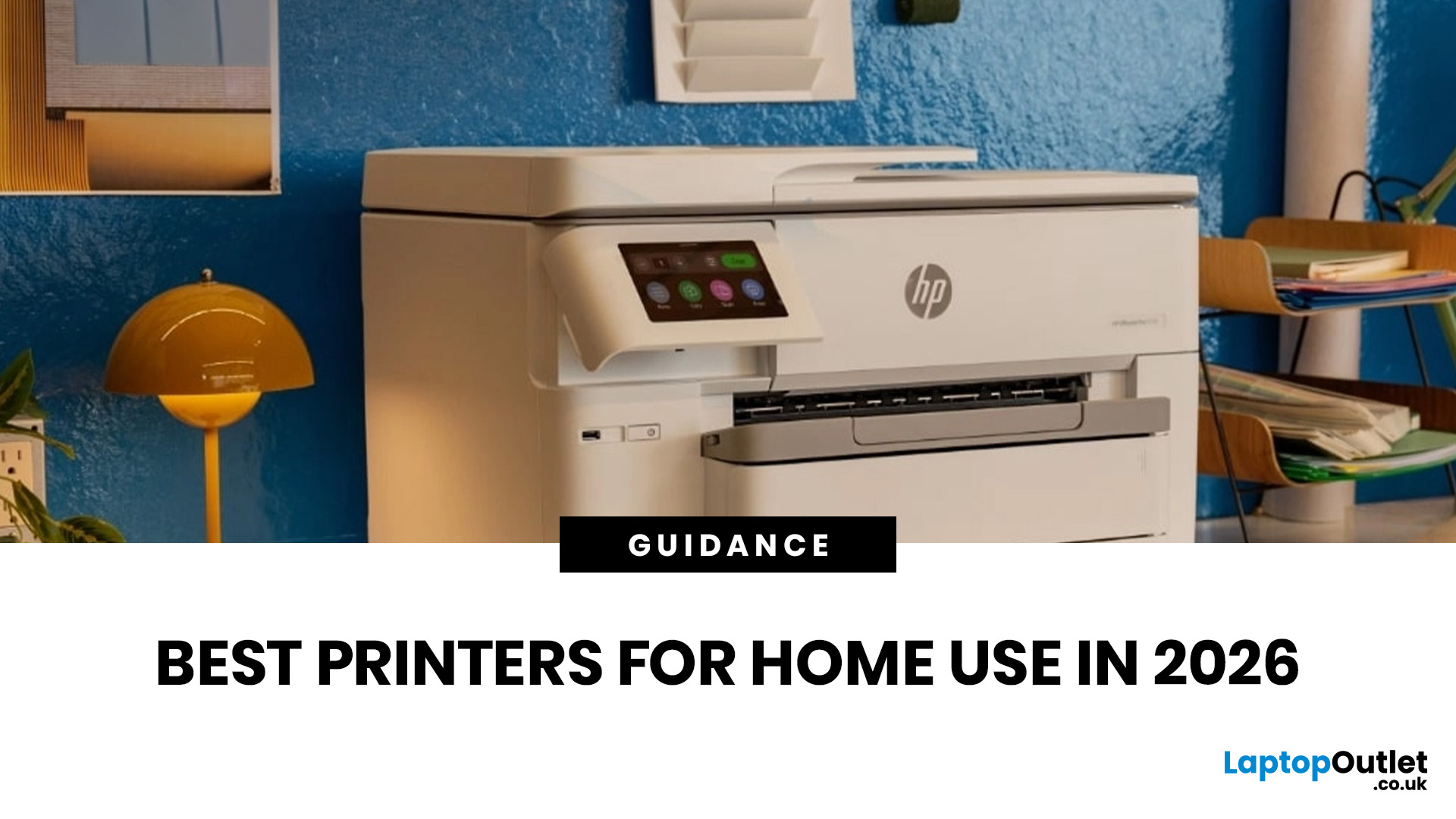
Buying the best home printer can seem overwhelming; the market is flooded with multiple brands offering a host of features. You must determine which printer suits your needs by looking at their specifications, running a comparison among different models, and making the final selection. Remember, we have a wide variety of exceptional printer models, so set aside ample time for this task.
However, if you are short on time, which we assume you are, just read this blog. It provides a curated list of the best computer printers for home use. They are suitable for everyday printing, especially at home, delivering professional-standard results. So, let’s look at them.
Types of Printers: Inkjet vs. Laser
Before you choose the right printer, it helps to know about inkjet and laser printers, the two main printer types. The following comparison will assist you in choosing the right type for your needs:
| Feature | Inkjet Printers | Laser Printers |
| Usage | Colour printing (photos, graphics) | Fast, high-volume |
Last Updated: October 13, 2026
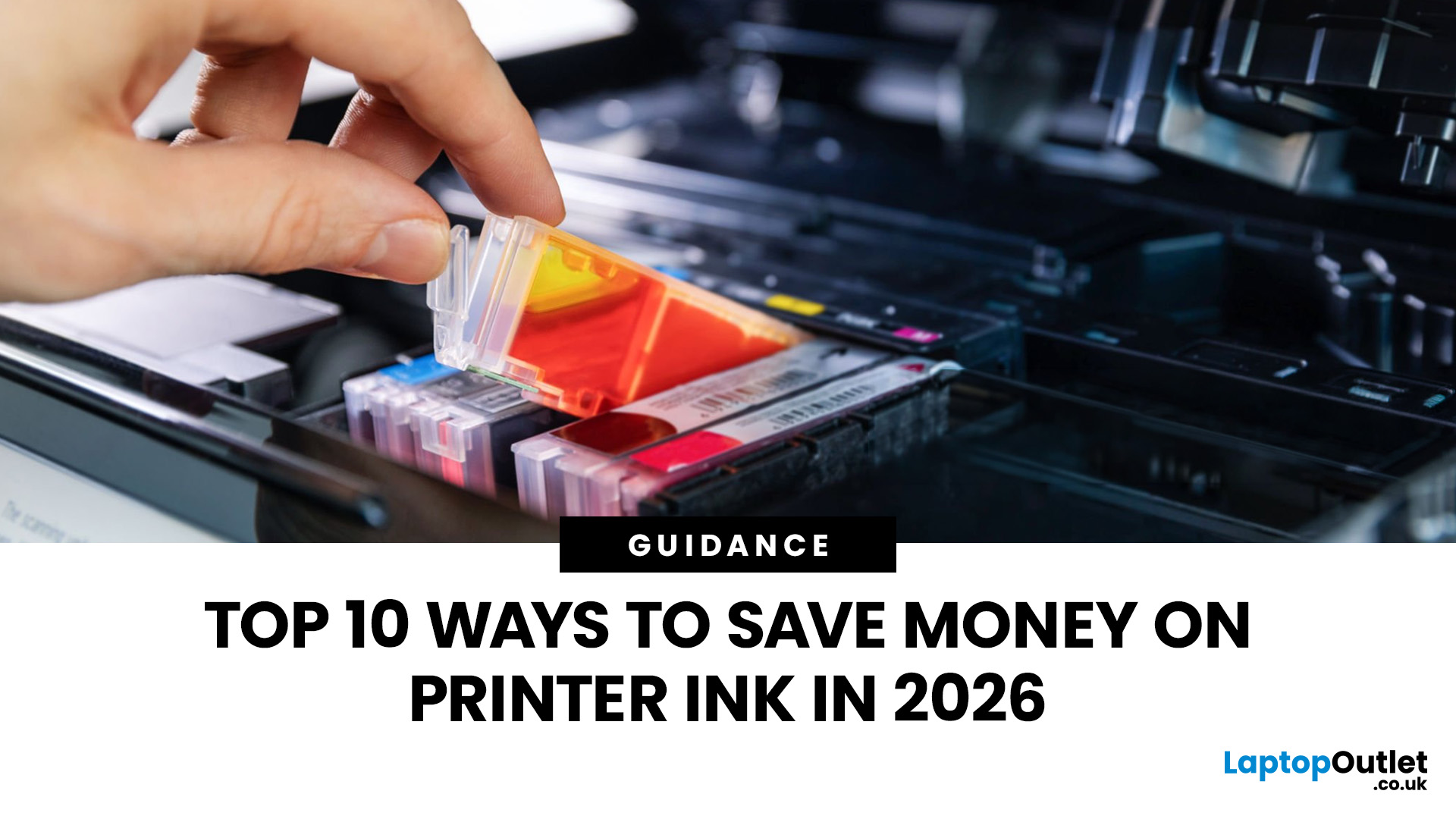
Printer ink is one of those costs that sneaks up on you. The printer itself can feel affordable, but the ongoing cartridge replacements are where the budget starts to hurt. If you print at home, for school, or for a small business, it can genuinely feel like you’re paying premium prices for something you go through far too quickly.
The good news is most people can cut printing costs without changing their whole setup. Small setting changes, smarter habits, and a couple of “do this once and forget it” tweaks can stretch cartridge life and reduce how often you’re buying replacements.
Here are 10 practical ways to reduce ink spend in 2026, without turning your prints into faint, unreadable pages.
1) Use Draft or Economy Mode for Everyday Printing
If you’re printing internal documents, rough drafts, return labels, school worksheets, or anything that doesn’t need to look perfect, switch to draft or economy mode. Many printers reduce ink density in this setting, so you use less ink per page while
Last Updated: April 02, 2026
Why You Need Your Printer’s IP Address
Whether you’re setting up a new device, troubleshooting, or connecting wirelessly—knowing your printer’s IP address is essential. It’s how your laptop or phone finds and communicates with the printer over Wi-Fi. Here’s how to find it in a few simple steps.
How to Find a Printer’s IP Address
1. Check the Printer’s Display Screen (If Available)
- Most modern printers display their network settings.
- Press Menu or Settings on the printer
- Navigate to Network Settings > Wi-Fi Settings
- Look for IP Address
2. Print a Network Configuration Page
- Many printers allow you to print a page showing their network information.
- Go to Settings > Network > Print Network Configuration
- Look for the IPv4 Address or IP Address section on the printout
3. Find Printer IP Address on Windows
- Click Start > Settings > Devices > Printers & Scanners
- Select your printer > Manage > Printer Properties
- Go to the Ports tab and look for the IP address
Alternatively:

Last Updated: April 03, 2026
Mobile Printing Made Simple
Need to print a document, photo, or ticket from your phone? You don’t need to transfer files to a laptop first. Mobile printing lets you print directly from your smartphone or tablet to a wireless printer—fast and hassle-free. Here’s how to do it on both iPhone and Android.
What You’ll Need
Before you start:
- A Wi-Fi-enabled printer
- Your smartphone or tablet
- Both devices connected to the same Wi-Fi network
How to Print from an iPhone (iOS)
1. Use Apple AirPrint
Most modern printers support AirPrint, Apple’s built-in wireless printing feature.
Steps:
- Open the document, photo, or webpage you want to print
- Tap the Share icon (box with arrow)
- Tap Print
- Select your printer from the list
- Choose print settings (number of copies, pages, etc.)
- Tap Print
2. Use the Printer Manufacturer’s App
- If your printer doesn’t support AirPrint:
- Download the manufacturer’s app (e.g., HP Smart, Canon PRINT, Epson iPrint)
- Follow the in-app instructions

Last Updated: April 03, 2026
Printer Offline? Let’s Fix That.
You hit print—and your computer tells you the printer is offline. Frustrating, right? Whether you’re using Windows or macOS, this common error usually has a simple fix. Let’s explore the reasons why your printer might say it’s offline and how to get it back online.
1. What Does “Printer Offline” Mean?
It means your computer can’t communicate with the printer. This could be due to:
- Connection issues (Wi-Fi, USB, or cable)
- Printer being powered off or asleep
- Incorrect default printer settings
- Outdated or corrupted drivers
It doesn’t always mean your printer is broken—just that the computer can’t detect it.
2. Check the Printer Connection
- Ensure the printer is powered on
- Check Wi-Fi or Ethernet connections
- If using USB, confirm the cable is securely plugged in
- Try restarting the printer and your computer
3. Set the Printer as Default (Windows)
Sometimes your computer sends the job to a different printer.
Steps:
- Go to Settings
Last Updated: April 03, 2026
Printing Without Ink?
If you’ve ever received a receipt, shipping label, or wristband ticket, you’ve probably used a thermal printer—even if you didn’t know it. But what is a thermal printer, and how is it different from regular printers? Here’s a simple breakdown.
What Is a Thermal Printer?
A thermal printer creates images by applying heat directly to special heat-sensitive paper. Unlike inkjet or laser printers, it doesn’t use ink, toner, or ribbons (in most cases).
It’s fast, quiet, and ideal for high-volume printing environments like retail or logistics.
How Do Thermal Printers Work?
Direct Thermal (DT):
- Heat is applied to chemically treated paper
- The heat darkens the paper where applied
- No ink or ribbon required
Thermal Transfer (TT):
- Heat transfers ink from a ribbon onto the paper or label
- More durable than direct thermal printing
What Are Thermal Printers Used For?
- Retail: Receipts, price tags
- Logistics: Shipping labels, barcodes
- Healthcare: Wristbands,
Last Updated: June 15, 2026
Want to preserve precious memories or showcase creative work? Nothing quite matches the beauty of a beautifully printed photograph. Whether you’re an aspiring photographer, a creative hobbyist, or simply someone who values high-quality photo prints, choosing the right printers for photos can make all the difference.
But with so many options on the market, the big question remains: What is the best photo printer?
In this guide, we’ll explore some of the finest photo printers available today, comparing their features, print quality, and usability. Each photop/picture printer in our list caters to different needs, from everyday photo enthusiasts to professional creators seeking gallery-worthy prints.
Canon PIXMA G650: Best for High-Volume Printing
Who is it for?
For creative users who need bulk photo printing without sacrificing quality, the Canon PIXMA G650 is a smart and sustainable choice.
Top Features:
-
Refillable ink tanks drastically lower per-photo cost.
-
Massive yield of up to
Last Updated: September 09, 2025
Printers might not get the same hype as laptops or smartphones, but for students, professionals, small businesses, and even home offices; they're essential. Whether it’s printing out coursework, client contracts, shipping labels, or your child’s homework, a reliable printer is still a core part of modern-day convenience.
But buying a brand-new printer can quickly become expensive, especially if you want high-speed printing, scanning, copying, or colour capabilities. That’s where buying a refurbished printer becomes a smart alternative. A refurbished printer can save you a considerable amount of money without compromising performance or quality if you know what to look for.
In this guide, we’ll walk you through everything you should consider before buying a refurbished printer, from print quality and page yield to connectivity and warranty.
What to Look for When Buying a Refurbished Printer – A Complete Breakdown
Buying a refurbished printer can deliver excellent value, but you need to look
Last Updated: April 03, 2026
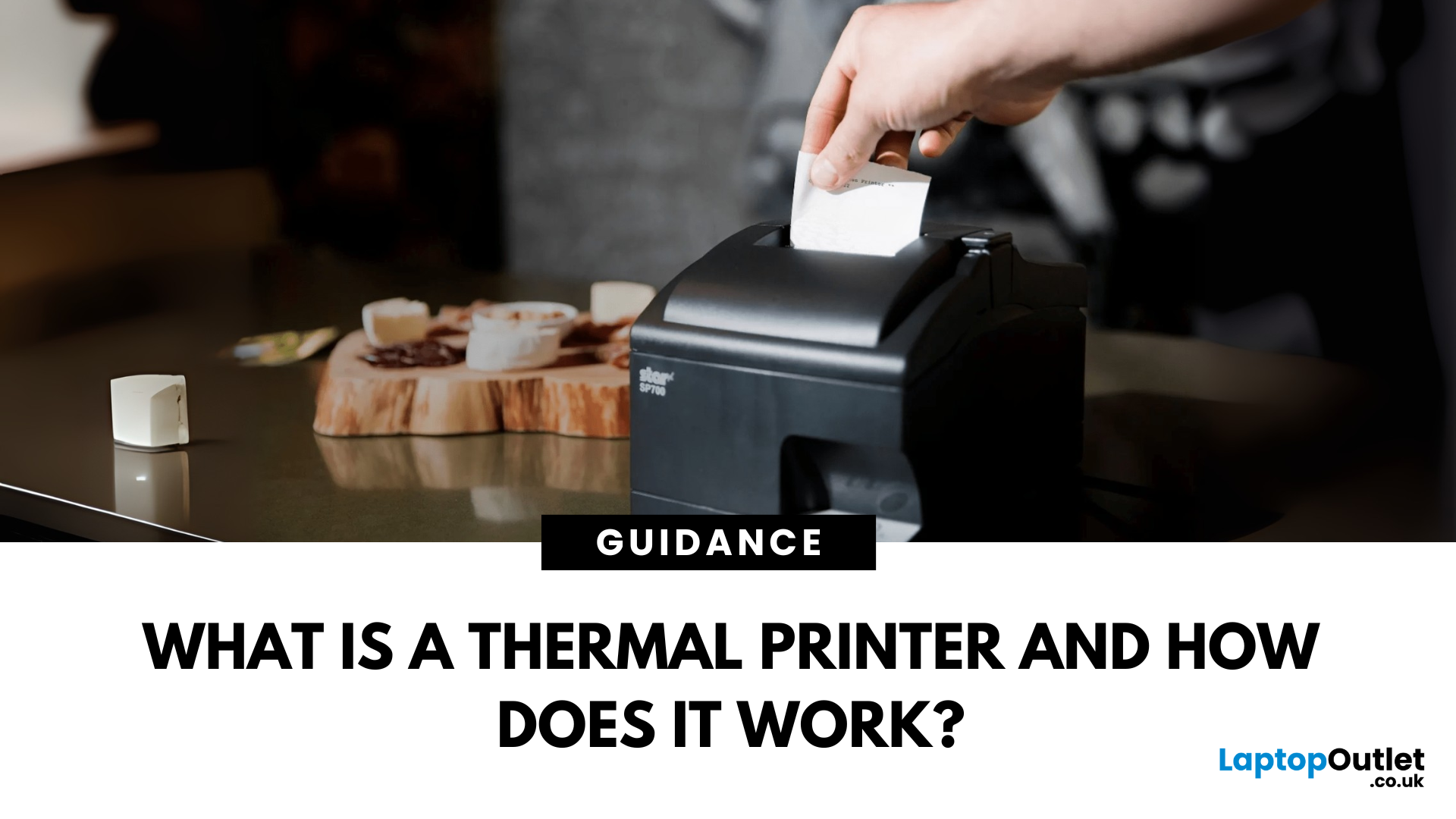
Thermal printers are essential tools across retail, healthcare, manufacturing, and logistics sectors. They are fast, efficient, and remarkably low maintenance. If you've ever wondered how a small device without ink or toner can produce crisp, high-speed prints especially for labels and receipts - this in-depth guide will give you the full picture. Whether you're using a mini thermal printer at a pop-up stall or a thermal printer for shipping labels in a warehouse, the core principles remain the same.
From the science behind thermal printing to choosing between direct thermal and thermal transfer models, this blog explores how thermal printers work, what they're best used for, their benefits and drawbacks, and how to maintain them. Let's dig deep.
What Is a Thermal Printer?
A thermal printer is a specialised type of printer that produces images or text using heat. Unlike inkjet or laser printers that rely on ink cartridges or toner, thermal printers generate output by applying heat to a

