



Laptop Screen Repair: How Much it Costs and When to Replace?
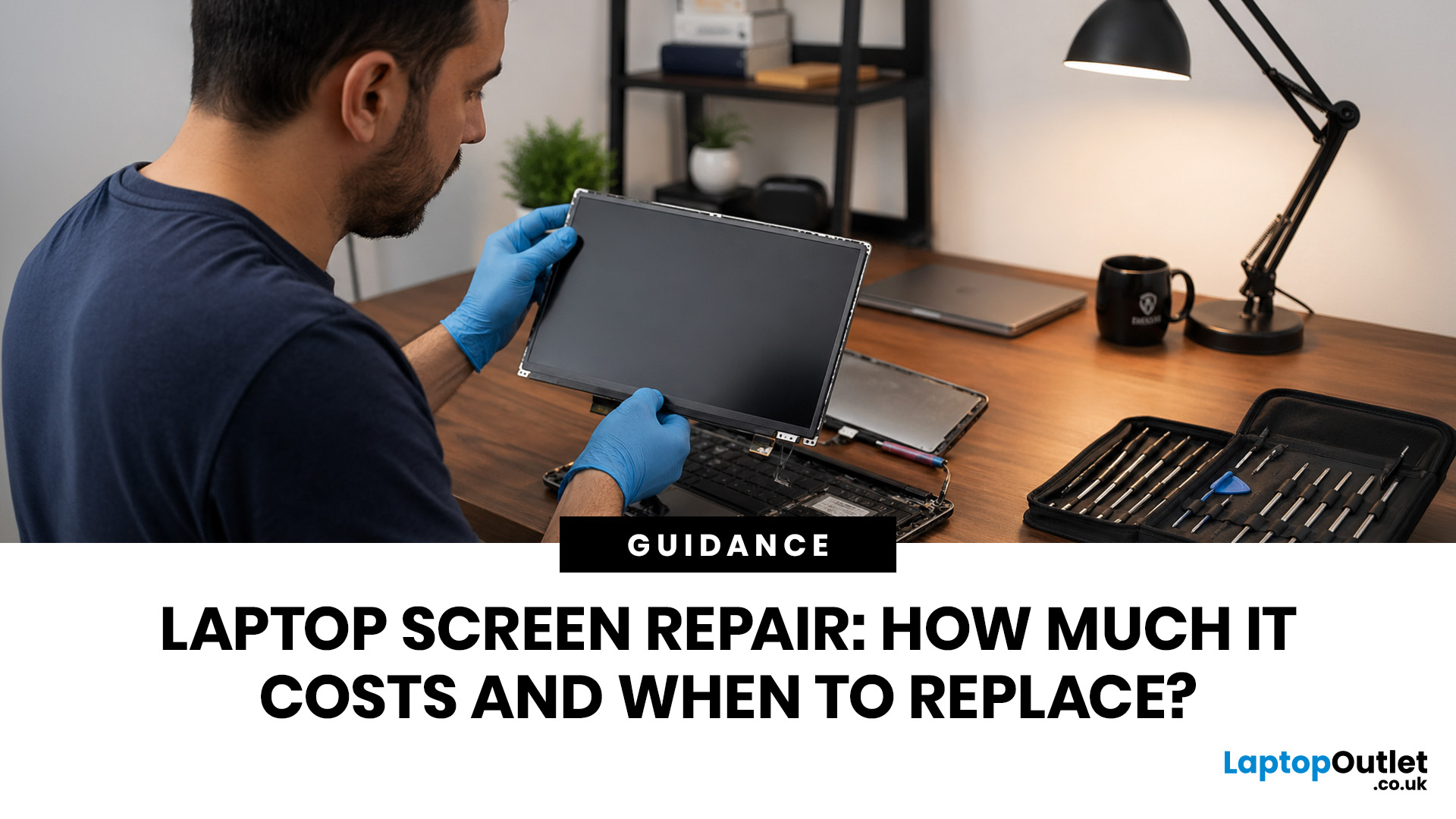
Laptop screen repair cost in the UK usually ranges from £50 to £300 for a standard 15.6-inch screen, depending on the laptop model, screen type, damage level, and labour cost. Basic LCD replacements are usually cheaper, while touchscreen, OLED, gaming laptop, and MacBook screen repairs can cost more. If your laptop is still fast and the repair costs less than half its value, fixing the screen is usually worth it. If the laptop is old, slow, or the repair is close to the price of a replacement, upgrading may be the smarter choice.
So, your laptop screen has cracked, flickered, gone black, or started showing strange lines - and now you are probably wondering one thing:
How much does laptop screen repair cost in the UK, and is it even worth fixing?
The answer depends on your laptop model, screen type, and damage level. A standard laptop screen repair or replacement in the UK usually costs around £50 to £300, while touchscreens, OLED displays, gaming laptops, and MacBooks can cost more.
This guide breaks down the real laptop screen repair cost in UK, what affects the price, when a broken laptop screen can be fixed, and when replacing the whole laptop makes more sense.
First, can a Broken Laptop Screen be Fixed?
Yes, a broken laptop screen can usually be fixed, but here is the thing: most cracked laptop screens are not “repaired” in the way people imagine.
If the panel is cracked, bleeding ink-like marks, showing dead zones, or has internal LCD damage, the screen is normally replaced, not patched. Checkatrade also notes that if a screen is broken or cracked, it will almost always need replacing rather than simple repair.
That does not mean your whole laptop is finished. In many cases, the laptop itself is fine. The keyboard, battery, storage, processor, and data may all be perfectly okay. The screen is just the damaged part.
Common screen issues that can often be fixed include:
- Cracked laptop screen
- Flickering display
- Vertical or horizontal lines
- Black screen with laptop still running
- Dim display
- White screen
- Screen bleeding or coloured patches
- Broken touchscreen
- Loose display cable
- Backlight failure
- Hinge damage affecting the display
A technician will usually check whether the problem is the screen panel, display cable, graphics chip, hinge, or motherboard. That matters because not every “screen problem” is actually caused by the screen.
A quick home test: plug your laptop into an external monitor or TV using HDMI or USB-C. If the laptop works fine on the external screen, your graphics system is probably okay, and the issue is more likely with the laptop display, cable, or panel.
How Much Does Laptop Screen Repair Cost in the UK?
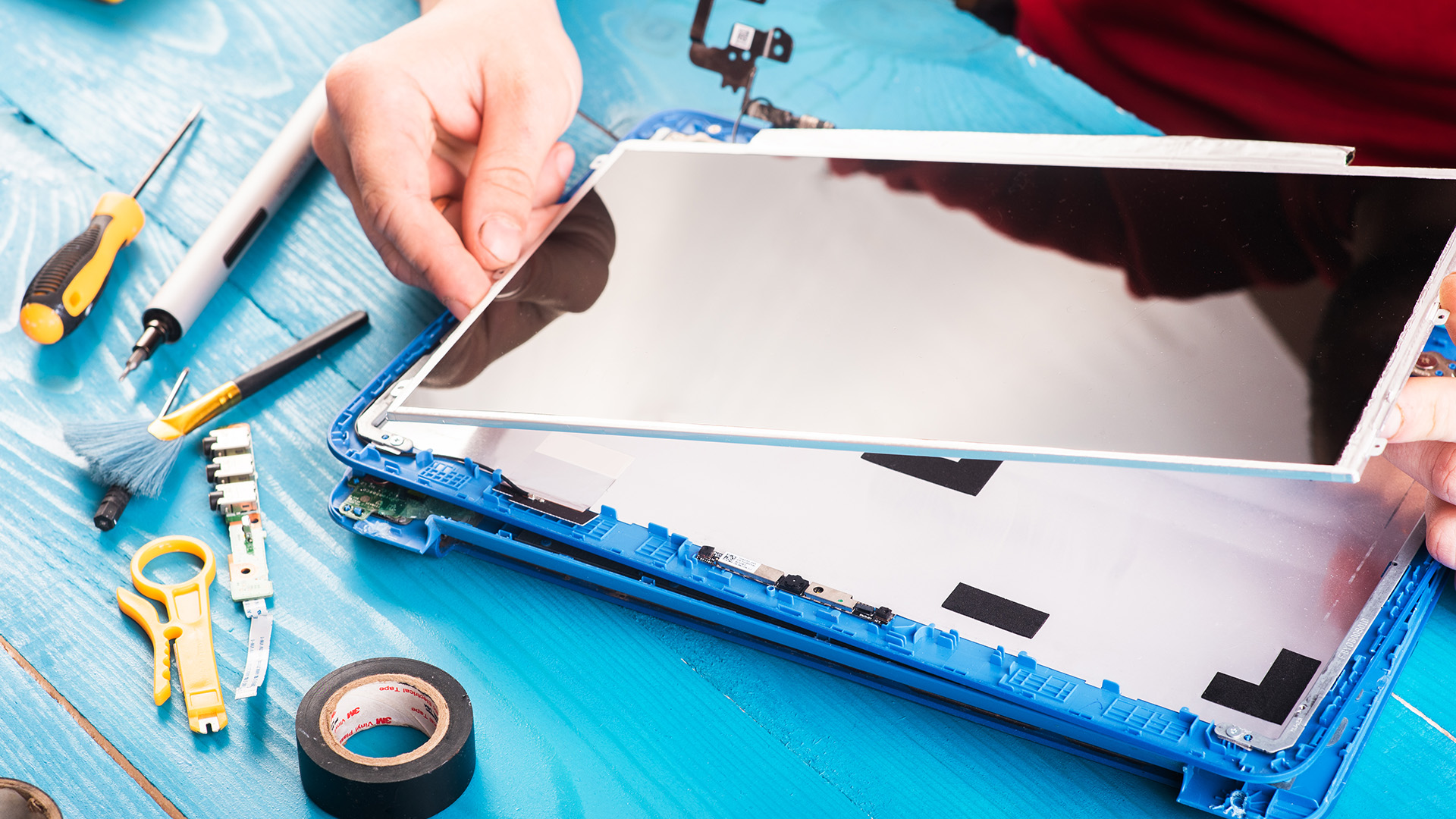
The average laptop screen repair cost UK depends on the laptop model, screen size, panel type, part availability, labour, and whether you need a basic LCD replacement or a premium display assembly.
Here is a realistic UK cost guide:
|
LAPTOP SCREEN ISSUE |
ESTIMATED UK COST |
|
Basic 15.6-inch laptop screen replacement |
£80–£180 |
|
Standard laptop screen repair cost |
£100–£250 |
|
Touchscreen laptop screen replacement |
£150–£300+ |
|
High-resolution / OLED screen replacement |
£200–£500+ |
|
Gaming laptop screen replacement |
£180–£450+ |
|
MacBook screen repair or replacement |
£90–£600+ |
|
Diagnostic fee before repair |
Around £30–£60 in many cases |
These are estimated ranges, not fixed prices. Which? gives a broader £50–£300 range for supplying and replacing a broken 15.6-inch screen, while Checkatrade lists around £120+ for a broken 15.6-inch laptop screen and says MacBook screen repair can range from £90 to £600, depending on age and damage.
Some major repair providers also charge a diagnostic or booking fee before parts and labour. For example, Currys lists laptop or desktop repair at £50, including carriage and diagnostics, plus parts and labour, and states that computer repairs come with a 12-month parts and labour guarantee.
So, when someone asks “how much does laptop screen repair cost?”, the most honest answer is:
For a normal Windows laptop, expect roughly £100–£250. For higher-end devices such as touchscreens, OLED screens, premium ultrabooks, gaming laptops, professional business laptops, and MacBooks, expect more.
Laptop Screen Repair Cost vs Laptop Screen Replacement Cost
This is where people get confused.
They search for laptop screen repair cost, but what they usually need is the laptop screen replacement cost. Here is the difference:
Screen repair usually means fixing a related issue, such as a loose cable, backlight fault, hinge problem, or display connector issue. Screen replacement means removing the damaged display panel and installing a new one.
If your screen is cracked, has internal bleeding, shows big black patches, or has dead display areas, replacement is usually the only real fix.
So, when comparing laptop screen repair vs replacement cost, remember this:
- Cable or connector issue: may be cheaper
- Cracked LCD panel: usually needs replacement
- Touchscreen damage: costs more
- Full display assembly damage: costs much more
- Hinge and casing damage: adds extra labour and parts
A basic panel replacement is normally cheaper than replacing the entire laptop. But once the repair starts reaching half the value of your laptop, it is time to pause and think. Before replacing your laptop entirely, check whether simple fixes like renewing thermal paste could improve overall performance.
What Affects Laptop Screen Repair Cost?
Two people can both say, “My laptop screen is broken,” and get two completely different quotes. Annoying? Yes. But there are good reasons.
1. Laptop brand and model
A standard Lenovo, HP, Acer, ASUS, or Dell laptop may have widely available replacement screens. That usually keeps the cost lower.
Premium ultrabooks, MacBooks, Surface laptops, 2-in-1 convertibles, and gaming laptops often need more specific parts. That can push the price up.
2. Screen size
A common 14-inch laptop or 15-inch laptop screen is usually easier and cheaper to source. Larger 16-inch, 17-inch, or unusual display sizes may cost more.
3. Screen type
This is one of the biggest price factors.
A basic LCD screen is usually cheaper. A touchscreen, OLED, mini-LED, high-refresh-rate, or high-resolution display costs more.
That is why a budget laptop screen may be affordable to replace, while a creator laptop, gaming laptop, or MacBook display can feel painful on the wallet.
4. Resolution and refresh rate
A Full HD 60Hz panel is usually cheaper than a 2.8K OLED, 4K panel, 120Hz screen, 144Hz gaming display, or colour-accurate creator display.
If your laptop was bought for gaming, editing, design, or use laptop for content creation, the screen may be one of its most expensive parts.
5. Touchscreen or 2-in-1 design
Touchscreen laptops often use bonded glass and display layers. That can make replacement more complex and expensive.
If you have a convertible laptop where the screen flips, folds, or works with a stylus, expect a higher quote than a basic laptop screen.
6. Labour and diagnostics
Some repairs are straightforward. Others require careful disassembly, especially on thin ultrabooks where everything is tightly packed.
Labour cost also depends on location. London and the Southeast can be more expensive. Which? also notes that repair prices vary by location, job time, computer age, make, model, hardware, and software.
7. Extra damage
Sometimes the screen is not the only thing that broke.
You may also have:
- Cracked casing
- Bent lid
- Broken hinge
- Damaged webcam cable
- Faulty display cable
- Motherboard display fault
- Water damage
- Keyboard or trackpad damage from impact
This is why a quote can jump after inspection. The visible crack may only be the start of the story.
How Much to Fix a Cracked Laptop Screen?
For a cracked laptop screen, the repair usually means replacing the panel.
In the UK, a cracked laptop screen repair cost often starts around £100–£150 for standard laptops and can go beyond £250–£300 for touchscreens, premium panels, or less common models, including newer laptops with AI features.
For MacBooks, newer ultrabooks, high-end gaming laptops, and OLED displays, the price can be much higher.
A small crack may look harmless today, but it can spread. Even worse, pressure on a cracked panel can damage the display further. If the screen is still usable, back up your important files immediately and avoid pressing the damaged area.
Also, do not keep opening and closing the lid aggressively. If the hinge or frame is affected, you could make the repair more expensive.
Is It Worth Fixing a Laptop Screen?
This is the main question. And honestly, it depends on the laptop’s age, value, performance, and condition.
A screen repair is usually worth it if:
- The laptop is less than 3–4 years old
- It still runs fast
- Battery life is decent
- The keyboard, hinge, and casing are fine
- Repair cost is less than 40–50% of the laptop’s value
- You use it daily for work, study, or business
- You have important software or files on it
- A new laptop with similar specs would cost much more
A screen repair may not be worth it if:
- The laptop is very old
- It is already slow
- The battery barely lasts
- The hinge is damaged
- The keyboard or motherboard has issues
- The repair costs more than the laptop’s worth
- You were already planning to upgrade
- You need better performance for work, gaming, or creative tasks
|
A simple rule: * If the repair cost is under half the value of the laptop, repair is usually worth considering. If it is over half, compare it with buying a newer model. |
For example, if you bought your laptop for £700 and the screen repair is £140, repair makes sense. If your old laptop is worth £180 and the quote is £160, that money may be better spent towards one of today’s affordable laptops.
When to Replace the Laptop Screen
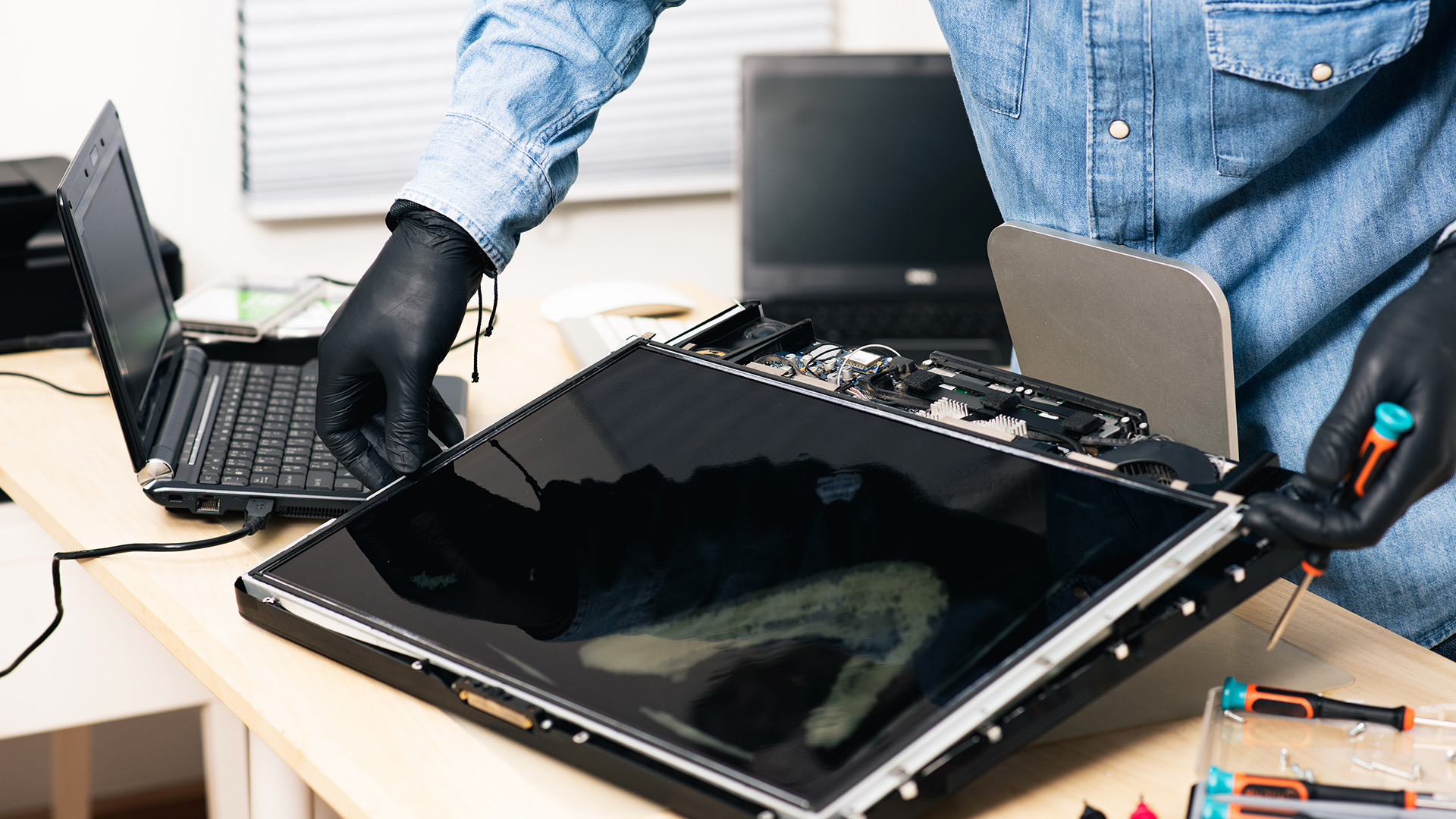
You should replace the laptop screen when the rest of the laptop is still useful.
Screen replacement makes sense when your laptop still has good performance, but the display is damaged.
Replace the screen if:
- The screen is cracked but the laptop works normally
- The display has lines, patches, or bleeding
- The laptop works on an external monitor
- The hinges and casing are okay
- The device is fairly new
- The repair quote is reasonable
- You like your current laptop and do not need a full upgrade
This is especially true for business laptops, student laptops, and everyday home laptops where the main issue is just the panel.
If the laptop still handles emails, browsing, documents, video calls, streaming, and office work without drama, replacing the screen can give it a second life.
When to Replace the Whole Laptop Instead
Sometimes the broken screen is not a problem. It is the final sign.
You should consider replacing the whole laptop if the repair cost is too close to the price of a newer, better device.
Replace the laptop if:
- It is more than 5 years old
- It struggles with basic tasks
- It has low RAM or old storage
- The battery is weak
- The hinge is broken
- The casing is damaged
- The screen repair is very expensive
- You need better performance
- You want newer features like AI tools, better webcams, USB-C, or longer battery life
Repair or Replace? Here Is the Simple Decision Table
|
SITUATION |
BESTT MOVE |
|---|---|
|
Laptop is new, fast, and only the screen is damaged |
Repair or replace the screen |
|
Laptop is old, slow, and repair is expensive |
Replace the laptop |
|
Screen repair costs under 40% of laptop value |
Repair is likely worth it |
|
Screen repair costs over 50% of laptop value |
Compare with new laptop options |
|
Gaming or creator laptop with expensive panel |
Compare repair quote with upgrade cost |
|
Business laptop with important setup/software |
Repair may save time and disruption |
|
Budget laptop worth less than the repair cost |
Replace it |
|
Screen plus hinge plus casing are damaged |
Get a full quote before deciding |
This is the part repair shops do not always say clearly: fixing the screen is not always the smartest financial decision. Sometimes it is. Sometimes it is not.
The goal is not just to fix the laptop. The goal is to spend your money in the way that makes sense six months from now. While fixing the screen, it’s also a good time to check fan and vent cleaning to keep everything running smoothly.
What to Check Before Paying for Laptop Screen Repair
Before booking any repair, do these quick checks.
Find your exact model number
Do not just say “HP laptop” or “Lenovo laptop.” The exact model number helps the repair shop quote accurately.
You can usually find it:
- On the bottom of the laptop
- In system settings
- On the original box
- On the order confirmation email
- Under the battery area on some older models
Ask whether the quote includes parts and labour
Some prices look cheap because they only include labour or diagnostics. Ask clearly:
“Does this quote include the replacement screen, labour, VAT, and warranty?”
Ask what type of screen they will use
Not all replacement panels are equal. Ask whether it matches your original resolution, refresh rate, brightness, touchscreen support, and finish.
If your original screen was full HD IPS, you do not want a lower-quality panel quietly installed.
Ask about warranty
A good repair should include some warranty on the part and labour. Currys, for example, states that its repairs come with a 12-month parts and labour guarantee.
Back up your data
Screen repair should not normally erase your files, but do not gamble with important data. If the laptop still works on an external display, back up your files before handing it in.
Check your insurance or warranty
Accidental damage may be covered under some insurance plans, premium bank accounts, student cover, or extended warranty packages. Manufacturer warranty usually does not cover accidental cracks, but it is still worth checking.
What Not to Do With a Broken Laptop Screen
When your screen breaks, panic mode is natural. But a few things can make the situation worse.
- Do not press the cracked screen to “see if it still works.”
- Do not keep opening and closing the lid if the hinge feels stiff.
- Do not try to remove glass pieces without protection.
- Do not pour cleaning liquid on the screen.
- Do not assume your data is gone.
- Do not buy a random replacement panel without checking compatibility.
- Do not choose the cheapest quote without asking about part quality.
Also, do not ignore flickering or lines for too long. A small display issue can become worse, especially if the cable or hinge is involved.
Should You Repair a Laptop Screen Yourself?
DIY laptop screen replacement is possible, but it is not for everyone.
It may be okay if:
- You have experience repairing electronics
- Your laptop has a simple design
- You can source the exact compatible panel
- You have the right tools
- You accept the risk
But DIY can go wrong fast. You can damage the bezel, webcam cable, display connector, hinge, motherboard, or touchscreen layer. With slim ultrabooks and premium laptops, one small mistake can turn a screen repair into a much bigger repair.
For most people, professional repair is safer. Before handing your laptop in for repair, it’s smart to understand how to recover important files in case something goes wrong.
If your laptop is expensive, used for work, or still under any kind of warranty, do not freestyle it with a YouTube tutorial and a plastic guitar pick.
Is a Laptop Screen Replacement Better Than Buying a New Laptop?
Not always. But often, yes.
Screen replacement is better when your laptop still performs well and the repair cost is reasonable.
Buying a new laptop is better when your device is already outdated or the repair quote is too high.
Think of it like this:
A screen replacement keeps your current setup alive.
A new laptop gives you better speed, battery life, warranty, display quality, and newer features. If your old laptop is basic but still fine, repair it. If it is slow, overheating, and constantly begging for updates like it is running on pure hope, upgrade.
For stronger everyday performance, explore high-performance Intel laptops. If you prefer trusted models for home, study, or office use, browse the latest HP laptop models.
And if you are replacing your device, do not forget the boring-but-important extras. A laptop sleeve, stand, mouse, keyboard, USB-C hub, or external monitor can help prevent the next screen disaster. Check out must-have laptop accessories before your new laptop starts living dangerously in your backpack.
How to Know If the Screen or the Laptop Is the Problem
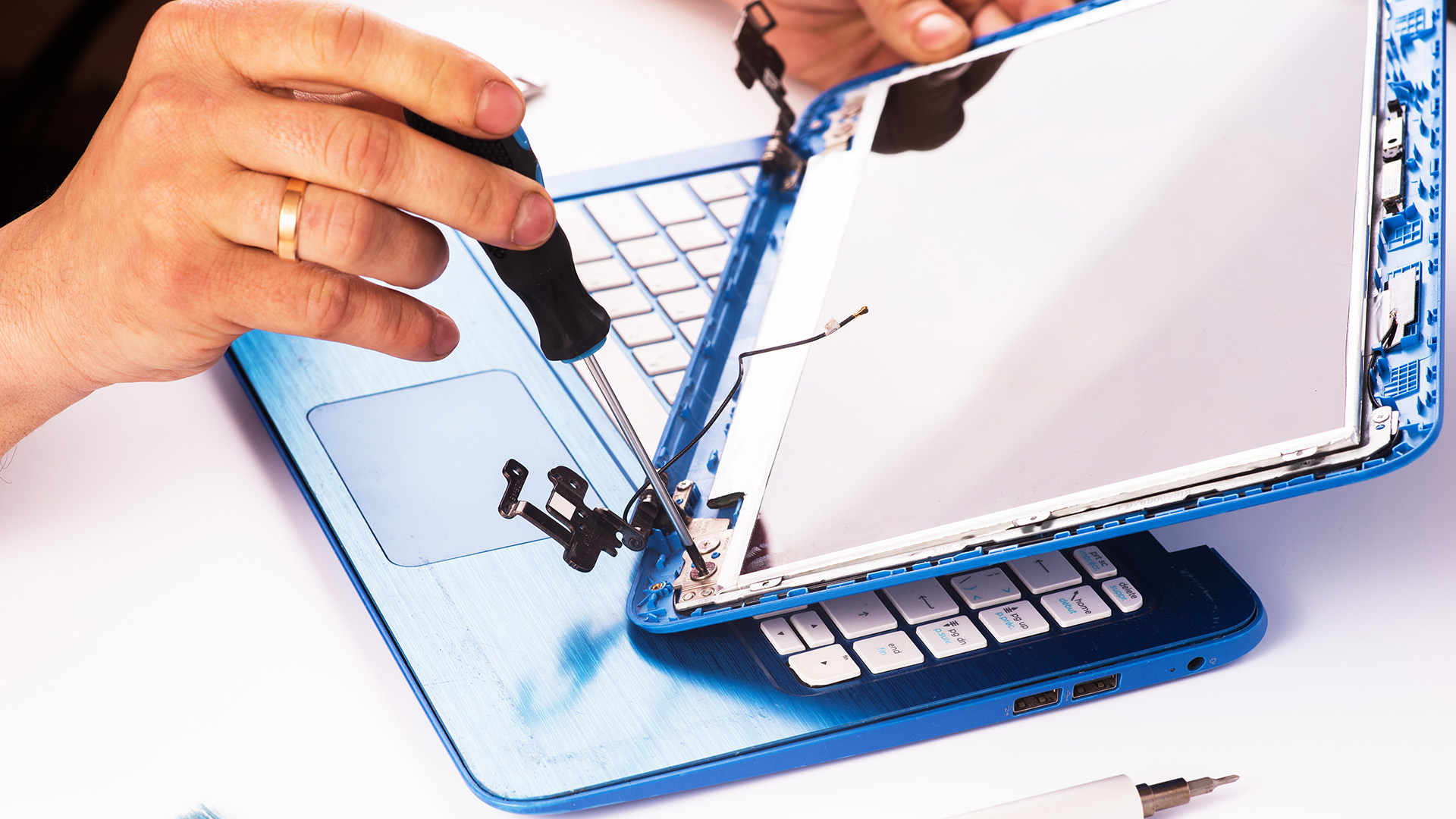
Before you decide on repair or replacement, try this simple check.
Connect your laptop to an external monitor or TV.
If the external display works, the laptop is probably still functioning. That points to a screen, cable, or display assembly issue.
If the external display does not work, the issue could be deeper. It may involve the graphics chip, motherboard, RAM, power system, or software.
Also listen for signs of life:
- Fan noise
- Keyboard lights
- Charging light
- Login sound
- Caps Lock light response
- External monitor output
If the laptop is alive but the display is dead, screen repair is more likely to be worth investigating. If your laptop has other issues like lag or shutdowns, it could be worth checking why your laptop is overheating and how to fix it.

Final Verdict: Should You Fix or Replace Your Laptop Screen?
Here is the honest answer.
If your laptop is fairly new, still fast, and only the screen is damaged, repairing or replacing the laptop screen is usually worth it.
If your laptop is old, slow, physically damaged in multiple places, or the screen repair cost is close to the price of a replacement laptop, upgrading is probably the smarter move.
The best decision comes down to four things:
Repair cost. Laptop value. Laptop condition. Your actual needs.
Do not just ask, “Can this be fixed?”
Ask, “Is fixing this the best use of my money?”
Because sometimes a screen repair saves you hundreds. Other times, that same money is better used towards a laptop that is faster, lighter, sharper, and ready for the next few years.
So get a quote, compare it with the cost of a suitable replacement, and choose the option that makes future-you feel smart.
Your screen may be broken, but your decision does not have to be.

FAQs
How much does laptop screen repair cost in the UK?
The laptop screen repair cost UK usually ranges from around £100 to £250 for many standard laptops. Basic repairs can be cheaper, while touchscreens, OLED panels, gaming laptops, and MacBooks can cost more. Which? gives a wider guide of £50–£300 for supplying and replacing a broken 15.6-inch laptop screen.
How much to fix a cracked laptop screen?
A cracked laptop screen usually needs screen replacement. For a standard laptop, expect roughly £100–£250. For touchscreens, MacBooks, premium ultrabooks, and gaming laptops, the cost can be higher.
Can a broken laptop screen be fixed?
Yes, a broken laptop screen can often be fixed. If the panel is cracked, it usually needs replacing. If the issue is a cable, connector, hinge, or backlight, a technician may be able to repair that specific fault.
Is it worth fixing a laptop screen?
It is worth fixing a laptop screen if the laptop is still fast, reliable, and the repair cost is lower than replacing the device. If the laptop is old, slow, or the repair costs more than the laptop is worth, replacement may be better.
When should I replace my laptop screen?
Replace your laptop screen when the laptop itself still works well, the damage is limited to the display, and the repair cost is reasonable compared with the value of the laptop.
When should I replace the whole laptop?
Replace the whole laptop if it is old, slow, has several hardware problems, or the screen replacement cost is close to the price of a newer laptop.
Will laptop screen repair delete my data?
Usually, no. Screen repair should not affect your files because the storage drive is separate from the display. Still, you should back up your data before repair whenever possible.
How long does laptop screen repair take?
Many standard laptop screen replacements can take around 1–2 hours once the part is available. Parts availability can affect the total turnaround time.
| Read More |
| Thermal Paste Laptop Replacement: When and How to Do It Properly |
| How to Recover Deleted Files and Data: Step-by-Step Guide |
| Why Your Laptop Is Overheating (How to Fix it Fast) |
Related Articles


Last Updated: May 25, 2026
Choosing the right tablet starts with understanding its screen size, yet many buyers misunderstand what tablet screen size actually means. If you’ve ever wondered how to measure tablet screen size properly, you’re not alone. Whether you’re comparing 7 inch tablets, 8 inch tablets, or larger 10, 11, and 12 inch tablets, knowing how screen sizes are measured will help you make a confident buying decision.
In this comprehensive UK guide, we’ll explain exactly how tablet screen size is measured, what the numbers really represent, how to measure your own tablet at home, and how different tablet sizes compare in real-world use. By the end, you’ll be able to choose the right tablet size for your needs, without confusion.
What Does Tablet Screen Size Actually Mean?
Tablet screen size refers to the diagonal measurement of the display, taken from one corner of the screen to the opposite corner. This measurement is always expressed in inches, which is why you’ll see categories such as 7 inch tablets,

Last Updated: January 21, 2026
Let’s be honest - most of us don’t work (or study, or relax) in just one way anymore. One minute you’re typing notes, the next you’re scrolling, watching something, sketching ideas, or replying to emails from the sofa.
That’s exactly why convertible tablets exist.
Also called 2-in-1 laptops, laptop tablets, or the very literal notebook two-in-one, these devices are designed to adapt to how you use tech throughout the day - not force you into one setup.
But choosing the right 2 in 1 laptop convertible isn’t always straightforward. Some lean more laptop. Some feel more like tablets. And some just… try to do everything and don’t quite nail it.
This guide breaks it all down in a way that actually makes sense.
What Is a Convertible Tablet (And Why Do People Buy Them)?
A convertible tablet is a hybrid device that combines:
- A laptop’s power (keyboard, trackpad, desktop software)
- A tablet’s flexibility (touchscreen, pen input, portability)
Most convertible tablets run Windows, which means you’re
Last Updated: February 13, 2026
You press the power button, hear the familiar hum of the fan, and wait for the logo to appear. But this time, nothing happens. Your screen stays as dark as a midnight sky. A laptop screen not working is more than a technical glitch; it feels like your entire digital life has been put on hold.
Before you panic and start looking for a replacement, take a breath. From laptop screen flickering to total blackouts, many display issues are actually software-bound and easily fixed at home. This guide will help you diagnose the problem and find a black laptop screen fix without the expensive repair bill.
Common Laptop Display Issues
Before jumping into repairs, it is helpful to identify exactly what is happening with your screen. Not every "blank" screen is caused by the same fault.

The Black Screen of Death
A laptop display not turning on at all is the most common complaint. You might hear the fans spinning or see the power lights glowing, but the panel remains lifeless.
Screen Flickering or

Last Updated: September 01, 2026
Choosing a new monitor is not always straightforward. With so many screen sizes, panel types, and resolution options on the market, it is easy to get lost before you even reach a shortlist. This LG monitors buying guide cuts through all of that.
It walks you through every major LG screen series, explains the specs that actually matter, and helps you find the right display for your needs and budget. Whether you are gaming, working from home, editing photos, or simply upgrading a tired old screen, LG has a monitor built for the job. Let’s get started.
Why Choose an LG Monitor in 2026?
LG is one of the few brands that designs and manufactures its own display panels. That matters because it gives LG direct control over colour accuracy, panel quality, and how quickly new technology reaches the market.
Whether you need a budget-friendly Full HD screen or a professional-grade OLED display, LG offers a broad, well-priced range. They continue to lead with innovations like Nano IPS for

Published: March 12, 2026
The 2026 edition of the Zenbook Duo is a significant step up from its predecessor. It brings Intel's latest Core Ultra Series 3 processor, a redesigned hinge, brighter OLED panels, and a much larger battery.
But here’s the real question… do you actually need it?
This ASUS Zenbook Duo review breaks it down. You will get the full picture on performance, display quality, battery life, build quality, and most importantly, whether the dual-screen design is worth your money.
Design and Build Quality: Smaller, Stronger, and More Refined
At first glance, the Zenbook Duo looks deceptively ordinary. Closed up, it resembles a slightly chunky premium laptop. Open it, and the picture changes entirely. This section of our ASUS Zenbook Duo review looks at just how well-built this machine really is.
Ceraluminum Chassis
ASUS has built the entire chassis, including the hinge, kickstand, and screen surrounds, from Ceraluminum. This is their proprietary material that is 30% lighter and three times stronger

Last Updated: May 01, 2026
By the end of 2025, buying a laptop had become a bigger decision than ever. Global PC shipments climbed to more than 270 million units in 2025, with the final quarter alone reaching 71.5 million units.
On the surface, that sounds like good news: more innovation, more models, more choice. But for buyers, it also means more noise. Bigger spec sheets, bolder marketing claims, AI-ready labels everywhere, and a growing chance of paying for power you do not need or missing the features you actually do.
That is what makes choosing a laptop in 2026 tricky. The best option is not always the most expensive, the most powerful, or the newest on the page. It is the one that fits the way you work, study, stream, create, or game without compromise.
This guide cuts through the clutter and helps you choose with confidence. So, get yourself ready to buy the laptop you are looking for.
How to Choose the Right Laptop in 2026
If you want the quick answer, here’s how to choose the right laptop without overthinking
Last Updated: April 23, 2026
A blue screen of death fix isn't as daunting as it looks. That sudden blue screen and cryptic stop code are Windows' way of flagging a critical system error - and in most cases, it's something you can sort yourself without professional help.
This guide covers every cause, diagnostic method, and practical solution to get your machine running smoothly again.
What Is a Blue Screen of Death?
The blue screen of death (BSOD) is a critical stop error built into Windows. When the operating system encounters a fault it cannot safely recover from, it halts everything, logs the crash, and forces a restart - rather than risking data corruption or further damage. Think of it as a failsafe, not just a fault.
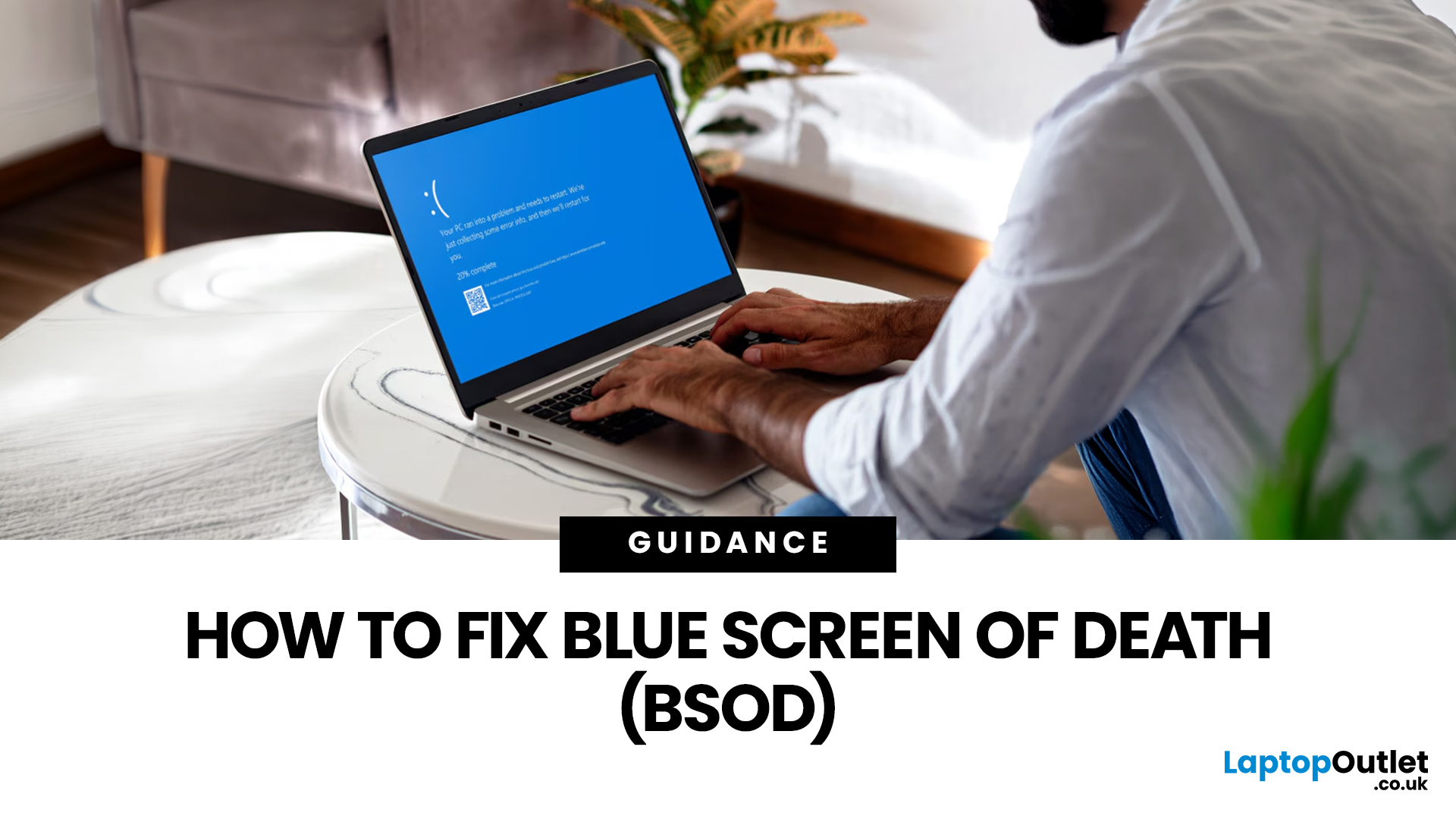
What Does It Look Like?
Depending on your version of Windows and the type of crash, a BSOD may show:
- A stop code identifying the error
- A message explaining that Windows ran into a problem
- A progress indicator while diagnostic information is collected
- Sometimes a QR code or additional troubleshooting
Last Updated: July 09, 2026
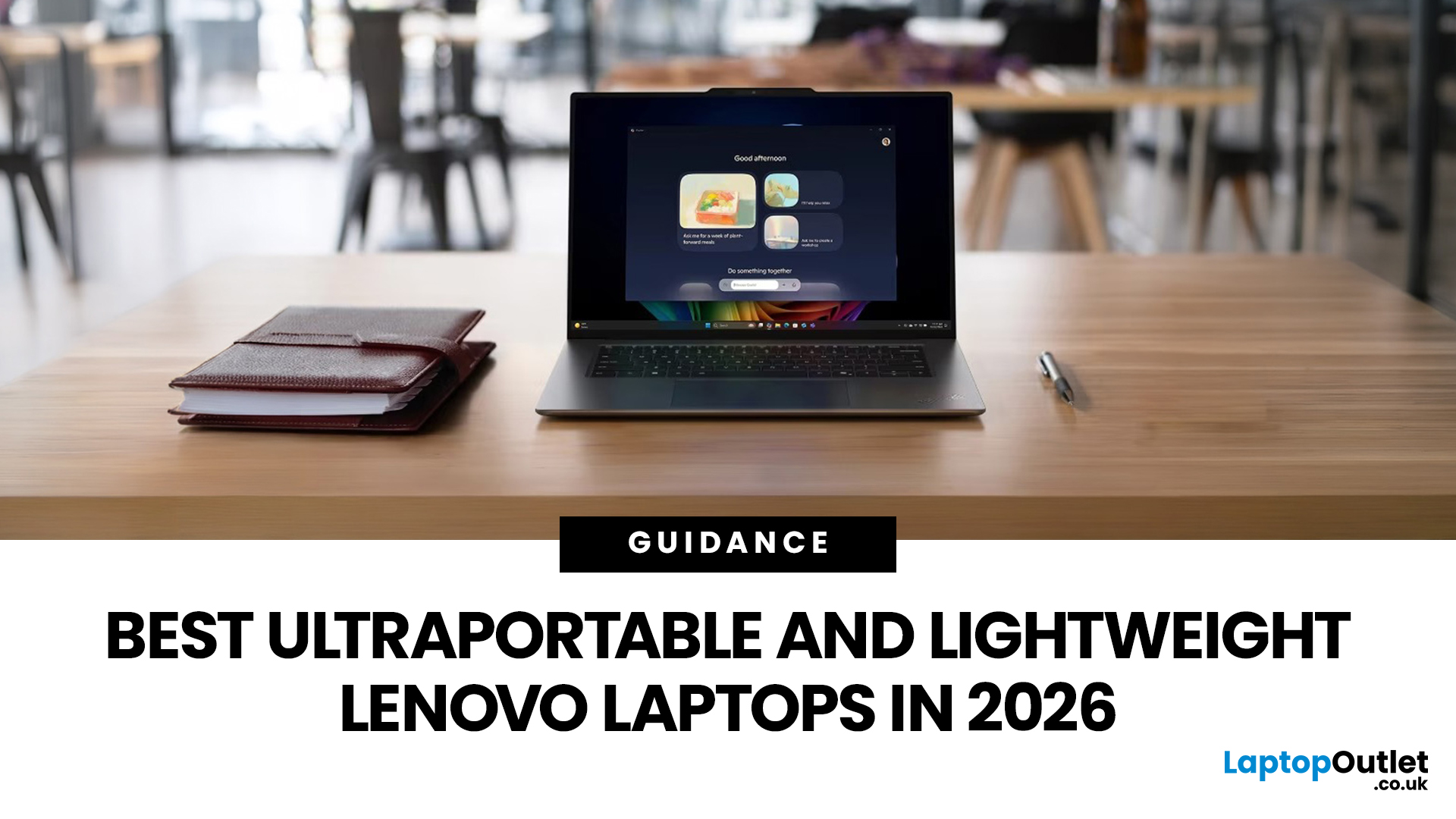
The best lightweight Lenovo laptops in 2026 are not all trying to do the same job. If we want the lightest premium 14-inch option, Lenovo’s Yoga Slim 7i Ultra Gen 11 Aura Edition stands out at 975g with a 75Wh battery. If business travel comes first, the ThinkPad X1 Carbon Gen 13 Aura Edition is still one of the strongest all-round choices thanks to its sub-1kg starting weight on some configs, proper business-grade connectivity, and classic ThinkPad focus.
That matters because buyers looking for ultraportable Lenovo laptops usually care about more than one thing at once: low carry weight, reliable battery life, enough ports to avoid living off dongles, and a screen that still feels good after a full day of work, study or travel. In this guide, we break down the best current Lenovo options for commuters, students, professionals, creators and home users, using Lenovo’s own 2026-era spec sheets first and independent reviews where they add useful trade-offs.
What Counts as a Genuinely Lightweight
Last Updated: May 06, 2026
MacBook battery issues do not always mean it is time for a replacement. Sometimes your battery is genuinely wearing out, but sometimes the real problem is heat, charging habits, background apps, or even a charger that is not pulling its weight. That is what makes battery problems so confusing: the symptoms can look dramatic, while the fix might be simple.
In this guide, we will help you figure out what your MacBook is actually trying to tell you. From battery drain and overheating to charging limits and health checks, you will learn how to spot the issue, understand the cause, and decide whether a repair or replacement makes the most sense.
Why MacBook battery issues happen in the first place
MacBook batteries are built with lithium-ion technology, which is great for fast charging and portability, but like every rechargeable battery, they wear down over time. Battery age is not just about how many years you have owned the laptop. It is also shaped by your charging habits, temperature

Last Updated: May 25, 2026
Big tablets are great until you actually have to carry one everywhere. A 12-inch screen looks dreamy on a desk, but on a packed train, budget flight, sofa armrest, or bedside table? Not always the vibe. That is exactly where 8 inch tablets still make sense in 2026. They sit in the sweet spot between a smartphone and a full-size tablet: bigger than your phone for reading, streaming and browsing, but still small enough to hold in one hand, throw in a bag and use without feeling like you are carrying a portable TV.
This 8 inch tablets buying guide is here to help you choose properly. We will compare compact tablets, explain the difference between the Apple iPad mini, Android small tablets and Amazon Fire options, and show which models make sense for reading, travel, streaming, kids, students, and everyday use.
And yes, compact tablets still matter. They are just not trying to be laptops. They are trying to be the device you actually take with you.

