



8-Inch Tablets Buying Guide 2026: Why Compact Tablets Still Matter
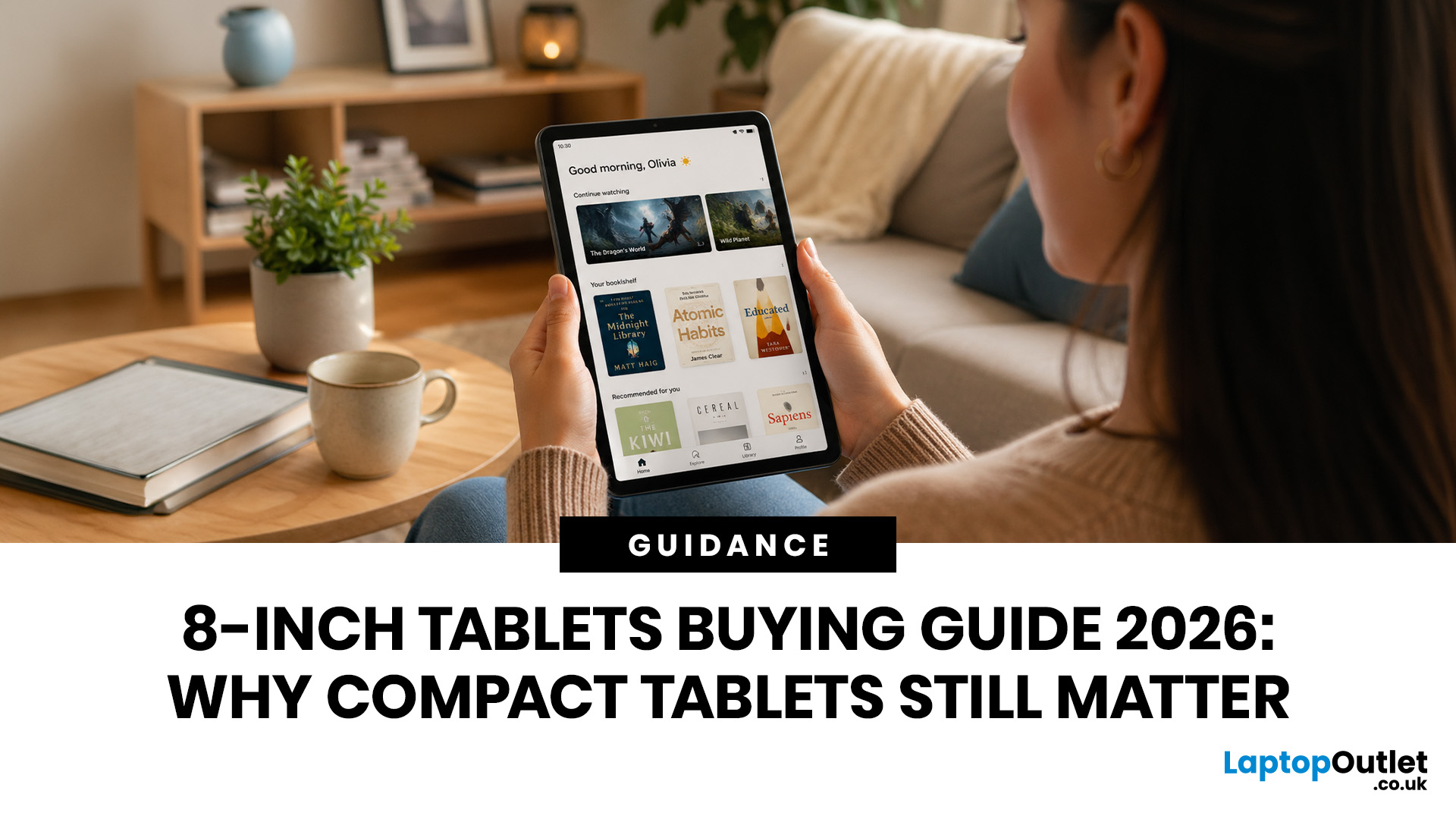
Big tablets are great until you actually have to carry one everywhere. A 12-inch screen looks dreamy on a desk, but on a packed train, budget flight, sofa armrest, or bedside table? Not always the vibe. That is exactly where 8 inch tablets still make sense in 2026. They sit in the sweet spot between a smartphone and a full-size tablet: bigger than your phone for reading, streaming and browsing, but still small enough to hold in one hand, throw in a bag and use without feeling like you are carrying a portable TV.
This 8 inch tablets buying guide is here to help you choose properly. We will compare compact tablets, explain the difference between the Apple iPad mini, Android small tablets and Amazon Fire options, and show which models make sense for reading, travel, streaming, kids, students, and everyday use.
And yes, compact tablets still matter. They are just not trying to be laptops. They are trying to be the device you actually take with you.
Are 8-inch Tablets Still Worth Buying in 2026?
Yes, 8 inch tablets are still worth buying in 2026 if you want a portable device for reading, streaming, travelling, browsing, note-taking, kids’ entertainment or casual gaming.
They are not the best choice if you want to replace a laptop, edit videos all day, manage heavy spreadsheets or run multiple apps side by side. But for daily comfort and portability, they are still genuinely useful.
Best For and Not Best For
|
Buyer type |
Is an 8-inch tablet a good fit? |
Why |
|
Readers |
Yes |
Easier to hold than a large tablet and better for apps, comics and colour content than many e-readers |
|
Travellers |
Yes |
Lightweight, bag-friendly and ideal for flights, trains and hotels |
|
Kids |
Yes |
Smaller size is easier to handle, and budget models are less painful to replace |
|
Students |
Yes, for light use |
Good for notes, PDFs, research and streaming, but not a laptop replacement |
|
Gamers |
Maybe |
Casual games are fine; demanding games need stronger hardware |
|
Creative professionals |
Usually no |
Screen size and accessory support can feel limiting |
|
Laptop replacement shoppers |
No |
A larger tablet or 2-in-1 laptop will be more practical |
Why Compact Tablets Still Matter
Compact tablets have survived because they solve a very specific problem: phones are too small for comfortable content, but large tablets are not always convenient. An 8-inch tablet is the “grab it and go” device. It is ideal when you want a bigger screen without the bulk. Think of it this way:
- A phone is for quick checks.
- A laptop is for proper work.
- A full-size tablet is for multitasking and big-screen entertainment.
- An 8-inch tablet is for relaxed, portable, everyday use.
That is why portable tablets are still popular with commuters, readers, students, parents and frequent travellers. You can use one on the sofa, in bed, on a train, in a café, at the airport or while your laptop is charging in another room.
8-inch Tablets vs Bigger Tablets: What is the Difference?
The main difference is comfort. Bigger tablets win on screen space, productivity and split-screen use. Smaller tablets win on portability, one-hand use and everyday convenience.
|
Feature |
8-inch compact tablets |
10–13-inch tablets |
|
Portability |
Excellent |
Good, but bulkier |
|
Reading comfort |
Very good |
Can feel heavy over long sessions |
|
Streaming |
Good for solo viewing |
Better for films and shared viewing |
|
Multitasking |
Limited |
Much better |
|
Note-taking |
Good on premium models |
Better writing space |
|
Gaming |
Good for casual gaming |
Better for immersive games |
|
Travel |
Excellent |
Takes more bag space |
|
Kids |
Easier to hold |
Better for homework and videos |
|
Price |
Often cheaper, except iPad mini |
Wider range from budget to premium |
If you want a tablet for serious work, go bigger. If you want something you will actually carry every day, compact is still elite.
Who Should Buy an 8-inch Tablet?
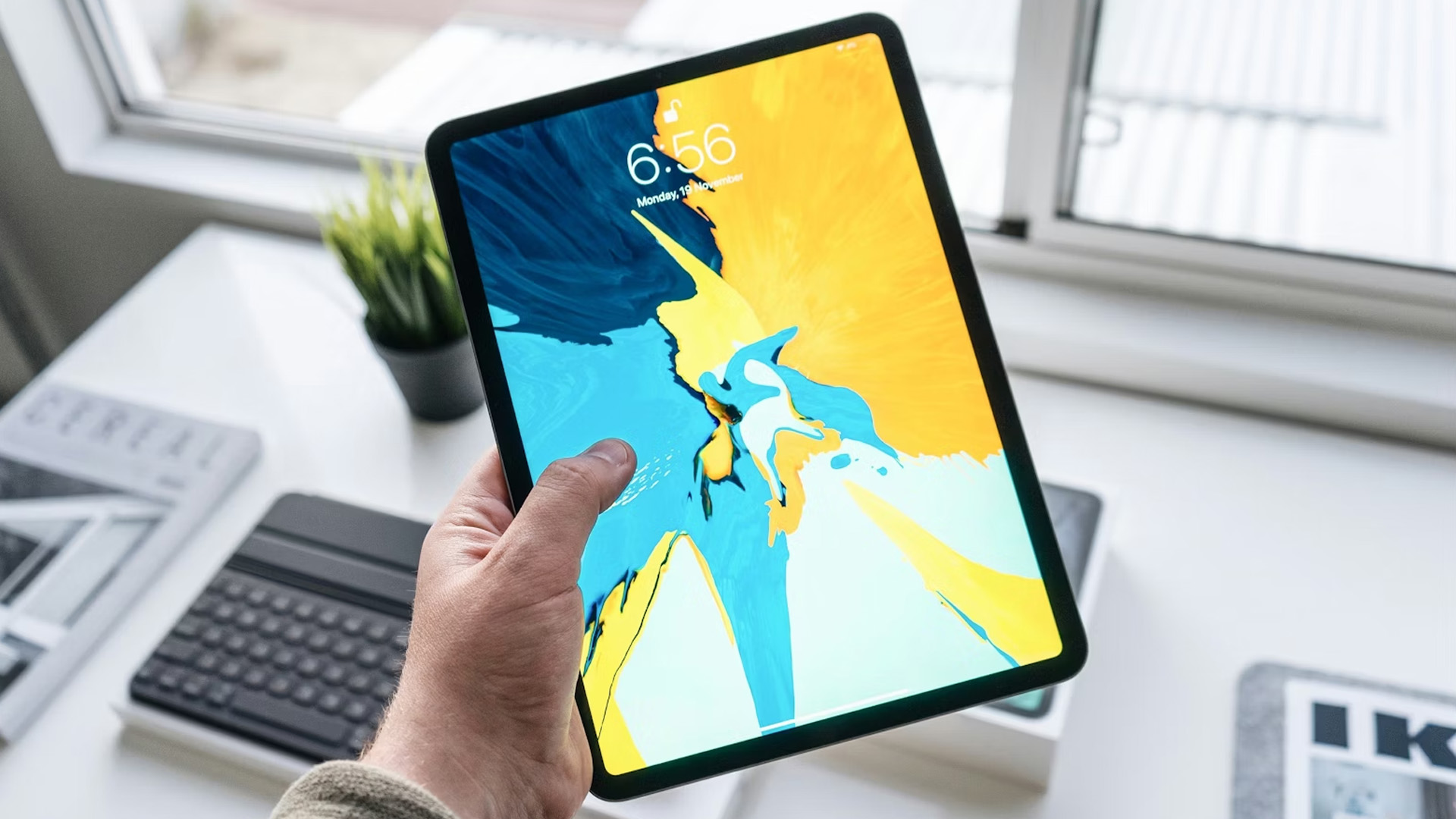
1. Readers Who Want More Than an E-Reader
If you read Kindle books, Apple Books, PDFs, newsletters, comics, manga, magazines or online articles, 8-inch tablets for reading make loads of sense. A dedicated e-reader is still better for pure book reading, especially outdoors. But an 8-inch tablet gives you colour, apps, web browsing, YouTube, email and streaming in the same device. That makes it more flexible. You can look for:
- Sharp screen resolution
- Comfortable weight
- Good brightness control
- Night mode or blue light settings
- Long battery life
- Enough storage for downloaded books, PDFs and comics
For a deeper look at lightweight models that work well for ebooks, streaming and life on the move, check our full guide to the best 8-inch tablets for reading, travel and everyday carry.
2. Travellers Who Pack Light
For holidays, work trips, and daily commutes, small tablets for travel are underrated. They fit easily into a handbag, backpack, or cabin bag. They are easier to hold on a plane than a large tablet. They are also great for downloaded Netflix episodes, Kindle books, boarding passes, offline maps, travel documents, and keeping kids entertained during delays. If you’re a travel buyer, you should prioritise:
- Low weight
- Strong battery life
- USB-C charging
- Offline storage
- Good Wi-Fi
- Cellular option if needed
- Durable case availability
3. ParentsBuying for Kids
An 8-inch tablet is often a sensible size for children because it is easier to grip, easier to carry and usually cheaper than a large-screen model. For kids, the spec sheet is not the only thing that matters. You should also think about:
- Parental controls
- Protective cases
- Screen protectors
- App restrictions
- Battery life
- Warranty and returns
- Storage for games and videos
Furthermore, if you are buying for a child, a daily commute or sofa streaming, see our round-up of the best 8-inch tablets for kids, commuting and light entertainment for more practical recommendations.
4. Apple Users Who Want a Mini-iPad
If you already use an iPhone, MacBook, AirPods, or iCloud, the Apple iPad mini is the cleanest compact tablet choice. It works smoothly with Apple services, supports Apple Pencil Pro, uses iPadOS and gives you a premium APP experience. Apple’s current iPad mini uses the A17 Pro chip and supports Wi-Fi 6E, Bluetooth 5.3 and USB-C. It costs more than most Android compact tablets, but it is also more powerful and more polished.
5. Android Users Who Want Value
If you use Google APPs, prefer Android, or want expandable storage, an Android compact tablet is often the better-value choice. They are good for browsing, streaming, reading, kids and casual APPs.
What to Look for in an 8-inch Tablet
Screen Quality: Do Not Ignore Resolution
When buying an 8-inch tablet, do not judge the screen by size alone. Two tablets can both be called “compact”, but the actual viewing experience can be very different depending on the panel type, resolution, pixel density, brightness and refresh rate.
|
Screen Type |
What it Means |
Best for |
Buyer Note |
|
IPS LCD |
A higher-quality LCD panel with good viewing angles and colour consistency |
Reading, browsing, streaming, everyday use |
Common on better compact tablets; usually reliable and balanced |
|
TFT LCD |
A more basic LCD panel type |
Budget tablets, kids’ tablets, casual use |
Usually cheaper, but viewing angles and colour depth may be weaker than IPS |
|
OLED / AMOLED |
Each pixel lights itself, giving deeper blacks and stronger contrast |
Films, gaming, premium entertainment |
Excellent quality, but rare on mainstream 8-inch tablets; more common on larger premium tablets |
|
Retina/ Liquid Retina |
Apple branding for high pixel-density LCD displays |
Reading, design, sharp text, premium use |
Not OLED, but usually very sharp and colour accurate |
For most shoppers, an IPS LCD or high-density Liquid Retina display is the sweet spot. OLED is excellent, but you should not expect it as standard in the 8-inch category. Most compact tablets use LCD panels because they are cheaper, thinner and more power-efficient for everyday use.
Key Display Numbers to Check
|
Specification |
What to look for |
Why it matters |
|
Resolution |
1280×800 minimum; 1920×1200 or higher is better |
Higher resolution improves text and image sharpness |
|
Pixel density |
250ppi+ is good; 300ppi+ is excellent |
Higher ppi makes ebooks, PDFs and web pages clearer |
|
Brightness |
Around 400–500 nits is strong for indoor and travel use |
Higher brightness helps in cafés, trains and bright rooms |
|
Refresh rate |
60Hz is standard; 90Hz+ feels smoother |
Higher refresh rates improve scrolling and gaming |
|
Panel type |
IPS/Liquid Retina preferred over basic TFT |
Better colour, contrast and viewing angles |
Performance: Do You Need Basic or Powerful?
Not every buyer needs a mini powerhouse. For Netflix, Kindle, email, YouTube and web browsing, a budget chip is fine. But if you want gaming, long-term use, stylus notes, or smooth multitasking, you should buy more performance than you think you need. The key performance specs are:
|
Component |
What it Does |
What Buyers Should Check |
|
Processor / chipset |
Controls app speed, multitasking, gaming and system performance |
Chip name, core count and manufacturing process |
|
CPU |
Handles general tasks like browsing, loading apps and documents |
More modern cores usually mean better speed and efficiency |
|
GPU |
Handles graphics, games, animations and video output |
Important for gaming and creative apps |
|
RAM |
Keeps apps open in memory |
3GB is basic, 4GB is better, 8GB is stronger |
|
Storage |
Holds APPs, videos, downloads and files |
64GB minimum; 128GB better for long-term use |
|
Software support |
Determines how long the tablet gets updates |
Premium tablets usually last longer |
Battery Life: Check the Claim, Then Think About Real Use
Battery claims are useful, but real life depends on what you do. Streaming at high brightness drains faster than reading an eBook. Gaming drains faster than browsing. Downloading content, using mobile data and keeping Bluetooth accessories connected can also reduce battery life. To compare tablets properly, look at four things:
|
Battery spec |
What it means |
Why it matters |
|
mAh |
Battery capacity in milliamp-hours |
Useful, but not perfect for comparing different devices |
|
Wh |
Watt-hours, the actual energy capacity |
Better than mAh for comparing battery size |
|
Charging wattage |
How fast the tablet can recharge |
Higher wattage usually means less time plugged in |
|
Runtime claim |
Manufacturer estimate for typical use |
Helpful, but real use depends on brightness, apps and connectivity |
Operating System: iPadOS vs Android vs Fire OS
This is one of the biggest buying decisions.
|
Operating system |
Best for |
Pros |
Cons |
|
iPadOS |
Apple users, premium buyers, note-takers, creatives |
Polished apps, Apple Pencil support, strong ecosystem, powerful hardware |
Higher price, no microSD |
|
Android |
Google users, value buyers, flexible app use |
Google services, more price choice, often expandable storage |
Update support varies by brand |
|
Fire OS |
Budget buyers, kids, Amazon households |
Affordable, simple, good for Prime Video and Kindle |
App selection is more limited than standard Android |
Fire tablets are built around Amazon’s ecosystem and use Amazon’s app experience rather than a standard Google Play Android setup.
Weight and Comfort: Grams Matter
For compact tablets, weight is not a minor detail. It is the whole point. A tablet that feels fine for five minutes can feel annoying after an hour of reading. If you are buying for bedtime reading, commuting or travel, aim for a lighter device. A few grams may not sound like much, but when you are holding a tablet in one hand on the sofa, you will notice.
iPad Mini vs Android Compact Tablets
This is one of the biggest questions: iPad mini vs Android compact tablets. The answer depends on budget, ecosystem, and how long you plan to keep the device.
Choose Apple iPad mini if you want the premium compact tablet
The Apple iPad mini is the best compact tablet for buyers who want power, polish and long-term value. It is especially strong for:
- Apple users
- Reading
- Note-taking
- Apple Pencil Pro use
- Gaming
- Students
- Travel
- Long-term ownership
Choose Android compact tablets if you want value and flexibility
Android compact tablets are better if you want:
- Lower upfront price
- Google app integration
- Expandable storage
- More model choice
- Simple family use
- Casual streaming and browsing
Still torn between Apple’s premium compact tablet and a more affordable Android option? Our iPad mini vs Android compact tablets comparison explains the key differences in performance, apps, storage and long-term value.
Should You Buy Wi-Fi or Cellular?
Most people should buy Wi-Fi only. It is cheaper and perfectly fine if you mainly use the tablet at home, school, work, cafés or hotels. You should choose cellular if:
- You travel often
- You commute daily
- You want maps and documents without tethering
- You use your tablet for work on the move
- You do not want to drain your phone battery using hotspot mode
For the iPad mini, Apple lists Wi-Fi + Cellular models with 5G support and eSIM rather than a physical SIM card. For casual users, Wi-Fi is enough. For frequent travellers, cellular can be a quality-of-life upgrade.
How Much Should You Spend on an 8-inch Tablet?
Prices change constantly, especially around sales events, so it is better to think in tiers rather than fixed numbers.
|
Budget tier |
What to expect |
Best for |
|
Entry-level |
Basic display, modest performance, lower storage |
Kids, casual streaming, light browsing |
|
Mid-range |
Better performance, more storage, Android flexibility |
Families, students, everyday users |
|
Premium |
High-resolution display, powerful chip, stylus support |
Apple users, note-takers, gamers, long-term buyers |
Spending more makes sense if you will use the tablet daily. Spending less makes sense if it is mainly for kids, travel backup or occasional sofa streaming. The mistake is buying too cheap for heavy use. That usually ends in lag, storage warnings and regret.
6 Common Mistakes When Buying 8 inch Tablets
Before you buy, it is worth asking the obvious question: are 8-inch tablets still worth buying, or would an 11-inch model suit your routine better? Here are some mistakes you should avoid.
Mistake 1: Buying Only on Price
The cheapest tablet is not always the best value. If it feels slow after six months, it was not a bargain. It was a future drawer resident.
Mistake 2: Choosing too Little Storage
Avoid 32GB unless your needs are very basic. Apps, updates, photos, games and offline videos use storage quickly.
Mistake 3: Ignoring APP Compatibility
This matters especially with Fire tablets. If you need specific Google APPs, school APPs or work APPs, check compatibility before buying.
Mistake 4: Expecting a Laptop Replacement
An 8-inch tablet is not made for heavy productivity. It is brilliant for content, light notes and browsing. It is not built to replace a MacBook or Windows laptop.
Mistake 5: Forgetting Accessories
Budget for:
- A screen protector
- A charger if one is not included
- A stylus if supported
- Kids’ case if buying for children
Mistake 6: Ignoring UK Warranty and Returns
This is where buying from a trusted UK tech retailer matters. Check warranty, delivery, returns and customer support before you buy.
8-inch Tablet Buying Checklist
Before you buy, run through this checklist.
|
Question |
Recommended Answer |
|
Is the screen sharp enough for reading? |
Choose the highest resolution you can afford |
|
Is it light enough to hold one-handed? |
Under 350g is a good target |
|
Is there enough storage? |
64GB minimum for most users |
|
Does it support microSD? |
Useful for Android and Fire tablets |
|
Does it run the apps you need? |
Check App Store, Google Play or Amazon Appstore compatibility |
|
Is battery life good enough? |
Look for around 10 hours or more claimed use |
|
Is USB-C included? |
Strongly preferred in 2026 |
|
Do you need cellular? |
Only if you travel or commute often |
|
Is there a good case available? |
Essential for kids and travel |
|
Is it from a trusted retailer? |
Important for returns, support and warranty |

Final Verdict: Compact Tablets Still Have Main Character Energy
Are 8-inch tablets still worth buying in 2026? Absolutely, as long as you buy one for the right reason. They are not laptop replacements. They are not productivity monsters. They are not meant to compete with huge tablets for split-screen work. They are better than that for everyday life.
The best compact tablets are light, easy to carry, comfortable to read on and perfect for travel, streaming, browsing, shopping, kids and casual use. The Apple iPad mini is the premium pick. Android compact tablets are also strong value choices. If you want a bigger screen than your phone without carrying a full-size tablet, an 8-inch tablet still makes total sense.
|
Ready to go small but mighty? Browse our latest 8 inch tablets, compare Apple iPad models, or check out the Apple iPad mini for premium power in a properly portable size. |

People Also Ask
Are 8-inch tablets still worth buying in 2026?
Yes. They are worth buying if you want a portable tablet for reading, travel, streaming, browsing, kids or casual gaming. They are less suitable if you need laptop-style productivity.
Is the Apple iPad mini better than Android compact tablets?
The Apple iPad mini is better for performance, display quality, Apple Pencil support and app polish. Android compact tablets are often better for price, expandable storage and Google app flexibility.
Are 8-inch tablets good for reading?
Yes. 8-inch tablets for reading are great if you want books, comics, PDFs, magazines and web articles on one portable device. A dedicated e-reader is better for pure outdoor reading, but a tablet is more versatile.
Are small tablets good for travel?
Yes. Small tablets for travel are ideal because they are light, easy to pack and comfortable to use on planes, trains and in hotels. They are great for downloaded films, books, maps and travel documents.
Is 32GB enough for an 8-inch tablet?
32GB is only enough for very basic use. For most buyers, 64GB should be the minimum. If you download lots of films, games or files, choose 128GB or a tablet with microSD support.
Related Articles

Last Updated: January 21, 2026
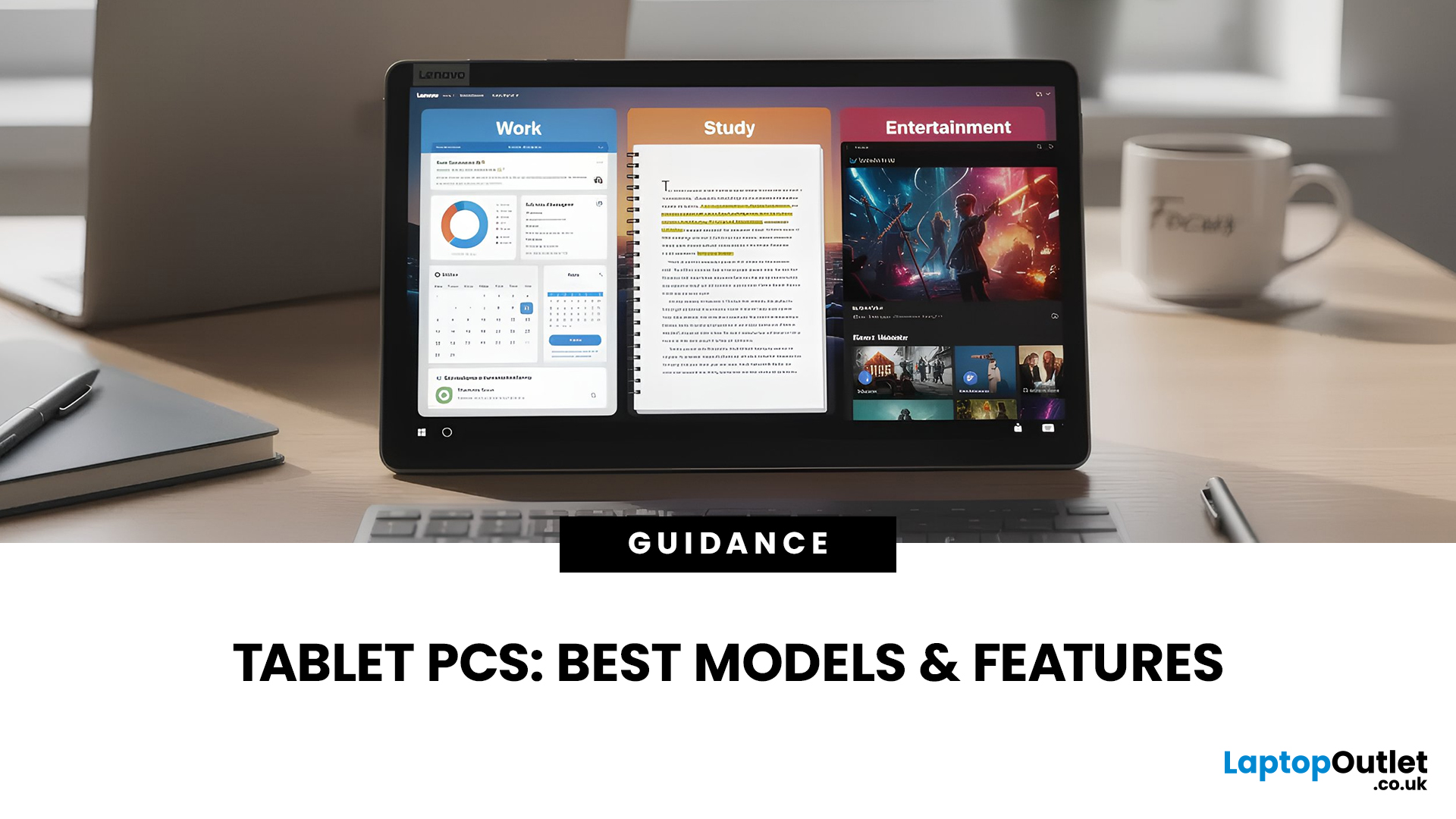
For years, Lenovo has quietly done something most tech brands struggle with:
making devices that actually make sense for real people.
- Not flashy-for-the-sake-of-it.
- Not overpriced because of a logo.
- Not confusing hybrids that don’t know what they want to be.
In 2026, Lenovo Tablet PCs feel more relevant than ever, especially if you care about value, flexibility, and devices that work just as well for studying, working, streaming, or light creativity.
This isn’t about hype.
It’s about what Lenovo tablets actually do well, where they fit best, and why they’re still one of the smartest tablet choices in the UK right now.
Why Lenovo Tablet PCs Still Matter in 2026
The tablet market has split into extremes. On one end, you’ve got ultra-premium devices that cost as much as laptops. On the other, budget tablets that struggle with basic multitasking.
Lenovo lives in the sweet spot.
Lenovo tablet PCs focus on:
- Practical performance
- Reliable build quality
- Sensible pricing
- Clear use cases
That’s

Last Updated: January 21, 2026
For a long time, tablets were seen as secondary devices. Great for Netflix, decent for browsing, but not serious enough for work or study.
That perception is officially outdated.
In 2026, Windows tablets have evolved into some of the most versatile devices you can buy. They’re no longer just tablets that can do work, they’re powerful, flexible computers that happen to be touch-first.
Whether you’re a student, a professional, or someone who wants one device that does everything, this guide breaks down the top Windows tablets in the UK 2026, how they perform in real life, and which models actually make sense to buy right now.
No hype. No spec-sheet dumping. Just clarity.
Why Windows Tablets Matter More Than Ever in 2026
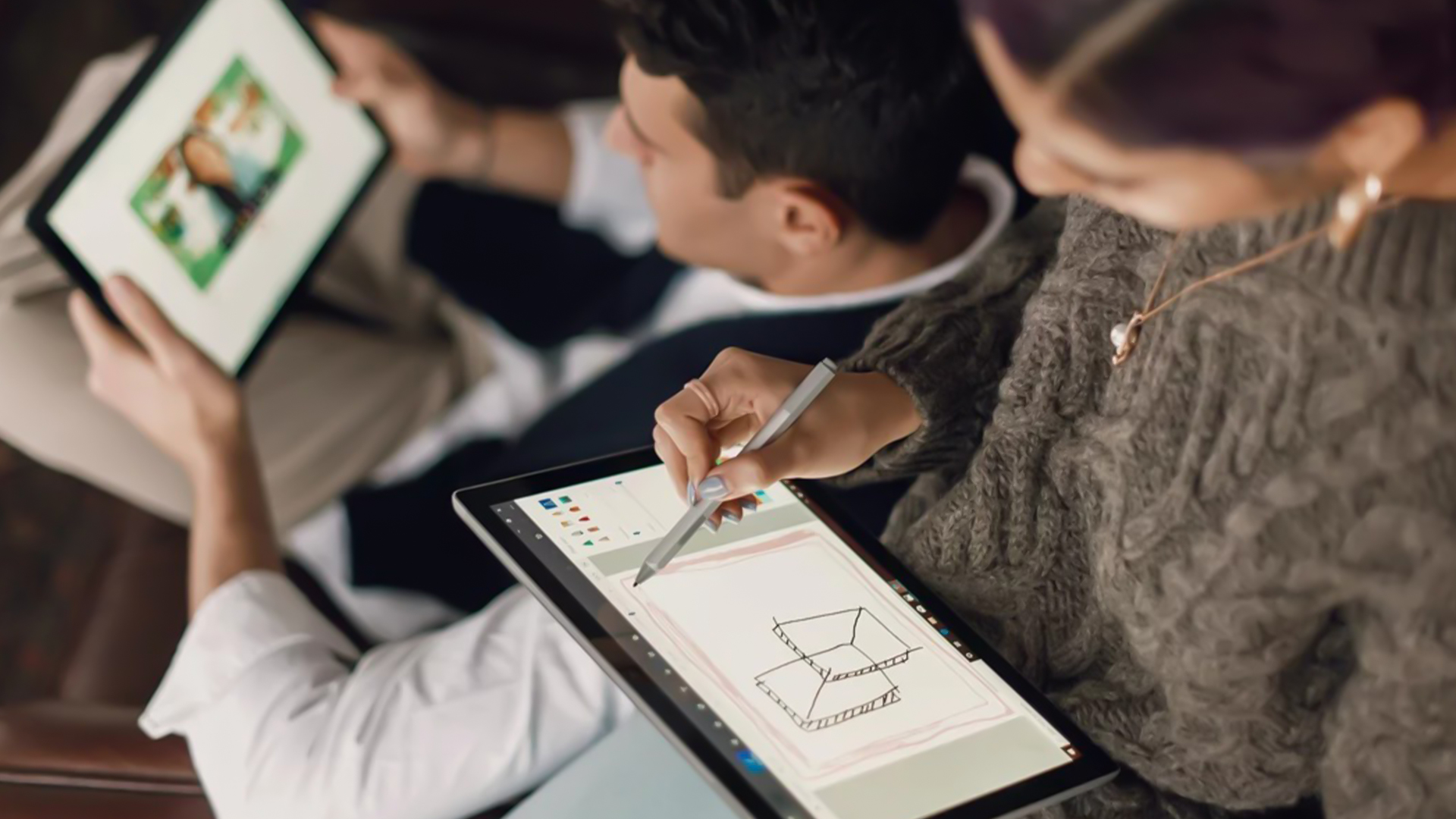
The biggest reason Windows tablets have taken off again is simple: people want flexibility without compromise.
Windows tablets sit in a unique position between laptops and Android tablets. They give you:
- Full desktop software
- Proper multitasking
- Touch and pen support
- Detachable

Last Updated: January 21, 2026
Let’s be honest - most of us don’t work (or study, or relax) in just one way anymore. One minute you’re typing notes, the next you’re scrolling, watching something, sketching ideas, or replying to emails from the sofa.
That’s exactly why convertible tablets exist.
Also called 2-in-1 laptops, laptop tablets, or the very literal notebook two-in-one, these devices are designed to adapt to how you use tech throughout the day - not force you into one setup.
But choosing the right 2 in 1 laptop convertible isn’t always straightforward. Some lean more laptop. Some feel more like tablets. And some just… try to do everything and don’t quite nail it.
This guide breaks it all down in a way that actually makes sense.
What Is a Convertible Tablet (And Why Do People Buy Them)?
A convertible tablet is a hybrid device that combines:
- A laptop’s power (keyboard, trackpad, desktop software)
- A tablet’s flexibility (touchscreen, pen input, portability)
Most convertible tablets run Windows, which means you’re

Last Updated: January 21, 2026
There’s a reason people still say “Just get a Surface” when someone asks for a serious Windows tablet.
In a world full of Android slates, experimental hybrids, and ultra-cheap tablets that barely last a year, Microsoft Surface tablets have carved out a very specific reputation:
clean design, proper productivity, and devices that feel like Windows was made for touch - because, well, it was.
In 2026, Surface tablets aren’t trying to chase trends. They’re refining what they already do best: turning tablets into genuinely useful computers that flex between work, study, creativity, and everyday life.
Why Microsoft Surface Tablets Still Set the Standard
When Microsoft launched the first Surface, it wasn’t just another tablet. It was a statement:
Windows doesn’t belong to laptops only.
Fast forward to 2026, and Microsoft Surface 2-in-1 tablets are still the reference point for the entire category. Whether you’re looking at Detachable tablets, Surface 2-in-1 devices, or Windows touchscreen tablets,

Last Updated: January 21, 2026
Windows tablets have quietly become one of the most practical tech buys in the UK, especially if you want proper laptop features without paying laptop money. Whether you’re studying, working remotely, or just need a flexible everyday device, a Windows tablet (or budget 2 in 1 Windows tablet) can often do the job of both a tablet and a laptop.
In this 2026 guide, we’re breaking down the best Windows tablets in the UK by price, under £300, and £500 and explaining what you can realistically expect at each level. No hype, no spec overload, just clear advice to help you spend smart.
Why Choose a Windows Tablet Instead of Android or iPad?

Before diving into budgets, it’s worth understanding why people choose Windows tablets in the first place.
A Windows tablet gives you:
- A full desktop operating system
- Proper file management (folders, drives, downloads)
- Compatibility with Microsoft Office and desktop apps
- Keyboard and mouse support
- Often, a 2-in-1 experience with detachable or foldable keyboards

Last Updated: January 21, 2026
If you’re shopping for a tablet in 2026, you’ve probably hit the same question everyone else has:
Do I need a 4G tablet, or will a Wi-Fi tablet do the job?
With hybrid work, online study, and always-on lifestyles becoming the norm in the UK, tablets aren’t just Netflix machines anymore. They’re work tools, study partners, and portable productivity hubs.
In this guide, we’re breaking down 4G tablets vs Wi-Fi tablets in a way that actually makes sense, no tech jargon overload, no outdated advice. Just real talk, real use cases, and real buying advice for the UK market.
What Actually Is the Difference Between 4G Tablets and Wi-Fi Tablets?

Let’s start simple
What Are Wi-Fi Tablets?
Wi-Fi tablets connect to the internet only when a Wi-Fi network is available, think home broadband, office Wi-Fi, cafés, libraries, or hotspots.
They’re the most common type of tablet and usually the cheapest option.
Best for:
- Home and office use
- Streaming, browsing, and casual gaming
- Students studying mainly at

Last Updated: April 14, 2026
You need a tablet (well… that’s why you’re here), but figuring out which one actually suits you? That’s where things get tricky.
It’s all gone a bit pear-shaped - there are so many Android tablets out there, each packed with features that sound like they need a dictionary to understand (seriously, who casually says “Magnetoresistive Stylus Support”?). And don’t even get started on the prices.
Finding the right tablet with the right specs and a price that makes sense can quickly turn into a headache.
So, let’s make this easy.
We are going to break down exactly what you need to know, what to look for, what to ignore to choose the best Android tablet for your needs, all in simple, no-jargon language (because no one needs a tech lecture just to buy a tablet).
If you already know what you want, you can jump straight to our full range of android tablets and start browsing.
Otherwise, stick with me, by the end of this, you’ll know exactly which tablet deserves your money.
Quick Picks: Best Android
Published: April 13, 2026
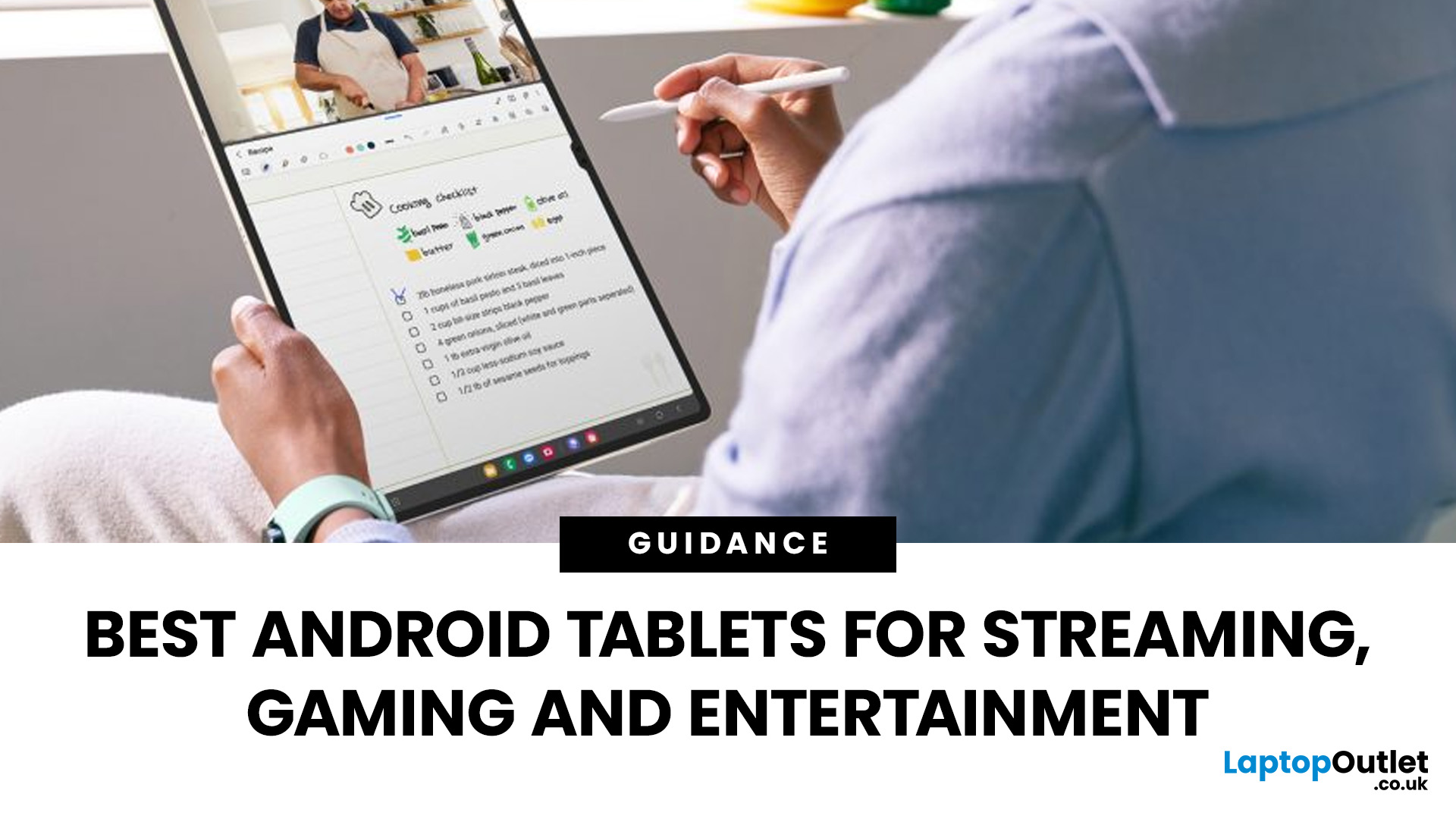
Looking for a tablet that’s built more for watching, playing, and relaxing than working? You’re not alone, Android tablets have quietly become some of the best-value options for streaming and gaming in 2026.
- Big-screen Android tablets are now sharper, louder, and more immersive
- Mid-range processors comfortably handle streaming and casual gaming
- Battery life and audio quality now matter more than raw performance
Streaming, gaming, and genera l entertainment are now the main reasons people pick up tablets again. While flagship devices still exist, most buyers today are leaning toward practical, well-balanced options that deliver strong visuals, solid audio, and long battery life, without pushing into premium pricing.
What actually makes a tablet good for streaming and gaming?
Before jumping into specific models, it helps to understand what separates a good tablet from a great entertainment device.
A strong Android tablet for streaming and gaming isn’t just about specs, it’s about how everything
Last Updated: April 13, 2026
Trying to stay productive these days without the right device? Not happening.
Whether you’re switching between lectures, juggling work tasks, replying to emails, or just trying to organise your day without losing your mind… you need something that can actually keep up.
That’s where Android tablets come in.
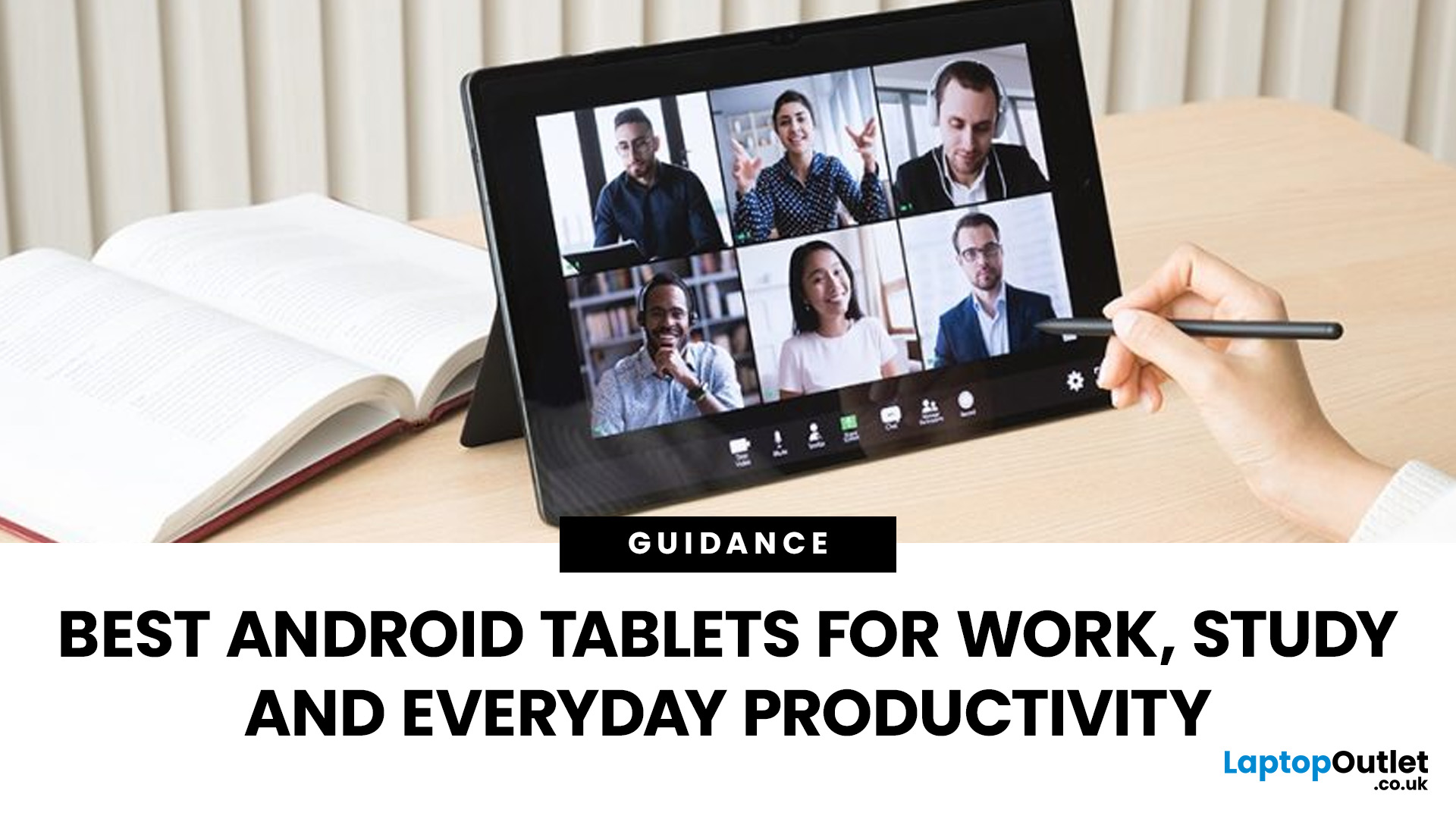
They’re lighter than laptops, more powerful than you’d expect, and way more flexible for everyday productivity - whether you’re a student, a professional, or somewhere in between.
But here’s the catch: not all tablets are built for productivity. Some are great for Netflix… but struggle the moment you open 3 tabs. Others look powerful on paper but don’t deliver where it matters.
So, in this guide, we’re breaking down the best Android tablets for work and study, helping you find the right balance between performance, usability, and value, without overcomplicating things.
Quick Picks: Best Android Tablets for Work and Study (2026)
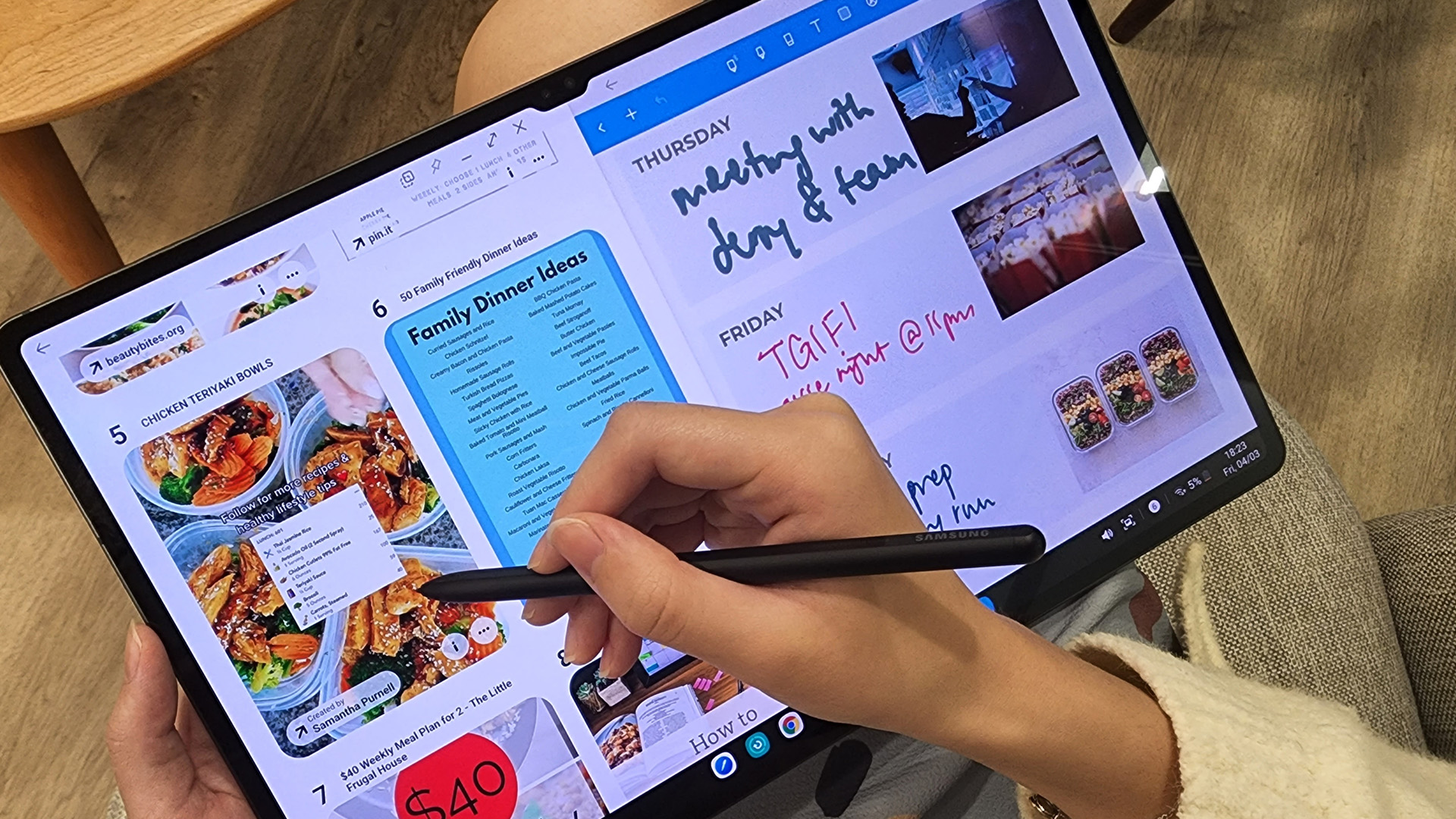
If you just want the highlights, here’s a quick look at
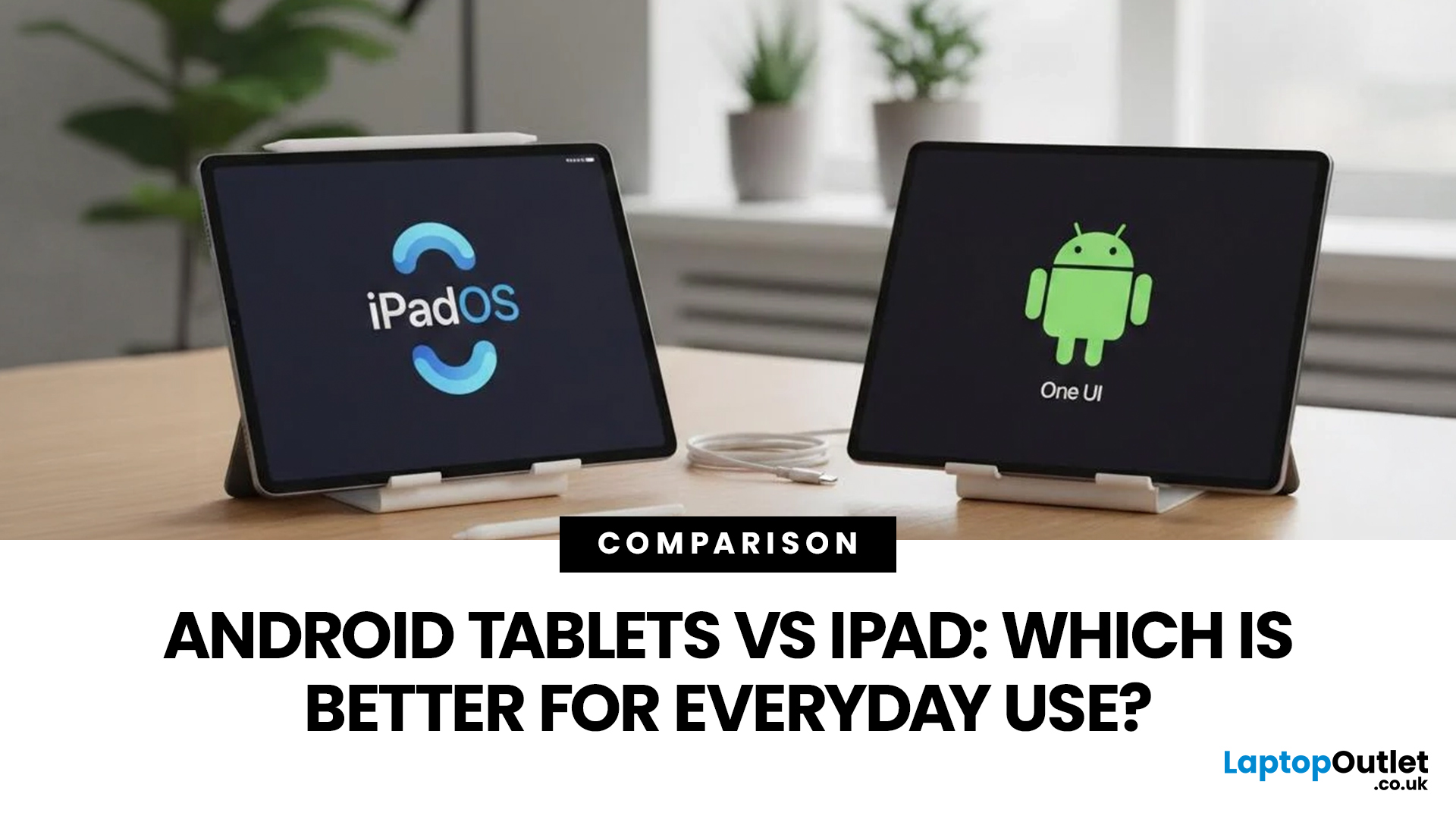
Published: April 14, 2026
Choosing a tablet sounds easy… until you actually start looking.
Suddenly, it turns into a full-on ecosystem debate. Do you go for the clean, premium Apple experience? Or do you choose the flexibility, variety and better-value world of Android?
That’s exactly why so many buyers end up stuck between Android tablets vs iPad.
On one side, iPads have the polished reputation, smooth performance and that classic Apple “it just works” appeal. On the other, Android tablets give you more choice, more price points, more freedom and a way easier entry into the tablet world without your bank account crying in the background.
And if you’re an everyday buyer, that choice matters even more.
Because you’re probably not buying a tablet to do one ultra-specific thing. You want something that fits into daily life. Something good for streaming, scrolling, studying, replying to emails, joining video calls, browsing, shopping, taking notes, maybe even getting a bit of work done when needed.
So in this guide,

