



Laptop Buying Guide 2026: How to Choose the Right One
By the end of 2025, buying a laptop had become a bigger decision than ever. Global PC shipments climbed to more than 270 million units in 2025, with the final quarter alone reaching 71.5 million units.
On the surface, that sounds like good news: more innovation, more models, more choice. But for buyers, it also means more noise. Bigger spec sheets, bolder marketing claims, AI-ready labels everywhere, and a growing chance of paying for power you do not need or missing the features you actually do.
That is what makes choosing a laptop in 2026 tricky. The best option is not always the most expensive, the most powerful, or the newest on the page. It is the one that fits the way you work, study, stream, create, or game without compromise.
This guide cuts through the clutter and helps you choose with confidence. So, get yourself ready to buy the laptop you are looking for.
How to Choose the Right Laptop in 2026
If you want the quick answer, here’s how to choose the right laptop without overthinking specs:
- Start with your use: work, study, gaming, or everyday tasks
- Go for 16GB RAM + 512GB SSD for smooth performance in most cases
- Choose screen size: 14" for portability, 15" for balance, 16"+ for more workspace
- Prioritise battery life, display quality, and real-world usability
- Only pay extra for power (like graphics or higher specs) if your work actually needs it
Why Buying a Laptop in 2026 Feels Harder Than It Should

Buying a laptop sounds simple until the options start piling up. In 2026, you are not just choosing a brand or a budget. You are comparing processors, RAM, storage, screen types, graphics, battery claims, AI-ready features, and price jumps that do not always make immediate sense.
That is why even confident shoppers can feel stuck. One laptop looks affordable but may struggle in the long run. Another looks powerful, but you may end up paying extra for features you will barely use.
Why it gets confusing fast
- More models at every price point
- Bigger, bolder spec lists
- Marketing terms that sound useful but are not always relevant
- Different laptops built for completely different kinds of users
The tricky part is that there is no single “best laptop” anymore. The right one depends on how you actually plan to use it. Once that becomes clear, the rest of the buying process gets much easier.
How a Laptop Works - Without the Jargon Overload
You do not need to be a tech expert to understand laptop specs. You just need to know what each main part does in real life.
Think of a laptop like a team. Every part has a job, and together they shape how smooth, fast, and comfortable the experience feels.
|
Laptop part |
What it does |
Why it matters |
|
Processor (CPU) |
Handles the main tasks and overall speed |
Affects performance and responsiveness |
|
RAM |
Helps the laptop manage multiple tasks at once |
Important for multitasking |
|
Storage (SSD) |
Stores files, apps, and the system |
Affects space and loading speed |
|
Graphics (GPU) |
Handles visuals and heavier graphic work |
Important for gaming, design, and editing |
|
Battery |
Powers the laptop away from the charger |
Matters for portability and daily convenience |
|
Display |
Shows everything on screen |
Affects comfort, sharpness, and image quality |
Here is the simple version: the CPU helps the laptop think, RAM helps it juggle tasks, storage holds your files, GPU handles visual power, battery affects freedom from the plug, and the display shapes your viewing experience.
Once you understand that, laptop specs stop feeling random and start feeling useful.
The Smartest Way to Choose a Laptop? Start With What You Actually Do
The easiest way to choose a laptop is to stop asking, “Which one is best?” and start asking, “What do I need it to do well?”
A student, a gamer, a designer, and an office worker can all have the same budget and still need completely different machines. That is why use case matters more than hype.
Match the laptop to the job
|
If you mainly use your laptop for… |
Prioritise these features |
|
Work / business |
Battery life, keyboard comfort, portability, reliable performance |
|
School / university |
Lightweight design, good battery, value for money, enough RAM |
|
Gaming |
Dedicated graphics, strong processor, cooling, fast display |
|
Creative work |
Colour-accurate screen, more RAM, fast storage, strong performance |
|
Coding / multitasking |
Good processor, 16GB+ RAM, keyboard comfort, screen space |
|
Streaming / everyday use |
Good display, decent speakers, smooth everyday performance |
This is where a lot of buyers save themselves from regret. If you mostly browse, stream, work on documents, and join calls, you probably do not need gaming-level power. If you edit videos, design in detail, or play modern games, a basic everyday laptop may not keep up.
The goal is not to buy the most impressive laptop on the page. It is to buy one that feels right for your everyday routine.
Set Your Budget Before You Compare Specs
Before getting lost in processor names and display types, set a budget. It sounds obvious, but it is one of the easiest ways to narrow down your options and avoid paying for features you may never use.
A lower-priced laptop can be a smart buy if your needs are light: browsing, emails, streaming, study tasks, and everyday admin. Mid-range models usually offer the best balance for most people, giving you stronger multitasking, better build quality, and more comfortable day-to-day performance. Premium laptops start to make more sense when your workload is heavier or you want extras like a sharper display, better battery life, lighter design, or stronger graphics.
|
Budget range |
Best for |
What you can usually expect |
|
Entry-level |
Everyday use, light study, browsing, streaming |
Basic performance, compact storage, standard displays |
|
Mid-range |
Work, school, multitasking, general home use |
Better processors, more RAM, faster SSDs, stronger all-round value |
|
Premium |
Gaming, creative work, demanding professional use |
More power, better screens, stronger build quality, advanced features |
The trick is not to spend as little as possible or as much as possible. It is to spend where it actually improves your experience. A student or remote worker might benefit more from better battery life and 16GB of RAM than from paying extra for gaming-grade graphics. On the other hand, someone editing videos or working in CAD may quickly outgrow a cheaper laptop that looked like a bargain on day one.
If you are comparing models on a retail page, this is where filtering by budget first can save a lot of time. It helps you focus on laptops that fit your price range before you start weighing up the finer details.
Laptop Specifications Explained: What Actually Matters
Laptop specifications can look intimidating at first, but a few core parts do most of the heavy lifting. Once you know what they affect in real use, choosing the right machine gets much easier.
The processor decides how smoothly the laptop handles tasks overall. For browsing, office work, streaming, and study, a modern mid-range processor is usually more than enough. If you are doing heavier work like coding, editing, or gaming, a stronger chip will make a noticeable difference.
RAM is one of the most important laptop specifications because it affects how comfortably your device multitasks. As a general rule, better suited to advanced creative work, development, and demanding software.
Storage is where your files, apps, and operating system live. SSD storage is the standard to look for now because it keeps the laptop feeling fast and responsive. For lighter use, 256GB may be enough, but 512GB gives more breathing room and is often the safer choice for long-term use.
Graphics matter most if your laptop will be used for gaming, video editing, 3D work, or design-heavy tasks. If your daily routine is mostly documents, browser tabs, and streaming, integrated graphics are usually enough. A dedicated GPU only becomes essential when your workload actually demands it.
Battery life, ports, and connectivity are often overlooked, but they shape everyday comfort more than people expect. A laptop that lasts longer away from the charger, connects easily to your accessories, and fits your daily setup will usually feel like the better buy over time.
|
Specification |
What to look for |
|
Processor |
Mid-range for everyday use, stronger options for heavier workloads |
|
RAM |
8GB for light use, 16GB for most people, 32GB+ for demanding tasks |
|
Storage |
SSD only; 256GB minimum, 512GB more practical for many users |
|
Graphics |
Integrated for everyday use, dedicated GPU for gaming and creative work |
|
Battery |
Look for strong real-world battery life, not just marketing claims |
|
Ports |
Check for the connections you actually use, especially USB-C, USB-A, HDMI, and audio |
The best laptop specifications are not always the biggest ones. They are the ones that match how you work, study, create, or play without making you overspend.
How to Choose Laptop Screen Size

Choosing the right screen size is about more than what looks good in a product photo. It affects portability, comfort, productivity, and even how often you enjoy using the laptop.
Smaller laptops, usually around 13-inch laptopsor 14-inch laptops, are ideal if you travel often, move between meetings, commute, or want something easy to carry around campus. They are practical, tidy, and often great for everyday work and study.
A 15-inch laptopis the most balanced option for many buyers. It gives you more screen space without becoming too bulky, which makes it a strong all-round choice for work, home use, entertainment, and general multitasking.
If you prefer a larger workspace, or you use your laptop for gaming, design, editing, or immersive viewing, 16-inch laptopsand 17-inch laptopsmodels can feel much more comfortable. The trade-off is that they are usually heavier and less convenient to carry around regularly.
The easiest way to think about it is this:
- choose 13-inch or 14-inch for portability
- choose 15-inch for balance
- choose 16-inch or larger for screen space and heavier use
This is why learning how to choose laptop screen size matters so much. A smaller screen may look sleek, but it can feel cramped if you work across multiple windows all day. A larger display may feel great at a desk, but less so in a backpack. The right size is the one that fits both your workflow and your routine.
Best Laptop Screen Types: What Display Should You Choose?
A laptop screen does more than show what is on the page. It shapes how comfortable the laptop feels during long workdays, how sharp films look, how accurate colours appear, and how enjoyable everyday use becomes. That is why learning about the best laptop screen types can make a real difference when comparing models.
Full HD display
For many people, a Full HD display is still the sweet spot. It is sharp enough for work, browsing, streaming, and general use without pushing the price too high. If you want more detail and a more premium feel, higher-resolution displays can look even better, especially on larger screens.
OLED screens
Panel type matters too. IPS displays are a strong all-round option because they offer good colour and viewing angles. OLED screens look richer and more vivid, with deeper blacks and stronger contrast, which makes them especially appealing for entertainment and creative work. Standard panels can still be fine on budget-friendly models, but they usually feel less impressive in everyday use.
Touchscreen
There are also a few extra choices worth thinking about. A touchscreen can be handy for some users, but it is not essential for everyone. A matte screen helps reduce glare, while a glossy display can make colours appear more vibrant. And if you are looking at gaming laptops, a higher refresh rate can make motion feel noticeably smoother.
The best display is not always the most expensive one. It is the one that suits how you use your laptop most often, whether that is spreadsheets, streaming, editing, or everyday browsing.
Laptop Battery Life Tips: What to Look For and How to Make It Last
Battery life is one of those features that only becomes more important after you buy the laptop. On paper, a few extra hours may not sound like much. In real life, it can be the difference between working comfortably through the day and hunting for a charger by lunchtime.
When comparing models, it helps to look beyond bold battery claims. Real-life battery performance depends on what you are doing, how bright the screen is, what kind of display the laptop has, and how efficient the processor is. A laptop used for browsing and documents will usually last much longer than one handling gaming, editing, or heavy multitasking.
Some simple laptop battery life tips can help before and after buying. Before purchase, check whether the laptop is built for portability or performance, because that often affects battery expectations straight away. Slim business and student laptops tend to focus more on endurance, while gaming and creative machines usually trade some battery life for power.
After purchase, a few habits can help the battery go further:
- keep screen brightness at a sensible level
- use battery-saving modes when needed
- close background apps you are not using
- keep software updated for better efficiency
Battery life should never be looked at in isolation. A long-lasting laptop is great, but only if it still has the performance and screen quality you need. The right choice is one that balances stamina with the kind of work or entertainment you expect from it every day.
Laptop Features for Business: What Professionals Should Prioritise
If you are choosing a laptop for work, raw performance is only part of the story. The best laptop features for business are usually the ones that make everyday tasks smoother, more comfortable, and more reliable over time.
Business-focused laptop
A business-focused laptop should first feel dependable. That means solid performance for multitasking, good battery life for working away from a desk, and a keyboard that stays comfortable through long emails, reports, and meetings. A sharp webcam and clear microphone also matter more in 2026 than they used to, especially for hybrid and remote work.
Security
Security is another key area. Depending on your role, features like a fingerprint reader, TPM support, or a webcam privacy shutter can make a real difference. These are not always the flashiest specs on the page, but they add practical value for professionals who use their device every day.
Portability
Portability matters too. A lighter machine is easier to carry between home, office, and travel, while the right ports and connectivity can save frustration when docking at a desk or connecting accessories. For many buyers, this is where a well-chosen work laptop feels smarter than a more powerful machine that is less convenient to live with.
|
Business need |
Features worth prioritising |
|
Hybrid work |
Battery life, webcam, microphone, portability |
|
Office productivity |
Comfortable keyboard, reliable processor, enough RAM |
|
Secure everyday use |
Fingerprint reader, privacy features, TPM support |
|
Flexible setup |
USB-C, HDMI, strong wireless connectivity |
How to Choose a Laptop for Work in 2026

If you are figuring out how to choose a laptop for work in 2026, the safest approach is to match your laptop to your actual workload, not just pick a “business” label.
For general office work (emails, documents, meetings)
Most office users should go for a 14-inch or 15-inch Windows laptop with:
- 16GB RAM
- SSD storage (512GB ideally)
- strong battery life
- good webcam and microphone
This setup handles:
- multiple tabs
- spreadsheets
- video calls
- daily multitasking without slowing down
Best fit:
- Samsung Galaxy laptops (for portability)
- Windows 11 laptops
For hybrid and remote work
If you move between home, office, or travel, prioritise:
- 14-inch lightweight design
- long battery life
- USB-C charging
- solid webcam quality
This type of laptop should feel easy to carry and reliable throughout the day, not just powerful on paper.
For heavy multitasking and advanced work
If your work includes:
- large spreadsheets
- coding
- data tools
- multiple apps running together
Then step up to:
- 16GB–32GB RAM
- stronger processor
- 15-inch or 16-inch screen for workspace
- 512GB+ SSD
This avoids slowdowns and keeps everything running smoothly under pressure.
For mobile professionals
If you are always on the move:
- choose 13-inch or 14-inch
- keep weight low
- prioritise battery over raw power
- ensure fast wake and quick load times
A slightly less powerful but more portable laptop is often the smarter choice here.
When a business laptop is better than a general-use laptop
A business-focused laptop is worth it if you need:
- better build quality
- more reliable battery
- stronger security features
- consistent performance over long workdays
For many professionals, that consistency matters more than extra power.
Laptop Buying Mistakes to Avoid
Avoiding the wrong choice is just as important as finding the right one. Here are the most common laptop buying mistakes to avoid:
Buying based only on price
Cheap laptops can feel like a win - until they start lagging with basic multitasking.
At the same time, expensive laptops are not always better if you do not need the extra power.
Choosing the wrong RAM and storage
- 8GB RAM can feel limited quickly
- 16GB is the safer long-term choice
- low storage fills up faster than expected
Always think beyond day one.
Ignoring screen size and comfort
A laptop might look great online but feel:
- too small for work
- too big to carry
- uncomfortable for long use
Screen size affects daily experience more than most specs.
Paying for features you will not use
Common example:
- buying gaming-level graphics for office work
That extra cost rarely improves everyday performance.
Underestimating battery life
If you work away from a desk, poor battery becomes a daily frustration.
Not thinking long-term
Software, workloads, and habits grow over time.
Buying “just enough” today often leads to replacing sooner.
Quick Laptop Buying Checklist for 2026
Before you decide, run through this quick check. It keeps your choice focused and practical.
|
What to check |
What to aim for |
|
Use case |
Work, study, gaming, creative, or everyday |
|
RAM |
16GB for most users |
|
Storage |
512GB SSD for comfort |
|
Screen size |
14" for portability, 15" for balance, 16"+ for workspace |
|
Battery |
Enough for your daily routine without constant charging |
|
Graphics |
Only upgrade if your work needs it |
|
Ports |
USB-C, USB-A, HDMI as needed |
|
OS |
Windows 11 for most users |
If these points are clear, the rest becomes simple. You are no longer guessing - you are choosing with purpose.
Recommended Laptop Types by User Need

Choosing the right laptop gets much easier when you stop comparing everything and start with the type of user you are.
Best laptop type for students
Most students should focus on 14-inch or 15-inch laptops with 8GB to 16GB RAM, SSD storage, and strong battery life. The sweet spot is usually a slim everyday laptop rather than a gaming model.
What to look for:
- 14-inch if portability matters most
- 15-inch if you want more screen space for study and streaming
- 8GB RAM for lighter schoolwork
- 16GB RAM for multitasking and longer-term use
- Windows 11 laptops for broad software compatibility
Best fit:
- mainstream Acer laptops
- everyday ASUS notebooks
Best laptop type for office and business users
For work, the safest choice is usually a 14-inch or 15-inch Windows laptop with 16GB RAM, a modern processor, and SSD storage. A business user should care more about keyboard comfort, battery life, webcam quality, and portability than flashy graphics.
What to look for:
- 14-inch for commuting and hybrid work
- 15-inch for desk-based productivity
- 16GB RAM for smooth multitasking
- strong battery life
- USB-C and HDMI for flexible setups
Best fit:
- ASUS notebooks for work
- Windows 11 laptops for business familiarity
Best laptop type for gamers
Gamers should skip basic everyday laptops and go straight to gaming laptops with dedicated graphics, better cooling, and faster displays. A 15-inch or 16-inch model usually makes the most sense here.
What to look for:
- dedicated GPU
- 16GB RAM minimum
- higher refresh rate display
- strong cooling
- enough storage for larger games
Best fit:
- gaming laptops
- larger laptops over ultra-portable models
Best laptop type for creative professionals
Creative users should prioritise the screen and performance together. A 15-inch or 16-inch laptop with 16GB RAM or more, fast SSD storage, and a better-quality display is usually the right direction.
What to look for:
- IPS or OLED display
- more colour accuracy
- 16GB RAM minimum
- stronger processor
- dedicated graphics for heavier editing or design work
Best fit:
- premium ASUS laptops
- larger-screen Windows laptops
- performance-focused creator-style models
Best laptop type for developers and power users
Developers usually benefit most from 16GB RAM or more, a strong processor, SSD storage, and a keyboard that feels comfortable for long sessions. A 15-inch or 16-inch laptop is often better if you work with multiple windows open.
What to look for:
- 16GB RAM minimum
- modern multi-core processor
- 512GB SSD or more
- comfortable keyboard
- good screen space
Best fit:
- work-focused ASUS laptops
- stronger Windows 11 laptops
- mid-range to premium productivity models
Best laptop type for everyday home use
If your use is mostly browsing, shopping, streaming, emails, and light admin, keep it simple. A 14-inch or 15-inch laptop with 8GB RAM, SSD storage, and a decent Full HD display is usually enough.
What to look for:
- easy everyday performance
- Full HD screen
- good value
- reliable battery life
Best fit:
- affordable laptops
- Acer everyday laptops
- general-use Windows laptops
Brand and Platform Options Worth Exploring
Best for buyers who want:
- reliable productivity
- work-friendly designs
- a good balance of performance and portability
Best for buyers who want:
- stronger value for money
- everyday use
- student or home-friendly options
Best for buyers who want:
- slimmer premium designs
- portability
- a more polished everyday work machine
Best for buyers who want:
- familiar software support
- modern compatibility
- a practical option for work, school, and home use
Best for buyers who want:
- dedicated graphics
- performance-first setups
- stronger cooling and faster displays
Which Laptop Should You Buy in 2026?
If you want the quickest answer:
- Student: 14-inch or 15-inch, 8GB to 16GB RAM, SSD, strong battery
- Office worker: 14-inch or 15-inch, 16GB RAM, Windows 11, good webcam
- Gamer: 15-inch or 16-inch, dedicated GPU, 16GB RAM, high refresh rate
- Creative user: 15-inch or 16-inch, 16GB+ RAM, IPS/OLED display, fast SSD
- Developer: 15-inch or 16-inch, 16GB+ RAM, strong processor, 512GB SSD
- Everyday user: 14-inch or 15-inch, 8GB RAM, SSD, Full HD display
The smartest move is to choose by type, size, and workload first - then compare brands and models inside that category.

Final Thoughts: Choose Smart, Not Just Fast
By now, you have probably realised that buying a laptop is less about finding the most powerful option and more about finding the right fit.
A good laptop should:
- handle your daily tasks without slowing down
- feel comfortable to use for hours
- last long enough to support your routine
- match your budget without unnecessary extras
The smartest buyers are not the ones who pick the highest specs. They are the ones who understand what they need and ignore everything they do not.
If you are ready to compare options, browsing a wider range of laptops or narrowing down by category, whether that is work laptops, gaming laptops, or everyday models, is the easiest next step.
Choose based on how you actually use your laptop, and you are far less likely to regret it later.

Frequently Asked Questions About Buying a Laptop in 2026
1. What specs should I look for when buying a laptop in 2026?
For most users, a safe and balanced setup is:
- a modern processor
- 16GB RAM
- SSD storage (at least 512GB)
- a Full HD or better display
This combination works well for work, study, and everyday use without overcomplicating things.
2. How much RAM do I actually need?
- 8GB → light use (browsing, streaming, basic tasks)
- 16GB → best choice for most people
- 32GB+ → heavy multitasking, creative work, development
If you are unsure, 16GB is usually the safest long-term option.
3. Is 256GB storage enough for a laptop?
It can be enough for light use, but it fills up quickly with apps, files, and updates.
For most users, 512GB SSD is a more comfortable and practical choice.
4. What is the best laptop screen size for work?
- 14-inch → best for portability and hybrid work
- 15-inch → best all-round size for most users
- 16-inch+ → better for multitasking and larger workspaces
The right size depends on whether you move around a lot or mostly work from a desk.
5. Which laptop screen type is best?
- IPS → best all-round option for work and general use
- OLED → better colours and contrast for creative work and entertainment
- Standard panels → fine for budget-friendly everyday laptops
For most users, IPS strikes the right balance.
6. How much battery life should a good laptop have?
In real-world use:
- 6–8 hours → acceptable
- 8–12 hours → strong
- 12+ hours → excellent
Always consider your daily routine - especially if you work or study away from a charger.
7. Are gaming laptops good for work?
They can be, but they are not always the best choice. Gaming laptops are heavier, use more power, and focus on graphics performance. For most office tasks, a standard work laptop is more practical and efficient.
8. Is Windows 11 worth getting on a new laptop?
Yes - for most users, Windows 11 laptops offer:
- better long-term support
- improved security features
- compatibility with modern software
It is the safest choice for work, school, and general use.
9. What mistakes should I avoid when buying a laptop?
The most common ones are:
- focusing only on price
- choosing too little RAM or storage
- ignoring screen size and battery life
- paying for features you do not need
A balanced approach always works better than chasing extremes.
10. How do I choose the best laptop for my needs?
Start with three things:
- what you will use it for
- how much you want to spend
- which features actually matter for your routine
Once those are clear, the right laptop becomes much easier to identify.
Related Articles


Published: February 18, 2026
Adobe Creative Cloud apps aren’t lightweight anymore and in 2026, they’re pushing laptops harder than ever. From editing high-resolution photos in Photoshop to building complex vector artwork in Illustrator and exporting 4K timelines in Premiere Pro, creative software demands serious performance. That means choosing the right laptops for Adobe Creative Cloud isn’t optional, it’s essential.
A slow system can kill your workflow, delay exports, and turn simple edits into waiting games. The good news? Modern creator machines are faster, smarter, and built specifically for creative workloads. In this guide, we’ll break down the best laptops for Photoshop, Illustrator, and Premiere Pro, so you can create without limits (or lag).
Why Your Laptop Matters for Creative Work in 2026
Creative work isn’t just “opening Photoshop” anymore - in 2026, Adobe apps are basically full production studios. Whether you’re designing brand visuals, editing YouTube videos, or building content for clients, your
Last Updated: February 19, 2026
Are you a creative professional or a student looking for the perfect hardware? Choosing the right tools can make or break your workflow. Animation and 3D design are demanding tasks. They require power, precision, and reliability. In this guide, we explore the best laptops for animation and 3D modelling available today.
Why Your Hardware Matters for 3D Work?
Animation is not just about drawing. It involves complex calculations. When you work in software like Blender or Autodesk Maya, your computer handles millions of polygons. It also calculates lighting, physics, and textures in real-time.
If your laptop is too slow, you will face lag. Your software might crash. Most importantly, your rendering times will be incredibly long. High-performance 3D laptops solve these problems. They allow you to focus on your art instead of your technical issues.
To get the best results, you need a balance of components. This includes a fast processor (CPU), a powerful graphics card (GPU), and plenty of memory
Published: March 05, 2026
AI laptop buying in 2026 is not a trend you have to imagine. It is already changing how people shortlist, compare, and commit to a purchase.
Two shifts are happening at once. The first is behavioural: more people are using AI tools to conduct early research, compress reviews into a few usable insights, and quickly turn a vague requirement into a shortlist. Adyen’s UK retail research finds that 35% of UK consumers use AI to shop, and 56% of those say it influences what they buy.
The second shift is product-led: laptops are now being sold as AI PCs, with new labels and performance claims built around NPUs and TOPS. The problem is that marketing language and real-world value do not always line up. A badge can inflate the price, while the things that make a laptop genuinely pleasant to own are still the basics: screen, keyboard, battery, cooling, ports, and RAM.
So, the practical question in 2026 is not “Should you buy AI?” It is “Where does AI genuinely save time or improve the experience,
Last Updated: March 09, 2026
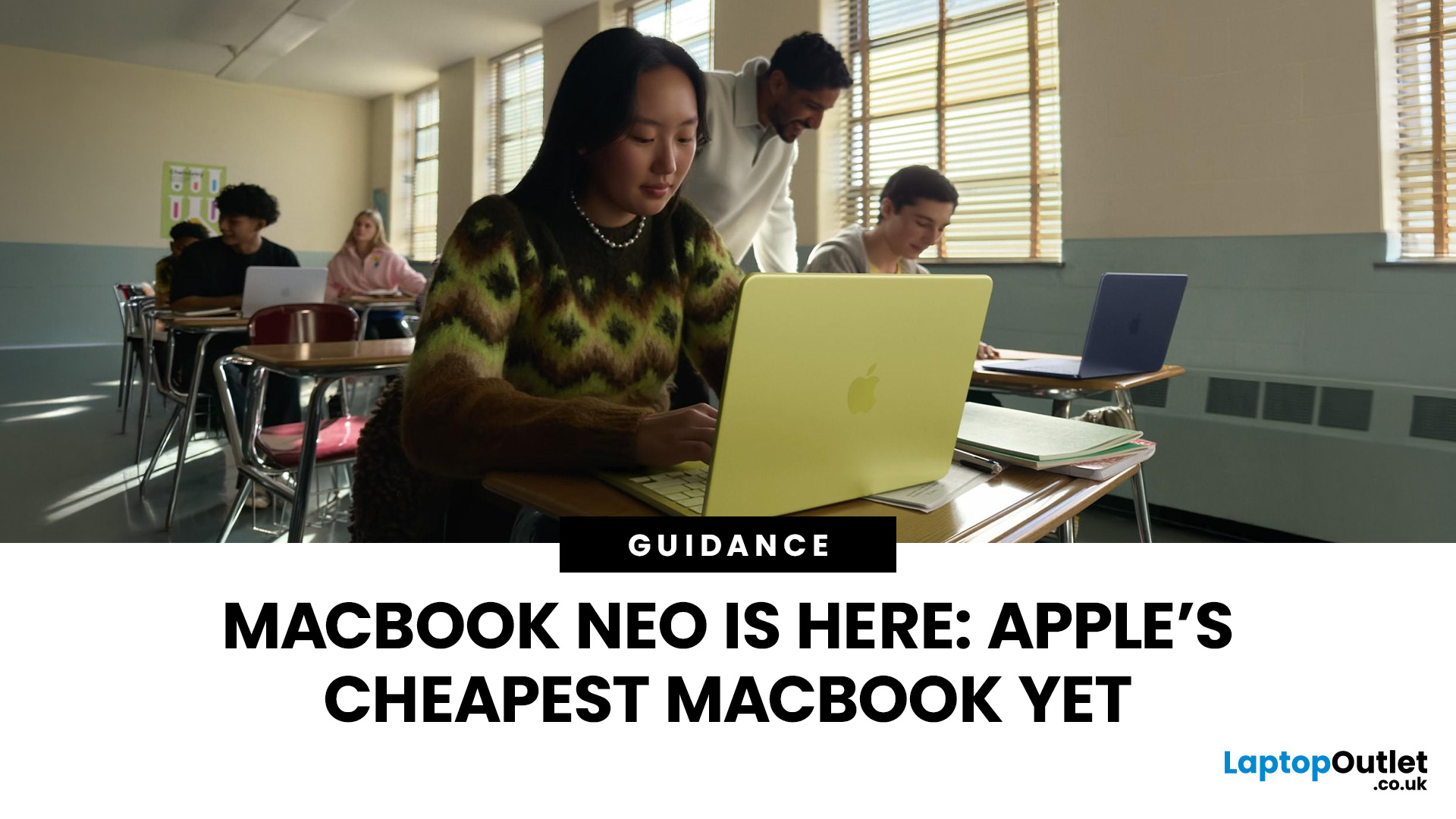
If you have been waiting for a proper budget Mac, it is finally here. MacBook Neo launched as Apple’s most affordable laptop ever, and it is clearly built for students, first-time Mac buyers, and anyone who just needs a reliable everyday laptop for browsing, documents, streaming, and calls. The big headline is the price. In the UK, MacBook Neo starts at £599, with £499 education pricing, and it goes on sale on Wednesday, March 11, 2026. Pre-orders are open now.
This guide breaks down what MacBook Neo is, who it is for, what you get for the money, and the trade-offs you should know before ordering.
Want to Buy a MacBook Neo? Quick Verdict
Buy MacBook Neo If You Want the Cheapest New Mac
MacBook Neo makes sense if your daily laptop life looks like this:
- Browsing and web apps
- Word, PowerPoint, Google Docs
- Email and admin
- Zoom or FaceTime calls
- School work and research
- Light photo editing and creative hobbies
It is designed to feel like a real MacBook, just at a lower cost.
Skip MacBook
Last Updated: March 09, 2026
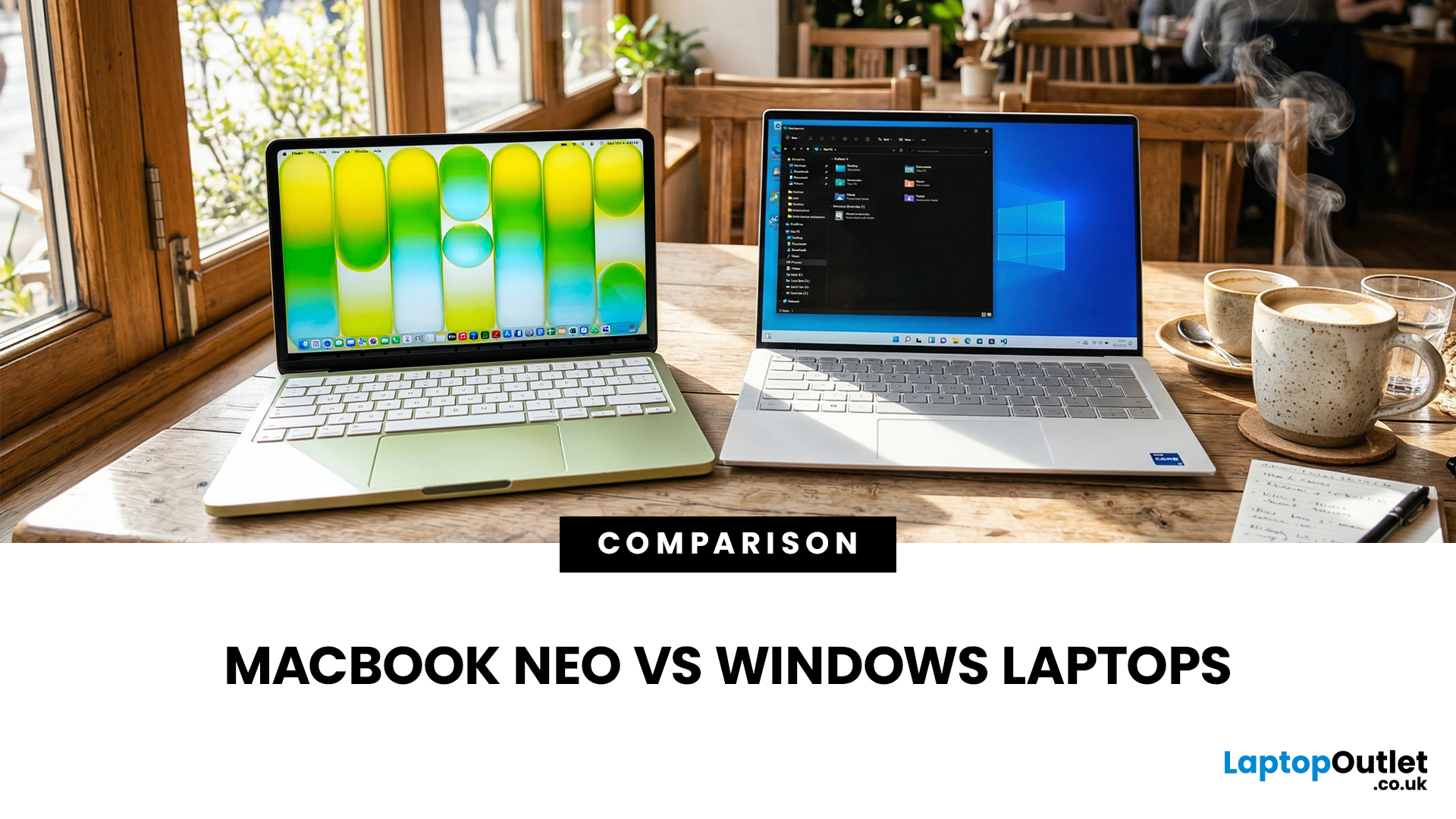
If you are comparing MacBook Neo vs Windows laptops, you are really asking one question: should you buy Apple’s cheapest Mac, or get a budget Windows laptop with more ports and more choice?
MacBook Neo is new, starts at £599, and is designed to be a simple, premium-feeling everyday laptop with macOS, long battery life, and strong call quality.
Budget Windows laptops can offer more screen sizes, more ports, and sometimes better upgrade options. But quality is inconsistent in this price range, and that’s where Neo tries to win.
Below is the practical, buyer-focused breakdown.
10-Second Answer Box
Choose MacBook Neo if
- You want the cleanest everyday experience for browsing, school, docs, and calls
- You value build quality and trackpad feel
- You want a laptop that stays fast and quiet for years, without tweaking settings
Choose a budget Windows laptop if
- You want more ports like HDMI and USB-A built in
- You need a bigger screen for the money
- You want the flexibility of Windows software and lots
Last Updated: July 06, 2026
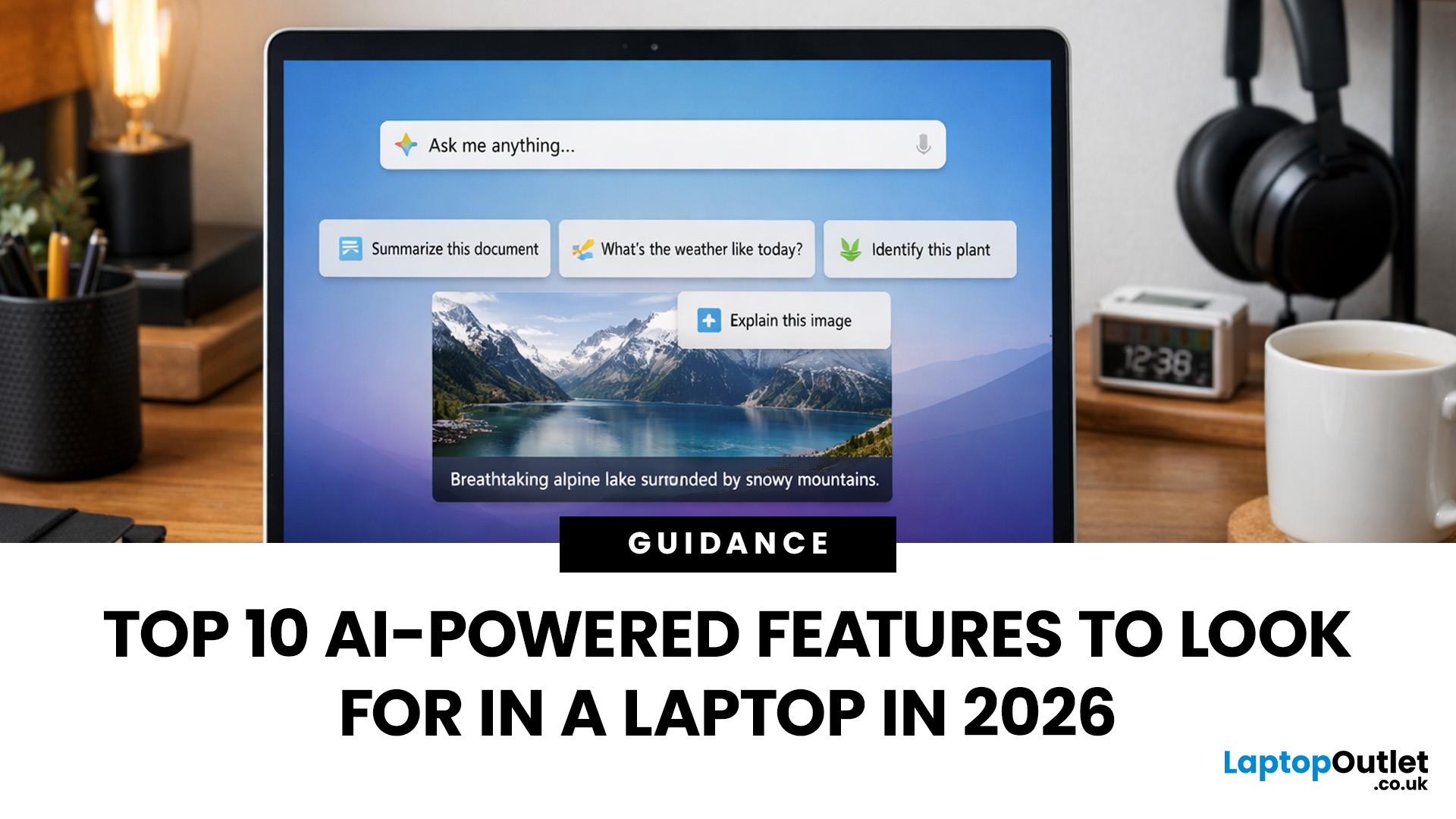
AI-powered laptop features matter in 2026 for one reason: they change the everyday feel of a laptop, not just the spec sheet. The key shift is on-device AI. When tasks like search, captions, camera effects, and quick actions run locally on an NPU, they tend to respond faster, waste less battery, and rely less on a perfect internet connection. That is why “AI-ready” is now a real buying category, not a vague label.
If you are upgrading this year, focus less on hype and more on the features that will save time each week: an NPU you can trust, OS-level AI tools that sit inside your workflow, practical call and meeting upgrades, and enough RAM and storage headroom to keep those features running smoothly for years.
Why AI Laptop Features Matter in 2026
Laptop marketing always finds a new headline, but this cycle is different because it is tied to real platform requirements. Microsoft has separated “regular Windows laptops” from Copilot+ PCs by setting expectations around NPU capability, RAM,
Published: March 10, 2026
If you’re comparing AI vs non-AI laptops in 2026, the most important thing to understand is this: an “AI laptop” is not automatically faster at everything. In everyday tasks like browsing, working with Office documents, email, and file management, a powerful non-AI laptop can feel just as fast as a newer AI model.
Where AI laptops change, the experience is when you stack AI features on top of normal usage, and the laptop stays smooth. That’s the difference buyers actually feel: better battery efficiency under mixed workload, quieter operation, and on-device features that don’t steal as much CPU and GPU time.
This guide works like an AI laptop performance test, using the kind of checks you can actually repeat at home or at work: wake-from-sleep, app launch behaviour, video calls with camera effects enabled, captioning latency, and battery drain under a realistic office day. It will help you decide whether an AI laptop is worth it for your workload, or whether a well-specced non-AI laptop
Last Updated: June 05, 2026
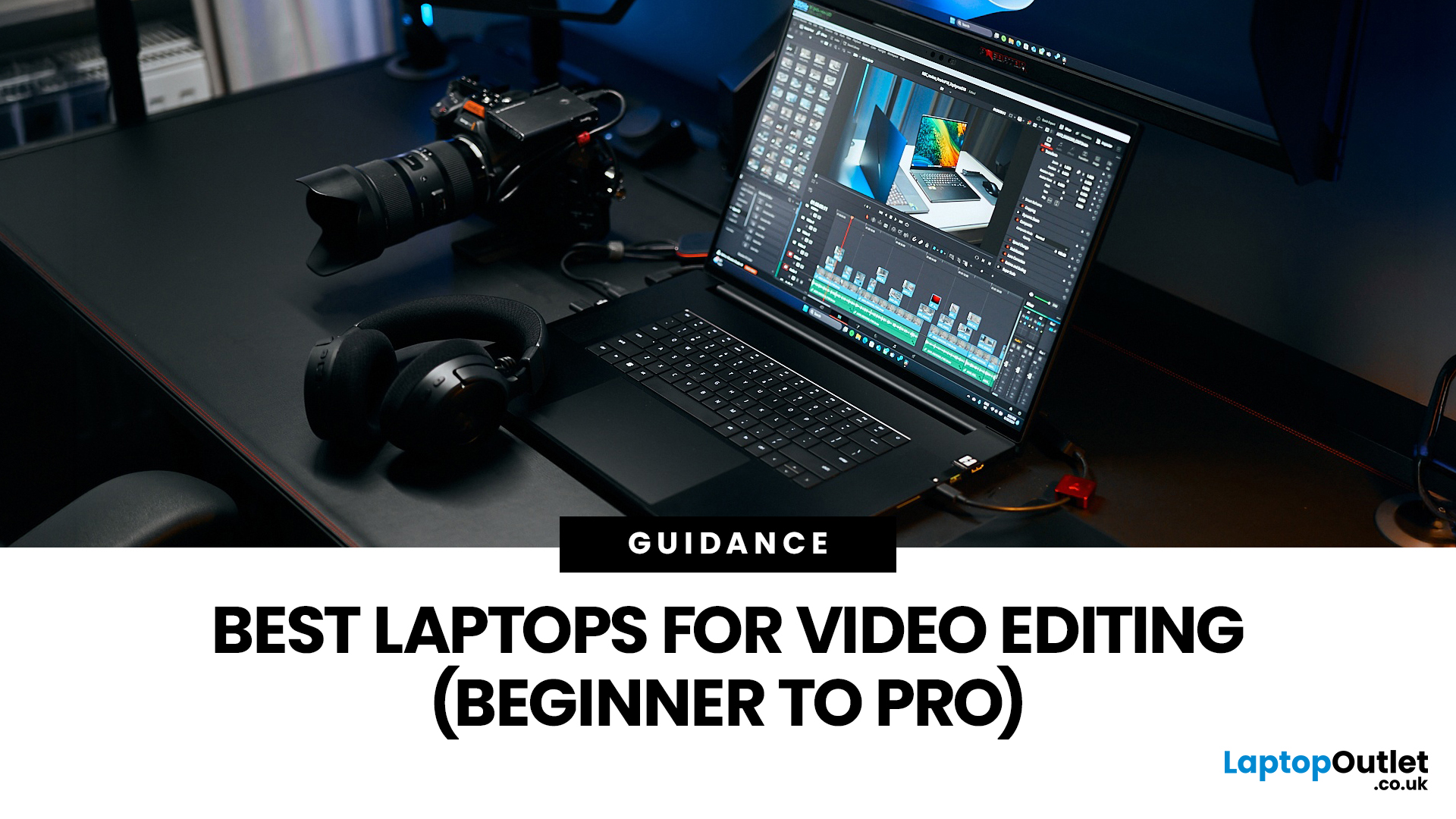
Choosing the right laptops for video editing can feel far more complicated than it should. Some brands focus on AI features; others push gaming specs, and many guides make it sound as though you need a studio-grade machine just to edit a few clips.
In reality, the best laptop depends on the type of editing you do.
A beginner creating YouTube videos, reels, or student projects will not need the same machine as someone working on commercial edits, colour grading in DaVinci Resolve, or handling large 4K client timelines. That is why this guide breaks down the best laptops for video editing by editing level, workflow, and real-world use case.
Whether you need a machine for social content, advanced post-production, or portable editing on the move, these are the options worth considering.
If your creative work also includes Photoshop, Illustrator, or wider Adobe software, it is worth reading our guide to the best laptops for Adobe Creative Cloud apps as well.
What to Look for in Laptops for Video
Last Updated: April 22, 2026
Choosing between Intel and AMD is no longer a simple case of picking the “faster” processor. If you are comparing Intel Core i5 vs Ryzen 5, you are looking at two highly capable mid-range options that power a large share of laptops available in the UK today.
Both deliver strong everyday performance, but they are designed with slightly different priorities. Understanding those differences is what helps you avoid overspending or buying a laptop that does not quite suit how you use it. This guide focuses on real-world use, not just specs, so you can make a confident decision in 2026.
Core i5 vs Ryzen 5: What is the Real Difference?
At a surface level, both processors handle everyday tasks comfortably. The difference comes from how they manage performance behind the scenes.
Intel’s modern Core i5 processors use a hybrid architecture that splits workloads between performance cores and efficiency cores. This allows the system to stay responsive even when multiple processes are running in the
Last Updated: September 22, 2026
Choosing between an Intel Core i3 and Core i5 laptop can be confusing, especially when two laptops with the same processor tier can perform very differently. Your everyday workload, processor generation, power class and overall laptop specification all play a part in deciding which option makes more sense.
Core i3 is generally enough for browsing, Office apps, streaming and lighter study, while Core i5 is better suited to heavier multitasking, creative work, coding and more demanding software. In 2026, however, you should compare the exact processor generation and suffix, such as U, H or HX, rather than choosing a laptop based on the i3 or i5 badge alone.
Intel's laptop range has also evolved beyond the familiar Core i3 and Core i5 names, with newer machines using Intel Core 3, Core 5 and Core Ultra branding. This guide breaks down the differences so you can understand which processor type better matches the way you use your laptop.
Core i3 vs Core i5: What Is the Difference?
Traditionally,

