



What Is NVIDIA RTX Technology? How Ray Tracing and DLSS Revolutionise Gaming PCs

The world of PC gaming has changed forever thanks to a massive leap in graphics innovation. If you have looked at modern gaming desktop PCs recently, you have likely seen the term "RTX" everywhere.
But what is NVIDIA RTX technology exactly? It is not just a fancy label on a box. It represents a total shift in how your computer creates the images you see on screen.
By combining clever artificial intelligence with raw power, NVIDIA has made games look like Hollywood films while keeping them running smoothly.
Introduction to NVIDIA RTX Technology
NVIDIA RTX (Ray Tracing Texel eXtreme) is more than just a brand name. it is a high-end computing platform. It combines specialized hardware cores with advanced software to create lifelike visuals.
A Brief History of NVIDIA Graphics Cards
Before RTX, we had the GTX (Giga Texel Shader eXtreme) series. These cards were powerful, but they relied on "rasterisation." This is a method where a 3D scene is squashed into 2D pixels on your screen. It worked well but struggled with realistic reflections and soft shadows.
In 2018, NVIDIA released the 20-series GPUs, the first to carry the RTX name. This marked the start of the "Turing" architecture. Since then, we have seen the 30-series (Ampere), the 40-series (Ada Lovelace), and the latest RTX gaming PCs featuring the 50-series (Blackwell). Each generation has made these features faster and more accessible.
What Makes RTX Different from GTX?
The main difference is the "engine" under the hood. While GTX cards are excellent for standard rendering, they lack the specialized "Cores" found in RTX models. NVIDIA RTX GPUs contain RT Cores (for lighting) and Tensor Cores (for AI).
Without these, a PC has to work much harder to produce the same quality. This is why RTX gaming PCs are the preferred choice for modern AAA titles. They offer features like real-time ray tracing and DLSS that GTX cards simply cannot handle efficiently.
Ray Tracing Explained
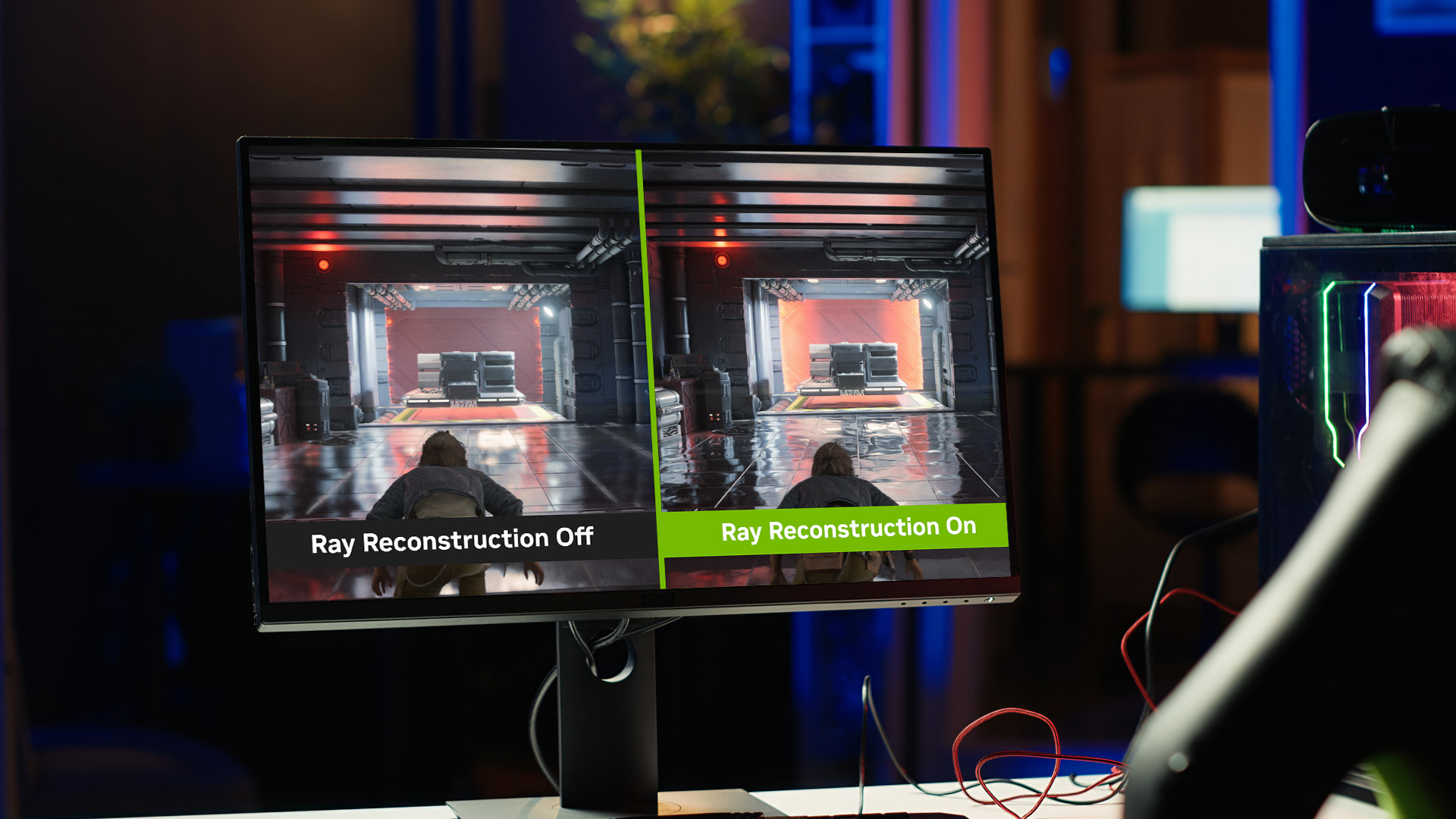
If you have ever looked at a puddle in a video game and seen a perfect reflection of the neon signs above it, you have seen ray tracing in action.
What Is Ray Tracing in Gaming?
In the real world, light travels from a source (like the sun or a lamp), bounces off objects, and eventually hits your eyes. Real-time ray tracing technology mimics this exact process in reverse. The GPU traces the path of "rays" from the player's perspective back to the light source.
This allows the computer to calculate exactly how a shadow should look if an object moves, or how light should change colour after passing through a stained-glass window.
Without RTX, developers have to "cheat" these effects using clever programming. With RTX, the physics engine handles it automatically, creating a level of depth that was previously only possible in big-budget Hollywood movies.
How Ray Tracing Improves Visual Realism
The impact of ray tracing is most visible in three specific areas:
- Reflections: In older games, mirrors often looked blurry or only showed what was directly in front of them. Ray tracing allows for "off-screen" reflections. If an explosion happens behind you, you will see it reflected in the glass windows ahead.
- Soft Shadows: Traditional shadows are often jagged or unnaturally sharp. Ray tracing creates "contact hardening," where shadows are sharp near the object but become softer and more diffused as they get further away.
- Global Illumination: Light "bleeds" from one surface to another. If a red light hits a white wall, the wall gains a subtle red tint. These small details make a huge difference to the human eye.
Examples of Ray Tracing in Popular Games
Games like Cyberpunk 2077 and Alan Wake 2 are famous for their use of "Path Tracing," which is an even more advanced form of ray tracing. In these titles, neon lights glow against wet pavements with stunning accuracy.
Even in simpler titles like Minecraft, adding RTX transforms the blocky world into a vibrant, sun-drenched landscape with realistic water and light shafts.
What Is DLSS and How It Works
While ray tracing makes games look beautiful, it is incredibly demanding on hardware. This is where DLSS technology comes in to save your frame rate.
The Basics of Deep Learning Super Sampling (DLSS)
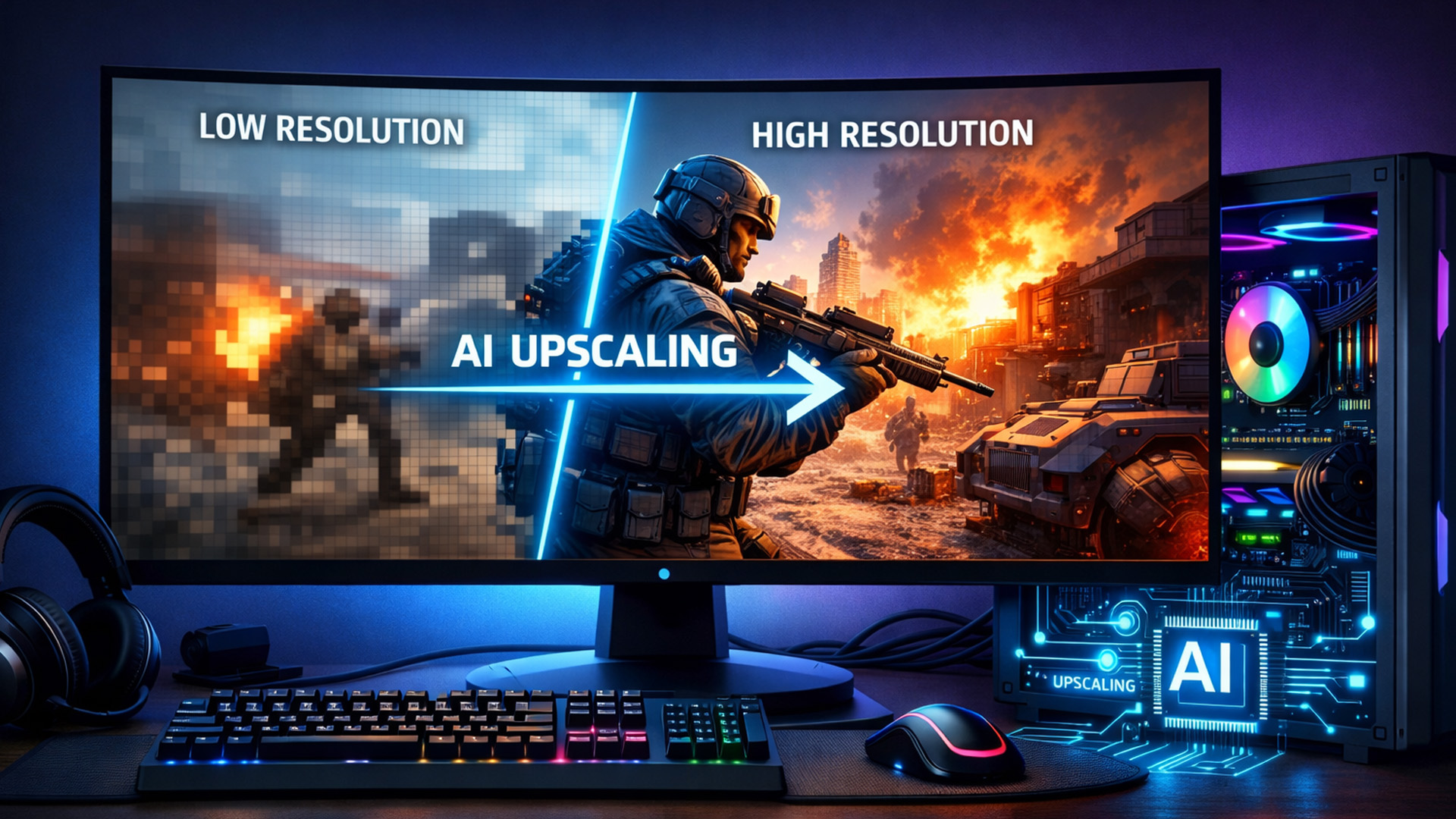
DLSS stands for Deep Learning Super Sampling. It is an AI-powered feature exclusive to NVIDIA RTX GPUs. The core idea is simple: your graphics card renders the game at a lower resolution (which is much easier to do) and then uses AI to "upscale" it to a higher resolution.
For example, your PC might render a game at 1080p, but DLSS uses its neural network to make it look like 4K on your monitor. Because the AI is so smart, the final image often looks even sharper than "native" 4K, all while giving you a massive boost in performance.
How DLSS Boosts Performance Without Sacrificing Quality
Modern DLSS (especially version 3.5 and the newer DLSS 4/4.5) does more than just upscale pixels. It uses three main features:
- Super Resolution: The primary upscaling tech that sharpens images.
- Frame Generation: This actually creates "fake" frames between real ones. If your PC is pushing 60 frames per second (FPS), DLSS Frame Generation can double that to 120 FPS by inserting AI-generated frames.
- Ray Reconstruction: A newer feature that uses AI to clean up the "noise" in ray-traced images, making lighting look much smoother.
DLSS vs Traditional Anti-Aliasing
In the past, we used "Anti-Aliasing" (AA) to smooth out jagged edges. Methods like TAA (Temporal Anti-Aliasing) often made the whole screen look slightly blurry.
DLSS is different because it is "trained" on high-resolution images. It doesn't just blur the edges; it understands what a blade of grass or a brick wall should look like and reconstructs the detail.
The Impact of RTX on Gaming PCs
RTX has shifted the focus from raw hardware speed to intelligent rendering. This means even mid-range laptops can now outperform older, bulkier desktops.
Performance Gains for High-Resolution Gaming
Playing at 4K used to require the most expensive hardware available. However, with DLSS enabled and optimized settings, mid-tier RTX gaming PCs can handle 4K gaming with ease.
By offloading the heavy lifting to AI Tensor Cores, users can enjoy crisp resolutions without needing an expensive graphics card like RTX 5080. This makes high-fidelity gaming much more accessible to the average UK gamer.
Enhanced Visual Fidelity for Immersive Gameplay
Immersion is the goal of every gamer. When shadows move correctly and reflections match the environment, you stop feeling like you are looking at a screen and start feeling like you are in the world.
NVIDIA RTX technology provides the "physical" presence that was missing from gaming for decades. Whether you are exploring a dark dungeon or a bright sci-fi city, the lighting feels "right."
Future-Proofing Your Gaming Rig
Games are becoming more demanding every year. By choosing a PC with an RTX card, you ensure your system can handle upcoming releases. Many new games now require ray tracing hardware as a "recommended" spec, making RTX a necessity for longevity.
RTX Beyond Gaming
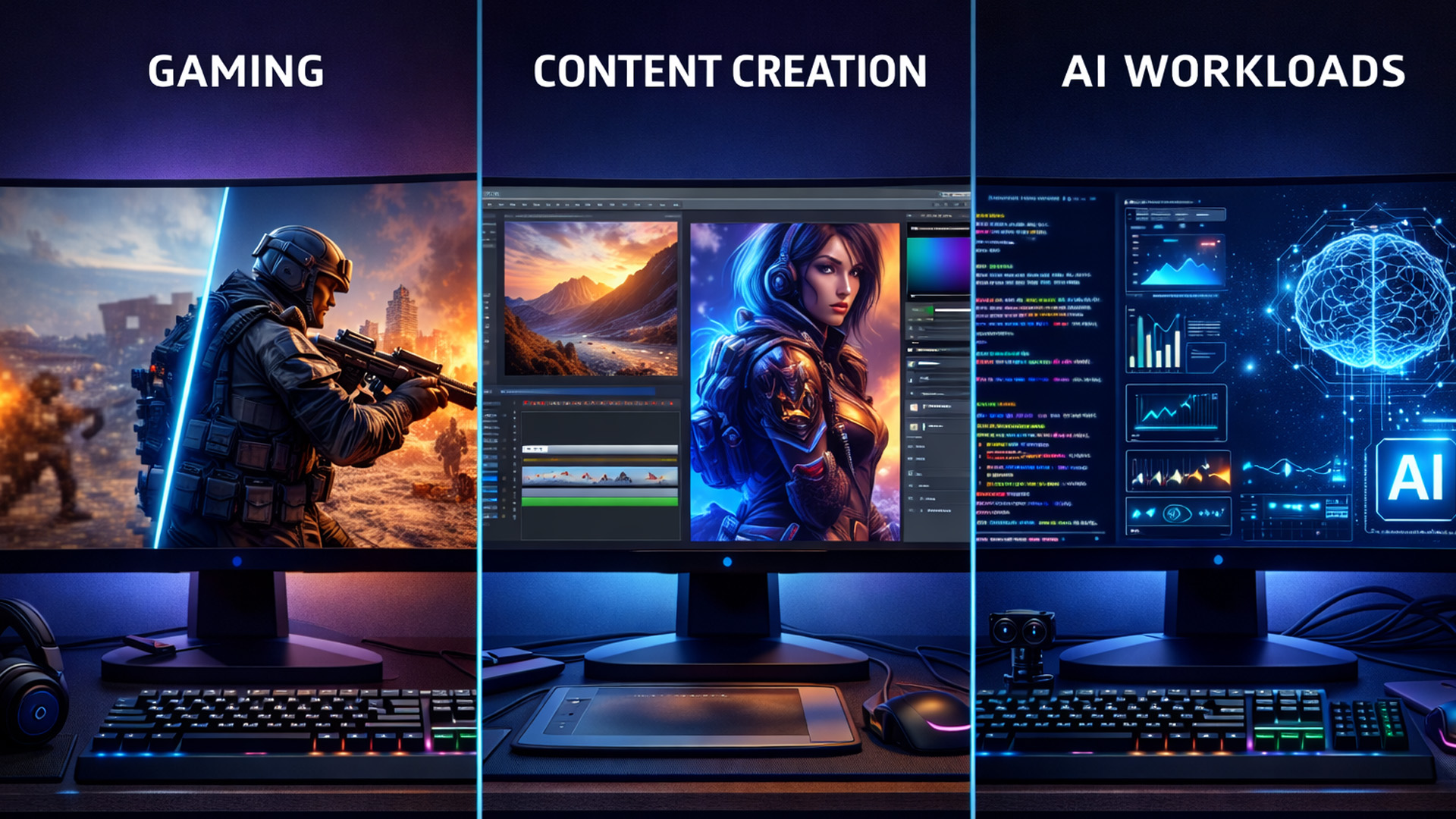
NVIDIA RTX technology isn't just for gamers. It has become a vital tool for professionals across many different creative and technical industries.
Creative Workflows – Video Editing, 3D Rendering, and Animation
Creative professionals use RTX to speed up their work significantly. In 3D apps like Blender, RTX cores allow for real-time previews of complex scenes.
For video editing in Premiere Pro, the GPU accelerates exports and AI effects, turning hours of waiting into minutes of productivity for those using gaming desktop PCs for work.
AI and Machine Learning Applications
Because RTX cards have Tensor Cores, they are perfect for the current AI revolution. Whether you are running local Large Language Models (LLMs) or using AI to generate art, the hardware inside an RTX GPU is designed specifically for these tasks. This makes an RTX PC a versatile tool for both play and study.
Virtual Production and Simulation
Movie studios now use "Virtual Production" (similar to the tech used in The Mandalorian). This involves huge LED walls displaying backgrounds rendered in real-time.
This is all powered by NVIDIA RTX technology. It allows filmmakers to see the final lighting and environment on set, rather than waiting for post-production.
Choosing the Right RTX GPU for Your Needs
Selecting the right card is about balancing performance and price. Whether you prefer Intel gaming PCs or AMD-powered gaming desktops, your GPU is the heart of the build.
Entry-Level vs High-End RTX Cards
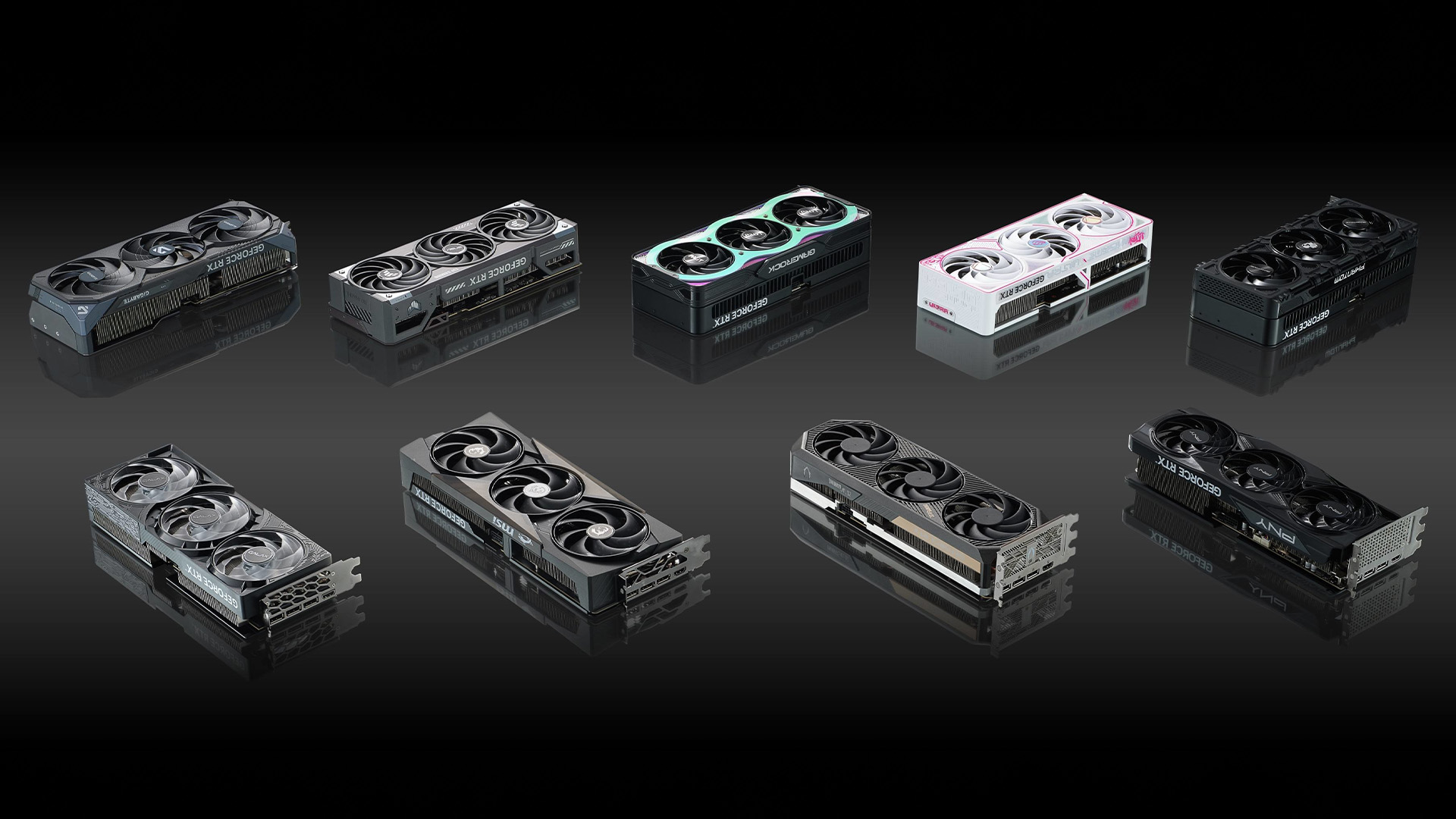
Not all RTX cards are created equal. Depending on your budget and what resolution you play at, you might need a different level of power.
|
GPU Series |
Best For |
Key Features |
|
RTX 3000 Series (Ampere) |
Budget 1080p/1440p |
Solid Ray Tracing, DLSS 2.0, Great Value |
|
RTX 4000 Series (Ada Lovelace) |
High Refresh 1440p/4K |
DLSS 3.5 (Frame Gen), High Efficiency |
|
RTX 5000 Series (Blackwell) |
Ultimate 4K/8K & AI |
DLSS 4.5, GDDR7 Memory, 6X Frame Gen |
Whether you want 1080p value or 8K power, there is an RTX card for you. The 2026 market is diverse.
Key Specs to Consider Before Buying
When shopping for a card, look at these specific technical details to ensure you get the best performance:
- VRAM: This is the card's "short-term memory." Higher VRAM (like 16GB or 24GB) is essential for 4K textures.
- Clock Speed: This determines how fast the GPU processes data. A higher MHz usually means more frames.
- CUDA Cores: These are the primary "workers" of the GPU. More cores generally mean better raw performance.
- G-Sync Support: Ensures your monitor and GPU are in sync to prevent screen tearing during fast motion.
- Cooling System: Look for triple-fan designs if you plan on long, intense gaming sessions
- TGP (Total Graphics Power): Make sure your power supply (PSU) can handle the card's energy requirements.
These specifications ensure your system remains balanced and performs at its peak.

Experience Realism without Compromise
So, what is NVIDIA RTX technology in the grand scheme of things? It is the end of "faked" graphics. By moving toward real-time ray tracing and AI-assisted performance, NVIDIA has closed the gap between cinema-quality CGI and real-time gameplay.
If you are looking to upgrade your setup, choosing a PC with an RTX card is the single best way to ensure you can play the latest games exactly as the developers intended.
Find the perfect RTX gaming PCs at Laptop Outlet and transform your gaming experience today!

Good to Know Things...
What is the main RTX gaming benefits?
RTX provides real-time ray tracing for lifelike lighting and DLSS AI upscaling to boost frame rates without losing image quality.
Do I need a special monitor to use RTX features?
You don't need a specific monitor for ray tracing, but a G-Sync compatible screen is highly recommended to ensure your high frame rates remain tear-free and smooth.
Will an RTX 30-series card still work in 2026?
Yes, 30-series cards are still capable of 1080p and 1440p gaming. They support original DLSS features, though they lack the latest Multi-Frame Generation found in newer models.
Is 8GB of VRAM enough for an RTX gaming PC in 2026?
For 1080p gaming, 8GB remains sufficient. However, for 1440p or 4K resolutions, we recommend at least 12GB to 16GB of VRAM to avoid visual stuttering.
Can I use DLSS on an AMD or Intel GPU?
No, DLSS requires the physical Tensor Cores found only on NVIDIA RTX graphics cards. AMD and Intel have their own alternatives (FSR and XeSS).
Does NVIDIA RTX help with video editing?
Absolutely. RTX acceleration speeds up rendering, 3D effects, and AI tools in software like Adobe Premiere and DaVinci Resolve.
Are RTX laptops as powerful as RTX desktops?
They use the same technology, though desktop cards generally offer higher performance due to better cooling and power limits.
Related Articles

Published: October 23, 2025
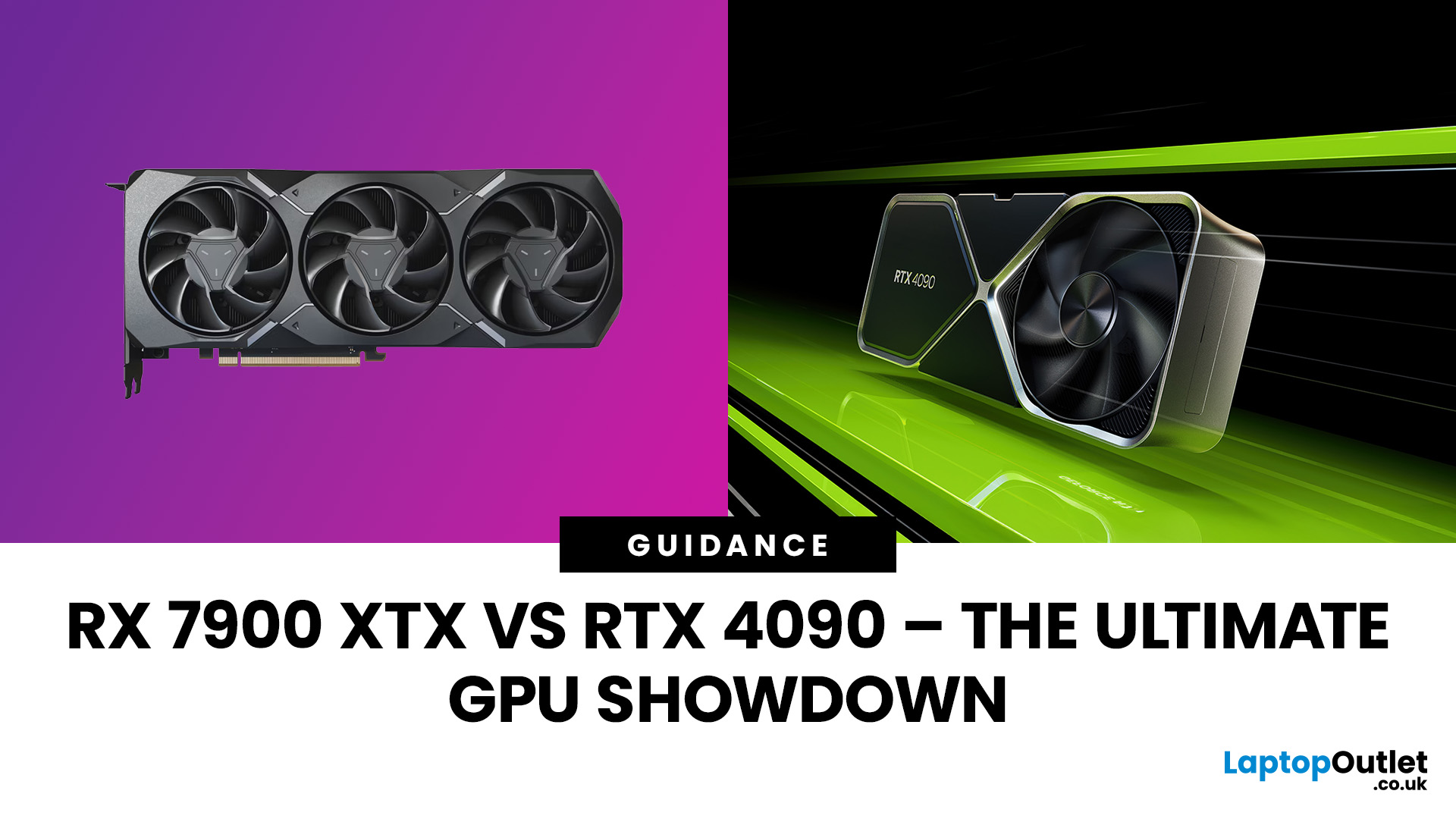
The AMD Radeon RX 7900 XTX and NVIDIA RTX 4090 are 2025’s top-tier GPUs, built for 4K gaming and professional workloads. The RTX 4090 leads in raw power, ray tracing, and AI acceleration, while the RX 7900 XTX challenges it with lower cost and strong raster performance. This isn’t about branding, it’s about what delivers the best performance per pound. In this breakdown, we’ll compare specs, gaming benchmarks, ray tracing, AI workloads, thermals, and overall value to determine which flagship GPU truly dominates.
Specification Overview
Before comparing real-world performance, it’s important to see how these two GPUs differ on paper. The RTX 4090 is built on NVIDIA’s Ada Lovelace architecture, while the RX 7900 XTX uses AMD’s RDNA 3 designs. Both target 4K gaming, but their hardware layouts, power needs, and pricing tell very different stories.
| Specification | AMD Radeon RX 7900 XTX | NVIDIA GeForce RTX 4090 |
| Architecture | RDNA 3 | Ada Lovelace |
| GPU Process | 5 nm + 6 nm (chiplet) | 4 nm monolithic |
Last Updated: May 05, 2026
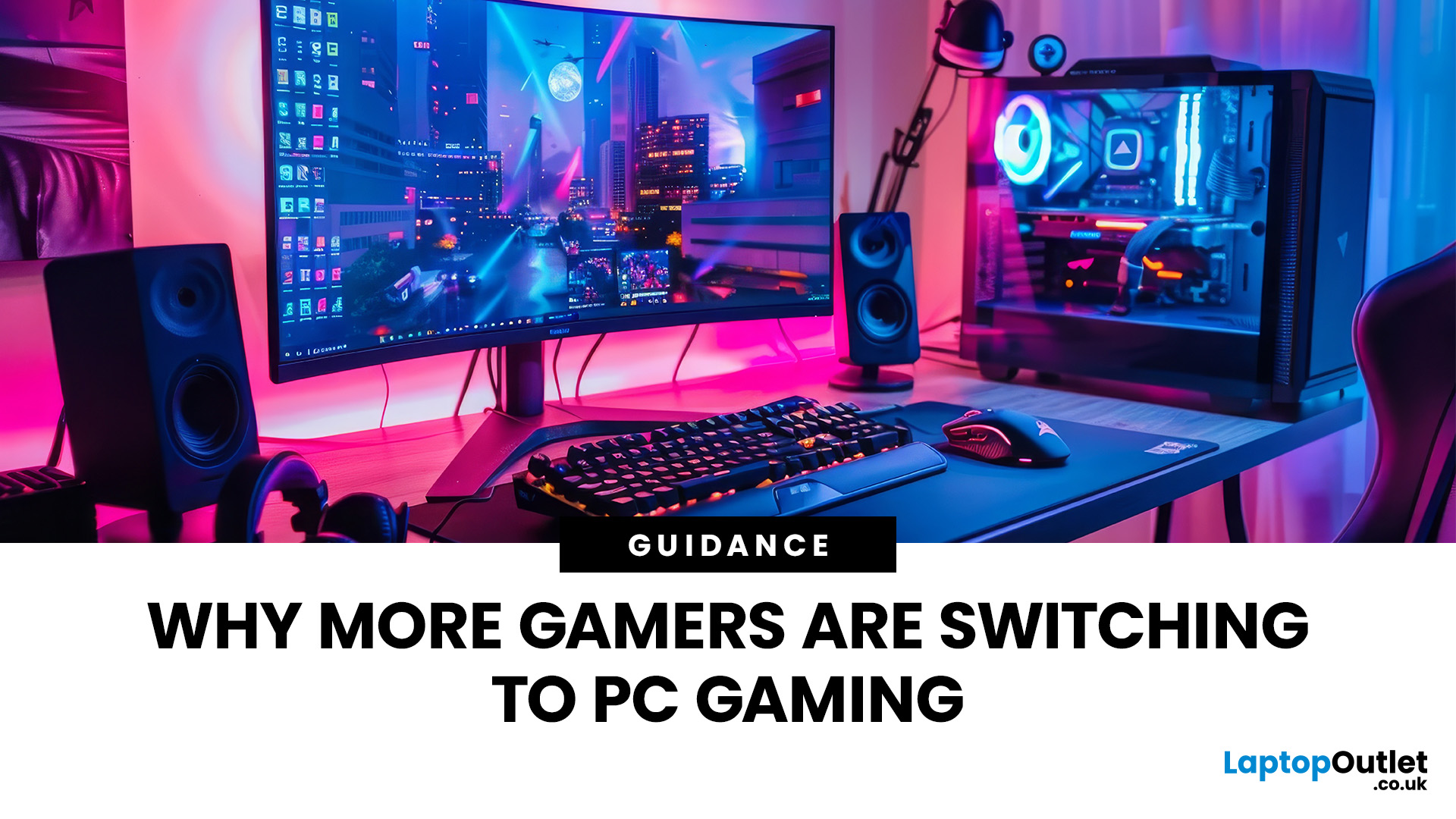
In recent years, there’s been a clear shift in the gaming landscape: more players are leaving traditional consoles behind and moving toward PC gaming. What was once seen as a hobby for enthusiasts and tech-savvy users has now turned into the preferred gaming platform for millions around the world. With advancements in hardware, competitive esports, and the growing need for versatile tech, PC gaming has rapidly evolved into a dominant force in the industry.
But what exactly is driving this transition? Why are so many gamers embracing the PC ecosystem over consoles and handheld devices? Below, we explore the key reasons behind this shift and explain why gaming PC is becoming the top choice for modern gamers.
Unmatched Power and Performance
One of the most compelling reasons behind the PC gaming surge is its superior performance. PCs, even mid-range ones, often outperform consoles when it comes to graphics, speed, and responsiveness.
Higher Frame Rates & Better Visuals
PC gamers can enjoy
Last Updated: May 19, 2026
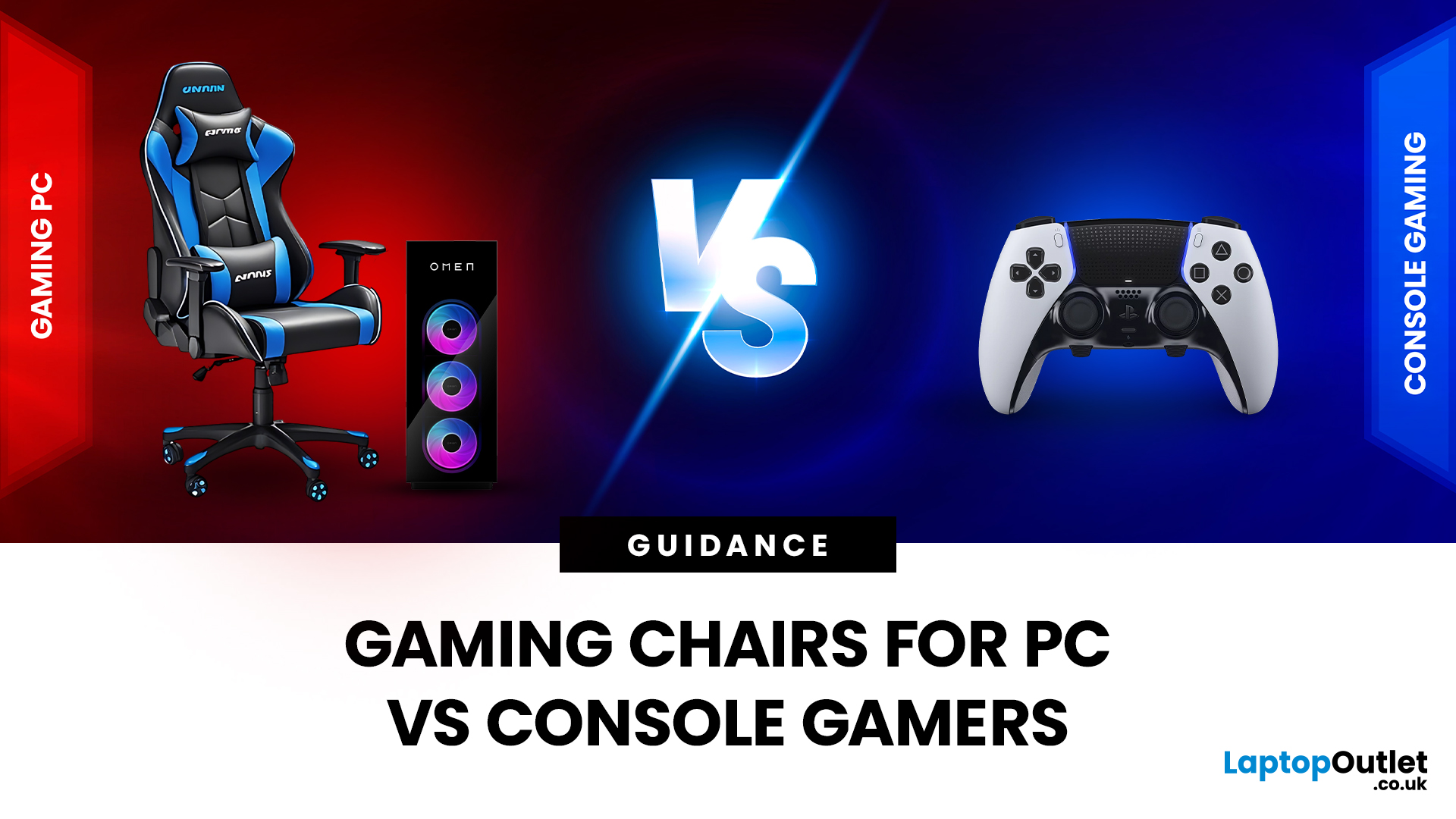
Choosing the right gaming chair is often treated as a cosmetic decision, colour, style, and whether it “looks gamer enough.” In reality, the chair you sit on has a far greater impact on your comfort, posture, and long-term health than many hardware upgrades.
For anyone deciding between gaming chairs for PC vs console, the choice is rarely straightforward. PC gamers and console gamers sit differently, play differently, and interact with their setups in completely different ways. A chair that works perfectly at a desk can feel awkward in a living room, while a recliner designed for console gaming can be unusable for mouse-and-keyboard play.
Why the Right Gaming Chair Matters More Than Ever
Modern gaming sessions are longer than they’ve ever been. Competitive multiplayer, open-world games, and live-service titles encourage extended playtimes, often lasting several hours at a stretch.
Sitting for long periods without proper support can lead to:
- Lower back pain
- Neck and shoulder tension
- Poor

Last Updated: December 24, 2025
Technology never stands still, and if the past few years have taught us anything, it’s that innovation moves fast. As we look ahead, tech trends 2026 are shaping up to be smarter, faster and more user-focused than ever before. From AI-powered laptops to next-level PCs and sustainable tech, the future is all about performance with purpose. So, whether you’re upgrading your setup, planning ahead, or just love staying in the know, here’s a breakdown of the biggest tech trends set to define 2026.
AI Everywhere: Smarter Devices, Smarter Decisions
Artificial Intelligence is no longer a “nice to have” by 2026, it’s expected to be built into almost every device we use. We’re talking about laptops that learn your preferences, PCs that optimise performance in real time, and software that adapts to how you work or play.
AI-driven features such as predictive battery management, real-time security monitoring and intelligent multitasking will become standard. For users, this means less time managing

Last Updated: December 31, 2025
There’s a certain kind of satisfaction that comes with starting 2026 with a faster, cooler, cleaner PC setup. Maybe you’re planning a full build. Maybe you’re simply trying to fix the two things that quietly ruin daily performance—slow storage and noisy cooling. Either way, the New Year PC components & accessories season is when upgrades feel both exciting and sensible: you can refresh your system without committing to an entirely new machine.
If you’re shopping at Laptop Outlet, it’s worth starting by simply browsing and filtering the wider sale selection, think of it as your “big picture” view, so you can spot bundle-worthy deals across categories. It’s the fastest way to explore New Year tech discounts while keeping an eye on the parts you actually need.
The “smart upgrade order” for 2026 (what to buy first)
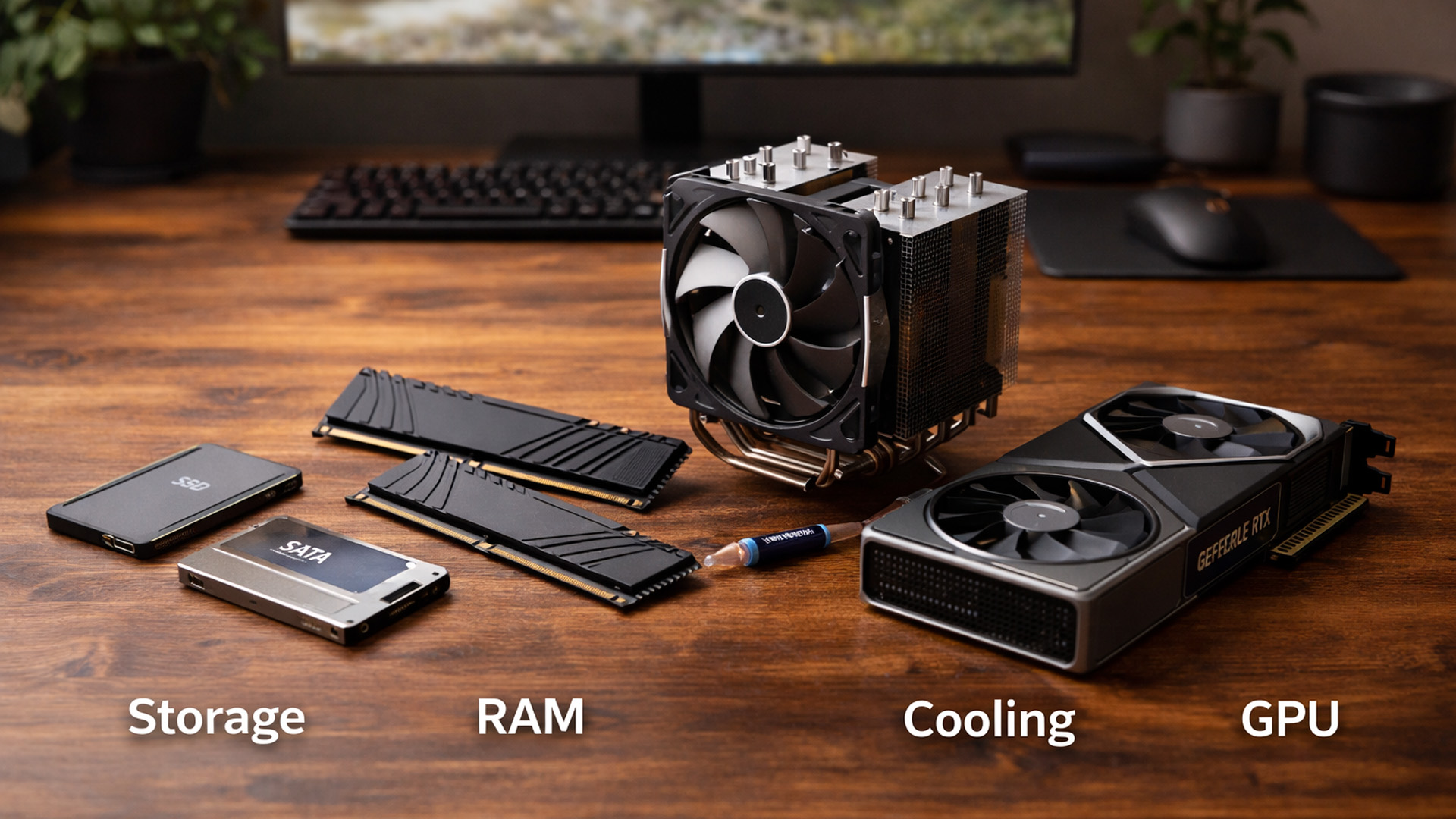
When you’re surrounded by deals, it’s easy to buy what looks exciting rather than what fixes your bottlenecks. A better approach is to upgrade in the order you’ll actually notice:

Last Updated: February 19, 2026
A new year is the perfect excuse to retire the sluggish desktop that wheezes when you open five tabs or the “gaming PC” that now struggles to hold stable FPS in modern titles. New Year desktop PC deals are one of the best windows to upgrade because prices tend to be sharper, stock gets refreshed, and you can often jump up a whole performance tier for less than you’d expect.
If you’re shopping from the UK, this is also the season where desktop PC New Year deals UK searches explode for a reason: people want a better PC for less, and they want it delivered quickly and safely. Laptop Outlet’s New Year event is built for that kind of upgrade run, tech across categories, limited-time promos, and a straightforward way to browse by what you actually need. You can start with huge savings in New Year tech sale while you compare options and decide your budget.
What counts as a “great deal” in 2026?
The best New Year desktop PC Deals don’t just mean “lowest price.” A great deal in 2026 is one where

Last Updated: December 30, 2025
If your current rig is starting to stutter or you are simply ready to jump into the next generation of visual fidelity, there is no better time to act. The New Year graphics card deals are finally here.
Whether you are a competitive esports player, a 4K gaming enthusiast, or a professional video editor, the right GPU is the heart of your system. This year, we are seeing incredible NVIDIA GPU discounts and an extensive AMD Radeon sale New Year event.
In this guide, we will explore the best graphics cards for gaming and work, ensuring you find the perfect match for your monitor and your budget.
Top New Year Graphics Card Deals for 2026
We have hand-picked eight of the most impressive NVIDIA RTX GPUs and AMD Radeon GPUs currently available. Let’s explore the right card for your setup.
1. MSI GeForce RTX 5060 GAMING 8GB OC Graphics Card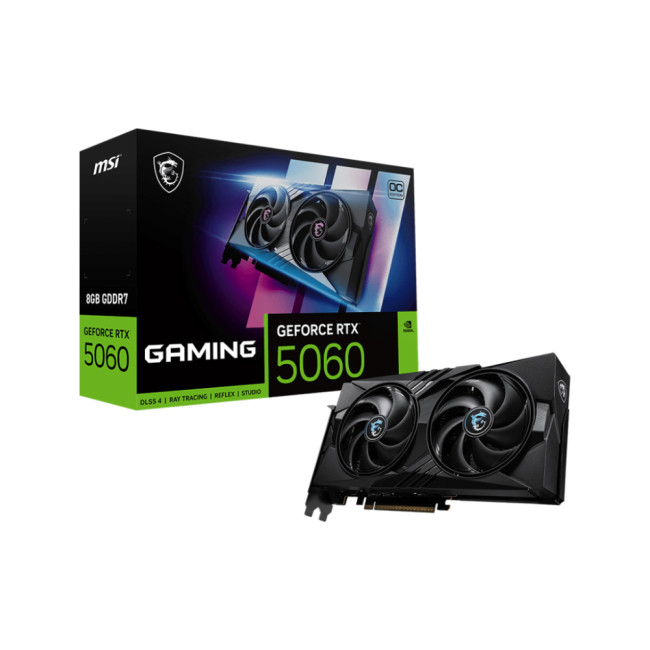
Key Specifications
- GPU: NVIDIA GeForce RTX 5060 (Blackwell Architecture)
- Memory: 8GB GDDR7
- Memory Speed: 28 Gbps
- Memory Interface: 128 bit
- Core

Last Updated: April 28, 2026
When it comes to high-performance computing, gaming realism, and creative workloads, NVIDIA graphics cards continue to set the benchmark. From immersive gaming experiences to professional-grade rendering and AI acceleration, NVIDIA’s GPUs power some of the most advanced systems on the market today. This guide explores everything you need to know about Nvidia graphics cards.
Understanding NVIDIA Graphics Cards and their Advantages
When performance matters, NVIDIA continues to lead the graphics card market with technology designed for today’s most demanding applications. From immersive gaming worlds to high-speed creative workflows, NVIDIA GeForce graphics cards deliver the power, efficiency, and visual realism modern users expect. Trusted by gamers and professionals alike, NVIDIA GPUs have become the benchmark for smooth gameplay, intelligent upscaling, and advanced rendering. What truly sets NVIDIA graphics cards apart is how each generation evolves. With smarter architecture, improved
Last Updated: July 10, 2026
The arrival of a new flagship-tier graphics card always creates excitement, and the NVIDIA RTX 5080 UK is no exception. If you are a gamer or creator who wants to upgrade, understanding the price, performance, and real-world benefits of this card is essential. In this guide, we break down everything you need to know about the RTX 5080, from expected pricing in the UK to gaming performance, comparisons with other high-performance graphics cards, and whether it’s worth waiting for future variants.
How Does the GeForce RTX 5080 Compare to Previous NVIDIA GPUs?
Compared to previous-generation GPUs, the GeForce RTX 5080 delivers notable improvements in both raw performance and efficiency. NVIDIA has focused heavily on performance per watt, meaning users can expect more power without excessive heat or energy consumption. Key improvements include:
- Faster core architecture
- Improved ray tracing performance
- Enhanced AI and DLSS capabilities
- Better memory handling for high-resolution gaming
These

Last Updated: January 13, 2026
NVIDIA used CES (Consumer Technology Association)2026 to outline what it believes is the next major shift in computing — a move away from general-purpose processors towards systems designed primarily for artificial intelligence.
Speaking in Las Vegas, CEO Jensen Huang positioned NVIDIA not just as a graphics company, but as a platform provider for what it calls the “AI era”, spanning data centres, gaming PCs, gaming laptops, robotics, autonomous vehicles and cloud services.
Rather than focusing on a single blockbuster product, NVIDIA announcements CES 2026 centred on a broad ecosystem update. Key themes included the next-generation Rubin compute platform, and advances in AI-driven graphics through DLSS 4.5, new RTX AI PCs.
The Rubin Platform: NVIDIA’s Next-Generation AI Architecture

The biggest news for businesses was the Rubin platform. It is the successor to the successful Blackwell architecture. This system is a team of six different chips working together.
NVIDIA designed this platform

