



ThinkStation vs ThinkCentre: Which Lenovo Desktop is Right for Business?
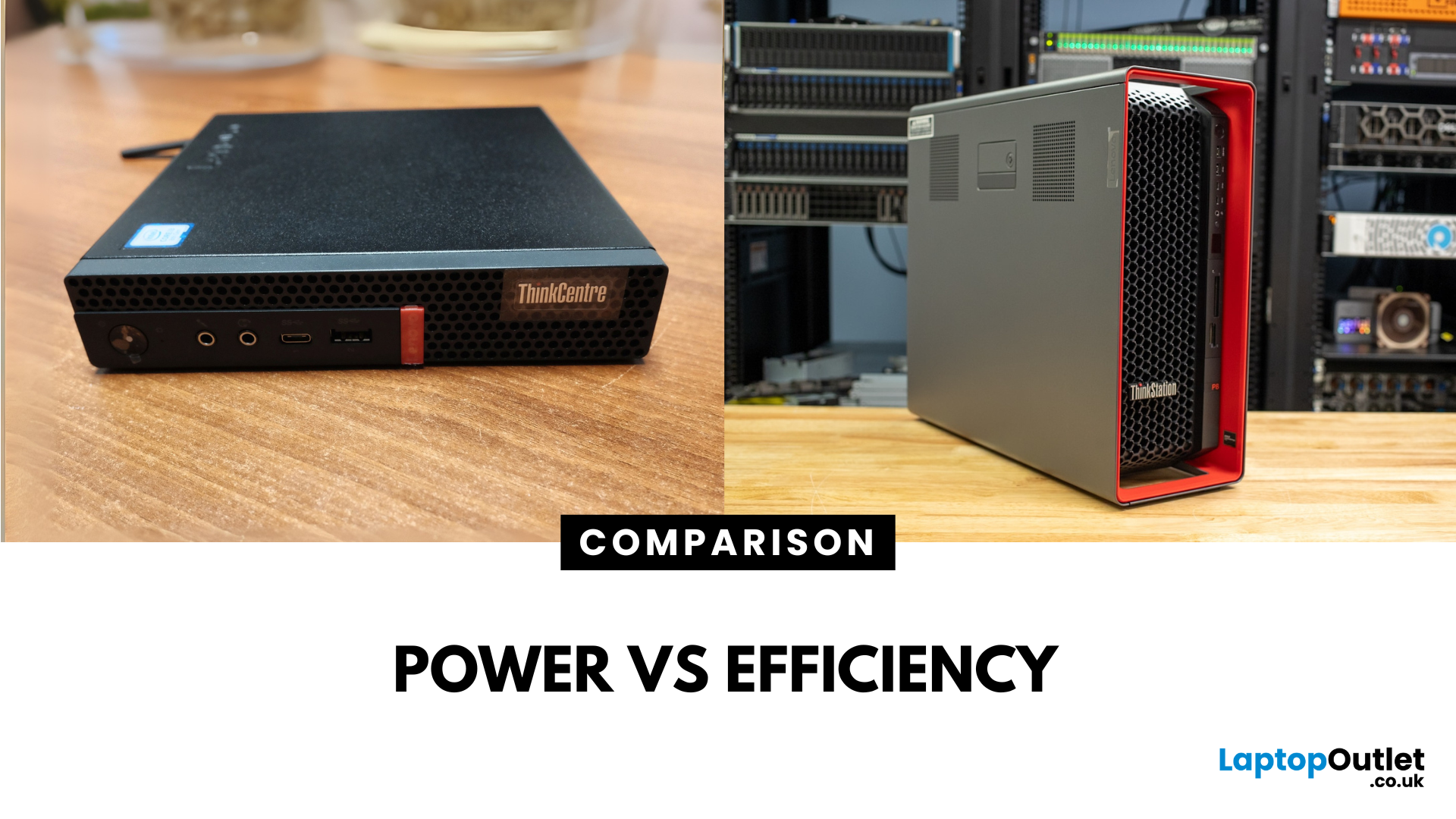
Main Difference Between ThinkStation vs ThinkCentre
ThinkStation is Lenovo’s professional workstation line which is built for tasks like 3D rendering, CAD, engineering simulations, and data-heavy workflows. They systems come with workstation-grade CPUs and GPUs, ISV certifications, and serious upgrade potential. ThinkCentre is Lenovo’s mainstream business desktop family which is perfect for office tasks with reliable components, enterprise features, and space-saving designs.
Feature Comparison Table
|
Feature |
ThinkStation (Workstation) |
ThinkCentre (Business Desktop) |
|
Target Users |
Engineers, designers, data scientists |
Office staff, SMBs, general business |
|
Processor Options |
Xeon / Threadripper PRO, high-core count CPUs |
Core i3/i9, AMD Ryzen PRO processors |
|
Graphics |
NVIDIA Quadro / RTX A-series, ISV-certified |
Integrated or basic discrete options |
|
Upgradeability |
Excellent: Support multi-GPUs, ECC RAM, RAID storage |
Limited: Smaller chassis, fewer slots |
|
Form Factors |
Towers & Tiny workstations |
Towers, SFF, tiny desktops |
|
Price Range (UK approx) |
£1,500–£5,000+ |
£500–£1,200+ |
|
Best For |
Heavy compute, 3D, rendering, high-end workloads |
Everyday office use, budget-conscious deployments |
Performance & Expandability
ThinkStation: Tailor-made for high-performance workloads. Options like the ThinkStation P8 (with up to 96-core Threadripper PRO and multi-GPU support) power through rendering, simulations, and AI tasks. ISV-certified hardware ensures stability with professional software.
ThinkCentre: Delivers solid performance for office apps, email, web, and productivity that is optimized for typical business needs.
If you need unmatched processing power and future-proof expandability, the ThinkStation is the better choice for engineers and creators. However, if you value reliable office performance in a compact and efficient package, the ThinkCentre could be the right fit for general business use.
1. Form Factors & Space Efficiency
ThinkStation: Available in full towers and mini form factors. The tower models can handle multiple GPUs, large amounts of RAM, and extensive storage.
ThinkCentre: Shines in smaller, more space-conscious, like SFF and tiny desktops which is ideal for tight office environments.
If you need workstation-grade performance and have the space, the ThinkStation is the better choice. However, if you’re tight on desk real estate and prefer compact systems, the ThinkCentre could be the right fit.
2. Price & Value
ThinkStation: Premium investmentexpects costs from around £1,500 to over £5,000, depending on CPU, GPU, and expandability.
ThinkCentre: Budget-friendly and value-packed, typically ranging between £500 to £1,200.
If you need top-tier performance and are willing to pay for it, ThinkStation is the better choice. However, if you want a cost-effective, reliable business desktop, ThinkCentre is a smarter way to spend.
3. Security & Enterprise Features
ThinkStation: Boatloads of security features like discrete TPMs, BIOS-level protections, and manageability tools, ideal for corporate and regulated environments.
ThinkCentre: Comes with standard business-grade security plus modern manageability, ideal for streamlined IT deployment.
If you need enterprise-class security with workstation power, ThinkStation is the better choice. However, if you want capable business-level protections at a lower cost, ThinkCentre could be the right fit.
Pros & Cons
|
Desktop |
Pros |
Cons |
|
ThinkStation |
Raw workstation performance Expandable hardware ISV-certified Enterprise security |
Expensive Larger footprint |
|
ThinkCentre |
Compact & space-saving Budget-friendly Solid for office work |
Limited upgrade options Not designed for heavy computing |
Which Should You Choose?
- Choose ThinkStation if your team needs the muscle for CAD, 3D rendering, engineering simulations, or scientific workloads and you want expansion for years down the road.
- Choose ThinkCentre if you're outfitting offices, kiosks, or standard business environments where reliability, security, and cost-efficiency matter most.
Ready to pick your desk hero? Explore our powerful ThinkStation workstations or shop the dependable ThinkCentre desktops — shop now to get the perfect Lenovo setup for your business.
FAQs
Q1: Is a ThinkStation better than a ThinkCentre?
Yes, but only if you need workstation-level performance. For everyday business tasks, the ThinkCentre is more than capable.
Q2: Which is more expandable, ThinkStation or ThinkCentre?
ThinkStation with support for multi-GPU, more RAM slots, and storage flexibility. ThinkCentre models are more compact and limited in expansion.
Q3: Do ThinkStations cost that much more than ThinkCentres?
Typically, yes. ThinkStations price start at around £1,500 and go up from there, while ThinkCentres can start as low as £500.
Q4: Which desktop should I get for an engineering team?
Definitely ThinkStation is built for heavy-duty workloads and long-term performance.
Summary
The Lenovo ThinkStation is a powerhouse workstation for professionals who need extreme performance, ISV-certified graphics, and expandability. The Lenovo ThinkCentre is a compact, reliable, and cost-efficient business PC with strong manageability and security. Want raw workstation power? Go ThinkStation. Need a solid desktop that fits office desks and budgets? ThinkCentre is your hero.
Related Articles

Last Updated: October 08, 2025
Last Updated: September 09, 2025
Last Updated: October 08, 2025
Last Updated: July 01, 2025
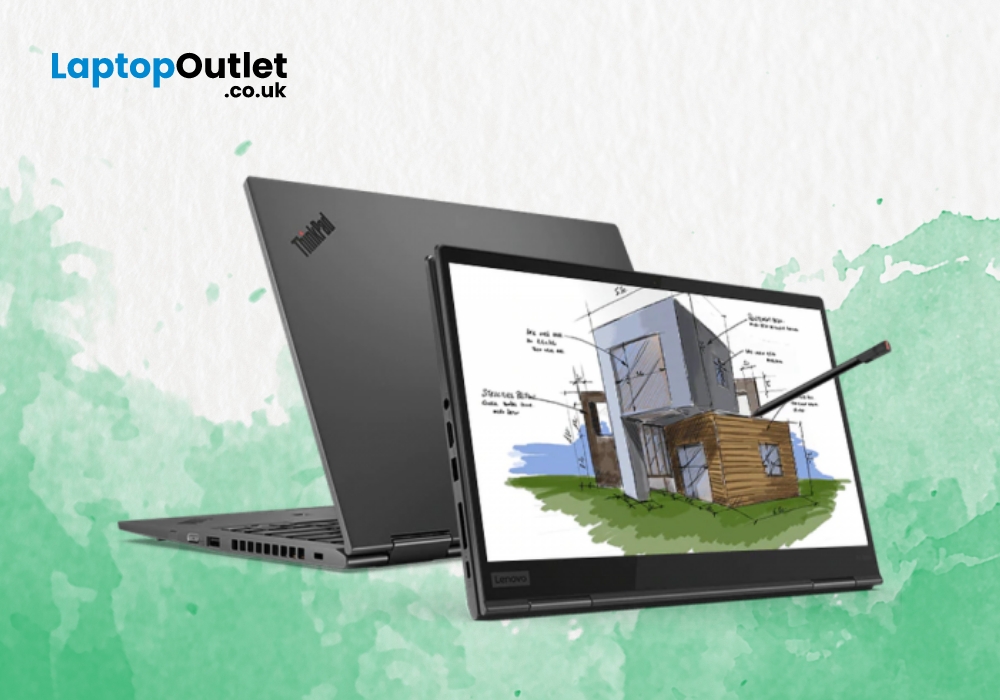
Lenovo ThinkPad X1 line of business laptops are quite popular due to their characteristics ThinkPad design. These Lenovo laptops are quite popular among multi-taskers, featuring several inventive features. Lenovo ThinkPad X1 Yoga is a top notch 2-in-1 business laptop from Lenovo ThinkPad series.
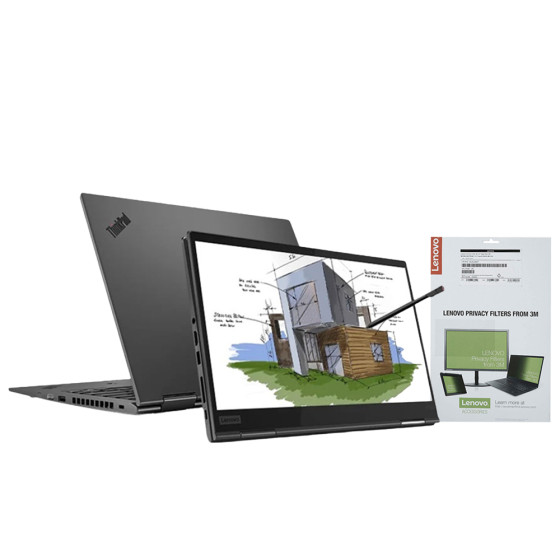
Let’s review this feature-packed machine to see what features this laptop has to offer you.
For
- Ultra-portable and compact business notebook
- Carries a good array of ports
- Smooth keyboard and built-in Stylus
- High-end security features
- Speedy performance
Against
- Subpar battery life
Design and Security
This Lenovo X1 Yoga laptop comes with an ultra-portable body, weighing only 3lbs. Hence, you can easily take your laptop anywhere outside without any hassle. The touchscreen IPS display of Lenovo ThinkPad X1 delivers a resolution of 1920 x 1080, providing you with an immersive visual experience. If we look at the back of the display screen, we can see the blacked-out ThinkPad

