



Laptop vs Desktop: Which One Should You Choose?

It’s 2025, and the tech world is split: some swear by sleek, portable laptops while others can’t live without the raw power of desktops. So, which one is right for you? Whether you’re a gamer chasing frames, a student hustling assignments, or a professional smashing deadlines, this guide breaks it down using real products you can snag right now at Laptop Outlet.
Quick Comparison Table: Laptops vs Desktops
|
Feature |
Laptops |
Desktops |
|
Performance |
Strong for multitasking & portable workflows (ASUS ROG Strix, HP ZBook Fury) |
Beast mode specs for gaming & pro work (MEDION ERAZER, iMac) |
|
Portability |
Ultra-portable for study, travel, or hybrid work |
Fixed setup—ideal for a dedicated workspace |
|
Upgradability |
Limited to RAM/SSD in most models |
Fully upgradeable: GPU, CPU, RAM, storage |
|
Price Range |
£350–£3,500+ |
£500–£4,000+ (plus monitor & accessories) |
|
Best For |
Students, hybrid workers, light gaming |
Gamers, creators, engineers |
Gaming Power: Desktops Dominate, But Laptops Close the Gap
Desktops like the MEDION ERAZER Hunter X30 are absolute units—Intel Core i9, NVIDIA RTX 3080, and 32GB RAM make this a sweat-free choice for AAA gaming and 4K content creation. Or go sleek with the Apple iMac (M1 chip)—a creative’s dream for design and video editing.
But what about on-the-go gaming? Enter the ASUS ROG Strix Scar and the HP ZBook Fury. These laptops pack desktop-grade power into portable frames—perfect for LAN parties, uni dorms, or gaming on a flight.
For gamers who move:
The ROG Strix’s RTX 4090 and 240Hz display mean you can frag enemies while sipping flat whites at the café.
Troubleshooting Tip:
“Laptop getting hot mid-game? Turn on performance mode in Armoury Crate and prop it up for better airflow.”
Business & Productivity: Which Fits Your Workflow?
For WFH warriors, desktops like the Dell OptiPlex 7420 or Lenovo ThinkCentre M70s deliver silent operation, multiple display support, and enough power for Excel beasts and video calls all day long.
But laptops bring unbeatable flexibility. The Samsung Galaxy Book2 Business (Intel Core i5, 14”) and the Lenovo V15 G4 (Ryzen 5, 15.6”) handle spreadsheets, presentations, and Teams calls anywhere. Pair them with a docking station at home for that desktop feel.
For hybrid workers:
Galaxy Book2’s fingerprint reader keeps sensitive docs safe while hot-desking.
Students: Portability is King
For students balancing lectures, study groups, and late-night YouTube binges, laptops are a no-brainer. The Lenovo V14 (Ryzen 3, 8GB RAM) is lightweight, affordable, and perfect for essays, browsing, and video calls.
Desktops like the Lenovo ThinkCentre M90a AIO offer more screen real estate and power but stay put in your dorm or flat. Great if you want an all-in-one that doubles as a media hub.
Student Tip:
“Need a laptop that lasts all day? The Lenovo V14 gets 8+ hours on a charge—perfect for library marathons.”
Upgradability & Longevity: Desktops Win
Desktops let you swap out almost anything—GPU, CPU, RAM, storage. The MEDION ERAZER Hunter X30 is built for future-proofing with tool-less access panels.
Laptops like the HP ZBook Fury allow RAM and SSD upgrades, but ultra-thin models usually don’t. For longevity, consider a desktop if you’re okay with staying in one place.
Price & Value: What’s the Smarter Buy?
Desktops often give you more power per pound, but don’t forget monitors, keyboards, and mice. Laptops are pricier for their specs but bundle everything into a portable package.
Budget WFH combo: Pair the Lenovo V14 laptop (£349.99) with a wireless mouse & keyboard for a killer on-the-go/home setup.
Laptop or Desktop in 2025?
Go Laptop: For students, hybrid workers, and travellers who need flexibility and portability.
Go Desktop: For gamers, creators, or WFH setups where raw power and upgrade options matter.
Can’t decide? Get both: a ThinkCentre M70s desktop at home + a Lenovo V14 for mobility.
FAQs
Which is better for gaming: laptop or desktop?
Desktops like the MEDION ERAZER Hunter X30 deliver higher frame rates and better thermals. But gaming laptops like the ASUS ROG Strix Scar are perfect for portable gaming.
Are laptops good for business use?
Absolutely. The Samsung Galaxy Book2 Business and Lenovo V15 G4 are ideal for hybrid workers who need portability and power.
Can I upgrade my laptop?
Some laptops (like the HP ZBook Fury) allow RAM and SSD upgrades, but desktops are far more flexible.
What’s the best student setup?
The Lenovo V14 is affordable and portable for students, while the ThinkCentre M90a AIO is great for shared flats or dorm rooms.
Watch our video: Laptop vs. Desktop
Read More:
| Which Laptop Is Best for AI |
| What Laptop Should I Buy |
| What Desktop PC Should I Buy |
Related Articles

Last Updated: September 09, 2025
Last Updated: June 25, 2025
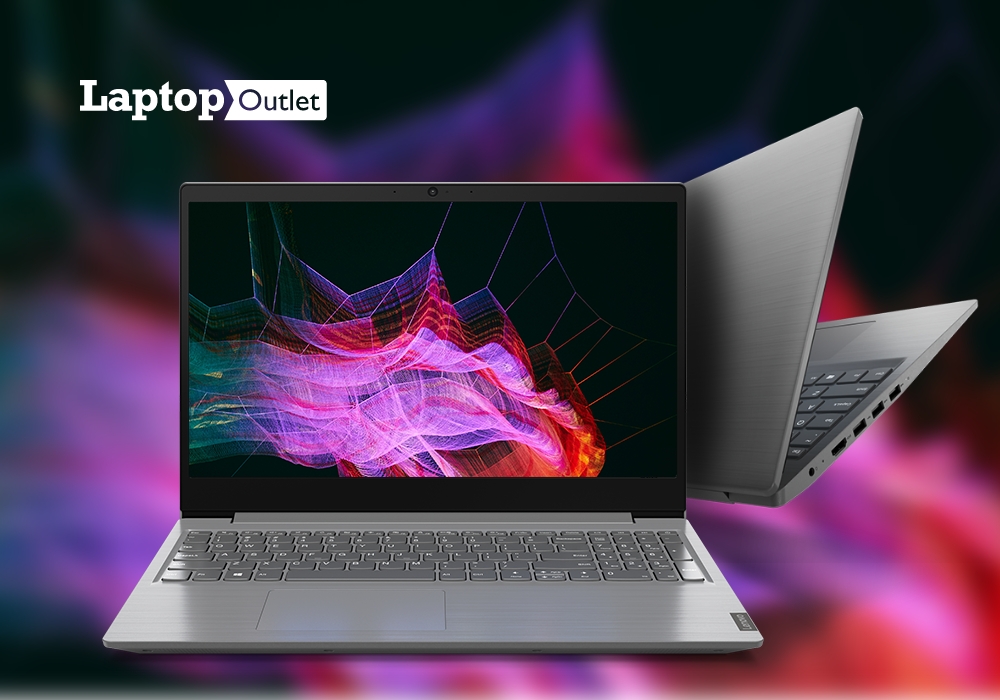
Normally, if you visit the market or online stores to buy a high-end laptop, you come across various models with costly price tags. The good news is that there are several leading brands such as Lenovo, Medion, and ASUS, offering some competitive models at quite reasonable prices.
Being a business professional, if you are looking for a good work laptop, Lenovo is there for you with its versatile series of cost-effective business laptops. And if you are a gamer, then Medion laptops can perfectly tackle your intense-gaming workload. On the other hand, ASUS is famous for its vast range of cutting-edge rigs, specially designed to run the latest designing software without any hassle.
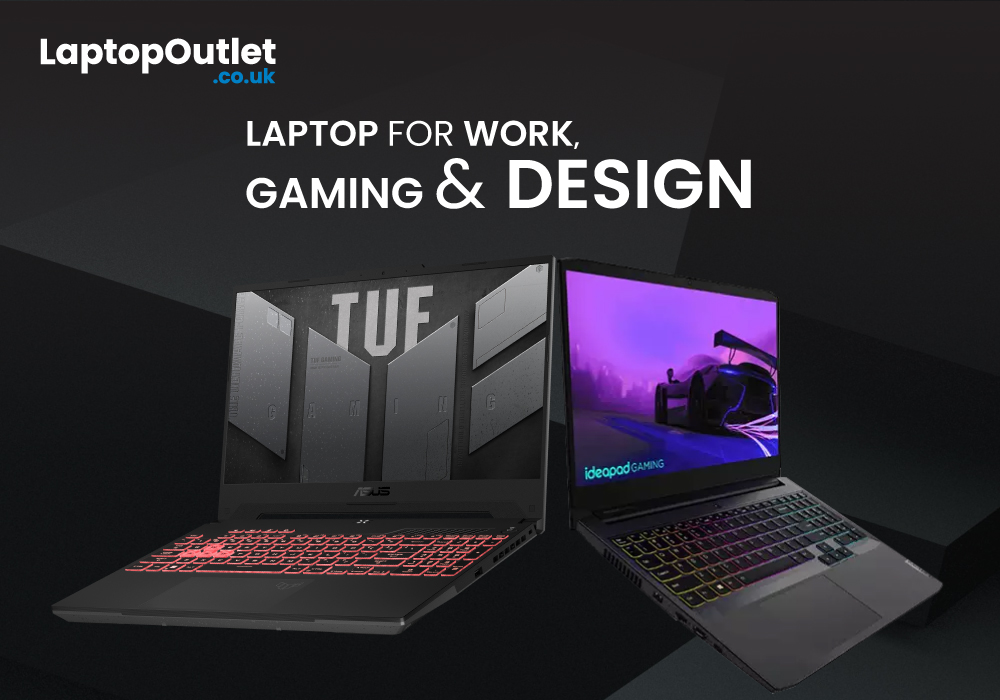
Top 5 laptops for gaming, design, and work
In today’s article, we are going to disclose the top 5 best laptops that you can use for catering to your gaming, designing, or business workloads. Our experts have compiled the list after thorough market research so you can be sure about seeing some of the best picks.
Last Updated: September 22, 2026
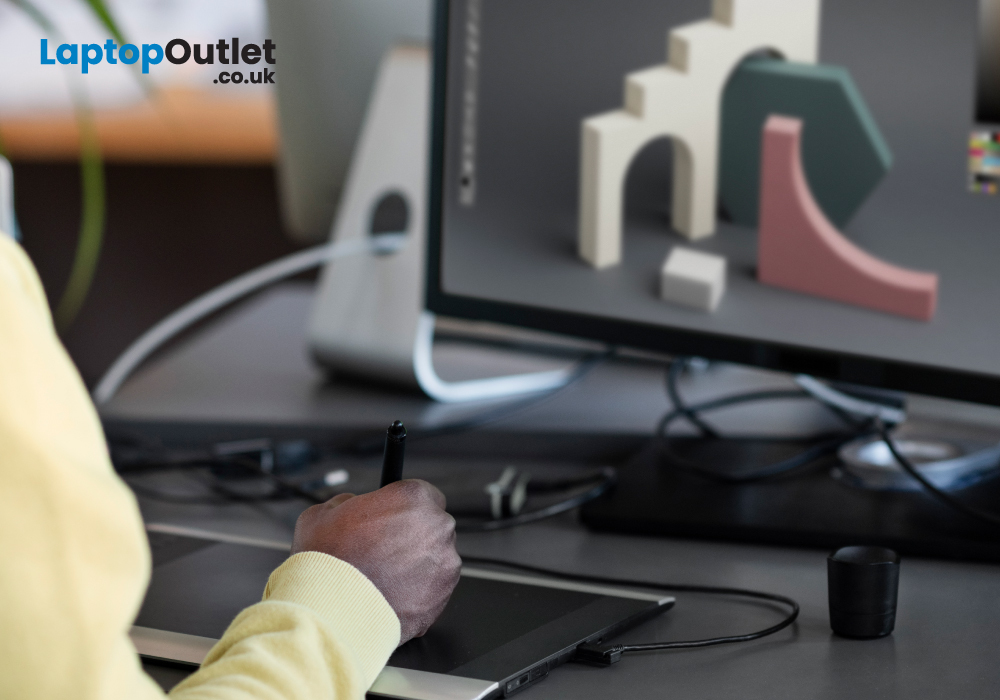
Are you an artist or creative professional looking for the right system to match your pace? If yes, you are in luck! In this article, we will tell you everything you need to know about the best desktop PCs for creatives and designers.
Desktop PCs have been regarded as "workhorses" for creative designers, from graphic designers to video editors to animators. With a desktop computer, you can perform multiple graphically demanding tasks such as dynamic designs, crafting informative illustrations, editing photos or videos, and performing 3D rendering, among others.
Purchasing a desktop PC is always exciting, but if you don’t know the exact components and specifications, it can be daunting too. In this article, we’ll walk you through all the elements to consider and explain the jargon along the way. We will also suggest to you the 5 best desktop PCs to help you find the right one as per your requirements.
Things to Consider When Choosing a Desktop PC
A desktop PC is the best choice for creative
Last Updated: August 20, 2026
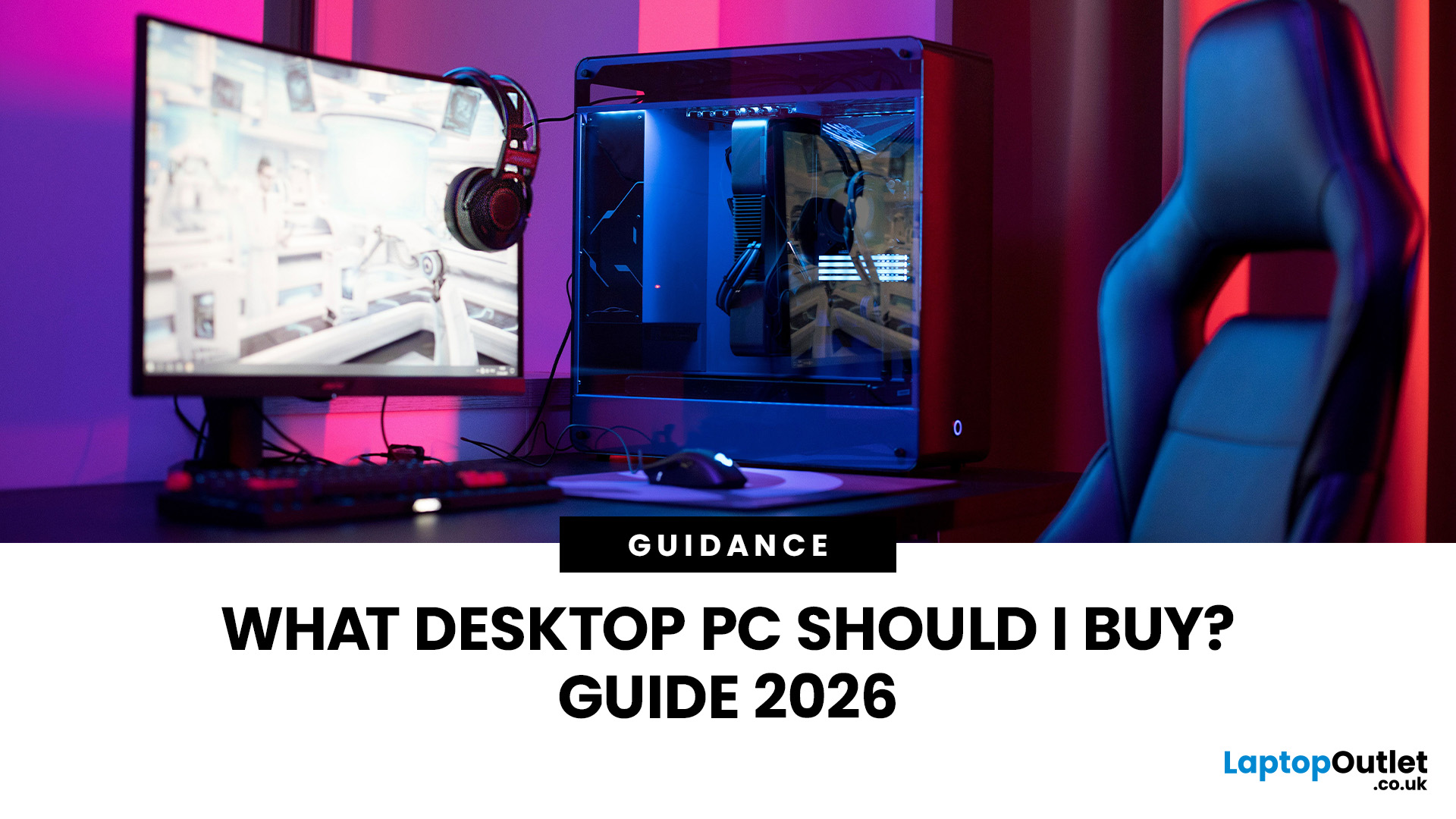
Buying a new desktop PC can be confusing when you are faced with different processors, graphics cards, RAM capacities, storage options and form factors.
The right choice depends on what you actually need the computer to do. A PC for browsing, studying and office work does not need the same hardware as a gaming desktop or professional workstation.
This guide explains what to look for when buying a desktop PC in 2026, whether you need an affordable home computer, a productive office setup, a powerful gaming PC or a machine for creative work.
Key Factors to Consider Before Buying
Before comparing individual desktop PCs, think about:
- Your main use, such as gaming, work, study or creative applications
- Processor (CPU) performance
- Graphics (GPU) requirements
- RAM capacity
- SSD storage
- Desktop size and form factor
- Upgrade potential
- Connectivity and ports
- Operating system
- Your overall budget
For most buyers, getting a balanced specification is more important than simply choosing the fastest processor

