



How AMD Processors Work in Gaming PCs: Key Features and Benefits
Over the past decade, AMD has transformed from an underdog in the CPU market to a dominant force in gaming PCs.
With its Ryzen series, AMD has consistently delivered processors that combine high performance, competitive pricing, and innovative features. For UK gamers, this has meant more choice, better value, and the ability to build powerful rigs without overspending.
In this guide, we’ll explore exactly how AMD processors work in gaming PCs, the key features that make them stand out, and the benefits they bring to gamers.
Understanding AMD Processors in Gaming PCs
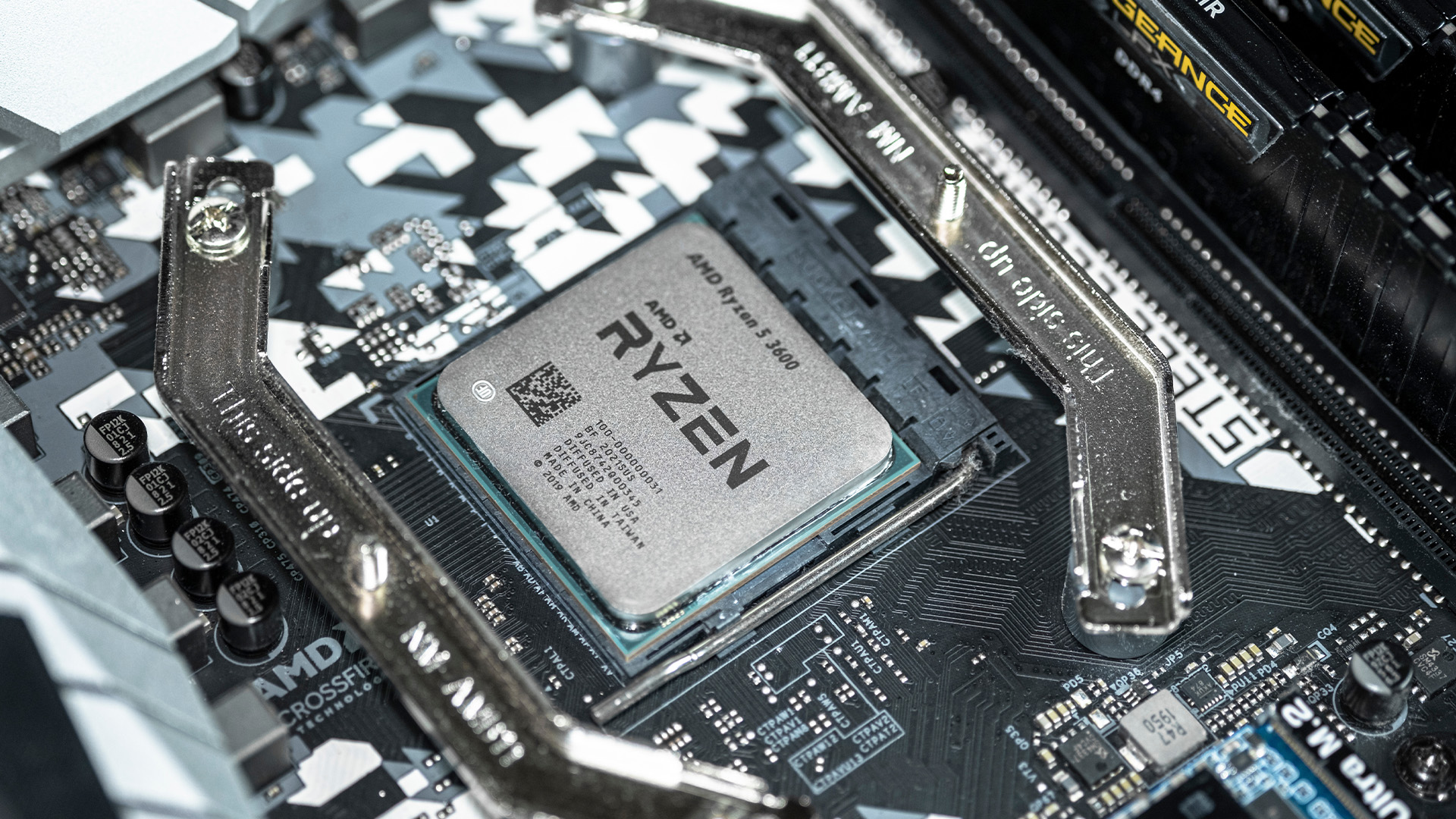
In any gaming setup, the Central Processing Unit (CPU) acts as the primary coordinator. It handles complex AI logic, processes game physics, and manages all background system tasks while your graphics card renders the visuals.
AMD has revolutionised this space by moving away from traditional "monolithic" chip designs where everything is on one piece of silicon. Instead, the modern AMD CPU architecture uses a modular "chiplet" design. This means they combine several smaller, specialised pieces of silicon—known as dies—to work together as a single, powerful unit.
Today, the main gaming lineup includes the Ryzen 5000 series and the latest Ryzen 7000 and 9000 series. These are built on latest Zen-based architectures, which focuses on high IPC (Instructions Per Clock). This ensures that gaming PCs featuring AMD Ryzen CPUs provide the smooth, stutter-free experience required for modern high-fidelity gaming.
How AMD Processors Work in Gaming
AMD chips use clever logic to handle the heavy demands of modern games. Here is a breakdown of how they manage the workload during a gaming session.
Core and Thread Management
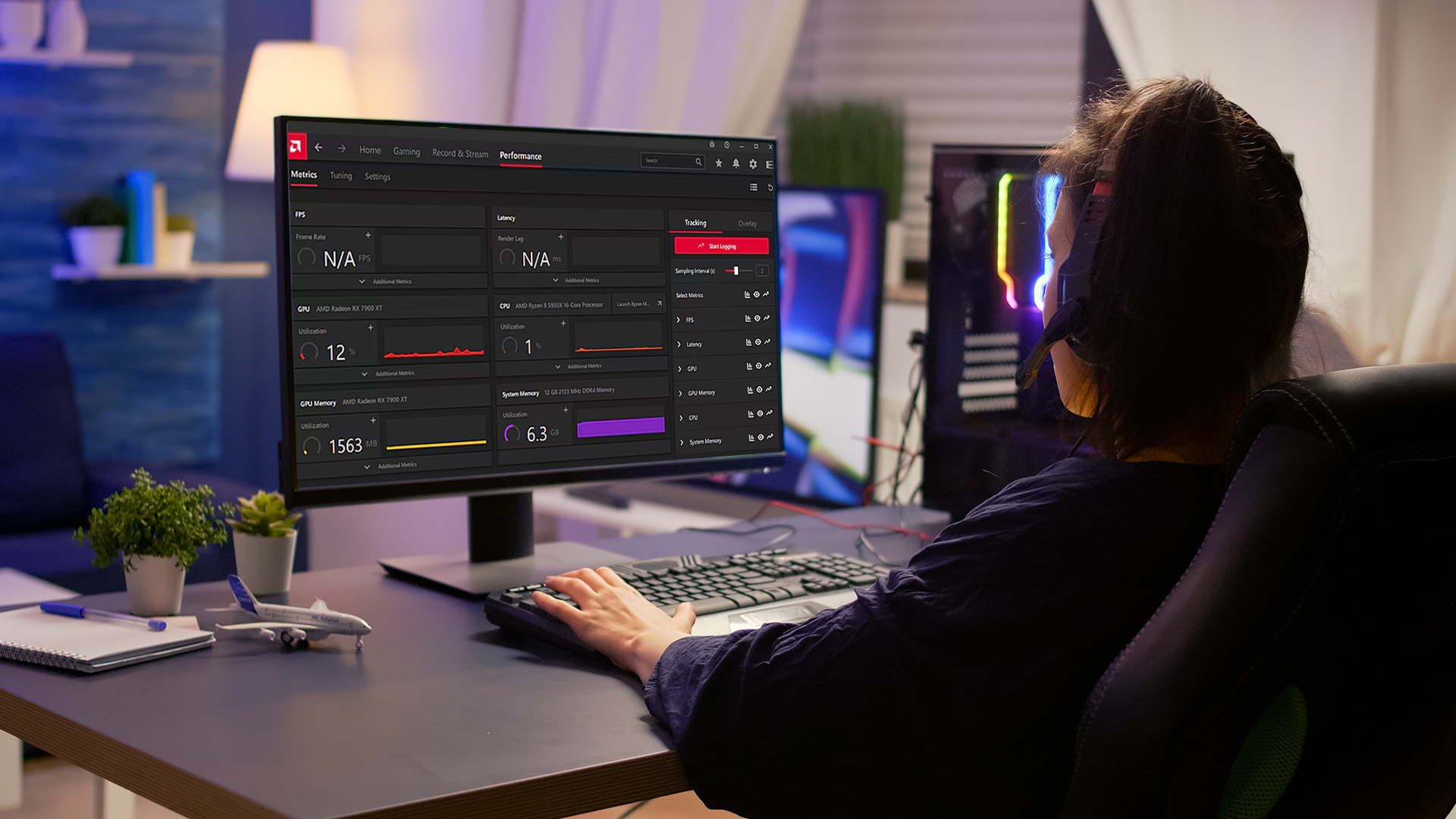
Modern games are designed to use many cores at once. AMD’s multi-core processors allow the PC to split tasks like audio, networking, and physics across different cores. This prevents bottlenecks and ensures your gameplay stays fluid even during intense action sequences.
Clock Speeds and Boost Technology
Clock speed determines how many calculations a core can do per second. AMD uses dynamic scaling to increase speeds when the game gets demanding. If you are in a quiet menu, speeds drop to save power; during a massive explosion, they spike to maintain performance.
Cache Memory
Cache is ultra-fast memory located directly on the CPU. AMD’s L3 cache acts as a "waiting room" for data the processor needs immediately. By keeping this data close, the CPU doesn't have to wait for the slower system RAM. It significantly reduces game latency and helps maximise AMD gaming performance, particularly in CPU-bound titles.
Instruction Sets and Gaming Optimisation
AMD works closely with developers to optimise for DirectX 12 and Vulkan. These instruction sets allow the hardware to "talk" to the software more efficiently. This partnership results in better resource allocation and higher frame rates in the latest AAA titles.
Key Features of AMD Gaming CPUs
AMD has introduced several proprietary technologies that give them an edge. These features are designed specifically to enhance the user experience.
Precision Boost & Precision Boost Overdrive (PBO)
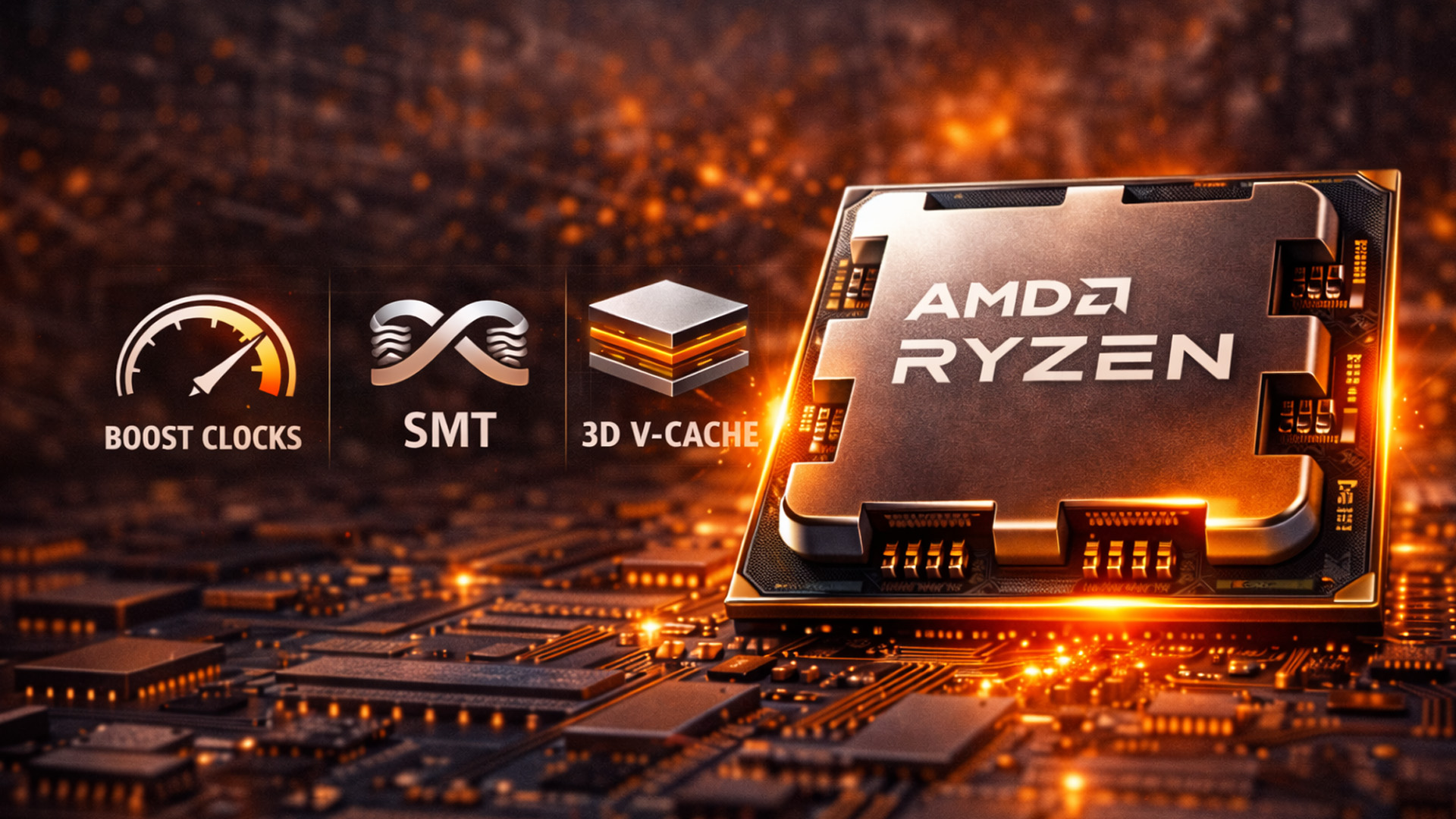
Precision Boost is an intelligent system that monitors temperature and power. It automatically pushes your CPU to the highest possible frequency within safe limits. Precision Boost Overdrive (PBO) goes further, allowing for even higher sustained speeds if your cooling system can handle the heat.
Simultaneous Multithreading (SMT)
SMT allows a single physical core to act as two logical cores. This is a massive benefit for gamers who like to stream on Twitch or run Discord in the background. It ensures that background tasks don't "steal" performance away from your primary game window.
3D V-Cache Technology
This is AMD’s "secret weapon" for gaming. By vertically stacking memory on the processor, AMD can offer massive amounts of L3 cache. This technology drastically improves frame rates in CPU-bound games like simulation or strategy titles where data access speed is critical.
Unlocked Multipliers
Most AMD Ryzen features include unlocked multipliers by default. This means enthusiasts can manually overclock their processors to get extra performance. While the factory speeds are excellent, having the option to tweak settings gives gamers more control over their hardware’s lifespan and power.
Energy Efficiency
AMD focuses heavily on performance-per-watt. Their chips are built on advanced manufacturing nodes (like 5nm). This means they do more work while using less electricity. This efficiency leads to lower electricity bills and less heat being dumped into your gaming room.
Benefits of AMD Processors in Gaming PCs
Choosing an AMD chip brings several practical advantages, especially when compared with alternative builds such as gaming desktops with Intel CPUs.
High Performance at Competitive Prices
AMD is well-known for offering more cores and threads for your money. You often get "pro-level" specs at a mid-range price point. This allows gamers to spend more of their budget on a better graphics card or more storage without sacrificing processing power.
Future-Proofing
The AM4 socket lasted for many years, and the new AM5 socket is expected to do the same. This means you can keep your motherboard for a long time. When a new CPU comes out, you can often just swap the chip rather than rebuilding the whole PC.
Better Multitasking
Because of the high core counts, AMD systems excel at heavy multitasking. You can play a demanding game, record your gameplay, and have twenty browser tabs open without the system stuttering. It makes the computer feel fast and responsive in every scenario.
Compatibility with Latest GPUs
AMD processors work perfectly with all modern graphics cards. Whether you are building NVIDIA RTX gaming computers or using an AMD Radeon card, the CPU ensures the GPU is never "starved" for data. Smart Access Memory also provides a boost when using AMD parts together.
Thermal Management
Despite their high power, AMD multi-core processors are designed to handle heat efficiently. They have built-in sensors that prevent damage by throttling performance if things get too hot. With a decent cooler, these chips run remarkably cool even during 4K gaming marathons.
Choosing the Right AMD Processor for Your Gaming PC
Finding the right processor depends on your specific goals and budget. It is important to match your CPU to the rest of your hardware to avoid bottlenecks.
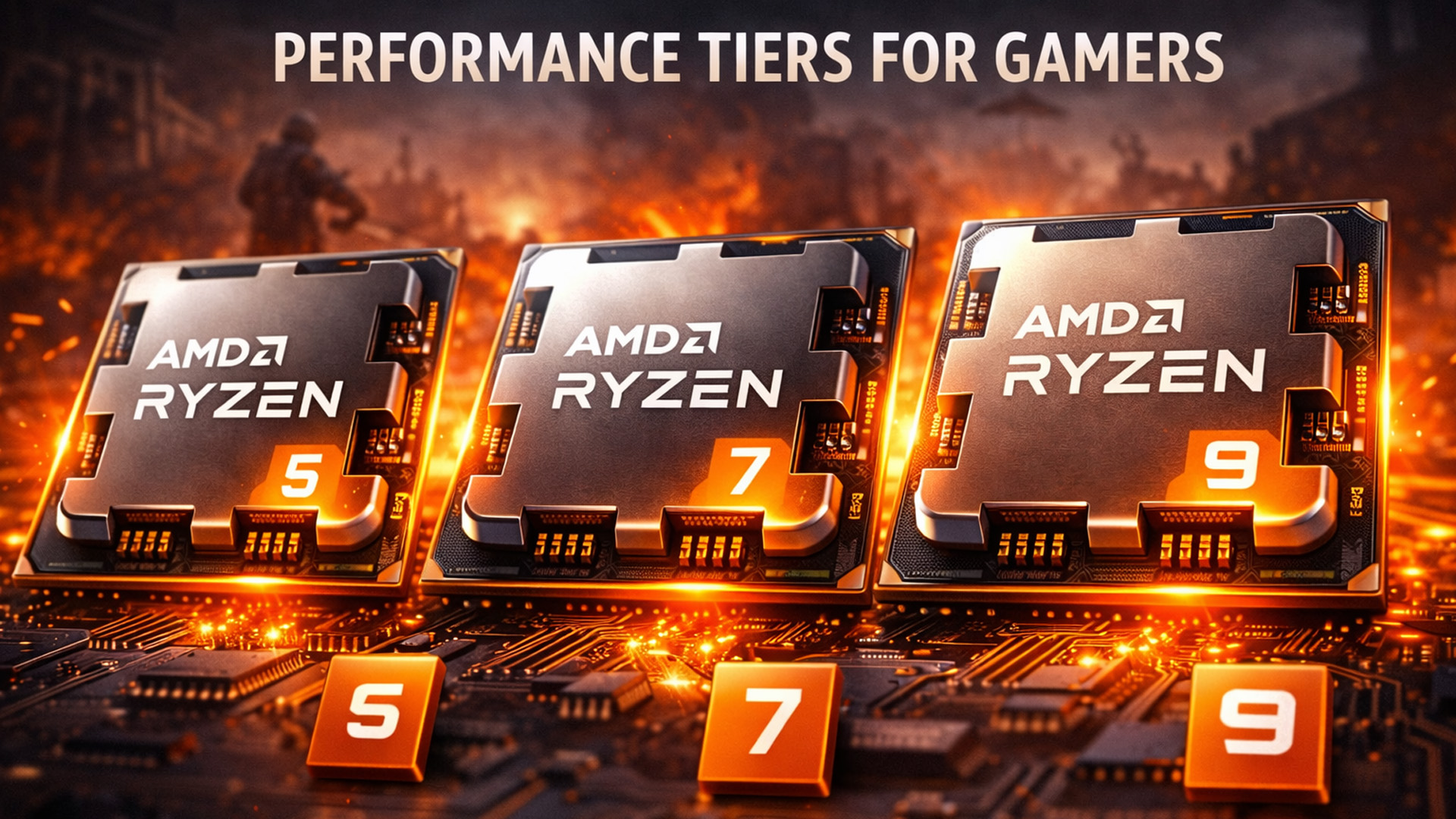
- Target Resolution: At 1080p, the CPU is the most important factor for high frame rates. If you play at 4K, the load shifts more toward the GPU.
- Refresh Rate: If you own a 144Hz or 240Hz monitor, you need a powerful CPU to feed data to your graphics card fast enough to hit those targets.
- GPU Pairing: Ensure your CPU power matches your graphics card; a Ryzen 5 is great for mid-range cards, while a Ryzen 9 is built for flagship GPUs.
- Future Plans: If you plan to upgrade your PC in two years, choosing the AM5 platform now is a smart way to save money later.
Ryzen Comparison Table
AMD offers several tiers of processors to suit different types of gamers. Use this table to find your ideal match:
|
Processor Tier |
Ideal User |
Typical Specs |
Best GPU Pairing |
|
Budget & Mainstream |
6 Cores / 12 Threads |
RTX 4060 / RX 7600 |
|
|
Serious Gamers |
8 Cores / 16 Threads |
RTX 4070 / RX 7800 XT |
|
|
Ryzen 7 X3D |
Competitive & Pro |
8 Cores + 3D V-Cache |
RTX 4080 / RX 7900 XTX |
|
Ryzen 9 |
Streamers & Creators |
12-16 Cores / 24-32 Threads |
RTX 4090 / RX 7900 XTX |
The Ryzen 5 is usually plenty for most, but the Ryzen 7 is the "sweet spot" for enthusiasts. Professionals who also work on their PC should always look toward the Ryzen 9.

Level Up Your Rig with AMD
Understanding how AMD processors work in gaming PCs reveals why they are so popular. They offer a perfect blend of high-speed performance, multi-core power, and innovative features like 3D V-Cache.
Whether you want a budget-friendly build or a world-class powerhouse, AMD has a solution. It is essential to match your CPU choice with your specific gaming needs to get the best experience.
Explore a wide range of gaming computer desktops today and find the perfect rig to dominate your favourite titles.

A Little More Info...
Is AMD or Intel better for gaming in 2026?
AMD currently leads in pure gaming performance with its X3D series, while Intel remains a strong competitor for single-core speed and specific productivity workloads.
Can I use an NVIDIA GPU with an AMD CPU?
Yes, they are perfectly compatible. You can pair an AMD processor with any modern NVIDIA or AMD Radeon graphics card without any issues.
Do AMD processors run hot?
Modern AMD chips are very efficient. While high-performance models require decent cooling, they generally offer better performance-per-watt than many older designs.
Is the Ryzen 5 good enough for gaming?
Yes, the Ryzen 5 is the "sweet spot" for most gamers. It handles modern titles at 1080p and 1440p with ease.
Do I need a special motherboard for AMD?
Yes, you need a motherboard with an AM4 or AM5 socket. Always check compatibility before purchasing your new processor.
How long will an AMD AM5 motherboard last?
AMD has committed to supporting the AM5 socket through at least 2027, making it a very future-proof investment.
Related Articles

Last Updated: June 15, 2026
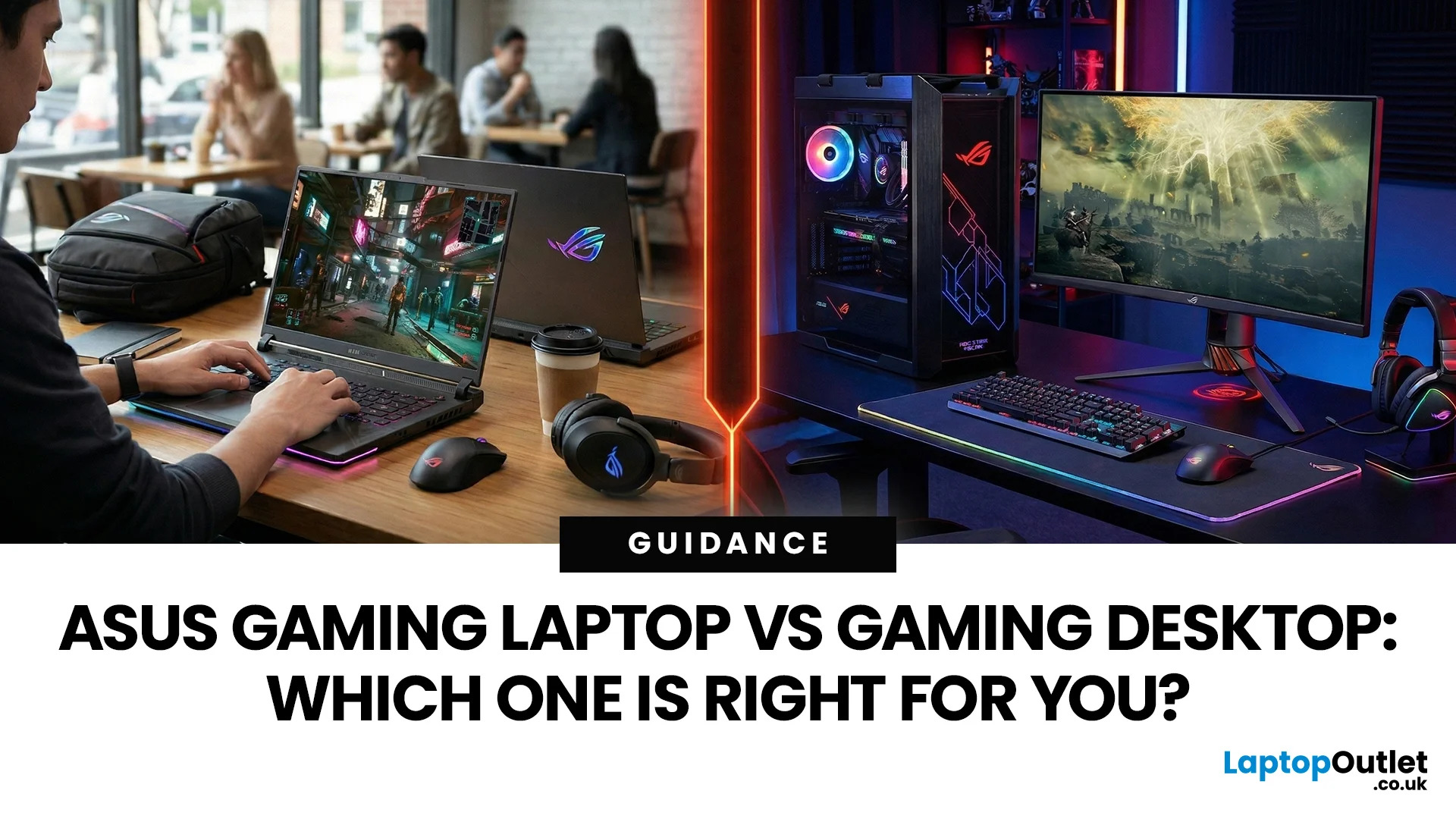
In the ever-evolving world of gaming tech, choosing between an ASUS gaming laptop and a gaming desktop can feel like choosing your final Pokemon. Both come packed with next-level power, but they serve different styles of gamers. Whether you're eyeing up a TUF Gaming Laptop, a sleek ROG Zephyrus, or a power-packed ASUS ROG desktop, this 2025 showdown is here to help UK gamers make the ultimate decision.
Why ASUS? A Gaming Legacy Built to Dominate
ASUS is a beast in the gaming world. From the ASUS ROG (Republic of Gamers) line to the ultra-durable ASUS TUF Gaming range, the brand brings serious heat to both laptops and desktops. Whether you're grinding in Apex Legends or conquering Elden Ring, ASUS delivers game-changing tech designed to crush every task.
Explore the full range of ASUS Laptops and ASUS Desktops.
Portability vs. Power: What’s Your Gaming Lifestyle?
Choosing between an ASUS gaming laptop and an ASUS gaming desktop in 2026 comes down to how and where you play. UK gamers

Last Updated: June 15, 2026
The world of gaming desktops has never been more exciting. In 2026, gamers can enjoy next-level performance powered by Intel Core 14th Gen and AMD Ryzen 9000-series processors, paired with NVIDIA RTX 40 and 50-series GPUs. Whether you’re after an entry-level setup or a high-end machine for 4K gaming and VR, today’s best gaming desktop 2026 options offer something for every type of player. This guide breaks down the top categories, performance, features, and ideal users, to help you buy the best gaming desktop PC for your needs.
Best Budget Gaming Desktops in 2026
If you’re new to PC gaming or shopping on a budget, 2026 offers plenty of affordable options that deliver reliable 1080p performance.
Budget Highlights
- Processor: Intel Core i5-14400F / AMD Ryzen 5 8600G
- Graphics: NVIDIA RTX 50 series / AMD Radeon RX 7000 series XT
- RAM & Storage: 16GB DDR5, 512GB – 1TB SSD
Top Choices
| Model Image | Model | Processor | Graphics Capability | Memory (RAM) | Storage | Operating System | Special Features |
 | Lenovo |
Last Updated: June 05, 2026
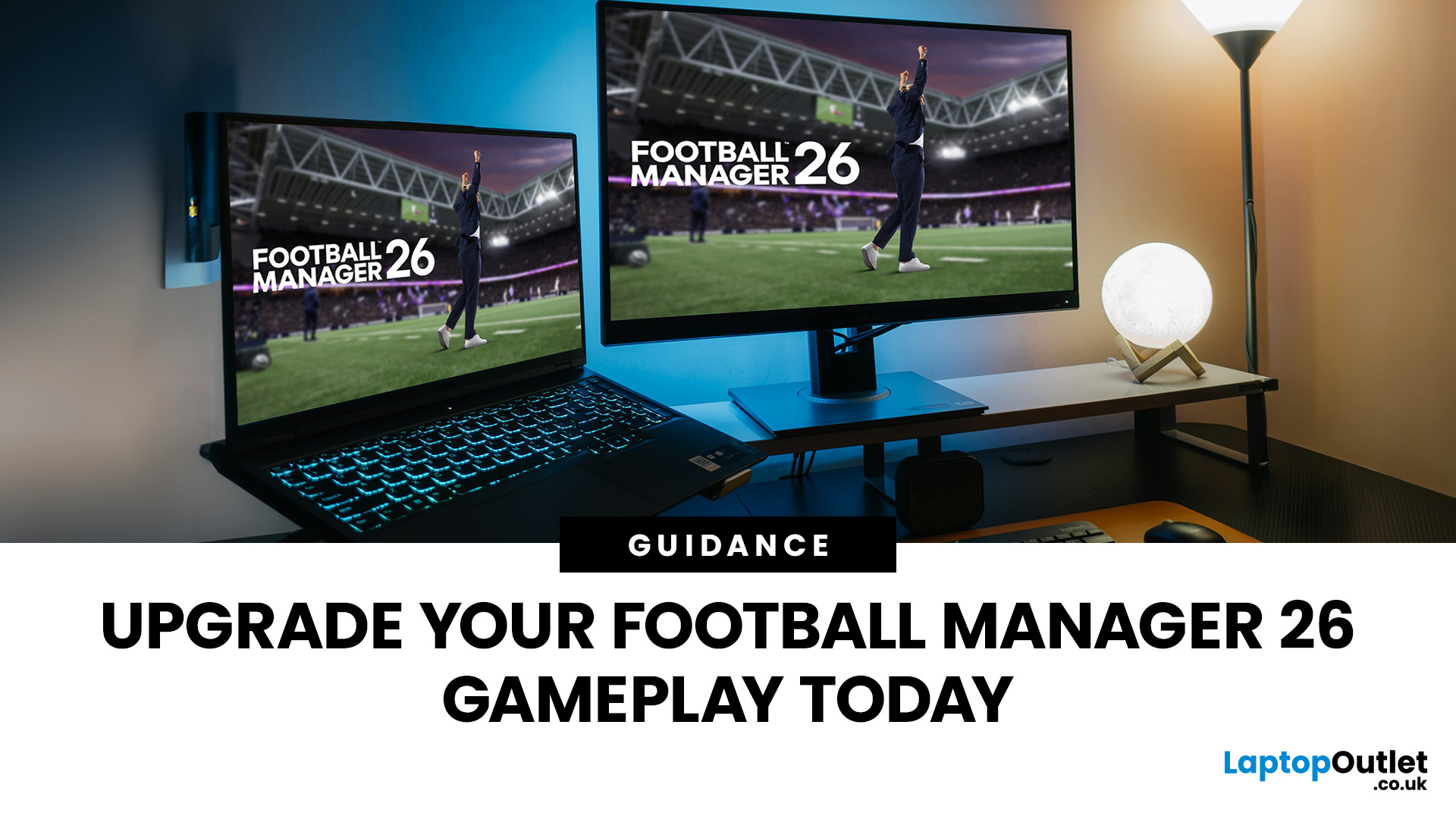
Football Manager 26 is finally here, built on a new Unity-powered 3D match engine with richer lighting, animations and stadium detail.
The good news? Sports Interactive has kept the minimum specs low, so older systems can still load up the game. The less good news is that the new engine leans more heavily on both CPU and GPU, especially during 3D matches and busy transfer windows.
If you want fast simulations, big databases and smooth 3D on high settings, you need the right hardware. This guide walks through Football Manager 26 recommended specs, then highlights the best gaming laptops and PCs for Football Manager 26 available from Laptop Outlet – from budget-friendly picks to powerhouse rigs.
Which Hardware Matters More for Football Manager 26?
Before choosing your machine, it is vital to understand what Football Manager 26 actually is. It is a detailed management simulation, not a graphics-intensive action game.
When you hit the 'Continue' button, the game is not just rendering a stadium.

Last Updated: June 10, 2026
Hades II has arrived, and it’s already proving itself as one of the most stylish, addictive, and fast-paced roguelikes of the year. Supergiant Games has taken everything players loved from the first title and given it more flair, more depth, more chaos, and far more visual punch. And with all that comes the question many players are quietly asking: what are the best gaming PCs and laptops for Hades II?
Whether you're upgrading your battlestation, grabbing a powerful yet portable gaming laptop, or hunting a cheap refurbished gaming laptop for Hades 2, this guide breaks down real, current system requirements, recommended modern hardware, and the best deals you can jump on right now.
Let’s dig in.
Why Gaming PCs and Laptops for Hades II Matters?
Although Hades II is beautifully optimised, it is still more demanding than the original game. More spell effects, more enemies on screen, more layered environments, higher-resolution assets and a broader range of animations mean your hardware needs
Last Updated: February 24, 2026
Looking for the best budget gaming laptops and PCs for Sonic Rumble? You’re in the right place. At Laptop Outlet, we’ve scoured our range of powerful yet affordable gaming laptops, so you can find the perfect gear to jump into Sonic’s newest adventure without breaking the bank. Whether you’re after cheap gaming PC deals Sonic, gaming laptops with entry-level GPUs, or compact rigs that punch above their weight, we’ve got you covered. Let’s dive into the best options that’ll give you smooth gameplay, popping visuals, and long-lasting performance.
Recommended Specs to Play Sonic Rumble
By balancing these core specs, you’ll enjoy Sonic Rumble with the performance it deserves:
Processor (CPU)
A modern multi-core processor (such as Intel Core i5/i7 or AMD Ryzen 5/7) is great for entry-to-mid-range gaming. For high-end gaming, you would need an i9 or AMD Ryzen 9.
Graphics (GPU)
To play Sonic Rumble smoothly, aim for at least an entry-level dedicated GPU, something like NVIDIA’s RTX 4070 or
Last Updated: July 10, 2026
If you’re gearing up to explore the beautifully crafted, action-packed world of Where Winds Meet, choosing the right hardware is just as important as mastering your combat skills. This visually rich open-world action RPG blends fast-paced combat, sweeping landscapes and cinematic storytelling, all of which demand capable, well-balanced hardware.
In this guide, we’ll break down the recommended specs for Where Winds Meet, explain what really matters when it comes to performance, and highlight excellent-value options, including gaming deals for Where Winds Meet that won’t stretch your budget.
Recommended Specs for Where Winds Meet
Before diving into specific systems, let’s outline the core specifications you should be aiming for.
Processor (CPU)
Open-world RPGs rely heavily on CPU performance for AI, physics and world simulation. A modern Intel Core i5 / i7 or AMD Ryzen 5 / 7 is ideal. This ensures stable performance during exploration and combat-heavy sequences.
Graphics Card (GPU)
A dedicated

Last Updated: December 24, 2025
Technology never stands still, and if the past few years have taught us anything, it’s that innovation moves fast. As we look ahead, tech trends 2026 are shaping up to be smarter, faster and more user-focused than ever before. From AI-powered laptops to next-level PCs and sustainable tech, the future is all about performance with purpose. So, whether you’re upgrading your setup, planning ahead, or just love staying in the know, here’s a breakdown of the biggest tech trends set to define 2026.
AI Everywhere: Smarter Devices, Smarter Decisions
Artificial Intelligence is no longer a “nice to have” by 2026, it’s expected to be built into almost every device we use. We’re talking about laptops that learn your preferences, PCs that optimise performance in real time, and software that adapts to how you work or play.
AI-driven features such as predictive battery management, real-time security monitoring and intelligent multitasking will become standard. For users, this means less time managing
Last Updated: January 21, 2026
In today’s fast-paced, digitally driven world, business professionals need technology that keeps up with their demanding schedules. Whether you’re running meetings, responding to emails on the train, managing spreadsheets from home, or presenting ideas to clients, having the best tablet for business can make a noticeable difference to productivity and flexibility.
Tablet PCs have evolved far beyond simple media consumption devices. Modern business-focused tablets now rival laptops, offering powerful processors, desktop-grade software support, long battery life, and seamless connectivity. For UK professionals who value portability without sacrificing performance, choosing the right device is crucial.
In this in-depth guide, we explore the best tablet for business use in the UK. We’ll cover what features matter most, compare leading brands, and help you decide which tablet PC suits your workflow, whether you’re a business owner, remote worker, or professional constantly on the move.
Why

Last Updated: January 13, 2026
NVIDIA used CES (Consumer Technology Association)2026 to outline what it believes is the next major shift in computing — a move away from general-purpose processors towards systems designed primarily for artificial intelligence.
Speaking in Las Vegas, CEO Jensen Huang positioned NVIDIA not just as a graphics company, but as a platform provider for what it calls the “AI era”, spanning data centres, gaming PCs, gaming laptops, robotics, autonomous vehicles and cloud services.
Rather than focusing on a single blockbuster product, NVIDIA announcements CES 2026 centred on a broad ecosystem update. Key themes included the next-generation Rubin compute platform, and advances in AI-driven graphics through DLSS 4.5, new RTX AI PCs.
The Rubin Platform: NVIDIA’s Next-Generation AI Architecture

The biggest news for businesses was the Rubin platform. It is the successor to the successful Blackwell architecture. This system is a team of six different chips working together.
NVIDIA designed this platform
Last Updated: January 21, 2026
For years, Lenovo has quietly done something most tech brands struggle with:
making devices that actually make sense for real people.
- Not flashy-for-the-sake-of-it.
- Not overpriced because of a logo.
- Not confusing hybrids that don’t know what they want to be.
In 2026, Lenovo Tablet PCs feel more relevant than ever, especially if you care about value, flexibility, and devices that work just as well for studying, working, streaming, or light creativity.
This isn’t about hype.
It’s about what Lenovo tablets actually do well, where they fit best, and why they’re still one of the smartest tablet choices in the UK right now.
Why Lenovo Tablet PCs Still Matter in 2026
The tablet market has split into extremes. On one end, you’ve got ultra-premium devices that cost as much as laptops. On the other, budget tablets that struggle with basic multitasking.
Lenovo lives in the sweet spot.
Lenovo tablet PCs focus on:
- Practical performance
- Reliable build quality
- Sensible pricing
- Clear use cases
That’s

