



Intel Arc G-Series Processors: Powering the Future of Handheld PC Gaming
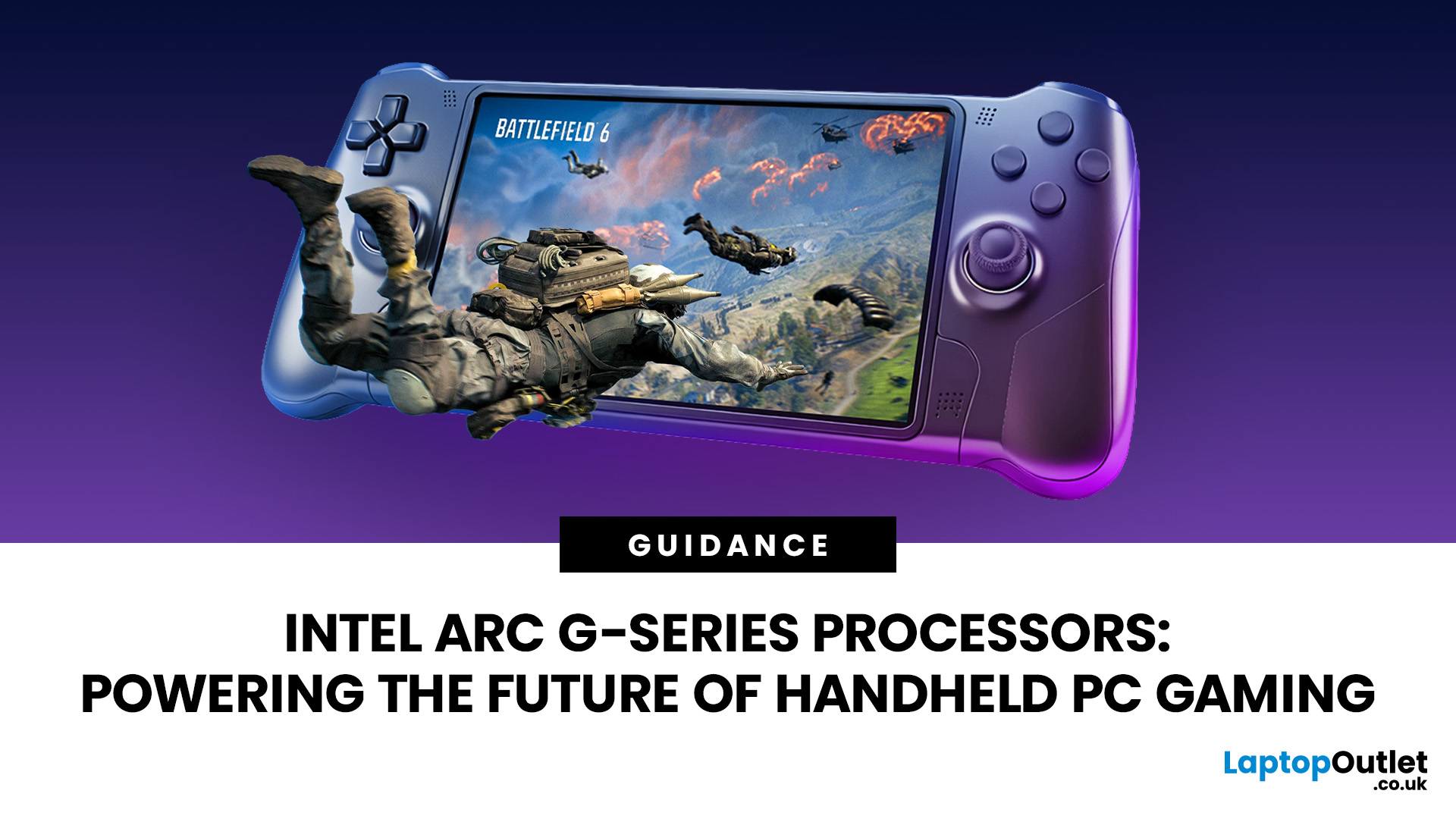
Handheld PC gaming has reached the point where portability alone is no longer enough. Players now expect current PC games, sharper displays, stable frame rates and usable battery life from a device small enough to carry in a bag.
Intel Arc G-Series processors have been developed specifically for that challenge. Instead of placing a conventional laptop processor inside a handheld and adjusting its power limits, Intel has rebalanced the design around integrated graphics, efficient CPU cores and lower-wattage gaming.
The first two processors are the Intel Arc G3 and Intel Arc G3 Extreme. Both combine a 14-core CPU, Xe3-based Intel Arc graphics, XeSS 3 support and handheld-focused power controls. Early independent testing of the G3 Extreme shows a substantial improvement over previous Intel handheld hardware, although the processor alone does not determine how well a device will perform. Cooling, memory, battery capacity, power settings and software support remain equally important.
What Are Intel Arc G-Series Processors?
Intel Arc G-Series processors are complete system-on-chip designs created for Windows gaming handhelds. They include CPU cores, integrated graphics, an NPU, memory support, media engines and connectivity within one platform.
This is an important distinction. The Intel Arc G3 and G3 Extreme are not standalone graphics cards, even though they carry the Arc name. They are full processors that place greater emphasis on GPU performance than a typical mobile chip.
Both use a 14-core configuration made up of:
- Two Performance-cores
- Eight Efficient cores
- Four Low Power Efficient-cores
This combination gives games enough CPU performance while leaving more of the available power and thermal headroom for graphics. Modern handheld games rarely need a large number of high-power CPU cores, but they can benefit greatly from a stronger integrated GPU.
The processors also support LPDDR5X memory at speeds of up to 8,533 MT/s. Fast memory is especially important in a handheld gaming computer because the CPU and integrated GPU share the same system memory rather than having separate video memory.
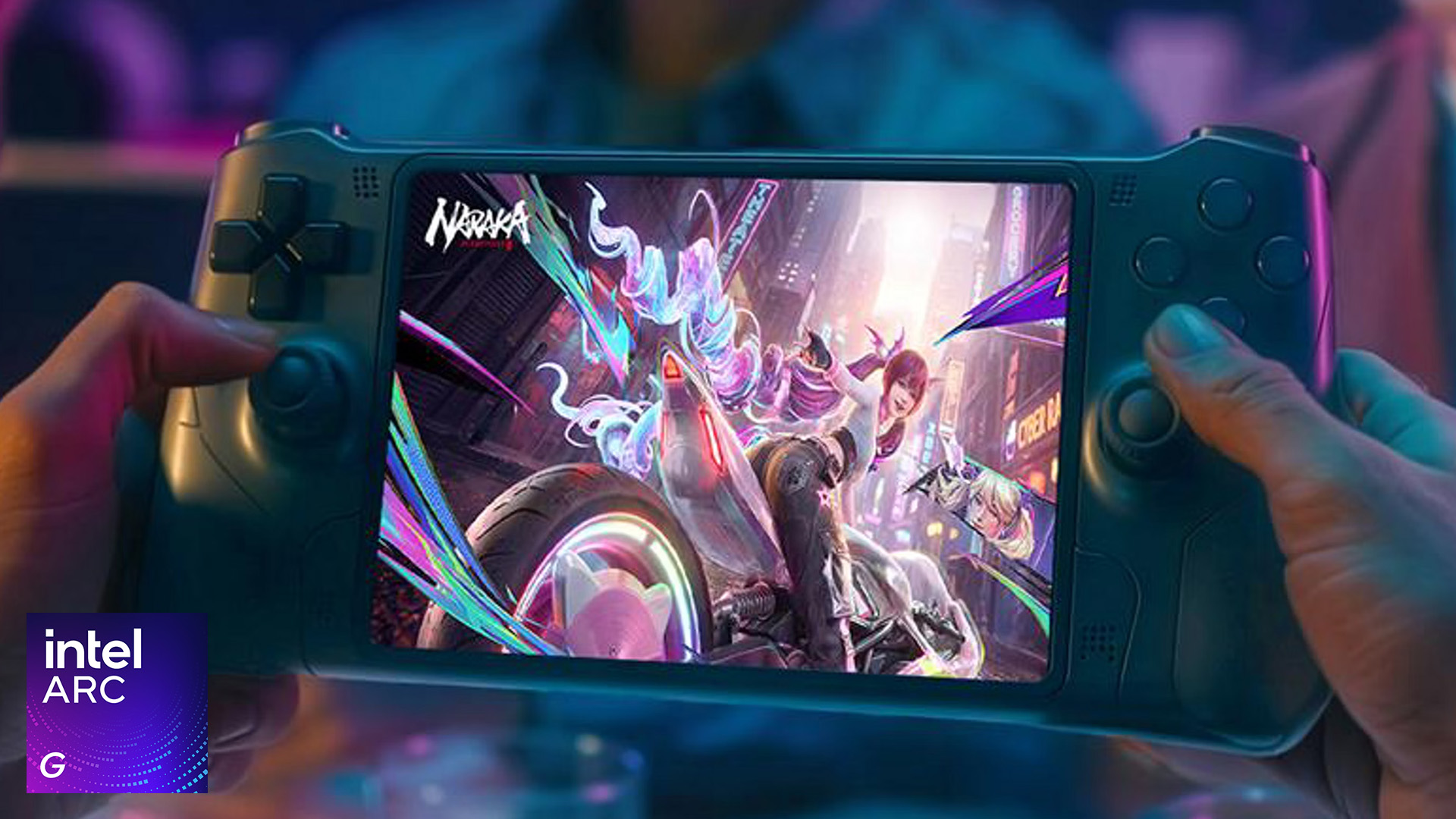
Intel Arc G3 vs G3 Extreme
The standard Intel Arc G3 and the G3 Extreme share the same basic CPU layout, 12MB of Smart Cache and 25W processor base power. The main differences concern graphics resources and frequency.
|
Specification |
Intel Arc G3 |
Intel Arc G3 Extreme |
|
Total CPU cores |
14 |
14 |
|
Maximum CPU frequency |
4.6GHz |
4.7GHz |
|
Integrated GPU |
Intel Arc B370 |
Intel Arc B390 |
|
Xe-cores |
10 |
12 |
|
Maximum graphics frequency |
2.2GHz |
2.3GHz |
|
GPU AI performance |
90 TOPS |
113 TOPS |
|
NPU performance |
46 TOPS |
46 TOPS |
|
Processor base power |
25W |
25W |
|
Minimum assured power |
15W |
15W |
|
Supported memory |
Up to LPDDR5X-8533 |
Up to LPDDR5X-8533 |
The G3 Extreme has 20% more Xe-cores and a slightly higher graphics frequency. Its CPU advantage is comparatively small, showing that the Extreme model is primarily designed to improve gaming performance rather than general processing speed.
This also means benchmark results for the G3 Extreme should not be used to describe every Intel Arc G-Series device. A handheld using the standard G3 and Arc B370 graphics is likely to provide lower frame rates, particularly in GPU-heavy games.
For less demanding titles, indie games and cloud gaming, the standard model may still offer a better balance between cost, performance and battery consumption. The G3 Extreme is aimed more directly at players who want to run demanding AAA games at higher settings or resolutions.
Why Xe3 Graphics Matter for Handheld Gaming
The most important part of the platform is its Xe3-based Intel Arc integrated graphics.
The standard G3 uses an Arc B370 GPU with 10 Xe-cores, while the G3 Extreme uses the more powerful Arc B390 with 12 Xe-cores. Both support DirectX 12 Ultimate, hardware-accelerated ray tracing and AV1 encoding and decoding.
More Xe-cores give the processor additional resources for rendering graphics, processing AI workloads and handling ray-traced effects. However, core count alone does not predict actual frame rates. Memory bandwidth, sustained power and cooling can significantly change the performance of two devices using similar silicon.
Ray tracing is supported, but it should be approached realistically on a handheld. High ray-tracing settings place a heavy demand on integrated graphics and can quickly reduce frame rates. In most demanding games, lower ray-tracing settings combined with upscaling will provide a more practical experience than attempting to reproduce desktop-level visual settings.
Players who want consistently higher settings, faster refresh rates or dedicated graphics may be better served by gaming laptops with Intel processors. A handheld prioritises convenience and efficiency, while a gaming laptop has more room for cooling and a separate GPU.
Buyers considering a more conventional laptop can also compare Intel Core i5 and Ryzen 5 performance to understand which platform offers the better balance of gaming power, battery life and value.
The Real Importance of XeSS 3
XeSS 3 is one of the main technologies helping Intel Arc G Series processors deliver smoother performance within the limited power budget of a handheld.
It combines three related features:
XeSS Super Resolution renders a game at a lower internal resolution and reconstructs a sharper output image.
Multi-Frame Generation creates additional frames between conventionally rendered frames to improve perceived smoothness.
Xe Low Latency is designed to reduce the delay between player input and the resulting action on screen.
These features can work together, but their results must be interpreted correctly. A frame rate achieved through multi-frame generation is not the same as a native frame rate. Generated frames can make animation appear smoother, but they do not increase the underlying game simulation rate or responsiveness in the same way as fully rendered frames.
For example, independent testing recorded Cyberpunk 2077 at 39.6fps using native 1080p Ultra settings on an Arc G3 Extreme handheld. XeSS Quality increased this to 53.3fps, while 2x and 4x frame generation produced displayed rates of 93.2fps and 127.8fps.
Those figures demonstrate the potential of Intel Arc gaming technology, but 39.6fps remains the most useful starting point for judging the processor’s raw rendering performance. Frame generation should be viewed as an enhancement rather than a substitute for a stable native frame rate.
XeSS support also varies between games. Some titles support only Super Resolution, while others support frame generation and low-latency features. Unsupported games must rely on native rendering or another available scaling technology.
How Fast Is Intel Arc G3 Extreme in Real Games?
Early independent results suggest that the Arc G3 Extreme can deliver a meaningful lead over current Ryzen Z2 Extreme handhelds in several GPU-heavy games.
At 1080p Ultra settings, one controlled comparison recorded:
- 39.6fps in Cyberpunk 2077, compared with 28fps on a Ryzen Z2 Extreme handheld
- 44.2fps in Baldur’s Gate 3, compared with 32.5fps
- 49.2fps in Final Fantasy XV, compared with 34.8fps
- 91.9fps in Strange Brigade, compared with 58.8fps
Raising the Intel handheld to its manual 35W profile increased Cyberpunk 2077 to around 46.8fps and Baldur’s Gate 3 to 49.5fps.
Synthetic graphics testing produced a 3DMark Time Spy score of 6,619 in another independent test, confirming that the Arc B390 provides a considerable uplift over previous integrated handheld graphics.
These are strong results, but buyers should avoid treating them as fixed processor performance. The tests were conducted on a specific device with fast LPDDR5X memory, an 80Wh battery and an advanced dual-fan cooling system.
A thinner handheld with a lower sustained power limit may not maintain the same frame rates. Similarly, firmware updates and new graphics drivers may improve or occasionally alter results after launch.
Why Power Profiles Matter More Than Maximum Wattage
A common mistake when comparing gaming handhelds is to look only at their highest available power setting.
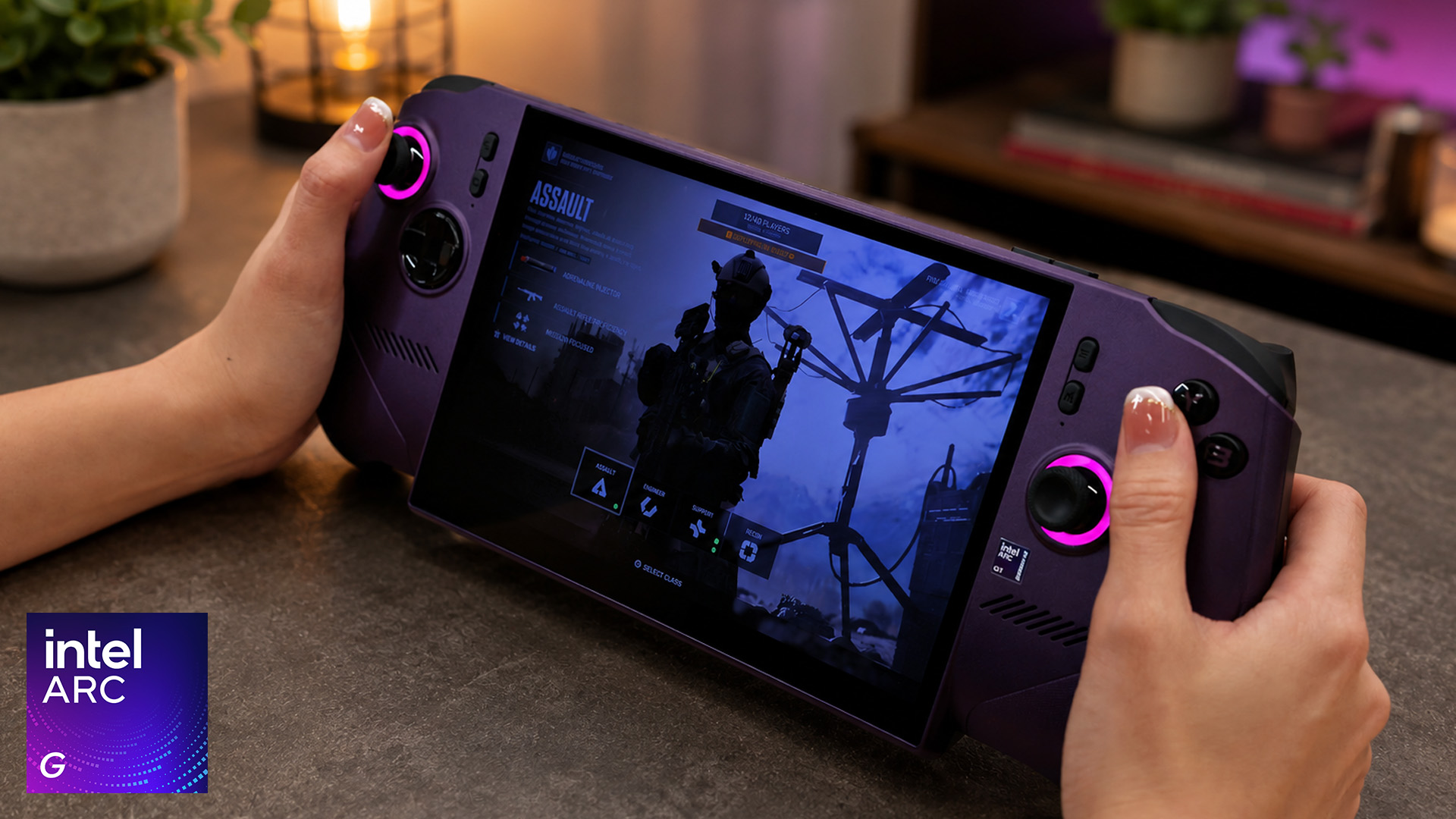
The Intel specifications list a 25W processor base power, 15W minimum assured power and an 80W maximum turbo power. The 80W figure should not be interpreted as the processor’s normal gaming mode or the amount of power every handheld will sustain. Device manufacturers decide the usable profiles according to battery size, thermal design and firmware.
In the first G3 Extreme handheld tested independently, the default automatic profile could briefly reach around 37W before settling closer to 25W. A manual mode allowed higher limits, while an Endurance profile reduced power for longer battery life.
The ability to perform well at 15W to 25W matters more than a short peak at a much higher figure. Higher power can increase frame rates, but it can also produce more heat, louder fans and shorter battery life.
This is where the processor’s unusual core layout becomes useful. During games that do not need maximum CPU performance, power management can reduce CPU activity and direct more of the available budget towards the Arc GPU.
Battery Life Is a Device-Level Result
It would be misleading to claim that every Intel Arc G-Series handheld will provide the same battery life.
The processor affects efficiency, but the final runtime also depends on:
- Battery capacity
- Display brightness and refresh rate
- Resolution and graphics settings
- Frame-rate limits
- Wireless connections
- Fan behaviour
- Background applications
- Manufacturer power profiles
Testing with an 80Wh G3 Extreme handheld showed how dramatically these settings can change the result. Cyberpunk 2077 at 1080p Ultra lasted approximately one hour and 39 minutes using a manual 35W mode, two hours and 21 minutes with the automatic profile and three hours and 19 minutes in Endurance mode.
Endurance mode does not create free performance. It lowers the available power and may apply a frame-rate target, making it better suited to slower games, older titles and situations where runtime is more important than maximum image quality.
The useful takeaway is not that Arc G3 Extreme guarantees a particular number of hours. It is that the platform can provide a meaningful range between maximum performance and efficient portable play.
Precompiled Shaders Could Reduce One Common PC Problem
Even a high average frame rate can feel poor when a game repeatedly stutters.
One cause is shader compilation. Games must prepare small programs used for lighting, effects and materials, and this work can sometimes create pauses when a title is launched or when a new area is loaded.
Intel’s Precompiled Shader Distribution system can download prepared shader cache files for supported Steam games through Intel Graphics Software. This may reduce initial loading time and shader-compilation stutter.
It will not fix every type of stuttering. Storage bottlenecks, game-engine problems, CPU limitations and background processes can still cause uneven frame delivery. Its success will also depend on the number of supported games and how consistently shader packages are updated.
Nevertheless, it is a valuable example of the Intel Arc G Series improving more than headline frame rates. Smooth frame delivery and fewer interruptions can matter more during actual play than a slightly higher benchmark average.
The Processor Is Only Part of a Good Handheld
A strong gaming handheld processor cannot compensate for poor surrounding hardware. Buyers should assess the complete device rather than choosing from the processor name alone.
Memory
Because the integrated GPU shares system memory, fast dual-channel LPDDR5X is essential. Capacity matters too. Modern AAA games, Windows and background launchers can consume a large amount of memory, making higher-capacity configurations more suitable for long-term use.
Cooling
A handheld must sustain performance inside a compact chassis. A weak cooling system may cause the processor to reduce its frequency during longer sessions, even if short benchmarks appear impressive.
Display
A 120Hz screen does not guarantee that every game will run at 120fps. Variable refresh rate is arguably more useful because it helps the display remain smooth when performance fluctuates between targets such as 40fps, 50fps and 60fps.
Battery
A larger battery generally supports longer gaming sessions, but it also increases weight. Buyers should consider whether the device will mainly be used while travelling, on a sofa or close to a charger.
Controls
Stick quality, trigger design, grip depth and button placement affect every minute of play. Hall Effect controls may reduce the risk of traditional stick drift, while a poorly balanced chassis can still become uncomfortable during long sessions.
The first retail Arc G3 Extreme system combines an 8-inch 1920 × 1200 120Hz VRR display, an 80Wh battery and Hall Effect controls. Other confirmed designs include configurations using either the standard G3 or G3 Extreme, showing that performance and specifications will vary across the range.
Can an Arc G3 Handheld Replace a Gaming PC?
Thunderbolt 4 support allows compatible systems to connect to displays, storage, docks and other peripherals. This can turn a handheld into a portable gaming desktop for lighter gaming, everyday work and media use.
However, docking the device does not increase the performance of its integrated GPU. Running games on a larger, higher-resolution monitor can actually place more pressure on the processor unless the output resolution or graphics settings are reduced.
An Intel Arc G3 handheld can therefore work well as a flexible secondary computer, but it is not a direct replacement for Intel-based gaming systems equipped with dedicated desktop graphics.
Choose the handheld when portability and access to a Windows game library matter most. Choose a desktop when upgradeability, cooling and sustained high-resolution performance take priority.
Desktop buyers should also compare Intel Core i7 and i9 gaming PCs before paying for additional processing power that their games or creative workloads may not fully use.
Who Should Buy an Intel Arc G-Series Handheld?
An Intel Arc G3 Extreme handheld makes the most sense for players who:
- Want stronger integrated graphics for demanding PC games
- Plan to use XeSS in supported titles
- Value adjustable performance and battery modes
- Want access to multiple Windows game stores and launchers
- Expect to connect their handheld to a monitor or dock
- Accept that premium handheld performance requires compromises in weight, heat and cost
The standard Intel Arc G3 may be more suitable for players who mainly use indie games, older PC titles, esports games or cloud gaming and do not need the full Arc B390 graphics configuration.
Cautious buyers may prefer to wait for more standard G3 reviews, additional retail devices and longer-term driver testing. The G3 Extreme has produced excellent early results, but evidence for the lower-tier model remains limited.
Comparing the best Intel gaming PCs for gamers and creators can help these users find a system with stronger graphics, better cooling and enough processing power for work as well as play.

Final Verdict
Intel Arc G-Series processors are more than a mobile refresh. Their graphics-first design fixes weakness in Windows handhelds: splitting limited power between CPU and GPU.
Arc G3 Extreme stands out. 12-core Arc B390 GPU delivers strong native gaming, XeSS 3 boosts smoothness. Performs lower power.
Caution: frame gen not native, limited G3 testing, results vary. Overall Intel shows potential in handheld gaming; success depends on adoption.
Interested in powerful gaming desktops with Intel processors? Keep an eye on Arc G-Series devices.

Frequently Asked Questions
Is Intel Arc G3 a processor or a graphics card?
Intel Arc G3 is a complete processor for gaming handhelds. It includes CPU cores, integrated Intel Arc graphics, an NPU, memory support and connectivity. The graphics component is built into the processor rather than supplied as a separate graphics card.
What is the difference between Intel Arc G3 and G3 Extreme?
Both have 14 CPU cores, but the G3 uses Arc B370 graphics with 10 Xe-cores. The G3 Extreme has Arc B390 graphics with 12 Xe-cores, a slightly higher graphics frequency and greater GPU AI processing performance.
Can Intel Arc G3 Extreme run AAA games?
Yes. Early testing shows that it can run demanding AAA games at 1080p, although the ideal settings depend on the title. Medium or high settings, XeSS upscaling and sensible frame-rate targets may provide the best handheld experience.
Does XeSS frame generation improve native performance?
No. Frame generation increases the displayed frame rate by creating additional frames. It can make motion appear smoother, but it does not increase the underlying native rendering rate or responsiveness in the same way as fully rendered frames.
Is Arc G3 Extreme faster than Ryzen Z2 Extreme?
Early independent testing shows the Arc G3 Extreme leading Ryzen Z2 Extreme handhelds in several graphics-heavy games. Results can still vary according to the device, power profile, memory, cooling, drivers and game settings.
Does Intel Arc G3 have dedicated graphics memory?
No. Its Intel Arc integrated graphics share LPDDR5X system memory with the CPU. Memory speed, capacity and configuration can therefore have a significant effect on gaming performance.
Related Articles


Published: July 22, 2026
Published: July 22, 2026
Published: July 27, 2026
Last Updated: July 27, 2026
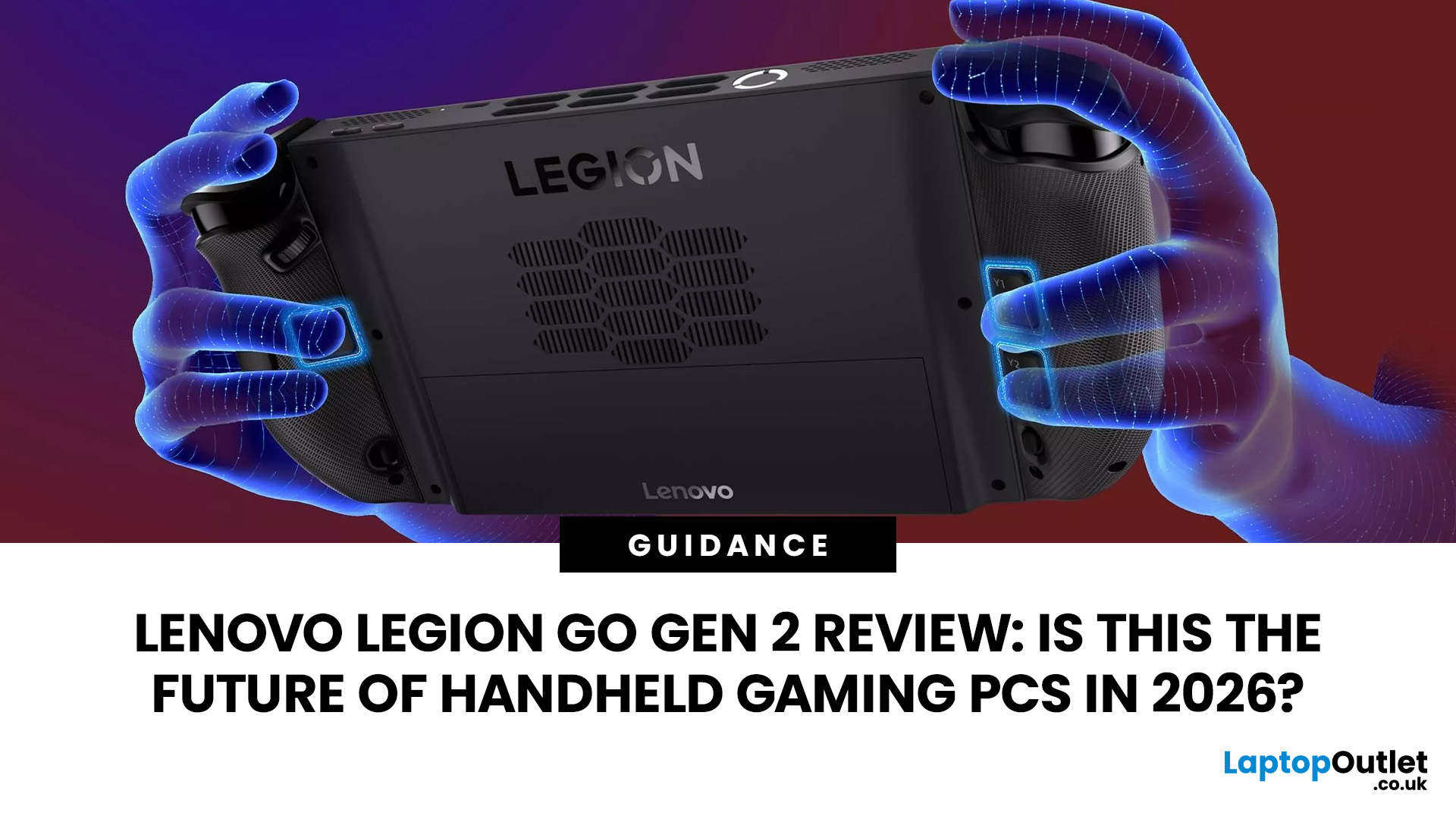
The Lenovo Legion Go Gen 2 takes almost everything that made the original handheld exciting and pushes it further. You get a huge 8.8-inch OLED display, smoother variable refresh rate gaming, upgraded AMD processing power and redesigned detachable controllers. It is powerful, flexible and packed with features, but it is also one of the biggest and most expensive handheld PCs available.
So, does this premium portable gaming PC represent the future of handheld gaming, or has Lenovo built more machine than most gamers need? This review examines its performance, battery, display, software, and competition.
Lenovo Legion Go Gen 2 Overview: What Makes This Handheld Gaming PC Different?
Lenovo officially markets the device as the Legion Go (8.8", 2), although Legion Go Gen 2 and Legion Go 2 are the names most gamers use. You may also see it shortened to Lenovo Go Gen 2, but it belongs firmly to Lenovo’s Legion gaming range. Its standout features include:
| Specification | Lenovo Legion Go Gen 2 |
| Processor |
Last Updated: July 27, 2026

Last Updated: August 06, 2026
Last Updated: September 03, 2026
Published: July 28, 2026
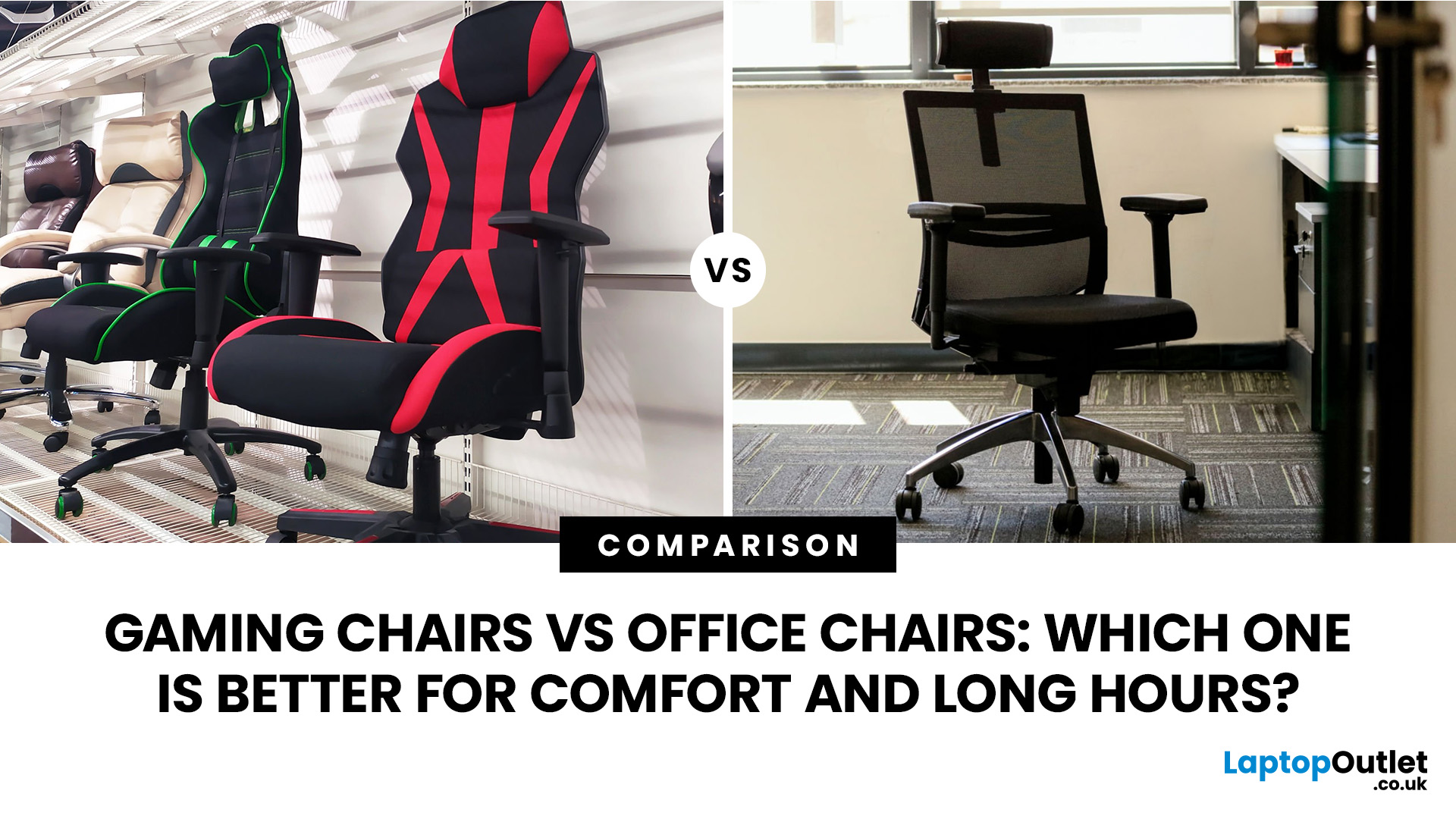
Choosing between a gaming chair vs office chair can feel surprisingly tricky. Both promise comfort, both look appealing in their own way, and both claim to support long hours at your desk.
- Gaming chairs focus on style, recline and immersive comfort
- Office chairs prioritise posture, flexibility and everyday usability
For most UK users working or studying 6–8 hours a day, a well-fitted ergonomic office chair often comes out on top. But that doesn’t mean gaming chairs don’t have their place - especially if you value design and relaxation.
Gaming Chair vs Office Chair: Quick Comparison
| Feature | Gaming Chair | Office Chair |
| Main purpose | Gaming, reclining and entertainment | Work, study and everyday desk use |
| Typical design | Tall back, side bolsters and bold styling | Professional and task-focused |
| Lumbar support | Cushion or integrated support | Often built in and more adjustable |
| Seat design | Firm foam with possible side bolsters | Flatter foam or breathable mesh |
| Recline | Usually deeper | Controlled tilt for working |
Last Updated: August 06, 2026
A safe Lenovo drivers update should begin with Lenovo Vantage or Lenovo Support, followed by Windows Update and, when needed, the official NVIDIA or AMD graphics software. Using these trusted sources helps ensure that chipset, graphics, audio, network, firmware and system drivers are matched to your specific Lenovo Legion or LOQ laptop.
Updating drivers can fix hardware problems, improve compatibility with newer games and address security or stability issues. However, installing every available update immediately is not always necessary. Graphics drivers often change frequently, while BIOS and firmware updates require more caution.
This guide explains how to check your current versions, install Lenovo laptop drivers safely and recover if an update causes problems. The same general process can also apply to professional Lenovo laptops for work, although gaming systems require additional attention to graphics and performance-related drivers.
Quick Driver Update Order
For most Lenovo gaming
Last Updated: August 11, 2026
The ASUS VG27AQM5F is a 27 inch QHD gaming monitor built primarily for competitive PC players who want a higher refresh rate without dropping to Full HD resolution. As an ASUS QHD monitor, it combines a 2560 x 1440 Fast IPS panel with a maximum 320Hz refresh rate, adaptive-sync support and ASUS ELMB Sync. This ASUS new gaming display launch is aimed at players seeking smoother competitive gameplay, although its tilt-only stand, basic HDR capability and service-only USB-C port remain important limitations.
ASUS VG27AQM5F Quick Answer
| Question | Answer |
| Best suited to | Competitive PC gamers who regularly play above 200fps and still want QHD detail |
| Main strengths | 320Hz refresh rate, Fast IPS panel, 95% DCI-P3 coverage and broad adaptive-sync support |
| Main limitations | Tilt-only stand, modest 300cd/m² brightness, basic HDR10 support and no functional USB-C display input |
| Testing status | Specification-based assessment, not a hands-on review |
| UK availability | Available through UK retail channels, but not |

