



What to Look for in a Gaming Headset: 5 Essential Features
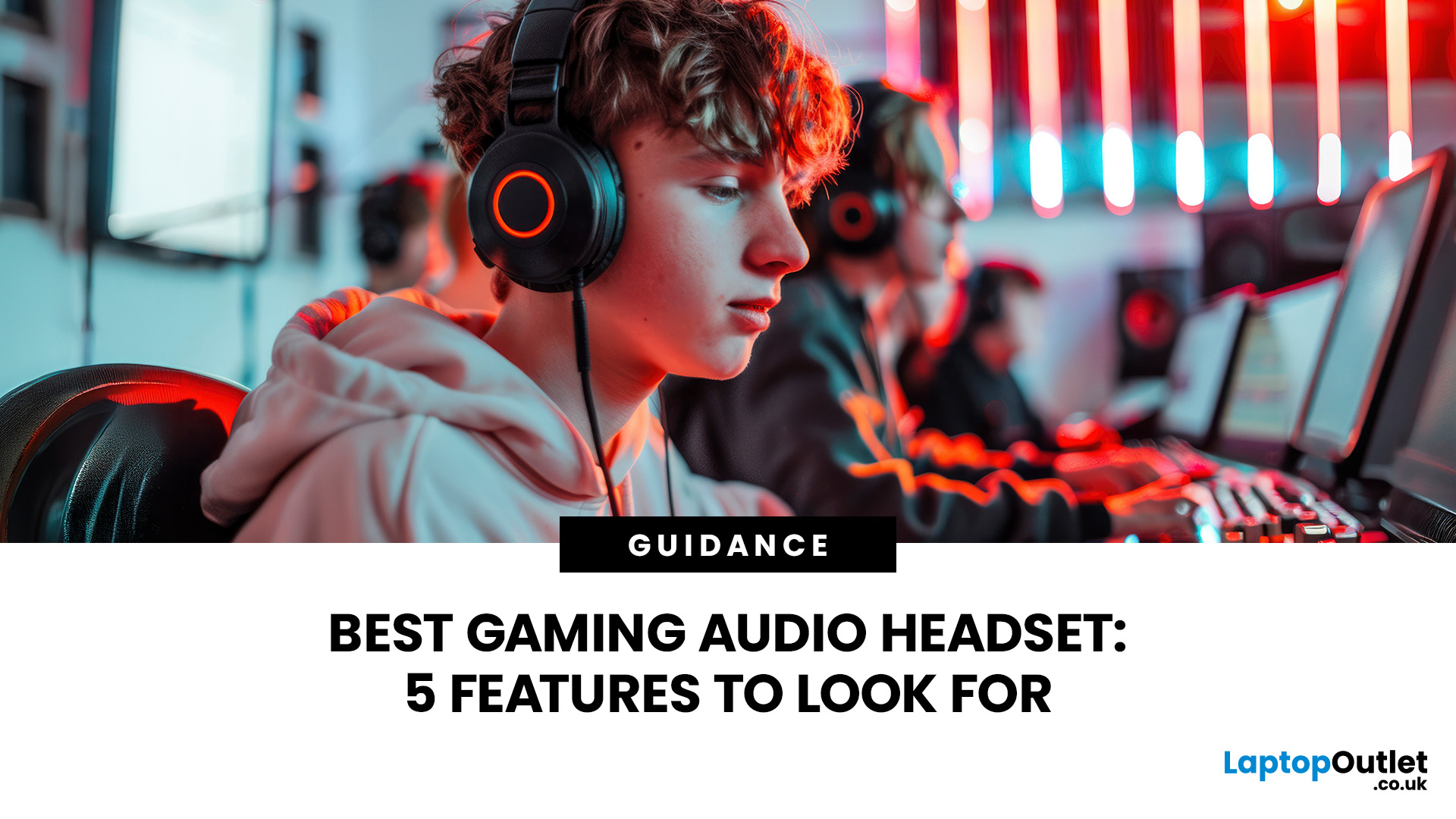
Whether you play on PC, PS5, Xbox Series X|S, or the new Nintendo Switch 2, the real difference between a decent headset and a genuinely good one usually comes down to a handful of specific gaming headset features. Get these right and you will hear footsteps before you see them, sound clear on Discord, and stay comfortable three hours into a session. Get them wrong and you will likely be shopping again within a year. Here is what matters in 2026.
1. Immersive Sound Quality (Spatial Audio)
Sound quality is among those gaming headset features that most people think of first, and for good reason. It is also the hardest to judge from a spec sheet alone, because marketing terms like "7.1 surround" or "50mm drivers" rarely tell you how a headset actually sounds mid-match.
What Spatial Audio Actually Does
Spatial audio uses digital processing to make headset audio feel as though it is coming from specific directions around you: in front, behind, above, below or off to one side. This matters in shooters, battle royales and open-world games where directional cues can help you identify footsteps, reloads, vehicles or environmental threats.
Common spatial audio options include:
- Windows Sonic for Headphones: free and built into Windows and Xbox.
- Dolby Atmos for Headphones: available through the Dolby Access app or bundled with selected headsets.
- DTS Headphone:X: often included with certain gaming headsets or available through compatible apps.
- Brand-specific systems: such as SteelSeries Sonar, Razer THX Spatial Audio and Corsair iCUE audio processing.
Microsoft lists Windows Sonic, Dolby Atmos and DTS Headphone as headset spatial sound options on Xbox, while Dolby confirms Dolby Atmos for Headphones can be activated through Dolby Access or included with selected partner headsets.
Hardware Drivers vs Marketing Claims
Some budget headsets advertise “true 7.1 surround sound hardware”, usually meaning several small drivers are placed inside each ear cup. In practice, those drivers are often too close together to create convincing directional separation.
For most players, a well-tuned 40mm or 50mm driver with good software spatial audio is usually more useful than a cheap headset relying heavily on surround-sound marketing.
Worth knowing: You should not stack multiple spatial audio processors at once. If a headset has its own surround virtualisation switched on, turn off Windows Sonic or Dolby Atmos at the system level, and vice versa, or the audio can end up sounding muddy.
What to Check Before You Buy
- Frequency response: look for a wide range, roughly 20Hz to 20kHz, rather than fixating on the exact figures, since this alone does not guarantee good sound.
- Driver size: 40mm to 50mm neodymium drivers are common on decent headsets and generally offer a solid balance of bass and clarity.
- Custom EQ: companion software with a custom EQ lets you tune bass, mids, and treble separately for shooters, RPGs, or music. This is genuinely useful if you are looking for versatile headphones for music and calls alongside gaming.
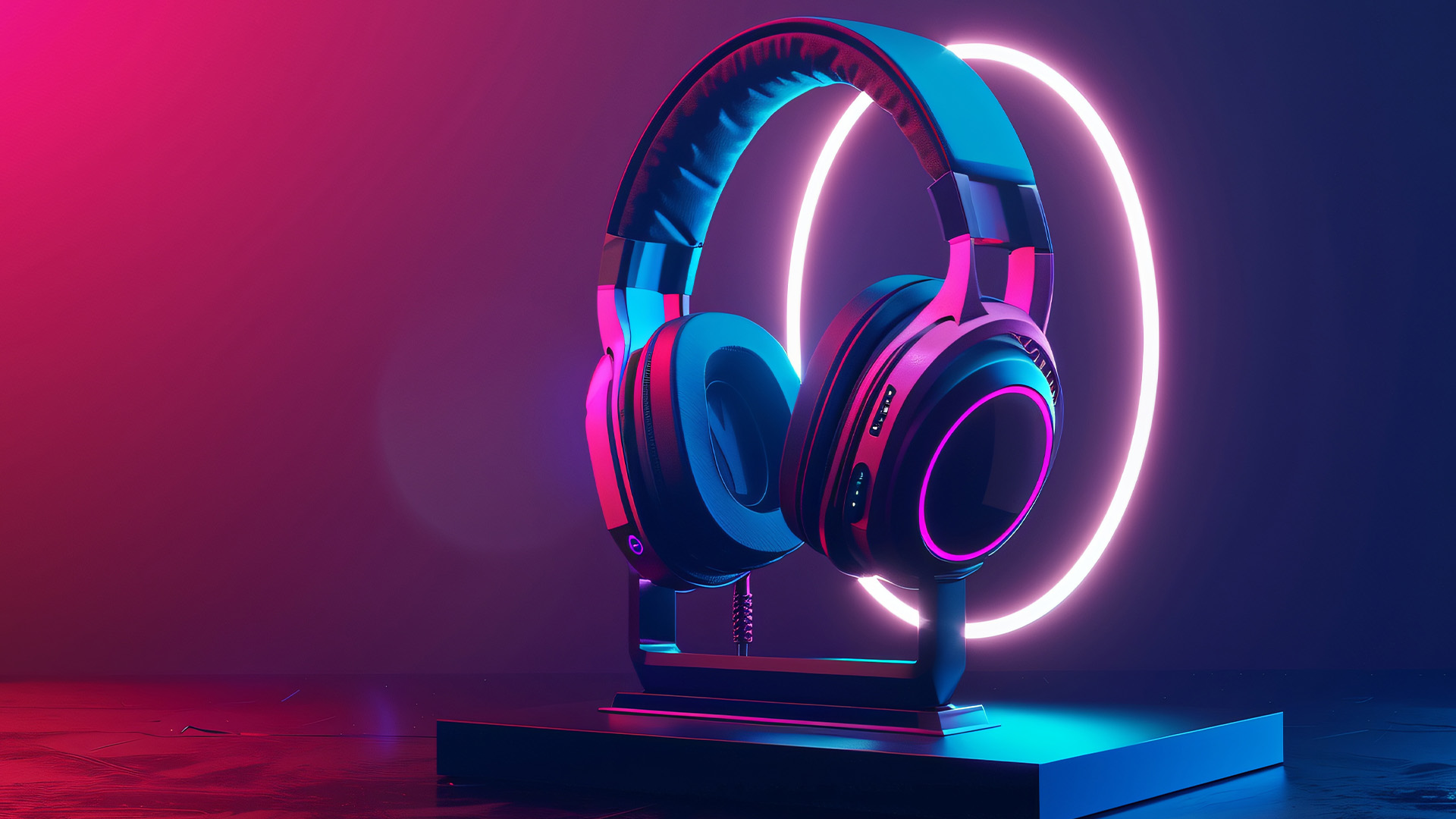
2. Retractable, Noise-Cancelling Microphone
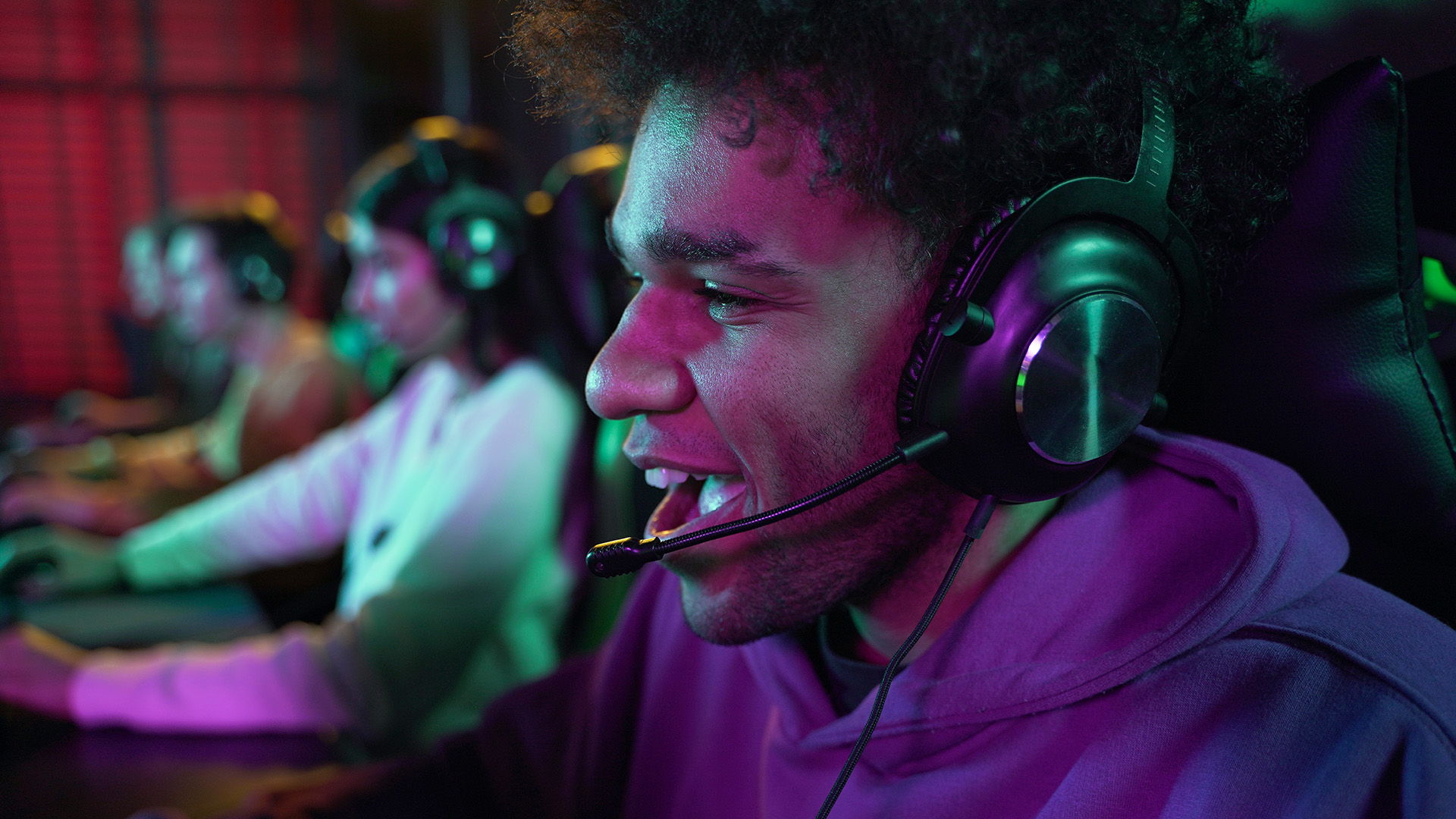
Nobody remembers a headset for having brilliant sound if the microphone makes you sound like you are talking through a letterbox. For team-based games, streaming, and everyday Discord or Teams calls, mic quality is arguably just as important as the drivers themselves.
Mic Types and Designs
- Boom mics: extend from the ear cup, usually adjustable, and generally offer the clearest voice pickup for gaming.
- Retractable boom mics: tuck away into the ear cup when not needed, which is genuinely handy if you also wear the headset out and about.
- Detachable mics: unclip completely, which is useful if you want a cleaner look for music listening or calls.
- Built-in mics: sit inside the ear cup itself, common on lighter headsets, but they usually pick up more background noise than a dedicated boom.
Noise Cancellation: Mic vs Headphone
This is an important distinction. Active noise cancellation, or ANC, reduces the sound you hear from the outside world. Microphone noise cancellation reduces the background noise your teammates hear from you.
A headset may have one, both or neither.
For gaming chat, look for:
- Cardioid pickup pattern: focuses on your voice and reduces sound from the sides and rear.
- Software noise suppression: helps reduce keyboard clicks, fans and household noise.
- Mic monitoring or sidetone: lets you hear your own voice so you do not shout.
- Discord, TeamSpeak or console certification: useful as a real-world quality signal, though not a guarantee.
- A physical mute button or flip-to-mute boom: this is a small feature, but it is extremely useful for calls, streaming and shared spaces.
Before you buy: If you can, listen to a raw, unedited mic sample before committing, ideally from an independent review rather than a manufacturer's demo. Marketing audio is often cleaned up in post-production and does not reflect how a mic sounds with real background noise in the room.
3. Low-Latency Wireless or Reliable Wired Connection
The wired vs wireless gaming headset debate is not going away any time soon, but the gap has narrowed considerably in 2026. Both wired and wireless gaming headsets remain genuinely good options, and the right choice really just depends on how and where you play.
Understanding Latency
|
Connection Type |
Typical Latency |
Best Suited To |
|
Wired (3.5mm / USB) |
Near-zero (under 1ms) |
Competitive and ranked play |
|
2.4GHz wireless dongle |
10–25ms |
Casual and most competitive play |
|
Bluetooth headset |
40–250ms (codec-dependent) |
Music, calls, casual mobile gaming |
Most people cannot consciously perceive delays below roughly 30 milliseconds, which is why modern 2.4GHz wireless has become a realistic option for the majority of players, not just a casual-only compromise.
Which Should You Choose?
- If you play ranked or competitive shooters where every millisecond counts, wired remains the safer, more consistent option.
- If you play casually, stream, or use a console from the sofa, a 2.4GHz wireless headset is genuinely good enough for the vast majority of players in 2026.
- A Bluetooth headset alone is rarely the right pick for competitive gaming specifically, but it is genuinely useful for calls and music away from your desk. Many premium 2026 models now offer dual wireless (2.4GHz plus Bluetooth simultaneously), so you are not forced to choose just one.
If you are planning to pair a headset with your laptop, check whether it still has a spare USB-A port for a 2.4GHz dongle, as many of the best gaming laptops in 2026, particularly the slimmer models, now favour USB-C only.
Battery Life, If You Go Wireless
|
Wireless Tier |
Typical Battery Life |
Fast Charge |
|
Budget (under £60) |
20–35 hours |
Varies |
|
Mid-range (£60–£130) |
40–70 hours |
Often included |
|
Premium (£130+) |
70–300 hours |
Standard |
Worth knowing: Lithium-ion battery cells lose capacity gradually with regular use and charging. A headset with a replaceable battery, replaceable ear cushions and available spare parts will usually age better than one with a sealed internal battery and no repair options.
4. Multi-Platform Compatibility and Software
A headset that sounds incredible on PC but refuses to work properly on your PS5 or Xbox is not actually a good buy, no matter how glowing the reviews look. Compatibility deserves just as much attention as sound quality, especially in a household with more than one platform.
Platform-by-Platform Compatibility
|
Platform |
Typical Connection |
What to Check |
|
PC |
3.5mm, USB, USB-C, or 2.4GHz dongle |
Widest support for spatial audio formats |
|
PS5 / PS4 |
3.5mm jack, or a licensed USB / 2.4GHz dongle |
Look for official PlayStation compatibility; Tempest 3D audio support is a bonus |
|
Xbox Series X|S |
3.5mm jack via the controller (universal) |
Most third-party 2.4GHz dongles will not connect; only Xbox Wireless-certified headsets do so directly |
|
Nintendo Switch 2 |
3.5mm jack, or native Bluetooth |
Bluetooth audio can introduce delay, and Bluetooth mic support should not be assumed |
|
Mobile / Mac |
Bluetooth or USB-C |
Check codec support for the best audio quality on the move |
If you specifically want a console gaming headset for PS5 or Xbox, do not assume universal compatibility from a generic "3.5mm compatible" label. Check the product page for explicit platform certification instead.
Software and Companion Apps
Most 2.4GHz and premium wired headsets pair with companion software on PC, such as Logitech G HUB, SteelSeries GG, Razer Synapse, or Corsair iCUE, which unlocks custom EQ profiles, spatial audio settings, RGB lighting controls, and mic tuning. PC gamers generally get the most flexibility here, since Windows supports the broadest range of spatial audio formats, which is one reason many of the best headphones are designed PC-first before console features are added.
This companion software increasingly ties your headset settings into the same dashboard as other PC gaming accessories, such as your keyboard and mouse lighting profiles, which makes for a noticeably tidier overall setup.
5. Ergonomic Design and All-Day Comfort
You can own the best-sounding headset in the UK, but if it clamps your head like a vice or turns your ears into a sauna after 90 minutes, you will stop reaching for it. Comfort is not a nice-to-have; it directly affects how much you actually use the headset.
What Makes a Headset Comfortable
Look for:
- Weight: aim for under 300g where possible. Anything heavier can cause noticeable fatigue during marathon sessions.
- Clamping force: enough to stay secure without pressing painfully on your temples, which matters particularly if you wear glasses.
- Headband design: suspension headbands (a fabric strap rather than a padded band pressing directly on your skull) distribute weight more evenly and are worth prioritising for long sessions.
- Ear cushion material: memory foam with a breathable fabric or hybrid leatherette-fabric surface tends to run cooler than pure leatherette, which can trap heat over time.
- Replaceable ear pads: cushions wear out long before the headset electronics do, so replaceable pads can extend the useful life of the headset.
- Build quality: metal-reinforced hinges, flexible headbands and replaceable cables are worth looking for if you use your headset every day.
Even good headphones for games become genuinely uncomfortable after two or three hours if the clamping force is too tight or the pads trap heat, so comfort deserves real attention rather than being treated as an afterthought.
Nice-to-Haves That Do Not Affect Comfort
RGB lighting, angular vents, and bold colourways look good on stream, but they have no real bearing on comfort or sound quality. Try not to let styling sway a decision that should genuinely come down to weight, padding, and headband design.
Comfort is not only about the headset either. Pairing it with high-performance gaming mice and keyboard and properly adjusted chair or desk height makes a bigger difference to long-session fatigue than most people expect.

Comparison at a Glance: 5 Features, What Good Looks Like
Use this quick-reference table to judge any best gaming audio headset against the five features covered above before you commit to a purchase.
|
Gaming Headset Features |
What Good Looks Like |
Red Flag to Avoid |
|
Spatial sound |
Dolby Atmos, DTS Headphone:X, Windows Sonic, Sonar, or THX Spatial |
Vague "7.1 surround" claims with no named technology behind them |
|
Microphone |
Cardioid or AI noise suppression, retractable or detachable design |
Fixed, built-in mic with no stated noise reduction |
|
Connection |
Under 25ms 2.4GHz wireless or wired; dual wireless on premium models |
Bluetooth-only marketed specifically for competitive gaming |
|
Compatibility |
Explicit platform certification: PS5, Xbox Wireless, Switch 2, PC |
Generic "universal compatibility" claim with no platform list |
|
Comfort |
Under 300g, suspension headband, breathable pads |
No stated weight or padding material anywhere |
Best Gaming Audio Headset by Budget (UK Pricing)
Budget shapes which of these five gaming headset features you can realistically get all at once. Here is roughly what to expect at each UK price point in 2026 when shopping for the best gaming audio headset.
|
Price Band |
What You Typically Get |
Best Suited To |
|
Under £40 |
Wired connection, decent 40–50mm drivers, basic cardioid mic, passive noise isolation only |
Budget gaming headset shoppers and first-time buyers |
|
£40–£100 |
Entry-level 2.4GHz wireless or premium wired, software EQ, better mic, some virtual surround |
Most UK gamers wanting a genuine step up |
|
£100–£250+ |
Dual wireless (2.4GHz + Bluetooth), Dolby Atmos, DTS, or proprietary spatial audio, AI mic suppression, long battery, RGB lighting |
Streamers, competitive players, multi-device households |
If competitive latency matters most to you specifically, the best audio headset for gaming in that context is still very often a wired model, regardless of price band. Whatever your budget, some of the best audio headphones gamers can buy sit in the £60 to £120 range, where you typically get 2.4GHz wireless, a usable spatial audio mode, and a mic good enough for regular squad chat.
Prices fluctuate regularly, so it is worth keeping an eye on seasonal gaming headset deals, which can bring a mid-range or even premium headset down noticeably from its usual asking price.

The Final Audio Checklist
Choosing the best gaming audio headset does not need to be complicated once you know what matters. Prioritise genuine spatial sound, a microphone that keeps your voice clear, a connection with latency you cannot perceive, confirmed platform compatibility, and a fit you can comfortably wear for hours.
Great gaming audio headphones are not defined by the biggest number on the box or the flashiest RGB pattern; they are defined by how well these five features work together. Shortlist two or three models against this list, check real reviews, and you will land on a headset that earns its place on your desk for years, not months.
Ready to shop? Browse wired and wireless gaming headsets from SteelSeries, Razer, Logitech, HyperX, and more, with fast UK delivery and flexible payment options.

While We’re on the Subject...
What are good gaming headsets?
Good headsets for gaming balance clear spatial sound, a reliable microphone, low latency, wide platform support, and real comfort for long sessions. Brands like SteelSeries, Logitech, Razer, and HyperX all offer strong UK options from around £30 upwards.
What are the key features of gaming headsets?
The main gaming headset features to check are spatial sound quality, a noise-cancelling microphone, connection type (wired or wireless), multi-platform compatibility with companion software, and ergonomic comfort. These five areas matter far more than RGB lighting or branding when judging real performance.
What to look for in a good gaming headset?
Look for spatial audio support, a detachable microphone with noise reduction, low latency, confirmed platform compatibility, and a lightweight, well-padded fit. Battery life matters if you are choosing a wireless model rather than a budget gaming headset.
What features should I look for in headphones?
For headphones used mainly for gaming, prioritise accurate positional sound, a clear microphone, low latency, and comfortable ear cups. For everyday listening or calls, focus more on balanced audio, battery life, and reliable Bluetooth pairing across your devices.
What specs to look for in a headset?
Useful specs include driver size (40 to 50mm), frequency response, microphone type, wireless range, and battery life if applicable. Numbers alone will not guarantee good sound, so always check real-world reviews and, where possible, try before you buy.
| Read More: |
| 10 Best Gaming Headsets Under £100 for Gaming and Music |
| Best Wired Headphones: Audio/Sound Quality and Price Range |
| Are Refurbished Headphones Worth It? Pros, Cons & Buying Guide |
Related Articles

Last Updated: April 28, 2026
Home users, businesses, and gamers choose wired headphones because of their stability and reliability. However, deciding on one from the various options can be difficult. While we recommend researching before spending hundreds of pounds on wired headphones and earphones, here is a list of the top seven affordable ones for 2025.
The Top 7 Wired Headphones for 2025
Whether you are looking for the best wired headphones with exceptional audio and sound quality or affordable headphones, here is a list of the top seven for 2025:
1. Jabra Evolve2 40 UC Wired USB‑A Mono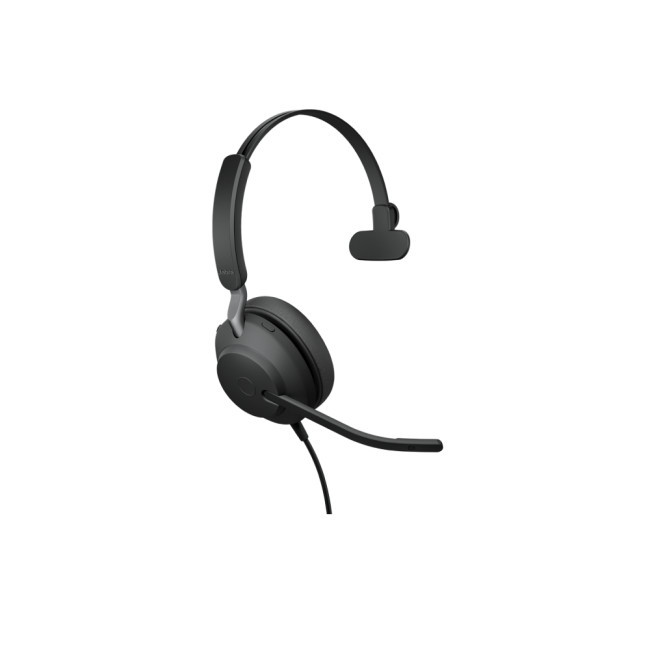
Specifications:
- Wired USB-A connection (Mono variant).
- 40 mm leak-tolerant speakers.
- Frequency response for audio output: 20 Hz-20,000 Hz.
- Microphones: 3-mic call technology (on this model) to reduce background noise.
- Weight (Mono with cable): ~113 g.
- Certified for Unified Communications (UC) platforms; there are also variants for Microsoft Teams.
Features & Highlights:
- Excellent for professional use: passive noise-isolation
Last Updated: September 29, 2026
Last Updated: June 08, 2026
Noise is one of the biggest distractions in modern life. Whether you are working from a busy home, taking Teams calls in an open office, gaming late at night, travelling by train or trying to focus in a café, good noise cancelling headphones can make a noticeable difference.
| The best noise-cancelling headphones are those that block background noise effectively while offering clear audio, comfort, reliable battery life, and good microphone quality. Whether you need them for work calls, travel, gaming, or music, choosing the right model depends on your budget and daily usage. |
In 2026, the best Bluetooth headphones with noise cancellation are no longer just for music lovers. Many now include adaptive ANC, voice-isolating microphones, multi-device pairing, low-latency gaming modes and long battery life. That makes them useful for work, study, gaming, streaming, commuting and everyday entertainment.
Best Bluetooth Noise-Cancelling Headphones UK: Quick Comparison
| PRODUCT | BEST FOR | CONNECTION TYPE |
Last Updated: July 14, 2026
Finding the best gaming headsets UK players can actually rely on should not feel like a side quest with impossible difficulty. Whether you are grinding ranked matches, jumping into weekend co-op, streaming with friends, or just vibing to your favourite playlist, the right headset can completely change the experience.
A good headset is not only about loud audio. It is about clean sound, clear voice chat, comfort during long sessions, and solid value for money. That is why a budget gaming headset can still be a total win when it gets the basics right. You do not always need a super-premium setup to hear footsteps, enjoy cinematic soundtracks, or keep your squad comms crisp.
In this guide, we have rounded up 10 strong picks for gamers who want quality without overspending. Most of these are good gaming headsets under 100, while a few premium “stretch picks” are included because they are worth watching when deals drop. Prices can change, so it is always smart to check the latest offer before
Last Updated: July 07, 2026
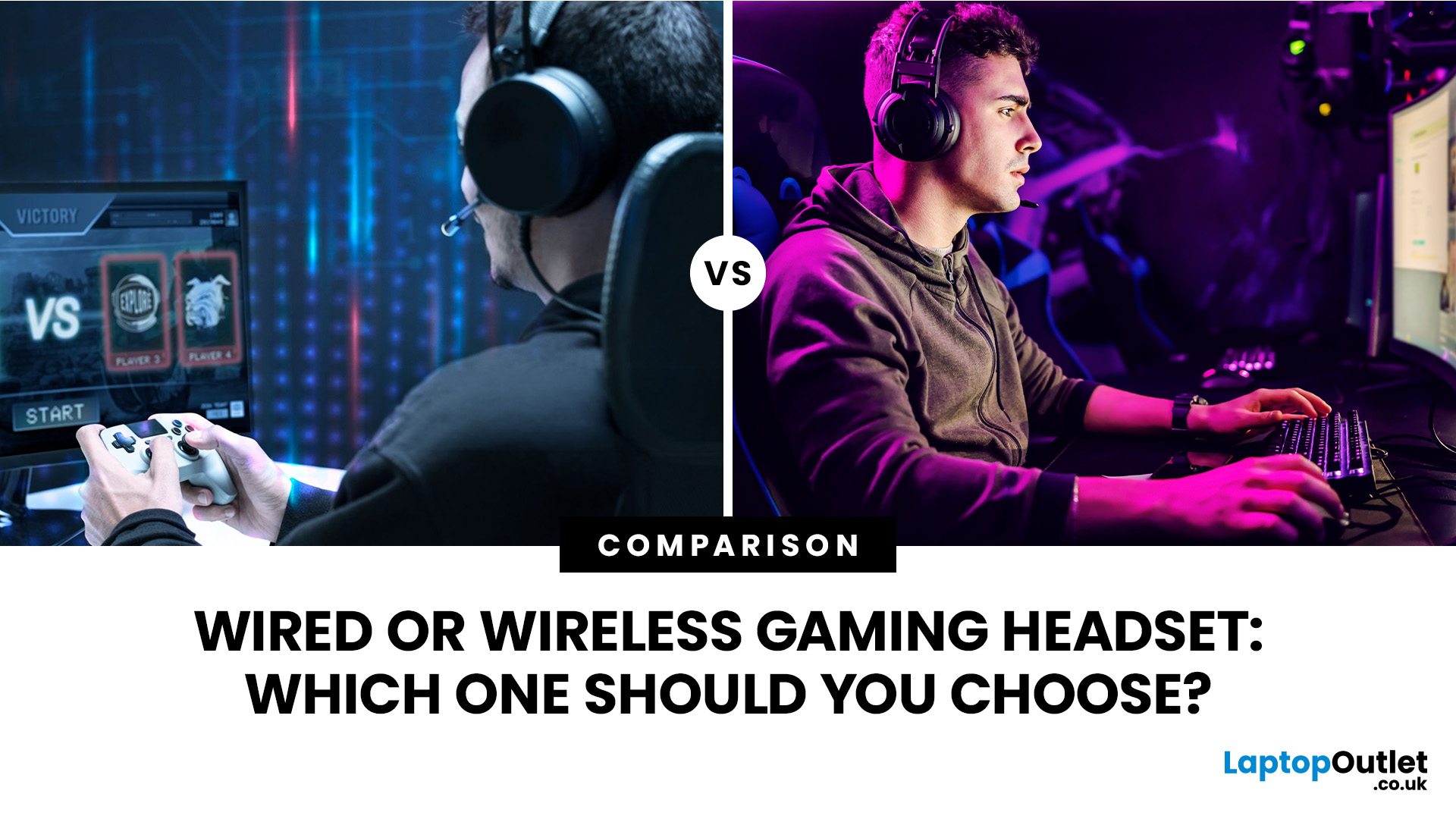
Wired gaming headsets offer near zero latency, lower prices, and no battery to manage, making them better for competitive play. Wireless gaming headsets offer freedom of movement, modern 2.4GHz low latency tech, and longer comfort, making them better for casual and everyday gaming. Your choice depends on priorities, not a single right answer.
If you are looking for advice on whether to go wired or wireless, this gaming headset comparison guide will help you. We will walk through every aspect that matters for gaming, including sound quality, latency, comfort, battery life, mic performance, and price. By the end, you will know exactly which type suits the way you play, plus a few specific headsets worth shortlisting.
Wired vs Wireless Gaming Headsets: An Overview
A wired gaming headset connects directly to your PC, console, or controller via a 3.5mm jack or USB cable. There is no signal compression, no battery to worry about, and latency is as close to zero as physically possible. That
Last Updated: July 15, 2026
Buying a controller looks easy until you check the small print.
One pad works on PC but not PS5. Another works on Xbox but only wired. Some have Hall Effect sticks. Some have back buttons. Some look cool, then feel cheap after two weeks.
So, this guide keeps it simple. If you want the best gaming controller for your setup, start with where you play, then match the controller to the game type. Not the other way round.
This is a UK-first guide for PC, PlayStation, Xbox, fighting games, and flight sims. We’ll cover compatibility, comfort, wired vs wireless, stick drift, pro features, and which products actually fit each buyer.
Best Gaming Controller by Type at a Glance
| Type | Best fit | Why it makes sense |
| Best overall | ASUS ROG Raikiri II | Premium PC/Xbox wireless |
| Best controller for PC | Turtle Beach Stealth Pivot | Strong PC wireless pick |
| Best PS5 controller | Sony DualSense | Proper PS5 features |
| Best Xbox controller | ASUS ROG Raikiri Wired | Wired Xbox value |
| Best FPS controller | Razer Wolverine V3 | Fast esports |
Last Updated: July 21, 2026
Buying earphones should be easy. Then you open ten tabs, see words like “low latency”, “ANC”, “7.1 surround”, “hi-res audio”, “Bluetooth codec”, and suddenly every pair sounds either perfect or suspiciously overhyped.
The real issue is that the best earphones are not always the priciest. They are the ones that fit your use.
Music needs comfort and clear sound. Gaming needs low latency. Calls need a strong microphone. This guide explains how to choose the best earphones for music, gaming, calls, work and everyday
Last Updated: September 01, 2026
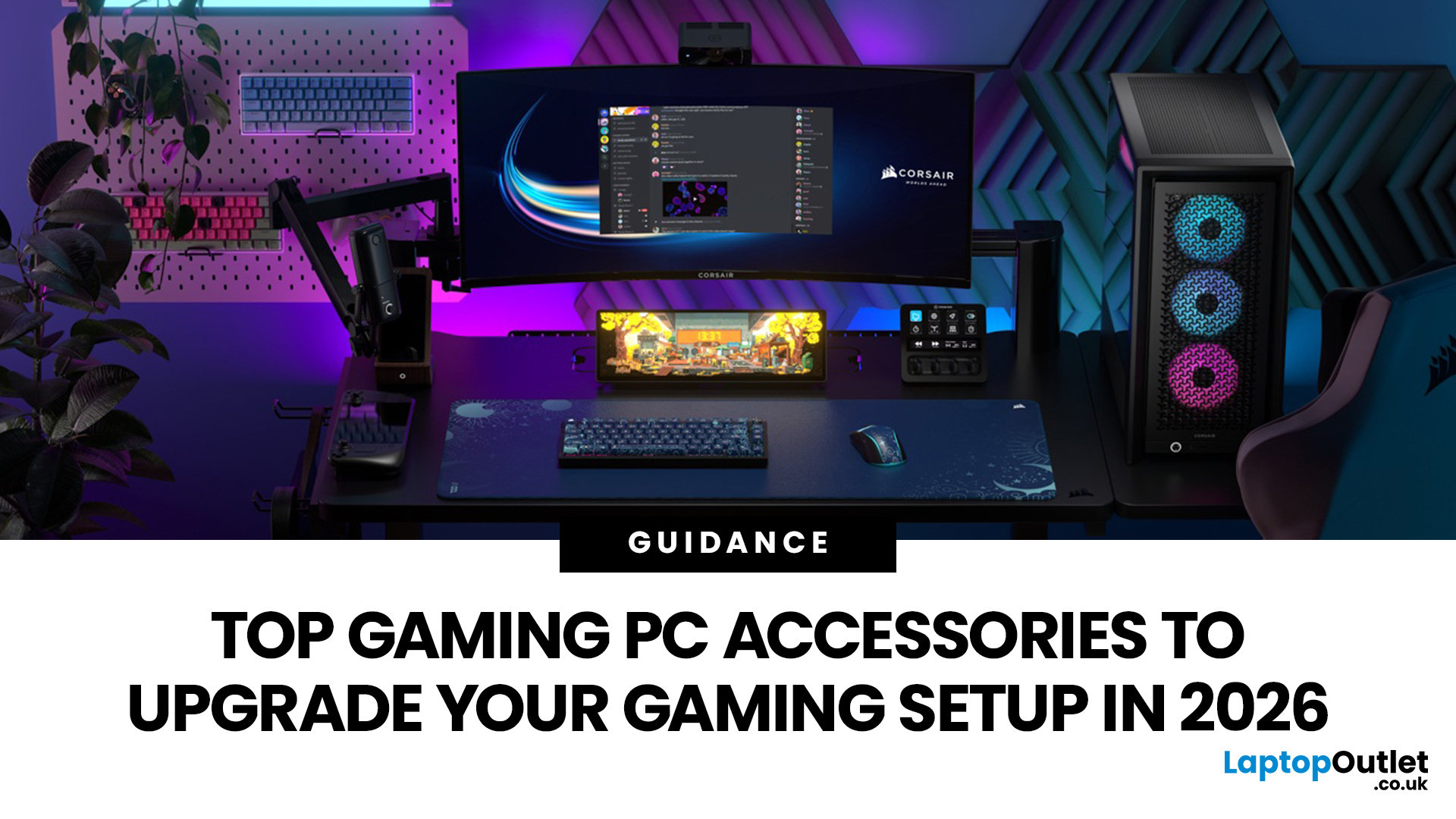
In gaming, your PC is the engine - but your accessories are the steering wheel, tyres, mirrors, and dashboard. You can have all the power in the world, but if your mouse feels sluggish, your monitor looks choppy, your headset misses key sound cues, or your desk is a cable jungle, the whole setup feels off.
Your PC might be built to run the latest games, but your accessories decide how well you actually experience them. A lightweight mouse can sharpen your aim, a mechanical keyboard can clean up your inputs, a gaming headset can help you catch every footstep, and a high refresh rate
Last Updated: September 02, 2026
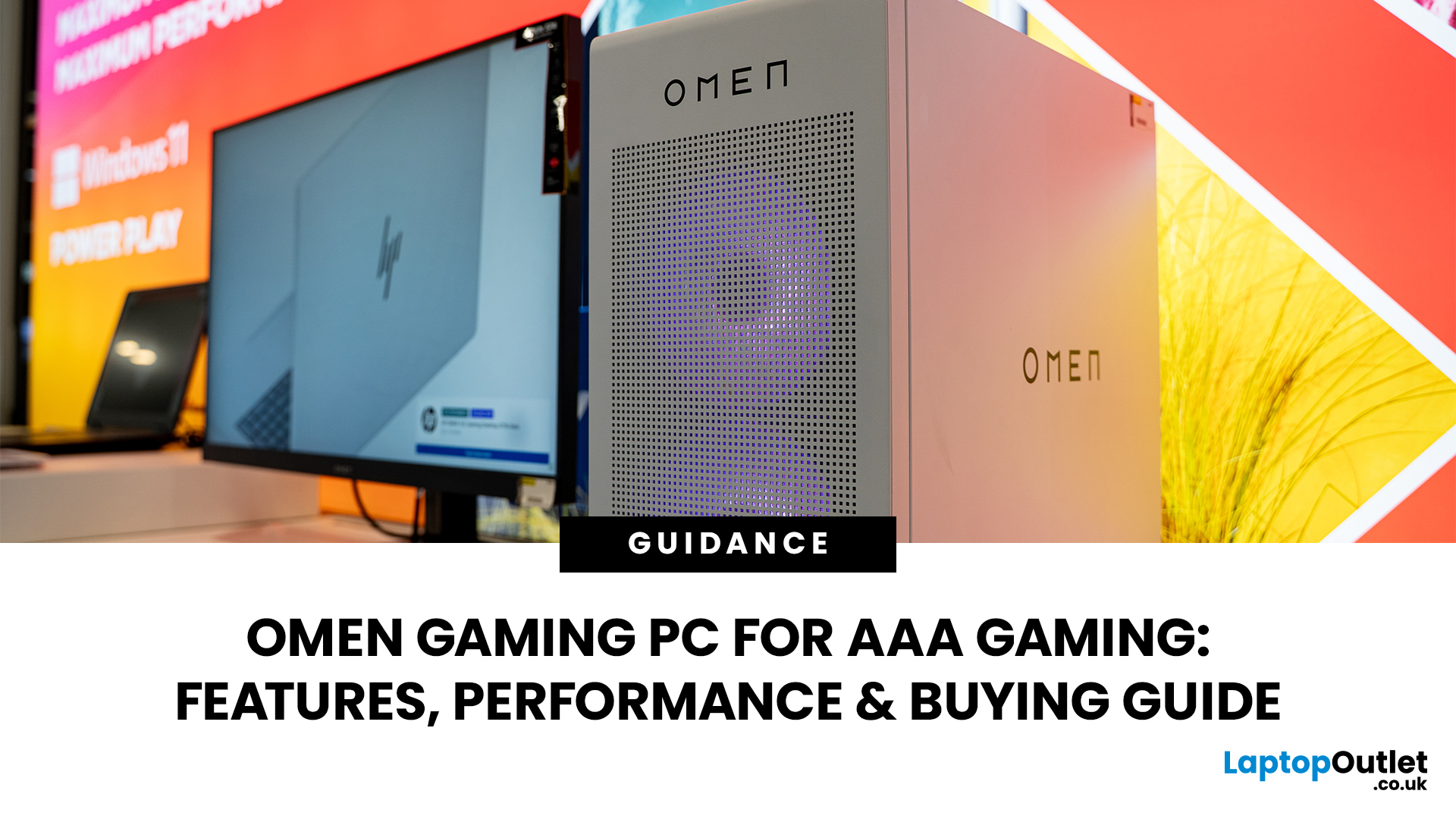
AAA games can be absolutely stunning, but they are not shy about demanding serious hardware. High-resolution textures, dense open worlds, ray-traced lighting, advanced physics, and background asset streaming can push an ordinary desktop to its limits. If your computer is short on graphics power, memory or cooling capacity, the result may be stuttering, inconsistent frame rates and a graphics menu full of compromises.
That's where an OMEN gaming PC comes in. An HP OMEN desktop combines dedicated gaming graphics, modern processors, SSD storage, and performance-focused cooling in a pre-built system. But not every configuration delivers the same experience, one OMEN gaming desktop may be ideal for 1080p gaming, while another is built for high-refresh 1440p or demanding 4K gameplay. This guide breaks down the HP OMEN specs that actually matter and how to match them to the way you play.
Is an OMEN Gaming PC Actually Good for AAA Games?
Yes. A correctly configured OMEN PC for AAA games can deliver
Last Updated: August 06, 2026

