



Gaming Chairs vs Office Chairs: Which One Is Better for Comfort and Long Hours
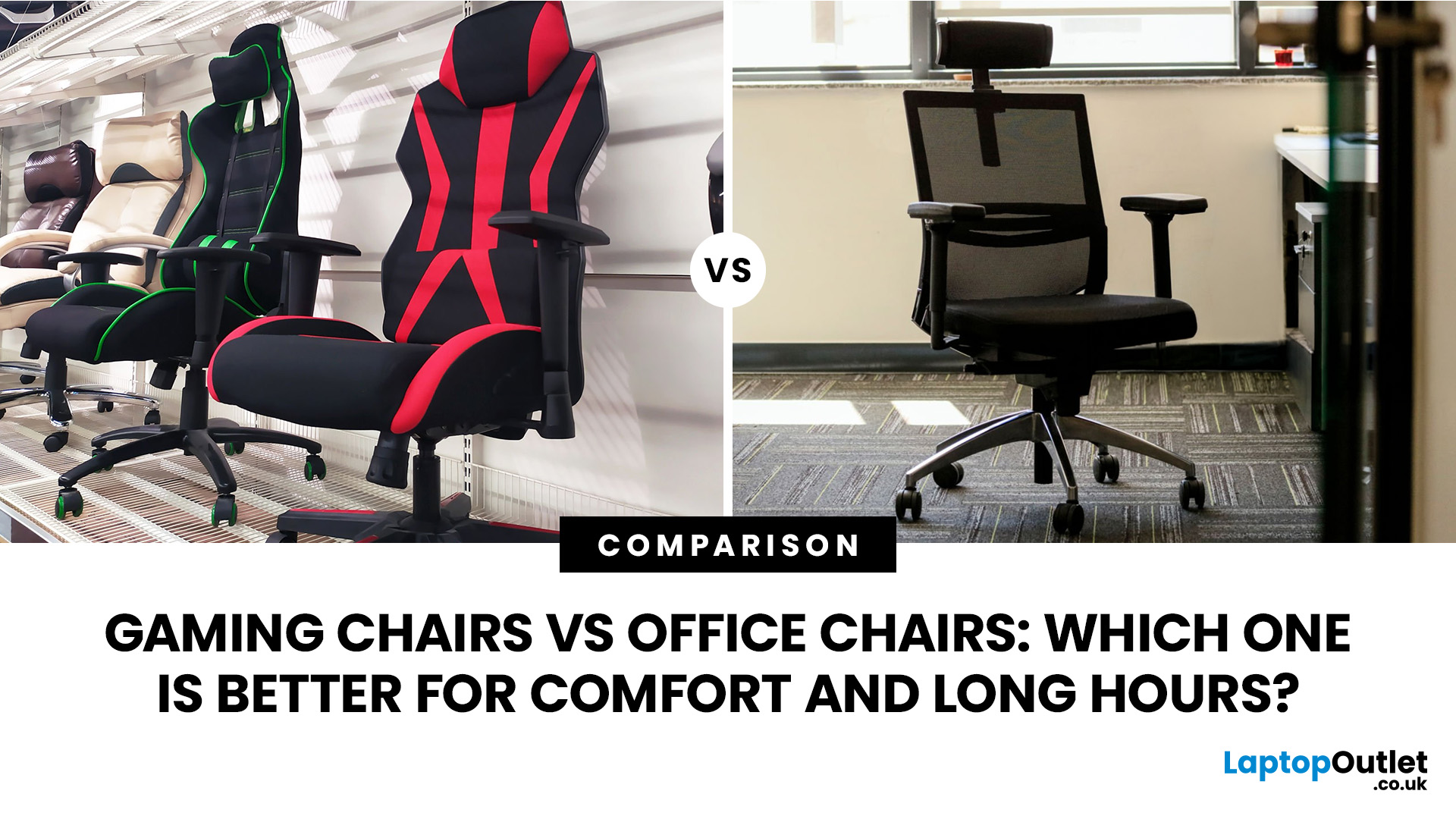
Choosing between a gaming chair vs office chair can feel surprisingly tricky. Both promise comfort, both look appealing in their own way, and both claim to support long hours at your desk.
- Gaming chairs focus on style, recline and immersive comfort
- Office chairs prioritise posture, flexibility and everyday usability
For most UK users working or studying 6–8 hours a day, a well-fitted ergonomic office chair often comes out on top. But that doesn’t mean gaming chairs don’t have their place - especially if you value design and relaxation.
Gaming Chair vs Office Chair: Quick Comparison
|
Feature |
Gaming Chair |
Office Chair |
|
Main purpose |
Gaming, reclining and entertainment |
Work, study and everyday desk use |
|
Typical design |
Tall back, side bolsters and bold styling |
Professional and task-focused |
|
Lumbar support |
Cushion or integrated support |
Often built in and more adjustable |
|
Seat design |
Firm foam with possible side bolsters |
Flatter foam or breathable mesh |
|
Recline |
Usually deeper |
Controlled tilt for working positions |
|
Best for |
Gaming setups and relaxed sitting |
Long working days and mixed use |
|
Possible drawback |
Can restrict movement |
Budget models may lack cushioning |
Your preferred platform should also influence the design you choose, as gaming chairs for PC and console gamers support slightly different sitting positions, desk layouts and control methods.
What Is the Main Difference?
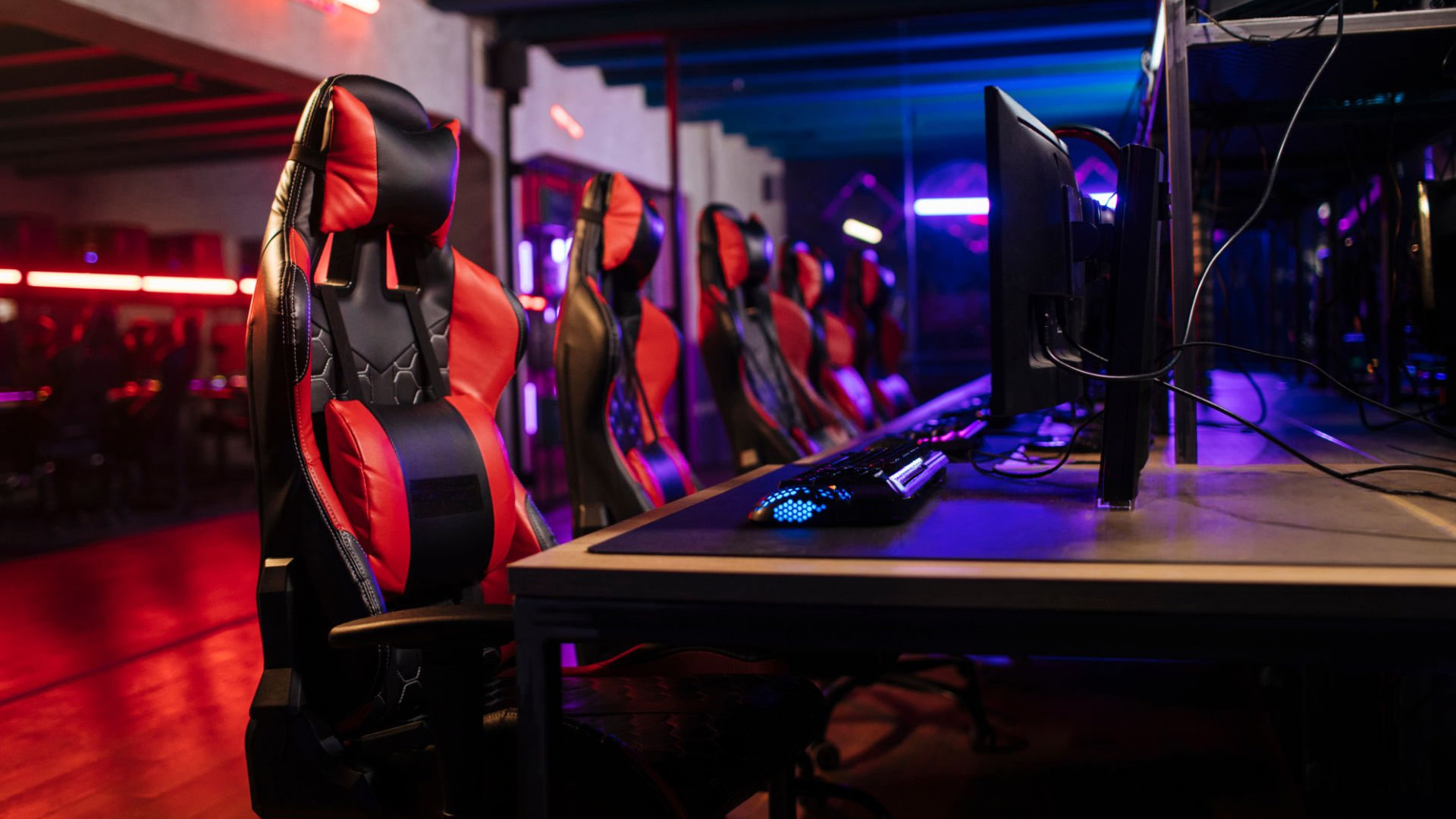
Gaming chairs are usually designed around a high-backed shape inspired by motorsport seats. Common features include head cushions, lumbar pillows, pronounced side bolsters and a backrest that reclines farther than a basic task chair.
This shape can feel supportive when watching content, using a controller or leaning back between gaming sessions. However, narrow bolsters may restrict wider users or anyone who regularly changes position.
Office chairs are primarily designed for upright desk tasks. The best ergonomic office chair models tend to prioritise lumbar adjustment, arm positioning, seat depth and controlled movement rather than dramatic styling.
Many office chairs also have mesh backrests, which can improve airflow during long periods of work. Their flatter seats usually give the hips and legs more space to move.
Which Chair Is More Comfortable for Long Hours?
For prolonged typing, studying or working from home, office chair comfort generally has the advantage. A supportive office chair for work should encourage a relaxed upright position without holding the body completely still.
The best chair for long hours allows you to adjust your posture throughout the day. Even a supportive chair can become uncomfortable when you remain in exactly the same position for several hours.
Gaming chairs often use thicker foam and firmer padding. Some users prefer this solid feel, particularly during controller gaming or entertainment. However, more padding does not automatically mean more comfort.
A chair may feel soft during a five-minute test but become uncomfortable after several hours if the seat is too deep, narrow or firm. Long-term comfort depends on pressure distribution and fit rather than cushioning alone.
Which Chair Is Better for Posture?
Neither chair type automatically guarantees good posture. An office model can be poorly designed, while an ergonomic gaming chair can provide effective support when its adjustments suit the user.
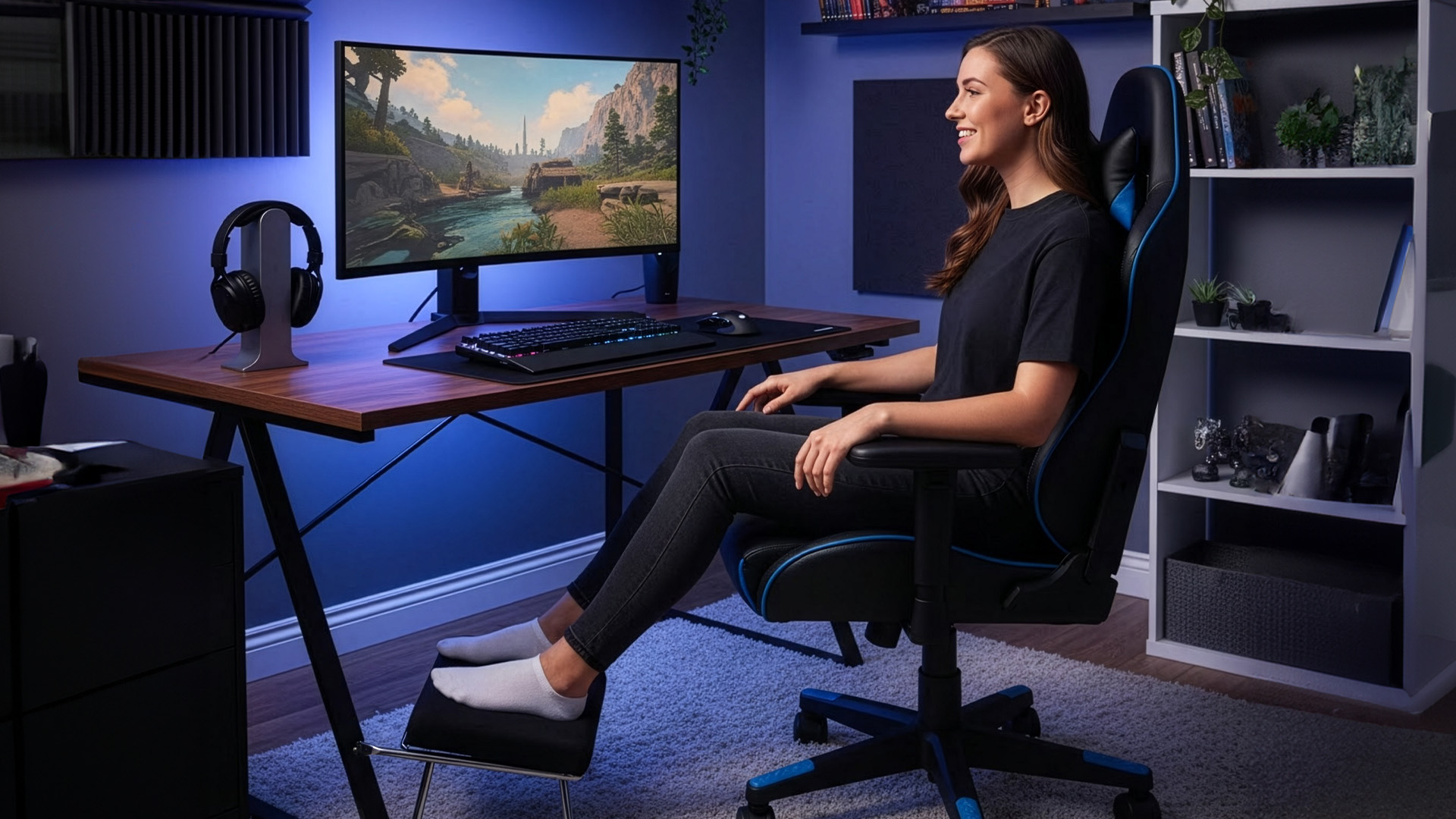
A suitable chair should support the natural inward curve of the lower back. Your feet should rest firmly on the floor or a footrest, while your shoulders remain relaxed and your elbows stay close to your sides.
Shoppers considering ergonomic gaming chairs should check whether the lumbar support is integrated, adjustable or supplied as a removable cushion. A loose pillow may work well for one person but sit too high or low for another.
Anyone searching for a gaming chair for posture should also check the shoulder area. Large side wings can push the upper body forwards if the chair is too narrow.
A gaming chair for back pain should never be treated as a medical cure. Correct support may reduce awkward sitting positions, but persistent pain should be assessed by an appropriate healthcare professional.
Can You Use a Gaming Chair for Work?
A gaming chair for work can be practical when one desk is used for employment, study and evening gaming. Its high backrest may support the shoulders and head, while its recline creates more options for changing position during breaks.
Before choosing a gaming chair for a desk, check the armrest adjustment. Armrests that cannot move low enough may prevent the chair from sliding beneath the desktop.
The seat should also be wide enough for your legs to rest naturally. Racing-style bolsters that press into the thighs may become irritating during a full working day.
A suitable gaming chair should remain supportive when you sit upright. Some models feel comfortable while reclined but provide less useful support when typing or attending online meetings.
Can You Use an Office Chair for Gaming?
An office chair for gaming is often more suitable than its simple appearance suggests. Competitive players usually sit upright and close to their keyboard and mouse, which is similar to a working posture.
A flexible office chair can therefore suit shooters, strategy games, simulations and multiplayer games. Its flatter seat may also make it easier to lean, turn or reposition during play.
Players using mechanical gaming keyboards should choose a chair that lets their forearms remain approximately level with the desk. Armrests positioned too high can lift the shoulders, while low armrests may provide no useful support.
The main limitations are styling and recline. Basic office chairs may not offer a headrest, deep recline or the substantial padding some players prefer.

How Chair Choice Affects Your Gaming Setup
Your chair cannot be considered separately from the rest of the desk. A supportive seat will still feel uncomfortable if the screen is too low, the keyboard is too far away or the mouse requires repeated reaching.
Large or high refresh rate gaming monitors should be positioned so the main viewing area is directly in front of you. Placing the screen too far to one side can encourage repeated neck rotation.
The desk should also provide enough depth for the display, keyboard and forearm position. A chair with excellent lumbar support cannot correct a workspace that forces you to lean forward continuously.
Armrests and Mouse Position
Armrests should support the forearms without raising the shoulders. They also need to let the chair move sufficiently close to the desk.
Gamers using a low mouse sensitivity may need extra space for larger hand and arm movements. In this situation, fixed or oversized armrests can restrict movement.
A well-positioned wireless gaming mouse can reduce cable clutter, but it should still remain close enough to avoid reaching. Your wrist, forearm and shoulder should feel relaxed rather than stretched.
Four-dimensional armrests can move vertically, horizontally, forwards and backwards. They provide flexibility, but only when the available adjustment range matches your desk height and sitting position.
Materials, Padding and Temperature
Mesh office chairs are popular because they allow air to circulate around the back. This can make them more comfortable in warm rooms or gaming spaces containing PCs and monitors that generate noticeable heat.
Fabric gaming chairs offer a softer appearance than synthetic leather and are often more breathable. They can suit bedrooms and mixed home offices where racing-style synthetic leather may appear too bold.
Synthetic leather is easy to clean and produces the recognisable gaming look. However, lower-quality finishes may feel warm, crack or peel over time.
A comfortable gaming chair should distribute body weight evenly. Extremely soft foam can compress too quickly, while very hard padding may create uncomfortable pressure beneath the thighs.
Shoppers comparing office chairs in UK options should also check whether a mesh seat has a supportive frame. A seat edge that presses against the thighs can become uncomfortable even when the material itself is breathable.
Build quality also matters after purchase, as loose bolts, worn castors or an uneven base can make the seat unstable. Our guide on how to fix a wobbly gaming chair explains the common causes and simple checks you can carry out.
Best Budget Gaming Chairs vs Office Chairs
The best budget gaming chairs often include a tall backrest, recline, removable cushions and adjustable armrests. These features can look impressive for the price, but build quality varies significantly.
If you are searching for gaming chairs affordable enough for a first setup, prioritise a stable base, reliable height adjustment and correctly placed lumbar support. Decorative stitching, lighting and oversized pillows should be secondary considerations.
The best budget office chairs generally have a simpler appearance. Many include a mesh back, padded seat, height adjustment and basic tilt.
A less expensive office chair may offer better working comfort than a similarly priced gaming chair when the seat shape and lumbar support are more suitable. However, very cheap task chairs can have thin padding, fixed armrests and limited adjustment.
Check the warranty, maximum supported weight and product dimensions before ordering either type.
Additional Features Worth Considering
Some gaming chairs include extendable footrests, removable neck cushions and near-flat recline. These features may suit entertainment, but they are less important for upright gaming or office work.
Headrests are useful when reclining, although they may provide little benefit during typing. A poorly positioned headrest can also push the head forwards.
When choosing essential gaming accessories, avoid overcrowding the desk with items that reduce usable space. Gaming gear accessories should support the setup rather than force the keyboard, mouse or monitor into awkward positions.
Castors also matter. Hard-floor and carpeted rooms may require different wheel types, while poor-quality castors can make movement noisy or unstable.
Which Chair Should You Buy?
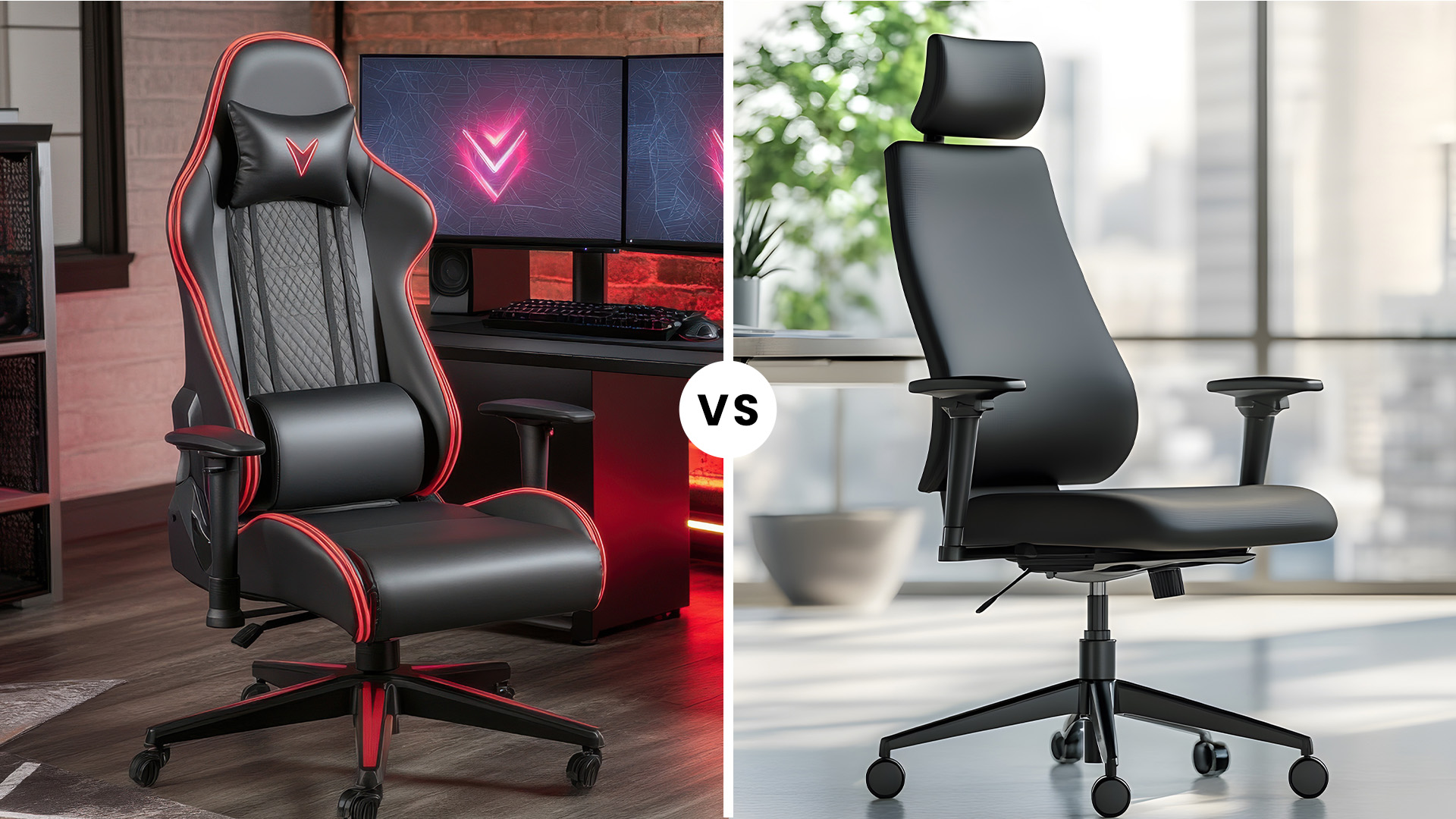
Choose a gaming chair when you want:
- A tall backrest and head support
- Deeper recline for entertainment
- Firm foam cushioning
- Gaming-focused colours and styling
- A chair suited to controller and keyboard use
Choose an office chair when you want:
- Better airflow during long sessions
- A flatter seat with greater freedom of movement
- Detailed lumbar or seat-depth adjustment
- A professional appearance
- A chair for work, study and gaming
Students and home workers who use one desk throughout the day will usually benefit more from a quality office chair. Dedicated gamers who prefer reclining and want their chair to match the rest of the setup may prefer a gaming model.
For a closer look at measurements, materials, adjustment features and build quality, use our complete gaming chair buyer’s guide before comparing individual options.

Gaming Chair vs Office Chair: Final Verdict
In the gaming chair vs office chair comparison, office chairs generally provide the strongest balance for long working days, study and keyboard-based gaming. They usually offer better airflow, easier movement and more practical ergonomic adjustment.
Gaming chairs are more suitable for users who want a high backrest, substantial padding, deep recline and recognisable gaming styling. The best models can support both work and gaming, but racing-inspired design alone does not make a chair ergonomic.
For most mixed-use setups, choose an ergonomic office chair. For dedicated gaming spaces where recline and appearance are priorities, choose a well-fitted gaming chair.

Frequently Asked Questions
Are gaming chairs better than office chairs?
Gaming chairs are better for deep recline, high-back support and gaming-focused styling. Office chairs are generally better for long working days because they prioritise movement, airflow and task-based adjustment.
Can a gaming chair be used as an office chair?
Yes. A gaming chair can be used for office work when it supports an upright position, fits beneath the desk and includes suitable lumbar and armrest adjustment.
Which chair is better for long gaming sessions?
A gaming chair may suit controller gaming because of its tall back and recline. An ergonomic office chair is often better for long keyboard-and-mouse sessions that require an upright position.
Should I buy a gaming chair or an office chair?
Choose a gaming chair for bold styling, firm padding and deeper recline. Choose an office chair for prolonged work, better airflow and more precise adjustment. An office chair is usually more versatile for mixed use.
Are office chairs better for posture?
Good office chairs often provide better posture support through adjustable lumbar support, armrests, tilt and seat depth. However, posture also depends on chair fit, desk arrangement and regular movement.
Related Articles

Last Updated: May 19, 2026
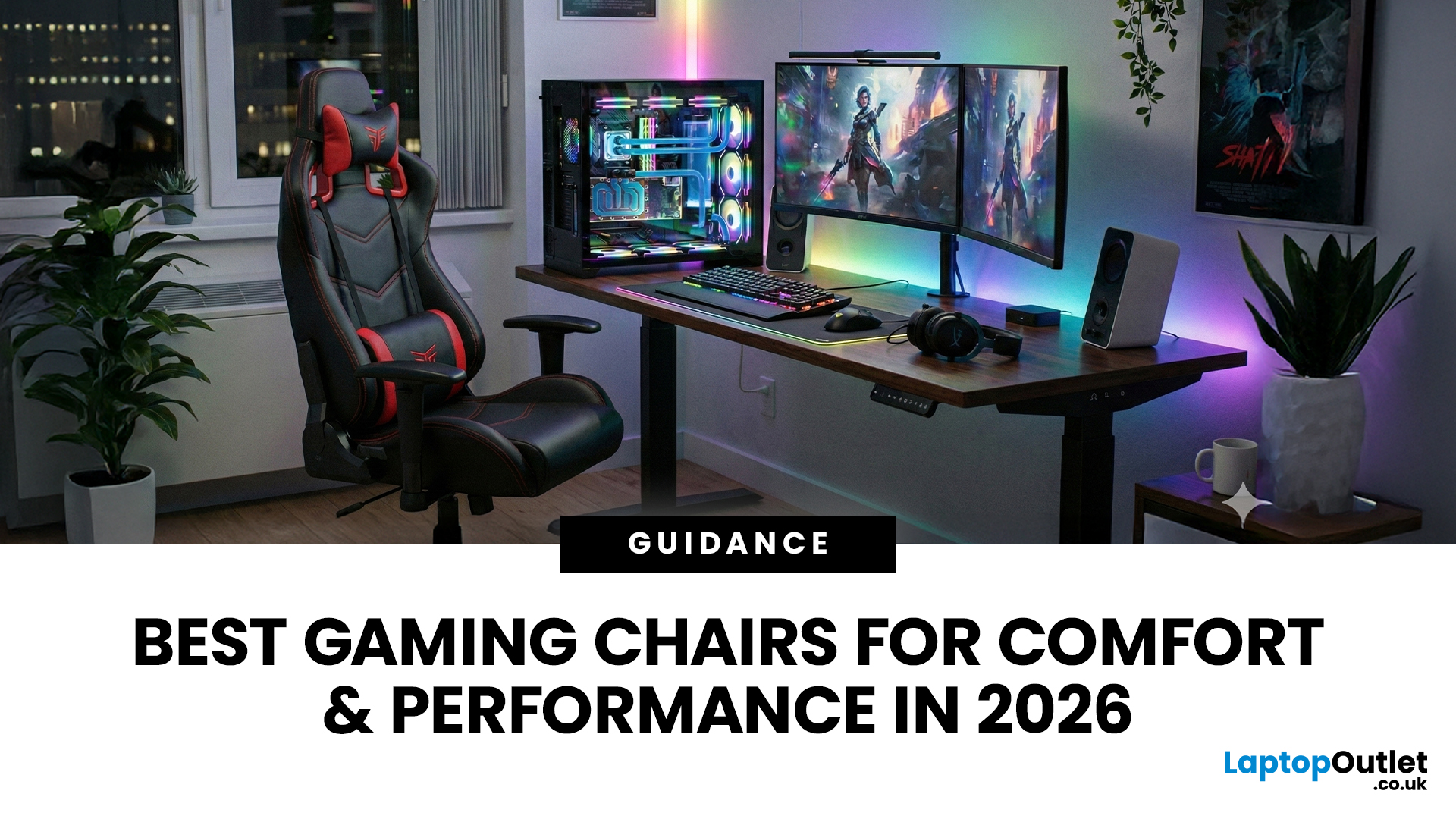
Choosing the right gaming chair is often treated as a cosmetic decision, colour, style, and whether it “looks gamer enough.” In reality, the chair you sit on has a far greater impact on your comfort, posture, and long-term health than many hardware upgrades.
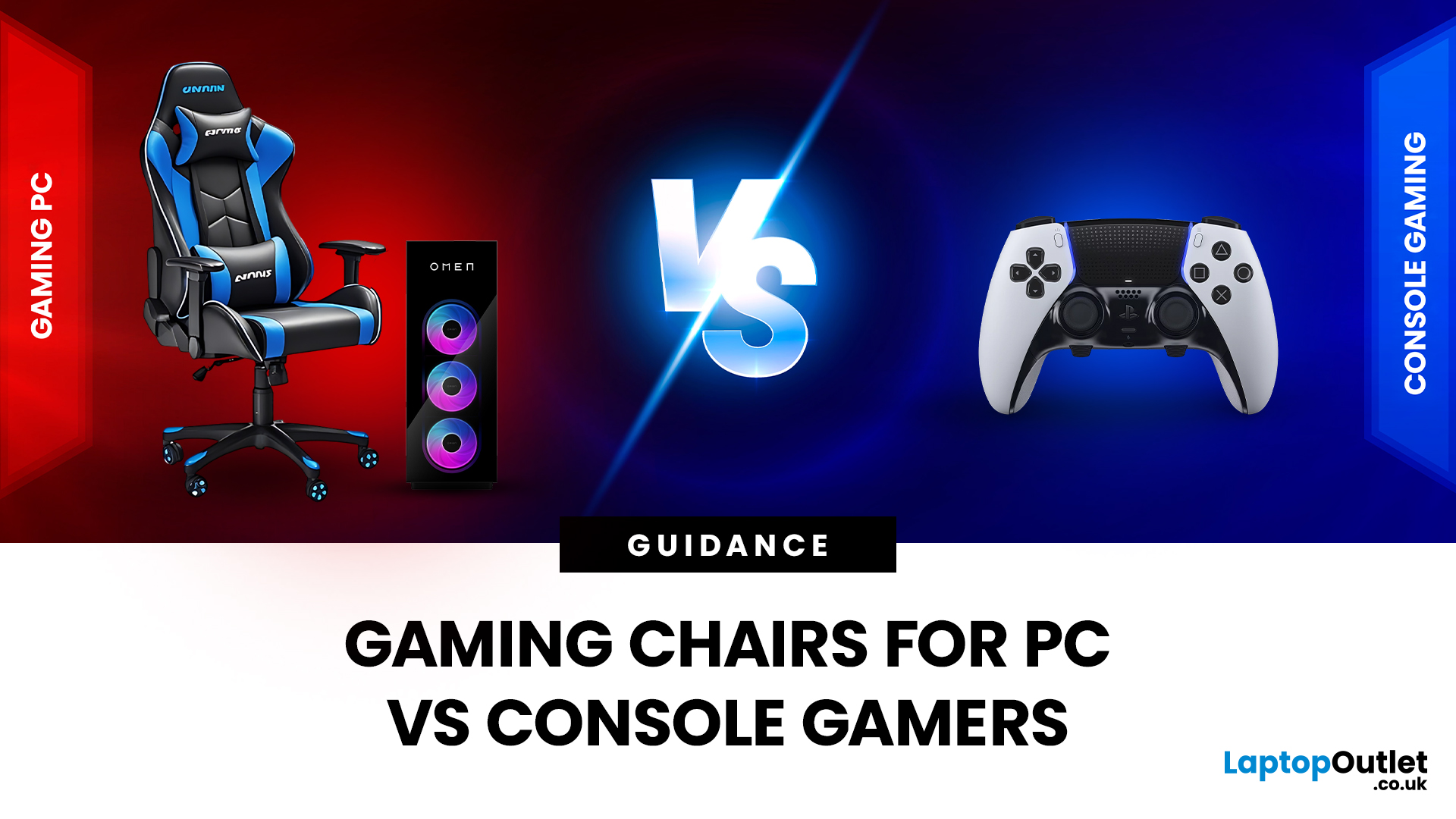
For anyone deciding between gaming chairs for PC vs console, the choice is rarely straightforward. PC gamers and console gamers sit differently, play differently, and interact with their setups in completely different ways. A chair that works perfectly at a desk can feel awkward in a living room, while a recliner designed for console gaming can be unusable for mouse-and-keyboard play.
Why the Right Gaming Chair Matters More Than Ever
Modern gaming sessions are longer than they’ve ever been. Competitive multiplayer, open-world games, and live-service titles encourage extended playtimes, often lasting several hours at a stretch.
Sitting for long periods without proper support can lead to:
- Lower back pain
- Neck and shoulder tension
- Poor
Last Updated: May 19, 2026
A gaming chair is no longer just an accessory, it’s a core part of your setup. Whether you’re a competitive gamer, a content creator, or someone who spends long hours working at a desk, the right chair can dramatically improve comfort, posture, and overall performance.
In this guide, we explore some of the most popular and best-performing gaming chair models available in 2026. From breathable mesh designs to heavy-duty premium chairs built for larger users, each option is designed to suit different needs and budgets, while maintaining the high standards gamers expect.
1. ThunderX3 YTC Mesh Gaming Chair – Black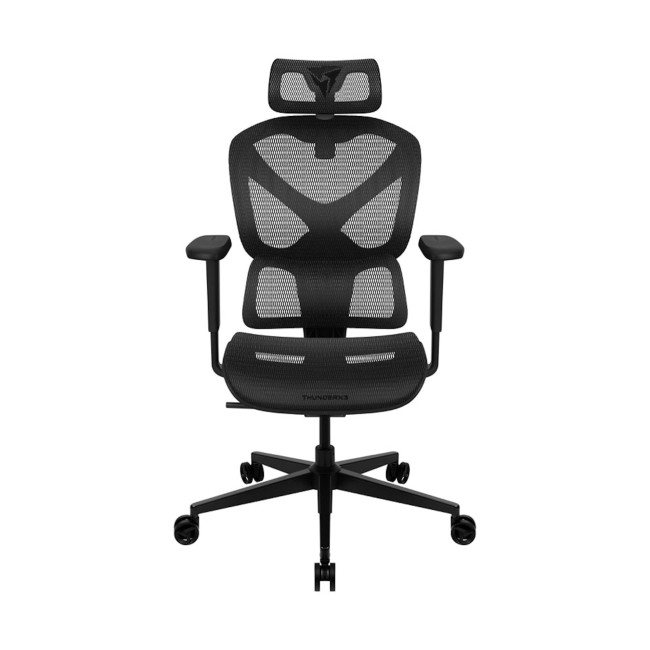
Perfect for airflow, posture, and modern gaming setups
The ThunderX3 YTC Mesh gaming chair is an excellent choice for gamers who value breathability and ergonomic support. Designed with a high-quality mesh backrest, this chair promotes constant airflow, helping to regulate temperature during long gaming or working sessions. This chair is perfect for users who want a clean,
Last Updated: July 20, 2026
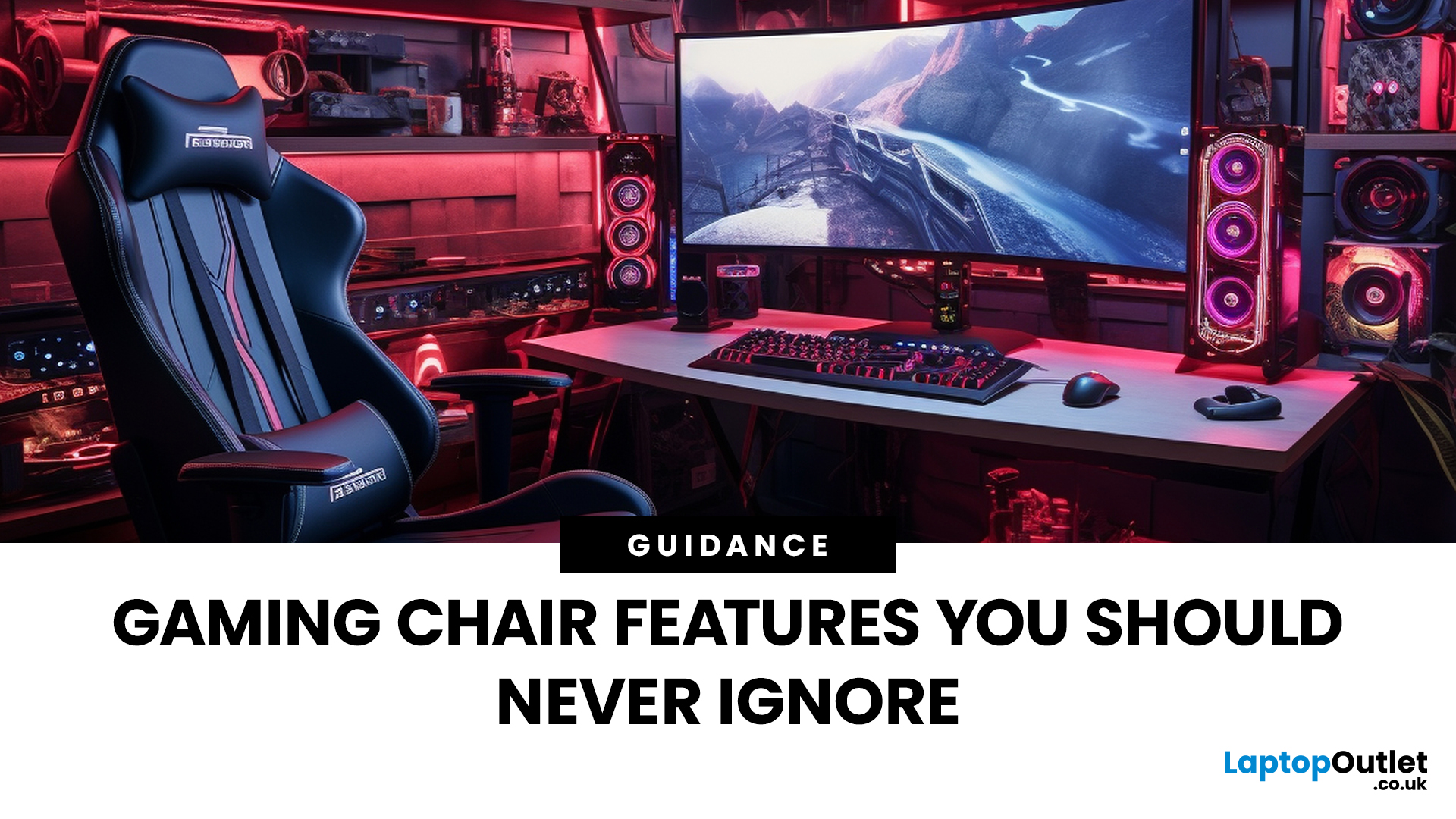
Choosing a gaming chair is often treated like choosing a skin in a game, mostly about looks, colours, and vibes. But once the session stretches past an hour or two, aesthetics stop mattering and the real differences start to show.
The truth is, most comfort issues don’t come from bad chairs - they come from missing or overlooked features. A chair can look premium and still fail at the fundamentals. That’s why understanding gaming chair features is far more important than memorising brand names or chasing trends.
Let’s jump in.....
Why Gaming Chair Features Matter More Than Design
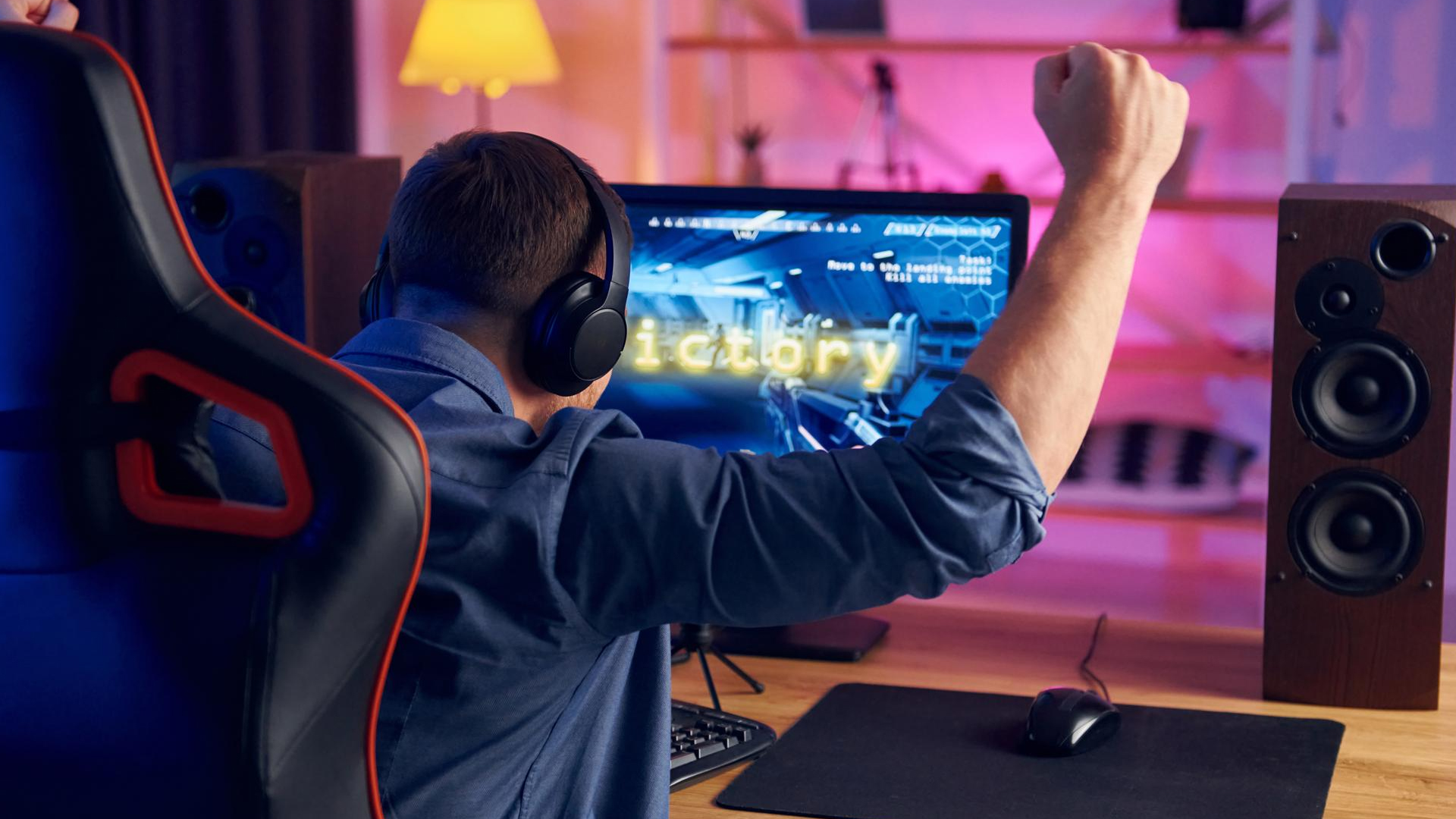
Most gaming chairs share a similar silhouette. High backs, racing-inspired styling, bold branding. But under the surface, feature quality varies massively, and that’s where comfort is won or lost.
A well-designed chair:
- Supports your body, not just cushions it
- Adapts to different sitting positions
- Maintains comfort over time
- Holds its structure after months or years of use
A poorly featured chair might feel fine
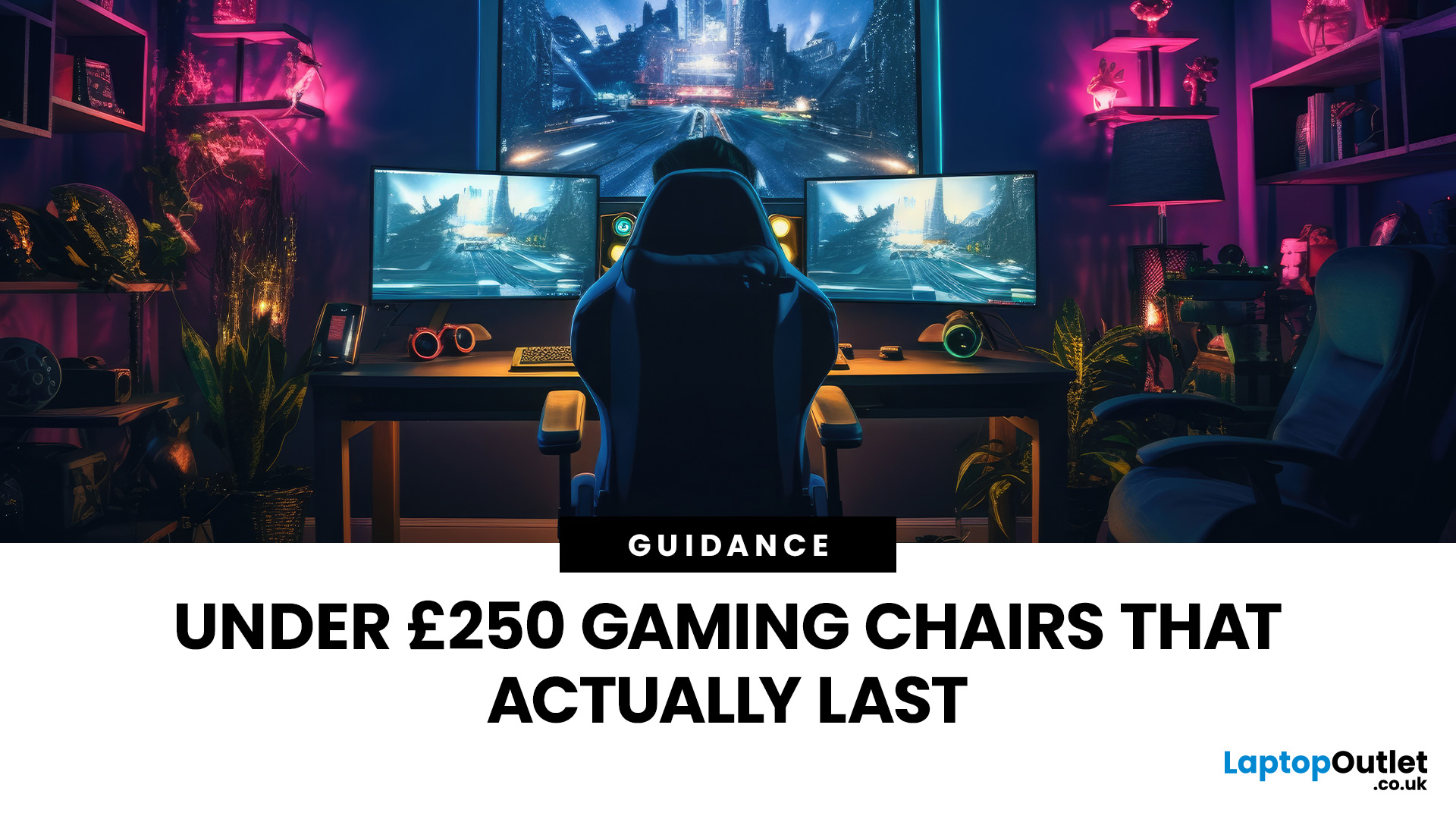
Last Updated: December 24, 2025
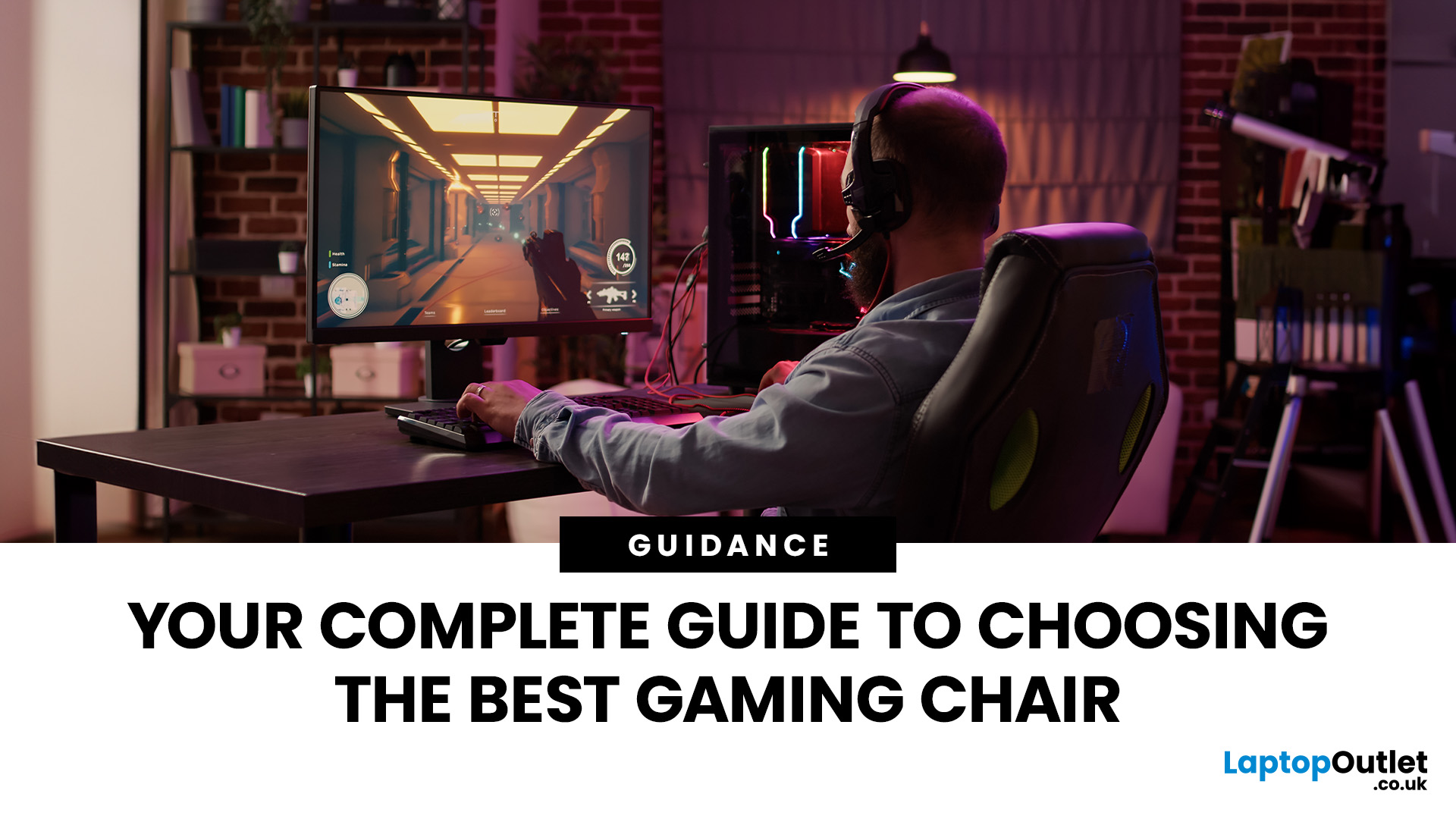
Finding a high-quality seat for your gaming setup doesn’t have to break the bank. If you spend hours at your desk, you know that comfort is just as important as your GPU or monitor. However, the market is flooded with options, making it hard to find a durable budget gaming chair that actually lasts.
The good news is that you can get premium features like adjustable armrests, high-quality material, and deep recline functions without spending a fortune. In this guide, we have rounded up the top value gaming chair picks 2026 that will keep your back happy and your setup looking sharp.
Below, we dive into the best gaming chairs under £250 available right now.
Why Invest in a Gaming Chair?
A high-quality chair is more than just a seat; it is an essential tool for your health. Standard office chairs often lack the necessary support for your spine. A dedicated gaming chair provides targeted lumbar and neck support to prevent long-term aches and pains.
Beyond physical health, the right chair
Last Updated: December 24, 2025
If you’re shopping for a new chair, you’ll quickly realise “gaming chair” can mean anything from a flashy bucket seat with a logo to a genuinely supportive, all-day ergonomic chair that happens to suit a gaming set-up. This gaming chair buyer’s guide is about how to choose a gaming chair in a smart way for your body, your desk, and the way you actually play (or work).
The 60-Second Checklist (so you don’t waste hours scrolling)
If you only remember five things, make them these:
- Right size for your height/weight (brands often have Regular/XL or size charts)
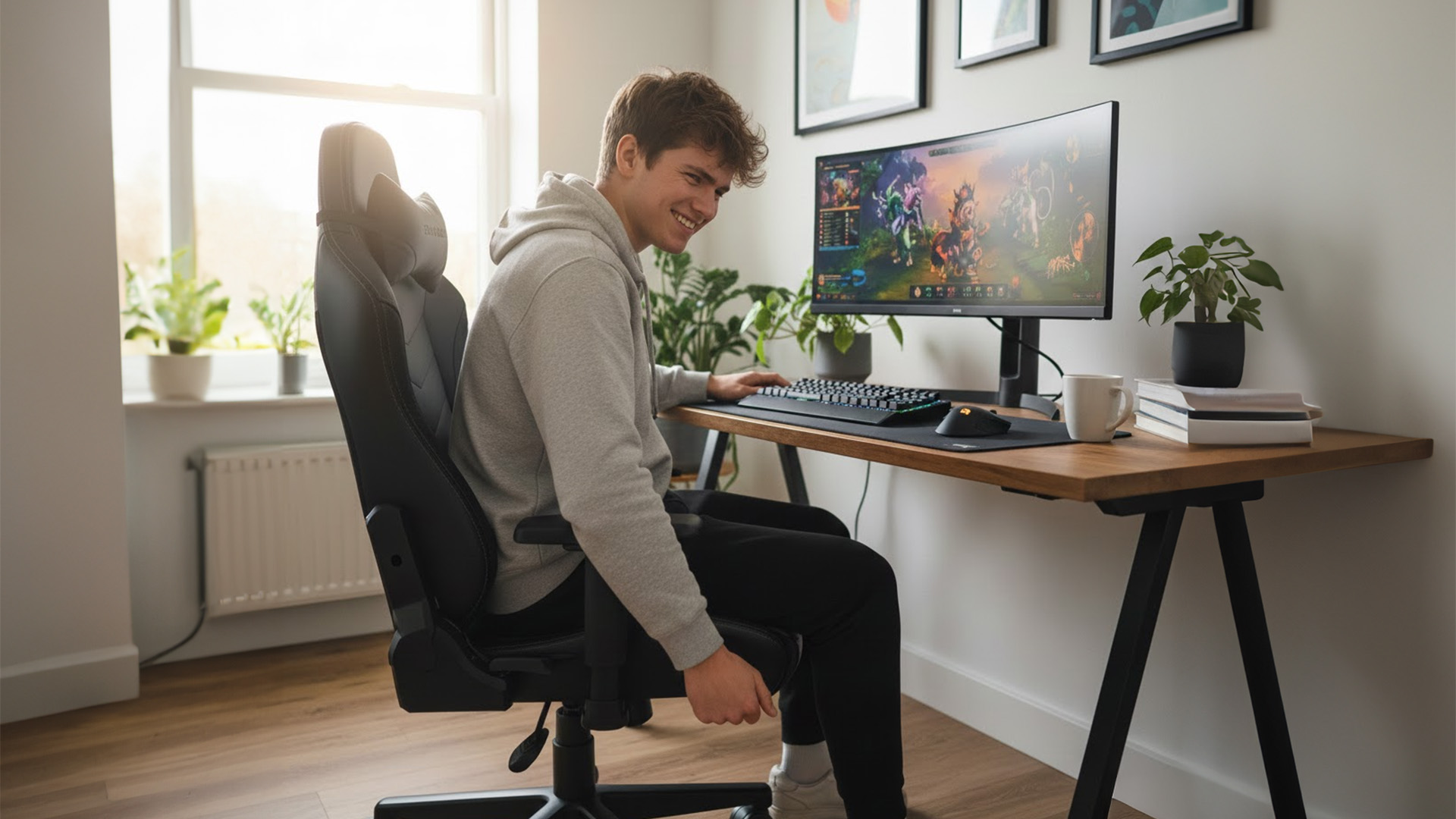
- Seat height range that suits your desk (feet flat, shoulders relaxed)
- Seat depth that fits your thighs (you need a small gap behind the knees)
- Proper lumbar support (ideally adjustable, not just a floppy cushion)
- Armrests you can actually line up with keyboard/mouse (3D/4D helps a lot)
If a chair looks brilliant but fails two of those, keep looking.
Start with the Basics: Measure Your Space
Before you look at brand names or RGB gimmicks,

Last Updated: January 26, 2026
In today’s UK homes and offices, networking isn’t optional - it’s the backbone of how we work, study, stream, and stay connected. From remote meetings and online gaming to smart homes and cloud storage, everything relies on reliable networking accessories and networking devices working together behind the scenes.
Yet many people still struggle with slow Wi-Fi, unstable connections, or poor coverage, not because their internet provider is bad, but because their networking equipment isn’t set up correctly.
What Is Networking? (A Simple Explanation)
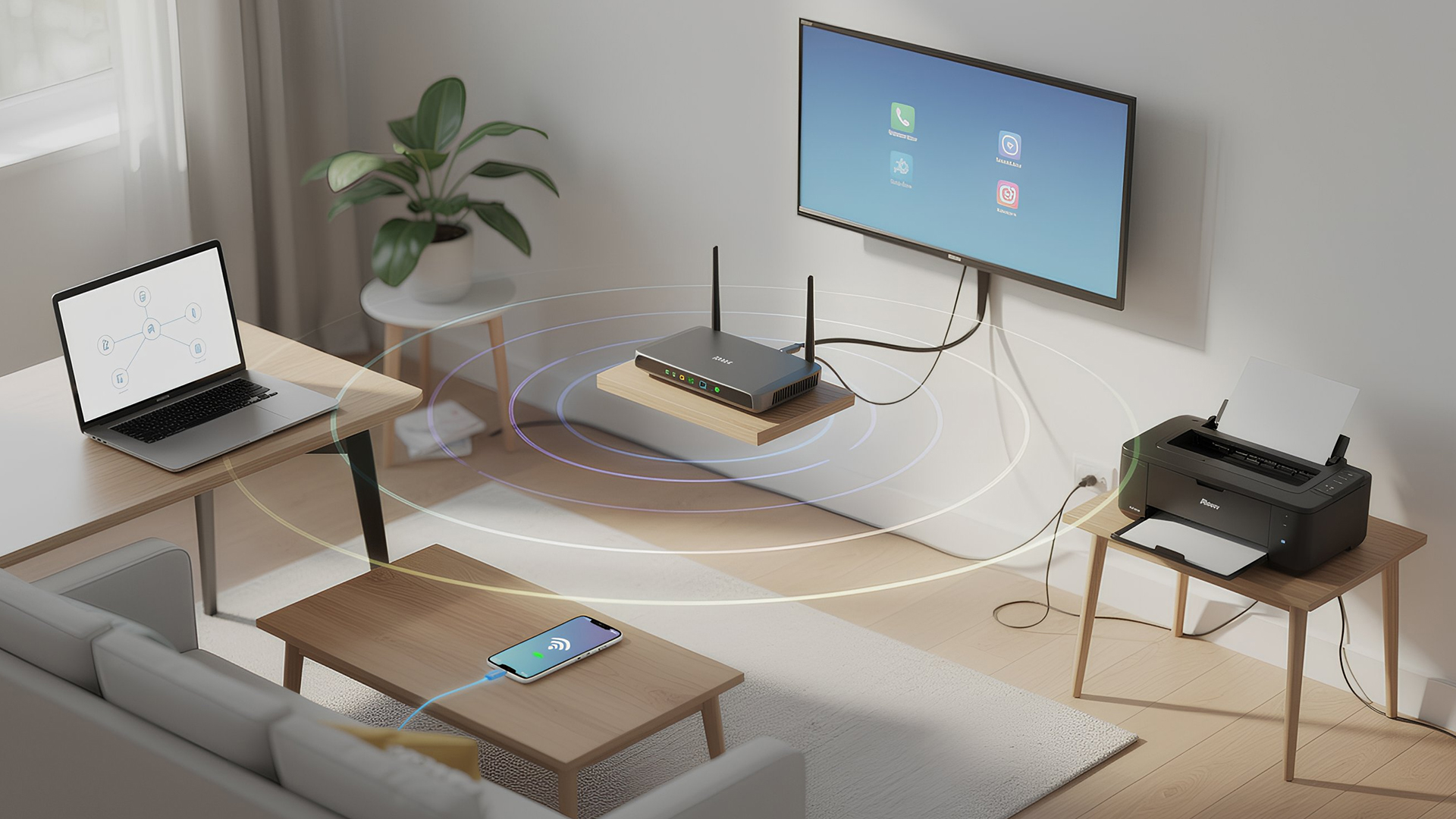
Networking is the process of connecting devices so they can communicate, share data, and access the internet. These devices might include:
- Laptops and desktops
- Smartphones and tablets
- Printers and scanners
- Smart TVs and streaming devices
- Smart home systems (lights, cameras, thermostats)
To make this possible, you need a combination of networking devices (like routers and access points) and networking accessories (such as network cards, adapters,
Last Updated: March 09, 2026
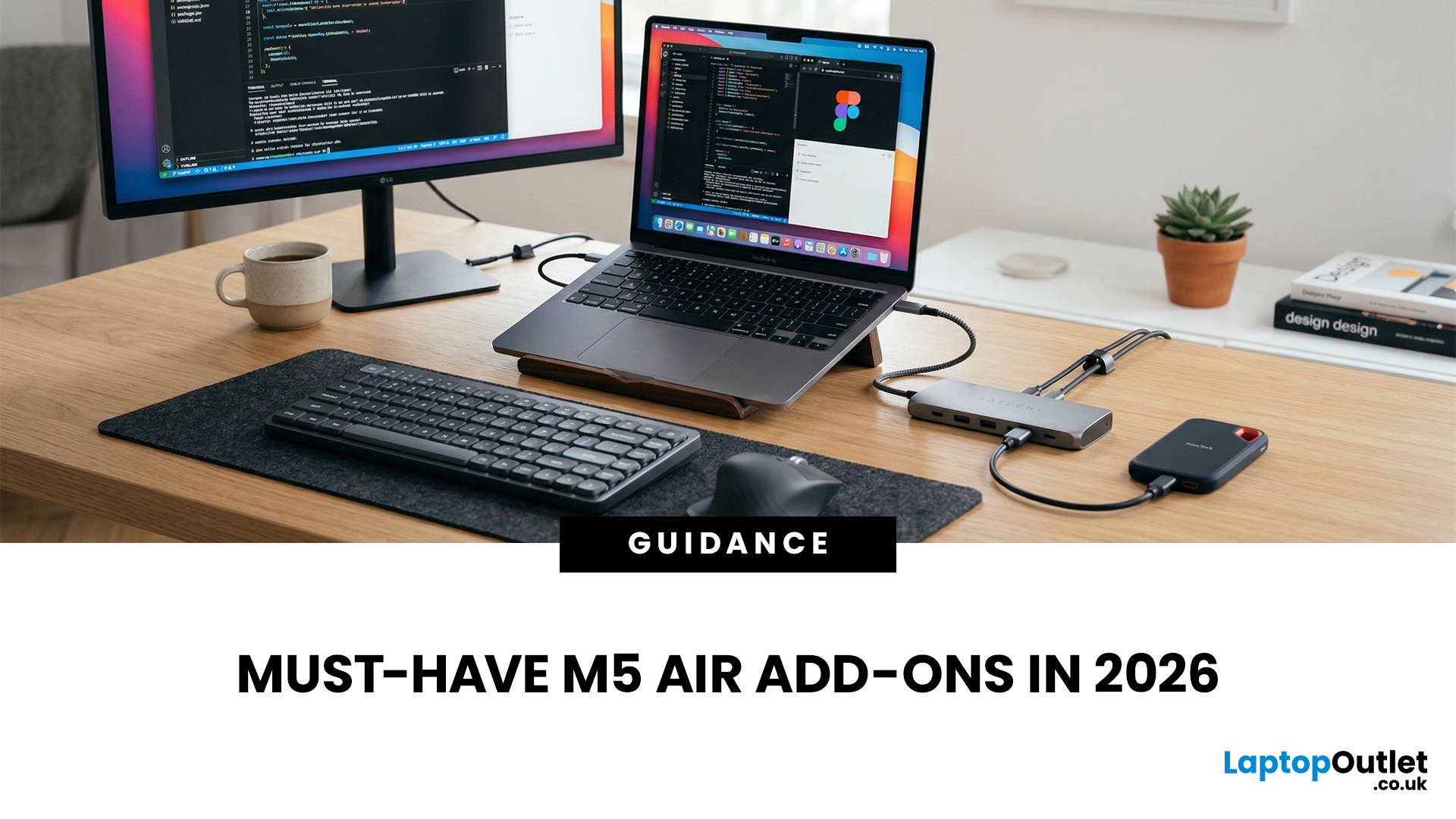
You just got (or are about to get) the M5 MacBook Air. Congrats, your backpack is about to get lighter, and your vibe is about to get cleaner. But here’s the thing: the laptop is the main character… and the right accessories are the supporting cast that makes the whole show hit.
This guide breaks down the best MacBook Air M5 accessories for 2026, what’s worth buying, what’s overhyped, and how to build a setup that fits your life (commuter, student, creator, desk goblin… all valid).
What to Consider Before Buying MacBook Air M5 Accessories
Let’s skip the “add to cart frenzy” and do a 30-second reality check.
1) What ports do you need?
Most people don’t need a spaceship dock, they need a few essentials:
- USB-A for random flash drives or older accessories
- HDMI for monitors/classroom projectors
- SD/microSD if you shoot content
- A pass-through charging port so your hub isn’t stealing your only charging slot
2) Where do you use your MacBook the most?
- On the go: prioritize protection + compact
Last Updated: October 12, 2026

Last Updated: June 22, 2026
The right VR accessories depend on which headset you own and how you use it. For most users, the highest-impact upgrades are a comfort head strap with a battery pack, a silicone face cover for hygiene, and an audio solution. If you wear glasses, prescription lens inserts are well worth the investment.
The best approach is not to buy every accessory at once. Start with the one or two upgrades that fix your biggest pain points, then build your setup around how you actually play, watch, exercise or socialise in VR.
This guide explains how to choose VR accessories by headset type, play style, comfort needs and budget.
Why VR Accessories Make a Real Difference
Even the best VR headsets ship with compromises. Manufacturers keep costs down by including basic foam facial interfaces, lightweight straps that can feel unbalanced, and built-in audio that rarely matches a dedicated headset. The right virtual reality accessories address exactly those shortcomings without requiring you to buy an entirely
Published: July 01, 2026
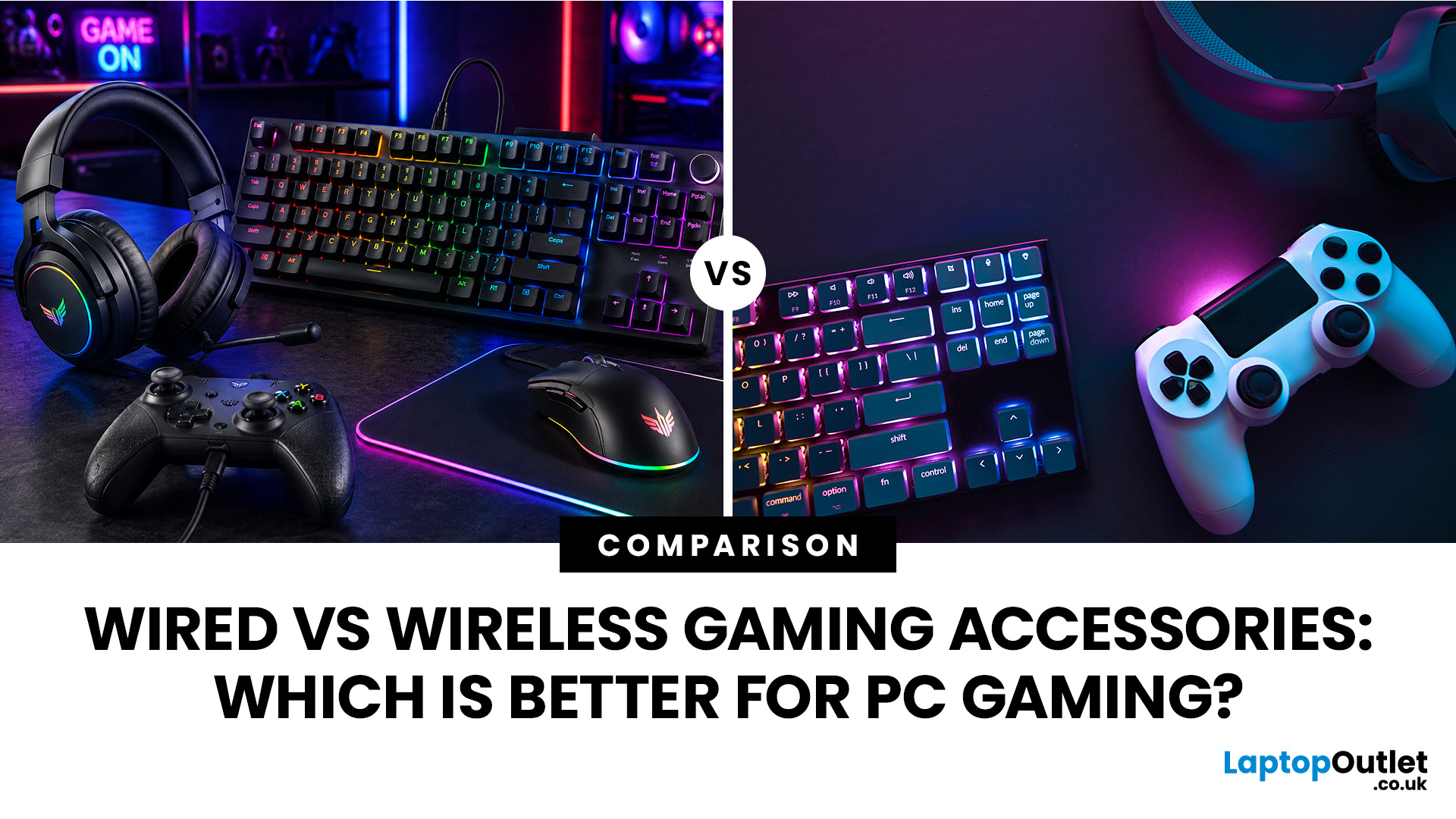
When building a PC gaming setup, choosing the right accessories matters just as much as choosing the right system. Your keyboard, mouse, headset, controller, and display all affect how comfortable, responsive, and enjoyable your games feel.
Many gamers compare wired vs wireless gaming accessories before upgrading their setup. Wired options are known for reliable performance and no battery concerns, while wireless models offer cleaner desks and more freedom of movement. Some players need speed and stability. Others want comfort, flexibility, and fewer cables. The right choice depends on what you play, how often you play, and how you use your desk.
What are Wired Gaming Accessories?
Wired gaming accessories connect directly to your PC using a cable, usually through USB or a 3.5mm audio port. Common examples include wired keyboards, mice, headsets, controllers, and charging docks.
The main appeal is consistency. You do not need to worry about charging, Bluetooth pairing, signal drops, or battery

