



Lenovo Legion Go Gen 2 Review: Is this the Future of Handheld Gaming PCs in 2026?
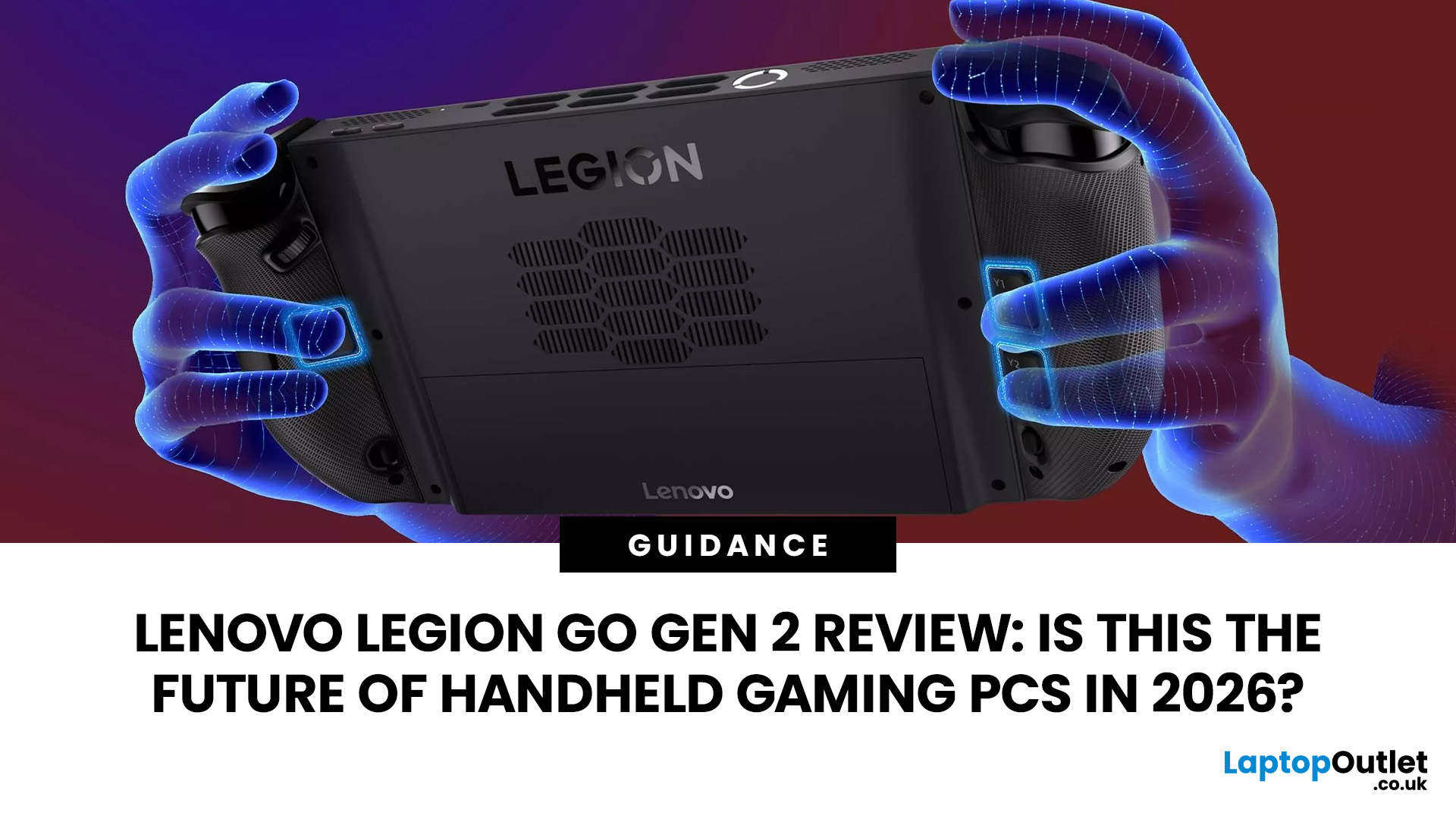
The Lenovo Legion Go Gen 2 takes almost everything that made the original handheld exciting and pushes it further. You get a huge 8.8-inch OLED display, smoother variable refresh rate gaming, upgraded AMD processing power and redesigned detachable controllers. It is powerful, flexible and packed with features, but it is also one of the biggest and most expensive handheld PCs available.
So, does this premium portable gaming PC represent the future of handheld gaming, or has Lenovo built more machine than most gamers need? This review examines its performance, battery, display, software, and competition.
Lenovo Legion Go Gen 2 Overview: What Makes This Handheld Gaming PC Different?
Lenovo officially markets the device as the Legion Go (8.8", 2), although Legion Go Gen 2 and Legion Go 2 are the names most gamers use. You may also see it shortened to Lenovo Go Gen 2, but it belongs firmly to Lenovo’s Legion gaming range. Its standout features include:
|
Specification |
Lenovo Legion Go Gen 2 |
|
Processor |
Up to AMD Ryzen Z2 Extreme |
|
Graphics |
Integrated AMD Radeon 890M |
|
Display |
8.8-inch, 1920 x 1200 OLED touchscreen |
|
Refresh rate |
Up to 144Hz with 30Hz to 144Hz VRR |
|
Memory |
Up to 32GB LPDDR5X-8000 |
|
Storage |
Up to 2TB PCIe 4.0 SSD |
|
Battery |
74Wh |
|
Operating system |
Windows 11 |
|
Controllers |
Detachable Legion TrueStrike controllers |
|
Weight |
Approximately 920g with controllers |
|
Connectivity |
Wi-Fi 6E, Bluetooth 5.3 and dual USB4 |
The 1920 x 1200 OLED display supports HDR, a 16:10 aspect ratio, 500-nit typical SDR brightness and a 144Hz refresh rate. Selected configurations combine the Ryzen Z2 Extreme with 32GB of fast memory and up to 2TB of SSD storage.
What is Lenovo Legion Go Gen 2 and Who is it Designed For?
The Lenovo Legion Go Gen 2 is a handheld PC gaming console that runs full Windows 11 rather than a closed console operating system. It can install games and applications from Steam, Xbox, Epic Games, GOG, Battle.net and other Windows storefronts. That makes it suitable for gamers who:
- Have games spread across several PC launchers
- Want access to PC Game Pass and Windows-only titles
- Prefer a larger display than most handhelds provide
- Want detachable controllers and tabletop play
- Need a device that can connect to monitors and peripherals
- Are comfortable adjusting resolution, power and graphics settings
It is less suitable for someone seeking a small, lightweight console that launches every game with no configuration. SteamOS remains more streamlined, while Windows can still present small menus, permission prompts, and desktop elements that are awkward to operate without a mouse.
The Legion Go 2 sits alongside the latest Lenovo laptops, but its purpose is different. It trades the keyboard, large cooling system, and discrete graphics available in a laptop for a gamepad-style design that can travel more easily.
Key Upgrades Lenovo Legion Go Gen 2 Brings Over the Original Legion Go
The second-generation model is not simply the first Lenovo Legion Go with a faster processor. Its most important upgrades affect the entire gaming experience.
The original 49.2Wh battery has been replaced by a 74Wh unit, increasing capacity by more than 50%. Memory options rise from 16GB to as much as 32GB, while the updated Ryzen Z2 Extreme introduces Zen 5 CPU cores and RDNA 3.5-based Radeon graphics.
The display changes are arguably even more important. Resolution drops from 2560 x 1600 to 1920 x 1200, but that is not necessarily a downgrade. The new resolution is easier for integrated graphics to drive, while OLED technology brings deeper blacks, stronger contrast and HDR. Variable refresh rate support also helps smooth out games when performance moves between approximately 30 and 60 FPS.
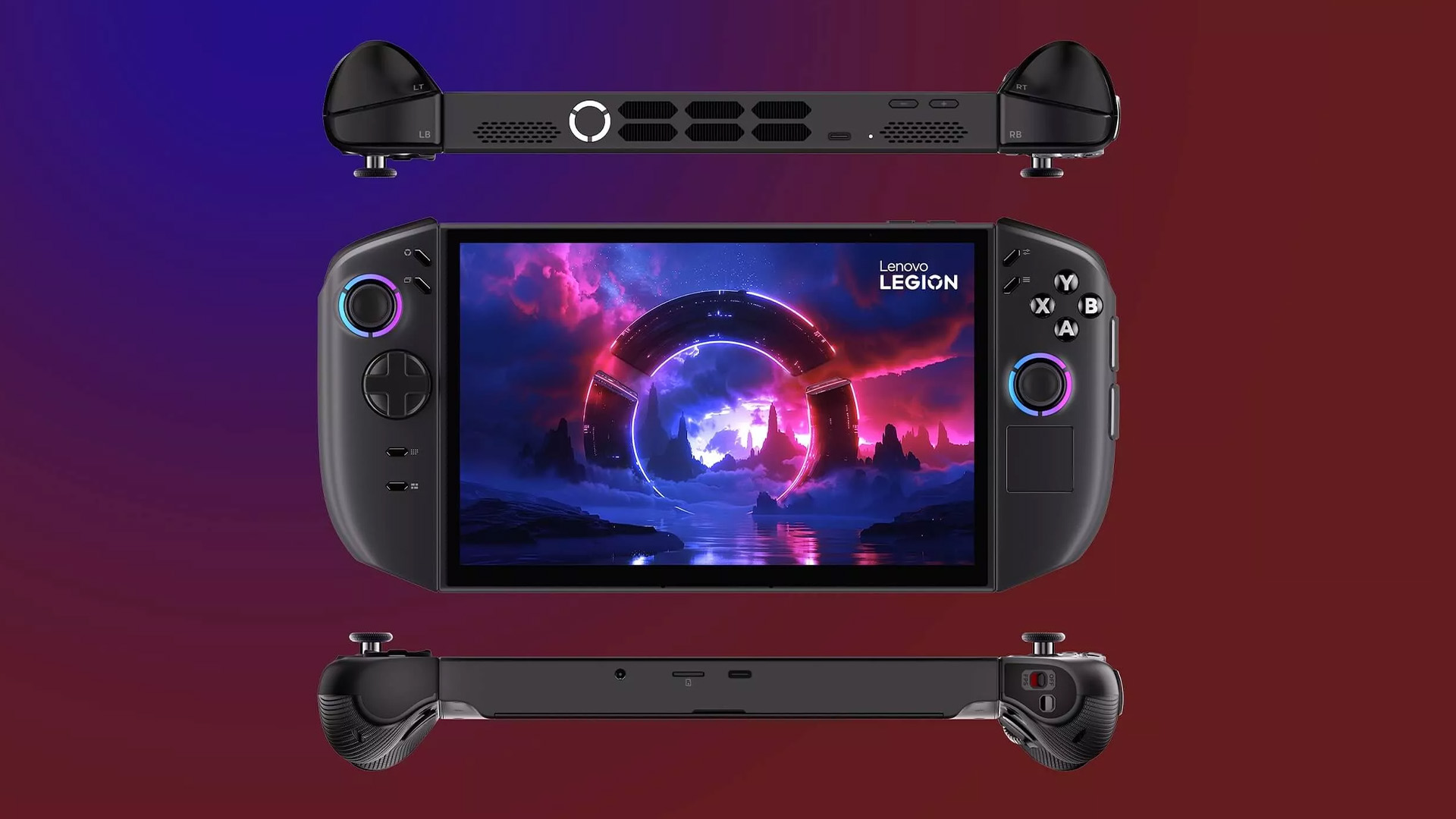
Lenovo has also rounded the controller grips, revised the button placement, added a larger pivoting D-pad and retained drift-resistant Hall effect joysticks. A fingerprint reader built into the power button makes signing into Windows more convenient.
Lenovo Legion Go Gen 2 Design and Display: Built for Portable Gaming
Calling the Legion Go Gen 2 portable requires some context. It is far easier to carry than a gaming laptop, monitor and controller, but it is enormous by conventional handheld standards.
With both controllers attached, it measures approximately 295.6 x 136.7 x 42.25mm and weighs around 920g. A Steam Deck OLED weighs approximately 640g, so the difference becomes noticeable during longer sessions.
The trade-off is a display that feels closer to a small tablet than a traditional console screen. Strategy games, RPG menus, subtitles, and Windows interface elements are easier to read than on many seven-inch competitors.
Ergonomics, Controllers, and Detachable Gaming Features
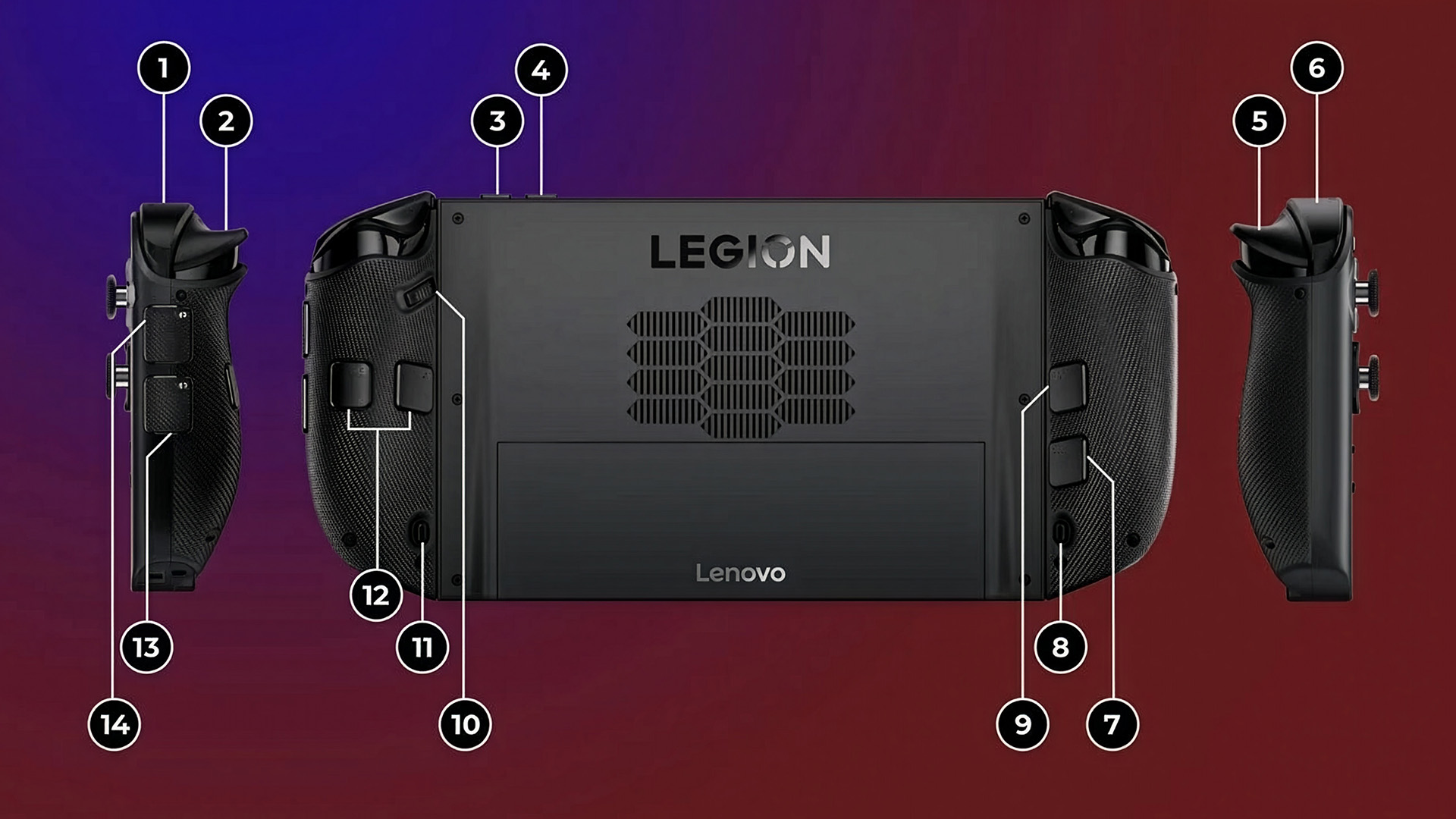
The redesigned TrueStrike controllers are more rounded than those on the original Legion Go. This helps distribute the weight more comfortably and reduces the sharp feeling associated with the first-generation grips. The controllers can be used in several ways:
- Attached for conventional handheld gaming
- Detached while the display rests on its kickstand
- Connected separately for local multiplayer
- Used with the right controller in FPS mode
- Paired with an optional connector for console-style control
FPS mode remains one of Lenovo’s most unusual features. The right controller sits vertically in a small base and works more like a mouse, providing an alternative to analogue-stick aiming in shooters and strategy games. It takes time to learn and will not replace a proper gaming mouse for competitive play, but it gives the Legion Go 2 an extra level of versatility.
The Hall effect sticks should also resist the mechanical wear that can cause conventional analogue sticks to develop drift. However, the device’s overall weight can still cause hand and wrist fatigue. The built-in kickstand becomes genuinely useful rather than feeling like a bonus feature.
Display Quality and Gaming Experience
The display is the strongest reason to choose the Lenovo Legion Go Gen 2.
Its 8.8-inch OLED panel combines a 1920 x 1200 resolution with a 144Hz refresh rate, HDR support and variable refresh rate technology. Lenovo specifies 500 nits of typical SDR brightness, up to 1,100 nits of HDR peak brightness and full DCI-P3 colour coverage.
Independent display testing measured approximately 445 nits in SDR and 623 nits in HDR, alongside strong colour accuracy. Reviewers consistently praised its black levels, colour intensity and motion clarity.
The 144Hz ceiling is most useful in lightweight esports, retro and indie games. Demanding AAA releases will not normally approach 144 FPS, but VRR still improves the experience by reducing visible tearing and uneven frame delivery. The panel is glossy, so reflections can become distracting outdoors or beside bright windows. It is a display built primarily for indoor gaming rather than direct sunlight.
Lenovo Legion Go Gen 2 Performance Review: Can it Handle Modern PC Games?
Processor and Graphics Performance Explained
The flagship configuration uses AMD’s Ryzen Z2 Extreme, an eight-core, 16-thread processor based on Zen 5 architecture. Its integrated Radeon 890M graphics use 16 RDNA 3.5 compute units, while the processor operates within a configurable power range suited to handheld devices.
Up to 32GB of LPDDR5X memory is particularly valuable because the processor and integrated graphics share the same memory pool. More capacity allows Windows, the game and the GPU to operate without fighting over a restrictive 16GB allocation.
This does not turn the Legion Go 2 into a miniature desktop fitted with a high-end graphics card. It remains an integrated-graphics machine, so resolution scaling, medium settings and upscaling technologies are important in demanding games.
Real-World Gaming Performance and FPS Experience
The Legion Go Gen 2 can run modern AAA PC games, but sensible settings are essential.
In independent testing at a 30W performance setting, Cyberpunk 2077 averaged around 42 FPS at 1200p using the Low preset with FSR set to Auto. The Steam Deck preset produced approximately 39 FPS, while Shadow of the Tomb Raider managed around 36 FPS at 1200p High.
Another test found Cyberpunk 2077 running in the mid-30s using its initial settings. Reducing the resolution to 800p pushed performance towards 60 FPS, while enabling FSR 3 produced results in the mid-50s at the native 1200p resolution.
That captures the realistic Legion Go Gen 2 performance profile:
- Older and lightweight games can run smoothly at 1200p
- Competitive games may take advantage of the 144Hz panel
- Modern AAA games generally need medium or low settings
- FSR or Radeon Super Resolution can improve frame rates
- Ray tracing should usually be disabled
- Plugged-in performance can be higher than battery-powered performance
The variable refresh rate display also makes a 40 to 50 FPS gaming experience look smoother than the raw number might suggest. That matters more on a handheld than chasing maximum benchmark figures.
How Lenovo Legion Go Gen 2 Compares with Gaming Laptops
The Legion Go Gen 2 prioritises portability over maximum graphics performance. A modern laptop with a dedicated NVIDIA GeForce RTX GPU can deliver higher settings, stronger ray tracing and better performance on an external high-resolution monitor.
Gaming laptops also provide larger displays, full-size keyboards, upgradeable memory on some models and cooling systems capable of handling much higher power levels. Buyers who mostly play at a desk should compare the Legion Go 2 with laptops designed for gaming before deciding.
The handheld wins when flexibility matters more. It can be used on the sofa, in bed, on a train or during a flight without carrying a separate controller and laptop stand. It can then connect to a monitor, keyboard and mouse through USB4 when you return to a desk.
Battery Life and Cooling: How Practical Is Legion Go Gen 2 for Portable Gaming?
Battery Performance During Gaming Sessions
The 74Wh battery sounds huge for a handheld, but the OLED display and Ryzen Z2 Extreme can consume substantial power during demanding games.
One controlled gaming battery test recorded 2 hours and 15 minutes, compared with 1 hour and 59 minutes from the original Legion Go. The same testing gave the older ROG Ally X approximately 3 hours and 14 minutes.
Separate hands-on testing produced:
- Approximately 2 hours and 17 minutes in Cyberpunk 2077
- Around 5 hours and 18 minutes in the lightweight game Celeste
- Roughly 11 hours and 30 minutes during basic office work
Cooling System and Thermal Management
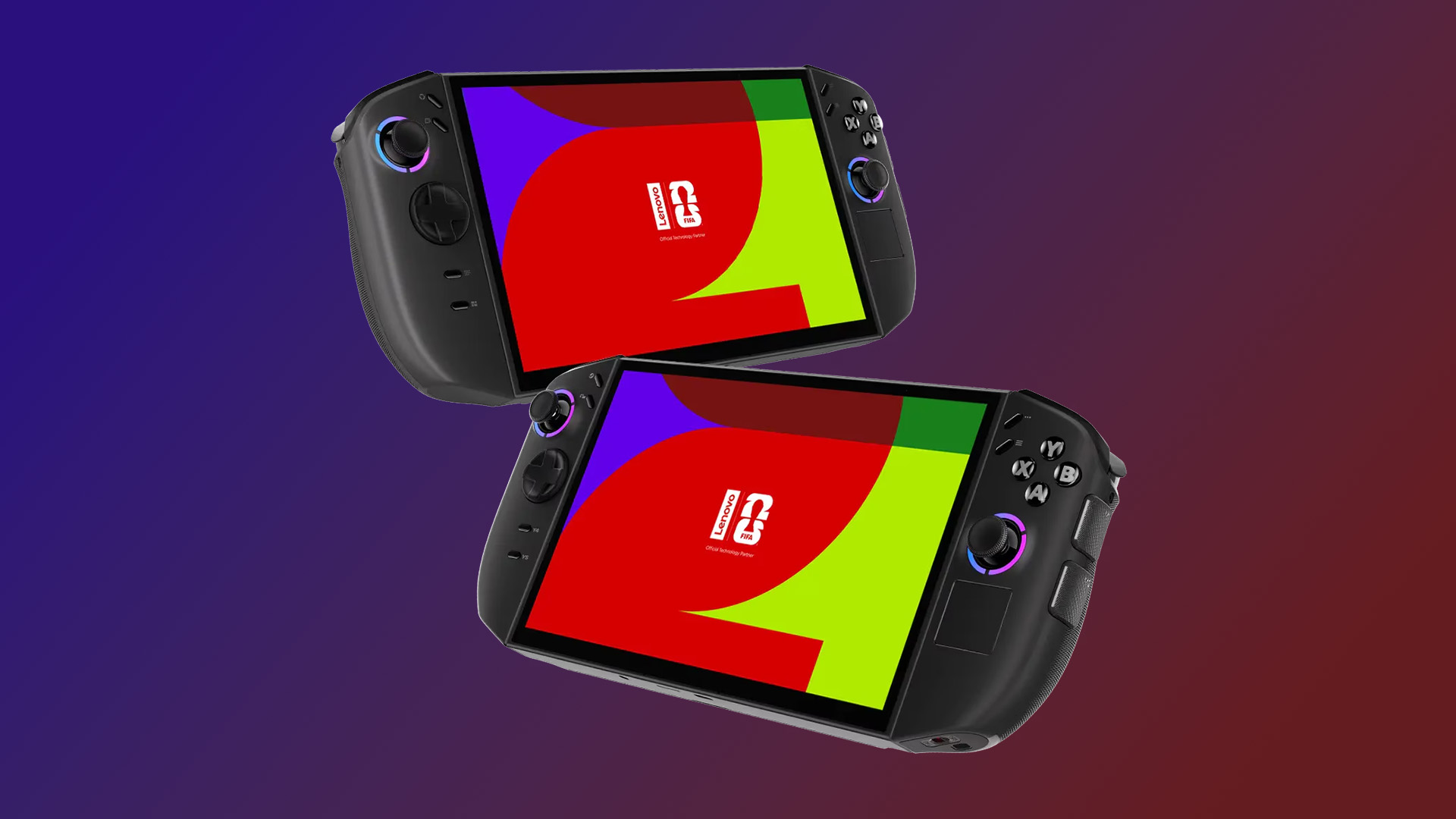
Lenovo uses its Legion Coldfront 2.0 cooling system to manage the Ryzen processor inside a tightly packed chassis.
During a 20-minute processor stress test, one reviewer measured the exhaust vents at approximately 51°C, the display and microSD area at around 39°C and the rear grip area at roughly 30°C. Fan noise reached about 35dB at arm’s length.
Those results suggest the system directs most heat away from the areas your hands touch. The fan remains audible in demanding games, but the grips should not become uncomfortably hot under normal conditions.
Lenovo Legion Go Gen 2 vs Other Handheld Gaming PCs in 2026
Lenovo Legion Go Gen 2 vs ASUS ROG Ally Series
The ASUS ROG Ally range generally offers a more compact design, while models such as the ROG Ally X place greater emphasis on battery endurance and straightforward handheld ergonomics.
The 2024 ROG Ally X combines a seven-inch 120Hz 1080p display, Ryzen Z1 Extreme, 24GB of memory and an 80Wh battery. ASUS claims more than 2.7 hours of demanding AAA gaming under its test conditions. Newer ROG Xbox Ally models bring updated processors and a more console-focused Windows interface.
Choose the Legion Go Gen 2 for:
- A much larger OLED screen
- Detachable controllers
- A built-in kickstand
- Hall effect joysticks
- FPS mode
- Up to 32GB of memory
Choose an ASUS ROG Ally model for:
- A lighter and more conventional handheld shape
- Potentially longer AAA battery life
- Easier SSD access on selected models
- More detailed software-level performance controls
- Deeper Xbox interface integration on Xbox Ally versions
Lenovo Legion Go Gen 2 vs Steam Deck OLED
The Steam Deck OLED uses a 7.4-inch 1280 x 800 HDR OLED display with a 90Hz refresh rate, 16GB of memory and a 50Wh battery. Valve quotes between three and 12 hours of gameplay, depending on the title and settings. At approximately 640g, it is also substantially lighter.
The Lenovo is more powerful, has a bigger and sharper display, supports a higher refresh rate and runs a wider selection of Windows games without Linux compatibility concerns. The Steam Deck OLED is easier to operate, more comfortable during long sessions and generally offers stronger value.
SteamOS feels like a console operating system. Windows 11 feels like a desktop operating system fitted inside a portable PC console. The latter gives you more freedom, but it also requires more patience.
Gamers comparing portable consoles for gaming should therefore decide whether unrestricted Windows compatibility or a simpler console-style experience matters more.
Why Handheld Gaming PCs are Growing in 2026
Handheld PCs now offer access to libraries that players may have spent years building across Steam, Xbox and other stores. Improvements in integrated graphics, OLED panels, upscaling and variable refresh rate technology have also made demanding PC games practical on battery-powered hardware.
They do not replace every console or gaming laptop. Instead, they add another way to use the same games. A player can continue an RPG away from the desk, complete smaller missions during a commute and connect the same device to a television later.
The Legion Go Gen 2 pushes this idea further than most. It can operate as a handheld, tabletop system, small Windows PC or docked entertainment device.
Lenovo Legion Go Gen 2 Software and Gaming Features
Windows Gaming Experience and Lenovo Software Support
As a Windows 11 gaming handheld, the Legion Go Gen 2 supports a broad range of launchers, anti-cheat systems, mods and PC applications. That compatibility is its greatest software advantage.
Lenovo’s Legion Space application provides a controller-friendly library and quick settings panel. It can adjust the resolution, refresh rate, thermal mode, fan behaviour, controller inputs, lighting and performance profile without repeatedly opening standard Windows menus.
Legion Space has improved significantly, but some advanced adjustments remain less accessible than on ASUS Armoury Crate. Changing the amount of memory allocated to graphics, for example, may still require entering the BIOS.
Windows itself remains the weak link. Dialogue boxes, updates, and desktop menus are not always easy to manage with sticks and touch input. Starting Steam in Big Picture Mode or launching Legion Space automatically can make everyday use feel more console-like.
Connectivity and Accessories for Better Gaming
The main unit includes two 40Gbps USB4 ports with charging and DisplayPort support, a microSD card reader and a 3.5mm audio connection. Wi-Fi 6E and Bluetooth 5.3 handle wireless networks, headsets and external controllers.
USB4 allows the handheld to connect to:
- A gaming monitor or television
- A USB-C docking station
- Ethernet through an adapter
- External SSD storage
- A keyboard and mouse
- Headsets and controllers
- Compatible external graphics solutions
A dock, protective case, microSD card, compact keyboard and gaming headset are among the most useful affordable PC gaming accessories for creating a more complete portable setup.
Is Lenovo Legion Go Gen 2 Worth Buying in 2026?
The Lenovo Legion Go Gen 2 is worth considering when display quality and versatility sit at the top of your list. Few handheld PCs combine all the features in one device. It is a genuine premium machine rather than a basic console alternative.
Reasons You Might Skip Lenovo Legion Go Gen 2
The same feature-packed approach creates several compromises:
- It is extremely heavy for a handheld
- Premium configurations cost as much as some gaming laptops
- AAA battery life remains close to two hours in demanding conditions
- Windows 11 can feel awkward on a small touchscreen
- Its performance advantage over earlier Z1 Extreme machines is often modest
- Internal SSD replacement is more involved than on some rivals
- Some buyers may rarely use the detachable controllers or FPS mode
The Legion Go 2 makes less sense when you want a lightweight system, maximum battery life or a straightforward console interface.

Final Recommendation
The Lenovo Legion Go Gen 2 is not the future of every handheld gaming PC, but it shows one convincing direction the category can take. It combines a stunning OLED display, capable AMD hardware and modular controllers in a device that can switch between handheld, tabletop and docked gaming.
Its problem is not capability. It is excess. The Legion Go 2 is larger, heavier and more expensive than most competitors, and its additional battery capacity does not produce class-leading AAA endurance.
For enthusiasts who want one of the most feature-rich Windows gaming handhelds available, it is a power-packed choice. For value, simplicity and comfort, the Steam Deck OLED remains difficult to beat. For a smaller Windows alternative with strong battery performance, the ASUS ROG Ally family may be more practical.

Common Lenovo Legion Go Gen 2 Queries
Is Lenovo Legion Go Gen 2 worth buying in 2026?
Yes, the Lenovo Legion Go Gen 2 is worth buying for gamers who value a large OLED display, detachable controllers, strong Windows compatibility and flexible play modes. It is less compelling for buyers who prioritise low weight, long AAA battery life or affordable pricing.
How powerful is Lenovo Legion Go Gen 2 compared to Steam Deck OLED?
The Ryzen Z2 Extreme version of the Legion Go Gen 2 has considerably newer and more powerful processing hardware than the Steam Deck OLED. It can target higher resolutions and frame rates, but the Steam Deck offers a better-optimised operating system, lower weight and potentially longer battery life in many games.
Can Lenovo Legion Go Gen 2 run AAA PC games?
Yes. It can run modern AAA games such as Cyberpunk 2077, although demanding releases usually require medium or low graphics settings, disabled ray tracing and technologies such as AMD FSR. Depending on the game, approximately 30 to 60 FPS is a more realistic target than native 1200p at maximum settings.
What is the expected battery life of Lenovo Legion Go Gen 2?
Expect around two to three hours when playing demanding AAA games. Lightweight titles can last considerably longer, while video playback and basic Windows tasks may run for several additional hours. Brightness, power mode, frame-rate limits and wireless settings will all affect the result.
| Read More: |
| Best Ultraportable and lightweight Lenovo Laptops in 2026 |
| Why 7" FHD Is the Sweet Spot for Handheld PCs in 2026? |
| Xbox Game Pass on the ROG Xbox Ally 2026: The Ultimate Handheld Combo? |
Related Articles

Last Updated: October 14, 2025
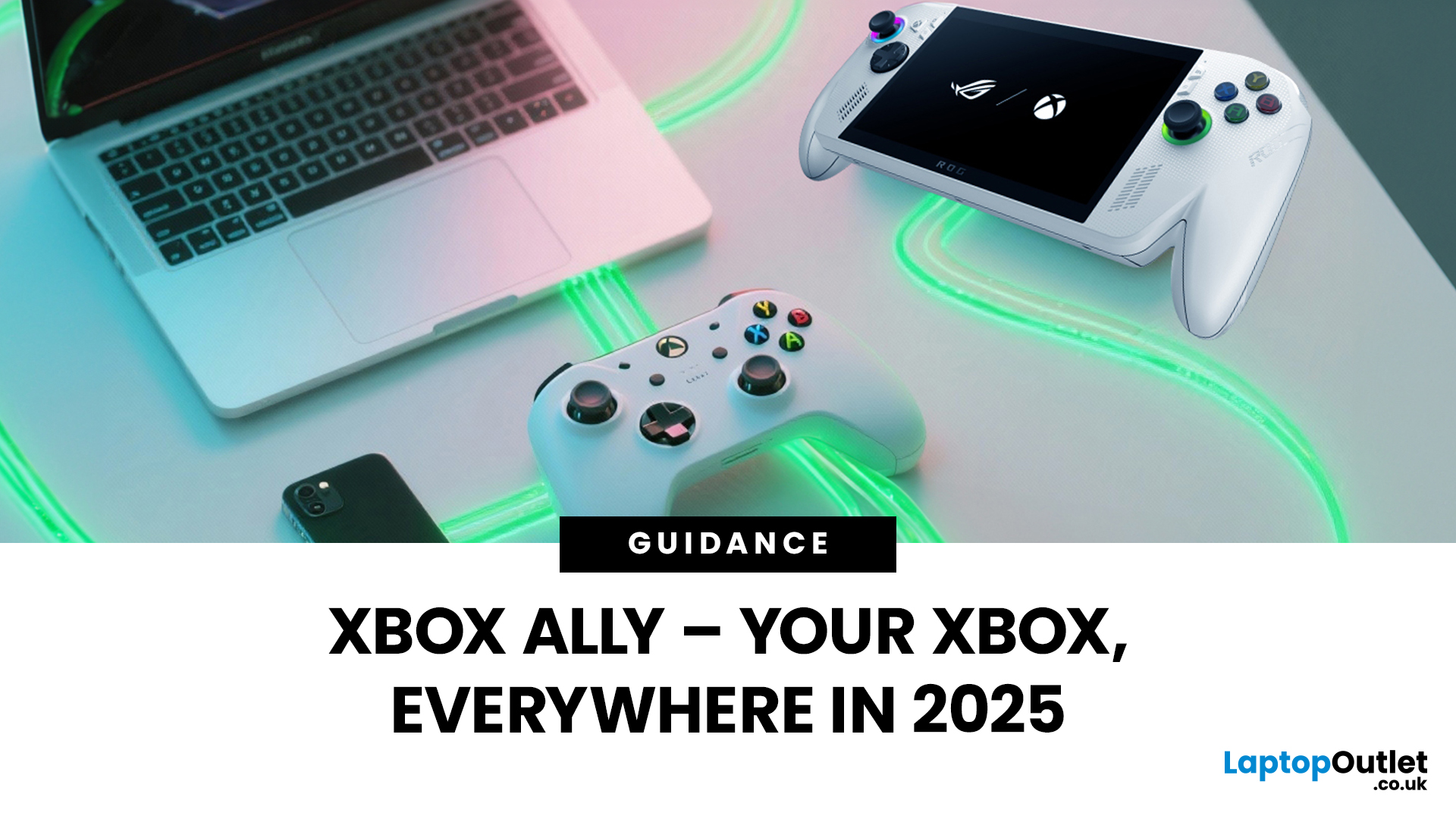
You’ve probably clocked the name ASUS ROG Xbox Ally floating around. But here’s the deal: it’s not just another Xbox app - it’s born from a Microsoft x ASUS collab, blending console power with PC freedom. Phil Spencer even called it “the tightest collaboration between Xbox and Windows teams in 30 years”. Big words, and honestly, the hype feels justified.
That’s why we’ve put together this Xbox Ally review - not the boring, corporate kind, but a proper walkthrough that shows you what it does, how it works, and whether it’s worth your time in 2025.
If you’re already knee-deep in the Xbox ecosystem or just nosy about where Microsoft’s headed, this is the lowdown you need.
What Is Xbox Ally?

Right, let’s cut through the noise. Xbox Ally isn’t just some side app you download, mess about with once, and then forget exists. It’s Microsoft’s latest move to glue the whole Xbox ecosystem together - console, PC, mobile, even handhelds like the ASUS ROG Xbox Ally (2025). Basically, it’s the command
Last Updated: July 03, 2026
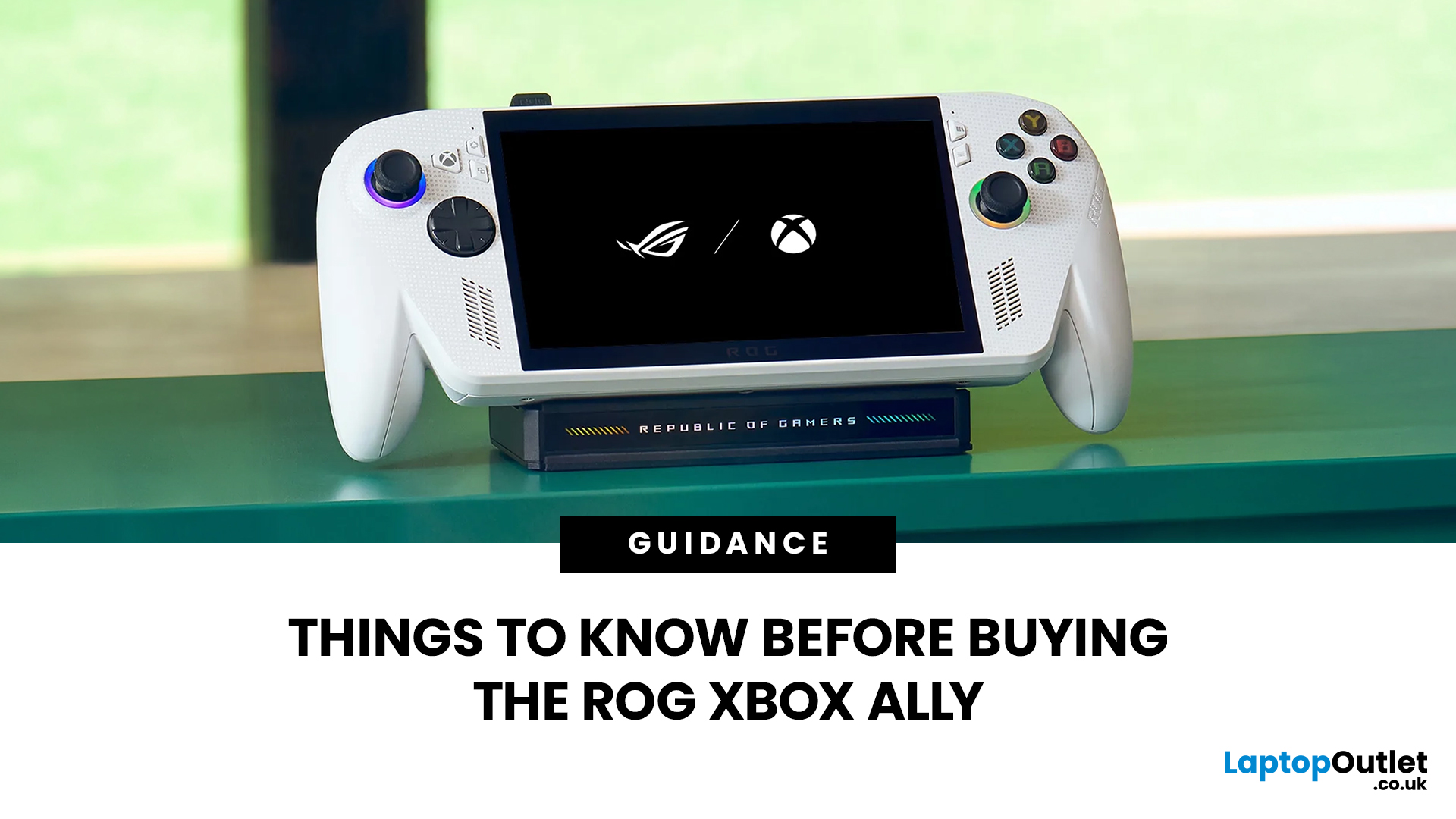
The ROG Xbox Ally is ASUS's latest handheld gaming console, built in collaboration with Xbox. It combines ASUS's ROG hardware expertise with Microsoft's gaming ecosystem, and it has been making waves in the UK gaming community since its launch in October 2025.
Whether you are a weekend warrior or a competitive gamer, this device promises a lot. But is it actually worth your money?
This guide covers everything you need to know before buying: UK pricing, hardware specs, real-world performance, battery life, and honest pros and cons. No fluff. Just the facts you need to make a smart purchase.
1. Design and Build Quality
Feels Solid, Not Plasticky
The ROG Xbox Ally has a premium polycarbonate shell with a matte finish that resists fingerprints well. The build feels genuinely robust in hand. It doesn't feel cheap or toy-like.
- Weighs 1.47lbs (approximately 667g), well balanced for long sessions
- Chunkier, more ergonomic grips than most competing handhelds
- Subtle ROG eye and Xbox sphere co-branding
Last Updated: April 02, 2026
Hands-on Verdict: Ryzen Z2 a Performance, Thermals & Value
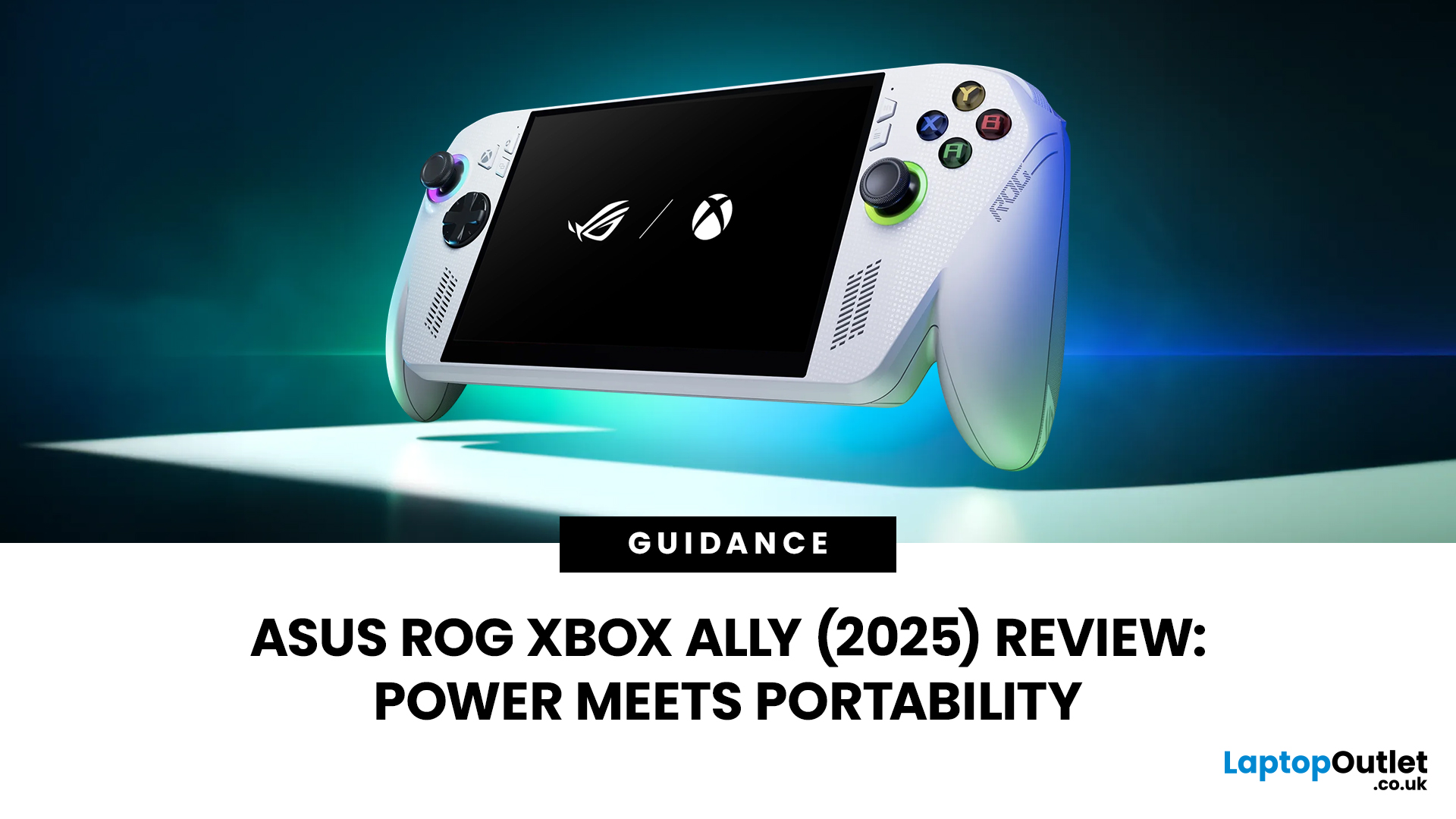
When ASUS first launched the ROG Ally in 2023, it was a statement, Windows handheld gaming done properly. But three years later, we’re looking at something subtler: refinement. The 2025 ROG Xbox Ally (RC73YA-NH002W) swaps its original Ryzen Z1 Extreme for AMD’s Ryzen Z2 A — a newer, cooler, and more efficient APU built on Zen 5 and RDNA 3.5 architecture.
The question isn’t whether the Ally is still good - it’s whether this revision is worth the upgrade for existing owners or the clear pick for newcomers. After three weeks of daily use, testing everything from Game Pass titles to Steam AAA releases, here’s the full verdict.
1. Design & Build Quality — Lighter Touch, Same DNA
The 2025 Ally doesn’t reinvent its chassis. At 608 grams, it’s still comfortably lighter than the Steam Deck OLED, with the same 7-inch 120 Hz Full HD display, tactile hall-effect sticks, and well-spaced face buttons.
Subtle tweaks make it nicer to live with:
Last Updated: March 04, 2026
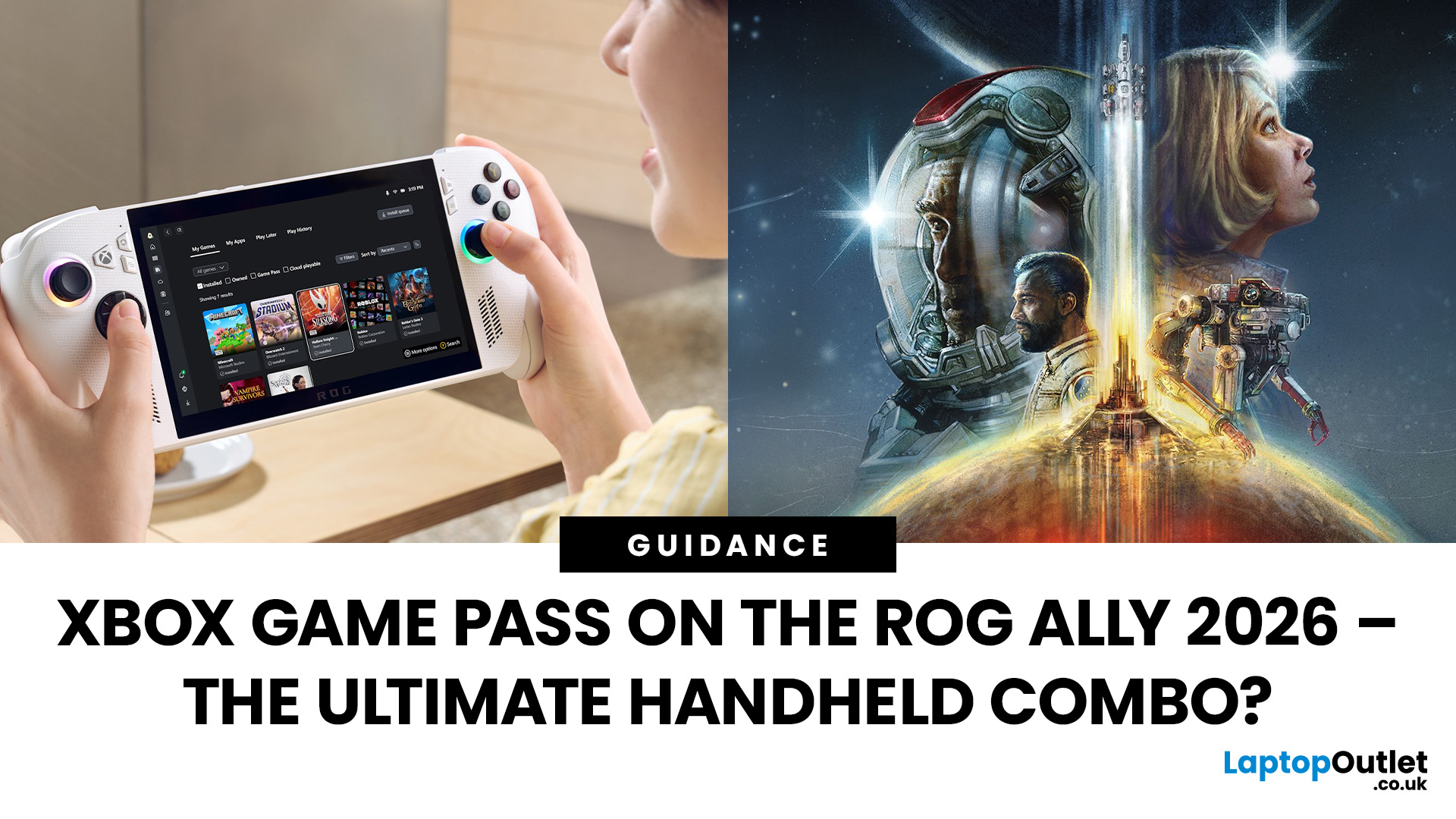
When ASUS and Microsoft teamed up to introduce the ROG Xbox Ally, it wasn’t just another handheld - it was a statement. A Windows 11 machine built from the ground up to feel like a handheld, but with no compromises on compatibility. And if there’s one service that bridges console, PC, and cloud play better than almost any other, it’s Xbox Game Pass.
In 2026, pairing Game Pass with Ally feels almost inevitable. The idea of carrying your full Game Pass library - Halo Infinite, Forza Horizon 5, Pentiment, Starfield - in a pocketable device is no longer fantasy. Load times shrink, cloud saves sync across devices, and Game Pass titles optimized for PC run (often better) on handheld hardware. The Ally’s design leans into this: ASUS stripped down Windows, layered on its Xbox Full-Screen Experience, and baked in controller-first navigation, so the transition from console to handheld is seamless.
But is this more than a promising spec sheet? Can Game Pass truly deliver a console-grade handheld experience
Last Updated: October 21, 2025
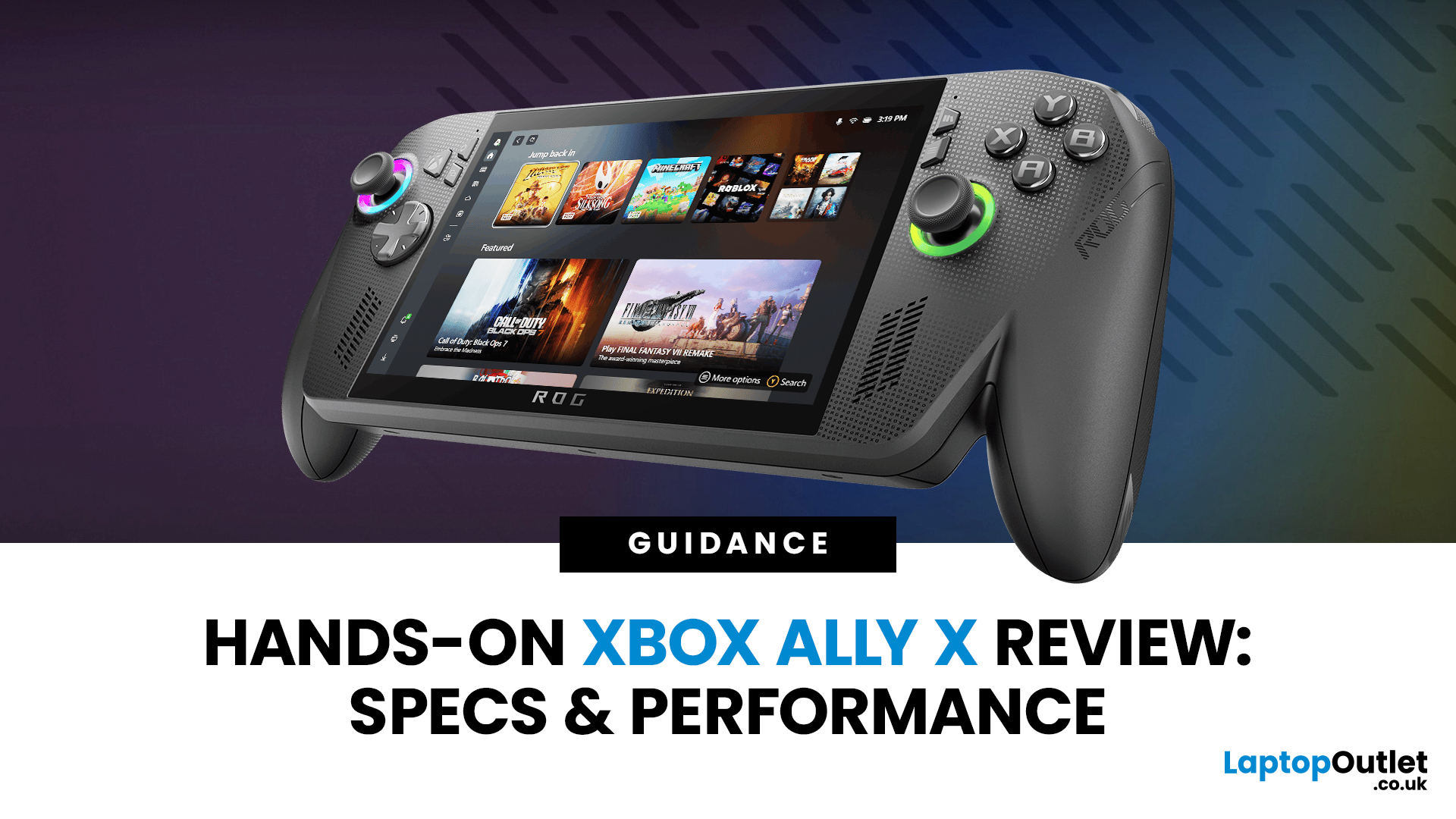
I’ll be honest, I’ve been waiting eagerly to try the Xbox Ally X ever since Microsoft and ASUS announced it. The idea of a proper Xbox handheld gaming machine, one that blurs the line between console and PC, had me curious but also sceptical. After all, we’ve seen plenty of handheld PCs already, and most of them promise the world but trip over Windows bloat or weak battery life.
When I finally picked up the Ally X, my first reaction was: this thing feels serious. It’s not a toy, it’s not a Switch, and it’s definitely not a Steam Deck clone. It feels like a machine built for Xbox fans first, but with the flexibility of a full Windows 11 PC under the hood. In this Xbox Ally X review, I’ve spent as much time diving into the specs, benchmarks, software, and real-world use as I could. Here’s my take and whether it lives up to the hype.
Xbox Ally X vs Ally: Do You Really Need the Upgrade?
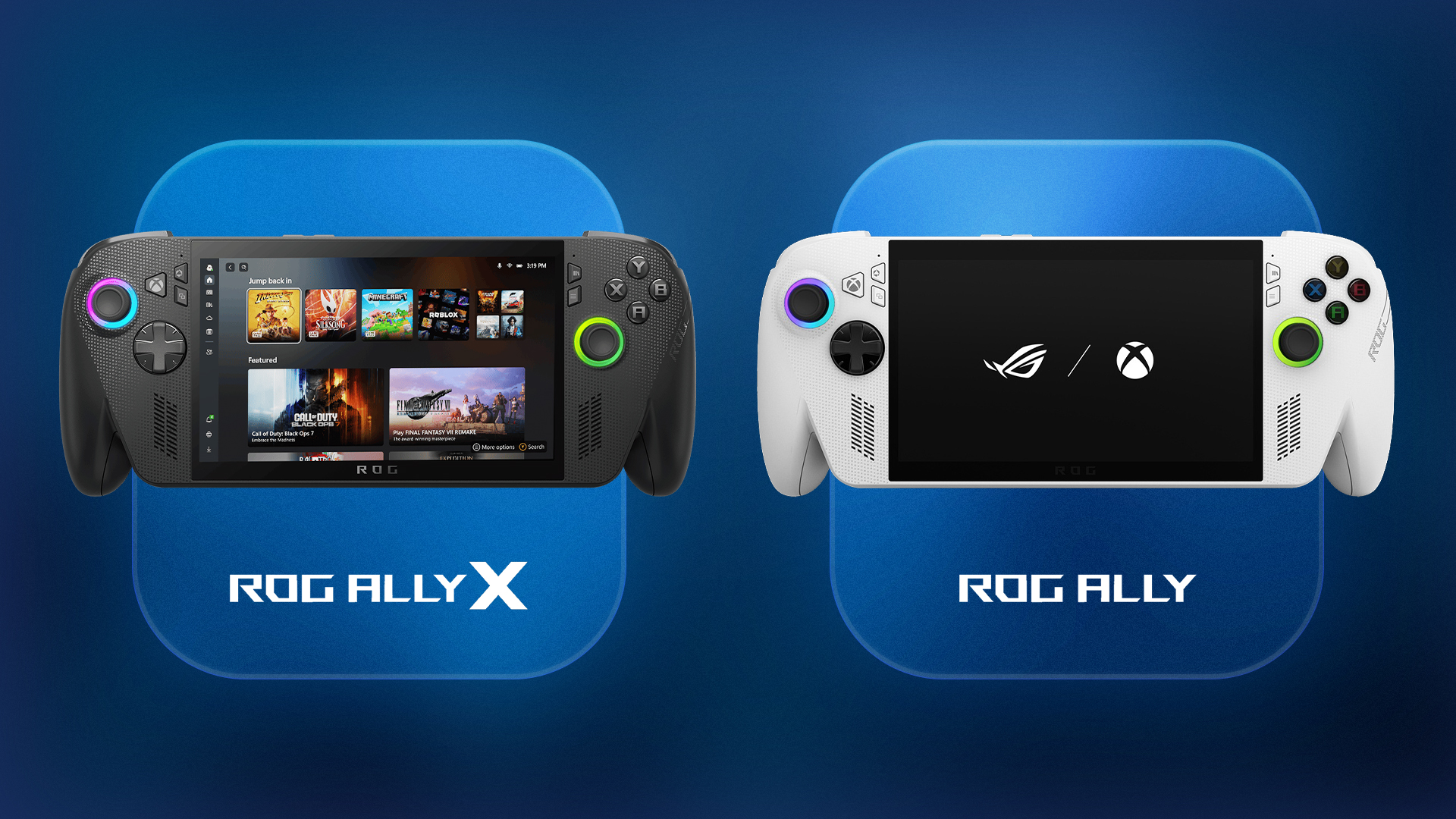
The Xbox Ally X launch date was 16th October 2025, arriving alongside the standard ROG Ally. Microsoft

Published: May 08, 2026
Looking for the PlayStation Plus June 2026 games? Here is the honest answer first: Sony has not officially confirmed the June lineup yet. That means any full list doing the rounds before the official reveal should be treated carefully. What we do have is the current May lineup, the likely June announcement window, the games expected to stop being claimable when June begins, and a sensible watchlist for PS Plus Extra and PS Plus Premium removals. Sony’s latest confirmed Monthly Games update features EA Sports FC 26, Wuchang: Fallen Feathers and Nine Sols from Tuesday, 5 May.
This guide keeps things simple. You will find what is confirmed, what is expected, what is only rumoured, and whether the PlayStation subscription is worth paying for in June if you are a UK player.
Quick Answer: What We Know So Far
| Question | Current Answer |
| Is the PlayStation Plus June 2026 lineup confirmed? | Not yet |
| Are the PS Plus June games available now? | No |
| Expected Essential reveal date | Wednesday 27 May 2026 |
| Most |

Last Updated: June 10, 2026
Quick Answer: PlayStation Plus in 2026 is worth it for most PS5 owners, but the right tier depends entirely on how you play. If you game online regularly, Essential at £59.99 a year is solid value. Want access to hundreds of games? Extra at £99.99 annually is the sweet spot. Only go Premium at £119.99 if you genuinely value retro classics and cloud streaming.
Whether you are a casual weekend player or a hardcore gamer grinding through titles daily, there is a PS Plus tier that could work for you. This PlayStation Plus value guide will help you work out exactly which plan is worth your money, and which one to skip entirely.
What Is PlayStation Plus?
PlayStation Plus is Sony's official gaming subscription service, giving PS5 and PS4 owners access to online multiplayer, a rotating library of free monthly games, and exclusive PlayStation Store discounts. It has existed in various forms since 2010 but was significantly restructured in June 2022 into the three-tiered system that
Last Updated: June 15, 2026
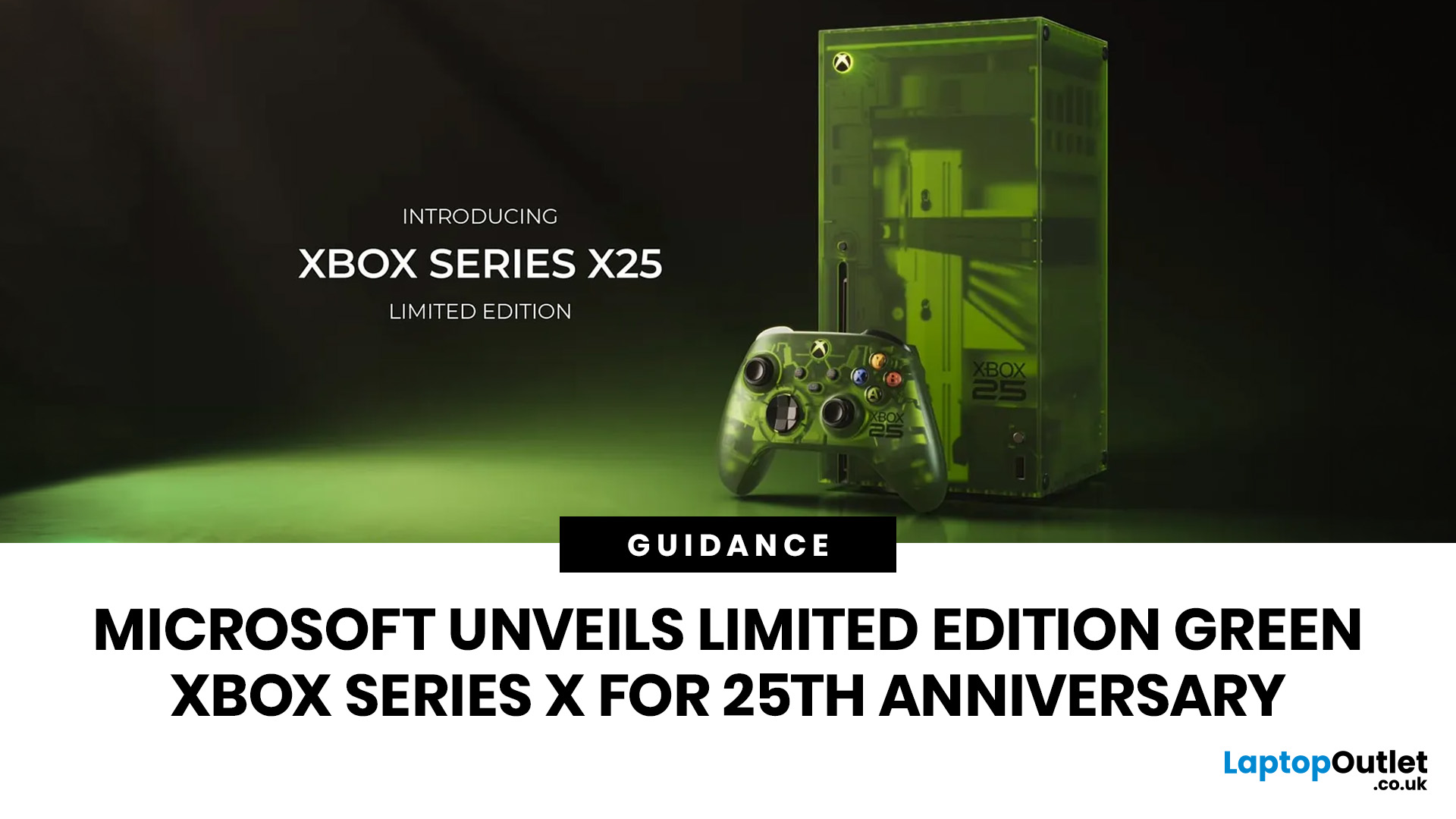
Microsoft has officially unveiled the Xbox Series X25 Limited Edition, a translucent OG Green console created to celebrate 25 years of Xbox. For long-time fans, this is more than another Xbox Series X series refresh; it is a visual tribute to the original Xbox era, the green “X” identity, and the community that helped turn Xbox into one of gaming’s most recognisable brands.
Announced through Xbox Wire on 7 June 2026, the console arrives alongside the Xbox Wireless Controller X25 Special Edition, with both products designed around nostalgia, performance, and collector appeal. For UK gamers watching the Xbox 25th anniversary 2026 celebrations, the new hardware is one of Microsoft’s most meaningful limited-edition releases in years.
What is the Xbox Series X25 Limited Edition?
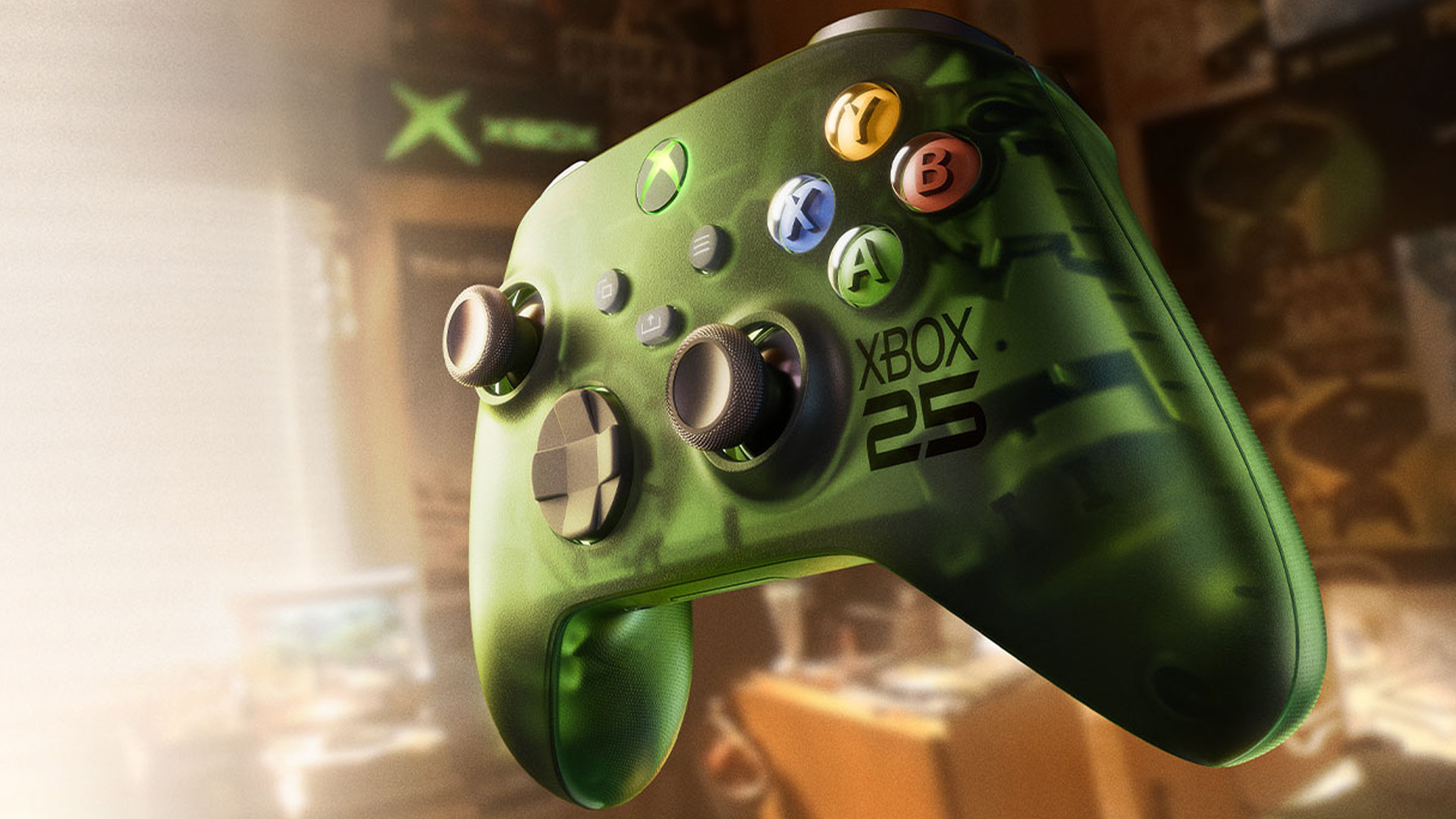
The new green Xbox Series X is officially called the Xbox Series X25 Limited Edition. Microsoft describes it as a limited-edition Xbox console inspired by the original Xbox and the OG Green colour associated with the
Last Updated: July 07, 2026
If you have been wondering what is landing on Xbox Game Pass this month, you are in the right place. July brings a proper mix of a major first-party remake, a few day-one indies, and a couple of long-awaited returning favourites. This guide covers every confirmed addition with release date, the games heading out the door, and what each subscription tier actually gets you.
All Confirmed Xbox Game Pass July 2026 Games & Dates
Here is the full confirmed schedule for Xbox Game Pass July 2026, including platforms and tiers. Day-one releases are highlighted, as these are exclusive to Ultimate and PC Game Pass subscribers.
| RELEASE DATE | GAME | PLATFORMS | TIER REQUIRED | DAY ONE LAUNCH? |
|---|---|---|---|---|
| 2 July | Tony Hawk's Pro Skater 3+4 | Series X|S, PC, Cloud | Ultimate Premium PC | Yes |
| 6 July | Winds of Arcana: Ruination | Series X|S, PC, Cloud | Ultimate Premium PC | Yes |
| 10 July | Palworld 1.0 | Series X|S, PC, Cloud | Ultimate PC | Yes (1.0 launch) |
| 10 July | Wuthering Waves | Series X|S, PC, Cloud | Ultimate PC | Yes (Xbox debut) |
| 13 July | Ascend |
Last Updated: July 15, 2026

