



Wired vs Wireless Controllers: Which is Better for Gaming in 2026?
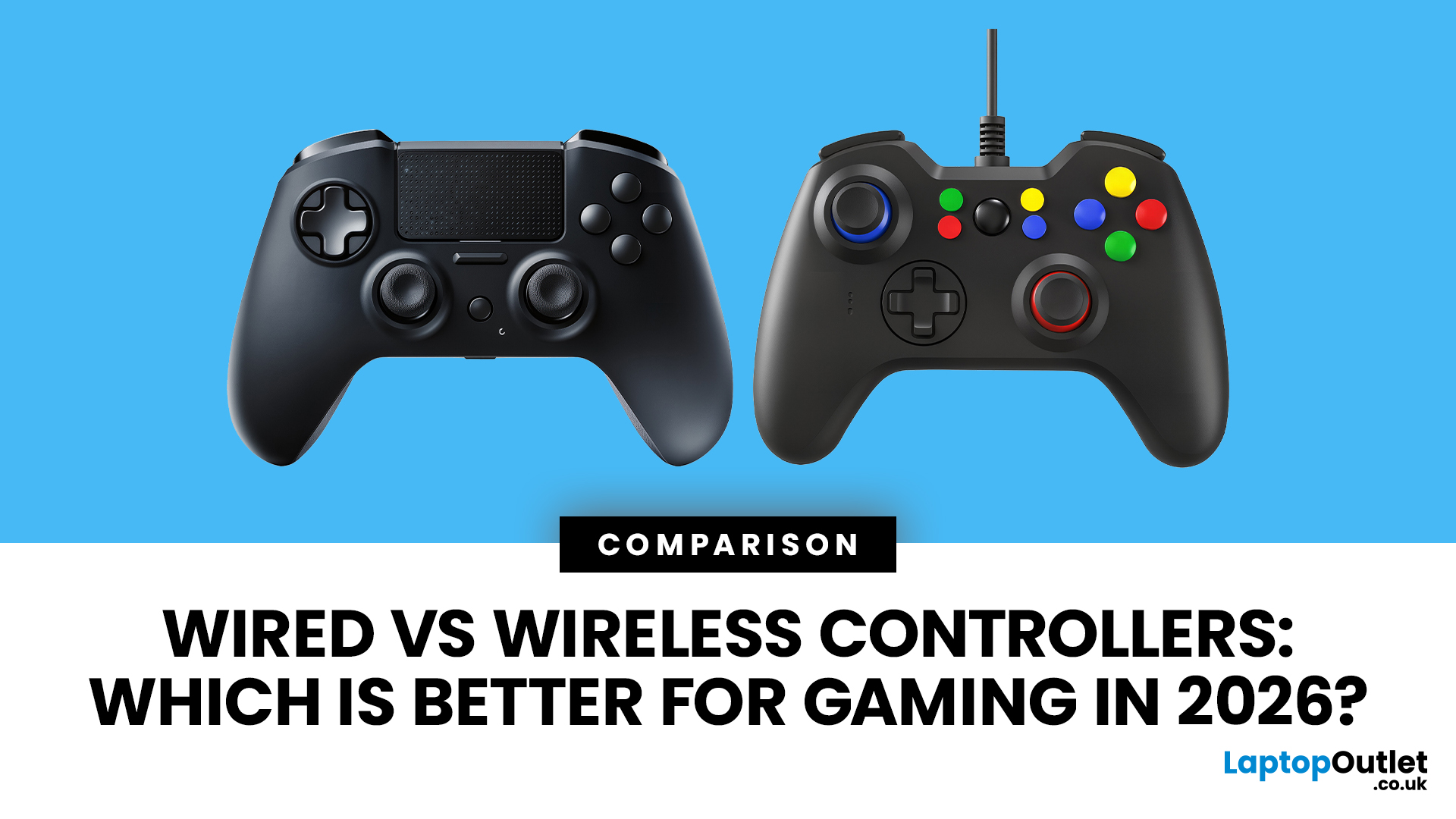
Lag, low battery, or messy cables can ruin a gaming session fast. In 2026, both wired and wireless controllers can deliver solid gameplay, but the right pick depends on your setup and play style. A wired controller is the go-to for competitive matches, lower input lag, and no battery stress. A wireless controller wins if you want freedom, comfort, and a cleaner desk or sofa setup. This guide breaks down latency, controller battery life, platform support, and value so you can find the controller that actually fits the way you game.
Wired vs Wireless Controllers: Quick Comparison
|
Feature |
Wired Controller |
Wireless Controller |
|
Input lag |
Usually more consistent |
Very good on modern models, but can vary |
|
Battery life |
No battery needed |
Depends on model and usage |
|
Setup |
Plug-and-play |
Bluetooth, 2.4GHz, or console pairing |
|
Best for |
Competitive gaming, desk setups |
Casual gaming, sofa play, clean setups |
|
Risk factors |
Cable wear, limited movement |
Wireless interference, charging, pairing issues |
|
Value |
Often more affordable |
More convenient, usually costs more |
What Does a Wired Controller Actually Do?
A wired controller connects directly to your PC, console, or handheld dock using a USB cable. Many newer models use USB-C, which is convenient for modern gaming setups.
The biggest advantage is consistency. Because the controller sends inputs through a cable, there is no wireless signal to interrupt. This makes wired controllers a strong choice for players who care about fast reactions in racing games, shooters, fighting games, and competitive multiplayer.
A wired setup is also simple. You do not need to charge batteries, pair Bluetooth devices, or worry about the controller disconnecting mid-match.
What are the Benefits of Wired Controllers?
A wired controller is usually the better choice for gamers who want reliable performance and value. Key benefits include:
- Lower and more consistent controller input lag
- No worries about controller battery life
- Fewer connection drops
- Simple plug-and-play setup
- Good value for budget-conscious gamers
- Ideal for long sessions at a desk
For PC players building a full setup, pairing a controller with the latest desktops for gaming can be a practical choice if you want stable performance without wireless pairing issues.

What are the Drawbacks of Wired Controllers?
The main downside is movement. A cable can limit your position, add clutter, or feel awkward when gaming from a sofa. Cable length and build quality also matter. A poor cable can loosen over time or create connection problems.
A wired controller is best if your gaming setup is close to your screen. If you sit across the room, wireless will usually feel more convenient.
What Does a Wireless Controller Actually Do?
A wireless controller connects without a cable, usually through Bluetooth connectivity, a 2.4GHz dongle, or a console’s own wireless system. This gives you more freedom to move and keeps your setup looking cleaner.
Modern wireless controllers are much better than older models. Many can also be used with a cable when needed. For example, Xbox lists wireless play and USB-C cable use for its controller, while PlayStation highlights USB-C charging and play for the DualSense controller.
If you are upgrading your living room setup, explore popular gaming consoles that support modern wireless controller features.
Why Choose a Wireless Controller?
Wireless controllers are built for comfort and convenience. You can sit where you like, avoid cable clutter, and move easily between gaming positions.
They are especially useful for:
- Sofa gaming
- Local multiplayer
- Console setups
- PC gaming from a distance
- Minimal desk setups
- Players who use one controller across multiple devices
A wireless controller for PC is also a good option if you want a cleaner setup and do not want extra wires across your desk. For relaxed gaming sessions, a wireless controller pairs well with comfortable gaming chairs, especially when you want to sit back rather than stay close to your monitor.
What are the Drawbacks of Wireless Controllers?
Wireless controllers are convenient, but they are not perfect. The biggest issues are charging, pairing, and possible wireless interference.
Wireless controller latency can also vary depending on the connection type, controller quality, distance from the device, and the number of wireless devices nearby. Bluetooth is convenient, but some gamers still prefer wired or 2.4GHz connections for competitive play.
Battery life also depends on the controller. Features like vibration, RGB lighting, headsets, speakers, and adaptive triggers can drain power faster. Nintendo’s official Switch Pro Controller FAQ, for example, says battery duration can last approximately 40 hours, but this can be shorter depending on software and functions used.
Which Controller has Less Lag?
For competitive gaming, input lag matters. This is the small delay between pressing a button and seeing the action on screen.
A wired controller usually gives the most consistent connection because it is physically connected to the device. This does not mean every wired controller is automatically better, because polling rate, software, game settings, display latency, and controller quality also matter.
Wireless controller latency has improved a lot, especially on premium models and controllers using low-latency wireless dongles. For casual gaming, most players will not notice a major difference. For competitive players, even small differences can matter.

Is Bluetooth Slower Than a Wired Controller?
In most cases, a wired connection is the safer choice for low and stable input lag. Bluetooth can work well, but it may be affected by distance, signal strength, and wireless interference.
If you play competitive shooters, fighting games, or racing games, wired is usually the more reliable option. If you play RPGs, sports games, adventure games, or casual multiplayer, a good wireless controller is usually more than enough.
Do Wireless Controller Batteries Last Long Enough?
Battery life is one of the biggest differences between wired and wireless gaming. A wired controller does not need charging, which makes it ideal for long sessions.
Wireless controllers need either rechargeable batteries, AA batteries, or built-in batteries. Battery performance depends on the model and how you play. USB-C charging is now common, making it easier to charge and play at the same time on many modern controllers.
If you often forget to charge devices, choose wired. If you prefer comfort and can charge between sessions, wireless is more convenient.
Which Controllers Work with PC, Xbox, PS5, and Switch?
Compatibility should be checked before buying. Not every controller works perfectly with every platform.
PC Gaming
For PC, both wired and wireless controllers can work well. A wired controller is usually easier because you can plug it in and start playing. A wireless controller for PC is better if you want a clean setup or play from a distance.
Xbox
A wired Xbox controller setup is useful for PC and Xbox players who want stable performance. Many Xbox controllers also support wireless play and USB-C cable use, making them flexible for both casual and competitive gaming.
PS5
Wired controllers are often popular with budget gamers and docked-mode players on Switch. DualSense controllers support USB-C charging and play, which makes them practical for longer sessions.
Nintendo Switch
Wired controllers for Switch are often popular with budget gamers and docked-mode players. Wireless Switch controllers are better if you want freedom of movement, especially for multiplayer and sofa gaming.
If you are still unsure which model fits your platform, compare the best gaming controller options for PC, PlayStation, and Xbox before making a final choice.
Which Controller Is Better for Competitive Gaming?
For competitive gaming, wired controllers still have the edge. They remove battery anxiety, reduce the risk of signal problems, and usually provide a more stable connection. That said, the controller itself matters too. A high polling rate, good build quality, responsive buttons, reliable triggers, and comfortable grip can make a bigger difference than connection type alone.
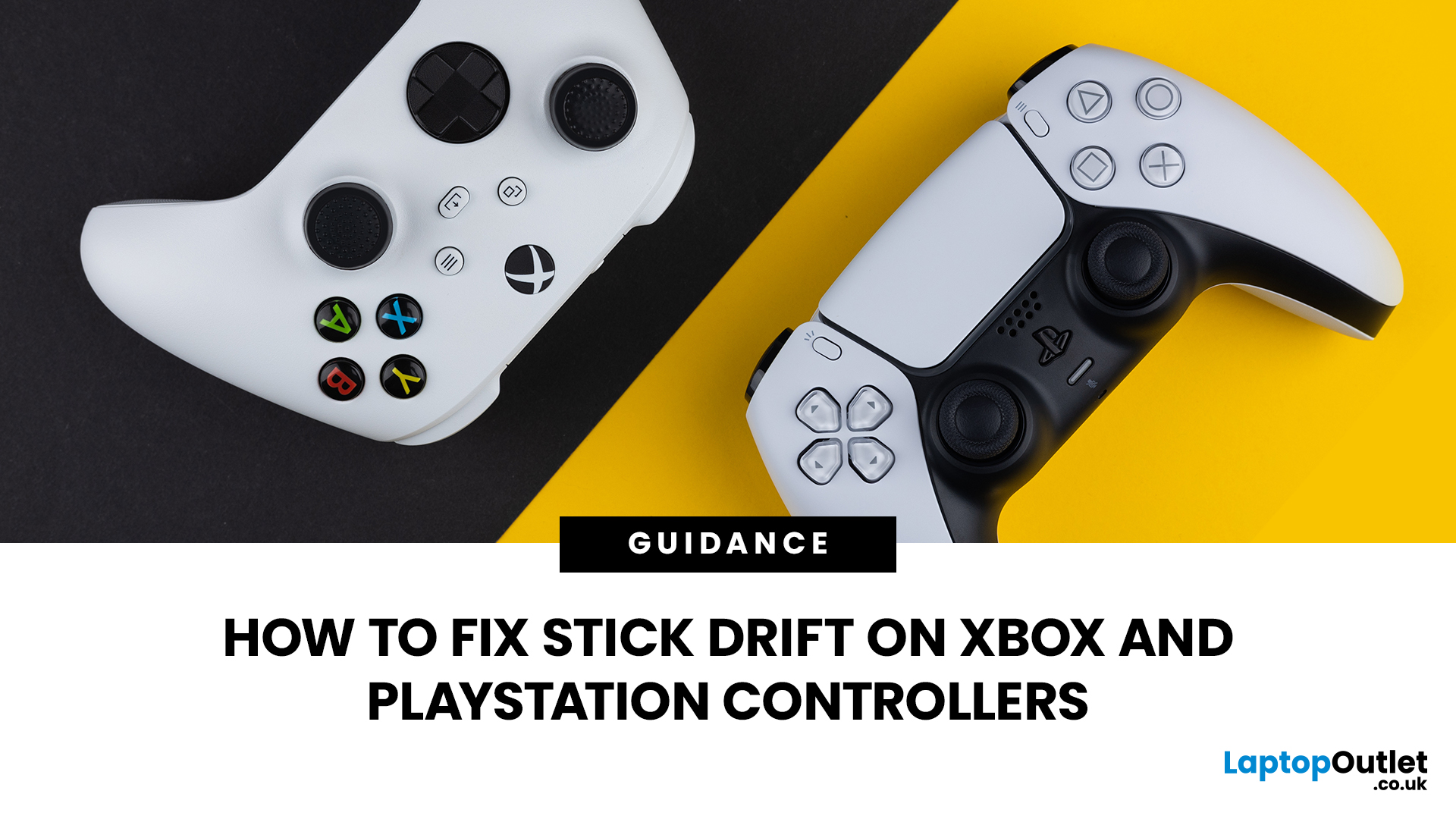
Stick drift is another factor to consider. Stick drift can affect both wired and wireless controllers, so if your aim or movement feels off even when you are not touching the stick, it is worth learning how to fix stick drift before replacing your controller.
Furthermore, if performance is your priority, look for a high-performance controller for gaming with the right connection type, strong build quality, and platform support.
Wired vs Wireless Controllers for Casual Gaming
For casual gaming, wireless controllers are usually more enjoyable. You can sit comfortably, avoid cable clutter, and play from different positions.
If you mainly play story games, sports games, platformers, racing games, or local multiplayer, a wireless controller is likely the better fit. The slight difference in controller input lag is unlikely to matter for most casual players. A wireless controller also works well if you want a tidy setup with fewer cables around your desk, console, or TV area.
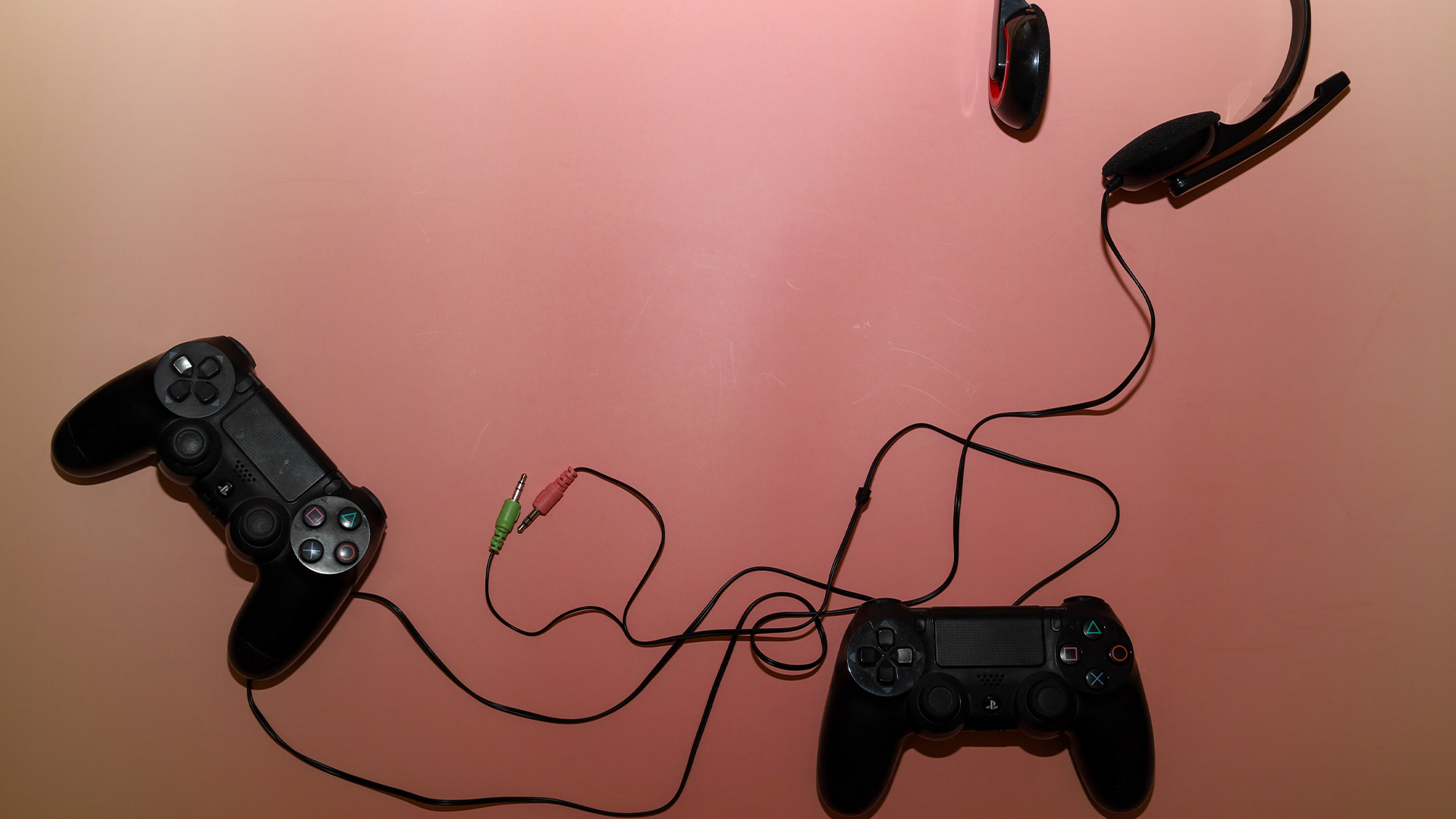
Which Controller Gives Better Value for Money?
Wired controllers are usually the better value if you want a simple and affordable option. They are ideal for younger players, spare controllers, desk gaming, and competitive setups.
Wireless controllers often cost more because they include batteries, wireless hardware, charging features, and broader device support. They are worth it if you want flexibility and comfort.
Which Should You Choose in 2026?
Choose a wired controller if you:
- Play competitive games
- Want the most consistent input
- Game mainly at a desk
- Do not want to charge batteries
- Want a budget-friendly controller
Choose a wireless controller if you:
- Prefer freedom of movement
- Play from a sofa or gaming chair
- Want a cleaner setup
- Use multiple devices
- Value comfort over the lowest possible latency

Wrapping Up
So, which is better: wired or wireless?
For competitive gaming, a wired controller is still the safer choice. It offers reliable input, no battery concerns, and fewer connection issues. For casual gaming, a wireless controller is often better. It is more comfortable, cleaner, and easier to use across living room and multi-device setups.
The best choice depends on how and where you play. If you care most about performance, go wired. If you care most about comfort and flexibility, go wireless.

In Case You’re Wondering...
Do wired controllers really have less input lag than wireless?
Yes, wired controllers usually offer more consistent input because they connect directly through a cable. However, modern wireless controllers have improved a lot, so casual gamers may not notice much difference.
How long do wireless gaming controller batteries last?
It depends on the controller, battery type, and features being used. Vibration, lighting, speakers, headsets, and adaptive features can reduce battery life. Some controllers last several hours, while others can last much longer between charges.
Can wireless controllers be used with a cable to reduce lag?
Yes, many wireless controllers can be used with a cable. This can help reduce wireless connection concerns, remove battery worries, and provide a more stable gaming session.
Which is better for gaming: a wired or wireless controller?
A wired controller is better for competitive gaming, low input lag, and long desk sessions. A wireless controller is better for comfort, sofa gaming, and cleaner setups.
| Read More: |
| Best Controllers for Call of Duty: Black Ops 7 |
| How to Connect PlayStation Controller to Phone |
| PS5 Pro vs PS5: Why 2026 Is a Great Time to Upgrade |
Related Articles


Last Updated: May 21, 2026
Call of Duty: Black Ops 7 is built around fast reactions, snappy aim and precise movement. Your skill matters most, of course – but the controller in your hands can absolutely make or break a gunfight.
Below are some of the best controllers for Call of Duty, grouped by platform and playstyle, with direct product links.
What to Look for in a Black Ops 7 Controller
Before we dive into specific models, here are the features that matter most in Call of Duty:
- Fast triggers – short or adjustable trigger travel means faster shots in close-range gunfights.
- Accurate thumbsticks – for smoother tracking, recoil control and precision sniping.
- Extra buttons / paddles – map jump, slide, melee, reload or tac sprint so your thumbs stay on the sticks.
- Good grip & comfort – ranked sessions can last hours; your hands shouldn’t tap out before you do.
- Low-latency connection – wired USB or strong Bluetooth/2.4 GHz wireless for responsive inputs.
Now, let’s match those needs to real controllers you can buy
Last Updated: December 24, 2025
Finding a high-quality seat for your gaming setup doesn’t have to break the bank. If you spend hours at your desk, you know that comfort is just as important as your GPU or monitor. However, the market is flooded with options, making it hard to find a durable budget gaming chair that actually lasts.
The good news is that you can get premium features like adjustable armrests, high-quality material, and deep recline functions without spending a fortune. In this guide, we have rounded up the top value gaming chair picks 2026 that will keep your back happy and your setup looking sharp.
Below, we dive into the best gaming chairs under £250 available right now.
Why Invest in a Gaming Chair?
A high-quality chair is more than just a seat; it is an essential tool for your health. Standard office chairs often lack the necessary support for your spine. A dedicated gaming chair provides targeted lumbar and neck support to prevent long-term aches and pains.
Beyond physical health, the right chair
Last Updated: December 24, 2025
If you’re shopping for a new chair, you’ll quickly realise “gaming chair” can mean anything from a flashy bucket seat with a logo to a genuinely supportive, all-day ergonomic chair that happens to suit a gaming set-up. This gaming chair buyer’s guide is about how to choose a gaming chair in a smart way for your body, your desk, and the way you actually play (or work).
The 60-Second Checklist (so you don’t waste hours scrolling)
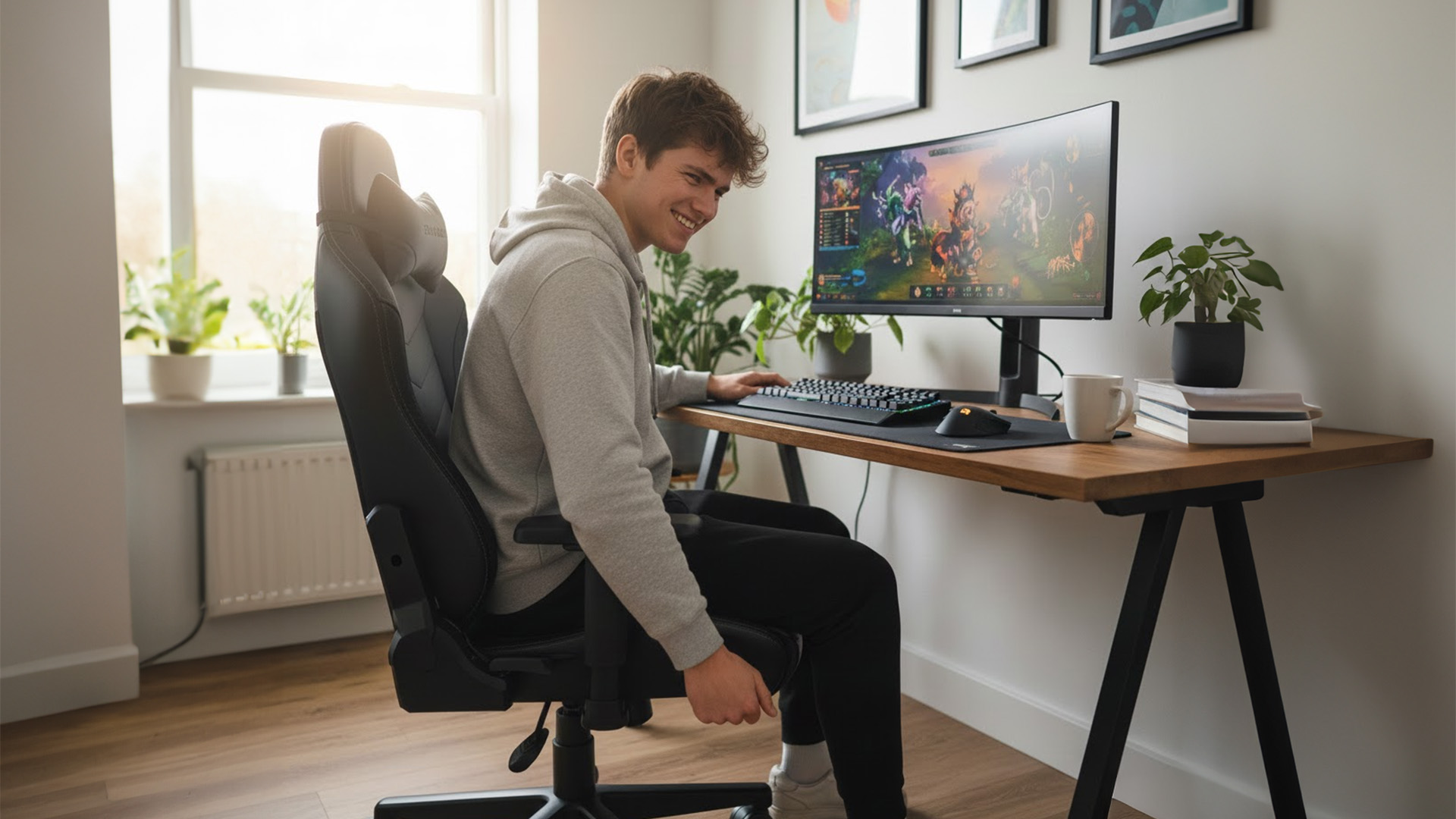
If you only remember five things, make them these:
- Right size for your height/weight (brands often have Regular/XL or size charts)
- Seat height range that suits your desk (feet flat, shoulders relaxed)
- Seat depth that fits your thighs (you need a small gap behind the knees)
- Proper lumbar support (ideally adjustable, not just a floppy cushion)
- Armrests you can actually line up with keyboard/mouse (3D/4D helps a lot)
If a chair looks brilliant but fails two of those, keep looking.
Start with the Basics: Measure Your Space
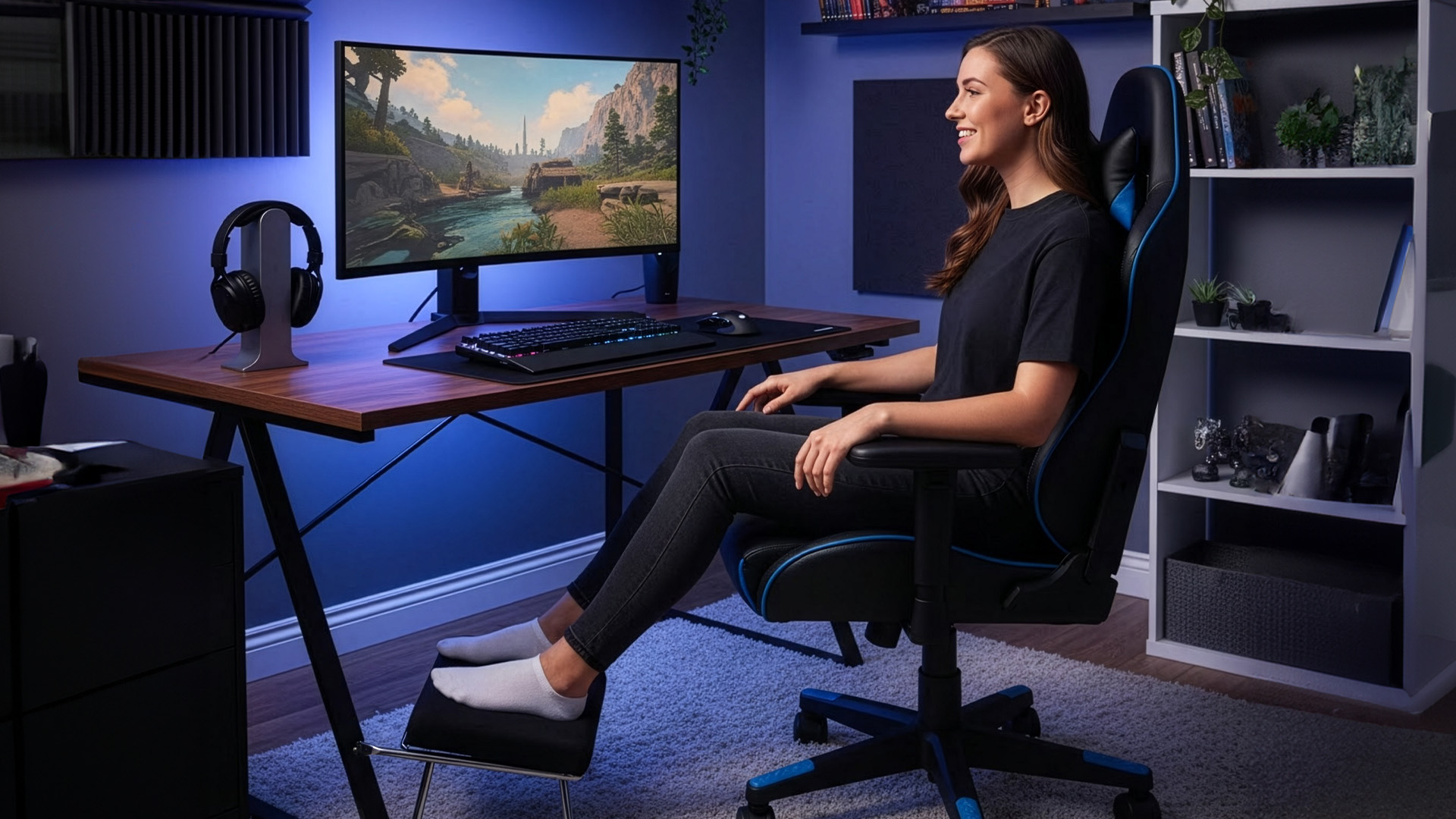
Before you look at brand names or RGB gimmicks,
Last Updated: July 20, 2026
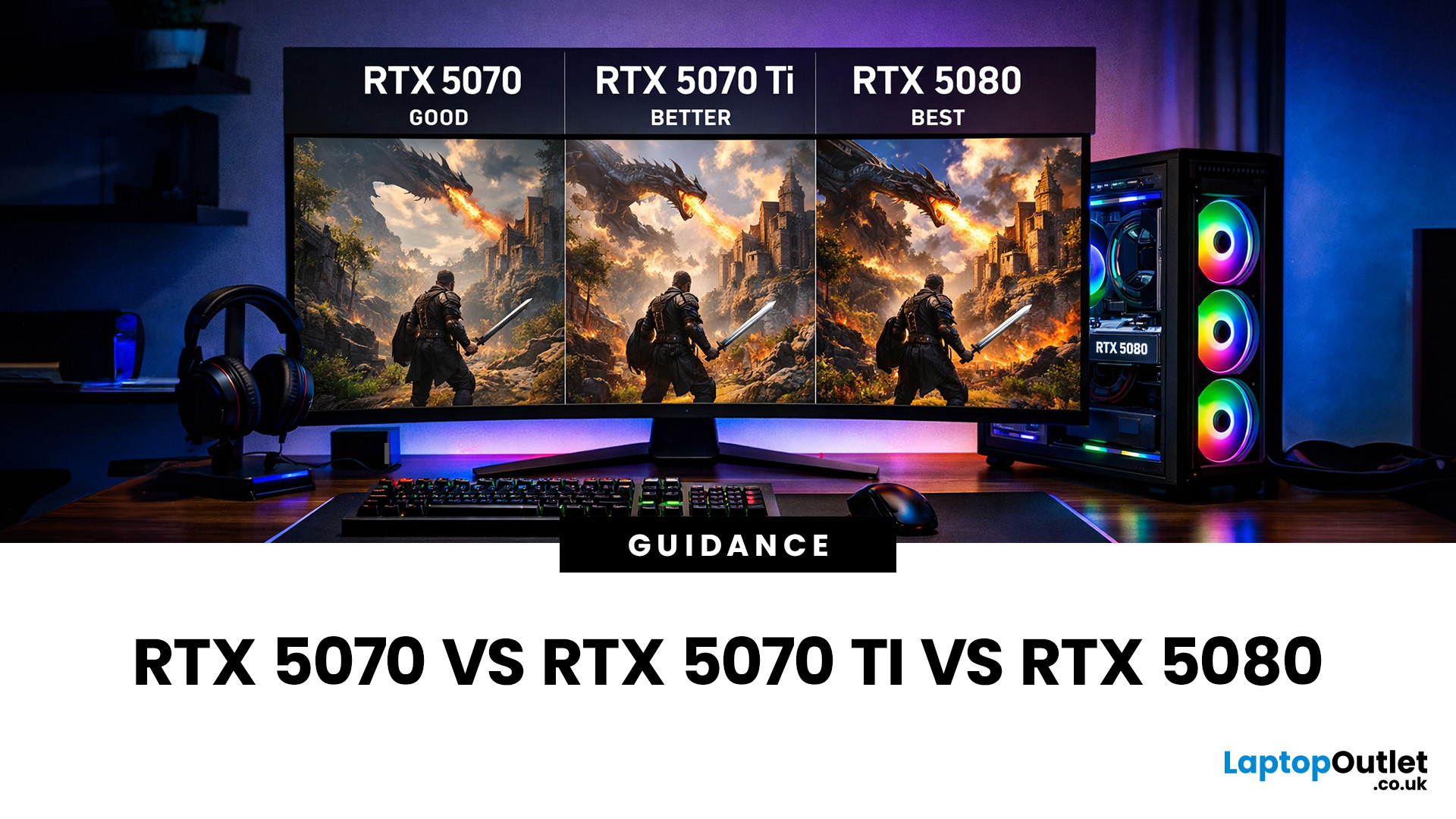
Choosing between an RTX 5070 and RTX 5080 gaming PC is one of the biggest decisions you may face when buying or upgrading a gaming desktop. Although both GPUs support NVIDIA’s latest gaming technologies, they are designed for different resolutions, performance targets, system budgets, and types of players.
In this RTX 5070 vs RTX 5080 comparison, we examine gaming performance, ray tracing, power requirements, system specifications, overall value and the right graphics card for you. We will also briefly explain where the RTX 5070 Ti fits for buyers who want more performance than the RTX 5070 without moving to a premium RTX 5080 gaming PC.
Whether you are considering an RTX 5070 prebuilt PC or planning a high-end custom desktop, this guide will help you understand the difference between RTX 5070 and 5080 gaming systems.
Understanding the RTX 50 Series Line-Up
NVIDIA’s RTX 50 series GPUs are designed to push performance further while improving efficiency and AI-powered features. Across the
Last Updated: April 14, 2026
Picking the right gaming monitor is no longer as simple as choosing the biggest screen you can afford. Your setup matters, your platform matters, and the way you play matters even more. A monitor that feels perfect for a competitive PC player might not be the best fit for someone gaming on a PS5 or Xbox Series X.
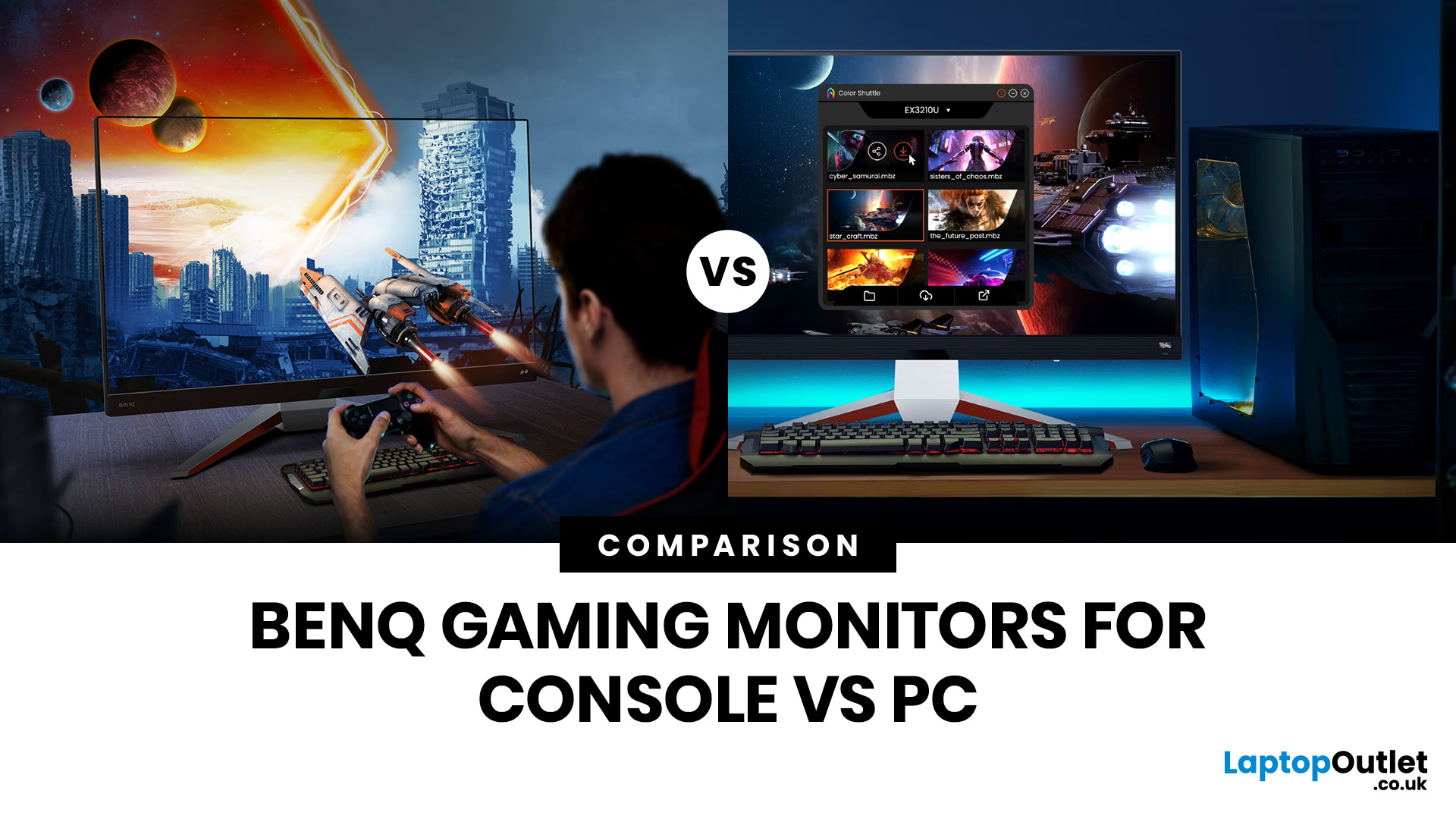
That’s exactly why choosing the right BenQ gaming monitor for console or PC comes down to more than specs on a product page. You need to think about refresh rate, resolution, connectivity and whether you care more about raw speed or immersive visuals.
BenQ makes that decision easier by offering two clear gaming monitor families. ZOWIE is built for fast, focused competitive PC play, while MOBIUZ is designed for players who want strong performance with more visual depth and better console-friendly features. If you’ve been stuck comparing 1080p, 1440p and 4K, this guide breaks it all down in a way that helps.
Do Console and PC Gamers Need Different BenQ Monitors?
Console and PC
Last Updated: September 01, 2026
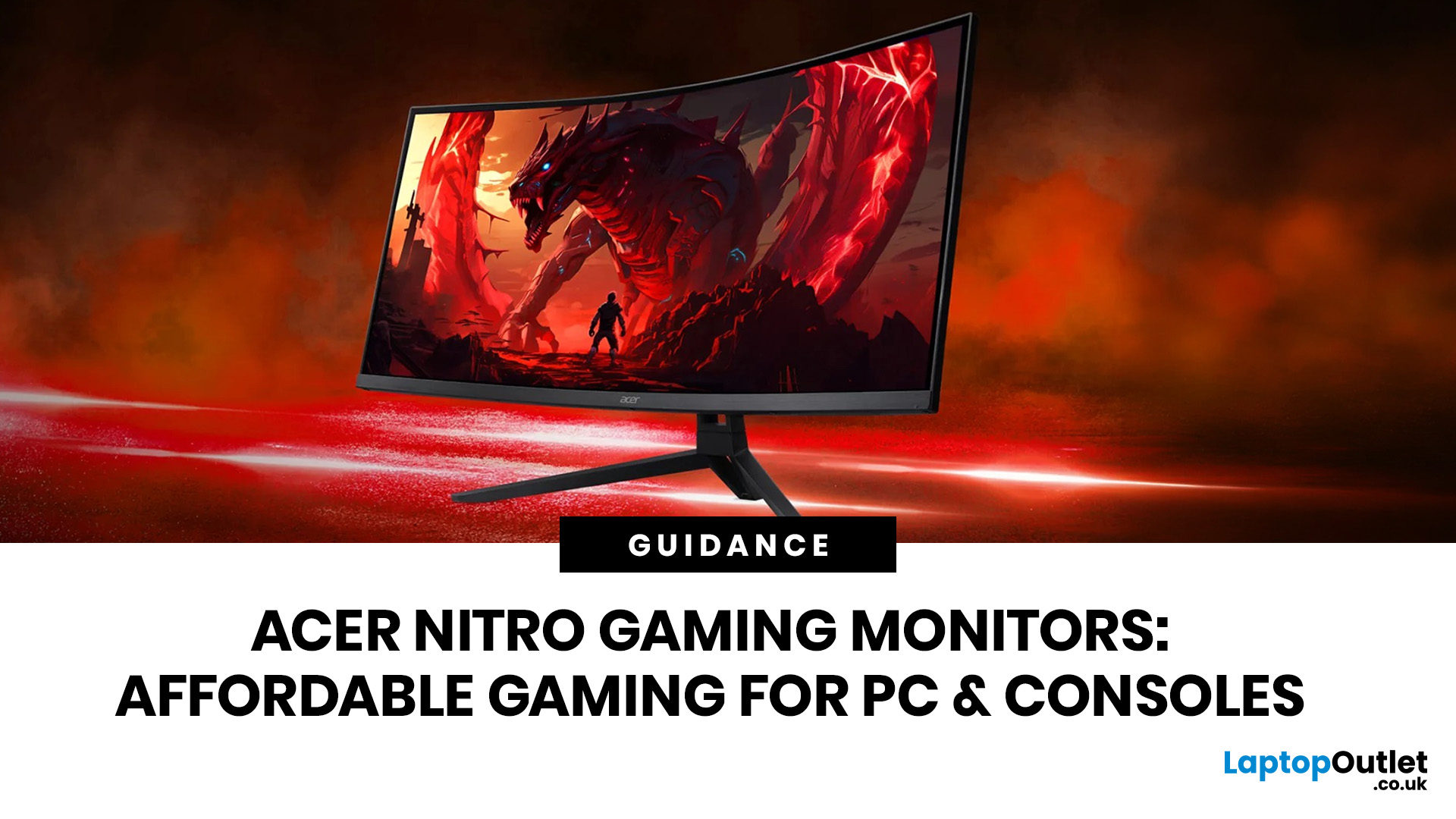
If you want smooth gameplay without jumping straight into premium OLED pricing, Acer Nitro gaming monitors are one of the easiest ranges to shortlist. Acer positions the Nitro line as a gaming family with options for fast-paced play, ultrawide immersion and richer colour, while Our Acer monitor range backs that up with Full HD, QHD, curved and ultrawide Nitro models aimed at buyers who want value, not just spec-sheet flexing.
That is exactly why Acer Nitro monitors UK shoppers keep coming back to the series. The range is broad enough to cover casual desk gaming, PS5 and Xbox setups, and entry-level PC esports, but it still stays realistic on price compared with high-end Predator and OLED alternatives. Nitro models from compact 23.8-inch Full HD panels up to 34-inch curved UWQHD displays, with refresh rates running from 120Hz to 240Hz.
Are Acer Nitro Gaming Monitors Good for Budget Gaming?
Yes. For casual gaming, console play and entry-level PC builds, Acer Nitro sits in a very practical
Published: June 11, 2026
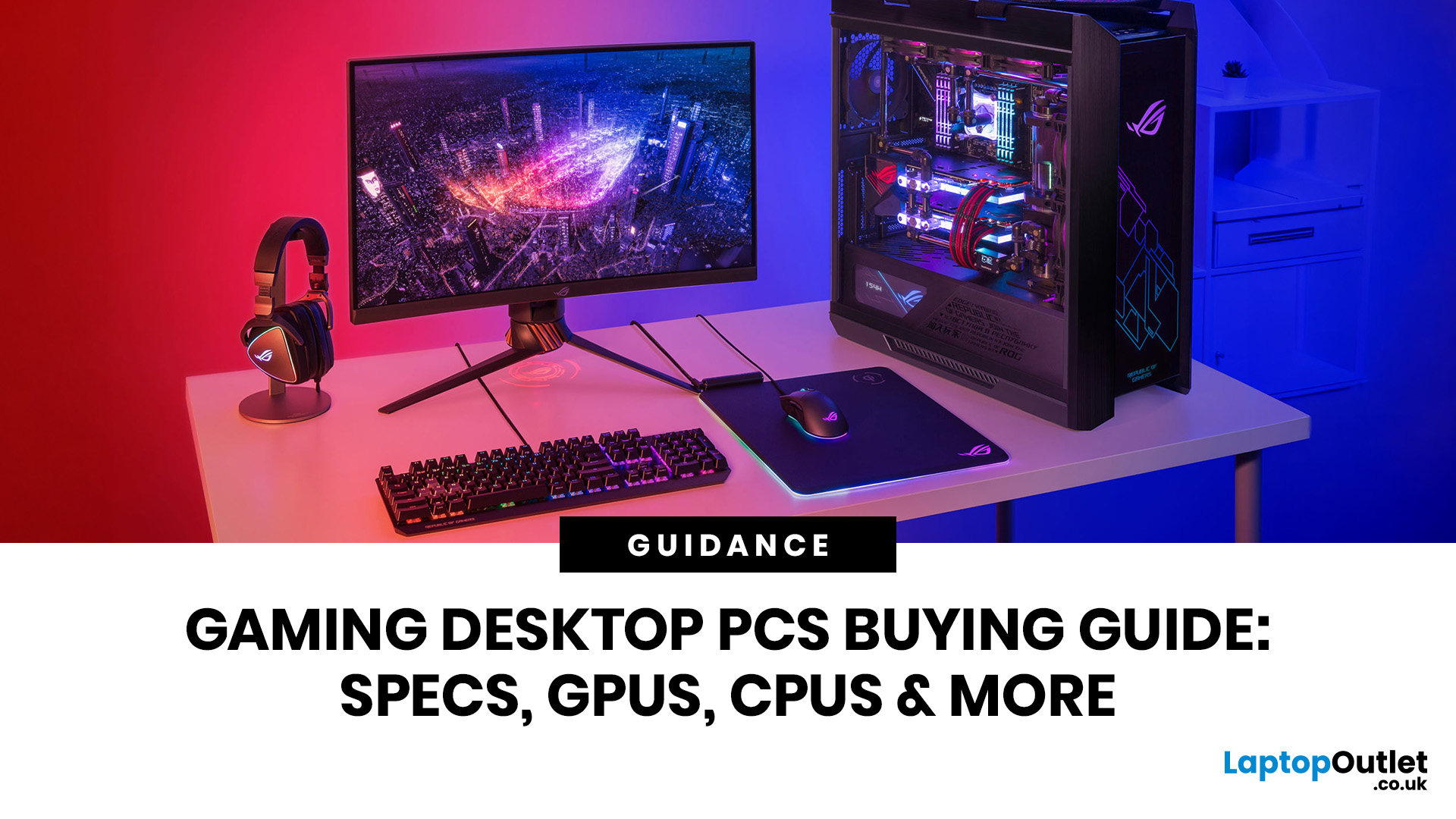
Choosing the right gaming desktop can be the difference between smooth, immersive gameplay and a system that struggles within a year. This gaming PC buying guide explains the key components that affect gaming performance, future-proofing, and value for money, so you can buy with confidence rather than guessing from confusing spec sheets.
A good gaming PC is not just about the most expensive graphics card. It is about balance. The CPU, GPU, RAM, storage, cooling, power supply, motherboard, and case all work together. Whether you play competitive esports, cinematic single-player titles, open-world RPGs, racing games or VR, understanding the right configuration helps you avoid overspending and choose a desktop that lasts.
This article is designed as a practical gaming PC specs guide for beginners, but it also includes up-to-date 2026 advice for buyers comparing modern RTX, Radeon, Intel, and AMD-powered systems.
Why Buy a Gaming Desktop PC?
A gaming desktop PC remains one of the best choices
Last Updated: June 15, 2026
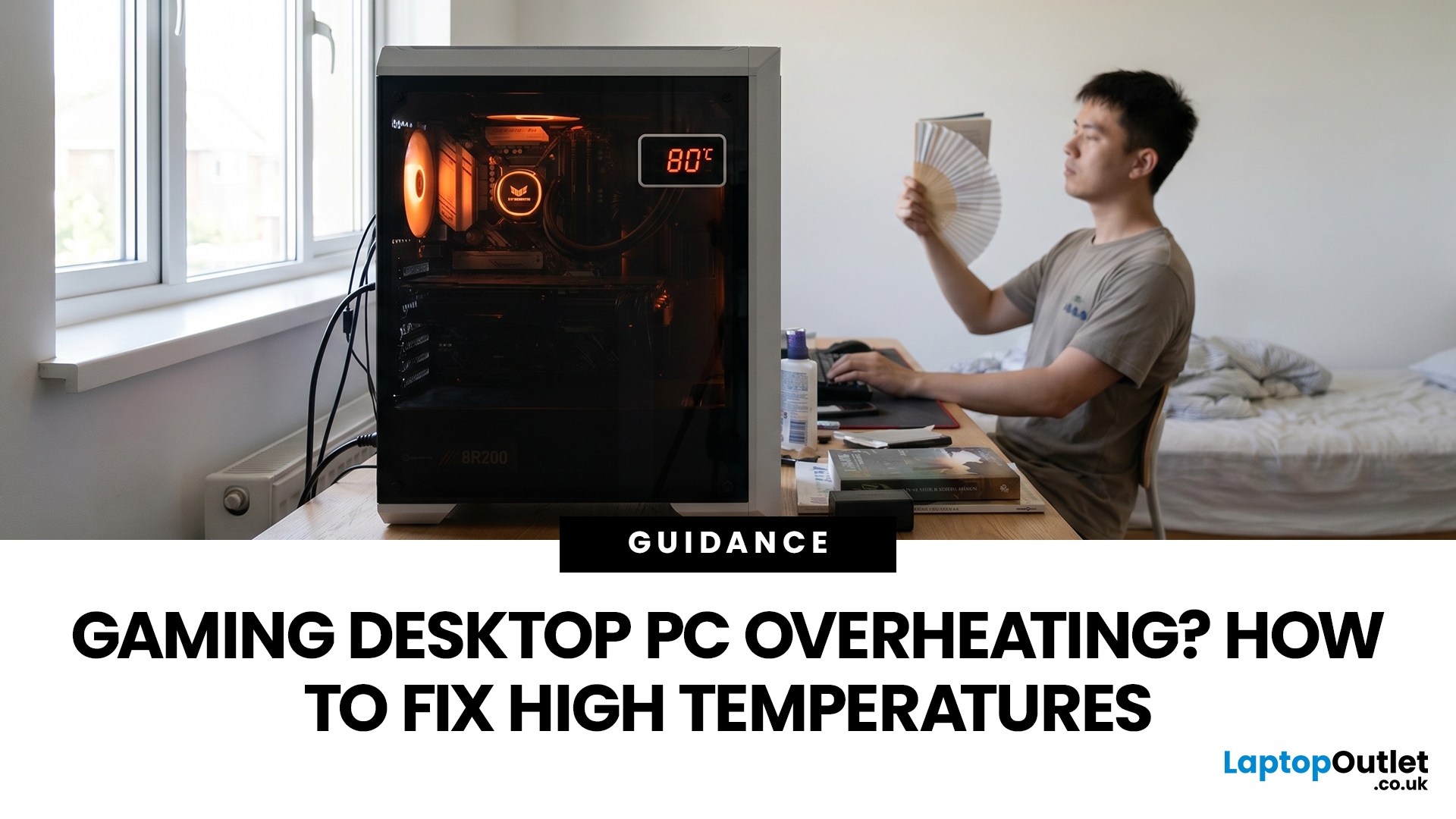
A gaming PC overheating usually comes down to one of five things: blocked airflow, dust build-up, weak cooling, aggressive game settings, or poor contact between the CPU/GPU and its cooler.
| Here is the fast version:
|
Gaming PC Overheating: What It Means and Why It Matters
You’re mid-match. Your FPS is smooth. Then suddenly, the game stutters, the fans sound like a jet engine, and your PC feels like it could toast bread.
That is not “just gaming PC life”.
A hot gaming desktop is normal. An overheating
Last Updated: July 15, 2026
Last Updated: July 15, 2026
Buying a controller looks easy until you check the small print.
One pad works on PC but not PS5. Another works on Xbox but only wired. Some have Hall Effect sticks. Some have back buttons. Some look cool, then feel cheap after two weeks.
So, this guide keeps it simple. If you want the best gaming controller for your setup, start with where you play, then match the controller to the game type. Not the other way round.
This is a UK-first guide for PC, PlayStation, Xbox, fighting games, and flight sims. We’ll cover compatibility, comfort, wired vs wireless, stick drift, pro features, and which products actually fit each buyer.
Best Gaming Controller by Type at a Glance
| Type | Best fit | Why it makes sense |
| Best overall | ASUS ROG Raikiri II | Premium PC/Xbox wireless |
| Best controller for PC | Turtle Beach Stealth Pivot | Strong PC wireless pick |
| Best PS5 controller | Sony DualSense | Proper PS5 features |
| Best Xbox controller | ASUS ROG Raikiri Wired | Wired Xbox value |
| Best FPS controller | Razer Wolverine V3 | Fast esports |

