



What are the Advantages and Disadvantages of Inkjet Printers?
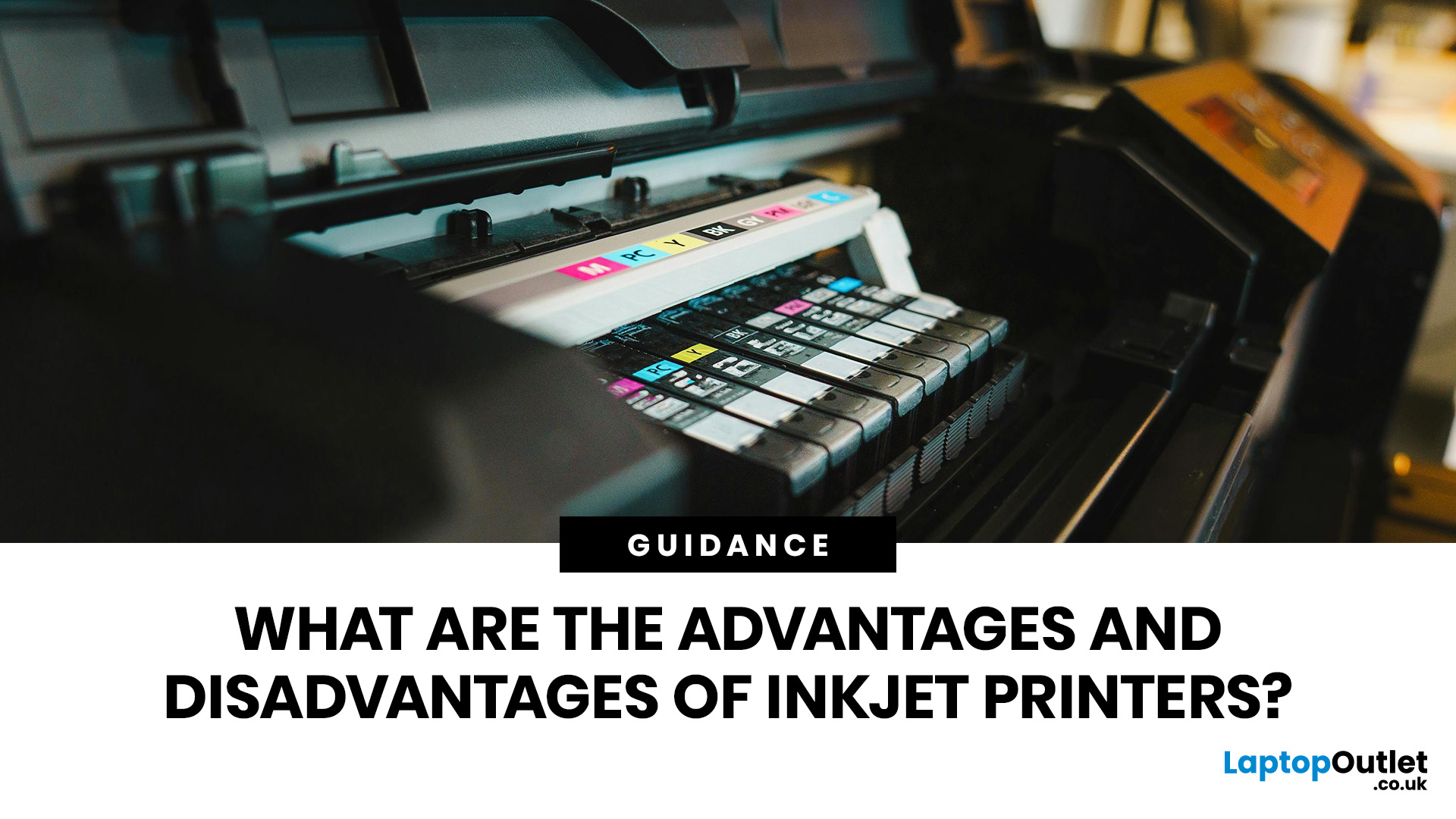
Quick Answer: Inkjet printers offer high colour quality, a compact design, and a lower upfront price, making them ideal for homes, students, creative projects, and light office use. The main disadvantages are higher ink costs on cartridge models, slower print speeds, possible ink smudging, and printhead maintenance when the printer sits unused.
Choosing a printer sounds simple until you start comparing ink costs, print speed, colour quality, maintenance, and the difference between inkjet and laser models. For many UK homes, students, hybrid workers, and small offices, an inkjet printer still makes a lot of sense. It is usually compact, affordable to buy, and strong at printing colour documents, photos, homework, labels, and everyday paperwork.
The part that needs more thought is the long-term cost. Some inkjet printers are cheap upfront, but can become expensive when you replace cartridges often. Others, such as refillable ink tank models, cost more upfront but may suit regular printing better. You also need to consider how often you print, as liquid ink can dry in the printhead if an inkjet printer is left unused for too long. Canon advises using inkjet printers at least once a month, where possible, to help prevent the printhead from drying or clogging.
In this guide, you will learn the main advantages and disadvantages of inkjet printers. You will also see when an inkjet printer is the right choice, when a laser printer may be better, and what to check before buying one for your home or office. HP’s own printer guidance also separates inkjets as a strong option for high-quality colour and creative printing, while noting that running costs can be higher on cartridge-based models.
What is an inkjet printer?
An inkjet printer is a printer that creates text and images by placing tiny droplets of liquid ink onto paper. This is different from a laser printer, which uses toner powder and heat to bond the image to the page.
You will usually find inkjet printers in homes, student rooms, small businesses, home offices, and creative spaces. Many models are multifunction printers, meaning you can print, scan, and copy from one device.
For UK shoppers, inkjet printers are popular because they often cost less to buy than laser printers, fit easily on a desk, and handle colour printing well. That makes them useful when you need one printer for family documents, homework, occasional forms, shipping labels, and photos.
For a fuller beginner-friendly breakdown, read our guide to inkjet printers before comparing the pros and cons.
Advantages and disadvantages of inkjet printers

|
Factor |
Pros |
Cons |
|
Upfront price |
Usually affordable to buy |
Low-cost models may use expensive cartridges |
|
Print quality |
Excellent for photos, images, and colour documents |
Text may not look as crisp as laser on plain paper |
|
Size |
Compact and easy to place at home |
Smaller trays may need refilling often |
|
Speed |
Fine for light daily use |
Slower than laser printers for large batches |
|
Running costs |
Ink tank models can reduce long-term costs |
Cartridge models can cost more over time |
|
Maintenance |
Easy to use for regular printing |
Printheads can clog if left unused |
|
Best use |
Home, study, photos, crafts, mixed colour printing |
Not ideal for very high-volume office text printing |
What are the main advantages of inkjet printers?
The biggest advantages of inkjet printers are colour quality, low purchase price, compact size, and everyday flexibility. You get a printer that can handle more than basic text, especially when you need photos, graphics, or colour-heavy documents.
1. You get strongcolourand photo print quality
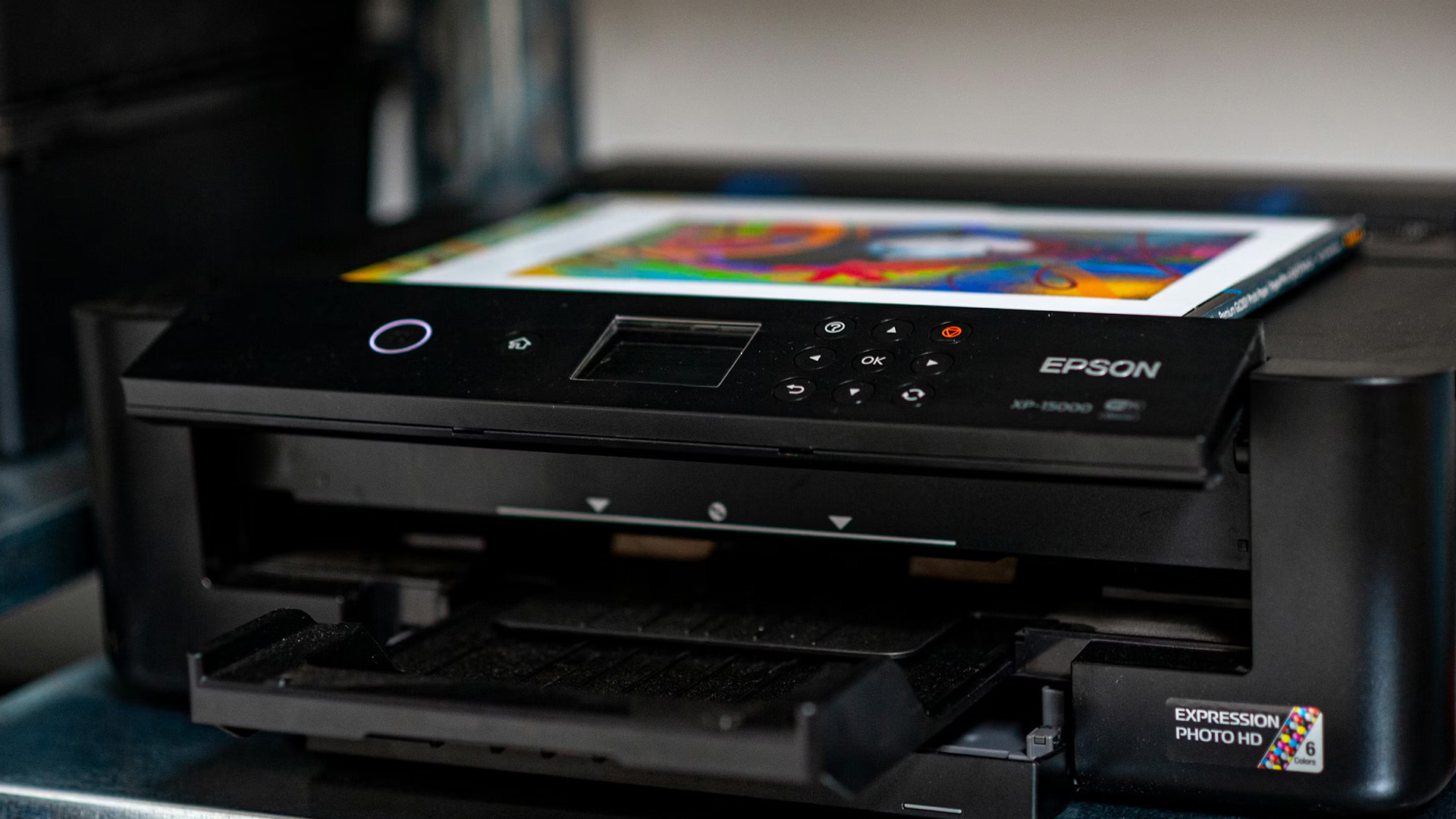
Inkjet print quality is one of the main reasons people still choose inkjet over laser. Liquid ink blends naturally on suitable paper, so you can get smooth colour transitions, rich images, and better-looking photos.
This matters when you print:
- Family photos
- School projects
- Posters and invitations
- Colour charts
- Product mock-ups
- Creative documents
- Marketing drafts
Laser printers are excellent for sharp text, but inkjet printers are often the better option for photos or detailed colour images.
2. You usually pay less upfront
One of the clearest benefits of an inkjet printer is its lower purchase price. Many entry-level inkjet models cost less than comparable office-focused laser printers, especially when you want colour printing and scanning in the same device.
This is useful when you need a printer for occasional use and do not want to spend heavily upfront. A basic inkjet can cover boarding passes, return labels, homework, recipes, letters, and the odd photo without taking over your desk.
The important point is the total cost, not the shelf price. A cheap inkjet printer can be a good value for light users, while regular users may save more with a refillable ink tank model or a laser printer.
3. You can print, scan, and copy from one compact device
Many inkjet printers are all-in-one models. That means you can print, scan, and copy without buying separate devices.
For home use, this is convenient. You can scan ID documents, copy school forms, print online returns labels, and produce colour pages from the same machine. For a small office, a multifunction inkjet can support occasional admin tasks without needing a large floor-standing printer.
You can browse multifunctional printers when you want print, scan, and copy features in one unit.
4. Inkjet printers are compact and easy to fit into smaller spaces
Inkjet printers are often smaller and lighter than laser printers. That makes them easier to place on a shelf, desk, sideboard, or small home office table.
This is a real advantage if you work from a bedroom desk, shared flat, student accommodation, or a compact home office. You do not need a dedicated printer stand or a large office layout.
5. They work well for mixed everyday printing
Inkjet printers suit people who print a bit of everything. You might print a black-and-white form today, a colour worksheet tomorrow, and a photo at the weekend.
That flexibility is a major advantage. A typical home does not always print one type of document. You may need colour, photos, scans, labels, and plain text at different times. Inkjet is especially practical when your monthly print volume is modest, and you care about colour output as much as text.
6. Refillable ink tank printers can reduce running costs
Traditional cartridge inkjets can be expensive to run, but refillable ink tank models have changed the value equation. Instead of replacing small cartridges, you refill larger tanks with bottled ink.
This usually means a higher upfront price, but lower long-term ink costs for regular users. Epson’s EcoTank guidance states that some models include enough ink for up to three years based on average monthly document print volumes, with savings varying by model, usage, and print tasks.
For you, the decision is simple: choose a cartridge inkjet for light, occasional printing; consider an ink tank printer when you print regularly and want lower ongoing costs.
What are the main disadvantages of inkjet printers?
The main disadvantages of inkjet printers are high ink costs, slower print speeds, the risk of smudging, and maintenance. These drawbacks matter most when you print often, print mostly text, or leave the printer unused for long periods.
1. Ink cartridges can become expensive
The biggest drawback of inkjet printers is the running costs. Many low-cost inkjet printers use cartridges with limited page yields. When you print regularly, replacing ink can cost more than expected.
This does not mean every inkjet is expensive to run. It means you need to check the ink system before buying.
Look at:
Cartridge price
Page yield
Whether high-yield cartridges are available
Whether the printer uses separate colour cartridges
Whether an ink subscription or a refillable tank option suits you
A printer that looks cheap at checkout may not be the cheapest over two or three years. Before you buy replacement cartridges, check our guide on how to choose the best ink for your inkjet printer so you can match the ink type to your model and print needs.
2. Inkjet printers are usually slower than laser printers
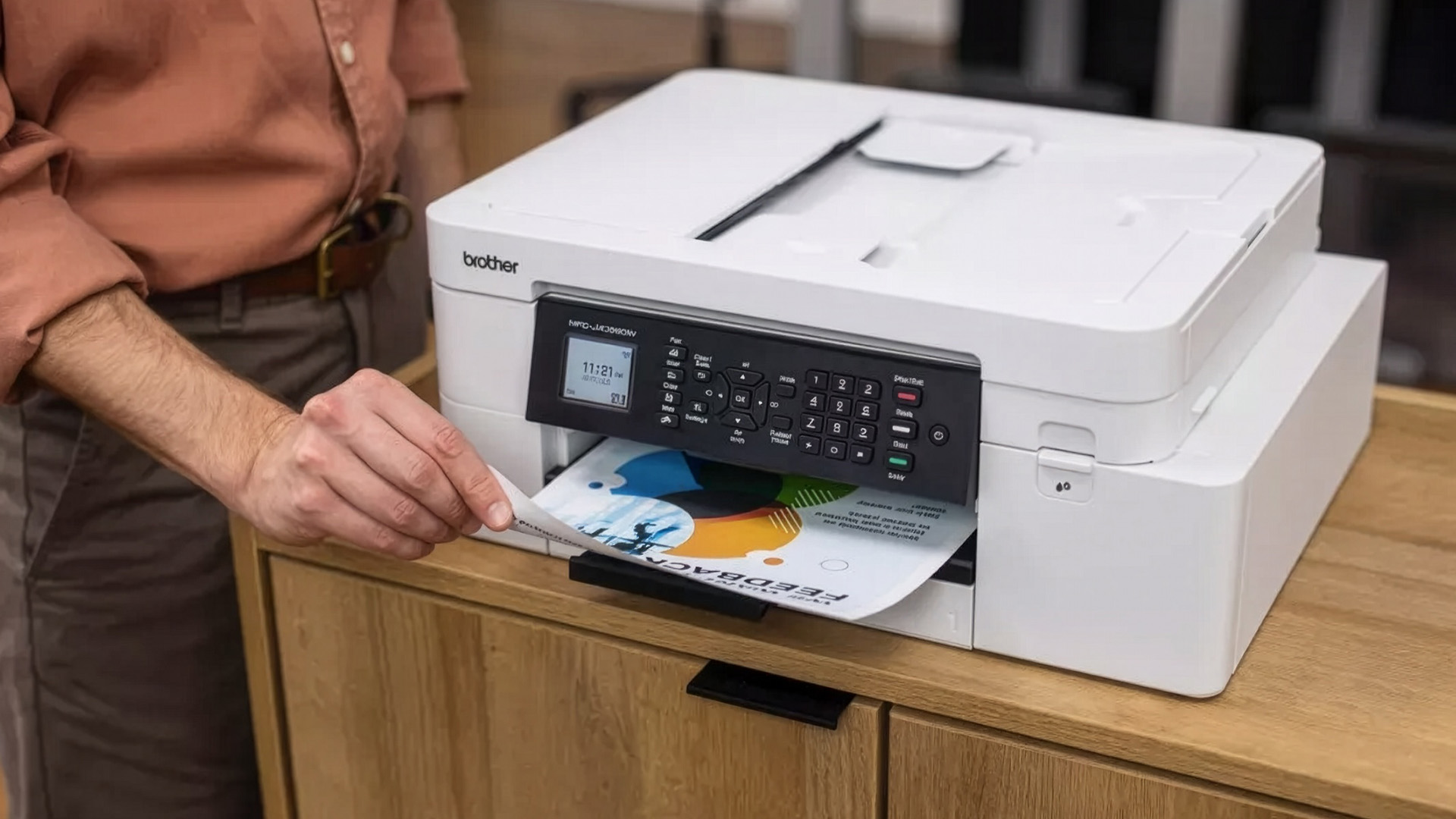
Inkjet printers are fine for a few pages at a time, but they are not always ideal for large print runs. Laser printers are generally faster for high-volume text printing. Inkjet speeds rarely exceed 25 pages per minute, while laser printers often reach higher speeds and are better suited to heavier workloads.
You may notice this when printing:
Long reports
Bulk invoices
Training packs
Office handouts
Large black-and-white documents
In a busy workplace, an office printer or a laser printing solution may be more efficient.
3. Printheads can clog when left unused
Inkjet printers use liquid ink, and that ink can dry in the nozzles if the printer sits unused for a while. This can cause streaks, missing colours, faded output, or failed nozzle checks.
Canon recommends using an inkjet printer at least once a month, where possible, because the printhead may dry out or clog after long periods of inactivity. This is one of the most practical disadvantages of inkjet printers. An inkjet is often better for regular, even light, printing. A laser printer may be more suitable if you print infrequently and mostly need black text.
When streaks, blocked nozzles, or faded colours appear, our common inkjet printer problems guide can help you troubleshoot the issue before replacing the printer.
4. Ink can smudge on the wrong paper
Inkjet prints use liquid ink, so the paper matters. On low-quality paper, heavy colour pages can look soft, damp, or slightly wavy. Fresh prints may also smudge if handled too quickly.
For the best results, use the right paper type in the printer settings. Plain paper is fine for everyday documents, while photo paper or coated inkjet paper gives better results for images.
This is not a deal-breaker, but it is worth knowing before you judge print quality. Many poor inkjet prints come from using the wrong paper or low-quality settings.
5. Text may not be as sharp as laser output
Inkjet printers can produce good text, especially on better paper, but laser printers usually win for crisp black text. That is why offices that print contracts, reports, letters, and invoices all day often choose a laser printer.
You should not avoid inkjet just because you print text. For home use, schoolwork, and occasional business documents, text quality is usually more than good enough. The difference becomes more important when your main need is professional, high-volume document printing.
Inkjet printer vs laser printer: which should you choose?
Choose an inkjet printer when you value colour, photos, compact size, and a lower upfront price. Choose a laser printer when you value speed, sharp text, and high-volume document printing.
|
Your need |
Better choice |
Why |
|
Photos and colour images |
Inkjet |
Better colour blending and photo-friendly output |
|
Homework and family use |
Inkjet |
Good mix of colour, scanning, copying, and value |
|
Occasional home admin |
Inkjet |
Low upfront cost and compact design |
|
Daily office documents |
Laser |
Faster output and sharper text |
|
High-volume black-and-white printing |
Laser |
Better for large batches and text-heavy use |
|
Small business colour flyers |
Inkjet or ink tank |
Good colour quality, lower long-term cost with tank models |
|
Rare printing with long idle gaps |
Laser |
Toner does not dry like liquid ink |
Is an inkjet printer good for home use?
Yes, an inkjet printer is usually a good choice for home use. It offers colour printing, scanning, copying, and photo capabilities in a compact device.
You will get the most value from an inkjet at home when you print a few times a week or a month. It suits families, students, hybrid workers, and anyone who needs colour pages without buying a larger office printer.
For lighter use, affordable inkjet printers are a sensible starting point. For more regular use, compare cartridge costs with ink tank models before buying.
Is an inkjet printer good for office use?
An inkjet printer can work well for a small office that prints colour documents, presentations, graphics, and occasional marketing material. It is less suitable for offices that print hundreds of text pages every week.
For office use, look for:
- Automatic duplex printing
- Automatic document feeder
- Larger paper tray
- Separate colour cartridges or refillable tanks
- Wi-Fi and mobile printing
- High-yield ink support
- Good warranty and business support options
A basic home inkjet may feel slow in an office. A stronger office inkjet or laser printer will usually be more reliable for daily workloads.
What type of inkjet printer should you buy?
The best inkjet printer depends on how much you print and what you print most often.
Cartridge inkjet printer
A cartridge inkjet is best when you print occasionally and want a low upfront price. It is a good fit for home admin, schoolwork, and light colour printing.
The drawback is the ink cost. Before buying, check replacement cartridge prices and page yields.
Ink tank printer
An ink tank printer is best for frequent printing and lower long-term running costs. You pay more upfront, but bottled ink can be a better value over time.
This is a strong option for families, home offices, tutors, craft users, and small businesses with steady colour printing needs.
All-in-one inkjet printer
An all-in-one inkjet is best when you need printing, scanning, and copying in one device. This is the most practical choice for many UK homes and small offices.
Choose a model with an automatic document feeder if you often scan or copy multi-page documents.
Photo inkjet printer
A photo-focused inkjet is best when image quality matters more than speed. It is useful for photographers, designers, hobbyists, and anyone who prints high-quality images at home.
You will get better results with proper photo paper and genuine or high-quality ink.
How can you reduce the drawbacks of an inkjet printer drawbacks?
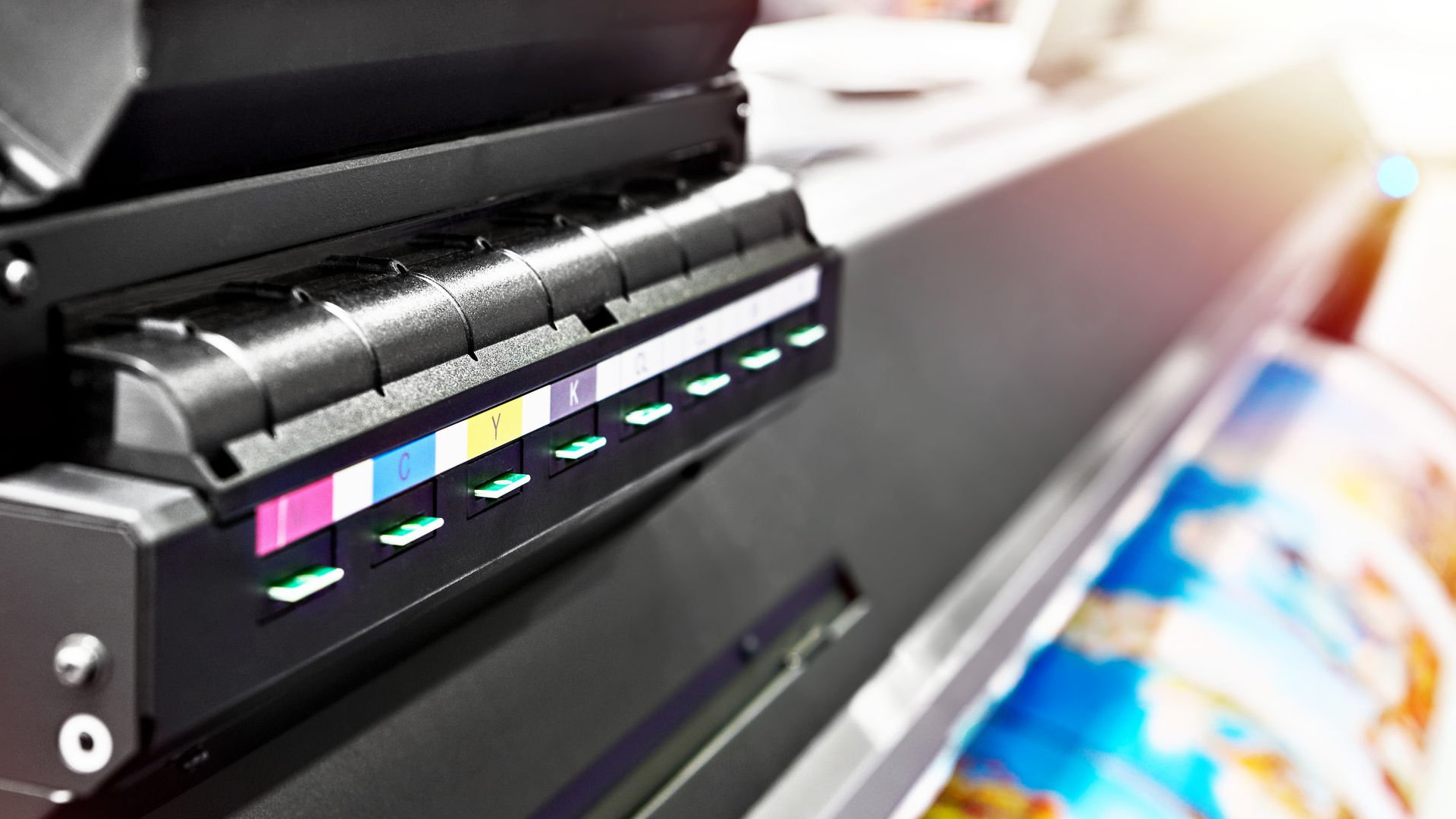
You can avoid many of the drawbacks of inkjet printers by choosing the right model and using it properly.
Print a few pages every month to keep the ink flowing. Use draft mode for internal notes, choose duplex printing to reduce paper use, and save high-quality mode for final documents or photos. Run nozzle checks before deep cleaning, because cleaning cycles consume ink. Epson specifically notes that printhead cleaning uses ink, so you should clean only when print quality declines.
Also, check the cost of replacement ink before you buy the printer. This one step can save you from choosing a cheap printer that ends up costing more later.

Final Verdict: Are inkjet printers worth it?
Inkjet printers are worth it when you want affordable colour printing, good photo quality, compact design, and everyday flexibility. They are especially useful for homes, students, creatives, and small offices with moderate print needs.
You should think twice before printing large volumes of text, needing the fastest possible output, or leaving your printer unused for months. In those cases, a laser printer may be the better long-term choice. For most home users, the best approach is simple: choose an inkjet for colour and flexibility, choose an ink tank model for regular colour printing, and choose a laser for fast, high-volume text. To compare options, start with the best printers across inkjet, laser, office, and multifunction categories.

FAQs
What are the advantages of inkjet printers?
The main advantages of inkjet printers are affordable upfront pricing, strong colour quality, compact size, photo printing, and all-in-one features such as scanning and copying.
What are the disadvantages of inkjet printers?
The main disadvantages of inkjet printers are ink costs, slower speeds than laser printers, possible smudging, and printhead clogging when the printer is not used regularly.
Are inkjet printers better than laser printers?
Inkjet printers are better for photos, colour documents, and mixed home use. Laser printers are better for fast, high-volume text printing and busy office environments.
Do inkjet printers use a lot of ink?
They can use a lot of ink when printing photos, full-colour pages, or running cleaning cycles. Draft mode, duplex printing, and ink tank models can help reduce running costs.
Do inkjet printers dry out?
The ink itself can dry in the printhead nozzles when the printer is unused for a long time. Printing a few pages every month helps reduce this risk.
Is an inkjet printer good for students?
Yes, an inkjet printer is good for students who print assignments, notes, colour projects, and occasional photos. A compact all-in-one model is often the most practical choice.
Is an inkjet printer good for business?
An inkjet printer is good for small businesses that need colour documents, flyers, graphics, and scanning. A laser printer is usually better for high-volume invoices, reports, and text-heavy office printing.
Which is cheaper to run, inkjet or laser?
It depends on the printer type and your print volume. Cartridge inkjets can cost more over time, ink tank printers can be economical for regular colour printing, and laser printers are often cost-effective for high-volume text.
What is the biggest inkjet printer drawback?
The biggest drawback is usually ongoing ink cost, especially with low-cost cartridge printers. For some users, printhead clogging is the next biggest issue.
Should you buy an inkjet printer?
You should buy an inkjet printer if you want good colour quality, photo printing, scanning, and a compact printer for home or light office use. You should consider a laser if you mostly print large batches of text.
| Read More |
| Everything You Need To Know About Brother Printers |
| Laser Printers vs All-in-One Printers: Which Is Best for You? |
| Guide to Laser Printers: How They Work, Benefits, Uses, and What to Buy |
Related Articles

Last Updated: April 22, 2026
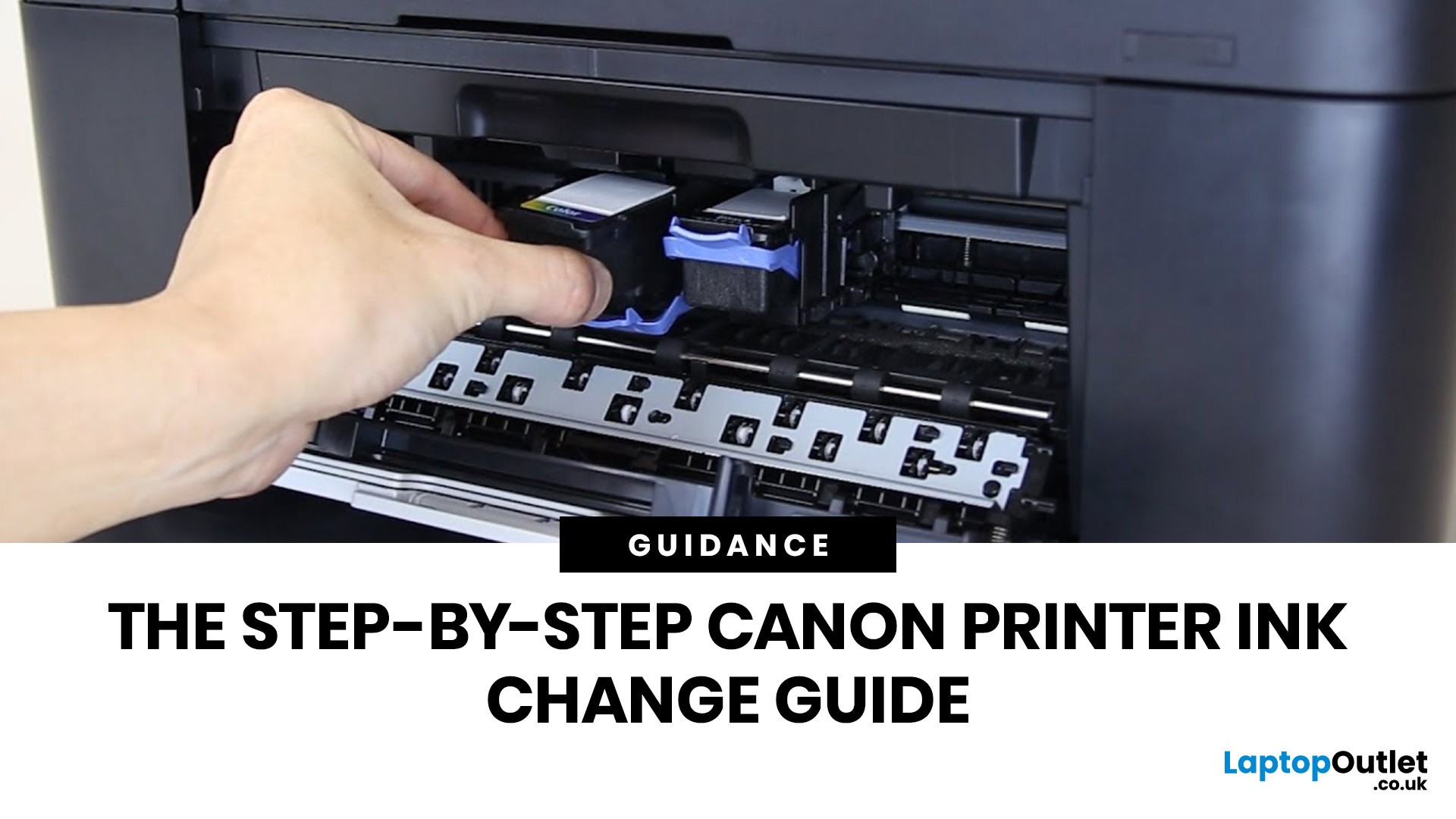
Running out of ink at the wrong moment is genuinely frustrating. Knowing how to change ink in a Canon printer quickly and confidently means less downtime, less wasted paper, and no panicked Googling mid-print.
Canon makes some of the most reliable inkjet printers on the market, and replacing the ink is one of those tasks that feels daunting the first time but becomes routine very quickly. This guide covers everything from the tools you need to the steps themselves, plus tips on cartridge costs, common mistakes, and what to do if problems persist after installation.
What You Need Before You Start
Before diving into the steps, it's worth taking a moment to get everything in order. A well-prepared workspace makes a Canon printer cartridge change much smoother and avoids unnecessary mess or confusion.
Here's what to have ready:
- The correct replacement cartridge for your specific Canon model
- A clean, flat surface to work on
- A tissue or lint-free cloth for any small drips
Always check your
Last Updated: April 22, 2026
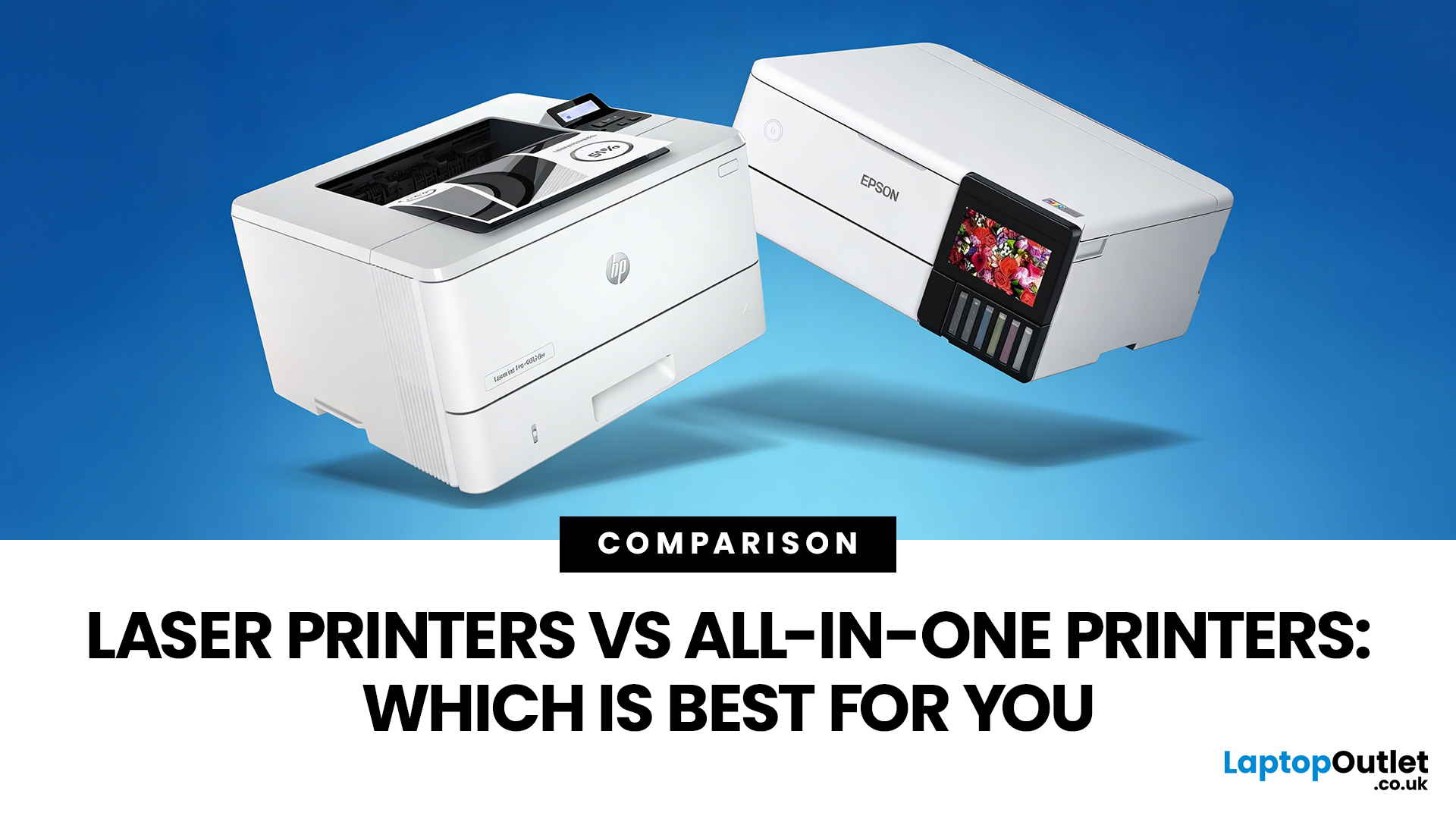
Choosing between Laser printers vs all-in-one printers sounds simple until you realise the two terms do not describe the same thing.
A Laser printer refers to the way the printer works. An all-in-one printer refers to the machine's capabilities, usually printing, scanning, and copying in one unit. That means some all-in-one printers are Laser models, while others are inkjet. So, when people compare all-in-one vs Laser printers, what they are really trying to work out is whether they need stronger print performance or broader day-to-day flexibility.
For some buyers, the Laser is the clear winner. For others, an all-in-one makes far more sense. The right choice depends on how often you print, what you print most, and whether scanning and copying matter as much as printing itself.
If your priority is fast document printing, crisp text and lower running costs over time, a Laser model is usually the smarter fit. If you want one machine that can handle household paperwork, scanning, copying and

Published: April 13, 2026
Inkjet printers are one of the most widely used printing solutions across UK homes, students, and small offices. They are affordable, versatile, and capable of producing high-quality colour output. But if you have used one for any length of time, you already know they can also be frustrating.
From faded prints to clogged nozzles and random error messages, inkjet printer problems are common. The good news is that most of these issues are not serious faults. In many cases, they are caused by usage habits, maintenance gaps, or simple setup errors. This guide goes beyond quick fixes. It explains why these problems happen, how to fix them properly, and how to prevent them in the future so your printer stays reliable long-term.
Why Inkjet Printer Problems Are So Common
To understand inkjet printer troubleshooting, you need to understand how these printers work in real use. Unlike laser printers, inkjet printers rely on liquid ink. That ink is pushed through extremely small nozzles to create
Last Updated: April 14, 2026
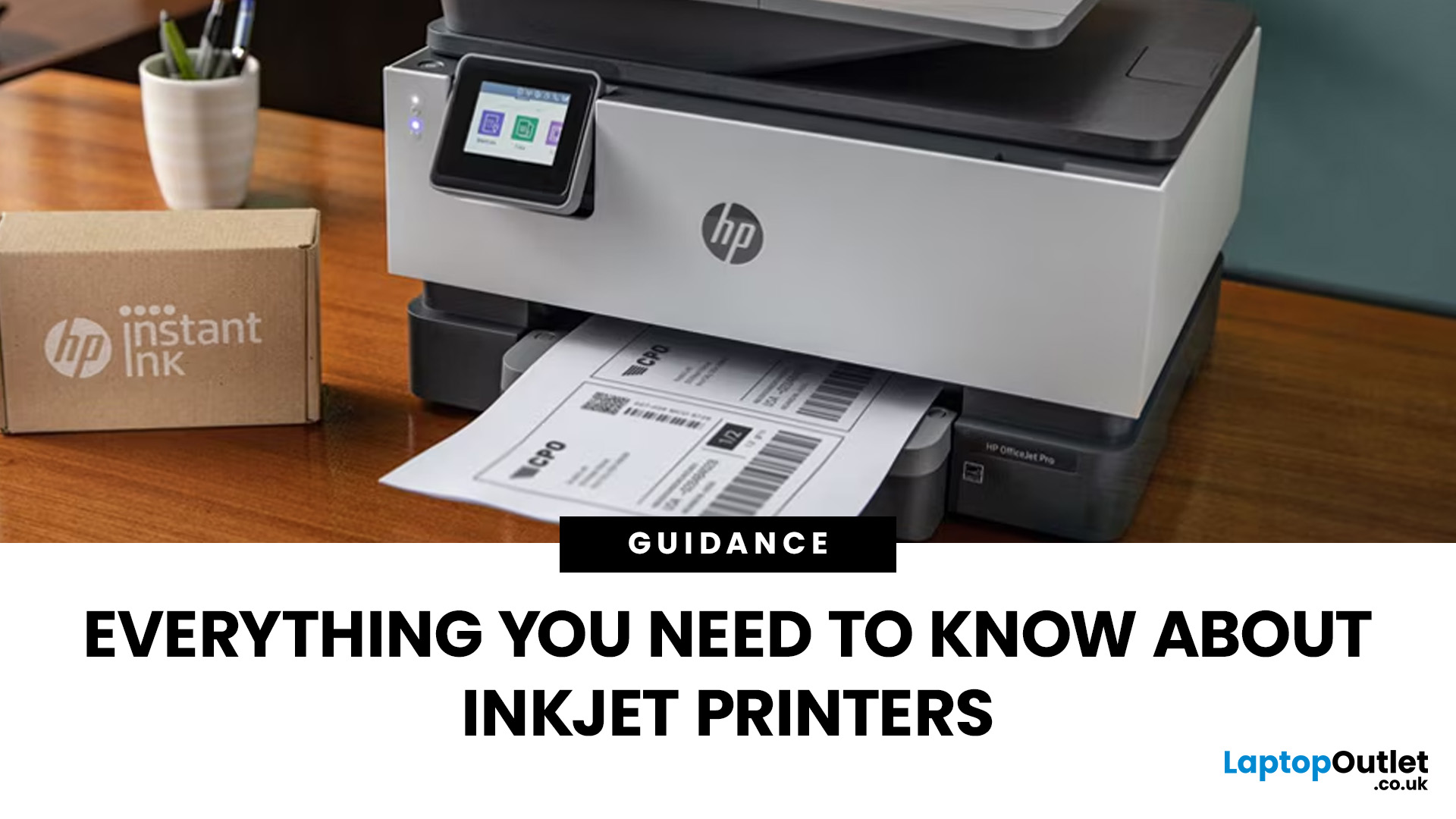
Buying a printer sounds simple until you start comparing print types, running costs, features, and maintenance. That is usually where inkjet models come into the picture. They are widely used, available at different price points, and often marketed as flexible printers for home and small office use. Even so, many buyers still have the same questions: what is an inkjet printer, how does it work, and is it the right fit for the way you print?
This inkjet printer guide breaks it down properly. It covers how inkjet printers work, the main types available, the real cost of ownership, how they compare with laser options, and what you need to know before buying one. Whether you need a printer for occasional homework, colour documents, creative work, or general home use, understanding the strengths and limits of inkjet printing makes it much easier to choose well.
What is an Inkjet Printer?
When people ask what is an inkjet printer, the simplest answer is that it is the most common type of printer
Published: April 24, 2026
If you want an all-in-one printer to last, the best approach is simple: keep it clean, use the built-in maintenance tools properly, and deal with small print-quality issues before they turn into bigger faults. Good all in one printer maintenance is less about deep cleaning every week and more about doing the right checks at the right time.
For most homes and small offices, that means cleaning the scanner glass and document feeder areas regularly, using printhead cleaning only when print quality drops, keeping paper and supplies in good condition, and not treating laser and inkjet models the same way. That last point matters. A multifunction printer cleaning routine for an inkjet is not the same as multifunction printer care for a laser model with a separate drum unit.
The Best Way to Keep an All-in-One Printer Working Well
The simplest all-in-one printer maintenance guide starts with routine care, not emergency fixes. Keep dust off the exterior, keep the scanner glass and ADF strip clean,
Published: April 24, 2026
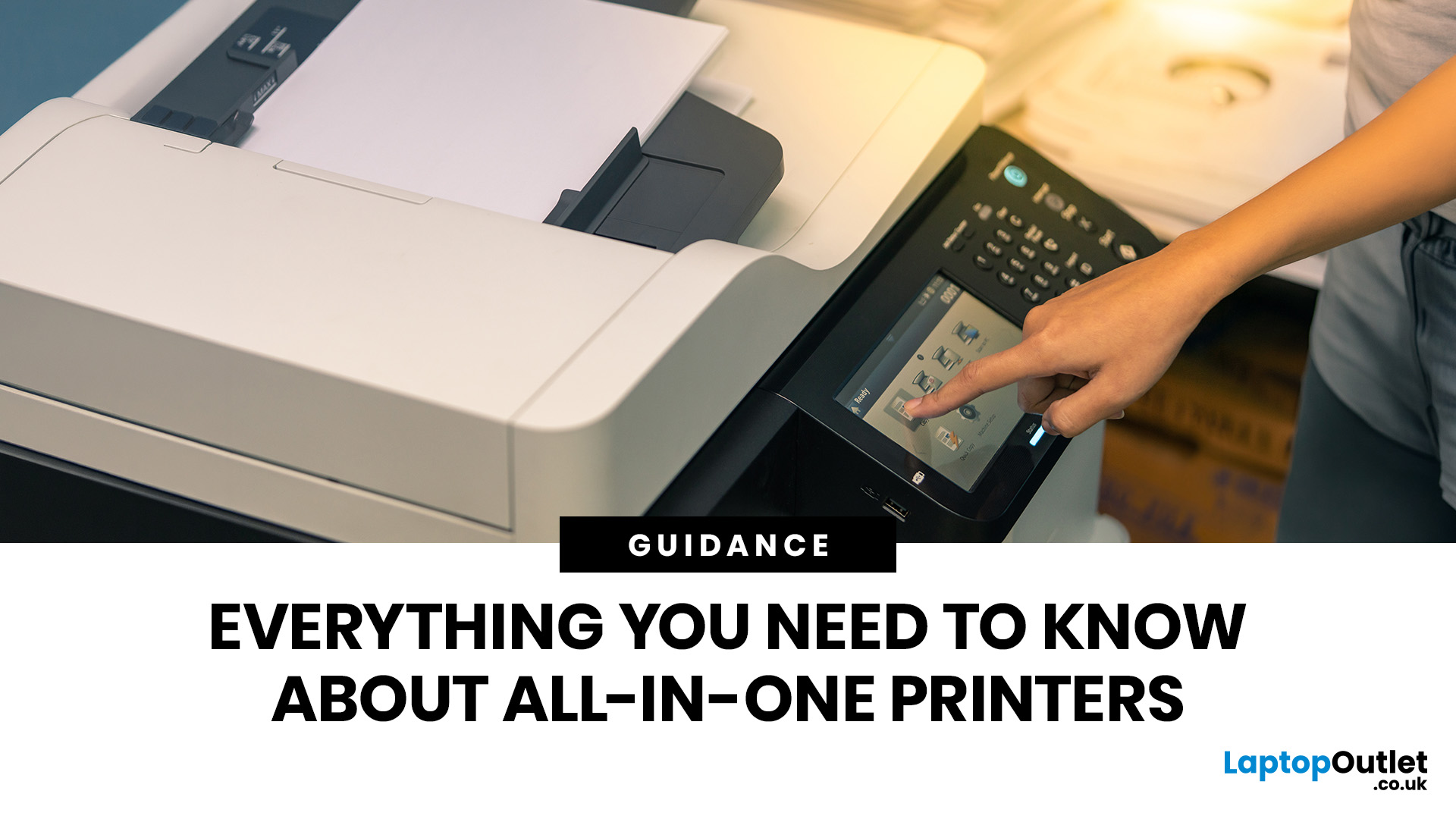
An all-in-one printer is a machine that lets you print, scan, copy, and sometimes fax from one device. It is designed to save space, reduce setup hassle, and handle everyday home or office tasks without needing separate equipment.
An all-in-one printer, sometimes called a multifunction printer or MFP, combines multiple jobs into one device. Retailer and manufacturer guidance broadly agrees on the core value proposition: one device, less clutter, fewer cables, and a more streamlined workflow for home and office users.
Nobody wakes up thinking, “You know what would absolutely change my life today? A printer.” And yet, the second you need to print a return label, scan a signed document, copy schoolwork, or send a form to the office, your printer suddenly becomes the main character.
That is exactly why these all-in-one printers guide exists. We explain how all-in-one printers work, their key features, the main types, their benefits, costs, setup, maintenance, and how to choose the best one
Last Updated: June 10, 2026
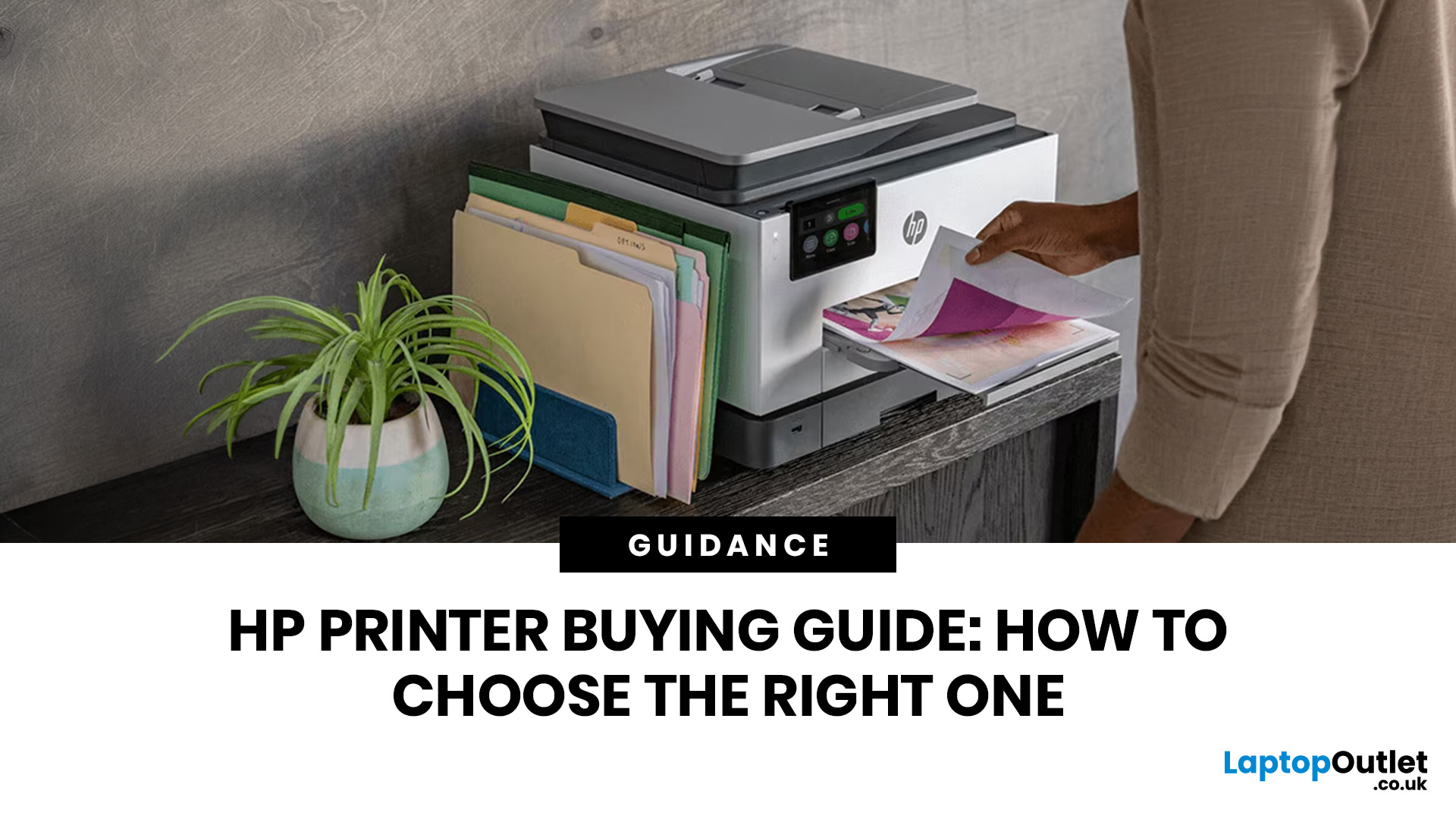
The best HP printer depends on what you print, how often you print, whether you need scanning or copying, and how much you want to spend on ink or toner. For home users, an HP inkjet or all-in-one printer is usually the best choice. For offices and small businesses, HP OfficeJet, LaserJet or multifunctional printers are better for speed, reliability and heavier workloads.
Buying a printer can feel confusing because HP offers many different models for different users. Some are made for simple home printing. Some are designed for students and families. Others are built for small businesses, offices, shipping labels, high-volume printing or professional document handling. That is why choosing the right printer is not just about finding the cheapest model. It is about understanding your print habits, running costs, space, connectivity and long-term needs.
This HP printer guide 2026 will take you from basic printer knowledge to more advanced buying terms, so whether you are buying your first

Last Updated: July 06, 2026
Buying one of the many HP printers for small business setups out there sounds easy until you start comparing them properly. Some are better for fast document printing, some are built for scanning and colour work, and some save you more money over time. The trick is not buying the fanciest one. It is buying the one that suits your workload. This guide walks through the HP printer types that make the most sense for home offices, small teams, and day-to-day business use.
Which HP Printer Type Should a Small Business Choose?
- If your business prints mixed colour documents, scans paperwork regularly and needs one compact machine, go for an HP all-in-one in the OfficeJet Pro range. OfficeJet Pro printers are best for higher-volume printing and all-around productivity in a home or home office, which is exactly the kind of workload many sole traders, hybrid workers and small teams deal with.
- If your business prints lots of text-heavy documents and speed matters more than photo-quality colour, choose
Last Updated: June 10, 2026
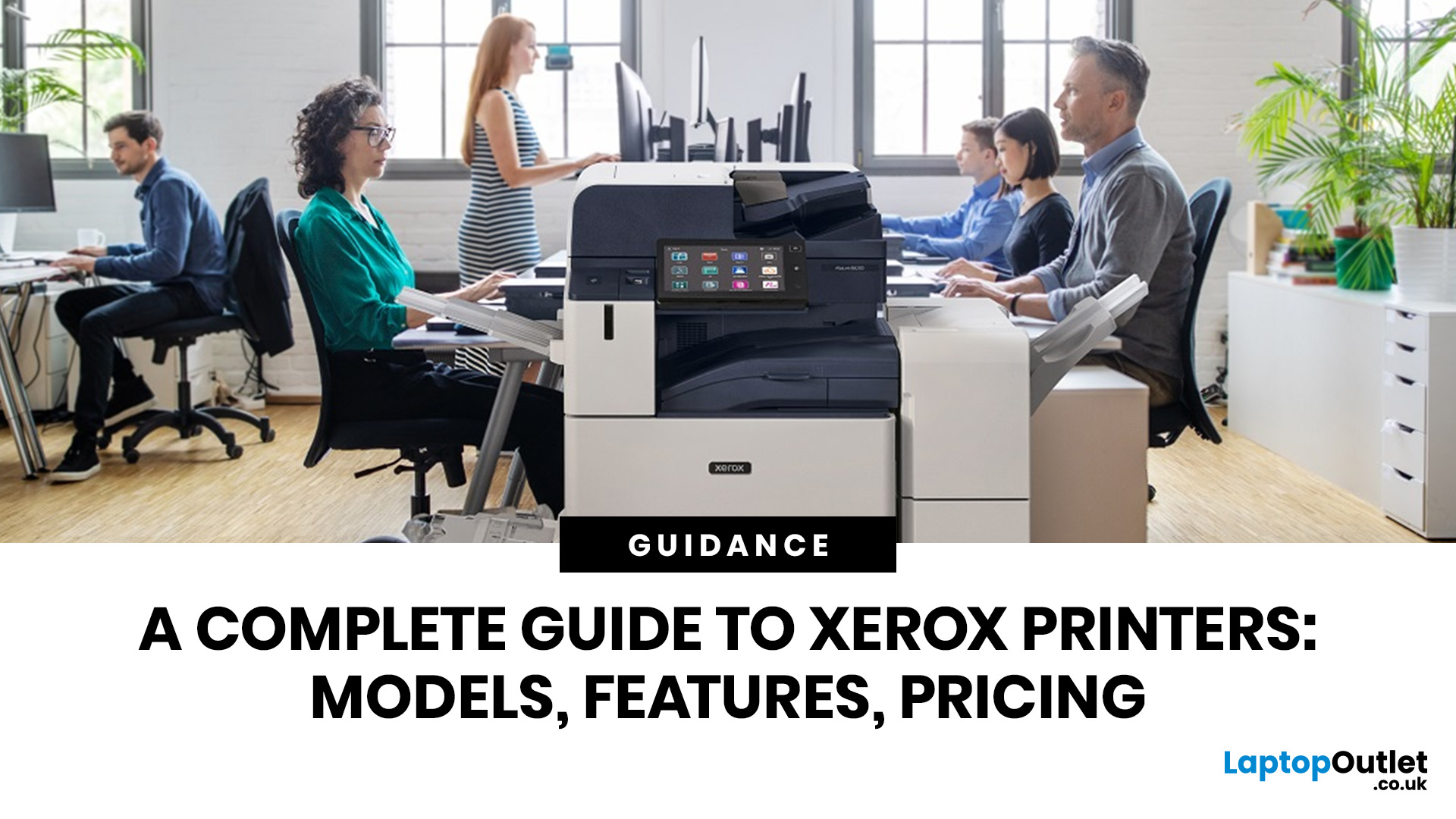
A Xerox printer is a document printer or multifunction device designed for reliable office, business, and home printing. Most modern Xerox printers focus on laser or LED printing, fast document output, strong security, mobile printing and multifunction features such as scanning, copying, faxing and cloud connectivity.
Xerox is a trusted name in business printing, best known for office printers, copiers and multifunction devices. While the brand is still strongly linked with photocopying, modern Xerox printers do much more than copy documents.
Today’s Xerox devices can print, scan, copy, fax, support mobile and cloud printing, manage user access and help businesses control print costs. Many models also include Wi-Fi, reliable paper handling, security features and easy touchscreen controls.
If you are comparing printers, looking for a Xerox printer, or trying to understand whether Xerox is right for your home or office, this guide breaks everything down in simple words.
What is a Xerox
Last Updated: May 05, 2026
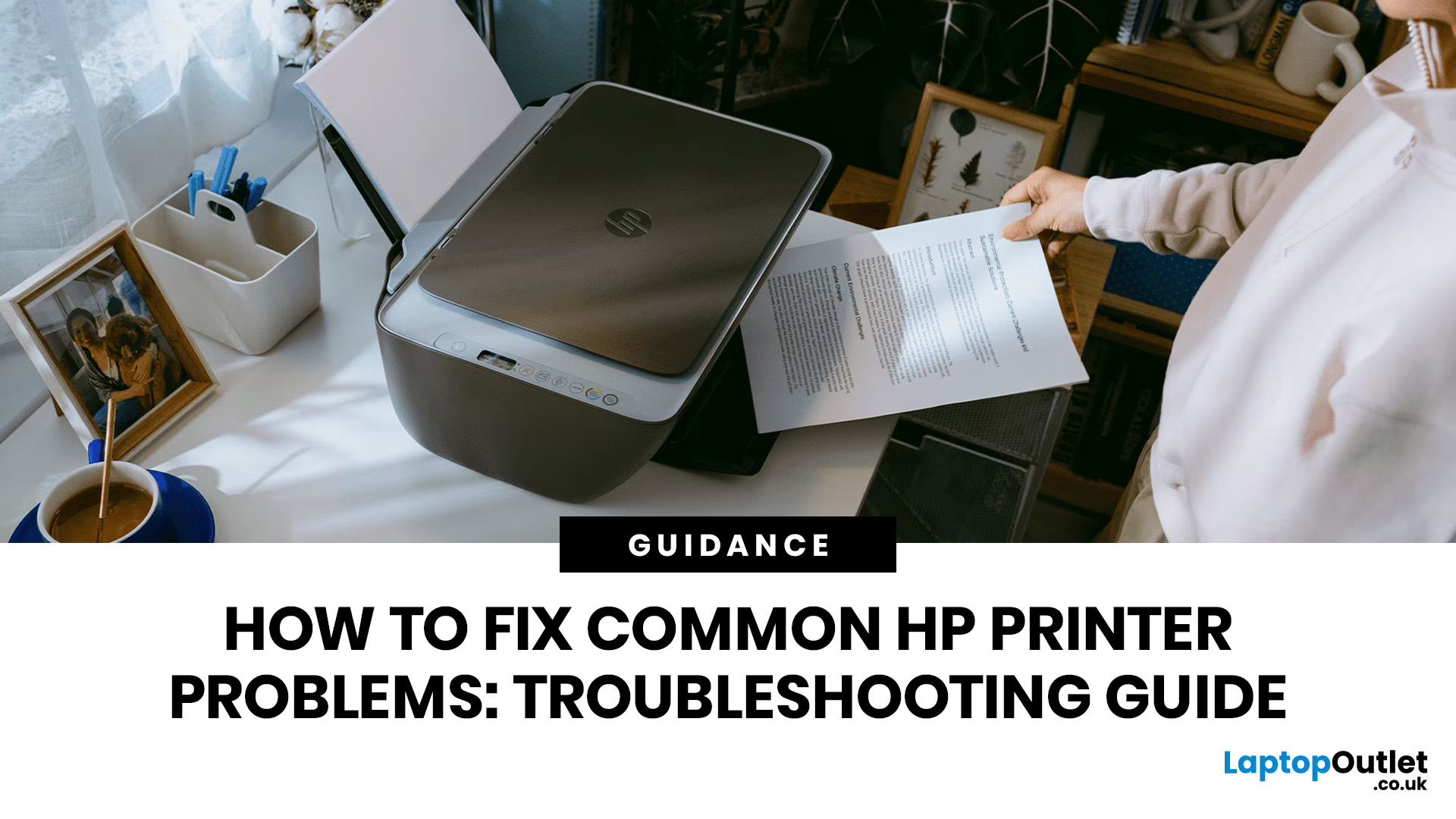
HP printers are reliable, but even the best machines throw a wobble from time to time. The good news is that the vast majority of issues are easy to resolve on your own. This guide will show you how to fix common HP printer problems without calling a professional. Whether you've got an HP OfficeJet, DeskJet, LaserJet, or ENVY, many of the checks below apply across the range.
What Are the Most Common HP Printer Problems?
Before diving into individual fixes, it helps to know what you are actually dealing with. HP printers, from compact home models to full office workhorses, tend to run into the same handful of issues time and again.
Here is a quick overview of the most frequently reported HP printer problems and what typically causes them:
| Problem | Most Likely Cause |
| Printer not printing | Stuck print queue, offline status, driver fault |
| Paper jam | Overfilled tray, worn rollers, torn paper fragments |
| Printer showing offline | Wi-Fi dropout, incorrect default printer setting |
| Blank or faded pages |

