



Dell’s New XPS 13 Could Be the Best MacBook Neo Rival Yet
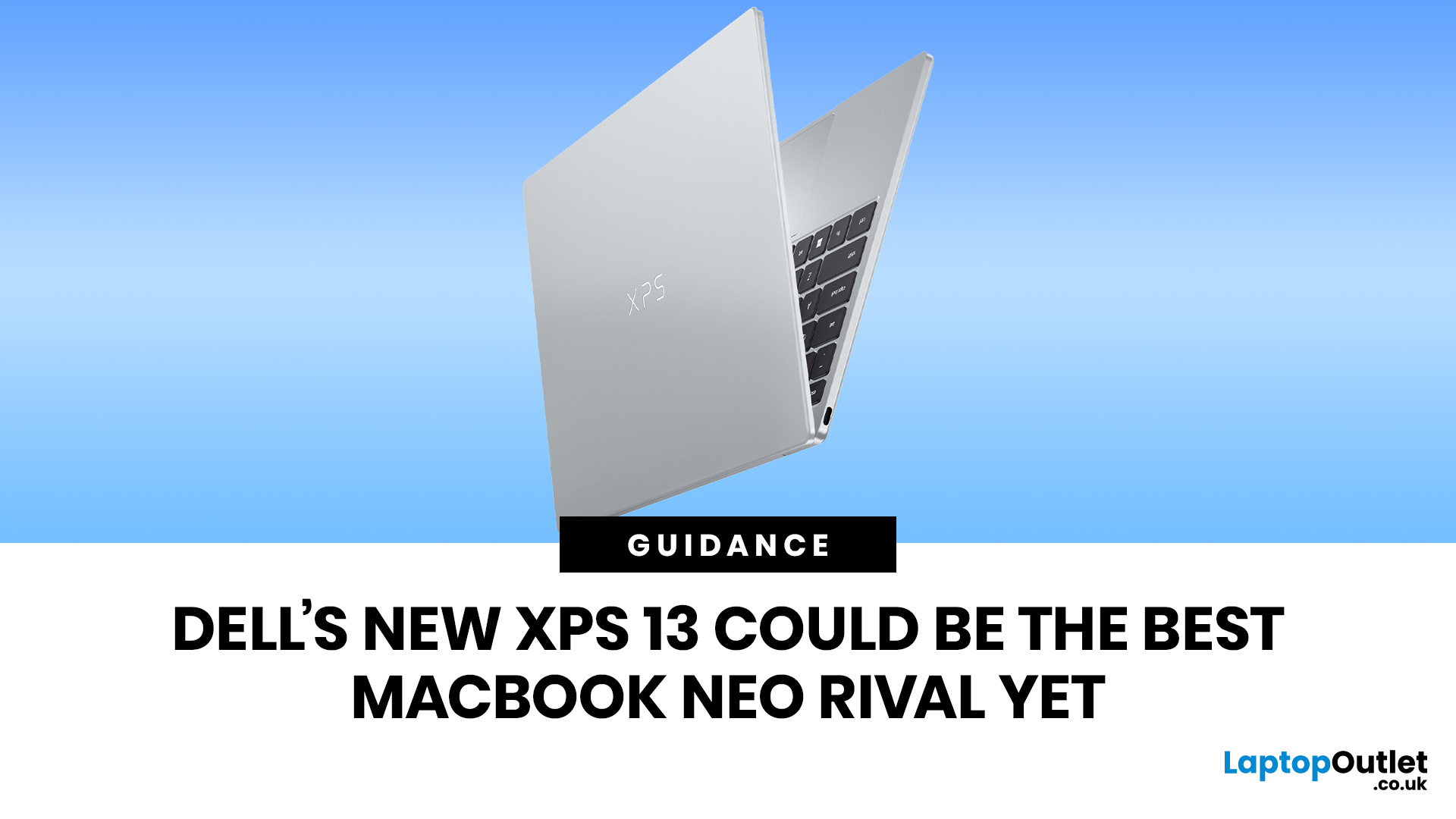
The Dell XPS 13 (2026) could become one of the best MacBook Neo alternatives so far. Starting at ~£599–£699, it undercuts the MacBook Neo's feature set with a touchscreen, backlit keyboard, and higher RAM ceiling. The MacBook Neo starts at £599 in the UK with Apple's A18 Pro chip, strong battery life, and seamless macOS.
If you live in the Windows world and want more flexibility, the XPS 13 is the stronger all-rounder. If you want a polished, simple laptop that just works within the Apple ecosystem, the Neo holds its ground. If you want a detailed comparison between Dell XPS 13 vs MacBook Neo, this guide is for you.
Why This Dell XPS 13 vs MacBook Neo Comparison Matters
The sub-£700 laptop market got interesting in 2026. Apple launched the MacBook Neo in March as its most affordable Mac ever, bringing a proper aluminium laptop to the price point normally dominated by Chromebooks and budget Windows machines. Three months later, Dell fired back with a redesigned XPS 13 that targets the Neo directly, almost spec for spec, pound for pound.
This is not a battle between a budget laptop and a premium one. Both machines use aluminium chassis, ship with at least 8GB of RAM, and promise all-day battery life. The genuine differences lie underneath those similarities, and they matter a great deal depending on what you actually do with a laptop day to day.
The Core Difference in One Sentence
The MacBook Neo is a polished, power-efficient entry into the Apple ecosystem with a fixed spec and no touchscreen. The Dell XPS 13 is a configurable, touch-enabled Windows machine with a stronger display and more ports, but tied to the Intel ecosystem and Windows 11.
If you're already browsing options, check out the full range of affordable Dell laptops and Apple MacBook laptops to find the right device for your needs.
Full Specs Comparison: Dell XPS 13 vs MacBook Neo
Here is a side-by-side breakdown of every key specification. Use this as your quick reference before diving into the detailed section-by-section analysis below. Both base models are used for like-for-like comparison.
|
SPECIFICATION |
DELL XPS 13 (2026) |
APPLE MACBOOK NEO |
WINNER |
|---|---|---|---|
|
UK Starting Price |
~£599 (expected; not confirmed) |
£599 (£499 education) |
Draw |
|
Processor |
Intel Core 5 320 (Wildcat Lake) |
Apple A18 Pro (6-core CPU, 5-core GPU) |
Draw * |
|
RAM |
8GB LPDDR5x (up to 32GB) |
8GB Unified Memory (fixed) |
XPS 13 |
|
Storage |
512GB PCIe Gen 4 SSD at launch; 256GB may appear later in some regions; up to 1TB |
256GB or 512GB SSD (fixed) |
XPS 13 |
|
Display Size |
13.4 inches |
13.0 inches |
Draw |
|
Display Resolution |
2560 x 1600 (2.5K IPS) |
2408 x 1506 (Liquid Retina) |
Draw |
|
Refresh Rate |
30Hz to 120Hz (variable) |
60Hz (fixed) |
XPS 13 |
|
Touchscreen |
Yes |
No |
XPS 13 |
|
Peak Brightness |
500 nits |
~500 nits |
Draw |
|
Colour Coverage |
100% DCI-P3 |
sRGB (no P3 or True Tone) |
XPS 13 |
|
Thickness |
12.7mm |
12.7mm |
Draw |
|
Weight |
~1kg (2.2 lb) |
~1.23kg (2.7 lb) |
XPS 13 |
|
Ports |
2x USB-C 3.2 Gen 2 (TB4 on Ultra) |
1x USB 3, 1x USB 2 (both USB-C) |
XPS 13 |
|
Headphone Jack |
No |
Yes (3.5mm) |
MacBook Neo |
|
Wi-Fi |
Wi-Fi 7 |
Wi-Fi 6E |
XPS 13 |
|
Webcam |
1080p, Windows Hello IR |
1080p FaceTime HD |
Draw |
|
Audio |
Quad speakers |
Side-firing stereo speakers |
XPS 13 |
|
Keyboard Backlight |
Yes |
No (base model lacks Touch ID) |
XPS 13 |
|
Battery Life (rated) |
Up to 17 hours streaming |
Up to 16 hours video streaming |
XPS 13 (slight) |
|
Colours |
Sky, Storm |
Silver, Blush, Indigo, Citrus |
MacBook Neo |
|
Operating System |
Windows 11 Home |
macOS Tahoe |
Depends |
* Processor comparison is highly context-dependent. See the Performance section for a detailed breakdown.
Design & Build Quality: Both Look Premium, One Is Lighter
Both laptops use a CNC-machined aluminium chassis, which gives them a genuinely premium feel at a price point where plastic is usually the norm. If you pick up either laptop cold, you will not feel like you got a bargain.
Where they differ most is weight. The Dell XPS 13 is the lightest version of the XPS line Dell has built, measuring around 12.7mm thick and weighing approximately 1kg. The MacBook Neo is similar in thickness at around 12.7mm, but it is slightly heavier at around 1.23kg. That difference is still noticeable if you are carrying the laptop all day in a bag.
Colour Options

The MacBook Neo wins here for anyone who wants a laptop that stands out. Apple offers four shades: Silver, Blush, Indigo, and Citrus, each paired with a matching keyboard. The XPS 13 launches in Sky (a silver-blue tone), with Storm (darker silver) arriving later in the summer.
Verdict: XPS 13 wins for weight and portability, while the MacBook Neo's colour range gives it a clear lifestyle edge.
Display: The Dell XPS 13 Has a Clear Advantage on Paper
This is where the XPS 13 pulls significantly ahead, and it is one of the most important areas to consider. Both machines have sharp 13-inch screens with similar pixel counts, but the similarity ends there.
Dell XPS 13 (2026) Display
- 13.4-inch IPS touchscreen
- 2560 x 1600 resolution (2.5K)
- Variable refresh rate: 30Hz to 120Hz
- Peak brightness: 500 nits
- 100% DCI-P3 colour coverage
- HDR and Dolby Vision support
- Anti-glare coating
MacBook Neo Display
- 13.0-inch Liquid Retina IPS (non-touch)
- 2408 x 1506 resolution at 219 pixels per inch
- Fixed 60Hz refresh rate
- Around 500 nits peak brightness
- sRGB colour space (no P3 wide colour, no True Tone)
- No HDR or Dolby Vision
| Worth knowing: The MacBook Neo's display does not list P3 wide colour or True Tone, which is surprising given that even older MacBook Air models included both. This is one of the meaningful trade-offs Apple made to hit the £599 price point. If colour accuracy matters to your work, this is a notable limitation. |
In everyday use, the MacBook Neo's display looks crisp and bright. But the XPS 13's 120Hz variable refresh rate makes scrolling and animations noticeably smoother, and the DCI-P3 coverage means photos and videos appear with richer, more accurate colour. For photographers, designers, or anyone who edits images, the XPS 13 display is genuinely more capable.
Verdict: XPS 13 wins by a meaningful margin. Touch, 120Hz, Dolby Vision, DisplayHDR 400 and full P3 coverage at this price make it the stronger display package.
Want to compare more options in this category? Explore the best thin and light laptops, including ultrabooks from Dell, Apple, HP, and Lenovo in one place.
Performance & Chip: A Tale of Two Architectures
This comparison is more nuanced than most chip-versus-chip debates, because you are looking at two fundamentally different approaches to processing. The MacBook Neo uses Apple's A18 Pro, a chip designed for iPhones and adapted for laptop use. The XPS 13 starts with Intel's new Wildcat Lake Core Series 3 processors, with Core Ultra Series 3 options (including Panther Lake) arriving later in summer 2026.
Apple A18 Pro (MacBook Neo)
The A18 Pro is a mobile-derived chip, meaning it was engineered primarily for power efficiency rather than raw sustained performance. It excels at everyday tasks such as web browsing, document editing, video calls, and light image editing. Apple claims it is up to 50% faster than comparable Intel Core Ultra 5 systems for everyday web tasks, and up to 3x faster for on-device AI workloads.
The trade-off is ceiling. The MacBook Neo is fixed at 8GB of unified memory and offers no upgrade path. For heavy multitasking, video editing, or running professional creative software, the A18 Pro will start to show its limitations before the MacBook Air with M-series silicon would.
Intel Core Series 3 / Core Ultra Series 3 (XPS 13)
The base XPS 13 ships with Intel's Core 5 320, a six-core chip that performs respectably for everyday tasks. The key advantage is upgradability: later configurations offer Intel Core Ultra 7 355 processors with Thunderbolt 4, and RAM can scale up to 32GB. This makes the XPS 13 a more forward-looking purchase for users whose needs might grow.
Intel's chips also give the XPS 13 a more traditional Windows laptop profile. That means broader compatibility with Windows apps and accessories, but also more dependence on configuration, cooling, drivers and real-world testing before performance can be judged fully.
|
USE CASE |
DELL XPS 13 |
MACBOOK NEO |
|---|---|---|
|
Web browsing & email |
Excellent |
Excellent |
|
Office & documents |
Excellent |
Excellent |
|
Video streaming |
Excellent |
Excellent |
|
Light photo editing |
Very good |
Very good |
|
On-device AI tasks |
Good, stronger on Core Ultra models |
Excellent (3x faster per Apple) |
|
Video editing (1080p) |
Good (Core Ultra: very good) |
Decent (hits limits faster) |
|
Heavy multitasking |
Good if configured with 16GB or 32GB RAM |
Limited (8GB fixed) |
|
Sustained workloads |
Good |
Moderate |
|
Windows software |
Full compatibility |
Not natively compatible |
Verdict: Draw at base level for everyday tasks. The XPS 13 has the clearer advantage for users who need upgradeable memory, Windows compatibility or stronger future configurations. The MacBook Neo leads on Apple ecosystem efficiency and supported on-device AI tasks.
Explore the full Apple MacBook Air range for more powerful Mac options if the Neo's A18 Pro isn't quite enough for your workload.
Battery Life: Both Last the Day, One Edges Ahead on Paper
Battery life is one area where both laptops genuinely deliver on their promises, which is a refreshing change from the budget laptop segment where all-day claims often fall short in practice.
Dell claims up to 17 hours of streaming battery life for the XPS 13. Apple rates the MacBook Neo at up to 16 hours of video streaming and up to 11 hours of wireless web browsing. That makes the Dell look slightly stronger on rated streaming figures, while Apple still offers very respectable endurance for a lightweight Mac.
Charging
Both laptops charge via USB-C. The XPS 13 supports Dell's ExpressCharge technology, which is designed to replenish a significant portion of battery capacity quickly. The MacBook Neo charges via either of its USB-C ports, though at different speeds since only the left port operates at full USB 3 speeds.
Verdict: XPS 13 wins slightly on rated streaming figures. In real-world use, both should comfortably handle a working or study day, but independent testing will be needed for a final battery verdict.
Ports & Connectivity: The MacBook Neo's Biggest Weakness
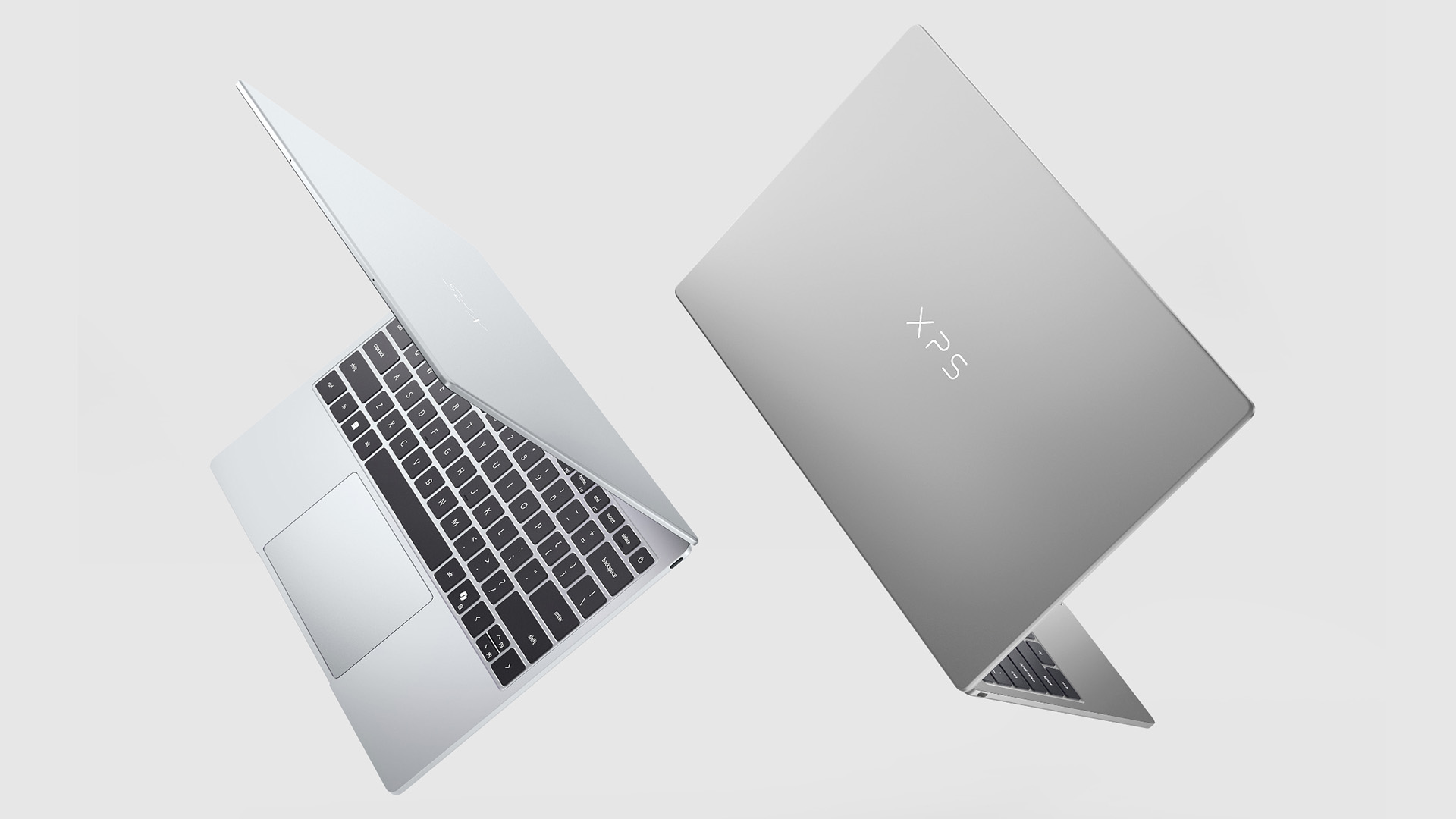
Connectivity is one of the clearest areas where the Dell XPS 13 outperforms the MacBook Neo, and it is something Dell has been vocal about in its own marketing.
Dell XPS 13 (2026) Ports
- 2x USB-C 3.2 Gen 2 (both ports support full-speed data and charging)
- Core Ultra models: 2x Thunderbolt 4
- Wi-Fi 7 (Intel)
- Bluetooth 6 reported in launch coverage
- No 3.5mm headphone jack
- No SD card reader
MacBook Neo Ports
- Left USB-C port: USB 3 speed (full data transfer, external display output)
- Right USB-C port: USB 2 speed only (slower data, charging only)
- No Thunderbolt support on either port
- Wi-Fi 6E
- Bluetooth 6
- 3.5mm headphone jack (present)
- No SD card reader
| Watch out: The MacBook Neo's USB 2 USB-C port is slow enough to matter if you regularly transfer large files to external drives or use a USB-C hub. The USB 3 port is the one to rely on for faster data and external display use. If you use docking accessories regularly, this is a genuine limitation. |
The XPS 13 also ships with Wi-Fi 7, which is a newer standard offering faster wireless speeds and lower latency than the Wi-Fi 6E found in the MacBook Neo. This will not make a noticeable difference today for most users, but it is a better long-term investment as Wi-Fi 7 routers become more common.
Verdict: XPS 13 wins clearly. Two full-speed USB-C ports, Wi-Fi 7 and Thunderbolt 4 on higher-end models give it better connectivity for the price. The MacBook Neo only wins if you specifically need a built-in headphone jack.
Keyboard, Trackpad & Webcam: Everyday Comfort Compared
You will spend more time interacting with the keyboard and trackpad than any other part of a laptop, so getting this right matters. Both machines have respectable input devices, but there are some important distinctions.
Keyboard
The Dell XPS 13 includes a backlit keyboard as standard on all models. This is something Dell specifically called out as a feature the MacBook Neo lacks, and it is true: the base MacBook Neo (£599) does not have a backlit keyboard, nor does it include Touch ID. You need to upgrade to the £699 model with 512GB storage to get a Magic Keyboard with Touch ID and a backlit layout.
Trackpad
The Dell XPS 13 now uses a more conventional glass mechanical trackpad rather than the controversial invisible haptic trackpad design from some previous XPS models. That is good news for buyers who wanted Dell to return to a more familiar layout.
The MacBook Neo uses a Multi-Touch trackpad, but it is not positioned as the same premium Force Touch experience found on higher-end MacBook models. It should still be accurate and pleasant for everyday use, but Apple has clearly reserved some premium hardware touches for the MacBook Air and MacBook Pro ranges.
Webcam & Biometrics
Both laptops ship with 1080p webcams. The XPS 13 adds an IR sensor for Windows Hello facial recognition as standard, which means you can log in with your face without touching anything. The MacBook Neo's base model lacks Touch ID (it's only on the £699 tier). This gives the XPS 13 a convenience edge for biometric log-in at the entry price point.
Verdict: Draw. The XPS 13 wins on backlit keyboard and Windows Hello at the entry point. The MacBook Neo wins on trackpad quality and offers Touch ID on the higher storage model.
Audio: The XPS 13's Quad Speakers Are a Genuine Bonus
Laptop audio is rarely impressive at any price, but there is a meaningful difference between two-speaker and four-speaker setups. The Dell XPS 13 ships with quad speakers and Dolby Atmos support. The MacBook Neo has side-firing stereo speakers that deliver clear, mid-range sound but lack the depth and volume of a four-speaker arrangement.
For students who watch lectures, stream content, or take video calls without headphones, the XPS 13's speakers will produce noticeably better results in a quiet room.
Verdict: XPS 13 wins. Quad speakers with Dolby Atmos at this price is genuinely uncommon.
Software & AI Features: Two Very Different Ecosystems
The operating system choice is arguably the biggest factor in this comparison, and it is one only you can decide. If you already use an iPhone, iPad, or other Apple devices, macOS on the MacBook Neo will integrate cleanly through features like Handoff, AirDrop, iCloud, and Universal Clipboard. If you are a Windows user or need Windows-specific software such as specialist engineering tools, certain games, or enterprise applications, the XPS 13 is the only sensible option.
Apple Intelligence (MacBook Neo)
The A18 Pro chip enables Apple Intelligence, Apple's on-device AI suite. This includes writing tools, photo clean-up, priority notifications, and ChatGPT integration via Siri. Apple claims the Neo is up to 3x faster than comparable Intel Core Ultra 5 laptops at on-device AI workloads, which reflects genuine architectural advantages of the Neural Engine built into the A18 Pro.
Copilot+ and Windows 11 (XPS 13)
The XPS 13 runs Windows 11 with Microsoft Copilot built in, offering AI-assisted features such as content summarisation, writing assistance, and search within the OS. The Core Ultra Series 3 models will support Copilot+ features fully. In practice, Windows AI features are still maturing compared to Apple Intelligence at this point in 2026.
"The MacBook Neo's A18 Pro delivers more efficient on-device AI than current Intel alternatives. But Windows 11 runs more software natively, full stop."
Verdict: MacBook Neo wins on Apple Intelligence efficiency and ecosystem integration. XPS 13 wins on software compatibility breadth and Windows flexibility.
UK Price & All Variants: What You Get at Each Tier
Understanding the pricing tiers for both laptops is critical before you decide. The headline prices match, but the configurations differ significantly, and there are important trade-offs at each level.
Apple MacBook Neo UK Configurations
|
MODEL |
UK PRICE |
EDUCATION PRICE |
KEY SPECS |
|
MacBook Neo (256GB) |
£599 |
£499 |
A18 Pro, 8GB RAM, 256GB SSD, no Touch ID, no backlit keyboard |
|
MacBook Neo (512GB) |
£699 |
£599 |
A18 Pro, 8GB RAM, 512GB SSD, Magic Keyboard with Touch ID, backlit keyboard |
Note: RAM is fixed at 8GB on all MacBook Neo models. There are no higher-memory options.
Dell XPS 13 (2026) UK Configurations
|
MODEL |
UK PRICE (EXPECTED) |
KEY SPECS |
|---|---|---|
|
XPS 13 (Core 5 320, 8GB/512GB) |
~£599–£699 |
Intel Core 5 320, 8GB LPDDR5x, 512GB PCIe Gen 4, 2x USB-C 3.2 |
|
XPS 13 (Core 5 320, 16GB/512GB) |
~£749–£799 |
Intel Core 5 320, 16GB, 512GB PCIe Gen 4 |
|
XPS 13 (Core Ultra 7 355, 16GB/1TB) |
~£999–£1,099 |
Intel Core Ultra 7 355, 16GB, 1TB, 2x Thunderbolt 4 |
|
XPS 13 (Core Ultra 7 355, 32GB/1TB) |
~£1,199+ |
Intel Core Ultra 7 355, 32GB, 1TB, 2x Thunderbolt 4 |
The figures above are based on US launch pricing converted to sterling and adjusted for typical Dell UK pricing.
| Heads up: The MacBook Neo's base model at £599 does not include a backlit keyboard or Touch ID. If you want those features, you need the £699 model. Factor this into your comparison when looking at the XPS 13 base tier. |
Who Should Buy Which? Use Case Breakdown
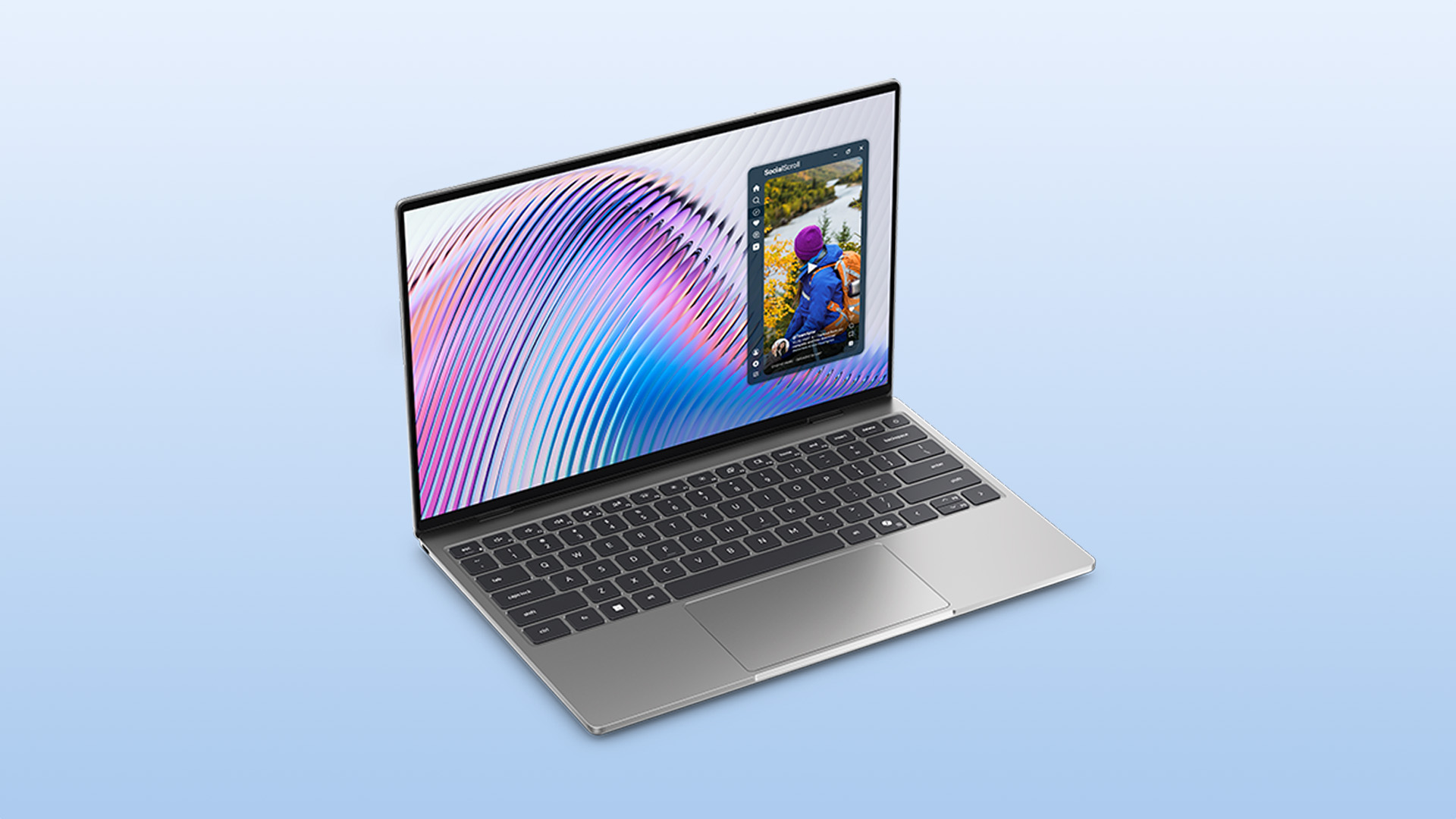
The right laptop depends on how you actually use it, not on which one wins the spec sheet. Here is a practical guide to help you choose based on your daily needs.
You are a Windows user or depend on Windows-specific software
Buy the XPS 13.
If your workflow includes software that runs only on Windows (engineering tools, specialist creative apps, games, certain business platforms), the XPS 13 is the only option. The MacBook Neo cannot run Windows natively.
You are already in the Apple ecosystem
Buy the MacBook Neo.
If you own an iPhone or iPad and rely on iCloud, AirDrop, iMessage, or Handoff, the MacBook Neo makes your devices work together seamlessly. Switching to Windows would break those integrations entirely.
You are a student who edits photos or videos
Buy the XPS 13 if display quality, touchscreen support and RAM options matter most.
The XPS 13's 100% DCI-P3 display and upgradeable RAM make it significantly more capable for creative coursework. The touchscreen also makes light editing more intuitive without a graphics tablet.
You want the simplest, most reliable everyday laptop
Buy the MacBook Neo.
For browsing, writing, video calls, and light creative work, the MacBook Neo is genuinely excellent. macOS is polished, battery life is strong, and the machine runs cool and silent at all times.
You need room to grow
Buy the XPS 13.
If you might need more than 8GB of RAM in a year or two (and many users do as tabs, apps, and workloads expand), the XPS 13's upgradeability makes it a safer long-term investment.
You are a student on a tight budget
Buy the MacBook Neo.
At £499 with education pricing, the MacBook Neo is exceptional value for a new Mac. The XPS 13 does not currently have an equivalent education discount confirmed in the UK.
You travel constantly and want the lightest possible option
Buy the XPS 13.
The XPS 13 is lighter (around 1kg versus 1.23kg) and fits more easily into a slim bag. Over a week of travel, the difference is noticeable.

Choosing Between Two Right Answers
The Dell XPS 13 vs MacBook Neo debate is one of the most interesting laptop comparisons of 2026 precisely because both machines are genuinely good. Apple changed the affordable laptop conversation with the Neo; Dell responded with a machine that matches the price and raises the stakes on hardware.
For most buyers not locked into an ecosystem, the XPS 13 offers more specification for the money. For Apple users, students on education pricing, or anyone who values macOS and its AI integration, the MacBook Neo remains a compelling and well-priced choice. Whichever you pick, you are getting a properly premium-feeling laptop for around £600.
Keen to see what the latest Dell XPS range has to offer beyond the entry-level 13? Browse the latest Dell XPS laptops, including XPS 14 and XPS 16 models with more power and port options.

Good to Know Things...
Is the Dell XPS 13 2026 better than the MacBook Neo?
It depends on your needs. The XPS 13 wins on display, ports, and touchscreen. The MacBook Neo leads on AI performance per watt and macOS ecosystem integration.
Does the MacBook Neo have a touchscreen?
No. The MacBook Neo does not have a touchscreen. The Dell XPS 13 2026 includes a 2.5K touchscreen as standard across all configurations.
What chip does the MacBook Neo use?
The MacBook Neo runs on Apple's A18 Pro chip, the same processor used in iPhone 16 Pro models, paired with 8GB of fixed unified memory.
Can the MacBook Neo run Windows software?
Not natively. Windows 11 can run on the MacBook Neo via Parallels Desktop, but native Windows apps and performance will have notable limitations compared to a Windows PC.
Which laptop has better battery life, the XPS 13 or MacBook Neo?
Dell claims up to 17 hours streaming for the XPS 13. Apple rates the MacBook Neo at up to 16 hours. Both offer genuine all-day battery life in real-world use.
Is the MacBook Neo good for students in the UK?
Yes. At £499 with UK education pricing, the MacBook Neo is an excellent student laptop for everyday tasks, web browsing, writing, and light creative work.
| Read More |
| Dell XPS 13 Buying Guide: Specs, Price, Features & Key Details |
| Laptop Buying Guide 2026: How to Choose the Right One |
| MacBook Neo 2026: Everything You Need to Know |
Related Articles


Last Updated: February 11, 2026
Choosing the right desktop PC can feel a bit like picking a side in a long-running tech rivalry. HP, Dell, and Lenovo are three of the biggest names and for good reason. They all offer reliable, powerful desktops that suit everything from casual home use to hardcore business workloads and creative setups.
But when it comes to HP vs Dell vs Lenovo desktop PCs, which brand actually wins for you?
Why Compare HP, Dell, and Lenovo Desktop PCs?
HP, Dell, and Lenovo are all global heavyweights in the PC world. They each offer a wide range of desktops — from budget-friendly towers to powerful workstations and compact all-in-one PCs.
But here’s the thing:
Not all desktop PCs are built for the same kind of user.
Some are better for productivity, some for gaming, and others for long-term reliability. Understanding the differences is key before you hit “Add to Basket”.
HP Desktop PCs: Style Meets Performance
HP desktops are known for blending solid performance with modern design. If you like your
Last Updated: February 19, 2026
Are you a creative professional or a student looking for the perfect hardware? Choosing the right tools can make or break your workflow. Animation and 3D design are demanding tasks. They require power, precision, and reliability. In this guide, we explore the best laptops for animation and 3D modelling available today.
Why Your Hardware Matters for 3D Work?
Animation is not just about drawing. It involves complex calculations. When you work in software like Blender or Autodesk Maya, your computer handles millions of polygons. It also calculates lighting, physics, and textures in real-time.
If your laptop is too slow, you will face lag. Your software might crash. Most importantly, your rendering times will be incredibly long. High-performance 3D laptops solve these problems. They allow you to focus on your art instead of your technical issues.
To get the best results, you need a balance of components. This includes a fast processor (CPU), a powerful graphics card (GPU), and plenty of memory
Published: March 13, 2026
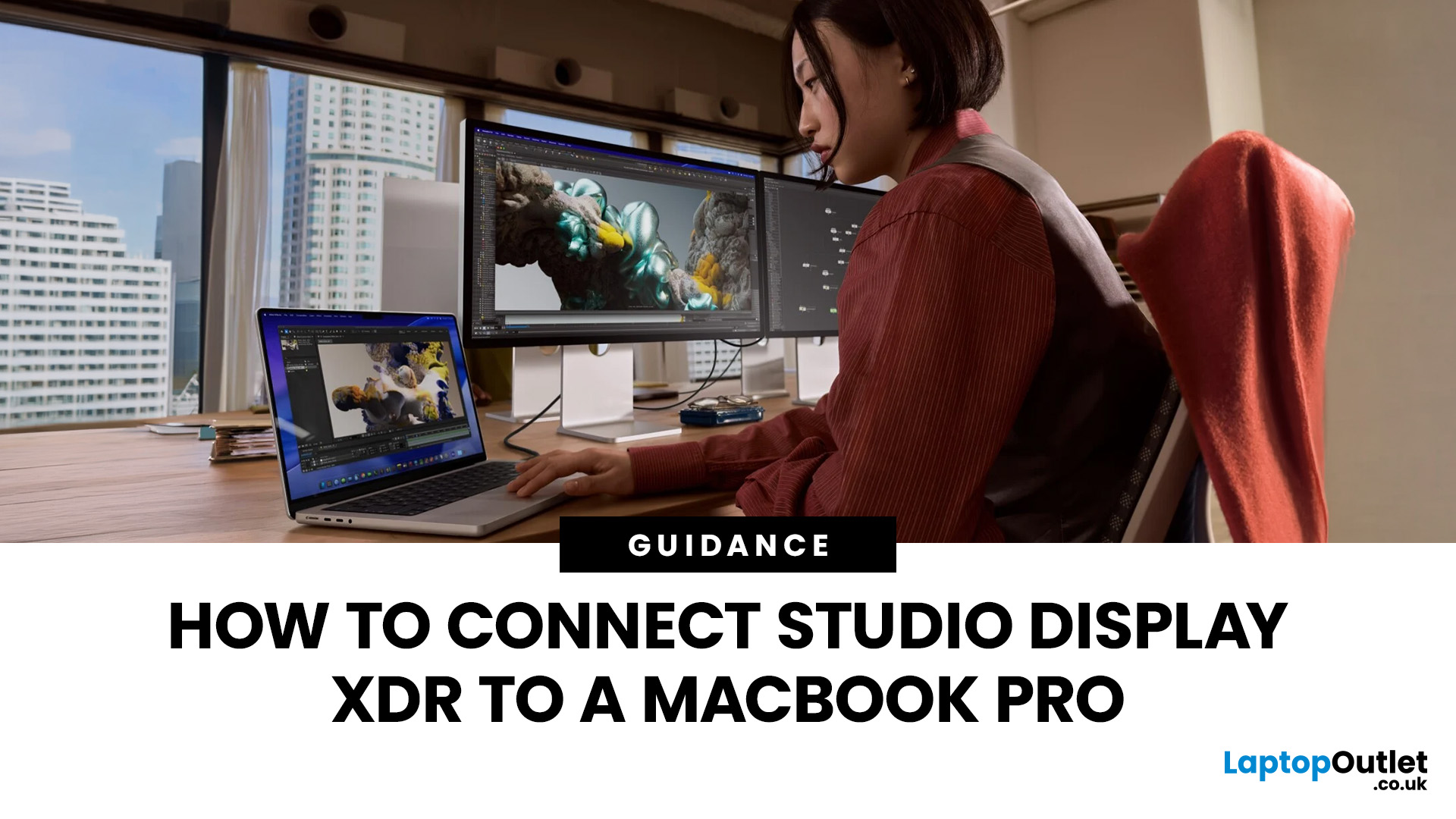
If you have just bought Studio Display XDR and want to use it with a MacBook Pro, the setup is usually quick. In most cases, the screen should come on automatically within a few seconds. macOS should recognise the display without extra drivers or manual installation. According to Apple’s official Mac support documentation, compatible MacBook Pro models automatically detect Studio Display when connected through Thunderbolt. Studio Display XDR can also deliver up to 140W of host charging through that same cable, so your MacBook Pro can charge while connected.
This Studio Display XDR setup guide explains the full process for connecting the Apple Studio Display XDR to a MacBook Pro, from the initial cable connection to the display settings you may need to adjust afterwards. Studio Display XDR is not just another external monitor. It is a 27-inch 5K Retina XDR display with mini-LED backlighting, up to 2,000 nits peak HDR brightness, a 120Hz refresh rate with Adaptive Sync, built-in camera and
Published: March 13, 2026
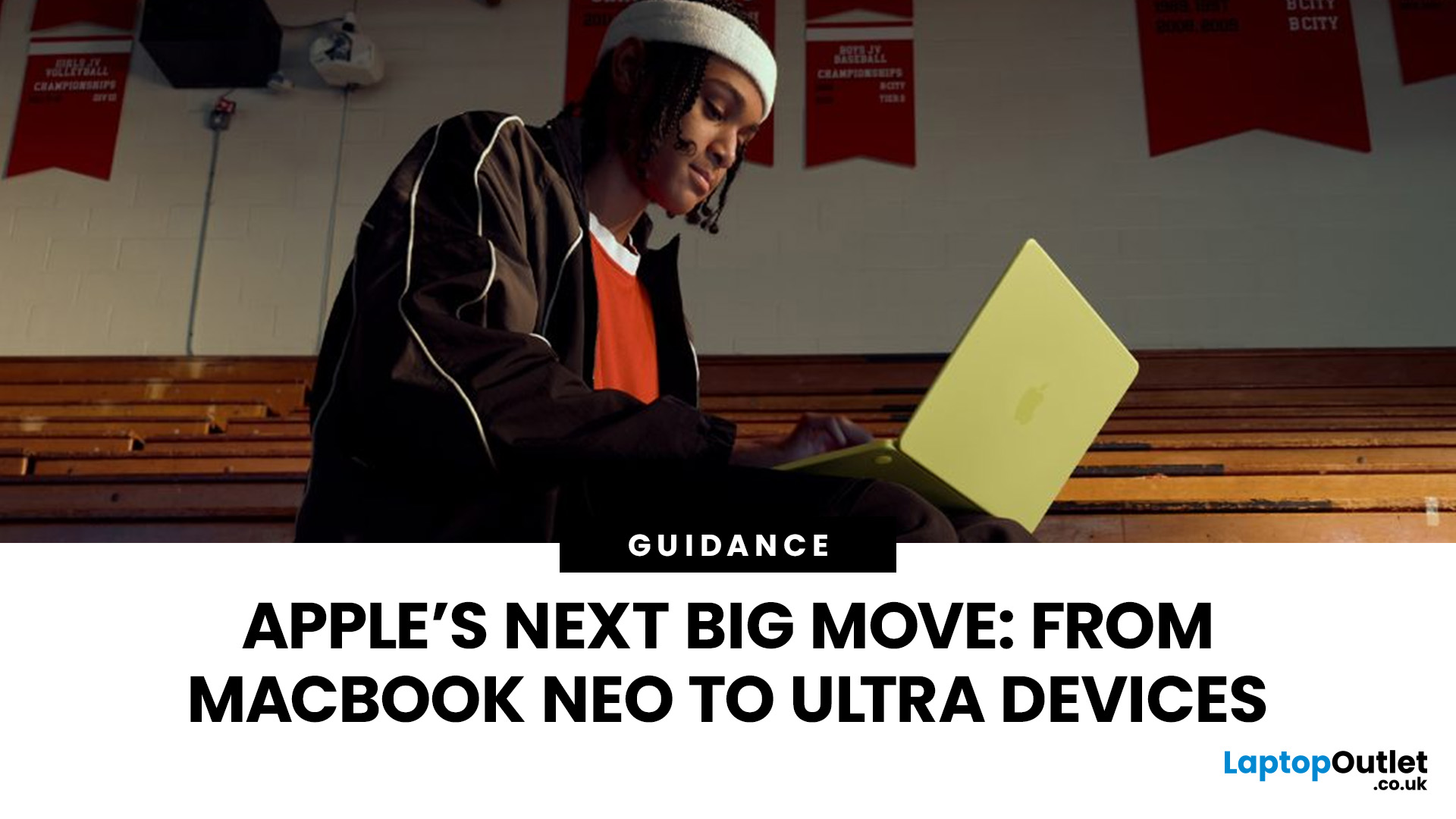
Apple is entering a new era of product strategy. For years, the company has dominated the premium tech market with devices like the iPhone Pro and MacBook Pro. But now Apple appears to be expanding its ecosystem in two directions at once: more affordable devices and ultra-premium hardware.
The recent MacBook Neo release indicates that Apple has a budget-friendly laptop to attract students and first-time Mac users. At the same time, industry reports indicate Apple is building a lineup of Ultra devices that will sit above its current Pro models.
This shift highlights what many analysts now call the Apple Ultra strategy, a long-term plan to stretch Apple’s ecosystem from entry-level devices all the way to cutting-edge luxury hardware. From the MacBook Neo at the affordable end to devices like iPhone Ultra, MacBook Ultra, and AirPods Ultra, Apple’s premium device roadmap is becoming more ambitious than ever.
MacBook Neo: Apple’s New Entry-Level Laptop
The MacBook Neo is expected to become

Last Updated: July 06, 2026
Apple’s MacBook lineup has earned its reputation through years of delivering fast performance, long battery life, and a genuinely premium build quality that is hard to beat. Whether you are buying your first Mac, switching from Windows, or troubleshooting an issue, this MacBook & Apple guide covers everything you need.
What Exactly Is a MacBook?
A MacBook is Apple’s range of portable computers, running macOS. Unlike most Windows laptops, MacBooks use Apple’s own silicon. In 2026, that means the MacBook Neo runs on A18 Pro, while the latest MacBook Air and MacBook Pro run on M5-family chips: M5, M5 Pro, and M5 Max.
All MacBooks benefit from Apple’s tight hardware and software integration, meaning everything from apps to system updates is designed specifically for the machine you are holding. That is a big reason why so many people in creative, professional, education, and everyday roles swear by them.
What Are the Latest MacBook Models in 2026?

Apple currently sells MacBooks in three lines:
Last Updated: May 06, 2026
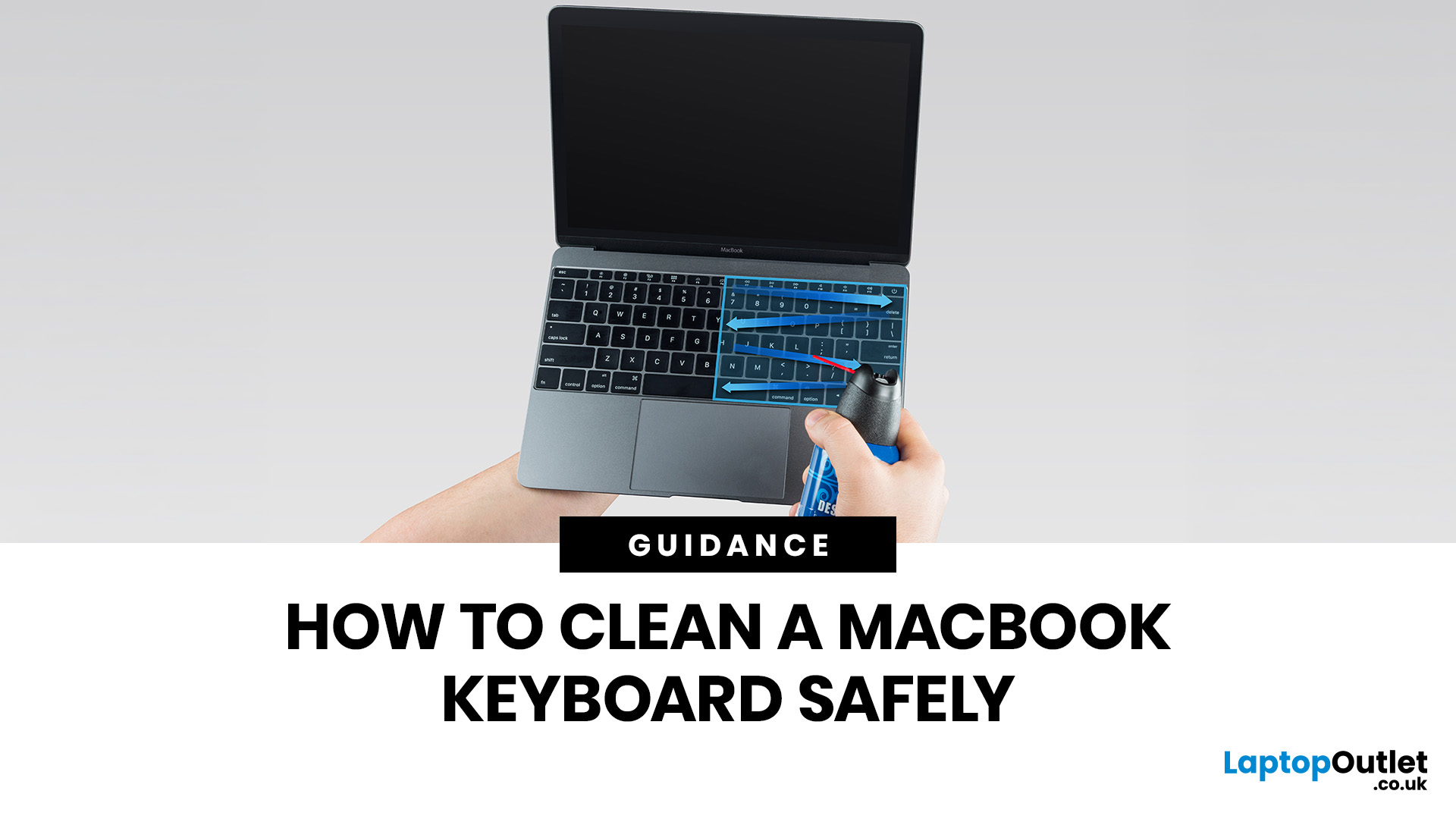
MacBook keyboard cleaning is simple when you do it the Apple-safe way: shut the laptop down, unplug it, use a soft lint-free cloth, keep moisture out of the openings, and never spray cleaner directly onto the keyboard. If you need to disinfect the surface, Apple says you can gently wipe off the hard, non-porous exterior, including the keyboard, with a 70 per cent isopropyl alcohol wipe, a 75 per cent ethyl alcohol wipe, or a disinfectant wipe.
That is the short version. The longer version matters because MacBook keyboards are not built for chaotic cleaning energy. Too much liquid, the wrong cleaner, or one “quick” spray straight onto the keys can turn a dusty keyboard into an expensive repair story. We will discuss today how to clean a Mac keyboard properly, how to remove dirt from MacBook keys, when compressed air makes sense, what not to use, and when a keyboard issue is no longer a cleaning job.
Quick Answer: How Can We Clean a MacBook Keyboard Safely?
The safest way to clean a MacBook

Last Updated: May 01, 2026
If your MacBook is not turning on, the quickest way to solve it is to work out which problem you have. Some Macs have no power at all. Others are turning on, but the screen stays black, the battery is not charging properly, or macOS is failing during startup. Those are different faults, and they need different fixes.
In most cases, the right order is simple: check the charger and outlet, force a restart, rule out a blank-screen issue, then move to Safe Mode, Apple Diagnostics, or macOS Recovery if the Mac still will not boot. If your MacBook is charging but not turning on, the issue is often startup, display, or battery-health related rather than a completely dead machine.
What to do First When MacBook Doesn't Turn On

If your MacBook won't turn on, start with the basics before assuming the worst.
- Plug it into a known-working wall socket with a compatible charger and cable.
- Leave it connected for several minutes if the battery may be flat.
- Press and hold the power button for up to 10 seconds,
Last Updated: May 06, 2026
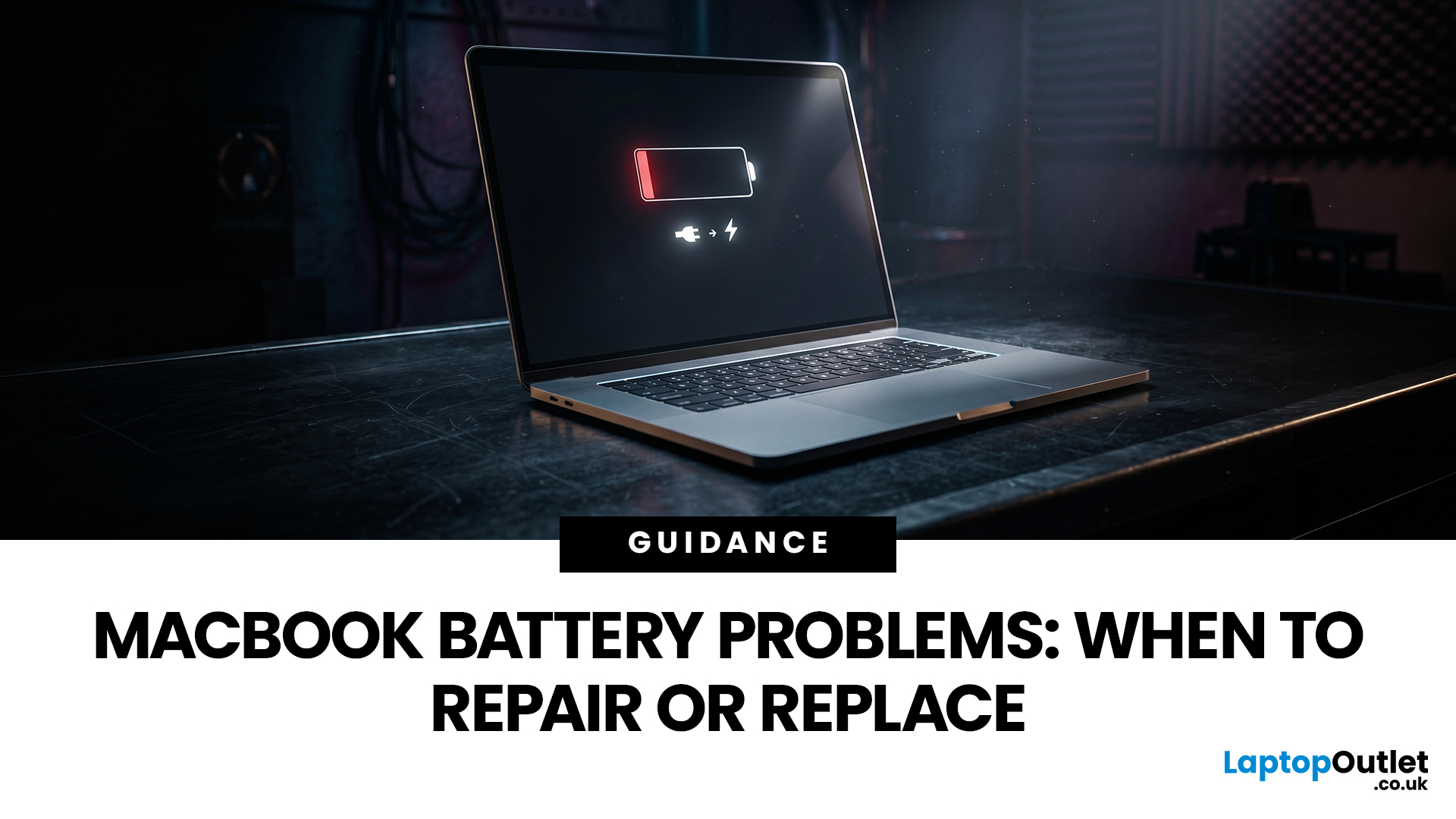
MacBook battery issues do not always mean it is time for a replacement. Sometimes your battery is genuinely wearing out, but sometimes the real problem is heat, charging habits, background apps, or even a charger that is not pulling its weight. That is what makes battery problems so confusing: the symptoms can look dramatic, while the fix might be simple.
In this guide, we will help you figure out what your MacBook is actually trying to tell you. From battery drain and overheating to charging limits and health checks, you will learn how to spot the issue, understand the cause, and decide whether a repair or replacement makes the most sense.
Why MacBook battery issues happen in the first place
MacBook batteries are built with lithium-ion technology, which is great for fast charging and portability, but like every rechargeable battery, they wear down over time. Battery age is not just about how many years you have owned the laptop. It is also shaped by your charging habits, temperature
Last Updated: June 17, 2026
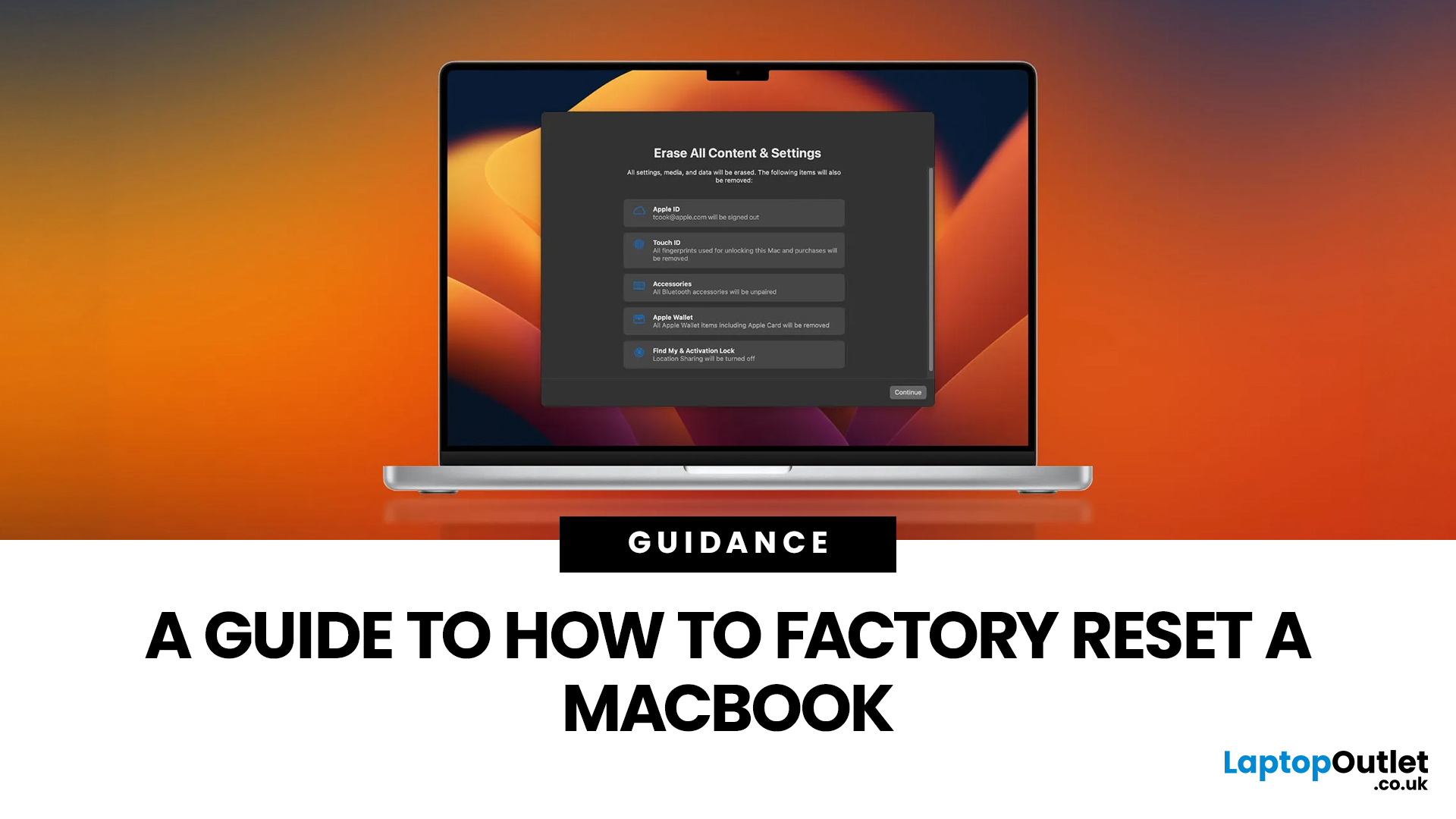
Whether you are selling your MacBook, troubleshooting a persistent software issue, or simply wanting a clean slate, knowing how to factory reset a MacBook safely is an essential skill for any Apple user.
The good news? Apple has made the process simpler than ever. But the steps you need to follow depend entirely on your MacBook model and the version of macOS you are running.
This guide will help you reset your Mac safely, avoid losing important files, and leave the laptop ready either for you or for its next owner.
What Does a Mac Factory Reset Actually Do?
A factory reset wipes your MacBook completely, removing all your files, apps, accounts, and personal settings. The end result is a machine that behaves exactly as it did the day you took it out of the box.
Depending on the method you use, the reset will either keep the current version of macOS installed or reinstall it fresh from scratch. Either way, your personal data is gone, so preparation is everything.
What To Do Before You
Last Updated: June 04, 2026
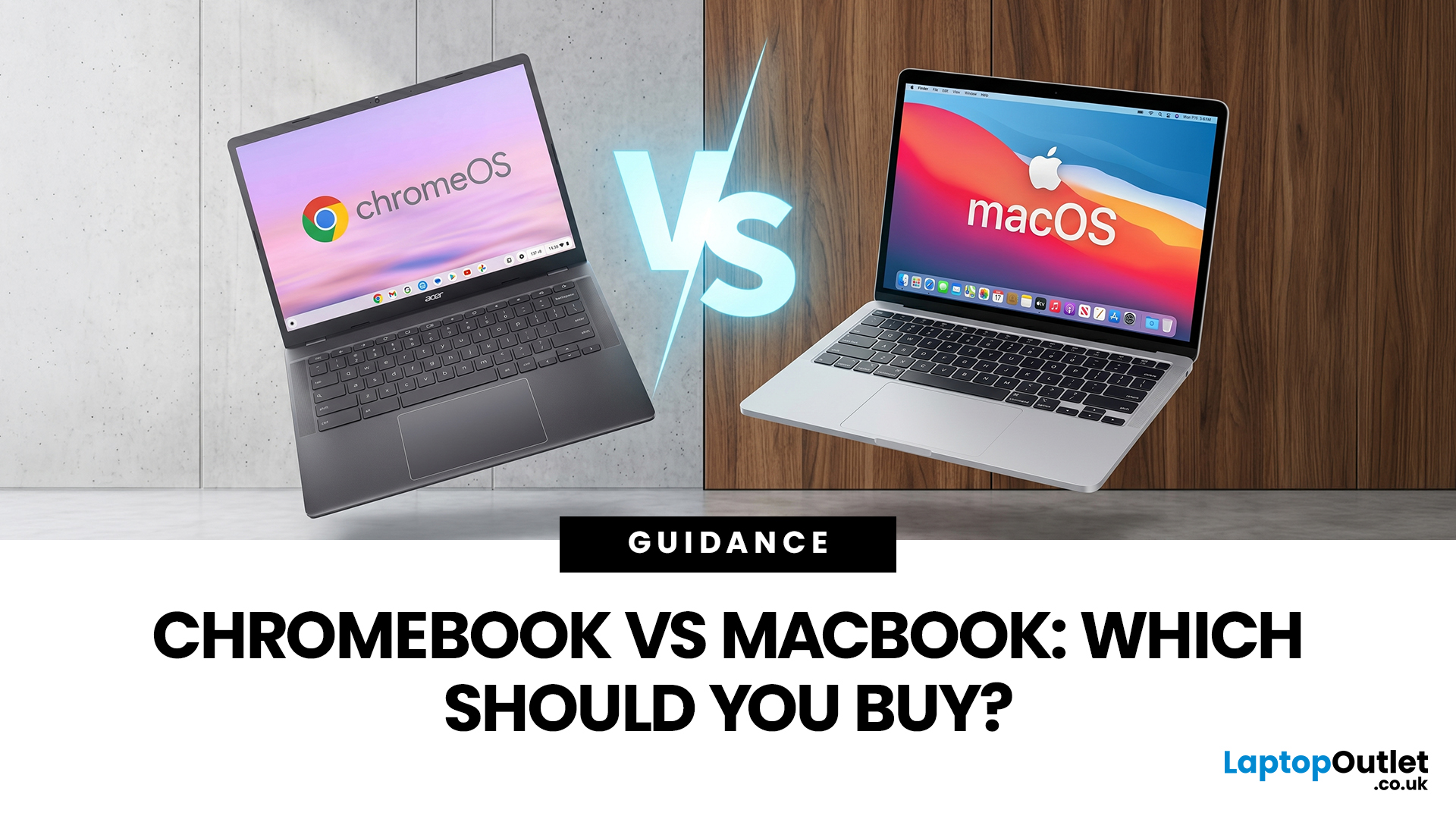
If you want the quickest answer, buy a Chromebook if you mainly use a browser, Google apps, streaming services, email, and simple everyday tools. Buy a MacBook if you need stronger performance, fuller desktop software support, and a laptop that gives you more room to grow over the next few years. That is the real Chromebook vs MacBook decision. It is less about the logo on the lid and more about how you actually work, study, and relax every day.
A Chromebook is a laptop that runs Chrome OS, built around speed, simplicity, built-in Google services, and lightweight computing. A MacBook runs macOS and is designed for a fuller desktop experience, stronger multitasking, and tighter integration with other Apple devices. If you already know you want to compare categories before choosing, start by browsing the best laptops to see where both options sit in the wider market.
Still deciding whether macOS is right for you at all? Read our PC vs Mac in 2026 guide before you choose.

