



MacBook Neo 2026: Everything You Need to Know
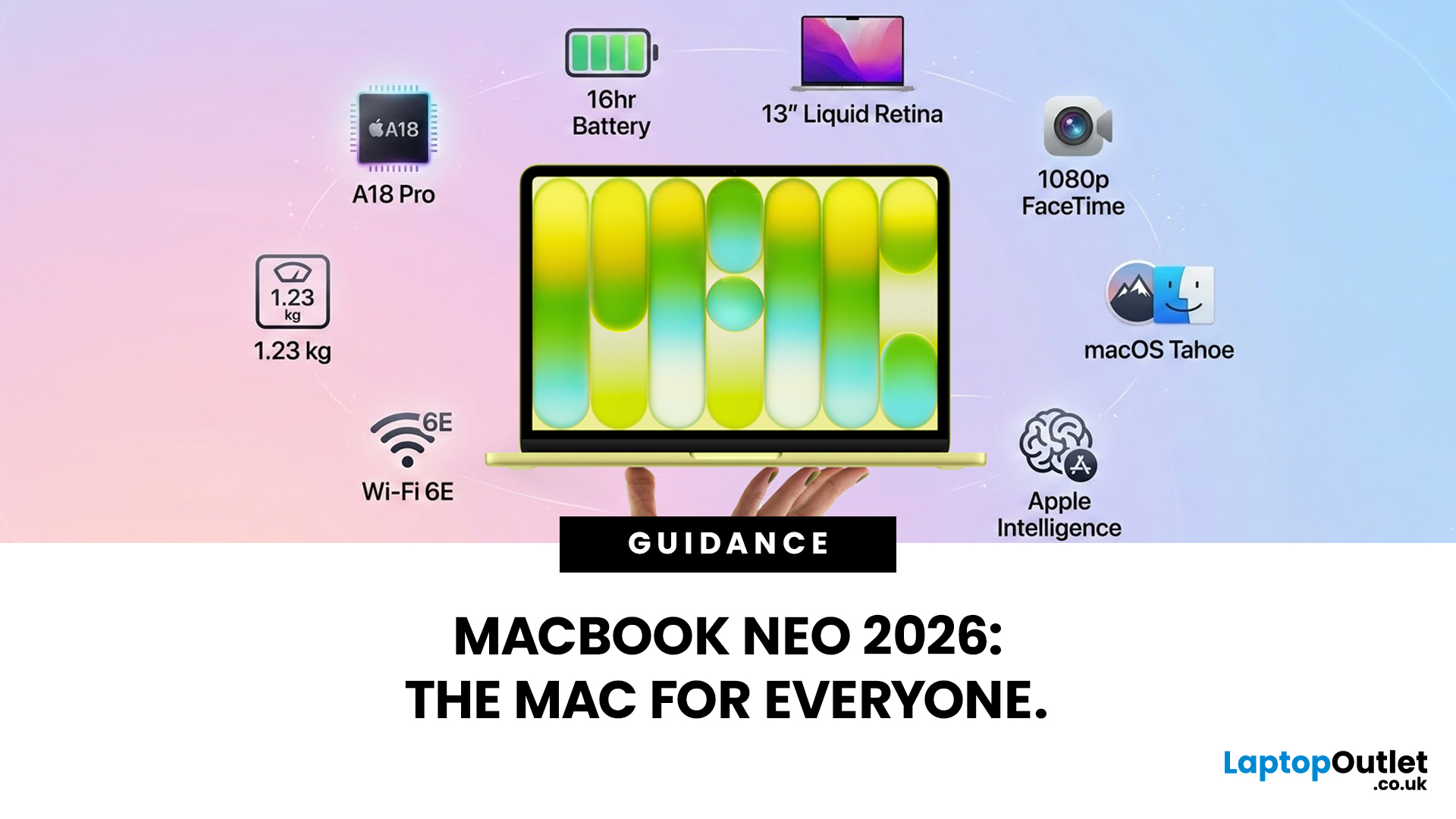
Apple has done something it has not done in years. It has built a MacBook that almost anyone can actually afford.
The MacBook Neo 2026 was announced on 4th March 2026 and went on sale from 11th March 2026. Starting at just £599, it is the most affordable Mac laptop Apple has ever made. That is a bold statement. And this time, Apple means it.
So, what exactly is the MacBook Neo, what can it do, and is it worth buying? Let us break it all down.
What Is the MacBook Neo 2026?
The MacBook Neo is Apple's brand new entry-level laptop. It sits below the MacBook Air and MacBook Pro in the lineup. Think of it as a proper Mac for everyone.
For years, the cheapest way into the Mac world was the MacBook Air at £999. That was too steep for many students and first-time buyers. The MacBook Neo changes that. It brings macOS, Apple silicon, and the full Mac experience to people who want a quality laptop without paying a premium price.
It is not a watered-down product. It is simply a smarter, more accessible one.
MacBook Neo 2026 Full Specifications
Here is a full breakdown of what the MacBook Neo 2026 offers:
|
Feature |
Details |
|
Display |
13-inch Liquid Retina |
|
Resolution |
2408 x 1506 pixels |
|
Brightness |
Up to 500 nits |
|
Colour Support |
1 billion colours |
|
Chip |
Apple A18 Pro |
|
CPU |
6-core |
|
GPU |
5-core |
|
Neural Engine |
16-core |
|
Memory |
8GB unified memory |
|
Storage Options |
256GB or 512GB SSD |
|
Battery Life |
Up to 16 hours |
|
Camera |
1080p FaceTime HD |
|
Audio |
Dual side-firing speakers, Spatial Audio and Dolby Atmos |
|
Microphone |
Dual-microphone array |
|
Connectivity |
Wi-Fi 6E, Bluetooth 6 |
|
Ports |
Two USB-C, 3.5mm headphone jack |
|
Weight |
1.23 kg |
|
OS |
macOS Tahoe |
MacBook Neo 2026 Design and Colours
Apple has clearly had fun with the design here. The MacBook Neo comes in four eye-catching colours:
- Blush (soft pink)
- Indigo (deep blue)
- Citrus (fresh yellow)
- Silver (classic)
The body is made from aluminium, so it feels solid and premium despite the lower price. It weighs just 1.23 kg, making it one of the lightest MacBooks available. It measures 1.27 cm thick, so it slips easily into a bag or rucksack.
The 13-inch form factor keeps things compact and portable. There is only one size available, which keeps the choice simple.
Apple A18 Pro: Performance That Surprises
Here is where the MacBook Neo 2026 gets genuinely interesting.
Unlike the MacBook Air and MacBook Pro, which run on Apple's M-series chips, the Neo uses the Apple A18 Pro. That is the same chip found in the iPhone 16 Pro. It is a first for any Mac laptop.
Everyday Performance
The A18 Pro features a 6-core CPU and a 5-core GPU. For everyday tasks, this chip handles them with ease. Browsing, emailing, word processing, video calls, and light photo editing all run smoothly. Apple claims up to 50% faster for everyday tasks compared to Intel Ultra Core 5 Windows laptops.
Apple Intelligence Built In
The 16-core Neural Engine is key. It powers Apple Intelligence features directly on the device. These include smart writing tools, photo editing with AI, and personalised Siri suggestions. Apple says the MacBook Neo can run AI tasks up to 3x faster than equivalent PC laptops.
For students and everyday users, this is a genuinely useful set of tools. And it all runs locally, without needing to send data to a server.
How Does It Compare to the MacBook Air?
The Air uses the more powerful M-series chip, which gives it stronger performance for demanding tasks like video editing or software development. However, for most daily use cases, the A18 Pro holds its own very well.
Display: Liquid Retina at Its Best
The 13-inch Liquid Retina display is one of the MacBook Neo's strongest points.
It delivers a resolution of 2408 x 1506 pixels, with support for one billion colours. Brightness reaches up to 500 nits, which is on par with the MacBook Air. Text looks crisp. Photos look vivid. Streaming looks excellent.
For anyone coming from a budget Windows laptop or a Chromebook, the jump in screen quality will be immediately noticeable.
Battery Life
Apple claims up to 16 hours of battery life on a single charge. In testing, this figure holds up well during everyday tasks like web browsing and document editing.
It is worth noting that the MacBook Air offers up to 18 hours. So there is a small gap there. However, 16 hours is still more than enough for a full school or work day without needing to carry a charger.
One important detail: the MacBook Neo only supports 20W USB-C charging and does not support fast charging. Every other MacBook model does. So charging from flat takes a little longer.
MacBook Neo 2026 Price and Models
The MacBook Neo 2026 comes in two configurations:
|
Model |
Storage |
Touch ID |
UK Price |
|
MacBook Neo (Base) |
256GB SSD |
No |
£599 |
|
MacBook Neo (Higher) |
512GB SSD |
Yes |
£699 |
For students and those in education, Apple offers a discounted price starting from £499, making the MacBook Neo even more accessible for younger buyers.
The base model at £599 is the entry point. However, there is an important difference between the two models beyond storage. The 512GB version includes Touch ID on the Magic Keyboard, while the base 256GB model does not. That is worth keeping in mind before you decide.
Ports and Connectivity
The MacBook Neo 2026 keeps connectivity simple, though there are a few things to know:
- Left USB-C port: USB 3 (faster data transfer, also supports external display output)
- Right USB-C port: USB 2 only (basic connectivity)
- 3.5mm headphone jack: Yes, included
- Wi-Fi 6E and Bluetooth 6
Only the left USB-C port supports connecting an external monitor. So, if you plan to use a second screen, make sure you plug into the correct side.
What the MacBook Neo 2026 Does Not Have
No product is perfect. Here are the limitations to consider before buying:
- No backlit keyboard (the MacBook Air has one)
- No Touch ID on the base 256GB model
- No MagSafe or fast charging
- No Thunderbolt support
- No HDMI and SD card slot
- No Wi-Fi 7 support
- Right USB-C port is only USB 2 speed
- Memory cannot be upgraded (8GB only)
- Only one size available (13-inch)
- Less raw performance than M-series MacBooks for heavy workloads
These trade-offs are what allow Apple to keep the price at £599. For light to moderate use, most people will not miss any of these features. But power users and creatives should look at the MacBook Air or MacBook Pro instead.
Who Is the MacBook Neo 2026 Best For?
The MacBook Neo 2026 is a great fit for a specific group of people. Here is who will get the most out of it:
- Students: The price point, portability, and battery life make it ideal for school and university life. The education discount brings it down to £499.
- First-time Mac buyers: If you have always wanted a Mac but found the price too high, this is the moment. You get the full macOS experience without the premium price tag.
- iPhone users switching to Mac: The A18 Pro chip creates a seamless experience across your Apple devices. Apple Intelligence works consistently across both.
- Casual home users: Browsing, streaming, video calls, and light document work are all handled very well.
- Budget-conscious professionals: If your work is primarily writing, presentations, or web-based tasks, the MacBook Neo does the job reliably.
However, if you edit video regularly, work with large files, run multiple virtual machines, or need Thunderbolt accessories, the MacBook Air or MacBook Pro is a better investment.
MacBook Neo 2026 vs MacBook Air: Quick Comparison
Many buyers will naturally compare Neo to another Apple’s latest release: MacBook Air M5. Here is a key overview of key differences:
|
Feature |
MacBook Neo 2026 |
MacBook Air M5 |
|
Starting Price |
£599 |
£1,099 |
|
Chip |
Apple A18 Pro |
Apple M5 |
|
Storage |
256GB / 512GB |
From 256GB |
|
Battery Life |
16 hours |
18 hours |
|
Backlit Keyboard |
No |
Yes |
|
Touch ID (Base) |
No |
Yes |
|
MagSafe |
No |
Yes |
|
Wi-Fi |
6E |
7 |
The MacBook Air is more powerful and better equipped. But at nearly double the price, it is not always the right choice. For many users, the MacBook Neo does exactly what they need at half the cost.

Is the MacBook Neo 2026 Worth It?
In a word: yes. For the right buyer, absolutely.
The MacBook Neo 2026 brings together a beautiful design, a capable chip, an excellent display, and a genuine full Mac experience at a price that most people can actually reach. At £599, it changes what is possible for students, first-time Mac buyers, and anyone looking for a reliable everyday laptop.
Yes, it has limitations. No backlit keyboard, no fast charging, and no Thunderbolt are real omissions. But for everyday use, those trade-offs are manageable. What you gain is a well-built, well-specced, and impressively portable Apple laptop at a price that was unthinkable just a year ago.
Ready to get yours? The MacBook Neo 2026 will soon be available at Laptop Outlet. Do not miss out — keep an eye on the site and be first in line when stock arrives.

A Little More Info For You...
What chip does the MacBook Neo 2026 use?
The MacBook Neo 2026 uses the Apple A18 Pro chip, the same processor found in the iPhone 16 Pro, featuring a 6-core CPU and 5-core GPU.
How much does the MacBook Neo 2026 cost in the UK?
The MacBook Neo 2026 starts at £599 for the 256GB model and £699 for the 512GB version. Education pricing starts from £499.
Does the MacBook Neo 2026 have a backlit keyboard?
No. Unlike the MacBook Air, the MacBook Neo does not include a backlit keyboard. This is one of its key cost-saving trade-offs.
How long does the MacBook Neo 2026 battery last?
Apple claims up to 16 hours of battery life, making it suitable for a full school or working day on a single charge.
Can the MacBook Neo 2026 run Apple Intelligence?
Yes. The 16-core Neural Engine in the A18 Pro chip fully supports Apple Intelligence features, including AI writing tools and smart photo editing.
What colours does the MacBook Neo 2026 come in?
The MacBook Neo 2026 is available in four colours: Blush, Indigo, Citrus, and Silver.
| Read More: |
| A18 Pro Chip in MacBook Neo: What It Means for Performance |
| Top Features of the New MacBook Neo |
| MacBook Neo vs Budget Windows Laptops |
Related Articles

Published: November 20, 2025
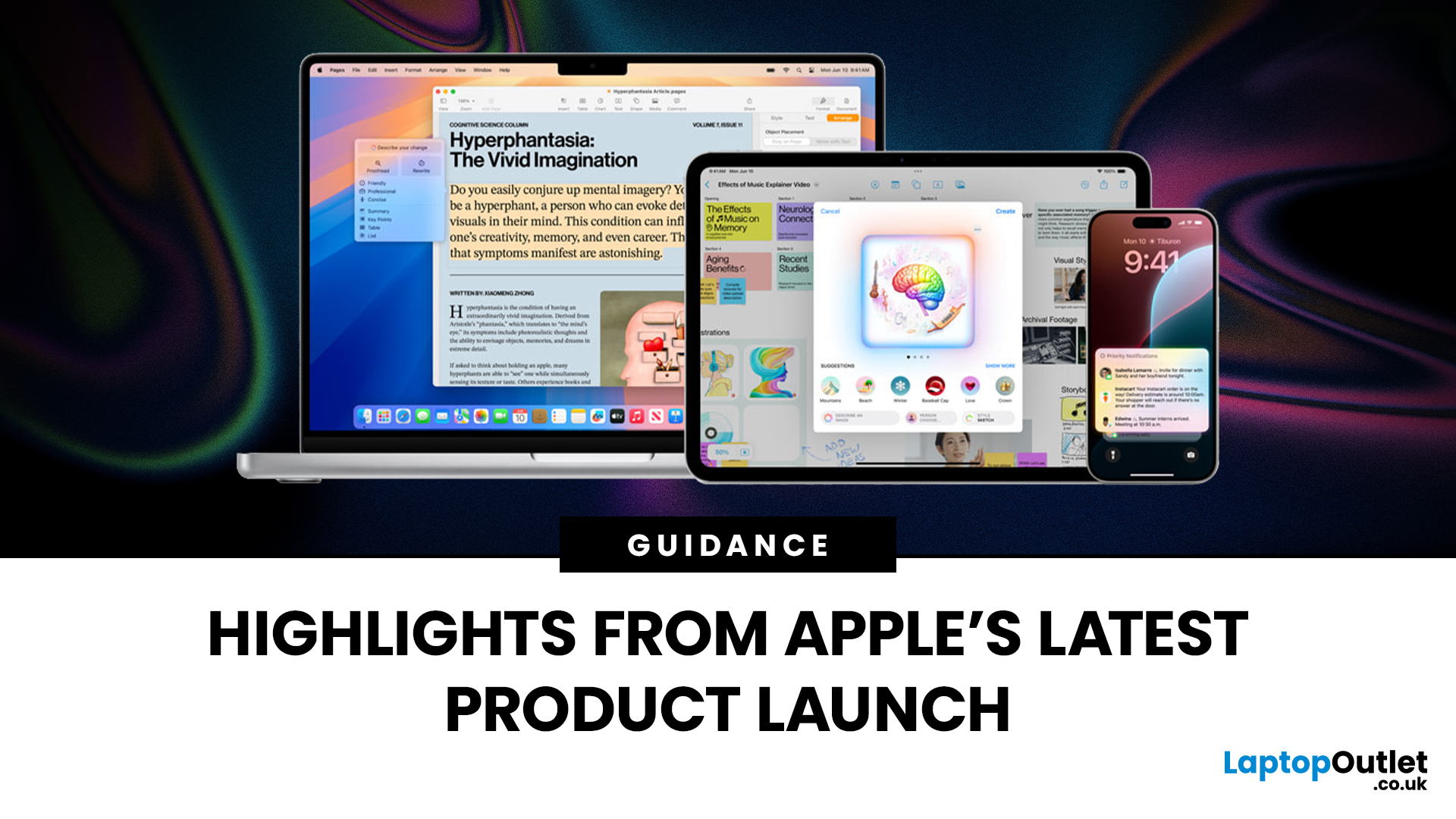
Apple has once again raised the bar with its latest hardware update, unveiling a refreshed line-up including the new Apple MacBook, the iPad Pro, and several other devices. Let’s take a closer look at what’s changed, why it matters, and whether the new Apple MacBook 2025 is worth your attention.
What’s Been Announced?
On 15 October 2025, Apple introduced a suite of devices powered by its latest chip, the Apple M5, including a new 14-inch MacBook Pro, refreshed iPad Pro, and updated mixed-reality headset.
The headline: the new MacBook (and MacBook Pro line) now features the M5 chip built on a 3-nanometre process, offering substantial gains in performance, especially for AI workloads, graphics and battery life.
Meanwhile, the iPad Pro has also seen upgrades, including the M5 chip and enhancements in connectivity, storage, and efficiency.
Why the New Apple MacBook 2025 Matters
Performance and AI
The M5 chip represents a significant step up. According to reports, it delivers AI performance

Last Updated: December 09, 2025
The hashtag symbol (#) is a fundamental part of online communication and social media strategy. It's how you categorise content, join trending conversations, and boost the visibility of your posts across platforms like Instagram, X (Twitter), LinkedIn, and more.
However, many new MacBook users, especially those switching from a Windows machine, find themselves scratching their heads when they look for a dedicated "hash" key. Don't worry, the solution for how to use hashtags on MacBook is incredibly simple. Here’s how to do it:
Your Essential Keyboard Shortcuts
The method for typing the hash symbol (#) on your MacBook depends slightly on the specific keyboard layout your Mac uses, primarily whether you are using a US or UK keyboard.
The US Keyboard Shortcut
If your MacBook uses the standard US keyboard layout, the hash symbol is typically printed directly above the number '3' key on the top row.
Here’s the simple combination you need:
- Find the Shift key.
- Press and hold the Shift key.

Last Updated: December 31, 2025
With the right timing and the right specs, you can land an upgrade that feels genuinely transformative: faster performance, longer battery life, sharper screens, and smoother workflows for work, study, and downtime. New Year promotions are also one of the easiest moments to buy smarter. Stock moves quickly, retailers rotate lines, and discounts get sharper as people reset budgets and goals, meaning the best-value Apple kit often sells out first. That’s why this guide focuses on what to look for, what to prioritise, and how to choose the right Apple device for your needs.
Why New Year is the Best Time to Buy Apple Tech
Apple gear holds value well, which is great when you own it, but it also means discounts can feel harder to find at other times of the year. Around New Year, pricing tends to loosen up across multiple categories, making it easier to upgrade without compromising on model quality. Here’s why New Year shopping is ideal:
- Retail Stock Rotation: end-of-year inventory clears,

Last Updated: March 09, 2026
You just got (or are about to get) the M5 MacBook Air. Congrats, your backpack is about to get lighter, and your vibe is about to get cleaner. But here’s the thing: the laptop is the main character… and the right accessories are the supporting cast that makes the whole show hit.
This guide breaks down the best MacBook Air M5 accessories for 2026, what’s worth buying, what’s overhyped, and how to build a setup that fits your life (commuter, student, creator, desk goblin… all valid).
What to Consider Before Buying MacBook Air M5 Accessories
Let’s skip the “add to cart frenzy” and do a 30-second reality check.
1) What ports do you need?
Most people don’t need a spaceship dock, they need a few essentials:
- USB-A for random flash drives or older accessories
- HDMI for monitors/classroom projectors
- SD/microSD if you shoot content
- A pass-through charging port so your hub isn’t stealing your only charging slot
2) Where do you use your MacBook the most?
- On the go: prioritize protection + compact
Last Updated: March 09, 2026
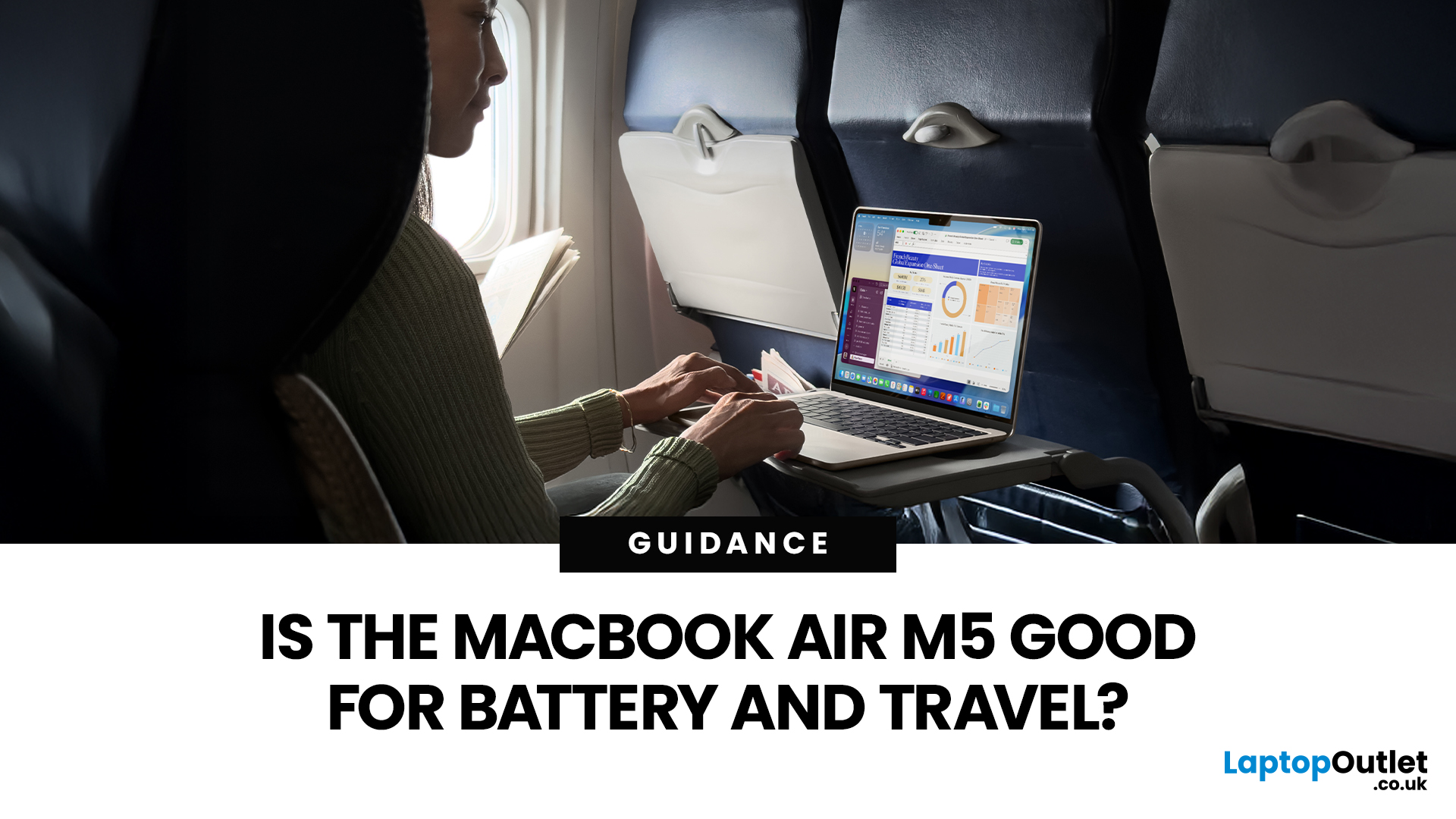
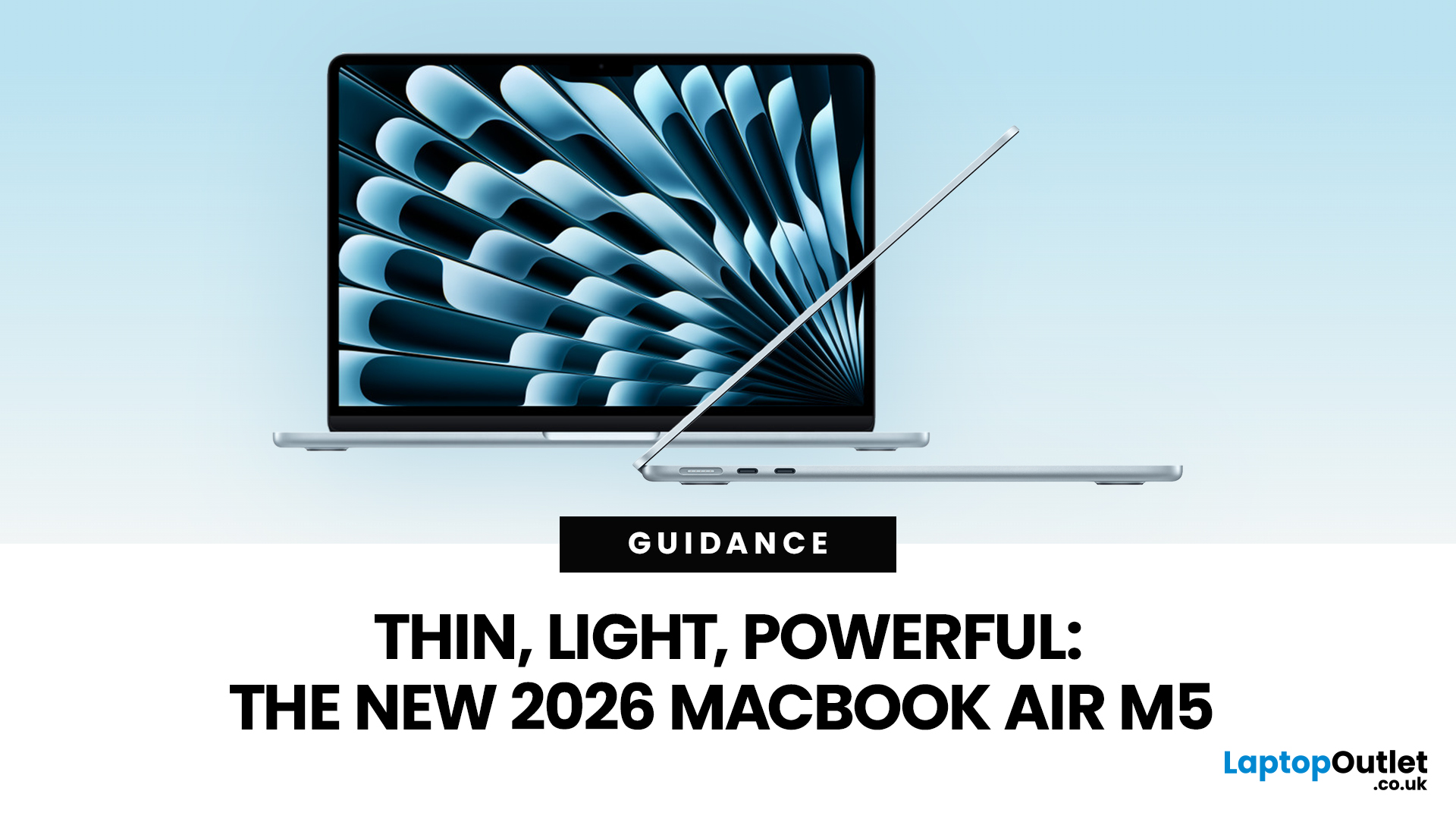
If you are looking up MacBook Air M5 battery life, you probably care about two things more than anything else: how long it lasts away from the charger, and how easy it is to carry every day. The 2026 MacBook Air refresh keeps the same thin, lightweight vibe, but tightens the experience around travel: strong battery ratings, fast charging, modern Wi-Fi 7, and a simple port setup that is actually practical.
This guide breaks down what to expect from Apple’s MacBook M5 battery performance and portability.
Quick Answer: Is The MacBook Air M5 Good for Battery and Travel?
Yes, if you want a true all-day laptop
The MacBook Air with M5 chip is rated for up to 18 hours of battery life, with a separate rating of up to 15 hours for wireless web use. That combination usually covers a full day of classes or meetings without having to plan your life around sockets.
Yes, if portability matters more than raw power
The 13-inch model weighs 1.23 kg, and the 15-inch model weighs 1.51 kg, both staying
Last Updated: March 05, 2026
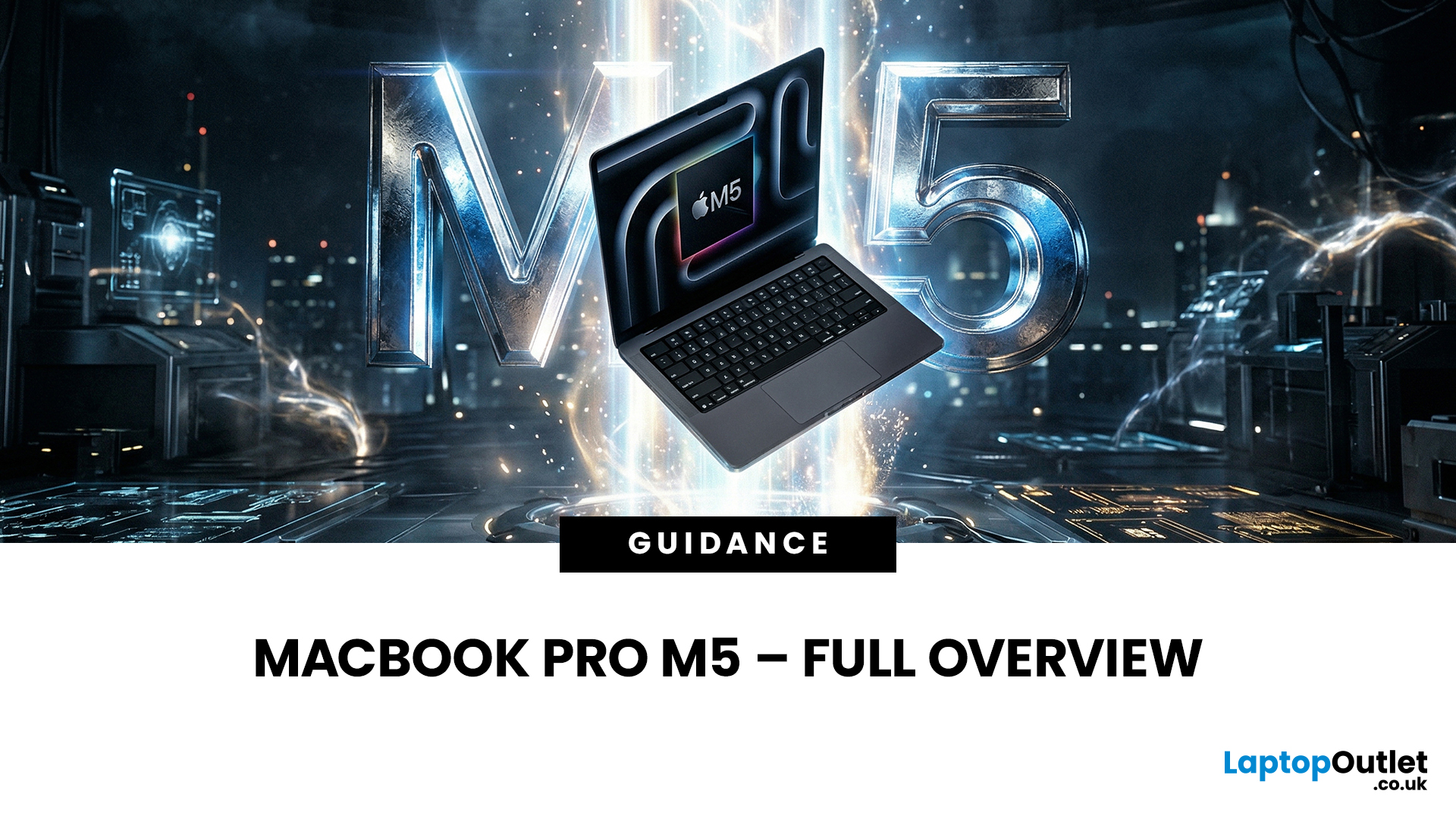
Apple just dropped another powerhouse, and tech lovers everywhere are paying attention. The MacBook Pro with the new M5 chip has officially arrived, and it’s bringing some serious upgrades in performance, AI capabilities, and efficiency. If you’re a creator, developer, student, or someone who simply loves fast and powerful machines, this launch is worth checking out.
Apple’s MacBook Pro M5: What’s the Big Deal?
Apple’s MacBook Pro lineup has already been dominating the laptop space with its custom silicon chips. Starting from the M1, Apple proved that it could build processors that outperform many traditional laptop chips while using less power.
Now, the M5 generation takes things to the next level.
The new MacBook Pro models come powered by M5 Pro and M5 Max chips, which promise faster speeds, stronger graphics performance, and better AI processing compared to previous models. Apple designed these chips to handle demanding tasks like video editing, software development, 3D rendering,
Last Updated: March 09, 2026
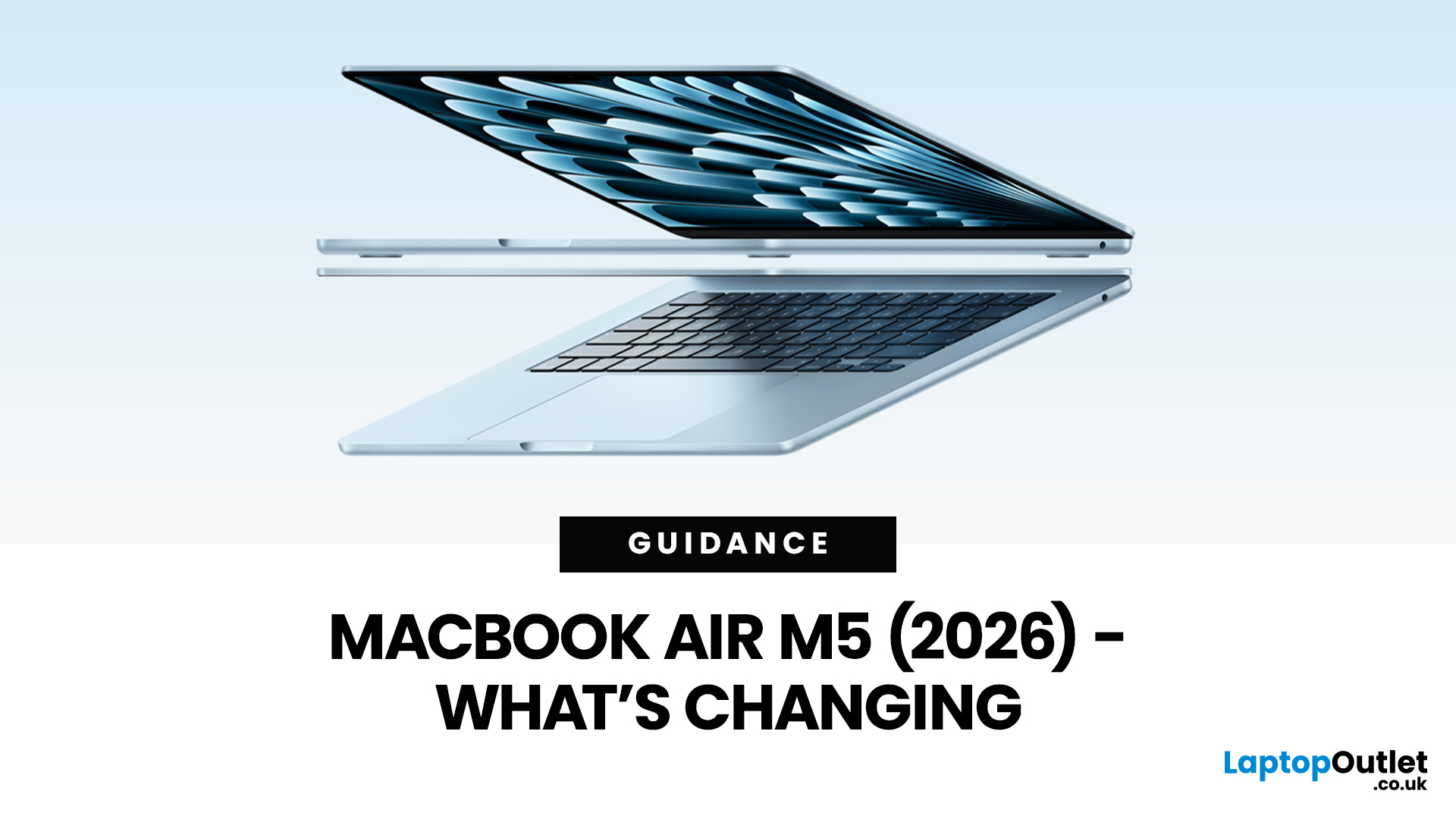
Apple’s MacBook Air refresh for 2026 is official: on 3rd March, 2026, Apple announced the MacBook Air with M5 in 13-inch and 15-inch sizes. The headline isn’t a dramatic redesign, this update is about refining the “already-right” formula: the same thin, fanless aluminium build and the same approachable colour lineup, paired with meaningful under-the-hood upgrades like 512GB base storage, Wi-Fi 7, and a faster SSD.
If your primary focus is MacBook Air M5 design and colours, here’s the most up-to-date, source-backed breakdown of what’s new, what’s unchanged, and how to pick the finish that fits your style (and your tolerance for fingerprints).
MacBook Air M5 design updates at a glance
Apple positions the M5 MacBook Air as a continuation of the current design language: thin, light, durable aluminium, and completely silent because it’s fanless. In other words, no big chassis overhaul this generation.
What’s actually changing in 2026:
- Colours: Apple confirms four finishes: Sky Blue - Midnight

Last Updated: April 03, 2026
If you’re eyeing the MacBook Air M5 for students (or for your work era), you’re not alone. The MacBook Air is basically the “does-everything-without-being-annoying” laptop, portable, quiet, and powerful enough for most real-life tasks. But the big question is: is it the right buy for you in 2026, or are you about to spend money on features you’ll never use?
What’s New with the MacBook Air M5 in 2026 (Quick Recap)
Without turning this into a specs spreadsheet, here’s what matters in the latest model vibes:
Performance
Think: faster app launches, smoother multitasking, fewer “why is everything lagging?” moments when you have 42 tabs open. For most people, the M5 Air will feel effortlessly quick for years.
Battery + Portability (the Air’s whole personality)
The MacBook Air is built for life on the move, classes, cafes, commutes, and travel days. Expect strong battery performance in real usage and a laptop that doesn’t make your bag feel like a gym session.
Display, Camera, Speakers (the
Last Updated: March 09, 2026
Apple has just announced the MacBook Air M5, and it is one of the most capable versions of the world's most popular laptop yet.
Announced on 3 March 2026, with pre-orders open now and availability from 11 March, the 2026 model brings real, meaningful upgrades. From a faster chip to doubled storage and next-generation wireless connectivity, there is plenty to talk about.
So, what exactly is new with the latest MacBook Air model? Let us walk through everything.
A Familiar Shape, Refined to Perfection
When it comes to MacBook Air design and features, Apple has kept what works. The 2026 model carries forward the same clean, aluminium unibody chassis introduced with the M2 generation back in 2022. It is still fanless, still wedge-free, and still one of the most refined thin and lightweight laptops available in 2026.
Both the 13-inch and 15-inch models remain impressively slim. The 13-inch continues to be the go-to for those who want maximum portability. The 15-inch offers more screen real
Last Updated: March 09, 2026
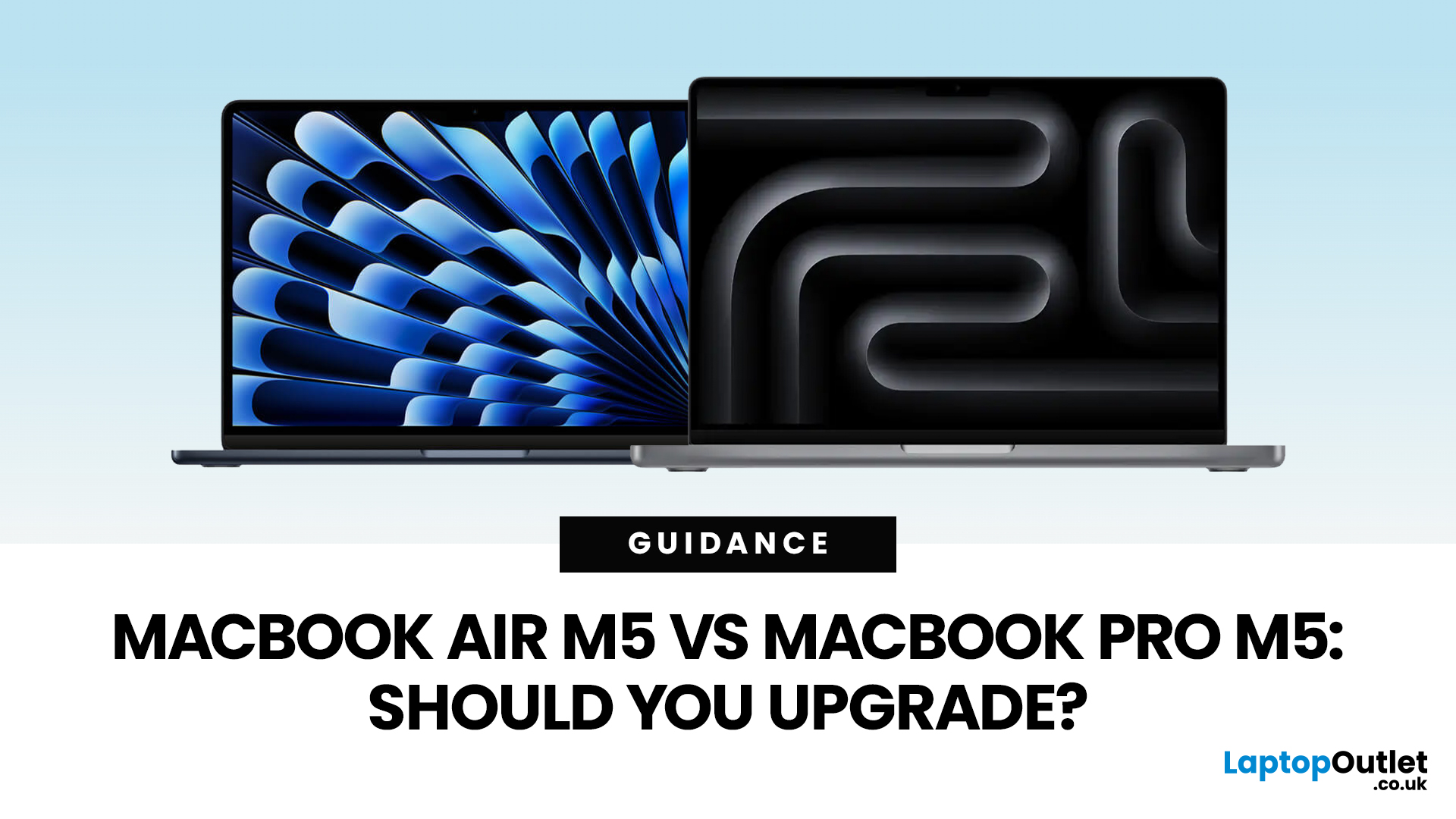
Apple just dropped another round of MacBook upgrades, and the internet is already debating: MacBook Air M5 vs MacBook Pro M5,which one makes sense? If you’re a student, creator, developer, or someone deep in the Apple ecosystem, this decision matters. The M5 generation brings faster AI performance, stronger GPUs, and bigger base storage, but the Air and Pro are designed for very different users.
MacBook Air M5 vs MacBook Pro M5: Quick Overview
Before diving deep, here’s the quick comparison.
| Feature | MacBook Air M5 | MacBook Pro M5 |
| Target user | Students, everyday users | Creators, developers, professionals |
| Chip | M5 | M5 Pro / M5 Max |
| CPU | Up to standard M5 cores | Up to 18-core CPU |
| GPU | Integrated GPU | Up to 40-core GPU |
| Cooling | Fanless | Active cooling |
| Battery | Up to ~18 hours | Up to ~24 hours |
| Base Storage | 512GB | 1TB |
| Price (starting) | ~$1,099 | ~$2,199 |
TheTL;DR:
Air = portability and value.
Pro = raw power.
What’s New in the M5 MacBooks?
Apple’sM5 chip generation focuses heavily on performance and AI workloads.

