



Best Laptops for Animation and 3D Modelling: A Complete Buyer’s Guide
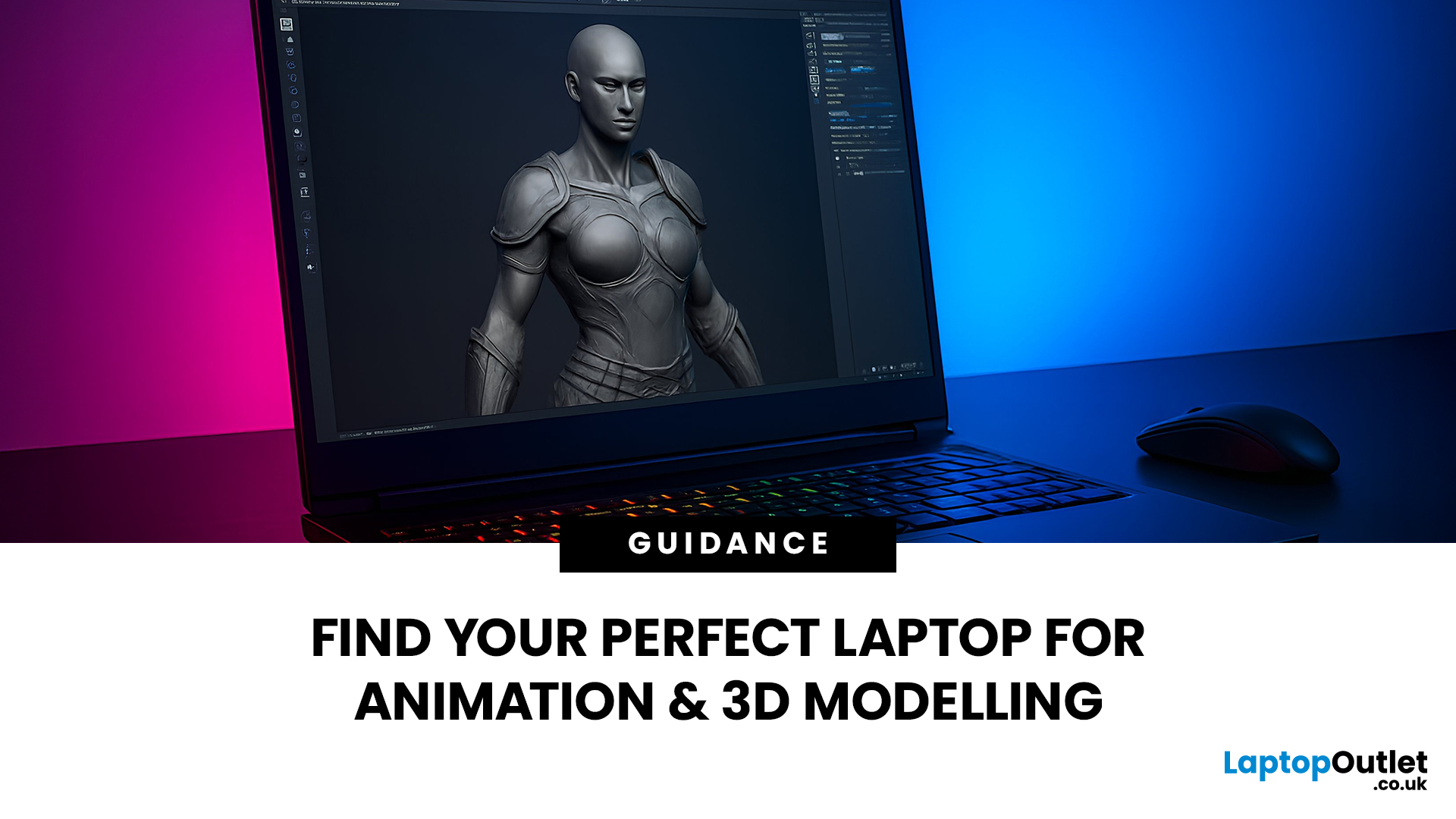
Are you a creative professional or a student looking for the perfect hardware? Choosing the right tools can make or break your workflow. Animation and 3D design are demanding tasks. They require power, precision, and reliability. In this guide, we explore the best laptops for animation and 3D modelling available today.
Why Your Hardware Matters for 3D Work?
Animation is not just about drawing. It involves complex calculations. When you work in software like Blender or Autodesk Maya, your computer handles millions of polygons. It also calculates lighting, physics, and textures in real-time.
If your laptop is too slow, you will face lag. Your software might crash. Most importantly, your rendering times will be incredibly long. High-performance 3D laptops solve these problems. They allow you to focus on your art instead of your technical issues.
To get the best results, you need a balance of components. This includes a fast processor (CPU), a powerful graphics card (GPU), and plenty of memory (RAM). Let’s dive into what makes a laptop truly great for creative work.
What to Look for in Laptops for Animation and 3D Modelling?
Choosing laptops for animation and 3D modelling is not simple. You need more than basic specs. Focus on tools that boost your creativity.
1. Powerful Processor
A strong processor (CPU) is key. It handles calculations fast. Look for Intel Core i7 or AMD Ryzen 7 and above. These manage multi-threaded tasks in Blender, Autodesk Maya, ZBrush. Higher cores mean quicker renders. This saves hours on projects.
2. Ample RAM
RAM keeps things running smoothly. Aim for at least 16GB. For big 3D models, 32GB or more works best. It lets you multitask without crashes. Edit videos or simulate scenes with ease.
3. Dedicated GPU
When looking for laptops for 3D rendering, the Graphics Processing Unit (GPU) is king. NVIDIA RTX series shine here. They support ray tracing and AI features. Best RTX laptops for 3D modelling make complex scenes real. Integrated graphics may struggle with heavy loads.
4. High-Quality Display
Screens must show true colours. Laptops with real-life accuracy colours help in animation. OLED or IPS panels with 100% DCI-P3 coverage. Look for 1920x1080 or better. A 120Hz refresh rate reduces blur in fast scenes.
5. Storage Options
Fast storage is vital. SSDs load files quickly. Go for 512GB or more. This holds large project files. Expandable storage adds flexibility for animators.
6. Battery Life and Portability
Long battery helps on the go. Aim for 6-8 hours. Weight under 2kg suits travel. Ports like USB-C and HDMI connect external devices.
7. Other Features
Cooling systems prevent overheating during renders. Backlit keyboards aid late-night work. Warranty and support build trust. These make high performance 3D laptops reliable.
10 Best Laptops for Animation and 3D Modelling
The following selection highlights high-performance laptops for Autodesk Maya and Blender, as well as other industry-leading tools like Cinema 4D, SolidWorks, ZBrush, and Houdini.
1. ASUS Vivobook M1407KA-LY015W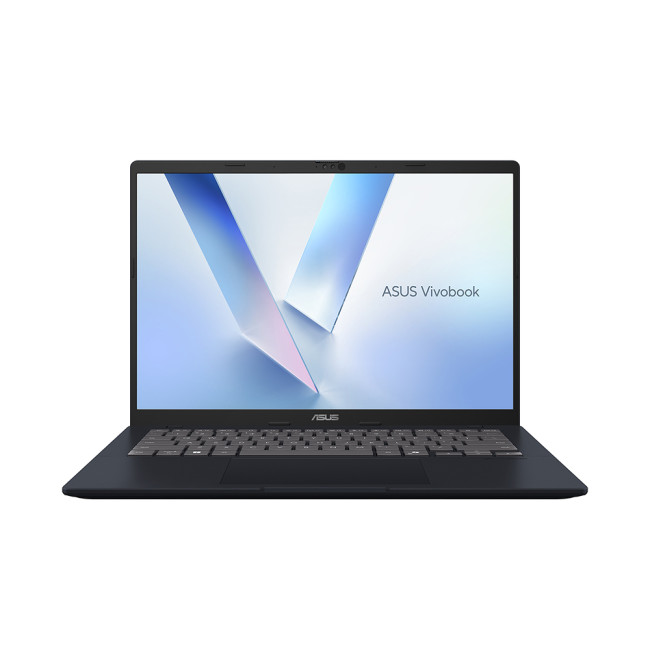
This ultra-portable device is one of the best laptops for animation students, offering a modern AMD Ryzen AI processor that balances power and efficiency in a lightweight 1.46 kg chassis.
Key Specifications
- Processor: AMD Ryzen AI 7 350 Octa-Core (2GHz base, up to 5.0GHz)
- RAM: 16 GB DDR5
- Storage: 1 TB SSD
- Display: 14-inch WUXGA (1920 x 1200) IPS LED
- Graphics: Integrated AMD Radeon 860M
- OS: Windows 11 Home
- Connectivity: USB Type-C | USB-A | HDMI | Wi-Fi | Bluetooth | Ethernet
Why it Suits Your Workflow
The ASUS Vivobook M1407KA-LY015W is built for mobility, making it one of the best choices for students who need to carry their work between lectures and studio sessions. Its AMD Ryzen AI 7 350 processor provides eight cores of performance, which is more than sufficient for learning the fundamentals of 3D modelling and 2D animation without the bulk of a gaming rig.
The 16GB of RAM ensures that the system remains responsive while multitasking, which is vital when following online tutorials while working in software like Blender and SolidWorks. The WUXGA IPS display provides vibrant visuals and the clarity needed for detailed character design and layout tasks.
Storage is handled by a rapid 1TB SSD, offering plenty of space for project files and high-speed data access. This laptop represents a cost-effective way to enter the world of digital creation without sacrificing the modern features required for contemporary software pipelines.
2. ASUS Vivobook S16 M3607KA-SH008W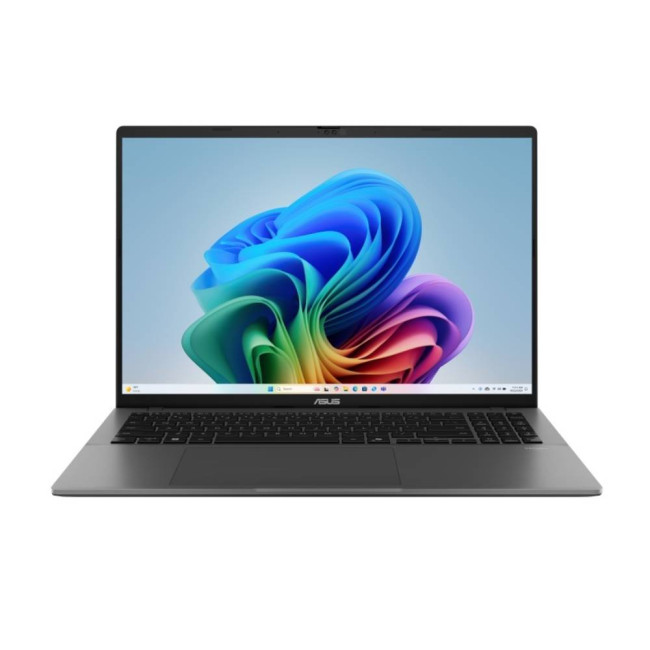
A sleek powerhouse for creators, this laptop features a stunning 16-inch OLED display and 32GB of RAM, making it a top contender for multitasking across demanding creative applications.
Key Specifications
- Processor: AMD Ryzen AI 7 350 Octa-Core (Up to 5.0GHz)
- RAM: 32 GB DDR5
- Storage: 1 TB SSD
- Display: 16-inch WUXGA (1920 x 1200) OLED
- Graphics: Integrated AMD Radeon 860M
- Operating System: Microsoft Windows 11 Home
- Connectivity: USB Type-C | USB-A | HDMI | Wi-Fi | Bluetooth | Ethernet
Why it Suits Your Workflow
The ASUS Vivobook S16 is a dream for animators who prioritise display quality. The 16-inch OLED panel offers rich colours and deep contrasts, allowing for an immersive viewing experience that is essential for accurate colour grading and look-development in 3D modelling.
With 32GB of memory, this laptop allows for effortless switching between resource-heavy tools. This makes it an excellent choice for workstation laptops for 3D projects where an artist might be sculpting in one app while rendering a preview in another. The integrated AI features help accelerate modern creative workflows.
Despite the large screen and high RAM capacity, the device remains incredibly portable at just 1.7 kg. It is the perfect balance for hybrid workers who need professional-grade hardware that can easily fit into a backpack for commute or travel.
3. Lenovo Legion 5 Laptop (83LY000AUK)
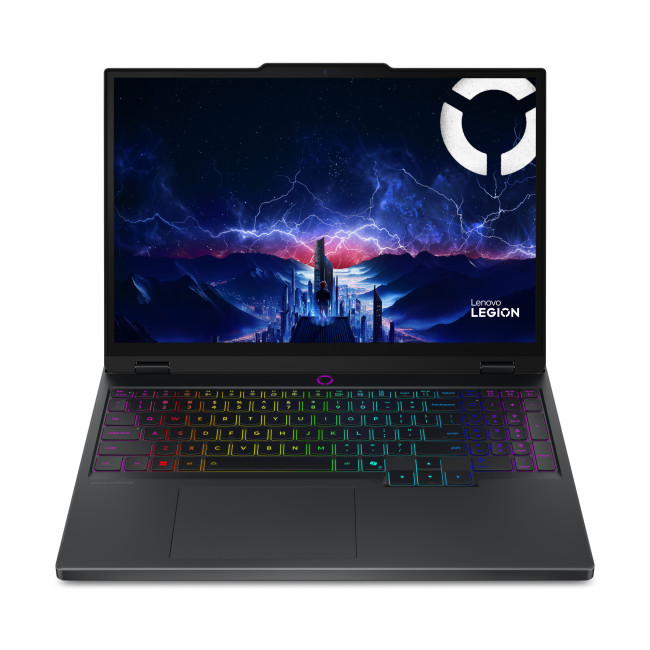
Combining the power of a 14-core Intel processor with a dedicated RTX 5050 GPU, this laptop is designed for professionals who need serious rendering speed and high-refresh visuals.
Key Specifications
- Processor: Intel Core i7-13650HX 14-Core (Up to 4.9GHz)
- RAM: 16 GB DDR5
- Storage: 1 TB SSD
- Display: 15.1-inch WQXGA (2560 x 1600) OLED, 165Hz
- Graphics: Dedicated NVIDIA GeForce RTX 5050 (8GB GDDR7)
- OS: Windows 11 Home
- Connectivity: HDMI, USB-C, Bluetooth 5.4, Wi-Fi 7 (802.11be)
Why it Suits Your Workflow
The Lenovo Legion 5 is a high performance 3D laptop that delivers on every front. Its dedicated NVIDIA GeForce RTX 5050 GPU with 8GB of GDDR7 memory provides the necessary power for GPU-accelerated rendering and handling complex 3D scenes with ease.
The Intel Core i7-13650HX features 14 cores, which is ideal for multi-threaded tasks like physics simulations or cloth dynamics. The 15.1-inch WQXGA OLED display ensures that every frame is rendered with stunning clarity and colour accuracy, which is vital for professional designers.
A 165Hz refresh rate provides fluid motion during playback, allowing animators to fine-tune the timing of their sequences with precision. With its robust cooling and backlit keyboard, this laptop is a reliable workstation for long rendering sessions and late-night editing.
4. Lenovo LOQ 17IRX10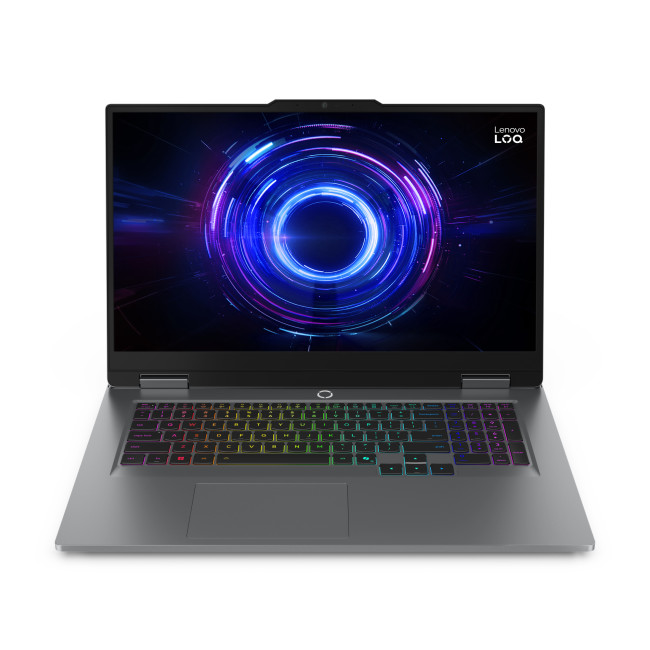
This large-format laptop offers a massive 17.3-inch display and 24GB of RAM, providing the screen real estate and memory needed for expansive 3D environments and complex simulations.
Key Specifications
- Processor: Intel Core i7-13650HX 14-Core (Up to 4.9GHz)
- RAM: 24 GB DDR5
- Storage: 1 TB SSD
- Display: 17.3-inch Full HD (1920 x 1080) IPS, 165Hz
- Graphics: Dedicated NVIDIA GeForce RTX 5050 (8GB GDDR7)
- Connectivity: HDMI, USB C, RJ-45, Bluetooth 5.2, Wi-Fi 6
- Operating System: Microsoft Windows 11 Home
Why it Suits Your Workflow
The Lenovo LOQ is considered one of the best laptops for animators who value a large workspace. The 17.3-inch Full HD IPS display provides an expansive view of your project, which is incredibly helpful when managing complex UI layouts in software like Autodesk Maya, Blender, Cinema 4D, or ZBrush.
Under the hood, 24GB of RAM provides a unique advantage for multitasking, allowing you to run several demanding applications simultaneously without hitting a performance wall. The dedicated RTX 5050 GPU ensures that your real-time previews and final renders are processed quickly.
The high 165Hz refresh rate provides exceptional visual clarity, making it easy to spot small errors in motion. This laptop is a powerful workstation for creative professionals who need the performance of a desktop in a portable, though substantial, form factor.
5. ASUS Zenbook UX8406CA-QL135W
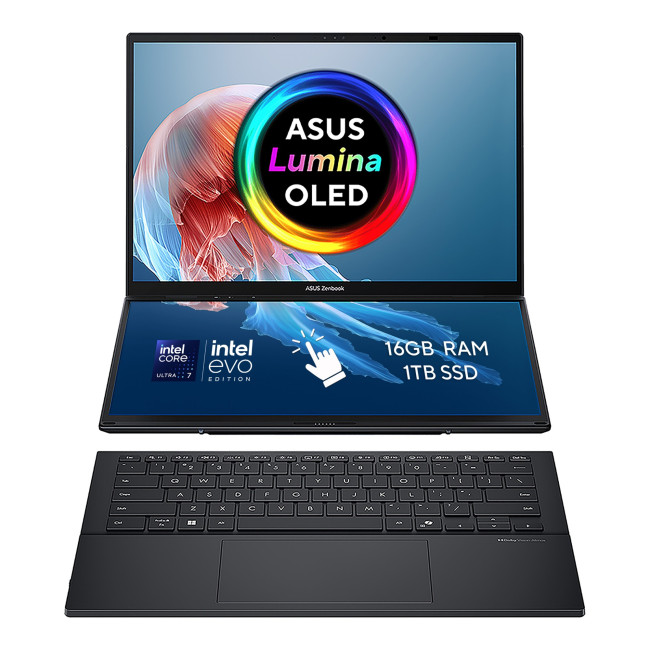
A revolutionary dual-screen design makes this laptop a multimedia powerhouse, offering incredible flexibility for multitaskers and trendsetting creators who need a versatile workspace.
Key Specifications
- Processor: Intel Core Ultra 7 255H 16-Core (Up to 5.1GHz)
- RAM: 16 GB DDR5
- Storage: 1 TB SSD
- Display: 14-inch WUXGA (1920 x 1200) OLED Touchscreen
- Graphics: Integrated Intel Arc Graphics
- Connectivity: USB Type-C | USB-A | HDMI | Wi-Fi | Bluetooth | Ethernet
- Operating System: Microsoft Windows 11 Home
Why it Suits Your Workflow
The ASUS Zenbook UX8406CA-QL135W redefines the creative workflow with its dual OLED screens. For animators, this means you can have your main viewport on one screen while keeping your timeline or reference materials on the other, significantly boosting productivity.
Powered by the Intel Core Ultra 7 255H processor with 16 cores, this machine handles resource-intensive software with ease. The integrated Intel Arc Graphics are surprisingly capable, making it a great tool for graphic design and smooth video editing on the go.
The OLED touchscreen provides a captivating visual experience with vibrant details. Despite the dual-screen tech, it remains lightweight at 1.65 kg, offering a blend of power and portability that is perfect for professional multitaskers and traveling designers.
6. Samsung Galaxy Book 5 NP944XHA-KG1UK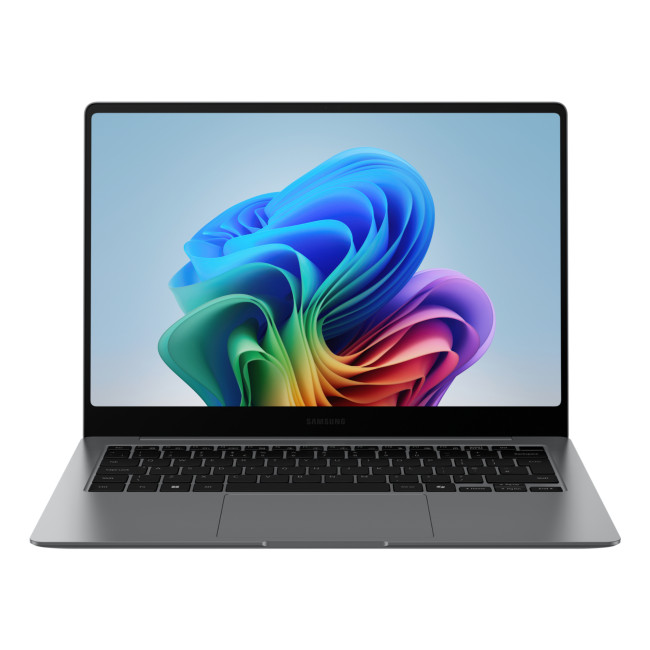
This premium ultra-portable combines a world-class Dynamic AMOLED display with AI-optimised processing, perfect for creators who need precision and elegance in a lightweight package.
Key Specifications
- Processor: Intel Core Ultra 7 (Series 2)
- RAM: 32 GB
- Storage: 512 GB SSD
- Display: 14-inch AMOLED (2880 x 1800) Touchscreen, 120 Hz
- Graphics: Integrated Intel Arc
- Connectivity: USB 3.2 Type-A | Thunderbolt 4 | HDMI | WiFi 7
Why it Suits Your Workflow
The Samsung Galaxy Book 5 is widely considered to have one of the best displays in the industry. Its Dynamic AMOLED 2X technology provides perfect colour accuracy and deep blacks.
With the latest Intel Core Ultra processor, it leverages AI to optimize creative tasks, making it a highly efficient workstation for 3D modelling and rendering. The high refresh rate ensures that every movement on screen is as smooth as your final animation.
Its incredibly light weight (1.23kg) makes it the ultimate tool for the mobile professional. Whether you are presenting a concept to a client or working in a cafe, this laptop provides the high-end visuals and performance you need without weighing you down.
7. HP OmniBook 7 17-dc0000na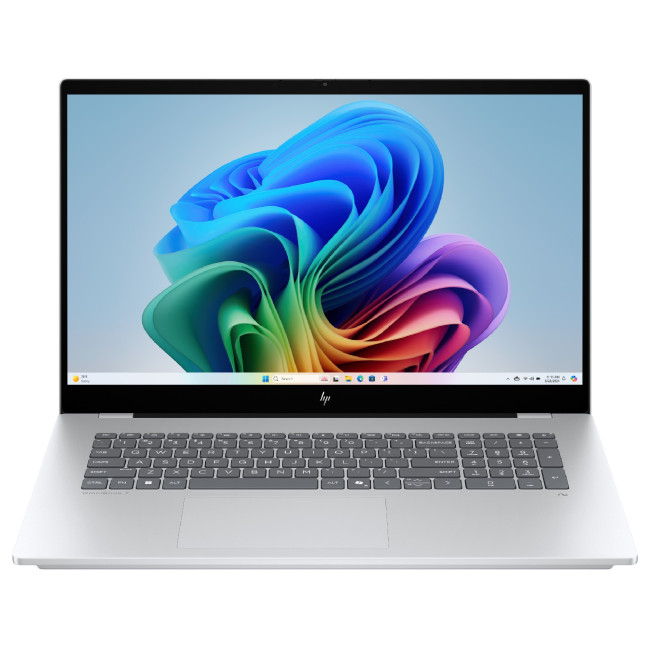
A high-performance hub for creative work, featuring a massive 17.3-inch touchscreen, 32GB of RAM, and a dedicated RTX 4050 for seamless 3D modelling and large-scale asset management.
Key Specifications
- Processor: Intel Core Ultra 7 258V Octa-Core (Up to 4.8GHz)
- RAM: 32 GB DDR5
- Storage: 2 TB SSD
- Display: 17.3-inch Full HD (1920 x 1080) IPS Touchscreen
- Graphics: Dedicated NVIDIA RTX 4050 (6GB GDDR6)
- OS: Windows 11 Home
- Connectivity: USB 3.2 | HDMI | Thunderbolt 4
Why it Suits Your Workflow
The HP OmniBook has emerged as one of the best laptops for Blender, ZBrush, and Autodesk Maya. With 32GB of RAM and a massive 2TB SSD, you can manage enormous project folders and high-resolution textures without ever worrying about storage limits or system lag.
The dedicated NVIDIA RTX 4050 GPU provides the graphical muscle needed for rendering vibrant graphics and maintaining high frame rates in professional 3D software. The large 17.3-inch touchscreen offers an intuitive way to interact with your designs, adding a new layer of control to your workflow.
As a Copilot+ PC, it uses AI to speed up background tasks, freeing you to focus on the artistic side of animation. Despite its large size, it remains surprisingly portable, making it a powerful choice for the remote pro.
8. ASUS ProArt P16 OLED (H7606WM-RJ045W)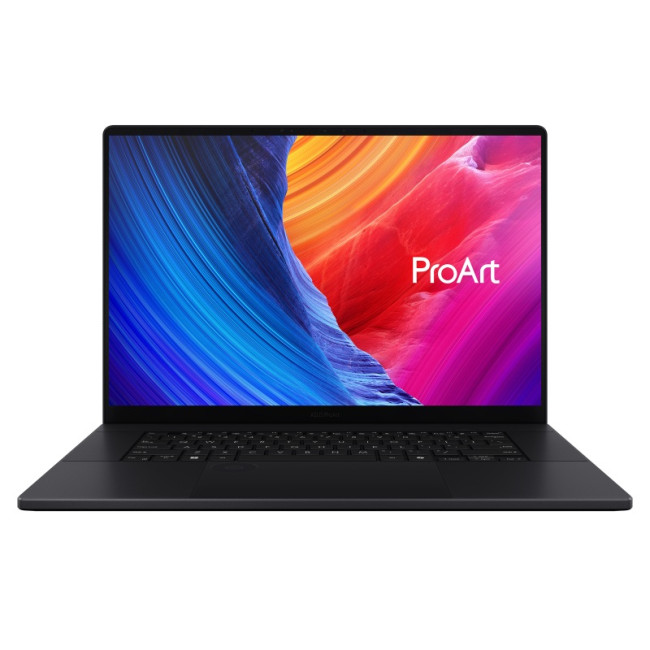
Part of the legendary ProArt series, this laptop is built from the ground up for 3D artists, offering 32GB of RAM, an RTX 5060, and a colour-perfect 3K OLED screen.
Key Specifications
- Processor: AMD Ryzen AI 9 HX 370 12-Core (Up to 5.1GHz)
- RAM: 32 GB DDR5
- Storage: 1 TB SSD
- Display: 16-inch 3K OLED (2880 x 1800), 120Hz
- Graphics: Dedicated NVIDIA GeForce RTX 5060 (8GB GDDR7)
- OS: Windows 11 Home
- Connectivity: USB Type-C | USB-A | HDMI | Wi-Fi | Bluetooth | Ethernet
Why it Suits Your Workflow
The ASUS ProArt P16 sets a new benchmark for laptops for animators. Its 12-core AMD Ryzen AI 9 processor is built for heavy workloads, allowing you to perform complex calculations and 3D rendering tasks without any performance loss.
The dedicated RTX 5060 GPU with 8GB of the latest GDDR7 memory is a powerhouse for graphic-intensive tasks. The 16-inch 3K OLED display provides colourful and lifelike visuals with a 120Hz refresh rate, ensuring that your projects always look their best during both creation and review.
With 32GB of RAM and a rapid 1TB SSD, this laptop handles multitasking across several high-end applications with ease. It is a highly trusted workstation for professionals who depend on their hardware to deliver results on tight deadlines.
9. Medion Erazer Beast 16 X1 (30041999)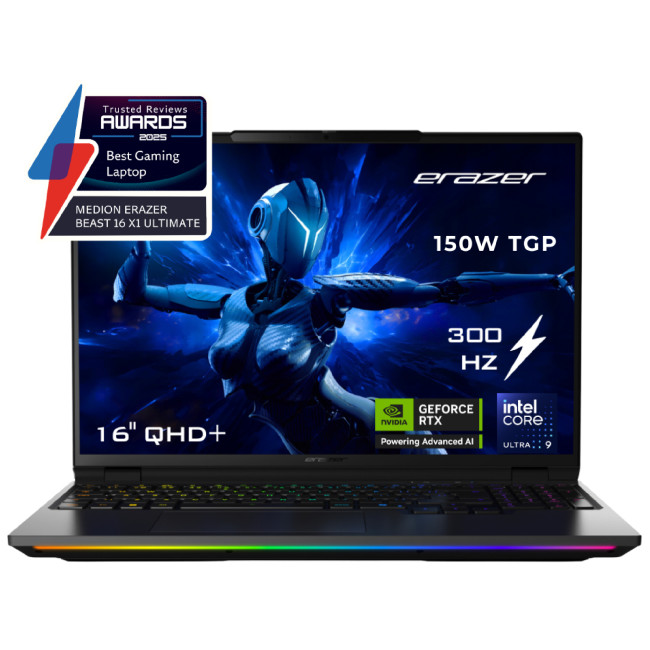
A formidable powerhouse featuring an RTX 5080 and a 24-core Intel processor, this machine is widely considered one of the best laptops for CAD and simulation, 3D modelling, and animation.
Key Specifications
- Processor: Intel Core Ultra 9 275HX 24-Core (Up to 5.4GHz)
- RAM: 64 GB DDR5 (6400MHz)
- Storage: 2 TB NVMe SSD
- Display: 16-inch QHD+ (2560 x 1600) Mini-LED, 300Hz
- Graphics: Dedicated NVIDIA GeForce RTX 5090 (16GB GDDR7)
- Operating System: Microsoft Windows 11 Home
Why it Suits Your Workflow
The Medion Erazer Beast 16 X1 is a true "endgame" workstation for 3D animators. Its 24-core Intel Core Ultra 9 processor and 64GB of high-speed 6400MHz RAM allow it to chew through massive datasets and complex simulations without even flinching.
The dedicated NVIDIA RTX 5090 with a huge 16GB of GDDR7 VRAM is the main attraction, offering incredible rendering speeds and ray-tracing performance. The 16-inch QHD+ display with a 300Hz refresh rate and Mini-LED technology is arguably one of the best screens for visual feedback on the market.
With a 2TB SSD and professional-grade RGB keyboard, this laptop is built for the long haul. It is an ideal choice for high-end VFX work and complex architectural visualization, offering the kind of power that was previously only found in high-end desktop towers.
10. ASUS ProArt P16 AMD (90NB17e1-M00010)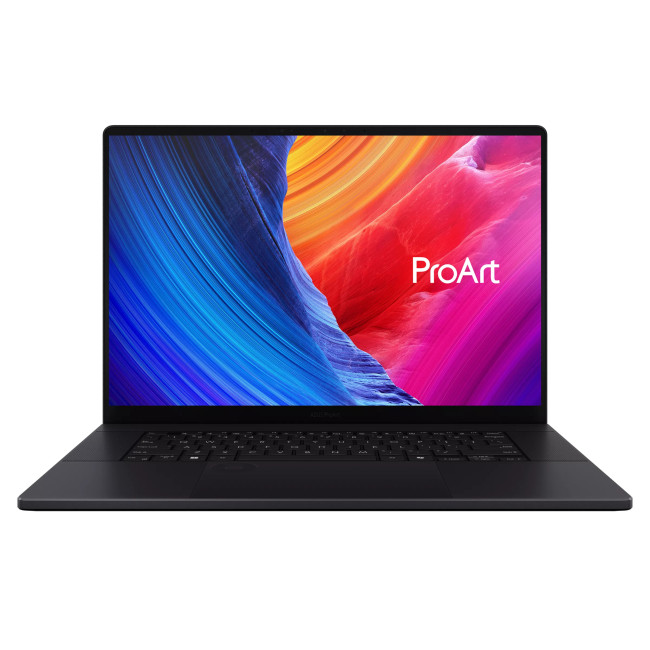
The absolute pinnacle of creative performance, this workstation offers 64GB of RAM and an RTX 5090 with 24GB of VRAM, making it the ultimate tool for cinematic 3D rendering.
Key Specifications
- Processor: AMD Ryzen AI 9 HX 370 12-Core (Up to 5.1GHz)
- RAM: 64 GB LPDDR5X
- Storage: 4 TB SSD
- Display: 16-inch 4K OLED (3840 x 2400) Touchscreen
- Graphics: Dedicated NVIDIA RTX 5090 (24GB GDDR7)
- Connectivity: USB Type-C | USB-A | HDMI | Wi-Fi | Bluetooth | Ethernet
Why it Suits Your Workflow
The ASUS ProArt P16 (90NB17e1-M00010) is the most powerful laptop for animation and 3D modelling currently available. With 64GB of RAM and a dedicated RTX 5090 graphics card featuring 24GB of memory, it handles even the most intense rendering tasks with ease.
The 16-inch 4K OLED display provides stunning clarity and vibrant colours, which is essential for creative professionals who need their projects to come to life exactly as intended. The massive 4TB SSD provides expansive storage for the large files generated in professional 3D work.
Despite these incredible specs, it remains portable at 1.95 kg, making it the perfect tool for hybrid workers who need top-tier productivity on the go. This laptop represents the gold standard for workstation laptops for 3D work, removing all technical barriers to your creativity.

Find Your Perfect Creative Match
Choosing the best laptops for animation and 3D modelling depends on your specific needs. If you are a student, the Lenovo Legion or LOQ series offer great value. If you are a professional, the ASUS ProArt or Medion Erazer Beast will provide the power you need to stay competitive.
Always remember to prioritise your GPU, CPU, and RAM. These three components will have the biggest impact on your daily work. A good screen is also essential to ensure your work looks its best in any environment.
Ready to upgrade your creative toolkit? Explore our full range of high performance 3D laptops today and find the perfect partner for your artistic journey.

Let’s Clear a Few Things Up...
Is 16GB RAM enough for 3D modelling?
16GB is the minimum for students. For professional work or complex scenes in Blender and Maya, 32GB or 64GB is highly recommended for smooth performance.
Can I use a gaming laptop for 3D work?
Yes, gaming laptops are excellent for 3D work. They share the same high-performance CPUs and GPUs required for rendering, simulation, and real-time design tasks.
Can I spread out the cost of my new laptop?
Yes, with Laptop Outlet. Our flexible solutions like PayPal Pay in 3 lets you split your purchase into three interest-free payments, while PayPal Credit offers up to 24 months of 0% interest on qualifying purchases. We also offer several flexible Klarna payment methods at checkout including, Pay Now, Pay in 30 Days, Pay in 3 instalments, or Finance over 6–36 months.
Do these laptops come with a manufacturer warranty?
Yes. Every new laptop we sell comes with a minimum 1-year manufacturer warranty. This covers any hardware faults or defects to give you total peace of mind.
Do I need a dedicated GPU for 3D work?
Yes. Dedicated GPUs, especially NVIDIA RTX cards, are essential for real-time rendering and handling complex geometry in software like Blender.
Is an OLED screen necessary for 3D work?
While not strictly necessary, an OLED screen provides superior colour accuracy and contrast. This is vital for artists who need to ensure their work has professional-grade colour grading.
Related Articles

Last Updated: July 10, 2026
If you’re gearing up to explore the beautifully crafted, action-packed world of Where Winds Meet, choosing the right hardware is just as important as mastering your combat skills. This visually rich open-world action RPG blends fast-paced combat, sweeping landscapes and cinematic storytelling, all of which demand capable, well-balanced hardware.
In this guide, we’ll break down the recommended specs for Where Winds Meet, explain what really matters when it comes to performance, and highlight excellent-value options, including gaming deals for Where Winds Meet that won’t stretch your budget.
Recommended Specs for Where Winds Meet
Before diving into specific systems, let’s outline the core specifications you should be aiming for.
Processor (CPU)
Open-world RPGs rely heavily on CPU performance for AI, physics and world simulation. A modern Intel Core i5 / i7 or AMD Ryzen 5 / 7 is ideal. This ensures stable performance during exploration and combat-heavy sequences.
Graphics Card (GPU)
A dedicated

Last Updated: April 29, 2026
If you’re buying a gaming or creator PC in 2025, you’ve probably asked the same question as everyone else:
“Do I get more performance for my money from a desktop, or from a laptop?”
Marketing loves to tell you that gaming laptops are “desktop-class”. The reality is more nuanced. In this 2025 study we’ve combined UK market data, global hardware surveys, independent GPU benchmarks, and real UK pricing to see where the better performance per pound actually is.
How we ran this 2025 “performance per pound” study

Rather than running our own gamer survey, we pulled from large, trusted datasets and combined them:
UK ownership & market context
- ONS / Living Costs and Food Survey: 90% of UK private households had a home computer in 2020–21.
- Grand View Research(UK gaming PC market): UK gaming PC revenue was about £2.12bn in 2024, projected to reach £3.88bn by 2030, with desktops still the largest product segment (≈59% of 2024 revenue) and laptops the fastest-growing category.
Global gaming hardware

Last Updated: December 24, 2025
Technology never stands still, and if the past few years have taught us anything, it’s that innovation moves fast. As we look ahead, tech trends 2026 are shaping up to be smarter, faster and more user-focused than ever before. From AI-powered laptops to next-level PCs and sustainable tech, the future is all about performance with purpose. So, whether you’re upgrading your setup, planning ahead, or just love staying in the know, here’s a breakdown of the biggest tech trends set to define 2026.
AI Everywhere: Smarter Devices, Smarter Decisions
Artificial Intelligence is no longer a “nice to have” by 2026, it’s expected to be built into almost every device we use. We’re talking about laptops that learn your preferences, PCs that optimise performance in real time, and software that adapts to how you work or play.
AI-driven features such as predictive battery management, real-time security monitoring and intelligent multitasking will become standard. For users, this means less time managing
Published: December 24, 2025
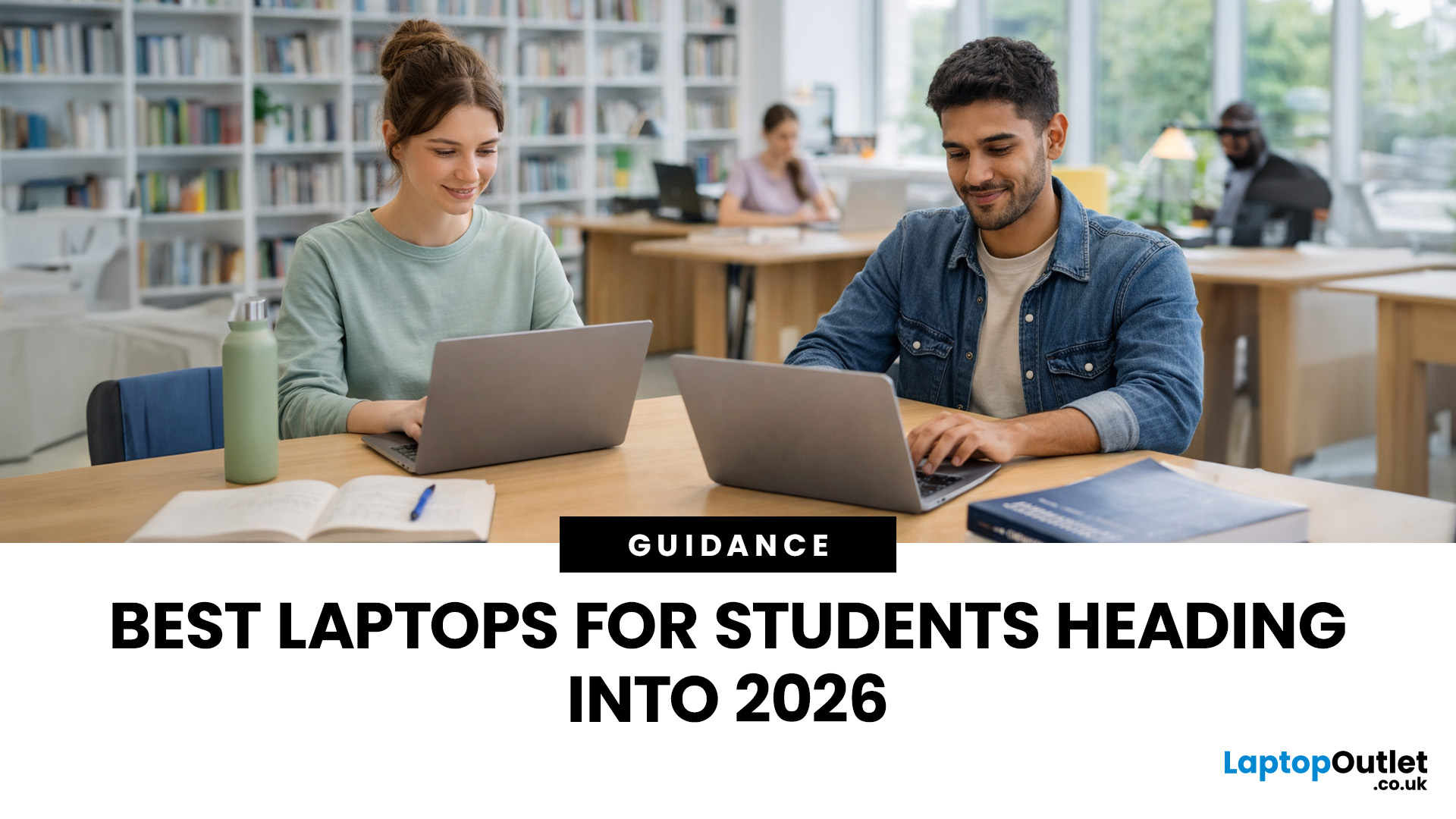
Heading into 2026, the student laptop vibe is basically: lightweight enough to carry all day, fast enough to handle 27 Chrome tabs + a Zoom call, and affordable enough that you can still buy snacks. Whether you’re doing GCSE homework, uni essays, coding projects, or just living in Google Docs, this blog on Student Laptops 2026 breaks down what matters (and what’s just marketing fluff).
What to look for in Student Laptops 2026 (aka the “don’t get scammed” checklist)

1) RAM (memory):
- 8GB = the realistic minimum for 2026 if you want smooth multitasking.
- 16GB = the “I’m serious about this degree” upgrade (especially for creative apps, coding, or heavy research).
2) Storage:
- 256GB is okay, but 512GB is comfy if you keep lots of files, downloads, photos, and videos.
- If you see 128GB, it can work for light use - but you’ll want cloud storage habits.
3) Screen size:
- 14" laptop = the sweet spot (portable, still comfy for essays).
- 15" laptop = bigger and nicer for split-screen, but less “throw-it-in-your-bag”

Last Updated: April 21, 2026
The world of computing is changing fast. We are no longer just looking for faster processors or thinner designs. Today, the focus has shifted to intelligence.
To understand this shift, we need to look at a new category of devices: Copilot+ Laptops. These are not just standard computers; they are AI-powered laptops designed to think, learn, and assist you in real-time.
Whether you are a busy professional, a digital artist, or a student, Windows Copilot+ PCs offer a new way to interact with technology. By integrating hardware and software more tightly than ever before, these machines handle complex tasks with ease.
In this guide, we will explore why these next-generation Windows laptops are the ultimate choice for your next upgrade.
What are Copilot+ Laptops?
Copilot+ Laptops are a new class of Windows 11 laptops with dedicated hardware for advanced Artificial Intelligence (AI) tasks. They offer enhanced performance, security, and unique features that run locally on the device.
Unlike

Last Updated: January 21, 2026
Let’s be honest - most of us don’t work (or study, or relax) in just one way anymore. One minute you’re typing notes, the next you’re scrolling, watching something, sketching ideas, or replying to emails from the sofa.
That’s exactly why convertible tablets exist.
Also called 2-in-1 laptops, laptop tablets, or the very literal notebook two-in-one, these devices are designed to adapt to how you use tech throughout the day - not force you into one setup.
But choosing the right 2 in 1 laptop convertible isn’t always straightforward. Some lean more laptop. Some feel more like tablets. And some just… try to do everything and don’t quite nail it.
This guide breaks it all down in a way that actually makes sense.
What Is a Convertible Tablet (And Why Do People Buy Them)?
A convertible tablet is a hybrid device that combines:
- A laptop’s power (keyboard, trackpad, desktop software)
- A tablet’s flexibility (touchscreen, pen input, portability)
Most convertible tablets run Windows, which means you’re

Last Updated: April 28, 2026
Struggling to find HP laptop deals that don’t feel overpriced, outdated, or just not worth it? Yeah — scrolling through endless specs, inflated prices, and “fake” discounts can be frustrating, especially when you just need a laptop that actually works for study, work, or everyday life.
The problem? Too many laptops either cost way too much or cut corners where it matters. Slow performance, tiny storage, poor screens, not the vibe. And when you’re on a budget, finding reliable HP laptops UK shoppers can trust shouldn’t feel like a gamble.
That’s where Laptop Outlet comes in. We’ve rounded up some of the best HP laptops on sale in the UK, with prices starting from just £149.99. From cheap HP laptops for everyday use to powerful business-ready machines, our handpicked HP laptop offers give you serious value without compromising on quality.
HP 15-fc0045na – Everyday Power for You
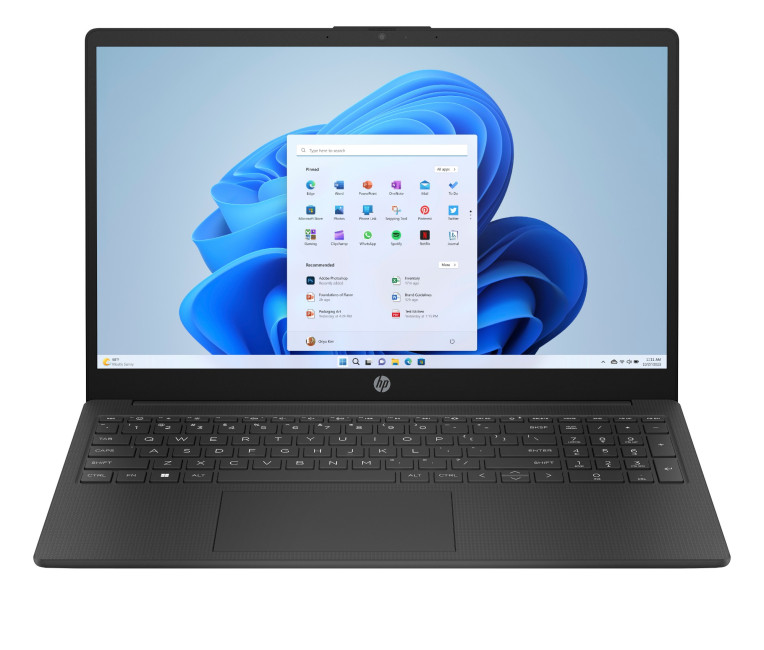
- The HP 15-fc0045na is a well-balanced 15.6-inch laptop that perfectly blends performance with everyday

Last Updated: January 28, 2026
We don’t usually abandon a tech purchase because of the price. It’s the delivery that makes us hesitate to move the things from whislist to place the order. Unexpected charges, unclear arrival dates, or slow dispatch can stop us right at checkout. And it feels unfair and cruel that we need to sacrifice our favourite gadget due to this delivery obstacle.
That’s why Laptop Outlet’s free standard delivery is kept clear and upfront, so you know exactly what you’re paying and when your order will arrive before you commit.
Let’s make it simple for you to understand that how free standard delivery by Laptop Outlet works, explore the key shipping benefits, and explain why it’s one of the smartest ways to stretch your tech budget further.
What Is Laptop Outlet’s Free Standard Delivery?
Free standard delivery by Laptop Outlet is designed to keep things simple, transparent, and affordable for customers across the UK.
Here’s how it works:
- Spend over £200 and your order qualifies for free standard
Last Updated: January 28, 2026
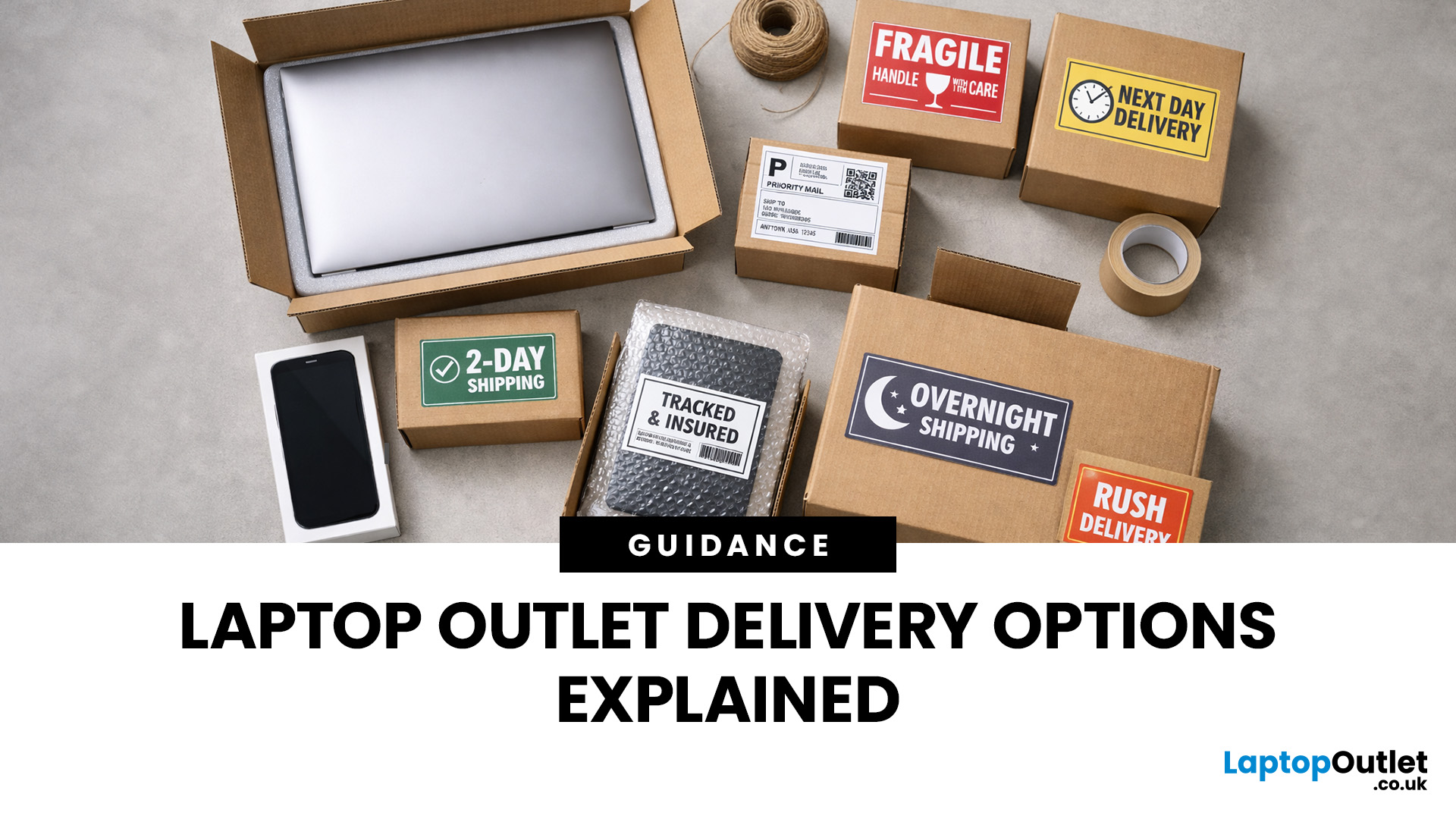
Buying tech online isn’t just about specs and price; delivery speed, flexibility, and reliability matter just as much. Whether you’re replacing a broken work laptop, upgrading your home setup, or ordering a last-minute gift, knowing your delivery options can make all the difference. In this guide, we explain Laptop Outlet delivery services options, how they work, and which service is best for your needs, from free standard delivery to next-day and book-a-slot delivery.
What Delivery Options Does Laptop Outlet Offer?
Laptop Outlet provides multiple delivery services designed to suit different customer needs, budgets, and timeframes. Each option is clearly shown at checkout, so you can choose the delivery speed and convenience level that works best for you. These include:
- Free Standard Delivery
- Next-Day/Priority Delivery
- Book-a-Slot Scheduled Delivery
How Does Laptop Outlet Delivery Work?
For full details, customers can always refer to the dedicated delivery info page. Laptop Outlet’s
Last Updated: September 04, 2026
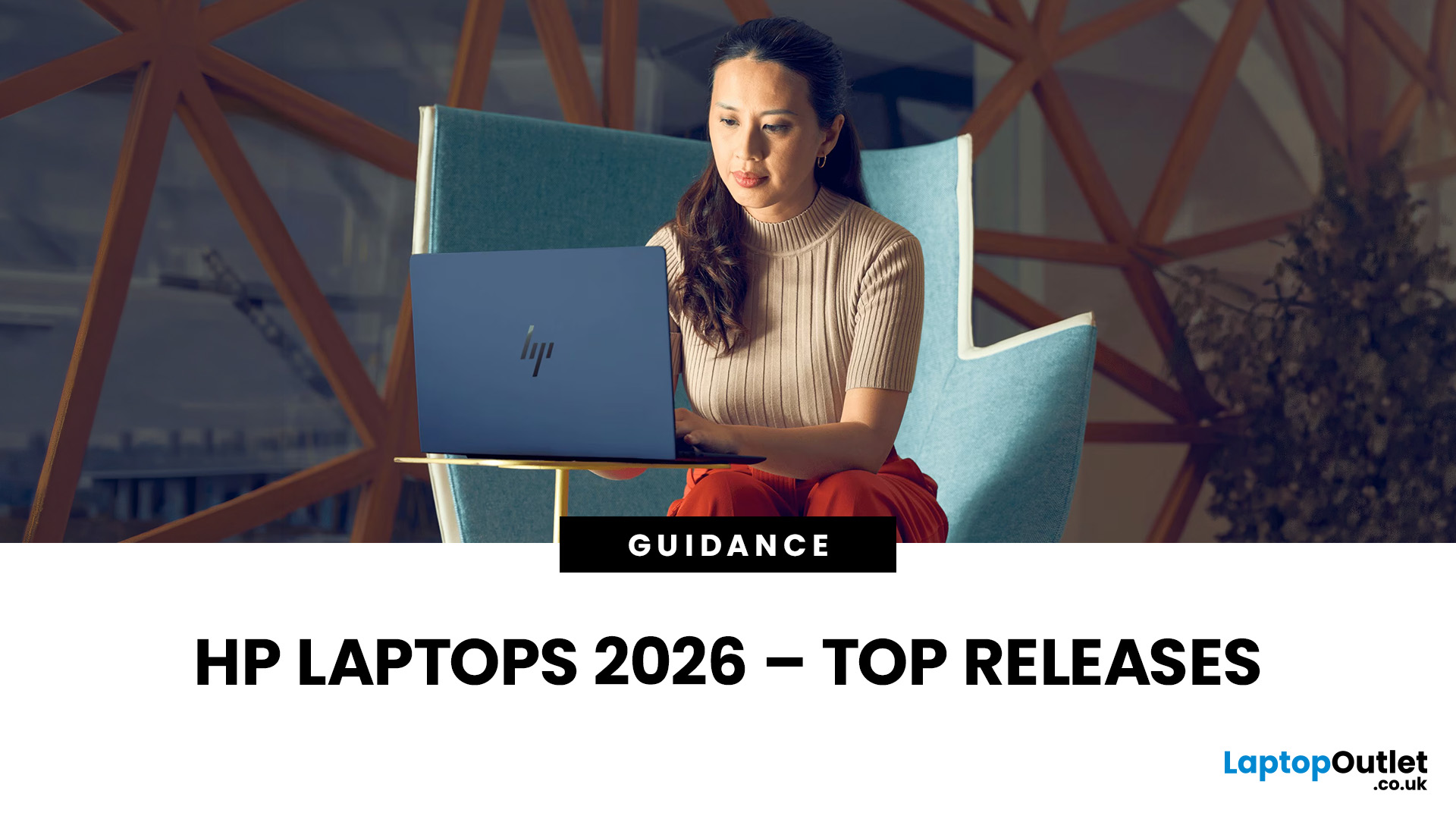
If you’re shopping for a new laptop this year, HP continues to be one of the most reliable and exciting brands to watch. From premium Ultrabooks and powerful gaming machines to flexible 2-in-1 devices built for modern work and study, the latest releases bring something for everyone.
In this guide, we’ll explore the latest HP laptops you shouldn’t miss in 2026, highlighting what makes them stand out, which users they suit best, and why HP remains a top choice for shoppers across the UK. Whether you’re upgrading your home setup, buying for university, or looking for a performance machine that keeps up with your workload, these HP laptop models are worth considering.
Top HP Laptop Models You Can Choose in 2026
The latest HP laptops in 2026 are redefining versatility, performance and AI-enabled productivity across the board. Let’s explore few of them:
HP OmniBook X FlipNGAI 14-fm0005na – Compact AI-Ready Performance
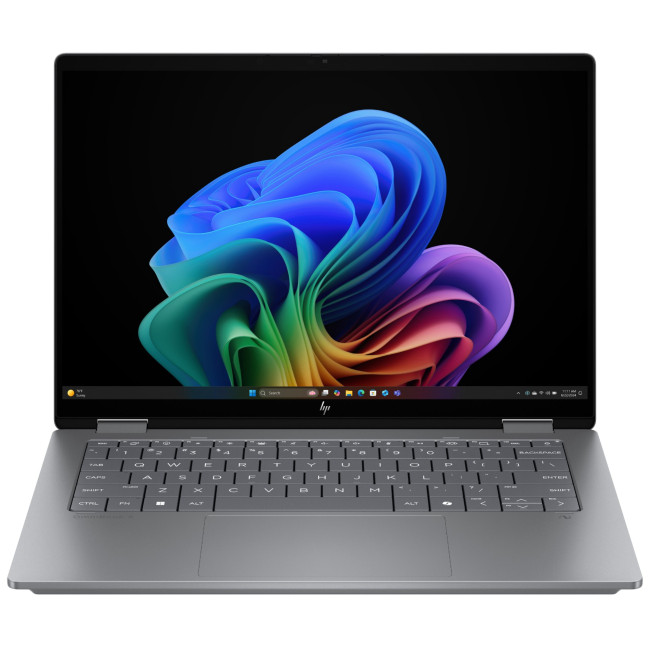
The HP OmniBook X FlipNGAI 14-fm0005na Intel® Core™ Ultra 5 226V

