



LG UltraFine 4K vs 5K vs 6K: Which One Should Creators Buy in 2026?
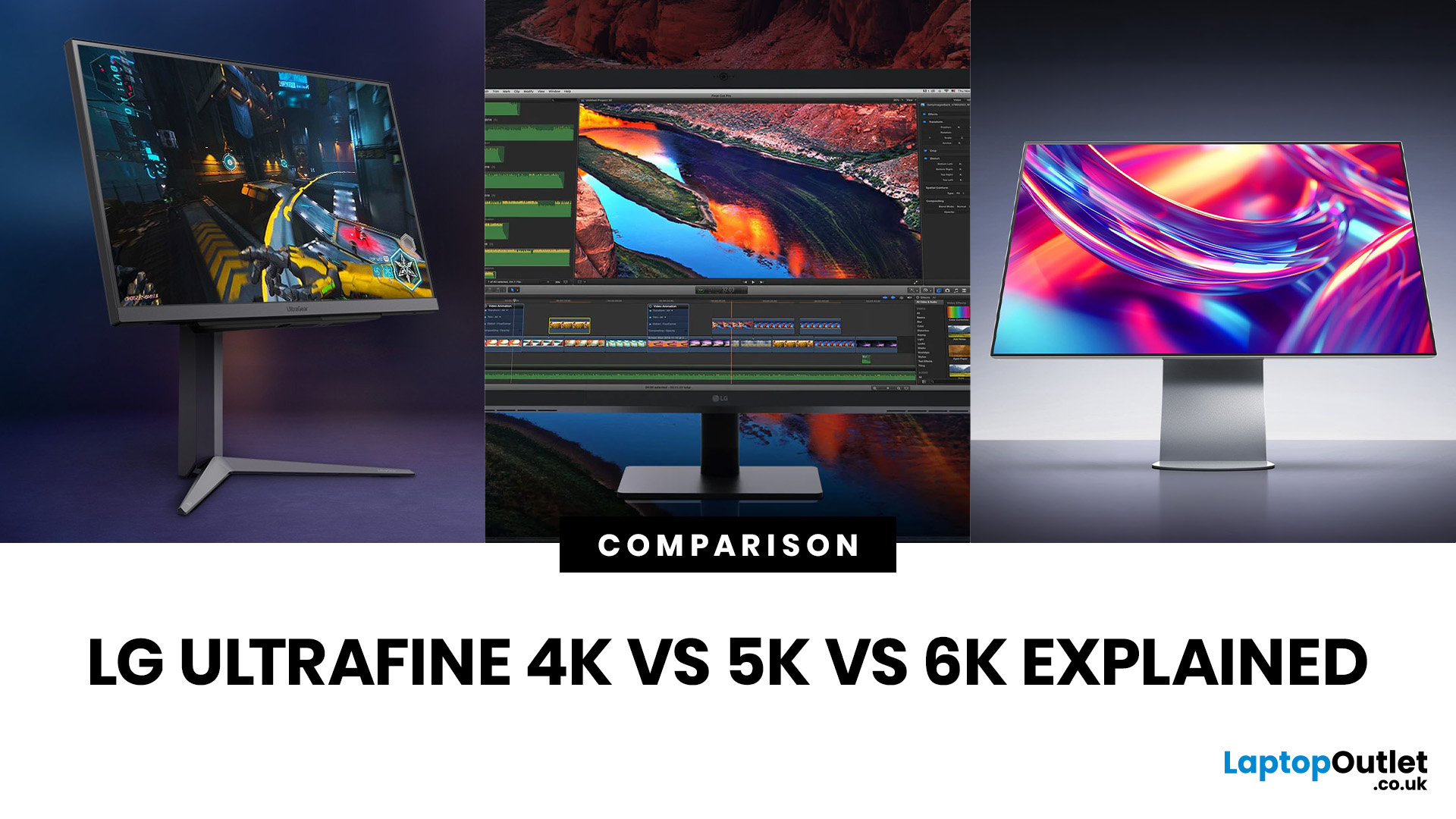
Picking the right display is one of the most impactful decisions a creative can make. The LG UltraFine 4K vs 5K vs 6K comparison puts three very different monitors side by side, each built for different levels of creative ambition and budget.
Resolution is only part of the story. Colour gamut, panel technology, connectivity, and how each screen handles real-world creative workflows all matter just as much. Whether you shoot, edit video, or design for a living, the right UltraFine model makes a genuine difference to how you work every single day.
This guide covers everything you need to make a well-informed decision, from pixel density and colour accuracy through to port selection and which workflows each display genuinely excels at.
What Each Resolution Actually Means for Creators
Resolution shapes your entire creative experience, not just how sharp images look. It determines how much workspace you have, how well you can preview high-resolution files natively, and how your eyes cope with fine detail during long sessions.
Each tier in the UltraFine range steps up in a meaningful way, and understanding what those extra pixels actually give you helps you decide which model is worth the investment.
4K: The Accessible Starting Point
The LG UltraFine 4K (32UN880K-B) delivers 3840 x 2160 pixels across a 31.5-inch IPS panel, landing at roughly 140 pixels per inch (PPI). That's a solid result for most everyday creative tasks, and it handles photo editing, graphic design, and digital illustration comfortably.
It's the most affordable entry point into the UltraFine range. Text and UI elements won't appear quite as crisp as on higher-resolution siblings, but for creators who need accurate colour and a large canvas without breaking the bank, it's a genuinely capable option.
5K: The Sharp Sweet Spot
The LG UltraFine 5K (27MD5KL-B) steps up to 5120 x 2880 on a 27-inch IPS panel, producing 218 PPI. That level of density is firmly in Retina territory, meaning text looks razor sharp and interface elements in creative applications are noticeably crisper.
With around 14.7 million total pixels, the 5K offers roughly 78% more than a 4K display. For photographers and designers who regularly inspect fine detail, skin tones, or subtle gradients at 100% zoom, the jump in clarity is tangible and practical rather than just a spec on a sheet.
6K: The Professional Pinnacle
The LG UltraFine evo 6K (32U990A-S) packs 6144 x 3456 pixels into a 31.5-inch Nano IPS Black panel, reaching 224 PPI. That's over 21 million total pixels, which is 156% more than standard 4K and a meaningful step up even from the 5K.
At that pixel density, sharpness is exceptional. You can view a full 4K video preview in your editing timeline at native resolution without going full-screen, which keeps your tools, transitions, and panels visible simultaneously. For multi-window creative workflows, that extra real estate changes how efficiently you can work.
Colour Accuracy and Panel Technology Compared
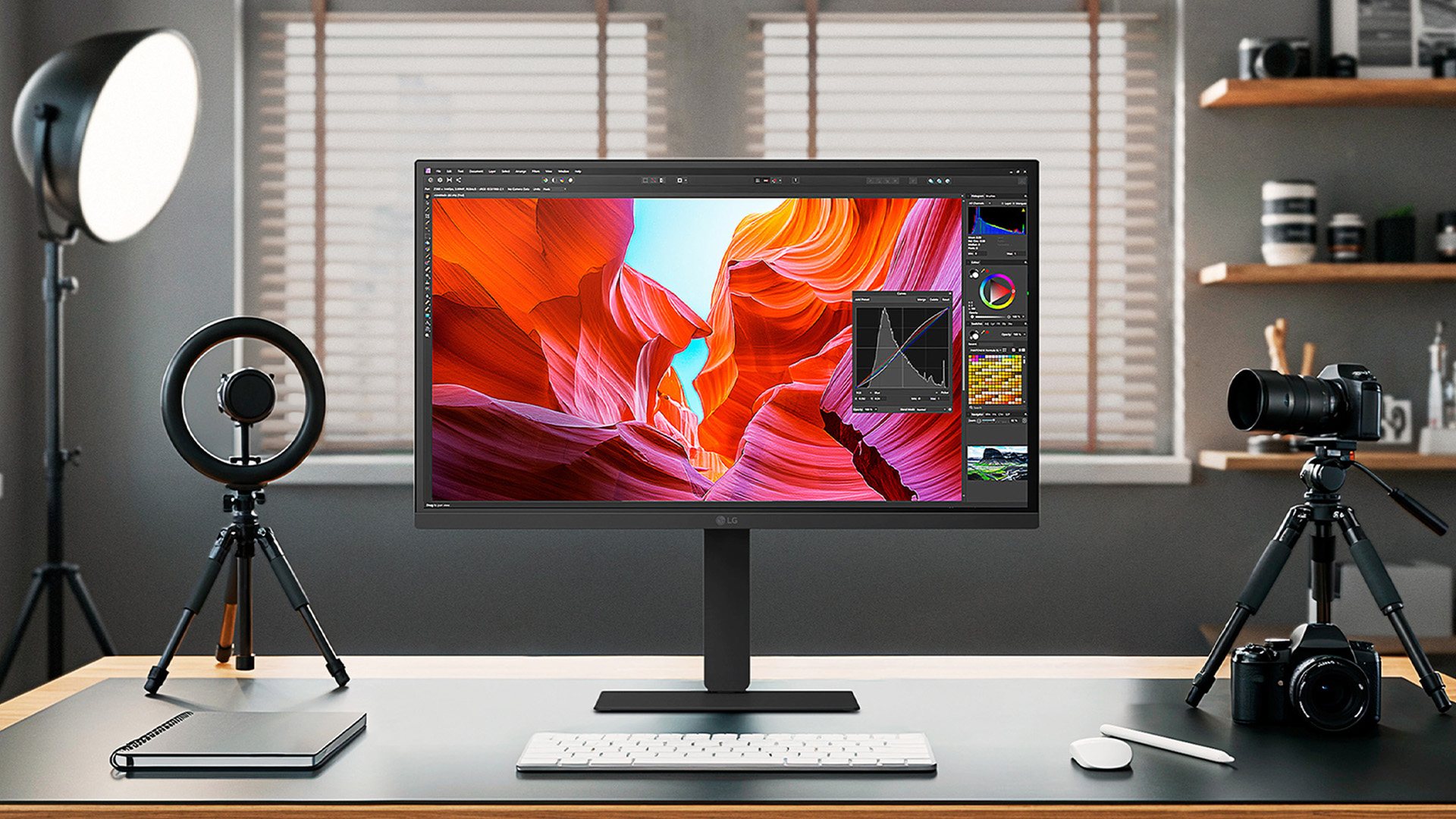
Colour is just as critical as resolution for creative professionals, and this is where the LG UltraFine 4K vs 5K vs 6K range diverges most noticeably.
Panel type, colour gamut, contrast ratio, and HDR support all influence how faithfully your display renders the colours you're working with. Each model uses a different approach, and those differences matter for specific types of creative work.
4K: Solid Colour for Everyday Creative Tasks
The UltraFine 4K uses a standard IPS panel with 95% DCI-P3 coverage and HDR10 support. For digital design, social content, and general photography, that's more than adequate. Colours are accurate and consistent across wide viewing angles, which is what matters most when you're working across a full-sized creative canvas.
The contrast ratio sits at 1000:1, typical for IPS technology. You won't get deep, inky blacks, but the display handles mid-tones and highlights cleanly. The 350-nit brightness ceiling is fine in controlled studio environments, though it can struggle slightly in bright, naturally lit rooms.
5K: Wide Gamut with macOS Precision
The 5K pushes colour coverage to 99% DCI-P3 and pairs it with factory calibration tuned for macOS. That extra gamut coverage is most visible in subtle transitions, particularly in skies, foliage, and skin tones, where additional colour depth prevents the banding that can appear on narrower-gamut displays.
Brightness rises to 500 nits and contrast improves to 1100:1. Neither is dramatic on paper, but in practice the display feels notably more vibrant and livelier than the 4K, especially when viewing colour-critical photography or digital artwork. The lack of an HDR certification is the main limitation here.
6K: Professional Colour with Nano IPS Black
The LG UltraFine evo 6K for creators uses Nano IPS Black panel technology, which extends the colour gamut to 98% DCI-P3 and 99.5% Adobe RGB. The Adobe RGB coverage is particularly important for print workflows, where the wider gamut captures the full range used in professional offset and fine-art printing.
Contrast doubles to 2000:1 compared to standard IPS, and VESA DisplayHDR 600 certification adds meaningful HDR headroom. With 450 nits of typical brightness and a real 10-bit colour depth with no dithering, this is the only model in the range genuinely suited to HDR colour grading and high-end print production work.
You can also read our panel tech comparison to see how OLED, IPS, and Nano IPS panels differ from each other.
Connectivity: What Each Monitor Offers

The connection standard a monitor uses affects far more than cable tidiness. It determines maximum resolution throughput, power delivery to your laptop, data transfer speeds, and whether you can run multiple displays from a single cable.
When comparing a 4K vs 5K vs 6K monitor for creative workflow, connectivity is often the deciding factor for professionals on fast-paced production workflows.
USB-C and Thunderbolt 3 on the 4K and 5K
The UltraFine 4K connects via USB-C with DisplayPort Alt Mode. It works cleanly with most modern laptops and provides solid single-cable convenience, but it doesn't carry Thunderbolt's higher bandwidth or power delivery ceiling. Charging is available via USB-C, though at lower wattages than Thunderbolt models.
The 5K steps up to Thunderbolt 3, transmitting 5K video, audio, and data simultaneously while charging your MacBook at up to 94W over a single cable. Three downstream USB-C ports at 5Gbps let you connect peripherals directly through the monitor. On macOS, brightness and volume adjust via the keyboard rather than on-screen menus, which is a quality-of-life feature that makes a real difference day to day.
Thunderbolt 5 on the 6K
The LG Thunderbolt 5 creator display is the 32U990A-S, and it's currently the world's first 6K monitor to feature this connection standard. Thunderbolt 5 delivers 80Gbps bandwidth (and up to 120Gbps for display data), which is twice that of Thunderbolt 4 and significantly more capable than Thunderbolt 3.
That bandwidth matters practically for professional workflows. It enables 6K monitor daisy chaining via a single cable, supports real-time transfer of high-bitrate RAW video files, and delivers 96W laptop charging.
The port selection is comprehensive: Thunderbolt 5 (x2), HDMI 2.1, DisplayPort 2.1, and USB-C 3.2 Gen 2 (x2). Crucially, it works well with both Mac and Windows systems, unlike the 5K which is primarily optimised for macOS.
Which UltraFine Suits Which Creative Workflow?
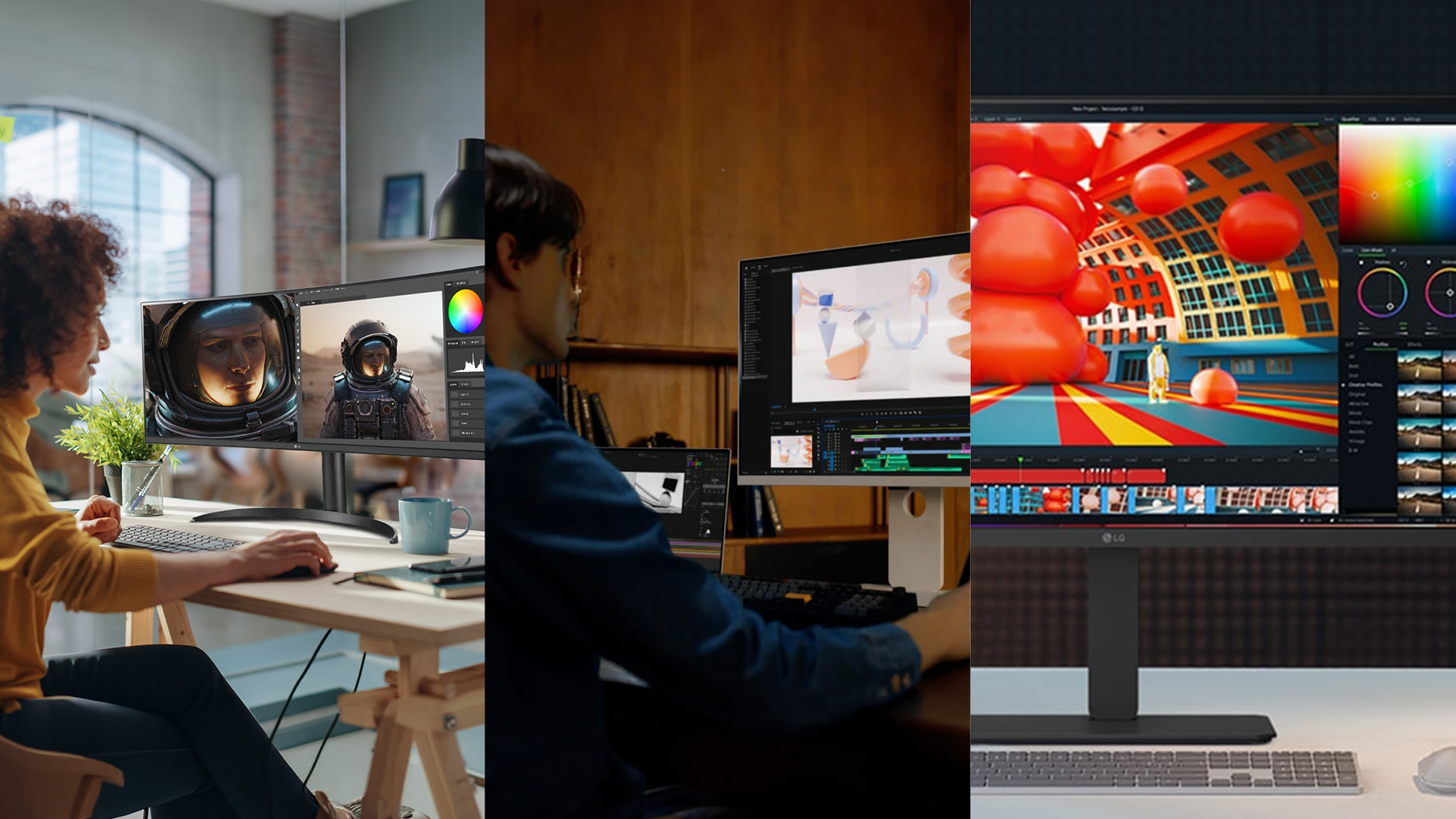
Knowing which model is the best LG UltraFine monitor for video editing, photography, or design requires understanding how resolution, colour, and workspace interact in your specific software.
A photojournalist and a feature-film colourist both edit images, but their needs are quite different. Here's how each tier maps to real-world creative disciplines.
Photography and Retouching
For photographers, the 5K sits in a strong position. The 218 PPI density lets you inspect detail at 100% zoom without images looking smudgy or over-compressed, and the 99% DCI-P3 coverage with factory calibration handles colour-critical retouching well straight out of the box.
The 6K is the better choice if you regularly shoot with medium-format or high-megapixel full-frame cameras, where the additional pixel density helps you spot fine noise, micro-contrast issues, and sharpening artefacts more accurately. For most photographers, though, the 5K hits a genuinely strong value-to-performance ratio.
Video Editing and Colour Grading
Video editors working with 4K footage will find the 6K particularly useful. The 6K's resolution allows a 4K timeline preview to display at full native width inside your editing software without switching to full-screen mode, keeping your timeline, panels, and toolbars all in view at the same time.
The 6K's 99.5% Adobe RGB and DisplayHDR 600 also give colour graders more range when evaluating tonal values in HDR workflows. The 5K is still capable for grading DCI-4K projects, but the 6K provides meaningfully more comfortable workspace for complex multi-track timelines and reference monitoring setups.
Graphic Design and Motion Graphics
For graphic designers, illustrators, and motion artists working on digital-only output, the 4K is a perfectly viable starting point. The 95% DCI-P3 and 4K resolution are more than sufficient for most digital design work, and the ergo stand gives useful flexibility for adjusting position over long working sessions.
Those managing large Illustrator artboards, multi-layer Photoshop composites, or After Effects compositions will benefit from the extra screen real estate the 5K or 6K provides. In the LG UltraFine 4K vs 5K vs 6K comparison for design and motion, it's really about how many windows, panels, and reference layers you need visible on screen simultaneously.
Not sure what you need? Have a look at our LG monitors buying guide to know what to look for before you buy LG monitor.
Full Specs Comparison: 4K vs 5K vs 6K
All three monitors compared side by side across every resolution-relevant specification. Use this table to see exactly how they differ before making your decision.
|
Specification |
LG UltraFine 4K (32UN880K-B) |
LG UltraFine 5K (27MD5KL-B) |
LG UltraFine evo 6K (32U990A-S) |
|
Screen Size |
31.5 inches |
27 inches |
31.5 inches |
|
Resolution |
3840 x 2160 |
5120 x 2880 |
6144 x 3456 |
|
Total Pixels |
~8.3 million |
~14.7 million |
~21.2 million |
|
Pixel Density |
~140 PPI |
218 PPI |
224 PPI |
|
Pixels vs 4K |
Baseline |
+78% |
+156% |
|
Panel Type |
IPS |
IPS |
Nano IPS Black |
|
Colour Gamut |
DCI-P3 95% |
DCI-P3 99% |
DCI-P3 98%, Adobe RGB 99.5% |
|
Colour Depth |
10-bit (1.07B colours) |
10-bit (1.07B colours) |
Real 10-bit (no dithering) |
|
Brightness |
350 nits |
500 nits |
450 nits |
|
Contrast Ratio |
1000:1 |
1100:1 |
2000:1 (Nano IPS Black) |
|
HDR Certification |
HDR10 |
None |
VESA DisplayHDR 600 |
|
Refresh Rate |
60Hz |
60Hz |
60Hz |
|
Response Time |
5ms GtG |
14ms G2G |
5ms GtG |
|
Primary Connection |
USB-C (DisplayPort Alt Mode) |
Thunderbolt 3 |
Thunderbolt 5 (x2) |
|
Thunderbolt Bandwidth |
N/A |
40Gbps (TB3) |
80–120Gbps (TB5) |
|
Additional Ports |
HDMI, DisplayPort, USB-C |
USB-C x3 (5Gbps downstream) |
HDMI 2.1, DisplayPort 2.1, USB-C 3.2 Gen 2 x2 |
|
Laptop Charging |
Up to 60W (USB-C) |
Up to 94W (TB3) |
Up to 96W (TB5) |
|
6K Daisy Chaining |
No |
No |
Yes (via Thunderbolt 5) |
|
Built-in Speakers |
No |
Yes (2 x 5W) |
Yes |
|
Built-in Webcam/Mic |
No |
Yes (FHD camera + mic) |
No |
|
Factory Calibration |
No |
Yes (macOS-optimised) |
Yes (hardware calibration support) |
|
Mac Keyboard Controls |
No |
Yes (brightness, volume) |
Yes (via M-Control + LG Switch) |
|
Studio Mode Presets |
No |
No |
Yes (3 calibrated presets) |
|
Windows Compatibility |
Full |
Limited |
Full |
|
KVM Switch |
No |
No |
Yes |
|
Ergonomic Stand |
Ergo arm (clamp/grommet mount) |
Height and tilt |
Tilt, height, pivot, 90° rotation |
|
Portrait Mode |
Yes (pivot) |
No |
Yes (pivot + 90° rotation) |
|
VESA Mount |
Yes |
Yes |
Yes (100 x 100mm) |
|
Eye Comfort Cert |
Flicker Safe |
Flicker Safe |
TÜV Rheinland Eye Comfort |
|
UK Approximate Price |
~£469 |
~£1,179 |
~£1,759 |

The UltraFine Verdict
The LG UltraFine 4K vs 5K vs 6K comparison makes one thing clear: there's no single right answer.
- The 4K is a smart, budget-conscious choice for creators who need accurate colour and a generous 31.5-inch canvas without a premium price.
- The 5K is the refined option for photographers and designers who want near-Retina sharpness, excellent factory calibration, and tight macOS integration.
- The 6K is built for professionals pushing 4K video, large-format photography, or complex multi-panel workflows, backed by the most capable connectivity in its class.
Explore the full range of LG monitors at Laptop Outlet and find the right display for your setup.

A Few Things You Might be Thinking...
Is a 5K or 6K LG UltraFine monitor overkill for photo editing?
Not really. Both offer genuine pixel density and colour accuracy benefits that make a real, visible difference when inspecting fine detail, subtle tones, and high-resolution image files.
Does 6K resolution make a visible difference over 4K at 32 inches?
Yes, noticeably. The jump from 140 PPI to 224 PPI is significant. Text is sharper, fine image detail is cleaner, and interface elements look distinctly crisper.
Do I need Thunderbolt 5 or is USB-C enough for creative work?
USB-C covers 4K workflows comfortably. Thunderbolt 5 becomes worthwhile when you need 6K output, fast RAW file transfer, dual-display daisy chaining, or maximum power delivery over a single cable.
Are UltraFine monitors only suitable for Mac users?
No. The 4K and 6K models work fully with Windows machines too. The 5K is primarily macOS-optimised and is less suited to Windows, though it remains functional for basic display use.
How important is factory calibration if I'm on a tight budget?
Fairly important for colour work. Factory calibration gives you accurate colours straight away, removing the need for a hardware colorimeter and saving you time and extra expense from day one.
Related Articles

Last Updated: August 28, 2026
Gaming monitors have moved from 144Hz to 240Hz, then 360Hz and 500Hz in just a few years. Now AOC is pushing even further with its new AOC 1000Hz gaming monitor, the AGON PRO AGP277QK. At 1000Hz, the screen refreshes 1000 times per second, cutting frame time to just 1 millisecond. That is half the frame time of 500Hz and one quarter of 240Hz.
AOC’s new dual-mode 1000Hz monitor can switch between 500Hz at QHD and 1000Hz at a lower resolution, targeting elite competitive players. But who actually benefits from refresh rates this extreme, and should most gamers even consider waiting for it?
What AOC’s 1,000Hz Dual-Mode Monitors Actually Are
The AOC 1000Hz gaming monitor, known as the AOC AGON PRO AGP277QK, is part of a new wave of next-gen AOC AGON PRO monitors focused purely on competitive performance. It introduces a dual-mode 1000Hz monitor design, meaning it can operate at two different refresh rate and resolution combinations.
In its standard mode, the panel runs at QHD resolution with
Last Updated: August 28, 2026
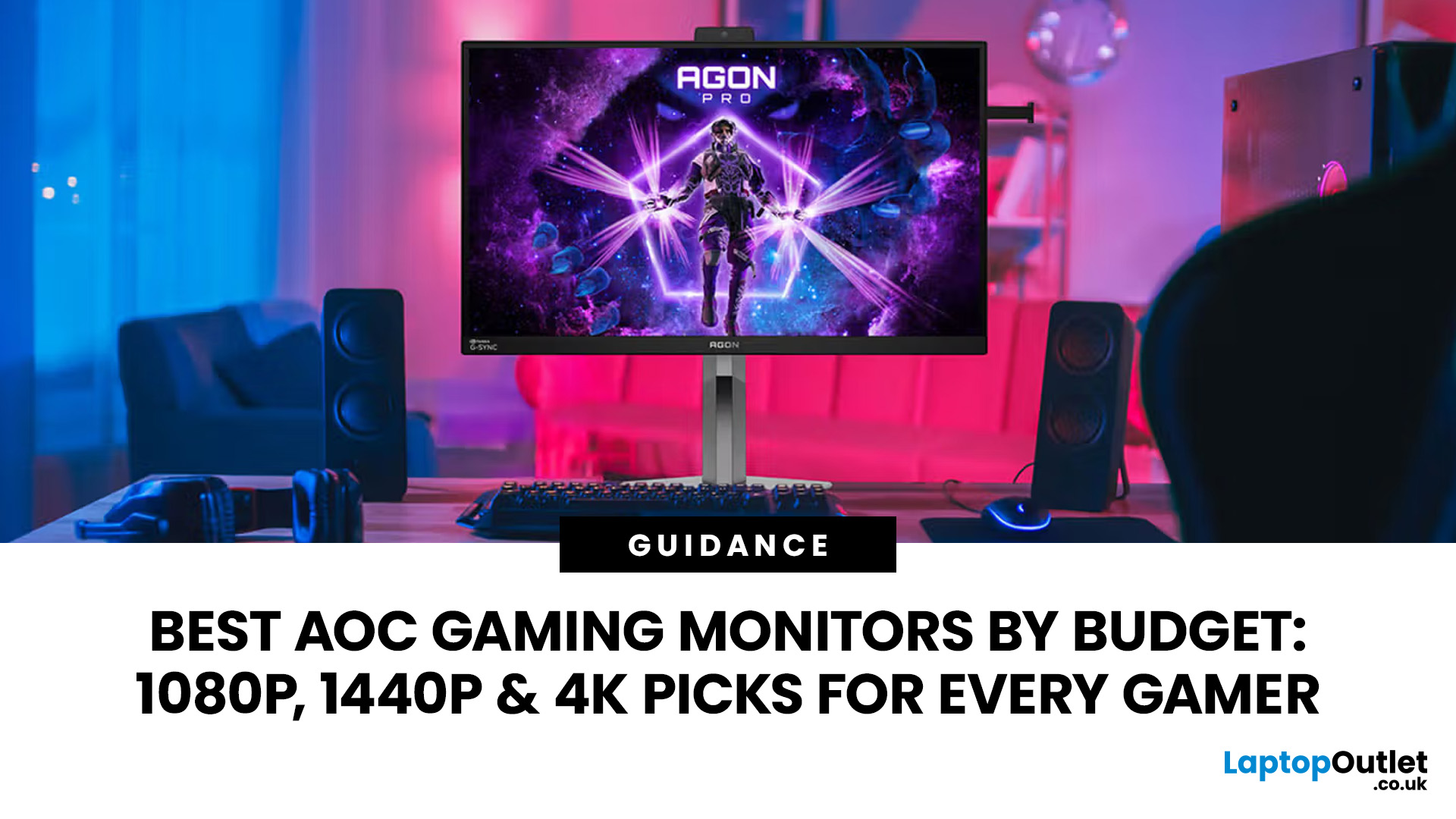
Choosing the right gaming monitor depends on factors like refresh rate, resolution, panel type, response time, and HDR support.
AOC offers gaming monitors across every budget, making it hard to know which one is right for you.
This guide highlights the best AOC gaming monitors by budget and helps you choose between 1080p, 1440p, and 4K options based on your gaming needs.
How to Choose an AOC Gaming Monitor for Your Budget
Before looking at specific recommendations, it's important to understand what you're paying for.
Resolution Matters More Than Most Gamers

Last Updated: March 13, 2026
Choosing the right ASUS monitor with a webcam can significantly simplify how modern meeting rooms operate. As hybrid work becomes the norm, businesses are looking for cleaner, more efficient conferencing setups that don’t rely on multiple external peripherals. An integrated solution that combines display, camera, microphone, and speakers into one device makes deployment faster and more cost-effective. For small meeting spaces and huddle rooms in particular, an ASUS business monitor with speakers and a built-in webcam offers a practical alternative to a full conferencing kit.
What to Know About Microsoft Teams Rooms Compatibility
It’s important to clarify how an ASUS monitor with webcam fits into a Microsoft Teams Rooms environment.
Microsoft Teams Rooms (MTR) systems are typically powered by a dedicated PC or collaboration bar. The monitor itself is not the Teams Rooms system, instead, it acts as the display and USB conferencing endpoint. When paired with a Teams-enabled PC, many ASUS
Last Updated: October 09, 2026
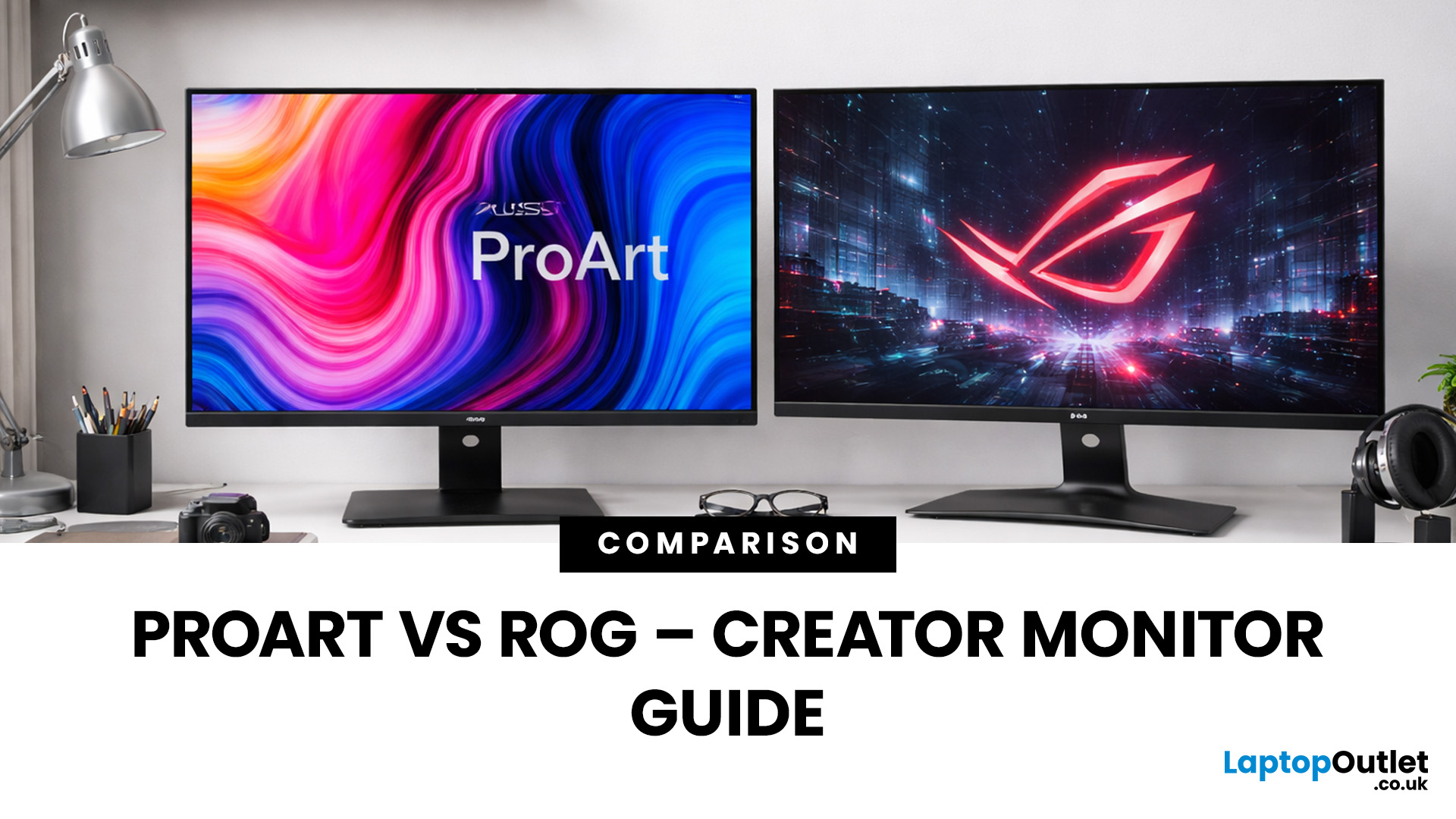
Choosing the right display can dramatically impact your workflow, especially when it comes to colour grading, motion graphics, and smooth timeline playback. If you're deciding between ASUS ProArt vs ROG for video editing, you're essentially choosing between two different philosophies: precision-focused colour accuracy or high refresh performance.
Both ranges are among the best ASUS monitors available today, but they serve different types of creators. In this guide, we’ll break down everything you need to know about ASUS ProArt vs ROG, including panel technology, refresh rates, HDR performance, and which models make the most sense for editors in the UK.
What Video Editors Actually Need from a Monitor
Before comparing models, it’s important to understand what really matters in a video editing monitor UK buyers should consider.
1. Colour Accuracy (ΔE, Rec.709 & DCI-P3)
For editors, colour accuracy is critical. If you're delivering to YouTube or broadcast, your monitor must reproduce colours
Last Updated: September 01, 2026
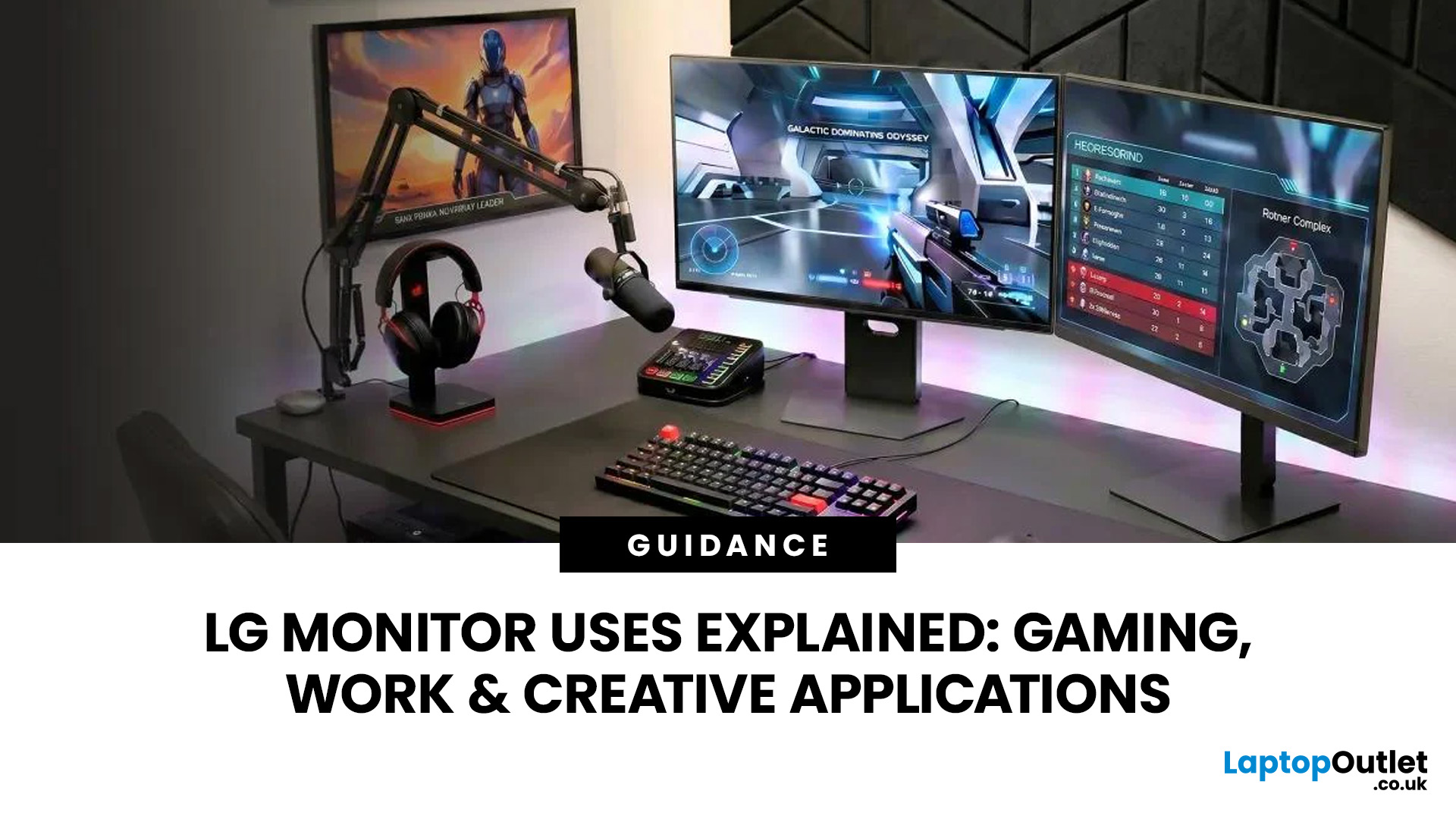
A monitor can suit very different tasks depending on its resolution, refresh rate, panel type, colour performance, screen format, and connectivity. That is why understanding LG monitor uses is more helpful than simply comparing model names or product lines.
For gaming, the priority may be smooth motion and responsiveness. For office work, text clarity, screen space and ergonomics usually matter more. Creative workplaces greater emphasis on colour consistency, detail and a display that can be set up accurately for visual tasks.
This guide explains how LG displays can support gaming, productivity and creative applications, and how the most important display requirements change depending on what you do at your desk.
How LG Monitors Support Gaming
Refresh Rate and Motion Smoothness
Gaming places different demands on a display from office or general home use. Fast-moving scenes, rapid camera movement and competitive play can make refresh rate, response behaviour and motion clarity much more
Last Updated: August 28, 2026
Choosing the best gaming monitor brand can make a huge difference to your gaming experience. Whether you play competitive esports titles, immersive AAA games, or console exclusives on PS5 and Xbox Series X, the right monitor brand delivers smoother performance, better visuals, and long-term reliability.
In the UK gaming market, several brands consistently stand out for quality, innovation, and value. Companies like ASUS, LG, BenQ, AOC, Philips, and iiyama offer gaming monitors across every price range - from affordable 144Hz displays to cutting-edge OLED and 4K panels.
But with so many options available, it’s not always obvious which gaming monitor brand is best for your setup, budget, and gaming style.
Let’s discuss the best gaming monitor brands in the UK, compare their strengths, and help you choose the right one based on resolution, refresh rate, and platform compatibility.
What Makes a Gaming Monitor Brand Worth Buying in 2026?
When comparing the top gaming monitor brands, it’s important
Last Updated: April 06, 2026
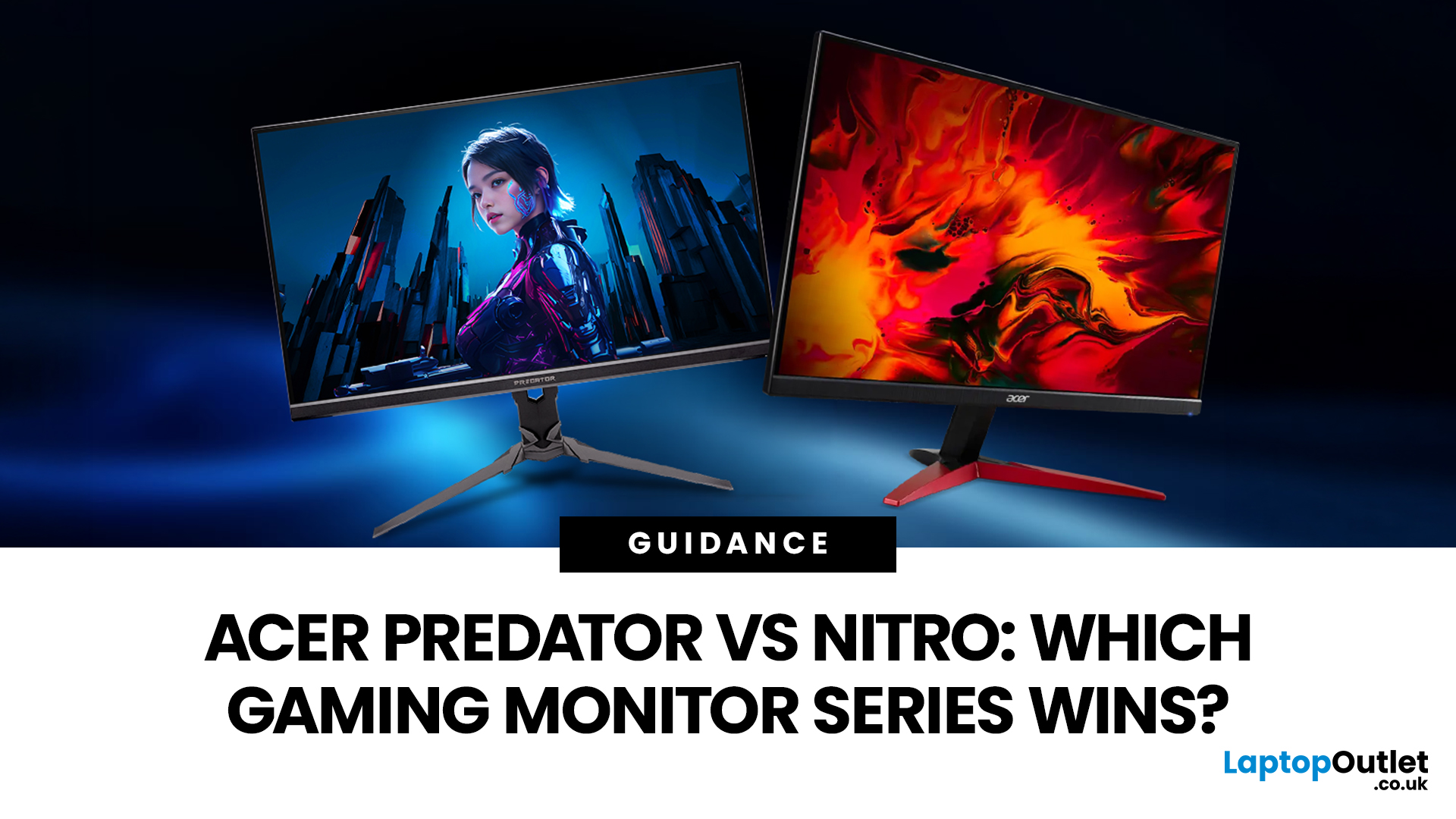
If you are comparing Acer Predator vs Nitro, you are likely at a point where a standard monitor no longer cuts it. Maybe you are upgrading your setup, moving into competitive gaming, or simply trying to get better value for your money.
Acer has made this decision slightly more complex by offering two strong Acer gaming monitor ranges that, at first glance, seem similar. Both support high refresh rates, both look like gaming displays, and both are widely available across the UK.
But once you dig deeper, Predator and Nitro are built for very different types of users. This guide breaks it down properly. No fluff, no brand hype, just a clear explanation of what matters when you are choosing between them.
Why Acer Splits Predator and Nitro in the First Place
Before comparing specs, it helps to understand Acer’s thinking. The company is not just offering two versions of the same product. These are two separate strategies:
- Predator is where Acer pushes performance, display innovation, and premium
Last Updated: April 14, 2026
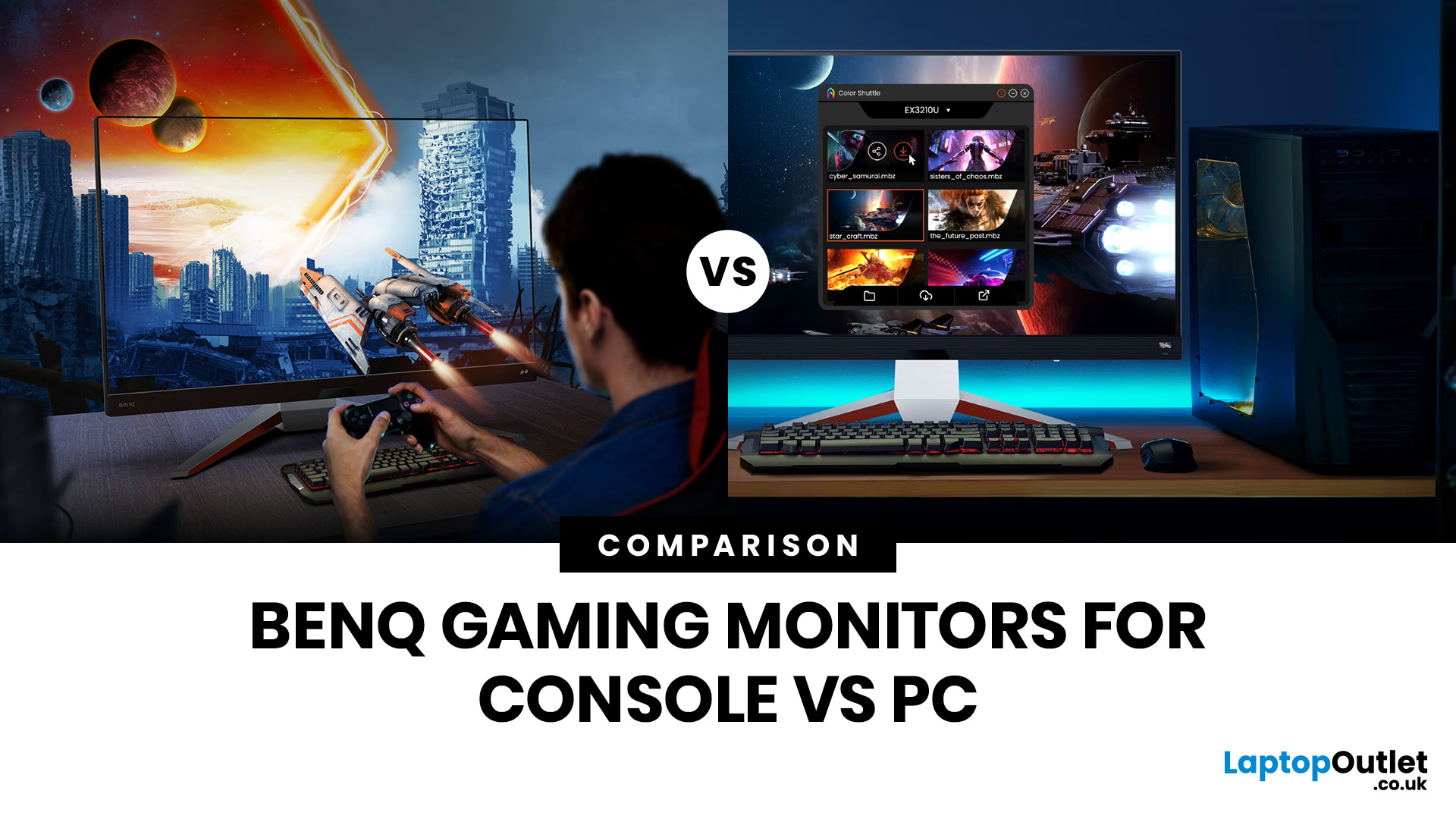
Picking the right gaming monitor is no longer as simple as choosing the biggest screen you can afford. Your setup matters, your platform matters, and the way you play matters even more. A monitor that feels perfect for a competitive PC player might not be the best fit for someone gaming on a PS5 or Xbox Series X.
That’s exactly why choosing the right BenQ gaming monitor for console or PC comes down to more than specs on a product page. You need to think about refresh rate, resolution, connectivity and whether you care more about raw speed or immersive visuals.
BenQ makes that decision easier by offering two clear gaming monitor families. ZOWIE is built for fast, focused competitive PC play, while MOBIUZ is designed for players who want strong performance with more visual depth and better console-friendly features. If you’ve been stuck comparing 1080p, 1440p and 4K, this guide breaks it all down in a way that helps.
Do Console and PC Gamers Need Different BenQ Monitors?
Console and PC
Last Updated: April 28, 2026
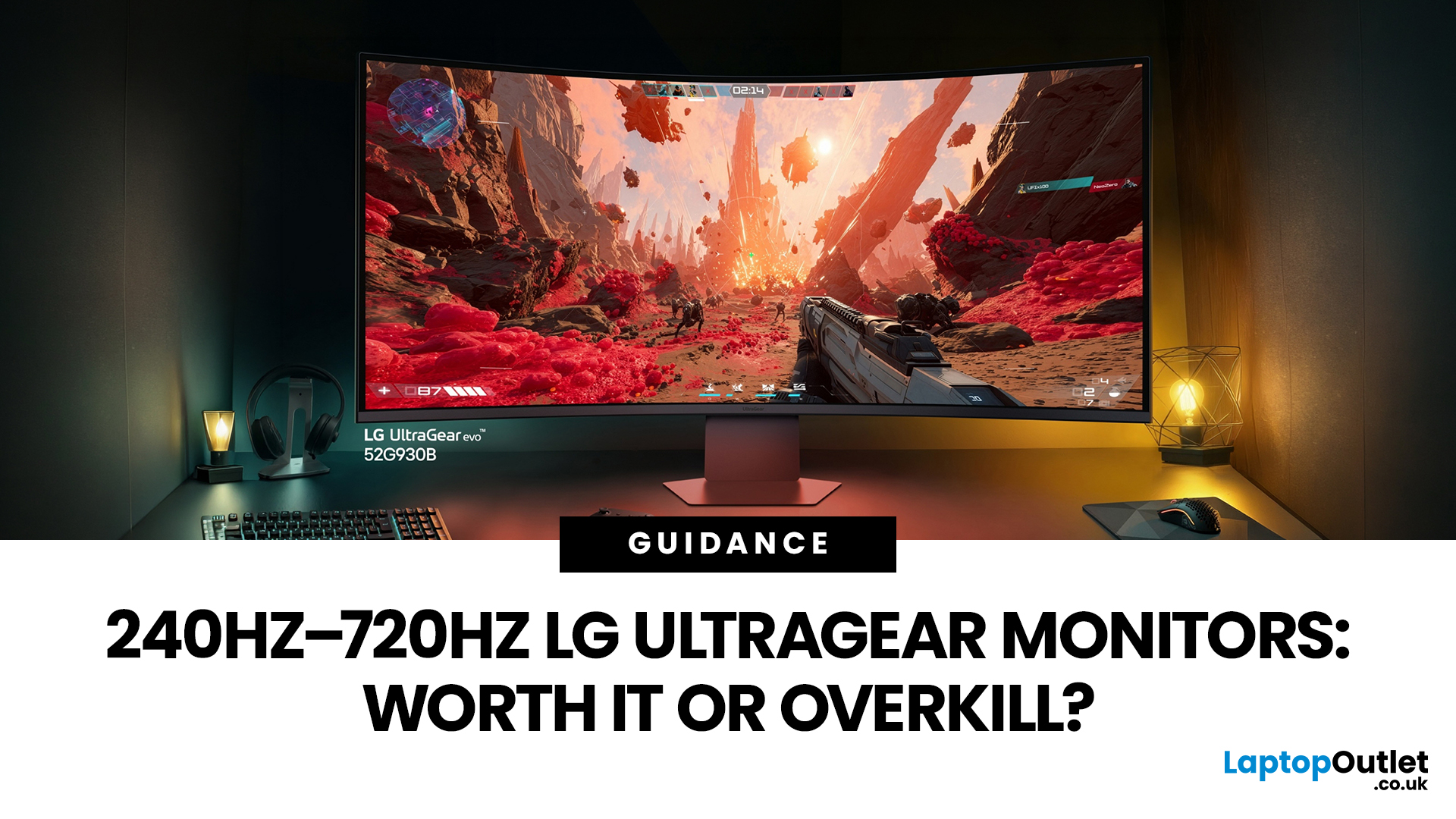
If you've been shopping for a gaming monitor lately, you've probably noticed the numbers getting a bit daft. 240Hz, 330Hz, 480Hz, 540Hz, and now 720Hz.
High refresh LG UltraGear monitors are pushing the boundaries of what gaming displays can do, and the specs are genuinely impressive. But the real question isn't what these monitors can do. It's whether you'll actually notice the difference when you're in the thick of a match.
This guide cuts through the spec sheet jargon and answers what most gamers genuinely want to know: when does a higher refresh rate actually matter, who benefits from it, and which part of the spectrum makes sense for your setup?
What Refresh Rate Actually Does During Gameplay
Refresh rate is one of the most talked-about monitor specs, yet it is also one of the most misunderstood. Before diving into the numbers, it helps to know what is actually happening at the hardware level, because the real-world experience comes from two separate things working together.
A monitor's
Last Updated: September 01, 2026
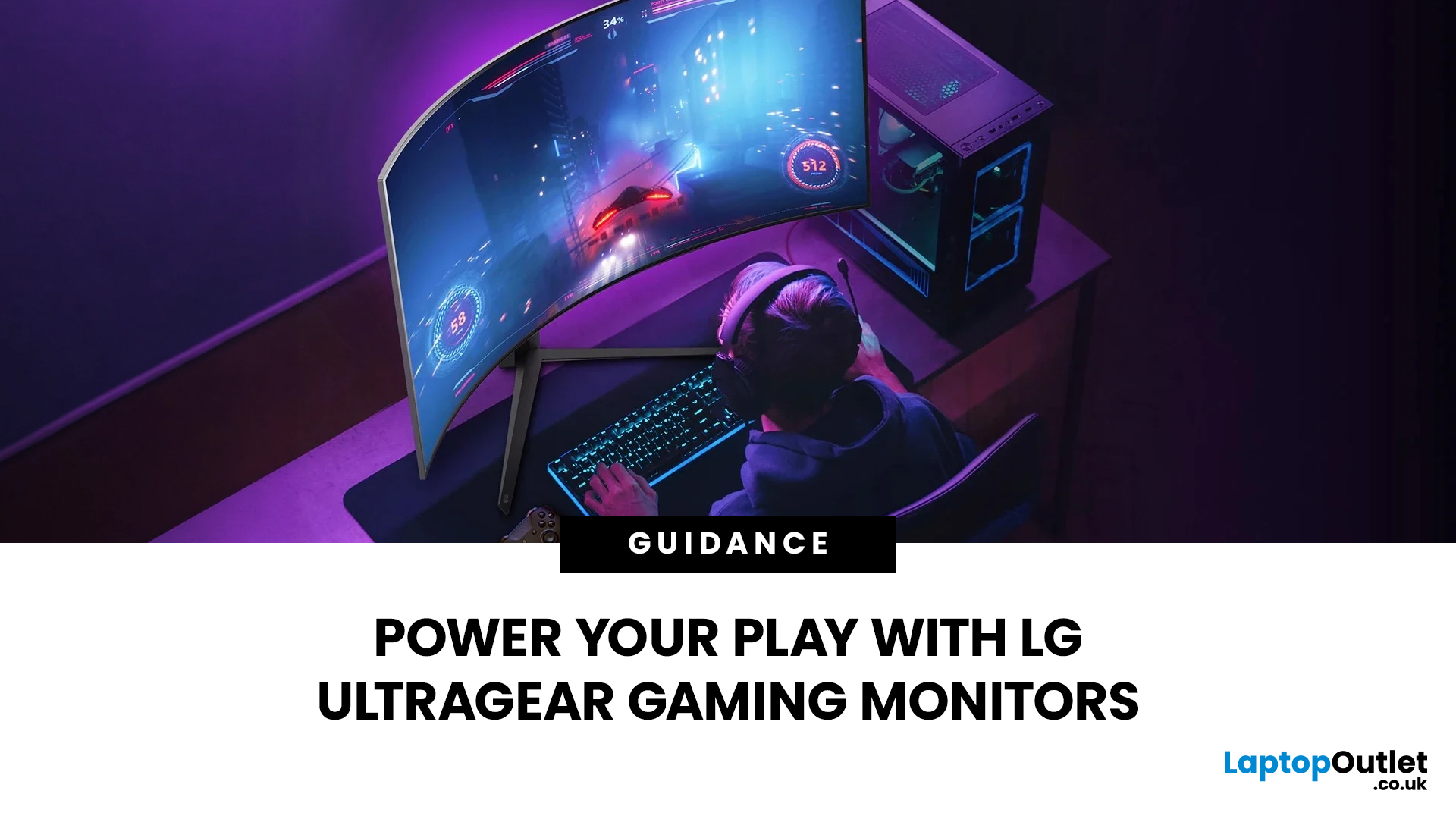
Not all gaming monitors are built the same, and the LG UltraGear range makes that very clear. Whether you're playing for fun on weekends, grinding ranked matches on a mid-range rig, or competing at a serious level, there's a specific UltraGear model that fits your needs.
This LG UltraGear guide breaks down the full lineup by player type so you can make a genuinely informed decision before spending your money.
What Makes LG UltraGear Different from Standard LG Monitors?
LG produces monitors for all sorts of uses, from office work to content creation to home cinema. UltraGear is the gaming-focused sub-brand, and it comes with a noticeably different spec sheet compared to LG's standard displays.
The core differences come down to priorities. Standard LG monitors are built around colour accuracy, ergonomics, and value for office use. UltraGear monitors are tuned for speed, responsiveness, and visual clarity under fast-moving gaming conditions.
In practical terms, this means LG UltraGear gaming

