



How Much RAM Do You Need? 8GB vs 16GB vs 32GB
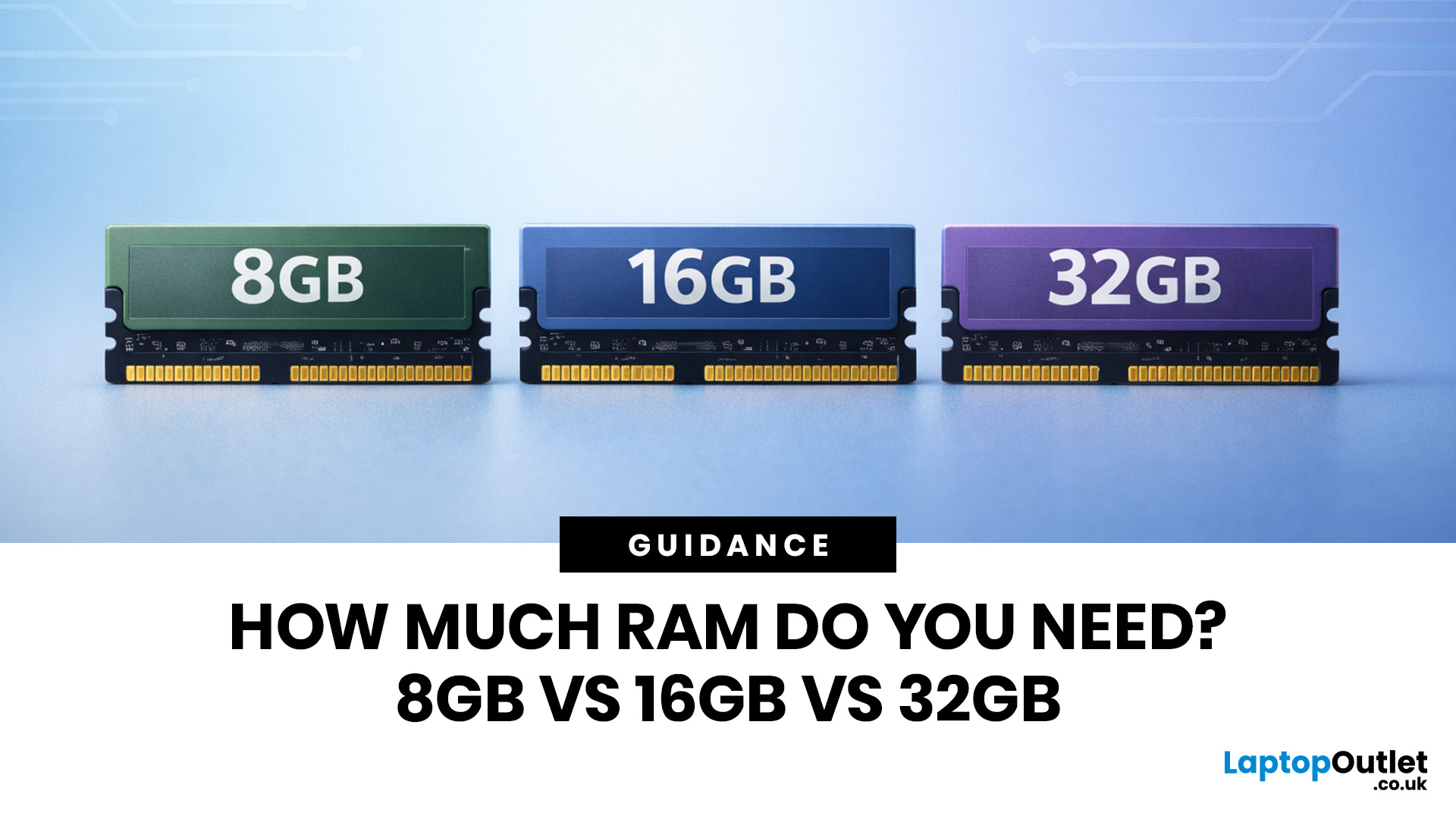
Wondering how much RAM you need? The practical answer is fairly simple. 8GB is still usable for basic laptop tasks; 16GB is the best all-around choice for most buyers, and 32GB is the right move for heavier gaming, creative work, coding, or extra long-term headroom.
For most laptop users, 16GB of RAM is the best all-round choice for work, study, multitasking and mainstream gaming. 8GB is still suitable for lighter everyday use, while 32GB makes more sense for creative work, coding, heavier gaming and demanding multitasking. 64GB is mainly for specialist professional workloads, while 4GB is best avoided on a new Windows laptop.
For RAM shoppers, the real question is not just how much RAM a laptop can run. It is about how much memory will give you a smooth, comfortable experience for how you actually work, study, stream, game, and multitask every day. That is where the difference between 8GB vs 16GB RAM, or 16GB vs 32GB, starts to matter.
What RAM Actually Does?
RAM is your laptop’s short-term working memory. It holds the data your system needs right now, including browser tabs, open apps, video calls, spreadsheets, images, background services, and game assets. When you run out of RAM, the system starts leaning more heavily on storage as temporary working space. Even with a fast SSD, that is still slower than proper memory, which is why low-RAM laptops often feel sluggish when pushed harder.
That is also why more storage and more RAM are not interchangeable. A bigger SSD gives you more room for files and apps. More RAM gives those apps more breathing room while they are open.
How Much RAM Is Enough for a Laptop?
The table below is the clearest way to judge how much RAM is enough for a laptop in 2026.
|
RAM Size |
Best For |
What It Handles Well |
Where It Struggles |
Verdict |
|
4GB RAM |
Very old systems, ultra-light use |
Single-task browsing, email, simple documents |
Modern Windows multitasking, video calls, multiple tabs, newer apps |
Avoid for a new Windows laptop |
|
8GB RAM |
Students, casual home users, light office work |
Web browsing, Microsoft 365, streaming, light multitasking |
Heavy multitasking, creative apps, newer games, longer-term headroom |
Acceptable on a tight budget |
|
16GB RAM |
Most laptop buyers |
Smooth multitasking, work-from-home use, study, light editing, mainstream gaming |
Demanding 4K editing, large projects, multiple virtual machines |
Best overall for most people |
|
32GB RAM |
Power users, creators, developers, heavier gamers |
4K editing, bigger creative files, heavier multitasking, coding, virtual machines |
Only very specialist workstation tasks |
Best upgrade for heavy use |
|
64GB RAM |
Niche professional workflows |
Large datasets, multiple virtual machines, advanced 3D, high-end production work |
Overkill for most buyers |
Only buy if you know you need it |
A good rule is to buy for the next two to four years, not just for today. If your laptop will be your main device, 16GB is usually the safer buy.
If you are also thinking about file space, read our guide on how much laptop storage you really need, so you do not overspend or buy too little.
Is 4GB RAM Enough?
For a modern Windows laptop, no. While 4GB may still meet the bare minimum for installation, it is not a realistic target for a smooth daily experience.
A 4GB laptop can still make sense as a backup machine, a very basic education device, or for extremely light use. But if you regularly run video calls, browser tabs, Office apps, and background sync tools together, it will feel limited very quickly.
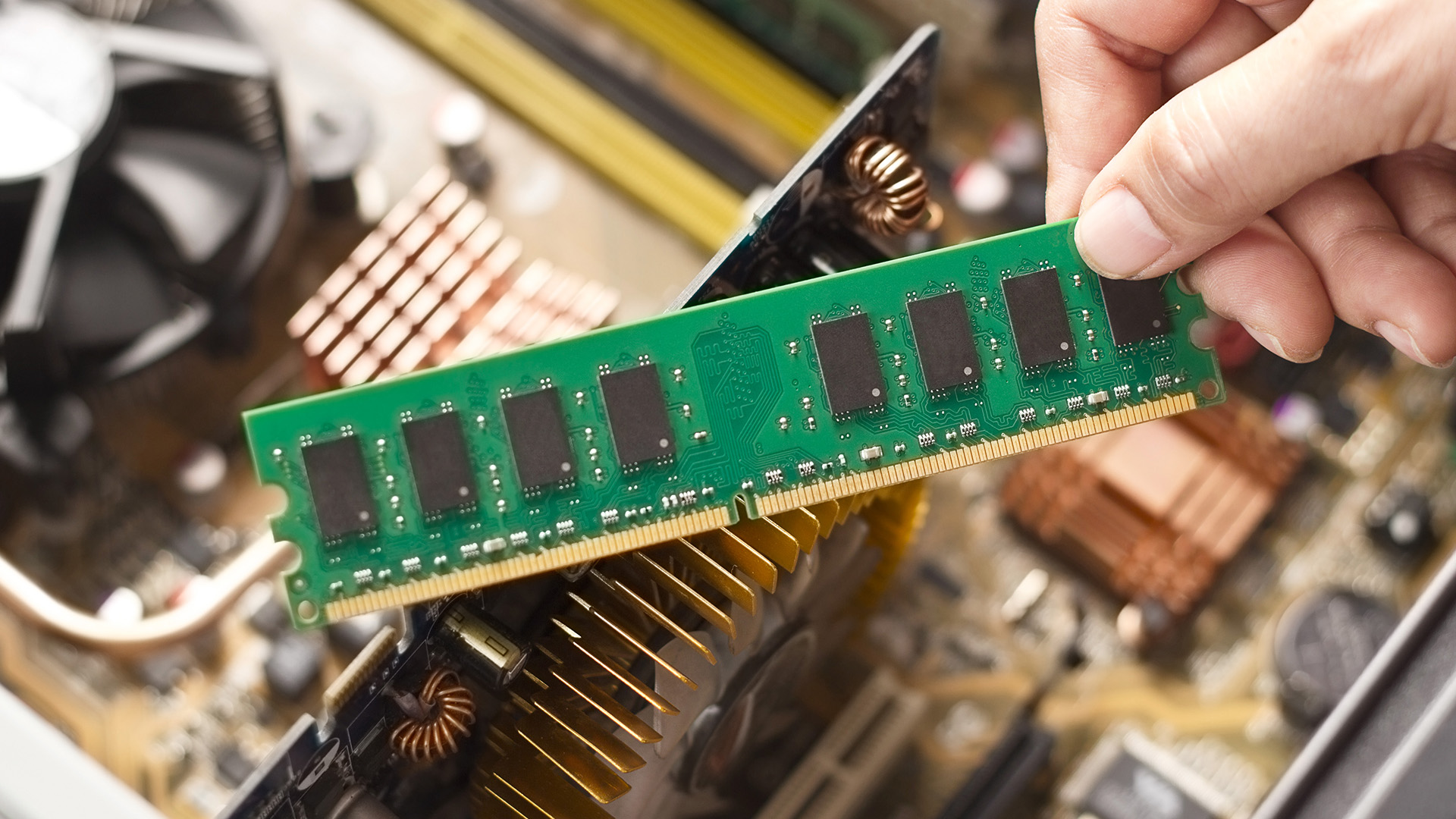
Is 8GB RAM Enough for a Laptop?
This is where things get more nuanced.
If your usage is mostly web browsing, email, streaming, online banking, coursework, Word documents, and light spreadsheets, 8GB RAM is still enough for a laptop. It remains the true entry point for a usable everyday machine.
Where 8GB starts to feel tight is when the laptop is doing many things at once. Think 20 browser tabs, music streaming, video calls, cloud sync, spreadsheets, and PDFs all open together. It can also become a constraint on laptops with integrated graphics, where the system shares memory with the graphics subsystem.
So, is 8GB RAM enough for laptop buyers in 2026? Yes, for lighter use. However, for a main laptop you want to keep for a few years, 16GB is usually the smarter spend.
8GB vs 16GB RAM
This is the comparison most buyers should care about.
The difference between 8GB vs 16GB RAM is not just about benchmark figures. It shows up in the little things that make a laptop feel fast or frustrating:
- How smoothly it handles lots of tabs
- Whether video calls stay responsive while other apps are open
- How well it copes with spreadsheets, PDFs, and browsers at the same time
- Whether light photo or video editing feels workable
- How comfortable the machine feels over the long term
For school and university, 8GB can get through lectures, essays, browsing, and streaming. But 16GB is usually the better RAM size for students if the laptop also needs to handle research-heavy coursework, multitasking, collaborative apps, and occasional editing. The same logic applies to home office buyers and small businesses. 16GB simply gives you more breathing room.
If you are shopping now and comparing models, a simple rule helps here: choose the better processor and display first, but do not drop from 16GB to 8GB unless the price difference is meaningful and the workload is genuinely light.
16GB vs 32GB RAM
For many buyers, 16GB is enough. For some, 32GB is a sweet spot.
In real-world use, 16GB feels strong for general productivity, day-to-day multitasking, lighter creative work, and mainstream gaming. 32GB becomes worth considering once projects, apps, or workloads become heavier. That often includes 4K video editing, larger photo libraries, heavier creative software, development work, virtual machines, or demanding multitasking.
Choose 32GB if any of this sounds like you:
- You edit a 4K video
- You work in creative apps regularly
- You run coding tools, containers, or virtual machines
- You game while streaming or multitasking
- You want a laptop to stay comfortable for years, not just today
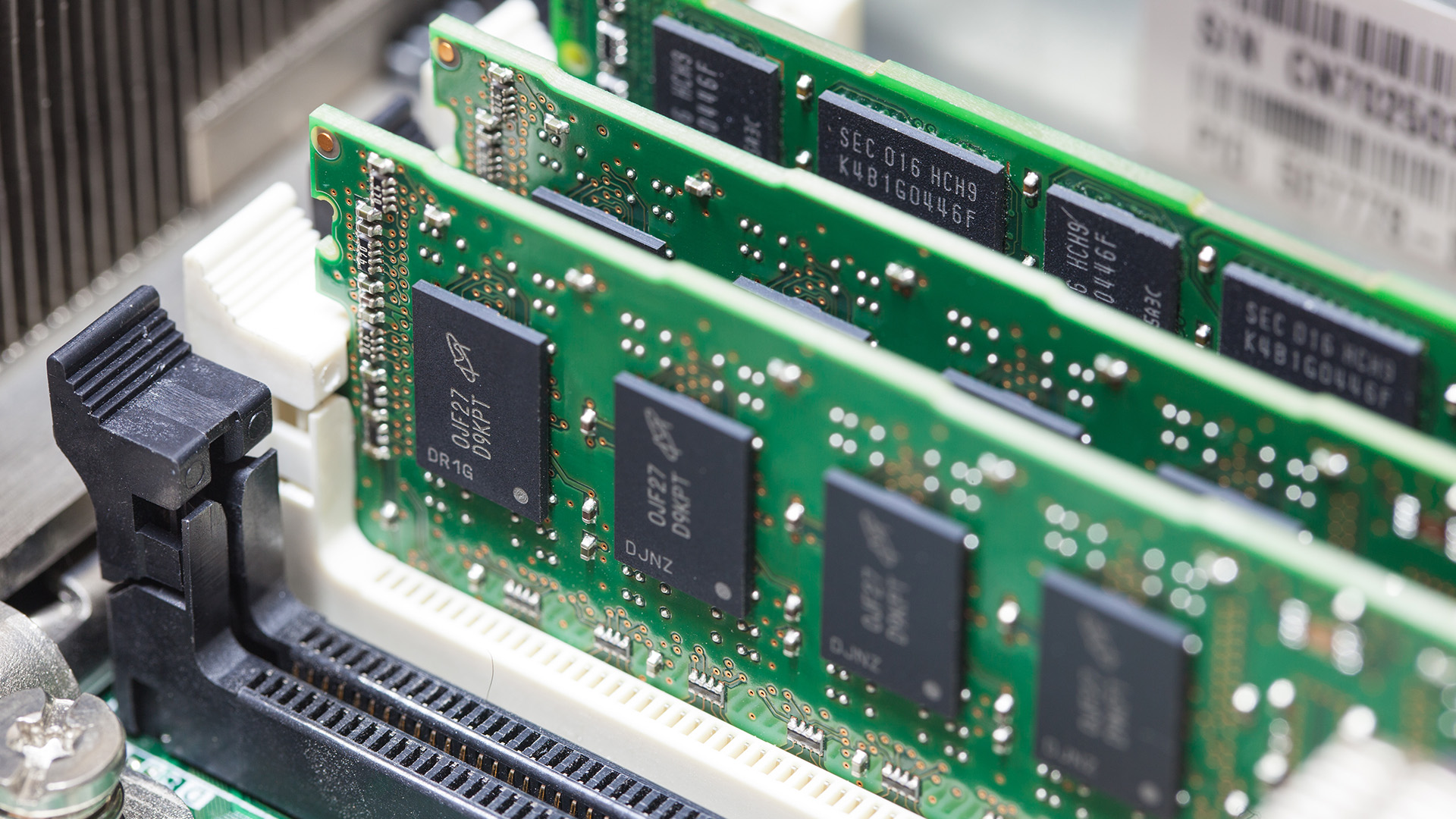
How Much RAM for Games?
For gaming, 16GB is still the mainstream sweet spot, but 32GB is becoming more attractive for heavier setups.
For most modern gaming laptops, 16GB remains enough for a smooth experience. Where 32GB starts to make more sense is when gaming is combined with streaming, Discord, browser tabs, mods, background apps, or future-focused buying.
So, how much RAM for games makes sense?
- 8GB RAM: No longer ideal for modern gaming laptops
- 16GB RAM: Still fine for most mainstream gaming
- 32GB RAM: Better for gaming plus streaming, multitasking, mods, or more long-term headroom
If you are choosing a full machine rather than a memory upgrade, it is worth browsing affordable gaming laptops with 16GB or 32GB of RAM as your starting point.
32GB vs 64GB RAM
For most shoppers, this is not a real contest.
If you are asking whether 32GB RAM is enough, the answer is yes for the vast majority of laptop buyers. It is enough for advanced multitasking, gaming, 4K editing, programming, creative work, and professional day-to-day use.
64GB only really comes into play when the workload is unusually memory-heavy, such as multiple virtual machines, huge datasets, high-end 3D work, or specialist production tasks.
In plain English, 32GB vs 64GB is mostly a workstation question, not a typical home, student, or small business laptop question.
Best RAM Size for Students, Home Users, and Small Businesses
Students
The best RAM size for students is usually 16GB if the budget allows. It covers essay writing, research tabs, Office apps, video calls, media streaming, and room for more demanding course software later on. An 8GB machine can still work for lighter study and tighter budgets.
Home Users
For browsing, shopping, streaming, online admin, and family use, 8GB is workable, and 16GB feels better. The deciding factor is often multitasking, not just a single app.
Home Office and Small Business Buyers
For email, browsers, spreadsheets, video calls, web apps, and light reporting, 16GB should be the default. It is the safer choice for a work laptop that needs to stay responsive throughout the day.
Creators and Power Users
If the laptop is for creative apps, 4K video, heavier editing, coding, or large multitasking sessions, 32GB is usually the better choice.
If you are still choosing a new device, start by exploring all laptops and filter for 16GB first. If you already own a compatible machine, compare the best RAM for laptops before replacing the whole system.
How to Tell If You Need More RAM
You probably need more RAM if:
- Your laptop slows down badly when several apps open
- Browser tabs reload when you switch back to them
- Video calls stutter while you work in other apps
- Creative apps or games freeze, pause, or show memory warnings
- The machine feels fine when idle, but struggles under multitasking
In simple terms, if the laptop feels slow, mainly when you are doing several things at once, memory may be the issue.
Can You Upgrade Laptop RAM?
Sometimes yes, sometimes no.
Many modern laptops use soldered memory, especially in slimmer designs. Others offer one or two slots, or a mix of onboard and upgradeable memory. Before buying RAM, it is worth checking the following:
|
What To Check |
Why It Matters |
|
Maximum supported memory |
The laptop may not support the capacity you want |
|
Memory type |
DDR4, DDR5, LPDDR5, and LPDDR5X are not interchangeable |
|
Slot configuration |
One free slot is very different from fully soldered memory |
|
Dual-channel support |
This can affect performance, especially on integrated graphics |
|
Serviceability |
Some laptops are far easier to upgrade than others |
If the laptop cannot be upgraded, that matters even more when buying a new one. In those cases, it usually makes sense to stretch to the RAM capacity you will want long term, not just the cheapest configuration on day one.
If your laptop supports RAM upgrades, read our step-by-step guide to upgrade laptop RAM and check compatibility, choose the right module, and install it properly.
RAM vs Storage: Do You Need Memory or an SSD?
A lot of buyers misjudge this.
If the laptop is slow when multitasking, RAM may be the issue. If you are simply running out of room for files, apps, or media, storage is the better upgrade. Systems without enough RAM can lean on storage temporarily to stay functional, but even fast SSDs are still slower than proper memory.
That is why memory and storage should be considered together. If the laptop is used for creative work, pairing it with more RAM and high-speed internal SSDs can make a real difference. If the bigger problem is file space, backups, or media libraries, it may make more sense to buy an external hard drive instead.
Not sure whether RAM or storage is the real bottleneck? Read our SSD vs HDD guide to see which upgrade is more likely to improve everyday laptop performance.

Which RAM Option Is Right for You?
If you want the simplest buying answer, here it is.
Buy 8GB RAM only if your use is basic and the price saving is worth it. Buy 16GB RAM if you want the safest all-round choice for work, study, home use, and mainstream gaming. Buy 32GB RAM if the laptop is for creative work, heavier gaming, coding, or serious multitasking. Skip 4GB for any new Windows laptop and only move to 64GB if you already know your workload genuinely justifies it.

What You Need to Know About Laptop RAM
How much RAM do I need for a laptop?
For most people, 16GB is the right answer. It gives enough headroom for multitasking, work, study, and everyday use without paying for memory you may never use.
Is 8GB RAM enough for laptop use in 2026?
Yes, for lighter tasks such as browsing, streaming, coursework, and office work. No, if you want stronger multitasking, newer gaming, or better long-term value.
Is 32GB RAM enough?
Yes. For most buyers, 32GB is more than enough for advanced multitasking, gaming, coding, and creative work. It only stops being enough when you move into specialist workstation-level tasks.
How much RAM for games should I choose?
16GB is still fine for most gaming laptops. 32GB is the better choice if you stream, multitask heavily, mod games, or want more headroom for demanding titles.
RAM 32GB vs 64GB: Which is better?
32GB is better for most buyers because it offers plenty of performance without overspending. 64GB is mainly for niche professional workloads, multiple virtual machines, or very large creative and technical projects.
What is the best RAM size for students?
16GB is the best RAM size for students if the budget allows, especially for multi-year use. 8GB still works for lighter coursework and tighter budgets.
Is 4GB RAM enough?
Only for very basic or older systems. It meets Windows 11 minimum requirements, but it is not a comfortable spec for a new everyday Windows laptop.
| Read More: |
| How Much RAM Do You Really Need? |
| Signs You Need a RAM Upgrade (And How to Fix It) |
| Kingston DDR4 vs DDR5 Performance: Which RAM Should You Buy? |
Related Articles

Last Updated: September 09, 2025
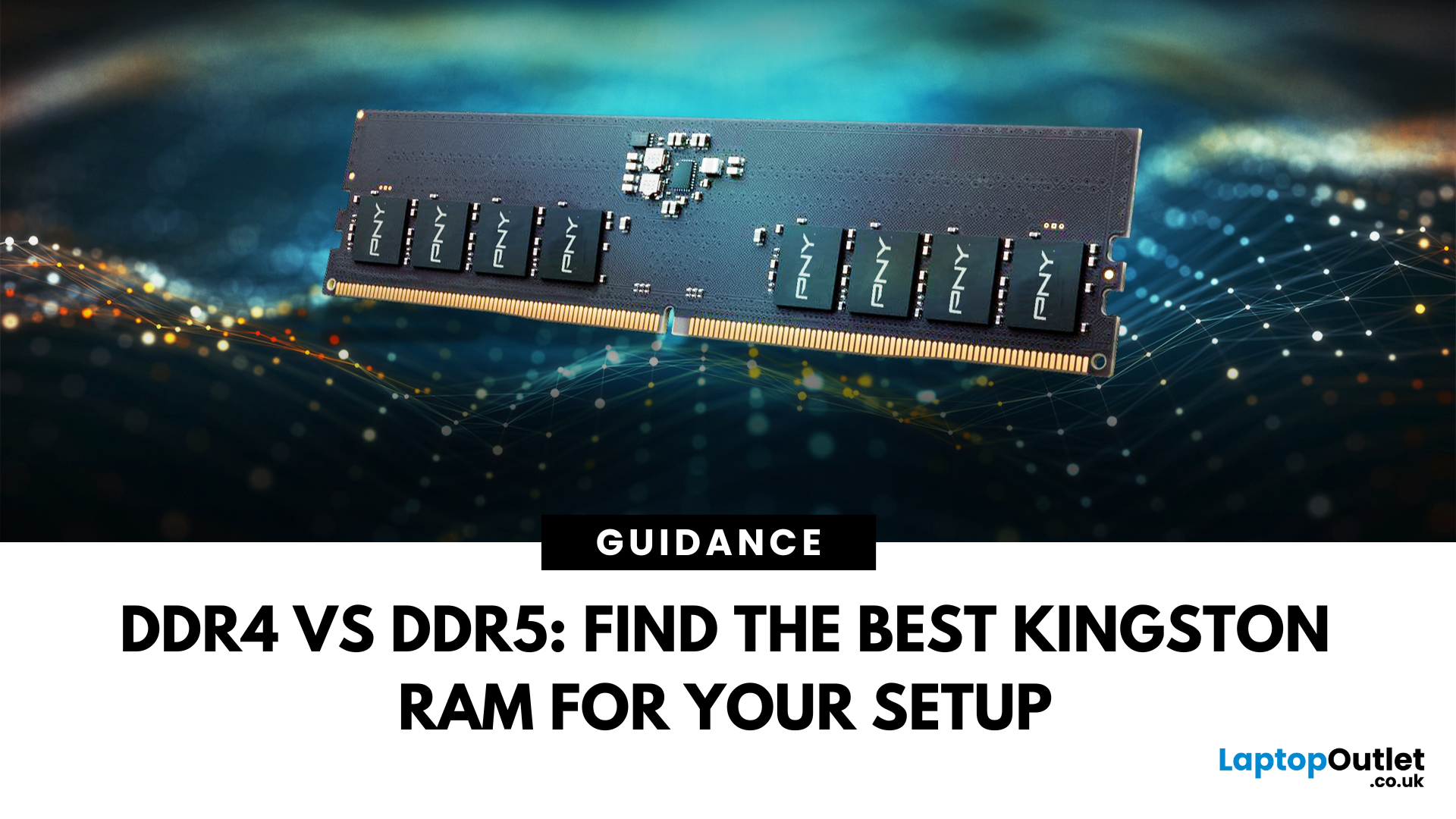
DDR4 vs DDR5 Explained: Find the Best Kingston RAM for Your Setup
Upgrading your computer memory is one of the smartest ways to boost system performance, but with the launch of next-gen memory modules, the debate of DDR4 vs DDR5 is more relevant than ever. Whether you’re a gamer, creator, or multitasker, choosing the right PC RAM can significantly impact how fast your system runs and how future-ready it is.
In this guide, we’ll dive into the differences between DDR4 vs DDR5 RAM, comparing their performance, price, compatibility, and use cases, especially for gaming. We’ll also look at why Kingston RAM remains a top-tier choice for both generations.
If you’re wondering which RAM is best for your setup in 2025, keep reading and don’t forget to check our handpicked selection at Laptop Outlet’s RAM & Memory section.
DDR4 vs DDR5: What’s the Real Performance Difference?
When it comes to the performance of RAM computer, DDR5 RAM undeniably leads the charge. It offers substantially higher bandwidth
Last Updated: September 09, 2025
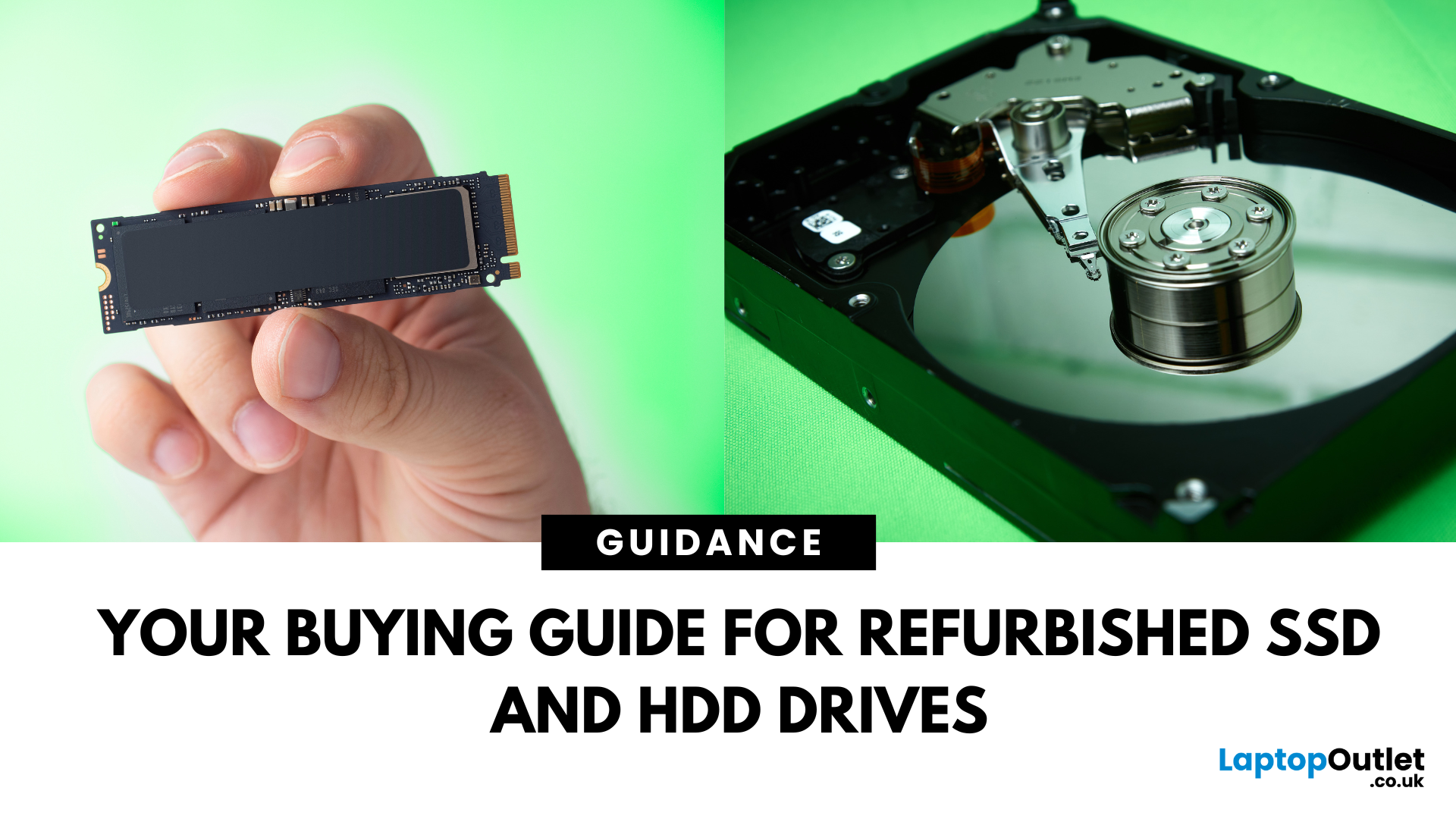
Need more storage or speed but don’t fancy paying full price? Buying a refurbished SSD or HDD could be the budget-friendly solution you’re after. Whether you're upgrading your current device or adding extra space for files, games, or media, refurbished drives offer great value without compromising functionality.
However, not all refurbished storage is created equal. To ensure your investment lasts and performs well, you need to understand the difference between drive types, evaluate their health, and select based on your specific needs, whether it’s for day-to-day use, gaming, or business tasks.
This guide covers everything you should know before buying refurbished SSD or HDD, external refurbished drives, or upgrading your refurbished SSD laptop. It’s your go-to resource for making a smart, informed choice.
Understanding the Difference Between SSD and HDD
When choosing between a refurbished SSD and HDD, it’s important to know how each works and which suits your needs better. Both offer
Last Updated: May 06, 2026
If your computer is slowing down when you’ve got too many tabs open or your favourite game is stuttering, chances are you’ve asked yourself: How much RAM do I actually need? It’s one of the most common questions when buying a new PC, laptop, or planning an upgrade, and the answer isn’t the same for everyone.
RAM, short for Random Access Memory, works as your computer’s short-term memory. It’s where your system stores active data while juggling multiple tasks. Not enough RAM and everything slows to a crawl, no matter how fast your processor or SSD is. Too much RAM, however, can feel like money wasted if you’ll never use it.
Let’s break down RAM requirements for everyday users, gamers, and professionals, plus how to future-proof your setup. By the end, you’ll know exactly how much RAM you need today (and tomorrow).
What Is RAM and Why Does It Matter?
Think of RAM as your computer’s workbench. The bigger the bench, the more projects you can spread out and handle at once. If your bench is tiny,
Last Updated: May 06, 2026
Your laptop takes forever to boot, browser tabs keep freezing, and that giant Excel sheet crawls open like it’s stuck in traffic. Sound familiar? The issue might not be your Wi-Fi or a buggy update; it could simply be that your PC doesn’t have enough RAM.
RAM (Random Access Memory) is your computer’s short-term workspace. It’s where apps, games, and background tasks all line up for quick access. The more you multitask, the more memory your system needs. When it runs out, performance nosedives, slow startups, stuttering games, and even random crashes.
The upside? RAM is one of the easiest and most affordable upgrades you can make, and the improvement is immediate. Let’s get into the fixing journey.
1. Your PC Takes Forever to Start Up
If your morning routine involves switching on your computer and then making a cup of tea while it crawls through startup, that’s a big red flag for memory problems.
When Windows or macOS boots, it doesn’t just load the operating system; it also fires up background
Last Updated: May 06, 2026
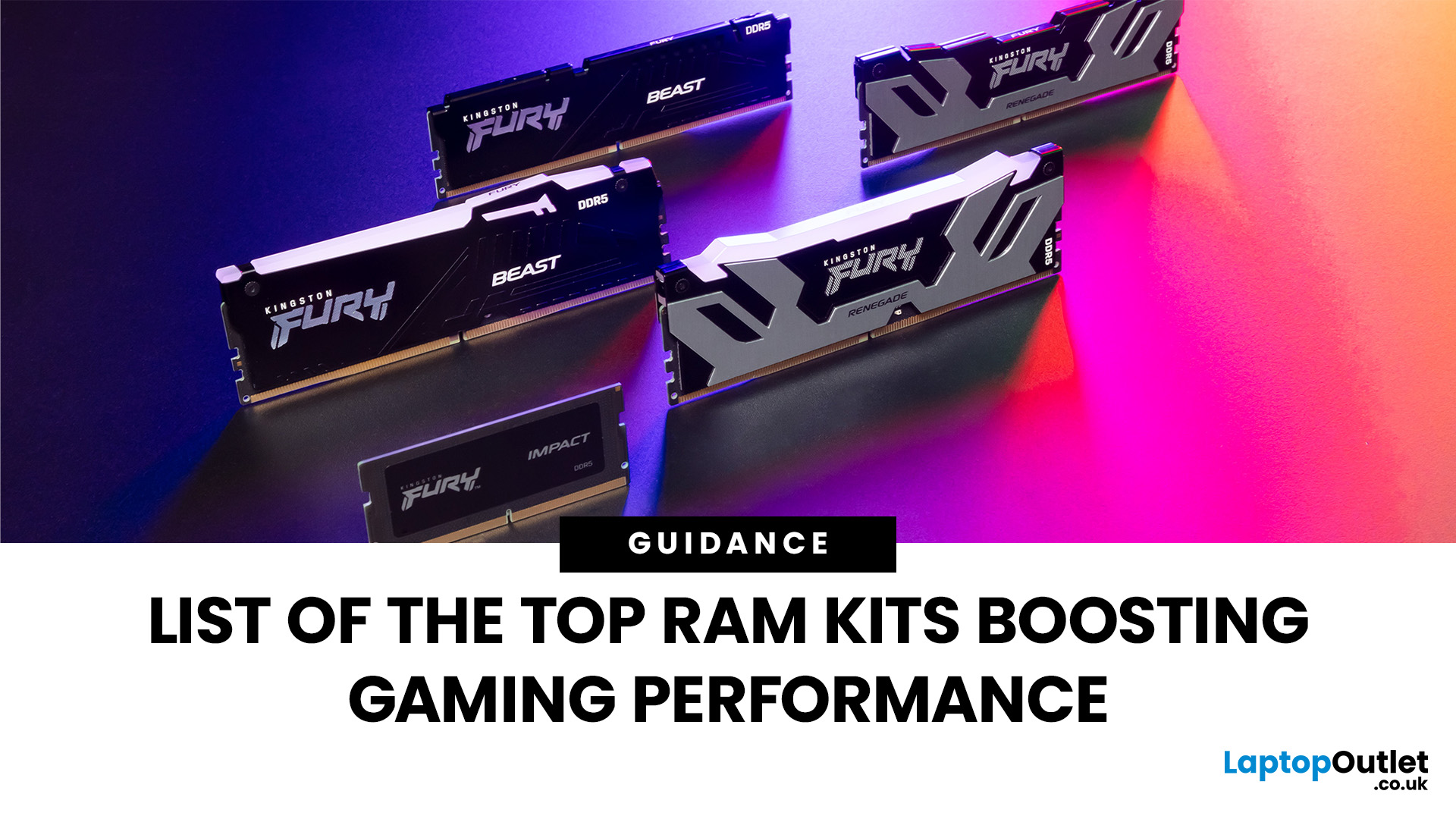
When building or upgrading a gaming PC in 2025, RAM is one of the most important components you’ll need to choose carefully. With DDR5 now mainstream and DDR4 still relevant for budget or older builds, there’s a wide variety of options on the market. But with so many choices, it’s easy to feel overwhelmed. Do you go for raw speed, bigger capacity, or flashy RGB? The truth is the best RAM kits for gaming in 2025 balance speed, latency, and capacity. Let’s highlight the top 10 RAM kits worth buying this year, from budget-friendly DDR4 sets to premium DDR5 kits designed for enthusiasts.
What Makes a RAM Kit Great for Gaming in 2025
The right kit can make the difference between smooth, responsive gameplay and frustrating stutters, especially in modern titles that demand more memory. Before the list, some essentials so you get RAM that actually improves your gaming:
- Capacity First: 32 GB is the new sweet spot. 16 GB still works for many (especially eSports, lighter titles) but headroom matters.
Last Updated: October 15, 2025
Buying a MacBook isn’t just about picking between an Air or a Pro - it’s also about making smart choices with RAM and storage. These two specs are often overlooked, yet they’re the backbone of your laptop’s performance and longevity. Choose too little, and you’ll quickly hit frustrating slowdowns or run out of space. Choose wisely, and your MacBook will stay fast, reliable, and future-proof for years.
Unlike many Windows laptops, MacBook RAM and storage can’t be upgraded later - what you buy upfront is what you’ll live with. That makes it essential to understand how much you really need. Do students get by with 8GB of RAM? Should professionals always go for 16GB or more? Is 256GB storage enough in the cloud era, or do video editors really need 1TB and beyond?
Why RAM & Storage Matter in a MacBook
When you’re choosing a MacBook, the processor often gets the spotlight - but RAM and storage are just as important. They determine how smooth your experience is today and how well your laptop
Last Updated: October 14, 2025
Meet the ROG Ally — the Portable Gaming Beast
If you’ve been anywhere near gaming TikTok or Reddit lately, you’ll know the ASUS ROG Ally has taken the handheld scene by storm. It’s sleek, powerful, and gives a proper run for its money. But beyond its flashy white shell and 120 Hz display, there’s one detail everyone’s curious about: how fast is the storage really?
What Kind of SSD are We Talking About?
The 512 GB variant packs a PCIe Gen 4 NVMe SSD, fancy words for “blistering quick”, running over the M.2 2230 form factor (the compact size used in handhelds).
Typical specs:
- Sequential Read Speed – around 5,000 MB/s
- Sequential Write Speed – around 3,500 MB/s
- Random 4K Read/Write – 500K / 600K IOPS
That’s several times faster than older SATA SSDs and absolutely galaxies ahead of traditional hard drives. Translation? Instant game launches, smoother texture streaming, and snappier OS performance.
What is ROG Xbox Ally 512GB SSD Speed in Real-World Use?

Loading Times
When you’re booting
Last Updated: April 02, 2026
Black Friday 2025 is set to bring some of the best deals we’ve seen yet on gaming laptops and PCs, especially those powered by NVIDIA’s RTX 40-series graphics. But this year, smart buyers aren’t just chasing discounts, they’re targeting the right specs for lasting performance. The RTX 4060 and RTX 4070 GPUs have become the ideal mid-to-high range picks, balancing power, efficiency, and price. Pair that with fast DDR5 RAM and a 1TB NVMe SSD, and you have a future-ready setup built for modern gaming. This guide breaks down exactly what to look for in fast DDR5 RAM and a 1TB NVMe SSD, and you have a future-ready setup built for modern gaming. This guide breaks down exactly what to look for and make the most of Black Friday gaming laptop deals (RTX 4070) in the UK.
The 2025 Gaming Hardware Landscape: What’s Changed
Gaming hardware has evolved quickly over the past year, and 2025’s market looks very different from before. NVIDIA’s RTX 40-series GPUs, like the RTX 4060 and RTX 4070, now deliver

Last Updated: February 17, 2026
Storage problems aren’t just annoying; they’re productivity killers. Studies show that nearly 60% of laptop slowdowns are linked to storage-related issues, whether it’s low disk space, corrupted files, or failing SSDs. When your drive is over 85% full, performance can drop significantly because your system has less room to manage temporary files and virtual memory. Add disk errors or early SSD/HDD failure into the mix, and suddenly your “quick task” turns into a 30-minute meltdown.
Laptop storage issues don’t just slow things down, they risk your data, crash your apps, and test your patience.
The good news? Most storage problems are fixable in real time. In this guide, we’ll break down exactly what’s happening, why it’s happening, and how to fix it step-by-step, no tech degree required.
SSD vs HDD: What’s Actually Inside Your Laptop (And Why It Matters)

Before you panic about laptop storage issues, you need to know what you’re working with. Not all drives fail the same way and the fix
Last Updated: May 01, 2026
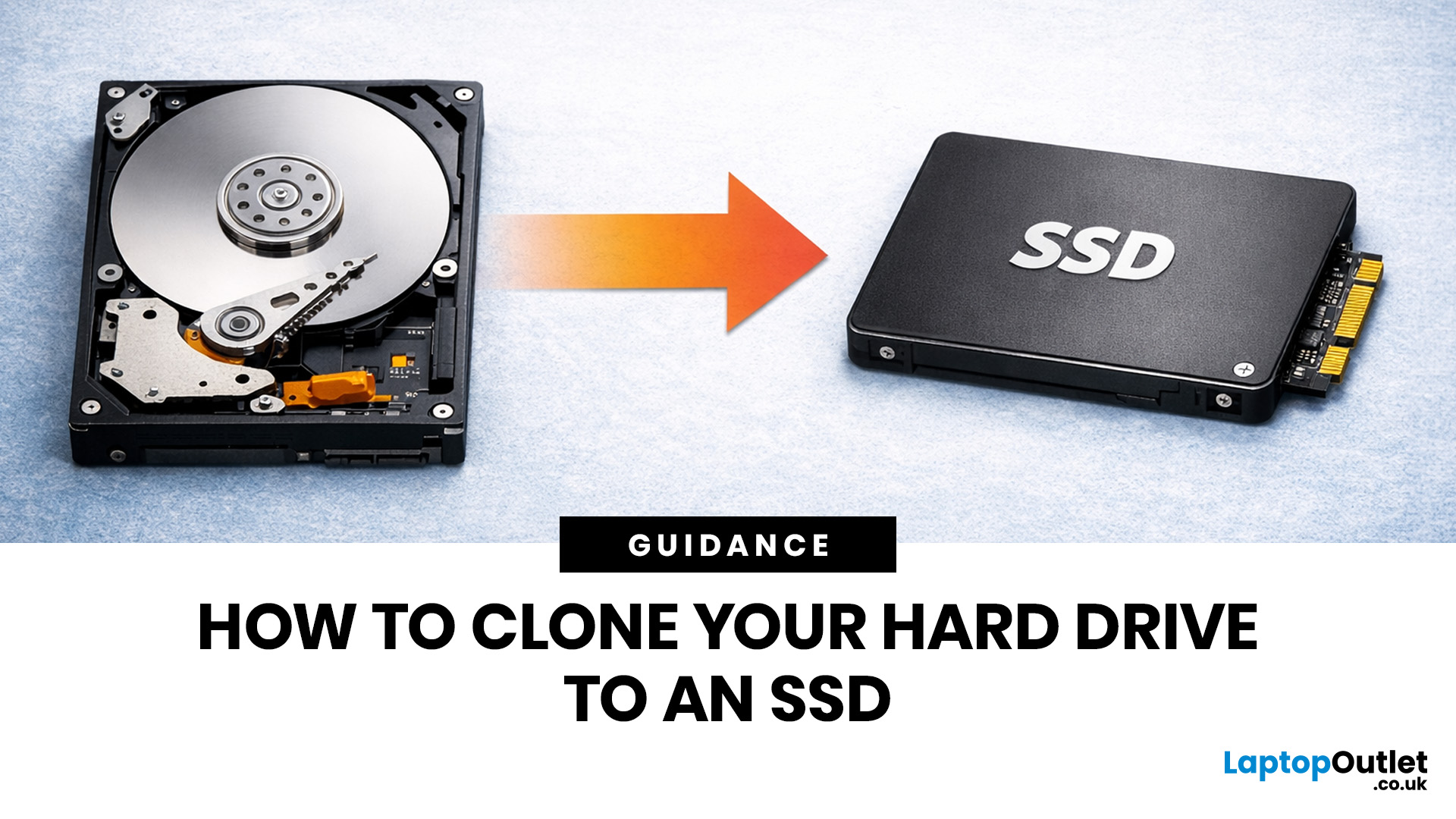
If your laptop feels slow to boot, takes too long to open files, or struggles with everyday performance, it may be time to clone hard drive to SSD and give your system a faster, more responsive upgrade. Moving from a traditional hard disk drive to a solid-state drive is one of the most effective ways to improve speed without replacing your entire device.
In this guide, you’ll learn how to clone a hard drive safely, what you need before you start, and how to handle the SSD migration process step by step. Whether you want to clone HDD to SSD for quicker startup times or simply transfer hard drive to SSD without losing your files, this guide will help you do it with confidence.
Why Upgrade from HDD to SSD?
A hard disk drive stores data using moving parts, while an SSD uses flash memory to access files much faster. That means quicker boot times, faster app launches, smoother multitasking, and less waiting around. If you use your laptop daily for work, study, browsing, or entertainment, choosing

