



Best AMD Gaming PCs for 1080p, 1440p and 4K Gaming
Choosing the best AMD gaming PC in 2026 is less about buying the fastest processor and more about matching the CPU, GPU, memory and monitor to your target resolution. AMD Ryzen processors scale from efficient integrated-graphics systems for light Full HD gaming to X3D-equipped towers built for demanding AAA titles.
This guide compares six current AMD Ryzen gaming PCs across 1080p, 1440p and 4K use. It explains where each system makes sense, where it has limitations and which games suit its hardware.
Best AMD Gaming PCs at a Glance
The six systems below cover very different levels of gaming performance. That matters because an office-focused PC with integrated graphics should not be judged in the same way as dedicated gaming desktop PCs equipped with RTX graphics.
|
PC |
Processor |
Graphics |
RAM |
Storage |
Best For |
|
Lenovo ThinkCentre M75s Gen 2 |
Ryzen 5 5600G |
Integrated Radeon |
8GB DDR4 |
256GB SSD |
Light 1080p gaming |
|
Lenovo IdeaCentre AIO 24ARR9 |
Ryzen 5 7533HS |
Radeon 660M |
16GB DDR5 |
512GB SSD |
Casual 1080p gaming |
|
HP Elite Mini 805 G8 |
Ryzen 7 5700GE |
Integrated Radeon |
16GB DDR4 |
512GB SSD |
Compact light gaming |
|
HP OMEN 16L |
Ryzen 5 8500F |
RTX 5060 8GB |
16GB DDR5 |
1TB SSD |
1080p and 1440p |
|
Medion Erazer Recon P45 |
Ryzen 5 5500 |
RTX 5060 |
32GB DDR4 |
1TB SSD |
Value-focused 1440p |
|
Medion Erazer Tank X15 |
Ryzen 7 7800X3D |
RTX 5070 12GB |
32GB DDR5 |
2TB SSD |
Premium 1440p and 4K |
1080p vs 1440p vs 4K: How Much PC Performance Do You Need?
Your gaming resolution has a major impact on the level of hardware you need. Higher resolutions display more pixels, which improves image detail but also increases the workload placed on the graphics card.
1080p Gaming
Full HD uses a resolution of 1920 x 1080. It remains a popular choice for competitive gaming, esports and players who prioritise higher frame rates over maximum image sharpness.
A capable 1080p gaming PC does not need the most powerful GPU available. Entry-level dedicated graphics can handle many modern games well, while integrated graphics may be suitable for lighter titles and esports when settings are adjusted.
1440p Gaming
1440p, or 2560 x 1440, provides a noticeable increase in detail compared with Full HD. It is often considered a strong middle ground between visual quality, performance and hardware cost.
A 1440p gaming PC generally benefits from a more capable dedicated GPU, sufficient VRAM and a balanced processor. Higher refresh rates also increase performance demands, particularly in fast-paced competitive games.
4K Gaming
4K uses a resolution of 3840 x 2160 and displays four times as many pixels as 1080p. This creates much sharper visuals, especially on larger screens, but also places significantly greater demand on the GPU.
A 4K gaming PC should prioritise graphics performance, adequate VRAM and effective cooling. Technologies such as DLSS, FSR, frame generation and resolution upscaling can also help improve performance in demanding games while retaining high image quality.
Best AMD Gaming Desktops for Casual, Competitive and 4K Gaming
The right choice depends on your favourite games, target resolution, available space and how much performance you actually need.
1. Lenovo ThinkCentre M75s Gen 2: Best for Entry-Level 1080p Gaming
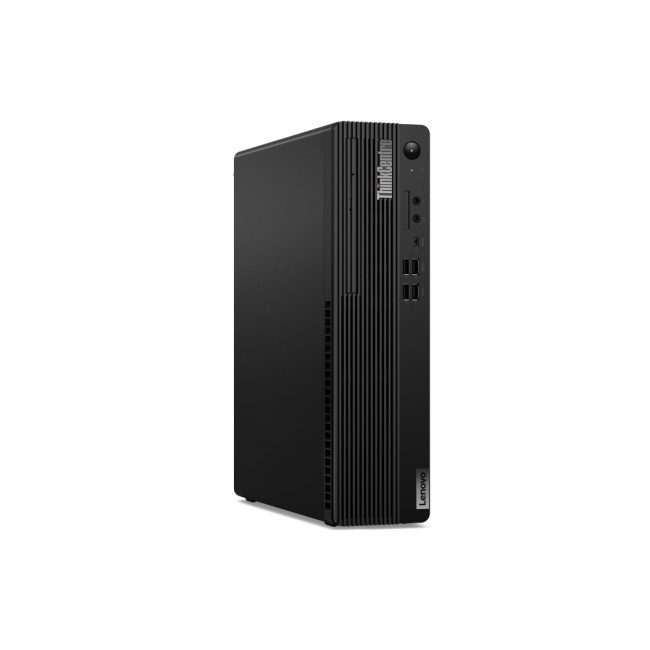
Key Specs
- Processor: AMD Ryzen 5 5600G
- Graphics: Integrated AMD Radeon graphics
- Memory: 8GB DDR4
- Storage: 256GB SSD
- Operating System: Windows 11 Pro
- Form Factor: Small Form Factor
The Lenovo ThinkCentre M75s Gen 2 is a straightforward option for gamers who mainly play at 1080p and prefer lighter or competitive titles. Its Ryzen 5 5600G processor combines six CPU cores with integrated Radeon graphics, giving you enough everyday performance for gaming, browsing, streaming and general PC use without needing a separate graphics card.
It suits games such as Valorant, Counter-Strike 2, Fortnite, Rocket League and Minecraft, particularly when you use sensible graphics settings. The compact Small Form Factor design also makes it easier to fit into smaller gaming or study setups where a full-sized tower may take up too much space.
The 8GB of RAM and 256GB SSD are suitable for getting started, although gamers planning to install several larger games may eventually want more memory and storage. For esports and lighter 1080p gaming, however, it provides a simple Ryzen-powered starting point.
2. Lenovo IdeaCentre AIO 24ARR9: Best All-in-One for Casual 1080p Gaming
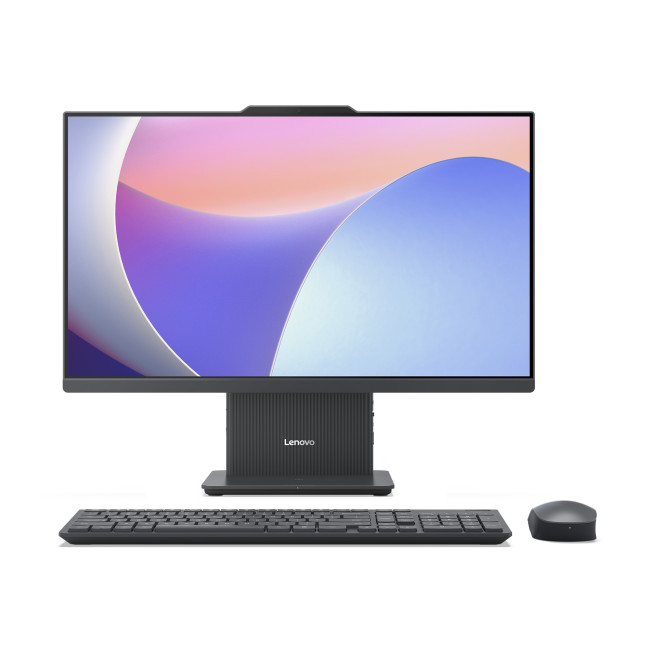
Key Specs
- Processor: AMD Ryzen 5 7533HS
- Graphics: AMD Radeon 660M
- Memory: 16GB DDR5
- Storage: 512GB SSD
- Display: 23.8-inch Full HD IPS
- Operating System: Windows 11 Home
The Lenovo IdeaCentre AIO 24ARR9 is a good fit for gamers who want a tidy setup without buying a separate monitor. Its 23.8-inch Full HD screen, Ryzen 5 processor and Radeon 660M graphics are all built into one system, making it particularly convenient for bedrooms, home offices and smaller gaming spaces.
With 16GB of DDR5 memory and a 512GB SSD, it has enough everyday speed for gaming alongside browsing, streaming, studying and other tasks. Games such as Valorant, Fortnite, Overwatch 2, Rocket League and Minecraft are well suited to its Full HD display, especially when graphics settings are adjusted for smoother play.
The all-in-one design prioritises convenience and simplicity rather than future gaming upgrades. It is therefore best suited to casual 1080p gamers who value an uncluttered setup and want one PC for both entertainment and everyday use.
3. HP Elite Mini 805 G8: Best Compact AMD PC for 1080p Gaming
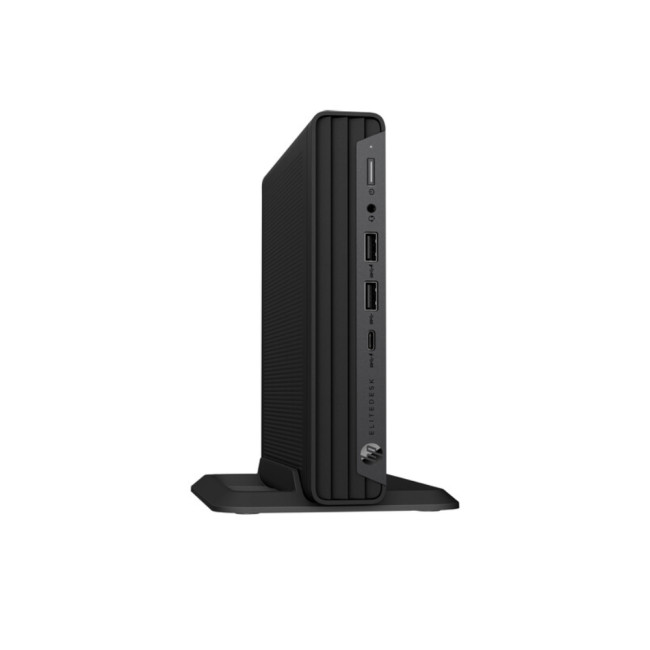
Key Specs
- Processor: AMD Ryzen 7 5700GE
- Graphics: Integrated AMD Radeon graphics
- Memory: 16GB DDR4
- Storage: 512GB SSD
- Operating System: Windows 11 Pro
- Form Factor: Mini PC
The HP Elite Mini 805 G8 stands out for fitting an eight-core Ryzen 7 processor into a very compact desktop. It is a practical choice for gamers who have limited desk space but still want a capable AMD system for gaming, multitasking, streaming and everyday workloads.
Its 16GB of RAM provides useful headroom when you have a game, browser, Discord and other applications open at the same time. For gaming, titles such as Valorant, Counter-Strike 2, Fortnite, League of Legends and Rocket League suit the integrated Radeon graphics well at 1080p with appropriately chosen settings.
The mini-PC design makes this system easy to place in compact setups, although it offers less room for major hardware upgrades than a traditional gaming tower. It makes the most sense for players who prioritise a small footprint, strong Ryzen processing performance and lighter 1080p gaming.
4. HP OMEN 16L: Best for 1440p Gaming
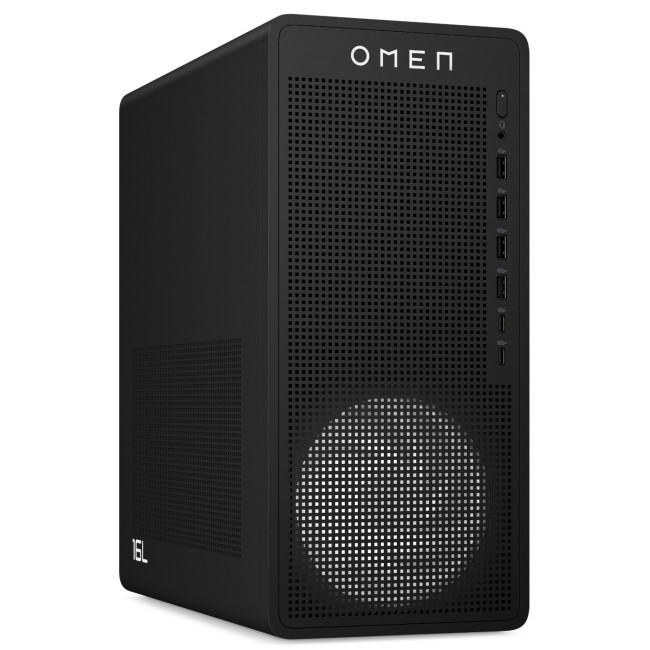
Key Specs
- Processor: AMD Ryzen 5 8500F
- Graphics: NVIDIA GeForce RTX 5060 8GB
- Memory: 16GB DDR5
- Storage: 1TB SSD
- Operating System: Windows 11 Home
- Form Factor: Gaming Tower
The HP OMEN 16L is a strong choice for gamers who want to move beyond casual Full HD gaming and enjoy modern titles at higher settings. Its Ryzen 5 8500F processor works alongside an RTX 5060 graphics card, giving it the dedicated graphics power needed for demanding games at 1080p and 1440p.
It is well suited to titles such as Cyberpunk 2077, Call of Duty: Black Ops 7, Forza Horizon 5, Monster Hunter Wilds and Hogwarts Legacy. The 16GB of DDR5 memory is a sensible amount for modern gaming, while the 1TB SSD provides plenty of space for a larger game library.
Features such as DLSS and Frame Generation can also help improve smoothness in supported games when playing at higher resolutions. For especially demanding titles with heavy ray tracing, adjusting a few graphics settings may still be worthwhile, but overall this is a well-balanced option for mainstream 1440p gaming.
6. Medion Erazer Recon P45: Best 1440p Gaming PC With 32GB RAM
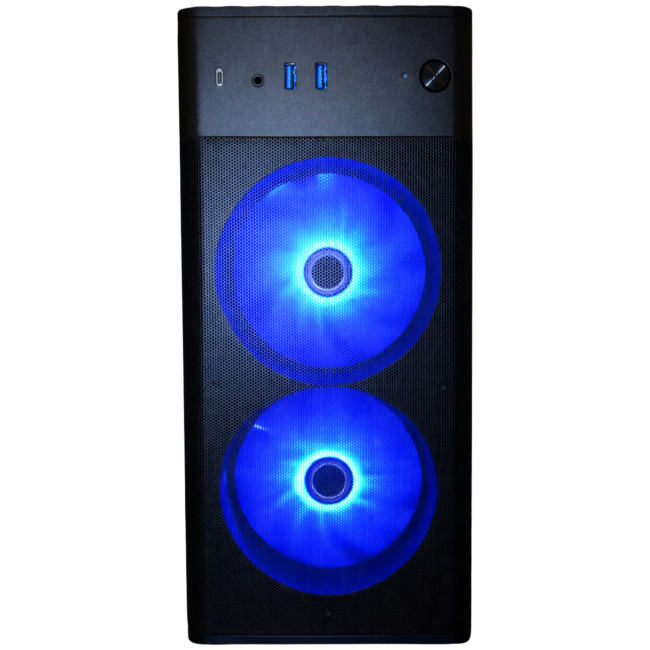
Key Specs
- Processor: AMD Ryzen 5 5500
- Graphics: NVIDIA GeForce RTX 5060
- Memory: 32GB DDR4
- Storage: 1TB SSD
- Operating System: Windows 11 Home
- Wireless: Wi-Fi 6E
The Medion Erazer Recon P45 is a strong option for gamers who want dedicated RTX graphics alongside plenty of memory. Its RTX 5060 makes it well suited to 1080p and 1440p gaming, while the 32GB of RAM gives you extra flexibility for multitasking.
That additional memory is useful if you regularly keep Discord, Chrome, Spotify, game launchers or streaming software open while gaming. It also comes with a 1TB SSD, providing enough room for several larger titles without needing to constantly remove older games.
Games such as Cyberpunk 2077, Battlefield 6, Assassin's Creed Shadows, F1 25 and Fortnite are a good fit for this system. The Ryzen 5 5500 uses an older platform than some newer gaming processors, but paired with the RTX 5060 and 32GB RAM, the Recon P45 still offers a well-rounded specification for gamers focused mainly on 1440p play.
7. Medion Erazer Tank X15: Best AMD PC for 4K gaming
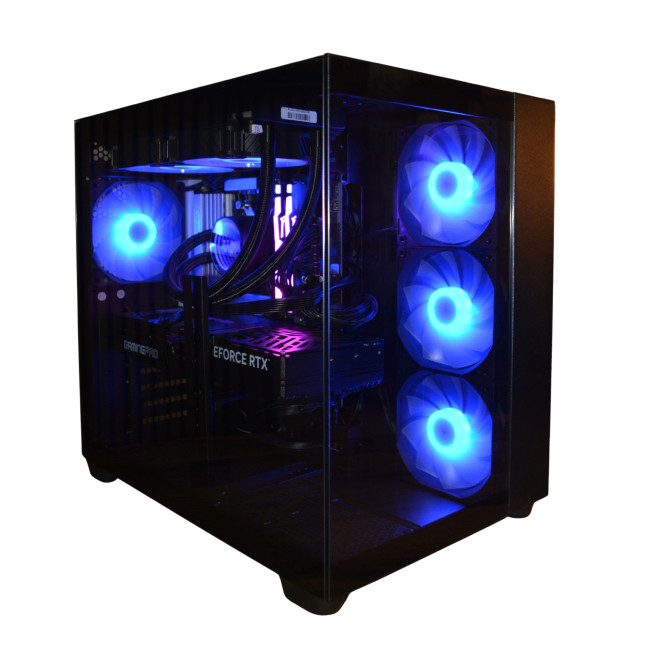
Key Specs
- Processor: AMD Ryzen 7 7800X3D
- Graphics: NVIDIA GeForce RTX 5070 12GB
- Memory: 32GB DDR5
- Storage: 2TB SSD
- Operating System: Windows 11 Home
- Form Factor: Gaming Desktop
The Medion Erazer Tank X15 is the most performance-focused option in this selection and is built for gamers who want to play demanding titles at 1440p or move into 4K gaming. Its Ryzen 7 7800X3D is a gaming-focused processor, while the RTX 5070 provides the graphics power needed for higher resolutions and more detailed settings.
Its 32GB of DDR5 RAM is also well suited to modern gaming, streaming and multitasking, while the large 2TB SSD gives you plenty of room for AAA titles. Games such as Cyberpunk 2077, DOOM: The Dark Ages, Monster Hunter Wilds, Indiana Jones and the Great Circle and Call of Duty: Black Ops 7 suit this level of hardware well.
At 4K, the most graphically demanding games can still benefit from technologies such as DLSS and Frame Generation, particularly with ray tracing enabled. For gamers looking for the strongest high-resolution experience among these options, the Tank X15 offers the most complete overall specification.
What to Look for When Choosing an AMD Gaming PC
The best AMD gaming PC is not necessarily the machine with the highest Ryzen number. For gaming, the balance between CPU and GPU is far more important.
Choose the Right AMD Ryzen Processor
AMD Ryzen processors cover a wide range of gaming needs. Models with Ryzen 5 CPUs are a strong choice for mainstream gaming, while Ryzen 7 desktop PCs offer extra performance for demanding games, streaming and heavier multitasking.
For high-end gaming builds, Ryzen X3D processors are especially popular because their larger cache can improve gaming performance in CPU-sensitive titles. However, the graphics card usually has a greater impact as you move towards 1440p and 4K.
Match the Graphics Card to Your Resolution
The graphics card has the biggest influence on how well modern games run, particularly at 1440p and 4K.
For 1080p, powerful integrated graphics or an entry-to-mid-range dedicated GPU can provide a good experience, depending on the games and settings. Moving to 1440p or 4K generally calls for a more capable GPU, especially if you want higher settings, ray tracing or high refresh rates.
If you're building an all-AMD setup, affordable Radeon graphics cards like the AMD Radeon RX 7600 can be a sensible starting point, while higher-end RX 9000-series GPUs are better suited to demanding 1440p and 4K gaming.
Check How Much RAM You Need
For gaming in 2026, 16GB of RAM is a sensible starting point for most players. It provides enough memory for modern games alongside common background applications.
A 32GB configuration is useful if you stream, create content, use demanding mods or regularly keep several applications open while gaming.
Look for Enough SSD Storage
Modern games can take up a significant amount of storage, so SSD capacity matters more than ever. A 1TB SSD is a practical choice for most gaming setups, while 2TB gives more room for larger AAA libraries.
Faster SSD storage also helps with boot times, game loading and general system responsiveness.
Consider Cooling and Airflow
Gaming hardware performs best when it can stay cool under sustained load. A well-ventilated case with suitable fans helps the CPU and GPU maintain consistent performance during longer gaming sessions.
This becomes especially important in higher-performance systems, where more powerful components naturally generate more heat.
Think About Future Upgrades
A gaming PC should ideally leave room for future changes. Check whether the system allows you to upgrade RAM, storage, graphics or cooling later.
Tower desktops generally provide more flexibility than very compact systems, but the right form factor ultimately depends on your available space and how often you plan to upgrade.
Match Your Gaming PC to the Right Monitor
A powerful PC is only useful if the display allows you to see the performance it produces. High frame rates pair well with high-refresh Full HD or QHD displays, while 4K monitors for gaming make more sense when the GPU can cope with the additional rendering demand.
When comparing monitors for gaming PCs, check resolution, refresh rate, adaptive-sync support, response time and available HDMI or DisplayPort connections. A balanced PC and monitor combination is usually better value than overspending heavily on one while restricting it with the other.

Game at the Resolution That Suits You
The best AMD gaming PC is the one that matches your target resolution, frame-rate expectations and the types of games you play.
For 1080p, prioritise smooth performance and strong value. At 1440p, look for a more capable GPU, enough VRAM and a well-balanced processor. For 4K, graphics performance becomes even more important, especially in demanding AAA games with ray tracing enabled.
RAM, SSD capacity, cooling, upgradeability and monitor refresh rate should also influence your decision. Rather than buying purely by headline specifications, choose a system that delivers the right balance of performance, features and long-term usability for your gaming needs.

Just in Case You’re Still Wondering...
Which AMD CPU Is Best for 1440p Gaming?
For pure 1440p gaming in 2026, the Ryzen 7 9850X3D is AMD's fastest gaming-focused option. However, a Ryzen 7 9800X3D or 7800X3D can offer better value because 1440p performance increasingly depends on the graphics card.
Which AMD CPU Is Best for 4K Gaming?
AMD's Ryzen 7 9850X3D is the fastest gaming-focused AMD CPU in 2026, but 4K gaming is usually more GPU-limited. A Ryzen 7 7800X3D or 9800X3D remains powerful enough for most high-end 4K builds.
Are 1440p and 4K Resolutions Really Good for Gaming?
Yes. 1440p is the sweet spot for sharper detail without the full GPU demand of 4K, while 4K provides maximum image clarity. Your ideal choice depends on monitor size, refresh rate, games and graphics hardware.
Which AMD Graphics Card Is Best for 4K Gaming?
The Radeon RX 9070 XT is the strongest current-generation AMD choice for most 4K gamers in 2026. It has 16GB of VRAM and AMD publishes 4K Ultra results across demanding modern titles, although performance varies by settings.
Which AMD Gaming PC Is Best for 1080p Gaming?
For 1080p gaming, look for an AMD Ryzen 5 or Ryzen 7 PC paired with a capable mid-range GPU, such as the GeForce RTX 5060 or Radeon RX 9060 XT, for smooth performance in modern games.
Related Articles

Last Updated: June 25, 2026
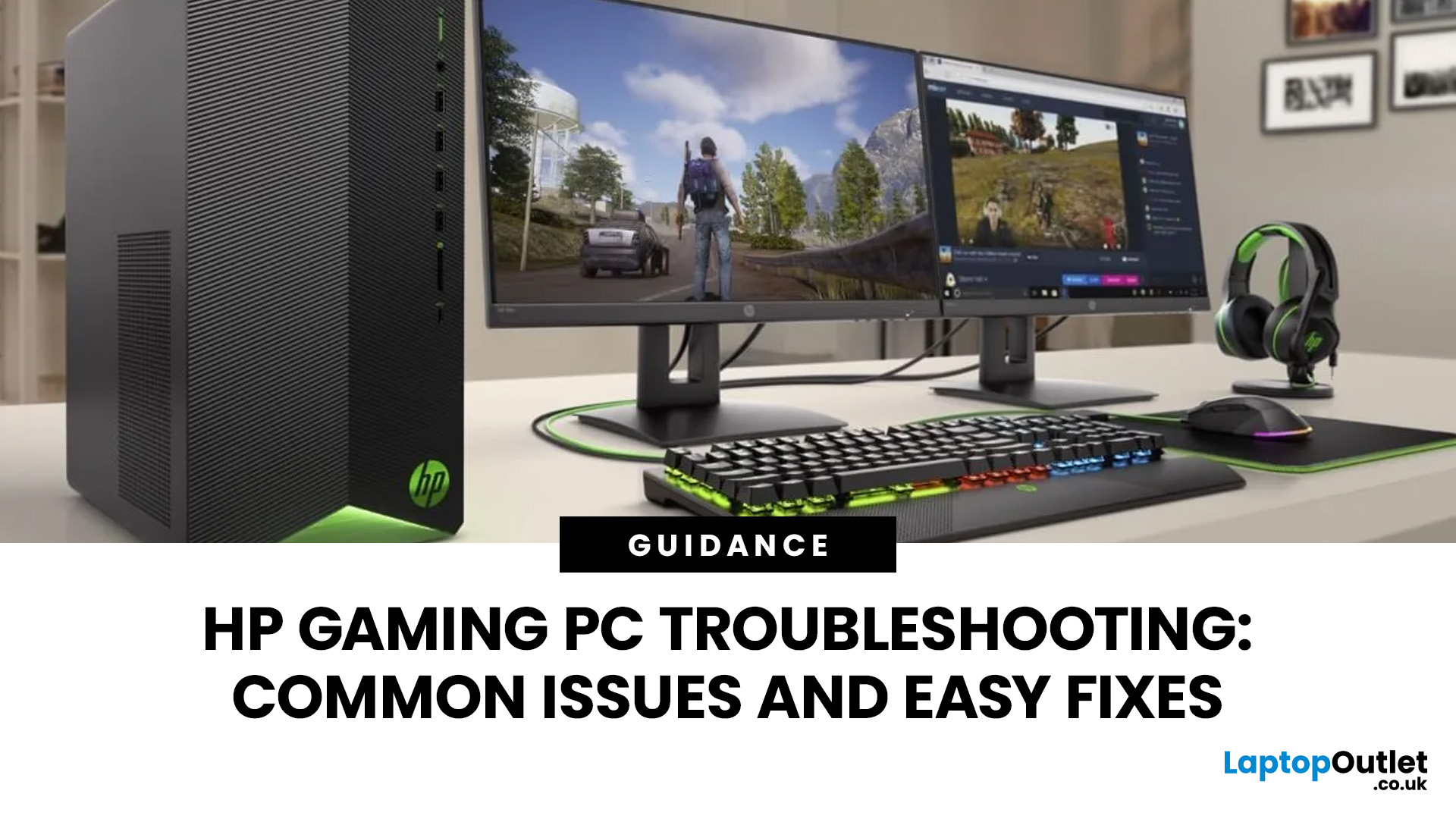
Your HP gaming PC should not feel like a boss fight before the game even loads.
HP gaming PC problems include black screens, overheating, lag, crashes, fan noise, slow performance, and startup failures. Most can be fixed by updating drivers, cleaning dust, improving airflow, freeing storage, and checking power or display connections.
You will also learn when a repair is worth it, when an upgrade makes more sense, and when it might be time to compare newer HP desktop PCs for gaming.
What Are the Most Common HP Gaming PC Problems?
Published: July 01, 2026
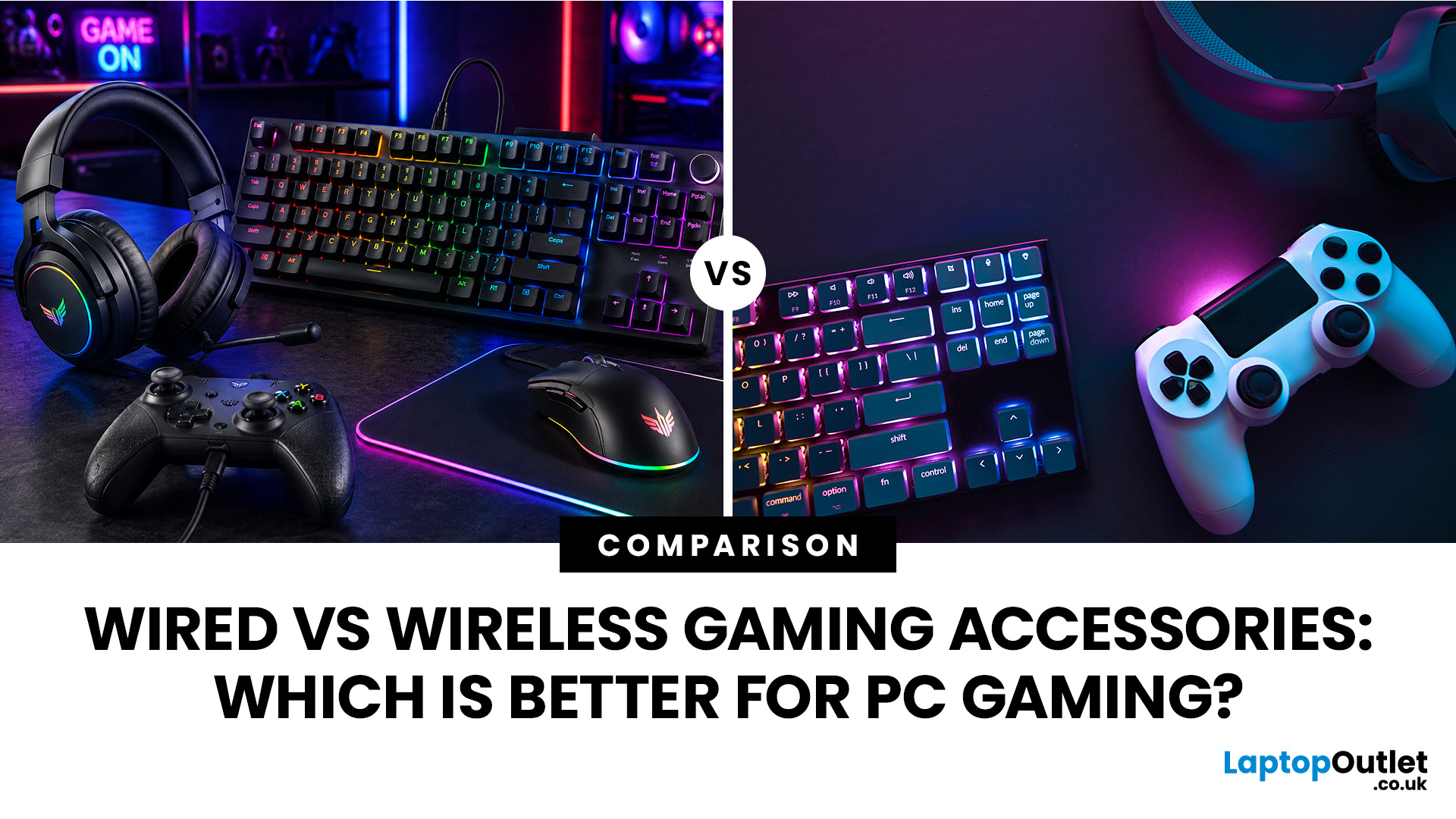
When building a PC gaming setup, choosing the right accessories matters just as much as choosing the right system. Your keyboard, mouse, headset, controller, and display all affect how comfortable, responsive, and enjoyable your games feel.
Many gamers compare wired vs wireless gaming accessories before upgrading their setup. Wired options are known for reliable performance and no battery concerns, while wireless models offer cleaner desks and more freedom of movement. Some players need speed and stability. Others want comfort, flexibility, and fewer cables. The right choice depends on what you play, how often you play, and how you use your desk.
What are Wired Gaming Accessories?
Wired gaming accessories connect directly to your PC using a cable, usually through USB or a 3.5mm audio port. Common examples include wired keyboards, mice, headsets, controllers, and charging docks.
The main appeal is consistency. You do not need to worry about charging, Bluetooth pairing, signal drops, or battery
Last Updated: July 03, 2026
Published: July 08, 2026
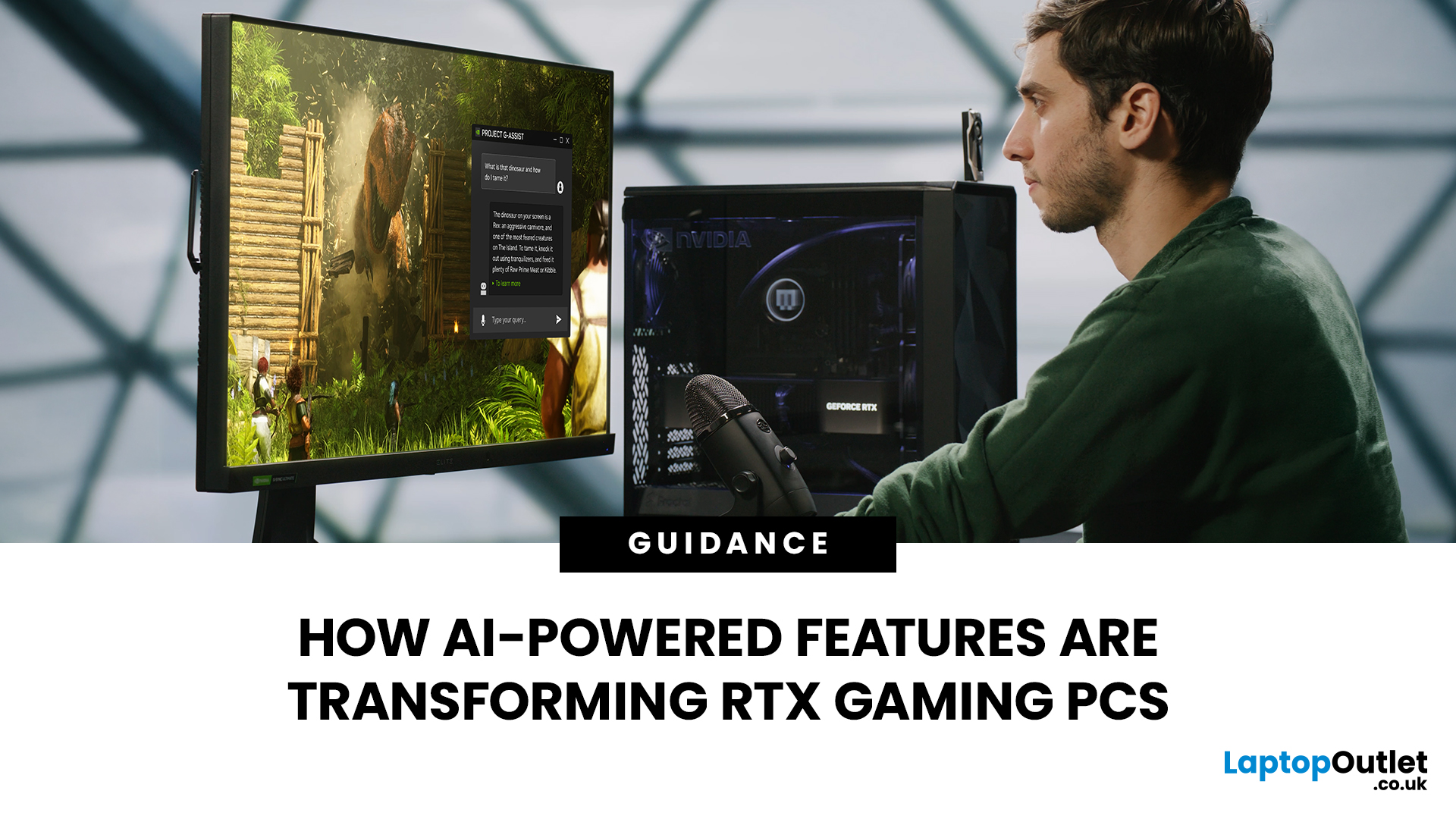
AI RTX gaming PCs can deliver real value, but only when their features align with how you actually play.
| AI-powered RTX gaming PCs use NVIDIA RTX AI features like DLSS upscaling, Frame Generation, ray tracing, and Reflex to boost FPS, improve visual quality, and reduce input lag. They are worth buying when matched to your games, monitor, and budget, especially for 1080p high-refresh, 1440p, streaming, and creator workloads. For UK gamers, prioritise RTX 5050/5060 or higher, 16GB RAM, a strong CPU, and 1TB SSD to get smoother gameplay, better ray tracing, and future-ready performance. |
Modern RTX gaming PCs use AI features like DLSS, Frame Generation, ray tracing, and NVIDIA Reflex to boost FPS, improve visuals, and reduce input lag. But the real value depends on your games, monitor, budget, and specs.
This guide explains what AI-powered RTX gaming actually means, which features matter, and how UK gamers can choose the right RTX PC without falling for marketing hype.
What Does “AI RTX Gaming
Last Updated: July 13, 2026
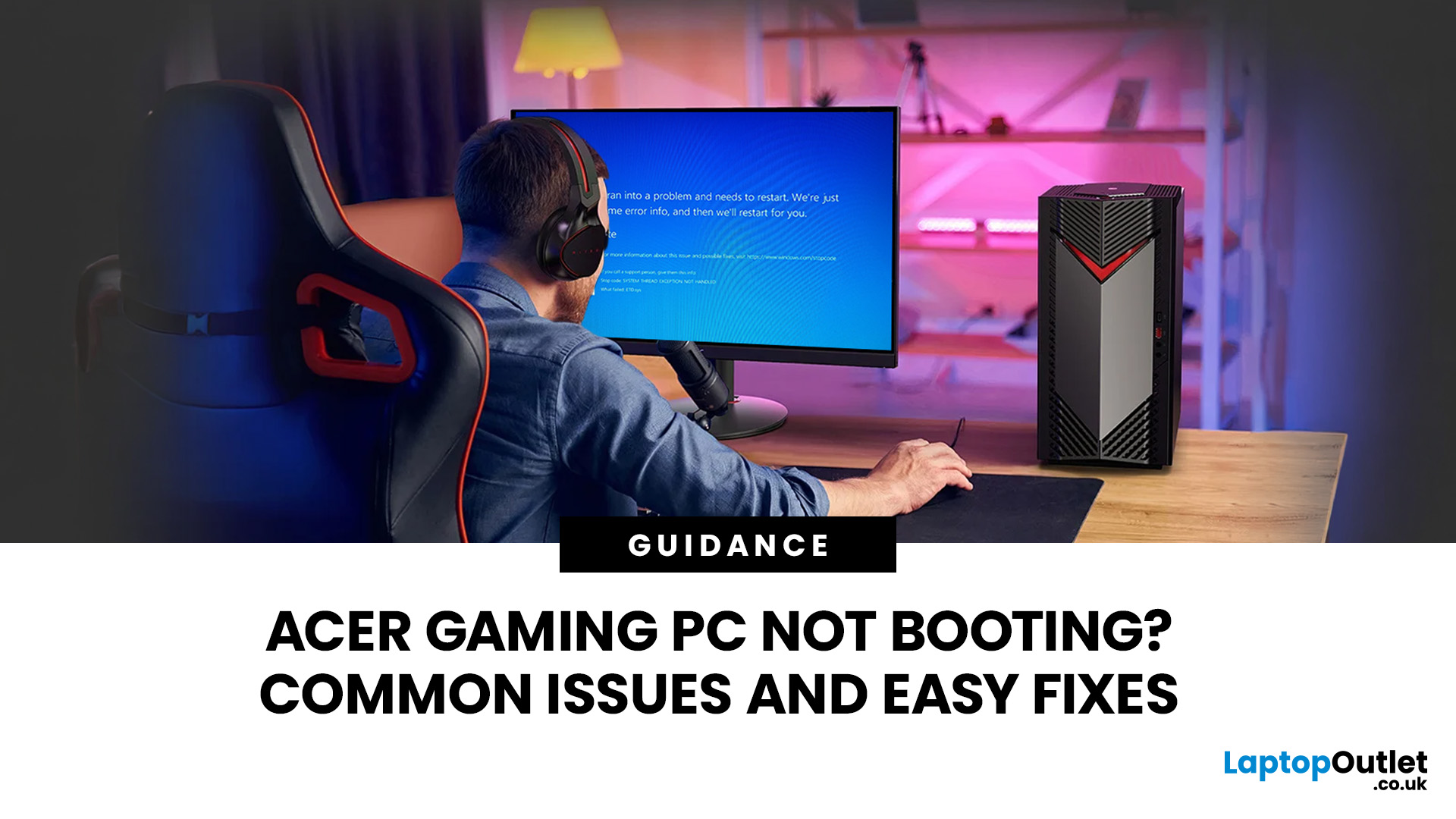
An Acer gaming PC not booting can feel like instant panic mode, especially when you were ready to jump into a game, finish work, or just chill. One minute everything is fine, and the next your PC turns on but no display appears, the monitor says no signal, or the screen stays completely black.
The good news? A PC not booting does not always mean something major is broken. Sometimes it is a loose cable, a monitor input issue, a RAM problem, or a BIOS setting that needs a reset. In this guide, we will walk through the most common Acer desktop startup issues, what they usually mean, and the easy fixes you can try before heading straight to a repair shop.
Is Your Acer PC Actually Not Booting, or is There No Display?
Before you start unplugging parts, it helps to know what problem you are really dealing with. A PC can fail in different ways, and each one points to a different cause.
If your Acer PC is not starting up that means there are no lights, no fans, and no sound at all, it may be a power
Last Updated: September 03, 2026
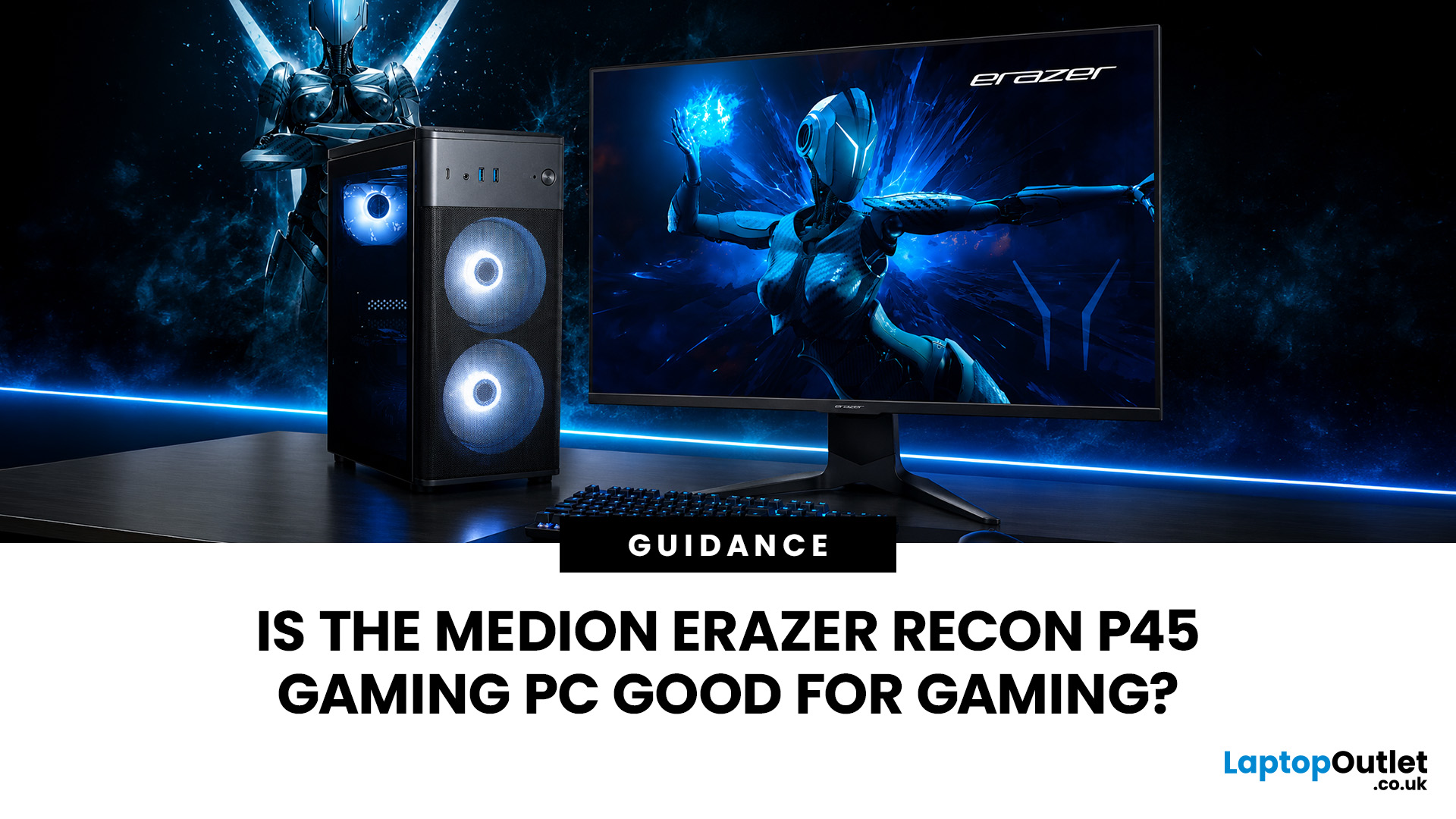
Yes, the Medion Erazer Recon P45 is a good gaming PC for players who want smooth everyday gaming, strong 1080p performance, fast loading times and a ready-to-use desktop without building a PC from scratch.
At Laptop Outlet, current Medion Erazer Recon P45 Gaming PC options include configurations with an AMD Ryzen 5 5500, 1TB SSD, Windows 11 Home, and dedicated NVIDIA RTX graphics, including RTX 5060 and RTX 5050 variants. The RTX 5060 model also includes 32GB RAM in the listed specification, while the RTX 5050 model is listed with 16GB RAM.
Is the Medion Erazer Recon P45 Worth it?
For most UK gamers, the Medion Recon P45 PC makes sense if you want a capable prebuilt gaming desktop that can handle modern games, multitasking, streaming, schoolwork, everyday browsing, and entertainment. It is especially suitable for:
| User Type | Is it a Good Fit? | Why |
| Beginner gamers | Yes | No PC-building knowledge needed |
| 1080p players | Yes | RTX graphics and Ryzen 5 power are well matched |
| Students | Yes | Good for gaming, |
Last Updated: July 15, 2026
Buying a controller looks easy until you check the small print.
One pad works on PC but not PS5. Another works on Xbox but only wired. Some have Hall Effect sticks. Some have back buttons. Some look cool, then feel cheap after two weeks.
So, this guide keeps it simple. If you want the best gaming controller for your setup, start with where you play, then match the controller to the game type. Not the other way round.
This is a UK-first guide for PC, PlayStation, Xbox, fighting games, and flight sims. We’ll cover compatibility, comfort, wired vs wireless, stick drift, pro features, and which products actually fit each buyer.
Best Gaming Controller by Type at a Glance
| Type | Best fit | Why it makes sense |
| Best overall | ASUS ROG Raikiri II | Premium PC/Xbox wireless |
| Best controller for PC | Turtle Beach Stealth Pivot | Strong PC wireless pick |
| Best PS5 controller | Sony DualSense | Proper PS5 features |
| Best Xbox controller | ASUS ROG Raikiri Wired | Wired Xbox value |
| Best FPS controller | Razer Wolverine V3 | Fast esports |
Last Updated: September 01, 2026
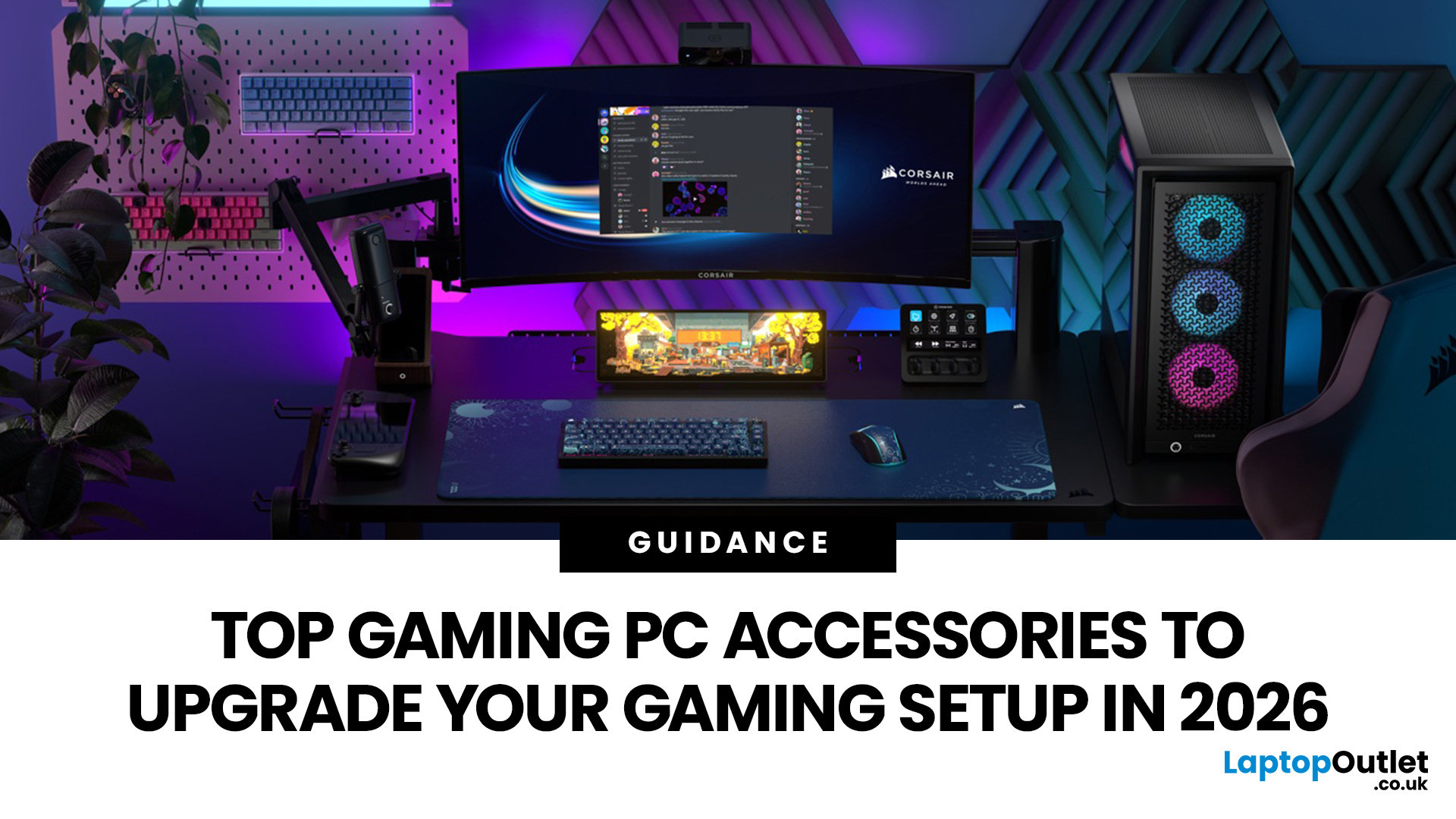
In gaming, your PC is the engine - but your accessories are the steering wheel, tyres, mirrors, and dashboard. You can have all the power in the world, but if your mouse feels sluggish, your monitor looks choppy, your headset misses key sound cues, or your desk is a cable jungle, the whole setup feels off.
Your PC might be built to run the latest games, but your accessories decide how well you actually experience them. A lightweight mouse can sharpen your aim, a mechanical keyboard can clean up your inputs, a gaming headset can help you catch every footstep, and a high refresh rate
Last Updated: September 02, 2026
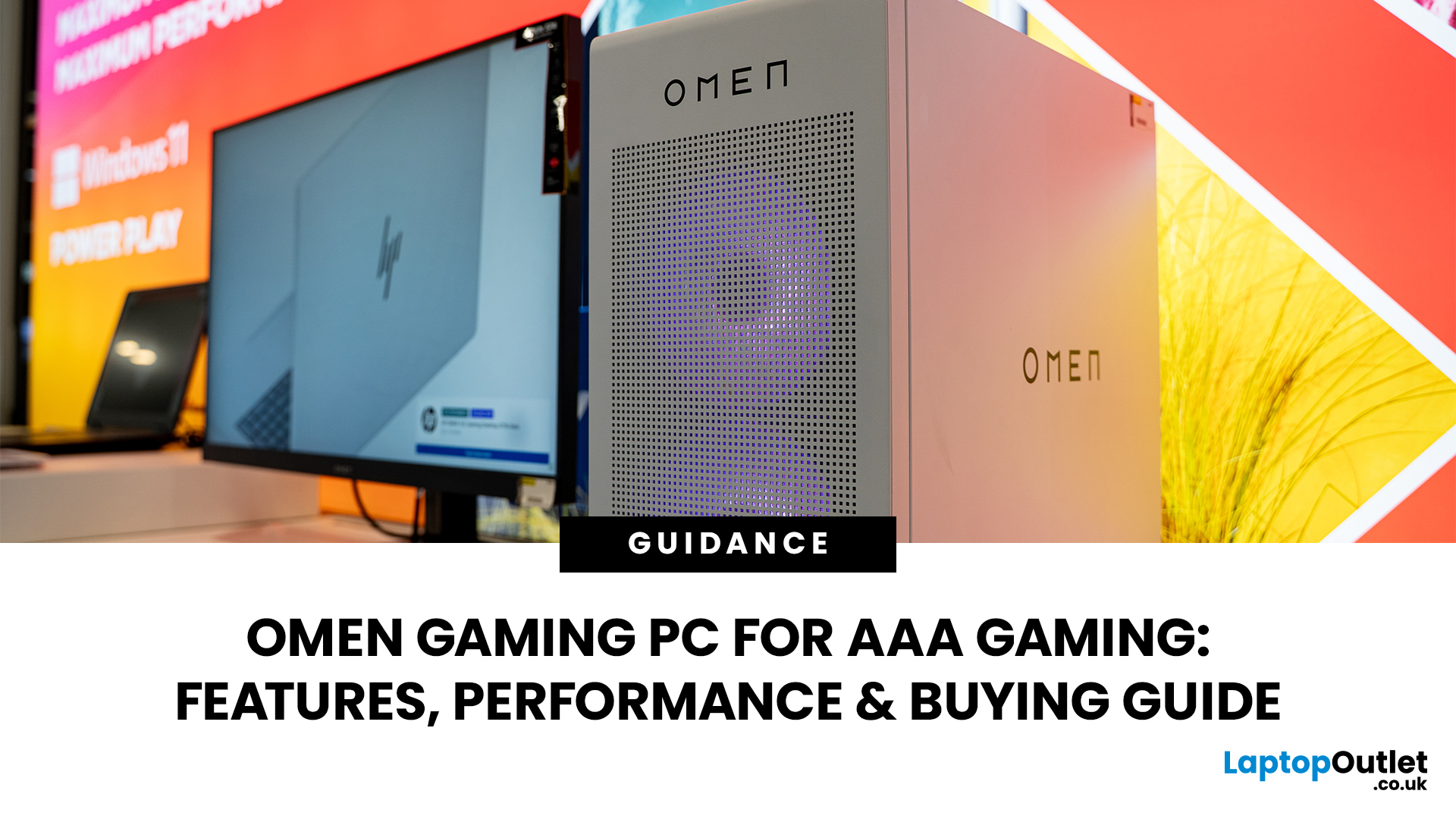
AAA games can be absolutely stunning, but they are not shy about demanding serious hardware. High-resolution textures, dense open worlds, ray-traced lighting, advanced physics, and background asset streaming can push an ordinary desktop to its limits. If your computer is short on graphics power, memory or cooling capacity, the result may be stuttering, inconsistent frame rates and a graphics menu full of compromises.
That's where an OMEN gaming PC comes in. An HP OMEN desktop combines dedicated gaming graphics, modern processors, SSD storage, and performance-focused cooling in a pre-built system. But not every configuration delivers the same experience, one OMEN gaming desktop may be ideal for 1080p gaming, while another is built for high-refresh 1440p or demanding 4K gameplay. This guide breaks down the HP OMEN specs that actually matter and how to match them to the way you play.
Is an OMEN Gaming PC Actually Good for AAA Games?
Yes. A correctly configured OMEN PC for AAA games can deliver
Published: July 21, 2026
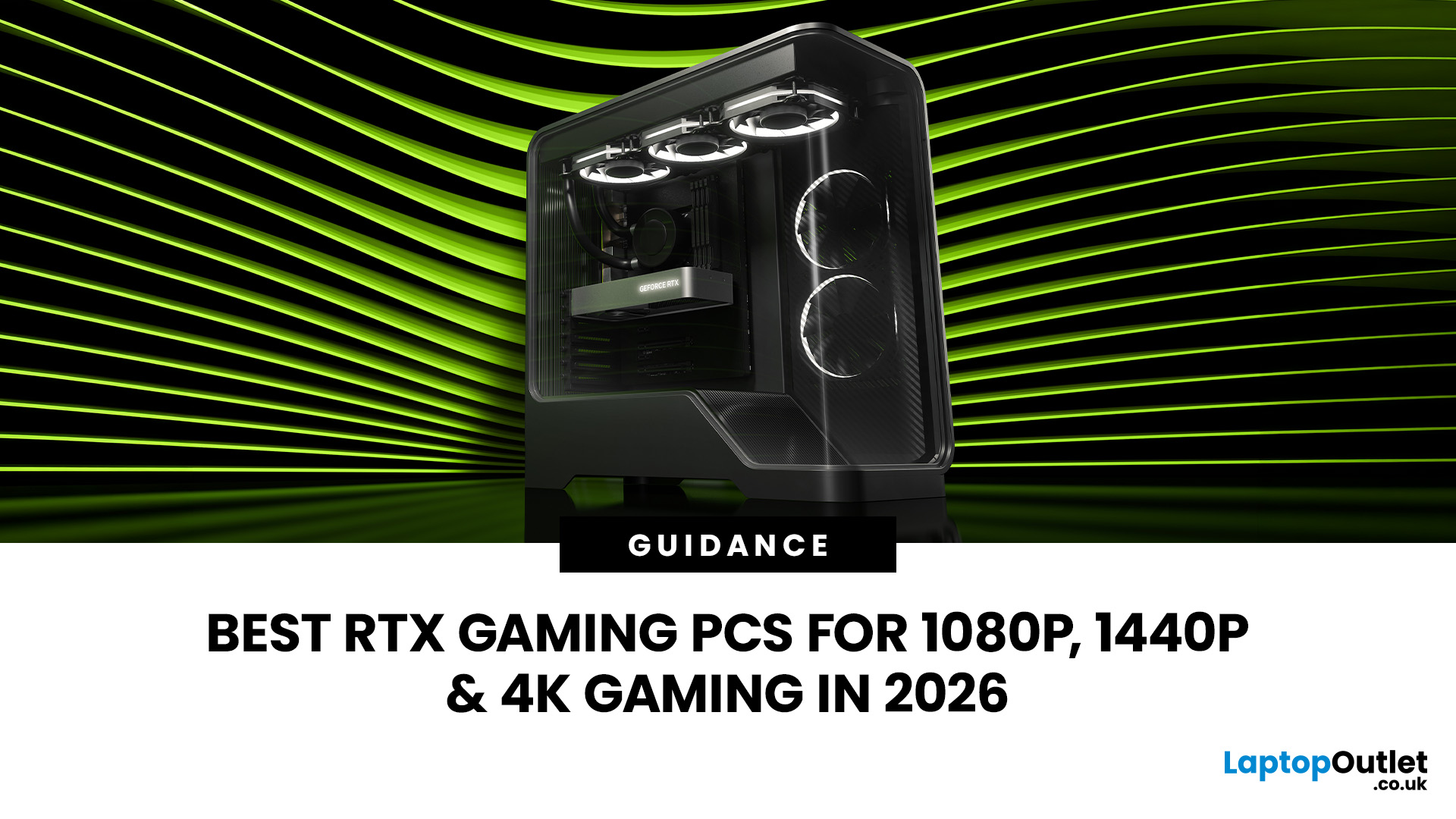
For 1080p, an RTX 5060 is the sensible mainstream pick. For 1440p, step up to an RTX 5060 Ti 16GB or RTX 5070. For 4K, the RTX 5080 is the best-balanced choice for most people, with the RTX 5090 reserved for buyers who genuinely need its 32GB of memory or maximum settings at every resolution.
Picking one of the best RTX gaming PCs isn't about flexing the priciest GPU - it's about matching your rig to your setup and the games you actually play. A competitive player on a 1080p 240Hz display needs strong CPU performance and low latency. Someone playing cinematic single-player games on a 4K screen needs more GPU power, VRAM, and cooling. A 1440p buyer usually wants the strongest balance of image quality, speed, and price.
Getting this right prevents two expensive mistakes: overspending on performance your display can't show, or buying a PC that leans too heavily on generated frames to hit numbers it can't sustain natively. The most common upgrade enquiry we see at Laptop Outlet is from 1080p

