



AMD Ryzen 5 vs 7 vs 9: The Ultimate Guide to Choosing the Right Processor
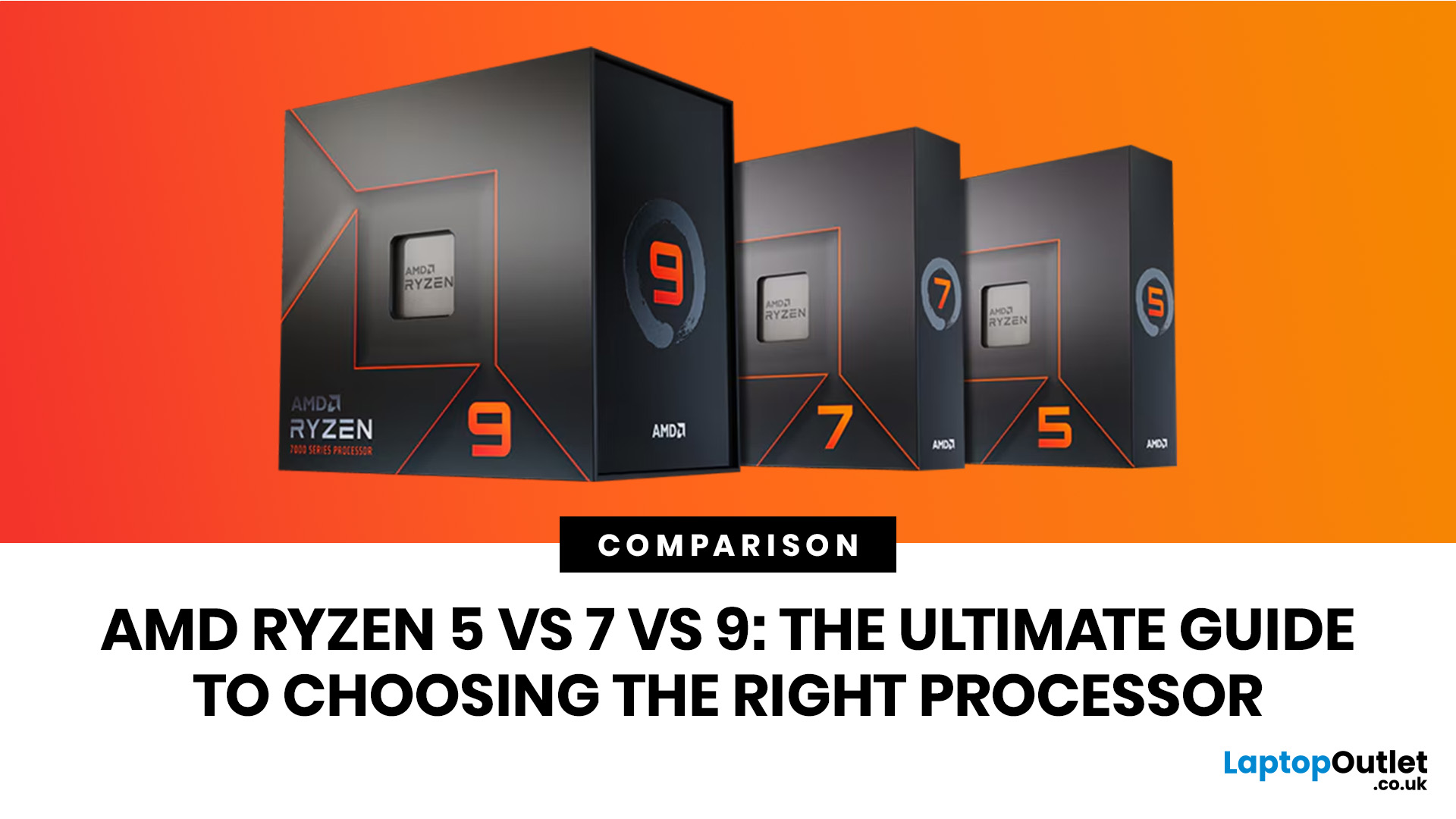
Ryzen 5 processors suit everyday use, budget gaming, and light multitasking. Ryzen 7 processors are better for 1080p and 1440p gaming, streaming, and moderate content creation. Ryzen 9 processors are good for heavy workloads like 4K video editing and 3D rendering. For most laptop buyers in 2026, a Ryzen 7 hits the sweet spot between performance and value.
This guide cuts through the noise and gives you a clear AMD Ryzen 5 vs 7 vs 9 comparison, so you can make a confident decision before you spend a penny.
What Is AMD Ryzen? Explained
AMD Ryzen is AMD’s mainstream family of computer processors. Ryzen CPUs power everything from affordable student laptops to high-end gaming PCs and professional workstation systems.
The number after “Ryzen” tells you the performance tier:
- Ryzen 5: Mainstream performance for everyday use, productivity and value gaming.
- Ryzen 7: Higher performance for gaming, creative work and heavier multi-tasking.
- Ryzen 9: Premium performance for professional workloads, advanced creators and power users.
The number does not tell you the generation on its own. For example, Ryzen 5, Ryzen 7 and Ryzen 9 processors can exist across different generations, architectures and product families.
AMD’s modern Ryzen chips include Zen 4 and Zen 5 models, with newer Ryzen AI processors also adding dedicated AI acceleration through an NPU. That means you should always check the full processor name, not just the Ryzen 5, 7 or 9 label.
Desktop vs Laptop Ryzen: Why This Matters
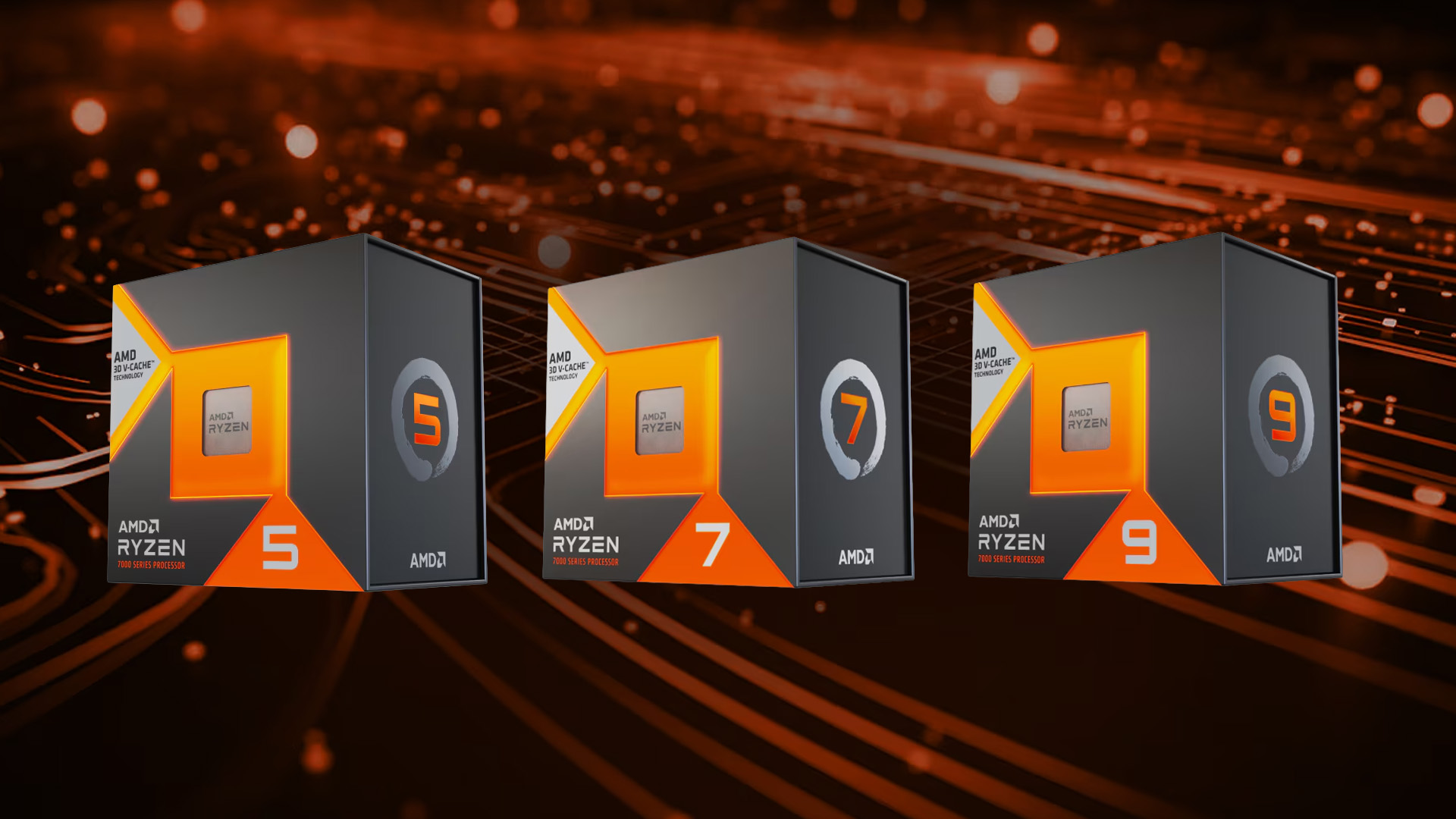
One of the biggest mistakes buyers make is comparing desktop and laptop Ryzen processors as if they are identical.
A desktop Ryzen 7 and a laptop Ryzen 7 may sit in the same performance tier, but they can behave very differently because laptops have stricter limits for heat, battery life and cooling. A high-power Ryzen 7 gaming laptop chip can sometimes outperform a low-power Ryzen 7 chip in sustained workloads.
That is why you should look at three things:
- Ryzen tier: Ryzen 5, Ryzen 7 or Ryzen 9.
- Generation and model number: For example, Ryzen 7 8845HS, Ryzen AI 7 350 or Ryzen AI 9 HX 470.
- Power class or suffix: Especially important for laptops.
Understanding AMD Ryzen Laptop Suffixes and AI Naming
When shopping for a Ryzen laptop, the letters after the model number are extremely important. They tell you what type of laptop the chip is designed for.
|
SUFFIX |
TYPICAL POWER CLASS |
BEST FOR |
COMMON LAPTOP TYPE |
|---|---|---|---|
|
U |
Low power |
Battery life, portability, everyday work |
|
|
HS |
Balanced performance |
Gaming, creative work, premium portability |
Slim gaming and creator laptops |
|
H |
High performance |
Gaming and sustained workloads |
Mid-size gaming laptops |
|
HX |
Maximum mobile performance |
Heavy gaming, rendering and workstation tasks |
Large gaming and workstation laptops |
|
AI |
AI-focused processor family |
Copilot+ PC features, local AI tasks, modern productivity |
Newer AI PCs and premium laptops |
Important tip:
Do not buy a laptop based on the Ryzen 5, 7 or 9 label alone. A Ryzen 7 U-series chip prioritises battery life, while a Ryzen 7 H or HX chip is built for higher sustained performance.Want to understand the full picture beyond the CPU? Our complete guide to laptop specs covers CPU, RAM, GPU, and storage in one place, so you can build a balanced shortlist with confidence.
AMD Ryzen 5: Best for Everyday Use and Value
Ryzen 5 is AMD’s mainstream performance tier. It is designed for users who want a fast, reliable computer without paying for performance they may never use.
AMD Ryzen 5 processors are ideal for:
- Web browsing
- Video streaming
- Office work
- Online classes
- Email and admin tasks
- Video calls
- Light photo editing
- Casual gaming
- 1080p gaming with a suitable GPU
Ryzen 5 is usually the best choice for students, home users, office workers and budget-conscious buyers.
Ryzen 5 Key Specifications (Laptop Reference Example)
|
SPEC |
RYZEN 5 8645HS LAPTOP PROCESSOR |
|---|---|
|
Cores / Threads |
6 cores / 12 threads |
|
Max Boost Clock |
Up to 5.0 GHz |
|
L3 Cache |
16 MB |
|
TDP |
45W |
|
Architecture |
Zen 4 |
|
Memory Support |
DDR5, LPDDR5X |
Enjoy smooth everyday multitasking and brilliant value. Browse our range of AMD Ryzen 5 laptops today.
AMD Ryzen 7: The Best All-Round Choice
Ryzen 7 is the sweet spot for many buyers. It offers more performance headroom than Ryzen 5 without reaching the premium price and power demands of Ryzen 9.
The AMD Ryzen 7 processors are ideal for:
- 1080p and 1440p gaming
- Streaming while gaming
- Heavier multi-tasking
- Remote work
- Photo editing
- Video editing
- Coding
- Creative software
- Long-term laptop use
For many UK buyers, Ryzen 7 is the most sensible upgrade because it improves performance in demanding tasks while still offering good value.
Ryzen 7 Key Specifications (Laptop Reference Examples)
|
SPEC |
RYZEN 7 8845HS LAPTOP RPROCESSOR |
RYZEN AI 7 350 LAPTOP PROCESSOR |
|---|---|---|
|
Cores / Threads |
8 cores / 16 threads |
8 cores / 16 threads |
|
Max Boost Clock |
Up to 5.1 GHz |
Up to 5.0 GHz |
|
L3 Cache |
16 MB |
16 MB |
|
TDP |
45W |
28W |
|
Architecture |
Zen 4 |
Zen 5 and Zen 5c |
|
Memory Support |
DDR5, LPDDR5X |
DDR5, LPDDR5X |
Conquer demanding workloads and high-end gaming on a single, versatile machine. See our selection of Ryzen 7 gaming laptops.
AMD Ryzen 9: Maximum Performance for Demanding Users
Ryzen 9 is AMD’s high-end consumer performance tier. It is built for users who need more cores, more threads and stronger multi-threaded performance.
The AMD Ryzen 9 processors make the most sense for people who regularly run demanding workloads, such as:
- 4K or 8K video editing
- 3D rendering
- Engineering software
- Architecture applications
- Code compilation
- Virtual machines
- Data processing
- Heavy content creation
- Professional creative workflows
For everyday use, Ryzen 9 is usually unnecessary. It is extremely powerful, but most general users will not fully use the extra cores.
Ryzen 9 Key Specifications (Laptop Reference Examples)
|
SPEC |
RYZEN AI 9 HX 370 LAPTOP RPROCESSOR |
RYZEN AI 9 HX 470 LAPTOP RPROCESSOR |
RYZEN 9 8945HX LAPTOP RPROCESSOR |
|---|---|---|---|
|
Cores / Threads |
12 cores / 24 threads |
12 cores / 24 threads |
16 cores / 32 threads |
|
Max Boost Clock |
Up to 5.1 GHz |
Up to 5.2 GHz |
Up to 5.4 GHz |
|
L3 Cache |
24 MB |
24 MB |
64 MB |
|
TDP |
28W |
28W |
55W |
|
Architecture |
Zen 5 and Zen 5c |
Zen 5 and Zen 5c |
Zen 4 |
|
Memory Support |
DDR5, LPDDR5X |
DDR5, LPDDR5X |
DDR5 |
Experience next-level computing designed for creators, professionals, and hardcore gamers. Explore our collection of AMD Ryzen 9 laptops.
AMD Ryzen 5 vs 7 vs 9 Performance: Full Side-by-Side Comparison
Now that you know each tier individually, here's how they compare head to head across the most common use cases. This table uses laptop-focused Ryzen examples. Exact performance will vary depending on laptop cooling, power settings, RAM, GPU and chassis design.
|
CATEGORY |
RYZEN 5 |
RYZEN 7 |
RYZEN 9 |
|---|---|---|---|
|
Performance Tier |
Mainstream |
High performance |
Premium |
|
Common Laptop Core Range |
6 cores / 12 threads, depending on model |
8 cores / 16 threads, depending on model |
8 to 16 cores / 16 to 32 threads, depending on model |
|
Typical Laptop Boost Clock |
Up to around 5.0 GHz |
Up to around 5.0 to 5.1 GHz |
Up to around 5.1 to 5.4 GHz |
|
Typical Laptop L3 Cache |
Usually around 16 MB in many current mobile examples |
Usually around 16 MB in many current mobile examples |
24 MB to 64 MB, depending on model and power class |
|
Laptop Power Class |
Low-power U, balanced HS and some AI models |
U, HS, H and Ryzen AI models |
High-end Ryzen AI, HS and HX models |
|
1080p Gaming |
Good |
Very Good |
Very Good to Excellent, depending on GPU and cooling |
|
1440p / 4K Gaming |
Adequate |
Good |
Good to Very Good, but often GPU-limited at higher resolutions |
|
4K Video Editing |
Moderate |
Good |
Excellent |
|
3D Rendering (Blender) |
Adequate |
Good |
Excellent |
|
Multi-Tasking |
Good |
Very Good |
Excellent |
|
Battery Life |
Excellent in efficient laptop models |
Good to Very Good |
Moderate to Good, depending on whether it is Ryzen AI, HS or HX |
|
Value for Money |
Excellent |
Best balance |
Best only for heavy users |
|
Best Use Case |
Students, everyday users, budget gamers |
Gamers, content creators, remote workers |
Video professionals, engineers, power users |
Which Ryzen Processor Is Best for Gaming?
For gaming, the best Ryzen processor depends on your GPU, display resolution and target frame rate.
A better CPU can improve frame rates in CPU-heavy games, especially at 1080p with a high-refresh-rate display. However, the graphics card usually has a bigger impact once you move to 1440p or 4K.
For 1080p Gaming
At 1080p, the CPU matters more because games can reach higher frame rates and put more pressure on the processor.
- Ryzen 5 is good for most 1080p gaming.
- Ryzen 7 is better for high-refresh-rate gaming and long-term headroom.
- Ryzen 9 is powerful, but usually not necessary unless you also stream, record or create content.
For 1440p Gaming
At 1440p, the GPU becomes more important.
- Ryzen 5 can still perform well with a strong GPU.
- Ryzen 7 is the ideal balance for most gamers.
- Ryzen 9 is useful only if you also run heavy background tasks or creative software.
For 4K Gaming
At 4K, the GPU is usually the main performance limit.
A Ryzen 5 or Ryzen 7 paired with a powerful GPU can deliver excellent 4K gaming performance. Spending more on Ryzen 9 for gaming alone is often less effective than investing in a better graphics card.
Best Gaming Choice
For most gamers, Ryzen 7 is the best choice. It offers stronger headroom than Ryzen 5 without the extra cost of Ryzen 9. Choose Ryzen 9 for gaming only if you are buying a premium system and also need creator or workstation performance.
Which Ryzen CPU is best for Productivity?
Productivity is a broad term, but for this comparison, it covers office work, remote working, light content creation, and heavy creative professional workflows. The right Ryzen tier depends on exactly what you're running and how often you run it.
For Everyday Productivity
For browsing, spreadsheets, documents, emails, online meetings and admin work, Ryzen 5 is more than enough. You are unlikely to notice a major difference between Ryzen 5 and Ryzen 7 in basic office tasks.
For Remote Work and Multi-Tasking
For remote workers who keep many browser tabs, office apps, video calls and work tools open at the same time, Ryzen 7 is the better long-term choice. It gives you more performance headroom and helps the laptop feel responsive for longer.
For Photo Editing and Light Video Editing
Ryzen 5 can handle light creative work, but Ryzen 7 is better if you edit photos or videos regularly. It reduces waiting times and improves smoothness when handling larger projects.
For Heavy Video Editing, Rendering and Development
For 4K video editing, 3D rendering, large codebases, virtual machines or engineering software, Ryzen 9 is the strongest option. Its extra cores and threads can make a meaningful difference in workloads that scale well across multiple cores.

Pros and Cons of Ryzen 5 vs 7 vs 9: A Balanced Assessment
Every Ryzen tier has clear strengths and specific limitations. Rather than declaring one universally better than the others, here is an honest assessment of where each processor excels and where it falls short, to help you match the right chip to your actual needs and budget.
AMD Ryzen 5: Pros and Cons
|
PROS |
CONS |
|---|---|
|
More affordable laptop prices |
Fewer threads for heavily parallel workloads |
|
Lower power draw = better battery life |
Can show frame dips when streaming and gaming simultaneously |
|
Strong everyday responsiveness |
Less future-proof as software demands grow |
|
Runs cooler in thin laptops |
Slower multi-threaded render times |
AMD Ryzen 7: Pros and Cons
|
PROS |
CONS |
|
Best balance of gaming and productivity performance |
Higher price than Ryzen 5 across the same laptop category |
|
Handles streaming + gaming without compromise |
Slightly higher power draw in H-class laptop variants |
|
Well-suited to 1080p and 1440p gaming |
Does not significantly close the gap on Ryzen 9 in professional rendering |
|
Future-proof for most use cases over 4 to 5 years |
Performance still depends heavily on laptop cooling and GPU pairing |
AMD Ryzen 9: Pros and Cons
|
PROS |
CONS |
|---|---|
|
Best multi-threaded performance in AMD's consumer lineup |
Significantly higher cost than Ryzen 7 |
|
Substantially faster in 4K rendering and compilation |
Higher TDP demands better cooling, larger laptop chassis |
|
Future-proof for demanding professional workflows |
Battery life in H/HX laptop variants is shorter |
|
High-end Ryzen AI 9 and Ryzen 9 HX models offer premium laptop performance for different needs |
Gaming performance improvement over Ryzen 7 is marginal in most titles |
AMD Ryzen 5 vs 7 vs 9 Buying Guide: Which Should You Choose?
The right AMD processor tier depends on what you're using the laptop for, how long you plan to keep it, and how much you're prepared to spend. Here's a straightforward decision framework based on real use cases to guide your choice. Pick the tier that matches your primary activity, not the one that sounds the most impressive on paper.
Choose Ryzen 5 If:
- You're a student or general home user who needs a reliable, affordable laptop.
- Your primary tasks are web browsing, office work, streaming, and occasional gaming at 1080p.
- Battery life is a priority and you need a thin, lightweight device.
- You're working to a tighter budget and want the best value per pound spent.
- You do light photo editing or casual creative work that does not require heavy rendering.
Choose Ryzen 7 If:
- You're a gamer who wants smooth 1080p or 1440p gaming with headroom to spare.
- You game and stream simultaneously, or run multiple applications at once.
- You edit video or work with creative software semi-regularly as part of your workflow.
- You want a laptop that will remain capable and relevant for the next five years.
- You're a remote worker or freelancer who runs demanding applications alongside standard tools.
Choose Ryzen 9 If:
- You edit 4K or 8K video regularly and need faster export and render times.
- You work in 3D modelling, animation, architecture, or engineering software.
- You run multiple virtual machines or large development environments simultaneously.
- You need a professional workstation laptop that handles the most demanding software available.
- Your work directly benefits from having a high-core-count laptop processor in day-to-day use.
Refurbished tip:
Buying a refurbished Ryzen 7 laptop often puts the performance of the tier comfortably within a Ryzen 5 budget. It's one of the smartest ways to get a genuine upgrade without overspending.
Common Mistakes to Avoid When Choosing a Ryzen Laptop
Even with a clear comparison in front of you, it's easy to fall into a few traps when buying a Ryzen laptop. These are the most frequent mistakes buyers make, and what to do instead.
Mistake 1: Assuming More Cores Always Means Better Gaming
Many buyers assume Ryzen 9 is the best gaming chip because it has the most cores. In reality, many games still benefit strongly from single-core speed, cache, latency and GPU performance. Modern games can use several cores, but gains beyond a strong Ryzen 7 are often limited unless you also stream, record or run demanding background tasks.
Mistake 2: Ignoring the Laptop Suffix
A Ryzen 7 U-series processor and a Ryzen 7 HX-series processor share the same tier number but operate in completely different performance envelopes. The HX variant can deliver dramatically higher sustained performance but at the cost of battery life and a larger, heavier chassis.
Mistake 3: Prioritising CPU Over GPU for Gaming
If you're buying a gaming laptop, the discrete GPU often has more impact on your gaming experience than upgrading from Ryzen 5 to Ryzen 7. A Ryzen 5 laptop with a strong GPU will outperform a Ryzen 9 laptop with a weak GPU in virtually every game title.
Mistake 4: Overlooking Thermal Design in Compact Laptops
A Ryzen 9 processor in a thin chassis with inadequate cooling will throttle under sustained load, dropping its real-world performance below its specification. Always check independent reviews that include thermal testing and sustained performance benchmarks alongside the headline spec.
Mistake 5: Not Considering Refurbished Options
A refurbished Ryzen 7 or Ryzen 9 laptop from a reputable retailer often delivers the same real-world performance as a new equivalent at significantly lower cost. At reputable sellers like Laptop Outlet, all refurbished devices are quality-tested and graded clearly, so you know exactly what you're getting.

The Final Showdown
The choice between AMD Ryzen 5 vs 7 vs 9comes down to one question: what do you actually do on your laptop every day?
- Choose Ryzen 5 if you want a reliable, affordable laptop or desktop for everyday tasks, study, office work, streaming and casual gaming.
- Choose Ryzen 7 if you want the best all-round performance for gaming, work, streaming, content creation and long-term use.
- Choose Ryzen 9 if you are a professional user who edits video, renders 3D projects, compiles code, runs virtual machines or uses software that benefits from many CPU cores.
Shop AMD Ryzen laptops at Laptop Outlet with confidence. Flexible payment options available: Klarna, PayPal Pay in 3, PayPal Credit.

Still On the Fence? Let’s Clear Things Up
What is the difference between Ryzen 5, Ryzen 7, and Ryzen 9?
Ryzen 5 commonly has 6 cores, Ryzen 7 commonly has 8 cores, and Ryzen 9 models often range from 12 to 16 cores, offering increasingly higher multi-threaded performance and cache at a higher price.
Is Ryzen 5 good enough for gaming?
Yes. Ryzen 5 can be suitable for 1080p and 1440p gaming when paired with a strong discrete GPU, but Ryzen 7 gives better headroom.
Should I get Ryzen 7 or Ryzen 9 for video editing?
Ryzen 9 is better for heavy 4K or 8K video editing due to its higher core and thread count, reducing render times significantly over Ryzen 7.
Is Ryzen 9 overkill for everyday use?
For general browsing, office work, and light multitasking, Ryzen 9 is overkill. Ryzen 5 or Ryzen 7 offers more than enough performance for everyday tasks.
What does the H, U, or HX suffix mean on AMD Ryzen laptop processors?
These suffixes describe the processor’s power class. U-series chips focus on battery life, HS chips balance performance and efficiency, H chips are designed for gaming and sustained workloads, and HX chips offer maximum mobile performance.
Which Ryzen processor is best for productivity?
Ryzen 9 leads for heavy productivity like rendering and compilation. Ryzen 7 handles most productivity workloads well at a lower cost and power draw.
Does a Ryzen 9 laptop have better battery life than Ryzen 5 or Ryzen 7?
No. Ryzen 9 generally consumes more power, so battery life is typically shorter. Ryzen 5 U-series laptops usually deliver the best battery endurance.
Related Articles

Published: October 08, 2025
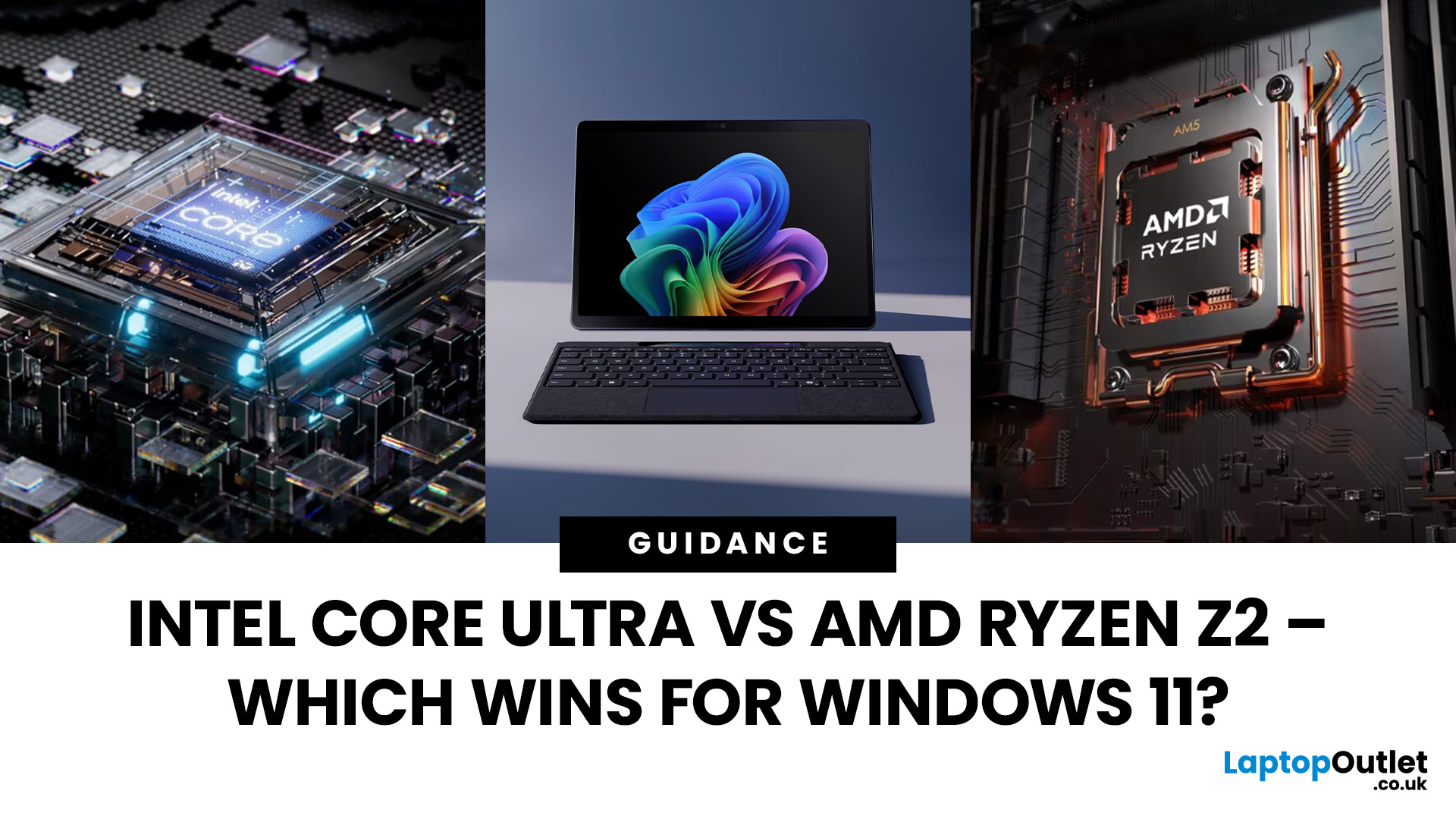
The battle between Intel and AMD has shaped the laptop world for decades. With the release of Intel Core Ultra processors and the new AMD Ryzen Z2 series, that rivalry has entered a new phase - one defined not just by raw speed, but also by AI integration, efficiency, and Windows 11 optimisation.
Intel’s Core Ultra chips (available in Core Ultra 5, 7, and 9 tiers) mark a major shift in design, blending performance and efficiency cores with a dedicated AI NPU (Neural Processing Unit). Meanwhile, AMD’s Ryzen Z2 processors are raising eyebrows with their RDNA 3.5 graphics and strong balance between performance and battery efficiency.
So, which one is better for you? In this guide, we’ll break down the Intel vs AMD Windows 11 laptops debate, comparing performance, AI features, battery life, and creative workloads. Whether you’re a student, gamer, or professional, by the end you’ll know which processor suits your needs.
Intel Core Ultra – What’s New?
Intel’s Core Ultra range is its most significant
Last Updated: December 31, 2025
If you’re planning a new PC build or looking to breathe life into an older rig, New Year processor deals can be one of the smartest ways to upgrade without overspending. The start of 2026 is a prime time for CPU discounts: retailers clear stock, bundle components, and compete hard on price. The trick is knowing which processor deal is genuinely good, what to prioritise for your workload, and how to avoid buying the wrong platform.
In this guide to processor New Year deals 2026, you’ll find practical buying advice, use-case recommendations for gaming and productivity, and a simple checklist for compatibility. Whether you’re chasing high FPS, smoother streams, faster creative exports, or a snappier work machine, you’ll be able to shop with confidence.
Intel Core i5/i7 Discounts: Why they’re Best CPU for in 2026
When you see Intel Core i5/i7 discounts during New Year sales, they usually appeal to buyers who want a strong all-round PC: quick responsiveness, solid gaming performance,
Last Updated: January 27, 2026
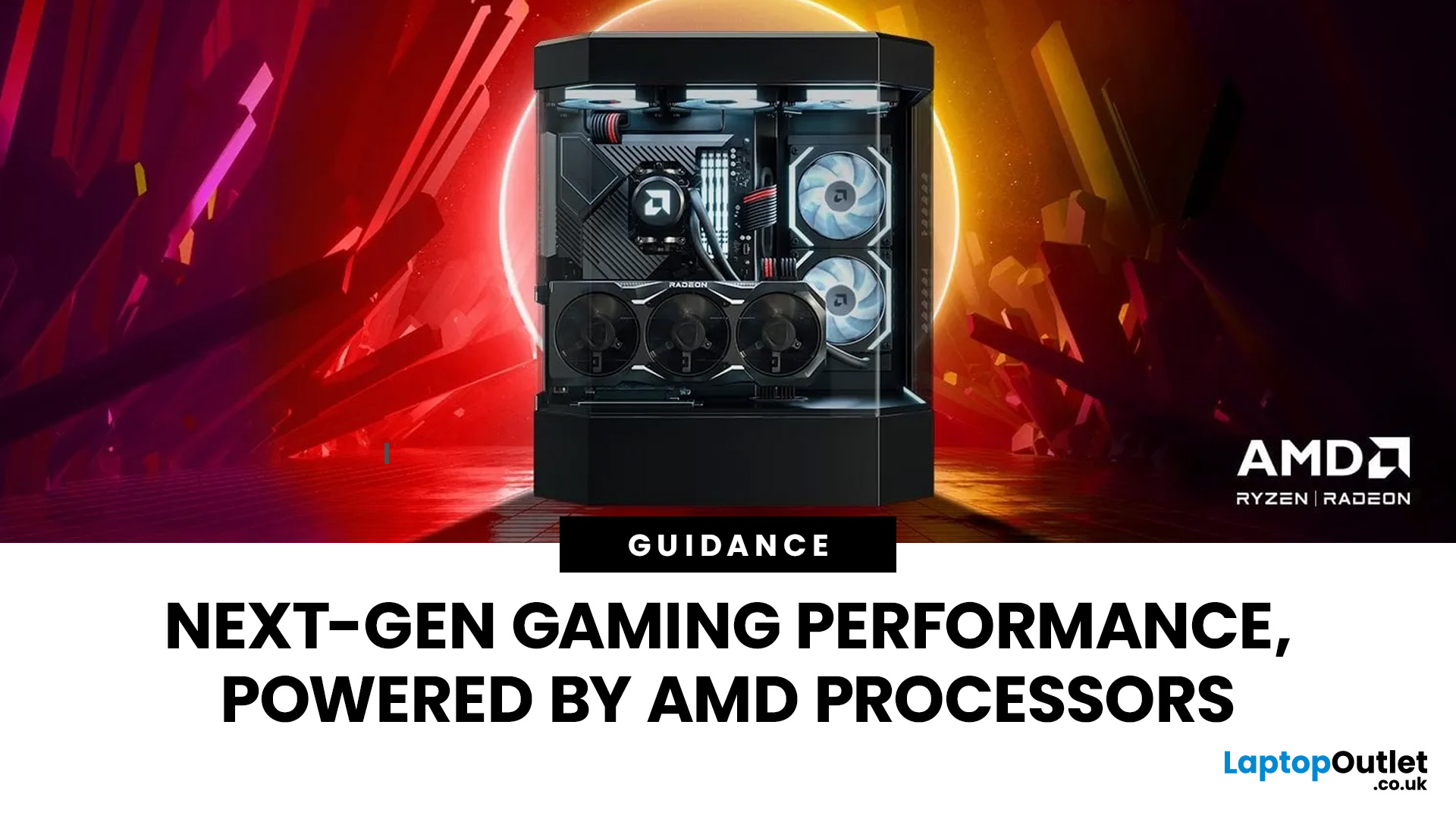
Over the past decade, AMD has transformed from an underdog in the CPU market to a dominant force in gaming PCs.
With its Ryzen series, AMD has consistently delivered processors that combine high performance, competitive pricing, and innovative features. For UK gamers, this has meant more choice, better value, and the ability to build powerful rigs without overspending.
In this guide, we’ll explore exactly how AMD processors work in gaming PCs, the key features that make them stand out, and the benefits they bring to gamers.
Understanding AMD Processors in Gaming PCs
In any gaming setup, the Central Processing Unit (CPU) acts as the primary coordinator. It handles complex AI logic, processes game physics, and manages all background system tasks while your graphics card renders the visuals.
AMD has revolutionised this space by moving away from traditional "monolithic" chip designs where everything is on one piece of silicon. Instead, the modern AMD CPU architecture uses a modular

Last Updated: January 27, 2026
Building or buying a high-end gaming PC is an exciting journey for any enthusiast. The market moves fast, and staying updated on the latest hardware is essential for the best experience.
In this gaming desktop PC breakdown, we will explore the core parts that make a machine powerful. We will look at the latest processors from AMD and Intel, the incredible graphics power of NVIDIA RTX and Radeon RX, alongside other core components.
Whether you want to play the newest AAA titles or compete in esports, understanding these parts is vital. Let us dive into the modern world of gaming PC technologies.
Understanding Gaming Desktop PCs
A gaming desktop PC is a high-performance computer designed specifically to handle demanding video games. Unlike standard PCs, these machines focus on graphical power and fast processing speeds. They use specialised parts that can handle high heat and heavy workloads.
While gaming laptops and consoles are popular, the desktop remains the "gold standard" for several

Last Updated: February 03, 2026
Choosing a new processor used to be a simple choice between raw power and budget value. However, as we move through 2026, the landscape has shifted.
The rivalry of Intel vs AMD desktop processors has reached a fever pitch, with both "Team Blue" and "Team Red" offering incredible technology that caters to very specific types of users.
This guide breaks down everything you need to know about the current market to help you decide which brand deserves a spot in your desktop PC.
The State of the Market in 2026
As we move through 2026, both manufacturers have moved beyond simple core-count wars.
Intel has doubled down on its "Arrow Lake" and "Nova Lake" architectures, focusing heavily on integrated AI NPUs (Neural Processing Units) and a refined tiled architecture.
Meanwhile, AMD continues to dominate the enthusiast market with its Zen 5 architecture, led by the legendary 3D V-Cache technology.
Intel’s Current Strategy: The AI PC Era
Intel has successfully transitioned to its LGA 1851 socket.
Last Updated: April 07, 2026
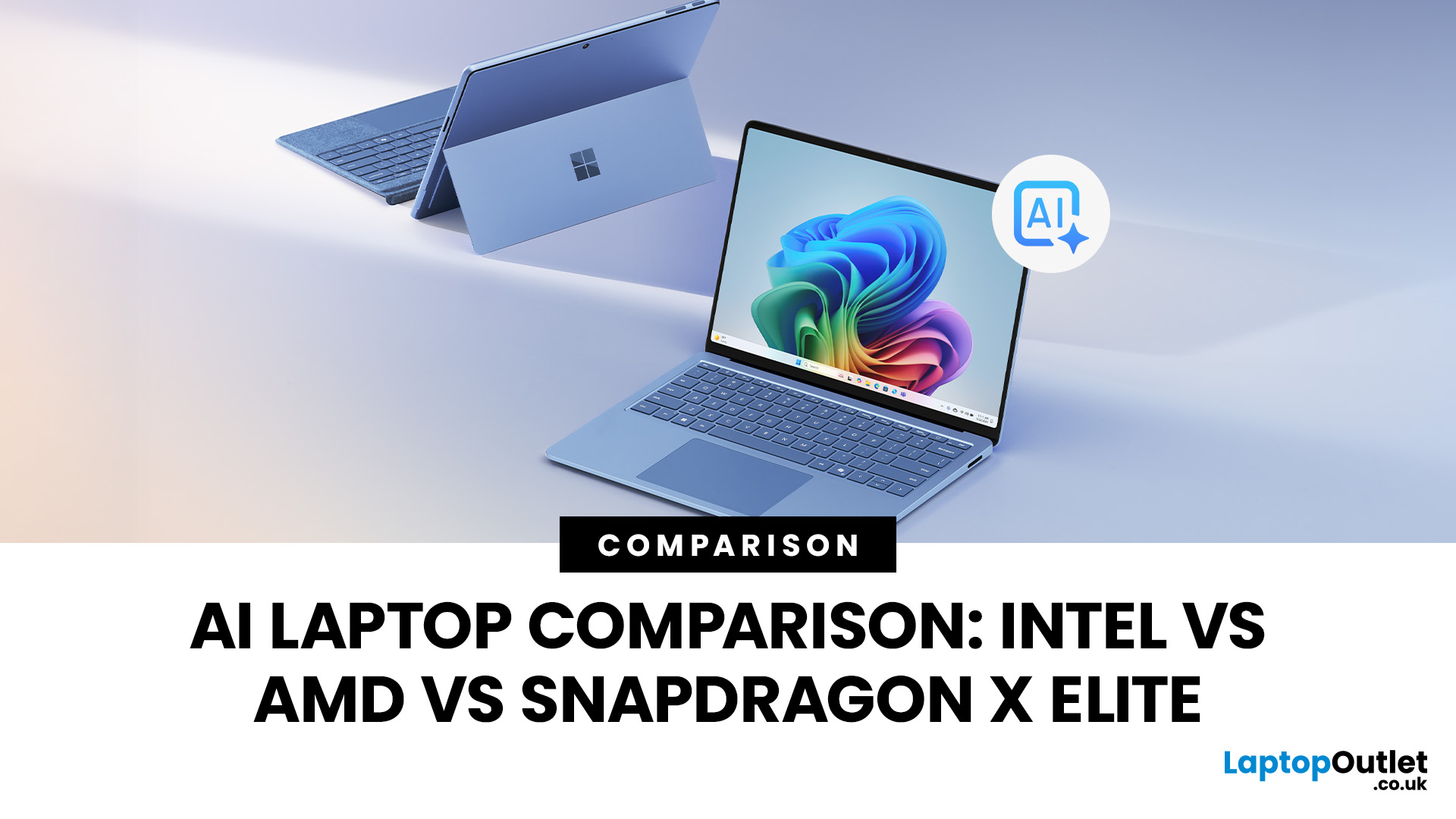
Buying an AI laptop in 2026 should be a quick decision. You pick a size, set a budget, and choose the “best” chip, right? In reality, the AI label is doing far too much work. Two laptops can sit side by side, both advertised as “AI-powered”, yet behave completely differently once you start writing documents, editing photos, joining video calls, or trying the latest Windows features.
That confusion usually comes down to one thing: people treat “AI laptop” as a single spec, when it’s really a mix of three engines working together.
- CPU: the general performance engine for everything you already do
- GPU: the visual and creative engine, also used for some AI workloads
- NPU: the efficiency engine for AI tasks that are built to run locally
This guide compares the 3 platforms shoppers are most likely to cross-shop when searching for an AI laptop today: Intel Core Ultra 200V (Lunar Lake), AMD Ryzen AI 300 (XDNA 2), and Qualcomm Snapdragon X Elite. We’ll keep it practical, explain the specs, and help
Last Updated: April 22, 2026
Choosing between Intel and AMD is no longer a simple case of picking the “faster” processor. If you are comparing Intel Core i5 vs Ryzen 5, you are looking at two highly capable mid-range options that power a large share of laptops available in the UK today.
Both deliver strong everyday performance, but they are designed with slightly different priorities. Understanding those differences is what helps you avoid overspending or buying a laptop that does not quite suit how you use it. This guide focuses on real-world use, not just specs, so you can make a confident decision in 2026.
Core i5 vs Ryzen 5: What is the Real Difference?
At a surface level, both processors handle everyday tasks comfortably. The difference comes from how they manage performance behind the scenes.
Intel’s modern Core i5 processors use a hybrid architecture that splits workloads between performance cores and efficiency cores. This allows the system to stay responsive even when multiple processes are running in the
Last Updated: August 17, 2026
ARM processors are reshaping the laptop and tablet market in 2026, offering faster performance, longer battery life and cooler, quieter designs. Apple Silicon and Snapdragon are two leading ARM platforms, but they serve slightly different users. Apple Silicon is known for strong MacBook performance and excellent energy efficiency, while Snapdragon brings ARM power to modern Windows laptops and tablets.
ARM processors laptops are no longer niche devices. In 2026, they are a serious choice for students, remote workers, business users, and creators who want slim designs, long battery life and fast everyday performance. This guide offers ARM processors explained in plain English, then compares Apple Silicon and Snapdragon, the two most visible ARM platforms in laptops and tablets. Buyers usually care about four things: speed, battery life, app compatibility, and long-term value. That is where the Snapdragon vs Apple Silicon debate becomes important.
What are ARM Processors in Laptops and How
Last Updated: July 09, 2026
Choosing a laptop CPU should not feel like decoding a boss fight.
You open five tabs, see terms like Core Ultra, Ryzen AI, Core i7, Ryzen 7, NPU TOPS, HX, U-series, integrated graphics, and suddenly the simple question - AMD or Intel for laptop? - becomes way more stressful than it should be.
This guide breaks down the Intel vs AMD laptop 2026 debate in plain English. You will learn how AMD Ryzen vs Intel laptop performance compares, which processor types in laptops actually matter, when Intel is the smarter buy, when Ryzen gives better value, and which in-stock Laptop Outlet models are

