



Black Friday is here! Get an extra £10 off when you spend £200 with code: BF10LO. T&Cs apply*
ASUS ZenBooks for Video Editing & Creative Work
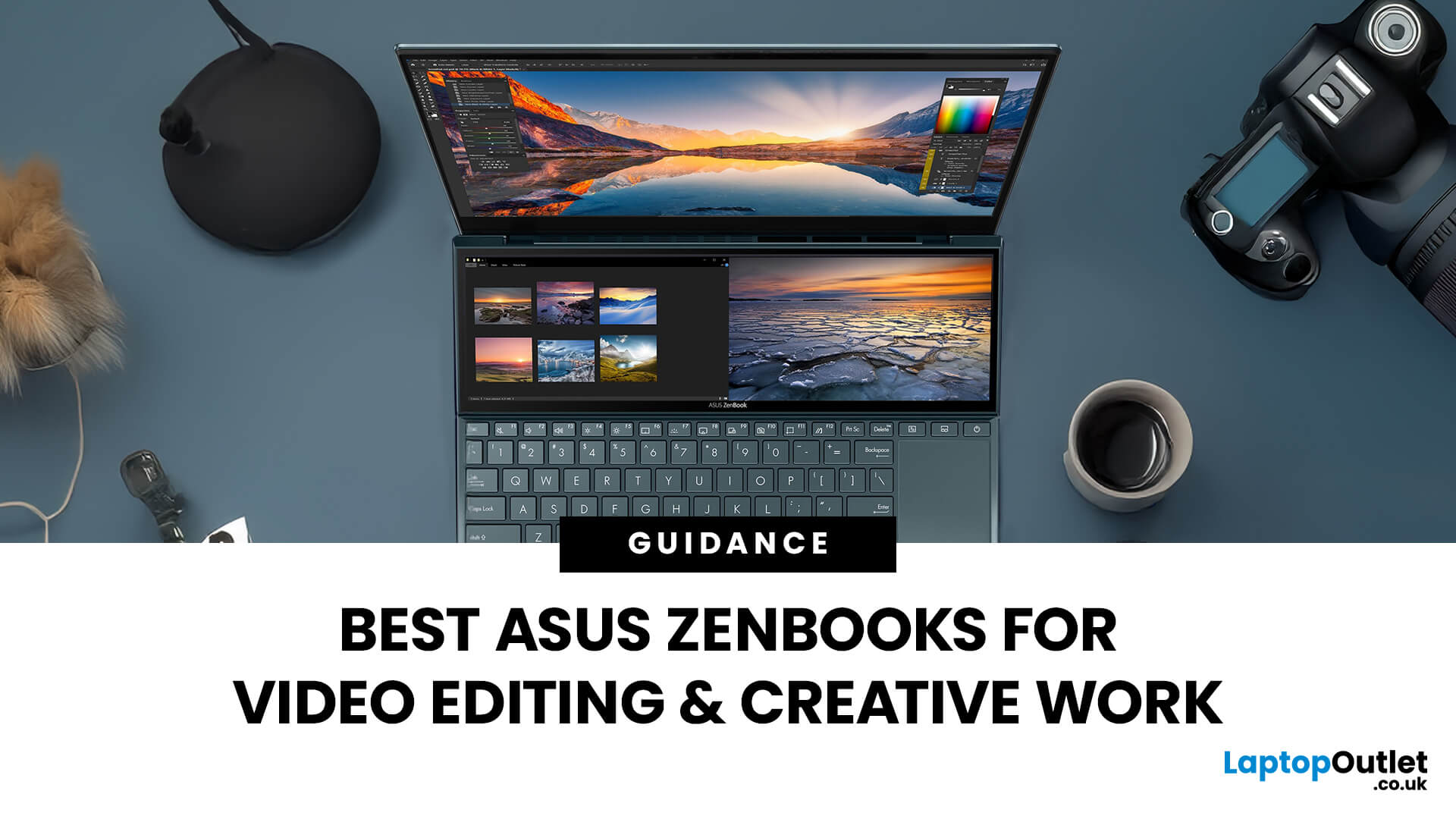
ASUS ZenBooks can be a strong fit for video editing and creative work when portability matters as much as performance. The range includes lightweight 14-inch models for editing on the move, larger 16-inch OLED laptops for timeline-based work, 32GB configurations for heavier multitasking and even dual-screen designs for creators who need more workspace.
The important part is choosing around your actual workflow. Editing short social videos places very different demands on a laptop from working with longer 4K timelines, large Photoshop files or several creative applications at once.
This guide looks at eight ASUS ZenBooks for video editing and content creation, explaining what each specification means and who each model suits best.
What Matters in a ZenBook for Video Editing and Creative Work?
A good creative laptop is about more than choosing the fastest processor. Look at how the processor, memory, graphics, storage and display work together.
- Processor: Video exports, effects processing and multitasking all place demands on the CPU. Newer Intel Core Ultra, AMD Ryzen AI and Snapdragon X processors provide different balances between performance, efficiency and portability.
- RAM: 16GB RAM laptops can suit photo editing, lighter video projects and everyday content creation. Moving to 32GB RAM laptops gives heavier timelines, large media files and several open creative applications more memory headroom.
- Graphics: Every ZenBook in this guide uses integrated graphics rather than a dedicated NVIDIA GPU. That is enough for many photo, design and video workflows, but intensive 3D rendering, advanced effects and sustained GPU-heavy production can benefit from a dedicated graphics processor.
- Display: Many of these models use OLED panels. OLED laptops provide deep blacks, strong contrast and fast pixel response, although colour-critical work should still rely on the exact panel specification and appropriate calibration.
- Storage: 1TB is useful when working with video footage, project files and large creative applications. A 512GB SSD is workable for lighter projects, particularly if completed media is moved to portable SSD storage.
- Screen size: A compact 14-inch laptop is easier to carry, while a 16-inch display provides more room for timelines, tool panels and larger previews.
- Software compatibility: Snapdragon-based ZenBooks run Windows on ARM. Adobe Premiere, After Effects, Audition and Media Encoder now have native ARM64 versions, but some third-party plug-ins and specialist media formats still have limitations. Check the applications, codecs and plug-ins used in your workflow before committing to an ARM-based system.
For particularly graphics-intensive production, the wider range of creative laptops also includes systems with dedicated GPUs. ZenBook's main strengths are its balance of creative performance, display quality and portability.

8 ASUS ZenBooks for Video Editing and Creative Work
1. ASUS Zenbook 14 UX3480QA-U1157W
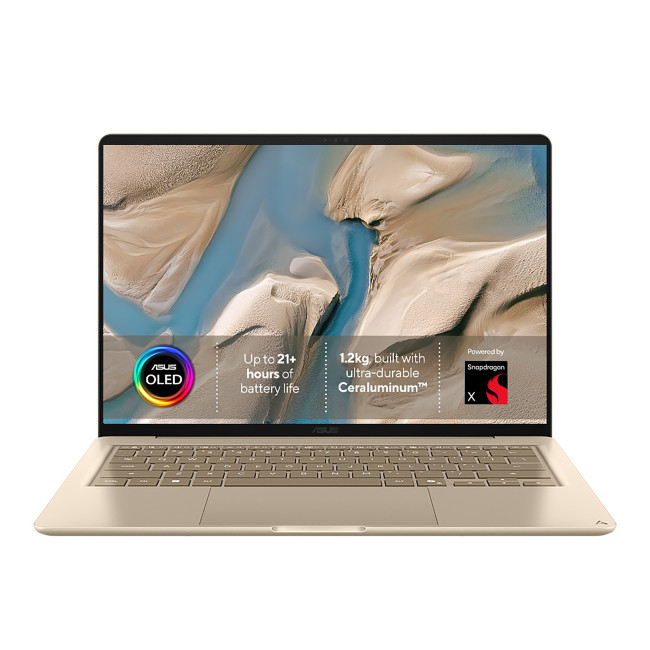
Key specifications:
- Processor: Qualcomm Snapdragon X X1-26-100, 8 cores
- RAM: 16GB
- Graphics: Integrated Qualcomm Adreno
- Storage: 512GB SSD
- Display: 14-inch OLED, 1920 × 1200, 60Hz
- Weight: Approximately 1.04kg
This Zenbook 14 is suited to creators who prioritise portability and mainly work with lighter projects. That could include editing short social videos, preparing images for websites, working in Photoshop or creating content while travelling.
Its 16GB memory is adequate for this level of work, while the OLED screen gives photos, graphics and footage good contrast. At just over 1kg, it is also one of the easiest models here to carry.
The 512GB SSD is the main practical limitation for video work, since raw footage and cached media can consume storage quickly. Snapdragon compatibility should also be checked if your workflow depends on older plug-ins or specialist formats.
Most suitable for: Students, social-media creators and mobile users working with lighter photo and video projects.
2. ASUS Zenbook A14 UX3407NA-QD069W

Key specifications:
- Processor: Qualcomm Snapdragon X2 Elite X2E-88-100, 18 cores
- RAM: 16GB
- Graphics: Integrated Qualcomm Adreno
- Storage: 1TB SSD
- Display: 14-inch OLED
- Weight: Approximately 0.99kg
The Zenbook A14 takes portability even further while providing considerably more local storage. Its 1TB SSD is more practical for storing footage, images and active project folders without relying immediately on external storage.
The Snapdragon X2 Elite processor makes it suitable for creative multitasking, image editing and video work where Windows on ARM support is available. Its 16GB RAM still positions it towards lighter to moderate projects rather than large, memory-intensive editing sessions.
At under 1kg, its strongest use case is obvious: creators who regularly move between home, university, client locations or shared workspaces.
Most suitable for: Travelling creators, photographers and content producers who prioritise very low weight and 1TB storage.
3. ASUS Zenbook S14 UX5406AA-SU404W
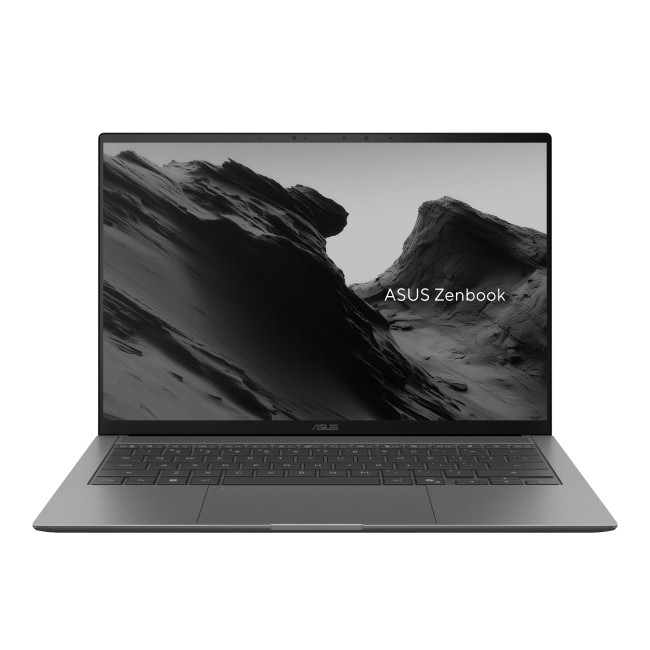
Key specifications:
- Processor: Intel Core Ultra 7 355, 8 cores
- RAM: 16GB
- Graphics: Integrated Intel Graphics
- Storage: 1TB SSD
- Display: 14-inch 3K OLED, 2880 × 1800, 120Hz
- Weight: Approximately 1.20kg
This Zenbook S14 moves to an Intel platform and a much higher-resolution display. The 3K OLED screen provides more visual detail when reviewing photographs, graphics and video frames, while the 120Hz refresh rate makes general interface movement feel smoother.
Its Core Ultra 7 processor and 16GB RAM suit photo editing, graphic design, short-to-medium video projects and creative applications running alongside normal productivity software.
The 14-inch format keeps it portable, although editors who keep several large panels open may prefer an external display or a larger-screen laptop.
Most suitable for: Photographers, graphic designers and video editors who want a high-resolution display in a compact format.
4. ASUS Zenbook S16 UM5606GA-SR536W
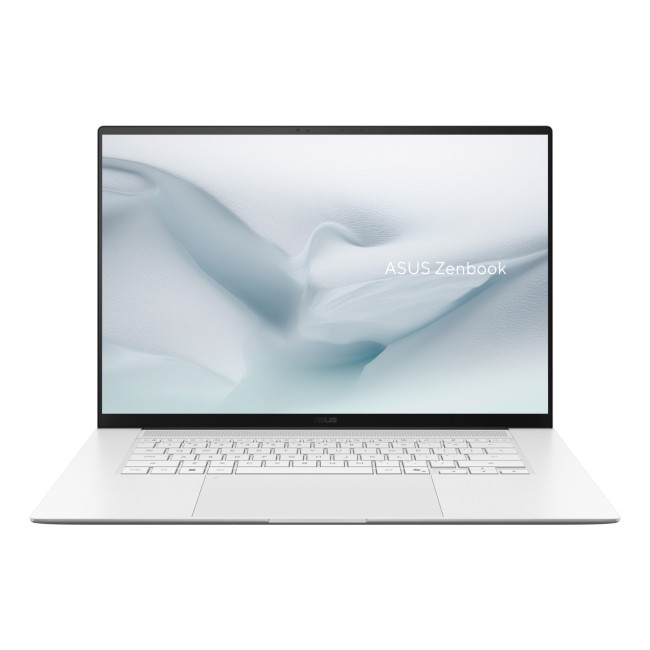
Key specifications:
- Processor: AMD Ryzen AI 9 465, 10 cores
- RAM: 16GB
- Graphics: AMD Radeon 880M
- Storage: 1TB SSD
- Display: 16-inch 3K OLED touchscreen
- Weight: Approximately 1.50kg
The Ryzen AI 9 processor and Radeon 880M graphics make this Zenbook S16 particularly interesting for creators who want stronger processing and integrated graphics performance without moving to a heavier dedicated-GPU laptop.
The larger 16-inch 3K OLED touchscreen gives editing applications more room for timelines, previews and controls, making it more comfortable for extended desk-based work than a compact 14-inch model.
Its limitation is memory. The configuration has 16GB RAM, and Laptop Outlet lists 16GB as its maximum capacity. That means creators working with particularly large projects or several memory-intensive applications should account for that fixed limit.
Most suitable for: Editors and designers who value processor performance, Radeon integrated graphics and a spacious high-resolution display.
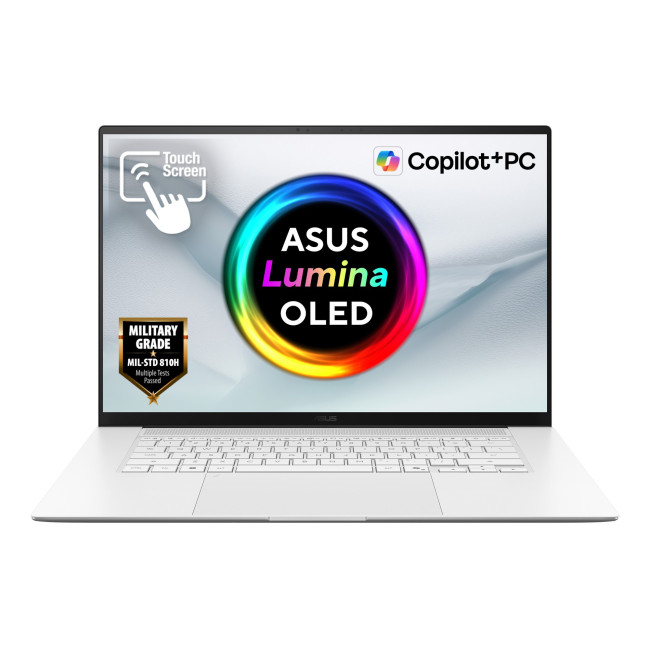
5. ASUS Zenbook S 16 UM5606GA-SR040W
Key specifications:
- Processor: AMD Ryzen AI 7 445, 6 cores
- RAM: 32GB
- Graphics: Integrated AMD Radeon
- Storage: 1TB SSD
- Display: 16-inch 3K OLED touchscreen, 2880 × 1800, 120Hz
- Weight: Approximately 1.50kg
This Zenbook S 16 places greater emphasis on memory capacity. Its 32GB RAM makes it better suited to workflows involving large Photoshop files, longer editing timelines or several creative applications open together.
The 16-inch 3K OLED display is another important advantage. A larger workspace makes it easier to keep a video preview, timeline and editing tools visible without constantly rearranging panels.
Its integrated Radeon graphics still set a practical ceiling for highly GPU-intensive effects and 3D production, but the combination of 32GB memory, 1TB storage and a large OLED screen makes it one of the more balanced ZenBooks for serious creative multitasking.
Most suitable for: Video editors, photographers and designers who need additional memory and more screen space.
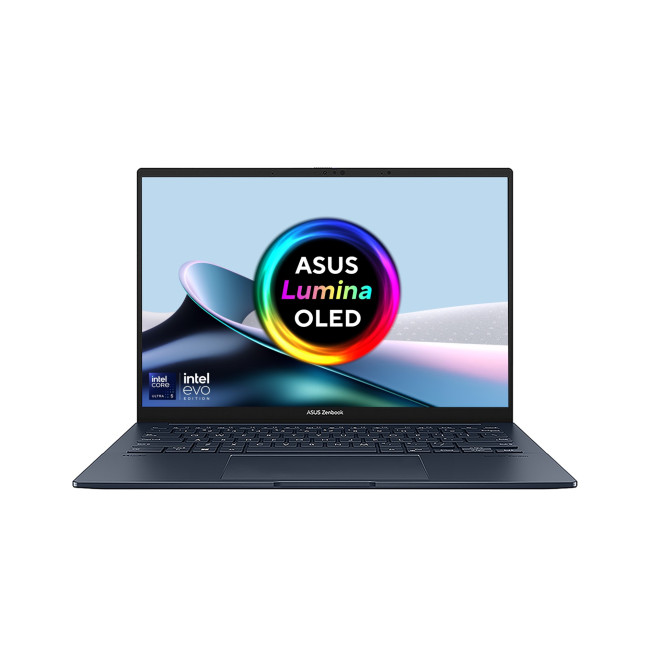
6. ASUS Zenbook 14 OLED UX3405CA-QL104W-ASUS
Key specifications:
- Processor: Intel Core Ultra 9 285H, 16 cores
- RAM: 32GB
- Graphics: Intel Arc 140T
- Storage: 1TB SSD
- Display: 14-inch WUXGA OLED touchscreen, 60Hz
- Weight: Approximately 1.28kg
This configuration combines a Core Ultra 9 processor with 32GB RAM, giving it stronger headroom for demanding creative applications than many compact ultrabooks.
The memory capacity is particularly useful for larger photo projects, longer video timelines and multitasking between editing, browser research and other applications. The integrated Intel Arc 140T graphics can also assist supported graphics workloads, although it should not be treated as a replacement for a dedicated high-end GPU.
Its WUXGA OLED touchscreen is less detailed than the 3K panels in the Zenbook S models. It remains suitable for everyday editing, although creators who need to inspect fine detail may prefer a higher-resolution screen or an external monitor.
Most suitable for: Creators who need substantial CPU and memory performance without moving to a larger laptop.
7. ASUS Zenbook S 14 UX5406AA-SU033W

Key specifications:
- Processor: Intel Core Ultra 9 386H, 16 cores
- RAM: 32GB
- Graphics: Integrated Intel Graphics
- Storage: 1TB SSD
- Display: 14-inch 3K OLED touchscreen, 2880 × 1800, 120Hz
- Weight: Approximately 1.20kg
The UX5406AA-SU033W combines many of the specifications creators typically look for in a portable editing machine: a high-end Core Ultra processor, 32GB RAM, 1TB storage and a detailed 3K OLED touchscreen.
That combination makes it suitable for more demanding video editing, complex image work and heavier multitasking while retaining a 1.2kg chassis.
The main limitation remains graphics. Its integrated GPU is suitable for many creative applications, but workloads dominated by GPU rendering, advanced 3D effects or heavy AI processing may benefit substantially from dedicated graphics.
For creators who need strong CPU performance and memory capacity while travelling regularly, however, this is one of the most capable conventional ZenBooks in the group.
Most suitable for: Professional photographers, mobile editors and creators running demanding applications away from a permanent desk.
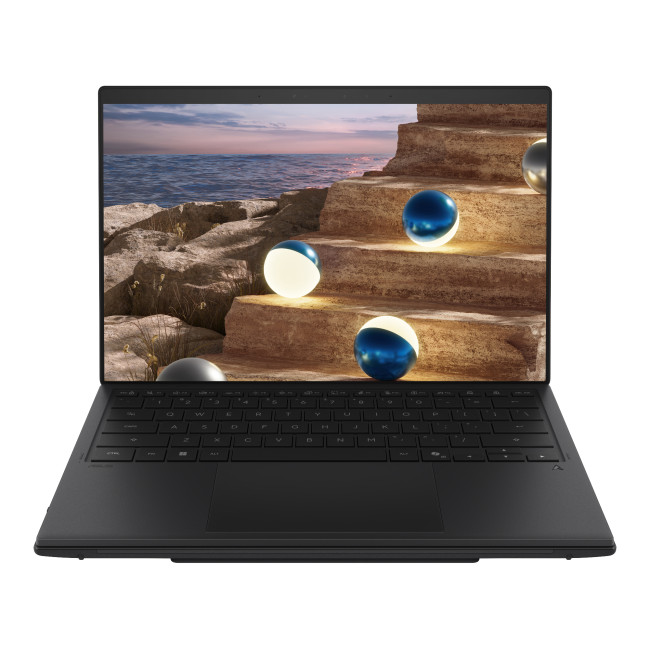
8. ASUS Zenbook Duo UX8407AA-SN429W
Key specifications:
- Processor: Intel Core Ultra 9 386H, 16 cores
- RAM: 16GB
- Graphics: Integrated Intel Graphics
- Storage: 1TB SSD
- Displays: Dual 14-inch 3K OLED touchscreens, 2880 × 1800, up to 144Hz
- Weight: Approximately 1.65kg
The Zenbook Duo approaches creative work differently. Its main advantage is not simply processing power, but the ability to spread a workflow across two integrated displays.
An editor could keep a timeline and controls on one screen while using the other for a larger preview. Designers can separate reference material from the main canvas, while photographers can keep library or adjustment panels away from the image itself.
The Core Ultra 9 processor provides strong CPU capability, but the fixed 16GB RAM is worth considering for demanding professional projects. The Duo therefore makes most sense when screen organisation and multi-window productivity matter more than maximum memory capacity.
Most suitable for: Editors, designers and creators who benefit from a portable dual-screen workspace.
ASUS ZenBooks Compared for Creative Work
|
Model |
Processor |
RAM |
Storage |
Display |
Best suited to |
Main consideration |
|
Zenbook 14 UX3480QA |
Snapdragon X X1 |
16GB |
512GB |
14" WUXGA OLED |
Lightweight editing and social content |
Smaller SSD; ARM workflow compatibility |
|
Zenbook A14 UX3407NA |
Snapdragon X2 Elite |
16GB |
1TB |
14" OLED |
Mobile content creation |
16GB memory and ARM compatibility |
|
Zenbook S14 UX5406AA-SU404W |
Core Ultra 7 355 |
16GB |
1TB |
14" 3K OLED, 120Hz |
Photography and moderate editing |
16GB RAM |
|
Zenbook S16 UM5606GA-SR536W |
Ryzen AI 9 465 |
16GB |
1TB |
16" 3K OLED |
Processor-heavy creative work |
RAM limited to 16GB |
|
Zenbook S 16 UM5606GA-SR040W |
Ryzen AI 7 445 |
32GB |
1TB |
16" 3K OLED, 120Hz |
Larger projects and multitasking |
Integrated graphics |
|
Zenbook 14 UX3405CA |
Core Ultra 9 285H |
32GB |
1TB |
14" WUXGA OLED |
Serious portable editing |
Lower display resolution than 3K models |
|
Zenbook S 14 UX5406AA-SU033W |
Core Ultra 9 386H |
32GB |
1TB |
14" 3K OLED, 120Hz |
High-end portable creation |
Integrated graphics |
|
Zenbook Duo UX8407AA |
Core Ultra 9 386H |
16GB |
1TB |
Dual 14" 3K OLED |
Multi-screen creative workflows |
16GB maximum RAM |
Which ASUS ZenBook Fits Your Creative Workflow?
The right ASUS ZenBook depends less on a single specification and more on what your projects actually involve.
- For basic video editing and social content: The UX3480QA provides enough memory for lighter projects while keeping weight very low.
- For frequent travel: The Zenbook A14 is particularly portable and adds a more practical 1TB SSD.
- For photography and graphic design: The 3K OLED display on the UX5406AA-SU404W gives visual work more screen detail.
- For a larger editing workspace: The two Zenbook S16 configurations provide 16-inch displays that are easier to use with timelines and multiple tool panels.
- For heavier multitasking: The 32GB UM5606GA-SR040W gives larger projects more memory headroom.
- For demanding work in a compact format: The Core Ultra 9 and 32GB RAM configurations are stronger choices when portability still matters.
- For multi-screen editing: The Zenbook Duo offers a layout that conventional single-display laptops cannot reproduce without an external monitor.
Within the wider range of ASUS laptops, ZenBook occupies the space between everyday portability and specialist creator hardware. The models here are strongest when display quality, mobility and general creative performance matter together.

ZenBook Strengths & Trade-Offs
ASUS ZenBooks for video editing and creative work cover a much wider range of workflows than their slim designs might suggest. A lightweight Snapdragon model can make sense for social content and mobile editing, while 32GB Core Ultra and Ryzen AI configurations provide more room for demanding applications and larger projects.
The biggest trade-off across this group is graphics performance. These ZenBooks rely on integrated GPUs, so creators whose work centres on heavy 3D rendering, complex GPU effects or particularly demanding professional video production may need a system with dedicated graphics instead, such as ProArt laptops.
For everyone else, the most useful way to choose is to match memory, screen size, storage and software compatibility to the type of content you actually create.

A Few More Things to Know...
Is an ASUS ZenBook good for video editing?
Yes, depending on the configuration and workload. Models with modern Core Ultra or Ryzen AI processors, 16GB to 32GB RAM and OLED displays can suit photo editing, content creation and many video-editing workflows. More demanding GPU-heavy projects may require dedicated graphics.
Is 16GB RAM enough for video editing?
16GB can handle HD editing, short-form content and lighter creative projects. For larger timelines, 4K footage or several demanding applications running together, 32GB provides more memory headroom. Adobe currently recommends 32GB or more for 4K and higher Premiere workflows.
Can a ZenBook edit 4K video?
Some higher-spec ZenBooks can handle 4K editing, particularly with suitable codecs, proxy workflows and sensible effects. Performance varies substantially with footage type and project complexity. Integrated graphics also limit demanding GPU-accelerated workloads compared with laptops equipped with dedicated graphics.
Are OLED displays better for video and photo editing?
OLED displays provide deep blacks, strong contrast and fast pixel response, which can make them well suited to visual work. For professional colour-critical editing, however, check the exact panel's colour gamut and accuracy and use calibration where necessary.
Is Snapdragon suitable for Adobe Premiere in 2026?
Yes. Adobe Premiere 26.0 runs natively on Windows ARM systems using Snapdragon X processors. However, Adobe still lists limitations affecting certain raw formats and third-party plug-ins, so creators should check compatibility with their exact workflow.
Should video editors choose a 14-inch or 16-inch ZenBook?
A 14-inch model is easier to carry and works well for creators who travel frequently. A 16-inch screen provides more space for timelines, previews and editing panels. Performance depends on the individual configuration rather than screen size alone.
| Read More: |
| The Best Laptops for Video Editing in 2026 |
| Best Laptops for Adobe Creative Cloud Apps (Photoshop, Illustrator & Premiere Pro) |
| Best Laptops for CAD & AutoCAD 2026 | High-Performance Picks |
Related Articles

Last Updated: October 03, 2025
What’s the Main Difference Between ASUS ProArt and ZenBook?
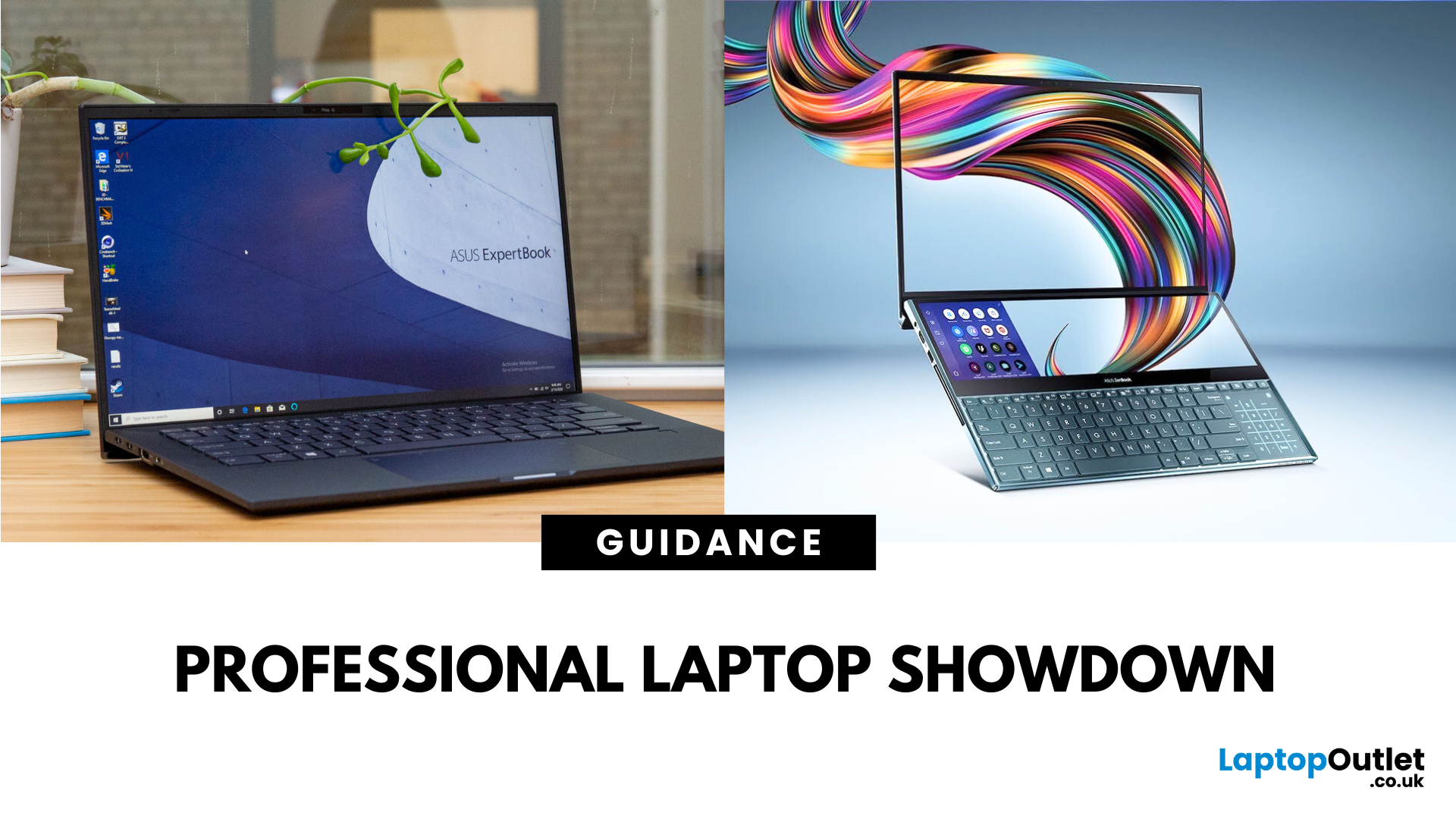
The ASUS ProArt series is engineered for professional content creators working in video production, photography, animation, and 3D modelling. It delivers ISV-certified performance, ultra-accurate colour displays, and AI-powered creator tools like ASUS DialPad and Creator Hub.
The ASUS ZenBook series targets professionals and creatives who need portability, battery endurance, and sleek aesthetics. While still capable for creative work, ZenBooks are tuned for light-to-moderate creative tasks, multitasking, and on-the-go use rather than maximum workstation output.
Specs Face-Off: ASUS ProArt vs ZenBook
| Feature | ASUS ProArt Series | ASUS ZenBook Series |
| Target Audience | Professional creators needing maximum power and colour precision | Mobile creatives, designers, and professionals seeking portability and style |
| Performance Focus | Workstation CPUs & NVIDIA RTX GPUs, ISV-certified for Adobe/Autodesk | Efficient CPUs, integrated or mid-tier GPUs, |
Last Updated: October 23, 2026
What’s the Difference Between ExpertBook and ZenBook?
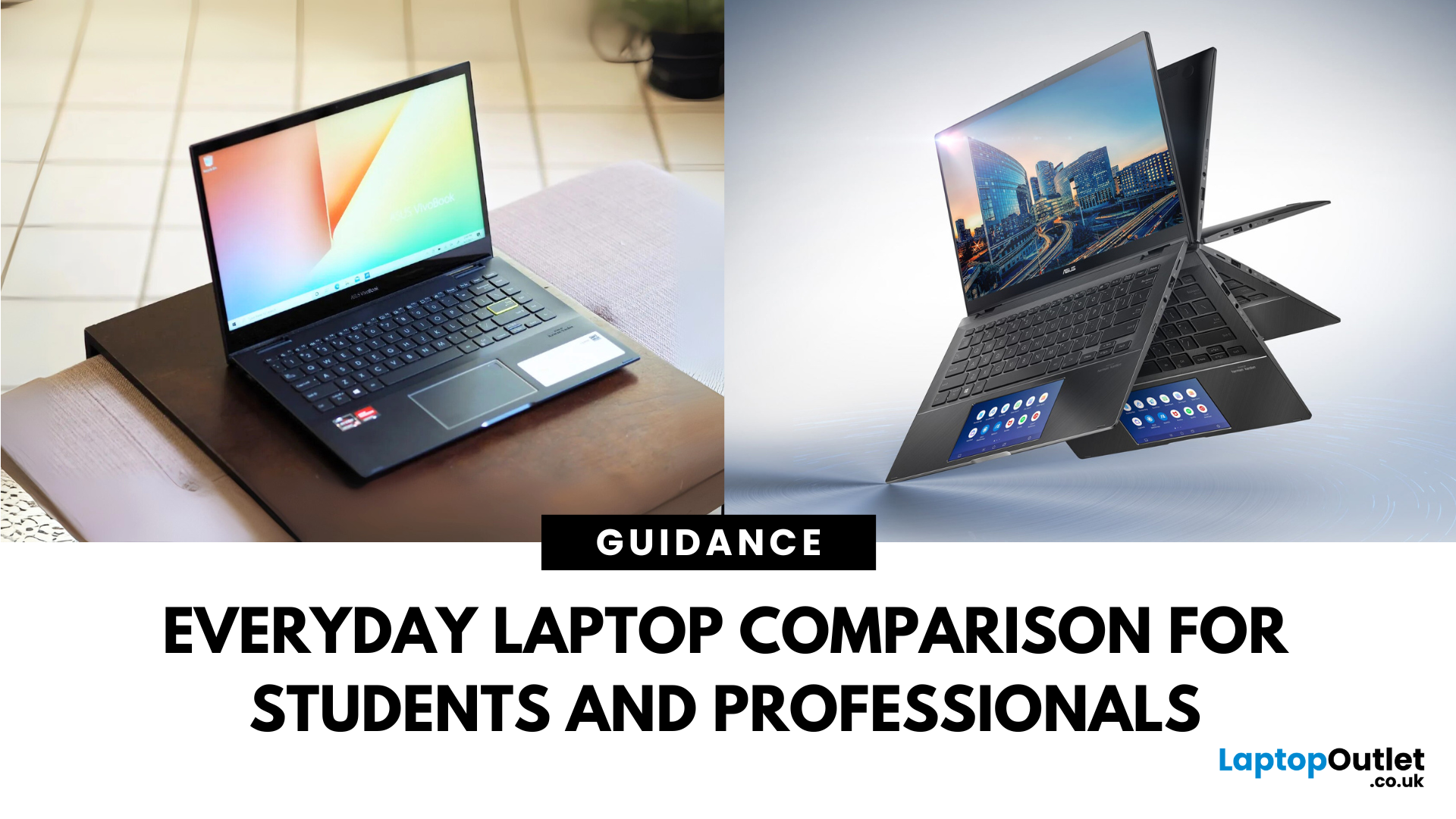
The ExpertBook line is designed for professionals who demand durability, lightweight builds, enterprise features, and long battery life often with vPro support and MIL-STD testing. The ZenBook series decks out innovators and creators with premium OLED (and even dual-screen) displays, ultra-light designs, and high-end performance geared toward aesthetics and mobility.
Specs Face-Off: ExpertBook vs ZenBook
| Spec Category | ExpertBook (e.g., B5, B1, P3) | ZenBook (e.g., 14 OLED, Duo, S16) |
| Build & Weight | Ultra-light (~1.27–1.41 kg), MIL‑STD durability | Super-slim (~1.2–1.5 kg), aluminium/titanium builds, dual-screen option |
| Display & Visuals | Business-friendly 14" FHD or WQXGA screens, optional touch/stylus | Stunning 14" 2.8K OLED at 120 Hz, vivid dual-screen Duo models, immersive S16 displays |
| Performance | Up to Intel Ultra 7 with vPro, optional Arc/RTX GPU in some models | Core Ultra 7 or Ryzen AI CPUs, upgraded for creatives and heavy multitasking |
Last Updated: September 09, 2025
What’s the Difference Between VivoBook and ZenBook?
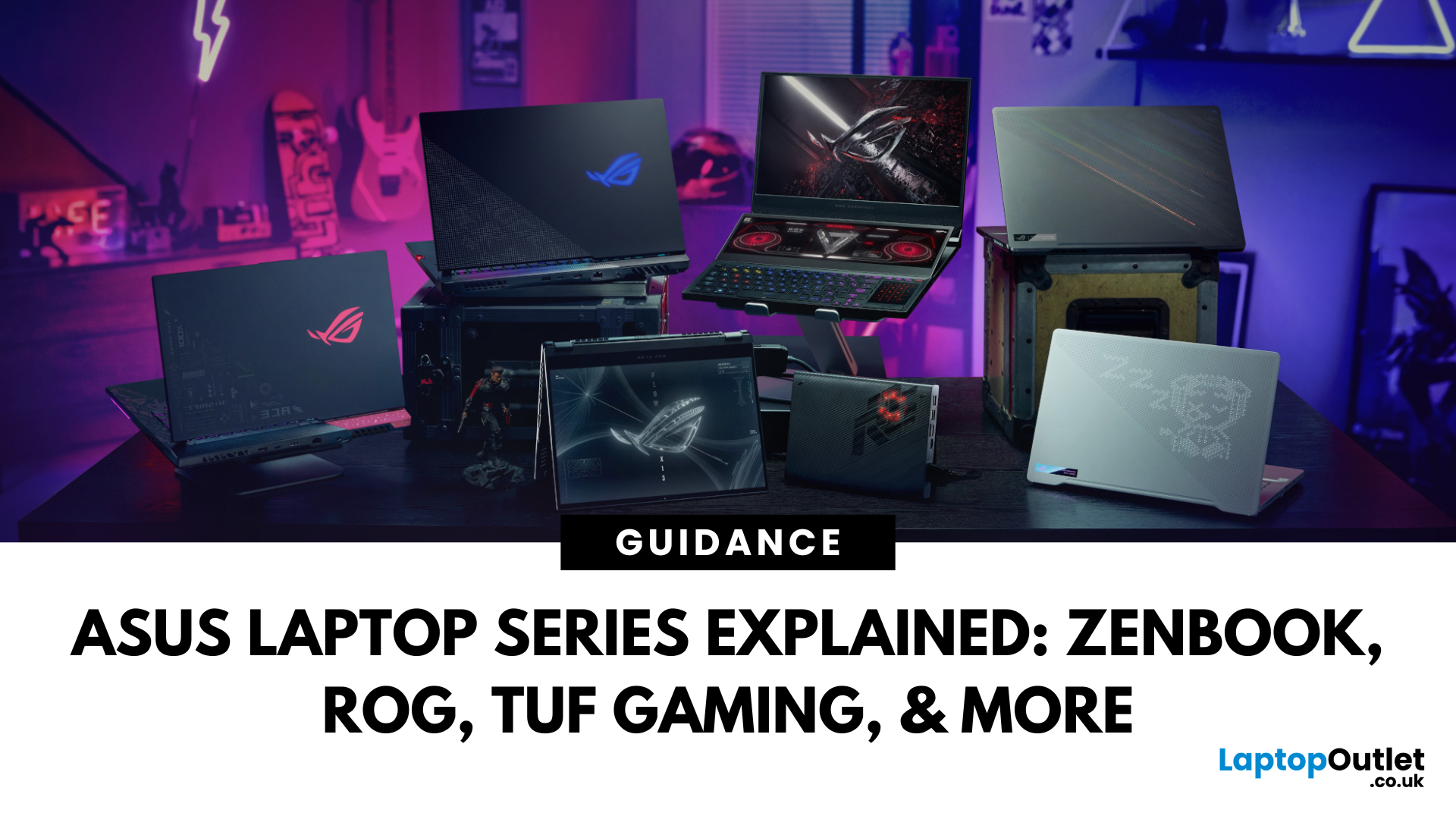
VivoBook is ASUS’s mainstream lineup—affordable, performance-balanced laptops for everyday use, students, and casual users. On the other hand, ZenBook is the premium alternative—sleek, aluminum builds, slim profiles, higher specs, and aimed at professionals or users who want long-term durability and style.
Feature Comparison Table
| Feature | VivoBook | ZenBook |
| Build & Design | Plastic/metal mix, budget-friendly | All-metal, ultra-slim premium build |
| Performance | Good everyday CPUs (e.g. Ryzen 5, Intel U-series) | Higher-end CPUs, often Core Ultra or better |
| Display | Reliable FHD panels | Often OLED or higher-quality touchscreens |
| Battery Life | Solid, entry-level (~8–10 h) | Excellent endurance—up to ~16 h on OLED ZenBook 14 OLED |
| Portability | Moderate—lighter options available | Thinner and lighter overall |
| Price | Very budget-friendly | Premium pricing, but great value for specs |
Performance & Design
- VivoBook: Offers solid specs for
Last Updated: July 02, 2026
Choosing the right laptop in 2025 can feel like a challenge. With endless options in the UK market, different brands, specifications, and price points, it’s easy to feel overwhelmed. This is where ASUS makes the decision simpler. Over the years, ASUS has built a reputation as one of the most trusted technology brands by offering laptops that combine performance, reliability, and affordability.
Think about the wide variety of users today: a student who needs a lightweight laptop for lectures, a business professional who spends hours travelling, a gamer chasing the ultimate performance, or a creative tackling demanding design projects. Each has unique needs, but ASUS has carefully designed a laptop series for all of them.
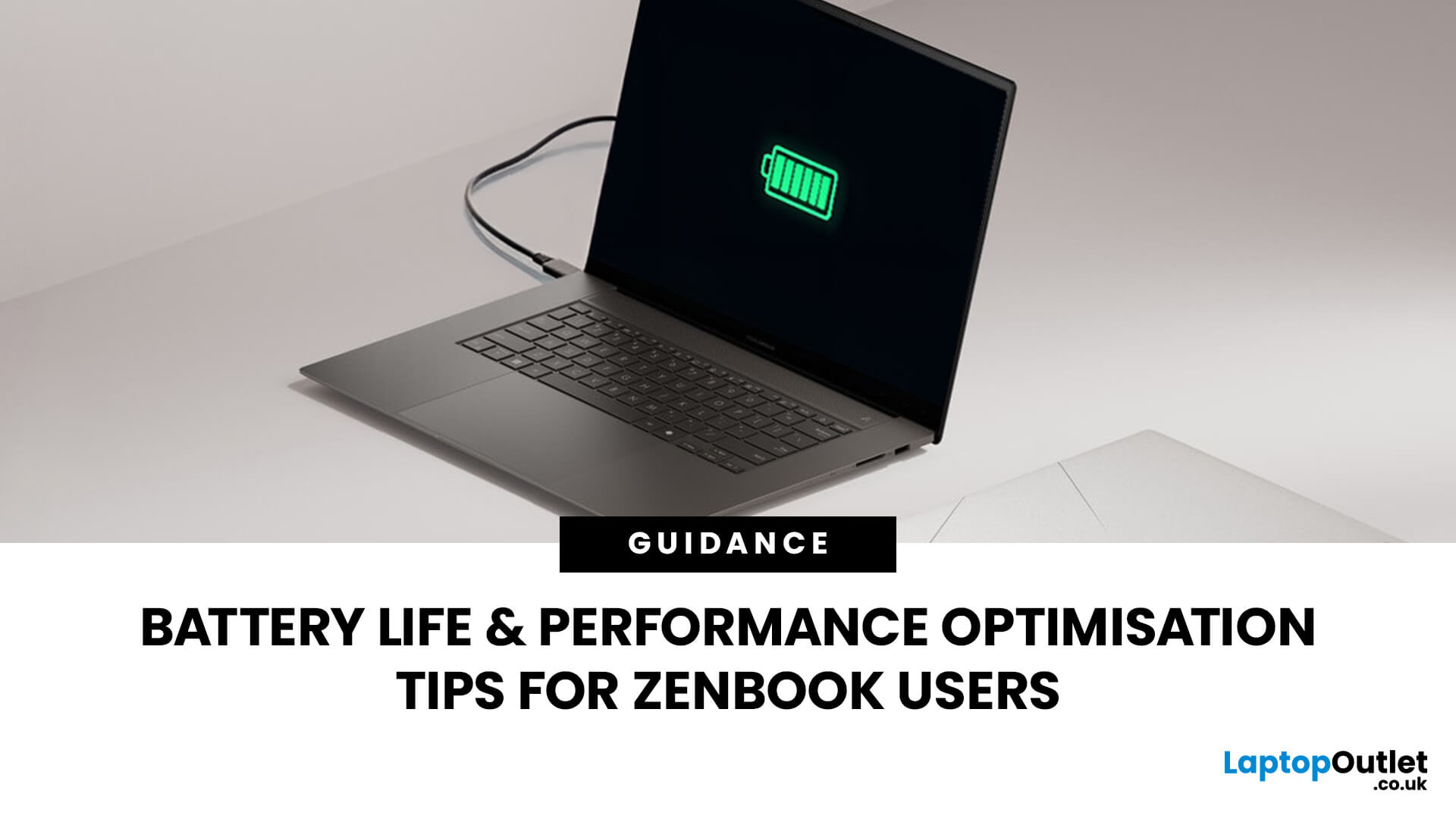
In this ASUS laptop Series explained blog, we’ll explore the full 2025 lineup: ZenBook, VivoBook, ROG, TUF Gaming, ExpertBook, Chromebook, and ProArt StudioBook, so you can confidently choose the ASUS laptop that fits your life.
A Quick Overview of the ASUS Laptop Series
Last Updated: October 30, 2025
Ever been in the middle of editing a video, sending that last-minute client report, or streaming a movie and your ZenBook suddenly flashes the dreaded ‘save me, lord, I’m dying (low battery) warning?’ You’re not alone. Even the most efficient ASUS ZenBooks can drain faster than expected if they’re not set up for peak performance.
The good news? These laptops are packed with smart power management tools, hidden Windows settings, and ASUS-exclusive features that can stretch every per cent of your battery while keeping your system running smoothly. Whether you use your ZenBook for creative projects, business, or all-day multitasking, a few intelligent tweaks can make it feel like new again.
In this guide, we’ll skip the generic “dim your screen” advice and dive into real ZenBook-specific tips that actually make a difference.
Understanding How ZenBook Power Management Actually Works
So, here’s the thing - your ZenBook isn’t just another sleek slab of metal with a keyboard. It’s got a mini
Last Updated: October 26, 2026
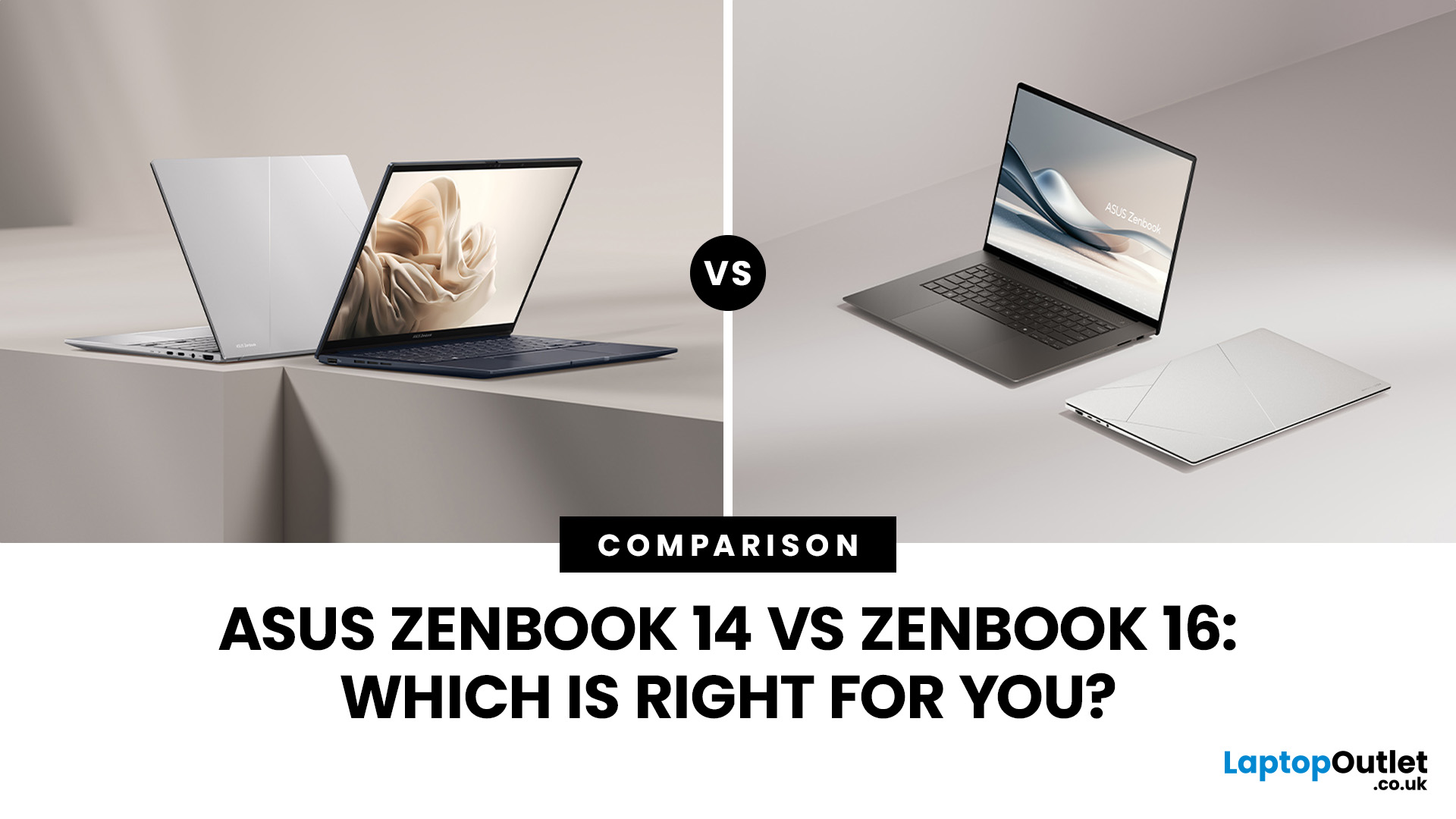
In the Zenbook 14 vs Zenbook 16 comparison, choose the 14-inch model if you carry your laptop most days and want a lighter machine for work, study or travel. Choose the 16-inch Zenbook S 16 if you work mainly on the laptop screen and need more space for documents, design or editing. Check RAM and processor specifications before deciding, as size alone does not determine speed.
Last Updated: November 05, 2025
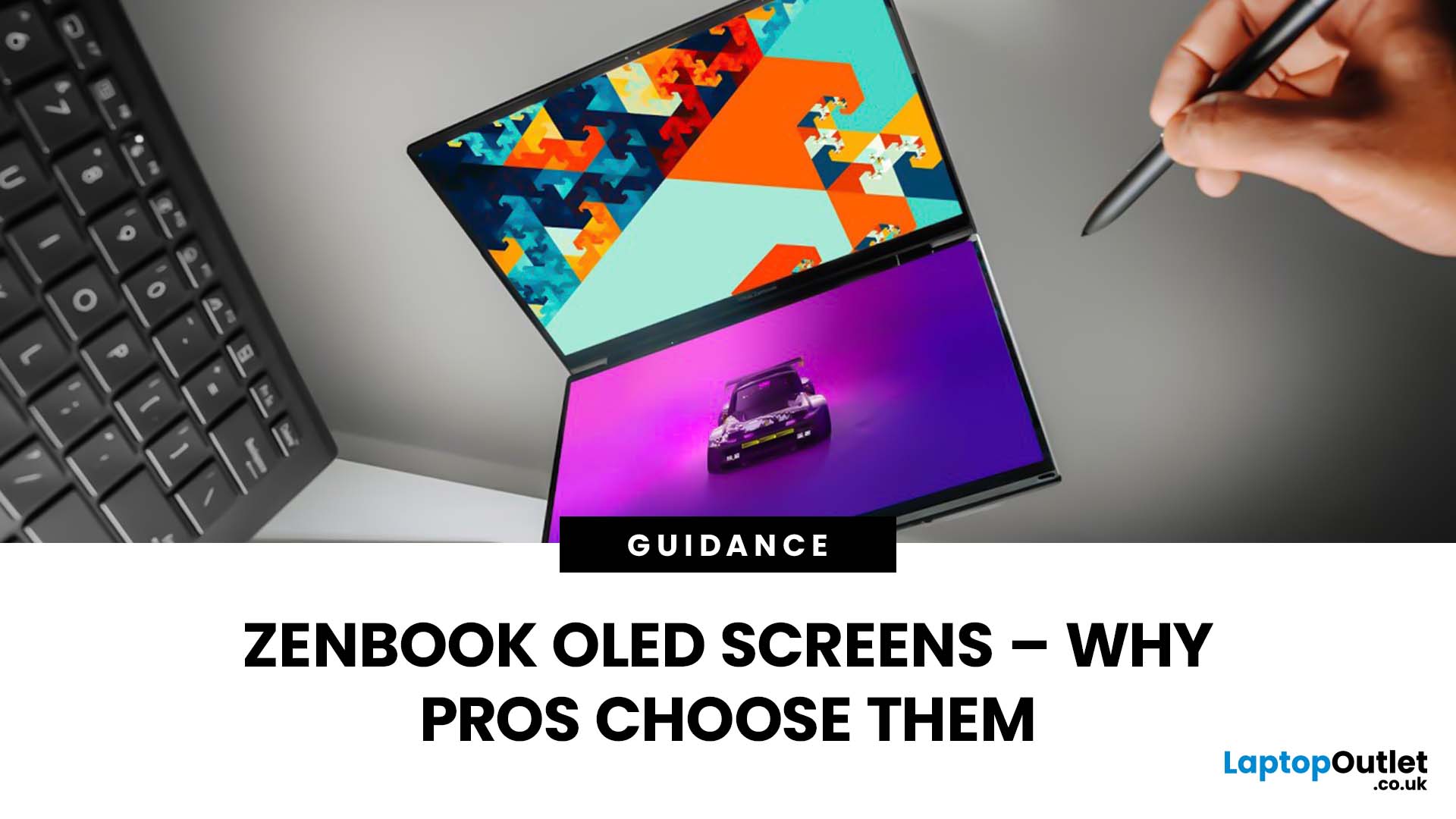
Stunning visuals are essential for modern creators and ASUS delivers. Whether you’re editing photos, grading videos, or designing digital art, display quality defines the precision of your work. That’s where the ASUS ZenBook OLED display steps in, delivering deep blacks, lifelike colour accuracy, and remarkable clarity that outshines traditional screens. In this blog, we’ll explore what makes ZenBook OLED displays so special, how they compare to IPS panels, and why they’ve become a go-to choice for photographers, video editors, and creative professionals who demand exceptional visuals without compromising portability or eye comfort.
What is ZenBook OLED Display?
The term “OLED” (Organic Light-Emitting Diode) refers to a display technology where each pixel emits its own light rather than relying on backlighting as with IPS/LCD panels. In the ASUS ZenBook series, the use of OLED means deeper blacks, higher contrast and more vibrant colours compared to many mainstream IPS laptops.
For example,

Last Updated: October 30, 2025
Remote work has become part of everyday life. Whether you’re working from home, hopping between meetings, or travelling across cities, a reliable laptop can make all the difference. That’s where the ASUS laptops come in - sleek, powerful, and designed for people who get things done on the move.
It’s not just about specs or looks. The ASUS ZenBook laptop is built for real-world use: strong performance for multitasking, battery life that actually lasts, and a design that doesn’t hold you back. If your workdays shift between kitchen tables, co-working spaces, and coffee shops, this laptop fits right in.
Why the ASUS ZenBook Is Ideal for Remote Work

For anyone who works remotely, the perfect laptop should be light enough to carry everywhere, powerful enough to multitask, and reliable enough to last the entire working day. The ZenBook range hits this sweet spot effortlessly.
Modern ZenBook models are thin, light, and stylish – yet surprisingly powerful under the hood. They combine Intel Core
Last Updated: March 06, 2026
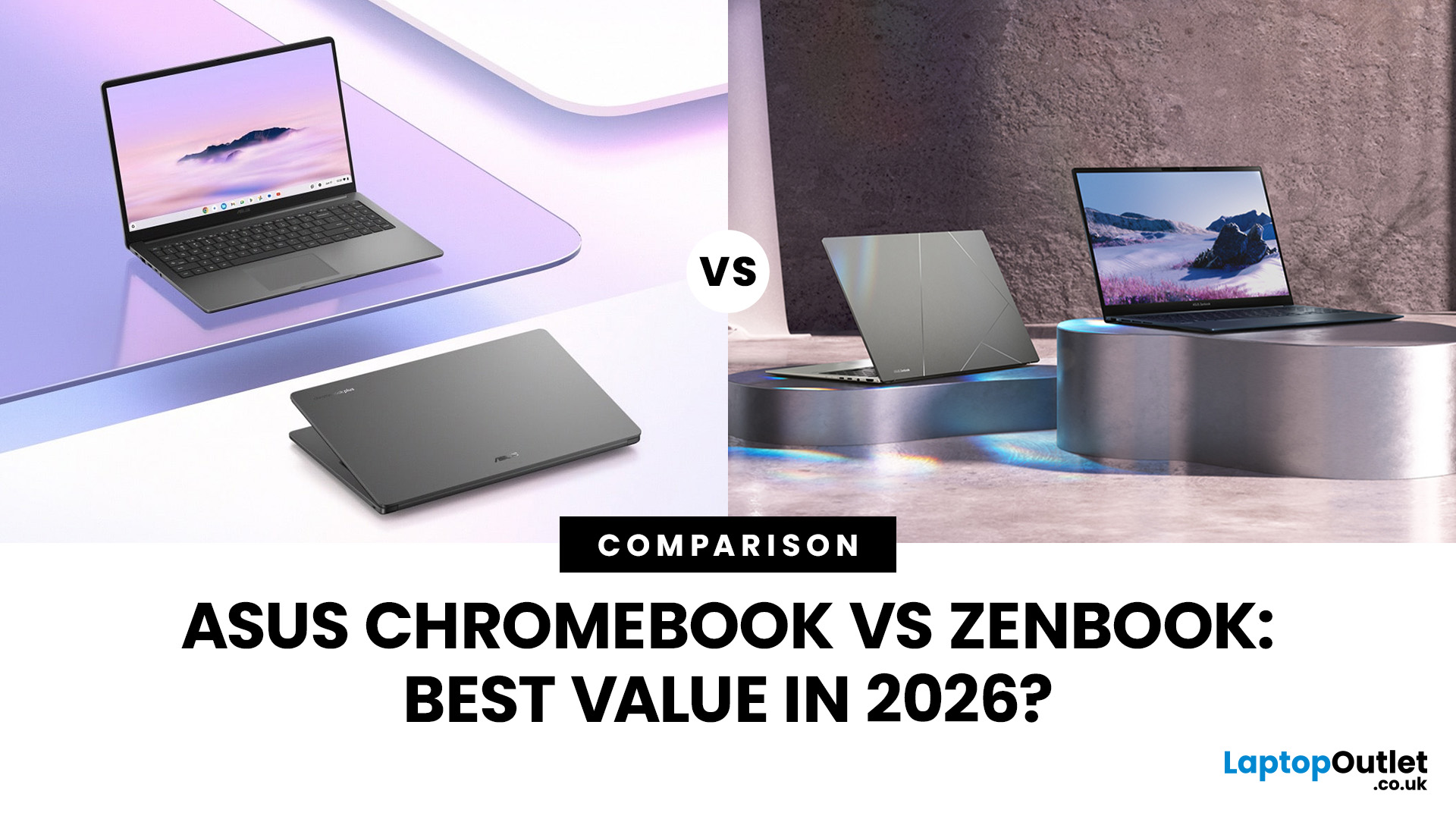
In 2026, ASUS continues to lead the ultrabook market with two standout options, the ASUS Chromebook and the ASUS ZenBook. Both deliver sleek design, portability, and performance, but they cater to different users. ASUS Chromebooks are lightweight, affordable, and perfect for students and everyday tasks, while ZenBooks offer premium craftsmanship, powerful hardware, and superior productivity for professionals and creators.
This comparison explores their specs, performance, battery life, and value, helping you decide which ultrabook suits your needs best. Whether you’re after effortless portability or all-day performance, we’ll uncover which ASUS laptop truly offers better value in 2026.
ASUS Chromebook vs ZenBook – The 2026 Ultrabook Showdown
In 2026, ASUS continues to lead the ultrabook arena with two stellar lineups that capture the essence of modern computing, the ASUS Chromebook and the ASUS ZenBook. Both are sleek, reliable, and performance-driven, but they serve very different lifestyles.
Last Updated: October 28, 2026

