



Best Gaming Monitors: Features, Specs, and Buying Guide
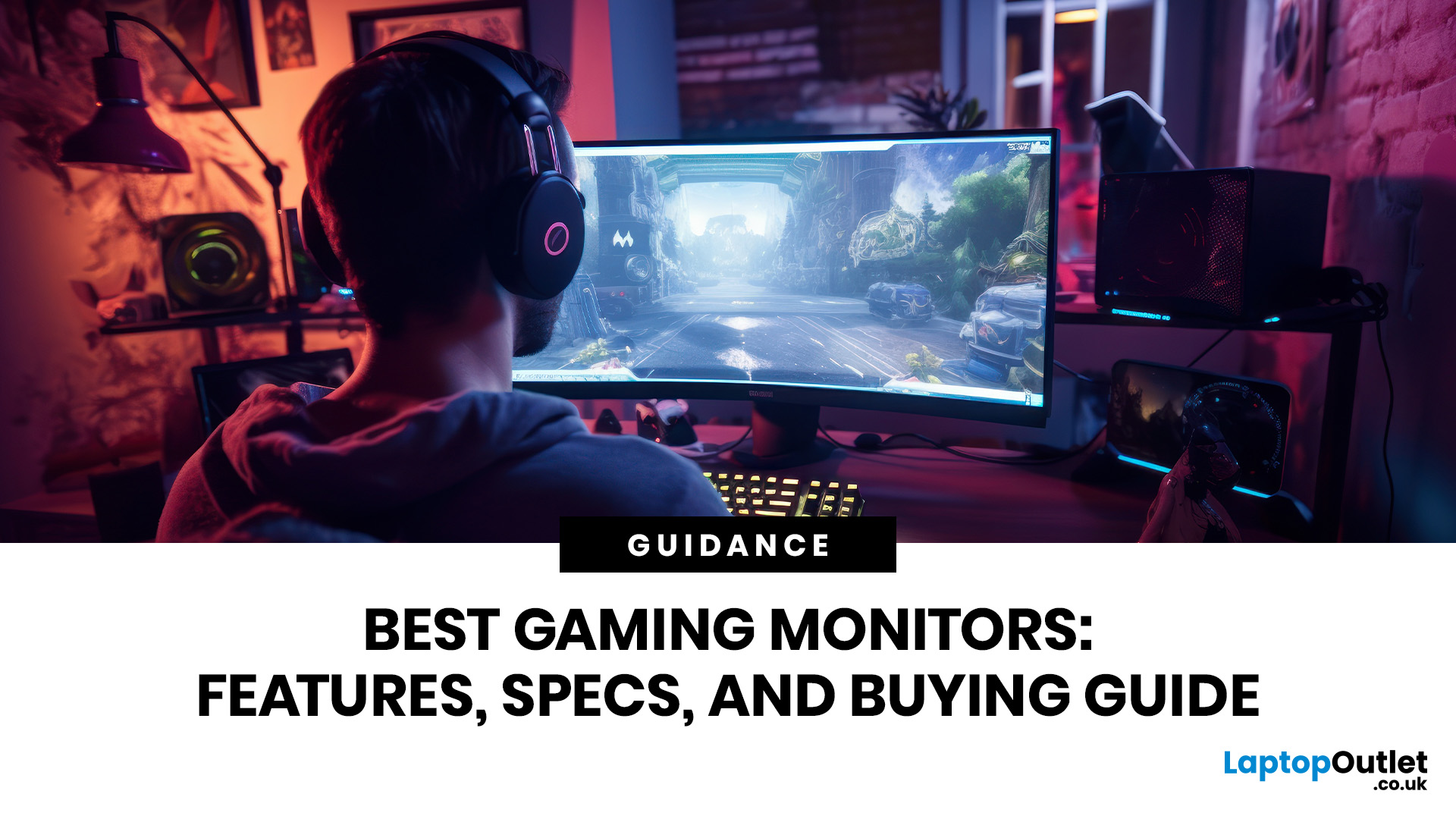
Gaming monitors enhance your setup with sharper visuals, faster response times, smoother motion, and richer detail for every genre. From PC gaming display screens to 4K monitors for gaming, the right screen helps you play comfortably, react quickly, and enjoy immersive performance whether you game casually or compete seriously online.
In 2026, the gaming monitor market has matured into something remarkable, OLED panels have gone mainstream, refresh rates have hit 480Hz on consumer hardware, AI-assisted rendering has changed how we think about resolution, and next-generation connectivity standards are finally living up to their promise.
Whether you are chasing frags in Counter-Strike 2 or Valorant, grinding through the sprawling open world of GTA VI, experiencing the photorealistic environments of Monster Hunter Wilds, or building your way through this year's AAA lineup, the display you choose will fundamentally shape that experience. It affects how smooth motion appears, how accurately colours are rendered, how deep shadows look, and how quickly the image responds to your inputs.
Understanding Gaming Monitor Specifications
Before diving into panel types and buying recommendations, it helps to understand what the numbers on the spec sheet actually mean for your gaming experience. Here is a clear breakdown of the core gaming monitor specifications you will encounter.
Resolution: The Pixel Foundation
Higher resolution means more pixels and, in turn, sharper image clarity and greater pixel density (measured in pixels per inch, or PPI). However, higher resolutions demand significantly more GPU power to render at smooth frame rates.
|
RESOLUTION |
COMMON NAME |
PIXEL COUNT |
IDEAL GPU TIER |
BEST FOR |
|---|---|---|---|---|
|
1920 x 1080 |
Full HD / 1080p |
2.07 million |
Entry-Mid (RTX 4060 / RX 7600) |
Esports, budget gaming, high refresh rates |
|
2560 x 1440 |
QHD / 1440p |
3.69 million |
Mid-High (RTX 4070 / RX 7800 XT) |
Balanced quality and performance |
|
3840 x 2160 |
4K / UHD |
8.29 million |
High-End (RTX 4080 / RX 7900 XTX) |
Cinematic single-player, visual fidelity |
|
3440 x 1440 |
Ultrawide QHD |
4.95 million |
Mid-High (RTX 4070 Ti) |
Immersive racing, RPG, simulation |
|
5120 x 1440 |
Super Ultrawide |
7.37 million |
Flagship (RTX 4090) |
Productivity + gaming hybrid setups |
For most gamers in 2026, QHD (1440p) sits in the sweet spot because it offers substantially better visual performance than 1080p without demanding the GPU horsepower that true 4K requires. If you want to experience gaming in 4K resolution, do make sure your graphics card can support it at your target frame rate, or lean on AI upscaling technologies like DLSS 4 or FSR 4 to bridge the gap.
Refresh Rate: Smoothness in Numbers
Refresh rate, measured in Hertz (Hz), tells you how many times per second the monitor redraws the image. Gaming monitor refresh rates have accelerated dramatically.
- 144Hz was the enthusiast standard just a few years ago.
- In 2026, 240Hz is mainstream,
- 360Hz is common at the competitive level,
- 480Hz displays are now available, primarily targeting professional esports players where even marginal improvements in motion clarity carry real value.
For context: In Valorant or CS2, the difference between 144Hz and 360Hz is clearly visible in fast flicks and player movements. In a single-player RPG like Monster Hunter Wilds, the leap from 60Hz to 144Hz is transformative, but moving beyond that offers diminishing returns for most players.
Response Time: Eliminating Ghosting
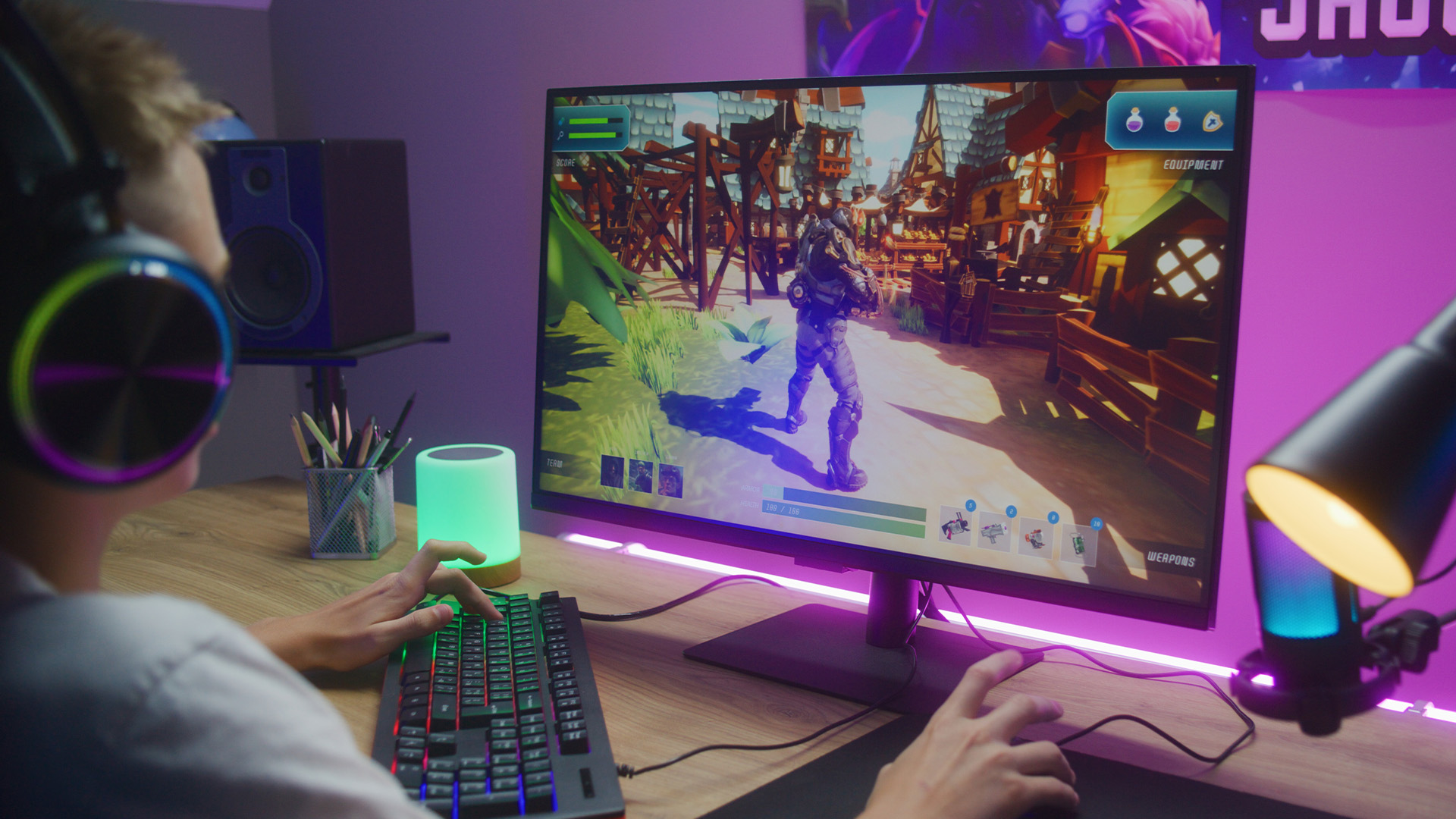
Response time measures how quickly a pixel can transition from one colour to another, expressed in milliseconds (ms). Lower is better. High response times cause 'ghosting', a smearing or trailing effect behind fast-moving objects that degrades display quality, particularly in action games.
For competitive gaming, aim for 1ms GtG (grey-to-grey) or better. Modern IPS and OLED panels have largely closed the gap with TN panels on this metric. Be cautious of MPRT (Moving Picture Response Time) figures, which are often more marketing-friendly than technically meaningful, always check GtG response time in independent reviews.
HDR: High Dynamic Range Explained
HDR implementation quality varies enormously between panels. True HDR performance requires both high peak brightness (typically 600 nits or more for HDR600, or 1000+ nits for premium HDR1000/1400 certification) and excellent local dimming, the ability to control backlighting in specific zones to achieve deep blacks alongside bright highlights. OLED and QD-OLED panels handle HDR particularly well thanks to per-pixel light control, while many budget IPS monitors with HDR400 certification offer only marginal improvements over SDR.
HDR can make a major difference to contrast, brightness, and atmosphere in games, so check out what is HDR on a monitor? if you want to understand what to look for.
Contrast Ratio: The Depth of Your Blacks
Contrast ratio is the difference between the darkest black and the brightest white a monitor can produce. Higher contrast creates more visual depth, richer dark scenes, and more impactful HDR. OLED panels achieve theoretically infinite contrast because each pixel can turn completely off. High-quality Mini-LED panels can reach 10,000:1 or higher with effective local dimming.
- Standard IPS panels typically land around 1,000:1,
- VA panels sit between 3,000:1 and 6,000:1.
Colour Accuracy and Colour Gamut
Colour accuracy is measured in Delta E (dE), lower numbers mean colours are closer to reference values. A dE of less than 2 is generally considered excellent and suitable for creative work as well as gaming. Colour gamut coverage defines how wide a spectrum of colours the panel can display, expressed as a percentage of standards like sRGB, DCI-P3, and Adobe RGB. For gaming, 95%+ DCI-P3 coverage is considered premium, delivering vivid and lifelike visual performance.
Gaming Monitor Panel Types: Which Technology Is Right for You?
The panel technology inside your monitor determines its fundamental characteristics, response time, contrast, colour accuracy, viewing angles, and price. Understanding gaming monitor panel types is central to any gaming display guide.
IPS Panels: The Balanced Choice
IPS (In-Plane Switching) has long been the go-to choice for gamers who want accurate colours and wide viewing angles without the extreme contrast of VA or the speed of TN. Modern IPS panels offer excellent colour reproduction, comfortable viewing angles, and solid response times.
Fast IPS, an evolution of the technology introduced by LG Display, delivers response times as low as 1ms GtG while retaining IPS colour accuracy. It has become the dominant panel type in the mid-range gaming monitor market for good reason. If you are after reliable, well-rounded performance, exploring IPS screens for gaming is a strong place to start.
The primary weakness of standard IPS is its contrast ratio, which typically caps at around 1,000:1, making dark scenes appear slightly washed out compared to VA or OLED alternatives.
VA Panels: Contrast Kings
VA (Vertical Alignment) panels offer significantly better native contrast than IPS, typically between 3,000:1 and 6,000:1, which makes them particularly effective for atmospheric games with dark environments, horror titles, and HDR content. Response times on VA panels have historically lagged behind IPS and TN, though modern high-end VA panels have narrowed this gap considerably.
VA panels are often found on curved gaming monitors at larger screen sizes, where their contrast advantage is most pronounced. If you play a lot of single-player narrative games in dim rooms, VA deserves serious consideration.
TN Panels: The Speed Specialists
TN (Twisted Nematic) panels were once the default for competitive gaming due to their extremely fast response times and high refresh rate support. However, poor colour accuracy and narrow viewing angles have seen them fall out of favour as IPS and OLED alternatives have caught up on speed. In 2026, TN is largely the domain of ultra-budget displays and legacy professional esports setups.
OLED and QD-OLED: The Premium Experience
HDR content looks extraordinary, dark scenes have real depth, and motion clarity is exceptional because OLED response times are effectively sub-millisecond. Gaming on OLED, whether in Marvel Rivals, GTA VI, or a visually ambitious RPG, is a genuinely different experience.
QD-OLED (Quantum Dot OLED) takes this further by combining OLED's per-pixel light control with quantum dot colour technology, achieving wider colour gamuts and higher peak brightness than standard WOLED panels. Brands like Samsung and Sony have championed this technology, and it represents the current pinnacle of gaming display quality.
The primary concerns with OLED are burn-in risk (the permanent discolouring of pixels from static content displayed over long periods) and price. Both concerns have reduced considerably: modern OLED panels include sophisticated burn-in prevention features, and prices have dropped significantly. For a serious gaming setup, the premium is increasingly justified.
Mini-LED: Bright, Brilliant, and Getting Better
Mini-LED backlighting uses thousands of tiny LEDs behind an LCD panel, enabling far more granular local dimming than conventional LED arrays. The result is dramatically improved contrast, high peak brightness (often 1,000 to 2,000 nits), and excellent HDR performance at a lower price than OLED.
Mini-LED panels can suffer from 'blooming', a halo of light around bright objects on dark backgrounds, but high-end implementations with many dimming zones have minimised this significantly. If you want excellent HDR performance without OLED pricing or burn-in concerns, Mini-LED is a compelling choice.
|
PANEL TYPE |
CONTRAST |
RESPONSE TIME |
COLOUR ACCURACY |
HDR QUALITY |
BEST USE CASE |
|---|---|---|---|---|---|
|
IPS / Fast IPS |
1,000:1 |
1ms GtG |
Excellent |
Good |
All-round gaming and creative use |
|
VA |
3,000-6,000:1 |
1-4ms GtG |
Good |
Very Good |
Single-player, dark atmospheric games |
|
TN |
600-1,000:1 |
0.5-1ms GtG |
Fair |
Poor |
Budget esports (limited use in 2026) |
|
OLED / WOLED |
Infinite |
<0.1ms GtG |
Excellent |
Exceptional |
Premium gaming, HDR, cinematic titles |
|
QD-OLED |
Infinite |
<0.1ms GtG |
Outstanding |
Best-in-class |
Flagship gaming, colour-critical work |
|
Mini-LED |
10,000:1+ |
1-2ms GtG |
Very Good |
Excellent |
Bright rooms, HDR gaming, alternatives to OLED |
Refresh Rates in 2026: How High Should You Go?
The gaming monitor refresh rate conversation has never been more interesting. Here is a clear-eyed look at what each tier delivers in real-world gaming scenarios.
60Hz: The Baseline
For casual and console gaming, 60Hz remains functional. However, for PC gaming in 2026, 60Hz is a noticeable limitation. Motion appears choppy compared to higher refresh rates, and competitive disadvantage in fast-paced games is real. Unless budget is extremely constrained, prioritise at least 144Hz.
144Hz: Still Excellent for Most Gamers
At 144Hz, the improvement over 60Hz is dramatic and immediately perceptible. Motion clarity is significantly better, input lag reduces, and games simply feel more responsive. For single-player gaming, EA Sports FC 26, Elden Ring successors, Monster Hunter Wilds, 144Hz with a good panel remains an excellent choice in 2026.
240Hz: The New Mainstream for Competitive Play
240Hz has become the de facto standard for serious competitive gaming. In Counter-Strike 2 and Valorant especially, the difference between 144Hz and 240Hz is meaningful: fast-moving enemies are sharper, tracking is smoother, and rapid directional changes are easier to follow. If you play online multiplayer titles regularly, 240Hz should be your minimum target.
360Hz and 480Hz: For Those Who Demand the Most
360Hz and 480Hz displays sit at the extreme end of gaming monitor refresh rates and are primarily aimed at professional esports players and dedicated competitive enthusiasts. The perceptual gains between 240Hz and 360Hz are smaller than those between 60Hz and 144Hz, but they are measurable under controlled conditions, particularly in target acquisition speed.
480Hz is the current ceiling for consumer gaming monitors. Panels achieving this use specialised TN or cutting-edge IPS technology, and they are typically paired with small 1080p screens to allow GPUs to hit the necessary frame rates. If you play CS2 or Valorant at a high competitive level, 480Hz offers a tangible edge. For most gamers, the premium is difficult to justify.
Connectivity: DisplayPort 2.1, HDMI 2.1, and What Actually Matters
Modern monitors are only as capable as the cable connecting them to your system. In 2026, the connectivity standard you use can be the limiting factor on maximum resolution and refresh rate.
DisplayPort 2.1
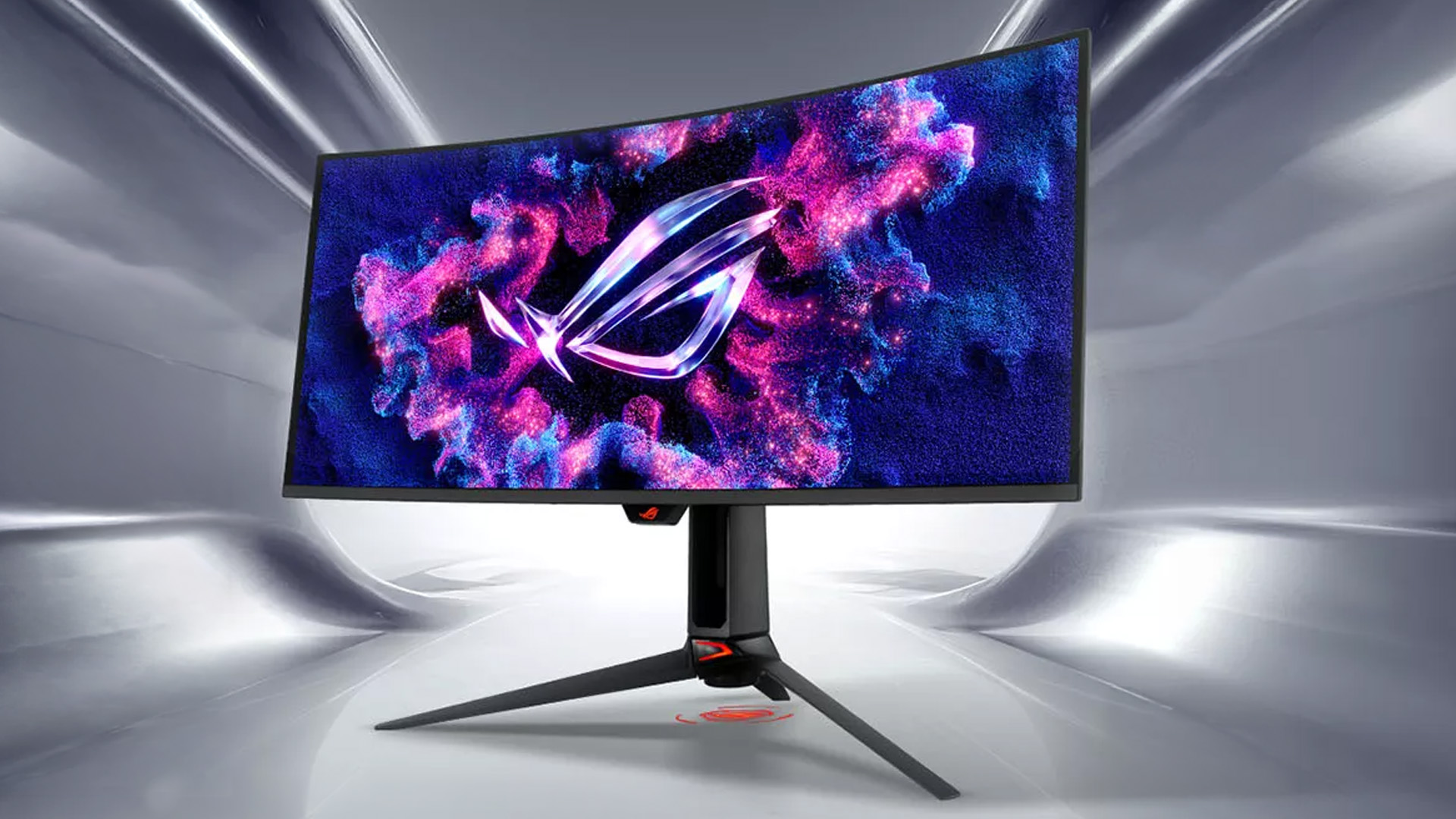
DisplayPort 2.1 is the current gold standard for high-bandwidth PC gaming connections. It supports bandwidth up to 80 Gbps, enabling uncompressed 4K at 240Hz, 8K at 60Hz, and high-refresh-rate ultrawide configurations that previous standards could not support. If you are building a flagship gaming setup, ensure both your GPU and your monitor support DisplayPort 2.1.
HDMI 2.1
HDMI 2.1 supports up to 48 Gbps and can deliver 4K at 144Hz or 1440p at up to 240Hz. It is standard on PS5, Xbox Series X, and gaming laptops, making it essential for cross-platform setups. If you game on console as well as PC, HDMI 2.1 support on your monitor is important.
VRR, G-Sync, FreeSync, and Adaptive Sync
Variable Refresh Rate (VRR) technologies synchronise the monitor's refresh rate with the GPU's output, eliminating screen tearing without introducing the input lag penalty of V-Sync. There are three main implementations:
- NVIDIA G-Sync: Proprietary and hardware-based on G-Sync module monitors. Excellent performance but adds cost to the display.
- NVIDIA G-Sync Compatible: Monitors certified to work with G-Sync over standard Adaptive Sync. Good performance at lower cost.
- AMD FreeSync Premium / Premium Pro: AMD's open standard, widely supported and increasingly effective. Premium Pro adds HDR and low-framerate compensation requirements.
In 2026, virtually all top gaming monitors support Adaptive Sync, and the gap between G-Sync and FreeSync has narrowed considerably. Screen tearing used to be one of the most frustrating gaming display issues; with VRR now standard, it is largely a solved problem.
|
STANDARD |
MAX BANDWIDTH |
4K @ 60HZ |
4K @ 144HZ |
4K @ 240HZ |
CONSOLE COMPATIBLE |
|---|---|---|---|---|---|
|
HDMI 2.0 |
18 Gbps |
Yes |
No |
No |
PS4 Pro / Xbox One X |
|
HDMI 2.1 |
48 Gbps |
Yes |
Yes |
No* |
PS5 / Xbox Series X |
|
DisplayPort 1.4 |
32.4 Gbps |
Yes |
Yes (DSC) |
No |
PC only |
|
DisplayPort 2.1 |
80 Gbps |
Yes |
Yes |
Yes |
PC only |
Expert Tip:
HDMI 2.1 can support 4K@240Hz with Display Stream Compression (DSC) on some implementations.Best Resolution for Gaming Monitors
Choosing the best resolution for your best gaming monitor is about balancing visual quality with the performance capability of your system.
Is 1080p in 2026 Still Relevant?
Full HD is not dead. For esports-focused gaming like Counter-Strike 2, Valorant, Apex Legends, 1080p at very high refresh rates (240Hz, 360Hz, 480Hz) remains the configuration of choice for many competitive players. For anything else, 1080p now shows its age at larger screen sizes. Pixel density at 27 inches becomes noticeably low, and image clarity suffers compared to 1440p or 4K alternatives.
1440p is the 2026 Sweet Spot
QHD (1440p) is where most PC gamers in 2026 should be looking. It is sharp enough to look excellent on 27-inch and 32-inch displays, it is demanding enough to justify mid-to-high-end GPU investments, and the good gaming monitor market at this resolution is rich with excellent options across all panel types. The combination of high visual performance, reasonable GPU requirements, and mature monitor selection makes 1440p the most broadly recommended choice.
4K is Stunning, Demanding, and Increasingly Accessible
4K delivers a level of image clarity and pixel density that is genuinely extraordinary in titles built to take advantage of it. Playing through the richly detailed environments of a game like Monster Hunter Wilds or the visual spectacle of a modern cinematic RPG at native 4K is a different experience from 1440p, colours are richer, details sharper, and environments more immersive. If you want to experience gaming in 4K resolution with a mid-range GPU, AI upscaling at quality presets can deliver near-native results at higher frame rates.
Ultrawide Immersion at a Premium
Ultrawide monitors (particularly the 3440x1440 format) offer an immersive field of view that is transformative for racing games, flight simulators, RPGs, and strategy titles. The extra horizontal screen real estate feels natural and engaging in games that support it. Not all titles fully support ultrawide resolutions, and competitive games sometimes disallow ultrawide in ranked settings to prevent field-of-view advantages.
For players who want a more immersive field of view, our guide to Are Ultrawide Monitors Worth Buying in 2026? explains when the extra screen space is worth the upgrade.
Esports Gaming vs Cinematic Single-Player: Two Very Different Requirements
One of the most important things to understand when choosing the best gaming monitor is that esports gaming and cinematic single-player gaming have almost opposite priorities. Competitive esports titles prioritise speed and responsiveness, while cinematic single-player games place far greater value on image quality, immersion, and visual detail.
|
CATEGORY |
ESPORTS GAMING |
CINEMATIC SINGLE-PLAYER GAMING |
|---|---|---|
|
Example games |
Counter-Strike 2, Valorant, Marvel Rivals, Call of Duty: Black Ops 7 |
GTA VI, Monster Hunter Wilds, story-driven AAA releases |
|
Main priority |
Speed, responsiveness, and competitive advantage |
Visual quality, immersion, and cinematic presentation |
|
Refresh rate |
240Hz minimum, with 360Hz or 480Hz preferred for serious competitive play |
High refresh rate is still useful, but image quality is usually more important than extreme refresh rates |
|
Response time |
1ms GtG or better to reduce ghosting during fast movement |
Fast response time is beneficial, but less critical than contrast, colour, and resolution |
|
Resolution |
1080p or 1440p to maximise achievable frame rates |
1440p or 4K for greater detail and image clarity |
|
Input lag |
Extremely important; panel processing should add as little delay as possible |
Still important, but not usually the deciding factor |
|
Visual processing |
HDR, post-processing effects, and upscaling should be disabled or minimised to reduce latency |
HDR, strong contrast, and advanced panel technologies can significantly improve the experience |
|
Screen size |
Typically 24 to 27 inches, keeping all information within comfortable peripheral vision |
32 inches to 34 inches ultrawide for a more immersive field of view |
|
Panel features |
Prioritise speed, clarity in motion, and low latency |
Prioritise OLED, QD-OLED, or Mini-LED for deeper blacks, better contrast, and stronger HDR |
|
Colour performance |
Useful, but secondary to speed and responsiveness |
Very important; wide DCI-P3 gamut coverage helps deliver vivid, accurate visuals |
|
Audio considerations |
Usually handled through a headset for competitive awareness |
Good speakers or strong audio output can contribute to the overall experience |
|
Best monitor type |
High-refresh 1080p or 1440p esports monitor |
High-resolution OLED, QD-OLED, or Mini-LED display |
Curved Displays: When Does the Curve Help?
Curved monitors have moved from gimmick to genuine preference for many gamers, though the benefit depends significantly on what you are playing and the screen size involved.
The curvature of a monitor is expressed as a radius in millimetres, a 1000R curve has a 1,000mm (1-metre) radius and is quite pronounced, while a 1800R curve is more subtle. In general, tighter curvature on larger screens creates a more encompassing field of view that reduces eye strain for extended sessions and enhances the sense of immersion in racing games, simulators, and expansive open worlds.
Curved monitors are less suited to competitive first-person shooters, where a flat display may provide more consistent peripheral visibility. For a deeper look at the benefits and trade-offs, explore our range of curved displays for gaming to see the full range of available options.
Dual Mode Gaming Monitors: The 2026 Flexibility Advantage
One of the more innovative developments in the gaming monitor space in recent years is the rise of dual mode displays, monitors capable of operating at different resolutions and refresh rates depending on the game being played. The concept allows a single display to switch between, say, 4K at 144Hz for immersive single-player gaming and 1080p at 240Hz or higher for competitive titles.
This addresses one of the core tensions in monitor selection: the fact that the ideal esports display and the ideal cinematic display have traditionally been incompatible. Dual mode monitors attempt to solve this at the hardware level.
If this flexibility appeals to you, our standard vs dual mode gaming monitor comparison breaks down the practical differences and helps you evaluate whether the premium over a conventional display is worthwhile for your gaming style. In addition, if you are building a productivity and gaming setup, our step-by-step guide on how to set up dual monitors will help you get the most from multiple displays.
Gaming Monitor Buying Guide by Budget
Theory is useful, but budgets are real. Here is practical advice for different spending levels.
|
BUDGET TIER |
RESOLUTION |
REFRESH RATE |
PANEL TYPE |
KEY FEATURES TO SEEK |
|---|---|---|---|---|
|
Under £250 |
1080p or 1440p |
144-165Hz |
IPS / Fast IPS |
FreeSync Premium, 1ms, sRGB 95%+ |
|
£250-£500 |
1440p |
165-240Hz |
Fast IPS / QD-OLED |
HDR400+, wide colour gamut, HDMI 2.1 |
|
£500-£800 |
1440p or 4K |
144-240Hz |
OLED / Mini-LED |
HDR600+, G-Sync / FreeSync Premium Pro, DP 2.1 |
|
£800+ |
1440p 4K or Ultrawide |
240-480Hz |
QD-OLED / OLED |
HDR1000+, premium response, full VRR suite |
For a curated selection of options across price ranges, browsing our top-rated gaming monitors is a useful starting point, with filters to help narrow down by panel type, refresh rate, and resolution.
Expert Recommendations: Matching Monitor to Gaming Profile
Based on everything covered in this gaming monitors buying guide, here are clear recommendations for different gamer profiles.
The Competitive Esports Player
Target: 1080p or 1440p, 240Hz to 360Hz, Fast IPS or TN, 1ms response time, FreeSync Premium / G-Sync Compatible. Prioritise speed and low input lag above visual quality. Look for monitors independently verified to hit their advertised response times.
The Balanced Multiplayer Gamer
Target: 1440p, 165Hz to 240Hz, Fast IPS or QD-OLED, good HDR support. This profile suits players who split time between competitive titles like Black Ops 7 or Marvel Rivals and more visually ambitious single-player games. A QD-OLED at 1440p 240Hz is close to the ideal all-rounder.
The Cinematic Single-Player Enthusiast
Target: 4K or 1440p ultrawide, 120Hz to 144Hz, OLED or QD-OLED, HDR1000+, wide colour gamut. Visual quality is the priority. This gamer will benefit most from the OLED premium and should consider a 32-inch or 34-inch curved ultrawide for maximum immersion.
The First-Time Buyer
Target: 1440p, 144Hz to 165Hz, IPS, FreeSync Premium. A solid mid-range 1440p IPS panel is the most versatile and future-friendly starting point for new PC gamers. It will support the majority of games and GPUs without requiring a top-tier system to take full advantage.

Making the Right Choice for Your Gaming Setup
The best gaming monitor in 2026 is not simply the one with the biggest numbers. It is the one that matches your GPU, your favourite games, and the experience you want. Esports players should prioritise speed, refresh rate, and low input lag, while cinematic gamers will benefit most from OLED, Mini-LED, HDR, and higher resolutions.
Use this guide as a starting point, then check reviews, comparisons, and return policies. Choose well, and your monitor can become one of the most meaningful upgrades in your entire setup.

What Gamers are Asking in 2026
What is the most important specification in a gaming monitor?
Refresh rate, response time, resolution, and panel type all matter, but the most important spec depends on what you play.
Is OLED worth it for gaming in 2026?
Yes, especially for cinematic single-player games. OLED offers excellent contrast, deep blacks, fast response times, and strong HDR.
How to choose a gaming monitor?
Choose a gaming monitor based on resolution, refresh rate, response time, panel type, and your GPU performance. For smooth gameplay, look for at least 144Hz, low input lag, and adaptive sync support like G-Sync or FreeSync.
What is the best screen technology for gaming?
OLED is often the best screen technology for gaming because it offers fast response times, deep blacks, and excellent contrast. IPS is also a strong choice for gamers who want good colours, wide viewing angles, and reliable performance.
What to look for in a gaming monitor?
Look for a high refresh rate, low response time, sharp resolution, adaptive sync, good colour accuracy, and the right screen size. A 144Hz or higher monitor with 1ms response time is ideal for competitive gaming.
| Read More: |
| Should You Buy a Touch Screen Monitor? A Complete Guide |
| Using a TV as a PC Monitor: Pros, Cons & Setup Guide |
| How to Wall-Mount a Monitor: A Complete VESA Guide |
Related Articles

Last Updated: December 31, 2025
If your setup is still running on an older 60–75Hz display (or a basic office screen), 2026 is the year to change that. The jump to a modern gaming monitor can be instantly noticeable: smoother camera movement, clearer motion in fast fights, and a more responsive “feel” when you aim, flick, track, or even just pan across open-world scenery. That’s why New Year gaming monitor deals are such a popular time to upgrade, stock is refreshed, prices tend to be competitive, and you can often find the exact spec combination you’ve been waiting for without paying peak-season prices.
Laptop Outlet makes this easier because there’s a wide range of gaming monitors in one place, so you can compare size, resolution, refresh rate and panel tech without bouncing between stores. A good starting point is the main gaming monitors category (it’s perfect for filtering by what matters most). And if you’re shopping across more than just monitors, it’s also worth keeping an eye on the wider promotions to save big
Last Updated: June 15, 2026
If you run an esports arena, gaming cafe, university esports lab, or content studio, your monitor choice is not a background decision. It directly affects performance, player satisfaction, brand perception, and long-term ROI. Competitive players notice the refresh rate instantly. Streamers notice colour accuracy. Venue owners notice durability. And everyone notices screen quality.
That’s why ASUS gaming monitors have become a staple across esports stages and gaming venues in the UK. From ultra-premium ASUS ROG gaming monitors built for tournament environments to scalable ASUS TUF gaming monitor options designed for multi-station rollouts, ASUS covers every level of competitive deployment.
If you're building or upgrading a gaming business, here’s what you need to know.
Why Esports & Gaming Businesses Choose ASUS
A single hardware issue during a tournament can damage a reputation fast. ASUS has built a strong position in esports by delivering consistency under pressure.
Brand Reputation
Last Updated: April 14, 2026
If you’ve been shopping for a competitive gaming display, you’ve probably noticed that BenQ 240Hz gaming monitors are becoming the new standard for serious players. But with so many options available, the big question remains:
Is 240Hz worth it — or is 144Hz still enough?
In this guide, we’ll break down what ultra-high refresh rates change in gameplay, compare 144Hz vs 240Hz BenQ monitor performance, and help you decide whether a BenQ high refresh ZOWIE monitor or a BenQ MOBIUZ high refresh monitor is the right upgrade for you.
Quick Answer — Is 240Hz Worth it?
So, is 240Hz worth it?
For many gamers, the answer is:
- Yes, if you play competitive FPS titles and want the smoothest, fastest response possible
- Maybe, if you play a mix of casual and competitive games
- Not necessarily, if you mostly play single-player or cinematic titles
A jump from 144Hz to 240Hz delivers:
- Smoother motion
- Reduced input delay
- Clearer tracking in fast-paced shooters
That’s why high refresh BenQ gaming monitors are
Last Updated: August 28, 2026
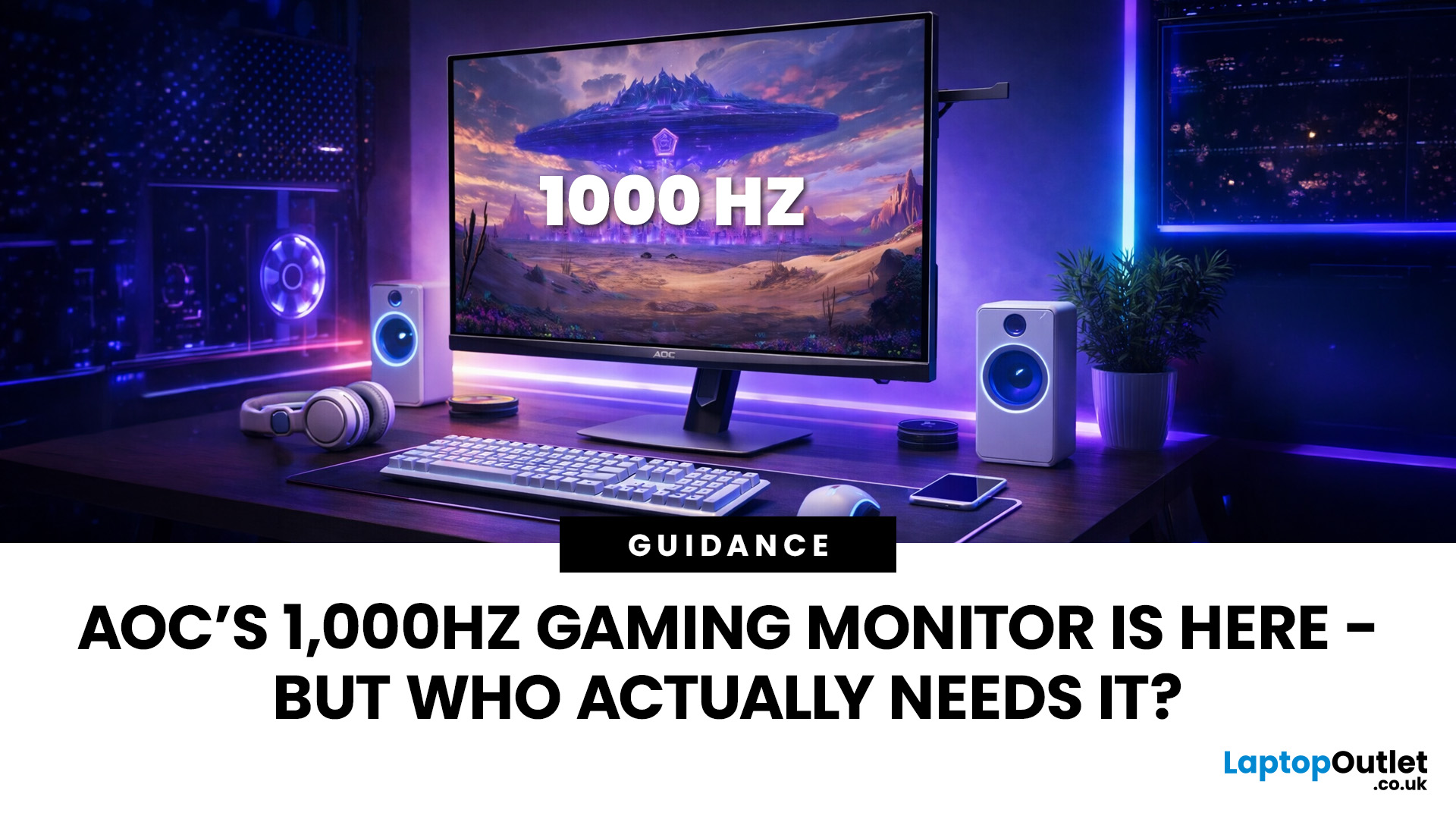
Gaming monitors have moved from 144Hz to 240Hz, then 360Hz and 500Hz in just a few years. Now AOC is pushing even further with its new AOC 1000Hz gaming monitor, the AGON PRO AGP277QK. At 1000Hz, the screen refreshes 1000 times per second, cutting frame time to just 1 millisecond. That is half the frame time of 500Hz and one quarter of 240Hz.
AOC’s new dual-mode 1000Hz monitor can switch between 500Hz at QHD and 1000Hz at a lower resolution, targeting elite competitive players. But who actually benefits from refresh rates this extreme, and should most gamers even consider waiting for it?
What AOC’s 1,000Hz Dual-Mode Monitors Actually Are
The AOC 1000Hz gaming monitor, known as the AOC AGON PRO AGP277QK, is part of a new wave of next-gen AOC AGON PRO monitors focused purely on competitive performance. It introduces a dual-mode 1000Hz monitor design, meaning it can operate at two different refresh rate and resolution combinations.
In its standard mode, the panel runs at QHD resolution with
Last Updated: August 28, 2026
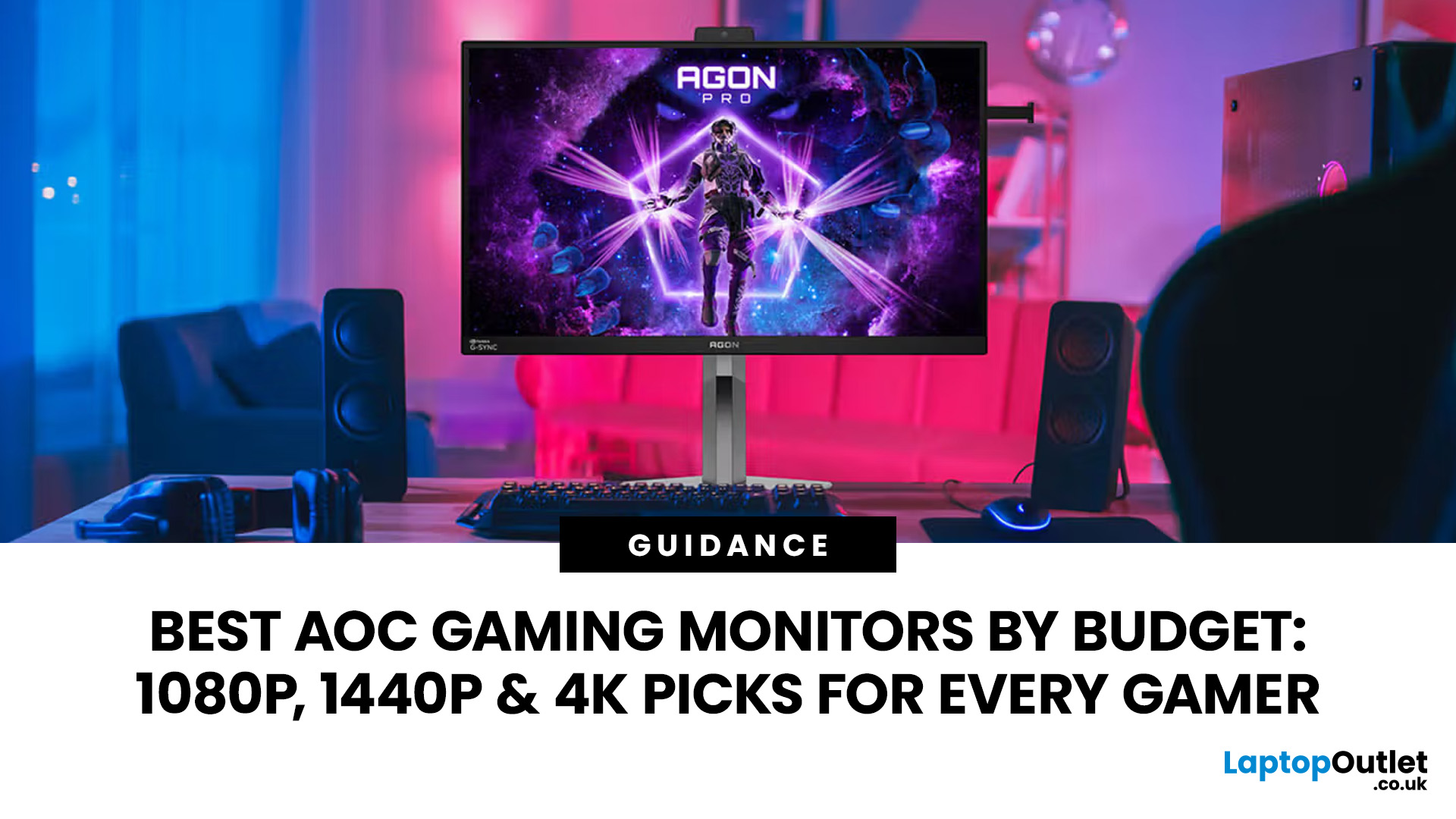
Choosing the right gaming monitor depends on factors like refresh rate, resolution, panel type, response time, and HDR support.
AOC offers gaming monitors across every budget, making it hard to know which one is right for you.
This guide highlights the best AOC gaming monitors by budget and helps you choose between 1080p, 1440p, and 4K options based on your gaming needs.
How to Choose an AOC Gaming Monitor for Your Budget
Before looking at specific recommendations, it's important to understand what you're paying for.
Resolution Matters More Than Most Gamers
Last Updated: August 28, 2026
Choosing the best gaming monitor brand can make a huge difference to your gaming experience. Whether you play competitive esports titles, immersive AAA games, or console exclusives on PS5 and Xbox Series X, the right monitor brand delivers smoother performance, better visuals, and long-term reliability.
In the UK gaming market, several brands consistently stand out for quality, innovation, and value. Companies like ASUS, LG, BenQ, AOC, Philips, and iiyama offer gaming monitors across every price range - from affordable 144Hz displays to cutting-edge OLED and 4K panels.
But with so many options available, it’s not always obvious which gaming monitor brand is best for your setup, budget, and gaming style.
Let’s discuss the best gaming monitor brands in the UK, compare their strengths, and help you choose the right one based on resolution, refresh rate, and platform compatibility.
What Makes a Gaming Monitor Brand Worth Buying in 2026?
When comparing the top gaming monitor brands, it’s important
Last Updated: April 14, 2026
Choosing the right monitor can genuinely change how you play. Whether you’re grinding ranked matches, competing in esports, or just kicking back on your console, your display has a direct impact on performance, clarity and overall experience.
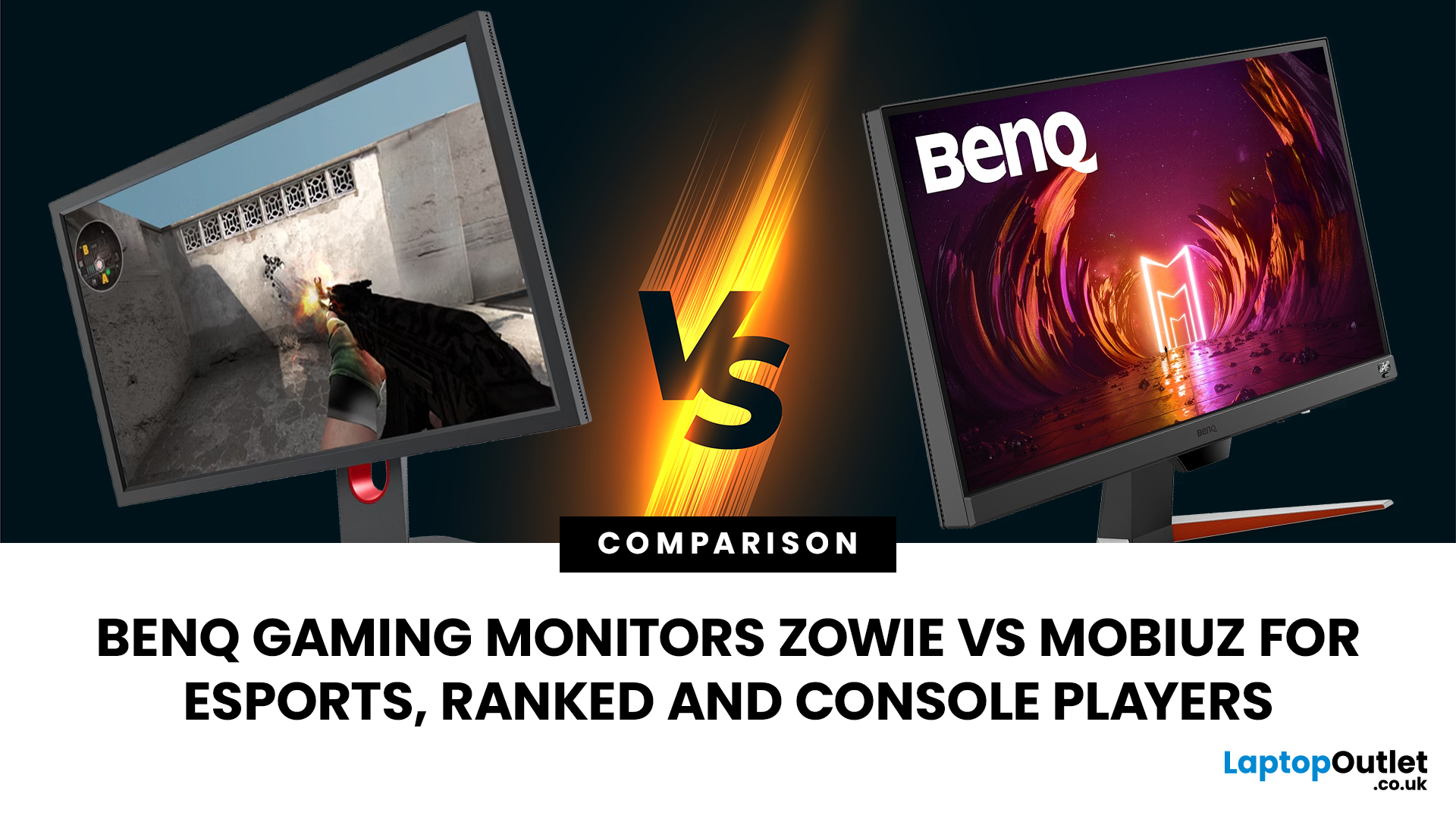
That’s where BenQ gaming monitors stand out. Known for precision engineering and gamer-first features, BenQ offers two standout ranges: ZOWIE and MOBIUZ. But when it comes to BenQ gaming monitors ZOWIE vs MOBIUZ, which one is right for you? Let’s break it down in a way that makes sense for how you play.
BenQ Gaming Monitors Explained
BenQ doesn’t take a one-size-fits-all approach to gaming. Instead, it splits its lineup into two clearly defined categories:
- BenQ ZOWIE esports monitors – built purely for competitive performance
- BenQ MOBIUZ gaming monitors – designed for immersive, all-round gaming
ZOWIE is about speed, precision and winning. MOBIUZ is about visuals, versatility and enjoying the full gaming experience. Both are excellent, but they serve
Last Updated: April 06, 2026
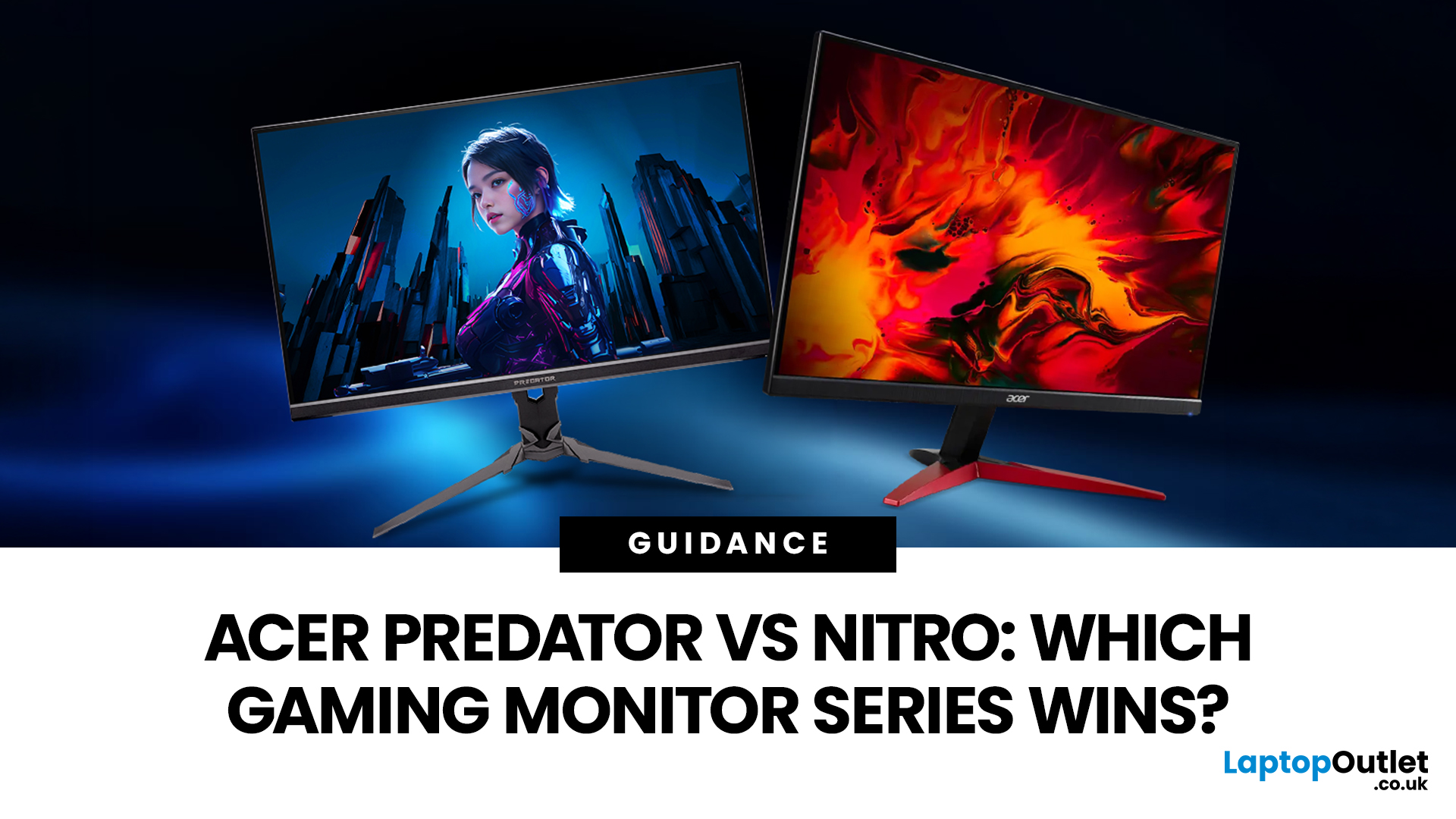
If you are comparing Acer Predator vs Nitro, you are likely at a point where a standard monitor no longer cuts it. Maybe you are upgrading your setup, moving into competitive gaming, or simply trying to get better value for your money.
Acer has made this decision slightly more complex by offering two strong Acer gaming monitor ranges that, at first glance, seem similar. Both support high refresh rates, both look like gaming displays, and both are widely available across the UK.
But once you dig deeper, Predator and Nitro are built for very different types of users. This guide breaks it down properly. No fluff, no brand hype, just a clear explanation of what matters when you are choosing between them.
Why Acer Splits Predator and Nitro in the First Place
Before comparing specs, it helps to understand Acer’s thinking. The company is not just offering two versions of the same product. These are two separate strategies:
- Predator is where Acer pushes performance, display innovation, and premium
Last Updated: April 14, 2026
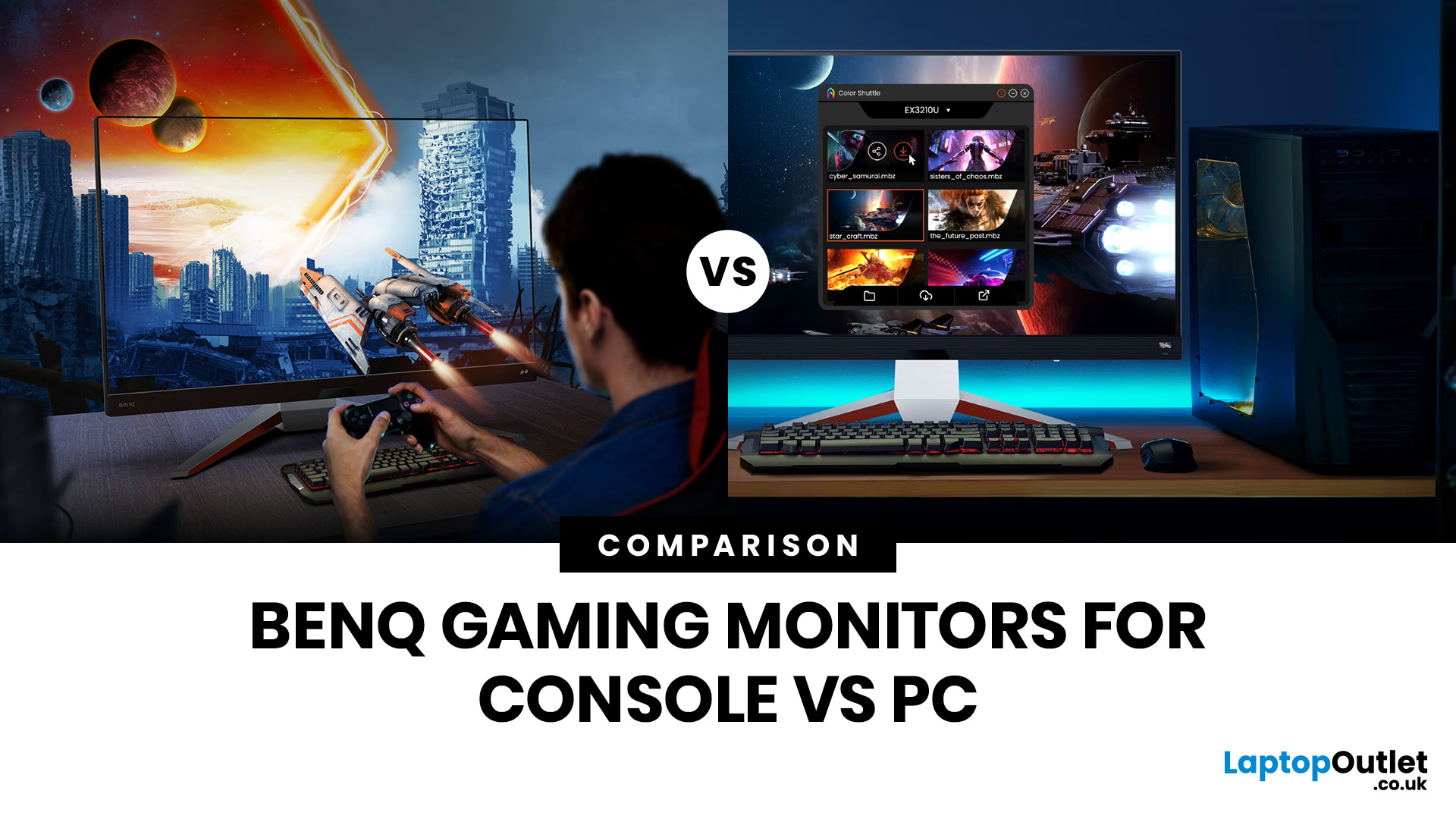
Picking the right gaming monitor is no longer as simple as choosing the biggest screen you can afford. Your setup matters, your platform matters, and the way you play matters even more. A monitor that feels perfect for a competitive PC player might not be the best fit for someone gaming on a PS5 or Xbox Series X.
That’s exactly why choosing the right BenQ gaming monitor for console or PC comes down to more than specs on a product page. You need to think about refresh rate, resolution, connectivity and whether you care more about raw speed or immersive visuals.
BenQ makes that decision easier by offering two clear gaming monitor families. ZOWIE is built for fast, focused competitive PC play, while MOBIUZ is designed for players who want strong performance with more visual depth and better console-friendly features. If you’ve been stuck comparing 1080p, 1440p and 4K, this guide breaks it all down in a way that helps.
Do Console and PC Gamers Need Different BenQ Monitors?
Console and PC
Last Updated: September 01, 2026
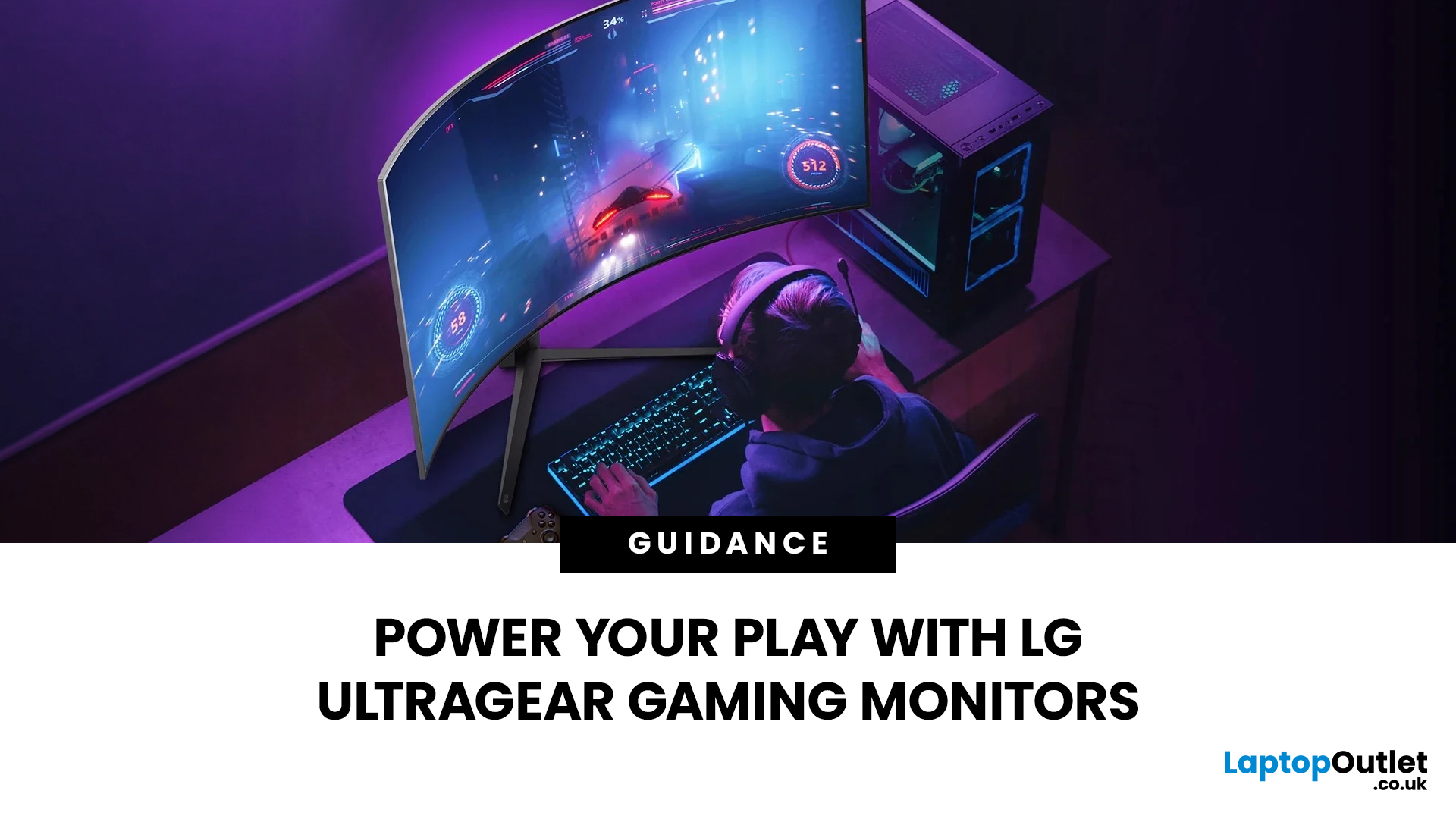
Not all gaming monitors are built the same, and the LG UltraGear range makes that very clear. Whether you're playing for fun on weekends, grinding ranked matches on a mid-range rig, or competing at a serious level, there's a specific UltraGear model that fits your needs.
This LG UltraGear guide breaks down the full lineup by player type so you can make a genuinely informed decision before spending your money.
What Makes LG UltraGear Different from Standard LG Monitors?
LG produces monitors for all sorts of uses, from office work to content creation to home cinema. UltraGear is the gaming-focused sub-brand, and it comes with a noticeably different spec sheet compared to LG's standard displays.
The core differences come down to priorities. Standard LG monitors are built around colour accuracy, ergonomics, and value for office use. UltraGear monitors are tuned for speed, responsiveness, and visual clarity under fast-moving gaming conditions.
In practical terms, this means LG UltraGear gaming

