



Are 4k gaming monitor 144hz Worth It in 2026? Benefits, Performance and Buying Guide
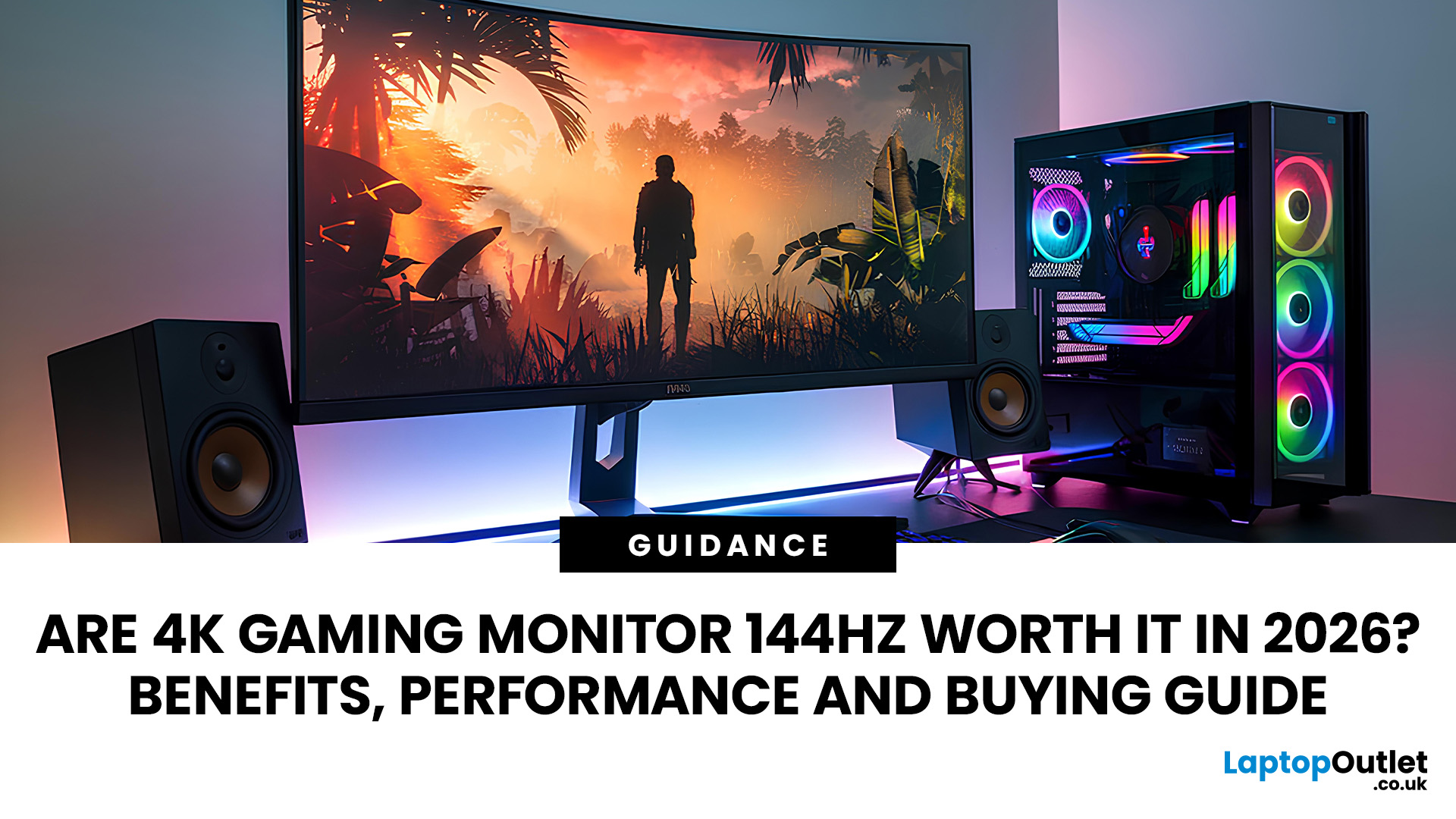
A 4K gaming monitor 144Hz model is worth it in 2026 if you have a capable gaming PC and want sharp 4K detail without being limited to 60Hz. It is particularly well suited to AAA, racing and mixed-genre gaming, although 1440p remains more practical for budget systems and competitive players chasing the highest possible frame rates.
Gaming monitors have moved well beyond the old choice between high resolution and high refresh rates. A 4K 144Hz gaming monitor combines detailed Ultra HD visuals with substantially smoother motion than a conventional 60Hz display, making it an attractive option for modern PC gaming.
However, buying one only makes sense if the rest of your hardware and the games you play can take advantage of it. This guide explains the benefits, realistic performance, GPU requirements, console compatibility and important features to check before choosing a 4K 144Hz gaming monitor.
What Is a 4K 144Hz Gaming Monitor?
4K 144Hz gaming monitors combine a native resolution of 3840 × 2160 pixels with a screen capable of refreshing up to 144 times per second.
4K contains around 8.3 million pixels per frame, four times the pixel count of 1920 × 1080 and 2.25 times that of 2560 × 1440. At the same screen size and viewing distance, that additional pixel density can produce finer detail and sharper images.
What Does 4K Resolution Change?
Higher resolution is particularly noticeable in games containing detailed environments, distant scenery, fine textures and small interface elements. It can also be useful if the monitor doubles as a productivity or creative-work display.
The benefit tends to become more obvious on larger desktop monitors, which is one reason 27-inch and 32-inch 4K gaming monitors are common choices.
What Does a 144Hz Refresh Rate Change?
At 144Hz, the monitor can refresh approximately every 6.94 milliseconds, compared with about 16.67 milliseconds at 60Hz. This can make movement, camera pans and animations appear much smoother when the PC is producing sufficiently high frame rates.
Refresh rate and frame rate are not the same thing, however. A 144Hz display can show up to 144 refreshes each second, but your GPU still has to produce the frames.
|
Specification |
What It Affects |
|
4K / 3840 × 2160 |
Image detail and sharpness |
|
144Hz refresh rate |
Motion smoothness |
|
Response time |
How quickly pixels change |
|
VRR |
Synchronisation between changing FPS and refresh rate |
|
Input lag |
Delay between an input and the resulting image being displayed |
Are 4K Gaming Monitors with 144Hz Worth It in 2026?
For many high-end PC gamers, yes. A 4K 144Hz gaming monitor provides an effective middle ground between image quality and high-refresh gaming, particularly if you play a mixture of visually rich single-player titles and faster multiplayer games.
It is worth recognising that 144Hz is no longer the maximum available at 4K. The 2026 market includes 4K OLED and LCD monitors operating at 160Hz, 240Hz and beyond, including dual-mode displays that trade resolution for even higher refresh rates. That does not make 144Hz obsolete. It simply means it is now one part of a wider high-refresh 4K market.
When Is 4K 144Hz Worth It?
A 4K 144Hz monitor makes the most sense if you:
- Have a high-performance gaming PC
- Play AAA, open-world, racing or visually detailed games
- Want smoother motion than a 60Hz or 75Hz 4K monitor
- Play both competitive and single-player games
- Use one monitor for gaming, productivity and media
- Connect both a PC and a PS5 or Xbox Series X
- Plan to keep the monitor through several PC upgrades
When Might It Not Be Worth It?
Consider another option if you:
- Have an entry-level or older graphics card
- Mainly play esports at very high frame rates
- Are working with a limited overall PC budget
- Already find 1440p sharp enough at your preferred screen size
- Would have to compromise heavily on graphics settings just to run games at 4K
What Are the Benefits of a 4K 144Hz Gaming Monitor?
The main attraction is not resolution or refresh rate alone. It is being able to combine both.
Sharper and More Detailed Gaming
A native 4K image gives the monitor substantially more pixels with which to represent fine details than either 1080p or 1440p.
That can improve the clarity of textures, character models, vegetation, distant objects and interface elements. It is especially useful in visually dense games where scenery and environmental detail are part of the experience.
Resolution does not automatically improve the underlying graphics, though. Texture quality, anti-aliasing, lighting, ray tracing and the game's assets still affect what you actually see.
Smoother Motion at Up to 144Hz
The move from 60Hz to 144Hz can be easy to notice during rapid camera movement and fast gameplay.
Shooters, racing games, action titles and other motion-heavy genres can feel more immediate because the display has more opportunities to show updated visual information every second.
A Strong Balance Between Detail and Speed
Historically, gamers often had to choose between a high-resolution 60Hz display and a faster lower-resolution screen.
A 144Hz 4K monitor reduces that compromise. You can enjoy native 4K when image quality matters while still having enough refresh-rate headroom for games that run well above 60 FPS.
Useful for Both PC and Console Gaming
Many modern high-refresh 4K monitors also include HDMI connectivity suitable for consoles.
PS5 officially supports 4K output at up to 120Hz, while Xbox Series X supports 4K gaming at up to 120 FPS where the game and connected display support it. Neither console requires a 144Hz display specifically, but a compatible 144Hz monitor can accept their 120Hz modes while offering the full refresh range to a PC.
What Gaming Performance Can You Expect at 4K 144Hz?
The most important thing to understand is that buying a 144Hz monitor does not mean every game will run at 144 FPS.
Performance depends on the GPU, CPU, game engine, graphics settings, ray tracing, resolution scaling and whether technologies such as upscaling or frame generation are enabled.
AAA and Ray-Traced Games
Modern AAA games can place a substantial load on even powerful GPUs at native 4K, especially with maximum settings and demanding ray-tracing effects enabled.
In these games, you may need to reduce selected settings or use an upscaling technology rather than insisting on native 4K rendering at the maximum preset.
The useful part of owning a 144Hz monitor is that performance does not have to sit permanently at 144 FPS to benefit. A game running smoothly at 80, 100 or 120 FPS can still take advantage of more of the monitor's refresh range than it could on a 60Hz display.
Competitive and Less Demanding Games
Esports titles and less graphically intensive games can often run at much higher frame rates than demanding AAA releases, making it easier for suitable hardware to approach or exceed 144 FPS.
If competitive gaming is your only priority, however, a 1440p display at 240Hz, 360Hz or faster may be a better match than 4K 144Hz.
Native 4K vs Upscaling and Frame Generation
Modern gaming increasingly uses rendering technologies to make high-resolution gaming more practical.
NVIDIA's current GeForce RTX 50 Series supports DLSS 4.5, including AI-based upscaling and Multi Frame Generation, while AMD's Radeon RX 9000 platform supports its current FSR technologies, including ML-enhanced features designed to improve performance at demanding resolutions.
Upscaling renders the game from a lower internal resolution and reconstructs a higher-resolution output. Frame generation creates additional displayed frames between conventionally rendered frames.
For that reason, native FPS and frame-generated FPS should not be treated as identical measurements. Frame generation can improve perceived smoothness, but some of the displayed frames are synthesised rather than conventionally rendered.
|
Gaming Scenario |
What Matters Most |
What to Expect |
|
Competitive/esports |
FPS and responsiveness |
High refresh rates are easier to reach |
|
AAA gaming |
Detail and visual quality |
Settings or upscaling may be needed |
|
Heavy ray tracing |
Lighting quality |
Very demanding on the GPU |
|
Older/lighter games |
High frame rates |
More likely to make full use of 144Hz |
Do You Need a Powerful GPU for a 4K 144Hz Gaming Monitor?
Yes, if you want to use both the 4K resolution and high refresh rate effectively in demanding games.
Moving from 1440p to 4K increases the pixel count from about 3.69 million to 8.29 million pixels per frame. That is 2.25 times as many pixels, although real-world performance does not scale by one fixed percentage because game workloads are more complicated than pixel count alone.
What Level of GPU Should You Aim For?
There is no honest universal “minimum GPU for 4K 144Hz”.
One graphics card might exceed 144 FPS in an esports title yet fall well below that figure in a demanding ray-traced game. Settings also make an enormous difference.
As a practical guide:
|
Gaming Target |
GPU Guidance |
|
4K around 60–90 FPS |
Capable modern GPU, depending heavily on game and settings |
|
4K around 100–144 FPS |
High-end hardware is preferable; upscaling may help |
|
4K with demanding ray tracing |
High-end GPU plus carefully selected settings and modern rendering features |
|
Competitive games at 4K |
High FPS can be much easier to achieve in lighter titles |
Current GPU families aimed at demanding gaming include NVIDIA's GeForce RTX 50 Series and AMD's Radeon RX 9000 Series. AMD specifically positions the RX 9070-series generation for high-resolution gaming and supports ML-enhanced FSR features, while NVIDIA markets its higher RTX 50-series cards around 4K workloads and DLSS-assisted performance.
These are examples, not guarantees that every model will deliver 144 FPS in every game.
Do CPU, VRAM and Settings Matter?
Yes.
At 4K, the GPU often carries much of the rendering workload, but the CPU can still limit maximum frame rates, especially in CPU-heavy games or when targeting very high FPS.
VRAM requirements also vary by title, texture settings, ray tracing and modifications. Rather than following a single universal VRAM number, check benchmarks for the specific games and settings you intend to use.
4K 144Hz vs 1440p 144Hz: Which Is Better for Gaming?
Neither option is automatically better.
4K 144Hz prioritises image sharpness, while 1440p 144Hz is considerably easier for a GPU to drive. Because both displays have the same 144Hz refresh ceiling, the key difference is resolution and the performance required to feed it.
|
Factor |
4K 144Hz |
1440p 144Hz |
|
Image sharpness |
Higher |
Lower |
|
Pixel count |
8.29 million |
3.69 million |
|
GPU workload |
Higher |
Lower |
|
High FPS accessibility |
Harder |
Easier |
|
AAA gaming |
Excellent with capable hardware |
Excellent balance |
|
Competitive gaming |
Good |
Often more practical |
|
Larger desktop screens |
Strong choice |
Still suitable |
|
Hardware requirements |
Higher |
More accessible |
Choose 4K 144Hz If...
- Image detail is a major priority
- You have a powerful GPU
- You play a mixture of AAA and fast-paced games
- You want 4K for productivity as well as gaming
Choose 1440p 144Hz If...
- You prioritise easier high-FPS performance
- You have a mid-range GPU
- Your budget is better spent on other PC components
- 1440p already looks sufficiently sharp at your preferred screen size
Can PS5 and Xbox Series X Use a 4K 144Hz Monitor?
Yes, but neither console needs the full 144Hz capability.
Sony states that PS5 supports HDMI 2.1 and 4K 120Hz video output, alongside settings for VRR and 120Hz output on compatible displays. Xbox Series X also supports 4K gaming at 120Hz when used with supported content, a suitable display and the required connection.
For console use, check that the monitor supports:
- 4K at 120Hz through HDMI
- HDMI 2.1
- Variable Refresh Rate
- HDR
- Low input lag
- The required features on the specific HDMI port you will use
A 144Hz monitor is particularly useful when the same screen is shared between a console running up to 120Hz and a gaming PC capable of using higher refresh rates.
What Should You Look for When Buying a 4K 144Hz Gaming Monitor?
Specifications on the box do not tell the whole story. When choosing a 4K gaming monitor 144Hz model, check how its resolution, refresh rate, ports, panel and gaming features work together.
HDMI 2.1 and DisplayPort
For a modern console setup, HDMI 2.1 is an important feature. The HDMI 2.1 specification introduced support for higher-bandwidth gaming features including 4K120, Variable Refresh Rate and Auto Low Latency Mode.
For PCs, DisplayPort remains common. DisplayPort 1.4 introduced support for Display Stream Compression (DSC), which monitor manufacturers can use to transport demanding high-resolution, high-refresh signals while maintaining visually lossless image quality. Newer monitors may also offer DisplayPort 2.1.
Do not buy solely because a specification sheet says “HDMI 2.1” or “DisplayPort”. Check exactly which resolution, refresh rate, colour depth and HDR combinations the monitor supports through each input.
Variable Refresh Rate
Frame rates rarely remain perfectly fixed throughout a game.
Variable Refresh Rate (VRR) allows the display's refresh behaviour to follow changes in the source frame rate, helping to reduce visible tearing and stutter within the supported VRR range.
AMD FreeSync uses standards including DisplayPort Adaptive-Sync and HDMI VRR, while NVIDIA's G-SYNC Compatible programme validates displays for a baseline VRR experience with compatible GeForce hardware.
Response Time and Input Lag
These terms are related but not interchangeable.
Response time concerns how quickly pixels transition between states. Input lag concerns the wider delay between an input and the resulting image appearing on screen.
Do not assume that every monitor advertised as “1ms” performs identically. Response-time measurements depend on the testing method and overdrive setting, so independent real-world testing is more useful than one headline specification.
IPS, VA or OLED?
Each display technology has different strengths.
- IPS: Often a strong all-round choice, with wide viewing angles, good colour consistency and fast modern gaming variants.
- VA: Typically offers stronger native contrast than conventional IPS LCD panels, although motion performance varies between models.
- OLED: Uses self-emissive pixels, giving extremely deep blacks and very fast pixel response. Buyers should also consider long-term static-content use and the manufacturer's burn-in protection or warranty terms.
You may also encounter Mini-LED. Mini-LED is a backlighting technology used with LCD panels rather than a separate LCD panel type. A large number of local-dimming zones can improve HDR contrast compared with basic edge-lit LCD monitors.
HDR Quality
An HDR-compatible label alone does not guarantee impressive HDR.
Look at brightness, black level, contrast, colour gamut and local dimming performance. VESA's DisplayHDR certification programme tests multiple aspects of HDR performance, including luminance, colour gamut, bit depth and black-level behaviour.
OLED displays may instead carry one of VESA's DisplayHDR True Black certifications designed for self-emissive displays.
Screen Size
Both 27-inch and 32-inch sizes work well at 4K.
A 27-inch panel provides higher pixel density and works well at typical desk distances. A 32-inch display provides a larger image and can make detailed games feel more immersive, while curved gaming monitors may enhance that sense of immersion by bringing more of the screen into your field of view.
There is no universally correct size or screen shape. Consider viewing distance, desk depth and whether you will also use the monitor for work.
4K 144Hz Gaming Monitor Buying Checklist
Before buying, check for:
- 3840 × 2160 native resolution
- 144Hz or higher refresh rate
- Suitable HDMI 2.1 and/or DisplayPort connectivity
- VRR, FreeSync or appropriate G-SYNC support
- Good measured response-time performance
- Low input lag
- Suitable IPS, VA or OLED panel technology
- Genuine HDR capability if HDR matters to you
- Ergonomic height, tilt and swivel adjustment where required

Should 4K 144Hz Be Your Next Gaming Monitor?
The best 4K gaming monitor 144Hz setup remains a strong choice in 2026 for gamers who want detailed visuals and genuinely smooth gameplay without paying specifically for 240Hz capability.
The right choice depends on GPU performance, the games you play, VRR, connectivity, panel technology and HDR quality. For mixed high-end gaming, 4K 144Hz still offers an excellent balance. Competitive players may prefer 1440p 240Hz monitors, while enthusiasts capable of driving much higher frame rates can consider 4K 240Hz.

In Case You Were Wondering...
Are 4K 144Hz gaming monitors worth it in 2026?
Yes, if you have hardware capable of driving 4K at high frame rates and value both sharp image quality and smooth motion. Budget and esports-focused gamers may get better value from 1440p.
Do you need a powerful GPU for a 4K 144Hz gaming monitor?
Usually, yes. Modern AAA games at 4K can be very demanding, especially with ray tracing. A high-end GPU, sensible graphics settings and supported upscaling can help you use more of the 144Hz refresh range.
Is 4K 144Hz better than 1440p 144Hz for gaming?
4K 144Hz gives you sharper images, while 1440p 144Hz is much easier to drive at high frame rates. Choose 4K for detail and 1440p when performance, competitive play or value matters more.
Can PS5 and Xbox Series X use a 4K 144Hz monitor?
Yes. Both consoles can use compatible 4K high-refresh monitors, but they target up to 120Hz rather than 144Hz. For 4K 120Hz, check for HDMI 2.1, VRR support and the correct HDMI port.
Is 144Hz enough for 4K gaming in 2026?
Yes, for most mixed and AAA gaming. Although faster 4K monitors now exist, 144Hz remains very smooth. Competitive players chasing the lowest possible frame times may prefer 240Hz or faster displays.
| Read More: |
| 60Hz vs 144Hz Gaming Monitors: Which Refresh Rate Should You Choose? |
| Best OLED Gaming Monitors to Buy in 2026 |
| Are BenQ 240Hz Gaming Monitors Worth It? High Refresh Rates Explained |
Related Articles


Last Updated: July 07, 2026
Laptops are powerful enough to handle work, study, streaming, gaming and creative tasks, but the right accessories can make a big difference to how comfortable and productive your setup feels. From keyboards and monitors to laptop bags, hubs and stands, choosing the best accessories helps you get more from your device every day.
| The best laptop accessories in 2026 are the ones that make your device more comfortable, productive, portable and easier to use every day. Essential picks include a wireless keyboard and mouse, external monitor, USB-C hub, laptop stand, protective sleeve, mouse pad, webcam, headphones, cooling pad and external storage. Whether you use your laptop for work, study, gaming or travel, the right accessories can turn a basic setup into a more efficient workspace. |
In 2026, laptop users are not just looking for basic add-ons. They want accessories that improve posture, speed up multitasking, protect their devices and create a cleaner desk setup. Whether you are building
Last Updated: August 25, 2026
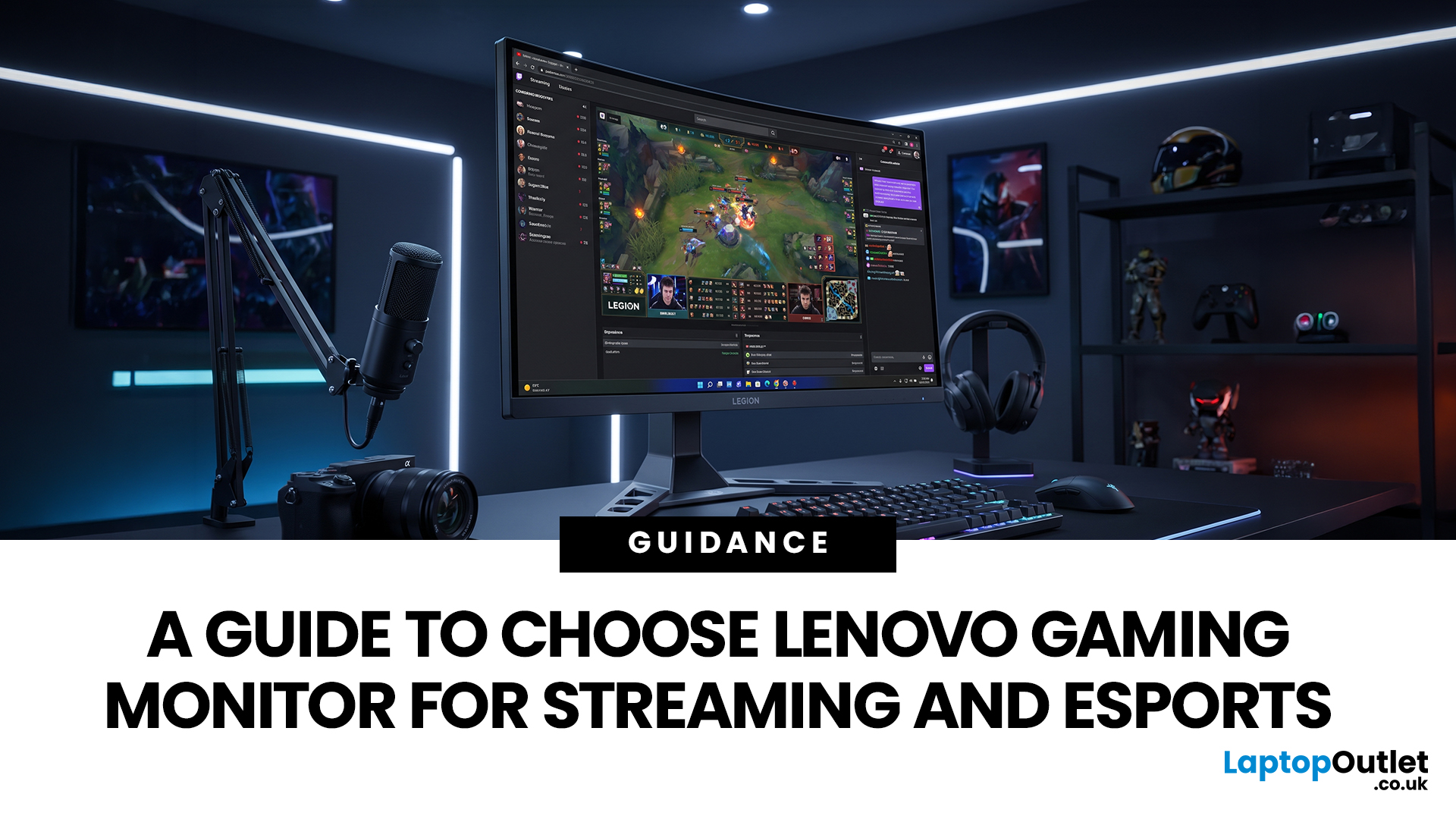
Quick answer: The best Lenovo gaming monitor for streaming and esports is the one your PC can drive consistently at its native resolution while it also handles your broadcast workflow. For many mixed-use setups, a 27-inch QHD display at 165Hz to 180Hz is the balanced choice. A 24.5-inch or 27-inch Full HD screen at 240Hz or above prioritises competitive speed, while a 34-inch UWQHD display at 165Hz to 180Hz provides more room for a single-screen streaming workspace.
Those are useful profiles, not universal rules. Your real decision depends on sustained frame rate, encoder load, game genre, desk space and whether OBS, chat and alerts live on the same display. A monitor does not encode the stream, and a 240Hz panel does not make viewers receive a 240fps broadcast. It changes the experience in front of you, which can still matter greatly during competitive play.
Last Updated: August 11, 2026
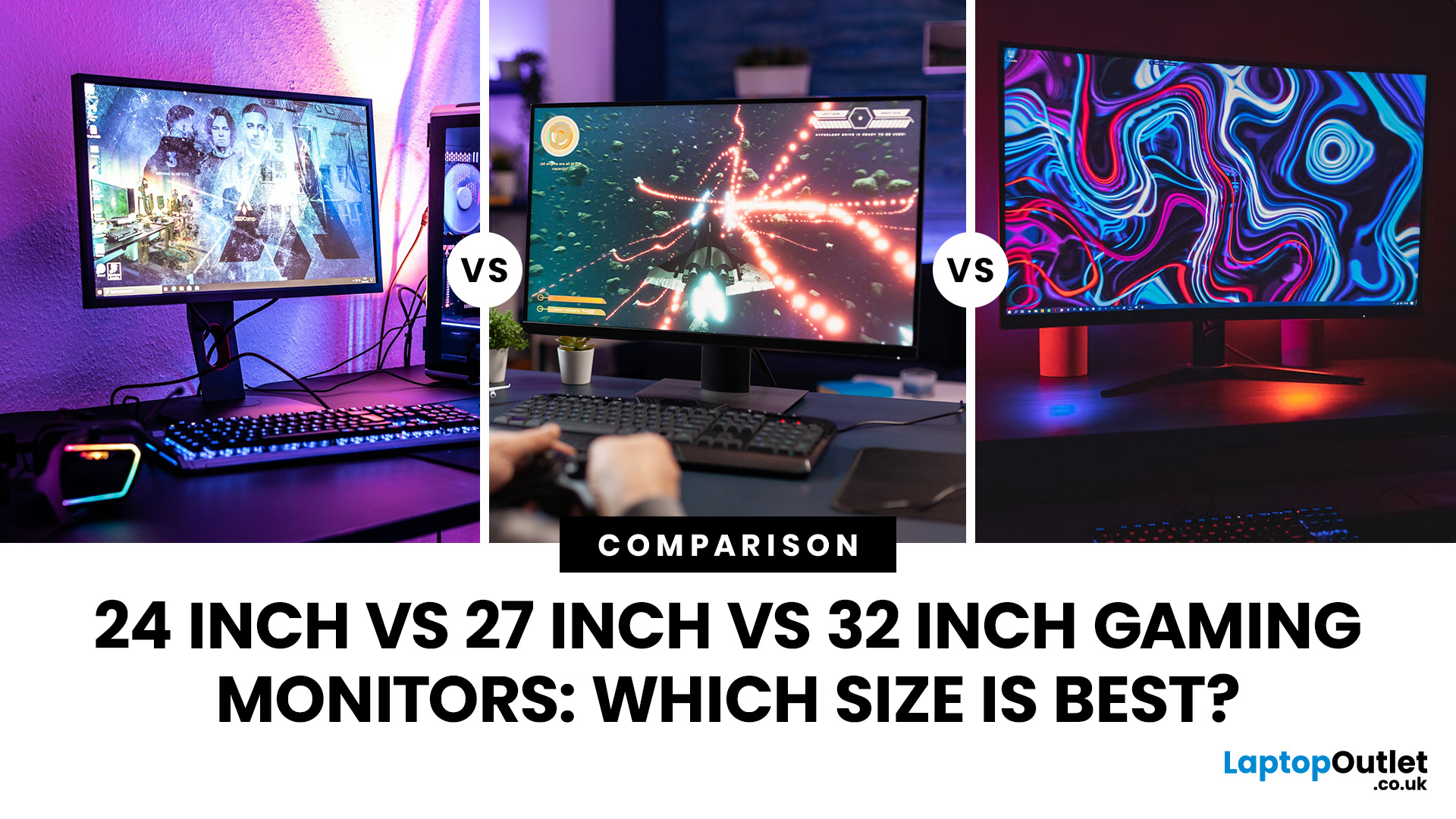
Picking the best gaming monitor size isn’t just about going big or going home. Your screen size actually changes how your games look, feel, and perform. A 24-inch setup is clutch for competitive play, a 27-inch hits that sweet spot between clarity and immersion, and a 32-inch screen? That’s where things get seriously cinematic.
Size alone isn’t the whole story. Resolution, desk space, refresh rate, and what you actually play all matter. This gaming monitor size comparison breaks down 24, 27, and 32-inch displays so you can find your perfect match.
24 Inch vs 27 Inch vs 32 Inch Gaming Monitors: Quick Comparison
The following table provides a quick overview of how the three most popular gaming monitor sizes compare.
| Feature | 24-Inch Monitor | 27-Inch Monitor | 32-Inch Monitor |
| Recommended resolution | 1920 × 1080 | 2560 × 1440 | 2560 × 1440 or 3840 × 2160 |
| Best suited to | Competitive gaming | Mixed gaming and everyday use | Immersive and cinematic gaming |
| Typical desk requirement | Small | Medium | Large |
| Graphics |
Last Updated: August 11, 2026
Last Updated: September 03, 2026
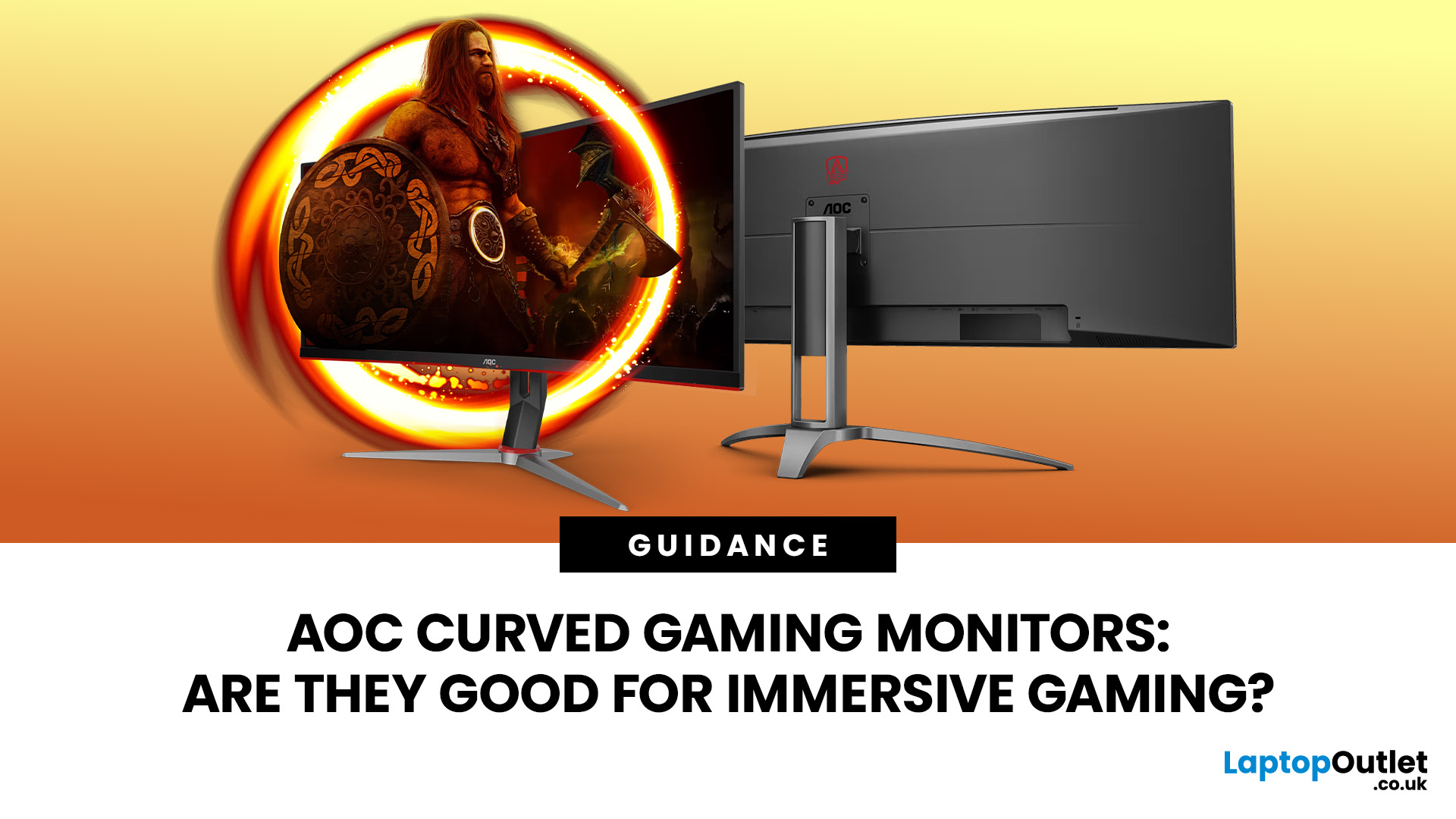
An AOC curved gaming monitor can be a strong choice for immersive gaming, especially if you play racing, simulation, RPG, open-world or cinematic single-player games. The curved screen helps draw more of the display into your natural field of view, which can make gameplay feel more engaging on larger panels. For many PC gamers, the sweet spot is a 27-inch or 32-inch high-resolution QHD monitors. For maximum immersion, an AOC 34 curved gaming monitor or another ultrawide curved gaming monitor can offer a wider, more cinematic view.
Are AOC Curved Gaming Monitors Good for Immersive Gaming?
Yes, AOC curved gaming monitors can be good for immersive gaming, but the experience depends on three things:
- Screen size
- Resolution
- Refresh rate
A curved display is most effective when the screen is large enough for the curve to matter. On a 24-inch screen, the curve may feel subtle. On a 32-inch or 34-inch screen, it becomes much more noticeable because the edges of the panel sit further into your peripheral
Published: July 27, 2026
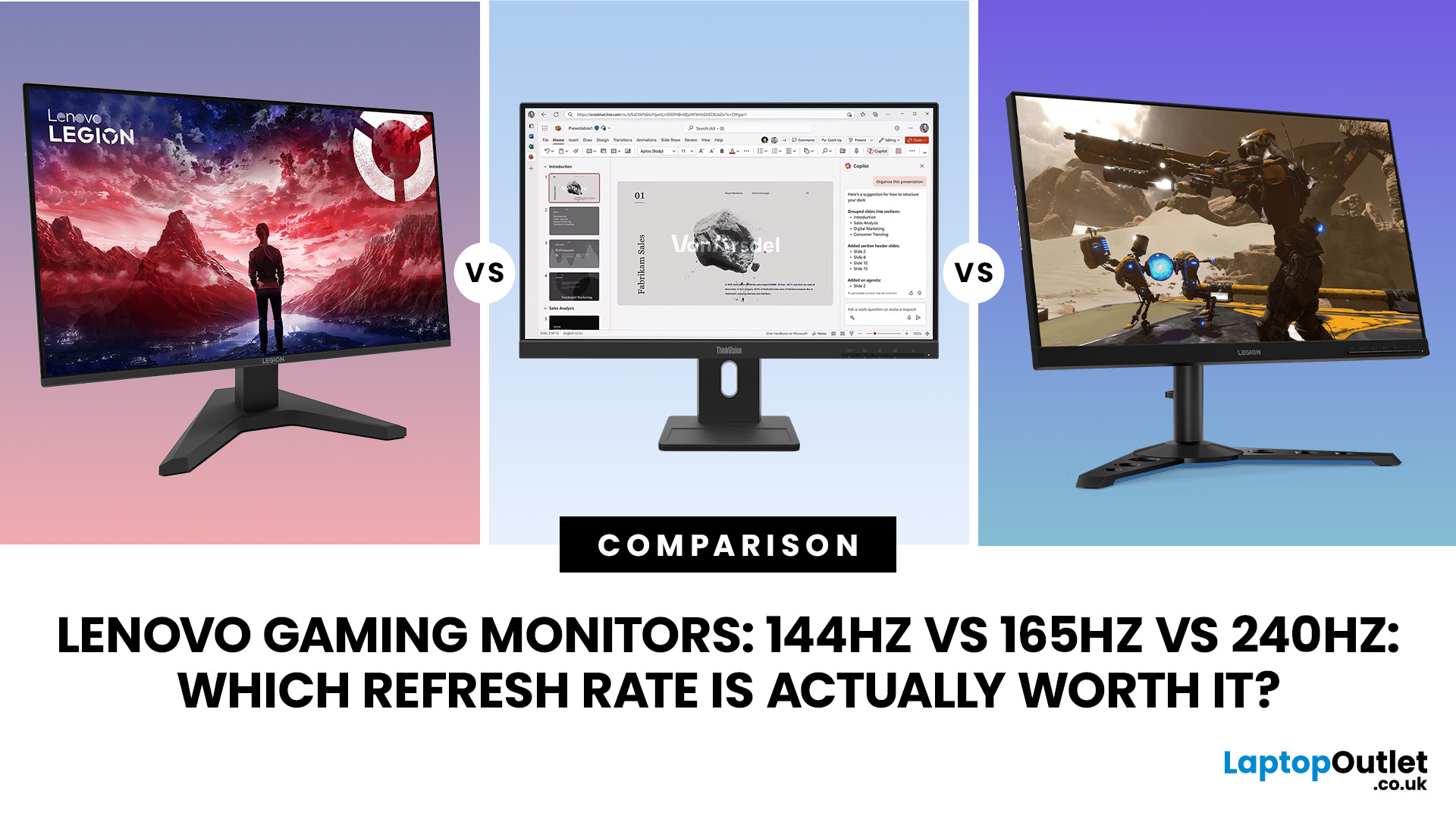
Last Updated: September 03, 2026
Refresh rate is one of the first specifications you will notice when shopping for a gaming monitor. A higher number promises smoother movement and faster feedback, but that does not automatically mean a 240Hz display is the right choice for your setup.
The best Lenovo monitor refresh rate depends on the games you play, the frame rates your computer can produce and whether you prioritise competitive responsiveness or sharper graphics. A casual player running cinematic games at 70 frames per second will gain little from 240Hz, while a competitive FPS player maintaining more than 200fps may notice a meaningful improvement.
This guide compares 144Hz, 165Hz, and 240Hz Lenovo gaming monitors so you can pay for performance you will actually use.
Quick Answer: Is 144Hz, 165Hz or 240Hz Best?
For most PC gamers, 144Hz or 165Hz offers the best balance of smoothness, hardware requirements, and value. Choose 240Hz when you mainly play competitive shooters and your PC can regularly produce close to 240fps
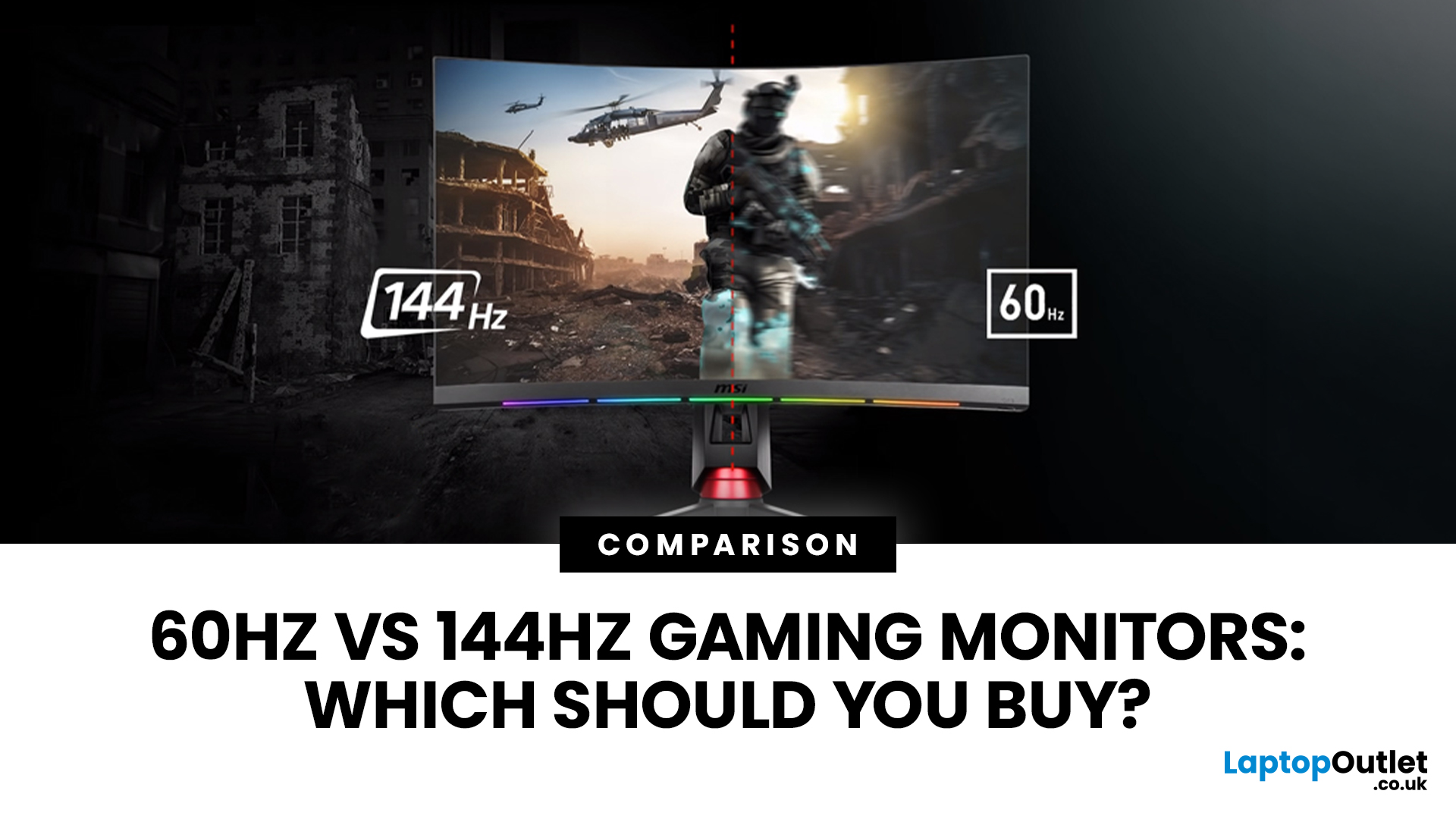
Last Updated: August 11, 2026
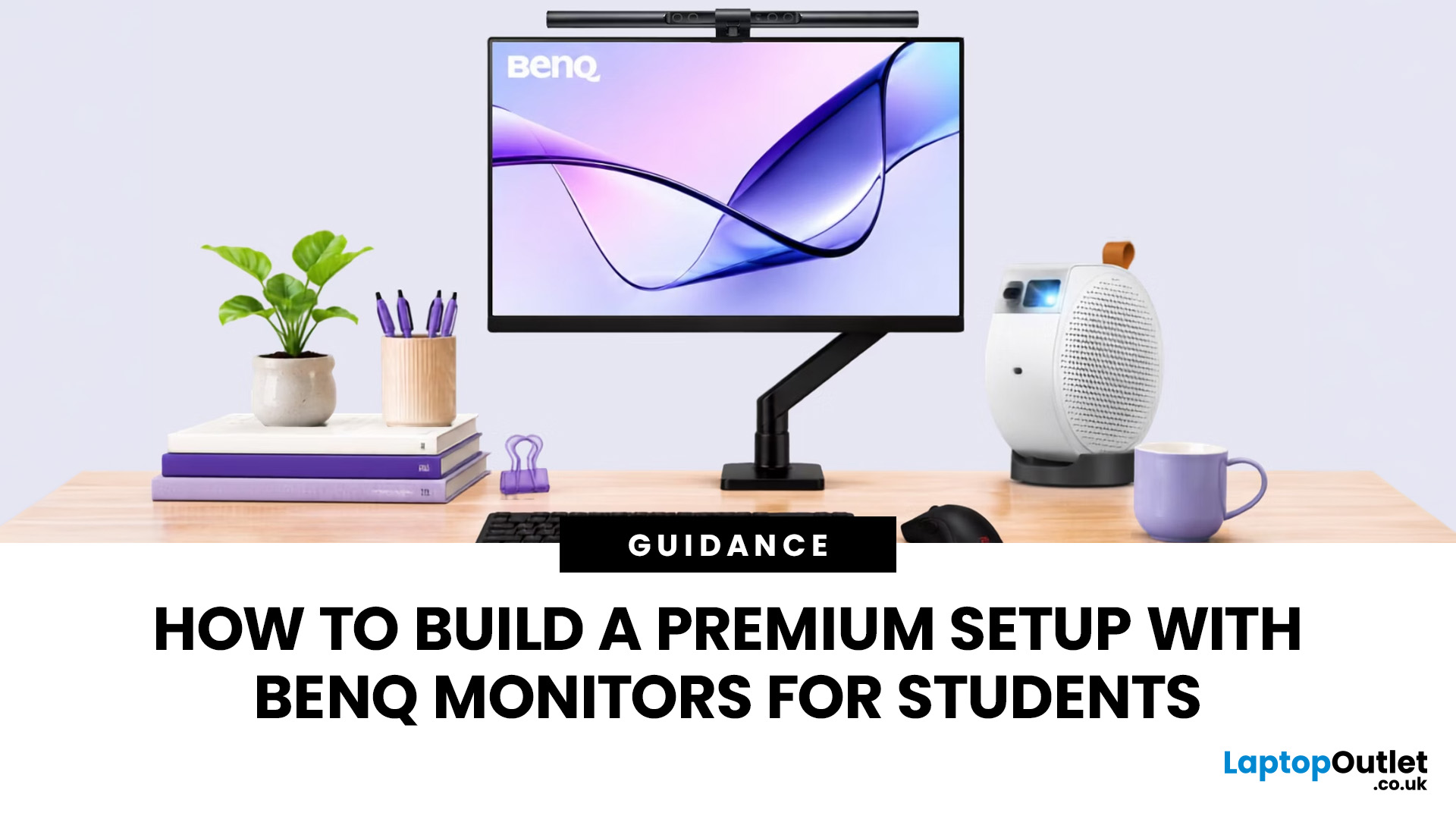
Last Updated: August 17, 2026
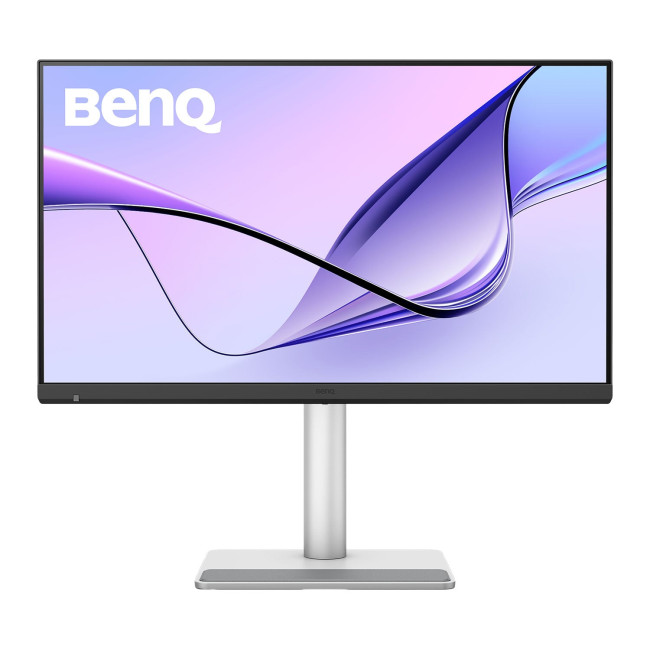
BenQ monitors for students can create a more comfortable and capable workspace for coursework, research, creative projects and downtime. The right display should suit your course, desk space, laptop and daily routine rather than simply offer the highest resolution. For many students, the strongest setup combines clear text, useful screen space, simple connectivity and enough versatility for life beyond studying.
A premium student monitor setup is not defined by one specification. A compact high-resolution screen may work better in university accommodation, while a larger display can make research, timelines and spreadsheets easier to manage. Room lighting, USB-C charging, ergonomics and gaming needs also influence the decision. This guide compares BenQ's Mac-focused MA Series with a faster mixed-use alternative and explains where each approach makes practical sense.
Compare the Best BenQ Monitors for Students in 2026
| Model | Display | Colour and HDR | Laptop Connection | Best Student Use |
|
|
Last Updated: September 03, 2026
Creative work depends on display quality, from colour accuracy to detail clarity.
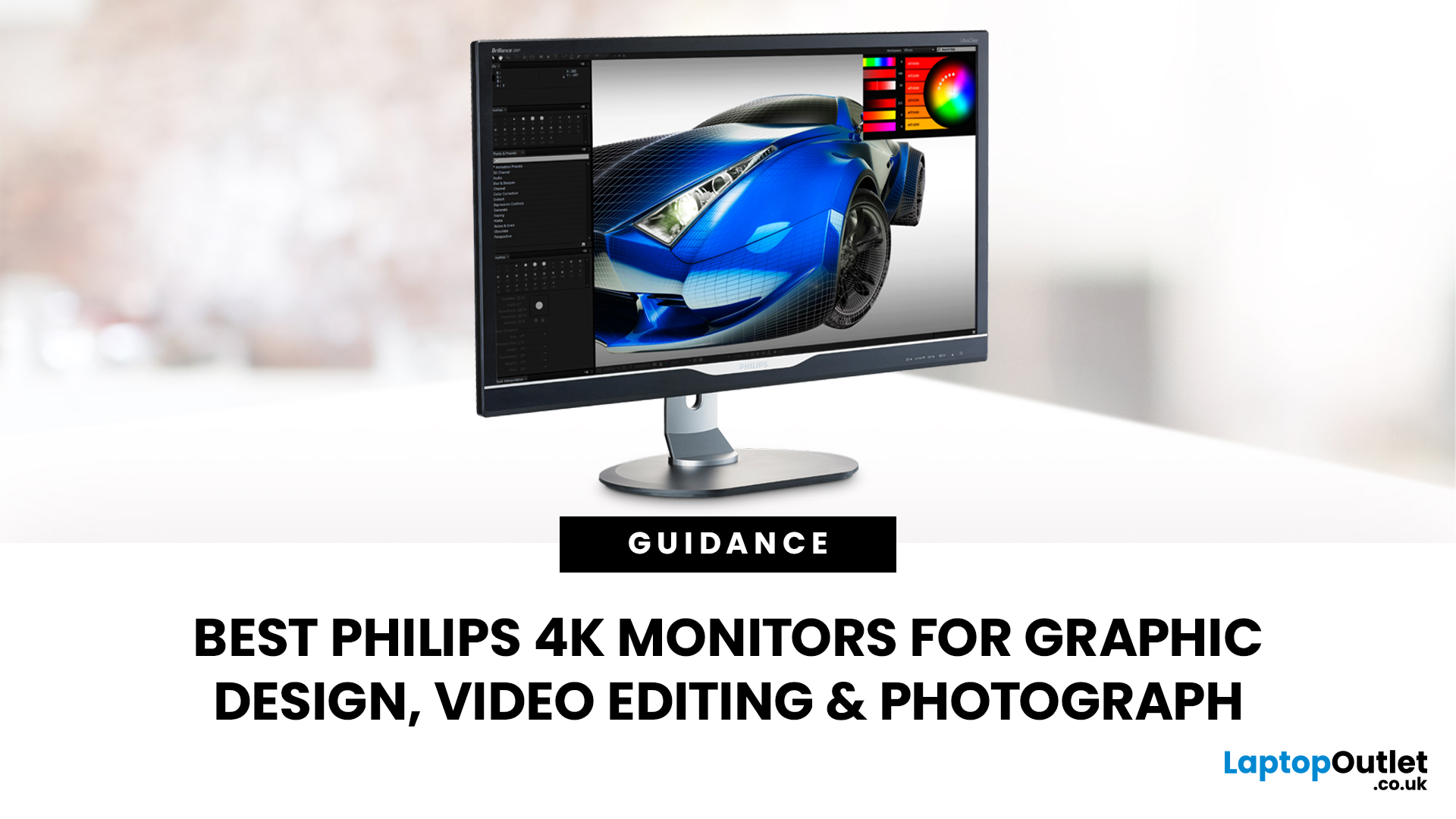
The best Philips 4K monitors for creative work include the 27E1N1800AE for affordable 4K clarity, the 27E1N1900AE for convenient USB-C laptop connectivity and the curved 328E1CA for a larger editing workspace. A 27-inch IPS model suits most designers and photographers, while a 31.5-inch VA display offers stronger contrast and more room for video timelines. Choose according to colour requirements, connectivity, available desk space and your everyday creative workflow needs.
These 4K monitors deliver four times Full HD resolution for sharper visuals and more workspace, but panel type, colour performance and connectivity are just as important.
This guide highlights the best Philips 4K options for design, video editing and photography. It also highlights key considerations so you can compare different computer monitors for designers more effectively.
Best Philips 4K Monitors at a Glance
| Philips Monitor | Best For |

