



Best Philips 4K Monitors for Graphic Design, Video Editing and Photography
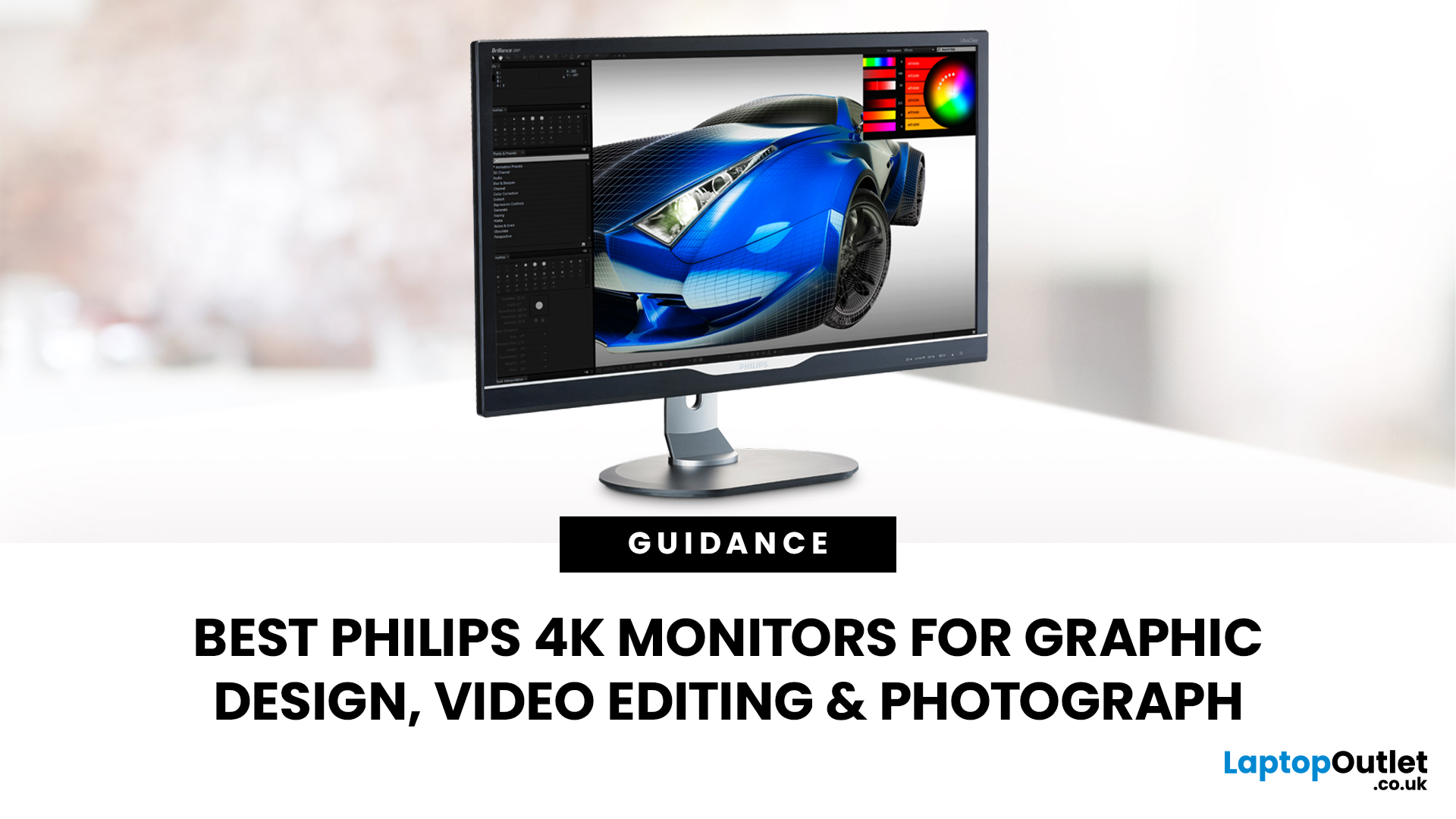
Creative work depends on display quality, from colour accuracy to detail clarity.
The best Philips 4K monitors for creative work include the 27E1N1800AE for affordable 4K clarity, the 27E1N1900AE for convenient USB-C laptop connectivity and the curved 328E1CA for a larger editing workspace. A 27-inch IPS model suits most designers and photographers, while a 31.5-inch VA display offers stronger contrast and more room for video timelines. Choose according to colour requirements, connectivity, available desk space and your everyday creative workflow needs.
These 4K monitors deliver four times Full HD resolution for sharper visuals and more workspace, but panel type, colour performance and connectivity are just as important.
This guide highlights the best Philips 4K options for design, video editing and photography. It also highlights key considerations so you can compare different computer monitors for designers more effectively.
Best Philips 4K Monitors at a Glance
|
Philips Monitor |
Best For |
Key Strength |
|
Philips 27E1N1800AE |
Best value 4K display |
27-inch IPS panel with sharp 4K clarity |
|
Philips 27E1N1900AE |
USB-C creative workflows |
Single-cable laptop connectivity |
|
Philips 288E2A |
Colour-focused design work |
Wide sRGB coverage and strong accuracy |
|
Philips 32B1U3900 |
Large workspace productivity |
31.5-inch 4K screen with USB-C docking |
|
Philips Brilliance BDM4037UW |
Immersive large display setup |
40-inch curved 4K workspace |
Why is the Philips 4K Monitor Best for Creative Work?
For most creative professionals, a 27-inch 4K IPS display offers the best balance of clarity, size and affordability. It provides enough screen space for editing software while maintaining high pixel density for detailed work.
For users who need more workspace, a 32-inch 4K monitor is often preferred for video editing and multitasking. Those focused on colour accuracy may prioritise displays with strong sRGB performance, while hybrid users who also value gaming or motion smoothness may benefit from high-refresh-rate monitors alongside USB-C connectivity for simplified laptop integration.
Ultimately, the best choice depends on your workflow, software usage and workspace setup rather than resolution alone.

1. Best Value 4K Display for Creative Work
A 27-inch 4K IPS monitor in this category is ideal for users who want professional-level clarity without unnecessary complexity. It supports detailed photo editing, graphic design and general content creation with excellent sharpness.
The IPS panel ensures consistent colour reproduction and wide viewing angles, making it suitable for collaborative work or multi-device setups. With 4K resolution, users can comfortably manage multiple windows, toolbars and editing panels simultaneously.
This type of display is commonly used in entry-level creative studios, freelance environments and student setups where reliability and clarity are key priorities.
2. Best USB-C Monitor for Creative Workflows
USB-C-enabled 4K monitors are designed for modern laptop-based workflows, allowing video, data and power to be transmitted through a single cable. This significantly reduces desk clutter and improves workflow efficiency.
A 27-inch IPS panel in this category provides strong colour consistency, making it suitable for design, photography and video editing tasks. Integrated USB hubs also allow peripherals such as keyboards, storage devices and drawing tablets to connect directly through the display.
This setup is particularly useful for hybrid professionals who move between office and remote work environments.
3. Best Monitor for Colour Accuracy in Design and Photography
For colour-sensitive work such as branding, print design and professional photography, accuracy is more important than size or additional features.
A 28-inch IPS 4K display with strong sRGB coverage is often preferred in this category. These monitors are designed to reduce colour deviation, ensuring that what appears on screen closely matches final output across digital and print formats.
Support for high colour depth also helps produce smoother gradients, which is essential for retouching, illustration and detailed visual editing.
However, for professional-grade accuracy, external calibration tools are still recommended to maintain consistency over time.
4. Best Large 4K Monitor for Video Editing and Multitasking
A 31.5-inch 4K display is ideal for users who need more screen real estate for complex workflows. Video editors, motion designers and content creators benefit from the additional space for timelines, preview windows and editing tools.
VA panel technology is commonly used in larger displays, offering higher contrast levels that improve visibility in darker scenes. This makes it particularly useful for video production and media consumption.
Many models in this category also include USB-C docking, allowing laptops to connect easily while powering the display and peripherals simultaneously.
5. Best Curved 4K Display for Immersive Creative Work
Large curved 4K monitors are designed to create an immersive workspace, especially for users who prefer a single expansive display instead of multiple monitors.
A 40-inch curved VA panel provides a wide viewing area, making it easier to manage multiple applications, reference materials and editing timelines at once. The curved design helps reduce eye movement across the screen, improving comfort during long working sessions.
However, due to their size, these displays require a deep desk and proper viewing distance to avoid strain.
What to Look for in a Philips 4K Monitor
Colour Accuracy and Coverage
Colour performance is one of the most important factors in creative work. sRGB is widely used for digital content, while DCI-P3 is more common in video production. Adobe RGB is often preferred for print-focused photography.
For professional use, look for monitors with low Delta E values, as this indicates better colour accuracy. Calibration tools can further improve consistency across different devices and outputs.
IPS vs VA Panels
IPS panels are widely used in design and photography due to their consistent colour reproduction and wide viewing angles. VA panels, on the other hand, offer higher contrast, making them better suited for video and entertainment-focused workflows.
Each panel type serves different creative needs, so the choice depends on whether colour accuracy or contrast is more important for your work.
If you are still comparing ranges, features and everyday use cases, our wider guide to Philips monitors for home and office can help you narrow down the right series.
Screen Size for Creative Work
A 27-inch 4K display is ideal for most users, offering sharp detail and comfortable scaling. A 32-inch display provides more workspace, which is useful for video editing and multitasking.
Larger curved displays are best suited for users who prefer immersive setups and have sufficient desk space.
Connectivity Options
USB-C connectivity is increasingly important for modern Philips displays for creative work, especially for laptop users. It allows video output, data transfer and charging through a single cable.
Standard HDMI and DisplayPort connections remain essential for desktop systems and multi-device setups.
Resolution and Refresh Rate
4K resolution is essential for detailed creative work, especially in photography, design and video editing. It provides more workspace and sharper visuals compared to full HD displays for designers.
While 60Hz is sufficient for most creative tasks, higher refresh rates can improve responsiveness in animation, motion design and hybrid gaming workflows.
Creators building one setup for editing and gaming can also compare the best Philips Evnia monitors for gamers to explore faster refresh rates and more responsive displays.

Which Philips 4K Monitor Should You Choose?
The right choice depends on your creative workflow and setup requirements.
- Choose a 27-inch 4K IPS display for general design, photography and everyday creative work
- Choose a USB-C-enabled monitor for simplified laptop-based workflows
- Choose a colour-accurate 28-inch display for professional design and photography
- Choose a 32-inch 4K monitor for video editing and multitasking
- Choose a large curved display for immersive, high-productivity environments
Each option supports different stages of the creative process, from entry-level design to advanced production workflows.
Top Picks on Laptop Outlet
Our top picks cover three key creative setups: a budget-friendly 27-inch display, a USB-C model for laptop users, and a large curved monitor for immersive workflows. All three deliver 4K resolution, but differ in size and features.
1. Philips 27E1N1800AE: Best-Value 4K Monitor
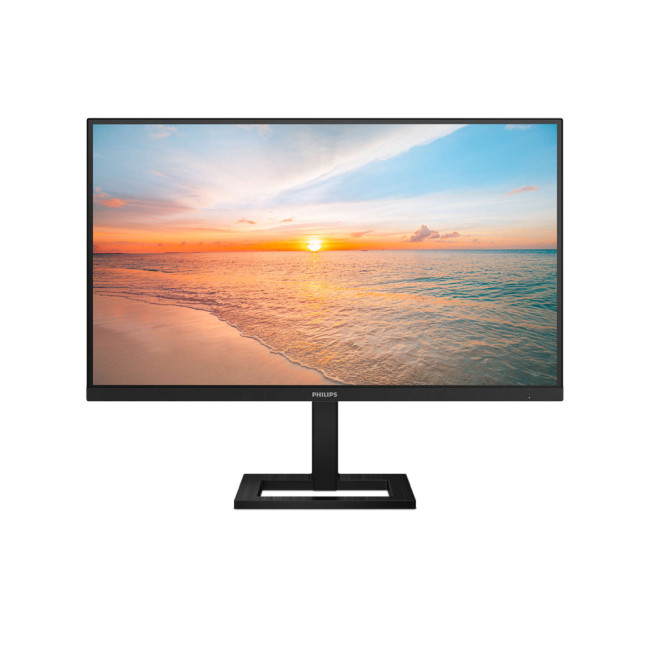
Highlights:
- Height Adjustable Stand Upto 100mm
- 2x 2W Built-in Speakers
- VESA Adaptive Sync support
- 27" 4K Ultra HD Display, IPS, 3840 x 2160 Max. Resolution
- 4 ms Response Time, 60 Hz Refresh Rate
- 16:9 Aspect Ratio
- 2× HDMI 2.0 | DisplayPort 1.4 | Headphone-out | Audio-out | HDCP 2.2
- Black Colour
The Philips 27E1N1800AE is a great entry-level 4K option for students and creatives. Its 27-inch IPS panel delivers sharp detail, wide viewing angles and 1.07 billion colours, making it suitable for design, photo editing and general content creation.
It includes HDMI and DisplayPort connections, a 350cd/m² brightness level and HDR10 support, plus a height-adjustable stand for comfort.
Best for: Affordable 4K design and editing
Why we picked it: Strong all-round performance without unnecessary extras.
2. Philips 27E1N1900AE: Best for USB-C Workflows
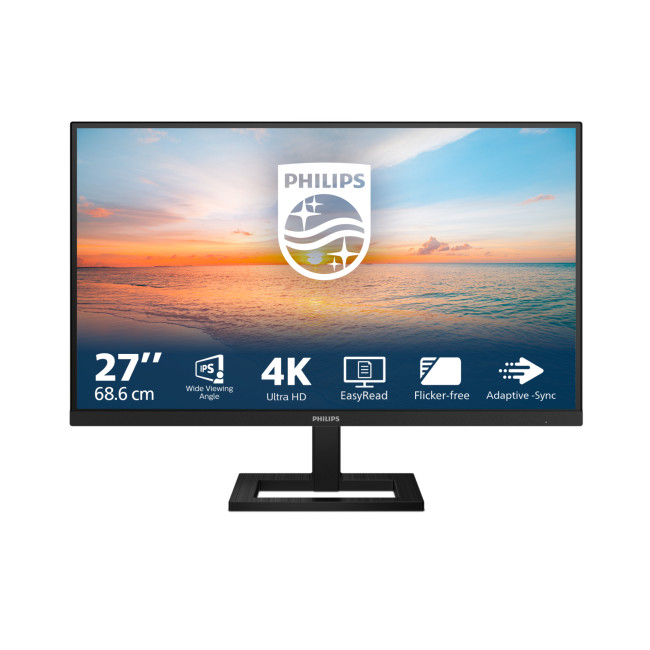
Highlights:
- Adaptive Sync
- Height Adjustable Stand to 100mm
- 2x 2W Built-in Speakers
- 27" 4K Ultra HD Display, IPS, 3840 x 2160 Max. Resolution
- 4 ms Response Time, 60 Hz Refresh Rate
- 16:9 Aspect Ratio
- 2x HDMI | USB | USB-C
- Black Colour
The Philips 27E1N1900AE builds on the same 27-inch 4K IPS foundation but adds USB-C connectivity and a built-in USB hub. This allows video, data and accessories to run through a single cable, making it ideal for laptop users.
It also offers 350cd/m² brightness, HDR10 support and a fully adjustable stand, making it a clean and efficient setup for creative work.
Best for: Laptop-based designers and editors
Why we picked it: USB-C makes desk setups simpler and more organised.
3. Philips E Line 328E1CA: Best Large Curved 4K Monitor
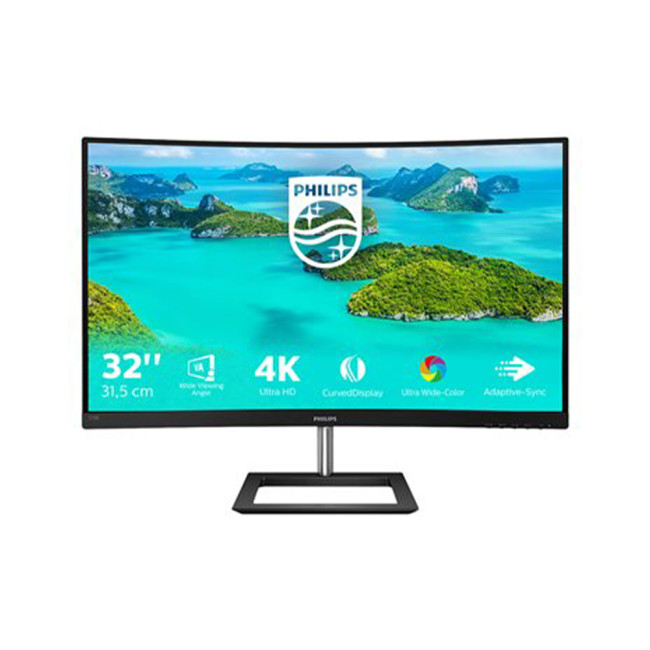
Highlights:
- 2x 3W Built-in Speakers
- Adaptive-Sync
- Low Blue Light Technology | Flicker-free Technology
- 31.5" 4K Ultra HD Display, VA, 3840 x 2160 Max. Resolution
- 4 ms Response Time, 60 Hz Refresh Rate
- 16:9 Aspect Ratio
- 2× HDMI 2.0 | DisplayPort 1.2 | PC Audio In | Audio Out
- Black Colour
The Philips E Line 328E1CA is the best choice for users who want maximum screen space. Its 31.5-inch curved VA panel provides a more immersive experience with strong contrast and plenty of room for timelines, tools and multitasking.
It features 4K resolution, 1.07 billion colours, built-in speakers and Adaptive-Sync, making it well suited to video editing and general creative work.
Best for: Large-scale editing and immersive workflows
Why we picked it: Big curved display with strong contrast and workspace flexibility.
Final Verdict
Philips 4K monitors offer a wide range of solutions for creative professionals, from compact IPS displays to large curved productivity screens. The best choice depends on whether your priority is colour accuracy, workspace size, connectivity or immersive viewing.
For most users, a 27-inch 4K IPS monitor provides the best balance of clarity, usability and affordability. However, professionals working in video production or colour-critical environments may benefit from larger or more specialised display setups.
Ready to upgrade your creative workspace? Compare the latest models and shop affordable Philips monitor offers at Laptop Outlet.

What is the best Philips 4K monitor for graphic design?
For graphic design, IPS-based 4K monitors with strong sRGB coverage are generally recommended. These displays provide accurate colour reproduction and consistent visuals across different viewing angles.
Are Philips 4K monitors good for photo editing?
Yes, 4K monitors with IPS panels are suitable for photo editing, especially when combined with proper calibration tools for colour accuracy.
Is a 27-inch or 32-inch 4K monitor better for editing?
A 27-inch display is ideal for sharp detail and compact setups, while a 32-inch display offers more workspace for complex editing and multitasking.
Do I need USB-C for a creative monitor?
USB-C is not essential, but it simplifies modern workflows by combining power, data and video into a single connection, especially for laptop users.
Is 4K necessary for creative work?
4K is highly beneficial for detailed creative tasks such as photo editing, design and video production, as it provides more workspace and sharper image quality than lower resolutions.
Related Articles

Last Updated: August 25, 2026
Choosing a Philips display is easier once you understand how the brand organises its range. Philips' UK catalogue currently mixes familiar lettered families, including E Line, V Line, S Line, B Line and P Line, with newer numbered series and the Evnia gaming range. Those labels indicate the type of user a display may suit, but they do not guarantee a particular panel, port or stand.
The useful question is therefore not simply, “Which Philips series is best?” It is, “Which series gives me the right starting point, and which specifications must I confirm on the exact model?”
This guide explains the Philips range from that angle. It covers the differences between the main series, how to read a Philips model number, what features such as SmartImage, PowerSensor, MultiView and Smart KVM mean, and how to match the right display to home, office, creative or gaming use. It deliberately avoids temporary prices and product rankings so the advice remains useful when the available models change.
The
Last Updated: August 28, 2026
Gaming has changed rapidly over the last few years. In 2026, players demand more than just a clear picture. They want fluid movement, deep colours, and hardware that looks as good as the game itself. This is where Philips Evnia monitors come into play.
The Evnia range was designed to break the "typical gamer" stereotype. These screens combine high-end performance with a sleek, modern aesthetic. Whether you are a competitive esports player or a casual console gamer, there is a model tailored for you.
Finding the right display can be tricky. You have to balance refresh rates, resolution, and panel types. In this guide, we break down the five best Philips monitors for gaming to help you level up your setup.
1. Philips Evnia 24M2N3201A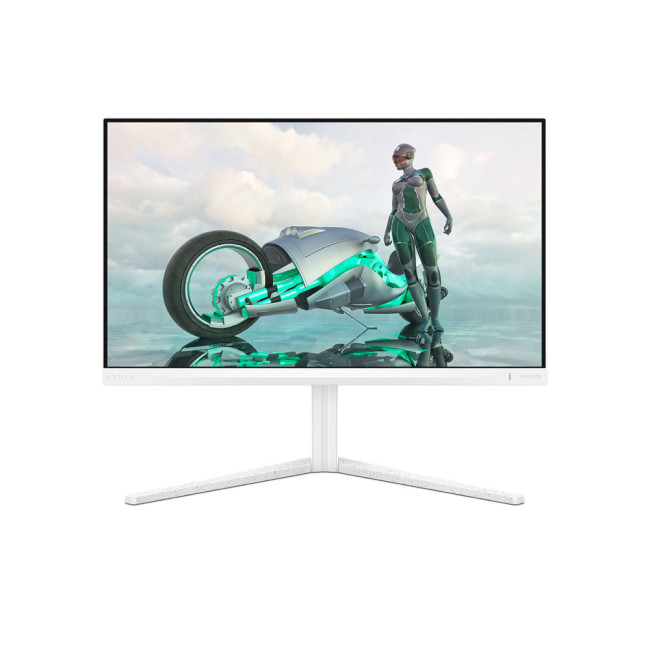
Key Specifications:
- Screen Size: 23.8 Inches
- Panel Type: Fast IPS
- Resolution: Full HD (1920 x 1080)
- Refresh Rate: 180Hz
- Response Time: 1ms (GtG)
- Aspect Ratio: 16:9
- Screen Shape: Flat
- Connectivity: 2x HDMI 2.0, 1x DisplayPort 1.4
- Features: Adaptive Sync,
Last Updated: April 14, 2026
When you spend hours each day working across spreadsheets, dashboards, documents, or lines of code, your monitor becomes more than just a screen. It becomes the centre of your workflow. The right display can make work feel smoother, reduce fatigue, and help you stay focused for longer.
That’s exactly where BenQ productivity monitors stand out. Designed with knowledge workers, developers, and multitaskers in mind, BenQ offers a range of displays built for modern professional demands. Whether you need pixel-perfect clarity, extra-wide space for multiple apps, or coding-specific features, there’s a BenQ option tailored to the way you work.
Why Productivity-Focused Monitors Matter for Knowledge Work
A standard office monitor can get the job done, but knowledge work has evolved. Today’s workflows often involve multiple applications running side by side, detailed content review, long hours of screen time, and constant context switching. That’s why choosing the right monitor is no longer just
Last Updated: August 28, 2026
Choosing the right gaming monitor depends on factors like refresh rate, resolution, panel type, response time, and HDR support.
AOC offers gaming monitors across every budget, making it hard to know which one is right for you.
This guide highlights the best AOC gaming monitors by budget and helps you choose between 1080p, 1440p, and 4K options based on your gaming needs.
How to Choose an AOC Gaming Monitor for Your Budget
Before looking at specific recommendations, it's important to understand what you're paying for.
Resolution Matters More Than Most Gamers
Last Updated: April 14, 2026
Picking the right gaming monitor is no longer as simple as choosing the biggest screen you can afford. Your setup matters, your platform matters, and the way you play matters even more. A monitor that feels perfect for a competitive PC player might not be the best fit for someone gaming on a PS5 or Xbox Series X.
That’s exactly why choosing the right BenQ gaming monitor for console or PC comes down to more than specs on a product page. You need to think about refresh rate, resolution, connectivity and whether you care more about raw speed or immersive visuals.
BenQ makes that decision easier by offering two clear gaming monitor families. ZOWIE is built for fast, focused competitive PC play, while MOBIUZ is designed for players who want strong performance with more visual depth and better console-friendly features. If you’ve been stuck comparing 1080p, 1440p and 4K, this guide breaks it all down in a way that helps.
Do Console and PC Gamers Need Different BenQ Monitors?
Console and PC
Last Updated: April 28, 2026
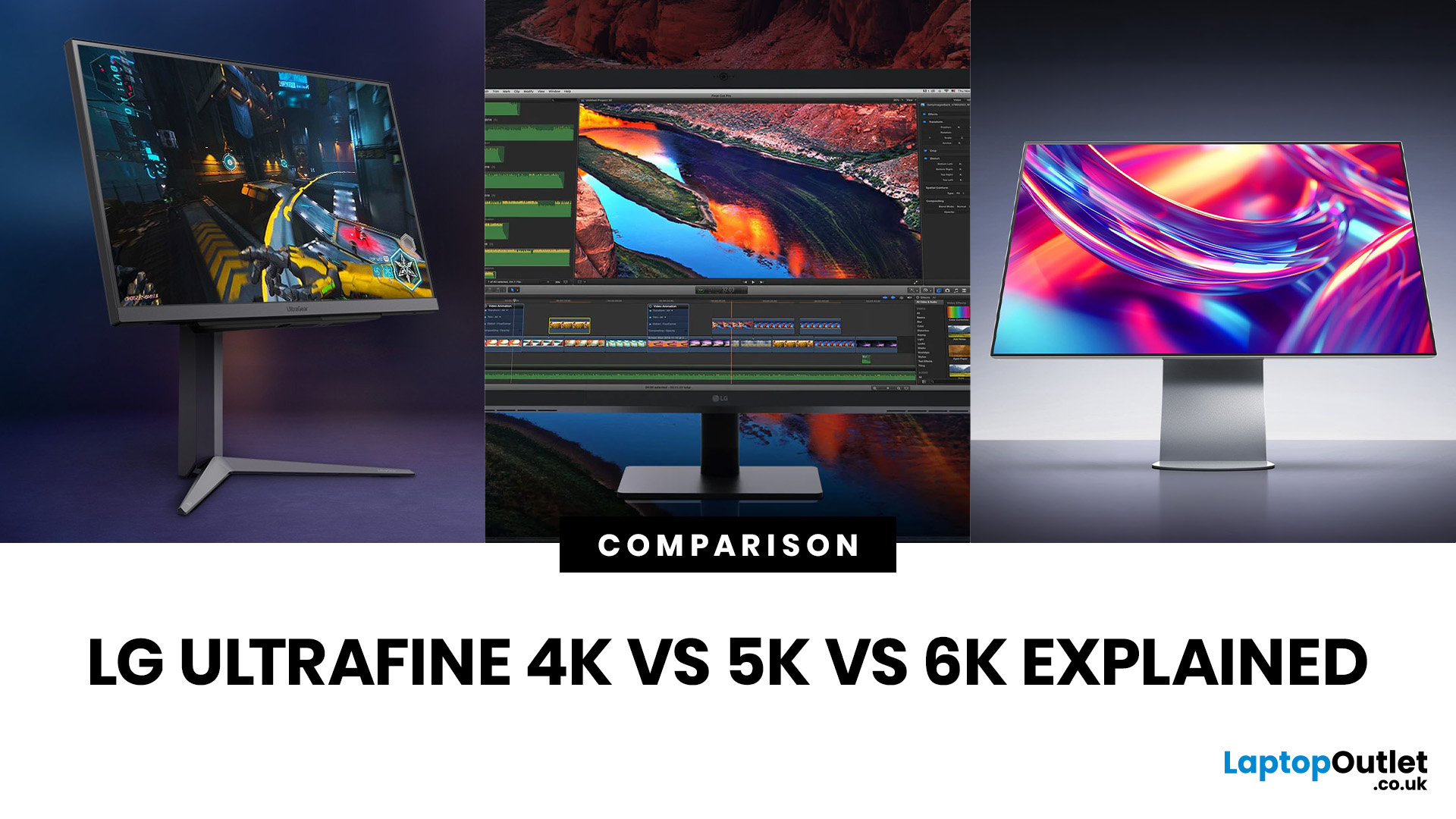
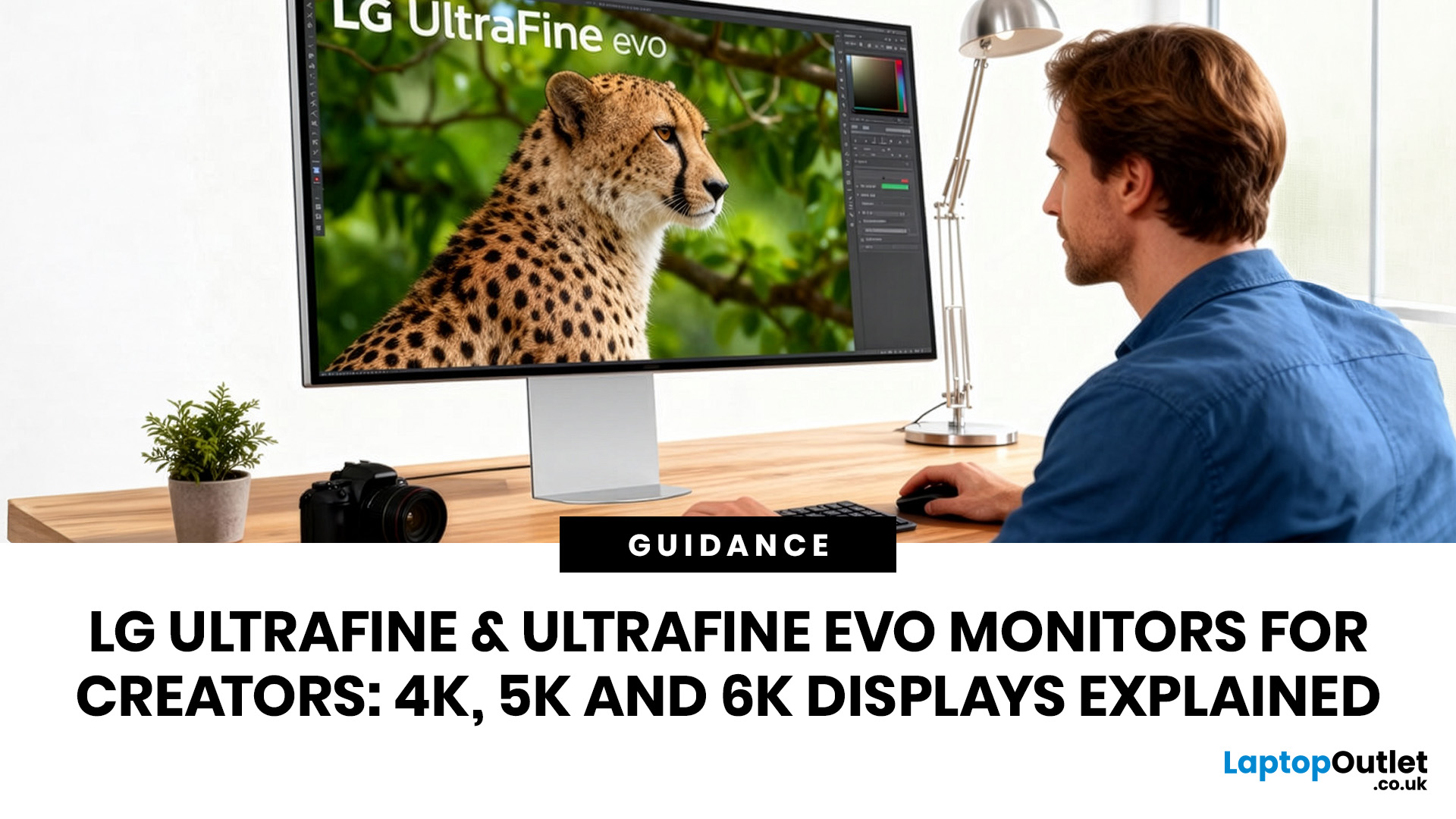
Picking the right display is one of the most impactful decisions a creative can make. The LG UltraFine 4K vs 5K vs 6K comparison puts three very different monitors side by side, each built for different levels of creative ambition and budget.
Resolution is only part of the story. Colour gamut, panel technology, connectivity, and how each screen handles real-world creative workflows all matter just as much. Whether you shoot, edit video, or design for a living, the right UltraFine model makes a genuine difference to how you work every single day.
This guide covers everything you need to make a well-informed decision, from pixel density and colour accuracy through to port selection and which workflows each display genuinely excels at.
What Each Resolution Actually Means for Creators
Resolution shapes your entire creative experience, not just how sharp images look. It determines how much workspace you have, how well you can preview high-resolution files natively, and how your eyes cope with
Published: April 27, 2026
LG UltraFine monitors for creators cover three resolutions: 4K (entry-level colour accuracy), 5K (high pixel density), and 6K (the new UltraFine evo flagship). All prioritise wide colour gamut, IPS panel quality, and clean USB-C or Thunderbolt connectivity.
If you work in photo editing, video production, graphic design, or any colour-critical discipline, LG UltraFine monitors have been a trusted name for years. The right choice depends on your budget, resolution needs, and the software you rely on daily.
What Makes LG UltraFine Monitors Stand Apart for Creative Professionals?
Before going model by model, it helps to understand what the UltraFine brand actually stands for. It is a fundamentally different product category from general office or gaming displays, built around a single non-negotiable: colour and detail accuracy.
The Core Focus: Colour, Calibration, And Pixel Precision
Every UltraFine model ships with wide colour gamut coverage, typically covering 98–99% of the DCI-P3 colour
Last Updated: July 06, 2026
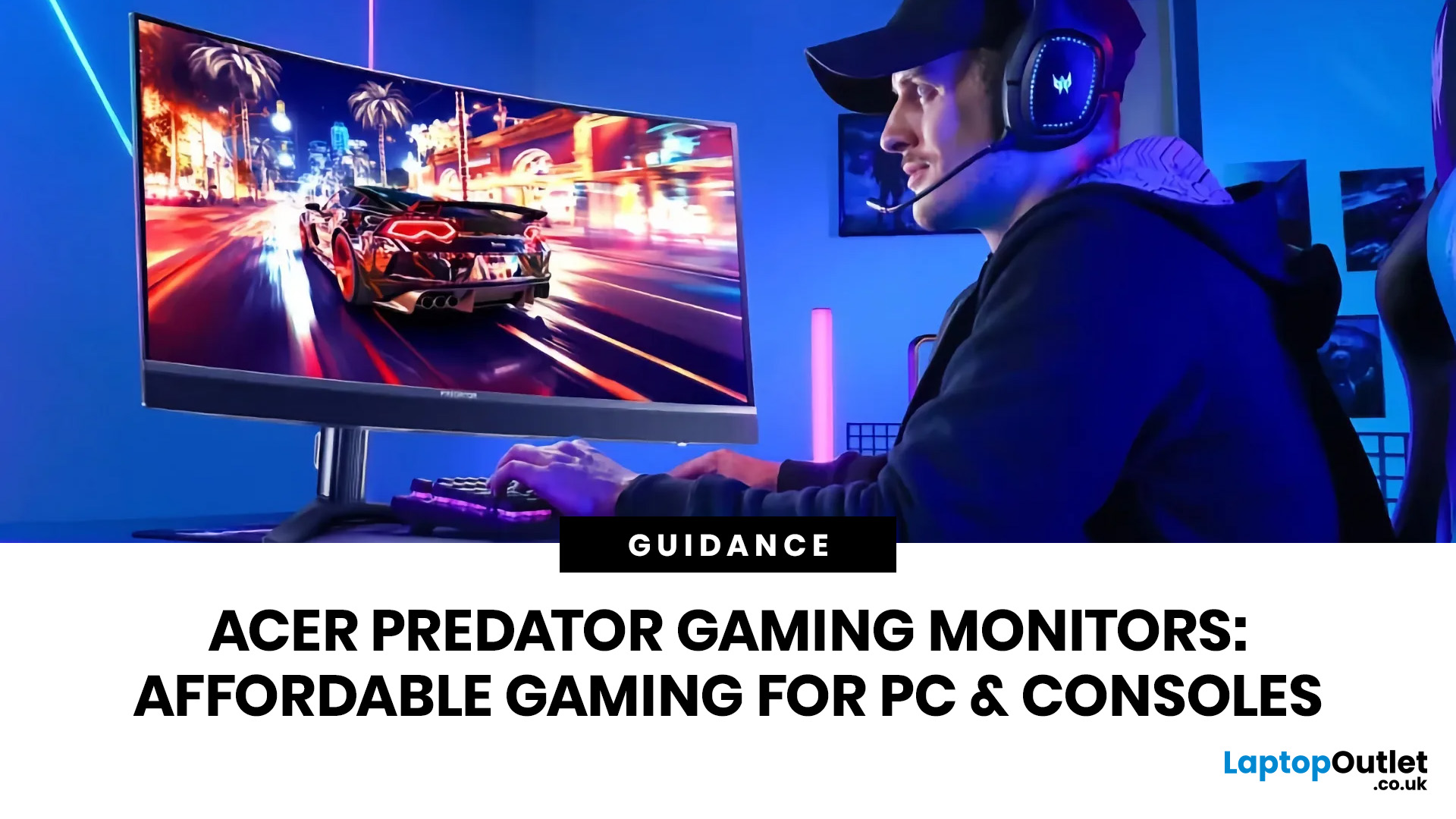
you are shopping for Acer Predator gaming monitors, you are usually not looking for a basic panel. You are looking for speed, image quality and a monitor that genuinely fits the kind of games you play. For some buyers, that means a fast 27-inch display for ranked shooters and esports titles. For others, it means a bigger 4K panel for high-detail single-player games. And for enthusiasts building the kind of setup that makes every desk photo look dramatic, it means an ultrawide or super-ultrawide screen that turns a gaming PC into the centrepiece of the room.
That is why Predator remains such an interesting range. Acer's broader monitor line covers different budgets and uses cases, but the Predator family is where Acer pushes harder on premium gaming features like OLED and QD-OLED panels, very high refresh rates, ultrawide formats and esports-level response times.
If you want the simple answer: Why choose Acer Predator monitor
Here is the short version.
- For competitive esports and fast shooters,
Last Updated: May 20, 2026
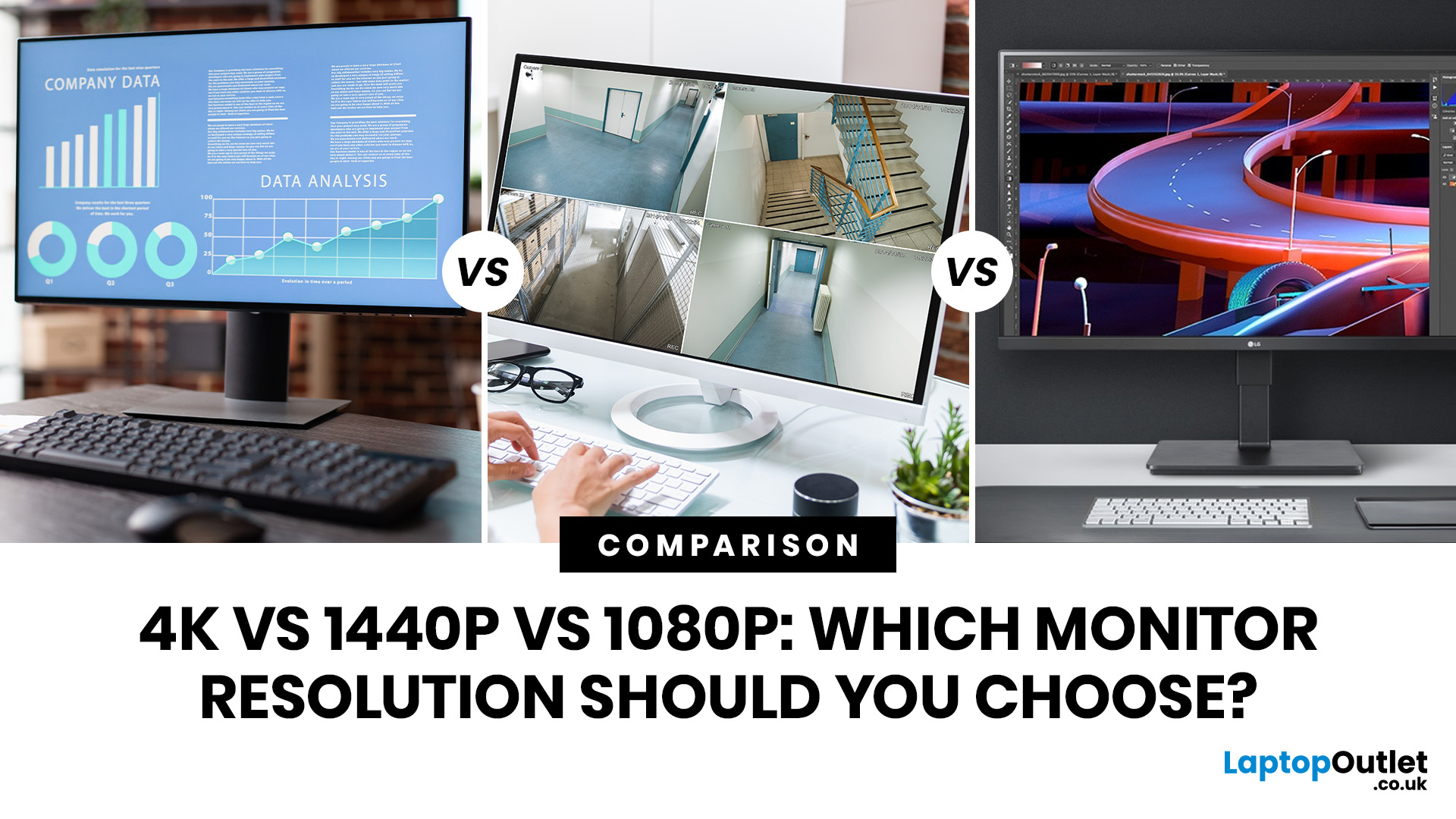
Choosing a monitor resolution should be simple, right? You pick a screen, plug it in, and get on with your day. Except the moment you start shopping, you get hit with 1080p, 1440p, QHD, 4K, Ultra HD, scaling, refresh rates and a whole lot of spec-sheet chaos.
So, which one should you actually buy?
This guide breaks down the 4K vs 1440p vs 1080p monitor debate in plain English. Whether you need a screen for gaming, work, studying, streaming, editing or a bit of everything, we’ll help you choose the right resolution without overpaying for pixels you do not need.
Quick Answer: 1080p vs 1440p vs 4K Monitor
Here’s the no-drama answer.
| User Type | Best Resolution | Why |
| Budget buyers | 1080p / Full HD | Affordable, reliable and easy to run |
| Students | 1080p or 1440p | Good value with enough clarity for study |
| Home office users | 1440p / QHD | Sharper text and better multitasking |
| Hybrid workers | 1440p or 4K | More screen space for apps and documents |
| Casual gamers | 1080p or 1440p | Good mix of smoothness, price and quality |
Last Updated: September 03, 2026
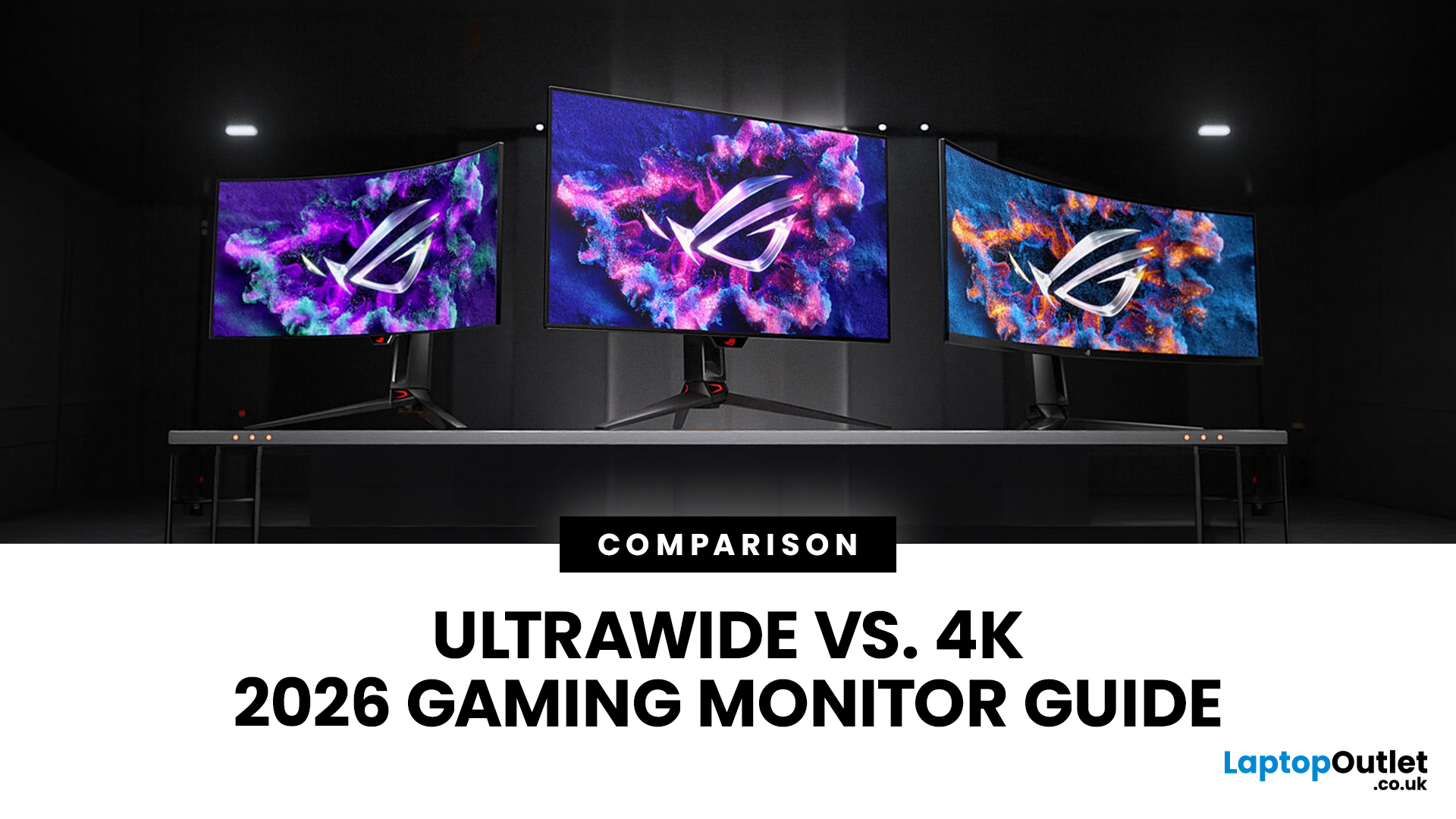
Choosing between an Ultrawide vs 4K monitor is one of the biggest decisions for gamers upgrading their setup in 2026. Both options can transform your gaming experience, but they do it in very different ways. The right choice depends on your games, GPU, desk space and budget, as well as whether you prioritise immersive gameplay or sharper resolution. This gaming monitor guide compares ultrawide and 4K displays across performance, game genres, GPU requirements, refresh rates, response time, and overall value.
Ultrawide vs 4K Monitor: Quick Comparison
| Feature | Ultrawide Gaming Monitor | 4K Gaming Monitor |
| Best for | Immersion, racing, RPGs, simulators, multitasking | Sharp visuals, AAA games, console gaming, creative use |
| Common aspect ratio | 21:9 or 32:9 | 16:9 |
| Main strength | Wider field of view | Higher pixel density |
| Image sharpness | Very good, especially at 3440 x 1440 | Excellent at 3840 x 2160 |
| GPU demand | Moderate to high | Very high |
| Competitive gaming | Good with high refresh rate | Good, but harder to drive |

