



Common Inkjet Printer Problems and How to Solve Them

Inkjet printers are one of the most widely used printing solutions across UK homes, students, and small offices. They are affordable, versatile, and capable of producing high-quality colour output. But if you have used one for any length of time, you already know they can also be frustrating.
From faded prints to clogged nozzles and random error messages, inkjet printer problems are common. The good news is that most of these issues are not serious faults. In many cases, they are caused by usage habits, maintenance gaps, or simple setup errors. This guide goes beyond quick fixes. It explains why these problems happen, how to fix them properly, and how to prevent them in the future so your printer stays reliable long-term.
Why Inkjet Printer Problems Are So Common
To understand inkjet printer troubleshooting, you need to understand how these printers work in real use. Unlike laser printers, inkjet printers rely on liquid ink. That ink is pushed through extremely small nozzles to create text and images. Because the system is so precise, it is also sensitive. Most inkjet printer issues come down to three core factors:
- Ink drying inside the print head
- Irregular or infrequent usage
- Environmental factors like dust, heat, or humidity
This is why inkjet printers tend to behave well when used regularly, but develop problems when left idle. For occasional users, this can feel counterintuitive. You print less, but experience more issues. That is simply how the technology behaves.
Clogged Print Head: The Most Common Issue
If there is one problem almost every user encounters, it is clogged nozzles.
What causes clogged nozzles
Ink is liquid, but it does not stay perfectly fluid forever. When a printer is unused for days or weeks, small amounts of ink can dry inside the print head. Over time, this blocks the nozzles and affects output. This is especially common in affordable inkjet printers where maintenance systems are more basic.
Signs of a Clogged Print Head
- Missing lines in printed text
- Colours not printing correctly
- Patchy or streaky images
How to Fix Clogged Inkjet Printer Nozzle
Start with built-in tools:
- Run a nozzle check from printer settings
- Use the automatic cleaning cycle
- Repeat once or twice if needed
If the issue persists:
- Run a deep cleaning cycle
- Leave the printer idle for a short period and retry
- In severe cases, manual cleaning may be required
Avoid running too many cleaning cycles back to back. This wastes ink and can overheat the system.
Poor Print Quality: Faded, Blurry or Incorrect Colours
Print quality issues are one of the most frustrating inkjet printer problems, especially when you need documents for work or study.
Why Print Quality Drops
There is rarely a single cause. Instead, it is usually a combination of factors:
- Low or uneven ink levels
- Incorrect print settings
- Dirty print head
- Using the wrong type of paper
How to Fix Inkjet Printer Problems Related to Quality
Start with the basics:
- Check ink levels and replace if needed
- Run print head cleaning and alignment
- Ensure the correct print mode is selected
Then check your materials:
- Use inkjet-compatible paper
- Avoid damp or low-quality sheets
For photo printing or graphics, using the wrong paper is one of the most common mistakes. It can make a good printer look like it is failing when it is not.
Ink Cartridge Errors and Recognition Issues
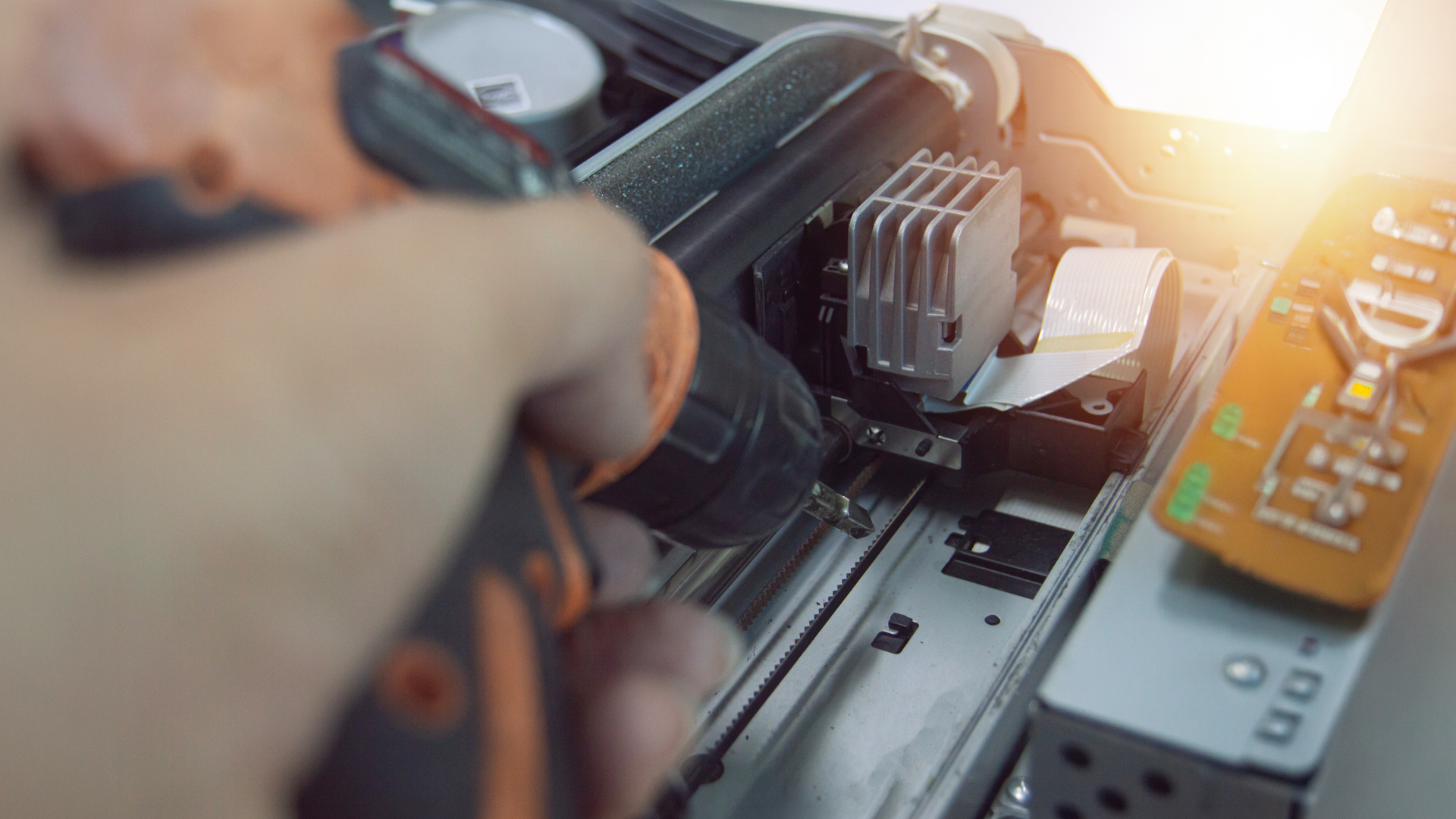
An inkjet printer error related to cartridges is another frequent problem.
Common Causes
- Cartridge not installed correctly
- Protective tape not removed
- Incompatible or low-quality cartridges
How to Fix it
- Remove and reinstall the cartridge carefully
- Check for any packaging left on contacts
- Restart the printer
If you are using third-party ink, compatibility can sometimes be inconsistent. While it can save money, it may also increase the chance of errors. If you want a complete overview before diving into troubleshooting, our guide on Everything You Need to Know About Inkjet Printers covers how they work, types, and what to consider before buying.
Paper Jams and Feeding Problems
Paper jams are one of the most visible inkjet printer issues, but they are usually easy to fix.
Why Paper Jams Happen
- Paper loaded unevenly
- Overfilled tray
- Dust or debris inside the printer
- Poor-quality or curled paper
How to Fix it Safely
- Turn off the printer before removing paper
- Pull the jammed sheet slowly and evenly
- Check for torn pieces left inside
- Reload paper neatly
Frequent jams often point to paper quality or storage issues rather than a fault with the printer itself.
Printer Not Responding or Not Printing
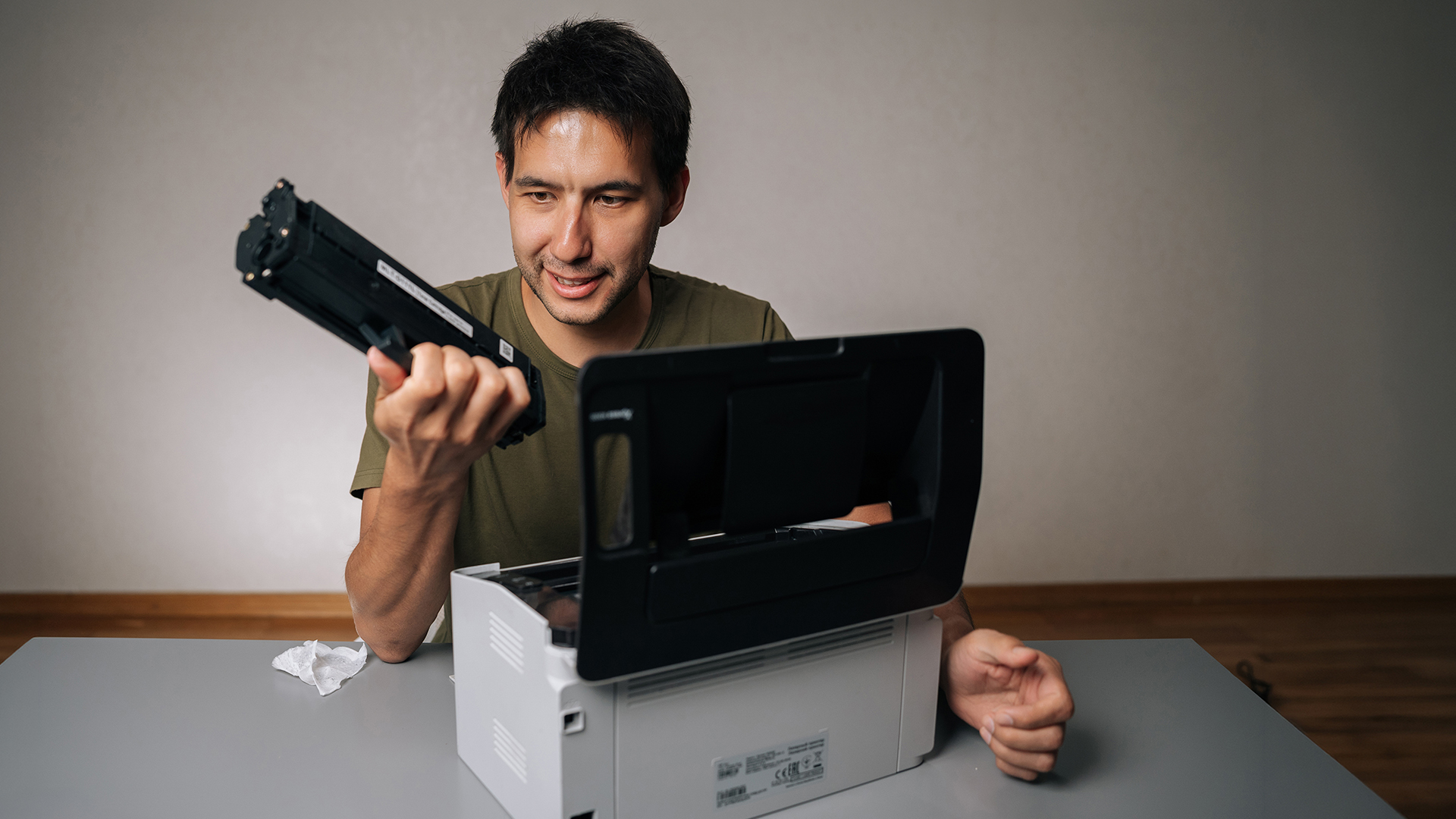
Few things are more frustrating than sending a document and getting no response.
Common Causes
- Connectivity issues (Wi-Fi or USB)
- Printer set to offline
- Driver or software problems
Inkjet Printer Troubleshooting Steps
- Check network or cable connection
- Restart both printer and computer
- Clear the print queue
- Update or reinstall drivers
In many cases, this is not a hardware problem at all. It is a communication issue between devices.
Ink Smudging and Wet Prints
Because inkjet printers use liquid ink, smudging is sometimes unavoidable if conditions are not right.
Why this Happens
- Using incorrect paper
- High humidity
- Printing at very high quality settings
How to Fix it
- Use proper inkjet or photo paper
- Allow prints to dry before handling
- Adjust print settings if needed
This is particularly noticeable when printing photos or high-density colour pages.
Slow Printing Speed
Speed is one of the areas where inkjet printers naturally lag behind.
Why Inkjet printers feel slow
- High-quality print modes use more passes
- Larger files take longer to process
- Hardware is not designed for bulk output
How to Improve Speed
- Switch to draft or standard mode
- Reduce unnecessary background processes
- Avoid printing overly large image files
If speed is a consistent issue, it may be worth considering a printer for office use designed for higher volume.
Frequent Ink Replacement and High Running Costs
Many users feel like they are constantly replacing ink, which is one of the biggest downsides of inkjet printing.
Why ink runs out quickly
- Colour printing uses multiple cartridges
- Cleaning cycles consume ink
- High coverage documents increase usage
How to reduce ink costs
- Use draft mode for basic printing
- Print in black and white when possible
- Choose high-yield cartridges
If your usage is heavy, comparing options like an all in one printer with more efficient ink systems may be worth considering.
Preventing Inkjet Printer Problems
Prevention is where most users can make the biggest improvement.
Practical habits that help
- Print at least once a week to prevent drying
- Keep the printer in a clean, stable environment
- Use quality ink and paper
- Run maintenance cycles when needed
These simple steps reduce the likelihood of recurring inkjet printer problems significantly. For a clearer understanding of strengths and limitations, advantages and disadvantages of Inkjet printers breaks down whether this type of printer is the right fit for your needs.
When to Repair or Replace Your Printer
Sometimes troubleshooting is not enough. You should consider replacing your printer if:
- Problems keep returning despite fixes
- Repair costs approach replacement cost
- Your usage needs have changed
Modern multifunctional printers often offer better efficiency, wireless features, and improved reliability compared to older models.
Choosing the Right Printer to Avoid Issues
Many problems start with choosing the wrong type of printer for your needs. If you print occasionally and need colour output, inkjet remains one of the best options. That is why it still dominates among best printers for home use.
If you print frequently or in large volumes, you may need something more robust. In that case, comparing alternatives such as a label printer for specific tasks or a laser-based setup may be more practical. If you are unsure, it helps to learn more about inkjet printers before deciding, especially when comparing different types and usage scenarios. If you are dealing with print quality or cartridge-related issues, How to Choose the Best Ink for Your Inkjet Printer explains how the right ink can improve performance and reduce common problems.

Final Thoughts
Most inkjet printer problems are not serious, but they can feel frustrating if you do not understand what is causing them. The key takeaway is simple. Inkjet printers work best when:
- They are used regularly
- They are maintained properly
- They are matched to the right type of workload
For home users, students, and light office environments, they remain one of the most practical and flexible printing solutions available. But like any device, they perform best when used correctly.

People Also Ask
What is the most common inkjet printer problem?
Clogged print heads are the most common issue, usually caused by infrequent use.
How do I fix clogged nozzles?
Run the printer’s cleaning cycle and perform a nozzle check. Repeat if necessary.
Why is my inkjet printer not printing?
It is often due to connectivity issues, driver problems, or the printer being offline.
How can I avoid inkjet printer issues?
Regular use, proper maintenance, and using quality materials help prevent most problems.
When should I replace my inkjet printer?
If problems persist, repairs are costly, or your needs have changed, upgrading may be the better option.
| Read More: |
| What is a Thermal Printer |
| What is the Best Printer for Photos |
| Refurbished Laser vs. Inkjet Printers: Which is Better for You? |
Related Articles

Last Updated: April 03, 2026
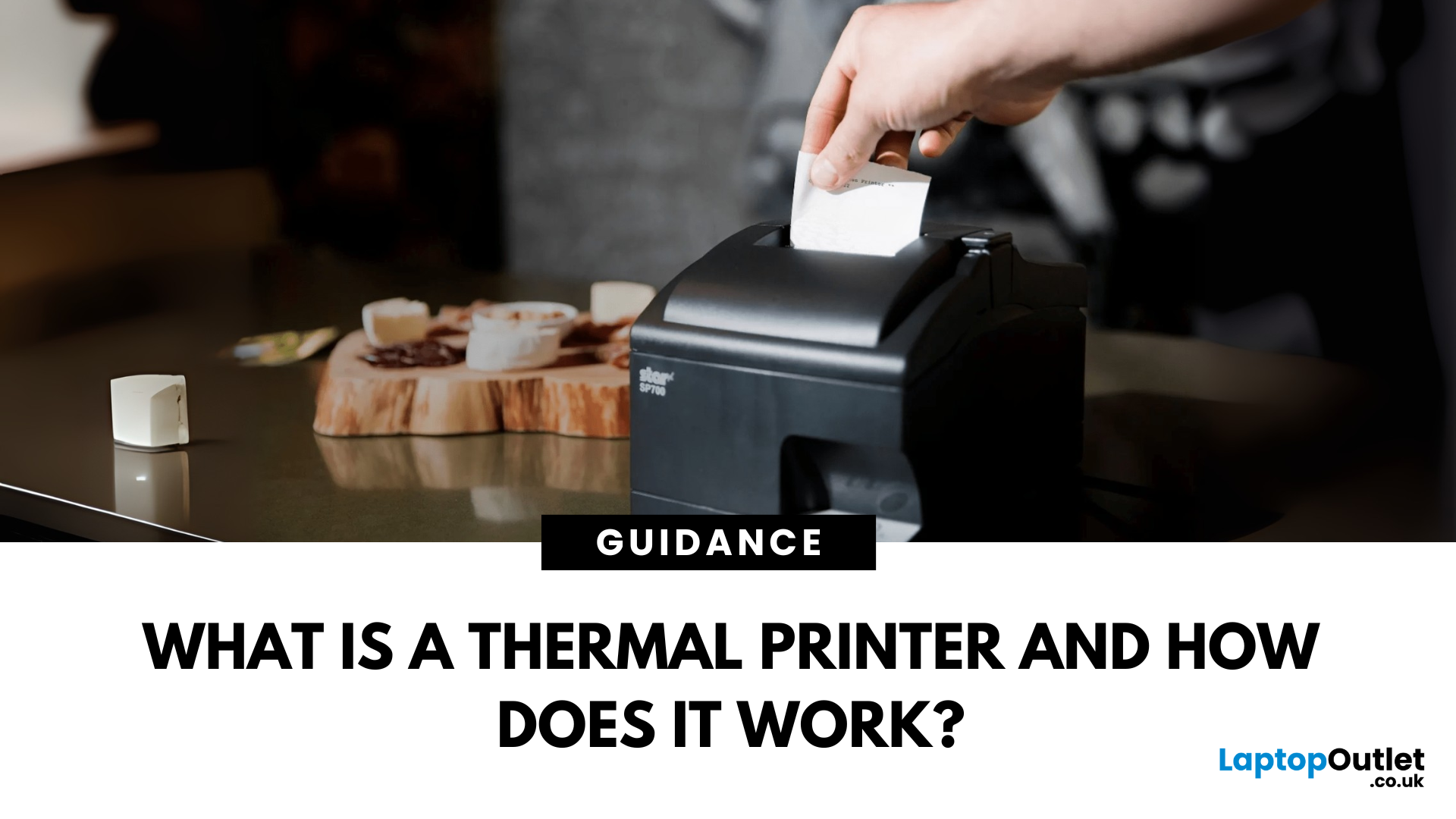
Thermal printers are essential tools across retail, healthcare, manufacturing, and logistics sectors. They are fast, efficient, and remarkably low maintenance. If you've ever wondered how a small device without ink or toner can produce crisp, high-speed prints especially for labels and receipts - this in-depth guide will give you the full picture. Whether you're using a mini thermal printer at a pop-up stall or a thermal printer for shipping labels in a warehouse, the core principles remain the same.
From the science behind thermal printing to choosing between direct thermal and thermal transfer models, this blog explores how thermal printers work, what they're best used for, their benefits and drawbacks, and how to maintain them. Let's dig deep.
What Is a Thermal Printer?
A thermal printer is a specialised type of printer that produces images or text using heat. Unlike inkjet or laser printers that rely on ink cartridges or toner, thermal printers generate output by applying heat to a
Last Updated: April 03, 2026
Tired of high printing costs or dealing with slow, unreliable printers? You’re not alone. Choosing the right printer, especially a refurbished one, can be tricky, but it doesn’t have to be.
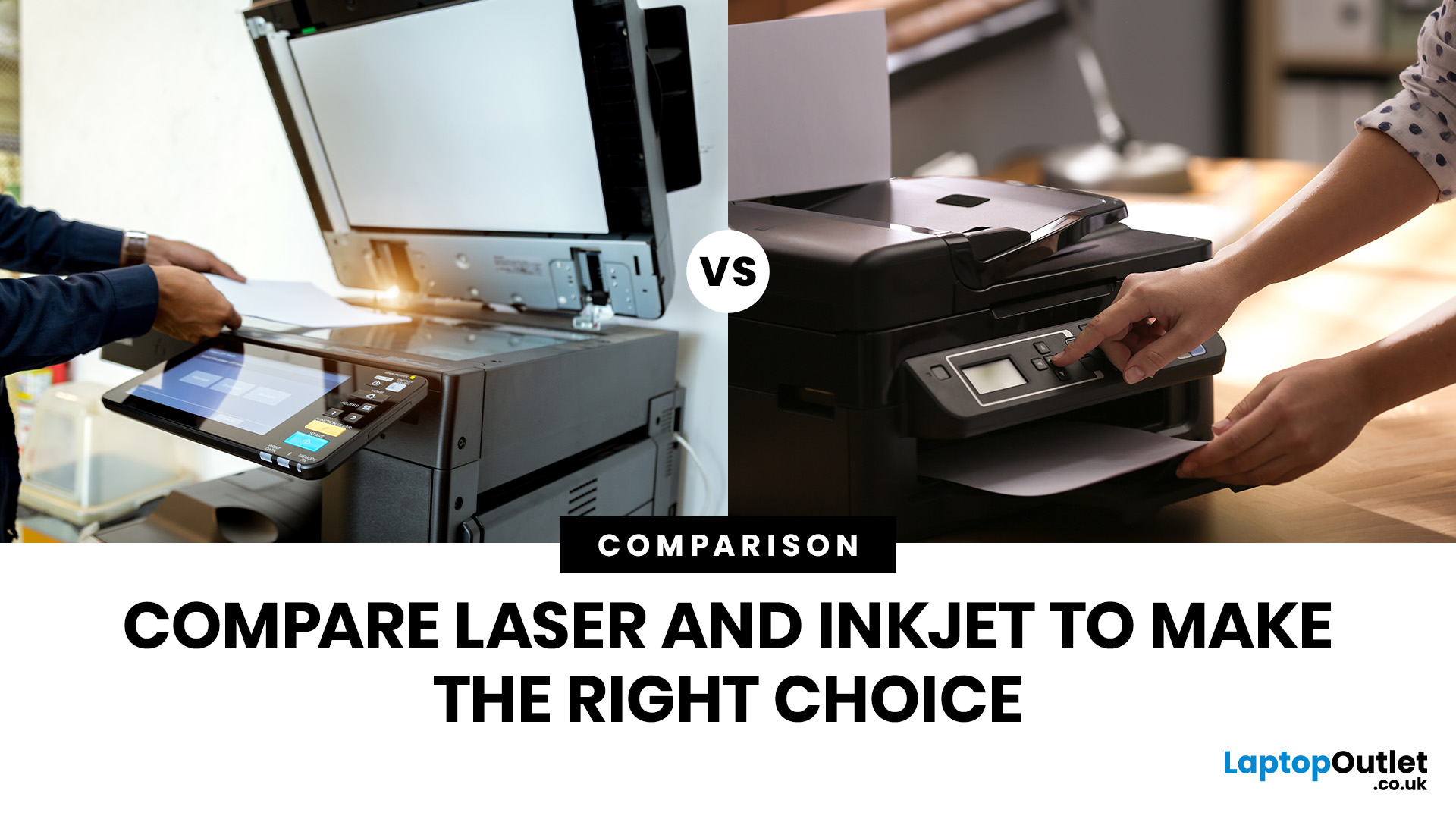
Whether you're looking for speed, colour quality, or overall value, understanding refurbished laser vs inkjet printers is key. Each has its own strengths, and the best choice depends on how you plan to use it.
In this blog, we’ll break it all down in simple terms helping you find the right printer for your home, office, or study setup, without the stress or confusion.
Let’s dive in.
Understanding the Two Types: Laser vs. Inkjet Printers
Before you decide which refurbished printer is right for you, it helps you to understand how each type works and what they’re best at.
Laser Printers
Laser printers use a completely different method to print pages. Instead of spraying ink, they use a laser beam, heat, and powdered toner to produce text and images. These printers are known for speed, consistency, and
Last Updated: April 22, 2026
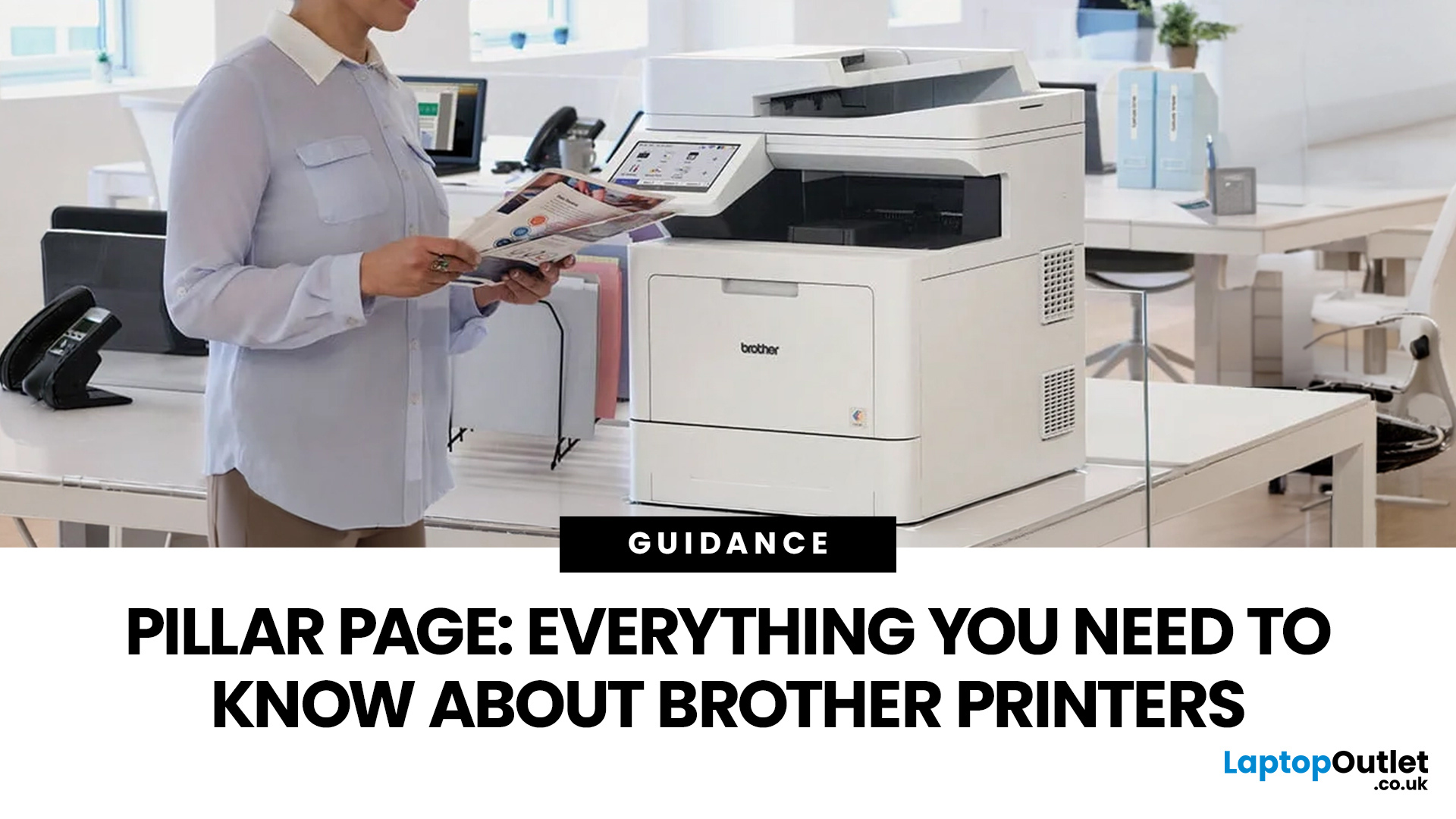
In the late 1980s, owning a printer wasn’t simple, unlike today - it was expensive, rare, and felt like a luxury. Printing was something most people could only dream of having at home.
Then Brother stepped onto the scene, redefining what a printer could be. They didn’t just enter the market, they changed it. By combining reliability, efficiency, and affordability, their printers quickly became a staple in offices and homes, setting a new standard for what printing could be.
Brother printers are widely used across the UK because they offer a practical mix of reliability, performance, and ease of use. However, with so many options available, inkjet, laser, all-in-one, wireless, the real challenge is understanding which one actually suits your needs.
This guide shows how their reliable, affordable, and easy-to-use printers fit real-life needs and helps you pick the right one without the tech overload.
What Makes Brother Printers So Popular?
Brother has built its reputation by focusing on
Last Updated: April 22, 2026
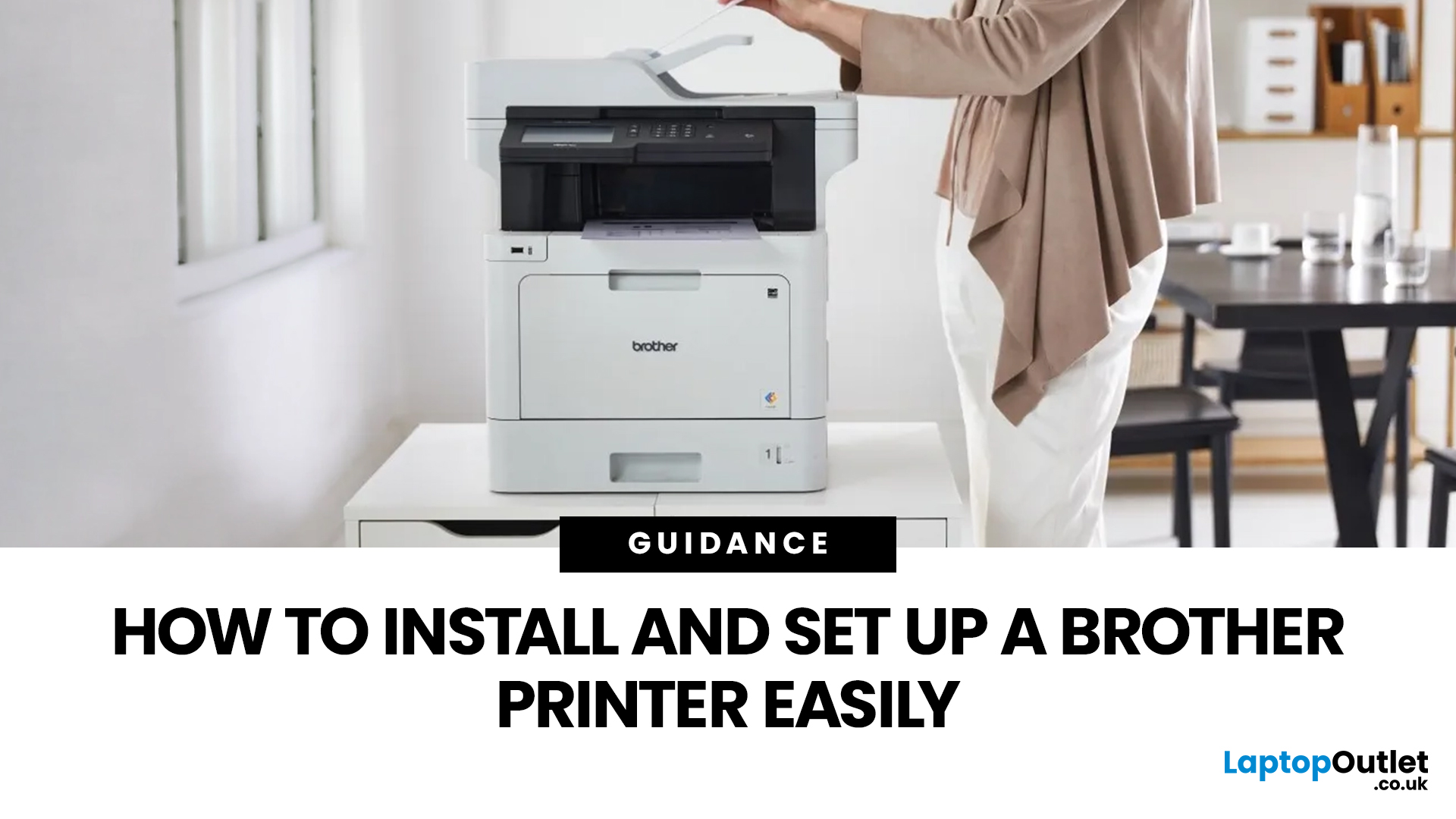
Setting up a new printer should be simple, but for many users, it can quickly become confusing. From installing toner to connecting to Wi-Fi and downloading drivers, even small steps can feel overwhelming if you are not sure what to do first.
This guide is designed to make Brother printer setup straightforward and stress-free. Whether you are installing a printer for the first time, replacing an old device, or setting up a wireless connection in a home or office environment, this step-by-step guide will walk you through everything you need to know.
By the end of this guide, you will have your Brother printer fully installed, connected, and ready to use.
Before You Start: What You Need for Brother Printer Setup
Before jumping into the installation process, it helps to prepare everything in advance. This avoids interruptions and makes the setup process much smoother.
You will typically need:
- Your Brother printer
- Power cable
- Ink cartridges or toner (included with most models)
- Paper for testing
Last Updated: April 22, 2026
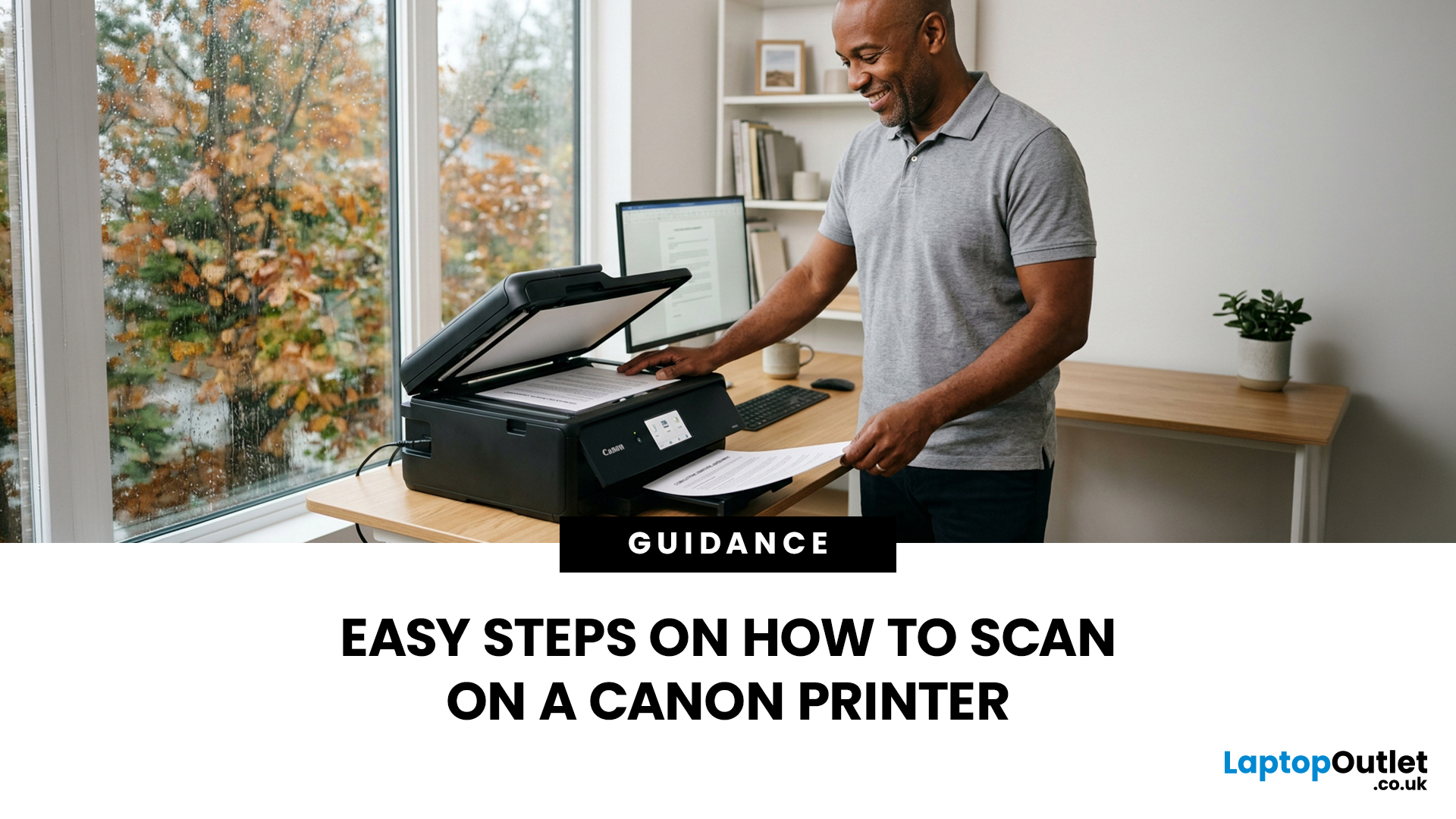
Canon makes some of the most popular multipurpose printers on the market, and for good reason. They're reliable, straightforward to use, and the scanning function is genuinely one of the better ones you'll find on a home or office printer. But if you've never used it before, staring at the control panel wondering where to start is a perfectly normal experience.
This guide covers everything you need to know to scan a document on a Canon printer, whether you're on Windows, Mac, or going straight from the printer itself. No fluff, just the steps that actually work.
Get These Things Sorted Before You Start
You don't need much to get going, but skipping these checks is how people end up wasting twenty minutes troubleshooting something obvious.
Make sure your Canon printer is switched on and connected to your computer, either by USB or over Wi-Fi. If it's a wireless connection, both your printer and computer need to be on the same network. Also confirm that your Canon drivers are installed.
Last Updated: April 22, 2026
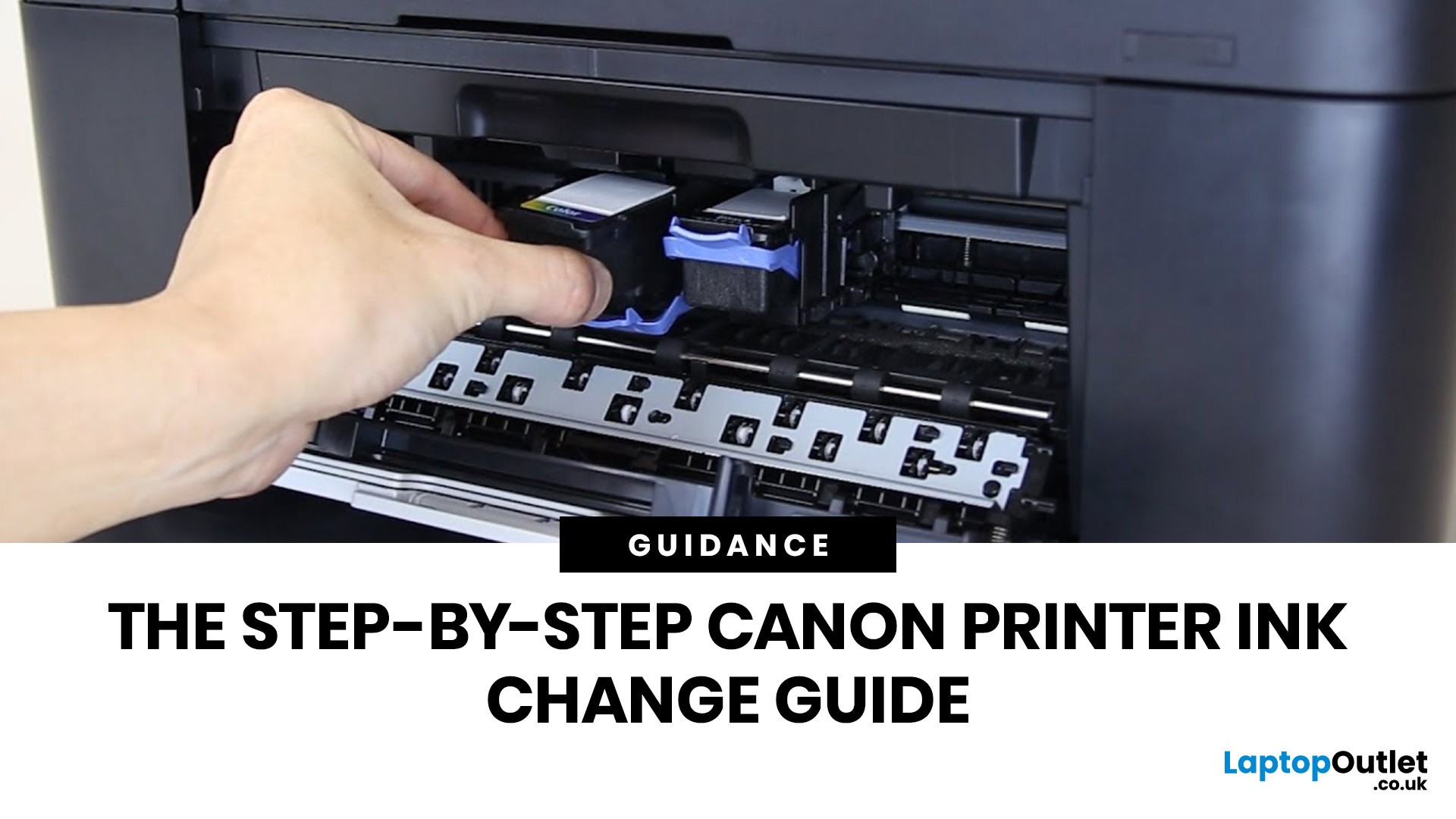
Running out of ink at the wrong moment is genuinely frustrating. Knowing how to change ink in a Canon printer quickly and confidently means less downtime, less wasted paper, and no panicked Googling mid-print.
Canon makes some of the most reliable inkjet printers on the market, and replacing the ink is one of those tasks that feels daunting the first time but becomes routine very quickly. This guide covers everything from the tools you need to the steps themselves, plus tips on cartridge costs, common mistakes, and what to do if problems persist after installation.
What You Need Before You Start
Before diving into the steps, it's worth taking a moment to get everything in order. A well-prepared workspace makes a Canon printer cartridge change much smoother and avoids unnecessary mess or confusion.
Here's what to have ready:
- The correct replacement cartridge for your specific Canon model
- A clean, flat surface to work on
- A tissue or lint-free cloth for any small drips
Always check your

Last Updated: April 22, 2026
Getting your Canon printer onto your home or office WiFi is easier than you might think. This guide covers every method available to help you connect Canon printer to WiFi, whether you have a touchscreen model, a basic entry-level printer, or you prefer to set things up from your phone. We have also included a troubleshooting section at the end for when things do not go quite to plan.
What to Have Ready Before You Begin
It is worth taking two minutes to gather everything before you start setting up Canon printer to WiFi, as it will save you stopping halfway through. Most connection problems come down to one missing detail at this stage.
Here is what you will need:
- Your WiFi network name (SSID) and password (case-sensitive)
- A Canon wireless printer with the WiFi indicator light present
- The Canon PRINT Inkjet/SELPHY app if you plan to set up via smartphone
One thing worth checking: most Canon
Last Updated: June 05, 2026
Buying a new printer sounds straightforward until you're faced with dozens of models, confusing specs, and overlapping features. If you're specifically looking at the best Canon printers, you've already made a solid start. Canon is one of the most trusted names in printing, with a range that covers everything from budget-friendly home models to high-volume business workhorses.
This Canon printer buying guide walks you through every series, every key feature, and every use case, so you can buy with confidence and get exactly what you need.
Start With Your Printing Needs and Usage Type
Before choosing a Canon printer, it is important to understand how often you will use it and what tasks you need it for, as this directly affects performance, features, and overall cost. A clear understanding of your usage helps narrow down the best options quickly.
Light Home Use Vs Heavy Office Workloads
If you only print occasionally, such as documents, tickets, or homework, basic home printers are usually

Last Updated: April 22, 2026
Printers are one of those devices you only notice when something goes wrong. One day everything works fine, and the next day your printer refuses to print, shows as offline, or gets stuck with a paper jam. These issues can be frustrating, especially when you need something printed urgently.
The good news is that most Brother printer problems are not serious. In many cases, the issue is related to setup, connectivity, or simple maintenance rather than a fault with the printer itself. Once you understand how to diagnose and fix these problems, you can save time and avoid unnecessary replacements.
This guide covers the most common Brother printer issues and provides clear, practical solutions. Whether you are using a home printer, a multifunctional device, or a printer for office use, this troubleshooting guide will help you get things working again quickly.
Understanding Common Brother Printer Problems
Before jumping into fixes, it helps to understand why problems occur in the first place.
Last Updated: April 22, 2026
Choosing between Laser printers vs all-in-one printers sounds simple until you realise the two terms do not describe the same thing.
A Laser printer refers to the way the printer works. An all-in-one printer refers to the machine's capabilities, usually printing, scanning, and copying in one unit. That means some all-in-one printers are Laser models, while others are inkjet. So, when people compare all-in-one vs Laser printers, what they are really trying to work out is whether they need stronger print performance or broader day-to-day flexibility.
For some buyers, the Laser is the clear winner. For others, an all-in-one makes far more sense. The right choice depends on how often you print, what you print most, and whether scanning and copying matter as much as printing itself.
If your priority is fast document printing, crisp text and lower running costs over time, a Laser model is usually the smarter fit. If you want one machine that can handle household paperwork, scanning, copying and

