



Everything You Need to Know About Inkjet Printers
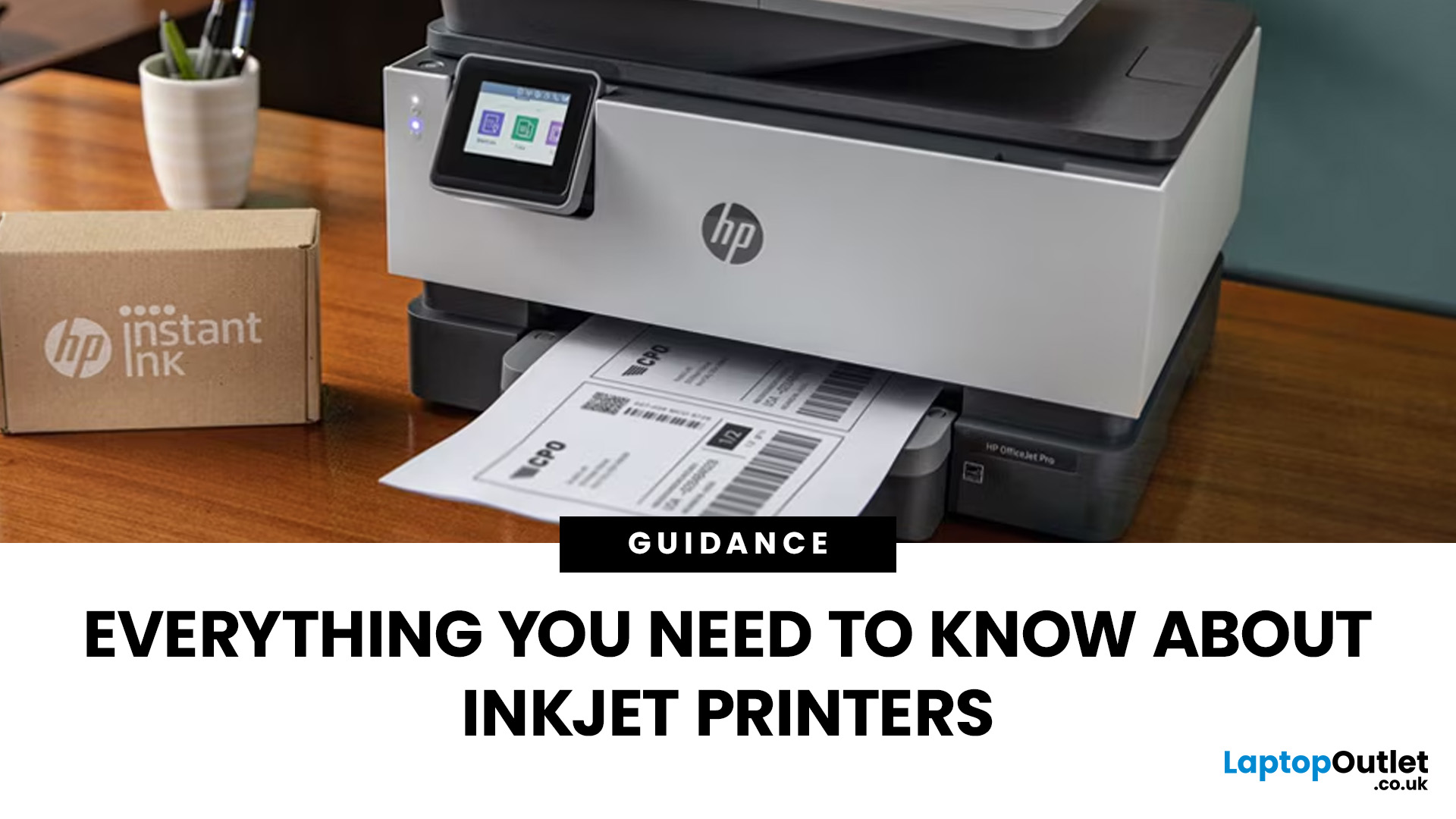
Buying a printer sounds simple until you start comparing print types, running costs, features, and maintenance. That is usually where inkjet models come into the picture. They are widely used, available at different price points, and often marketed as flexible printers for home and small office use. Even so, many buyers still have the same questions: what is an inkjet printer, how does it work, and is it the right fit for the way you print?
This inkjet printer guide breaks it down properly. It covers how inkjet printers work, the main types available, the real cost of ownership, how they compare with laser options, and what you need to know before buying one. Whether you need a printer for occasional homework, colour documents, creative work, or general home use, understanding the strengths and limits of inkjet printing makes it much easier to choose well.
What is an Inkjet Printer?
When people ask what is an inkjet printer, the simplest answer is that it is the most common type of printer for users who want versatility. It can handle plain text documents, schoolwork, presentations, labels, forms, and photos without needing separate specialist hardware. That versatility is one of the biggest reasons inkjet models remain popular among people looking for reliable printers for everyday use.
This printing method makes inkjet machines especially useful for homes, students, creative users, and small offices that need a balance between document printing and colour quality. They are often chosen over bulkier business machines because they are smaller, easier to place on a desk, and generally more affordable upfront.
How Does an Inkjet Printer Work?
Understanding how does an inkjet printer work helps explain why these printers are so common, and why they perform differently from laser models.
- Inside the printer, ink is stored in cartridges or tanks depending on the design. When you send a document or image to print, the printer reads the file and translates it into a pattern of tiny dots. The print head then moves across the paper and sprays microscopic droplets of ink through a set of nozzles. As the paper feeds through the machine, those droplets build up the final image or text line by line.
- The reason inkjet printing works well for photos and graphics is precision. The droplets are extremely small, allowing subtle colour mixing and detailed output. That is why a good inkjet printer can produce smooth skin tones, colour gradients, and fine graphic detail in ways that are harder for some lower-end printers to replicate.
- There are also different technologies behind the scenes. Some inkjet printers use thermal methods to heat the ink before it is sprayed, while others use piezoelectric technology to force ink through the nozzles without heat. Buyers do not always need to know the engineering detail, but it helps to understand that different brands may handle print quality, efficiency, and maintenance slightly differently.
Inkjet Printer Types
While “inkjet printer” sounds like a single category, it covers everything from simple home printers to more advanced multi-function devices. That is why understanding the main inkjet printer types matters before you buy.
Standard Entry-Level
A standard entry-level inkjet printer is usually aimed at light home printing. These machines are suitable for occasional documents, forms, letters, and the odd colour page. They tend to have the lowest upfront price, but they may not be the most economical in the long run if you print regularly.
All-in-One Inkjet Printer
An all-in-one inkjet printer adds scanning and copying functions, and sometimes fax as well. For many households and home offices, this is the most practical format. If you scan homework, copy ID documents, or need occasional admin support at home, an all-in-one printer usually makes more sense than a print-only model.
Photo Inkjet Printers
Photo inkjet printers are designed more specifically for image quality. These are often chosen by photographers, designers, and hobbyists who want richer colour output and better tonal depth. They may use extra ink colours beyond the standard set to improve print detail and realism.
Business Inkjet Printers
Business inkjet printers sit at the other end of the range. These are built for heavier printing volumes, faster document output, and more serious office usage. They are often more expensive initially, but they are designed to be more efficient in busy environments.
What are the Benefits of Inkjet Printer Technology?
The main benefits of inkjet printer technology come down to flexibility, print quality, and accessibility.
- One of the biggest advantages is colour printing. Inkjet printers are usually better suited than basic office lasers for photos, graphics, marketing materials, and anything else where colour quality matters. If you want to print invitations, school projects, creative documents, or family photos, an inkjet printer is usually the more natural fit.
- Another benefit is the lower purchase price. The cost of inkjet printers is often more attractive at entry level, which is why many households start there rather than buying a larger or more specialised office printer.
- They also tend to be more compact. A lot of people do not have space for a bulky office machine, especially if the printer is going in a bedroom, kitchen office, or shared family workspace. Inkjet models are often easier to fit into smaller environments.
- There is also the advantage of broader use. A good inkjet machine can print a simple invoice in the morning, a full-colour school sheet in the afternoon, and a glossy photo in the evening. That range is hard to ignore if you need one device to do multiple jobs.
This is why inkjet printers continue to feature heavily in lists of best inkjet printers for everyday use. They are not always the fastest or cheapest per page, but they remain one of the most adaptable options for mixed printing needs.
Cost of Inkjet Printers: Upfront Price vs Running Cost
The cost of inkjet printers needs to be looked at in two parts: what you pay to buy the printer and what you pay to keep using it.
- The upfront cost is one reason inkjet printers are so popular. Entry-level models are often inexpensive, and even many all-in-one units remain accessible to households and students. For buyers who only print occasionally, that lower entry cost can make a lot of sense.
- The more important issue is running cost. Traditional cartridge-based inkjet printers can become expensive over time if you print often. Replacing cartridges regularly can add up, especially if you print colour pages or high-coverage documents. In some cases, the long-term spend on ink may exceed the original price of the printer.
- That does not mean inkjets are poor value. It means value depends heavily on your usage. If you print a few pages a week, an inkjet printer can be perfectly cost-effective. If you print large volumes every day, the equation changes.
- This is where buyers should stop thinking only about printer price and start thinking about cost per page. An inexpensive printer is not always the cheapest to own. Likewise, a more expensive machine can sometimes work out better value if its ink system is more efficient.
- For some users, especially those printing mostly text in larger quantities, a laser printing solution may appear more attractive over time. But for mixed-use printing where colour and versatility matter, inkjet still holds a strong place.
If you want to improve print quality and manage costs better, How to Choose the Best Ink for Your Inkjet Printer helps you understand which ink types work best for your needs.
How to Use an Inkjet Printer Properly
A lot of printer frustration comes not from bad hardware, but from poor usage habits. Knowing how to use an inkjet printer properly helps improve output quality and reduces common problems.
- The first thing is using the right paper. Standard documents print well on plain paper, but photos and graphics usually need coated or photo paper to look their best. Printing an image on the wrong paper often leads to disappointing results that are blamed on the printer when the real issue is paper choice.
- The second thing is printing regularly. Inkjet printers use liquid ink, and if a machine sits unused for too long, the ink can dry in the nozzles. That can lead to streaks, missing colours, and clogged print heads. Even printing a small test page every so often can help keep things flowing properly.
- Placement matters too. Printers do better in clean, dust-free spaces. If the machine sits in a place where paper picks up dust or the internal parts are exposed to dirt, you are more likely to run into feeding issues and maintenance problems.
- It also helps to use the printer’s own settings rather than forcing the wrong print mode for every task. Draft mode, normal mode, and photo mode each serve a purpose. Matching the mode to the job can save ink and improve output.
Inkjet Printer Maintenance Tips That Actually Matter
Good maintenance is one of the main differences between an inkjet printer that stays dependable and one that becomes a hassle. These inkjet printer maintenance tips are not complicated, but they do make a difference.
- Regular use is one of the best forms of maintenance. As mentioned earlier, printing occasionally helps stop the ink from drying in the print head. Letting the machine sit unused for long stretches is one of the fastest ways to create problems.
- Most modern inkjet printers include built-in cleaning and alignment tools. These are worth using when print quality drops. If text starts looking faint or colours become inconsistent, a print head cleaning cycle can often fix the issue without needing service or replacement.
- It is also important not to let cartridges run completely dry if the printer warns you early. Running on empty can cause print issues and, in some systems, may affect the health of the print head.
- Keeping firmware updated is another overlooked point. Printer makers often release updates that improve compatibility, fix bugs, or refine performance. It does not sound exciting, but it can help avoid preventable issues.
- Finally, use quality consumables. Whether you choose original cartridges or reliable compatible ones, poor-quality ink is one of the easiest ways to end up with messy output, blocked nozzles, or short cartridge life.
Common Inkjet Printer Errors and What Causes Them
Most inkjet printer errors are frustrating because they appear suddenly, but the good news is that many of them are linked to a small number of common causes.
- One of the most frequent problems is clogged print heads. This usually shows up as lines through images, missing colours, or patchy text. In most cases, it happens because the printer has not been used regularly or because the ink has started to dry.
- Paper jams are another common issue. These can happen when paper is loaded incorrectly, stored badly, or fed through a dusty or worn mechanism. Using the correct paper type and loading it neatly reduces the risk.
- Ink cartridge recognition errors are also common, especially after replacing cartridges. Sometimes this is due to poor installation, protective seals not being removed properly, or compatibility issues with non-original cartridges.
- Then there is general poor print quality, which may come from incorrect settings, low ink, misalignment, or unsuitable paper. The important thing is that not every error means the printer is failing. Often, the issue is maintenance-related rather than hardware-related.
Understanding these common faults helps buyers feel more confident. Printers can be temperamental, but many problems are manageable once you know what to look for. If you are experiencing issues with print quality or performance, our guide on Common Inkjet Printer Problems and How to Solve Them explains the most frequent errors and how to fix them quickly.
Inkjet vs Refurbished Laser Printer: Which Makes More Sense?
The question of inkjet vs refurbished laser printer often comes down to workload and priorities rather than one being universally better.
|
Feature |
Inkjet Printer |
Refurbished Laser Printer |
|
Best for |
Colour printing, photos, mixed use |
High-volume text printing |
|
Print quality |
Excellent for images and graphics |
Strong for sharp text, limited for photos |
|
Upfront cost |
Usually lower |
Higher than basic inkjet, but cheaper than new laser |
|
Running cost |
Can be higher over time (ink replacement) |
Lower cost per page for frequent printing |
|
Speed |
Slower, especially for large documents |
Faster, ideal for bulk printing |
|
Usage type |
Ideal for home users, students, creatives |
Better for offices and business environments |
|
Maintenance |
Requires regular use to avoid drying |
More consistent, less affected by inactivity |
|
Flexibility |
Handles documents, photos, and colour work |
Best suited for text-heavy tasks |
|
Space and design |
Compact, suitable for home setups |
Slightly bulkier, office-oriented |
|
Long-term value |
Better for occasional printing |
Better for heavy, consistent printing |
This comparison is also useful because it highlights the real place of inkjet in the market. Inkjet is not “better” than laser in every way, but it often wins where versatility, photo quality, and lower upfront cost matter more than bulk text efficiency.
Pros and Cons of Inkjet Printers
A balanced view of the pros and cons of inkjet printers is essential if you want to buy the right printer rather than the most heavily advertised one.
Pros of Inkjet Printers
- Excellent colour quality, making them ideal for photos, graphics, and creative printing
- Better image detail and smoother gradients compared to many entry-level alternatives
- Lower upfront cost, especially for basic and home-use models
- Compact design, suitable for desks, home offices, and smaller spaces
- Versatile printing, handling documents, images, and mixed tasks without needing separate devices
Cons of Inkjet Printers
- Higher running costs over time due to frequent ink cartridge replacement
- Slower print speeds compared to laser printers, especially for large documents
- Ink can dry out if the printer is not used regularly, leading to clogged print heads
- Requires more regular maintenance to maintain consistent print quality
- Less efficient for high-volume, text-heavy printing compared to laser alternatives
For a deeper breakdown of strengths and limitations, advantages and disadvantages of inkjet printers guide covers the key pros and cons to consider before buying.
Green Benefits of Using Inkjet Printers
The Green benefits of using inkjet printers are often overlooked, but they are worth mentioning, especially for buyers thinking more carefully about energy use and waste.
- Inkjet printers generally use less power than laser printers because they do not need to heat a fuser assembly in the same way laser machines do. That can make them more energy-efficient in lighter-use environments.
- They also tend to produce less heat during operation, which is one reason they are often more comfortable in smaller home offices or shared spaces.
- Many manufacturers now offer cartridge recycling programmes as well, which helps reduce some of the waste associated with ink replacement. Some newer systems also use refillable tanks, which can further reduce packaging waste compared with traditional cartridge-only designs.
- Of course, no printer is automatically a green product just because it uses ink. Environmental impact still depends on usage, lifespan, consumables, and disposal. But for many low-to-moderate users, inkjet can be a more energy-conscious choice than they expect.

Final Thoughts
The right printer is not the one with the longest features list. It is the one that matches how you print. This inkjet printer guide shows why inkjet printers remain such a strong option for everyday buyers. They offer good colour quality, versatile use, accessible pricing, and broad appeal across home and small office environments.
If you are looking at best inkjet printers, the smartest approach is to think about your workload first. Print volume, colour needs, document type, and maintenance habits all matter more than headline marketing claims. Once those are clear, it becomes much easier to decide whether inkjet is the right route or whether you should compare it with alternatives such as inkjet vs refurbished laser printer options.

People Also Ask
What is an inkjet printer?
An inkjet printer is a printer that creates text and images by spraying tiny droplets of liquid ink onto paper. It is commonly used for home printing, colour documents, and photos.
How does an inkjet printer work?
It works by moving a print head across the page and placing microscopic droplets of ink in precise patterns to form words and images.
Are inkjet printers expensive to run?
They can be if you print often, especially with cartridge-based models. For occasional use, they are usually cost-effective enough. For heavy printing, running costs can become more noticeable.
What are the main benefits of inkjet printer use?
The main benefits are good colour quality, flexibility, lower upfront cost, and suitability for mixed printing tasks such as documents and images.
What are the most common inkjet printer errors?
Common problems include clogged print heads, paper jams, cartridge recognition issues, and streaky or faded output. Many of these are linked to maintenance and can be fixed without major repair.
Is inkjet better than laser printing?
It depends on your needs. Inkjet is usually better for colour, photos, and mixed home use. Laser is usually better for frequent document printing and lower cost per page at higher volumes.
| Read More: |
| Refurbished Laser vs. Inkjet Printers: Which is Better for You? |
| What to Look for When Buying a Refurbished Printer? |
| How Does a Thermal Printer Work? |
Related Articles

Last Updated: July 03, 2026
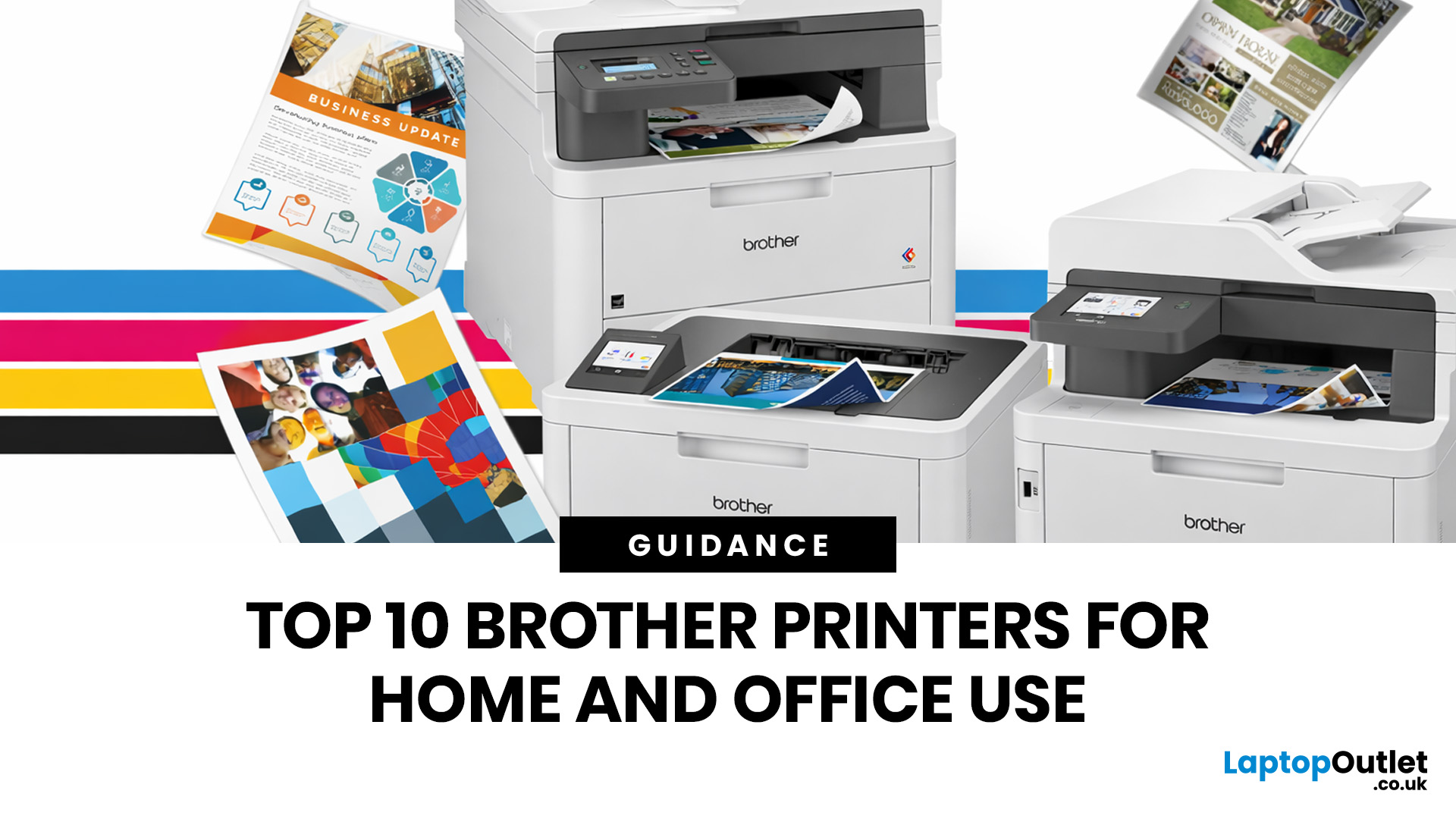
Brother is a prevalent brand in the printing world, and its printers are a popular choice for home and business use. Brother printers offer many models with wireless connectivity, high-speed printing, and cost-effective solutions. Whether looking for an Inkjet, laser or all-in-one printer, Brother has something for you. Engineered to provide sharp and professional quality prints, Brother printers feature a user-friendly interface and features like automatic duplex printing, cloud-based printing options, and mobile device compatibility.
We have tested and reviewed over 100 of the best printers, ranking Brother high among the competition. So, here we are rounding up the best picks for Brother printers you can buy in 2026. These printers have been selected based on their performance, features, and overall user satisfaction. If you're a student, a professional, or a small business owner, you're sure to find the ideal Brother printer to meet your specific printing needs.
So, let's jump right
Last Updated: June 18, 2026
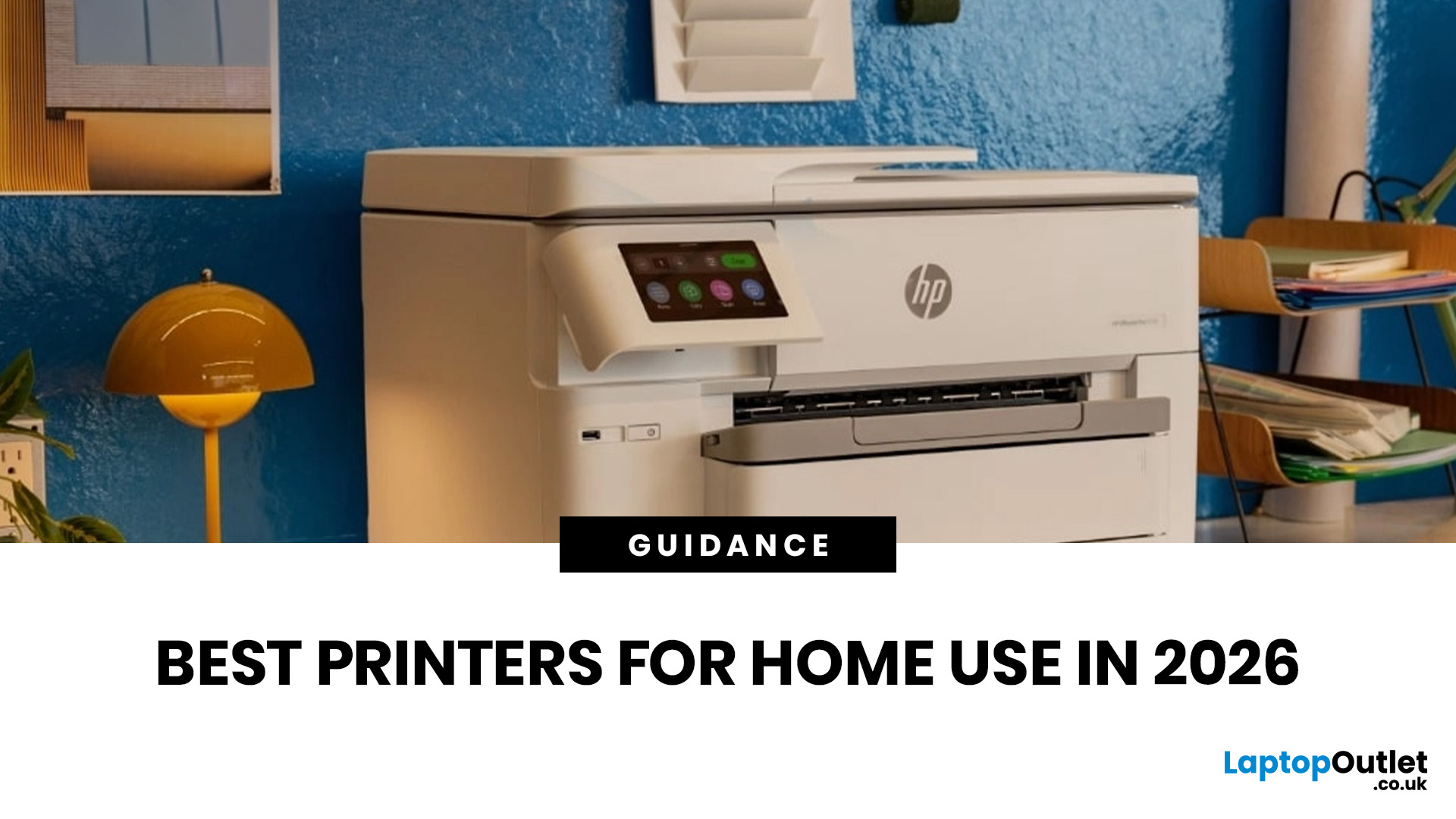
Buying the best home printer can seem overwhelming; the market is flooded with multiple brands offering a host of features. You must determine which printer suits your needs by looking at their specifications, running a comparison among different models, and making the final selection. Remember, we have a wide variety of exceptional printer models, so set aside ample time for this task.
However, if you are short on time, which we assume you are, just read this blog. It provides a curated list of the best computer printers for home use. They are suitable for everyday printing, especially at home, delivering professional-standard results. So, let’s look at them.
Types of Printers: Inkjet vs. Laser
Before you choose the right printer, it helps to know about inkjet and laser printers, the two main printer types. The following comparison will assist you in choosing the right type for your needs:
| Feature | Inkjet Printers | Laser Printers |
| Usage | Colour printing (photos, graphics) | Fast, high-volume |
Last Updated: April 22, 2026
In the late 1980s, owning a printer wasn’t simple, unlike today - it was expensive, rare, and felt like a luxury. Printing was something most people could only dream of having at home.
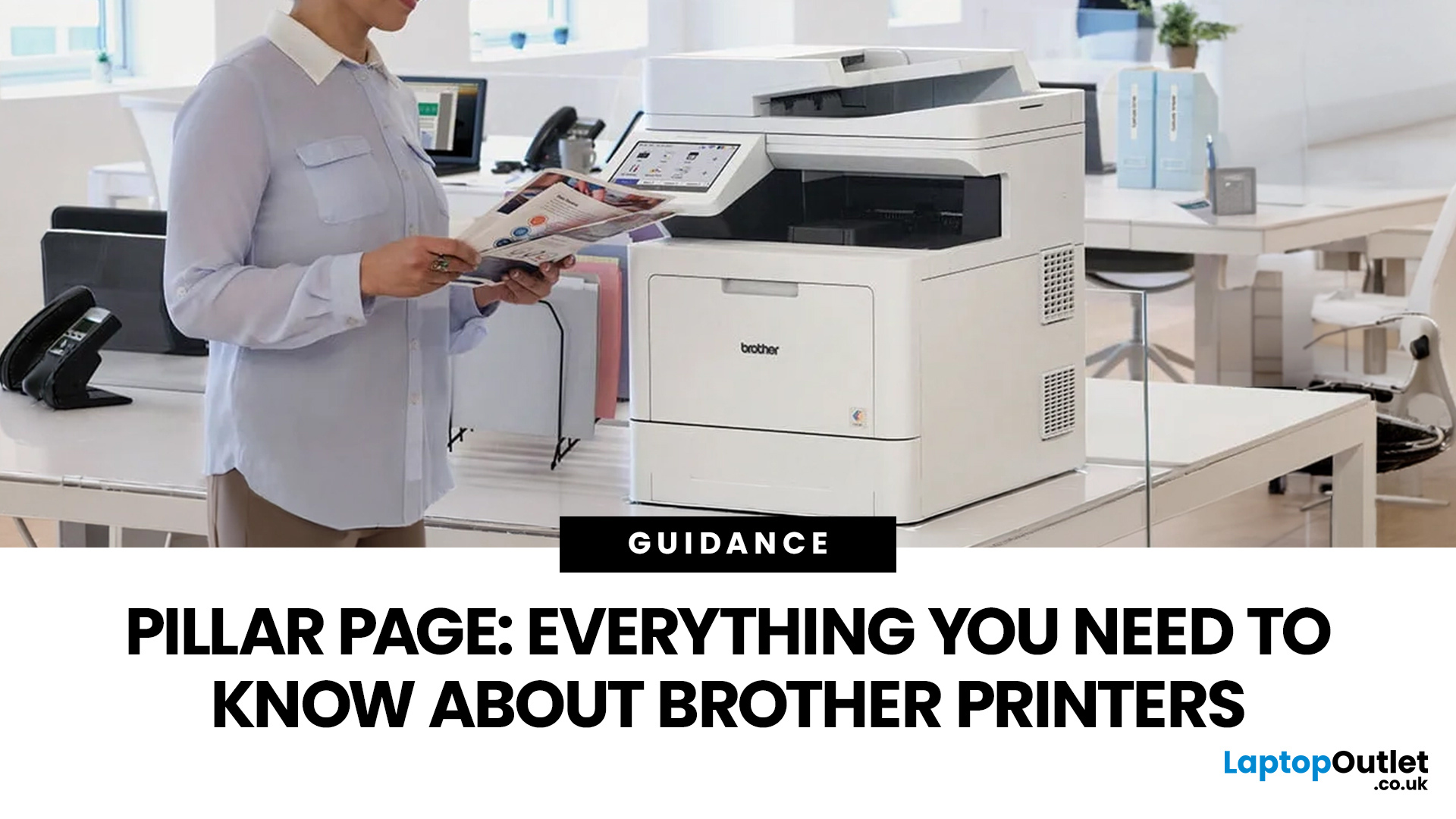
Then Brother stepped onto the scene, redefining what a printer could be. They didn’t just enter the market, they changed it. By combining reliability, efficiency, and affordability, their printers quickly became a staple in offices and homes, setting a new standard for what printing could be.
Brother printers are widely used across the UK because they offer a practical mix of reliability, performance, and ease of use. However, with so many options available, inkjet, laser, all-in-one, wireless, the real challenge is understanding which one actually suits your needs.
This guide shows how their reliable, affordable, and easy-to-use printers fit real-life needs and helps you pick the right one without the tech overload.
What Makes Brother Printers So Popular?
Brother has built its reputation by focusing on
Last Updated: April 22, 2026
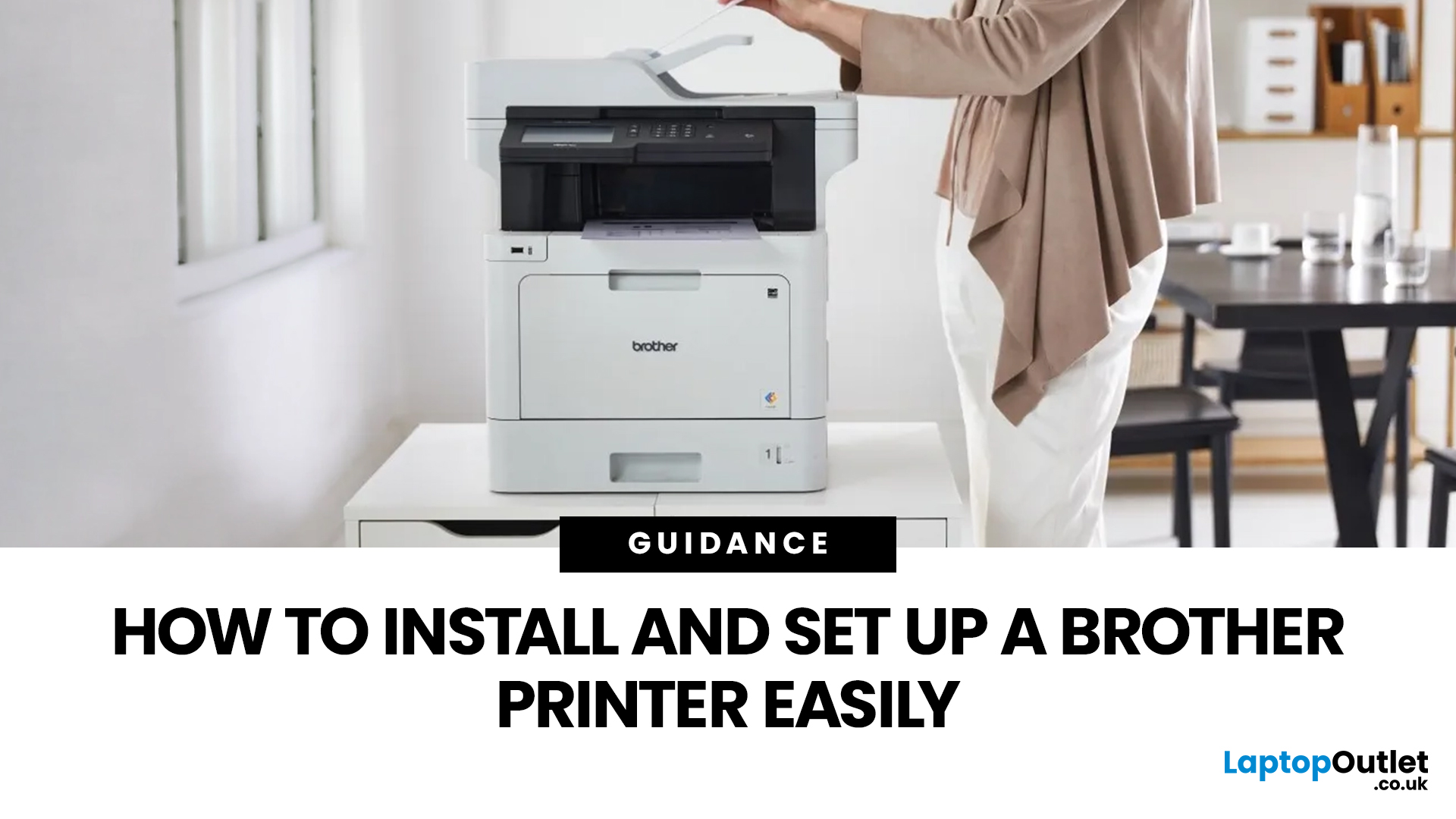
Setting up a new printer should be simple, but for many users, it can quickly become confusing. From installing toner to connecting to Wi-Fi and downloading drivers, even small steps can feel overwhelming if you are not sure what to do first.
This guide is designed to make Brother printer setup straightforward and stress-free. Whether you are installing a printer for the first time, replacing an old device, or setting up a wireless connection in a home or office environment, this step-by-step guide will walk you through everything you need to know.
By the end of this guide, you will have your Brother printer fully installed, connected, and ready to use.
Before You Start: What You Need for Brother Printer Setup
Before jumping into the installation process, it helps to prepare everything in advance. This avoids interruptions and makes the setup process much smoother.
You will typically need:
- Your Brother printer
- Power cable
- Ink cartridges or toner (included with most models)
- Paper for testing
Last Updated: April 22, 2026
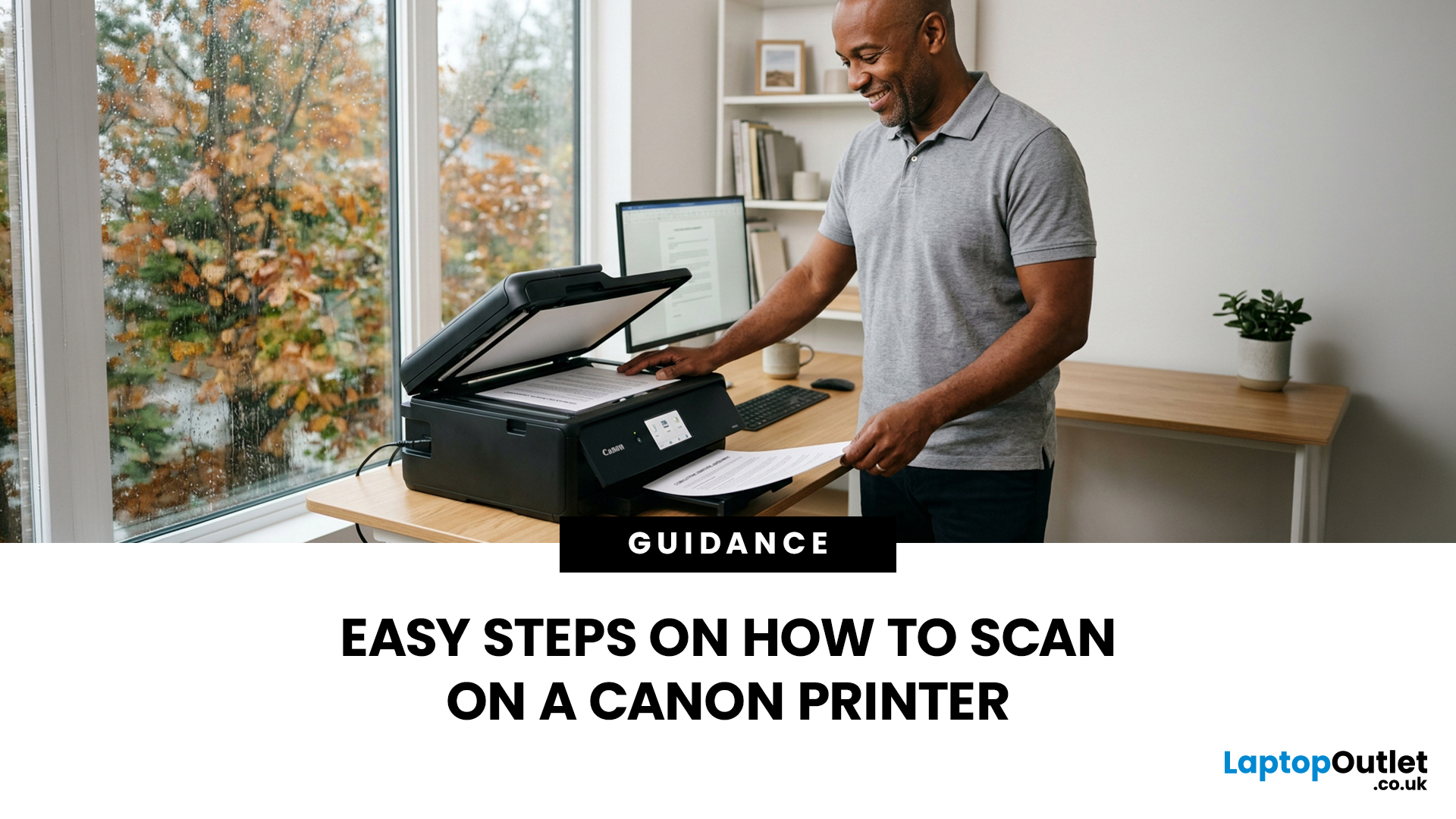
Canon makes some of the most popular multipurpose printers on the market, and for good reason. They're reliable, straightforward to use, and the scanning function is genuinely one of the better ones you'll find on a home or office printer. But if you've never used it before, staring at the control panel wondering where to start is a perfectly normal experience.
This guide covers everything you need to know to scan a document on a Canon printer, whether you're on Windows, Mac, or going straight from the printer itself. No fluff, just the steps that actually work.
Get These Things Sorted Before You Start
You don't need much to get going, but skipping these checks is how people end up wasting twenty minutes troubleshooting something obvious.
Make sure your Canon printer is switched on and connected to your computer, either by USB or over Wi-Fi. If it's a wireless connection, both your printer and computer need to be on the same network. Also confirm that your Canon drivers are installed.
Last Updated: April 22, 2026
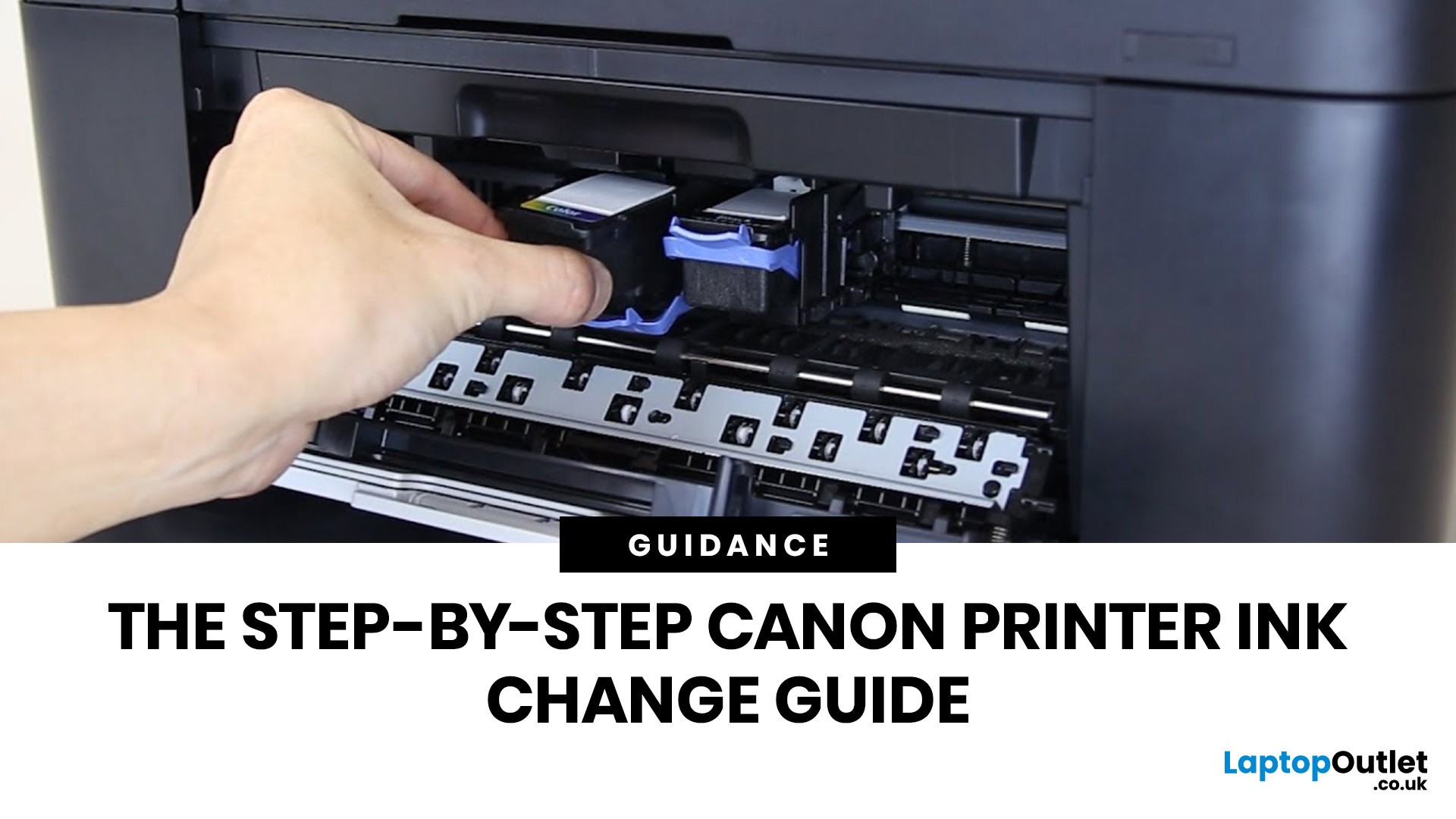
Running out of ink at the wrong moment is genuinely frustrating. Knowing how to change ink in a Canon printer quickly and confidently means less downtime, less wasted paper, and no panicked Googling mid-print.
Canon makes some of the most reliable inkjet printers on the market, and replacing the ink is one of those tasks that feels daunting the first time but becomes routine very quickly. This guide covers everything from the tools you need to the steps themselves, plus tips on cartridge costs, common mistakes, and what to do if problems persist after installation.
What You Need Before You Start
Before diving into the steps, it's worth taking a moment to get everything in order. A well-prepared workspace makes a Canon printer cartridge change much smoother and avoids unnecessary mess or confusion.
Here's what to have ready:
- The correct replacement cartridge for your specific Canon model
- A clean, flat surface to work on
- A tissue or lint-free cloth for any small drips
Always check your
Last Updated: April 22, 2026
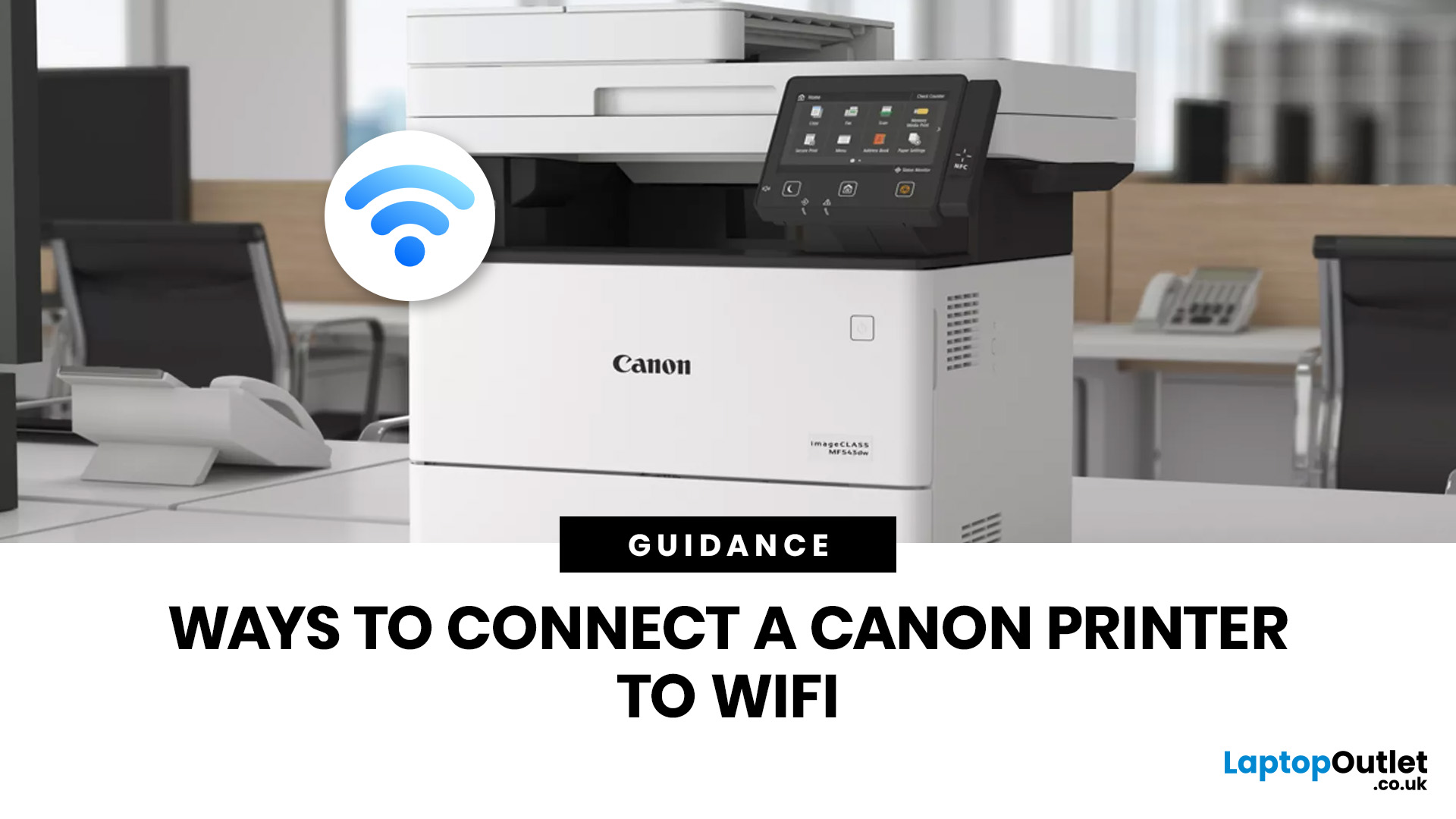
Getting your Canon printer onto your home or office WiFi is easier than you might think. This guide covers every method available to help you connect Canon printer to WiFi, whether you have a touchscreen model, a basic entry-level printer, or you prefer to set things up from your phone. We have also included a troubleshooting section at the end for when things do not go quite to plan.
What to Have Ready Before You Begin
It is worth taking two minutes to gather everything before you start setting up Canon printer to WiFi, as it will save you stopping halfway through. Most connection problems come down to one missing detail at this stage.
Here is what you will need:
- Your WiFi network name (SSID) and password (case-sensitive)
- A Canon wireless printer with the WiFi indicator light present
- The Canon PRINT Inkjet/SELPHY app if you plan to set up via smartphone
One thing worth checking: most Canon
Last Updated: June 05, 2026
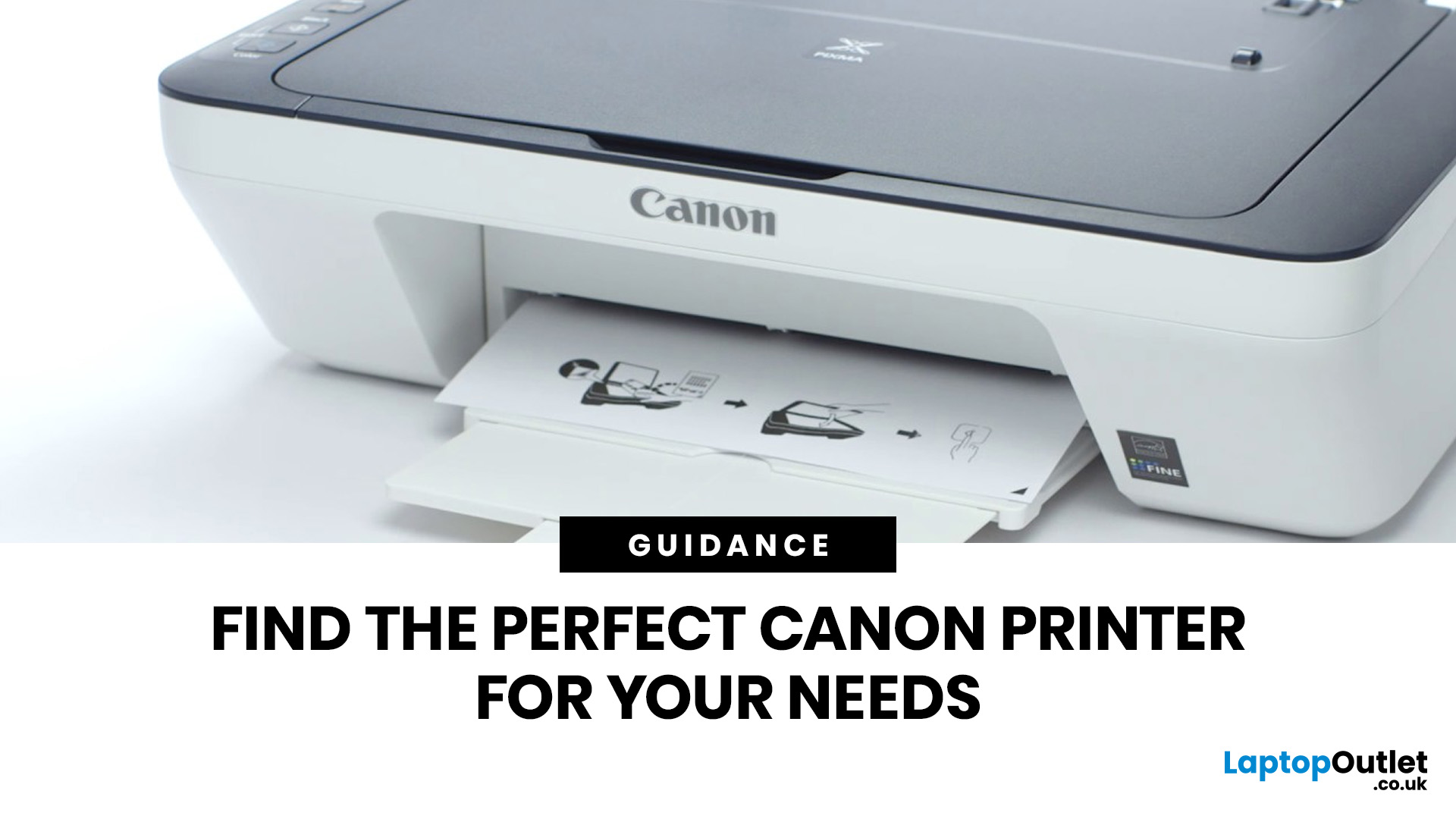
Buying a new printer sounds straightforward until you're faced with dozens of models, confusing specs, and overlapping features. If you're specifically looking at the best Canon printers, you've already made a solid start. Canon is one of the most trusted names in printing, with a range that covers everything from budget-friendly home models to high-volume business workhorses.
This Canon printer buying guide walks you through every series, every key feature, and every use case, so you can buy with confidence and get exactly what you need.
Start With Your Printing Needs and Usage Type
Before choosing a Canon printer, it is important to understand how often you will use it and what tasks you need it for, as this directly affects performance, features, and overall cost. A clear understanding of your usage helps narrow down the best options quickly.
Light Home Use Vs Heavy Office Workloads
If you only print occasionally, such as documents, tickets, or homework, basic home printers are usually

Last Updated: April 22, 2026
Printers are one of those devices you only notice when something goes wrong. One day everything works fine, and the next day your printer refuses to print, shows as offline, or gets stuck with a paper jam. These issues can be frustrating, especially when you need something printed urgently.
The good news is that most Brother printer problems are not serious. In many cases, the issue is related to setup, connectivity, or simple maintenance rather than a fault with the printer itself. Once you understand how to diagnose and fix these problems, you can save time and avoid unnecessary replacements.
This guide covers the most common Brother printer issues and provides clear, practical solutions. Whether you are using a home printer, a multifunctional device, or a printer for office use, this troubleshooting guide will help you get things working again quickly.
Understanding Common Brother Printer Problems
Before jumping into fixes, it helps to understand why problems occur in the first place.
Last Updated: April 22, 2026
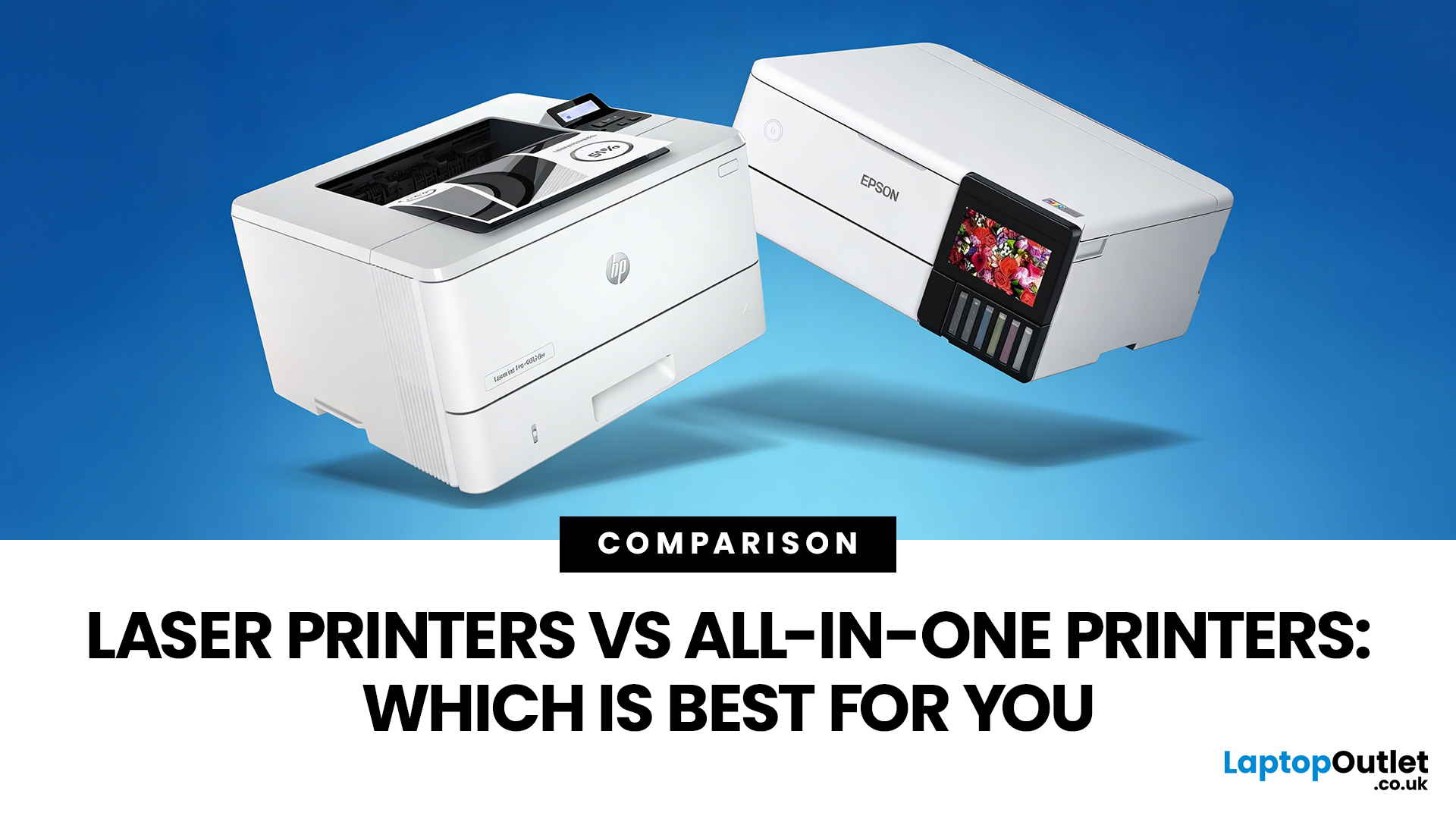
Choosing between Laser printers vs all-in-one printers sounds simple until you realise the two terms do not describe the same thing.
A Laser printer refers to the way the printer works. An all-in-one printer refers to the machine's capabilities, usually printing, scanning, and copying in one unit. That means some all-in-one printers are Laser models, while others are inkjet. So, when people compare all-in-one vs Laser printers, what they are really trying to work out is whether they need stronger print performance or broader day-to-day flexibility.
For some buyers, the Laser is the clear winner. For others, an all-in-one makes far more sense. The right choice depends on how often you print, what you print most, and whether scanning and copying matter as much as printing itself.
If your priority is fast document printing, crisp text and lower running costs over time, a Laser model is usually the smarter fit. If you want one machine that can handle household paperwork, scanning, copying and

