



Snapdragon X2 Elite Review: Features, Real-World Performance & AI Power
The Snapdragon X2 Elite is Qualcomm’s second-generation premium Windows processor, announced in September 2025 before appearing in laptops during 2026. It brings a redesigned CPU, stronger integrated graphics and an NPU rated at up to 85 TOPS. This review examines its specifications, verified benchmark results, software support, battery efficiency, gaming limitations and suitability for everyday work.
|
Quick Verdict on Snapdragon X2 Elite |
|
Best For
Who Should Avoid It
|
Snapdragon X2 Elite: Specifications at a Glance
Qualcomm offers several X2 Elite configurations, so specifications depend on the laptop. The fastest standard model has 18 CPU cores, while lower configurations use 12 cores without losing the platform’s core connectivity or AI capabilities.
Core Platform Details
|
Specification |
Snapdragon X2 Elite details |
|
CPU architecture |
Third-generation Qualcomm Oryon |
|
CPU cores |
12 or 18, depending on SKU |
|
Maximum frequency |
Up to 5.0GHz |
|
Cache |
Up to 53MB |
|
GPU |
Qualcomm Adreno X2-85 or X2-90 |
|
GPU frequency |
Up to 1.70GHz |
|
NPU |
Qualcomm Hexagon, 80 or 85 TOPS |
|
Process node |
3nm |
|
Memory support |
LPDDR5x, up to 128GB |
|
Memory bandwidth |
Up to 152GB/s |
|
Storage |
PCIe 5.0 NVMe and UFS 4.0 platform support |
|
Connectivity |
Wi-Fi 7, Bluetooth 5.4 and optional 5G |
|
Ports |
USB4 at up to 40Gbps |
|
External displays |
Up to three 4K 144Hz or 5K 60Hz displays |
|
Launch |
Announced 24 September 2025; devices launched during 2026 |
These specifications come from Qualcomm’s current Snapdragon X2 Elite platform page and product documentation.
What Is Snapdragon X2 Elite?
Snapdragon X2 Elite is Qualcomm’s premium processor family for Windows 11 AI PCs. It sits below Snapdragon X2 Elite Extreme, but above X2 Plus models intended for thinner, more affordable systems.
Qualcomm’s Second-Generation Windows Platform
The processor replaces the original Snapdragon X Elite and introduces a third-generation Oryon CPU, a new Adreno graphics architecture and a substantially faster Hexagon NPU. It is designed for premium notebooks that need strong performance without the power demands of a conventional high-wattage mobile workstation.
This Qualcomm AI chip targets office professionals, students, developers, creators and mobile workers. It also powers a growing class of AI-enhanced performance laptops designed to run Windows AI models locally rather than sending every request to the cloud.
Snapdragon X2 Elite Versions
|
Version |
Cores |
Maximum clock |
GPU |
NPU |
Memory bandwidth |
|
X2E-90-100 |
18 |
5.0GHz |
X2-90 at 1.70GHz |
85 TOPS |
152GB/s |
|
X2E-88-100 |
18 |
4.7GHz |
X2-90 at 1.70GHz |
80 TOPS |
152GB/s |
|
X2E-84-100 |
12 |
4.7GHz |
X2-85 at 1.70GHz |
85 TOPS |
152GB/s |
|
X2E-80-100 |
12 |
4.7GHz |
X2-85 at 1.70GHz |
80 TOPS |
152GB/s |
|
X2E-78-100 |
12 |
4.0GHz |
X2-85 at 1.35GHz |
80 TOPS |
152GB/s |
The model number matters. An 18-core X2E-90 laptop can deliver substantially different sustained performance from a thin 12-core X2E-78 system.
What Is New Compared with Snapdragon X Elite?
The improvements are not limited to higher clock speeds. Qualcomm has changed the CPU layout, graphics architecture, memory subsystem and AI engine while moving production to a more efficient 3nm process.
Faster Third-Generation Oryon CPU
The original X Elite commonly used 12 CPU cores. X2 Elite expands this to up to 18 cores, divided between high-performance Prime cores and more efficient Performance cores.
Selected models reach 5.0GHz for lightly threaded tasks, while up to 53MB of cache helps larger workloads remain fed with data. Qualcomm claims up to 31% higher performance at equivalent power and up to 43% lower power consumption than the previous generation. These are manufacturer figures rather than universal laptop results.
Redesigned Adreno Graphics
The Adreno X2 GPU brings higher frequencies, improved performance per watt and updated support for DirectX 12.2 Ultimate, Vulkan 1.4 and OpenCL 3.0. It is better prepared for high-resolution displays, accelerated creative tools and occasional gaming.
It remains an integrated GPU. The improvement is valuable for image editing, video acceleration and lighter 3D work, but it does not replace a modern dedicated GeForce GPU or Radeon GPU in demanding applications.
An 80 or 85 TOPS AI Engine
The Hexagon NPU rises from 45 TOPS on the original X Elite to 80 or 85 TOPS, depending on the X2 Elite model. That creates considerably more headroom for concurrent transcription, camera effects, image processing and local language models.
Keep in mind, though, that key Snapdragon X2 Elite AI features will depend heavily on software support. "TOPS" measures theoretical speed limits, not how smoothly your everyday tools will actually run.
Memory and Connectivity Improvements
Standard X2 Elite models support up to 128GB LPDDR5x with bandwidth reaching 152GB/s. Wi-Fi 7, Bluetooth 5.4, optional 5G, USB4 and extensive external-monitor support make the platform suitable for docked professional use.
|
Feature |
Snapdragon X Elite |
Snapdragon X2 Elite |
|
CPU generation |
First-generation Oryon |
Third-generation Oryon |
|
Maximum cores |
12 |
18 |
|
Maximum frequency |
Up to 4.3GHz |
Up to 5.0GHz |
|
Maximum NPU throughput |
45 TOPS |
85 TOPS |
|
Process |
4nm |
3nm |
|
Memory bandwidth |
Up to 135GB/s |
Up to 152GB/s |
|
GPU architecture |
First-generation Adreno X |
Redesigned Adreno X2 |
|
External-display capability |
Device dependent |
Up to three 4K 144Hz or 5K 60Hz displays |
Snapdragon X2 Elite Specifications Explained
A specification sheet only becomes useful when it explains the experience you can expect. CPU cores affect multitasking, while memory bandwidth, graphics support and the NPU influence increasingly specialised workflows.
CPU Architecture and Scaling
The mixed core layout allows demanding foreground tasks to use faster Prime cores while other work is distributed across the remaining cores. This helps responsiveness during heavy multitasking without forcing every core to operate at maximum power.
The 18-core models are most relevant for code compilation, batch processing and sustained creation. The 12-core versions should still be fast for general use, but buyers should not assume every Snapdragon X2 laptop performs identically.
Adreno GPU and Media Engine
The Adreno GPU handles desktop rendering, accelerated image filters, supported 3D workloads and light gaming. Dedicated media blocks support AV1, HEVC and AVC encoding or decoding, reducing the need to process compatible video entirely on the CPU.
This makes it useful for streaming, video meetings and supported editing workflows. Complex 3D rendering, high-resolution effects and professional GPU computation remain better suited to dedicated graphics.
Hexagon NPU
The NPU processes supported neural-network workloads more efficiently than repeatedly sending them through the CPU. It can accelerate background blur, voice isolation, transcription, image segmentation and local generative models.
Current Copilot+ PC features include Windows Studio Effects, Live Captions, Cocreator, Click to Do and opt-in Recall functionality. Availability can depend on Windows version, language, region and account settings. Microsoft confirms that several Windows AI APIs and Phi Silica models can run locally on the NPU.
The NPU is designed to sustain inference with less power than the CPU or GPU. Every X2 Elite SKU exceeds Microsoft’s 40+ TOPS Copilot+ threshold.
Memory, Storage and Displays
LPDDR5x provides high bandwidth while using less power than conventional upgradeable desktop memory. The trade-off is that laptop manufacturers normally solder it to the motherboard, so choosing 32GB or more at purchase is sensible for development, large creative projects or local AI models.
Platform support includes PCIe 5.0 NVMe storage, USB4 and up to three external displays. Actual ports, SSD speed and monitor outputs remain the responsibility of each laptop manufacturer.
Snapdragon X2 Elite Performance in Everyday Workloads
Specifications alone cannot predict the complete laptop experience, so this review therefore combines published benchmark data and current application support to provide important additional context.
Everyday Productivity
Chrome or Edge, Microsoft 365, Teams, PDFs and messaging should feel comfortably within the processor’s range. Native Arm64 applications provide the best efficiency, while Microsoft’s Prism layer translates many x86 and x64 programs automatically.
A 16GB model suits normal study and office work; 32GB is safer for large spreadsheets, many tabs, creation or local AI. Most Windows apps run on Arm, but peripherals needing unavailable Arm64 drivers can still fail.
Microsoft’s Windows Arm compatibility guidance confirms that native applications offer the best experience, while drivers and anti-cheat software must be specifically compatible with Arm64.
Creative Applications
Adobe now offers native Windows Arm versions of Photoshop, Lightroom, Premiere Pro, After Effects, Audition and Media Encoder. Some Intel-only plug-ins, MKV workflows and selected hardware-accelerated exports remain limited.
Adobe’s official Windows Arm support page recommends current software and graphics drivers while documenting remaining feature restrictions.
DaVinci Resolve has a current Windows Arm release, while Blender 5.2 LTS lists Arm compatibility. Photo editing, social video and moderate 4K projects are realistic on 32GB systems. Complex 3D work and effects still favour dedicated graphics.
Development and Professional Workloads
Visual Studio 2022 and VS Code run natively on Arm64, WSL supports Linux development, and supported Windows editions can host Arm64 virtual machines through Hyper-V. This works well for web, .NET and scripting workflows.
Microsoft’s Windows Arm development guidance covers native tools, virtual machines and application development for the platform.
The caveats are material. Docker Desktop for Windows Arm remained early access in July 2026, without Windows containers in its Arm path. Google’s official trackers also show unresolved native Android Studio and Android Emulator support.
AI Performance
The NPU can run compatible language, vision and audio models locally. Useful workloads include offline caption translation, camera effects, semantic image tools, background removal and small language-model actions.
Current Copilot+ PC features include Recall, Cocreator, Windows Studio Effects, Live Captions, Click to Do and automatic super resolution. Availability varies by region, software version and settings, while general Copilot requests may still use cloud services.
Microsoft’s Copilot+ PC feature overview and Windows AI documentation explain which experiences use the NPU or local models.
Benchmark Summary
|
Benchmark |
Result |
Practical reading |
Source |
|
Geekbench 6 CPU, X2E-90 average |
3,375 single; 23,089 multi |
Strong single-core and 18-core scaling |
|
|
Geekbench 6 CPU, X1E-84 average |
2,634 single; 16,983 multi |
X2E-90 averages about 28% and 36% higher |
|
|
Geekbench 6 OpenCL, X2E-88 |
36,945 |
Useful integrated compute; driver dependent |
|
|
Geekbench 6 Vulkan, X2E-88 |
47,423 |
Stronger low-level graphics indication |
|
|
Geekbench AI 1.7, X2E-90 NPU |
2,065 SP; 25,127 HP; 71,609 quantised |
Excellent lower-precision inference potential |
These CPU benchmarks support a meaningful generational gain, but the averages combine different AI-powered copilot plus laptops. The GPU benchmarks are individual submissions, not controlled comparisons. Any Snapdragon X2 Elite benchmark should be treated as capability evidence, not a guaranteed device score.
Overall, Snapdragon X2 Elite performance is strongest in productivity, multi-core work and supported NPU tasks. Its remaining weakness is the gap between native, emulated and unsupported software.
Battery Life and Thermal Efficiency
Battery endurance belongs to the complete laptop, not the processor alone. Battery capacity, display technology, brightness, wireless activity, cooling and software optimisation can change runtime by several hours.
What Battery Results Mean
Microsoft rates its 15-inch X2 Elite Surface Laptop for up to 19 hours of local video playback or 14 hours of active web browsing under controlled conditions. Those are useful reference points, but mixed work involving calls, downloads and creative software will normally consume more power. HP advertises more than 30 hours of battery life for its Snapdragon X2 Elite OmniBook Ultra under controlled continuous video-playback testing.
In practical terms, Snapdragon X2 Elite battery life should be strongest during browsing, document work, video playback and NPU-assisted tasks. Long rendering, emulated software and gaming can reduce the advantage.
Heat, Fans and Sustained Speed
The 3nm process and efficient core design allow manufacturers to build thin machines with compact cooling. Light tasks may produce little fan noise, while sustained multicore or GPU work can still require active cooling.
Thermal behaviour is chassis-specific. A larger laptop with a vapour chamber may hold higher clocks for longer than an ultra-light model, even when both use the same processor.
Gaming Performance
Gaming support has improved through drivers, Prism emulation and broader developer attention, yet it remains the platform’s clearest compromise. Casual play is increasingly practical, while demanding PC libraries require checking.
Casual and Cloud Gaming
Native Arm titles provide the cleanest experience, while Prism translates many x64 games. Microsoft’s automatic super resolution can improve supported titles, and cloud gaming avoids most local architecture restrictions.
Qualcomm now supplies downloadable Adreno drivers and a Snapdragon Control Panel. It has also added AVX2 emulation improvements and broader game support, helping updates arrive without waiting solely for laptop firmware.
Qualcomm’s official Windows gaming update explains the platform’s driver, emulation and compatibility improvements.
AAA Gaming Limits
The integrated GPU can handle lighter titles and selected modern games at sensible settings. However, Snapdragon X2 Elite gaming is not equivalent to a laptop with dedicated graphics.
Anti-cheat systems, launchers, mods, capture tools and low-level drivers can still block games. Competitive players prioritising high frame rates and predictable support will usually be better served by ASUS ROG & TUF high-end gaming laptops or another x86 gaming system.
|
Gaming scenario |
Likely experience |
|
Native Arm or indie title |
Best compatibility; moderate settings often practical |
|
Emulated x64 game |
Variable performance and stability |
|
Anti-cheat multiplayer |
Check individually; some titles may not launch |
|
Modern AAA game |
Mixed support; lower settings and upscaling may help |
|
Cloud gaming |
Strong with stable broadband |
|
VR or heavy modding |
Not recommended without confirmed support |

Pros and Cons
The processor’s strengths are clearest when applications are native and the laptop is configured with sufficient memory. Compatibility remains the main factor that can turn an otherwise excellent system into the wrong purchase.
Practical Advantages and Drawbacks
|
PROS |
CONS |
|---|---|
| Excellent single-core and multicore CPU potential | Specialist x86 software may require emulation |
| 80 or 85 TOPS NPU | Some plug-ins, drivers and anti-cheat systems remain unsupported |
| Strong efficiency for mobile work | Integrated GPU cannot replace a high-end discrete GPU |
| Improved native creative-software support | Gaming compatibility is inconsistent |
| Wi-Fi 7, USB4 and extensive display support | Performance varies considerably between SKUs and chassis |
| Capable local AI processing | Soldered memory is normally not upgradeable |
Who Should Buy Snapdragon X2 Elite?
The best buyers are people whose main applications already run natively on Windows Arm. Checking software before purchasing is more important than choosing the highest benchmark score.
Ideal Buyers
Choose it when you need:
- Fast Microsoft 365, browser and communication performance
- A portable machine for university, business travel or hybrid work
- Local transcription, translation or document-processing tools
- Native Photoshop, Premiere or DaVinci Resolve workflows with confirmed plug-in support
- Visual Studio, VS Code, WSL and modern web-development tools
- Multiple external displays through USB4
- A premium alternative to conventional AI PC processors
Within a balanced best laptop range, X2 Elite systems sit alongside x86 business notebooks and MacBooks rather than replacing every category. They can also complement Samsung Galaxy productivity laptops for users already working across Windows and Android devices.
Consider Alternatives When
Choose another platform when you mainly play modern AAA games, rely on CUDA, use unsupported Android emulators or require obscure business drivers. A well-configured Intel, AMD or Apple system may produce fewer compatibility surprises.
Current models generally occupy the premium market. Compare the complete laptop’s display, memory, battery, cooling and warranty rather than paying for the processor name alone.

Is Snapdragon X2 Elite Worth Buying?
The Snapdragon X2 Elite is worth considering for mobile professionals, students, developers and creators whose essential software supports Windows Arm.
Its strongest qualities are fast CPU performance, an 80 or 85 TOPS NPU, modern connectivity and efficient unplugged productivity. Its weaknesses remain game compatibility, specialist drivers, legacy plug-ins and reliance on integrated graphics.
It is not the universal replacement for Intel, AMD or Apple, but it is now a credible premium option rather than an experimental alternative. Verify your apps and peripherals, select at least 32GB memory for demanding work, and prioritise the laptop’s cooling and battery design over theoretical peak figures.

A Few More Things to Know...
What is Snapdragon X2 Elite?
Snapdragon X2 Elite is Qualcomm’s premium 3nm Windows processor, combining up to 18 Oryon CPU cores, Adreno graphics and an 80 or 85 TOPS Hexagon NPU.
How much faster is Snapdragon X2 Elite than Snapdragon X Elite?
Qualcomm claims up to 31% higher performance at equal power. Current Geekbench aggregates show approximately 28% higher single-core and 36% higher multicore scores between selected models.
Does Snapdragon X2 Elite support AI applications locally?
Yes. Its Hexagon NPU can run supported language, image, audio and Windows AI models locally, although actual speed and availability depend on each application’s Qualcomm optimisation.
Should I choose Snapdragon X2 Elite over Intel Core Ultra?
Choose X2 Elite for native Arm productivity, local AI and mobile efficiency. Choose Intel when broad legacy-software, peripheral-driver and gaming compatibility matters more than maximum dedicated NPU throughput.
Is Snapdragon X2 Elite good for gaming?
It handles lighter, native and cloud games reasonably well, but AAA performance and anti-cheat compatibility vary. A dedicated-GPU x86 laptop remains safer for serious gaming.
| Read More: |
| Snapdragon X Plus vs Elite: Which One Should You Choose in 2026? |
| Snapdragon vs Apple Silicon: A Complete Guide to ARM Processors |
| AI Laptop Comparison: Intel vs AMD vs Snapdragon X Elite |
Related Articles

Last Updated: December 17, 2025
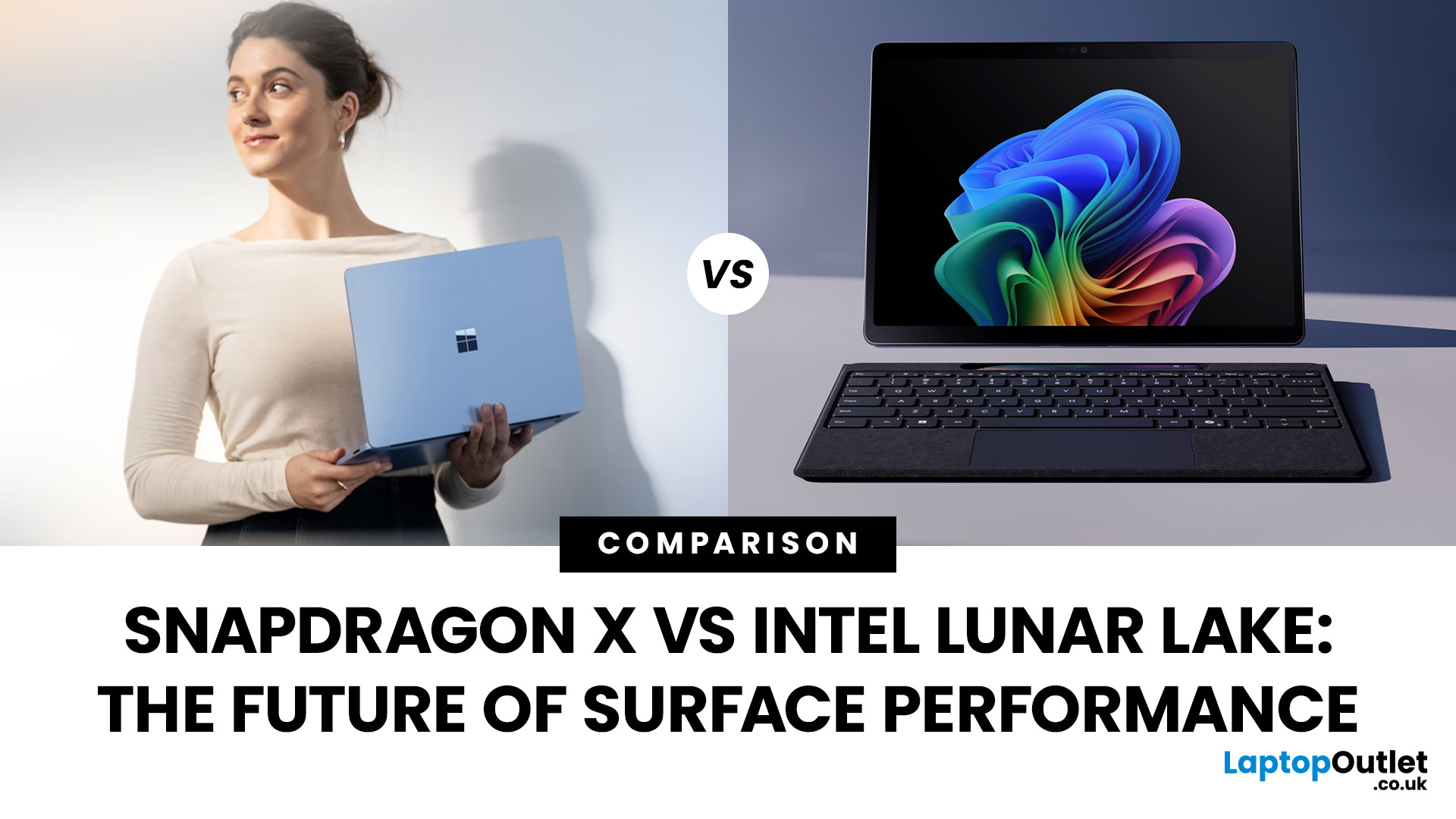
If you’re eyeing up the latest Surface Pro or Surface Laptop, you’re probably staring at a new kind of fork in the road: Snapdragon X vs Intel Lunar Lake. Microsoft now sells Surface models powered by both Qualcomm’s Arm-based Snapdragon X chips and Intel’s next-gen Lunar Lake processors and on paper, both promise better battery life, faster AI features, and a quieter, cooler experience. But the right choice depends on how you use your Surface today (and what you’ll need from it tomorrow).
In this guide, we’ll unpack how each platform works, what the benchmarks and battery tests actually mean, where Windows on Arm stands versus x86, and how to decide with clear recommendations for everyday users, creatives, students, coders, and gamers. We’ll also flag real-world quirks (like app compatibility and battery bugs) you should know before you buy.
Snapdragon X: Arm Power and All-day Efficiency
Qualcomm’s Snapdragon X Elite and X Plus chips launched Microsoft’s Copilot+ PC era in mid-2024.
Last Updated: December 31, 2025
If you’re planning a new PC build or looking to breathe life into an older rig, New Year processor deals can be one of the smartest ways to upgrade without overspending. The start of 2026 is a prime time for CPU discounts: retailers clear stock, bundle components, and compete hard on price. The trick is knowing which processor deal is genuinely good, what to prioritise for your workload, and how to avoid buying the wrong platform.
In this guide to processor New Year deals 2026, you’ll find practical buying advice, use-case recommendations for gaming and productivity, and a simple checklist for compatibility. Whether you’re chasing high FPS, smoother streams, faster creative exports, or a snappier work machine, you’ll be able to shop with confidence.
Intel Core i5/i7 Discounts: Why they’re Best CPU for in 2026
When you see Intel Core i5/i7 discounts during New Year sales, they usually appeal to buyers who want a strong all-round PC: quick responsiveness, solid gaming performance,
Last Updated: January 27, 2026
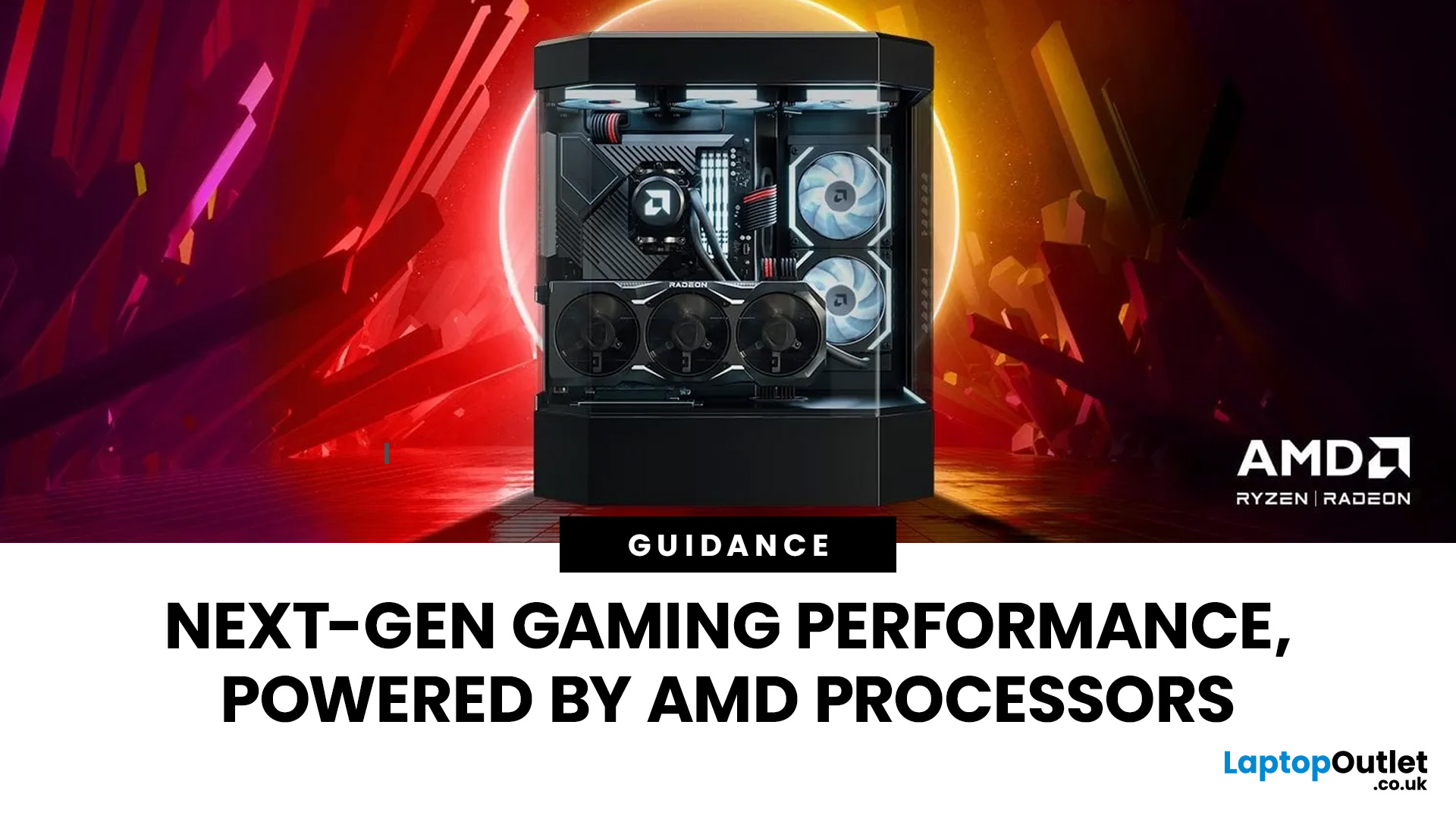
Over the past decade, AMD has transformed from an underdog in the CPU market to a dominant force in gaming PCs.
With its Ryzen series, AMD has consistently delivered processors that combine high performance, competitive pricing, and innovative features. For UK gamers, this has meant more choice, better value, and the ability to build powerful rigs without overspending.
In this guide, we’ll explore exactly how AMD processors work in gaming PCs, the key features that make them stand out, and the benefits they bring to gamers.
Understanding AMD Processors in Gaming PCs
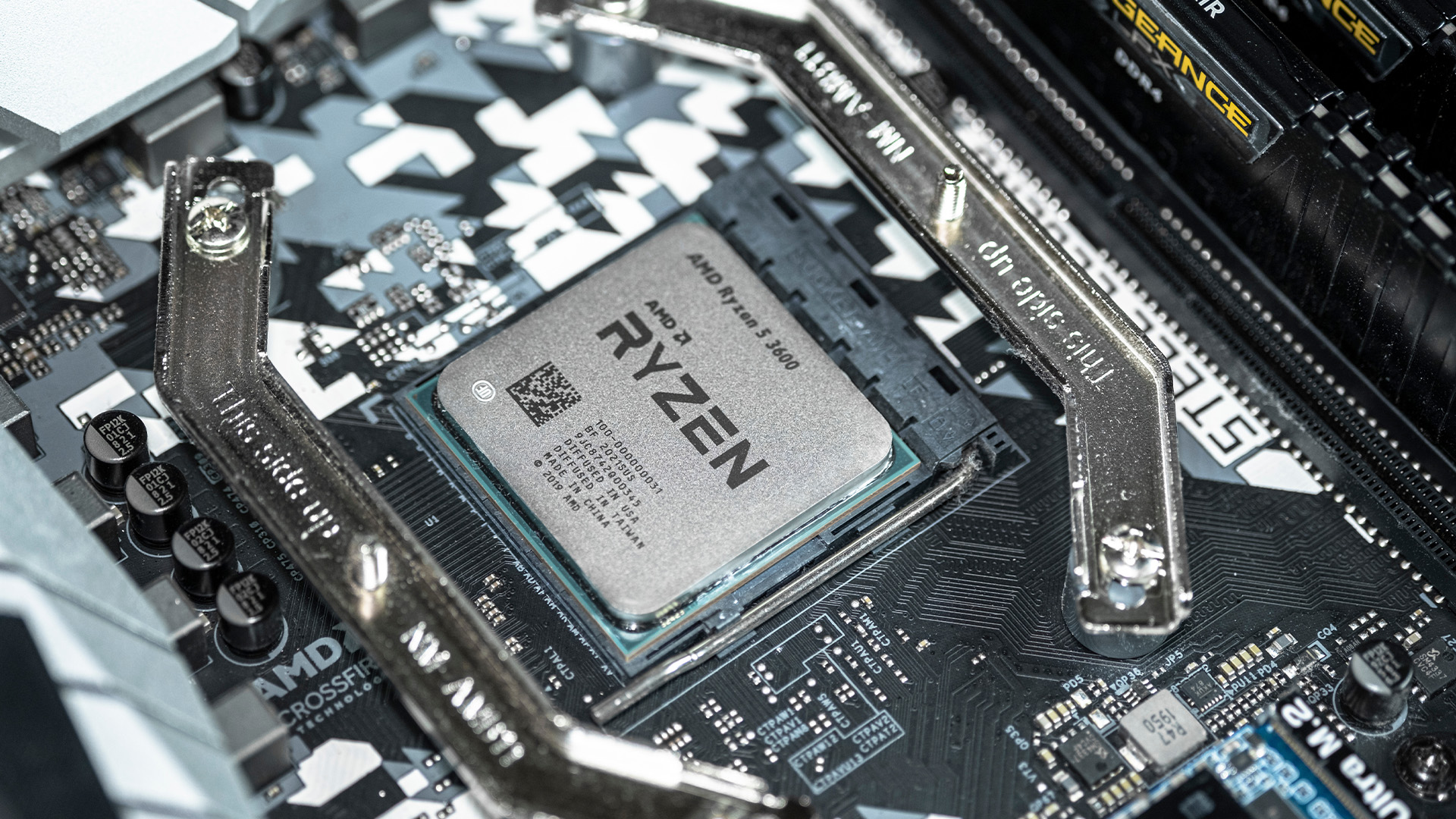
In any gaming setup, the Central Processing Unit (CPU) acts as the primary coordinator. It handles complex AI logic, processes game physics, and manages all background system tasks while your graphics card renders the visuals.
AMD has revolutionised this space by moving away from traditional "monolithic" chip designs where everything is on one piece of silicon. Instead, the modern AMD CPU architecture uses a modular
Last Updated: April 07, 2026
Buying an AI laptop in 2026 should be a quick decision. You pick a size, set a budget, and choose the “best” chip, right? In reality, the AI label is doing far too much work. Two laptops can sit side by side, both advertised as “AI-powered”, yet behave completely differently once you start writing documents, editing photos, joining video calls, or trying the latest Windows features.
That confusion usually comes down to one thing: people treat “AI laptop” as a single spec, when it’s really a mix of three engines working together.
- CPU: the general performance engine for everything you already do
- GPU: the visual and creative engine, also used for some AI workloads
- NPU: the efficiency engine for AI tasks that are built to run locally
This guide compares the 3 platforms shoppers are most likely to cross-shop when searching for an AI laptop today: Intel Core Ultra 200V (Lunar Lake), AMD Ryzen AI 300 (XDNA 2), and Qualcomm Snapdragon X Elite. We’ll keep it practical, explain the specs, and help
Last Updated: August 17, 2026
ARM processors are reshaping the laptop and tablet market in 2026, offering faster performance, longer battery life and cooler, quieter designs. Apple Silicon and Snapdragon are two leading ARM platforms, but they serve slightly different users. Apple Silicon is known for strong MacBook performance and excellent energy efficiency, while Snapdragon brings ARM power to modern Windows laptops and tablets.
ARM processors laptops are no longer niche devices. In 2026, they are a serious choice for students, remote workers, business users, and creators who want slim designs, long battery life and fast everyday performance. This guide offers ARM processors explained in plain English, then compares Apple Silicon and Snapdragon, the two most visible ARM platforms in laptops and tablets. Buyers usually care about four things: speed, battery life, app compatibility, and long-term value. That is where the Snapdragon vs Apple Silicon debate becomes important.
What are ARM Processors in Laptops and How
Last Updated: July 14, 2026
Ryzen 5 processors suit everyday use, budget gaming, and light multitasking. Ryzen 7 processors are better for 1080p and 1440p gaming, streaming, and moderate content creation. Ryzen 9 processors are good for heavy workloads like 4K video editing and 3D rendering. For most laptop buyers in 2026, a Ryzen 7 hits the sweet spot between performance and value.
This guide cuts through the noise and gives you a clear AMD Ryzen 5 vs 7 vs 9 comparison, so you can make a confident decision before you spend a penny.
What Is AMD Ryzen? Explained
AMD Ryzen is AMD’s mainstream family of computer processors. Ryzen CPUs power everything from affordable student laptops to high-end gaming PCs and professional workstation systems.
The number after “Ryzen” tells you the performance tier:
- Ryzen 5: Mainstream performance for everyday use, productivity and value gaming.
- Ryzen 7: Higher performance for gaming, creative work and heavier multi-tasking.
- Ryzen 9: Premium performance for professional workloads,
Last Updated: June 16, 2026
Snapdragon X Elite offers higher performance, while Snapdragon X Plus focuses on better value and efficiency. Both support AI features, long battery life, and smooth Windows 11 performance.
| Both chips share the exact same AI brain (the NPU) and the same core architecture. The main difference is that the Snapdragon X Elite has more "muscle" (12 cores vs 8/10 cores) and a faster graphics engine, making it better for heavy-duty workloads and gaming. The Snapdragon X Plus is the ultimate battery saver meant for everyday life. |
Choose Snapdragon X Plus for everyday tasks, study, and portability. Choose Snapdragon X Elite if you need more power for video editing, creative work, and heavy multitasking.
Snapdragon X Plus vs X Elite Explained
| Snapdragon X Elite is better for maximum performance. Snapdragon X Plus is better for value, battery-conscious everyday use, and lighter laptops. |
|---|
Both chips use Qualcomm’s Oryon CPU, Adreno graphics, and Hexagon NPU for AI tasks. The main difference is that
Last Updated: August 06, 2026
Last Updated: July 23, 2026
Neither processor family is automatically better. An Intel Core i7 laptop is often a strong choice for demanding productivity, supported video workflows and high-powered gaming configurations. A Ryzen 7 laptop can be especially attractive for efficient multitasking, capable integrated graphics and specification value.
When comparing an i7 vs Ryzen 7 laptop, the exact processor number matters more than the badge. A Core i7 U-series processor designed for a lightweight laptop is not equivalent to a Core i7 H-series gaming chip. The same applies to Ryzen 7 U, HS and HX processors.
For the broader brand-level differences, read our AMD vs Intel laptop guide. This guide goes deeper into the Core i7 and Ryzen 7 performance tier.
Intel Core i7 vs Ryzen 7 Laptops: Quick Answer
| Your priority | Better starting point | What to check |
| Everyday office work | Either | RAM, battery, screen and price |
| Heavy multitasking | Either | Exact CPU model, cooling and at least 16GB RAM |
| Gaming with dedicated graphics | Either | GPU |
Published: July 27, 2026

