



Snapdragon X Plus vs Elite: Which One Should You Choose in 2026?
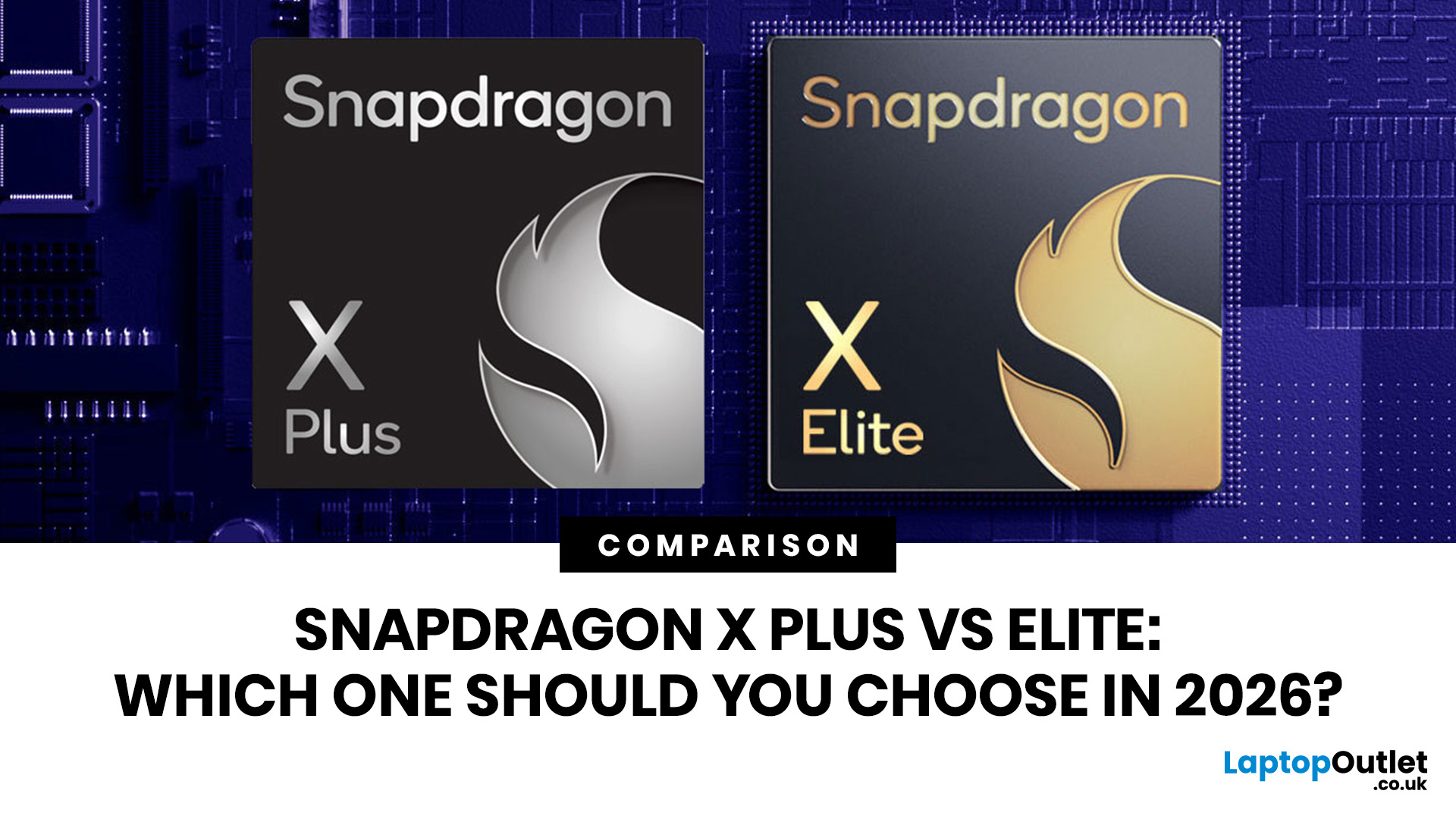
Snapdragon X Elite offers higher performance, while Snapdragon X Plus focuses on better value and efficiency. Both support AI features, long battery life, and smooth Windows 11 performance.
| Both chips share the exact same AI brain (the NPU) and the same core architecture. The main difference is that the Snapdragon X Elite has more "muscle" (12 cores vs 8/10 cores) and a faster graphics engine, making it better for heavy-duty workloads and gaming. The Snapdragon X Plus is the ultimate battery saver meant for everyday life. |
Choose Snapdragon X Plus for everyday tasks, study, and portability. Choose Snapdragon X Elite if you need more power for video editing, creative work, and heavy multitasking.
Snapdragon X Plus vs X Elite Explained
| Snapdragon X Elite is better for maximum performance. Snapdragon X Plus is better for value, battery-conscious everyday use, and lighter laptops. |
|---|
Both chips use Qualcomm’s Oryon CPU, Adreno graphics, and Hexagon NPU for AI tasks. The main difference is that Snapdragon X Elite offers up to 12 CPU cores, while Snapdragon X Plus comes in 10-core and 8-core options.
|
FEATURE |
SNAPDRAGON X PLUS |
SNAPDRAGON X ELITE |
|---|---|---|
|
Best for |
Everyday AI laptops, students, browsing, productivity, streaming |
Power users, creators, heavier multitasking, premium AI laptops |
|
CPU cores |
8 or 10 cores |
12 cores |
|
NPU AI performance |
Up to 45 TOPS |
45 TOPS |
|
Graphics tier |
Varies by model |
Generally stronger Adreno GPU tier |
|
Battery focus |
Excellent efficiency |
Strong performance with high efficiency |
|
Price position |
More affordable |
More premium |
|
Gaming suitability |
Casual and lighter games |
Better for heavier workloads and some games, but still not a dedicated gaming GPU replacement |
|
Best buyer |
Gen Z students, hybrid workers, casual users |
Creators, multitaskers, premium laptop buyers |
Key takeaway:
If your main question is “Is Snapdragon X Elite better than X Plus?”, the answer is yes for raw performance, but not always for value.What Is Snapdragon X Elite?
| Snapdragon X Elite is Qualcomm’s premium Windows laptop processor designed for high-performance AI PCs. |
|---|
Think of it as the top-tier Snapdragon chip for people who want a thin and light laptop that still feels fast under pressure. It is built around Qualcomm’s Oryon CPU, which is designed to deliver strong performance while using power efficiently. Qualcomm describes Snapdragon X Elite as a 4nm system-on-chip with a 12-core Oryon CPU, integrated Adreno GPU, and low power consumption for multi-day battery life claims in supported laptop designs.
In simple words, Snapdragon X Elite is made for:
- Heavy multitasking
- AI-powered workflows
- Video calls with background effects
- Creative work
- Premium Windows 11 laptops
- Longer battery life than many traditional high-performance laptops
- Better performance headroom than Snapdragon X Plus
How Snapdragon X Elite Works
Snapdragon X Elite works by splitting tasks across different parts of the chip:
- CPU: Handles general performance, such as opening apps, browsing, writing documents, coding, and multitasking.
- GPU: Handles visuals, graphics acceleration, video playback, light creative workloads, and some gaming tasks.
- NPU: Handles AI workloads more efficiently than the CPU or GPU.
- Memory system: Helps move data quickly between apps and chip components.
This is why Snapdragon X Elite laptops can feel snappy without constantly needing loud fans or a huge battery.
For example, when you are on a video call, the NPU can help with background blur, eye contact correction, and noise reduction. When you are editing a presentation while streaming music and keeping 25 Chrome tabs open, the CPU and memory system do the heavy lifting.
Why Snapdragon X Elite Is More Powerful
Snapdragon X Elite is more powerful because it usually gives you:
- More CPU cores than Snapdragon X Plus
- Higher peak performance potential
- Stronger performance for demanding multitasking
- Better fit for premium laptop cooling designs
- More headroom for creative and productivity workloads
That does not mean every Snapdragon X Elite laptop will perform exactly the same. Laptop design still matters. A well-cooled Snapdragon X Elite laptop with enough RAM can perform better than a very slim model that limits power to stay cool.
What Is Snapdragon X Plus?
| Snapdragon X Plus is Qualcomm’s mainstream AI laptop processor designed to bring Snapdragon X efficiency, AI features, and long battery life to more affordable Windows laptops. |
|---|
It is not a “weak” chip. That is the first myth to remove.
Snapdragon X Plus still supports modern AI laptop features, uses Qualcomm Oryon CPU technology, and includes an integrated Hexagon NPU. Qualcomm states that Snapdragon X Plus features a Qualcomm AI Engine with a Hexagon NPU delivering 45 TOPS, enabling on-device AI and power savings.
The difference is that X Plus is usually tuned for a more balanced mix of:
- Performance
- Battery life
- Lower laptop cost
- Lightweight designs
- Everyday productivity
- AI features without premium pricing
How Snapdragon X Plus Works
Snapdragon X Plus works in the same general way as X Elite. It combines CPU, GPU, and NPU blocks inside one efficient system-on-chip.
The CPU handles your usual laptop tasks. The GPU supports visuals and media. The NPU accelerates AI workloads locally on the device. That means some AI tasks do not need to rely fully on the cloud.
For a UK student, that could mean:
- Writing coursework in Word
- Joining Teams or Zoom calls
- Keeping multiple browser tabs open
- Using AI study tools
- Streaming YouTube or Netflix
- Running lightweight games
- Carrying the laptop around campus all day
That is exactly where Snapdragon X Plus makes sense.
Why Snapdragon X Plus Is More Efficient
Snapdragon X Plus is often considered the more efficient choice because it usually has fewer CPU cores and is commonly used in laptops designed around portability and battery life.
Less peak performance can be a benefit when your daily tasks do not need the full power of X Elite. You may get a laptop that is:
- Cheaper
- Cooler
- Quieter
- Lighter
- Better value for everyday use
Snapdragon X Elite vs Snapdragon X Plus: Main Differences
The difference between Snapdragon X Plus and X Elite comes down to performance tier, CPU core count, graphics capability, price, and the type of laptop each chip usually appears in.
1. CPU Performance
Snapdragon X Elite has the advantage here.
First-generation Snapdragon X Elite models use 12 CPU cores. First-generation Snapdragon X Plus models use either 10 cores or 8 cores, depending on the exact model. Qualcomm’s comparison table lists X Elite models at 12 cores and X Plus models at 10 or 8 cores.
That matters if you do things like:
- Edit large documents while browsing heavily
- Use creative apps
- Run AI tools alongside normal work
- Connect multiple displays
- Keep many apps open at once
- Work with large spreadsheets
- Do coding or development work
For basic browsing, coursework, emails, online shopping, and streaming, Snapdragon X Plus should still feel fast. When comparing Snapdragon X Plus vs X Elite, do not look at core count alone; understanding clock speed vs cores can help you judge real-world laptop performance more accurately.
2. AI Performance
This is where things get interesting.
Many buyers assume X Elite must be dramatically better for AI. In reality, both Snapdragon X Plus and X Elite are designed for AI PCs. Microsoft says many new Windows AI features require an NPU capable of more than 40 TOPS.
Both Snapdragon X Plus and X Elite can reach up to 45 TOPS NPU performance, depending on the chip model.
So for Copilot+ style AI features, the difference is not simply “Elite has AI and Plus does not.” Both are AI-ready.
The bigger difference is that X Elite has more CPU power around that NPU. That can help when AI tasks are part of a bigger workload, such as editing, exporting, researching, presenting, and multitasking at the same time.
3. Graphics and Gaming
Here is the honest bit gamers need.
Snapdragon X Elite is better than Snapdragon X Plus for graphics-heavy tasks, but neither should be treated like a proper RTX gaming laptop.
These chips are excellent for thin, efficient laptops. They are not designed to replace high-end dedicated gaming GPUs.
For Gen Z gamers, that means:
- Good fit: Minecraft, Roblox, cloud gaming, indie games, older titles, browser games, streaming, Discord, esports titles that are compatible.
- Maybe fit: Some modern games at lower settings, depending on support and optimisation.
- Not ideal: Heavy AAA gaming, competitive games with strict anti-cheat issues, demanding titles that expect x86 Windows hardware and dedicated graphics.
Windows on Arm gaming has improved. Microsoft has highlighted progress around local game installs, Prism emulation, and anti-cheat support from partners, but compatibility can still depend on the game.
So, is Snapdragon X Elite better for gaming than X Plus? Usually yes. Is it the best choice for a serious gaming laptop? Not usually. Since both chips use integrated graphics, it is worth understanding the difference between an integrated vs dedicated GPU before choosing a Snapdragon laptop for gaming or creative work.
For gaming-first buyers, look at dedicated gaming laptops. For students who game casually after lectures, Snapdragon X Plus or X Elite can still make sense.
4. Battery Life
Both chips are designed for efficiency, and this is one of the biggest reasons to consider Snapdragon X laptops in the first place.
Qualcomm promotes both Snapdragon X Elite and Snapdragon X Plus around high performance with low power consumption and multi-day battery life potential in supported laptop designs.
But battery life depends on more than the processor:
- Screen size and brightness
- Battery capacity
- Laptop cooling
- Number of apps running
- Wi-Fi or 5G use
- Whether apps are native Arm apps or emulated
- Gaming, video editing, or AI workload intensity
In many real buying situations, Snapdragon X Plus laptops may be the smarter battery-focused pick because they are often configured for mainstream efficiency rather than maximum performance.
5. Price and Value
Snapdragon X Plus usually wins on value.
Snapdragon X Elite laptops tend to sit in premium price brackets. You are paying for extra performance, better specs, and often higher-end laptop builds.
Snapdragon X Plus laptops are more attractive if you want:
- A lower price
- Long battery life
- Modern AI features
- Lightweight design
- Strong everyday performance
- Better value for school, uni, or hybrid work
Before spending extra on X Elite, ask yourself:
Will I actually use the extra power every week?
If the answer is no, X Plus could be the clever buy.
Key takeaway
Snapdragon X Elite is the performance winner. Snapdragon X Plus is the value winner.Snapdragon X Series Processors Explained in Simple Terms
The Snapdragon X Series is Qualcomm’s family of Arm-based laptop processors for Windows PCs.
Instead of following the older laptop chip formula of “more heat equals more performance,” Snapdragon X chips focus on delivering strong speed with better efficiency. That is why they are often found in slim, modern Windows 11 laptops.
What Makes Snapdragon X Different?
Snapdragon X processors are built around:
- Arm architecture: Similar in concept to the efficient chip approach used in many phones and tablets. (Snapdragon X Plus and X Elite are built on Arm architecture, so comparing them with other ARM processors can help you understand better.)
- Qualcomm Oryon CPU: Custom CPU cores for laptop performance.
- Adreno GPU: Integrated graphics for visuals, media, and light gaming.
- Hexagon NPU: Dedicated AI acceleration.
- Efficient design: Better battery life potential in thin laptops.
- Modern connectivity: Qualcomm lists features such as Wi-Fi 7 and 5G support across Snapdragon X Series features, depending on device configuration.
What Is an NPU and Why Should You Care?
An NPU, or Neural Processing Unit, is a chip block designed for AI tasks.
Instead of asking the CPU to do everything, the laptop can send AI workloads to the NPU. Microsoft explains that NPUs are specialised chips for AI-intensive processes such as real-time translations and image generation, and Copilot+ PCs are built around high-performance NPUs.
In real life, this can help with:
- Live captions
- Background blur
- Eye contact correction
- AI image tools
- Local AI assistants
- Better battery efficiency during AI tasks
- Faster on-device AI experiences
For Gen Z users, that means smoother study, content creation, video calls, note-taking, and productivity without always relying on cloud processing. To better understand what NPU is and how it works read our detail blog on Neural Processing Unit.
Snapdragon X Elite vs X Plus: Which Is Better for Students?
For most students, Snapdragon X Plus is the better-value choice.
It should be more than enough for:
- Google Docs and Microsoft Word
- PowerPoint presentations
- Online lectures
- Research tabs
- Spotify and YouTube
- Canva
- Teams and Zoom
- Light photo editing
- AI study tools
- Streaming and casual gaming
The money saved could go toward more RAM, more storage, better screen quality, or accessories.
However, Snapdragon X Elite is worth it if you are studying:
- Design
- Computer science
- Media production
- Engineering
- Architecture
- Data-heavy subjects
- Content creation
A student editing videos, using Adobe apps, running dev tools, and multitasking heavily will benefit more from X Elite.
Soft buying tip: when comparing student laptops, do not look at the chip only. Also check RAM, storage, display, keyboard, weight, and battery size. You can compare current laptops and notebooks to find the best balance.
Snapdragon X Plus vs Elite for Gaming
Let’s be real: gamers care about frames, compatibility, heat, and battery life.
Snapdragon X Elite gives you a better shot at stronger gaming performance than X Plus because it has more CPU headroom and is usually paired with more premium laptop designs. But Snapdragon X laptops are still best understood as AI productivity laptops that can do some gaming, not gaming-first machines.
Choose Snapdragon X Elite for Gaming If:
- You want the strongest Snapdragon option.
- You play lighter or well-optimised games.
- You use cloud gaming services.
- You want a premium laptop for school/work and gaming on the side.
- You care about battery life and portability more than maximum FPS.
Choose Snapdragon X Plus for Gaming If:
- Gaming is casual.
- You mostly play Roblox, Minecraft, indie games, or browser games.
- You stream games through cloud services.
- You want a laptop mainly for study, work, and entertainment.
- You are trying to keep the budget under control.
Avoid Both If:
- You want high-FPS AAA gaming.
- You need a dedicated NVIDIA or AMD graphics card.
- You play competitive games where anti-cheat compatibility is critical.
- You want guaranteed support for every Windows game.
Key takeaway for UK gamers
Snapdragon X Elite is better than X Plus for gaming, but a dedicated gaming laptop is still better if gaming is your main priority.Snapdragon X Elite vs Snapdragon X Plus for AI-Powered Laptops
Both chips are strong choices for AI-powered laptops.
This matters because Windows laptops are moving from simple “CPU speed” buying decisions to full system intelligence. AI features increasingly depend on local hardware, especially the NPU.
What Both Chips Can Help With
Snapdragon X Plus and X Elite can support:
- On-device AI features
- Copilot+ PC experiences
- Better video call effects
- AI-assisted productivity
- Local inference tasks
- Improved privacy for some AI workloads
- Efficient background AI processing
Where X Elite Pulls Ahead
X Elite is better when AI is part of a heavy workflow.
Example:
You are editing a video, generating captions, cleaning up audio, researching in the browser, messaging on Discord, and exporting content. The NPU helps with AI tasks, but the CPU and GPU still matter. X Elite has more performance headroom for that kind of stacked workload.
Where X Plus Makes More Sense
X Plus is better when you want AI features without paying for maximum performance.
Example:
You use Copilot, write essays, join lectures, create social posts, manage spreadsheets, and stream content. You still benefit from AI acceleration, but you probably do not need the full X Elite tier.
To compare devices built for these use cases, browse AI-powered laptops.
Which Chip Is Better for Battery Life Laptops?
If battery life is your top priority, do not automatically assume X Elite is best because it is more expensive.
Snapdragon X Elite is efficient, but X Plus laptops may often be tuned for longer everyday endurance because they are built for mainstream portability.
Look for:
- Larger battery capacity
- Efficient display
- 16 GB RAM or more
- SSD storage
- Good thermal design
- Manufacturer battery claims based on realistic usage
- Reviews that test web browsing and video playback
For commuters, students, and hybrid workers, all-day battery life can matter more than benchmark scores. If that sounds like you, check all-day battery life laptops.
Common Mistakes When Comparing Snapdragon X Plus vs X Elite
Mistake 1: Thinking X Plus Is Not an AI Chip
Wrong. Snapdragon X Plus includes a dedicated NPU and is designed for AI PC experiences. Qualcomm lists Snapdragon X Plus with a Hexagon NPU delivering 45 TOPS.
Mistake 2: Buying X Elite Only Because It Sounds Premium
X Elite is better, but only worth paying more for if your workload benefits from it.
If you mostly browse, stream, write, and use Office apps, X Plus may feel just as good day to day.
Mistake 3: Ignoring RAM and Storage
A faster chip with low RAM can still feel limited.
For a modern Windows 11 AI laptop, aim for:
- 16 GB RAM minimum for most buyers
- 512 GB SSD or more if you store videos, games, or large files
- 1 TB SSD if you create content or install many apps
Mistake 4: Assuming All Windows Apps Run Perfectly
Snapdragon X chips are Arm-based. Many apps run well, especially modern and native apps, but some older software, drivers, games, or specialist tools may need checking.
Before buying, check your must-have apps:
- Adobe apps
- VPN software
- Printer drivers
- Games
- Anti-cheat software
- University or workplace apps
- Music production plugins
- Engineering or design tools
Mistake 5: Treating It Like a Gaming Laptop Chip
Snapdragon X Elite and X Plus are exciting, but they are not replacements for dedicated gaming GPUs.
If you want serious gaming, buy a gaming laptop. If you want a smart, portable Windows laptop that can handle casual gaming, Snapdragon X is worth considering.
Buyer Guide: Which Snapdragon Laptop Should You Choose?
Choose Snapdragon X Plus If You Want:
- Better value
- Great everyday performance
- Long battery life
- A lightweight laptop
- AI features at a lower price
- A laptop for school, uni, browsing, streaming, and productivity
- A portable Windows 11 laptop for daily use
You can start with lightweight laptops or shop Windows 11 laptops if portability and familiar Windows features matter most.
Choose Snapdragon X Elite If You Want:
- Stronger CPU performance
- More multitasking power
- Premium laptop builds
- Better creative workflow headroom
- More future-proof performance
- Better Snapdragon option for gaming on the side
- A high-end AI PC experience
If you like premium Windows devices, you can also browse Microsoft laptops or browse Microsoft Surface tablets.
Simple Buying Formula
Use this quick rule:
- Everyday use + budget focus: choose Snapdragon X Plus.
- Heavy multitasking + premium laptop: choose Snapdragon X Elite.
- Gaming-first: consider a dedicated gaming laptop instead.
- Battery-first: compare the actual laptop battery size and screen, not just the chip.
- AI-first: both are good, but X Elite is better for heavier AI-assisted workflows.
Snapdragon X Elite vs X Plus: Pros and Cons
Snapdragon X Plus Pros
- Better value
- Strong AI capability
- Great for thin and light laptops
- Good everyday performance
- Excellent battery-life potential
- Usually more affordable
Snapdragon X Plus Cons
- Less CPU power than X Elite
- Weaker for heavy creative workloads
- Less performance headroom
- Not ideal for serious gaming
Snapdragon X Elite Pros
- Stronger overall performance
- 12-core CPU options
- Better for creators and power users
- More premium laptop experience
- Better option for heavier multitasking
- More future-proof for demanding users
Snapdragon X Elite Cons
- Higher price
- Extra power may be wasted on basic users
- Still not a dedicated gaming GPU replacement
- Performance depends on laptop cooling and configuration
Key takeaway:
Snapdragon X Elite is the better chip. Snapdragon X Plus may be the better purchase.
Final Verdict: Snapdragon X Plus vs Elite
Choosing between Snapdragon X Elite and X Plus is simple: go for X Elite if you want the fastest Snapdragon laptop experience with more power for creators, multitaskers, and premium users.
Choose Snapdragon X Plus if you want better value, strong AI features, great efficiency, and reliable everyday performance for study, work, casual gaming, and portability.

Common Questions for Snapdragon X Plus vs Elite
Is Snapdragon X Elite better than X Plus?
Yes, Snapdragon X Elite is better for raw performance. It has more CPU cores and is designed for premium laptops. However, Snapdragon X Plus can be better value for everyday users who want AI features, long battery life, and a lower price.
What is Snapdragon X Elite processor?
Snapdragon X Elite is Qualcomm’s premium Arm-based processor for Windows AI laptops. It combines an Oryon CPU, Adreno GPU, and Hexagon NPU to deliver fast performance, AI acceleration, and strong efficiency.
What is Snapdragon X Plus chip?
Snapdragon X Plus is a more mainstream Snapdragon X Series laptop chip. It offers AI features, efficient performance, and strong battery-life potential at a more accessible price than Snapdragon X Elite.
Does Snapdragon X Plus support AI features?
Yes. Snapdragon X Plus includes a Hexagon NPU with up to 45 TOPS, which supports on-device AI workloads and Copilot+ style experiences in compatible Windows laptops.
Should I buy Snapdragon X Elite or X Plus for university?
Buy Snapdragon X Plus if you mostly write, browse, stream, and attend online classes. Buy Snapdragon X Elite if you do creative work, coding, media editing, or heavy multitasking.
Are Snapdragon X laptops Windows 11 laptops?
Yes, Snapdragon X chips power modern Windows 11 laptops, including Copilot+ PCs. For compatible options, you can shop Windows 11 laptops.
Related Articles

Last Updated: December 31, 2025
If you’re planning a new PC build or looking to breathe life into an older rig, New Year processor deals can be one of the smartest ways to upgrade without overspending. The start of 2026 is a prime time for CPU discounts: retailers clear stock, bundle components, and compete hard on price. The trick is knowing which processor deal is genuinely good, what to prioritise for your workload, and how to avoid buying the wrong platform.
In this guide to processor New Year deals 2026, you’ll find practical buying advice, use-case recommendations for gaming and productivity, and a simple checklist for compatibility. Whether you’re chasing high FPS, smoother streams, faster creative exports, or a snappier work machine, you’ll be able to shop with confidence.
Intel Core i5/i7 Discounts: Why they’re Best CPU for in 2026
When you see Intel Core i5/i7 discounts during New Year sales, they usually appeal to buyers who want a strong all-round PC: quick responsiveness, solid gaming performance,
Last Updated: January 27, 2026
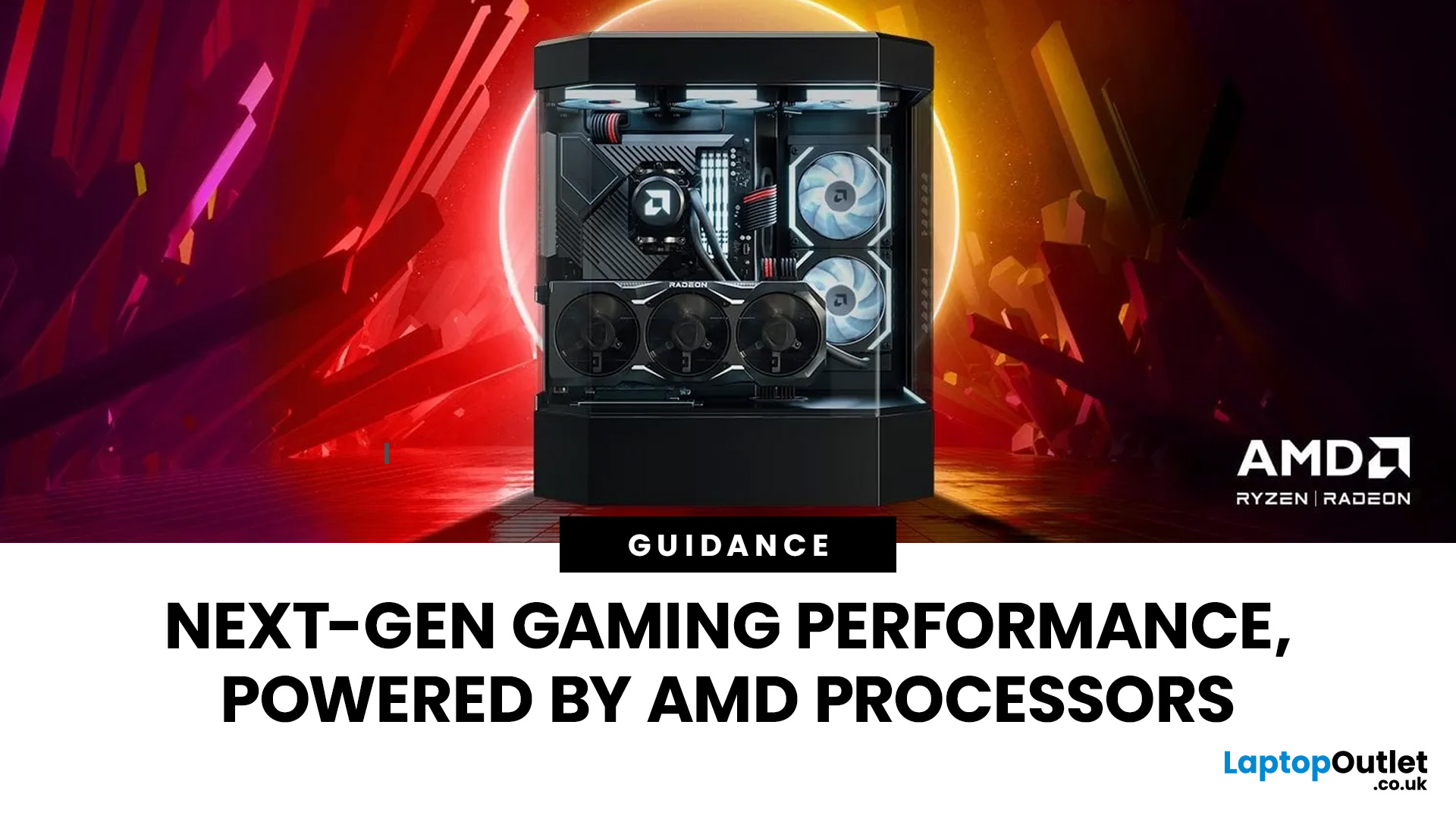
Over the past decade, AMD has transformed from an underdog in the CPU market to a dominant force in gaming PCs.
With its Ryzen series, AMD has consistently delivered processors that combine high performance, competitive pricing, and innovative features. For UK gamers, this has meant more choice, better value, and the ability to build powerful rigs without overspending.
In this guide, we’ll explore exactly how AMD processors work in gaming PCs, the key features that make them stand out, and the benefits they bring to gamers.
Understanding AMD Processors in Gaming PCs
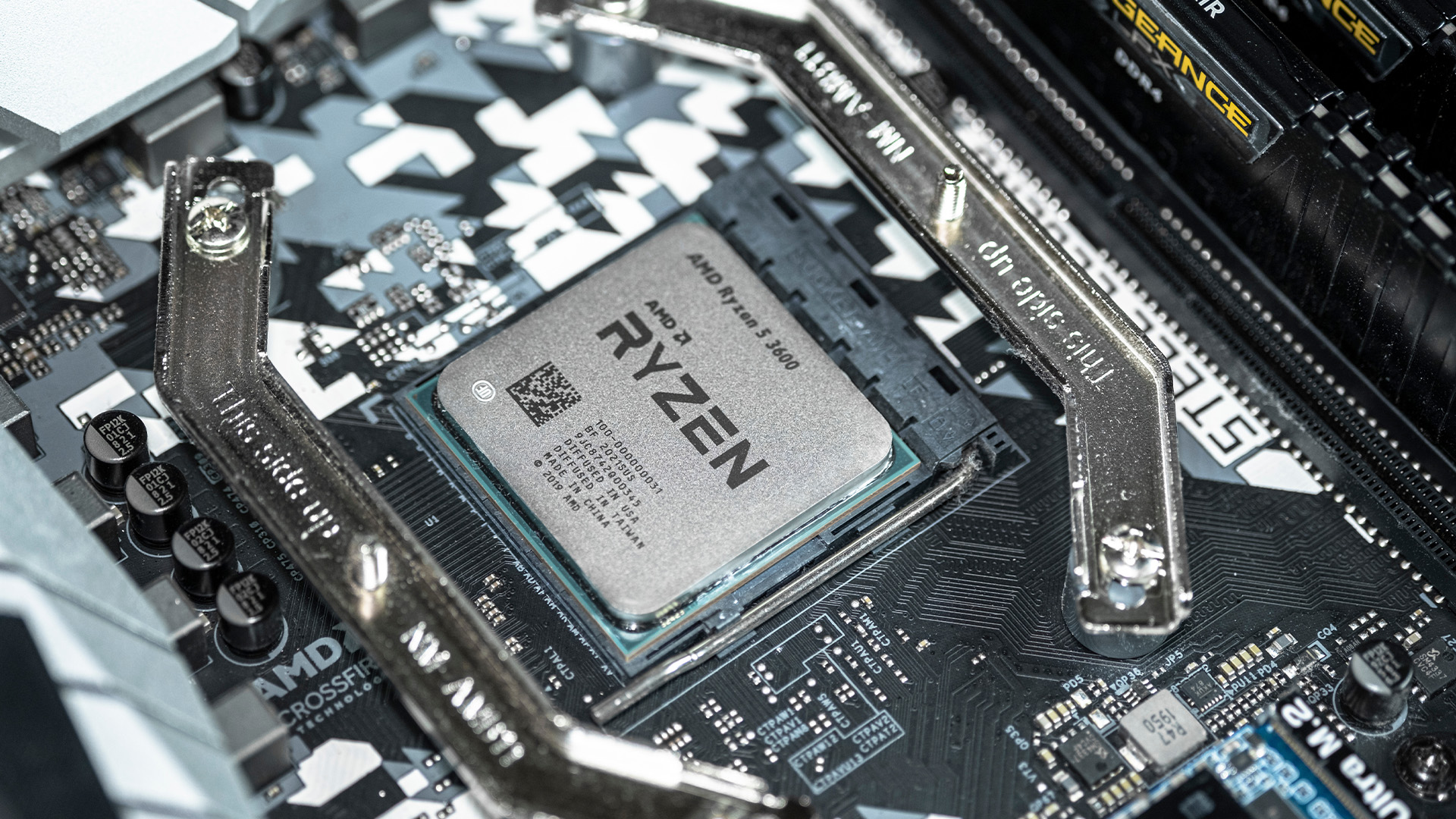
In any gaming setup, the Central Processing Unit (CPU) acts as the primary coordinator. It handles complex AI logic, processes game physics, and manages all background system tasks while your graphics card renders the visuals.
AMD has revolutionised this space by moving away from traditional "monolithic" chip designs where everything is on one piece of silicon. Instead, the modern AMD CPU architecture uses a modular

Published: March 03, 2026
Apple has just unveiled the latest iPad Air, and it's a solid update for anyone in the Apple ecosystem. The iPad Air M4 brings fresh power under the hood without changing much on the outside.
If you're after an Apple tablet that handles work, play, and creativity with ease, this could be your next pick. Let's dive into what makes this device stand out in 2026.
Introducing the iPad Air M4
The new iPad Air comes in two sizes: 11-inch and 13-inch. Both pack the M4 chip, which boosts speed and efficiency. Storage starts at 128GB and goes up to 1TB.
You can choose Wi-Fi only or add cellular for on-the-go use. Colours include space grey, blue, purple, and starlight. This refresh keeps the sleek design fans love, but adds modern tech inside.
Moreover, it supports the latest accessories like the Apple Pencil Pro and Magic Keyboard. These turn the iPad Air M4 into a versatile tool for notes, drawing, or typing.
Powerful Performance with the M4 Chip
At the heart of the iPad Air M4 sits the M4

Published: March 04, 2026
Apple’s silicon strategy has reshaped modern computing and the Apple M4 chip is the latest example of how powerful, efficient processors can transform mobile devices. In this article, we explain exactly what the M4 chip is, why it makes the new iPad Air faster, and what this means for everyday users in the UK and beyond.
What Is the Apple M4 Chip?
The Apple M4 chip is the newest generation of Apple silicon designed for tablets and other devices, including the latest iPad Air lineup. It builds on Apple’s previous M-series processors with improvements in CPU performance, graphical power and machine learning capabilities. The M4 integrates multiple central processing cores, a robust graphics unit and a dedicated neural engine into a single, efficient system-on-chip.
Unlike older mobile processors, which may separate components, the M4 combines CPU, GPU, memory controller, neural accelerators and other key functions into a single package. This unified architecture reduces latency and maximises
Last Updated: April 07, 2026
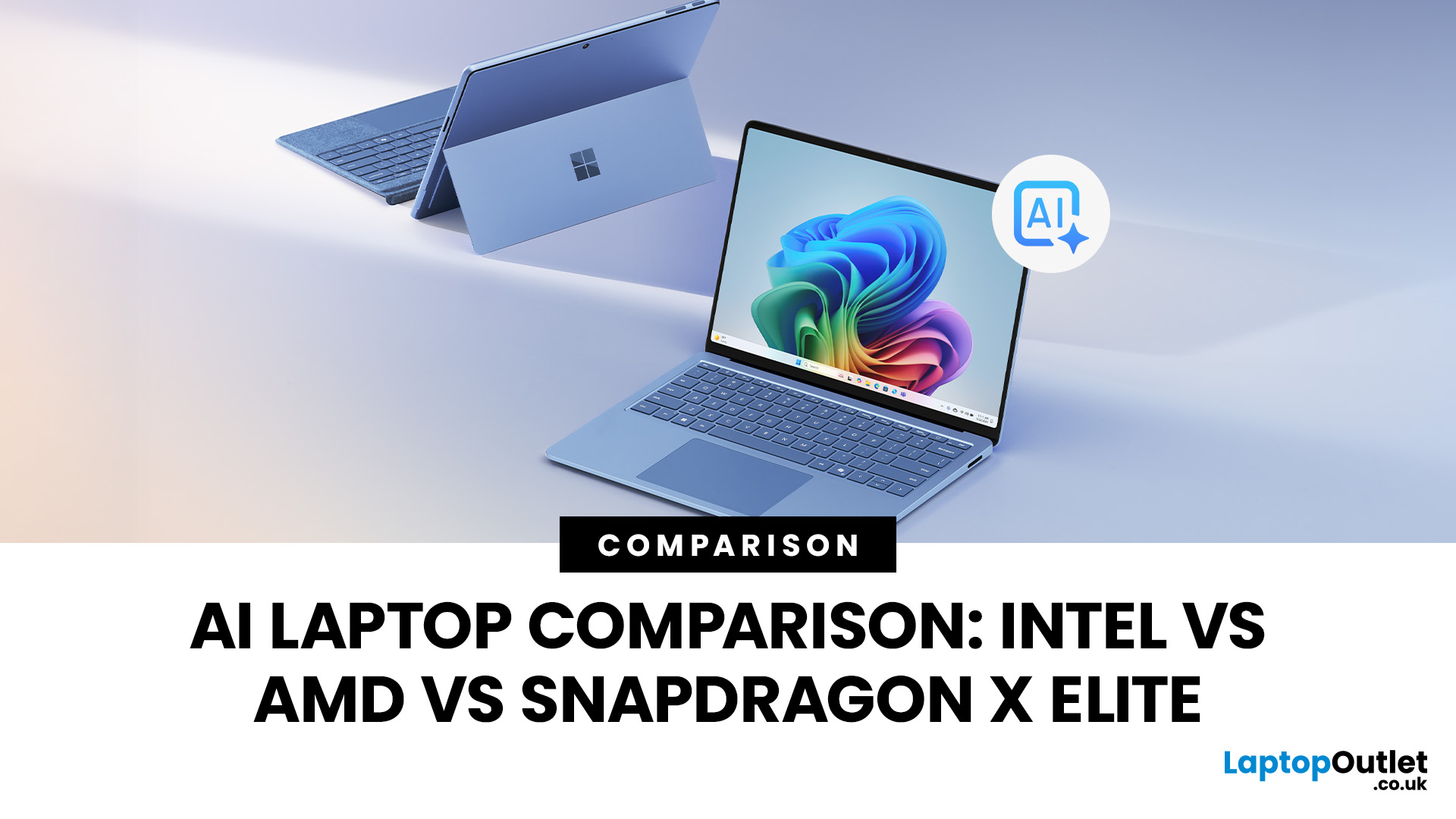
Buying an AI laptop in 2026 should be a quick decision. You pick a size, set a budget, and choose the “best” chip, right? In reality, the AI label is doing far too much work. Two laptops can sit side by side, both advertised as “AI-powered”, yet behave completely differently once you start writing documents, editing photos, joining video calls, or trying the latest Windows features.
That confusion usually comes down to one thing: people treat “AI laptop” as a single spec, when it’s really a mix of three engines working together.
- CPU: the general performance engine for everything you already do
- GPU: the visual and creative engine, also used for some AI workloads
- NPU: the efficiency engine for AI tasks that are built to run locally
This guide compares the 3 platforms shoppers are most likely to cross-shop when searching for an AI laptop today: Intel Core Ultra 200V (Lunar Lake), AMD Ryzen AI 300 (XDNA 2), and Qualcomm Snapdragon X Elite. We’ll keep it practical, explain the specs, and help
Last Updated: March 09, 2026
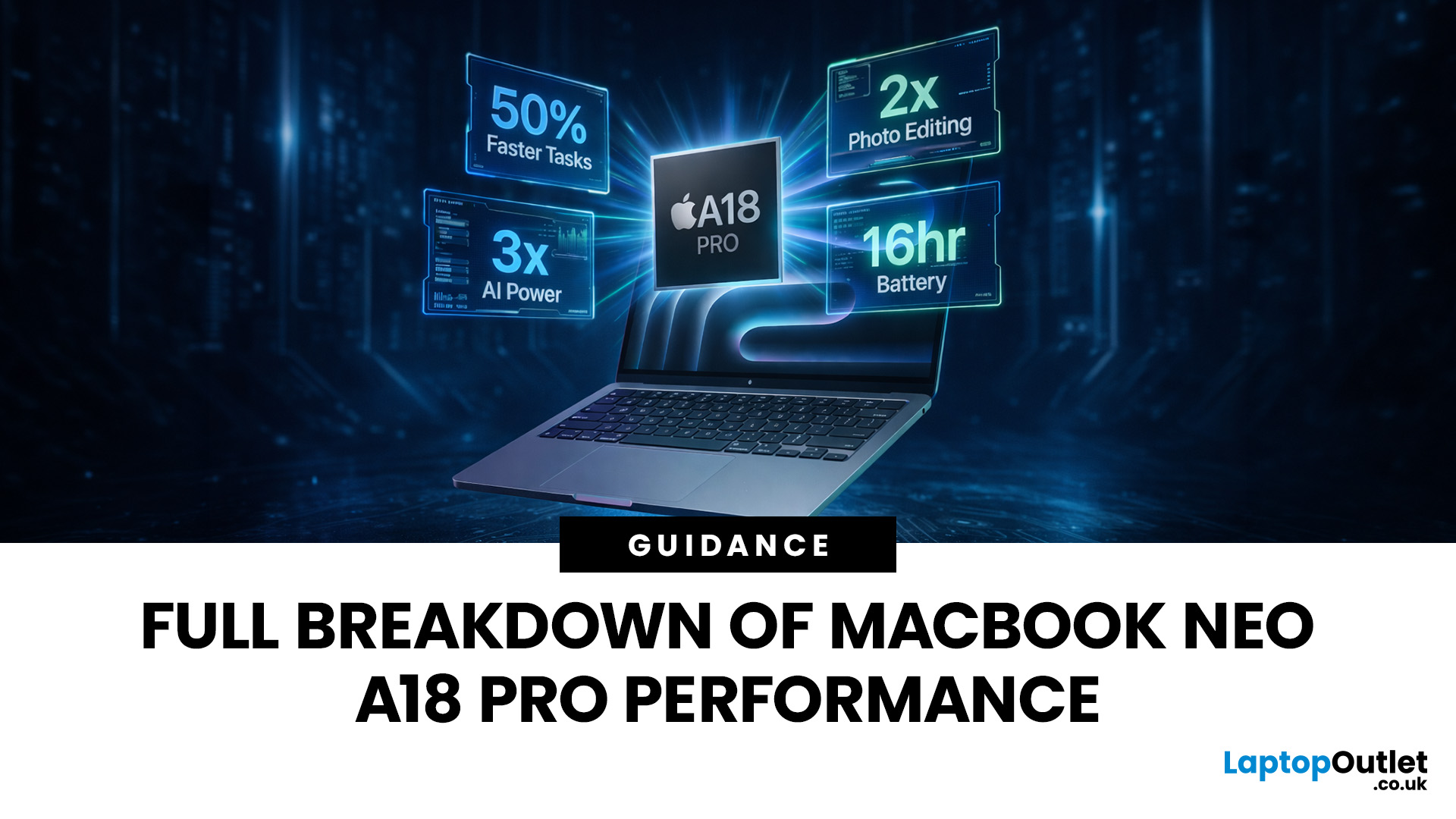
Apple made a bold move on 4 March 2026. It introduced the MacBook Neo — a laptop that starts at just £599 and runs on a chip that, until now, only lived inside iPhones.
That chip is the A18 Pro. And its arrival in a Mac laptop raises a very obvious question: what does it actually mean for performance?
The answer is more interesting than you might expect. This article breaks it all down — the architecture, the real-world gains, the trade-offs, and who this machine is really built for.
What Is the A18 Pro Chip?
The A18 Pro is not a new chip. It first appeared in the iPhone 16 Pro in late 2024. But placing it inside a laptop is entirely new territory for Apple.
This is the first time Apple has ever used a mobile-class chip to power a Mac. That alone makes the A18 Pro MacBook Neo a significant moment in computing history.
The Core Architecture
Here is what sits inside the A18 Pro:
- 6-core CPU — 2 performance cores and 4 efficiency cores
- 5-core GPU — hardware-accelerated ray tracing included

Published: March 12, 2026
Apple’s new MacBook Air M5 is officially here, and after spending time testing it myself, I can confidently say one thing: it’s fast. Like, open-all-my-tabs, edit-4K, switch-between-apps-without-thinking fast. But benchmarks and real use aren’t always the same thing. So, I ran several tests, used it for everyday work, and compared it with previous Air models to answer the real question: Are the MacBook Air M5 benchmarks strong enough to justify the upgrade?
For UK buyers in particular, this is shaping up to be one of the easiest MacBooks to recommend in 2026. Apple kept the thin, fanless design that people already love, but added the new M5 chip, improved base storage, faster wireless connectivity, and stronger performance across both benchmarks and daily workflows. Let’s break down the numbers and the real-world experience.
MacBook Air M5 Overview
Like iPhone 17e, iPad Air M4, and MacBook M5 Pro and M5 Max, Apple announced the MacBook Air M5 on 3 March 2026, with availability beginning

Last Updated: March 18, 2026
Apple’s AirPods Max 2 arrive as a meaningful upgrade rather than a simple refresh. With the introduction of the H2 chip, Apple is clearly focusing on smarter audio processing, better efficiency, and features that adapt to real-life situations. For users in the UK dealing with daily commutes, hybrid work, and constant switching between devices, these changes are designed to feel practical rather than just technical. This guide breaks down everything new, from performance improvements to real-world usability, while helping you understand whether the upgrade is worth it.
What is AirPods Max 2?
The AirPods Max 2 are Apple’s latest over-ear headphones, positioned at the premium end of the market. They build on the original model but shift the focus towards intelligent features powered by the H2 chip.
Rather than simply improving sound, Apple is moving towards a more adaptive listening experience. The headphones are designed to adjust automatically depending on your surroundings, whether you

Last Updated: September 10, 2026
No more leaks. No more “Apple might”.
Apple officially announced the iPhone 18 Pro Max on 9th September 2026, alongside the iPhone 18 Pro. The new flagship brings the 2nm A20 Pro chip, a redesigned Dynamic Island, a 48MP Main camera with variable aperture, Apple’s C2 modem, longer battery life and Siri AI through iOS 27.
In the UK, the iPhone 18 Pro Max starts at £1,299, with pre-orders opening on 12 September and general availability beginning on 18th September 2026.
So, what actually changed – and does it offer enough over the iPhone 17 Pro Max to justify upgrading?
iPhone 18 Pro Max Specs at a Glance
| Feature | iPhone 18 Pro Max |
| UK starting price | £1,299 |
| Pre-orders | 12 September 2026 |
| Availability | 18 September 2026 |
| Display | 6.9-inch Super Retina XDR OLED |
| Resolution | 2868 x 1320 at 460ppi |
| Refresh rate | ProMotion up to 120Hz |
| Chip | A20 Pro |
| Manufacturing process | 2nm |
| GPU | 7-core GPU with Neural Accelerators |
| Neural Engine | Dual 16-core Neural Engine |
| Rear cameras | 48MP Main + 48MP Ultra Wide + 48MP |
Last Updated: August 17, 2026
ARM processors are reshaping the laptop and tablet market in 2026, offering faster performance, longer battery life and cooler, quieter designs. Apple Silicon and Snapdragon are two leading ARM platforms, but they serve slightly different users. Apple Silicon is known for strong MacBook performance and excellent energy efficiency, while Snapdragon brings ARM power to modern Windows laptops and tablets.
ARM processors laptops are no longer niche devices. In 2026, they are a serious choice for students, remote workers, business users, and creators who want slim designs, long battery life and fast everyday performance. This guide offers ARM processors explained in plain English, then compares Apple Silicon and Snapdragon, the two most visible ARM platforms in laptops and tablets. Buyers usually care about four things: speed, battery life, app compatibility, and long-term value. That is where the Snapdragon vs Apple Silicon debate becomes important.

