



New Year Processor Deals 2026: Cheap Processors for Gaming, Streaming & Work
If you’re planning a new PC build or looking to breathe life into an older rig, New Year processor deals can be one of the smartest ways to upgrade without overspending. The start of 2026 is a prime time for CPU discounts: retailers clear stock, bundle components, and compete hard on price. The trick is knowing which processor deal is genuinely good, what to prioritise for your workload, and how to avoid buying the wrong platform.
In this guide to processor New Year deals 2026, you’ll find practical buying advice, use-case recommendations for gaming and productivity, and a simple checklist for compatibility. Whether you’re chasing high FPS, smoother streams, faster creative exports, or a snappier work machine, you’ll be able to shop with confidence.
Intel Core i5/i7 Discounts: Why they’re Best CPU for in 2026
When you see Intel Core i5/i7 discounts during New Year sales, they usually appeal to buyers who want a strong all-round PC: quick responsiveness, solid gaming performance, and capable multitasking.
Why an Intel Core i5 Deal can be Great Value
For many people, an i5 deal is the most cost-effective upgrade because it leaves budget for what often matters more: a better GPU, more RAM, or a faster SSD. An i5-tier CPU often hits the sweet spot for:
- 1080p and 1440p gaming with high, stable frame rates
- Everyday productivity and multitasking
- Home office + light creative work
When an Intel Core i7 Deal Makes More Sense
An i7-tier CPU is typically a better match if you:
- Stream while gaming (especially with multiple apps open)
- Edit video regularly, export frequently, or do heavier creative workloads
- Run demanding productivity tools and want more multi-threaded headroom
That said, don’t buy an i7 purely for “future-proofing” if it forces you to cut corners elsewhere. A balanced system usually wins.
New Year Sale on AMD Ryzen CPU: Why Ryzen Deals are Popular
An AMD Ryzen CPU sale New Year event can be especially attractive because AMD chips often deliver excellent value in multi-threaded workloads, making them popular for creators and multi-taskers.
Where Ryzen Deals Shine
Ryzen CPUs are often a strong fit for:
- Streaming + gaming combinations
- Content creation workflows (rendering, encoding, exporting)
- Heavy multitasking (lots of browser tabs + apps + background tasks)
- Users who want strong performance-per-pound
What to Check Before Buying Ryzen Deals
- Confirm socket/platform compatibility and BIOS requirements.
- Consider whether your chosen board supports the RAM you want (and at the speeds you’re targeting).
- Don’t overspend on a CPU if your GPU or storage is the bigger bottleneck.
Best CPUs for Gaming 2026: How to Pick the Right Deal
If your main goal is gaming, the “best” CPU is the one that delivers smooth performance for the GPU you’re pairing it with.
For Esports and High-FPS Gaming (1080p)
If you’re playing competitive titles, a CPU that keeps frame rates consistent can improve how the game feels even more than a slightly higher average FPS. These players benefit most from:
- Strong single-core performance
- High boost clocks and excellent latency
- A platform that supports stable performance under sustained load
For AAA Gaming and Higher Resolutions (1440p/4K)
At higher resolutions, the GPU often becomes the limiting factor. That means:
- A sensible mid-range CPU can be plenty
- Spend savings on your GPU, SSD, and RAM if needed
- Don’t overpay for a top-end CPU if it won’t meaningfully change your frame rates
For Budget Gaming Upgrades
If you’re trying to get the most out of an older system, budget processors can be ideal, just ensure you aren’t bottlenecked by:
- A slow hard drive
- Too little RAM
- Overheating or poor airflow
Practical Rule: If upgrading CPU forces you into a whole new platform, compare that total cost against upgrading your GPU or moving to a faster SSD first. Furthermore, Upgrade your rig for less, explore our New Year graphics card deals and grab powerful NVIDIA and AMD GPUs at reduced prices while stock lasts.
AMD Ryzen 7 5800X (Socket AM4): Smart Upgrade for Existing AM4 Builds
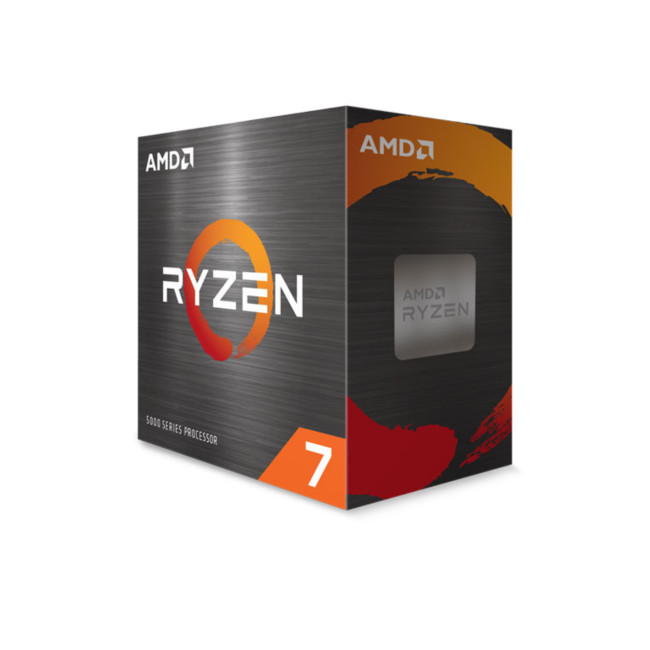
If you’re already on the AM4 platform and want a major boost without rebuilding your entire system, the AMD Ryzen 7 5800X remains one of the strongest “drop-in” upgrades. It’s a popular choice for gamers who want smoother frame times and for multitaskers who run Discord, browsers, capture tools, and background apps while gaming.
Best for
- Gaming upgrades on AM4 (especially if you’re coming from older Ryzen 1000/2000/3000 chips)
- Streaming + gaming on one PC (extra threads help keep things smooth)
- Productivity and everyday speed-ups without switching platforms
What to know before buying
It’s an AM4 processor, so you’ll need an AM4 motherboard (not compatible with AM5 boards).
This model is typically sold as CPU-only (no bundled cooler), so plan a decent air cooler or AIO if you want quieter thermals under load.
Intel Core Ultra 5 225F (LGA 1851): Entry-Level Arrow Lake Performance
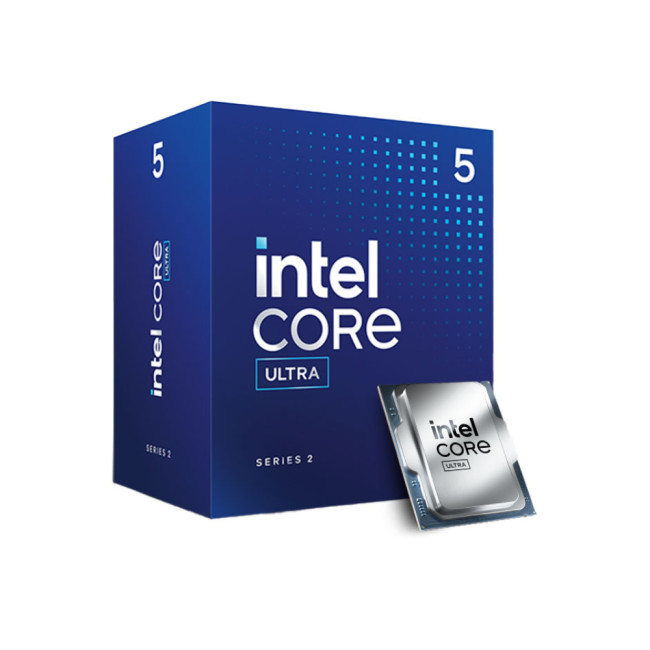
The Intel Core Ultra 5 225F is part of Intel’s newer Core Ultra lineup, built for the LGA 1851 platform. It focuses on efficiency and modern features, offering a forward-looking option for users building on Intel’s next-generation desktop socket, without integrated graphics.
Best for
- New platform builds targeting LGA 1851
- Mainstream gaming with a dedicated GPU
- Users who want newer architecture and platform longevity
What to know before buying
- Requires an LGA 1851 motherboard, not compatible with older Intel sockets.
- No integrated graphics (“F”), so a discrete GPU is required.
- Best suited to new builds rather than upgrades, as the platform is still maturing.
Intel Core i7-14700K (20-Core LGA 1700): Near-Flagship Performance at a Lower Cost
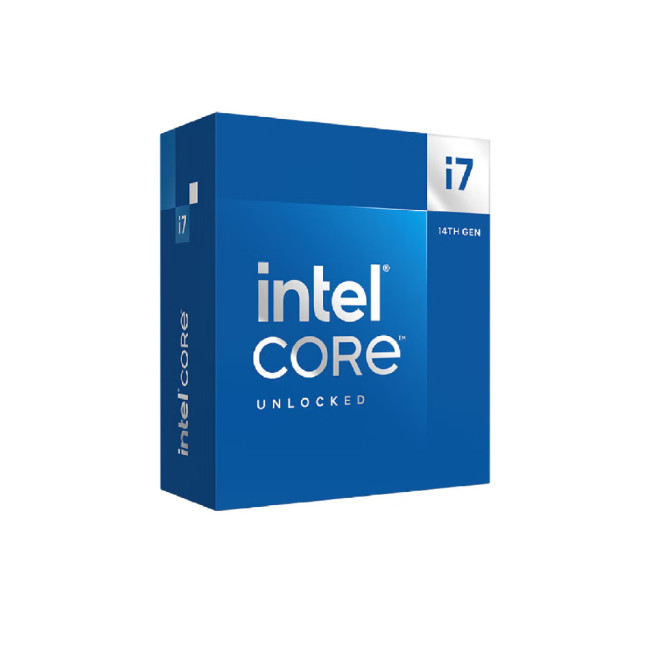
The Intel Core i7-14700K offers an excellent balance of performance and price for enthusiasts who don’t need a full i9. Featuring 20 cores (8 P-cores + 12 E-cores) and strong boost clocks, it delivers outstanding gaming and productivity results on the LGA 1700 platform.
Best for
- High-end gaming builds without i9-level pricing
- Streaming, video editing, and multitasking
- Enthusiast users who want strong performance with more manageable power demands
What to know before buying
- LGA 1700 compatibility means support for DDR4 or DDR5, depending on suitable motherboards choices.
- Overclocking support requires a Z-series motherboard.
- A strong choice for builders who want long-term performance without stepping up to i9 pricing.
Build smarter this New Year, customise your motherboard and CPU bundle and unlock extra savings on compatible components.
CPUs for Streaming & Content Creation
For streamers, creators, and anyone who multitasks heavily, CPU selection becomes more about sustained performance and headroom.
Streaming While Gaming
In these scenarios, streaming & content creation CPUs with more cores/threads can keep gameplay smoother and reduce stutters when the system is under pressure. Streaming adds load, especially if you’re also running:
- Voice chat
- Browser sources
- Alerts/overlays
- Recording
- Multiple monitors and background apps
Video Editing and Creative Exports
If you:
- Export video frequently
- Render 3D projects
- Encode large files
- Use demanding creative tools
…you’ll likely benefit from a stronger CPU deal than a pure gamer would. Thus, you should focus on:
- Multi-core performance and sustained boost
- Effective cooling (noise and thermals matter)
- A motherboard with good power delivery
AMD Ryzen 7 5800XT (8-Core AM4): Extra Headroom for Enthusiasts on AM4
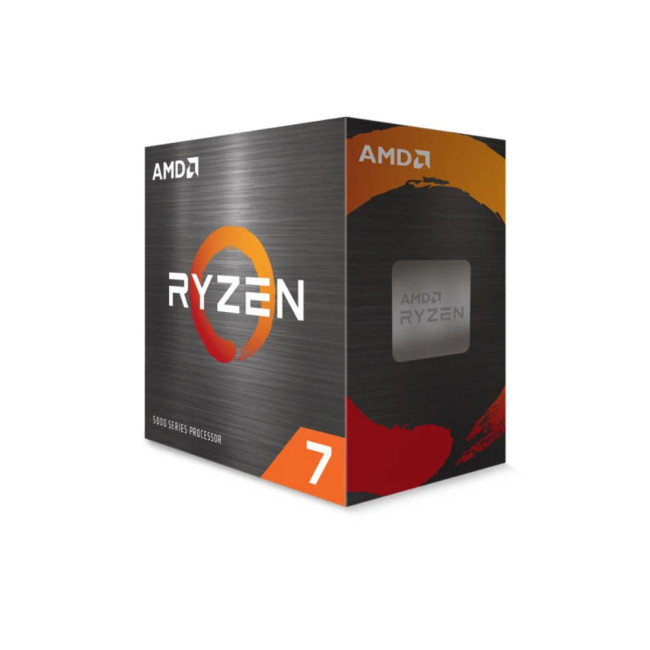
The AMD Ryzen 7 5800XT is an enthusiast-leaning AM4 option built for people who want strong gaming performance and extra tuning headroom on a proven platform. It’s an 8-core / 16-thread Ryzen 5000-series chip (Zen 3), and it’s aimed at builders who want to keep AM4 alive for one more high-performance cycle.
Best for
- High-FPS gaming on AM4
- Overclocking-ready builds (paired with quality cooling)
- Streaming and content creation where 8 cores / 16 threads are a practical sweet spot
What to know before buying
It’s Socket AM4, so it requires an AM4 board (B550/X570-style boards are common choices; check BIOS support if you’re upgrading an older board).
If you’re building brand new in 2026 and don’t already own AM4 parts, AM5 may be the better “next step”, but for AM4 upgraders, the value can be excellent during AMD Ryzen CPU sale New Year promotions. This is also where workstation CPU discounts can become relevant, especially for users doing long, heavy workloads where stability matters as much as speed.
Intel Core i7-14700: High-End Performance Without Overclocking
The Intel Core i7-14700 delivers powerful multi-core performance in a locked configuration, making it ideal for users who want strong results without manual tuning. Its 20-core hybrid design (8 P-cores + 12 E-cores) handles gaming, streaming, and professional workloads with ease.
Best for
- High-performance systems where stability matters
- Content creation and multitasking
- Users who prefer plug-and-play performance over overclocking
What to know before buying
- Locked multiplier means no CPU overclocking, but power limits can still be tuned.
- Compatible with LGA 1700 motherboards and both DDR4 and DDR5 memory.
- A strong choice for workstations and premium home systems that value reliability.
What to Buy for Work and Study
Not everyone needs a high-end chip. For many people, the best value comes from a CPU that makes the system feel fast in day-to-day tasks.
Ideal CPUs for Office Work, Study, and General Use
Look for:
- Strong responsiveness (snappy loading, smooth multitasking)
- Good efficiency (less heat, less noise)
- Value deals that leave budget for RAM and storage
For most office workflows, the biggest “speed upgrade” often comes from:
- Moving to (or upgrading) an SSD
- Increasing RAM if you multitask heavily
- Choosing a sensible CPU deal rather than the most expensive model
Power Users and Prosumer Workflows
If you run:
- Big spreadsheets
- Data tools
- Multiple productivity apps
- Light to moderate creative tasks
…you’ll benefit from stepping up to a more capable CPU tier, especially if you’re often multitasking. This is the sweet spot for productivity CPU offers: not the most expensive chip, but enough headroom to feel smooth for years.
AMD Ryzen 5 9600 (Socket AM5 + Wraith Stealth Cooler): Best-Value Modern AM5 Choice

For buyers starting fresh in 2026, the AMD Ryzen 5 9600 is a very strong “balanced build” pick, especially when you want modern platform features (DDR5, newer chipsets) without paying premium-tier prices. Importantly, this model includes a Wraith Stealth active fan air cooler, which can improve overall value for budget and mid-range builds.
Most Ryzen 5-tier chips hit a brilliant sweet spot for:
- 1080p/1440p gaming with a sensible GPU pairing
- productivity and everyday multitasking
- entry-level content creation
Best for
- Budget-friendly gaming builds on AM5
- Productivity CPU offers (fast everyday performance, efficient power)
- Streaming starter setups (especially if you’re not doing heavy CPU encoding)
Intel Core i5-14600K: The Gaming Sweet Spot
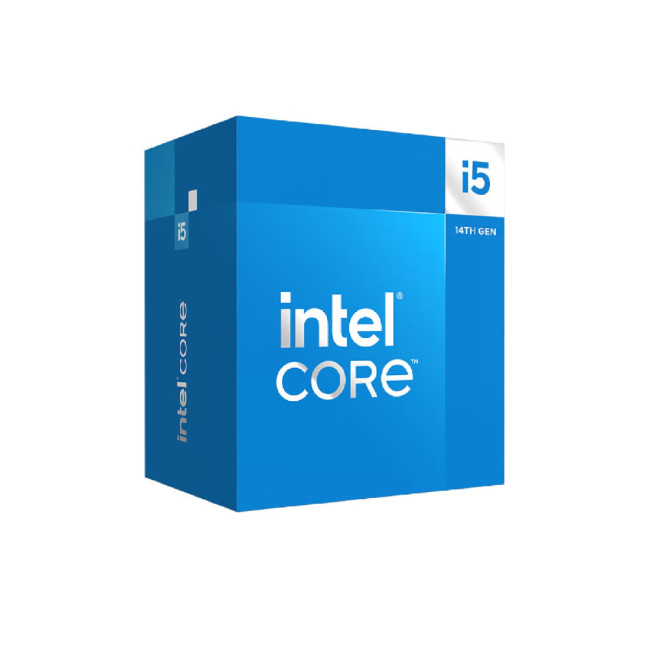
The Intel Core i5-14600K is a standout mid-range processor offering excellent gaming and everyday performance. With 14 cores (6 P-cores + 8 E-cores), it delivers fast single-core speeds while maintaining strong multitasking capability on the LGA 1700 platform.
Best for
- High-performance gaming builds
- Productivity workloads that don’t require i7 or i9-level cores
- Enthusiast systems focused on value and efficiency
What to know before buying
- Supports DDR4 or DDR5 depending on motherboard selection.
- Overclocking support requires a Z-series chipset.
- One of the best value CPUs for gamers who want strong performance without excessive power draw.
Intel Core i7-14700KF: All-Rounders for Gaming + Creation

The Intel Core i7-14700KF is a brilliant “do-everything” CPU choice when pricing is right. It’s positioned perfectly for gamers who also stream, edit, or multi-task heavily — offering a lot of performance headroom without jumping straight to flagship pricing. Your product listing highlights the 33 MB Smart Cache and LGA 1700 platform.
Many listings also note its hybrid core design and high total core count (commonly referenced as 20 cores / 28 threads for this model), which helps in multi-threaded workloads and heavy multitasking.
Best for
- Best CPUs for gaming 2026 (especially for high refresh rate gaming + background apps)
- Streaming & content creation CPUs (more headroom for recording/encoding)
- Productivity + performance builds where you want long-term responsiveness
What to know
- Like the i9-12900KF, KF = no integrated graphics, so it needs a GPU.
- These high-performance chips can run hot under sustained load, build guidance should recommend a quality cooler and good airflow for stable boosts. (This is also a great place to plug “overclocking-ready CPUs” messaging.)
Compatibility notes: It’s LGA 1700 and won’t work with LGA 1851 boards.
In addition, refresh your setup for 2026. shop New Year deals on PC components and accessories and complete your build for less.
Intel Core i9-12900KF (LGA 1700): Serious Performance for Streaming and Heavy Workloads
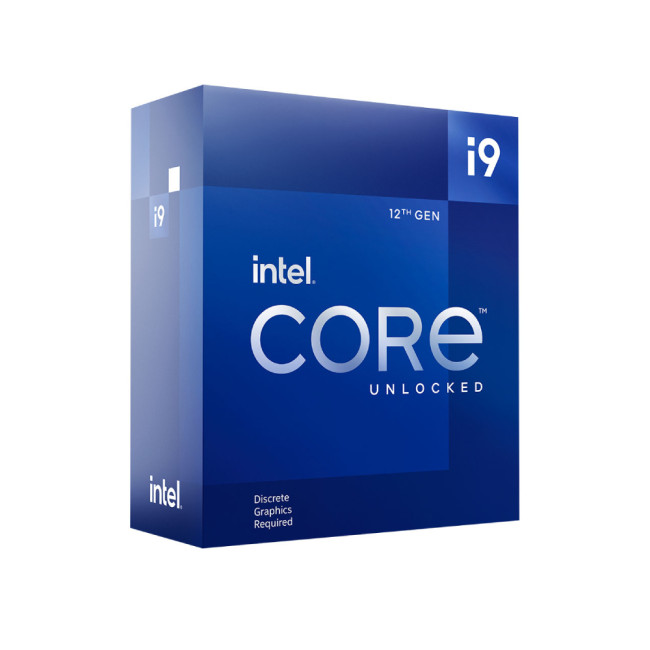
If you want a high-performance Intel chip for multi-tasking, streaming, and demanding work, the Intel Core i9-12900KF is still a compelling option when discounted. The key detail is in the name: KF means it’s unlocked (K) but has no integrated graphics (F), so you’ll need a dedicated GPU.
Best for
- Streaming + gaming with lots of apps open
- Workstation-style tasks (heavy multitasking, creative tools)
- Overclocking-ready builds (with strong cooling)
Compatibility note (important)
- This CPU uses LGA 1700, so it will not work with LGA 1851 boards like the Gigabyte B860.
Intel Core Ultra 9 285K (LGA 1851): Next-Gen Platform Choice for High-End Builds
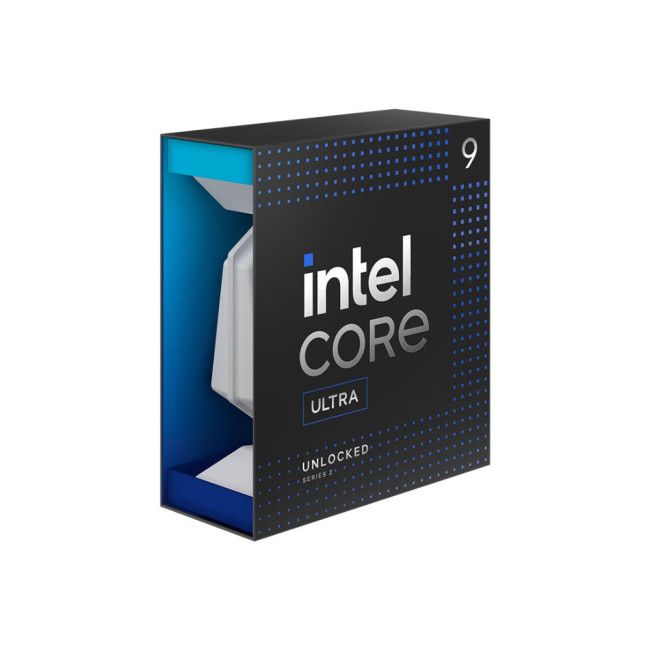
If you’re targeting a modern “2026 flagship build” section in your blog, the Intel Core Ultra 9 285K is your headline Intel pick. It’s part of Intel’s Core Ultra desktop lineup (Arrow Lake-S family), listed by Intel with up to 5.7 GHz Max Turbo Frequency.
Best for
- High-end gaming + creator builds that want a newer platform
- Workstation CPU discounts shoppers who want cutting-edge connectivity
- Users who want a “new-gen” socket with DDR5 and modern I/O options

Final Thoughts: Get the Best Value from New Year Processor Deals
New Year latest PC processor deals can be a brilliant chance to upgrade for less, especially if you buy based on your real needs rather than chasing the biggest percentage discount. Start by deciding what you’re building for (gaming, streaming, work, or all three), check compatibility, and compare total platform cost rather than CPU price alone. Hence, shop New Year tech deals today at Laptop Outlet!

Your What & Why!
What are the best CPUs for gaming 2026?
The best choice depends on your GPU and the games you play. Competitive/high-FPS gamers benefit from strong single-core performance, while many AAA gamers at 1440p/4K can choose a sensible mid-range CPU and put more budget into the GPU.
Is an Intel Core i5 or i7 better for streaming?
If you stream while gaming and run multiple apps, an i7-tier option often provides more headroom. If you’re primarily gaming and only stream occasionally, an i5 deal can be the better value, especially if it helps you afford a stronger GPU or more RAM.
Are AMD Ryzen CPUs good for content creation?
They can be excellent for multi-tasking and creative workloads, especially when you’re exporting or rendering frequently. The key is matching the CPU to your workflow and buying a platform that supports your RAM, cooling, and stability needs.
Should I buy a CPU deal if it means changing my motherboard?
Sometimes yes, especially if the new platform is a major performance step forward. But always compare total cost (CPU + board + RAM + cooler) against other upgrades that might benefit you more, like an SSD or a GPU.
Do I need DDR5 for a good PC in 2026?
Not always. DDR5 can offer gains in certain workloads, but the value depends on pricing and the platform. If DDR5 pushes your total build cost too high, a DDR4-based build can still be excellent for many users.
Related Articles

Last Updated: July 01, 2025
Are you looking for a gaming laptop with the best workstation CPU? Fortunately, you’re in the right place. Here we have some of the cutting-edge AMD Ryzen 7 laptops for you.
Just like a desktop PC, the brain of a laptop is its central processing unit (CPU), also known as a chip or processor, which is responsible for not only gaming but almost everything else going on inside. The processors you'll find in the latest gaming laptops are made by AMD, Intel, Apple, and Qualcomm. Among these biggest names, AMD took the crown in performance for a while since they launched their latest Ryzen 7 series of CPUs. These processors, being called "undeniable kings of gaming", are affordable, power-efficient, and excellent in eSports and video creation as compared to their counterparts.
However, finding and choosing a brand offering high quality laptops powered by AMD's latest Ryzen 7 processors can be quite overwhelming sometimes. ASUS has been standing out as the "global technology leader," particularly
Last Updated: September 09, 2025
The Brain Behind Your Computer
Every laptop, PC, tablet, or smartphone relies on one powerful chip to function smoothly—the processor. But what is a processor, exactly? Here’s a beginner-friendly guide to understanding what a CPU does and why it’s critical for your device’s performance.
What Is a Processor? (CPU)
A processor, also known as a CPU (Central Processing Unit), is the main chip in your device that handles all instructions from software and apps.
Think of it as the brain of your computer—it interprets, calculates, and executes commands to keep everything running.
What Does a Processor Do?
- Executes program instructions (open apps, load files, browse the web)
- Performs millions of calculations per second
- Coordinates tasks between memory, storage, and graphics
Processor Specs to Know
Cores:
- More cores = better multitasking
- Dual-core, quad-core, hexa-core, octa-core, etc.
Threads:
- Virtual cores that boost efficiency
- More threads improve performance in multitasking
Last Updated: October 15, 2025
Choosing the right processor can transform your computing experience, whether you're building a high-performance gaming rig or crafting a workstation for creative projects and demanding tasks. With so many options available, selecting the best processor for both gaming and productivity can be overwhelming.
Our picks below will show you the best processor for gaming and other resource-demanding tasks. From AMD's latest Ryzen 9000 Series to Intel's groundbreaking Core Ultra 5, this guide will help you confidently navigate your next processor upgrade.
Let's explore these processors to discover which perfectly balances gaming brilliance and productivity prowess.
AMD Ryzen 9 7900: The Multitasking Powerhouse
The AMD Ryzen 9 7900 is a superb choice for users seeking a harmonious blend of high gaming CPU performance and productivity capabilities. With 12 cores and 24 threads, this processor for gaming is built to handle everything from fast-paced games to complex multitasking workloads.
-
Max Boost
Last Updated: September 09, 2025
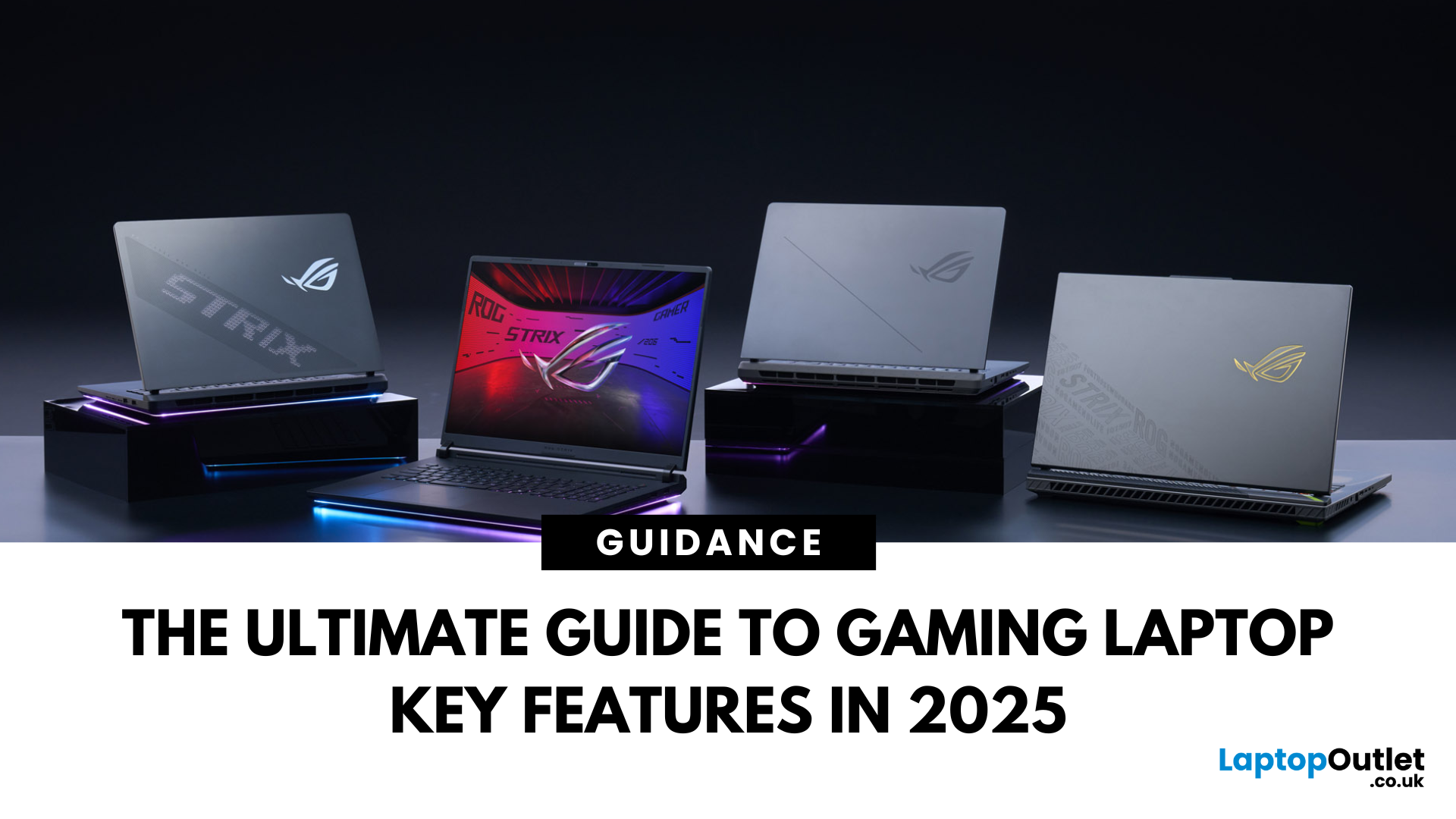
Choosing a gaming laptop today is all about understanding the gaming laptop key features that move the needle foryourgames and workflow. In 2025, the big shifts are real: next‑gen GPUs with AI frame generation, smarter CPUs with onboard NPUs, faster storage that feeds data straight to the GPU, premium displays (OLED/Mini‑LED) at esports‑grade refresh rates, and cooling systems that can keep all of it performing sustainably.
However, what does all of that actually mean when you just want smooth gameplay and a machine that lasts? Below, we have you covered with a clear, up‑to‑date walkthrough of what to look for in a gaming laptop with the evidence to back it. Whether you’re looking at entry-level models around £900, mid-range workhorses at £1,500, or premium powerhouses above £2,000, this guide focuses on the essential gaming laptop key features.
If you’d like a broader perspective from budgeting to comparisons, you can check out our full gaming laptop buying guide.
GPU: the first decision
Last Updated: December 17, 2025
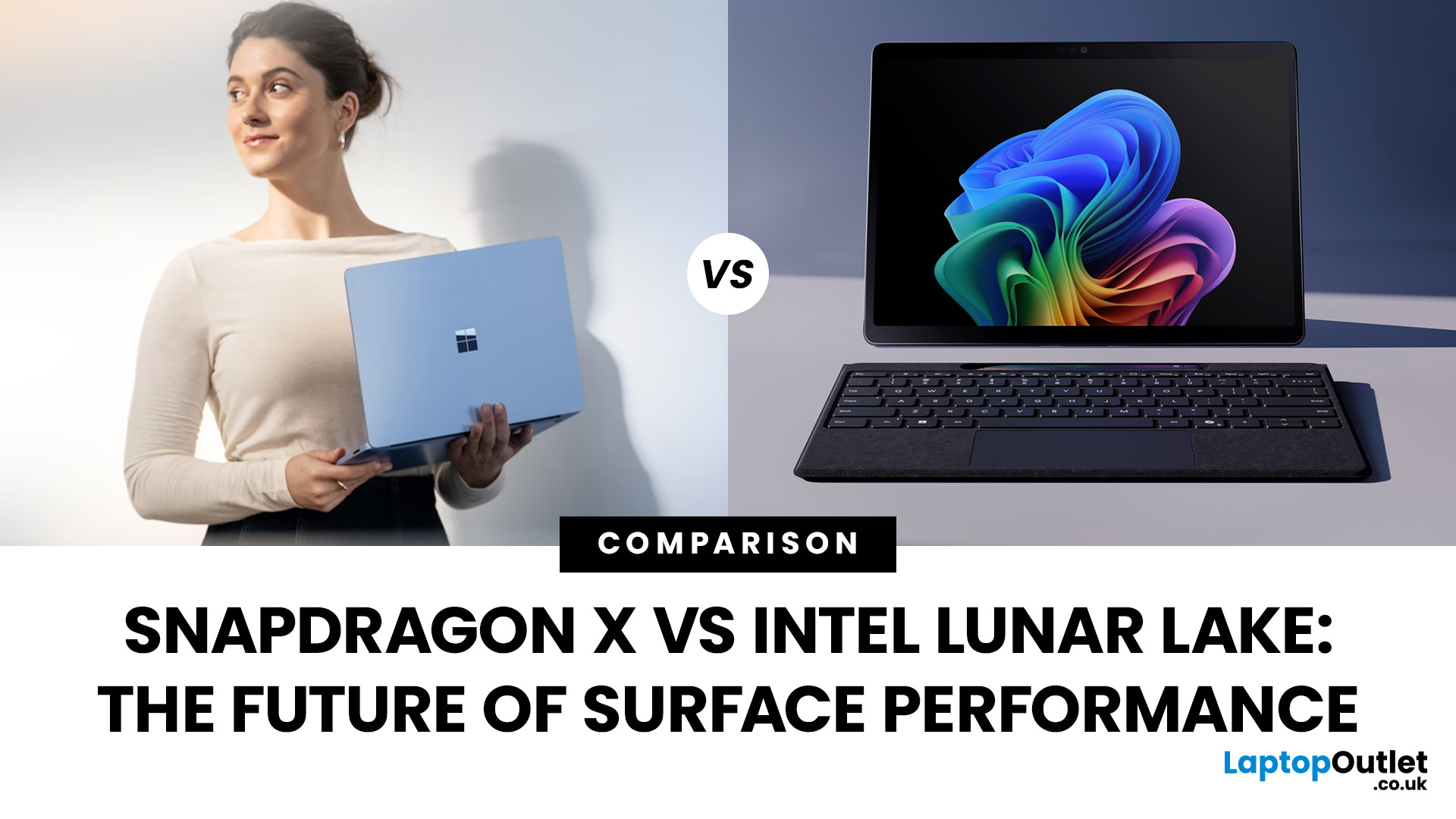
If you’re eyeing up the latest Surface Pro or Surface Laptop, you’re probably staring at a new kind of fork in the road: Snapdragon X vs Intel Lunar Lake. Microsoft now sells Surface models powered by both Qualcomm’s Arm-based Snapdragon X chips and Intel’s next-gen Lunar Lake processors and on paper, both promise better battery life, faster AI features, and a quieter, cooler experience. But the right choice depends on how you use your Surface today (and what you’ll need from it tomorrow).
In this guide, we’ll unpack how each platform works, what the benchmarks and battery tests actually mean, where Windows on Arm stands versus x86, and how to decide with clear recommendations for everyday users, creatives, students, coders, and gamers. We’ll also flag real-world quirks (like app compatibility and battery bugs) you should know before you buy.
Snapdragon X: Arm Power and All-day Efficiency
Qualcomm’s Snapdragon X Elite and X Plus chips launched Microsoft’s Copilot+ PC era in mid-2024.
Last Updated: October 08, 2025
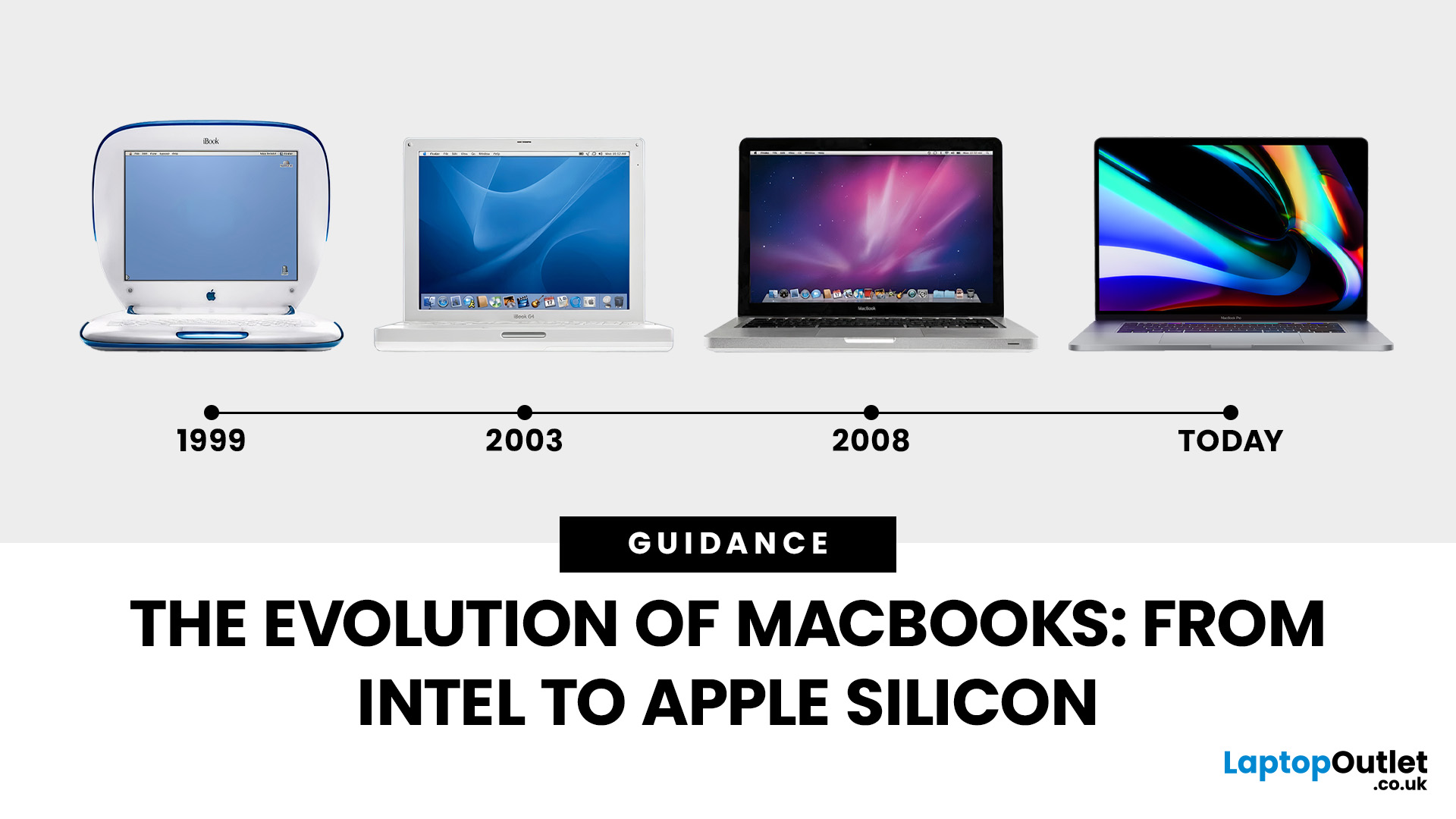
Few products have shaped modern computing quite like the Apple MacBook. From its early Intel-powered beginnings to today’s lightning-fast Apple Silicon machines, the MacBook has consistently pushed the boundaries of laptop design, performance, and portability. Along the way, it’s become a symbol of premium computing - beloved by students, professionals, and creative powerhouses worldwide.
But the evolution of Apple MacBooks hasn’t always been smooth sailing. There have been bold design shifts, controversial choices (remember the butterfly keyboard?), and groundbreaking innovations like Retina displays and MagSafe. The biggest leap of all came in 2020, when Apple ditched Intel processors in favour of its own Apple Silicon chips - a move that completely redefined, what users could expect from a laptop.
In this guide, we’ll take you through the full MacBook journey: from its early days, through key design changes and the Intel era, right up to the Apple Silicon transition and the future of
Last Updated: October 08, 2025
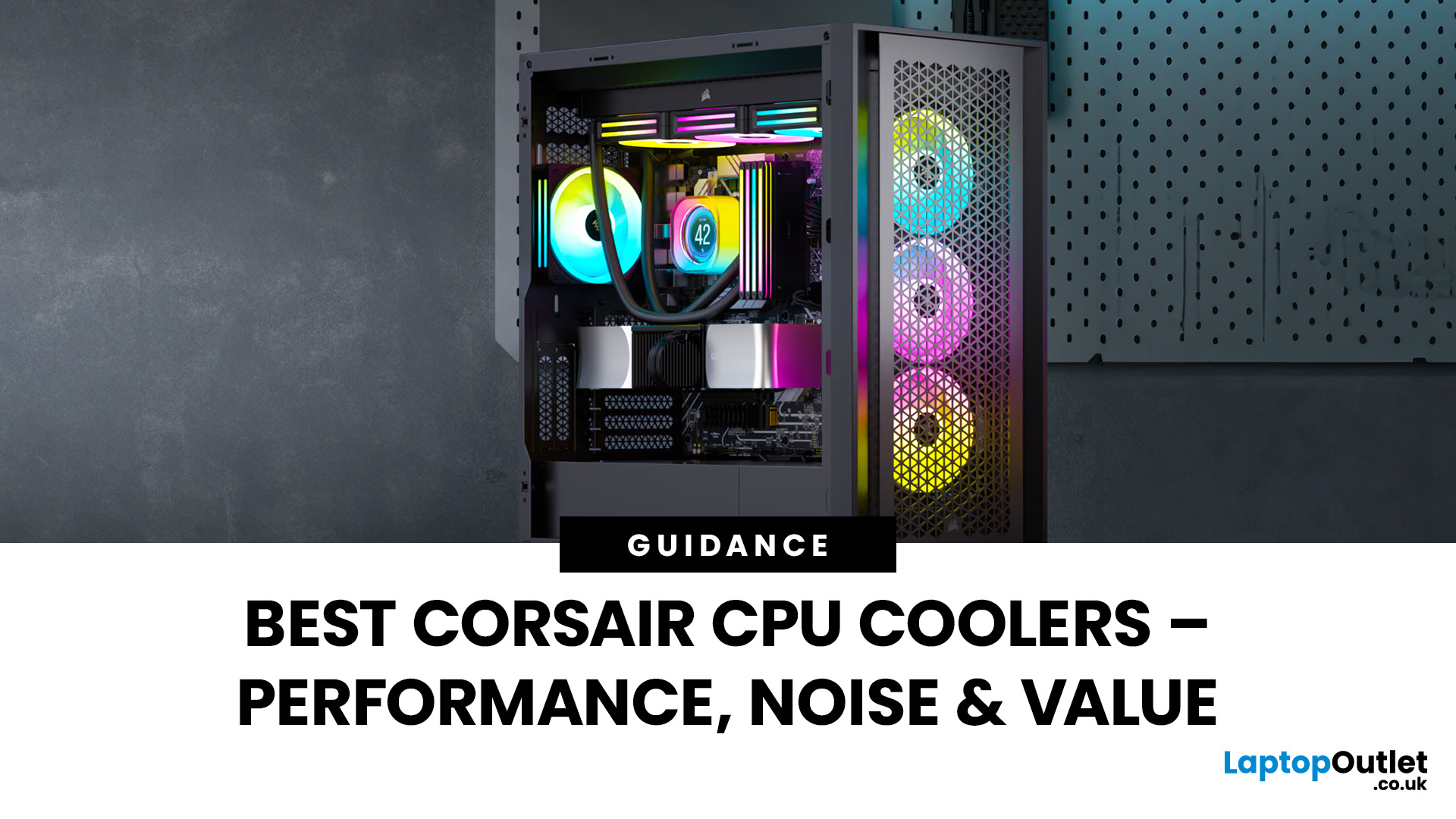
Keeping your PC cool is one of the most important factors in maintaining performance, extending hardware lifespan, and ensuring a stable computing experience. Processor of a gamer, or a professional creative generates heat that must be managed effectively. Air cooling may be sufficient for entry-level builds, but high-performance desktops and overclocked CPUs demand more advanced solutions. This is where Corsair steps in.
Corsair has earned a strong reputation for delivering reliable and innovative cooling systems. Let’s explore the best Corsair CPU cooler options in 2025, review their performance, noise levels, installation process, and software features.
Why Choose a Corsair CPU Cooler?
Before diving into the product reviews, it’s important to understand why Corsair CPU coolers continue to dominate the PC cooling market in 2025. Corsair has consistently evolved its product line to meet the demands of modern processors, gaming rigs, and workstation builds.
Proven Reliability and Build
Published: October 08, 2025
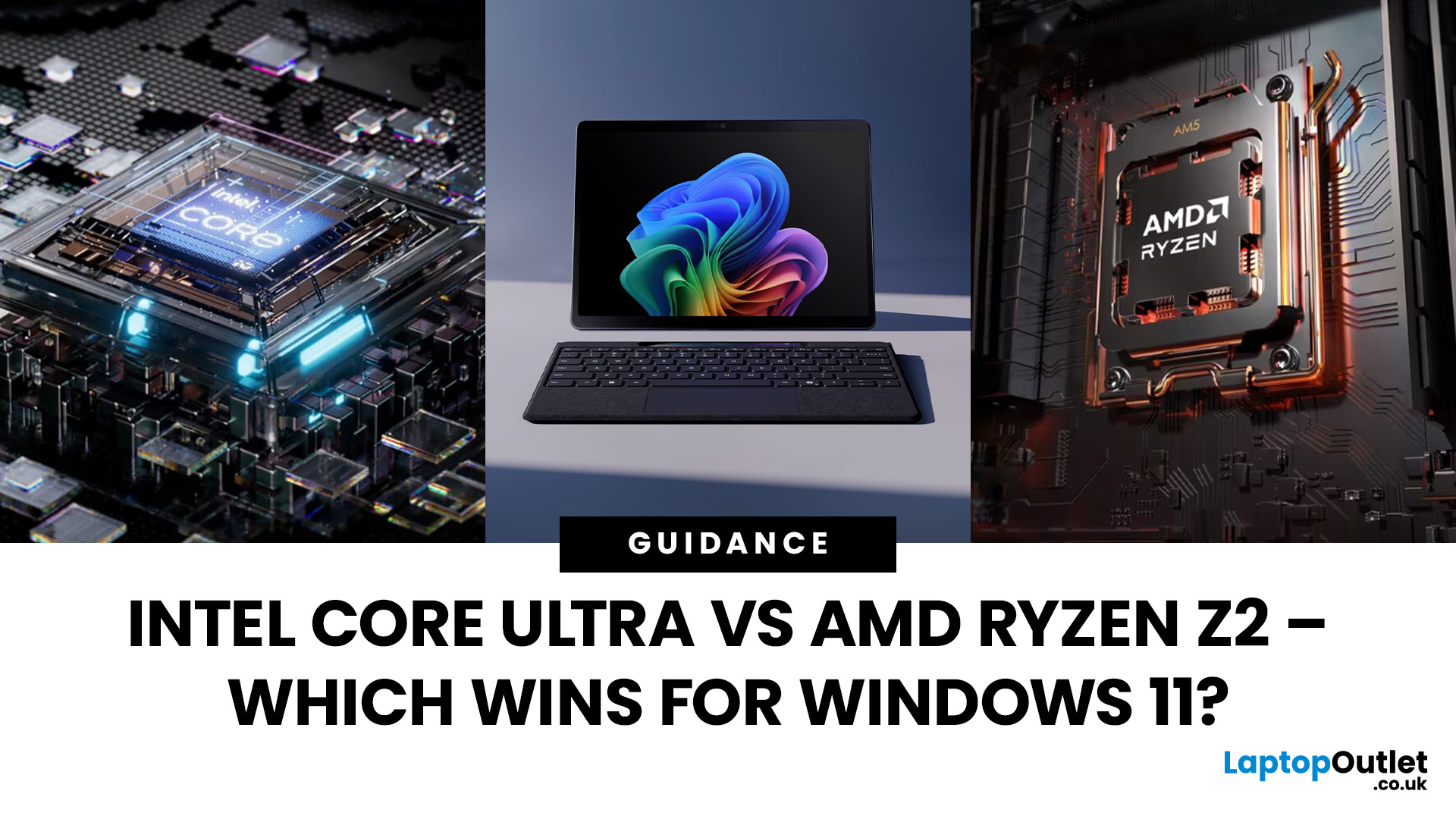
The battle between Intel and AMD has shaped the laptop world for decades. With the release of Intel Core Ultra processors and the new AMD Ryzen Z2 series, that rivalry has entered a new phase - one defined not just by raw speed, but also by AI integration, efficiency, and Windows 11 optimisation.
Intel’s Core Ultra chips (available in Core Ultra 5, 7, and 9 tiers) mark a major shift in design, blending performance and efficiency cores with a dedicated AI NPU (Neural Processing Unit). Meanwhile, AMD’s Ryzen Z2 processors are raising eyebrows with their RDNA 3.5 graphics and strong balance between performance and battery efficiency.
So, which one is better for you? In this guide, we’ll break down the Intel vs AMD Windows 11 laptops debate, comparing performance, AI features, battery life, and creative workloads. Whether you’re a student, gamer, or professional, by the end you’ll know which processor suits your needs.
Intel Core Ultra – What’s New?
Intel’s Core Ultra range is its most significant
Published: October 23, 2025
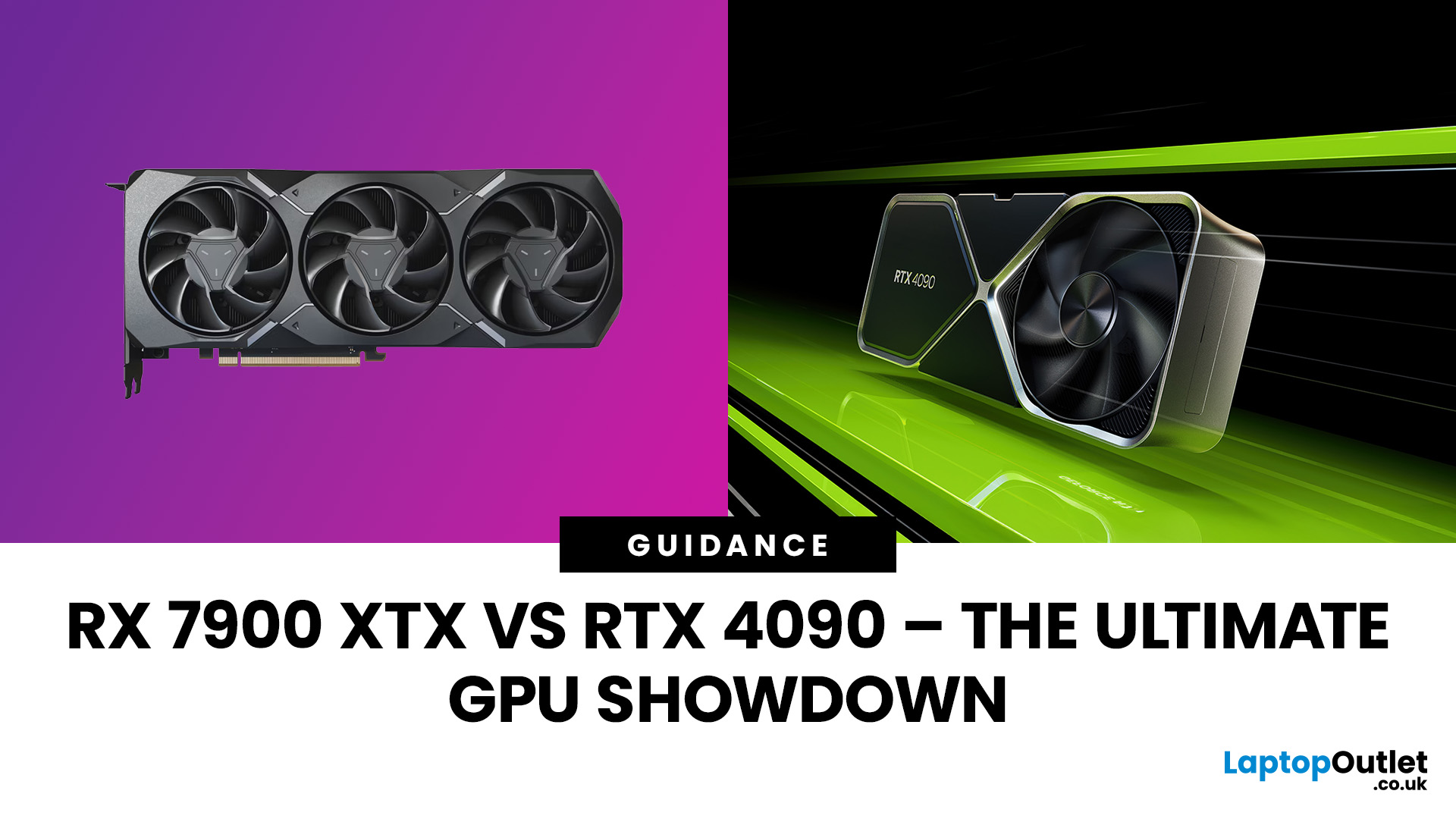
The AMD Radeon RX 7900 XTX and NVIDIA RTX 4090 are 2025’s top-tier GPUs, built for 4K gaming and professional workloads. The RTX 4090 leads in raw power, ray tracing, and AI acceleration, while the RX 7900 XTX challenges it with lower cost and strong raster performance. This isn’t about branding, it’s about what delivers the best performance per pound. In this breakdown, we’ll compare specs, gaming benchmarks, ray tracing, AI workloads, thermals, and overall value to determine which flagship GPU truly dominates.
Specification Overview
Before comparing real-world performance, it’s important to see how these two GPUs differ on paper. The RTX 4090 is built on NVIDIA’s Ada Lovelace architecture, while the RX 7900 XTX uses AMD’s RDNA 3 designs. Both target 4K gaming, but their hardware layouts, power needs, and pricing tell very different stories.
| Specification | AMD Radeon RX 7900 XTX | NVIDIA GeForce RTX 4090 |
| Architecture | RDNA 3 | Ada Lovelace |
| GPU Process | 5 nm + 6 nm (chiplet) | 4 nm monolithic |
Last Updated: February 23, 2026
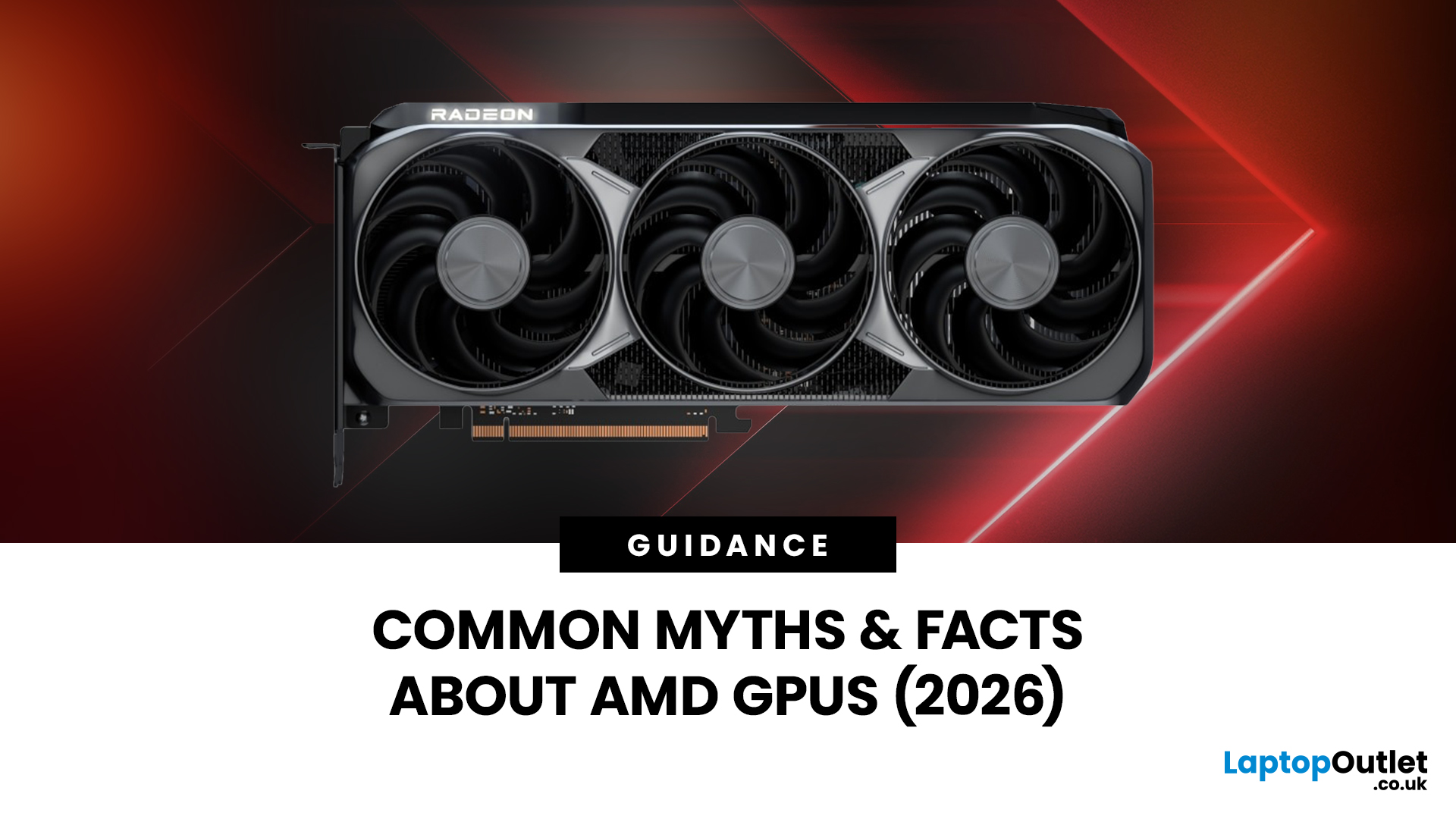
Are you looking to upgrade your gaming rig this year? If so, you have likely encountered the fierce debate between AMD and NVIDIA GPUs. As we move through 2026, the graphics card market is more competitive than ever.
However, old reputations die hard. Many gamers still make buying decisions based on information from five or ten years ago. To help you get the best value for your money, we are busting the biggest misconceptions.
Here are the top 10 myths and facts about AMD graphics cards in 2026.
1. Myth: AMD Drivers are Unstable and Crash Frequently
The Fact: AMD’s software suite is now one of the most stable in the industry.
This is perhaps the oldest myth in the book. Years ago, some users faced "black screen" issues. However, in 2026, the AMD Software: Adrenalin Edition 26.1.1 is a highly polished tool. AMD has moved to a unified driver branch that ensures high stability across both old and new cards.
While no software is perfect, the frequency of "driver timeouts" on modern Radeon

