



Everything NVIDIA Announced at CES 2026: RTX AI PCs, DLSS 4.5 & Beyond

NVIDIA used CES (Consumer Technology Association)2026 to outline what it believes is the next major shift in computing — a move away from general-purpose processors towards systems designed primarily for artificial intelligence.
Speaking in Las Vegas, CEO Jensen Huang positioned NVIDIA not just as a graphics company, but as a platform provider for what it calls the “AI era”, spanning data centres, gaming PCs, gaming laptops, robotics, autonomous vehicles and cloud services.
Rather than focusing on a single blockbuster product, NVIDIA announcements CES 2026 centred on a broad ecosystem update. Key themes included the next-generation Rubin compute platform, and advances in AI-driven graphics through DLSS 4.5, new RTX AI PCs.
The Rubin Platform: NVIDIA’s Next-Generation AI Architecture

The biggest news for businesses was the Rubin platform. It is the successor to the successful Blackwell architecture. This system is a team of six different chips working together.
NVIDIA designed this platform to handle massive AI tasks. The company claims the platform could significantly reduce the cost of running large-scale AI workloads compared to previous generations. This makes large-scale AI much more affordable for big companies.
|
Rubin Component |
What it does |
|
Rubin GPU |
High-performance AI compute with HBM4 and Transformer Engine for AI tasks. |
|
Vera CPU |
Power-efficient CPU with custom Arm cores for general data centre workloads. |
|
NVLink 6 Switch |
Delivers fast GPU-to-GPU communication for massive AI models. |
|
Spectrum-X Ethernet Switch |
Provides efficient, high-bandwidth Ethernet connectivity for the platform. |
|
ConnectX-9 SuperNIC |
High-throughput, low-latency networking interface for scale-out AI. |
|
BlueField-4 DPU |
Offloads networking, storage, and security tasks to boost efficiency. |
NVIDIA says Rubin is designed to power what it describes as “AI factories” — large-scale computing environments intended to train, run, and deploy advanced AI models more efficiently than previous architectures.
Physical AI: From Simulation to the Real World

Another major focus of the NVIDIA Announcements CES 2026 was Physical AI. This technology trains AI in virtual worlds first. Once the AI masters a task in simulation, it is put into a real robot or car.
Alpamayo and Smarter Driving
The company introduced Alpamayo, a new AI for self-driving cars. According to NVIDIA, unlike older systems that just "see" the road, Alpamayo can "reason." It uses "chain-of-thought" logic to make safe decisions in tricky situations.
This tech will soon appear in the new Mercedes-Benz CLA. The car will use an AI system to navigate city streets. NVIDIA is also sharing the Alpamayo code with other developers to help speed up progress.
Humanoid Robotics and Isaac GR00T
NVIDIA also showcased updates to its Isaac robotics platform, including a new version of its GR00T humanoid robot model. The system is designed to improve fine motor control, balance and object manipulation.
To support development of these large robotics and AI models, NVIDIA announced new desktop-class AI systems, including DGX Spark, aimed at enabling teams to prototype and test advanced AI locally rather than exclusively in the cloud.
NVIDIA GeForce Graphics Cards 50 Series: Extreme Power
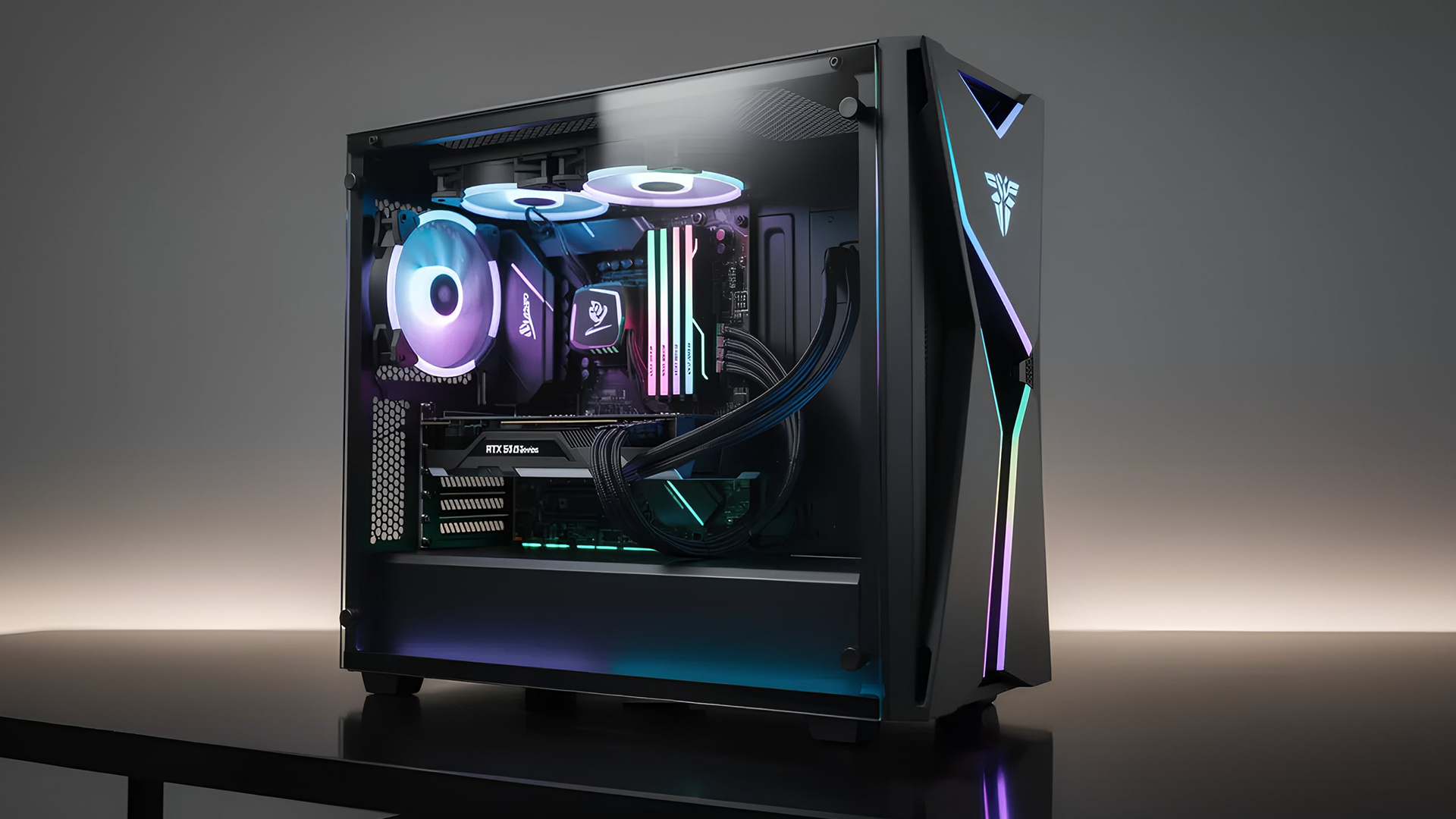
The event also focused on the latest NVIDIA GeForce graphics cards, with partner manufacturers showcasing new GeForce RTX 50 series graphics cards.
While the flagship RTX 5090 targets extreme enthusiasts, NVIDIA positioned the RTX 5080 GPUs as the primary option for high-end 4K gaming.
|
GPU Model |
Key Specs |
|
GeForce RTX 5080 |
16GB GDDR7 / 10,752 Cores |
|
GeForce RTX 5090 |
32GB GDDR7 / ~21,000 Cores |
These NVIDIA CES 2026 graphics innovations include partner cards from MSI and PNY. MSI revealed the "LIGHTNING Z" series with a hybrid liquid cooling system and a built-in LCD screen. PNY introduced slim dual-slot models that fit easily into smaller PC cases.
Advanced RTX 50 Series Gaming Laptops
At CES 2026, numerous advanced RTX gaming laptops were unveiled. They feature NVIDIA's new GeForce RTX 50 Series GPUs by major manufacturers including MSI, ASUS, Gigabyte, Acer, Lenovo, and HP.
Key models and their notable features include:
MSI Raider 16 Max HX: Positioned as one of MSI's most powerful offerings, this laptop can deliver up to 300W of total system power, with configurations including up to an NVIDIA GeForce RTX 5090 GPU and a 2.5K 240Hz OLED display.
ASUS ROG Zephyrus G14/G16: These slim and lightweight laptops were refreshed with new Intel and AMD processors and feature up to an NVIDIA GeForce RTX 5080 (G14) or RTX 5090 (G16) Laptop GPU, along with high-quality OLED displays.
GIGABYTE AORUS Master 16: This model can be configured with up to a GeForce RTX 5090 GPU and an AMD Ryzen 9 9955HX3D processor, boasting advanced cooling technology and a 16-inch, 240Hz OLED display.
MSI Stealth 16 AI+: A balance of power and portability, this slim laptop (19.99mm thick) packs up to an NVIDIA GeForce RTX 5090 GPU and newer Intel and AMD processors, along with a 16-inch OLED display.
These new laptops integrate advanced AI capabilities through their processors and NVIDIA's RTX platform, which includes features like DLSS 4.5 and path tracing for enhanced gaming visuals and performance.
DLSS 4.5 Features: NVIDIA’s Latest AI Graphics Update

Among NVIDIA CES 2026 announcements was its new software, DLSS 4.5. More than a typical update, it advances the way AI is used to create and refine in-game visuals.
Better Light and 6X Frame Generation
NVIDIA’s DLSS 4.5 uses a new "Transformer" AI model that is five times more powerful than previous versions. This technology fixes common visual issues, such as dull lighting and blurry reflections, making games look much more realistic.
For RTX 50 series owners, the new 6X mode is a total game-changer. It uses AI to create five extra frames for every single one your PC actually renders. This allows even the most demanding games to run at over 240 FPS, providing an incredibly smooth experience on high-refresh-rate monitors.
DLSS 4.5 Features
|
Feature |
What it does |
Requirements |
|
Super Resolution |
Crisper images and more realistic lighting. |
All RTX Graphics Cards |
|
6X Multi-Frame Gen |
Provides a massive boost to frame rates. |
RTX 50 Series only |
|
Dynamic MFG |
Automatically matches your FPS to your monitor. |
RTX 50 Series only |
Note for older hardware: While RTX 20 and 30 series cards can use these features, the new AI is very demanding. You may see a performance drop of up to 24% in some titles due to the older hardware's limitations.
G-SYNC Pulsar: A New Approach to Motion Clarity
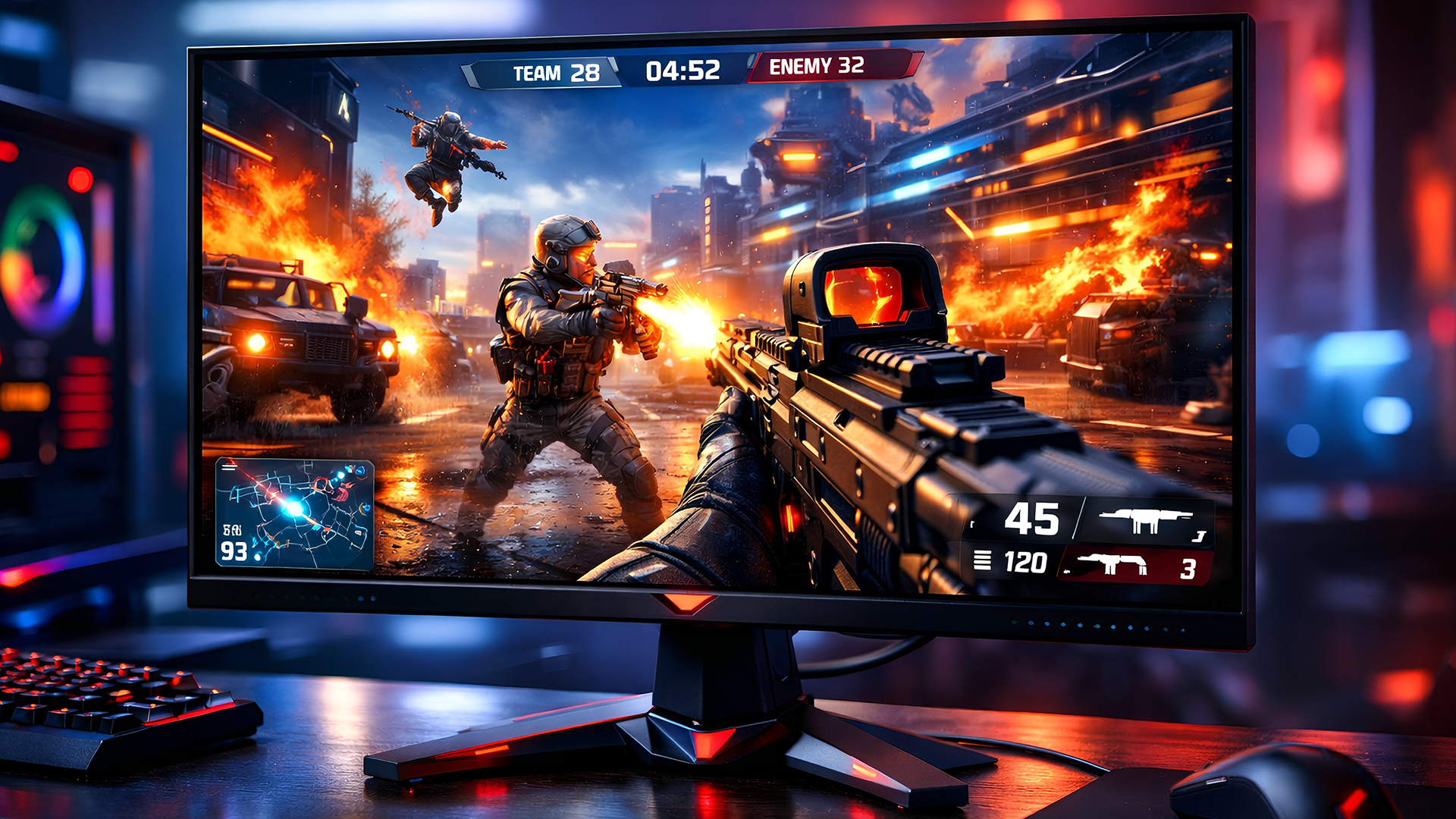
NVIDIA’s CES 2026 announcements featured a new generation of gaming monitors with G-SYNC Pulsar. This technology solves a long-standing trade-off: previously, you had to choose between smooth motion (VRR) or clear images (backlight strobing). Pulsar finally delivers both at once.
By synchronising the monitor’s backlight with the GPU, Pulsar provides motion clarity equivalent to over 1,000Hz. This ensures moving targets in fast-paced games stay perfectly sharp, effectively eliminating motion blur.
Top G-SYNC Pulsar Monitors
|
Model |
Size / Refresh Rate / Response Time |
Panel Type |
Resolution |
|
MSI MPG 272QRF X36 |
27" / 360Hz / 0.5ms |
Rapid IPS |
2560 x 1440 (WQHD) |
|
ASUS ROG Strix XG27AQNGV |
27" / 360Hz / 1ms |
Ultrafast IPS |
2560 x 1440 (QHD) |
|
AOC AGON PRO |
27" / 360Hz / 1ms |
Fast IPS |
2560 x 1440 (QHD) |
NVIDIA RTX AI PCs
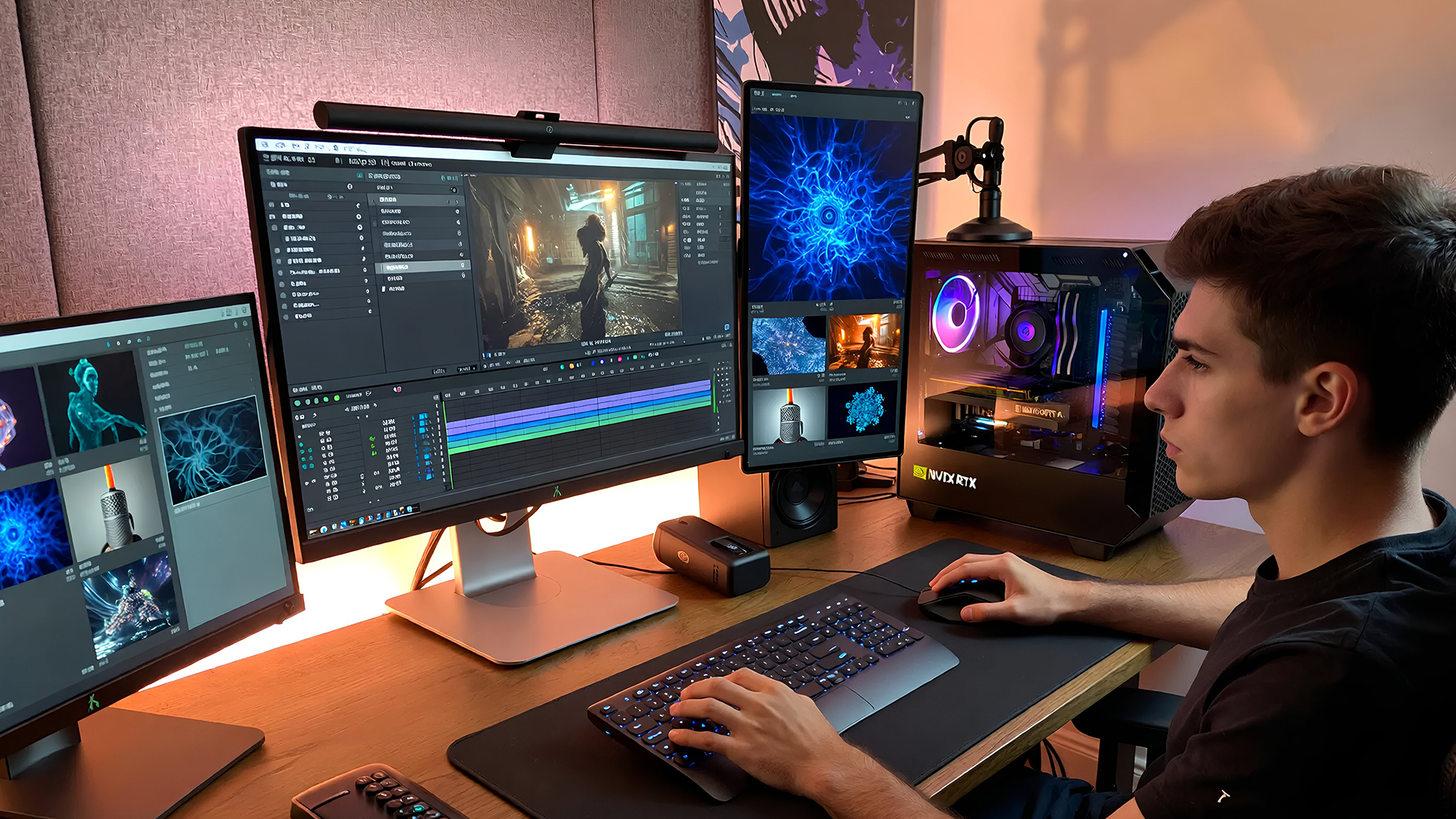
The NVIDIA RTX AI PCs were another major focus. These RTX AI PCs for gaming run AI locally rather than using the cloud. This makes things faster, more secure, and private.
Creators can now generate 4K AI video up to 3x faster. New updates for tools like ComfyUI and Ollama also help developers work more efficiently. These PCs effectively turn a home office into a professional AI studio.
Smarter Games with NVIDIA ACE
NVIDIA is making games more immersive with ACE technology. This turns standard game characters into smart agents that can think and talk.
- PUBG: BATTLEGROUNDS: A new AI "Ally" teammate is coming in early 2026. It remembers your past matches and suggests tactics based on how you play.
- Total War: PHARAOH: A new AI advisor helps players learn complex game rules in real-time.
- RTX Remix Logic: Modders can now make old games react to what happens on screen. For example, lights can change when an enemy enters a room.
Market Considerations: Supply and Pricing
Despite the tech wins, there are challenges. A global shortage of memory chips (GDDR7) is causing issues. This might lead to higher prices for the new RTX 50 cards.
NVIDIA may even bring back older cards like the RTX 3060 to help gamers on a budget. This ensures that people can still build PCs while the high-end cards face supply limits.

Where NVIDIA Goes Next
NVIDIA Announcements CES 2026 reflect a company positioning itself at the centre of the AI computing transition. From enterprise platforms like Rubin to consumer technologies such as DLSS 4.5 and RTX AI PCs, NVIDIA is betting that AI-first design will define the next decade of computing.
While many of these technologies will roll out gradually, CES 2026 made one thing clear: NVIDIA’s future strategy extends far beyond graphics alone.

You Might Also Want to Know...
What is NVIDIA DLSS 4.5 and why is it important?
DLSS 4.5 is NVIDIA’s latest AI-driven upscaling technology. It improves game graphics by sharpening image quality and can boost frame rates up to 6x for ultra-smooth gameplay.
Did NVIDIA announce any new GeForce RTX GPUs at CES 2026?
No new RTX GPU models were revealed by NVIDIA at CES 2026. Instead, NVIDIA focused on software features (like DLSS 4.5) and partners showcased new RTX 50-series cards.
What are RTX AI PCs?
“RTX AI PCs” refer to high-performance PCs with GeForce RTX GPUs that can run advanced AI tasks. They’re built for gaming and for AI workloads like image, video, or text generation.
What is G-SYNC Pulsar and how does it benefit gamers?
G-SYNC Pulsar is NVIDIA’s new monitor technology that uses fast backlight strobing to eliminate motion blur. It delivers clarity equivalent to a 1000Hz refresh rate for extremely smooth, tear-free visuals.
How can I get DLSS 4.5 on my PC?
DLSS 4.5 Super Resolution support is available now. Just update to the latest NVIDIA Game Ready Driver and enable the DLSS 4.5 override in the NVIDIA app to upgrade supported games. (The 6X frame generation feature will roll out in Spring 2026 for RTX 50-series GPUs.)
| Read More: |
| DLSS 4.5 Explained: What’s New and Why It Matters for Gamers |
| G-SYNC Pulsar Explained: 1000Hz Motion Clarity Without Flicker |
| Best High-End Graphics Cards For Hardcore Gamers & Creators |
Related Articles

Last Updated: March 04, 2026
Virtual reality is the way forward when looking for total immersion and enjoying entertainment in another dimension. Whether you're stepping into alien landscapes, racing through hyper-realistic circuits, or exploring entire worlds from your living room, VR takes everything you love about gaming and cranks it up to another level. But to truly make the most of it, your PC needs to be more than just average; it needs serious graphical muscle.
If you plan to upgrade your system for a smoother, sharper, and more responsive VR experience, choosing the best graphics card for virtual reality experiences is key. And with so many options now on the market, narrowing it down can be daunting. That's why we've done the legwork for you.
Unlike standard gaming, virtual reality demands more from your hardware. Take it as running dual high-resolution displays - except one is strapped to your face, and every frame counts. Frame rates need to stay consistently high, latency needs to be minimal, and
Last Updated: September 09, 2025
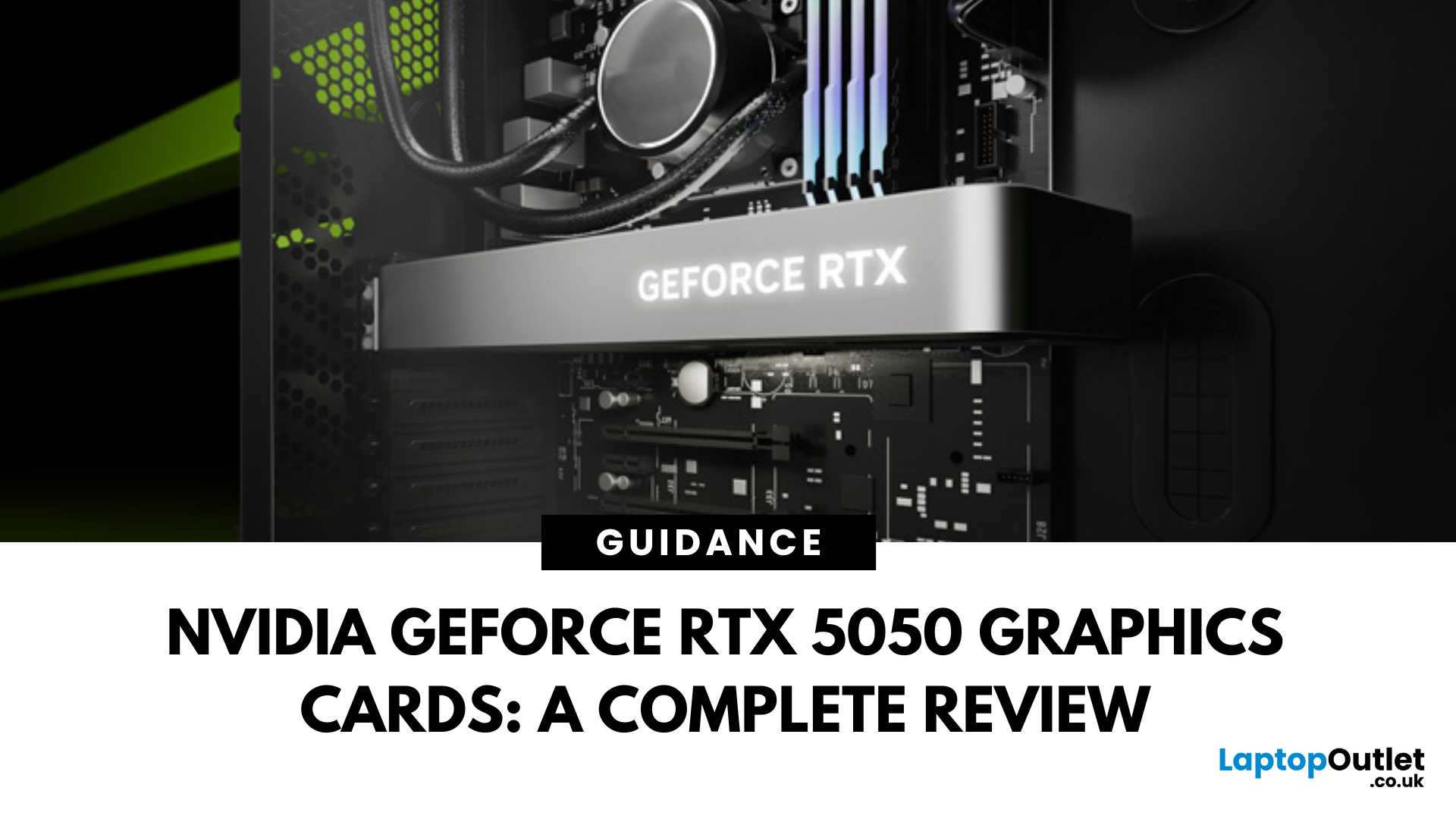
The RTX 5050 arrives as a timely and much-needed addition to NVIDIA’s mid-range line-up. With GPU prices escalating and older models ageing out of relevance, this card positions itself as a smart compromise between performance, features, and affordability. Targeted at gamers, upgraders, and budget-conscious users alike, it strikes an appealing balance that’s increasingly rare in the entry-level space. If you're considering an RTX 5050 upgrade, this RTX 5060 graphics cards review has something for you.
Architecture & Specifications: A Capable Foundation
Under the hood, the RTX 5050 is built on NVIDIA’s Blackwell architecture, the same foundation used in high-end models like the RTX 5090 graphics card. This gives it access to 5th-gen Tensor cores and 4th-gen RT cores, cutting-edge tech for a budget-friendly GPU. The card features 2,560 CUDA cores, a boost clock of up to 2,570 MHz, and 8GB of GDDR6 memory with 320 GB/s bandwidth. Despite its modest memory interface, performance stays sharp
Last Updated: September 09, 2025
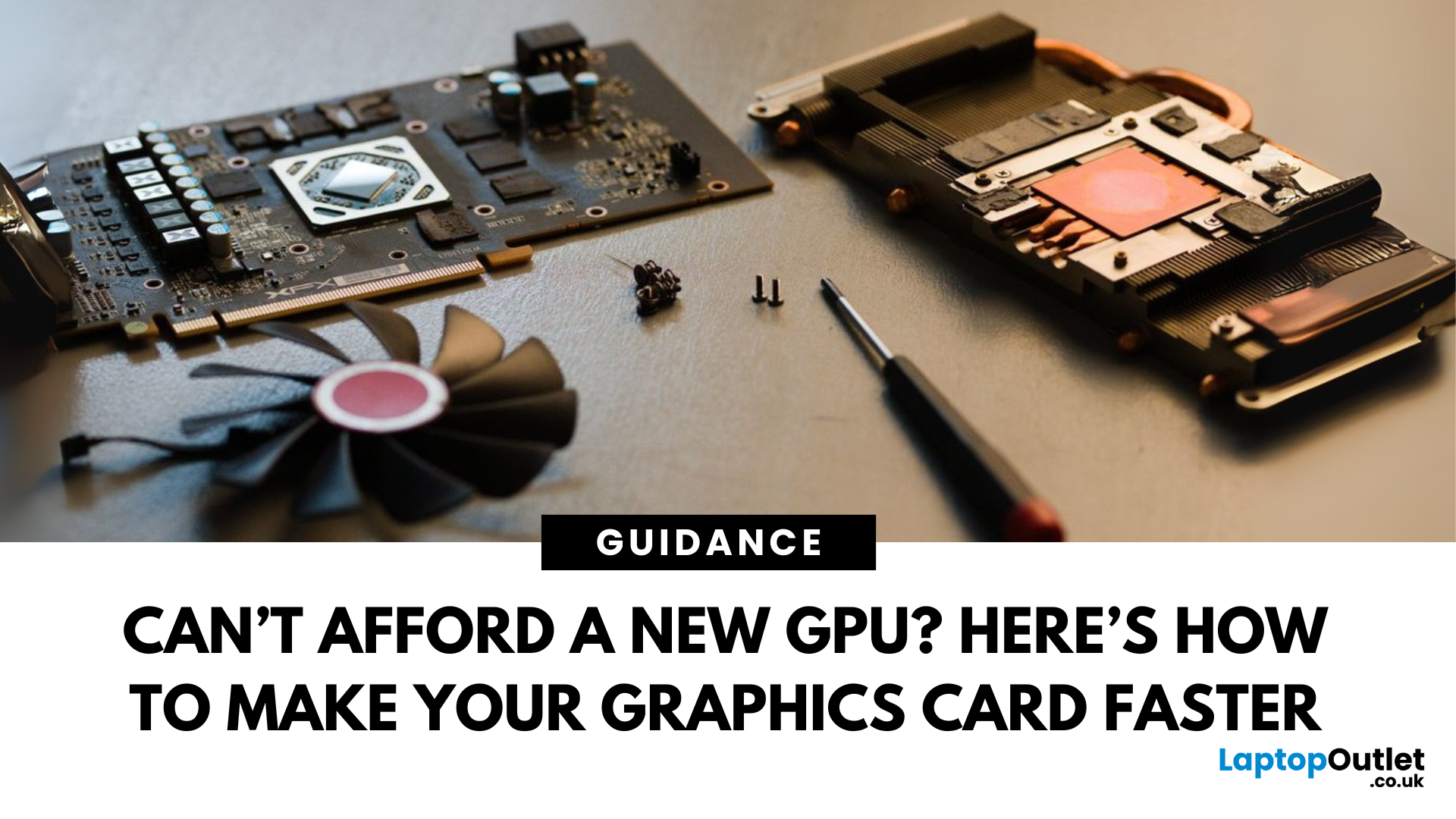
Let’s face it. Graphics cards are expensive. And while everyone wants that shiny new GPU to max out game settings or improve their creative workloads, it’s not always realistic. Between supply issues, steep prices and rapid technology cycles, buying a new graphics card can often feel like a luxury rather than a necessity.
The good news is that you don’t need to replace your GPU to breathe new life into your gaming rig or workstation. With a little time, care, and smart system tweaks, you can get more performance out of your current card and make it run quieter, cooler and faster.
In this guide, we’ll walk you through practical ways to improve your GPU’s performance, longevity, and efficiency without splashing out on brand-new hardware. If you’re looking to upgrade graphics card performance without replacing it entirely, you’re in the right place.
Tips to Make your Graphics Card Faster Without Upgrading It
-
Clean and Maintain Your GPU for a Performance Boost
Before we even touch the software
Last Updated: February 25, 2026
We’ve been deep in the trenches with today’s top-tier GPUs, testing them across real-world gaming sessions, editing timelines, and production rigs. This isn’t just another spec dump. It’s a curated breakdown of what actually matters when you're pushing pixels or chasing frames. Whether you're building for buttery 4K gameplay or need something that won’t choke on a multi-cam 8K edit, we’ve cut through the marketing noise to highlight what each card nails (and where it stumbles). No filler, no fluff, just the kind of insight we’d want before dropping serious cash on a new GPU.
ASUS GeForce RTX 5090 ROG Astral 32GB OC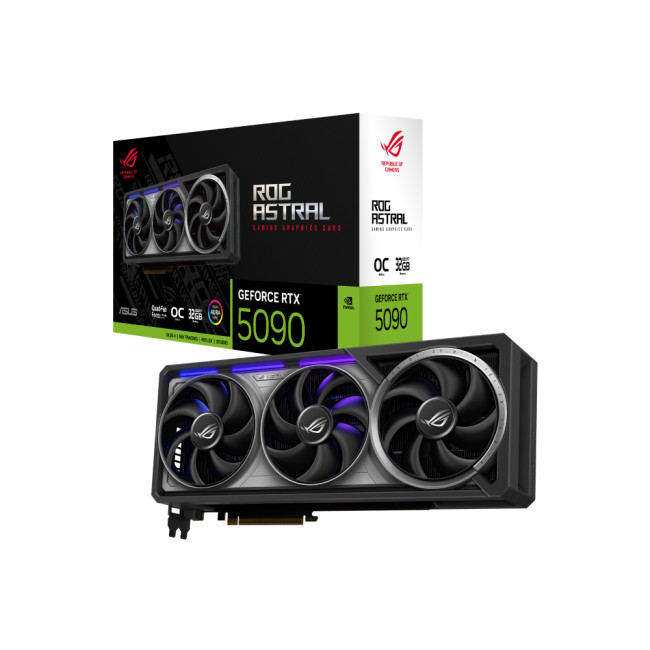
Also Known As:
- ROG STRIX RTX 5090
- NVIDIA GeForce RTX 5090 ROG Astral OC
- The Beast from the Future
Overview & Standout Features
The ASUS RTX 5090 ROG Astral isn’t just a GPU; it’s a flex. This monster packs 32GB of next-gen GDDR7 VRAM, triple axial-tech fans, and more RGB than your setup probably needs (but still wants). ASUS has taken NVIDIA’s flagship and strapped
Last Updated: March 30, 2026
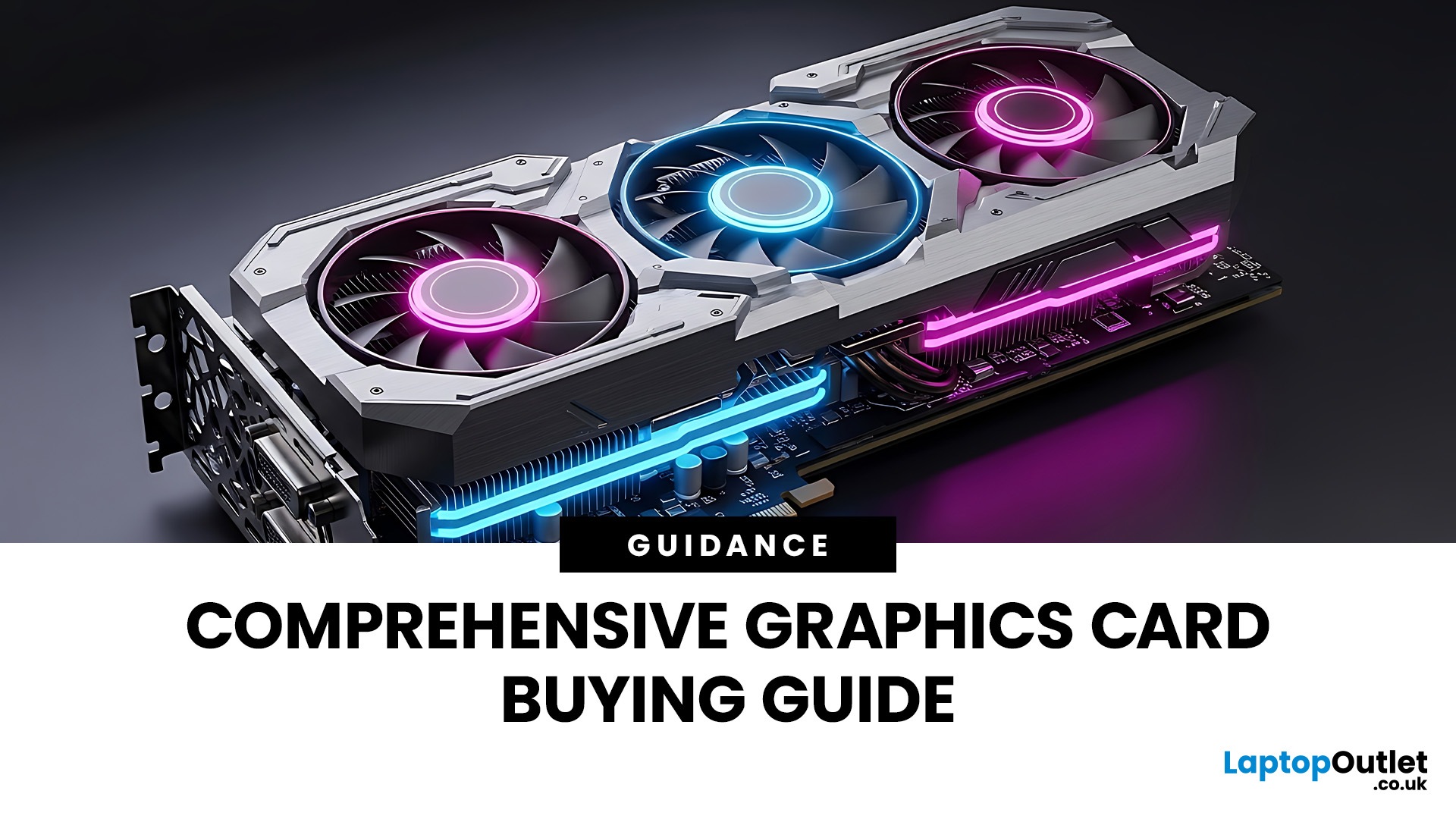
If you’ve ever felt overwhelmed stepping into the world of GPUs, you’re not alone. Choosing the right graphics card is one of the trickiest parts of building or upgrading a PC. In this guide, I’ll walk you through how to choose a graphics card, explain critical specs, compare AMD vs NVIDIA, help you pick thebest GPU for gaming, and highlight what to consider ifyou’re going for4K gaming.
This graphics card buying guideis your ultimate companion to navigate through the maze of options. We'll break down key specs, performance insights, comparisons, and practical tips to help you make an informed purchase, especially ifyou'reshopping at Laptop Outlet, one of the UK’s trusted tech retailers.
Understanding What a Graphics Card Does
A graphics card, or GPU (Graphics Processing Unit), is the powerhouse responsible for rendering images, videos, and animations on your screen. Think of it as the heart of your visual experience. It determine show smoothly your games run, how sharp your 4K videos
Last Updated: October 30, 2025
Setting the Scene
Alex: First of all, thanks for having this discussion, Jamie. I’m in the process of upgrading my rig, and I want to get the best GPU for gaming I can afford. But there are so many options out there, and I’m a bit lost, especially with the new 50-series from NVIDIA, and the still-very-solid 40-series.
Jamie: No problem, Alex, happy to help. Upgrading the graphics card is probably the biggest single component decision in a gaming rig (other than maybe the monitor or CPU). So, it’s good that we step through it together.
Why is the Graphics Card Matters
Alex: So, to start with: why is the graphics card so important for a gaming rig?
Jamie: In short, the GPU is what actually renders your game frames, handles complex calculations for lighting, shadows, textures, and especially if you’re gaming at higher resolutions (1440p, 4K) or using high refresh rates. If you pair everything else well (CPU, RAM, storage, PSU, cooling), the graphics card becomes a bottleneck if it’s too
Published: November 03, 2025
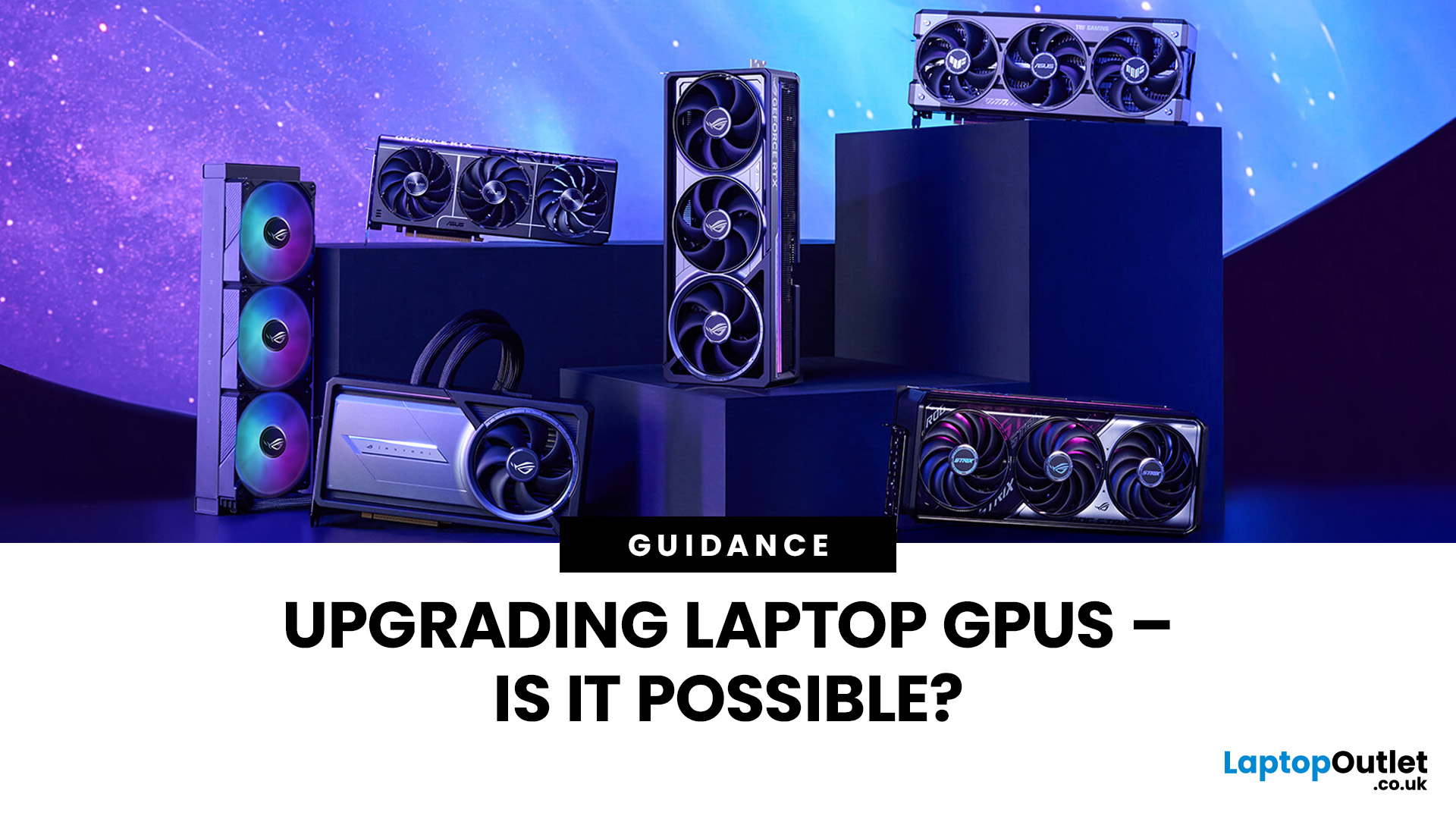
Let’s be honest: laptops are bloody brilliant. Sleek, portable, and increasingly powerful, what’s not to love? But then you try running a modern game on “Ultra” or crunching a 4K video edit and your laptop’s fan sounds like it’s preparing for takeoff. That’s when the thought creeps in: Can I replace the graphics card on my laptop? Well, grab a cuppa and settle in. We’re diving into the surprisingly sticky world of laptop GPU upgrades.
First Things First: What Exactly is a Laptop GPU?
A GPU (Graphics Processing Unit), often referred to as a graphics card, is what makes the pretty things on your screen look… well, pretty. Whether you're gaming, editing videos, running simulations, or just watching Netflix in glorious HD, it’s your GPU doing the heavy lifting.
Now, in desktop PCs, the graphics card is typically a large, separate component that you can easily yank out and replace. But in laptops, things get a little trickier.
Can You Replace a Laptop Graphics Card?
The Brutal Truth: In
Last Updated: February 23, 2026
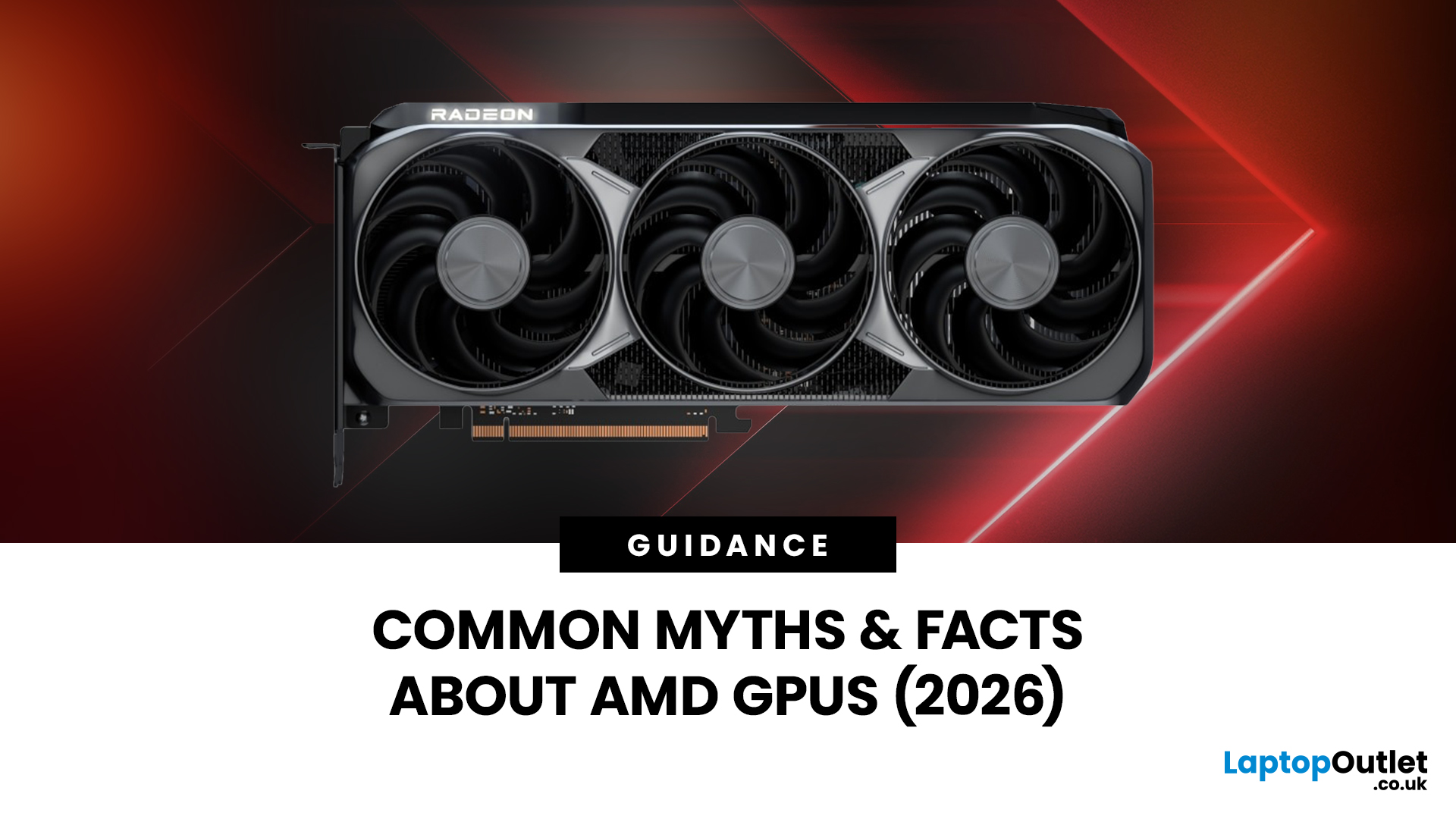
Are you looking to upgrade your gaming rig this year? If so, you have likely encountered the fierce debate between AMD and NVIDIA GPUs. As we move through 2026, the graphics card market is more competitive than ever.
However, old reputations die hard. Many gamers still make buying decisions based on information from five or ten years ago. To help you get the best value for your money, we are busting the biggest misconceptions.
Here are the top 10 myths and facts about AMD graphics cards in 2026.
1. Myth: AMD Drivers are Unstable and Crash Frequently
The Fact: AMD’s software suite is now one of the most stable in the industry.
This is perhaps the oldest myth in the book. Years ago, some users faced "black screen" issues. However, in 2026, the AMD Software: Adrenalin Edition 26.1.1 is a highly polished tool. AMD has moved to a unified driver branch that ensures high stability across both old and new cards.
While no software is perfect, the frequency of "driver timeouts" on modern Radeon

Last Updated: February 27, 2026
GPU price trends, which historically followed steady consumer demand cycles, were hijacked by a series of unprecedented global crises. These events first pushed the cost of graphics cards to astronomical highs, then plunged them into a sharp decline, before finally settling on a new, structurally higher price baseline.
This analysis examines the economic forces that drove this extraordinary five-year shift. We trace the market from the initial chaos of the supply chain fracture, through the speculative peak driven by cryptocurrency mining, and into the current era dominated by the massive enterprise investment in Artificial Intelligence (AI).
The Initial Storm (2020–Mid 2021): Scarcity and Supply Chain Shock
The sharp inflation in GPU prices did not begin with a single factor but with the convergence of two major, simultaneous economic disruptions: a severe global logistics crisis and a dramatic shift in consumer habits.

The Pandemic’s Logistical Fracture
The start of the COVID-19 pandemic

Last Updated: December 30, 2025
If your current rig is starting to stutter or you are simply ready to jump into the next generation of visual fidelity, there is no better time to act. The New Year graphics card deals are finally here.
Whether you are a competitive esports player, a 4K gaming enthusiast, or a professional video editor, the right GPU is the heart of your system. This year, we are seeing incredible NVIDIA GPU discounts and an extensive AMD Radeon sale New Year event.
In this guide, we will explore the best graphics cards for gaming and work, ensuring you find the perfect match for your monitor and your budget.
Top New Year Graphics Card Deals for 2026
We have hand-picked eight of the most impressive NVIDIA RTX GPUs and AMD Radeon GPUs currently available. Let’s explore the right card for your setup.
1. MSI GeForce RTX 5060 GAMING 8GB OC Graphics Card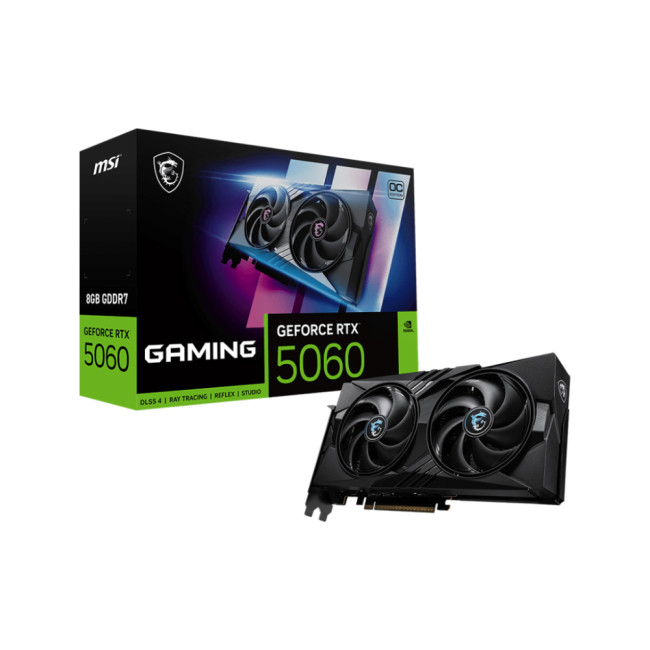
Key Specifications
- GPU: NVIDIA GeForce RTX 5060 (Blackwell Architecture)
- Memory: 8GB GDDR7
- Memory Speed: 28 Gbps
- Memory Interface: 128 bit
- Core

