



How to Choose the Right Replacement Battery for Your Laptop
Quick answer
Start with the exact laptop model and original battery part number. Then verify that the replacement is explicitly listed as compatible and check the connector, physical shape, voltage, chemistry and capacity in Wh. Checking laptop battery health first can also help confirm that battery wear, rather than another fault, is the real problem.
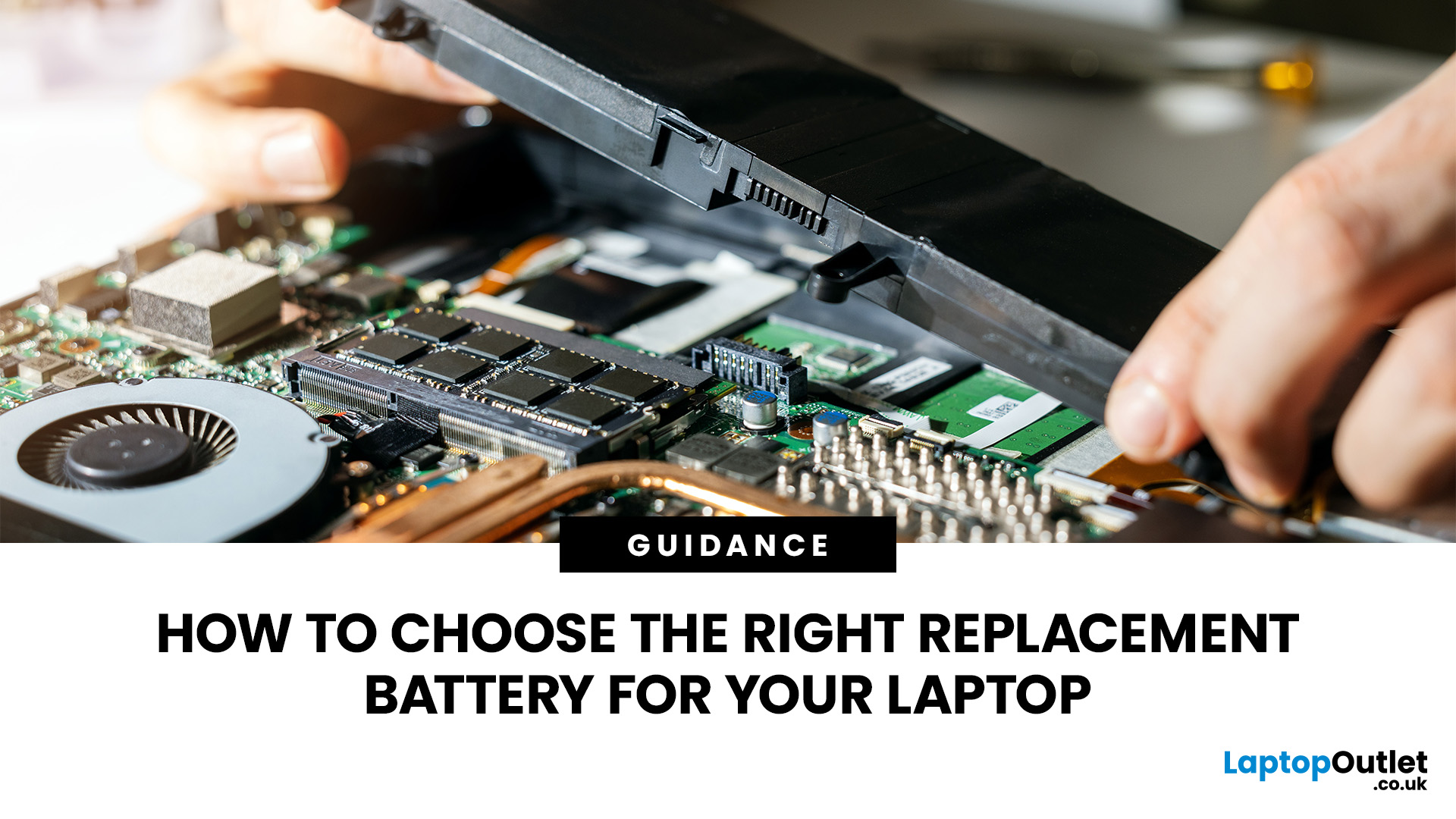
A replacement laptop battery can restore useful, unplugged time to a laptop that still performs well, but buying by brand or appearance alone is risky. The correct part has to match the machine electrically and physically, not simply fit the battery bay. This guide explains how to confirm battery condition, identify the right model or part number, understand voltage and capacity, assess OEM and compatible options, and decide whether battery replacement is worthwhile.
When Should You Replace Your Laptop Battery?
Rechargeable batteries wear gradually as they age and complete charge cycles, so a shorter runtime is expected eventually. There is no single laptop battery lifespan that applies to every model because heat, workload, charging behaviour, cell design and usage patterns all affect how quickly usable capacity falls.
Think about replacement when runtime has become impractical, the laptop shuts down unexpectedly, charge percentage behaves erratically, the battery is no longer recognised correctly, or the manufacturer's diagnostics report a battery fault. On Windows 11, the built-in battery report can show design capacity and current full-charge capacity, which is more useful than judging condition by age alone.
If the main symptom is a laptop battery draining fast , rule out display settings, background activity, power modes and charging issues before ordering a new battery. A healthy battery can still deliver poor runtime when the laptop is using more power than usual.
Treat swelling differently from normal ageing. If the case is separating, the trackpad or keyboard is lifting, or the battery looks expanded, stop using and charging the laptop. Do not press, puncture or bend the battery. Follow the laptop manufacturer's service guidance, particularly when the pack is internal.
How to Find the Right Battery Model and Compatibility
Compatibility should be your first buying check. A laptop family name is often too broad because manufacturers can use more than one battery across different configurations or revisions of the same series.
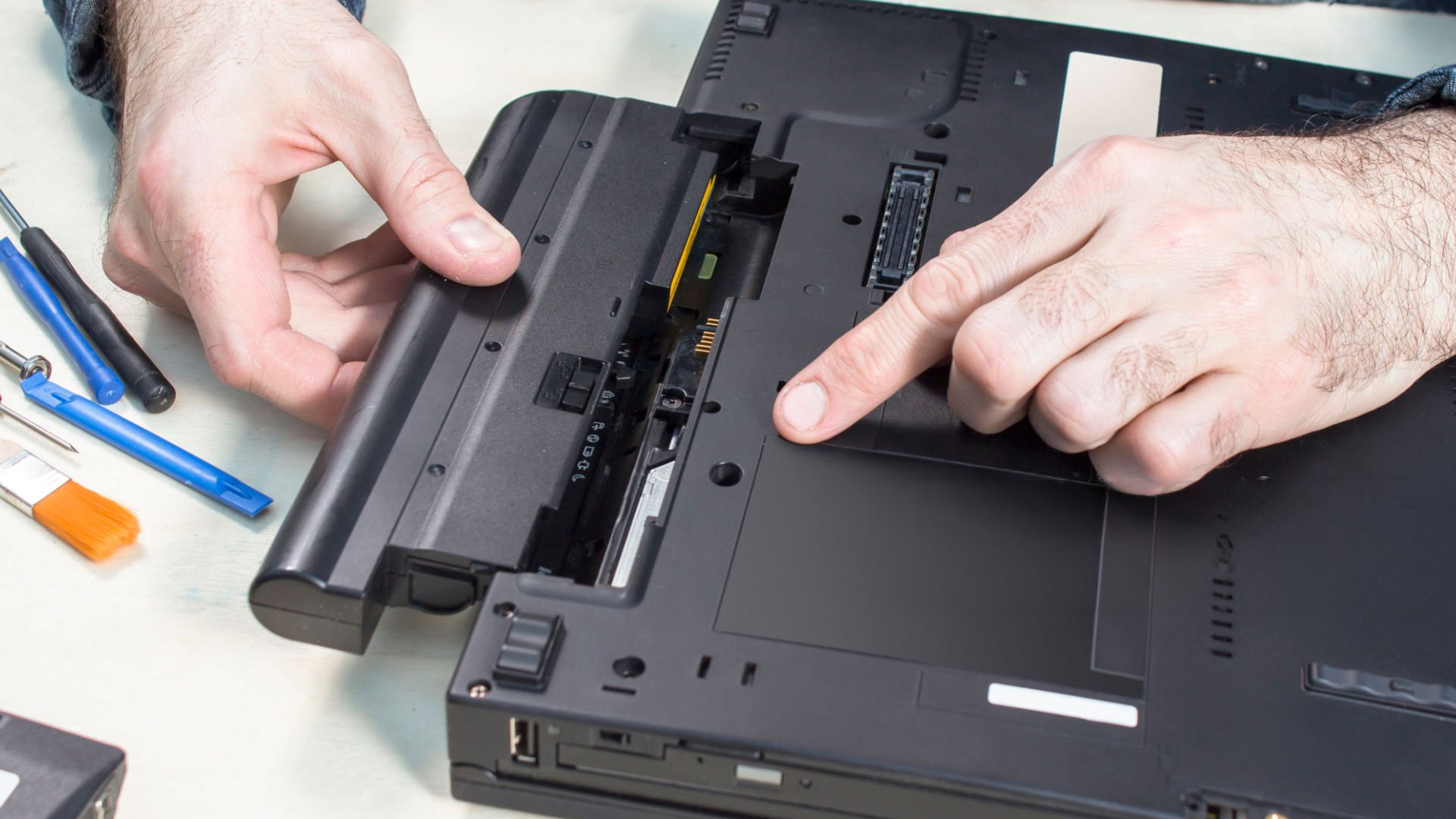
Start with the full laptop model, product number, serial number or service tag. If the existing battery is removable and safe to handle, record the battery part number printed on its label. For an internal battery, use the manufacturer's parts lookup or service documentation rather than opening the laptop purely to read the label if you are not comfortable doing so.
HP, Dell and other major manufacturers provide model or serial-number based support tools that can identify approved replacement parts. Use the manufacturer's reference as your primary source, then cross-check the replacement listing against it.
Check these details before ordering
- Exact laptop model or product identifier, including any suffix where relevant.
- Original battery part number or manufacturer-approved replacement part number.
- Connector position, cable orientation, mounting points and physical dimensions.
- Electrical specification and battery chemistry listed for your laptop.
If a listing only says it fits a broad laptop series but does not provide part numbers or clear compatibility data, you do not have enough information to make a confident match.
Check Voltage, Capacity and Battery Type
Once you have confirmed the correct part family, check the electrical details. The laptop battery voltage shown on the original pack is important, but do not decide compatibility from voltage alone. Some equivalent packs can use different nominal labelling conventions, so any difference should be accepted only when the laptop manufacturer or a reputable battery supplier explicitly lists the replacement as compatible.
Laptop battery capacity is usually shown in watt-hours (Wh) and may also appear in milliamp-hours (mAh). Wh is the more useful figure for estimating stored energy because it accounts for both voltage and charge capacity. Comparing mAh figures between batteries with different voltages can be misleading.
A higher Wh rating can provide longer runtime only when the larger-capacity pack is designed for the same laptop and fits its battery compartment. Do not treat capacity as a universal upgrade path. Physical size, cell configuration, firmware support and charging limits still matter.
|
Specification |
What it tells you |
Buying advice |
|
Part number |
The battery's model or spare identifier. |
Match the manufacturer-approved part reference wherever possible. |
|
Voltage (V) |
The pack's nominal electrical voltage. |
Do not guess across different ratings. Use only a confirmed compatible equivalent. |
|
Capacity (Wh) |
How much energy the battery can store. |
Higher Wh may extend runtime if the laptop supports that pack. |
|
mAh |
Charge capacity at a stated voltage. |
Use it alongside voltage, not as a stand-alone measure of battery size. |
|
Chemistry |
Usually lithium-ion or lithium-polymer. |
Follow the laptop's approved battery specification rather than substituting by chemistry alone. |
For most modern laptops, the replacement will be lithium-ion or lithium-polymer. The chemistry name is useful context, but it does not override the need to match the approved part number, connector and electrical specification.
OEM vs Compatible Replacement Laptop Batteries
An OEM or genuine battery is supplied by the laptop manufacturer or through its approved parts channel. That usually makes part-number matching, firmware compatibility and warranty support easier to verify, although availability and price can vary by model.
A compatible battery is made by a third party for specified laptops. A well-documented compatible option can be suitable when it clearly lists your exact model or original part number, provides full voltage and capacity information, and comes from a supplier with transparent warranty and returns terms.
Do not assume that compatible means universal. The quality of third-party products varies, and a battery that physically fits is not automatically correct electrically. For business-critical machines, devices still under manufacturer cover, or laptops with tightly integrated internal batteries, the manufacturer-approved route can reduce uncertainty.

How to Choose a Safe and Reliable Laptop Battery
A replacement battery needs to be safe, compatible and properly supported. Before buying, look beyond the headline capacity and check whether the product and supplier give you enough information to buy with confidence.
-
Check exact compatibility: Make sure the battery is listed for your specific laptop model or original battery part number. A similar shape or connector is not enough to confirm compatibility.
-
Buy from a traceable seller: Choose a recognised retailer or manufacturer that provides clear supplier details, warranty terms and a straightforward returns process. UK product safety guidance recommends checking for manufacturer information, clear instructions and relevant warnings.
-
Review the full specification: Look for clearly stated voltage, capacity, battery chemistry and compatible models. Be cautious if important specifications are missing or the listing makes unusually high capacity claims without explaining compatibility.
-
Do not rely on safety logos alone: Safety markings can be useful, but they should sit alongside proper product information, traceability and model-specific compatibility rather than replacing those checks.
-
Use suitable charging equipment: If you are replacing a charger at the same time, choose essential laptop accessories that meet your laptop manufacturer's required power specification.
-
Recycle the old battery correctly: Do not put a used laptop battery in normal household rubbish. GOV.UK advises taking waste batteries to an appropriate collection point, particularly because damaged lithium-ion batteries can present a fire risk.
Common Mistakes to Avoid When Buying a Replacement Battery
Most battery-buying errors come from matching too loosely. Searching by brand name, screen size or laptop family can return several packs that look similar but use different connectors, voltages or mounting points.
- Buying by appearance alone instead of matching a verified part number.
- Assuming a larger mAh or Wh figure automatically makes a battery compatible.
- Ignoring connector location, cable length, screw points or battery dimensions.
- Treating every charging problem as battery failure without checking the charger, port or diagnostics.
- Choosing an unknown seller because the listing claims unusually high capacity.
- Attempting to remove a swollen or heavily bonded internal battery without the correct service guidance.
One useful habit is to photograph the original battery label or save the manufacturer's parts page before ordering. That gives you a reference for the model code, voltage, capacity and connector when you review a replacement listing.
Is It Worth Replacing the Battery or Buying a New Laptop?
If the laptop is still fast enough for your work, receives the software and security support you need, and has no other major faults, replacing a worn battery can restore portability without changing the rest of your setup. A weak battery alone does not mean the computer has reached the end of its useful life.
A full replacement becomes easier to justify when the battery is only one of several problems, repair costs are stacking up, the display or charging hardware is failing, or the laptop no longer supports the software you rely on. Consider how much useful life the new battery is likely to unlock, not just the price of the part.
If mobility is now a priority and the current machine no longer meets your needs, long battery life laptops can help you focus your next purchase on models designed for longer unplugged use.

Where to Buy Replacement Laptop Batteries in the UK
Buy from a retailer that provides enough information to verify the battery before you order. The product page should identify compatible models or part numbers and show the key electrical specifications, rather than asking you to judge compatibility from a photograph.
Laptop Outlet stocks battery products and related power options. You can shop laptop batteries and check each product listing against your laptop's approved part reference, voltage, capacity and physical requirements before buying.
If you are unsure whether a listed battery matches your exact laptop revision, confirm the part number with the manufacturer or retailer first. That small check is more reliable than ordering a near match and hoping the connector or firmware is the same.

Final Checklist Before You Buy
Before ordering a replacement laptop battery, confirm each of the following:
- Exact laptop model, product number or service tag.
- Original battery part number or an approved replacement reference.
- Confirmed voltage compatibility.
- Capacity in Wh, with mAh considered alongside voltage.
- Battery chemistry specified for the laptop.
- Correct connector, dimensions and mounting points.
- Clear warranty, returns and supplier information.
- A safe installation route for removable or internal batteries.
Choosing a replacement laptop battery is mainly a compatibility exercise. Match the approved part first, then use capacity, warranty and supplier quality to narrow the options.
If the laptop itself no longer delivers the performance, reliability or software support you need, moving to laptops and notebooks may be more practical than investing further in an ageing machine.

Replacement Laptop Battery FAQs
How do I know which replacement battery is compatible with my laptop?
Match your exact laptop model and original battery part number first. Then confirm the replacement listing, connector, voltage, chemistry, physical design and supported capacity before ordering.
Can I use a higher-capacity battery in my laptop?
Yes, but only when that higher-capacity battery is explicitly designed for your laptop. Higher Wh can extend runtime, but physical fit, voltage, connector and charging compatibility still matter.
Does a replacement laptop battery need to have the same voltage?
Use the manufacturer-approved voltage or a replacement explicitly listed as electrically compatible. Do not assume a different nominal voltage is safe simply because the battery fits physically.
What is the difference between OEM and compatible laptop batteries?
OEM batteries come through the laptop manufacturer or its approved parts channel. Compatible batteries are third-party alternatives designed for specified models, so supplier quality and exact compatibility need closer checking.
How can I find my laptop battery model number?
Check the label on a safely accessible battery or use your laptop model, serial number, product number or service tag in the manufacturer's official parts lookup or service documentation.
| Read More: |
| How Long Do Laptops Last? |
| Best Portable Laptop Power Banks in 2026 |
| How to Fix a Laptop That Won't Turn On |
Related Articles


Last Updated: September 09, 2025
Long-lasting battery life is one of the most important features for modern laptop users. Whether you’re working on the go, studying in a cafe, or streaming your favourite content, your device should deliver reliable power without constantly needing to be plugged in. HP laptops are known for theirstrong performance and portable designs, but like all devices, optimising battery settings can make a huge difference.
In this guide, we’ll share practical HP laptop battery saving tips, explore battery optimisation settings, and show you how to reduce battery drain while getting the best performance out of your device.
Why Laptop Battery Life Matters?
Laptop’s battery life directly impacts how portable and practical your laptop is. A device with poor battery life ties you down to power sockets, while an optimised laptop ensures uninterrupted productivity.
- For Professionals: Longer battery life means finishing presentations, timely joining meetings, and travelling without power concerns.
- For Students:

Last Updated: September 29, 2025
Apple’s iPhone 17 Pro Max has arrived with some serious promises around battery life. With a larger battery capacity than its predecessor, more efficient internals, and better software optimisation, Apple claims this could be its longest-lasting iPhone yet. But in practical, everyday usage, can it really stretch to two full days? Let’s dig into what we know so far, what that means in real scenarios, and whether two-day usage is realistic.
Official Specs & Improvements
- Battery Capacity: The iPhone 17 Pro Max comes with a 5,088 mAh battery in its eSIM-only version, and about 4,823 mAh in variants with a physical SIM tray. That’s up from the ~4,685 mAh in the iPhone 16 Pro Max.
- Video Playback Time: Apple quotes up to 39 hours of video playback for the Pro Max. This is a big jump over the 16 Pro Max, which had less video playback time.
- Hardware & Efficiency Upgrades: The iPhone 17 Pro Max has the A19 Pro chip (built on a smaller fabrication process), better thermal design, and a more efficient
Last Updated: December 17, 2025
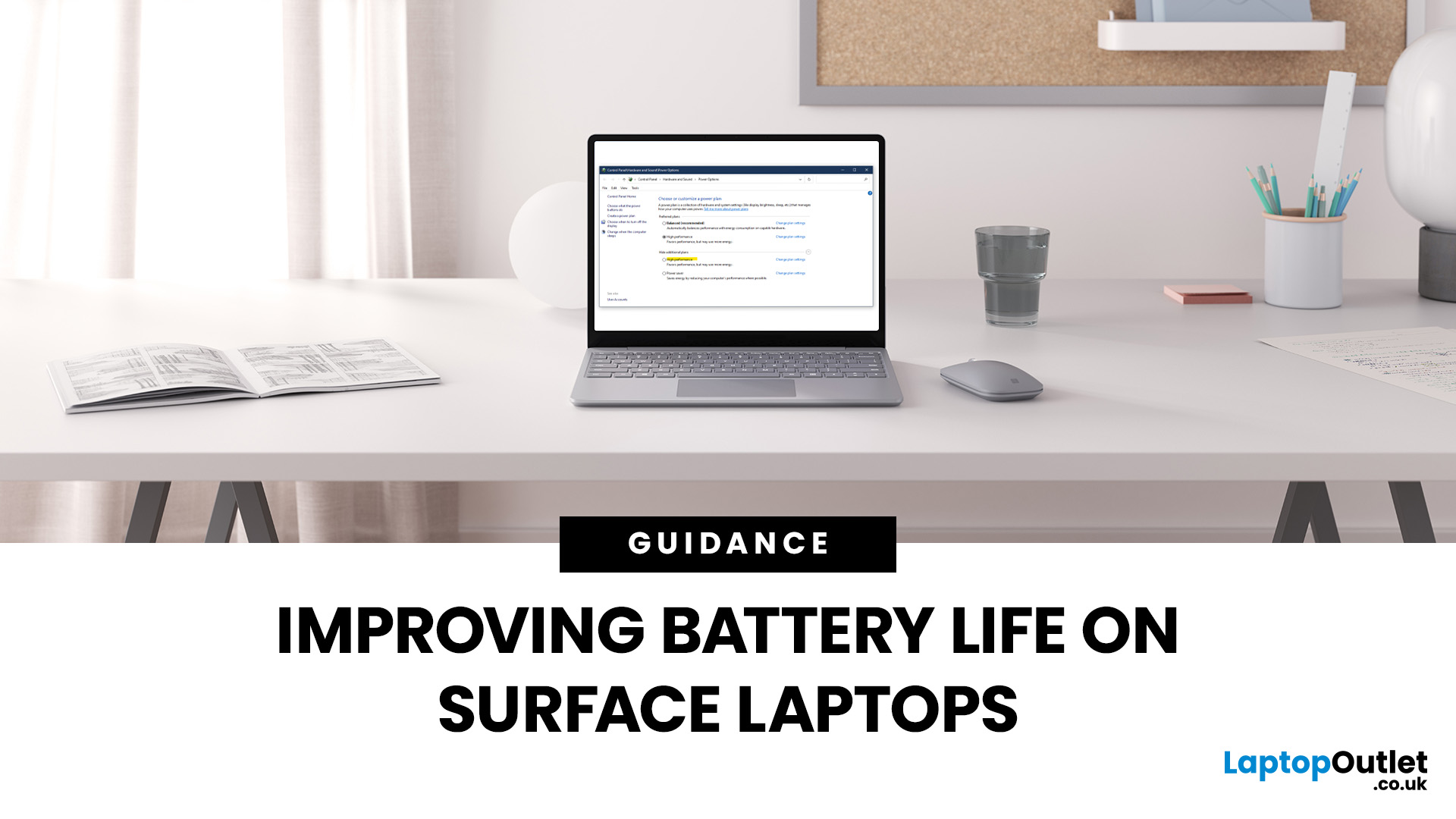
Microsoft Surface devices are known for their sleek designs, strong performance, and portability. But as with any laptop, battery life is crucial for keeping you productive throughout the day. In this guide, we’ll break down practical tips, smart charging habits, and troubleshooting steps that can extend your laptop’s battery and overall lifespan. From Surface battery saver settings to dealing with overheating issues, you’ll find actionable advice to help you get the most from your Surface device.
Why Battery Life Matters on Surface Laptops
Surface Laptops are designed to balance performance with portability. But when battery drains too quickly, it affects both productivity and convenience. Extended battery life means fewer interruptions, less reliance on chargers, and improved device longevity, essential for students, professionals, and travellers.
For those considering upgrades or cheap Microsoft laptops, understanding these tips will also help you maintain your device better in the
Published: October 09, 2025
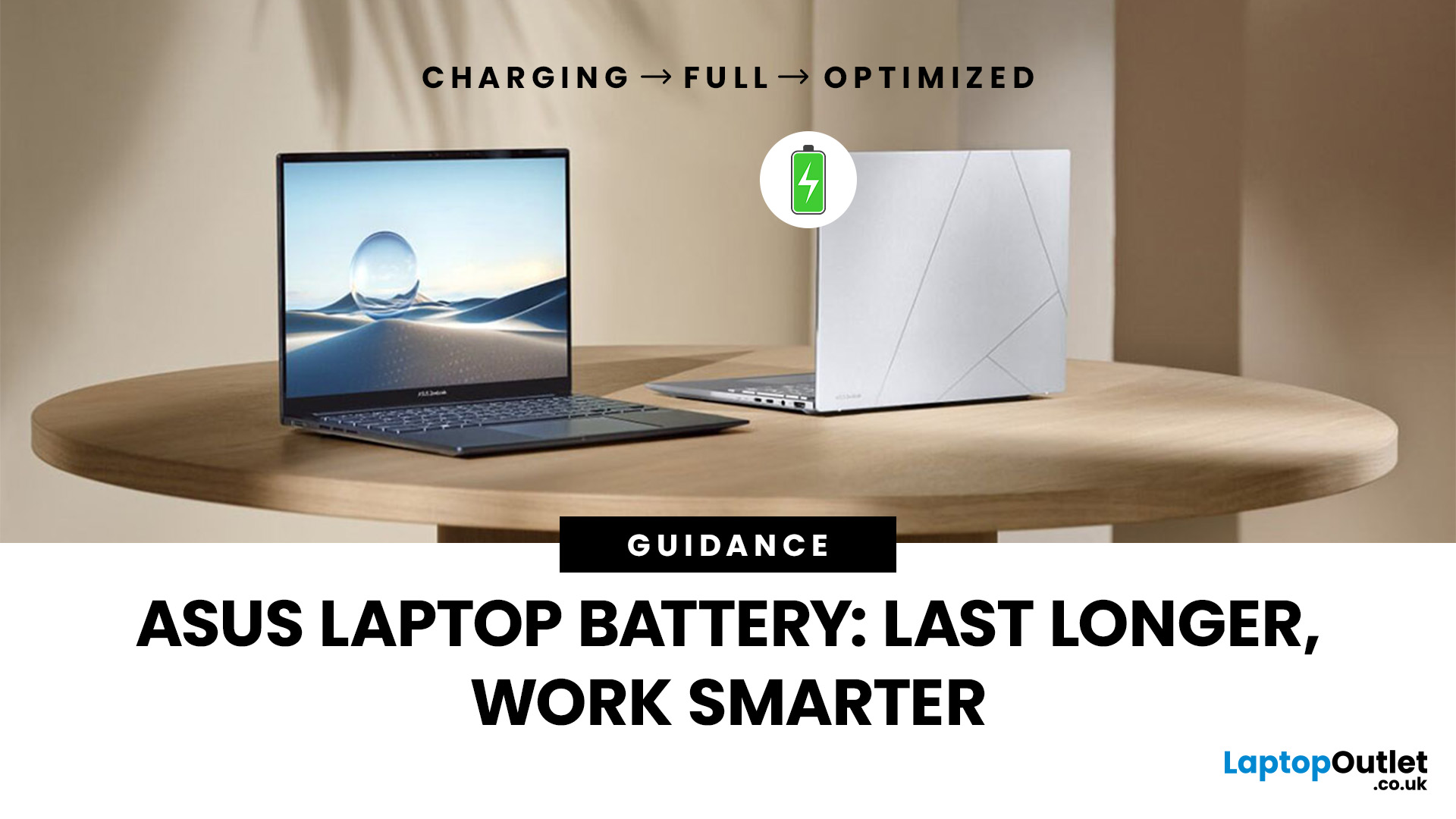
Battery life is one of the first things people notice on a laptop, and ASUS models are no exception. Whether you’re using a VivoBook for everyday work or a Zephyrus for gaming, performance on the go only matters if the battery can keep up. Over time, though, most users see the same problem - the charge doesn’t last like it used to.
The good news is, you don’t need to settle for short sessions and constant charging. ASUS laptops include built-in features like Battery Health Charging, power modes in MyASUS, and Windows 11 settings that can help extend run time. Add in a few simple tweaks - like managing brightness, limiting background apps, or calibrating the battery - and you can squeeze out noticeably more hours.
This guide covers everything you need to know about ASUS laptop battery optimisation, with practical steps you can apply straight away.
Understanding ASUS Laptop Battery Basics
Before we jump into optimisation, it helps to know how your ASUS laptop battery actually works. Most
Last Updated: October 30, 2025
Ever been in the middle of editing a video, sending that last-minute client report, or streaming a movie and your ZenBook suddenly flashes the dreaded ‘save me, lord, I’m dying (low battery) warning?’ You’re not alone. Even the most efficient ASUS ZenBooks can drain faster than expected if they’re not set up for peak performance.
The good news? These laptops are packed with smart power management tools, hidden Windows settings, and ASUS-exclusive features that can stretch every per cent of your battery while keeping your system running smoothly. Whether you use your ZenBook for creative projects, business, or all-day multitasking, a few intelligent tweaks can make it feel like new again.
In this guide, we’ll skip the generic “dim your screen” advice and dive into real ZenBook-specific tips that actually make a difference.
Understanding How ZenBook Power Management Actually Works
So, here’s the thing - your ZenBook isn’t just another sleek slab of metal with a keyboard. It’s got a mini
Last Updated: February 27, 2026
In recent years, especially after the pandemic, as students across the UK depend more than ever on their laptops for studying, attending lectures, and writing essays, one question looms large: how long will their laptop batteries actually last? While manufacturers often claim many hours of “battery life,” real-world usage tends to tell a different story. Moreover, beyond a single charge, batteries degrade over time, meaning a laptop that once lasted a full day may barely survive a few hours by the time a student’s second- or third-year rolls around.
This article provides a survey of what academic research and UK-relevant policy studies actually tell us about lithium-ion laptop battery life. We explore the science of battery degradation, draw on UK-based research, and make evidence-based estimates for how long student laptops really last - both in terms of charge per session and overall battery lifespan. Finally, we discuss the implications for students and educational institutions.
What

Last Updated: February 13, 2026
It is a common frustration. You settle down to work at a café or prepare for a long flight, only to see your power percentage plummet. If you find your laptop battery draining fast, you aren't alone.
Modern laptops are powerful, but that power requires energy. From hidden background apps to ageing hardware, several factors can cut your cordless time short. This guide explores why laptop battery drains so quickly and provides actionable steps to improve laptop battery performance today.
Understanding the Basics: Why is My Laptop Battery Draining Fast?
Before we jump into the fixes, we need to understand the root causes. Why does a battery that used to last eight hours now struggle to last two?
Generally, laptop battery life problems stem from three main categories:
- Software & System Settings: Screen brightness, background processes, and unoptimised power plans.
- Hardware & Usage: Connected peripherals, overheating, and heavy workloads (like gaming or video editing).
- Battery Health: Physical
Last Updated: March 09, 2026
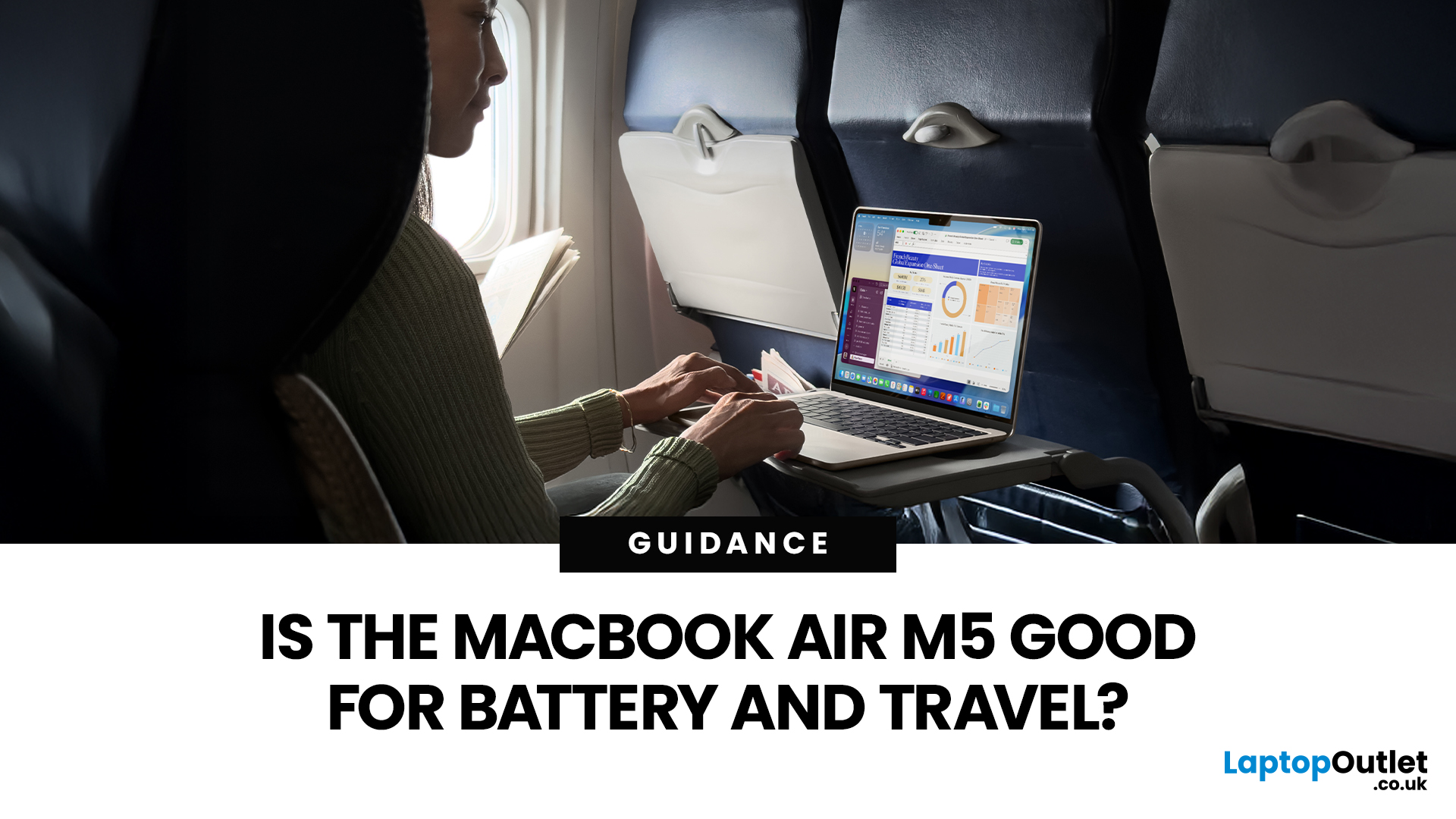
If you are looking up MacBook Air M5 battery life, you probably care about two things more than anything else: how long it lasts away from the charger, and how easy it is to carry every day. The 2026 MacBook Air refresh keeps the same thin, lightweight vibe, but tightens the experience around travel: strong battery ratings, fast charging, modern Wi-Fi 7, and a simple port setup that is actually practical.
This guide breaks down what to expect from Apple’s MacBook M5 battery performance and portability.
Quick Answer: Is The MacBook Air M5 Good for Battery and Travel?
Yes, if you want a true all-day laptop
The MacBook Air with M5 chip is rated for up to 18 hours of battery life, with a separate rating of up to 15 hours for wireless web use. That combination usually covers a full day of classes or meetings without having to plan your life around sockets.
Yes, if portability matters more than raw power
The 13-inch model weighs 1.23 kg, and the 15-inch model weighs 1.51 kg, both staying
Published: March 12, 2026
Samsung didn’t “solve” phone batteries in one generation (sadly), but the Galaxy S26 family does bring a very specific set of upgrades that add up to noticeably better day-to-day endurance, especially if you live on 5G, doomscroll with high brightness, or treat your phone like a tiny laptop.
What’s new isn’t just one headline spec. The S26 series combines:
- a bigger battery in the standard Galaxy S26,
- faster charging on the Ultra (finally),
- faster wireless charging on Plus and Ultra, and
- a real focus on improved efficiency (chip + cooling + software).
And crucially: we can point to published specs and measured test results for several of these claims, no vibes, no fluff.
The S26 battery story in one line (UK edition)
If you’re tracking Samsung Galaxy S26 battery life improvements, here’s the clean summary:
- Galaxy S26: bigger battery than last year
- Galaxy S26+: same battery size, but faster wireless charging
- Galaxy S26 Ultra: same battery size, but better efficiency + 60W wired charging
Last Updated: May 06, 2026
MacBook battery issues do not always mean it is time for a replacement. Sometimes your battery is genuinely wearing out, but sometimes the real problem is heat, charging habits, background apps, or even a charger that is not pulling its weight. That is what makes battery problems so confusing: the symptoms can look dramatic, while the fix might be simple.
In this guide, we will help you figure out what your MacBook is actually trying to tell you. From battery drain and overheating to charging limits and health checks, you will learn how to spot the issue, understand the cause, and decide whether a repair or replacement makes the most sense.
Why MacBook battery issues happen in the first place
MacBook batteries are built with lithium-ion technology, which is great for fast charging and portability, but like every rechargeable battery, they wear down over time. Battery age is not just about how many years you have owned the laptop. It is also shaped by your charging habits, temperature

