



How to Improve Battery Life on HP Laptops

Long-lasting battery life is one of the most important features for modern laptop users. Whether you’re working on the go, studying in a cafe, or streaming your favourite content, your device should deliver reliable power without constantly needing to be plugged in. HP laptops are known for theirstrong performance and portable designs, but like all devices, optimising battery settings can make a huge difference.
In this guide, we’ll share practical HP laptop battery saving tips, explore battery optimisation settings, and show you how to reduce battery drain while getting the best performance out of your device.
Why Laptop Battery Life Matters?
Laptop’s battery life directly impacts how portable and practical your laptop is. A device with poor battery life ties you down to power sockets, while an optimised laptop ensures uninterrupted productivity.
- For Professionals: Longer battery life means finishing presentations, timely joining meetings, and travelling without power concerns.
- For Students: All-day power ensures notetaking, research, and assignments are never interrupted.
- For Gamers and Creatives: Even heavy users benefit from smarter battery management when away from a desk.
Laptops already come with built-in battery optimisation features, but applying the right settings can extend your HP laptop battery life.
Top Tips to Improve HP Laptop Battery Life
1. Adjust Display Brightness and Power Modes
One of the main reasons your HP laptop battery life drains quickly is your screen because of excessive use of power. By lowering brightness and enabling battery saver mode, you can significantly reduce battery drain. You can:
- Use HP’s pre-installed power settings to switch between performance and energy-saving profiles.
- On Windows, select Best Battery Life in the performance slider for everyday tasks.
2. Manage Background Apps and Processes
Too many apps running at once consumes your battery faster. You should close unnecessary programs and disable apps from starting up automatically. Here’s how to do it:
- Use the Task Manager to identify high-drain apps.
- Disable background syncing for apps you don’t use frequently.
3. Enable Battery Optimisation Settings
HP laptops come with tools like HP battery health manager in the BIOS and Windows’ built-in battery saver. You can easily enable battery optimisation setting for smooth performance. Here's how you can adjust your battery performance setting to maintain and optimise the laptop’s reliability and functionality.
- Use HP battery health manager to extend long-term battery health by limiting max charge levels.
- Activate Battery Saver Mode in Windows when power is low.
4. Disconnect Unused Devices and Accessories
Another reason behind lowHP laptop battery life is external peripherals such as USB drives, webcams, or wireless dongles consume power even when not in use. Disconnect them when you’re trying to conserve energy.
5. Optimise Wi-Fi and Bluetooth Usage
Wireless connections drain battery over time. Therefore,
- Turn off Bluetooth when not in use.
- Use Airplane Mode when working offline to extend laptop’s battery life.
Best Battery Settings for HP Laptops
Getting the most out of your device isn’t just about the hardware but it’s also about how you configure your battery life settings. By choosing the right power options and tools, you can make sure your laptop lasts longer whether you’re working, studying, or streaming on the go.
HP Recommended Power Plan
The HP recommended power plan is ideal for everyday users, automatically adjusting performance and brightness depending on your workload. For example, it may reduce processor speed when browsing or typing documents but deliver more power when running a demanding program. This mode is the safest choice for most people, giving you a balance of energy savings and reliable performance.
Custom Performance Profiles
You can create custom power plans for work, entertainment, or travel. These profiles let you fine-tune settings based on your needs:
- For work or study: Limit CPU usage and reduce screen brightness to maximise endurance.
- For entertainment: Optimise for smooth video playback with balanced performance and battery life.
- For heavy tasks: Switch to maximum performance mode when editing videos, designing graphics, or running complex applications.
Custom profiles are especially useful if you switch between light and demanding workloads often to improve HP laptop battery life.
Battery Saver Mode in Windows
When your charge drops below 20%, Windows automatically activates battery saver mode (if enabled). This mode dims your display, slows background updates, and reduces app activity to preserve power. It’s particularly handy when travelling or working away from a charger, giving you more time before your laptop shuts down. Furthermore, you can also turn it on manually at any time to extend runtime.
HP Support Assistant
The HP support assistant is a free tool pre-installed on many HP laptops. Beyond troubleshooting, it offers valuable battery management features:
- Keeps your drivers and BIOS updated to improve power efficiency.
- Provides battery health reports to track long-term performance.
- Suggests optimisation tweaks tailored to your specific laptop model.
Using this tool regularly ensures your HP laptop battery life runs at peak efficiency and helps prevent unnecessary battery drain.
Advanced HP Laptop Battery Saving Tips
1 Update Drivers and BIOS
Keeping your HP laptop updated ensures that performance and power management features work correctly. Outdated drivers can cause your system to use more power than necessary, while BIOS updates often include improved battery optimisation settings from HP.
- Use HP support assistant or Windows Update to check for the latest drivers.
- Visit HP’s official support site to see if there’s a BIOS update for your specific model.
- Regular updates ensure smoother performance and smarter power management, helping to reduce battery drain.
2. Use Hybrid Sleep or Hibernate Mode
Instead of leaving your laptop on standby, use Hibernate to save more power while keeping your work safe.
- Hibernate mode saves your session to the hard drive and powers down almost completely, using virtually no battery.
- Hybrid sleep combines sleep and hibernates, saving your work to both memory and storage for faster wakeups without high battery use.
- These modes are particularly useful if you’re stepping away for several hours and don’t want to lose progress.
3. Adjust Keyboard Backlighting
Backlit keyboards are a nice feature, especially for late-night work or gaming, but they can drain your battery faster. Therefore, adjust your keyboard’s backlighting to improve your HP laptop battery life.
- If you don’t need the backlight, switch it off.
- Some HP laptops allow you to set a timer, so the backlight turns off automatically when idle.
- By managing backlight usage, you can extend your laptop’s runtime during important tasks.
4. Keep Your Device Cool
Overheating reduces efficiency and shortens battery lifespan. When your laptop overheats, it forces the fan to run harder, which uses more power. Over time, heat also degrades battery health.
- Always use your laptop on a flat, hard surface to allow airflow.
- Consider a cooling pad if you use your laptop for heavy workloads or gaming.
- Keep vents clean and dust-free to maintain proper airflow.
- A cooler laptop runs more efficiently, meaning longer battery life and better performance.
5. Regular Battery Calibration
Calibrating your battery ensures your laptop displays correct readings and maintains healthier charging cycles.
- Every few months, allow your laptop to fully discharge until it shuts down.
- Then, recharge it to 100% without interruption.
- This process helps recalibrate the battery sensor, ensuring your device shows the true charge level and improves long-term reliability.
How to Reduce Battery Drain While Working
If you’re using your HP laptop for extended sessions, follow these strategies to enhanceyour HP laptop battery life:
- Use power-efficient browsers that consume less battery.
- Download videos or files for offline use to avoid constant streaming.
- Limit multitasking and stick to necessary applications.
By making small adjustments, you’ll ensure longer sessions without the need to recharge.
Discover the Best HP Laptops with Prolonged Battery
At Laptop Outlet, we stock a wide range of HP laptops with long battery life, designed for professionals, students, and everyday users. For example, some of the popular ranges include:
- HP Elite Folio Snapdragon: The HP Elite Folio is built for mobility, offering up to 20 hours of battery life on a single charge. Its Snapdragon chipset ensures efficient performance with minimal power drain, making it perfect for students and professionals who are always on the go. The 2-in-1 design also allows you to switch between laptop and tablet modes, ideal for notetaking, travel, or presentations.
- HP Pro x360 435 G10 AMD Ryzen: With its approximately all-day battery and fast-charging support, the HP Pro x360 keeps up with busy workdays and study sessions. The Ryzen 5 processor and generous 16GB RAM provide reliable multitasking, while the touchscreen and 360° hinge add versatility. It’s a great fit for professionals and students who need portability, flexibility, and dependable power throughout the day.
- HP EliteBook 650: The HP EliteBook 650 balances performance and battery efficiency with Intel’s 13th Gen processors, giving you 10–12 hours of runtime. It’s designed for corporate users, remote workers, and those who want a durable business laptop. Its long-lasting battery makes it perfect for long meetings, travel days, or extended office use without constantly searching for a charger.
- Refurbished HP ZBook Power 16: The HP ZBook Power is a workstation-class laptop that combines powerful performance with impressive battery optimisation. With its Intel Ultra 9 processor, 64GB RAM, and massive 2TB SSD, it’s ideal for designers, engineers, and creators who need uninterrupted productivity. Even as a high-performance machine, it offers hours of reliable battery life, helping you work on demanding projects anywhere.
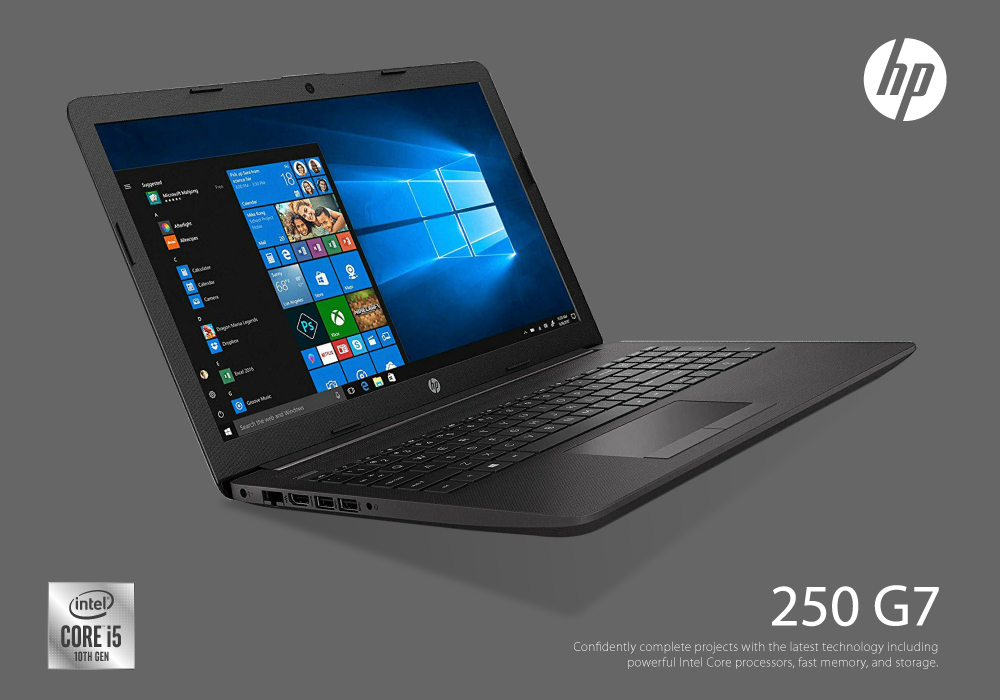
- HP 250 G10: The HP 250 G10 is a dependable choice for students and professionals, offering solid approximately all-day battery life with an energy-efficient Intel Core i5 processor. Lightweight and practical, it’s travel-friendly and perfect for completing assignments, attending classes, or managing office tasks on the move. It delivers excellent value for those who need a reliable laptop with long-lasting power at an affordable price.
Improve HP Laptop Performance Alongside Battery Life
While battery settings are crucial, combining them with performance tweaks ensures the best overall experience. Cleaning up storage, keeping drivers updated, and managing system resources will not only improve HP laptop battery life but also improve HP laptop performance.
Conclusion
Maximising HP laptop battery life is all about balance which includes adjusting settings, managing apps, and making smarter usage choices. From reducing background drain to enabling battery optimisation settings, even small tweaks can lead to big improvements. Select the HP model which gives youpower and flexibility to work, play, and create without being tied to a charger.
Frequently Asked Questions (FAQs)
How can I improve HP laptop battery life quickly?
Lower screen brightness, close background apps, and enable battery saver mode for instant improvements.
What are the best battery settings for HP laptops?
Use the HP recommended power plan or create a custom profile with reduced brightness, limited background activity, and energy-efficient CPU settings.
Why is my HP laptop battery draining so fast?
Common causes include high brightness, too many background apps, outdated drivers, and excessive peripheral usage.
Does keeping my HP laptop plugged in damage the battery?
Modern HP laptops manage charging intelligently, but for long-term battery health, enable HP battery health manager to limit charge levels.
Which HP laptops have the best battery life?
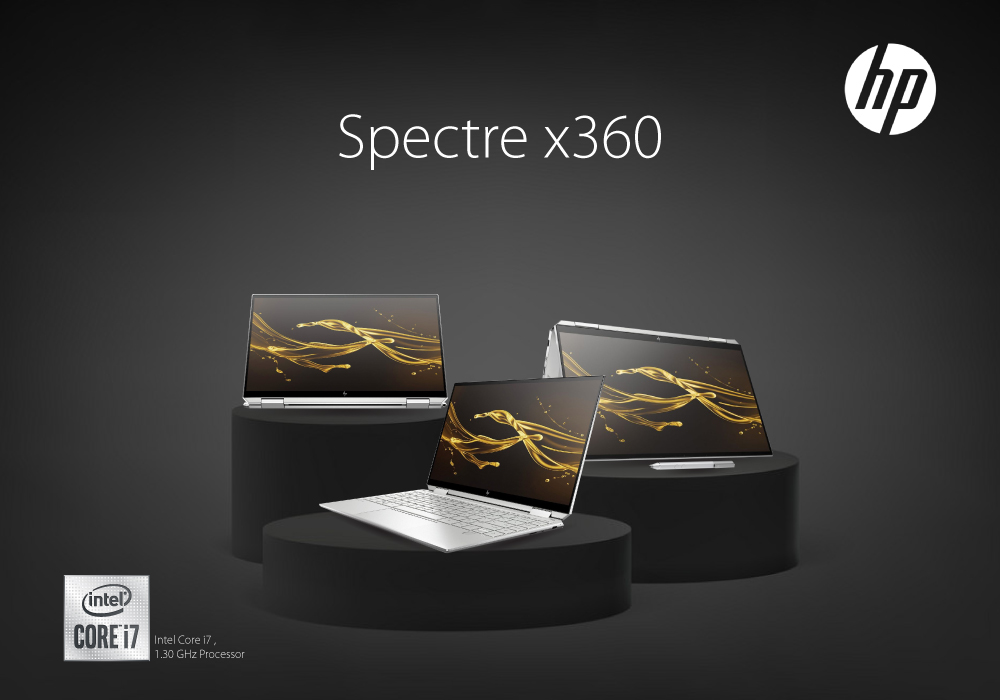
Models like the HP Spectre x360, HP EliteBook, and HP ENVY series are among the best HP laptops with long battery life.
| Read More: |
| Which HP Laptops for gaming? |
| Is Lenovo Laptop Better Than HP (Detailed Comparison) |
| Is Asus ZenBook Better than HP ENVY? Best Asus Laptops |
Related Articles

Last Updated: March 19, 2026

Last Updated: March 30, 2026
Last Updated: September 09, 2025
Last Updated: September 09, 2025
Last Updated: April 02, 2026

