



MacBook Air M5 Battery & Portability: What to Expect
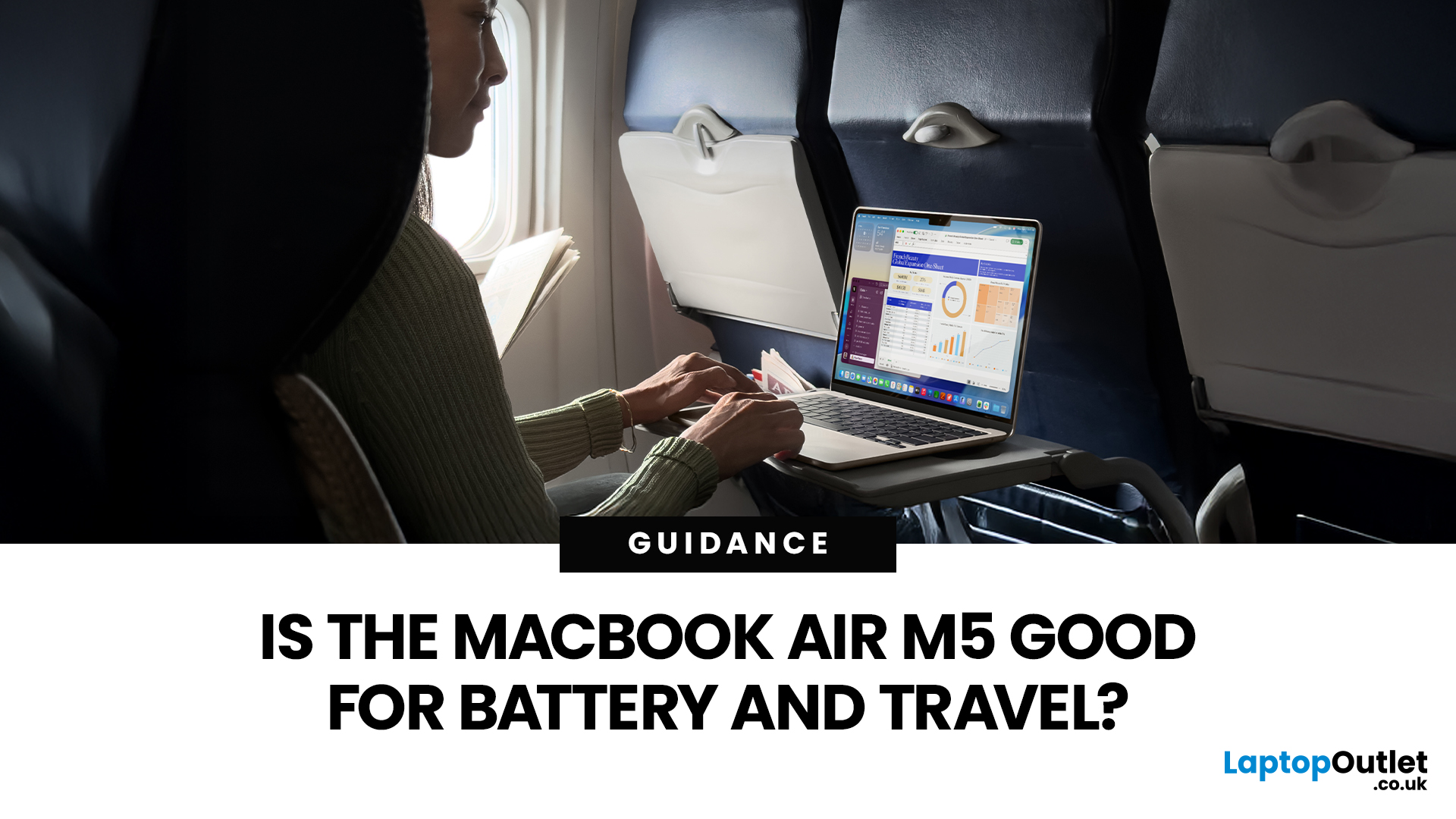
If you are looking up MacBook Air M5 battery life, you probably care about two things more than anything else: how long it lasts away from the charger, and how easy it is to carry every day. The 2026 MacBook Air refresh keeps the same thin, lightweight vibe, but tightens the experience around travel: strong battery ratings, fast charging, modern Wi-Fi 7, and a simple port setup that is actually practical.
This guide breaks down what to expect from Apple’s MacBook M5 battery performance and portability.
Quick Answer: Is The MacBook Air M5 Good for Battery and Travel?
Yes, if you want a true all-day laptop
The MacBook Air with M5 chip is rated for up to 18 hours of battery life, with a separate rating of up to 15 hours for wireless web use. That combination usually covers a full day of classes or meetings without having to plan your life around sockets.
Yes, if portability matters more than raw power
The 13-inch model weighs 1.23 kg, and the 15-inch model weighs 1.51 kg, both staying firmly in the “throw it in a bag” category. If you already own a recent MacBook Air, the main reason to care about the M5 generation is not just the chip. It is the full travel package: battery ratings, fast charging support, and modern wireless.
MacBook Air M5 Battery Life: The Real Numbers You Should Use
When people say, “battery life,” they usually mean “how long will it last in my day?” The best way to anchor expectations is to start with the two official ratings:
Up to 18 hours of video streaming
Both the 13-inch and 15-inch MacBook Air with M5 are rated for up to 18 hours of video streaming. This is the “easy” battery test because video playback is predictable and efficient.
Up to 15 hours of wireless web
The same models are rated for up to 15 hours of wireless web.
This is the more useful number for most people because it looks closer to real work: browsing, cloud tools, email, research, and web apps.
What Apple’s test conditions tell you (and why it matters)
In the MacBook tech specs notes, battery life testing is described as browsing 25 popular websites on Wi-Fi for the wireless web test and streaming 1080p video in Safari on Wi-Fi. Brightness was set to a specific level, and keyboard backlight was off.
You do not need to obsess over those details, but they explain why your battery can swing a lot:
- Max brightness drains faster than mid brightness
- Video calls drain faster than web browsing
- Heavy multitasking drains faster than single app work
- Keyboard backlight can shave time off long sessions
So, the safest way to read the ratings is:
- 18 hours is a best case for media
- 15 hours is a strong “workday” target for lighter productivity
- Anything with constant video calls or heavier apps will land lower, which is normal for every laptop.
Battery Improvements in the M5 Air: What Actually Helps Day to Day
This is where “M5 MacBook Air efficiency” matters. You want the laptop to stay responsive without burning power.
Fanless design, still built for long sessions
The MacBook Air remains a silent, fanless laptop, which helps with travel and classrooms because there is no fan noise and less dust intake. It is also simpler to use on your lap.
Unified memory and storage, you do not outgrow quickly
The M5 Air lineup is positioned with a strong starting point: 16GB unified memory and 512GB storage are part of the “straight out of the box” pitch on the product page.
This affects the battery indirectly. When a laptop is memory-tight, it leans on storage swap more often, which can make the system feel less smooth and waste time and power. Starting with 16GB helps avoid that for many users.
Fast Charging: The Most Underrated Travel Feature
MacBook Air supports fast charging to get up to 50 percent in about 30 minutes, and Apple’s support documentation explains fast-charge support for MacBook Air models introduced in 2022 or later.
What this means in real life
Fast charging matters most in these moments:
- airport lounges where you get 25 minutes at a seat
- between classes
- before leaving home when you forgot to plug in overnight
If you are the type who tops up in short bursts, fast charging can feel more important than the difference between 14 hours and 15 hours.
MacBook Air M5 Weight and Size: How Portable Is It Really?
Portability is not about looks. It is weight, thickness, and whether it fits your bag without turning into a brick.
13-inch MacBook Air with M5
- Weight: 2.7 pounds (1.23 kg)
- Height: 0.44 inch (1.13 cm)
- Width: 11.97 inches (30.41 cm)
- Depth: 8.46 inches (21.5 cm)
15-inch MacBook Air with M5
- Weight: 3.3 pounds (1.51 kg)
- Height: 0.45 inch (1.15 cm)
- Width: 13.40 inches (34.04 cm)
- Depth: 9.35 inches (23.76 cm)
What those numbers mean for carrying
- The 13-inch is the “carry it everywhere” option. It is light enough to forget it is in your backpack.
- The 15-inch is still very portable for its screen size. It feels more like a “light workstation” than a “tiny laptop,” but it is not heavy.
MacBook Air Portability 2026: Travel-Friendly Features That Actually Matter
Portability is also about what makes travel easier.
MagSafe charging is a travel win
The M5 Air uses MagSafe 3 for charging.
In real life, MagSafe matters because:
- it reduces the chance of someone tripping over your cable and taking the laptop with it
- it is quicker to connect in cramped spaces
Ports you can live with
The M5 Air includes:
- MagSafe 3 charging port
- two Thunderbolt 4 (USB-C) ports
- 3.5 mm headphone jack
This setup is still minimalist, but it is workable for travel. You can charge via MagSafe while keeping both USB-C ports free for an external display, storage, or a dongle.
Better wireless for busy places
The tech specs list an Apple N1 wireless networking chip with:
- Wi-Fi 7 (802.11be)
- Bluetooth 6
- Thread networking technology
If you travel a lot, Wi-Fi 7 is not only about peak speed. It is about better performance in crowded environments when the network is messy. You will feel it most in hotels, campuses, conferences, and shared office networks.
A camera made for calls on the move
For remote work and student life, the M5 Air includes a 12MP Center Stage camera with Desk View support. This matters if you take calls in different lighting and angles, or if you present from a small desk.
Battery Life in Real Use: What Different People Should Expect from Air M5
Here is a simple expectation map. Not lab-perfect, but realistic.
Students
If your day is:
- notes
- research
- PDFs
- browser tools
- occasional video
You are likely to land close to the wireless web rating on many days, especially if you manage brightness.
Professionals in email, docs, and web apps
If your work is mostly:
- email and calendar
- Slack or Teams
- cloud tools
- browser dashboards
Expect strong all-day use, but video calls will drag it down faster. The good news is fast charging makes quick top-ups practical.
People are doing constant video calls
If you are on Zoom or Teams most of the day, any laptop will drop faster than web ratings. You should still expect solid endurance, but plan around charging breaks or a charger in your bag.
Creators on the go
If you edit photos or videos while travelling, the battery will depend on workload spikes. The Air is built to handle creative apps, but heavier exports will drain faster than browsing.
13-Inch vs 15-Inch MacBook Air M5: Which Is Better for Battery and Portability?
Pick the 13-inch if portability is the priority
You get the lightest weight at 1.23 kg and the smallest footprint, which matters on trains, planes, and lecture halls.
Pick the 15-inch if you want more screen without losing “Air” portability
The 15-inch is still only 1.51 kg, and you get a much more comfortable workspace for multitasking.
Battery ratings are the same headline numbers in the tech specs: up to 18 hours of video and up to 15 hours of wireless web for both sizes.
So, the choice is more about your bag and screen preferences than about battery.
Practical Tips to Get Better MacBook Air M5 Battery Life
These are small habits that make the biggest difference on any MacBook Air:
- Keep brightness around mid-level unless you need max brightness
- Use Low Power Mode when you are travelling and do not need peak performance
- Turn off keyboard backlight in bright environments
- Close unused browser tabs, especially heavy web apps
- Prefer Safari for long battery sessions if your work allows it, since Apple’s tests use Safari for streaming and web browsing

Bottom Line: What To Expect In 2026
If your priorities are battery and portability, the MacBook Air with M5 remains one of the safest laptop picks in 2026. You get strong official battery ratings for both web and video, fast charging that is genuinely useful for travel, and a lightweight design that does not punish your backpack.
The simple decision is:
- Choose 13-inch if you want maximum portability
- Choose the 15-inch if you want more screen without losing the Air feel
Either way, you are getting a MacBook Air that is built to last a full day and stay easy to carry.

People Also Ask
How long does the MacBook Air M5 battery last?
Official ratings list up to 18 hours of video streaming and up to 15 hours of wireless web.
How much does the MacBook Air M5 weigh?
The 13-inch is 1.23 kg, and the 15-inch is 1.51 kg.
Is the MacBook Air M5 travel-friendly?
Yes. It is thin and light, has MagSafe for safer charging, fast charging support, and modern Wi-Fi 7 plus Bluetooth 6 for stronger connectivity in busy places.
Does the MacBook Air M5 support fast charging?
Yes. It supports fast charging up to 50 percent in around 30 minutes with compatible adapters and cables.
What ports do you get on the M5 MacBook Air?
MagSafe 3, two Thunderbolt 4 (USB-C) ports, and a 3.5 mm headphone jack.
Related Articles

Last Updated: October 03, 2025
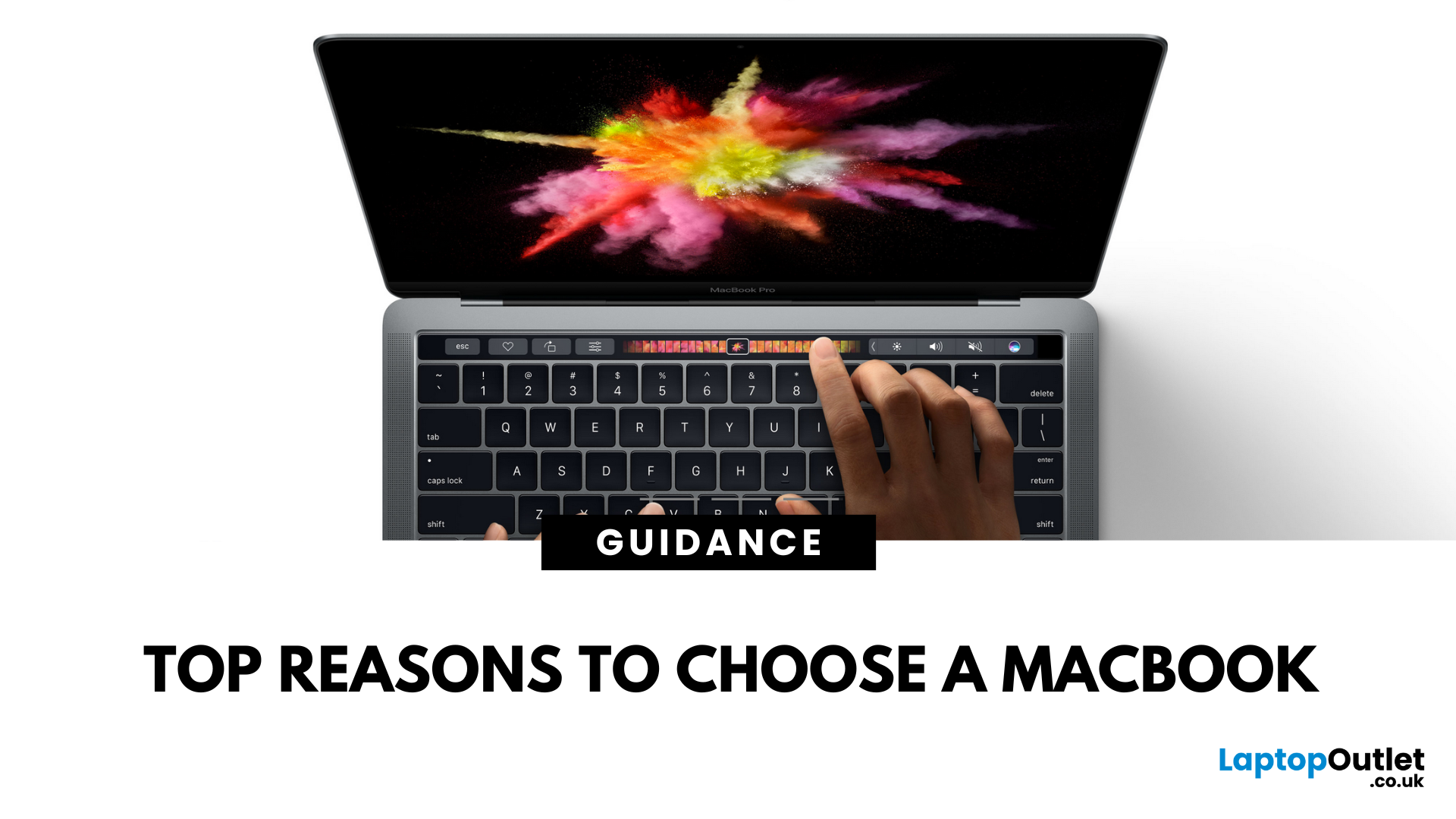
5 Reasons You Should Choose a MacBook
Apple’s MacBook lineup has long been the gold standard for laptops. But what makes them so popular—and are they worth the investment? Here are five reasons why a MacBook could be your perfect next laptop.
1. Sleek Design and Premium Build Quality
MacBooks are known for their ultra-thin, lightweight aluminium bodies. They’re stylish, durable, and designed to slip easily into your backpack or briefcase. Perfect for students and professionals who need a laptop that looks as good as it performs.
2. macOS – Smooth, Secure, and User-Friendly
Apple’s macOS is designed for seamless performance:
- Intuitive interface
- Fewer bugs and crashes compared to some operating systems
- Built-in security features to protect your data
- Regular updates to keep your system fresh and fast
It’s great for both first-time users and seasoned pros.
3. Outstanding Battery Life
With up to 18+ hours of battery life on some models, MacBooks are perfect for all-day
Last Updated: July 06, 2026
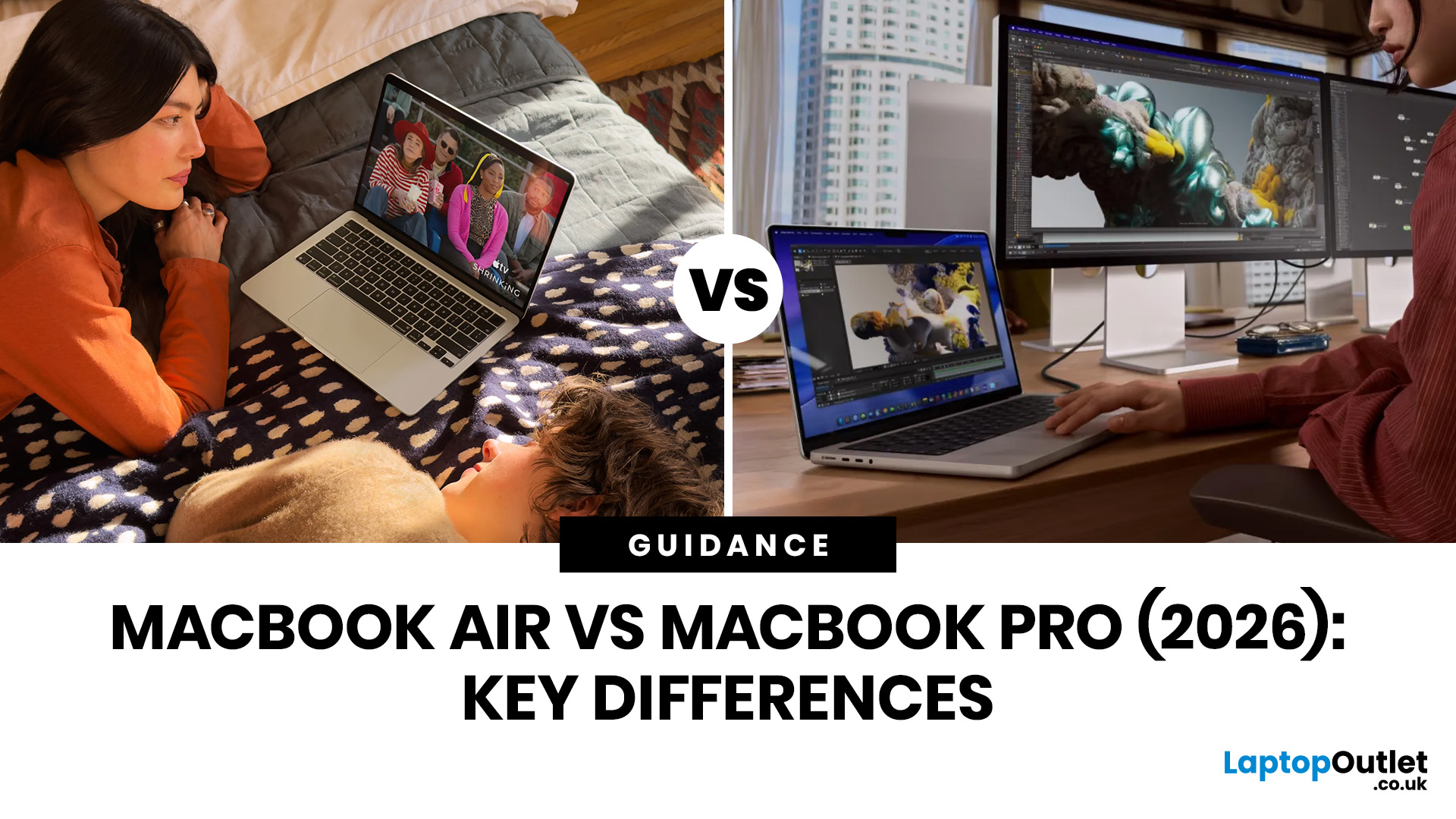
Choosing between the MacBook Air vs MacBook Pro in 2026 isn’t as straightforward as it used to be. With Apple’s latest M-series chips delivering impressive performance across both models, the gap has narrowed, yet key differences still matter depending on how you use your laptop.
Whether you’re a student, creative professional, or everyday user, this guide breaks down the difference between MacBook Air and Pro, including performance, battery life, price in the UK, and which one is right for you.
MacBook Air vs MacBook Pro: Quick Comparison (2026)
| Feature | MacBook Air | MacBook Pro |
|---|---|---|
| Performance | Great for everyday tasks | Excellent for heavy workloads |
| Battery Life | Outstanding (light use) | Excellent (even under load) |
| Portability | Ultra-light & thin | Heavier but still portable |
| Display | Liquid Retina | Liquid Retina XDR (better brightness & refresh rate) |
| Cooling | Fanless | Active cooling (fans) |
| Price (UK) | From ~£999+ | From ~£1,599+ |
| Best For | Students, casual users | Creatives, professionals |
This MacBook Air
Last Updated: May 07, 2026
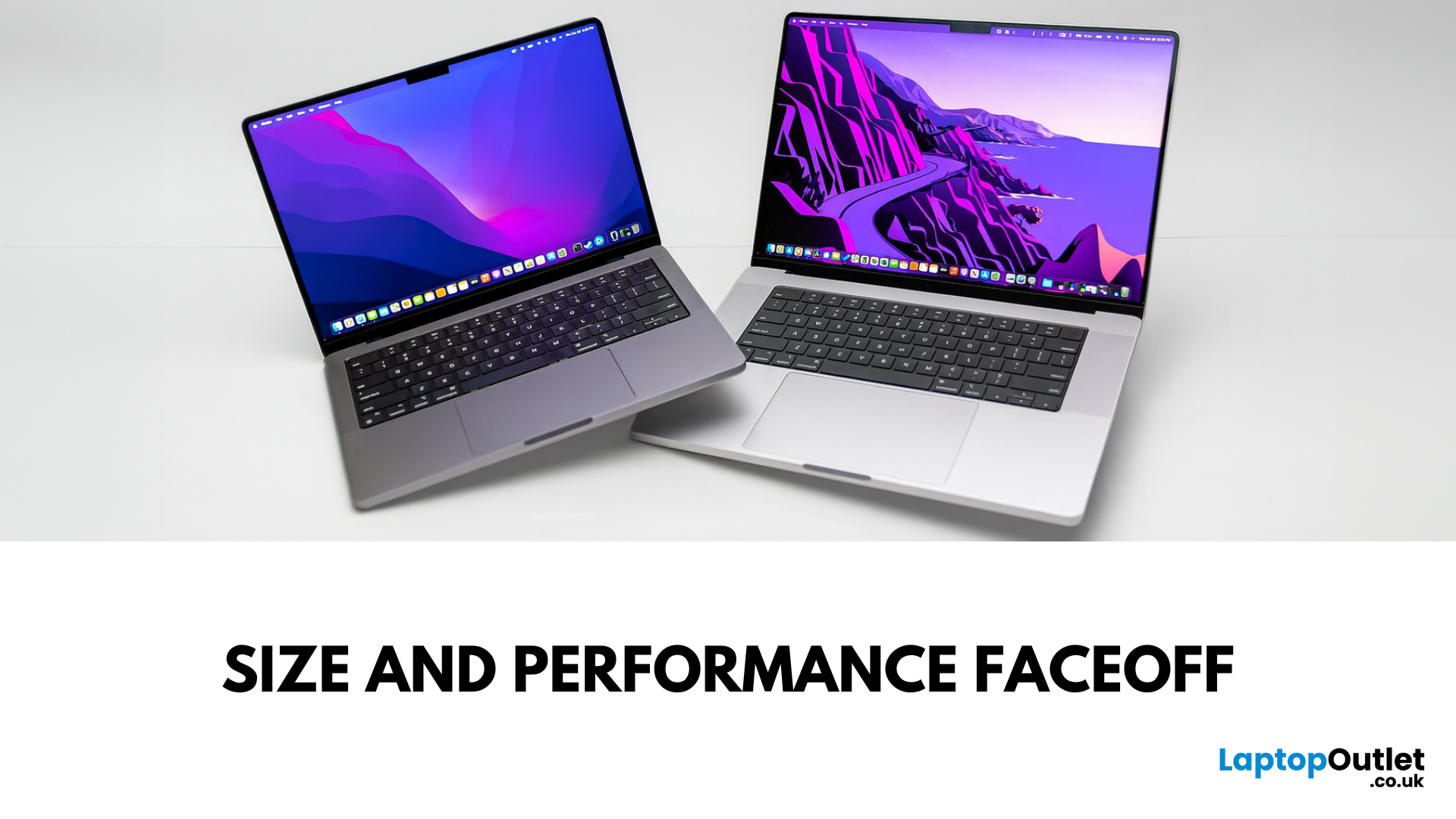
Main Difference Between MacBook Pro 14 and 16
Both laptops share the same Liquid Retina XDR display tech, Apple Silicon (M4/M4 Pro/M4 Max), and near-identical I/O. The real split is portability versus scale: the 14-inch weighs as little as 1.55 kg and fits in almost any bag, while the 16-inch stretches to 2.14–2.15 kg and pairs that larger chassis with a 100-watt-hour battery and better sustained cooling. In short: 14-inch = go-anywhere pro power; 16-inch = bigger canvas and longer runtime.
Feature Comparison Table
| Feature | MacBook Pro 14-inch | MacBook Pro 16-inch |
| Display | 14.2″ Liquid Retina XDR, 3024×1964, ProMotion 120 Hz | 16.2″ Liquid Retina XDR, 3456×2234, ProMotion 120 Hz |
| Size & Weight | 31.26 × 22.12 × 1.55 cm; 1.55–1.62 kg (by chip) | 35.57 × 24.81 × 1.68 cm; 2.14–2.15 kg |
| Chips | M4, M4 Pro, M4 Max (up to 16-core CPU/40-core GPU on Max) | M4 Pro or M4 Max (same top options) |
| Battery & Capacity | Up to 24 hrs (M4), 22 hrs (M4 Pro), 18 hrs (M4 Max); 72.4 Wh | Up to 24 hrs (M4 Pro), 21 hrs (M4 Max); |

Last Updated: May 07, 2026
Main Difference Between MacBook Air M3 and MacBook Pro M3
The core distinction is in what each prioritises: Air M3 delivers silent, lightweight everyday power for general use and portability. In contrast, Pro M3 enhances sustainability under load with active cooling, a premium mini‑LED XDR display, and expanded ports—tailoring it to creators and professionals who do heavy multitasking or editing.
Feature Comparison Table
| Feature | MacBook Air M3 | MacBook Pro M3 (14-inch) |
| Chip & Base Spec | M3 (8‑core CPU, 8‑core GPU), fanless | M3 (same), fans for active cooling |
| Display | 13.6″ Liquid Retina (LED, ~500 nits) | 14.2″ Liquid Retina XDR, mini‑LED, ~1,000 nits sustained, 1,600 nits peak, ProMotion 120 Hz |
| Weight | ~1.24 kg | ~1.55 kg |
| Battery Life | Around 18 hrs real-world usage | Up to 22 hrs (for light tasks) |
| Ports & Connectivity | 2× Thunderbolt/USB-4, MagSafe, 3.5 mm jack | Adds HDMI, SDXC slot, extra TB port |
| Pricing (GBP) | 13″ M3 (8 GB/256 GB): from £1,099 | 14″ M3 (8 GB/512 GB): from £1,599 |
| Best For | Students, |

Last Updated: September 10, 2025
When it comes to professional laptops in 2025, the debate between Microsoft Surface vs MacBook is more relevant than ever. Both brands have carved out distinct reputations—Apple’s MacBook for its premium build quality, seamless ecosystem, and unmatched performance with Apple silicon, while Microsoft’s Surface range is celebrated for its flexibility, touchscreen capabilities, and business-focused Windows integration.
This article breaks down the comparison into design, display, performance, battery life, ports, and ecosystem, helping you decide whether the Surface or MacBook offers the greater value for your professional needs in 2025.
What’s the Main Difference?
Microsoft Surface offers versatile 2-in-1 designs, touchscreens, stylus support, and strong Windows integration with AI-powered Copilot features. On the other hand, Apple MacBook supports premium aluminium builds, macOS ecosystem strength, and Apple silicon (M4) delivering market-leading performance and battery life.
1. Design &
Last Updated: September 04, 2026
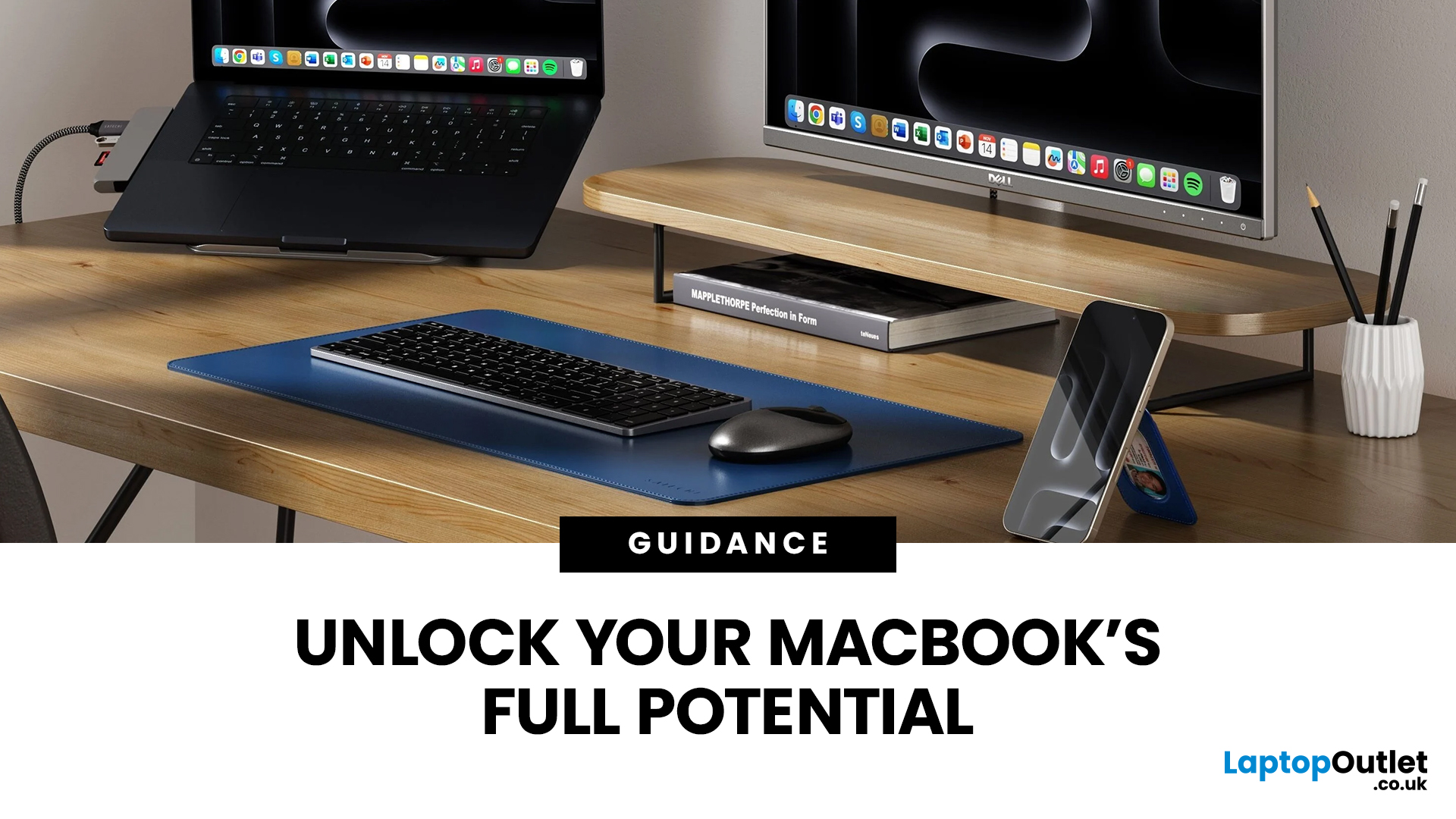
Owning a MacBook already feels like having a premium tool at your fingertips - sleek, powerful, and built for work, study, or creativity. But here’s the truth: on its own, even a MacBook has limits. That’s where accessories step in. The right kit doesn’t just complement Apple’s design; it transforms your MacBook into a full‑on productivity powerhouse.
For students, the right gear means smoother notetaking, better portability, and fewer headaches when deadlines loom. For professionals, accessories bring comfort, efficiency, and a proper setup that makes remote work or long office hours far less draining. Whether it’s a docking station / USB‑C hub to handle multiple screens, a protective sleeve for daily commuting, or noise‑cancelling headphones that save your focus, the right accessories change how you work and study.
Why MacBook Accessories Matter
A MacBook, whether it’s the Air or the Pro, is built to be minimal and stylish - but that also means Apple leaves out a lot of extras. You
Last Updated: October 08, 2025
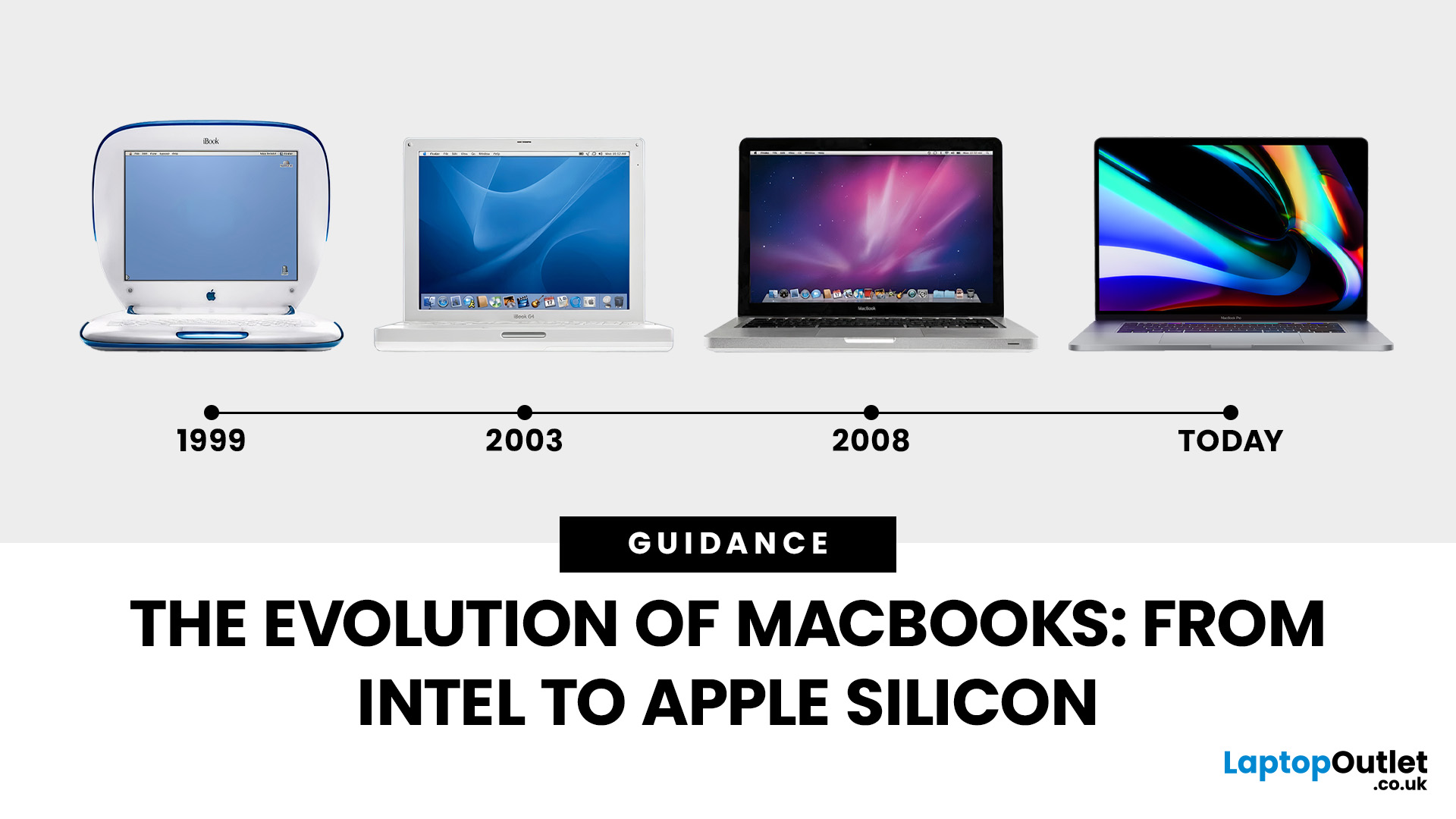
Few products have shaped modern computing quite like the Apple MacBook. From its early Intel-powered beginnings to today’s lightning-fast Apple Silicon machines, the MacBook has consistently pushed the boundaries of laptop design, performance, and portability. Along the way, it’s become a symbol of premium computing - beloved by students, professionals, and creative powerhouses worldwide.
But the evolution of Apple MacBooks hasn’t always been smooth sailing. There have been bold design shifts, controversial choices (remember the butterfly keyboard?), and groundbreaking innovations like Retina displays and MagSafe. The biggest leap of all came in 2020, when Apple ditched Intel processors in favour of its own Apple Silicon chips - a move that completely redefined, what users could expect from a laptop.
In this guide, we’ll take you through the full MacBook journey: from its early days, through key design changes and the Intel era, right up to the Apple Silicon transition and the future of

Last Updated: October 15, 2025
Buying a MacBook isn’t just about picking between an Air or a Pro - it’s also about making smart choices with RAM and storage. These two specs are often overlooked, yet they’re the backbone of your laptop’s performance and longevity. Choose too little, and you’ll quickly hit frustrating slowdowns or run out of space. Choose wisely, and your MacBook will stay fast, reliable, and future-proof for years.
Unlike many Windows laptops, MacBook RAM and storage can’t be upgraded later - what you buy upfront is what you’ll live with. That makes it essential to understand how much you really need. Do students get by with 8GB of RAM? Should professionals always go for 16GB or more? Is 256GB storage enough in the cloud era, or do video editors really need 1TB and beyond?
Why RAM & Storage Matter in a MacBook
When you’re choosing a MacBook, the processor often gets the spotlight - but RAM and storage are just as important. They determine how smooth your experience is today and how well your laptop
Last Updated: October 02, 2026
Black Friday 2026 falls on Friday 27 November, followed by Cyber Monday on 30 November. For Apple buyers, the smartest approach is to track the exact MacBook, iPhone or iPad specification before November, then judge the sale price against its usual selling price. New releases will attract attention, but recent generations and refurbished Apple devices could prove just as worthwhile.
Apple has changed a lot of its hardware since last Black Friday. MacBook Neo has joined the laptop family, MacBook Air has moved to M5, MacBook Pro now stretches from M5 through to M5 Pro and M5 Max, while iPhone 18 Pro has arrived ahead of the first foldable iPhone, the iPhone Duo.
The iPad range has moved forward as well, with M4 powering the latest iPad Air and M5 inside iPad Pro. That makes Black Friday 2026 particularly interesting because shoppers are likely to see brand-new hardware sitting alongside capable previous-generation models.
This guide breaks down the Apple products worth watching, the specifications
Published: November 17, 2025
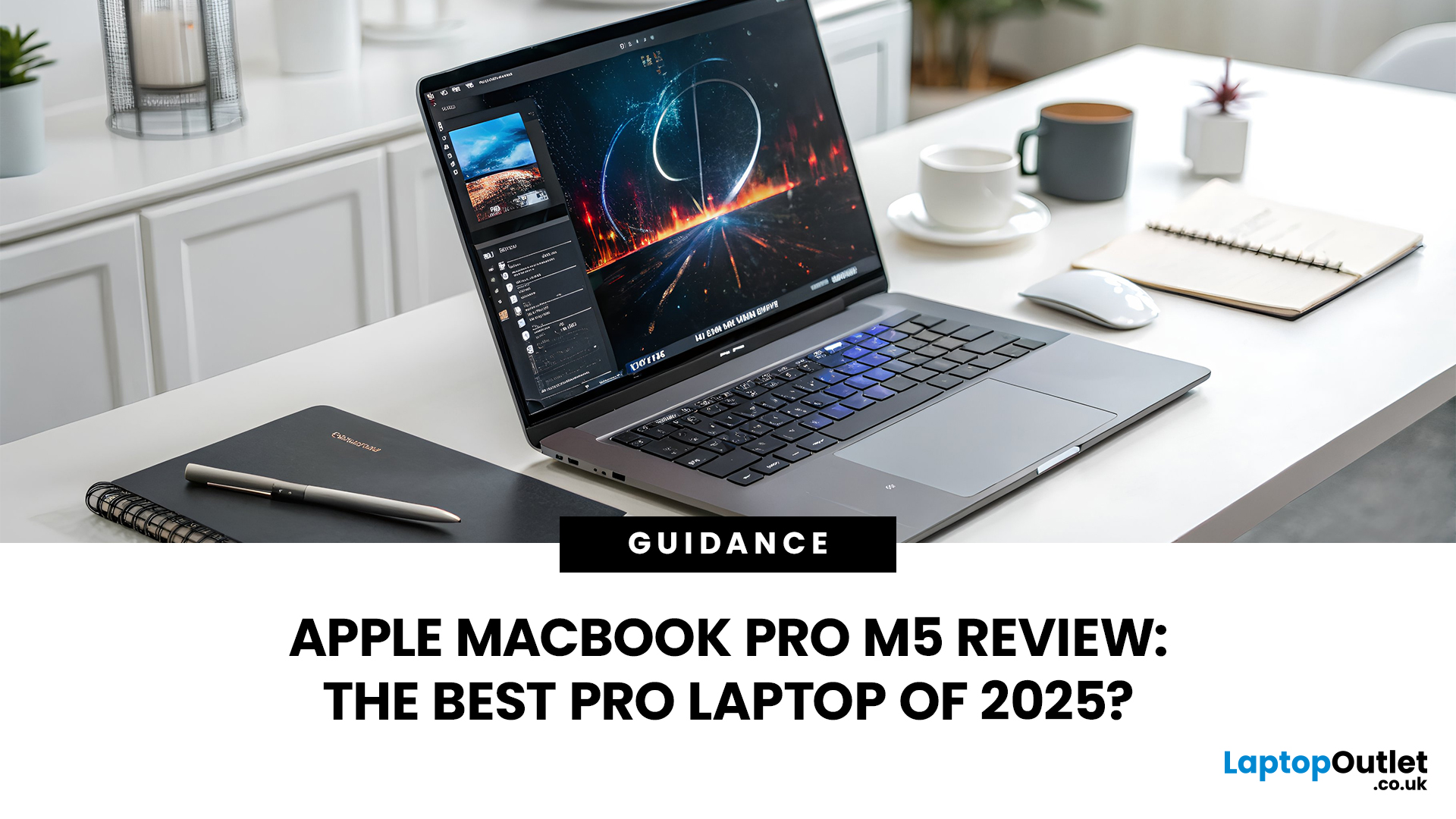
In 2025, Apple continues its dominance in professional laptops with the release of the MacBook Pro M5, the latest evolution of its in-house silicon revolution. Following the impressive M3 Pro and M4 generations, the Apple M5 chip marks a leap in raw performance, AI processing, and energy efficiency - and it’s already being hailed as the gold standard for creative professionals and demanding users.
But does the new M5 MacBook Pro really set a new benchmark in laptop performance? Or are Windows-based power machines like the Dell XPS 15 and Razer Blade 16 catching up?
In this Apple MacBook Pro M5 review, we dive into real-world performance, specs, benchmarks, battery life, display quality, and user experience to see if this is truly the best pro laptop of 2025.
Design and Build: Familiar Excellence, Refined Again
Apple hasn’t reinvented the MacBook’s look - and honestly, it didn’t need to. The M5 edition retains the precision-machined aluminium unibody, but now features a subtle refinement

