



How Long Do Laptops Last?

Most laptops have a useful lifespan of roughly 3 to 6 years, although some remain reliable for much longer. How long a laptop lasts depends on build quality, workload, cooling, battery health, hardware, maintenance and software support.
A laptop used mainly for browsing, documents and video calls may stay useful longer than one regularly pushed through gaming, video editing or other demanding workloads. A laptop also does not necessarily need replacing simply because it reaches a certain age.
What Is the Average Laptop Lifespan?
There is no fixed expiry date for a laptop. For many users, the average laptop lifespan falls somewhere between three and six years before age starts to affect performance, portability, reliability or software support.
These ranges are a practical guide, not a guarantee:
|
Laptop type or usage |
General useful lifespan |
What usually affects it |
|
Everyday browsing and office use |
About 4 to 6 years |
Battery wear, software demands and hardware ageing |
|
Light, well-maintained use |
Around 5 to 7 years or more |
Lower heat and less sustained stress |
|
Gaming and creative workloads |
Around 3 to 5 years |
Higher processor and graphics loads, heat and rising performance demands |
|
Entry-level or limited-spec use |
Around 3 to 5 years |
Lower RAM, storage or processor capability can become restrictive sooner |
A well-built laptop can outlast these ranges if it still handles the tasks you need. Equally, a laptop can become impractical earlier if a major component fails or its hardware no longer supports current software.
Laptop Lifespan and Battery Lifespan Are Not the Same
The overall laptop lifespan is the period during which the computer remains reliable, secure and capable enough for its intended use. The battery lifespan is how long the rechargeable battery retains enough capacity to be useful.
Laptop batteries are consumable components. Lithium-ion batteries gradually lose capacity as they age, and their condition is affected by charging cycles, temperature and charging habits. A battery can become weak long before the rest of the laptop reaches the end of its useful life.
If an older laptop works well but only lasts a short time away from the charger, a battery replacement may restore its portability. Poor battery health alone does not necessarily mean the entire laptop needs replacing.
What Affects How Long a Laptop Lasts?
Workload and heat
Web browsing, email and office applications usually place a lighter load on the processor and graphics hardware than gaming, 3D work, video editing or large creative projects.
Heavy workloads can keep components running at higher temperatures for longer. That does not mean a gaming or creative laptop will fail quickly, but effective cooling and maintenance become more important.
Dust, cooling and ventilation
Dust can build up around vents and fans, reducing airflow and making the cooling system work harder. Using a laptop on a bed or blanket can also block ventilation.
Keeping vents clear and using the laptop on a firm surface helps control heat, supporting both performance and long-term reliability.
Processor, RAM and storage
A laptop may still work while becoming too slow for newer software. The processor is a key limit because it is usually not upgradeable in modern laptops.
RAM and storage may be upgradeable, depending on the model. More RAM can improve multitasking, while an SSD can make an older system feel more responsive. Some laptops have these parts fixed to the mainboard, so upgrade options vary.
Battery health and charging
Battery degradation is normal. Charging cycles, age and heat all affect how much capacity a laptop battery can retain over time.
If the laptop supports battery health or smart charging features, using them can reduce unnecessary battery stress. Avoiding excessive heat is especially useful because high temperatures can accelerate battery ageing.
Software and security updates
A laptop can remain physically functional after its software support becomes limited. Older hardware may eventually stop supporting a current operating system.
If a laptop cannot receive essential security updates, its useful lifespan may be ending even if it still switches on and performs basic tasks.
What Are the Signs Your Laptop Needs Replacing?
Age alone is not a reason to replace a laptop. What matters is whether the machine still performs reliably, securely and economically for what you need.
Signs an ageing laptop may need repair, an upgrade or replacement include:
- Persistent slow performance: Everyday tasks remain sluggish even after basic maintenance.
- Very poor battery life: The laptop needs frequent charging or barely runs away from mains power.
- Frequent crashes or shutdowns: Repeated instability may point to heat, storage, memory or hardware problems.
- Constant overheating: Fans run loudly and the laptop becomes unusually hot during normal use.
- Insufficient RAM or storage: Your usual applications no longer run comfortably and the hardware cannot be upgraded.
- Physical wear: Damaged hinges, ports, keyboard parts or the display affect reliable use.
- Loss of software support: The laptop cannot receive a supported operating system or important security updates.
- Repeated repairs: Several ageing components need attention and the cost or inconvenience is difficult to justify.
One problem does not automatically mean replacement is necessary. A battery, storage drive or fan issue may be repairable, while several major faults together can make further repairs less practical.
Ready to replace your ageing device? Browse the latest laptop range and compare options by performance, size and features.
How Can You Make a Laptop Last Longer?
Good maintenance cannot guarantee a particular lifespan, but it can reduce avoidable wear and help the laptop remain useful for longer.
- Keep vents and fans clear. Dust restricts airflow and can contribute to overheating.
- Use a hard, stable surface. Avoid blocking ventilation with bedding or soft furnishings.
- Avoid unnecessary heat. Do not leave the laptop in direct sun or other high-temperature environments.
- Look after the battery. Use built-in battery health features where available.
- Install software updates. Current operating system, security and driver updates help maintain reliability and support.
- Keep enough free storage. A nearly full system drive can make an older laptop harder to use.
- Upgrade sensible components. Extra RAM, an SSD or a replacement battery can extend the useful life of compatible laptops.
- Deal with faults early. A noisy fan, damaged charging port or overheating problem is easier to assess before it worsens.
- Handle it carefully. Drops, pressure on the lid and strain on hinges or cables can shorten physical life.
Should You Repair, Upgrade or Replace an Old Laptop?
Repair may make sense when the laptop still meets your needs and the problem is limited to a replaceable component. A new battery, more RAM, an SSD or a cooling-system repair can sometimes extend its useful life.
Replacement becomes more reasonable when performance is no longer adequate, important software is unsupported, major parts are failing, or repair costs keep increasing. Consider the laptop's overall condition, not simply its age.

Laptop Lifespan: The Practical Takeaway
So, how long do laptops last? A useful working range is around three to six years, but lighter use, good cooling, sensible maintenance and suitable upgrades can extend that considerably.
Battery wear often appears before the laptop itself is finished. Replacement makes sense when reliability, performance, security or repair costs no longer match your needs, not simply when the laptop reaches a particular birthday.

Just So You Know...
How long should a laptop last before replacing it?
A laptop often remains useful for three to six years, but replacement depends more on performance, reliability and software support than age. If it still handles your normal tasks securely and consistently, there may be no reason to replace it.
Does gaming reduce a laptop’s lifespan?
Gaming does not automatically shorten a laptop’s life, but sustained gaming creates more heat and places heavier demands on the processor, graphics hardware and cooling system. Good airflow and temperature management therefore become particularly important.
Does leaving a laptop plugged in shorten its lifespan?
Modern laptops manage charging automatically, so remaining plugged in does not continually overcharge the battery. However, prolonged high charge levels combined with heat can accelerate battery ageing, which is why battery-health charging features can be useful.
Is it worth replacing the battery in an old laptop?
It can be. If the laptop is otherwise reliable, adequately fast and still supported, a replacement battery may extend its useful life. It makes less sense if several expensive faults or serious performance limits are present.
What can I do to make my laptop last longer?
Keep the laptop cool, clear dust from vents, avoid blocking airflow, install software updates and address faults early. Where possible, sensible upgrades such as more RAM, an SSD or a fresh battery can also extend usability.
Related Articles

Last Updated: September 03, 2026
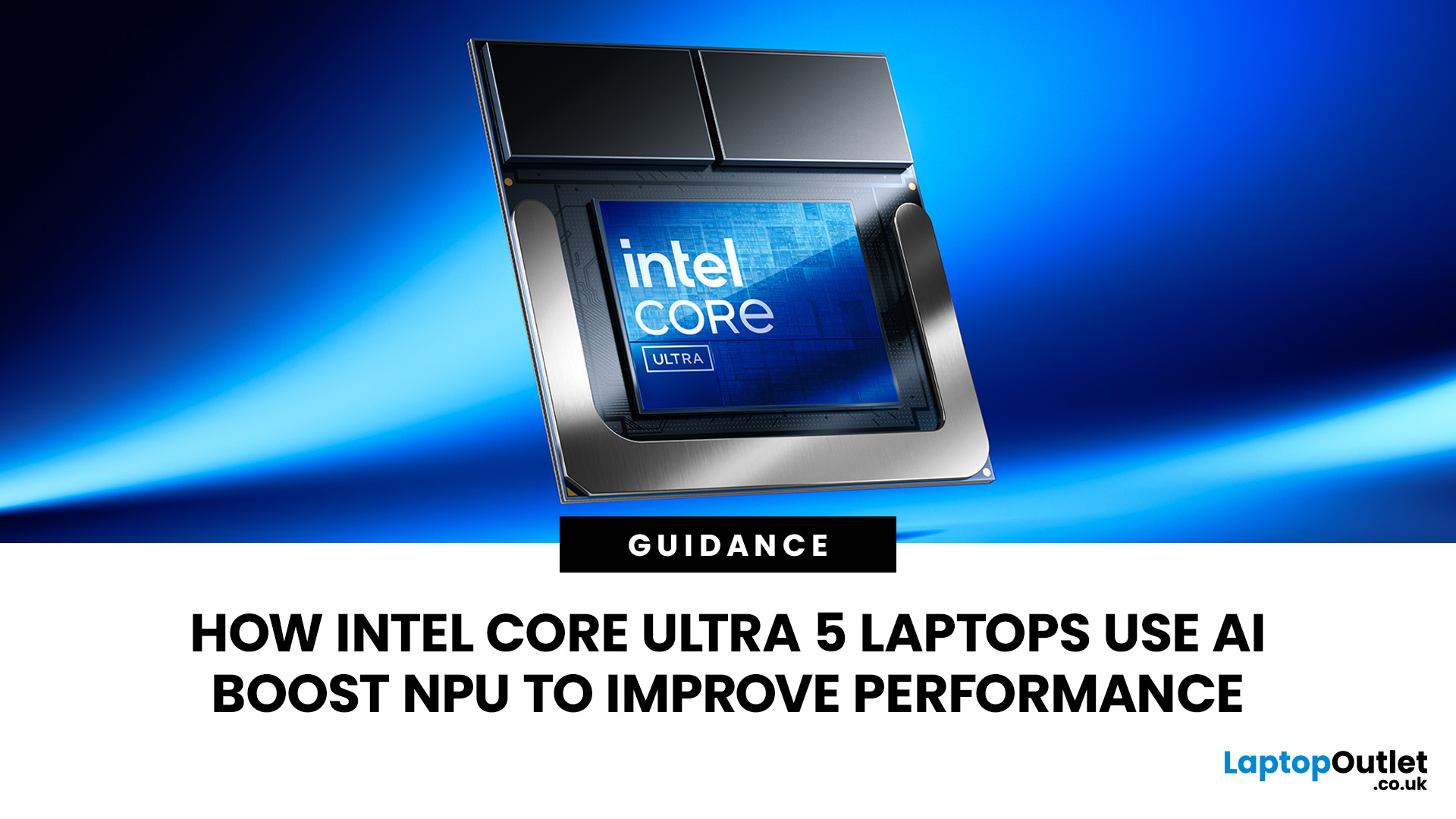
AI is no longer limited to the cloud or research labs. It’s now built into everyday laptops, powering features like clearer video calls, live captions, and smarter editing tools. At the heart of this is the intel core ultra 5 NPU, a dedicated AI engine within the processor that handles machine-learning tasks efficiently. An intel core ultra 5 processor combines CPU, GPU, and NPU, allowing each task to run on the most suitable hardware. This setup improves multitasking and efficiency, though benefits depend on software support and the specific processor model.
What is Intel AI Boost NPU in Core Ultra 5 Laptops?
Intel AI Boost is the name Intel uses for the neural processing hardware integrated into supported Core Ultra processors. It is designed to process AI inference workloads efficiently, particularly tasks that run continuously or repeatedly in the background.
The AI boost NPU complements the CPU and GPU rather than replacing them. It becomes a low-power engine for longer-running AI

Last Updated: July 21, 2026
Using your laptop in public is normal now. Cafés, trains, airports, libraries, lecture halls, shared offices, the laptop comes everywhere. But if the person sitting next to you can casually read your emails, bank details, work chats or assignments, that is not exactly ideal.
That is where privacy screen protectors laptops come in. Whether you are a student, business user, commuter or hybrid worker, this guide explains how privacy screens work, their benefits, disadvantages, types and whether they are actually worth buying.
How Does a Privacy Screen Protector Work?
Most laptop privacy screens use tiny vertical filter layers, often called micro-louvres. These work a bit like blinds. When you look at the laptop straight on, you can see the display clearly. When someone looks from the side, the filter blocks the view.
This is also how laptops and notebooks privacy screens work in everyday spaces. If you are working on a train, someone sitting beside you should find it much harder to read your
Last Updated: July 22, 2026
Last Updated: July 23, 2026
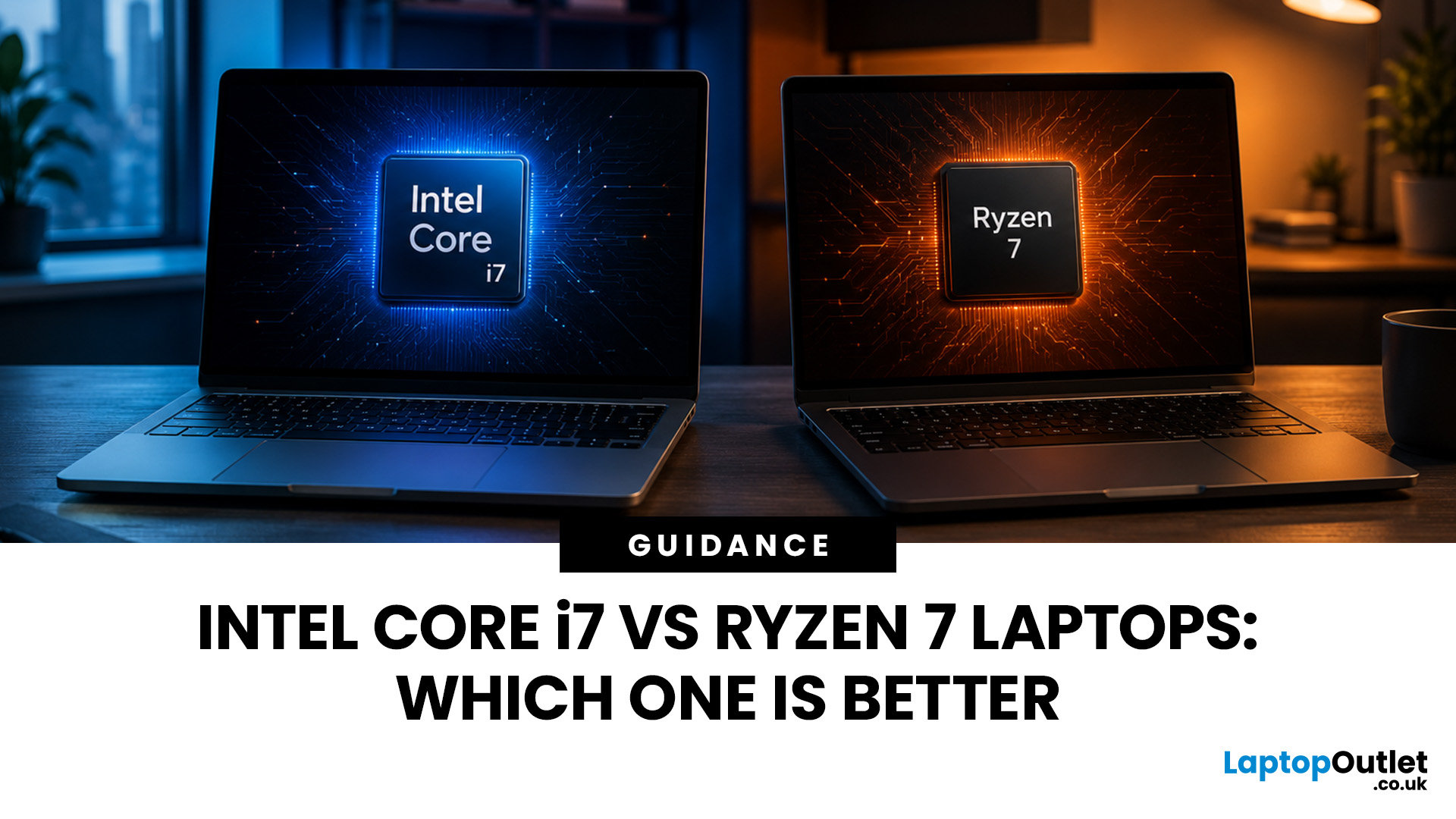
Neither processor family is automatically better. An Intel Core i7 laptop is often a strong choice for demanding productivity, supported video workflows and high-powered gaming configurations. A Ryzen 7 laptop can be especially attractive for efficient multitasking, capable integrated graphics and specification value.
When comparing an i7 vs Ryzen 7 laptop, the exact processor number matters more than the badge. A Core i7 U-series processor designed for a lightweight laptop is not equivalent to a Core i7 H-series gaming chip. The same applies to Ryzen 7 U, HS and HX processors.
For the broader brand-level differences, read our AMD vs Intel laptop guide. This guide goes deeper into the Core i7 and Ryzen 7 performance tier.
Intel Core i7 vs Ryzen 7 Laptops: Quick Answer
| Your priority | Better starting point | What to check |
| Everyday office work | Either | RAM, battery, screen and price |
| Heavy multitasking | Either | Exact CPU model, cooling and at least 16GB RAM |
| Gaming with dedicated graphics | Either | GPU |
Last Updated: September 03, 2026
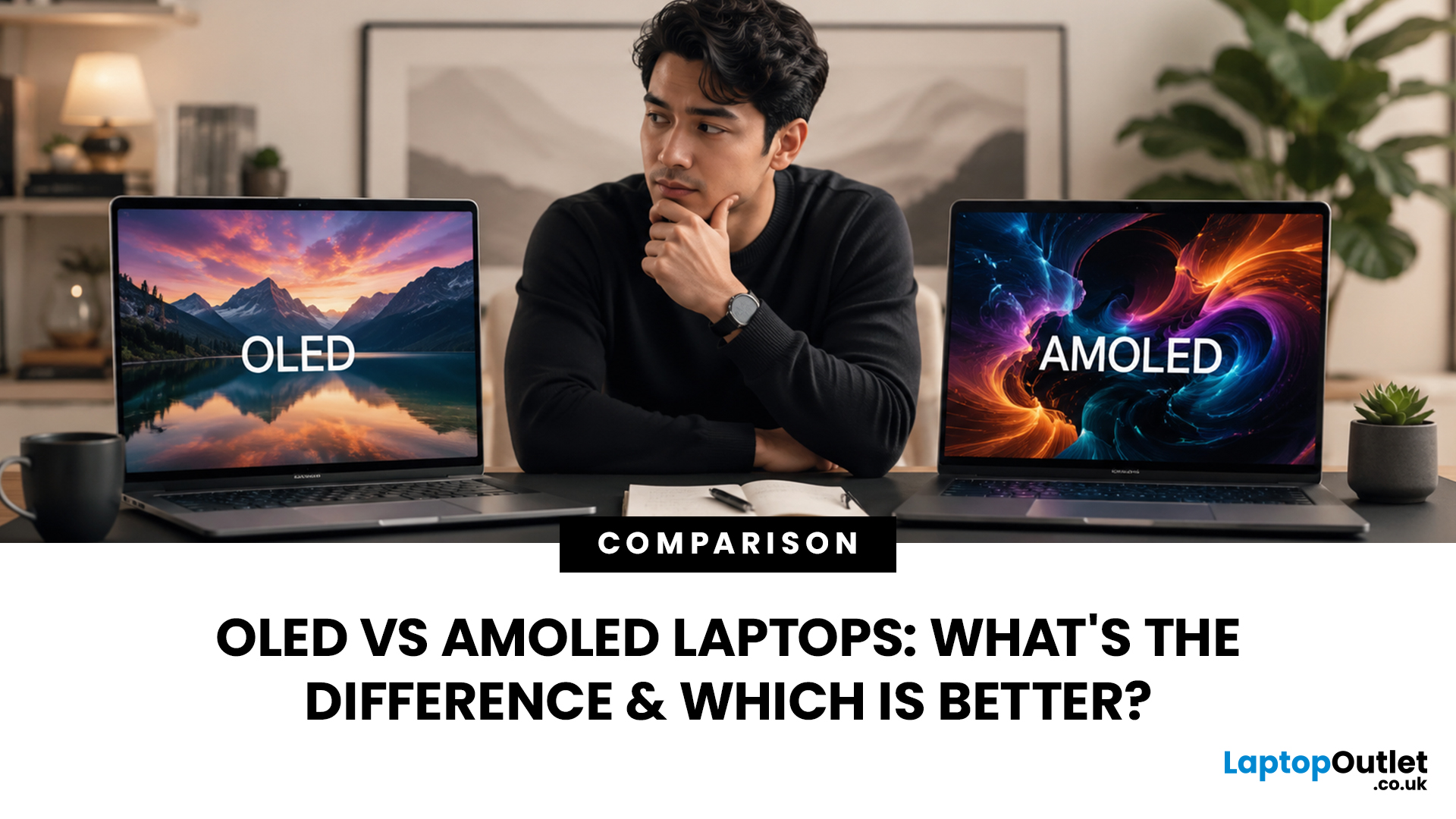
When comparing premium laptop screens, the OLED vs AMOLED debate is simpler than it seems. Both deliver deep blacks, vibrant colours, fast response times and strong contrast. OLED is the broader technology, while AMOLED is a type of OLED that uses an active-matrix system to control pixels. Many modern OLED laptops already use this system, even if not labelled AMOLED. Instead of focusing on the name, buyers should compare resolution, refresh rate, brightness, colour accuracy, battery life and burn-in protection. This guide helps you understand the differences and choose the right display for your needs.
OLED vs AMOLED: The Quick Answer
OLED, or Organic Light-Emitting Diode (OLED), is a display technology in which each pixel creates its own light. An OLED screen does not require the separate backlight used by traditional LCD panels.
AMOLED, or Active Matrix OLED (AMOLED), is a type of OLED display that uses an active-matrix transistor system to control each pixel quickly and individually.

Last Updated: August 20, 2026
OLED screens are becoming more common across premium ultrabooks, creator workstations and gaming laptops in 2026. Newer panels offer higher resolutions, faster refresh rates and improved efficiency, while recent tandem OLED developments are also increasing brightness and durability.
However, an OLED screen does not automatically make a laptop suitable for every buyer. Processing power, graphics, memory, ports, battery life and weight remain equally important.
This guide compares the best OLED laptops for students, professionals, creators, gamers and everyday users. It also explains the specifications that matter, helping you understand what each feature means when choosing a laptop.
Quick Picks: Best OLED Laptops in 2026
| Category | Laptop |
| Best Overall | ASUS Zenbook S 16 |
| Best Premium | Samsung Galaxy Book5 Pro |
| Best Value | Samsung Galaxy Book4 |
| Best Student Laptop | ASUS Zenbook 14 OLED |
| Best Business Laptop | Samsung Galaxy XE550XGA |
| Best Creator Laptop | ASUS ProArt PX13 |
| Best Professional Workstation |
Published: August 03, 2026
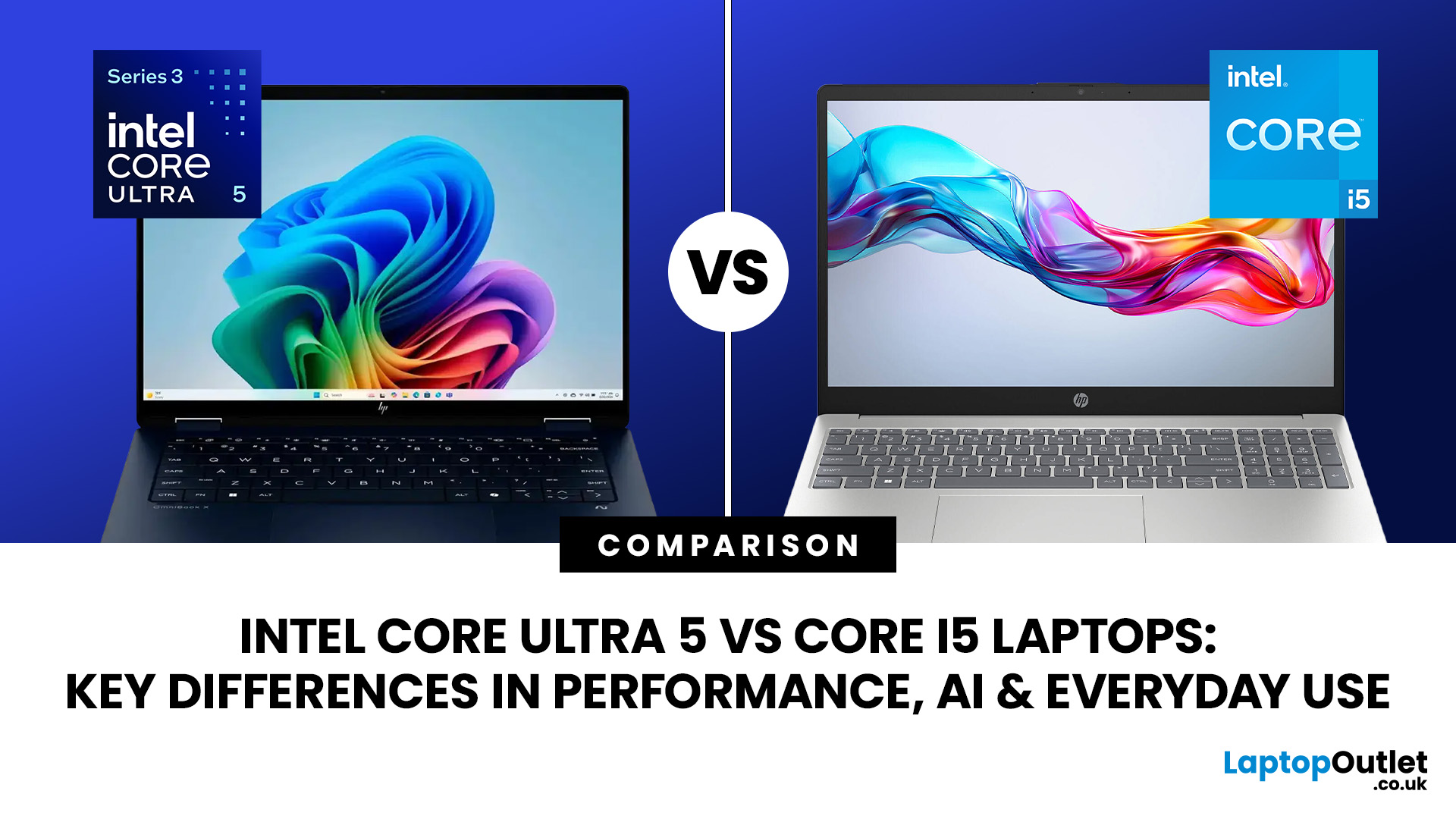
Intel has changed how it names and builds its laptop processors (CPUs). Traditional Core i5 chips remain widely available, but newer premium laptops increasingly use the Core Ultra 5 name, which Intel introduced alongside a major architectural redesign and built-in AI acceleration. That makes the Intel Core Ultra 5 vs i5 comparison more complicated than simply checking which number looks newer.
This guide explains the differences in everyday speed, multitasking, graphics, gaming, AI features, and battery life, without burying the answer under unnecessary technical jargon.
Quick Answer: Should You Buy Intel Core Ultra 5 or Core i5?
Buy Core Ultra 5 for stronger integrated graphics, on-device AI features and generally better efficiency. Buy Core i5 when price matters most, especially for office work or laptops with dedicated graphics card. Always compare the exact processor suffix and laptop configuration.
| If you want... | Buy | Why |
| Lowest price | Core i5 | Older i5 laptops are regularly discounted |

Last Updated: August 05, 2026
I made almost every mistake possible when I bought my first laptop as a student. I focused on the processor name, ignored the RAM, underestimated how heavy it would feel in my backpack and had no idea what half the technical jargon meant.
Within months, I realised I had paid for features I barely used while missing the ones I actually needed. Choosing between Core i5, Core Ultra, SSD sizes and different Dell series can still feel just as confusing today.
To help you avoid the same blunder, we reviewed the best Dell laptops for students in 2026 and narrowed them down based on real student needs, including performance, mobility,
Last Updated: August 20, 2026
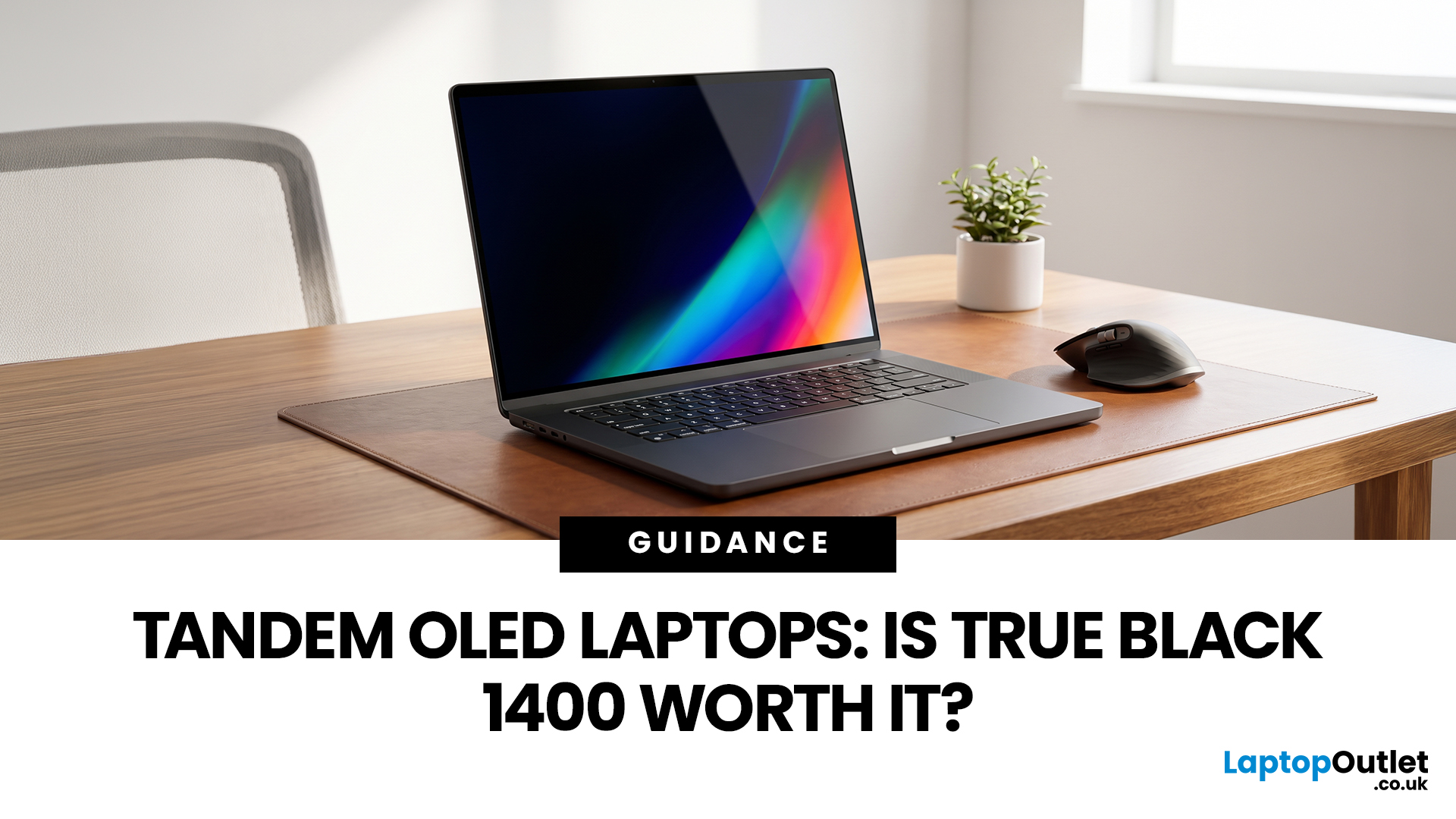
OLED laptops are already known for deep blacks, rich colour and fast pixel response, but a newer display design is pushing brightness further.
Tandem OLED laptops use stacked light-producing layers to deliver stronger HDR highlights while retaining the pixel-level control that makes OLED attractive.
That improvement now has an official benchmark. VESA introduced DisplayHDR True Black 1400 in July 2026 as its highest True Black certification tier, aimed at next-generation OLED screens for professional HDR creation and premium entertainment. The first certified laptop display shows that tandem OLED is becoming a buying consideration.
Understanding the Real Impact of True Black 1400 Displays
DisplayHDR True Black 1400 is worth considering if you edit HDR video, review colour-critical content, watch high-quality HDR films

Last Updated: August 17, 2026

