



Why Businesses Are Switching to Mini PCs in 2026
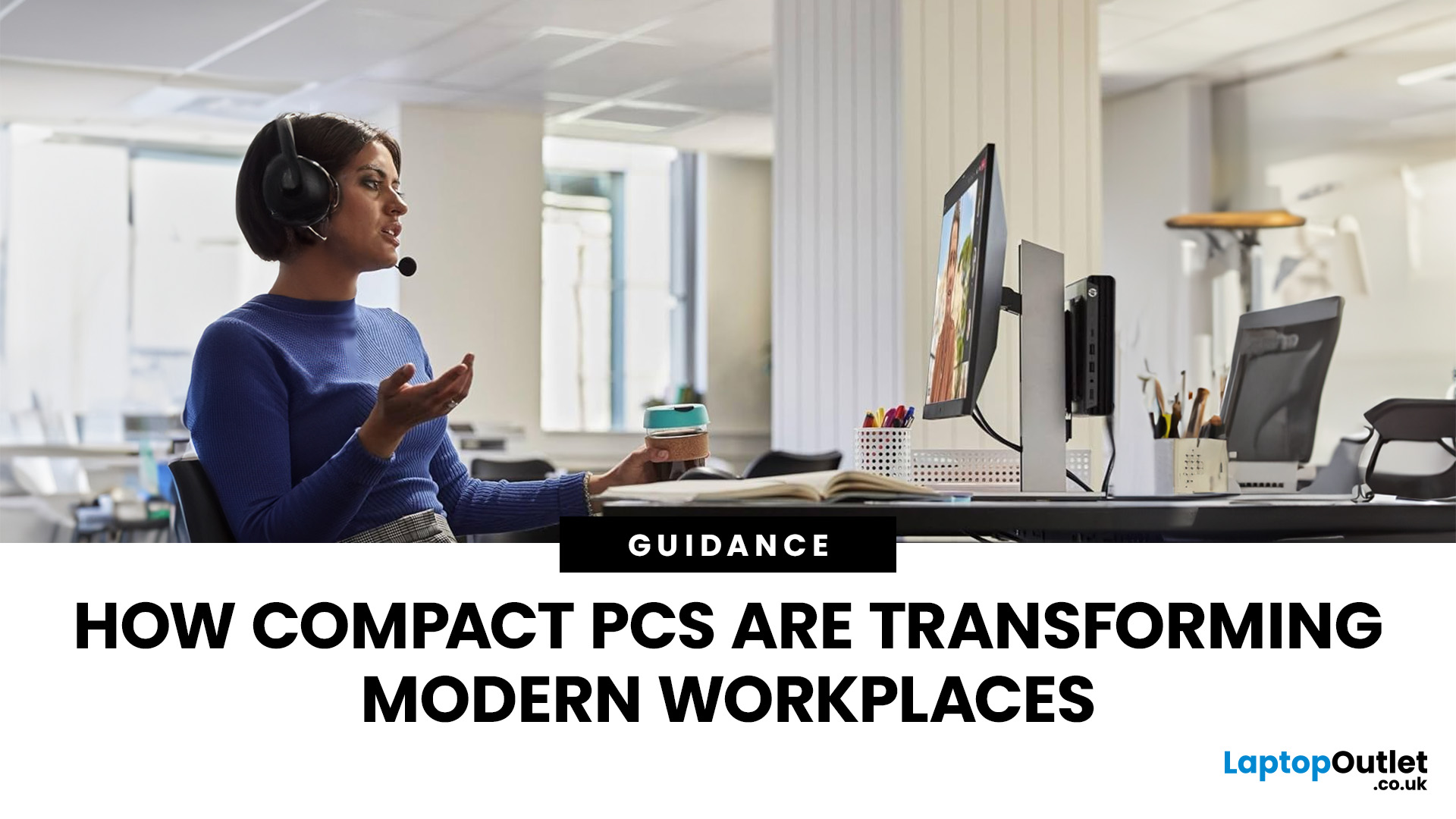
Businesses don’t usually change their hardware habits quickly. But across 2026, many companies large and small are moving away from traditional desktop towers and switching to mini PCs.
This isn’t a trend pushed by marketing. It’s happening because compact systems are proving more practical in day-to-day business use: they take up less space, are easier to deploy at scale, and handle modern office workloads reliably.
Here’s what is driving the shift.
1. Mini PCs Free Up the Kind of Space Offices Never Seem to Have
A full-size desktop setup often needs more room than people realise: the tower, the cables, and the desk space you have to keep clear for airflow. Mini PCs reduce most of that clutter.
They can sit behind a monitor, on a shelf, or be mounted out of sight which makes them ideal for workplaces where:
- desks are shared
- teams rotate seats
- offices want cleaner setups
- hybrid workers plug in and out frequently
Employees get more usable space. IT teams get simpler layouts. Offices look less chaotic.
2. Costs Drop in More Ways Than One
Mini PCs aren’t always dramatically cheaper to purchase, but they can be noticeably more affordable to run.
They typically use less power, produce less heat, and reduce cooling demands. Across multiple workstations, those savings add up in a way businesses actually feel.
They also tend to be easier to handle operationally:
- cheaper to ship and store
- quicker to deploy at scale
- simpler to replace when needed
When organisations look at total cost of ownership - mini PCs often come out ahead.
3. Performance Is No Longer the Weak Point
Years ago, a common concern was whether mini PCs could keep up with business workloads. In 2026, for most roles, that’s no longer the issue.
Modern compact systems handle typical business usage comfortably, including:
- office apps and productivity tools
- cloud platforms and browser-heavy work
- video calls and collaboration software
- multi-monitor setups
Most employees don’t need a large tower anymore. The exceptions are usually specialist roles such as heavy 3D work, complex design workflows, high-end video production, or sustained compute-intensive tasks.
For everyday business tasks, mini PCs deliver the performance people need without the bulk.
4. They Fit Into More Workflows Than a Traditional PC
Because they’re compact, mini-PCs aren’t limited to a standard desk setup. Businesses increasingly use them for:
- reception and front-desk systems
- meeting room and conference setups
- point-of-sale counters
- digital signage
- small server or edge tasks
- home-office setups for remote staff
Instead of buying different devices for different roles, organisations can standardise on one form factor and deploy it in multiple environments.
5. Offices Look Cleaner, and Setups Get Easier
Traditional desktop towers often mean visible cables, adapters, power bricks, and awkward desk layouts. Mini PCs make clean installations easier, especially when mounted behind a monitor.
For IT teams, that typically means:
- fewer cables to manage
- easier access to ports
- faster rollouts and replacements
- simpler standardisation across teams
For employees, it often means:
- less desk clutter
- less noise
- less heat in the workspace
These small quality-of-life improvements add up across an office.
6. Energy Efficiency Helps Companies Meet New Targets
Energy costs remain unpredictable, and sustainability reporting is becoming routine for many organisations. Mini PCs can help with both:
- lower power draw
- reduced cooling needs
- smaller physical footprint
- stable operation over long periods
Finance teams benefit from lower running costs. ESG and sustainability teams benefit from reduced energy usage. IT benefits from systems that run cooler and are easier to manage.
Things to Check Before You Switch to Mini PCs
Mini PCs aren’t a universal replacement. A successful rollout depends on matching hardware to real workloads and deployment needs.
Here are the key checks:
Workloads
If your staff rely on heavy 3D modelling, advanced video production, large-scale data processing, or sustained high-load workflows, you may still need full workstations for those roles.
Upgradeability and expansion
Some compact systems have limited upgrade options. If you expect to increase memory or storage later, confirm what can be upgraded before standardising.
Cooling and sustained performance
Small chassis can mean tighter thermal limits. If a role involves long high-load sessions, cooling quality and throttling behaviour matter more.
Port, monitor, and peripheral compatibility
Mini PCs often work well with modern setups, but some environments require adapters or updated cabling. Check multi-monitor requirements, display standards, and any legacy peripherals.
Support and lifecycle planning
Standardising on one form factor helps but only if the device class you choose has predictable availability, support, and spare parts. Make sure lifecycle planning is clear before deploying widely.
A Quick Framework for Rolling Out Mini PCs
A structured rollout prevents surprises and helps justify the change internally.
1. Pilot
Choose standardised roles first (mostly web-based, office, and cloud workflows).
2. Define a baseline spec
Set minimum requirements for memory, storage, ports, and performance based on your business apps.
3. Deploy with the workspace in mind
Plan mounts, monitors, desks, cabling, and docking habits — don’t treat hardware as separate from the workspace.
4. Monitor metrics
Track user satisfaction, support tickets, energy use, and total cost of ownership.
5. Scale gradually
Expand to more roles and environments (meeting rooms, kiosks, signage) once the pilot is stable.
Why 2026 Is the Year Mini PCs Became the Logical Choice
The shift is happening now because the form factor has matured into something businesses can trust for everyday work. For most office roles, mini PCs deliver the performance people need, while making deployments cleaner, more flexible, and often cheaper to run.
For many workplaces, desktop towers aren’t “bad” - they’re simply unnecessary.

A Simple Takeaway
Mini PCs are a practical choice for many workplaces because they solve everyday problems: they free up desk space, reduce power use, simplify rollouts, and handle typical business workloads reliably.
They won’t replace full workstations for specialist roles but for general business tasks, they’re tidy, efficient, and easier to manage at scale.

What People Usually Ask About Mini PCs
What is the best mini PC setup for music production in 2026?
Look for strong CPU performance, plenty of memory (often 32GB for heavier projects), and fast NVMe storage. For audio work, also prioritise stable drivers, reliable ports for interfaces, and quiet operation.
Are mini PCs as good as normal PCs?
For everyday business tasks, yes. For heavy GPU workloads (3D, advanced rendering, high-end production work), full-sized workstations still have an advantage.
Are mini PCs good for business use?
Yes — especially for office and cloud-heavy roles. They save space, use less power, and are easier to deploy and standardise.
Do mini PCs overheat easily?
Some can if they’re low-end or used for heavy sustained workloads. Good airflow, sensible placement, and matching the device to the workload makes a big difference.
How long does a mini PC usually last?
A typical business lifecycle is around 3–5 years. Longevity improves when systems run cooler and when memory/storage can be upgraded where needed.
| Read More: |
| Mini PC vs. Tower PC: Which is Right for You? |
| Mini PC vs Mac Mini – Which is the Better Choice for You? |
| What is a Mini PC? Everything You Need to Know Before Buying |
Related Articles


Last Updated: June 15, 2026
The world of gaming desktops has never been more exciting. In 2026, gamers can enjoy next-level performance powered by Intel Core 14th Gen and AMD Ryzen 9000-series processors, paired with NVIDIA RTX 40 and 50-series GPUs. Whether you’re after an entry-level setup or a high-end machine for 4K gaming and VR, today’s best gaming desktop 2026 options offer something for every type of player. This guide breaks down the top categories, performance, features, and ideal users, to help you buy the best gaming desktop PC for your needs.
Best Budget Gaming Desktops in 2026
If you’re new to PC gaming or shopping on a budget, 2026 offers plenty of affordable options that deliver reliable 1080p performance.
Budget Highlights
- Processor: Intel Core i5-14400F / AMD Ryzen 5 8600G
- Graphics: NVIDIA RTX 50 series / AMD Radeon RX 7000 series XT
- RAM & Storage: 16GB DDR5, 512GB – 1TB SSD
Top Choices
| Model Image | Model | Processor | Graphics Capability | Memory (RAM) | Storage | Operating System | Special Features |
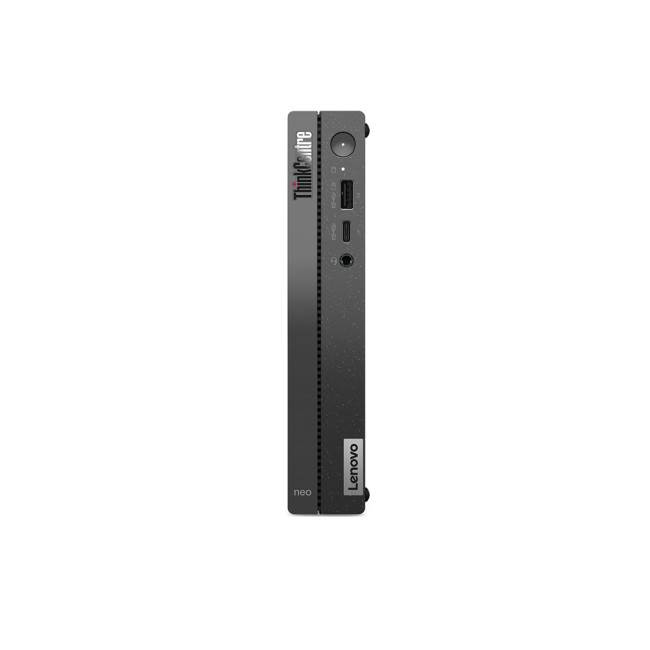 | Lenovo |

Last Updated: April 03, 2026
It’s the question that refuses to die, isn’t it? Should you buy a prebuilt PC or build your own? If you’ve spent even five minutes in a Reddit thread or a tech forum lately, you’ve probably seen both sides going at it like it’s a religion.
In 2025, the line between the two has blurred. Prebuilt desktops are no longer the clunky, overpriced boxes they once were, they’re sleeker, more powerful, and often better value than ever. On the other hand, building your own still gives you unmatched control, satisfaction, and that “I built this beast” pride.
So, which is actually better? That’s what we’re here to unpack, the real pros, cons, costs, and quirks of prebuilt vs custom PCs, without the tech snobbery or marketing fluff. Let’s settle this debate properly.
What’s the Real Difference Between Prebuilt and Custom PCs?

Before we start picking sides, let’s make one thing clear, both prebuilt and custom PCs can be brilliant, depending on what you need. But they’re built on two very different ideas.
Published: October 23, 2025
Your complete guide to performance, specs, and picking the right system for work or play.
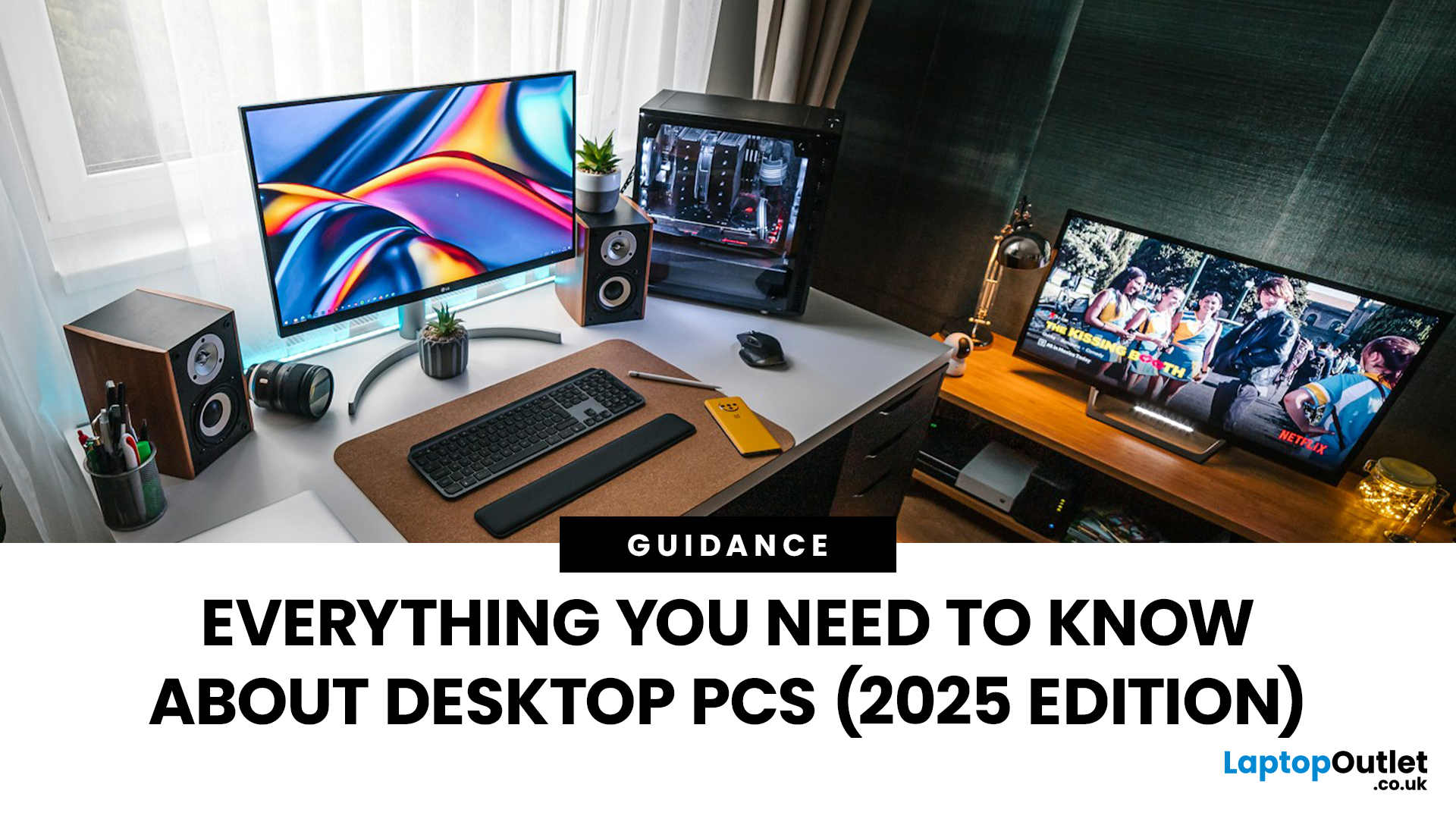
When it comes to raw power, flexibility, and longevity, desktop PCs still reign supreme. Sure, laptops have gone lighter, and tablets now pretend to be “pro,” but if you’re serious about performance — whether for gaming, design, business, or just smooth multitasking - a desktop remains the smart choice.
In this ultimate desktop PCs guide, we’ll cover everything: from how desktops stack up against laptops, to what all those spec-sheet numbers (CPU, GPU, RAM, SSDs) really mean. You’ll also find insights into the latest desktop PC trends in 2025, and our recommendations for every type of user — from casual home users to hardcore creators.
1. Desktop PCs vs Laptops —What’sthe Real Difference?
Before diving into specs and performance, let’s address the age-old debate: why pick a desktop when you can buy a laptop? The answer depends on your priorities — but desktops win in more areas than most people think.
Last Updated: August 25, 2026
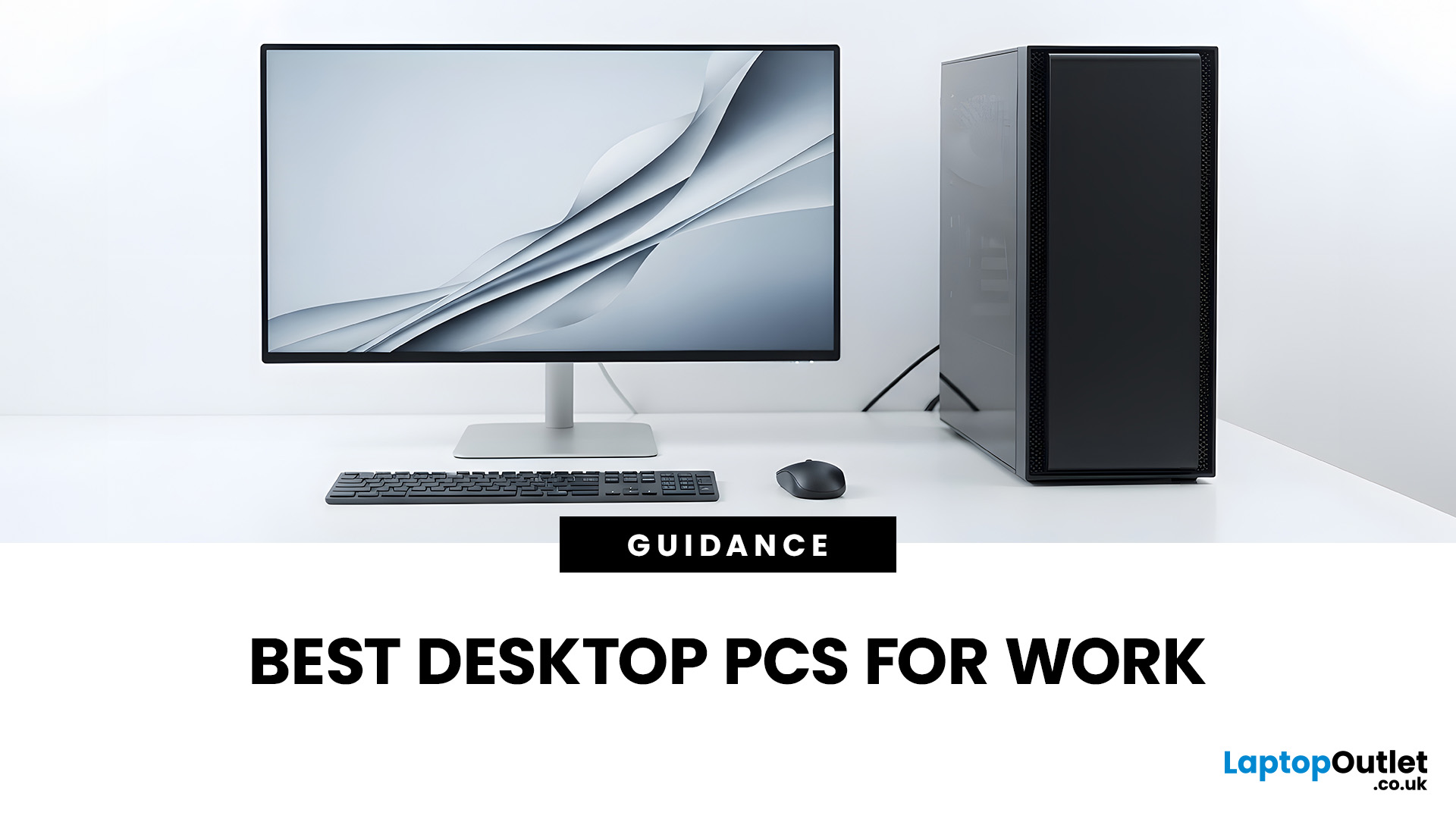
The best desktop PC for work depends on matching hardware to your actual tasks rather than simply choosing the most powerful option. Finance teams working in spreadsheets need different specifications compared to architects using 3D software, while reception areas often benefit from compact all-in-one systems instead of traditional towers. This guide highlights current desktop PCs from Laptop Outlet across four categories: Tower PCs, All-in-One PCs, Mini PCs and Workstations, based on availability checked on 14 August 2026, though stock may change.
How We Selected These Desktop PCs for Work
We prioritised business-ready specifications, useful connectivity, sensible memory and storage configurations, operating-system suitability and the workload each machine is best placed to handle. Rather than treating every professional as a power user, the list covers everyday office work, hybrid working, compact desks, creative projects and heavier technical workloads.
A useful rule is to buy for your

Last Updated: November 06, 2025
Black Friday looms like a seasonal ritual for tech buyers. But savvy gamers and PC buyers know the real trick: knowing when to strike. If you wait too long, your ideal machine sells out. Buy too early, and you risk missing deeper discounts. So, when is the sweet spot for grabbing a gaming laptop or desktop in the run-up to Black Friday 2025?
To make your moves with confidence and avoiding any post sale regrets go with proper timelines, pricing trends and a close observation of brands behaviour.
The Black Friday Phenomenon — What Really Happens (UK + Global Context)

Black Friday isn’t just one day anymore. In the UK, the period around it has swollen into a deal season: late October to early December. Retailers - including Laptop Outlet UK - now launch pre-Black Friday promotions to capture early shoppers and test pricing strategies.
In practice: major discounts often appear 2–3 weeks before the official Friday, with stacking coupons, flash sales, and stock-limited offers. Then on the
Last Updated: October 28, 2025
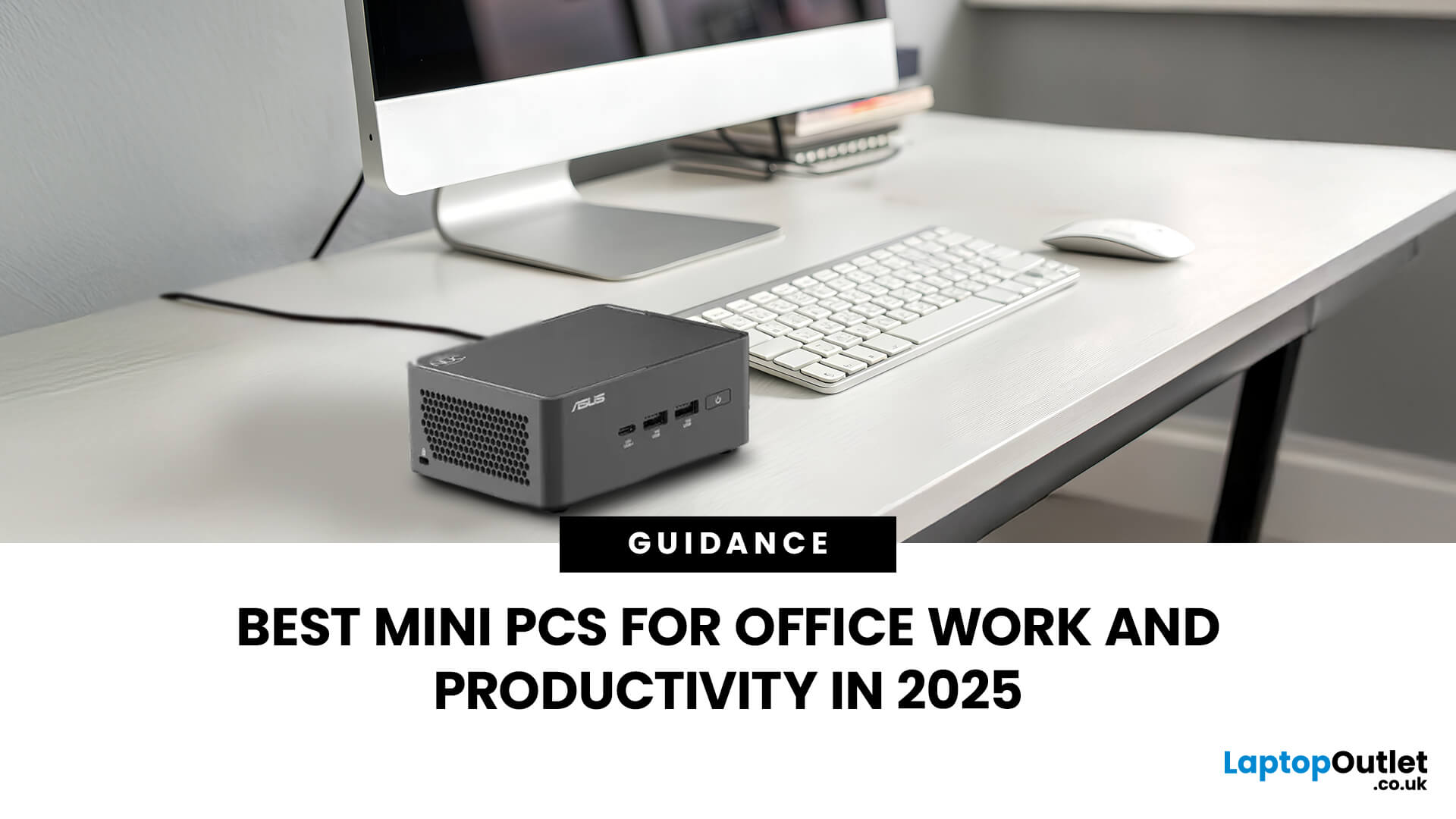
Gone are the days when office PCs had to be bulky towers humming under desks. In 2025, mini-PCs have become the ultimate productivity machines, small, silent, and surprisingly powerful. Whether you’re a remote worker, a startup founder, or managing a hybrid workspace, these compact desktops deliver desktop-grade performance without eating up your desk space.
If you’re searching for the best mini-PC for office work, this guide breaks down the top performers built for speed, efficiency, and multitasking, from entry-level options to high-end productivity powerhouses.
Why Choose a Mini PC for Work in 2025?
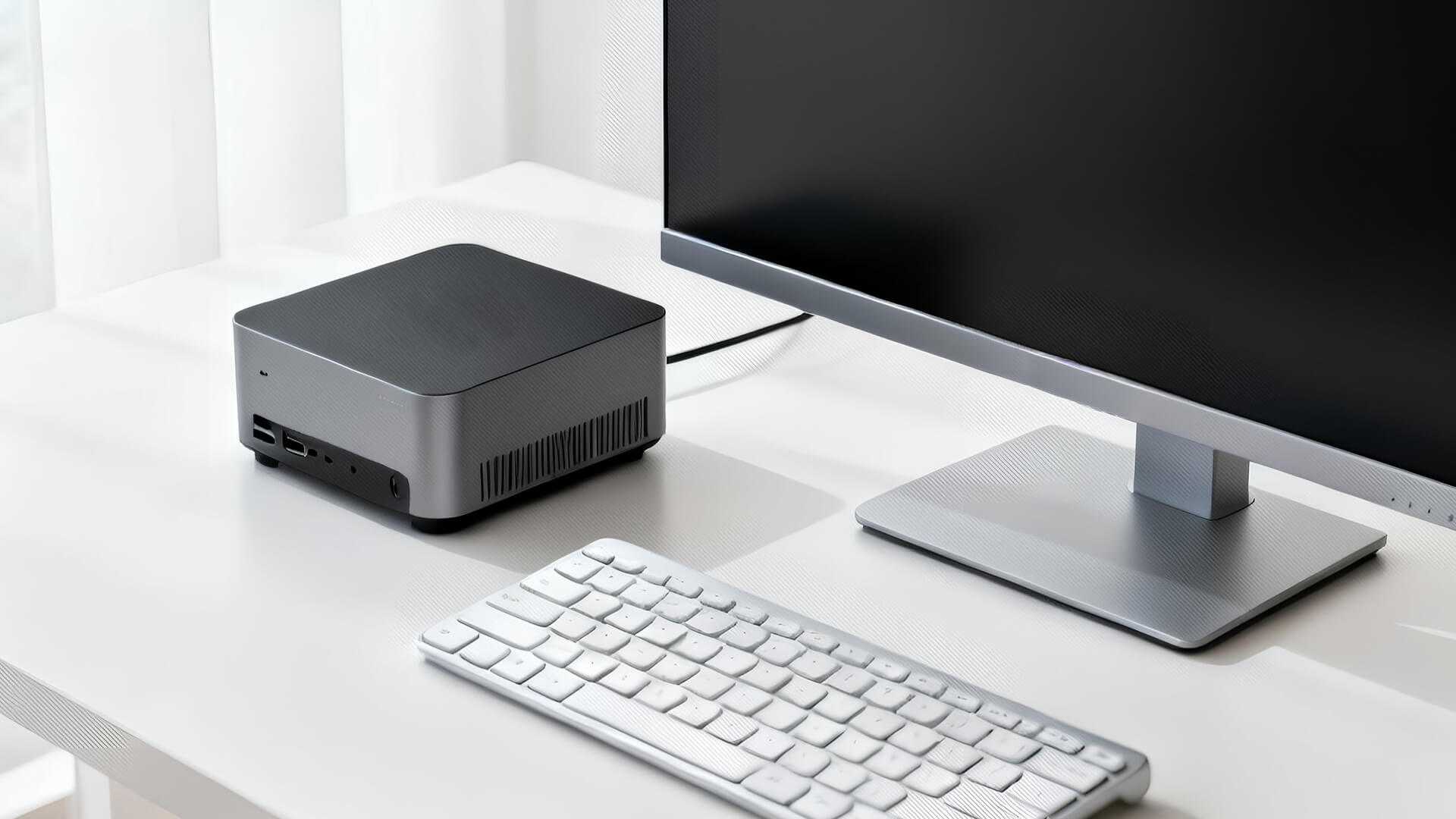
Modern mini-PCs are redefining what “office-ready” means. Thanks to next-gen CPUs, fast SSD storage, and efficient cooling, they now handle everything from heavy spreadsheets to video conferencing and multitasking without breaking a sweat.
Here’s why professionals are ditching bulky towers for compact desktops:
- Space-Saving Design: Ideal for minimalist desks or multi-monitor setups.
- Silent
Last Updated: February 26, 2026
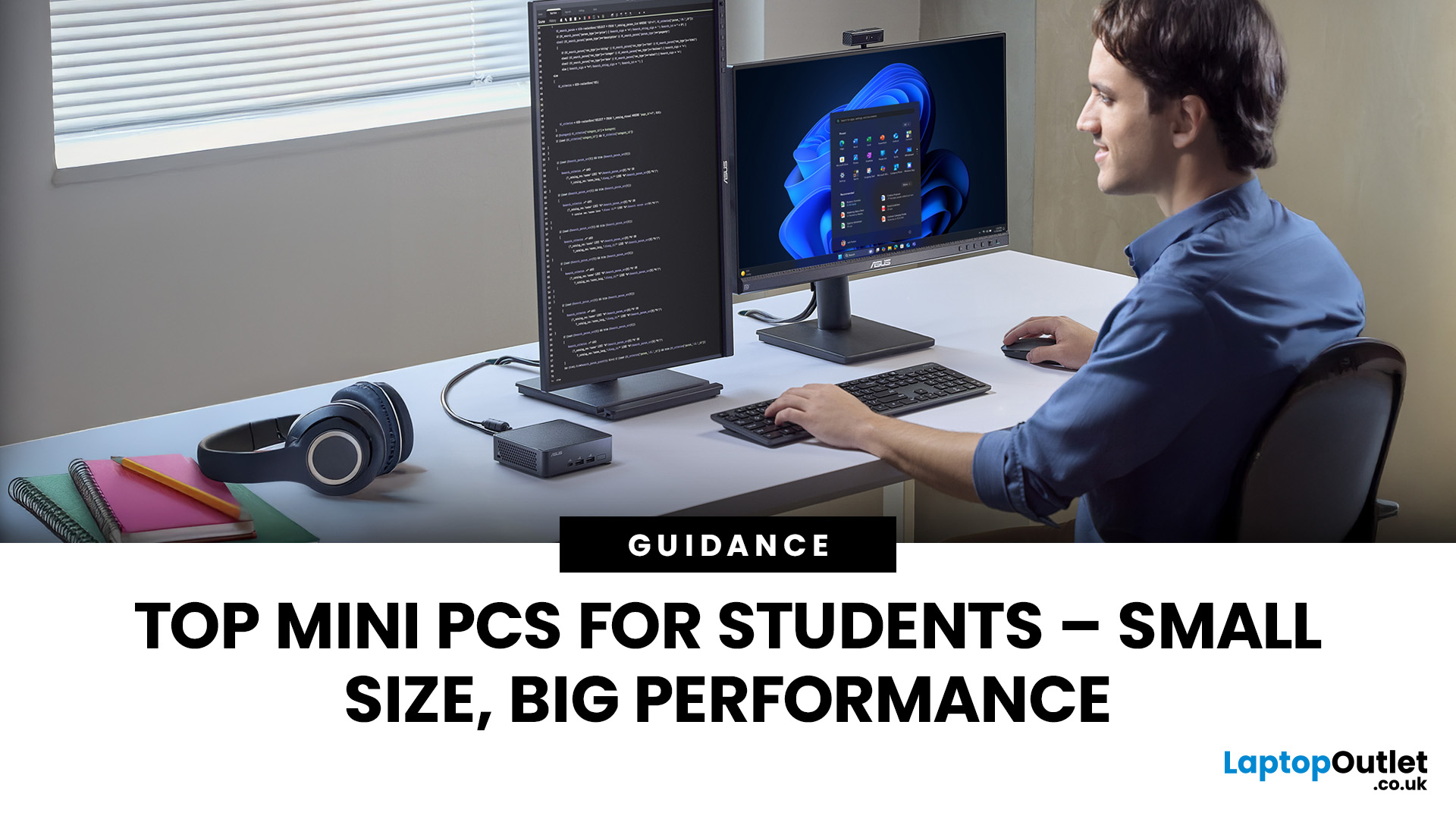
Looking for the best mini PC for students? Good call. A modern mini desktop gives you laptop-like efficiency with desktop-class reliability, without the bulk, noise, or price tag of a full tower. Whether you’re writing essays, crunching data, editing short films, or firing up a few games after class, today’s mini PCs squeeze serious performance into palm-sized cases that fit on a shelf, under a monitor, or even behind one.
Below, you’ll find a practical guide to choosing the right mini PC for school or university, followed by curated picks by use case, setup tips, and answers to common questions. Everything is written with UK students in mind, budget-savvy, space-conscious, and focused on getting things done.
Why a mini-PC makes sense for students
Small footprint, big desk space. A mini PC leaves room for your notes, sketchbooks, and that essential mug of tea.
Quiet and efficient. Low-power mobile-class CPUs and efficient cooling keep noise down in libraries and dorms.
Better ergonomics.

Last Updated: July 10, 2026
If you’re eyeing Battlefield 6: RedSec, you’ll need a gaming machine that can keep up with the chaos — massive maps, realistic destruction, dynamic weather, and next-gen lighting that make every firefight feel alive. RedSec pushes the Battlefield series further than ever, demanding serious power for smooth, high-FPS gameplay.
Whether you’re storming across a vast battlefield or holding a control point under heavy fire, your system can’t afford to lag or stutter. That’s why we’ve shortlisted 10 of the best gaming machines for Battlefield 6: RedSec in 2025. These laptops and PCs deliver the frames, responsiveness, and stability you need to stay sharp when the battle gets chaotic.
Top 5 Gaming Laptops for Battlefield 6 RedSec
1. Acer Predator Helios 16 AI (RTX 5090)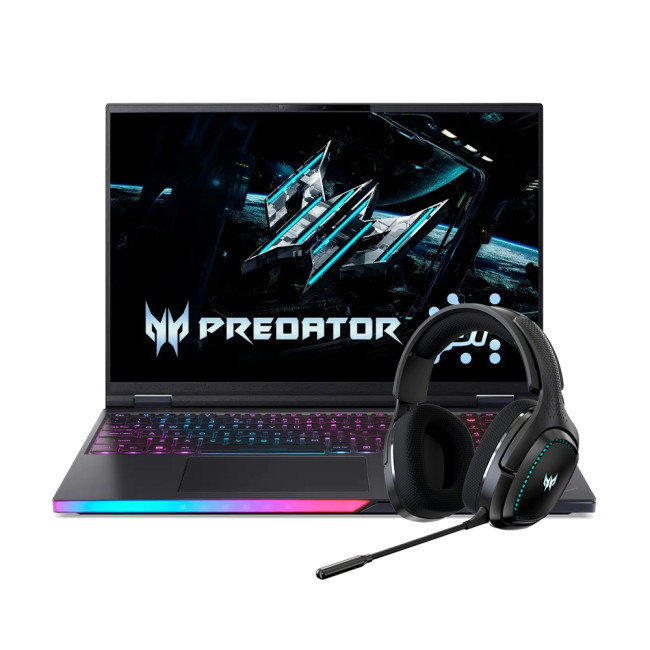
The Acer Predator Helios 16 is a true flagship, built for the gamer who accepts no compromise. It’s designed to handle the most demanding PC settings for maximum performance in RedSec.
Performance Breakdown
- Processor:
Last Updated: April 02, 2026
Technology powers nearly every part of our lives. Yet, with innovation comes responsibility. The question many ask today is: how sustainable are modern laptops and PCs?
In 2026, sustainability is no longer a marketing gimmick; it’s a design principle. Manufacturers, consumers, and policymakers are pushing for greener technology that reduces environmental impact while maintaining performance. From energy-efficient processors to recyclable materials, the computing industry is finally addressing its carbon footprint.
Let’s explore what makes laptops and desktop PCs truly sustainable, and what you can do to make smarter, greener tech choices.
What Makes a Laptop or PC “Sustainable”?
A sustainable laptop or PC minimises its environmental impact across its lifecycle, design, production, use, and disposal. Here are the key factors:
- Material sourcing: Using recycled aluminium, plastic, or even bio-based materials helps reduce raw resource extraction.
- Energy efficiency: Devices that consume less

Last Updated: June 05, 2026
If you’re upgrading your gaming rig or building one from scratch in 2025, the motherboard you choose is going to set the tone for your entire PC. Whether you’re aiming for an affordable setup or an ultra-high-end powerhouse, the motherboard is the foundation - determining not just what components you can use today, but how future-ready your system will be.
This guide takes you through the best motherboards for gaming PCs in 2025, handpicked for performance, features, and value. You’ll find AMD and Intel options, from budget boards with modern DDR5 support to premium PCIe 5.0 powerhouses. Every recommendation is researched using up-to-date 2025 benchmarks, market data, and UK availability, ensuring you can make an informed purchase that fits your budget and build goals.
Why the Motherboard Matters in 2025

With the launch of AMD’s Ryzen 9000 and Intel’s 15th-gen “Arrow Lake” CPUs, the motherboard landscape has changed considerably. New chipsets like AMD B650E and Intel Z890 bring cutting-edge

