



The New Siri Is Everything iOS 18 Promised and Didn't Deliver
Apple’s next major Siri upgrade is expected to be the version many iPhone users thought they were getting with iOS 18: a more natural, more personal, and more useful Apple voice assistant that understands context and helps you take action across apps.
The important detail is this: the full “new Siri iOS 27” experience has not been officially released yet. Apple has confirmed that more personal Siri features are still in development, while WWDC 2026, running from June 8 to June 12, is the next major event where Apple is expected to show its latest AI advancements.
For the bigger picture beyond Siri, you can also read our guide to everything we know about iOS 27 before WWDC 2026.
| Editor’s note: This article is based on Apple’s official Apple Intelligence information, current iOS release notes, and credible reporting ahead of WWDC 2026. Apple has not yet confirmed the final iOS 27 Siri feature set. |
Confirmed Vs Expected Siri Features
Not every Siri feature discussed around iOS 27 is official yet. Some Apple Intelligence features are already available on supported devices, while the full Siri upgrade is still awaiting Apple’s final confirmation.
|
Feature |
What Is Confirmed |
What Is Still Expected |
|
Apple Intelligence |
Apple Intelligence is available on supported devices and works across apps to help with writing, summaries, images, Siri, and productivity. |
Apple is expected to keep expanding these AI features in future iOS updates. |
|
Siri Today |
Siri already supports Apple Intelligence features such as Type to Siri, product knowledge, and ChatGPT integration in supported situations. |
A more conversational Siri with deeper app understanding is still expected rather than fully confirmed. |
|
Privacy |
Apple uses on-device processing and Private Cloud Compute for more complex Apple Intelligence requests. |
Future Siri upgrades may rely more heavily on this mix of on-device and cloud AI processing. |
|
iOS 27 |
Apple has not published final iOS 27 Siri release notes yet. |
Reports suggest iOS 27 may bring a redesigned Siri with a more chat-like experience and deeper iPhone integration. |
Quick Answer: What is the New Siri in iOS 27?
The new Siri in iOS 27 is expected to be Apple’s biggest Siri reset in years. Instead of simply answering basic voice commands, Siri is expected to become a smarter Siri assistant that feels closer to conversational AI, with better memory of context, deeper iPhone integration, and more useful responses.
Apple originally introduced Apple Intelligence in 2024 as a system that could use generative models, personal context, on-device processing, and Private Cloud Compute to help you write, summarise, understand content, and get things done across apps. Siri was meant to become more natural, more context-aware, and more personal, but the most advanced personal Siri features were delayed.
What Did iOS 18 Promise Siri would do?
iOS 18 positioned Siri as a central part of Apple Intelligence. The promise was not just a nicer animation or a cleaner voice interface. The bigger idea was that Siri would understand your personal context, follow your requests more naturally, and help you complete tasks without forcing you to jump between apps.
Apple described Apple Intelligence as being deeply integrated into iOS 18, iPadOS 18, and macOS Sequoia, with the ability to understand language, create content, take action across apps, and draw from personal context while protecting privacy.
For Siri, that meant three big expectations:
|
iOS 18 Siri Promise |
What It Meant for You |
|
Personal context |
Siri could use relevant information from your device to answer more useful questions |
|
App actions |
Siri could help complete tasks inside and across apps |
|
Natural conversation |
Siri could better understand follow-up requests, corrections, and casual wording |
|
Privacy-focused AI |
More processing could happen on device, with Private Cloud Compute used for complex requests |
|
Chatbot-style help |
Siri could connect to broader knowledge when needed, including ChatGPT integration with permission |
What Actually Arrived Before iOS 27?
Before iOS 27, Apple did ship several Apple Intelligence and Siri-related features, but not the complete personalised Siri experience people expected.
You can already see features such as Type to Siri, more resilient request handling, product knowledge, ChatGPT integration in supported regions, Writing Tools, summaries, Genmoji, Image Playground, visual intelligence, Live Translation, and intelligent actions in Shortcuts on supported devices. Apple’s current support page still says more personal Siri features are in development and will arrive in future software updates.
That matters because it explains the gap between marketing and the real user experience. You may have Apple Intelligence on your iPhone, but that does not automatically mean you have the fully rebuilt Siri that was previewed as part of the original vision.
Why was the New Siri Delayed?
The new Siri was delayed because Apple needed more time to reliably deliver a more personal version. In March 2025, Apple confirmed that it had been working on a Siri experience with more awareness of personal context and the ability to take action within and across apps but said it would take longer than expected to deliver those features.
That delay is the main reason iOS 18 felt unfinished for many users. The basic Apple Intelligence rollout arrived in stages, but the most important Siri upgrade, the one that would make the Apple voice assistant feel genuinely smarter, did not arrive on the original timeline.
What is Expected from the New Siri in iOS 27?
The new Siri in iOS 27 is expected to move closer to a full conversational assistant, with a chat-style interface, deeper app integration, and a dedicated Siri experience. Recent reports say Apple is preparing a major Siri redesign for iOS 27, including Dynamic Island interaction, transparent result cards, a conversation mode, and a dedicated Siri app where you can revisit previous Siri chats.
The most important expected changes are:
- A more conversational Siri that can handle longer, more natural requests
- Better answers with richer formatting and more context
- A dedicated Siri app for previous conversations
- Voice and text input in the same experience
- Possible support for documents and images in Siri conversations
- Deeper links between Siri, apps, and information on your iPhone
These details are not official iOS 27 release notes yet. They are best treated as credible expectations until Apple confirms them at WWDC 2026 or in later iOS 27 documentation. If you want a deeper breakdown of the Siri redesign itself, read our guide to Apple’s biggest Siri overhaul in iOS 27.
How the New Siri Could Change Everyday iPhone Use
The real value of the new Siri will depend on whether it saves you time in normal iPhone tasks. A smarter Siri assistant should not just answer trivia. It should help you act on what is already happening on your device.
You might use it to summarise a message thread, find a file, create a reminder from something on screen, check a calendar conflict, rewrite a text, or pull together information from Mail, Messages, Notes, Safari, and other apps. That is the difference between a voice command tool and a genuinely useful iPhone AI assistant.
Apple’s original Apple Intelligence plan focused heavily on personal context and taking action across apps, which is why Siri is such a big part of the story.
What Apple Still Needs to Get Right
The new Siri will only matter if it is reliable. Users do not need a flashy assistant that misunderstands basic requests or gives confident, uncertain answers. They need Siri to be faster, clearer, and more dependable than before.
For iOS 27 to feel like a real fix, Apple needs to improve:
|
What Needs Improving |
Why It Matters |
|
Accuracy |
You need Siri to understand what you mean the first time |
|
Context |
You should not have to repeat every detail in every request |
|
App control |
Siri needs to complete useful actions, not just open apps |
|
Privacy clarity |
You should know when data stays on device and when cloud processing is used |
|
Speed |
A smarter assistant still needs to feel instant |
|
Availability |
Features must be clear by region, language, and device |
Will Your iPhone Get the New Siri?
If the new Siri depends on Apple Intelligence, you will likely need an Apple Intelligence-compatible device. Apple currently lists Apple Intelligence support for the following devices:
iPhone 15 Pro models
- iPhone 16 models or later
- iPad mini with A17 Pro
- iPads with M1 or later, Macs with M1 or later
- Apple Vision Pro
- Supported Apple Watch models
That means older iPhones may still receive iOS updates, but they may not get the full set of AI-powered Siri features. This is especially important if you are thinking about upgrading mainly for iPhone AI features.
For now, the safest advice is to wait for Apple’s official iOS 27 compatibility details before buying a new iPhone just for the new Siri.
Is iOS 26.5 the New Siri Update?
No, iOS 26.5 is not the full new Siri update. Apple’s iOS 26.5 release focuses on end-to-end encrypted RCS messaging in beta, a Pride Luminance wallpaper, Suggested Places in Maps, enhancements, bug fixes, and security updates. It does not list the delayed personal Siri upgrade as part of the release.
That makes WWDC 2026 even more important. Apple has already confirmed the event will spotlight AI advancements and new software technologies, so iOS 27 is the natural place for the next major Siri story.
Should You Wait for iOS 27 Before Upgrading?
The new Siri could be a strong reason to upgrade, but only after Apple confirms exactly which devices support it and which features are available in your region and language.
| Wait! You should wait if your main reason for upgrading is the new Siri. The feature is still not fully confirmed as part of the public iOS 27 release, and Apple has already shown it will delay Siri features rather than ship them before they are ready. |
|
Upgrade! You should upgrade sooner only if you already need better battery life, a stronger camera, improved performance, more storage, or current Apple Intelligence features that your device does not support. |
If you are mainly trying to decide whether the update is worth it, read our full guide on whether you should upgrade to iOS 27.
Why the New Siri is More than a Normal iOS Update
The new Siri matters because it could decide whether Apple Intelligence feels useful or optional. Writing tools, summaries, image features, and translation are helpful, but Siri is the part of Apple Intelligence that could make the whole iPhone feel easier to use.
If Siri can understand your context, act across apps, and respond naturally, Apple Intelligence becomes part of your daily workflow. If Siri remains limited, many users will still see iPhone AI as a set of separate tools rather than one joined-up experience.
The Bottom Line: Wait For the Real Siri, Not the Hype
The smartest move is to treat the new Siri as a promising but unfinished story. iOS 18 introduced the idea, iOS 26 expanded Apple Intelligence across more places, and iOS 27 is expected to be the update where Apple finally tries to deliver the more personal Siri experience users were promised.
If your current iPhone is working well, wait for Apple’s official iOS 27 announcement before making an upgrade decision. If your iPhone is already struggling and you want Apple Intelligence now, choose a model that Apple clearly lists as compatible.
The new Siri could be the iPhone AI upgrade people wanted from the start. It just needs to arrive, work reliably, and prove it can help you do more than ask basic questions.
People Also Ask about New Siri, iOS 27, and Apple Intelligence
Is the new Siri available now?
No, the full new Siri experience is not fully available yet. Some Apple Intelligence Siri features are already available, including a redesigned Siri and improved language understanding, but Apple’s more personal Siri features are still being developed for a future software update.
Did Siri get updated in iOS 18?
Yes, Siri was updated in iOS 18 with Apple Intelligence features, including a redesigned look, better language understanding and the ability to type to Siri on supported devices. However, the more advanced Siri features promised with personal context and deeper app actions did not all launch at once.
Why did Apple delay the personalised Siri update?
Apple delayed the personalised Siri update because the advanced features needed more development before release. The delayed Siri upgrade is expected to offer greater awareness of personal context and the ability to take action within and across apps, but Apple has taken longer than originally expected to deliver it.
Which iPhones support Apple Intelligence?
Apple Intelligence supports iPhone 15 Pro, iPhone 15 Pro Max, iPhone 16 models, iPhone 16e, and newer Apple Intelligence-compatible iPhones. It also works on selected iPads, Macs and Apple Vision Pro models, depending on chip, software, language and regional availability.
Which iPhones will no longer work in 2027?
Apple has not confirmed that any iPhone will completely stop working in 2027. However, older models may lose access to the latest iOS updates or newer features. Apple currently lists iOS 26.5 as compatible with iPhone 11, iPhone SE 2nd generation and newer models.
Does Siri use ChatGPT?
Yes, Siri can use ChatGPT with Apple Intelligence when the ChatGPT extension is enabled. Siri may use ChatGPT to provide more detailed answers, including help with certain questions, photos, and documents, but users stay in control of whether to use the integration.
Why is Siri not working on iOS 18?
Siri may not work on iOS 18 if Siri or “Hey Siri” is turned off, the device needs restarting, the microphone is blocked, or Siri is not available for your selected language or region. Apple recommends checking Siri settings and restarting the device if Siri does not respond.
Did Apple skip to iOS 26?
Yes, Apple moved to iOS 26 as part of its newer software naming approach. Apple previewed iOS 26 in June 2025 as a major iPhone update with a new design, Apple Intelligence improvements and updates to key apps such as Phone, Messages, Maps and Wallet.
Who’s smarter, Siri or ChatGPT?
ChatGPT is generally smarter for detailed answers, writing, reasoning and longer conversations. Siri is better for quick Apple device tasks, such as calling, sending messages, setting timers, controlling smart home devices and using voice commands on iPhone. Siri is a device assistant, while ChatGPT is a broader conversational AI assistant.
Related Articles


Last Updated: January 06, 2026
Updating your motherboard BIOS is often recommended to improve system stability, fix bugs, or add support for new hardware. However, what if your PC won’t show anything on the screen? A failed GPU, incompatible CPU, or corrupted BIOS can leave you with a blank display, making a standard update impossible. The good news is that it is still possible to update BIOS without display on many modern motherboards. In this guide, we’ll explain how to update motherboard BIOS without display, the tools you’ll need, and the safest methods to follow, using clear, practical steps. Learn safe ways to update BIOS without a working screen.
Important Precautions Before You Begin
Updating BIOS always carries some risk, so preparation is essential, especially without a display. If your motherboard does not support display-free updates, attempting one could permanently damage it. Before starting, make sure you:
- confirm your exact motherboard model
- download the correct BIOS version from the manufacturer’s

Last Updated: February 12, 2026
Apple’s latest software update, iOS 26.3, is here, and it brings a solid mix of refinements, fixes, and performance improvements designed to keep your iPhone running smoothly. If you’ve been living in the world of iOS 26.2 and wondering what’s new, what changed on the iOS 26.3 release, and whether it’s worth tapping “Update Now,” you’re in exactly the right spot. Let’s break down everything you need to know about the iOS 26.3 update.
iOS 26.3 Release Date: When Did It Launch?
Apple just dropped iOS 26.3 on 11 February 2026, and while it’s not the headline-stealing overhaul of the year, it’s seriously one of those updates you’ll want on your phone. These mid-version updates typically arrive to address issues discovered after the previous rollout, as well as to improve device performance.
Like most iOS updates, iOS 26.3 was released gradually, meaning some users received it immediately, while others saw it appear over the following days.
If iOS 26.3 is available for your device, you’ll

Last Updated: February 17, 2026
Few things trigger instant panic like pressing the power button… and nothing happens. Or worse, your laptop turns on, shows the logo, and then just sits there. Stuck. Frozen. Judging you.
Laptop boot problems are one of the most common technical issues users face. From a laptop not booting at all to BIOS boot problems, startup errors, and endless boot loops, these issues can feel dramatic, but they’re often fixable. In many cases, Windows boot issues are caused by corrupted updates, drive errors, or simple configuration mistakes.
The key is knowing where the problem starts: power, BIOS, or operating system.
In this guide, we’ll walk you through real, step-by-step solutions to fix laptop boot loop errors, startup failures, and laptops that won’t turn on, no tech wizardry required.
What Are Laptop Boot Problems? (And Why They Feel So Stressful)
Laptop boot problems basically mean one thing: your laptop isn’t starting the way it’s supposed to. You press the power button expecting your system

Last Updated: June 15, 2026
If you run an esports arena, gaming cafe, university esports lab, or content studio, your monitor choice is not a background decision. It directly affects performance, player satisfaction, brand perception, and long-term ROI. Competitive players notice the refresh rate instantly. Streamers notice colour accuracy. Venue owners notice durability. And everyone notices screen quality.
That’s why ASUS gaming monitors have become a staple across esports stages and gaming venues in the UK. From ultra-premium ASUS ROG gaming monitors built for tournament environments to scalable ASUS TUF gaming monitor options designed for multi-station rollouts, ASUS covers every level of competitive deployment.
If you're building or upgrading a gaming business, here’s what you need to know.
Why Esports & Gaming Businesses Choose ASUS
A single hardware issue during a tournament can damage a reputation fast. ASUS has built a strong position in esports by delivering consistency under pressure.
Brand Reputation
Published: March 05, 2026
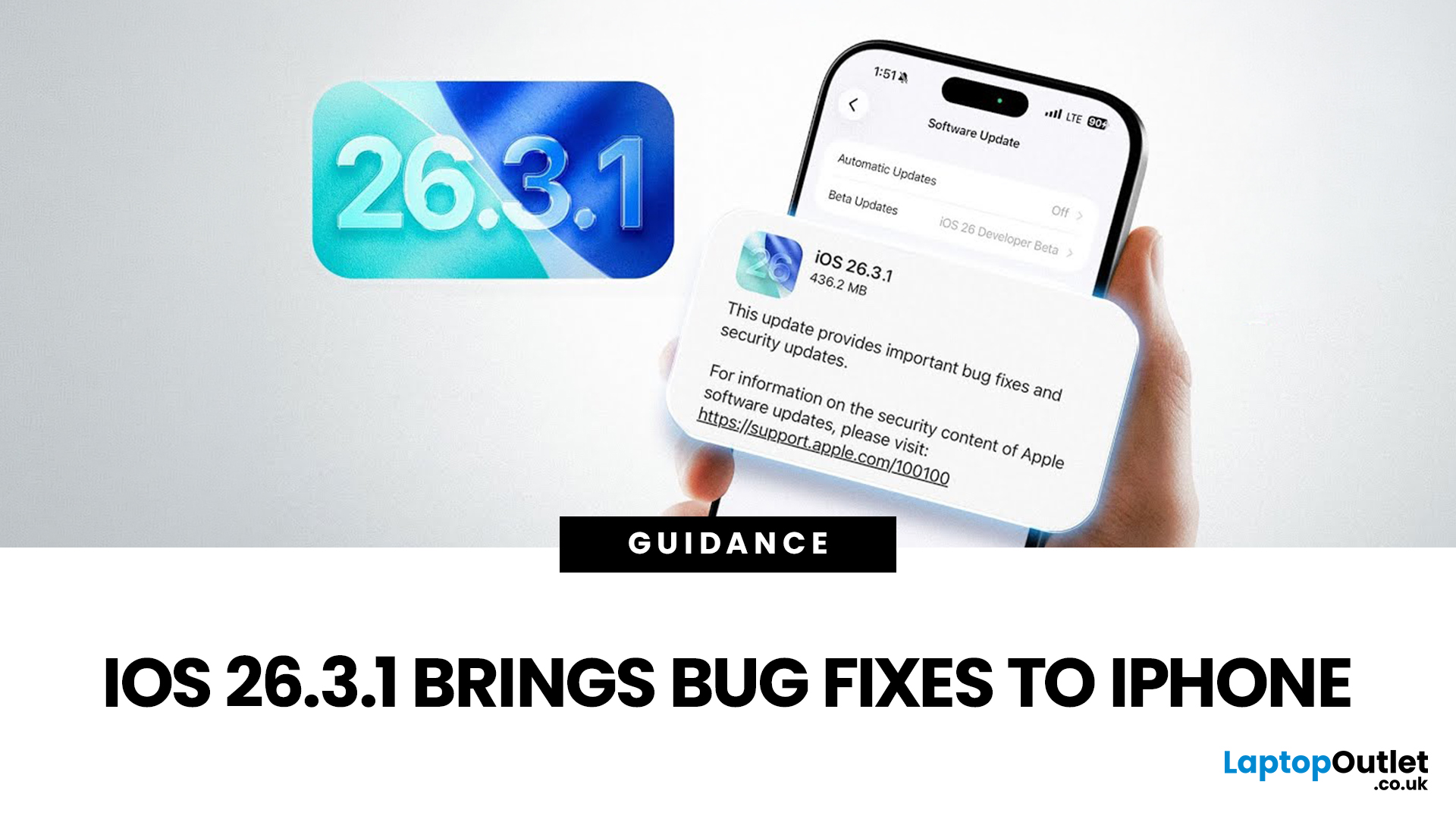
Apple has officially rolled out the iOS 26.3.1 update for iPhone users, bringing several important bug fixes, security patches, and performance improvements. While this is not a major feature update, it focuses on improving system stability and fixing issues reported in the previous iOS 26.3 version.
Minor iOS updates like iOS 26.3.1 are important because they often resolve bugs that affect everyday performance, connectivity, and device security. If you own a compatible iPhone, installing the iOS 26.3.1 update can help ensure smoother performance and better protection against vulnerabilities.
In this guide, we’ll cover the iOS 26.3.1 release date, features, download steps, supported devices, and answer the common question: Should you update to iOS 26.3.1?
iOS 26.3.1 Release Date
Apple released the iOS 26.3.1 update on March 04, 2026, after the launch of iOS 26.3, aiming to fix several issues discovered after the previous version went live.
Typically, Apple rolls out minor updates like
Last Updated: March 12, 2026
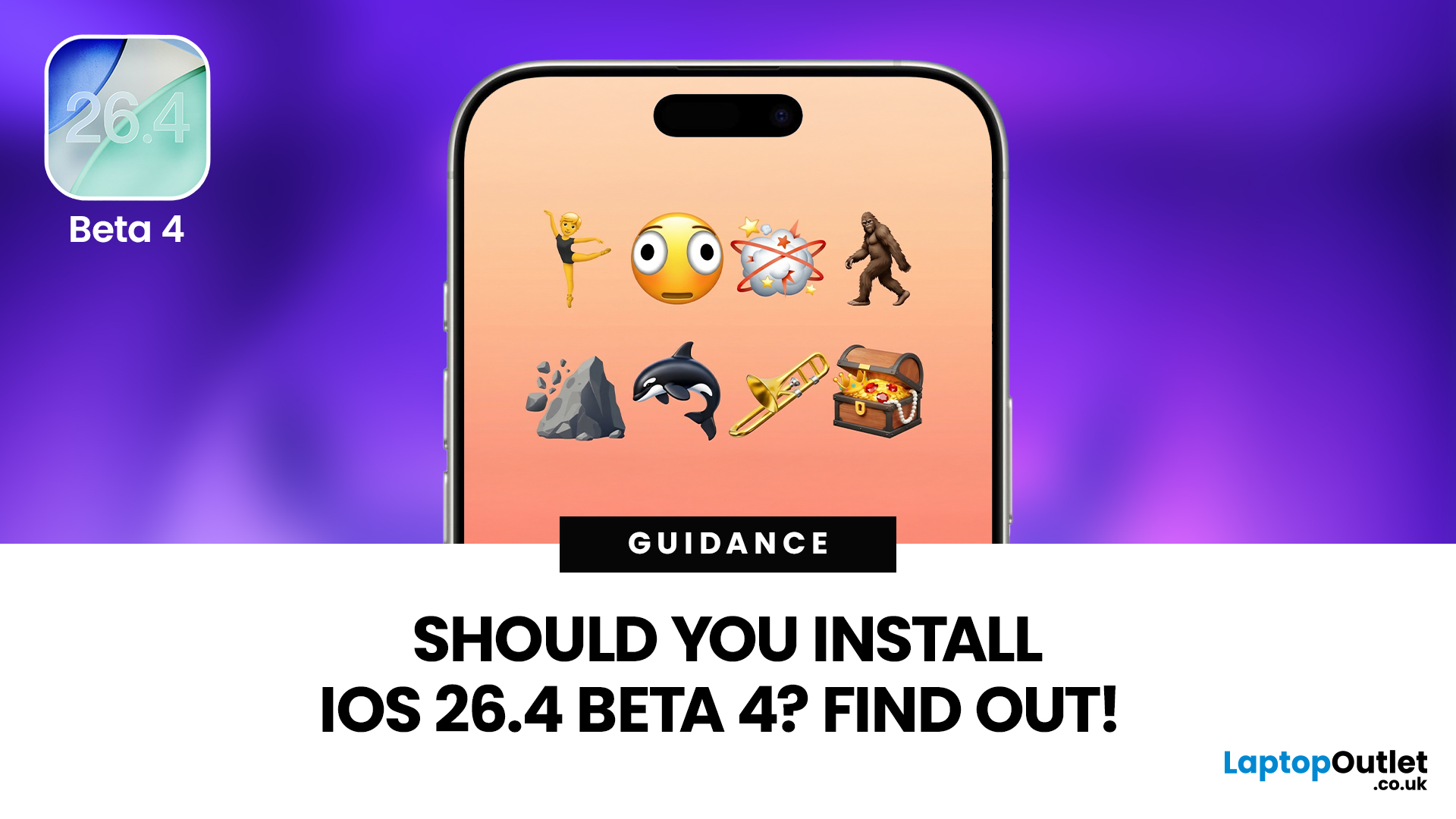
If you've been keeping an eye on your Software Update settings lately, you've probably spotted iOS 26.4 Beta 4 sitting there tempting you.
Released on 9th March 2026, this is the fourth developer beta in Apple's testing cycle for the 26.4 update, and it's bringing some genuinely useful changes alongside the usual round of bug fixes and behind-the-scenes polish. The question is, should you install iOS 26.4 Beta 4, or is it better to sit tight and wait for the stable release?
This guide walks you through everything you need to know, from the new features and bug fixes to performance improvements and whether this beta is actually safe enough for everyday use.
What Is iOS 26.4 Beta 4?
iOS 26.4 Beta 4 is the fourth pre-release build in Apple's current testing cycle, arriving roughly a week after Beta 3 with build number 23E5234a. At this late stage in the beta process, Apple's focus has shifted from new features to polish, bug resolution, and getting the system ready for a mass rollout. The
Last Updated: March 12, 2026
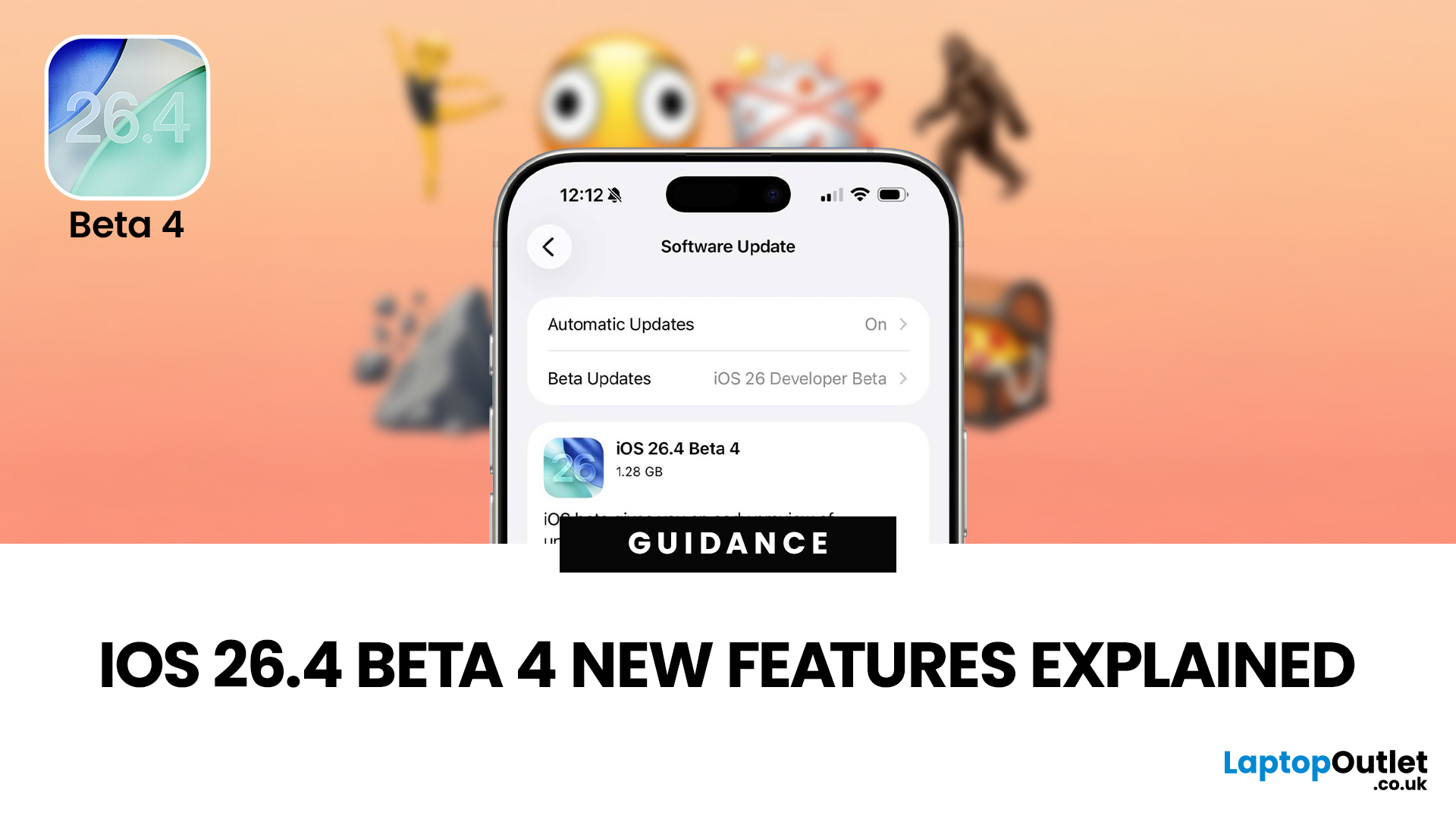
The iOS 26.4 Beta 4 update is now available, offering iPhone users a clearer picture of what Apple is refining ahead of the final release. While this is not the biggest beta in the cycle, it still introduces a number of useful adjustments, visible additions, and background refinements that matter.
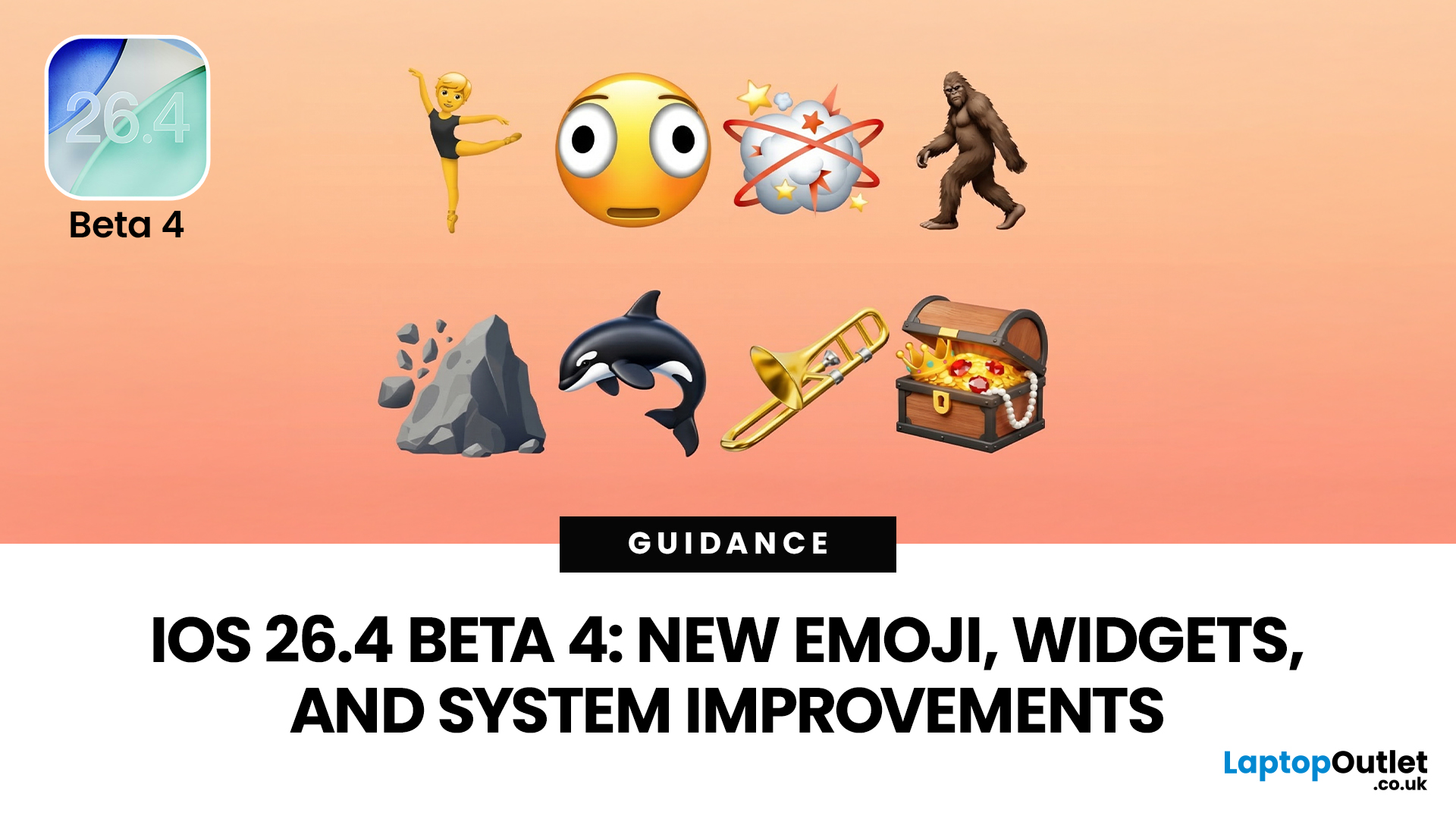
If you have been searching for iOS 26.4 Beta 4 features, this release appears to focus less on dramatic surprises and more on improving the overall experience. That includes user-facing additions like new emoji, interface refinements, accessibility adjustments, and continued work across key parts of the iPhone experience.
So, what is actually new in iOS 26.4 beta 4?
The biggest highlights include new emoji, a change to an accessibility setting, the removal of the earlier RCS encryption beta feature, and support for newer Apple devices. If you are testing the beta or simply trying to keep up with what is coming next for the iPhone, this is the update worth paying attention to.
iOS 26.4 Beta 4
Published: March 12, 2026
Apple dropped the fourth developer beta of iOS 26.4 on 9 March 2026, and it's packed with changes iPhone users will genuinely enjoy. The iOS 26.4 Beta 4 new features cover everything from a fresh set of emoji to home screen widgets and some important security upgrades.
Whether you're a developer testing the build or simply curious about what's heading your way this spring, here's a full breakdown of what's new.
What Is iOS 26.4 Beta 4?
This is Apple's fourth developer-focused build in the iOS 26.4 testing cycle, released roughly a week after Beta 3. The build number 23E5234a typically signals that the software is approaching release candidate status and is very close to a public launch.
As is common at this stage, the iOS 26.4 Beta 4 new features focus more on polish and refinements than entirely new headline additions. That said, there is still plenty arriving in this update that's worth paying attention to.
iOS 26.4 Beta Emoji: New Characters Are Finally Here
One of the most anticipated

Last Updated: June 03, 2026
Apple’s iOS updates often follow a predictable pattern: major annual releases introduce headline features, while mid-cycle updates refine the experience. The iOS 26.4 update fits firmly into the latter category, but that does not make it insignificant. In fact, it introduces a range of improvements that directly impact everyday usage, from battery efficiency to system stability and feature enhancements.
For users in the UK, where iPhone usage remains consistently high across both premium and older models, updates like iOS 26.4 can make a noticeable difference in performance and usability. This guide provides a complete breakdown of what’s new in iOS 26.4, including features, changes, improvements, and whether it is worth installing.
What Is the iOS 26.4 Update?
The iOS 26.4 update is a mid-cycle software release designed to improve the overall performance and reliability of devices running iOS 26. Unlike major updates, it does not introduce a redesigned interface or radical new systems.
Published: March 31, 2026
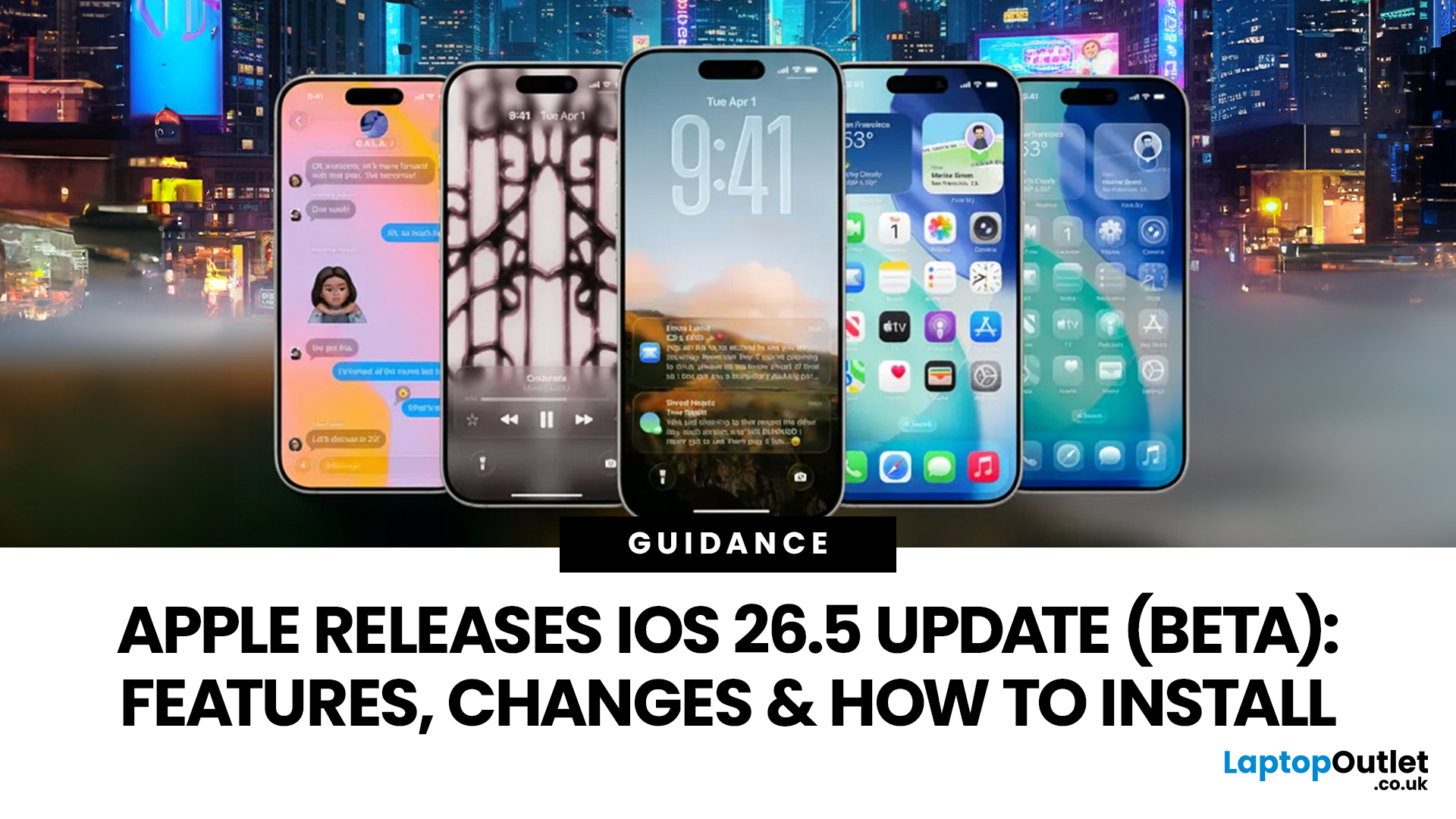
Apple has rolled out iOS 26.5 beta, giving developers and early testers a first look at the next iPhone software update. While this is not Apple's biggest beta release this year, it still brings a number of important changes worth paying attention to. From improvements in Messages to new additions in Apple Maps, the latest iOS beta shows that Apple is continuing to refine the iPhone experience ahead of a wider rollout.
For anyone searching for what’s new in the iOS 26.5 update, the early answer is simple. This update is more focused on practical improvements than headline-grabbing changes. The biggest talking points so far include the return of RCS end-to-end encryption, new Apple Maps features, smaller system updates, and the continued absence of the major Siri improvements many users have been waiting for.
If you want a full breakdown of the iOS 26.5 beta features, the key changes, and how to install the update on your iPhone, here is everything you need to know.

