



iOS 27: Apple's Biggest Siri Overhaul Yet Is Almost Here
The iOS 27 Siri overhaul is expected to make Siri smarter, more conversational, and deeply integrated with Apple Intelligence. The update may bring better contextual awareness, onscreen understanding, app actions, and new AI features that turn Siri into a more capable Apple AI assistant.
Apple’s iOS 27 Siri overhaul could be Siri’s biggest upgrade yet, transforming it into a smarter, more conversational Apple AI assistant. While Apple hasn’t confirmed all features, reports suggest the update may bring a chatbot-style interface, Dynamic Island.
Why iOS 27 Could Be a Turning Point for Siri
Siri was once one of the most recognizable voice assistants in the world. But in the generative AI era, users now expect more than timers, weather updates, and simple web searches. They want assistants that understand context, remember previous interactions, summarize information, take action inside apps, and respond naturally.
That is where iOS 27 may matter most. Apple Intelligence was introduced as a personal intelligence system that combines generative models with personal context across iPhone, iPad, and Mac. Apple said the system was designed to understand language and images, take action across apps, and draw from personal context while maintaining privacy.
The challenge is that Apple’s most ambitious Siri features have taken longer than expected. Apple’s developer materials still describe Siri’s personal context understanding, onscreen awareness, and in-app actions as features “in development” for a future software update. That delay has raised expectations for iOS 27, which could finally be the release where Siri becomes a true AI assistant rather than a legacy voice tool.
What’s New in Siri on iOS 27?
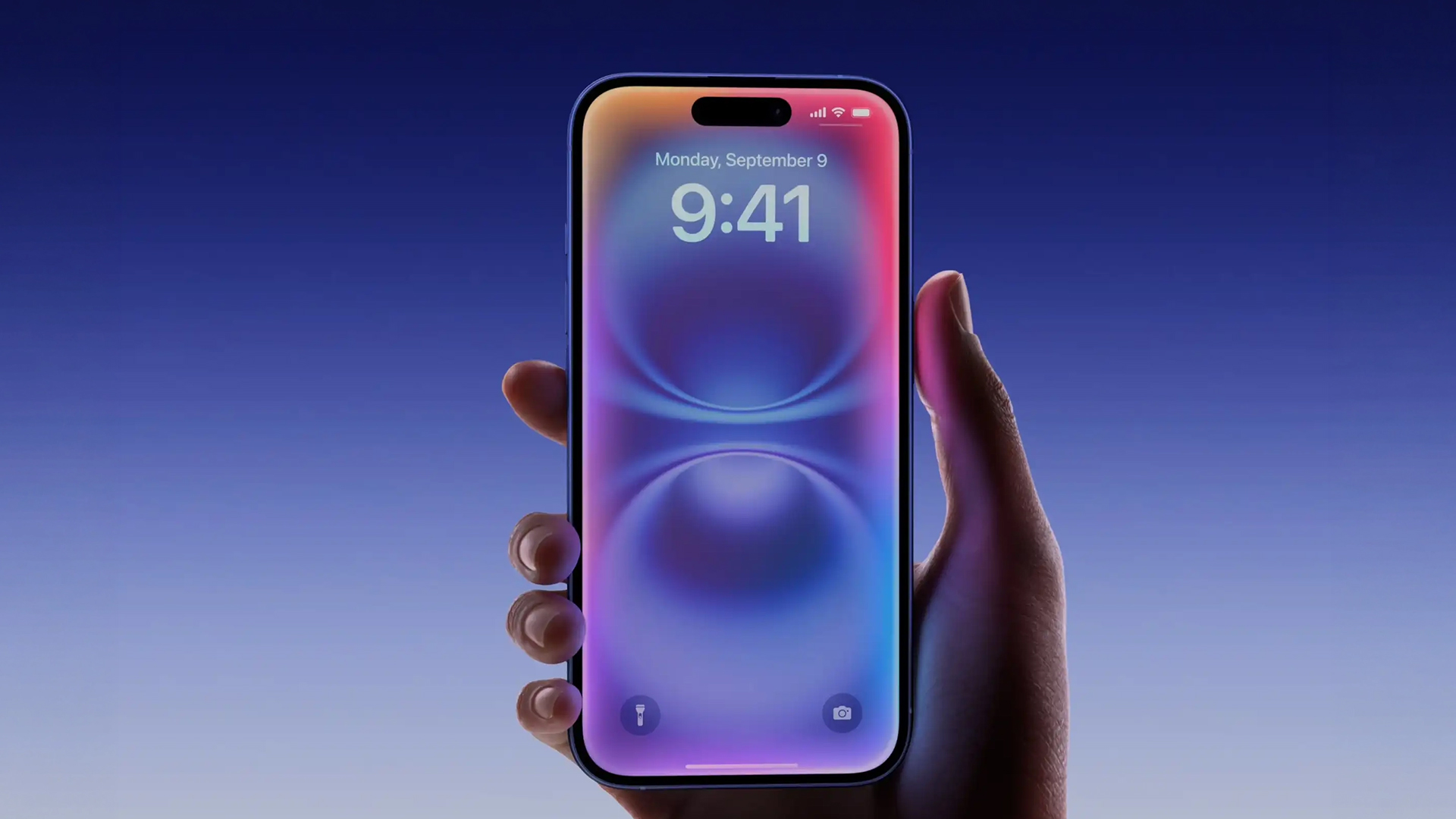
1. A More Conversational Siri
The biggest expected change is that Siri may behave more like a modern chatbot. Instead of only responding to isolated commands, the upgraded Siri could support more natural back-and-forth conversations.
According to recent reporting, Apple is preparing an overhauled Siri experience in iOS 27 that could function more like ChatGPT, Claude, or Gemini. The goal appears to be a Siri that can understand broader questions, continue conversations, and provide richer answers through both voice and text.
This would be a major shift. Siri has traditionally worked best when users phrase requests in specific ways. A smarter Siri would ideally understand intent, follow context, and reduce the need for users to repeat themselves.
2. A Dedicated Siri App
One of the most interesting rumored changes is a standalone Siri app. Reports suggest Apple is testing a dedicated Siri experience where users could start new conversations, revisit previous chats, search past Siri interactions, and upload images or documents.
That would make Siri more than a floating voice overlay. It would become a persistent AI workspace inside iOS.
For users, this could mean asking Siri to help plan a trip, summarize a document, compare notes, organize reminders, or continue a conversation later. For Apple, it would give Siri a more visible place in the iPhone experience at a time when AI apps are becoming central to how people work and search.
3. Dynamic Island Integration
Another reported design change is deeper Dynamic Island integration. When activated, Siri may appear as a pill-shaped animation in the Dynamic Island, with results shown in a transparent card. Users may also be able to swipe into a fuller conversation mode.
This matters because Siri’s interface has often felt separate from the rest of iOS. A Dynamic Island-based design could make the assistant feel more integrated, subtle, and always available without taking over the entire screen.
4. Onscreen Awareness
One of the most useful Apple Intelligence features for Siri is onscreen awareness. Apple describes this as the ability for Siri to understand and take action based on what is currently visible on the user’s screen. For example, if someone sends you an address in a message, Siri could add it to a contact card. Apple says this feature is still in development and will arrive in a future software update.
If this becomes part of the Siri update in iOS 27, it could make the assistant much more practical. Instead of asking Siri abstract questions, users could say things like:
“Summarize this article.”
“Add this event to my calendar.”
“Send this photo to Sarah.”
“Save this address to my contacts.”
“Remind me about this email tomorrow.”
That kind of screen-aware intelligence is exactly what many users expected when Apple Intelligence was first announced.
5. Personal Context Awareness
Apple has also promoted personal context as a core part of Apple Intelligence. The idea is that Siri should be able to understand information from your device, such as messages, emails, notes, calendar events, and files, while preserving privacy. Apple gives examples such as finding a recipe a friend shared or retrieving a passport number while booking a flight.
This could be one of the most powerful parts of the iOS 27 Siri overhaul. A voice assistant upgrade is not just about sounding more natural; it is about being useful in real situations. If Siri can understand the information already stored on your iPhone, it could answer personal questions that generic chatbots cannot.
6. Deeper App Actions
Siri’s future also depends on how well it can work inside apps. Apple’s developer guidance says Apple Intelligence gives Siri enhanced action capabilities and that developers can use App Intents to make app actions more discoverable across Siri, Spotlight, Shortcuts, Control Center, and more.
In simple words, this means Siri could eventually do more than open an app. It could perform tasks inside apps.
That could include sending messages through third-party services, editing photos, creating tasks, finding files, starting workouts, placing orders, or moving information between apps. If Apple gets this right, Siri could become a true hands-free productivity tool.
Could iOS 27 Let Users Choose Other AI Models?
One of the most significant reported changes is support for more third-party AI services. Recent reports say iOS 27, iPadOS 27, and macOS 27 may allow users to choose third-party AI services for Apple Intelligence features such as Siri, Writing Tools, and Image Playground.
The Verge also reported that a new “Extensions” system could allow users to connect third-party chatbots, such as Gemini or Claude, to Siri in a way similar to the existing ChatGPT integration.
If accurate, this would be a major change for Apple. The company is known for tightly integrated systems, but AI may require a more flexible approach. Users may not want one assistant for every task. Some may prefer Apple’s privacy-focused system for personal actions, Gemini for web-style answers, Claude for writing, or ChatGPT for creative tasks.
A more open AI assistant ecosystem could make Siri more competitive without forcing Apple to build every AI capability alone.
Apple’s rumored third-party AI support also connects to a wider shift in how users may soon be able to choose their AI on iPhone, especially if Apple opens Siri and Apple Intelligence to models like Claude, Gemini, or ChatGPT.
Why Apple Delayed Its Smarter Siri Features
The iOS 27 Siri overhaul also needs to be understood in the context of Apple’s earlier delays. Apple originally presented a much smarter Siri as part of its Apple Intelligence vision, but some of the most advanced features did not arrive as quickly as expected.
In 2025, Apple executives publicly discussed the delay. Craig Federighi said Apple’s early AI Siri work did not reach the reliability standard the company wanted, while Greg Joswiak said shipping a feature with an unacceptable error rate would have been more disappointing than delaying it.
That context is important. Apple’s biggest challenge is not simply adding a chatbot to Siri. It must make Siri reliable enough to act on personal information, app content, and device-level commands. A wrong answer from a chatbot is annoying; a wrong action inside your phone could be far more disruptive.
iOS 27 Siri Overhaul: Expected Features at a Glance
|
Expected Siri Feature |
What It Could Mean |
Why It Matters |
|
Conversational Siri |
More natural back-and-forth responses |
Makes Siri feel closer to a modern AI assistant |
|
Dedicated Siri app |
Saved chats, search, document uploads, typed prompts |
Turns Siri into a full AI workspace |
|
Dynamic Island interface |
Siri appears in a more integrated visual layer |
Makes interactions feel faster and less intrusive |
|
Onscreen awareness |
Siri understands what is currently on screen |
Enables useful commands like summarizing, saving, or sharing content |
|
Personal context |
Siri can use relevant device information privately |
Helps answer personal questions generic AI cannot |
|
In-app actions |
Siri performs tasks inside apps |
Makes voice control more powerful |
|
Third-party AI extensions |
Users may choose Gemini, Claude, ChatGPT, or other models |
Makes Apple Intelligence more flexible |
How the New Siri Could Change Daily iPhone Use
The best version of the new Siri iOS 27 experience would not feel like a novelty. It would reduce friction across everyday tasks.
Imagine asking Siri to find the hotel booking your partner sent last month, check the address, add the travel dates to your calendar, and message your ETA to a friend. Today, that kind of task usually requires switching between Mail, Messages, Calendar, Maps, and possibly Notes. A smarter Siri could handle more of that flow through one conversation.
For professionals, Siri could summarize long emails, draft replies, search documents, schedule meetings, and create reminders from context. For students, it could help organize notes, explain topics, and track deadlines. For everyday users, it could make the iPhone feel less like a grid of apps and more like a helpful personal assistant.
That is the real promise of Apple Intelligence: not just adding AI features, but making the iPhone easier to use.
For a broader look at Apple’s upcoming software plans, our guide on everything we know about iOS 27 covers the biggest expected changes before Apple’s WWDC 2026 reveal.
Privacy Will Be Central to Apple’s AI Assistant Strategy
Apple’s biggest advantage in AI may not be raw model power. It may be trust.
Apple has repeatedly positioned Apple Intelligence around privacy, personal context, on-device processing, and Private Cloud Compute. When it introduced Apple Intelligence, Apple said the system could use personal context while accessing information in a private and secure way.
That matters because Siri’s most useful future features require sensitive information. A truly smart Siri may need access to messages, emails, photos, calendar events, files, locations, and app content. Users will only accept that if they believe Apple can protect the data.
For SEO and AEO purposes, this is also one of the most important answers users are searching for: Will the iOS 27 Siri overhaul be private? Based on Apple’s public Apple Intelligence strategy, privacy is expected to remain a central part of how Siri works, especially for personal context and on-device actions.
Will iOS 27 Make Siri Better Than ChatGPT, Gemini, or Alexa?
That depends on what users expect.
If someone wants broad general knowledge, advanced reasoning, or creative writing, standalone AI tools may still have an edge. But Siri has something most chatbots do not: deep access to the Apple ecosystem.
A smarter Siri does not need to beat every AI model at every task. It needs to become the best assistant for iPhone, iPad, Mac, Apple Watch, and Apple services. If Siri can understand your screen, use your personal context, control apps reliably, and hand off complex queries to third-party AI models when needed, it could become much more useful than a chatbot that lives outside your device.
That is why the iOS 27 Siri overhaul could be so important. Apple is not just upgrading a voice assistant; it is trying to redefine how users interact with the iPhone.
When Will the iOS 27 Siri Update Be Announced?
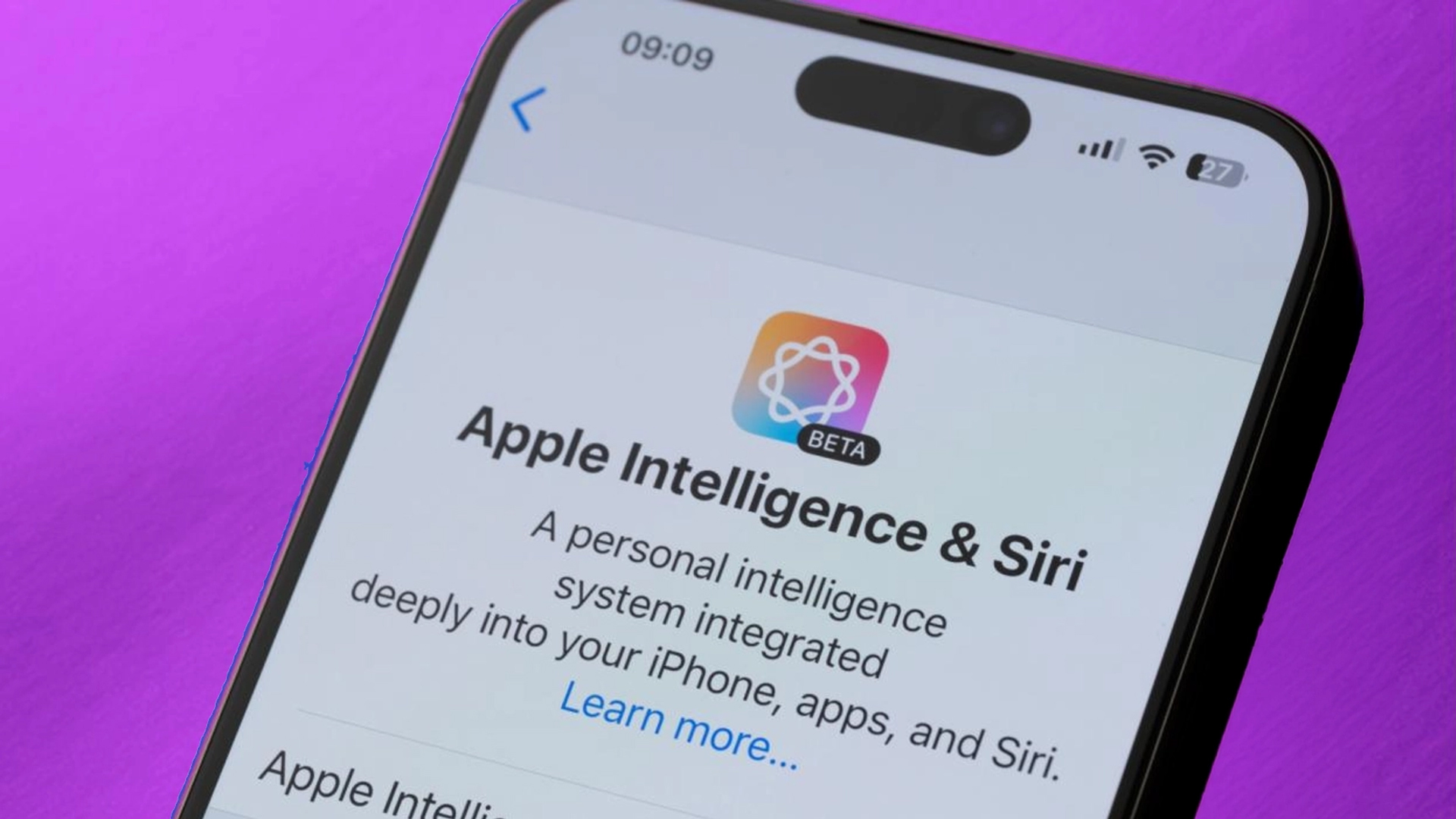
Apple has confirmed that WWDC 2026 begins on June 8, 2026, with the keynote and Platforms State of the Union taking place on the first day. The event will focus on Apple platform updates, AI advancements, software, and developer tools.
If Apple follows its usual software cycle, iOS 27 is expected to be previewed at WWDC, enter beta testing afterward, and roll out publicly later in the year. However, Apple has not yet officially confirmed every iOS 27 Siri feature, so users should treat specific details as expected or reported until Apple announces them.
What the iOS 27 Siri Overhaul Means for Developers
For developers, the Siri upgrade could be just as important as it is for users. Apple’s App Intents framework is becoming central to how apps expose actions and content to Siri and Apple Intelligence. Apple says developers can use App Intents and App Entities to help Siri understand app content and make app actions available across the system.
This means developers may need to think differently about app design. It will no longer be enough to build a good interface. Apps may also need to make their features accessible to AI assistants, search, shortcuts, and system-level automation.
The apps that integrate deeply with Siri could become easier to use and more discoverable. The apps that do not may feel less connected to the next generation of iOS.
Beyond Siri, Apple is expected to introduce several major improvements, and our breakdown of what iOS 27 could bring highlights the key features users should watch for. 
Final Thoughts: Siri’s Biggest Test Is Almost Here
The iOS 27 Siri overhaul may be Apple’s most important AI moment yet. After years of Siri feeling limited compared with newer AI assistants, iOS 27 could finally deliver the smarter Siri users have been waiting for.
The expected upgrades are not small. A conversational interface, dedicated Siri app, Dynamic Island integration, personal context, onscreen awareness, in-app actions, and third-party AI support would represent a major shift in how Siri works.
But Apple also has to prove that it can deliver these features reliably. Siri will not win users back with flashy demos alone. It needs to be accurate, fast, private, and genuinely useful in everyday life.
If Apple gets it right, iOS 27 could turn Siri into the intelligent assistant it was always meant to be.
FAQs
What is the iOS 27 Siri overhaul?
The iOS 27 Siri overhaul is the expected major redesign of Siri that may bring conversational AI, personal context awareness, onscreen awareness, deeper app actions, Dynamic Island integration, and a dedicated Siri app.
Will Siri become an AI chatbot in iOS 27?
Reports suggest Apple is preparing a more chatbot-like Siri experience for iOS 27, allowing more natural conversations through voice and text. Apple has not officially confirmed all details yet.
What is Apple Intelligence?
Apple Intelligence is Apple’s personal intelligence system for iPhone, iPad, and Mac. It combines generative models with personal context to help users write, summarize, create images, take actions across apps, and get more relevant assistance.
Will Siri understand what is on my screen?
Apple says onscreen awareness is in development for Siri and Apple Intelligence. This feature is designed to let Siri understand and act on visible screen content in a future software update.
Will iOS 27 support third-party AI assistants?
Recent reports suggest iOS 27 may allow third-party AI services to integrate with Siri and other Apple Intelligence features through an Extensions system. Reported options may include services such as Gemini or Claude, but Apple has not officially confirmed the final implementation.
When will Apple announce iOS 27?
Apple’s WWDC 2026 begins on June 8, 2026. Apple says the event will showcase updates across its platforms, AI advancements, software, and developer tools.
| Read More |
| Choose Your AI: Why WWDC26 Could Let You Pick Claude, Gemini, or ChatGPT on iPhone |
| Everything We Know About iOS 27 Before WWDC 2026 |
| What iOS 27 Could Bring: Key Features to Look Out For |
Related Articles
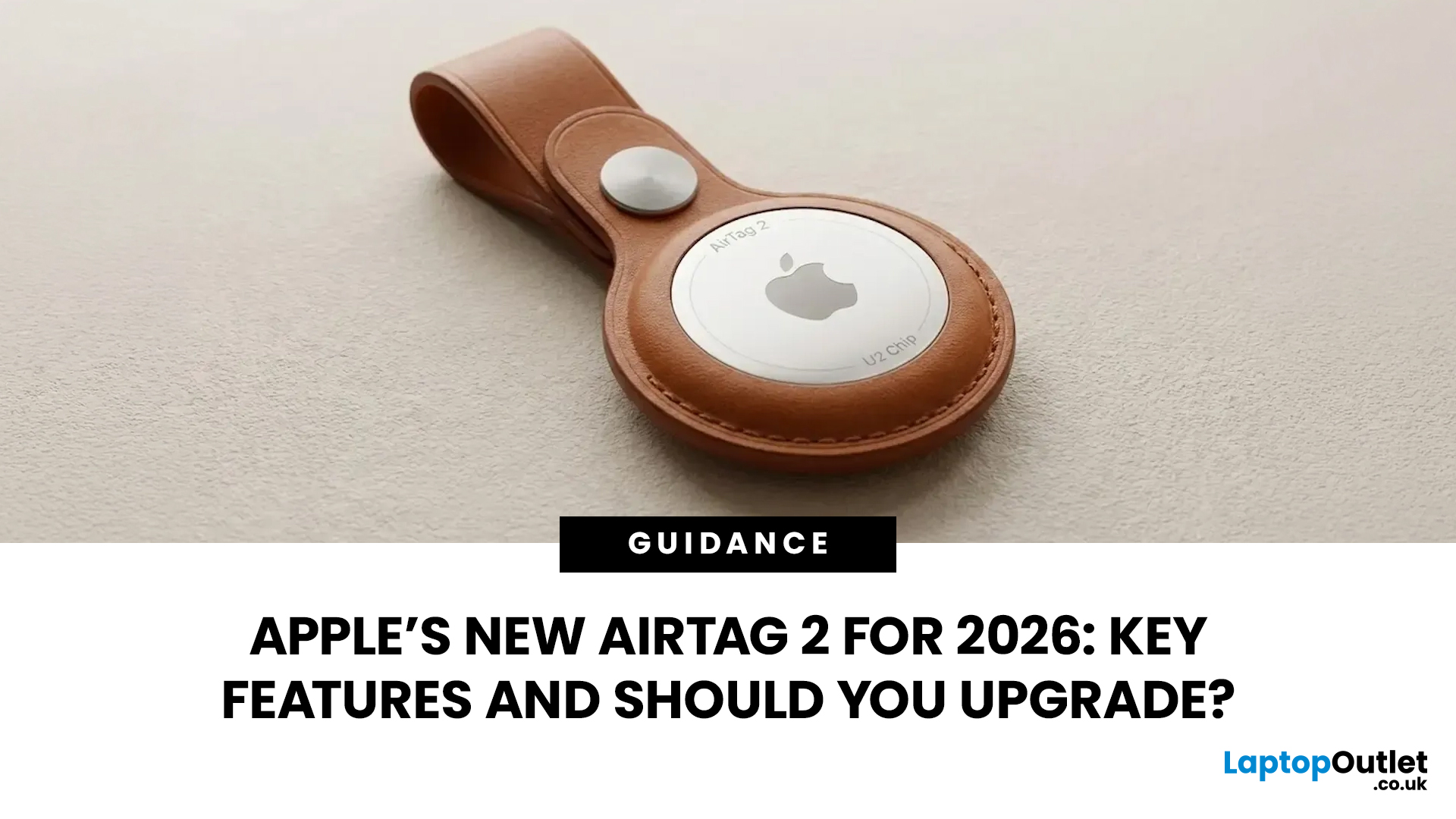

Last Updated: March 09, 2026
If you use AirTags for keys, luggage, a bike, or a backpack, AirTag 2 is a simple but meaningful upgrade. It does not change the AirTag idea. It improves the two moments that matter most: how quickly your iPhone can lock onto the tag when you are nearby, and how easily you can hear it when it is hiding in a sofa, bag, or coat pocket.
Below is a buyer-friendly breakdown of what’s new, what stayed the same, and the easiest way to decide if you should upgrade in 2026.
Should You Upgrade to AirTag 2? 10-Second Answer Box
Upgrade to AirTag 2 if:
- You use Precision Finding often and want a wider range and faster guidance.
- You lose things in noisy places and want a louder speaker that is easier to hear.
- You want Precision Finding from your Apple Watch (with a compatible watch).
Keep your current AirTags if:
- You mostly use AirTags as a safety net for luggage, and you rarely use Precision Finding.
- Your current AirTags already help you find things quickly enough.
What is Apple AirTag 2 (2026)?

Last Updated: March 09, 2026
After four years without a display refresh, Apple has unveiled a brand-new Apple Studio Display alongside the all-new Studio Display XDR. Announced on 3rd March 2026 and available from 11th March 2026, this latest addition to Apple's display lineup is a serious upgrade for Mac users who demand more from their workspace.
Whether you are a creative professional, a developer, or simply someone who wants a top-tier external monitor, this guide covers everything you need to know.
What Is the Apple Studio Display?
The Apple Studio Display is a 27-inch 5K Retina external monitor designed to pair seamlessly with Apple Silicon MacBooks and select iPad models. It replaces the original 2022 Studio Display with meaningful upgrades across connectivity, camera, audio, and overall performance.
It is not just a monitor. It is an all-in-one productivity hub with a built-in camera, microphone array, and speaker system that rivals dedicated audio equipment.
Apple Studio Display: Key Specs at a Glance
Here

Published: March 10, 2026
If you are comparing Apple Studio Display XDR vs Studio Display in 2026, the main thing to understand is simple: Apple’s monitor lineup is now split into two clearer tiers than before. The Studio Display is the mainstream option for creators, professionals, and general Mac users, while the Studio Display XDR is the higher-end model for people who need stronger HDR, higher brightness, wider colour support, smoother motion, and more specialised reference modes. Apple announced both as part of its current display family in March 2026, with the standard Studio Display starting at £1,499 and the Studio Display XDR starting at £2,999.
That means this is no longer a messy comparison between a regular Apple monitor and an older niche flagship. Apple now sells two current 27-inch 5K displays with the same broad design language, the same camera and speaker system, and the same Thunderbolt 5-based connectivity. The difference is what sits underneath the panel. Studio Display is the better fit for

Published: March 12, 2026
Apple’s new MacBook Air M5 is officially here, and after spending time testing it myself, I can confidently say one thing: it’s fast. Like, open-all-my-tabs, edit-4K, switch-between-apps-without-thinking fast. But benchmarks and real use aren’t always the same thing. So, I ran several tests, used it for everyday work, and compared it with previous Air models to answer the real question: Are the MacBook Air M5 benchmarks strong enough to justify the upgrade?
For UK buyers in particular, this is shaping up to be one of the easiest MacBooks to recommend in 2026. Apple kept the thin, fanless design that people already love, but added the new M5 chip, improved base storage, faster wireless connectivity, and stronger performance across both benchmarks and daily workflows. Let’s break down the numbers and the real-world experience.
MacBook Air M5 Overview
Like iPhone 17e, iPad Air M4, and MacBook M5 Pro and M5 Max, Apple announced the MacBook Air M5 on 3 March 2026, with availability beginning

Published: March 12, 2026
The foldable phone market is growing fast. And 2026 is shaping up to be its most exciting year yet.
Samsung's Galaxy Z Fold 7 is already here, refined and polished after seven generations. Apple's iPhone Fold, set to arrive in autumn 2026, is the most anticipated foldable debut in smartphone history. So, when it comes to iPhone Fold vs Galaxy Z Fold 7, which one is actually worth your money?
This foldable smartphone buying guide covers every major spec, feature, and difference between the two. Whether you are a longtime Samsung user or a loyal iPhone owner eyeing something new, read on.
| Important note: The iPhone Fold has not been officially announced at the time of writing. All iPhone Fold details are based on credible leaks, analyst reports from Ming-Chi Kuo and Mark Gurman (Bloomberg), and supply-chain sources. |
Full Specs at a Glance: Apple iPhone Fold vs Galaxy Z Fold 7
Here is a complete, detailed Galaxy Z Fold 7 specs comparison against the expected iPhone Fold. Every

Published: March 13, 2026
Apple is entering a new era of product strategy. For years, the company has dominated the premium tech market with devices like the iPhone Pro and MacBook Pro. But now Apple appears to be expanding its ecosystem in two directions at once: more affordable devices and ultra-premium hardware.
The recent MacBook Neo release indicates that Apple has a budget-friendly laptop to attract students and first-time Mac users. At the same time, industry reports indicate Apple is building a lineup of Ultra devices that will sit above its current Pro models.
This shift highlights what many analysts now call the Apple Ultra strategy, a long-term plan to stretch Apple’s ecosystem from entry-level devices all the way to cutting-edge luxury hardware. From the MacBook Neo at the affordable end to devices like iPhone Ultra, MacBook Ultra, and AirPods Ultra, Apple’s premium device roadmap is becoming more ambitious than ever.
MacBook Neo: Apple’s New Entry-Level Laptop
The MacBook Neo is expected to become
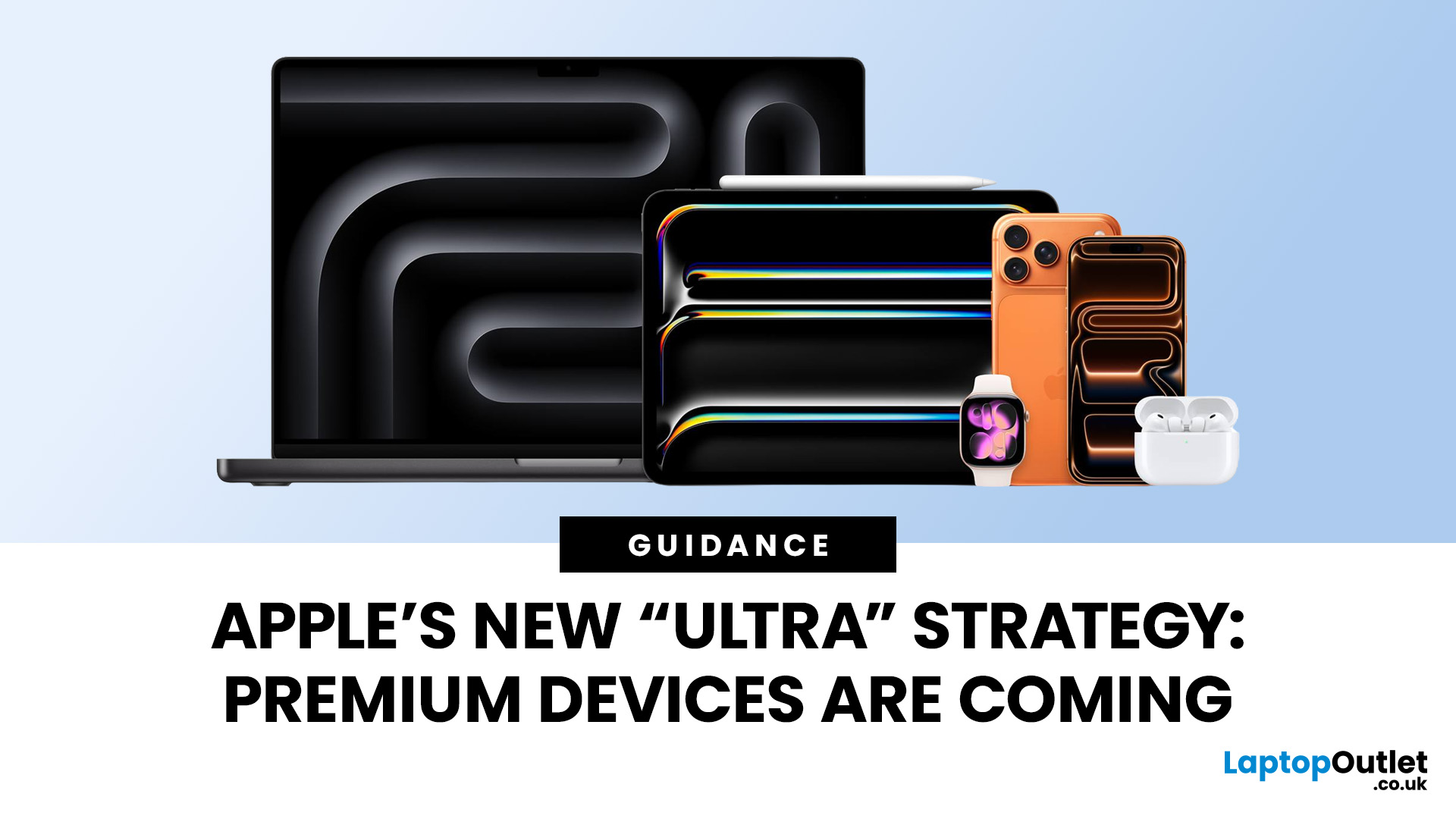
Published: March 13, 2026
Apple has always been known for premium tech. But now the company is pushing things even further. Reports suggest Apple is introducing a brand-new ultra-premium tier of products, with devices that sit above the current “Pro” lineup.
From the iPhone Ultra and Apple Fold to AirPods Ultra and MacBook Ultra, Apple’s next wave of hardware could redefine what “flagship” means. And with Apple’s 50th anniversary approaching in 2026, the company appears to be preparing some of its most ambitious devices yet.
Apple Ultra Devices Strategy: A New Super-Premium Tier
For years, Apple’s product hierarchy was simple:
- Standard models (iPhone, iPad, MacBook Air)
- Pro devices for professionals
- Occasional high-end models like the Apple Watch Ultra
But Apple is now reportedly creating a new “Ultra” category above Pro, focused on extreme performance, premium materials, and experimental tech. Analysts say Apple is planning Ultra-tier devices across the iPhone, Mac, and AirPods lineup, expanding the concept
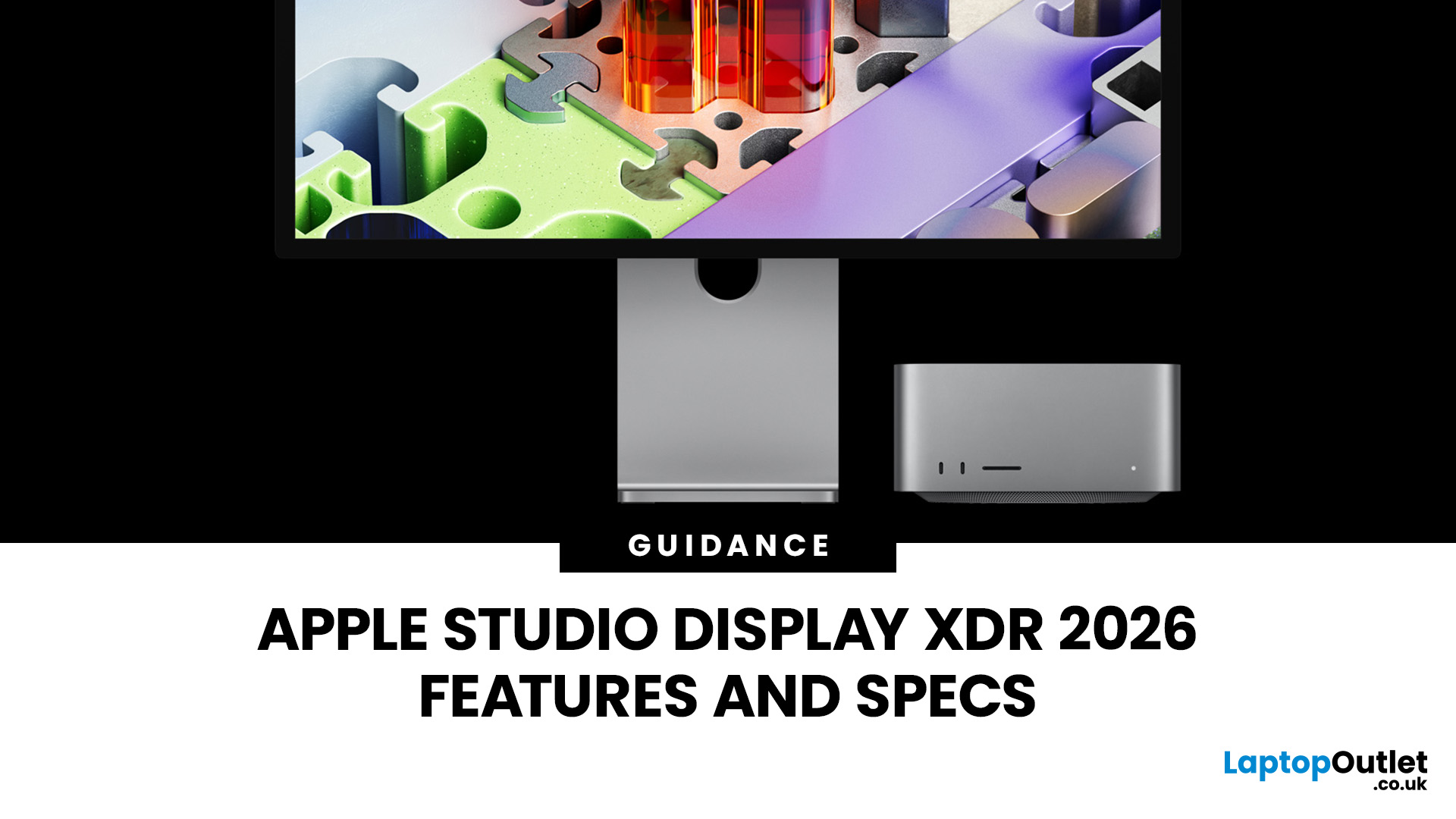
Published: March 16, 2026
The Apple Studio Display XDR has finally arrived, and it is genuinely something special. Announced on 3rd March 2026 and available from 11th March 2026, this is Apple's answer to professionals who demand the very best from a desktop display.
It replaces the long-discontinued Pro Display XDR and sits at the top of Apple's new two-tier monitor lineup. Whether you are a video editor, 3D artist, or creative professional, this guide covers everything you need to know, from specs and performance to price and who it is actually for.
What Is the Apple Studio Display XDR?
The Apple Studio Display XDR is a 27-inch professional monitor with a 5K Retina XDR panel, mini-LED backlighting, and a 120Hz refresh rate. It is designed for workflows like HDR video editing, 3D rendering, colour grading, and even diagnostic radiology.
It replaces the older Pro Display XDR, which had been Apple's flagship monitor since 2019. The new model is smaller at 27 inches (down from 32 inches)
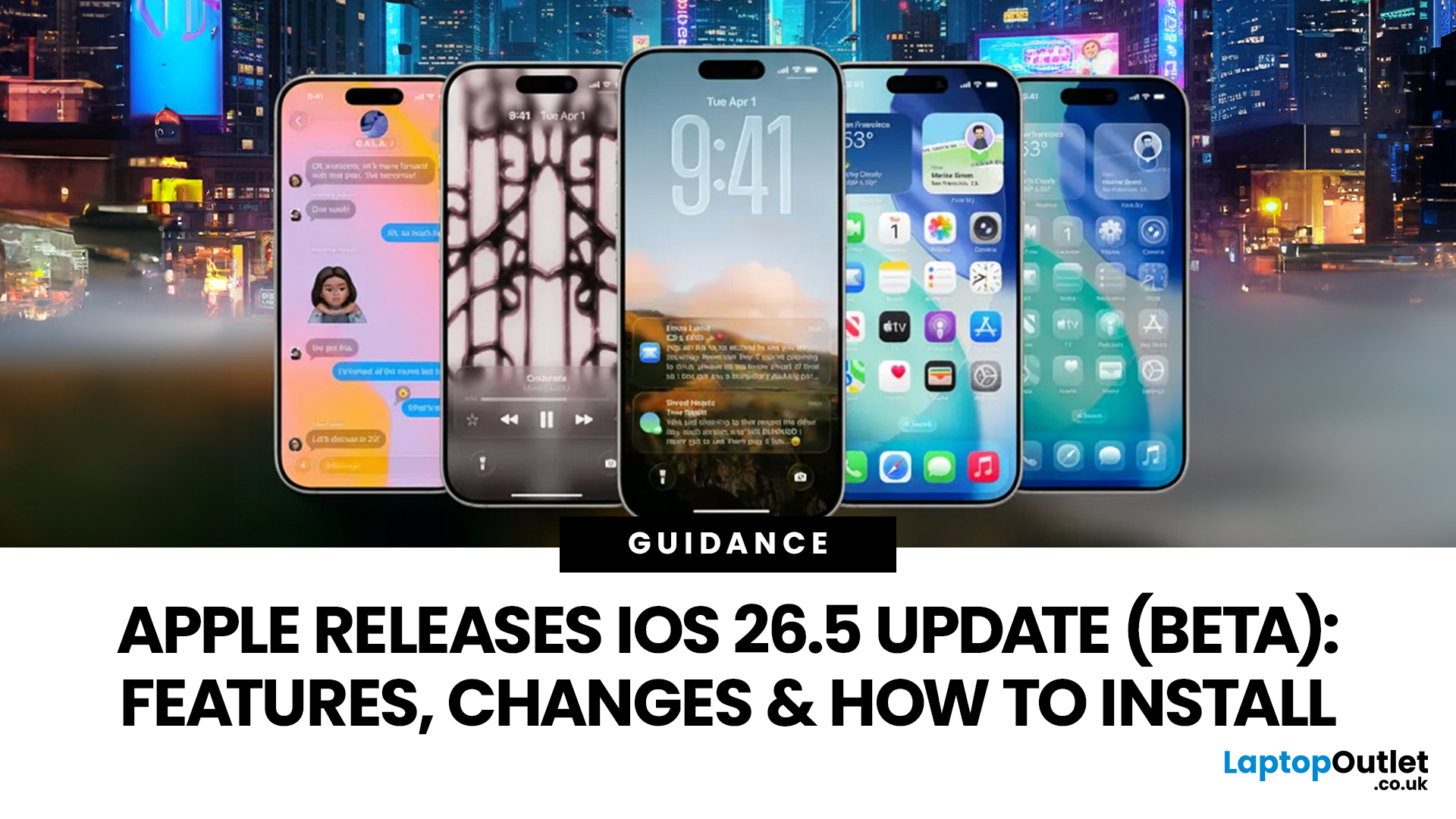
Published: March 31, 2026
Apple has rolled out iOS 26.5 beta, giving developers and early testers a first look at the next iPhone software update. While this is not Apple's biggest beta release this year, it still brings a number of important changes worth paying attention to. From improvements in Messages to new additions in Apple Maps, the latest iOS beta shows that Apple is continuing to refine the iPhone experience ahead of a wider rollout.
For anyone searching for what’s new in the iOS 26.5 update, the early answer is simple. This update is more focused on practical improvements than headline-grabbing changes. The biggest talking points so far include the return of RCS end-to-end encryption, new Apple Maps features, smaller system updates, and the continued absence of the major Siri improvements many users have been waiting for.
If you want a full breakdown of the iOS 26.5 beta features, the key changes, and how to install the update on your iPhone, here is everything you need to know.
Apple iOS 26.5 Beta

Last Updated: June 10, 2026
Quick Summary
You can factory reset an iPad without a passcode using Recovery Mode on a Mac or Windows PC. This removes the screen lock, erases the iPad, and restores it to factory settings. However, a reset does not remove Activation Lock. If the iPad is linked to an Apple ID, you will still need the correct Apple ID password, the previous owner’s help, or proof of purchase for Apple Support.
Forgot your iPad passcode or seeing “iPad Unavailable”? You can factory reset it using Recovery Mode, a computer, or the lock-screen erase option.
However, a reset does not bypass Activation Lock. If the iPad is linked to an Apple ID, you’ll need the account details, the previous owner’s help, or proof of purchase for Apple Support.
Quick Answer: Can You Factory Reset an iPad Without Apple ID or Passcode?
Yes, you can erase a locked or disabled iPad without the screen passcode by using iPad Recovery Mode on a Mac or Windows PC. This removes the screen lock and restores the iPad to factory settings.

