



Apple Releases iOS 26.5 Beta: Features, Changes and How to Install
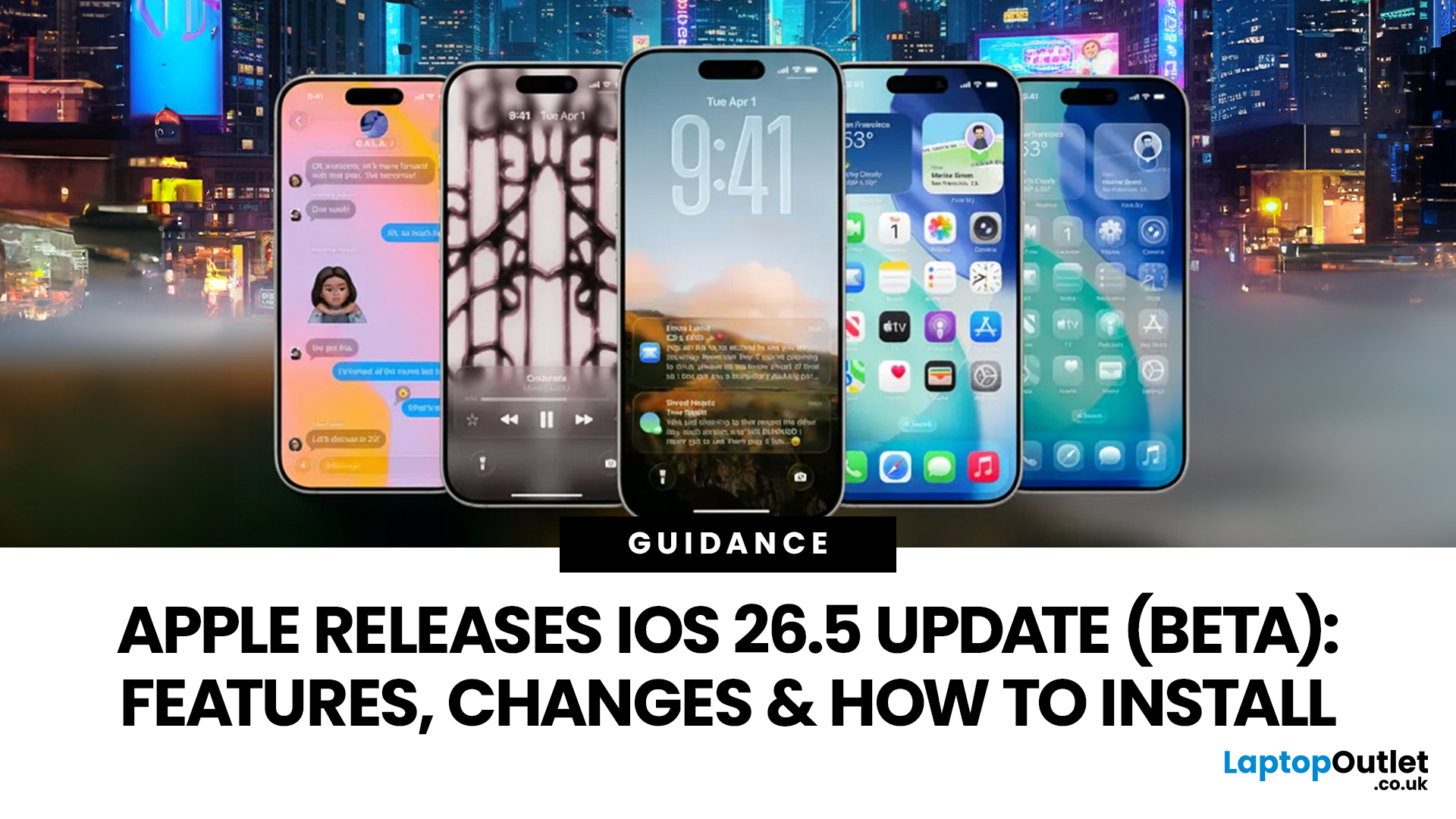
Apple has rolled out iOS 26.5 beta, giving developers and early testers a first look at the next iPhone software update. While this is not Apple's biggest beta release this year, it still brings a number of important changes worth paying attention to. From improvements in Messages to new additions in Apple Maps, the latest iOS beta shows that Apple is continuing to refine the iPhone experience ahead of a wider rollout.
For anyone searching for what’s new in the iOS 26.5 update, the early answer is simple. This update is more focused on practical improvements than headline-grabbing changes. The biggest talking points so far include the return of RCS end-to-end encryption, new Apple Maps features, smaller system updates, and the continued absence of the major Siri improvements many users have been waiting for.
If you want a full breakdown of the iOS 26.5 beta features, the key changes, and how to install the update on your iPhone, here is everything you need to know.
Apple iOS 26.5 Beta Release Date
Apple released iOS 26.5 beta 1 on March 30, 2026, for developers, kicking off the next testing phase for iPhone users seeking early access to upcoming software changes. Reports from major Apple-focused publications confirmed the release on the same day, making it the first official beta in the iOS 26.5 cycle.
This release came shortly after iOS 26.4, which means Apple is moving quickly through another round of refinements and feature testing.
Apple iOS 26.5: A Smaller but Important iPhone Beta Update
At first look, iOS 26.5 beta may look like a smaller release compared with some of Apple’s more feature-heavy updates. That is true to an extent. This is not a dramatic redesign or a major platform shift. Instead, Apple appears to be using this release to improve existing tools, test a few meaningful additions, and prepare for features that may become more visible later.
That does not make the update unimportant. Smaller beta releases often reveal where Apple is heading next. They also tend to include changes that improve daily use, even if they do not dominate the headlines. In the case of Apple iOS 26.5 beta, the focus appears to be on messaging, location-based discovery, device compatibility, and platform refinement.
For developers, this beta offers a preview of what may be coming soon. For regular users, it is an early look at the next stage of the iPhone software update cycle.
What’s New in Apple iOS 26.5 Update?
If you are wondering about the new features in the iOS 26.5 update, several things stand out right away in this beta version.
1. RCS End-to-End Encryption Returns
One of the most important additions in iOS 26.5 beta 1 is the return of RCS end-to-end encryption in testing. This is a meaningful change because RCS has become a key part of communication between iPhone and Android users.
RCS already improves the texting experience by supporting better media sharing, typing indicators, read receipts, and more modern group chat behaviour. End-to-end encryption adds another layer of security, helping keep conversations more private. For Apple users, this is one of the most practical changes in the beta. It suggests Apple is continuing to improve cross-platform messaging rather than treating iPhone-to-Android communication as an afterthought.
2. Apple Maps Gets Suggested Places
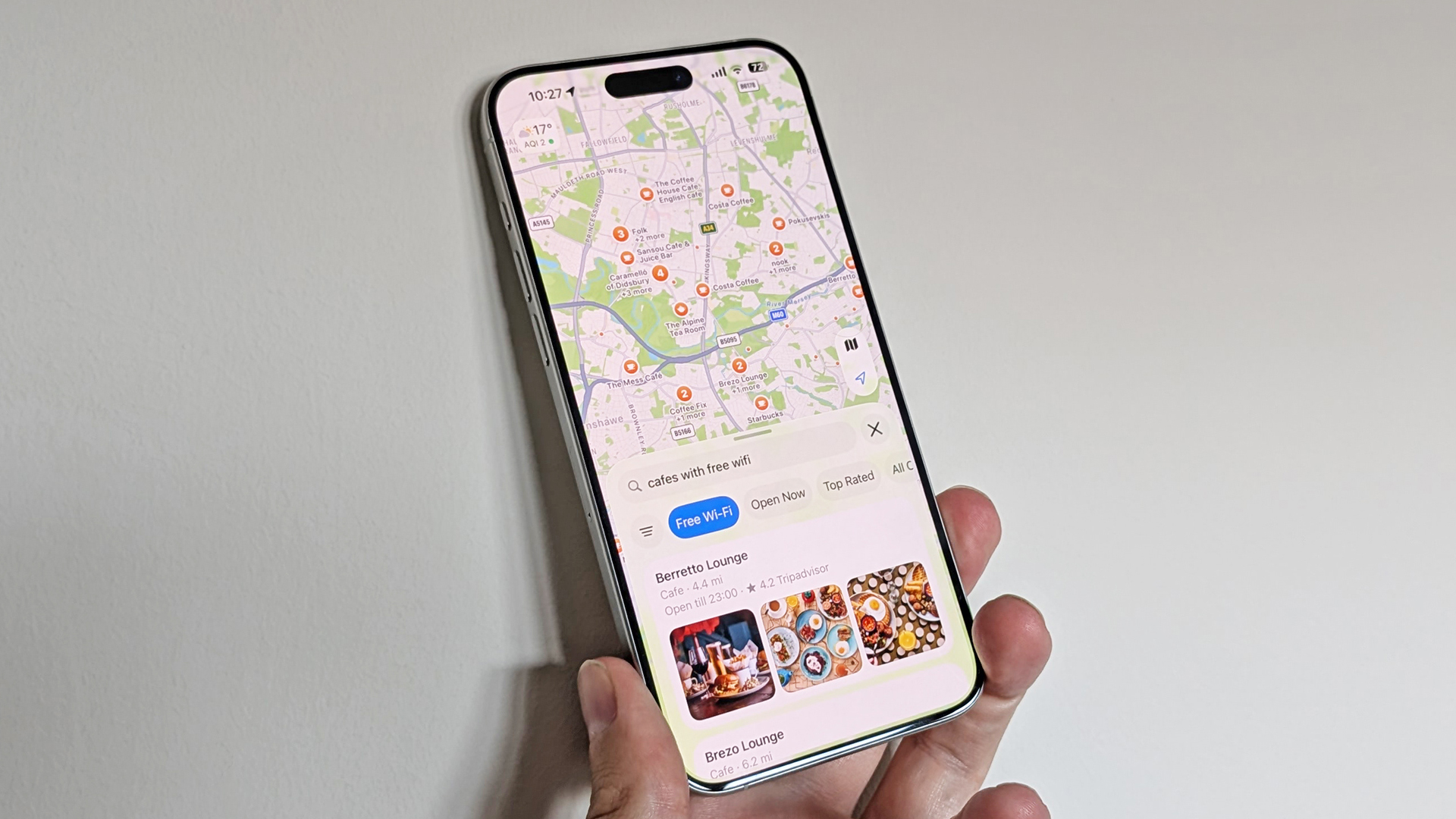
Another notable part of the latest iOS beta is the addition of Suggested Places in Apple Maps. This feature is designed to help users discover nearby locations more easily, especially places that are trending or relevant in their immediate area. Several reports identify this as one of the clearest user-facing additions in the beta.
This may sound like a small change, but it fits into a broader move to make Apple Maps more useful for discovery, not just navigation. Instead of relying solely on direct search, users can now get more contextual recommendations within the app.
3. Apple Maps Ad Groundwork Appears in Beta
Alongside Suggested Places, reports also point to groundwork for ads in Apple Maps. That does not mean users will immediately open Maps and see a flood of promotions, but it does suggest Apple is preparing the platform for sponsored local listings or promoted discovery features in the future.
For readers, the main point is simple: Apple Maps is evolving beyond directions alone. Apple seems to be expanding how the app works as a local discovery tool, and this beta hints at where that strategy may go next.
4. No Major Siri Upgrade Yet
Another biggest reasons people are talking about iOS 26.5 beta is what is missing. The long-expected Siri improvements are still not here.
That matters because many Apple users were hoping a beta like this would finally bring a more advanced version of Siri with stronger AI features and better contextual understanding. So far, that has not happened. This makes the iOS 26.5 beta release feel more restrained than some had expected. While the update does include useful improvements, it does not deliver the bigger Siri jump many users are still waiting for.
Smaller iOS 26.5 Beta Features and Changes
Beyond Messages and Maps, there are several smaller additions that help round out the iOS 26.5 beta feature list.
Apple is reportedly testing improvements tied to iPhone-to-Android transfers, especially around message attachments. That may not matter to everyone right away, but it reflects Apple’s continuing effort to make device switching and data movement more flexible.
There are also signs of more EU interoperability support for third-party wearables, which could become important as Apple responds to changing regional requirements. For users in some markets, that may lead to better compatibility with accessories outside Apple’s own ecosystem.
Other reported additions include support for an Inuktitut keyboard, references linked to Apple Books, and improvements to Magic accessory Bluetooth pairing via USB-C. None of these features is likely to be the headline reason someone installs the beta, but together they show that Apple is working on a broad mix of software polish, language support, hardware convenience, and ecosystem adjustments.
This is why the iOS 26.5 beta review so far feels mixed in a good way. It may not be exciting in the dramatic sense, but it is still a meaningful update for users who care about where iOS is heading.
Which iPhone Will Get iOS 26 Beta?
If your iPhone already supports iOS 26, it should also be eligible for the iOS 26.5 beta, since this update is part of the same software generation. Apple’s official compatibility list for iOS 26.5 supported devices includes the following: iPhone 11, iPhone 11 Pro, iPhone 11 Pro Max, iPhone 12 mini, iPhone 12, iPhone 12 Pro, iPhone 12 Pro Max, iPhone 13 mini, iPhone 13, iPhone 13 Pro, iPhone 13 Pro Max, iPhone 14, iPhone 14 Plus, iPhone 14 Pro, iPhone 14 Pro Max, iPhone 15, iPhone 15 Plus, iPhone 15 Pro, iPhone 15 Pro Max, iPhone 16, iPhone 16 Plus, iPhone 16 Pro, iPhone 16 Pro Max, iPhone 16e, iPhone 17, iPhone 17 Pro, iPhone 17 Pro Max, iPhone Air, iPhone 17e, iPhone SE 2, and iPhone SE 3.
That means older models such as the iPhone XR, iPhone XS, and iPhone XS Max are not on Apple’s current iOS 26 compatibility list, so they would not be expected to support iOS 26.5 either. Support for any specific feature can still vary by device, region, language, or carrier, so even if your iPhone can install the update, some features may be limited to newer models. Apple notes this directly in its compatibility guidance for iOS 26.
Should You Install iOS 26.5 Beta?
|
You should install iOS 26.5 beta if… |
You shouldn’t install iOS 26.5 beta if… |
|
You are a developer who needs to test apps on the latest iOS update |
You use your iPhone as your main work or business device |
|
You regularly install beta software and understand the risks |
You need stable performance and consistent battery life |
|
You have a secondary iPhone for testing new features |
You rely on banking, payment, or important daily apps |
|
You want early access to iOS 26.5 beta features and changes |
You don’t want bugs, crashes, or random glitches |
|
You are comfortable troubleshooting software issues |
You expect a smooth and stable user experience |
|
You follow Apple updates closely and like testing new releases |
You only have one iPhone and cannot risk downtime |
Quick takeaway
The iOS 26.5 beta is best for developers, testers, and users with a spare device. If you depend on your iPhone for daily tasks or want a stable experience, it is better to wait for the official public release.
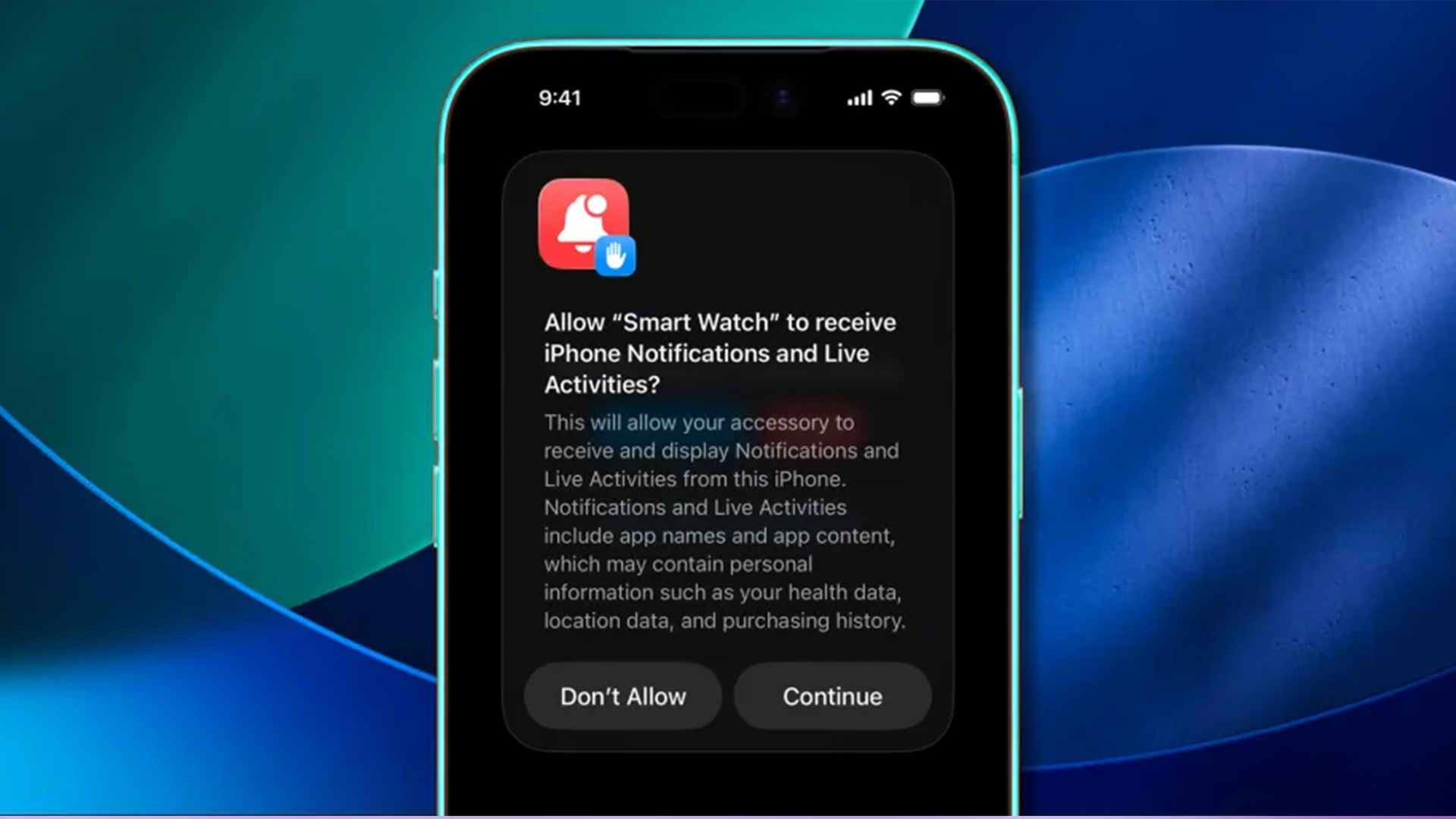
How to Install iOS 26.5 Beta on iPhone
If you are eligible for the developer beta and want to try the update, the process is fairly simple.
Before installing anything, back up your iPhone. This is the most important step. A proper backup gives you protection in case the beta causes issues or you decide to go back later.
To install iOS 26.5 beta, follow these steps:
- Open Settings on your iPhone
- Tap General
- Tap Software Update
- Select Beta Updates
- Choose the iOS Developer Beta option if your Apple account has access
- Return to the update screen
- Download and install iOS 26.5 beta 1
Make sure your device is signed in to the Apple account associated with your developer access. Also, make sure your iPhone has enough battery life and storage space before starting the update.
For users searching for how to install iOS 26.5 beta, this is the easiest method. Apple now handles beta enrollment directly through the Software Update menu, which is much simpler than the older profile-based system.
If you later want to stop getting beta updates, you can go back into the Beta Updates section and turn them off.

The Bottom Line on iOS 26.5 Update
The iOS 26.5 beta release may not be the most dramatic Apple update of the year, but it still brings a solid mix of useful changes. The standout addition is the return of RCS end-to-end encryption, while Apple Maps gets more attention through Suggested Places and hints of future promoted content. At the same time, the missing Siri upgrade makes it clear that Apple is still not ready to deliver its bigger assistant overhaul.
For developers and beta testers, this release offers a valuable early look at what Apple is refining behind the scenes. For regular users, it is more of a preview than a must-install update. In simple terms, iOS 26.5 beta is a smaller but still meaningful iPhone update, with practical improvements, clearer direction for Maps and Messages, and a reminder that Apple’s biggest Siri plans are still on hold.

iOS 26 Beta FAQs
Which iPhones can get iOS 26 beta?
The iOS 26 beta is available on iPhones that support iOS 26. Apple’s current compatibility list includes the iPhone 11 series, iPhone 12 series, iPhone 13 series, iPhone 14 series, iPhone 15 series, iPhone 16 series, iPhone 17 series, iPhone Air, iPhone SE 2, and iPhone SE 3. Older models, such as the iPhone XR, iPhone XS, and iPhone XS Max, are not supported.
How do I get iOS 26 beta now?
To get iOS 26 beta now, sign in with an Apple Account enrolled in either the Apple Beta Software Program or the Apple Developer Program. Then go to Settings > General > Software Update > Beta Updates and choose the iOS beta option available for your account. Apple says beta software should be installed only on non-critical devices and only after backing up.
Is iOS 26 beta ok to use?
Yes, iOS 26 beta is okay to use, but keep in mind it is unfinished software. Apple says beta software may contain errors, inaccuracies, and performance problems, and it recommends installing betas only on a secondary or non-business-critical device. For daily-use iPhones, waiting for a later beta or the public release is the safer option.
What does iOS 26 beta 6 bring?
iOS 26 beta 6 brought a new onboarding experience that explains the redesign and Camera changes, along with interface tweaks, Liquid Glass refinements, navigation adjustments, and new ringtones. Coverage from 9to5Mac and MacRumors described it as a polish-focused beta released as Apple moved closer to the final public launch.
How come I don't have iOS 26 beta?
If you do not see the iOS 26 beta, the most common reasons are that your iPhone is not on Apple’s supported-device list, your Apple Account is not enrolled in the beta program, or Beta Updates is turned off in Software Update settings. In some cases, users also miss the beta because they are signed in with the wrong Apple Account on the device.
How to go from iOS 26 beta to public?
To move from iOS 26 beta to the public version, go to Settings > General > Software Update > Beta Updates and switch Beta Updates off. Your iPhone will then stay on its current beta until the next public release is available, and you can install that public version through Software Update. Apple documents this as the standard way to leave the beta track.
Can I undo iOS 26?
Yes, you can undo iOS 26 beta, but it is not as simple as pressing one button. Apple says going back to a prior release requires restoring the iPhone and using a backup that was created before the beta was installed. That means users who did not make a pre-beta backup may not be able to return all of their data exactly as it was.
Will iOS 26 public beta break my phone?
The iOS 26 public beta should not permanently break your iPhone, but it can cause bugs, app crashes, overheating, battery drain, and performance problems. Apple clearly warns that beta software may not work as well as a commercial release. That is why public betas are best for testing, not for users who need complete stability every day.
Can I go back from iOS beta to normal?
Yes, you can go back from iOS beta to the normal version. The easiest option is to turn beta updates off and wait for the next public release. If you want to leave beta immediately and return to an earlier public version, Apple says you need to erase the device and restore it from a backup made before installing the beta.
Why can't I upgrade to iOS 26 on my iPhone?
If you cannot upgrade to iOS 26, your iPhone may not support the update, or your device may not have enough storage, battery, or the required software conditions to install it. Apple’s compatibility list shows that iOS 26 is compatible with iPhone 11 and later, plus iPhone SE 2 and later. Users on unsupported models will not see the update at all.
Can I go from iOS 26 beta back to iOS 18?
You may be able to go from iOS 26 beta back to iOS 18, but only through a full restore, not a simple settings change. Apple’s guidance says returning to a prior release requires erasing the device and restoring from a backup created before the beta was installed. In practical terms, that means downgrading is possible only if you have prepared properly before installing the beta.
What are the issues with the iOS 26 update?
The most common issues with the iOS 26 update, especially in beta versions, include battery drain, app crashes, overheating, lag, random glitches, and compatibility problems with third-party apps or accessories. Apple warns that beta software may contain errors and may not perform as reliably as publicly released software. These problems do not affect every user, but they are common enough that Apple recommends installing betas only on secondary devices.
Related Articles

Last Updated: May 05, 2026
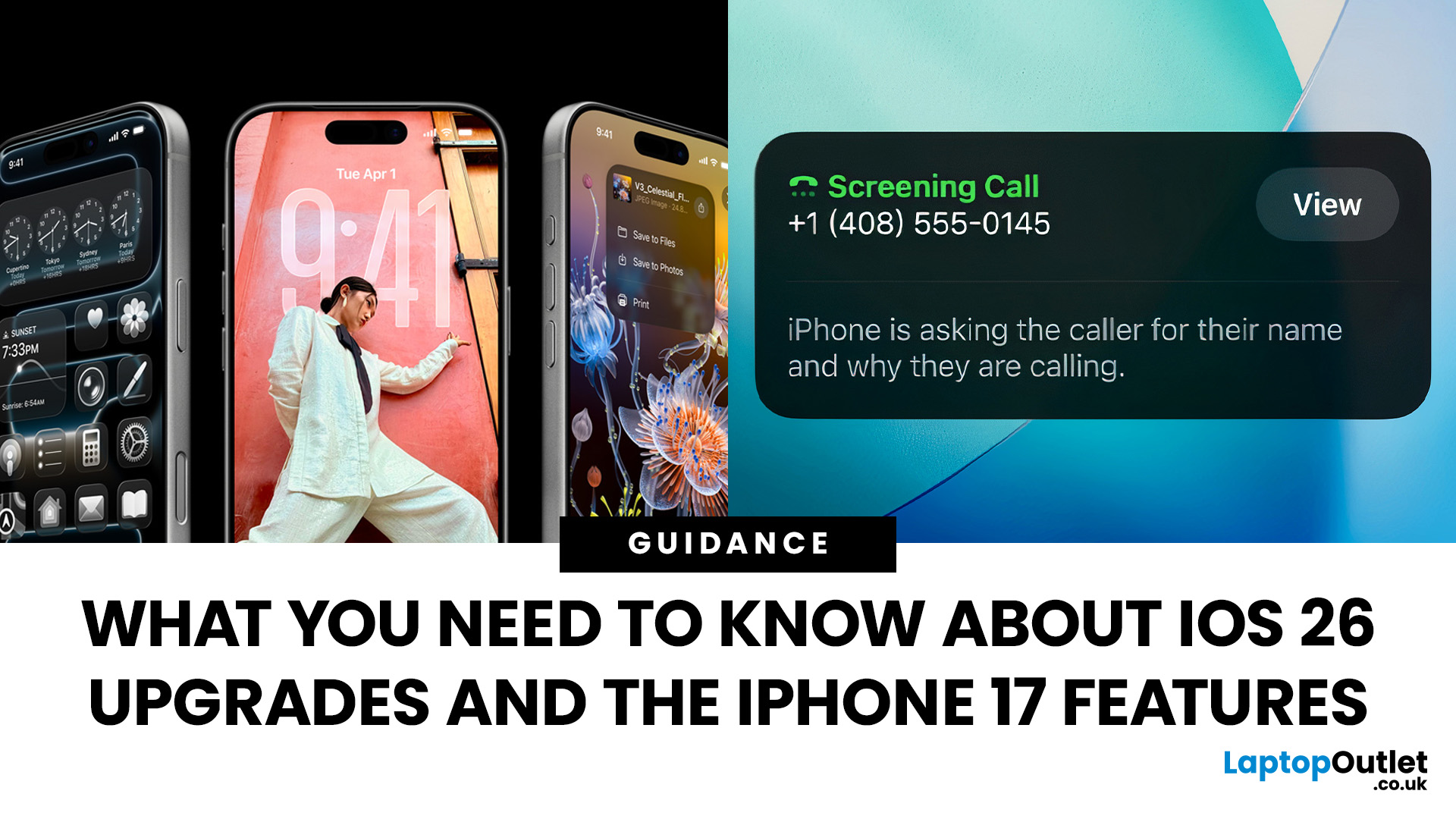
Apple’s 2025 drop is a one-two punch: iOS 26 brings a fresh look and smarter tools, while the iPhone 17 line turns those ideas into everyday wins. If you’re deciding whether to update, upgrade, or both, this guide lays out what’s new, why it’s useful, and how to get the most from it on day one.
iOS 26 At a Glance
Apple describes iOS 26 as a major update centered on a gorgeous new design, intelligent experiences, and daily improvements to the apps you use. In practice, that means a cleaner interface, on-device smarts that actually help, calmer communication, and quality-of-life tweaks across CarPlay, Music, Maps, Wallet and more.
A beautiful new look: Liquid Glass everywhere

The first thing you’ll notice is the design. iOS 26 introduces Liquid Glass, a translucent material that reflects and refracts what’s behind it. It brings a gentle sense of depth to icons, widgets, controls and navigation without making the interface feel busy. The result is expressive and modern, yet instantly familiar.

Last Updated: February 12, 2026
Apple’s latest software update, iOS 26.3, is here, and it brings a solid mix of refinements, fixes, and performance improvements designed to keep your iPhone running smoothly. If you’ve been living in the world of iOS 26.2 and wondering what’s new, what changed on the iOS 26.3 release, and whether it’s worth tapping “Update Now,” you’re in exactly the right spot. Let’s break down everything you need to know about the iOS 26.3 update.
iOS 26.3 Release Date: When Did It Launch?
Apple just dropped iOS 26.3 on 11 February 2026, and while it’s not the headline-stealing overhaul of the year, it’s seriously one of those updates you’ll want on your phone. These mid-version updates typically arrive to address issues discovered after the previous rollout, as well as to improve device performance.
Like most iOS updates, iOS 26.3 was released gradually, meaning some users received it immediately, while others saw it appear over the following days.
If iOS 26.3 is available for your device, you’ll
Published: March 05, 2026
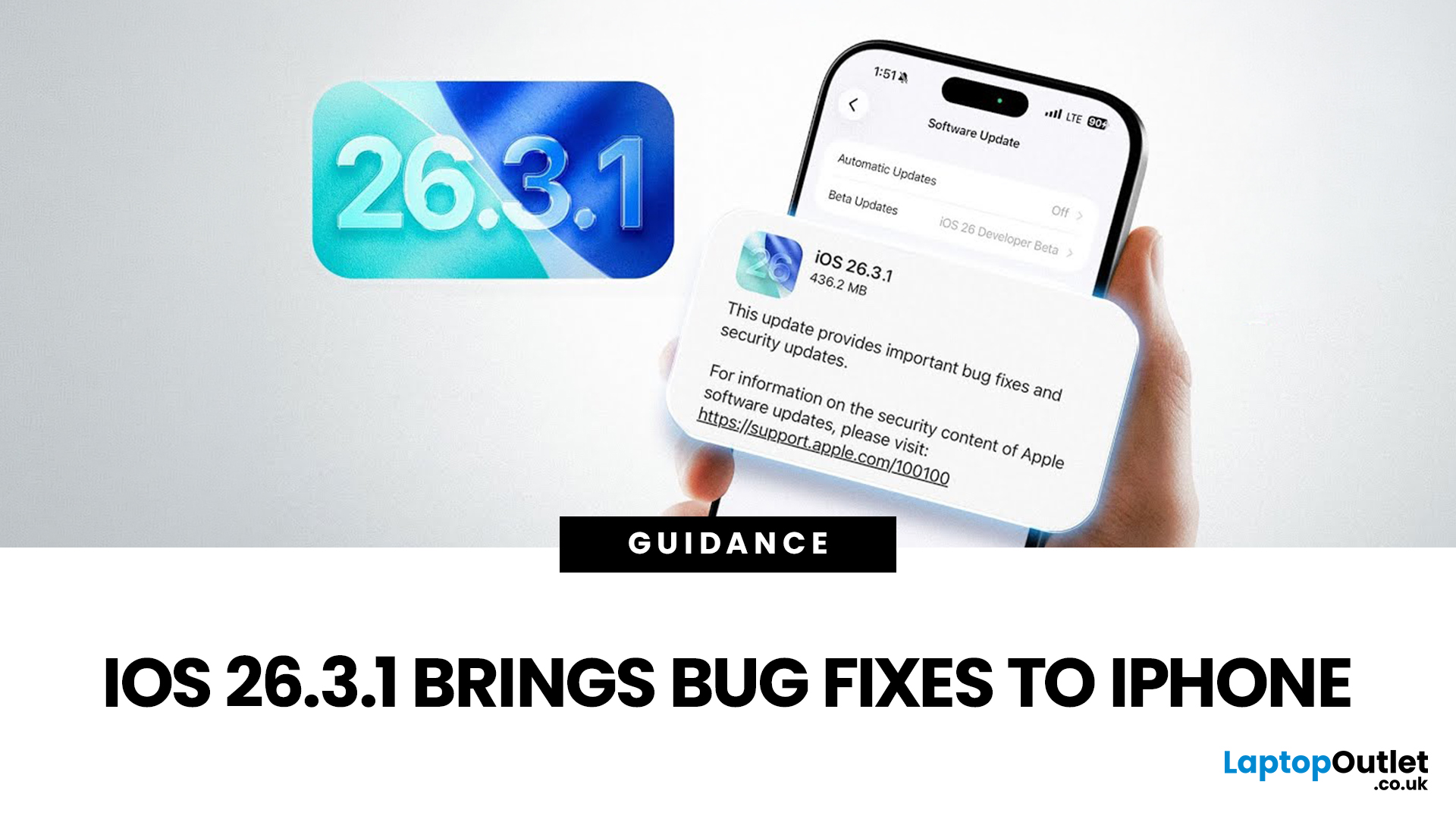
Apple has officially rolled out the iOS 26.3.1 update for iPhone users, bringing several important bug fixes, security patches, and performance improvements. While this is not a major feature update, it focuses on improving system stability and fixing issues reported in the previous iOS 26.3 version.
Minor iOS updates like iOS 26.3.1 are important because they often resolve bugs that affect everyday performance, connectivity, and device security. If you own a compatible iPhone, installing the iOS 26.3.1 update can help ensure smoother performance and better protection against vulnerabilities.
In this guide, we’ll cover the iOS 26.3.1 release date, features, download steps, supported devices, and answer the common question: Should you update to iOS 26.3.1?
iOS 26.3.1 Release Date
Apple released the iOS 26.3.1 update on March 04, 2026, after the launch of iOS 26.3, aiming to fix several issues discovered after the previous version went live.
Typically, Apple rolls out minor updates like
Last Updated: March 12, 2026
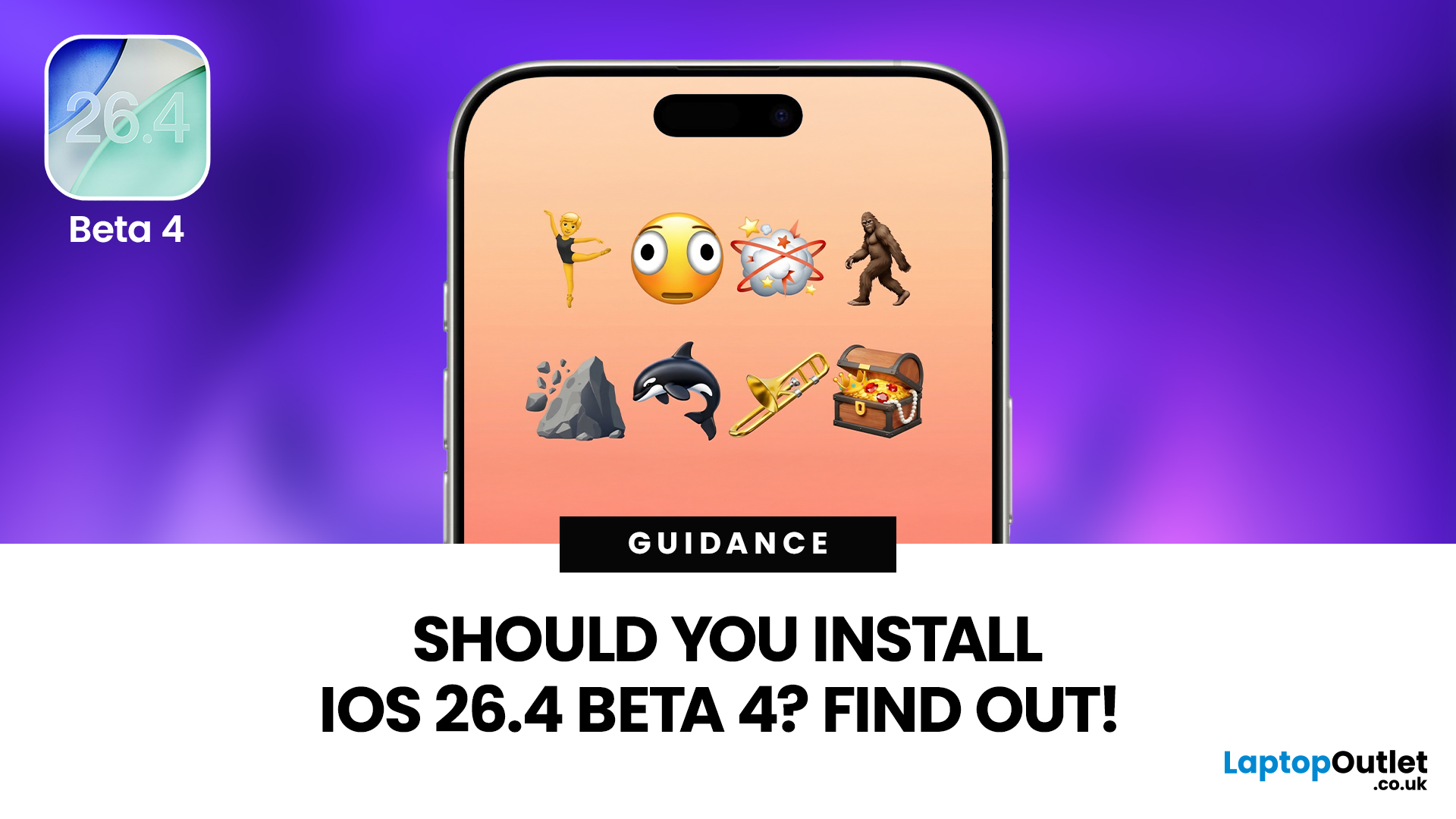
If you've been keeping an eye on your Software Update settings lately, you've probably spotted iOS 26.4 Beta 4 sitting there tempting you.
Released on 9th March 2026, this is the fourth developer beta in Apple's testing cycle for the 26.4 update, and it's bringing some genuinely useful changes alongside the usual round of bug fixes and behind-the-scenes polish. The question is, should you install iOS 26.4 Beta 4, or is it better to sit tight and wait for the stable release?
This guide walks you through everything you need to know, from the new features and bug fixes to performance improvements and whether this beta is actually safe enough for everyday use.
What Is iOS 26.4 Beta 4?
iOS 26.4 Beta 4 is the fourth pre-release build in Apple's current testing cycle, arriving roughly a week after Beta 3 with build number 23E5234a. At this late stage in the beta process, Apple's focus has shifted from new features to polish, bug resolution, and getting the system ready for a mass rollout. The
Last Updated: March 12, 2026
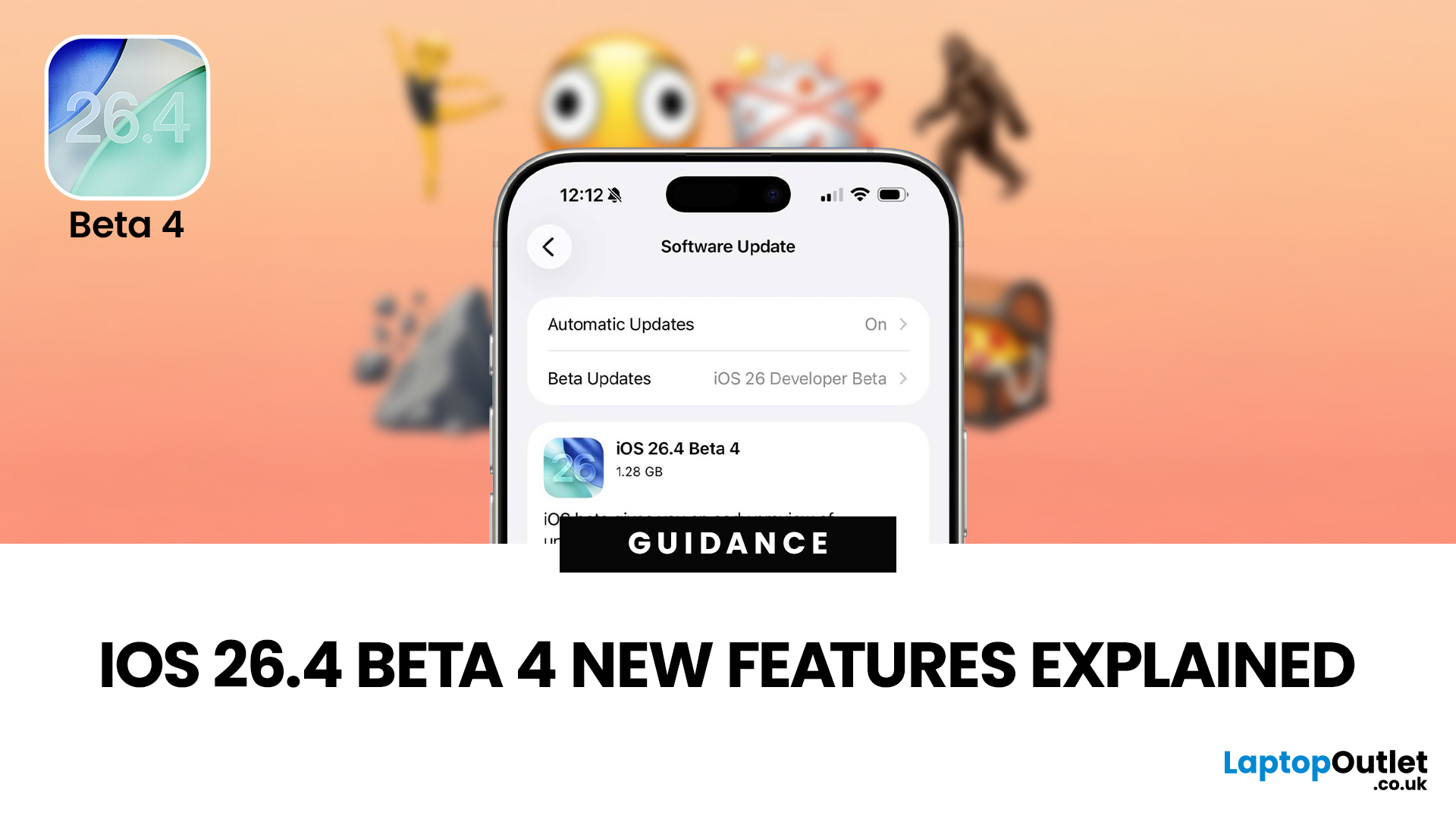
The iOS 26.4 Beta 4 update is now available, offering iPhone users a clearer picture of what Apple is refining ahead of the final release. While this is not the biggest beta in the cycle, it still introduces a number of useful adjustments, visible additions, and background refinements that matter.
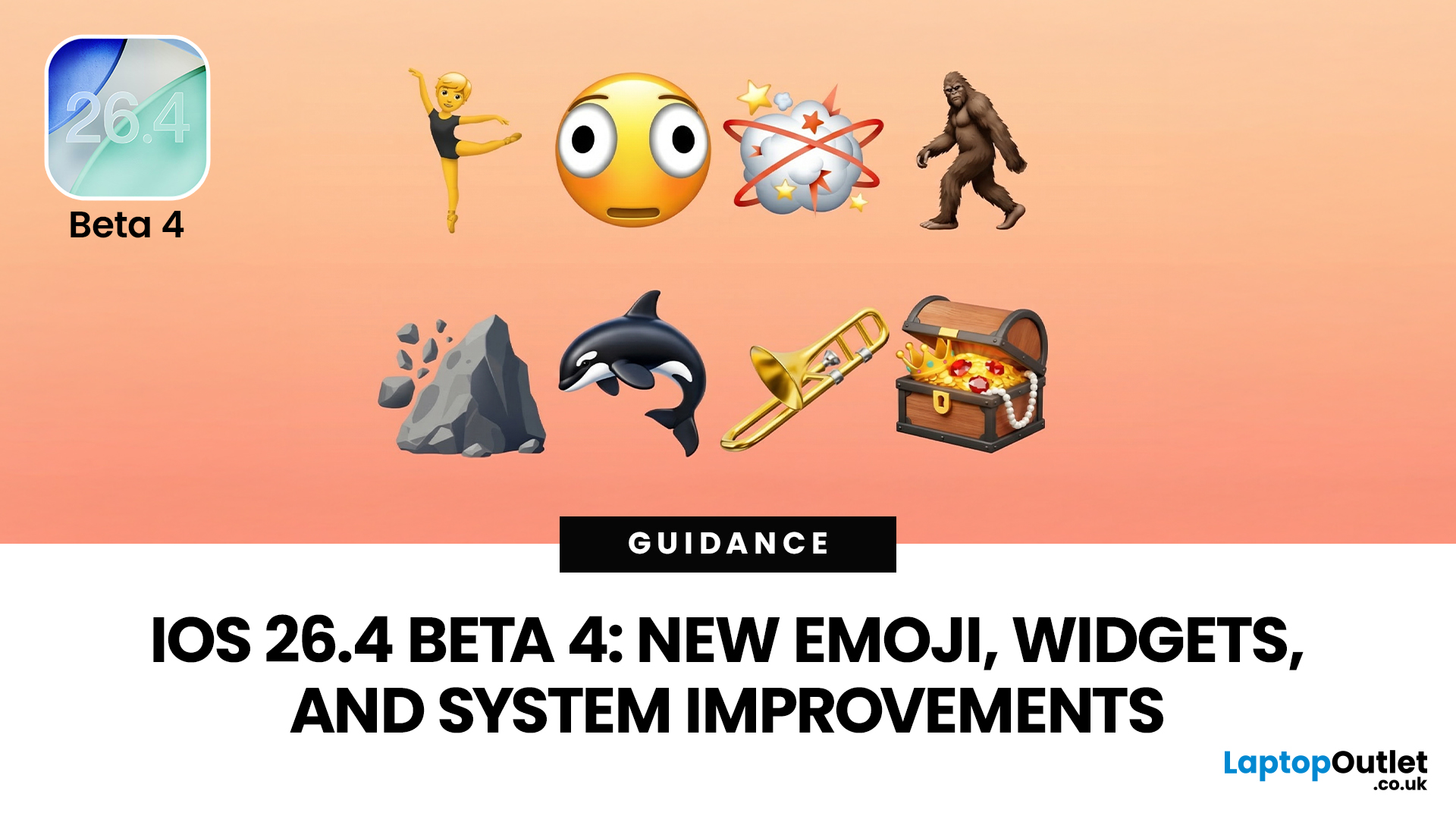
If you have been searching for iOS 26.4 Beta 4 features, this release appears to focus less on dramatic surprises and more on improving the overall experience. That includes user-facing additions like new emoji, interface refinements, accessibility adjustments, and continued work across key parts of the iPhone experience.
So, what is actually new in iOS 26.4 beta 4?
The biggest highlights include new emoji, a change to an accessibility setting, the removal of the earlier RCS encryption beta feature, and support for newer Apple devices. If you are testing the beta or simply trying to keep up with what is coming next for the iPhone, this is the update worth paying attention to.
iOS 26.4 Beta 4
Published: March 12, 2026
Apple dropped the fourth developer beta of iOS 26.4 on 9 March 2026, and it's packed with changes iPhone users will genuinely enjoy. The iOS 26.4 Beta 4 new features cover everything from a fresh set of emoji to home screen widgets and some important security upgrades.
Whether you're a developer testing the build or simply curious about what's heading your way this spring, here's a full breakdown of what's new.
What Is iOS 26.4 Beta 4?
This is Apple's fourth developer-focused build in the iOS 26.4 testing cycle, released roughly a week after Beta 3. The build number 23E5234a typically signals that the software is approaching release candidate status and is very close to a public launch.
As is common at this stage, the iOS 26.4 Beta 4 new features focus more on polish and refinements than entirely new headline additions. That said, there is still plenty arriving in this update that's worth paying attention to.
iOS 26.4 Beta Emoji: New Characters Are Finally Here
One of the most anticipated

Published: March 12, 2026
Apple’s new MacBook Air M5 is officially here, and after spending time testing it myself, I can confidently say one thing: it’s fast. Like, open-all-my-tabs, edit-4K, switch-between-apps-without-thinking fast. But benchmarks and real use aren’t always the same thing. So, I ran several tests, used it for everyday work, and compared it with previous Air models to answer the real question: Are the MacBook Air M5 benchmarks strong enough to justify the upgrade?
For UK buyers in particular, this is shaping up to be one of the easiest MacBooks to recommend in 2026. Apple kept the thin, fanless design that people already love, but added the new M5 chip, improved base storage, faster wireless connectivity, and stronger performance across both benchmarks and daily workflows. Let’s break down the numbers and the real-world experience.
MacBook Air M5 Overview
Like iPhone 17e, iPad Air M4, and MacBook M5 Pro and M5 Max, Apple announced the MacBook Air M5 on 3 March 2026, with availability beginning

Published: March 12, 2026
The foldable phone market is growing fast. And 2026 is shaping up to be its most exciting year yet.
Samsung's Galaxy Z Fold 7 is already here, refined and polished after seven generations. Apple's iPhone Fold, set to arrive in autumn 2026, is the most anticipated foldable debut in smartphone history. So, when it comes to iPhone Fold vs Galaxy Z Fold 7, which one is actually worth your money?
This foldable smartphone buying guide covers every major spec, feature, and difference between the two. Whether you are a longtime Samsung user or a loyal iPhone owner eyeing something new, read on.
| Important note: The iPhone Fold has not been officially announced at the time of writing. All iPhone Fold details are based on credible leaks, analyst reports from Ming-Chi Kuo and Mark Gurman (Bloomberg), and supply-chain sources. |
Full Specs at a Glance: Apple iPhone Fold vs Galaxy Z Fold 7
Here is a complete, detailed Galaxy Z Fold 7 specs comparison against the expected iPhone Fold. Every

Published: March 13, 2026
Apple is entering a new era of product strategy. For years, the company has dominated the premium tech market with devices like the iPhone Pro and MacBook Pro. But now Apple appears to be expanding its ecosystem in two directions at once: more affordable devices and ultra-premium hardware.
The recent MacBook Neo release indicates that Apple has a budget-friendly laptop to attract students and first-time Mac users. At the same time, industry reports indicate Apple is building a lineup of Ultra devices that will sit above its current Pro models.
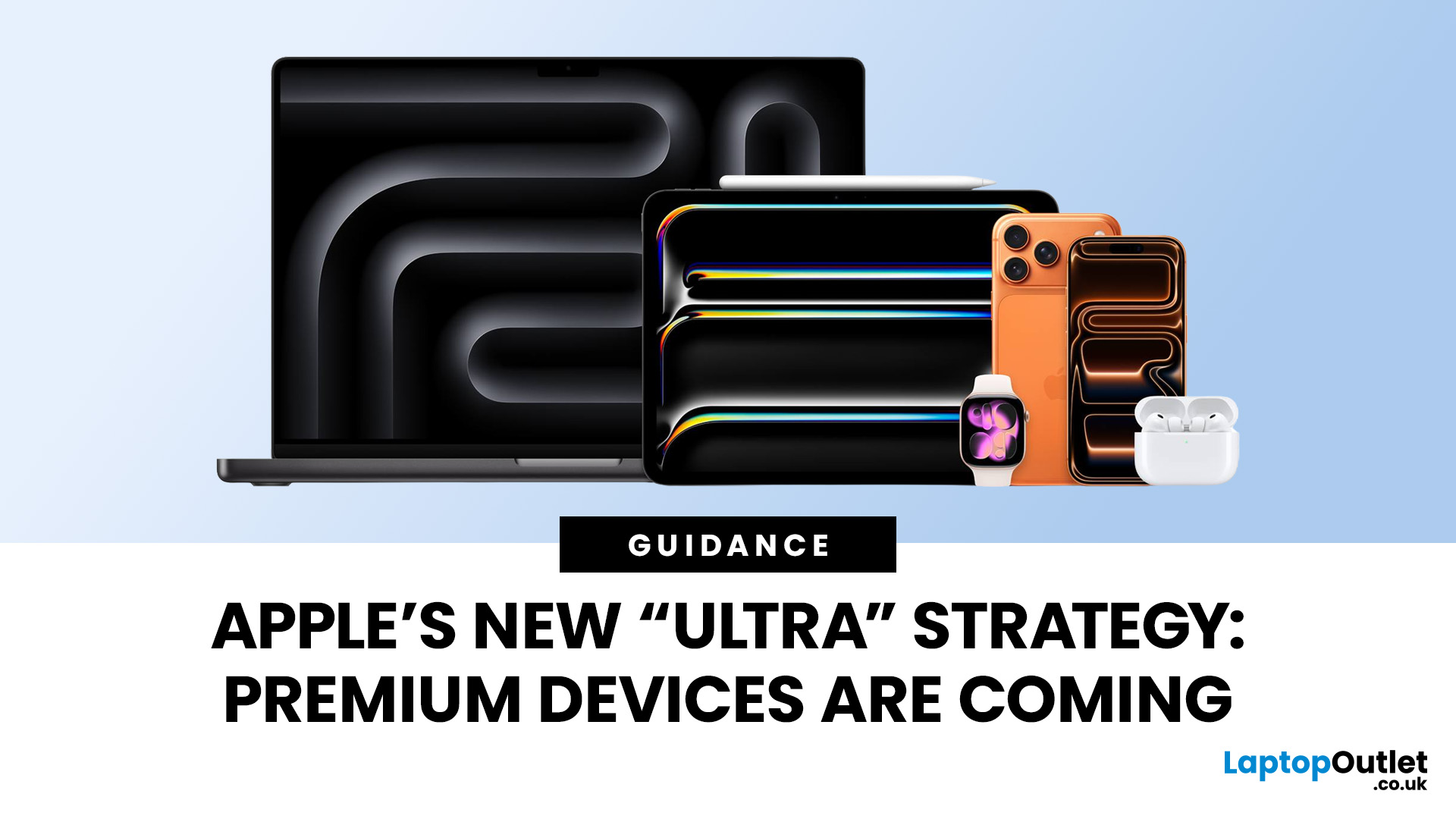
This shift highlights what many analysts now call the Apple Ultra strategy, a long-term plan to stretch Apple’s ecosystem from entry-level devices all the way to cutting-edge luxury hardware. From the MacBook Neo at the affordable end to devices like iPhone Ultra, MacBook Ultra, and AirPods Ultra, Apple’s premium device roadmap is becoming more ambitious than ever.
MacBook Neo: Apple’s New Entry-Level Laptop
The MacBook Neo is expected to become
Published: March 13, 2026
Apple has always been known for premium tech. But now the company is pushing things even further. Reports suggest Apple is introducing a brand-new ultra-premium tier of products, with devices that sit above the current “Pro” lineup.
From the iPhone Ultra and Apple Fold to AirPods Ultra and MacBook Ultra, Apple’s next wave of hardware could redefine what “flagship” means. And with Apple’s 50th anniversary approaching in 2026, the company appears to be preparing some of its most ambitious devices yet.
Apple Ultra Devices Strategy: A New Super-Premium Tier
For years, Apple’s product hierarchy was simple:
- Standard models (iPhone, iPad, MacBook Air)
- Pro devices for professionals
- Occasional high-end models like the Apple Watch Ultra
But Apple is now reportedly creating a new “Ultra” category above Pro, focused on extreme performance, premium materials, and experimental tech. Analysts say Apple is planning Ultra-tier devices across the iPhone, Mac, and AirPods lineup, expanding the concept

