



iOS 26.3.1 Update Released with Bug Fixes for Apple iPhone
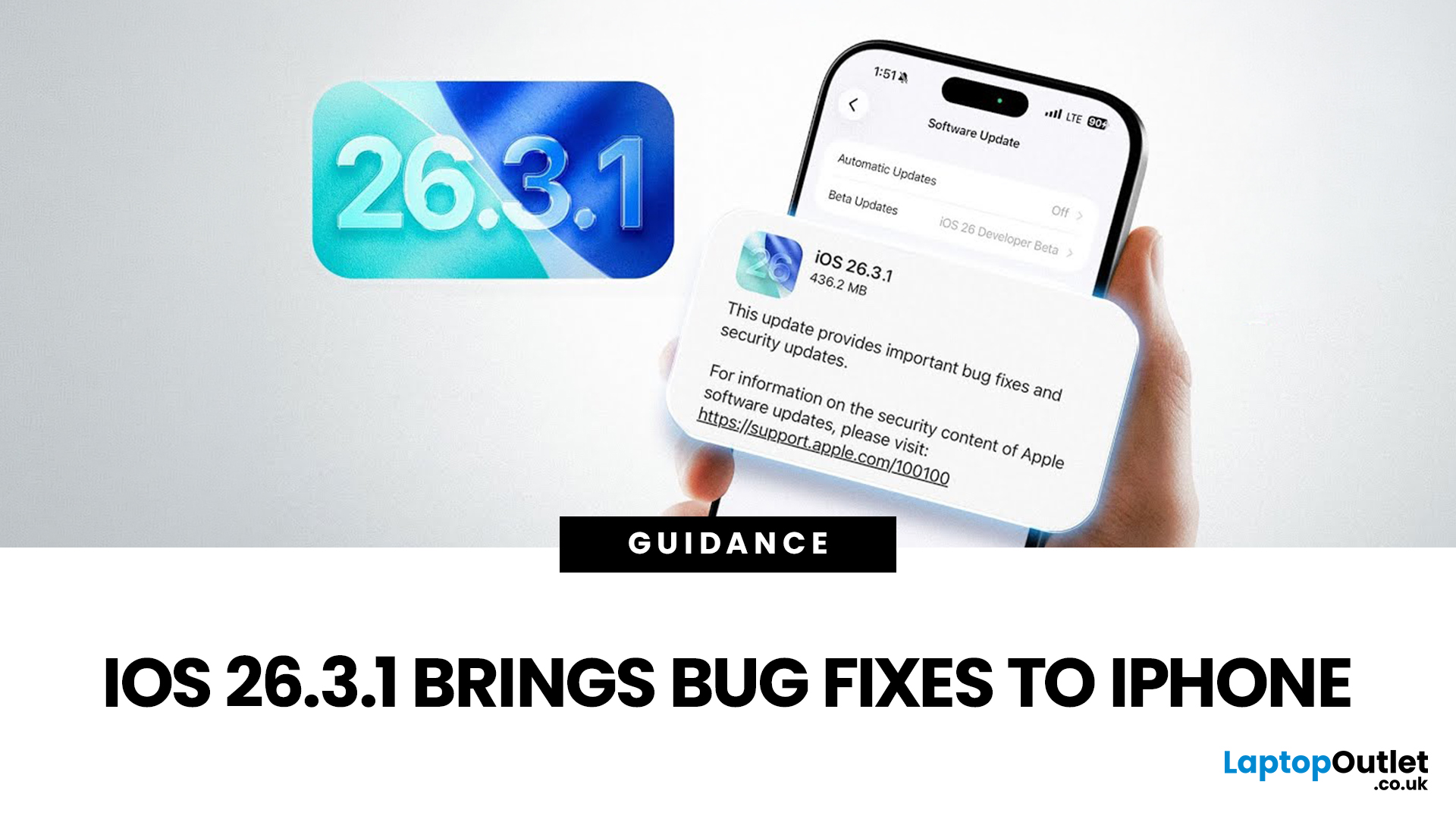
Apple has officially rolled out the iOS 26.3.1 update for iPhone users, bringing several important bug fixes, security patches, and performance improvements. While this is not a major feature update, it focuses on improving system stability and fixing issues reported in the previous iOS 26.3 version.
Minor iOS updates like iOS 26.3.1 are important because they often resolve bugs that affect everyday performance, connectivity, and device security. If you own a compatible iPhone, installing the iOS 26.3.1 update can help ensure smoother performance and better protection against vulnerabilities.
In this guide, we’ll cover the iOS 26.3.1 release date, features, download steps, supported devices, and answer the common question: Should you update to iOS 26.3.1?
iOS 26.3.1 Release Date
Apple released the iOS 26.3.1 update on March 04, 2026, after the launch of iOS 26.3, aiming to fix several issues discovered after the previous version went live.
Typically, Apple rolls out minor updates like iOS 26.3.1 within a few weeks of the previous release to address bugs and security concerns. The update is distributed globally through Apple’s software update system, meaning most users receive it at the same time.
What’s New in iOS 26.3.1
Unlike major iOS updates that introduce new features, the iOS 26.3.1 update mainly focuses on improving system performance and fixing known issues.
Bug Fixes Included in iOS 26.3.1
The update includes several bug fixes designed to improve the overall stability of the iPhone. These bug fixes help ensure that the iPhone operates more smoothly in everyday use. Some of the improvements may include:
- Fixes for APPs that occasionally crash or freeze
- Improved system responsiveness
- Fixes for connectivity issues such as Wi-Fi or Bluetooth instability
- Resolution of minor interface glitches
Security Improvements
Security is one of the main reasons Apple releases smaller updates like iOS 26.3.1. The update contains patches that address vulnerabilities discovered in the previous version.
Installing the iOS 26.3.1 update helps protect your iPhone from potential security threats and ensures your device remains up to date with Apple’s latest security standards.
Performance Enhancements
Many users may notice improved system performance after installing the update. Possible enhancements include:
- Faster app launches
- Better background task management
- Improved system stability
Although the improvements may be subtle, they contribute to a smoother overall experience.
iOS 26.3.1 Update Download – How to Install
Downloading the iOS 26.3.1 update is simple and can be done directly on your iPhone.
Update Using iPhone Settings
Follow these steps to install the update:
- Open Settings on your iPhone
- Tap General
- Select Software Update
- Tap Download and Install
- Enter your passcode if required
Once the installation process begins, your device will restart to complete the update.
Update Using Mac or PC
You can also install the iOS 26.3.1 update download through a computer:
On Mac:
- Connect your iPhone using a cable
- Open Finder
- Select your device
- Click Check for Update
On Windows PC:
- Connect your iPhone
- Open iTunes
- Select your device and click Update
Update Size and Requirements
Before downloading the update, make sure your device meets these requirements:
- At least 50% battery or connected to a charger
- A stable Wi-Fi connection
- Enough storage space for the update file
iOS 26.3.1 Supported Devices
The iOS 26.3.1 is available for all iPhones that support iOS 26. Compatible devices may include:
- iPhone 16 series
- iPhone 15 series
- iPhone 14 series
- iPhone 13 series
- iPhone 12 series
- iPhone 11 series
If your device currently runs iOS 26, it should be able to install the iOS 26.3.1 update.
iOS 26.3.1 – Should You Update?
One of the most common questions users ask is: “iOS 26.3.1 – should I update?”
Reasons to Install the Update
For most users, updating is recommended to ensure their device remains secure and stable. There are several benefits to installing the update:
- Important security patches
- Fixes for known bugs
- Improved device stability
- Better overall performance
Reasons Some Users Might Wait
Although the update is generally safe, some users prefer to wait before installing it. Some of the possible reasons include:
- Waiting to see if other users report new bugs
- Ensuring compatibility with specific apps or software
However, since iOS 26.3.1 is a minor maintenance update, issues are usually minimal.
Who Should Update Immediately
You should consider updating right away if:
- Your device is experiencing bugs on iOS 26.3
- You want the latest security protections
- Your apps or system performance feel unstable
Common Issues After the iOS 26.3.1 Update
Although most updates run smoothly, some users may experience minor issues after installing iOS 26.3.1. Common complaints may include:
- Battery draining faster than usual
- Certain APPs not responding properly
- Slight lag on older iPhones
How to Fix these Problems
If you encounter issues, try the following:
- Restart your iPhone
- Update all APPs from the App Store
- Reset network settings
- Wait a few days for system optimization to complete
Many temporary issues resolve automatically after the device finishes background processes.
iOS 26.3 vs iOS 26.3.1 – What’s the Difference?
The difference between iOS 26.3 and iOS 26.3.1 is mainly related to stability and fixes.
|
Feature |
iOS 26.3 |
iOS 26.3.1 |
|
New Features |
Yes |
No |
|
Bug Fixes |
Some |
More fixes |
|
Security Updates |
Standard |
Additional patches |
|
Stability |
Good |
Improved |
Essentially, iOS 26.3.1 improves the reliability of the previous version without introducing major new features.

Final Thoughts on the iOS 26.3.1 Update
The iOS 26.3.1 update may not introduce major new features, but it plays an important role in improving the overall reliability and security of your iPhone. With bug fixes, performance improvements, and additional security patches, this update helps ensure your device runs smoothly and safely. For most users, installing iOS 26.3.1 is recommended to keep their iPhone up to date. As Apple continues to refine its operating system, we can expect future updates to bring additional features, improvements, and enhancements.

FAQs About iOS 26.3.1 Update
Is iOS 26.3.1 safe to install?
Yes, the iOS 26.3.1 update is designed to fix bugs and improve device security, making it safe for most users to install.
How big is the iOS 26.3.1 update?
The size of the update may vary depending on the device model, but it is typically a few hundred megabytes.
Does iOS 26.3.1 improve battery life?
Some users may notice better battery performance due to bug fixes and system optimizations.
Can I downgrade from iOS 26.3.1?
Downgrading is only possible for a limited time and depends on whether Apple is still signing the previous version of iOS.
| Read More: |
| iPhone 17e: Everything You Need to Know About Apple’s Affordable Upgrade (UK) |
| iPad Air M4 vs iPad Air M3: Should You Upgrade? |
| iPhone 17e vs iPhone 16e: Key Differences and Improvements |
Related Articles


Last Updated: May 05, 2026
Apple’s iPhone 17 lineup arrives with some of its most substantial camera upgrades in years. For photography lovers and content creators, the shift to 48MP sensors across more lenses, plus a jump in optical zoom for the Pro models, represents key changes. But how much difference will these make in everyday use? Below, we break down what’s new in the iPhone 17 camera, what’s exciting, and what you should know before upgrading.
What’s New: Key Hardware Upgrades
1. 48MP Sensors Across the Board (Pro & Standard Models)
Traditionally, Apple used 48MP for its main wide lens on Pro models, with ultra-wide and telephoto lenses at lower resolutions. In iPhone 17 Pro and Pro Max, all three rear lenses are upgraded to 48MP each.
For the standard iPhone 17, Apple is using a “Dual Fusion” 48MP setup (main + ultra-wide lenses), meaning better detail even from non-Pro models.
2. Big Leap in Optical Zoom: Up to 8× on Pro Max
The Pro Max model is getting what many considered long overdue: an 8× optical
Last Updated: November 12, 2025
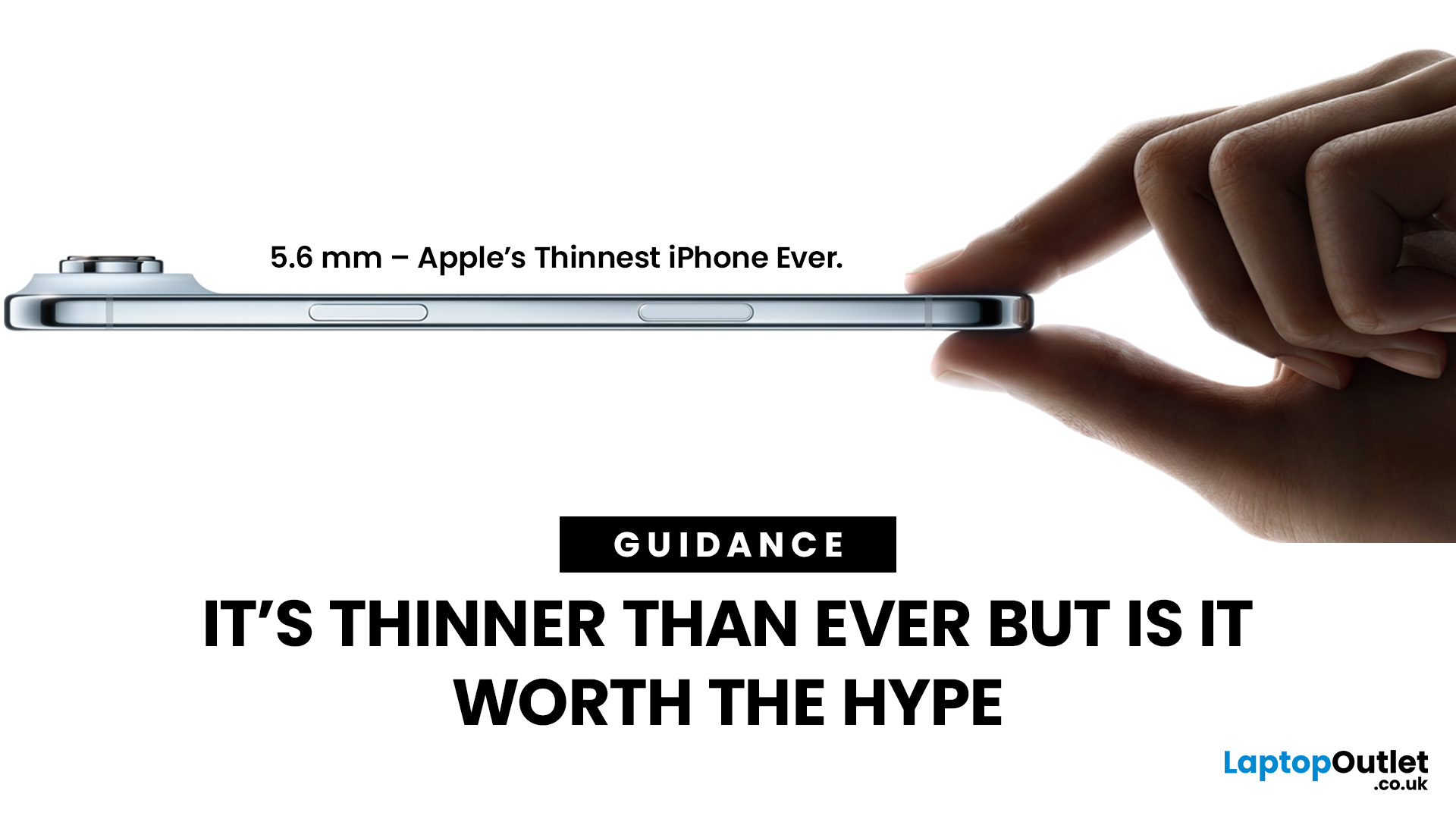
Apple has officially launched the iPhone Air, billed as its slimmest ever model, just 5.6 mm at its thinnest point. While the sleek design has grabbed attention, many are asking: how many compromises were made for aesthetics? Here’s what the iPhone Air delivers, what it gives up, and whether it lives up to the hype.
What’s New & Special
The iPhone Air proves Apple can still surprise with daring design choices. Its razor-thin build and premium display make it one of the most elegant devices on the market. However, elegance comes at a price: less battery stamina, a simpler camera system, and potential concerns about durability. For those who value style and portability above all else, the Air delivers. For users who demand power, longevity, and versatility, the Pro lineup remains the safer bet.
Featherweight Design & Build
The defining feature of the iPhone Air is its astonishing thinness. At around 5.6 mm, it’s Apple’s thinnest phone ever, replacing the Plus line in the iPhone family.
Last Updated: May 05, 2026
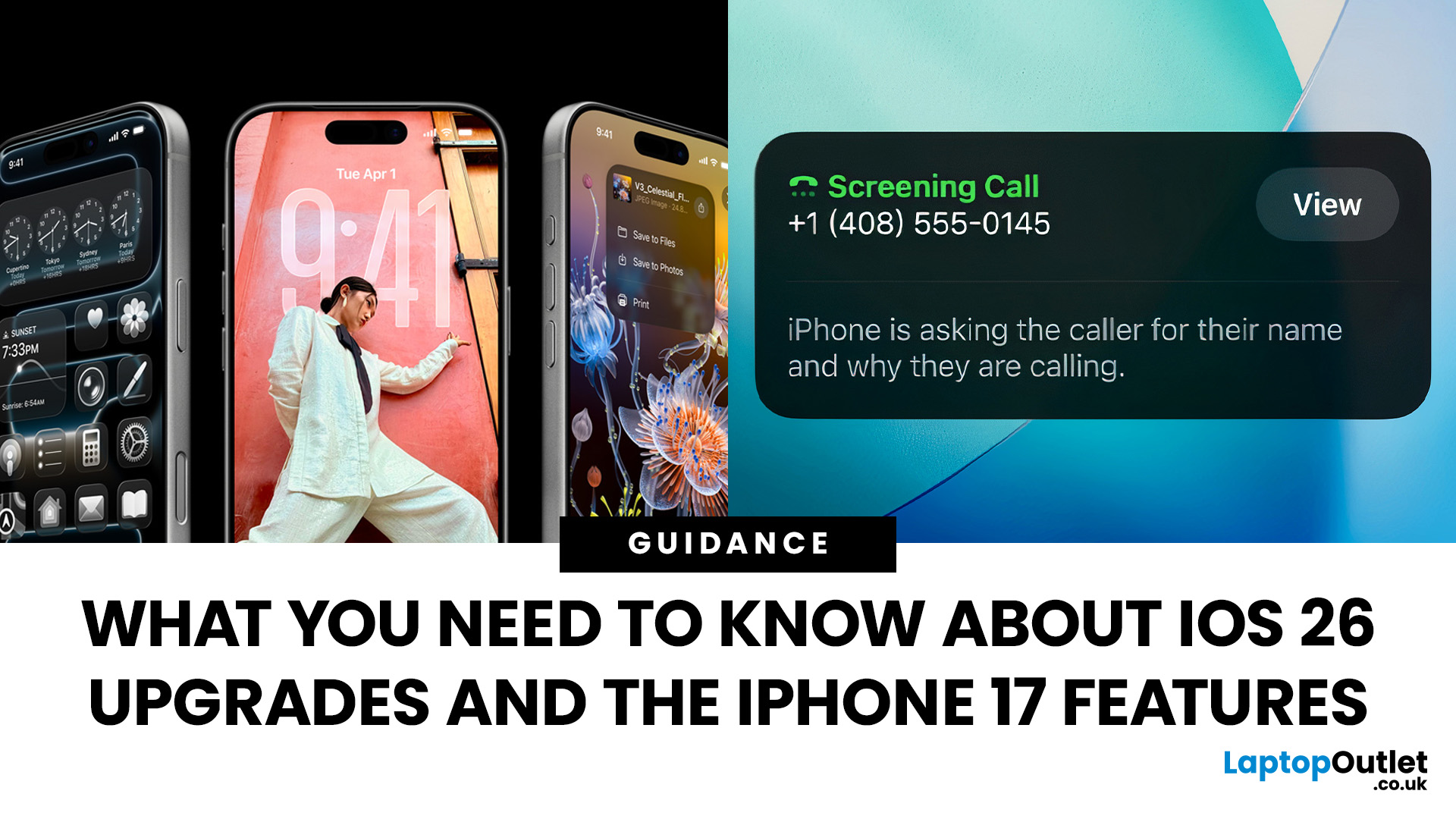
Apple’s 2025 drop is a one-two punch: iOS 26 brings a fresh look and smarter tools, while the iPhone 17 line turns those ideas into everyday wins. If you’re deciding whether to update, upgrade, or both, this guide lays out what’s new, why it’s useful, and how to get the most from it on day one.
iOS 26 At a Glance
Apple describes iOS 26 as a major update centered on a gorgeous new design, intelligent experiences, and daily improvements to the apps you use. In practice, that means a cleaner interface, on-device smarts that actually help, calmer communication, and quality-of-life tweaks across CarPlay, Music, Maps, Wallet and more.
A beautiful new look: Liquid Glass everywhere

The first thing you’ll notice is the design. iOS 26 introduces Liquid Glass, a translucent material that reflects and refracts what’s behind it. It brings a gentle sense of depth to icons, widgets, controls and navigation without making the interface feel busy. The result is expressive and modern, yet instantly familiar.
Last Updated: December 23, 2025
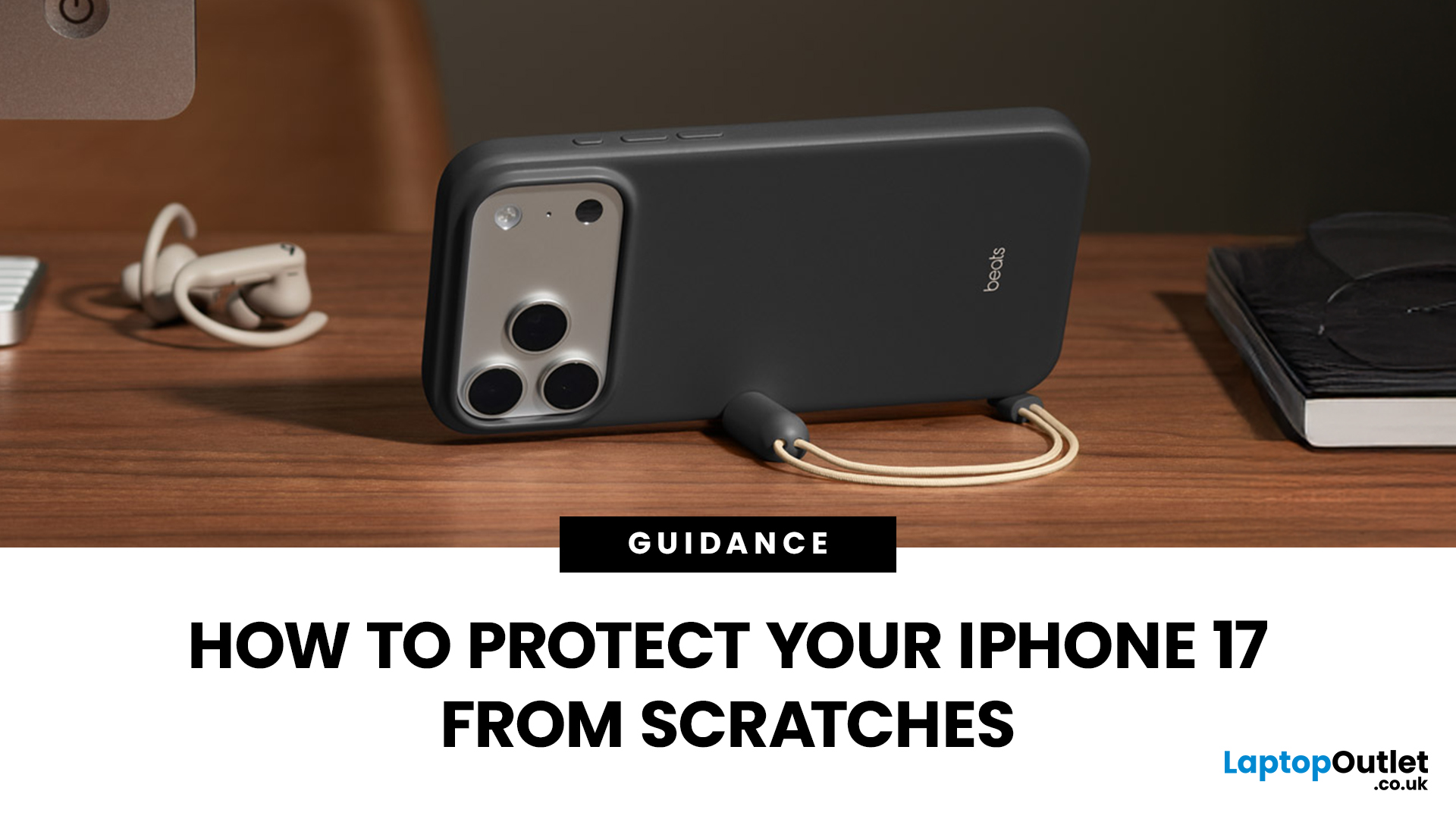
Apple’s iPhone 17 launch should have been about its powerful new hardware and fresh design. Instead, headlines are dominated by “iPhone 17 Scratchgate” complaints that the Pro models are picking up scratches and chips far too easily. The reaction is hardly surprising for a device that costs well over £1,000.
Is this simply a misunderstanding, or is Apple facing a genuine durability problem? Let’s take a closer look.
Apple’s Official Response to iPhone 17 Scratch Complaints
Apple has been quick to downplay the issue. The company told CNET that what many people are calling scratches on demo units are actually residue from worn MagSafe display stands, not permanent marks. According to Apple, these blemishes can be wiped away with a cloth, and the stands in retail stores are being replaced to prevent further problems.
While this explanation covers store displays, it doesn’t account for the growing number of personal handsets showing signs of wear straight out of the box. That’s where the
Last Updated: May 05, 2026
What’s Going on with the iPhone 17 Camera?
iPhone 17 has landed and, as usual, Apple’s made a song and dance about its shiny new features. Titanium frame? Nice. Periscope zooms on all models? Lovely jubbly. But let’s be real: what’s everyone actually talking about? The camera. And not in a “wow this is insane” way, more like a “hang on, why is my £1k+ phone acting up when I try to snap a pic?” sort of way.
Yep, if you’ve noticed your shots glitching, freezing, or showing weird distortions, you’re not alone. This is what’s now being dubbed the iPhone 17 camera glitch, and it’s caused enough noise online that Apple’s had to officially acknowledge it. Classic, right? New phone hype meets first-week bugs.
The Symptoms: What Does the Camera Glitch Look Like?
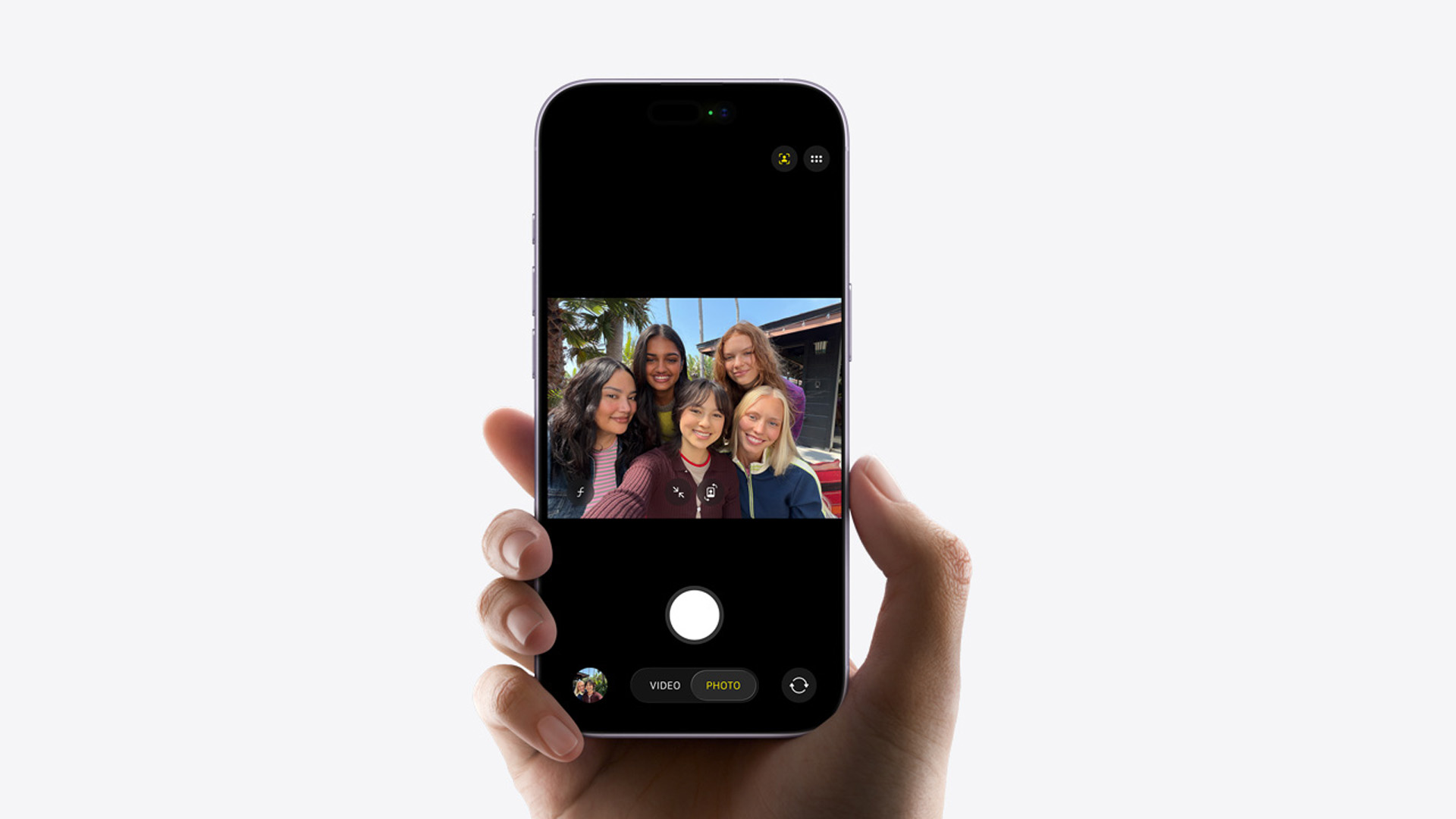
Basically, you don’t need to be a tech whizz to spot when something’s off. Here is, what’s off about iPhone 17’s camera:
- Shaky Previews: Your camera viewfinder stutters or skips frames.
- Weird Distortions: Images sometimes look stretched

Last Updated: December 23, 2025
The Problem Everyone’s Talking About
iPhone 17 is in the market, but it wouldn’t be a proper Apple launch without a bit of drama, would it? We’ve had the camera bug, a few battery wails, and now the hot topic on Reddit and TikTok: Wi-Fi connection issue. Yep, some users are finding their shiny new iPhone keeps dropping out of Wi-Fi for no apparent reason. One minute you’re streaming Netflix, the next you’re staring at the dreaded “No Connection” pop-up. Not ideal on a £1,000+ device.
This growing chatter has been dubbed the iPhone 17 wi-fi issue. The good news? It’s not your router having a meltdown, and no, you don’t need to throw your phone at the wall just yet.
What Does the Wi-Fi Glitch Look Like?

Here’s what people are reporting:
- Random Dropouts: Wi-Fi disconnects even when the signal is strong.
- Slow Reconnections: The iPhone takes forever to rejoin a saved network.
- Auto-Switching to Data: iOS quietly flips you onto mobile data without asking.
- Laggy Browsing: Pages hang or apps
Last Updated: April 01, 2026
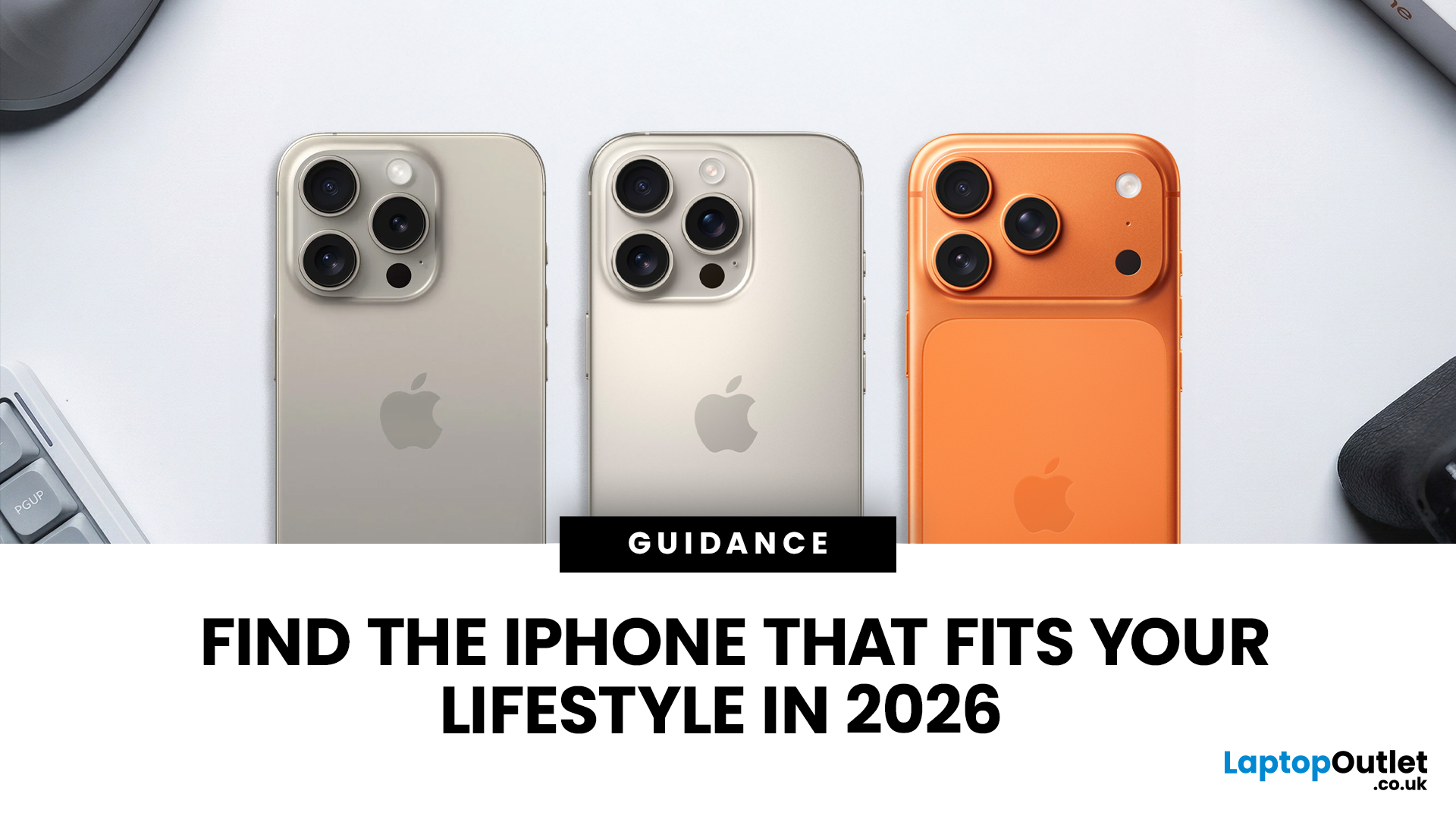
Apple has done it again - trimmed its iPhone line-up to make room for the shiny new models. With the launch of the iPhone 17 series, the company has officially discontinued the iPhone 15 and iPhone 15 Plus, along with last year’s iPhone 16 Pro and Pro Max. If you’ve been eyeing up an iPhone 15 or already own one, this news might feel like a curveball. After all, the 15 series only debuted in late 2023, and here we are two years later with Apple quietly removing it from the shop floor.
But here’s the thing: discontinuation doesn’t mean “dead.” Apple’s strategy has always been to streamline its line-up after new launches, focusing on the latest flagships while phasing out older models. The iPhone 15 may no longer be sold on Apple’s website, but it will continue to be supported for years to come.
So what does this mean for you? If you’re a current owner, should you panic about support or resale value? If you’re shopping for a new iPhone, is it still worth picking up a discontinued model at
Last Updated: September 15, 2026
Buying an iPhone in September 2026 is a little different from earlier in the year. Apple has now announced the iPhone 18 Pro and iPhone 18 Pro Max, while the iPhone Duo brings a completely new foldable option. At the same time, the iPhone Air, iPhone 17, iPhone 17e and iPhone 16 remain available from Apple in the UK.
The best choice should not be automatically the newest or most expensive model. It depends on how much you want to spend, the size you prefer, how much you use the camera, how long you need the battery to last and whether you are comfortable waiting for a newly announced model to go on sale. This iPhone buying guide focuses on those practical differences so you can make a clear decision without paying for features you are unlikely to use.
Quick answer
Best overall for most buyers: iPhone 17. It has a 6.3-inch 120Hz ProMotion display, A19 chip, dual 48MP camera system and 256GB storage as standard.
Best premium choice: iPhone 18 Pro or Pro Max. Pre-orders open 12 September and

Last Updated: February 12, 2026
Apple’s latest software update, iOS 26.3, is here, and it brings a solid mix of refinements, fixes, and performance improvements designed to keep your iPhone running smoothly. If you’ve been living in the world of iOS 26.2 and wondering what’s new, what changed on the iOS 26.3 release, and whether it’s worth tapping “Update Now,” you’re in exactly the right spot. Let’s break down everything you need to know about the iOS 26.3 update.
iOS 26.3 Release Date: When Did It Launch?
Apple just dropped iOS 26.3 on 11 February 2026, and while it’s not the headline-stealing overhaul of the year, it’s seriously one of those updates you’ll want on your phone. These mid-version updates typically arrive to address issues discovered after the previous rollout, as well as to improve device performance.
Like most iOS updates, iOS 26.3 was released gradually, meaning some users received it immediately, while others saw it appear over the following days.
If iOS 26.3 is available for your device, you’ll
Last Updated: March 04, 2026
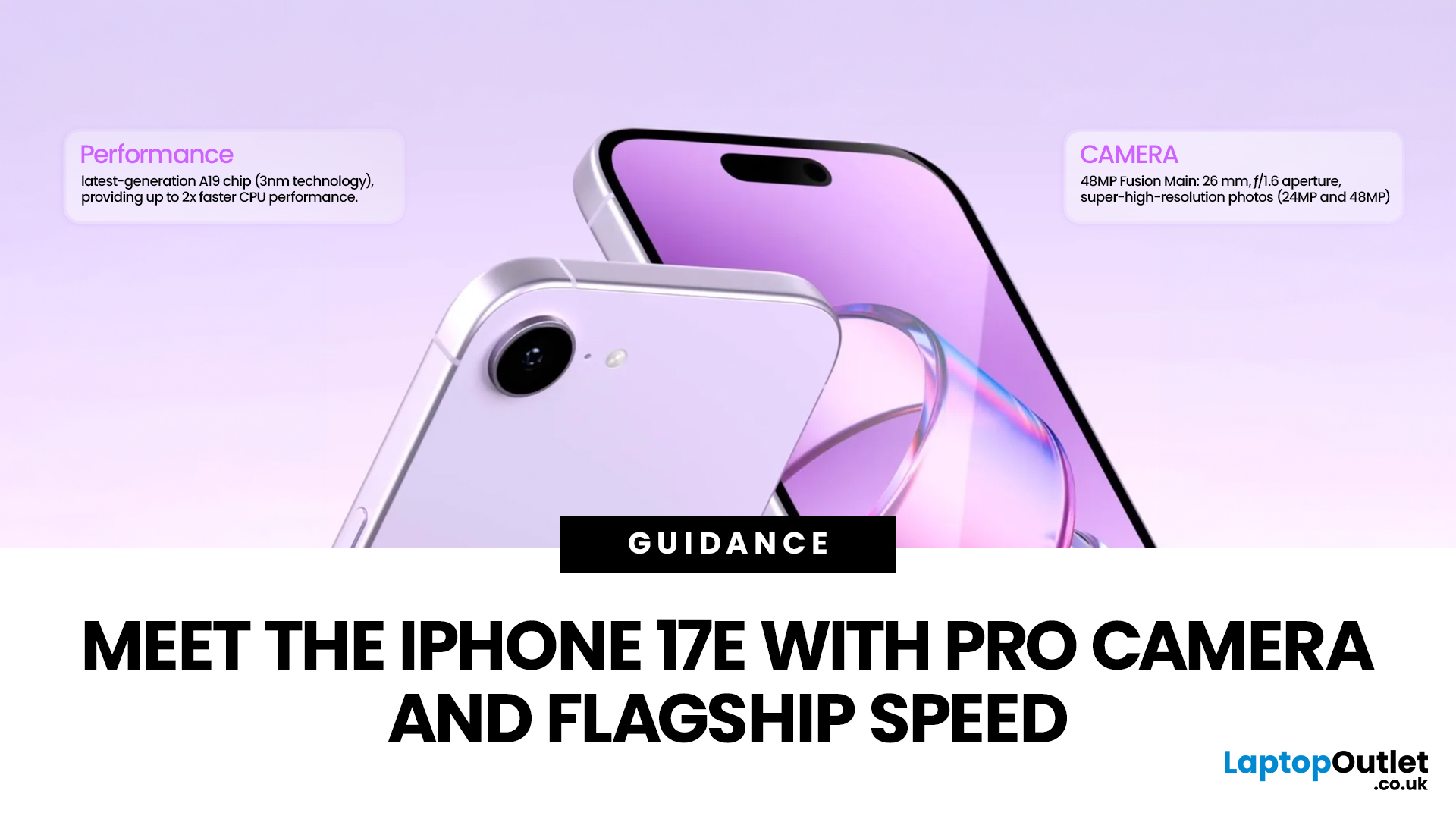
Apple launched the iPhone 17e on 2 March 2026, and it has already caught a lot of attention. Priced at £599 with 256GB of base storage, it sits as the most affordable entry point into the iPhone 17 family. That is £200 less than the standard iPhone 17, yet the two share the same A19 chip generation.
But affordable does not mean basic. This iPhone packs serious upgrades, particularly in camera and performance. So, is it worth your money in 2026? Let us break it all down.
iPhone 17e Camera System: What's New in 2026
The iPhone 17e camera is one of the biggest talking points of this release. Apple has kept a single rear camera setup, but what it does with that one sensor is genuinely impressive.
48MP Fusion Camera: A 2-in-1 System
The rear camera features a 48MP Fusion sensor with an f/1.6 aperture and optical image stabilisation. On the surface, the megapixel count matches the iPhone 16e. However, Apple has made meaningful improvements underneath.
The most notable addition is the optical-quality

