



What iOS 27 Could Bring: Key Features to Look Out For
iOS 27 features are expected to include a completely overhauled Siri with a chatbot-style interface, major Apple Intelligence AI tools, a fully customisable Camera app, significant battery optimisation, and improvements to Photos, Safari, and Messages.
If you're an iPhone user keeping an eye on the next big Apple iOS update, you're in the right place. This guide rounds up everything rumoured and expected about the iOS 27 update, from Siri's long-awaited AI glow-up to smarter battery optimisation.
| Heads Up: Everything in this article is based on rumours, leaks, and industry reports. Nothing about iOS 27 has been officially confirmed by Apple. Features may change, be delayed, or not appear at all before or after launch. |
When Is iOS 27 Expected to Be Released?
Based on Apple's well-established release pattern, iOS 27 is expected to follow the same familiar schedule that iPhone users have come to rely on year after year. It is a predictable timeline, which makes planning ahead pretty straightforward.
What does the expected iOS 27 timeline look like?
|
Stage |
Expected Date |
What Happens |
|
WWDC Keynote |
8 June 2026 |
Official iOS 27 reveal and feature showcase |
|
Developer Beta |
From 8 June 2026 |
Available to registered Apple developers immediately |
|
Public Beta |
July 2026 |
Open to anyone signed up via Apple's beta programme |
|
Official Release |
September 2026 |
Rolled out to all compatible iPhones, alongside iPhone 18 launch |
| Tip: Fancy getting early access? Sign up for Apple's public beta programme at beta.apple.com. Just remember that beta builds can be buggy, so avoid installing them on a device you rely on for work. |
Which iPhones Are Expected to Support iOS 27?
Good news if you're not rushing to upgrade your hardware. iOS 27 is expected to support a broad range of iPhones, stretching back to models released in 2020. The key requirement is Apple's A14 Bionic chip or newer, which sets the iPhone 12 as the likely minimum.
Which iPhones are reportedly dropping off the list?
It is rumoured that the iPhone 11 and the second-generation iPhone SE will not be compatible with iOS 27. If you're still rocking either of those, it might be worth considering an upgrade before September.
|
iPhone Model |
iOS 27 Support (Rumoured) |
Apple Intelligence Support |
|
iPhone 12 / 12 Pro |
Yes |
No |
|
iPhone 13 series |
Yes |
No |
|
iPhone 14 series |
Yes |
No |
|
iPhone 15 series |
Yes |
Yes (A17 Pro models) |
|
iPhone 16 series |
Yes |
Yes |
|
iPhone 17 series |
Yes |
Yes |
|
iPhone 18 series |
Yes (pre-installed) |
Yes (full feature set) |
|
iPhone 11 / SE (2nd Gen) |
No (rumoured) |
No |
Even without Apple Intelligence features, older supported iPhones are expected to benefit from performance improvements, UI refinements, and security updates included in the iPhone software update.
Is iOS 27 Going to Be a Big Update or a Quiet One?
Here's the honest answer: it depends what you mean by "big." iOS 27 is shaping up to be less about dramatic visual overhauls and more about making your iPhone work noticeably better. Think of it as Apple quietly doing the boring but important stuff under the bonnet.
Industry insiders have described Apple's internal approach to iOS 27 as a "Snow Leopard" moment, a nod to the legendary macOS release from years ago that had almost no new features on paper but made everything feel faster, smoother, and more reliable. If the same logic applies here, the result should be an iPhone experience that genuinely feels refreshed without looking dramatically different.
What does the "code cleanup" actually mean for you?
Apple engineers are reportedly going through iOS line by line, removing legacy code that has accumulated over the years, rewriting portions of the system for better efficiency, and upgrading core apps. The aim? Reducing battery drain, cutting background overhead, and squashing long-standing bugs that users have complained about across multiple iOS versions.
| FYI: This type of internal architecture work rarely makes headlines, but it tends to produce the most noticeable real-world improvements. Faster app launches and a phone that runs cooler during heavy use are the kinds of wins you feel every single day. |
What Are the Rumoured Siri Improvements in iOS 27?
Let's be real: Siri has been overdue a proper overhaul for years. iOS 27 looks like it could finally be the update that transforms Apple's assistant from a slightly frustrating voice shortcut into a genuinely capable AI companion. The rumoured Siri improvements are arguably the most talked-about iOS 27 features in the pipeline.
What is the new Siri interface expected to look like?
Siri is rumoured to get a brand-new home in the Dynamic Island. When you trigger it, the Dynamic Island is expected to expand and display a "Search or Ask" prompt, complete with a glowing animated cursor. The island itself would reportedly glow at its edges in Siri's signature colours to indicate the assistant is active and listening.
Will there be a dedicated Siri app?
Reports strongly suggest yes. A standalone Siri app is expected to launch alongside iOS 27, giving users a proper chat-style interface with access to previous conversation history. This would finally bring Siri closer to the experience offered by rival AI tools like ChatGPT and Google Gemini, but within the Apple ecosystem.
What new things is Siri expected to be able to do?
- Chatbot-style conversations: A proper back-and-forth dialogue rather than one-shot commands.
- World Knowledge: Siri is rumoured to gain the ability to answer general knowledge questions using information pulled from the web, backed by a large language model foundation.
- Personal context: Siri would finally use information from your Mail, Messages, and Calendar apps to give genuinely personal answers. Think asking Siri about your mum's flight and getting an actual useful response.
- On-screen awareness: Siri is expected to understand what is currently displayed on your screen, making contextual suggestions and actions much more relevant.
- Cross-app actions: The ability to perform tasks across multiple apps in a single request, such as editing a photo and sending it to someone, or checking directions and sharing your ETA simultaneously.
- Third-party AI chatbot integration: Siri may be able to hand off questions to other installed AI services like Claude or Gemini, giving users a choice of which AI they prefer.
- Image generation via Image Playground: Siri could gain the ability to create images on demand, reportedly using Apple's Image Playground technology.
- System-wide "Ask Siri" buttons: These are expected to appear throughout the OS, making it easier to get contextual help in any app.
| Worth Knowing: The fully personalised version of Siri was originally promised with iOS 18 and then pushed repeatedly. Some features may not arrive until a point update (like iOS 27.2 or 27.3) rather than the initial launch. Manage your expectations accordingly. |
What Apple Intelligence AI Features Could iOS 27 Introduce?
Apple Intelligence is expected to be a major focus of the iOS 27 update, with the platform expanding well beyond what was introduced in iOS 26. Rumoured AI tools span photography, productivity, and even daily connectivity, making this a genuinely interesting leap forward for iPhone users.
What new AI photo editing tools are expected in Photos?

The Photos app is rumoured to receive a dedicated "Apple Intelligence Tools" section within its editing interface, bringing three brand-new AI-powered capabilities:
- Extend: Lets you generate additional image content beyond the original frame of a photo. For example, you could take a close-up shot of a landmark and use the tool to fill in the surrounding scenery, dragging the edges of the photo with your fingers to control how much is added.
- Enhance: Automatically improves overall image quality, including colour accuracy, lighting balance, and general sharpness, all in a few seconds.
- Reframe: Designed primarily for spatial photos, this tool would allow you to shift the perspective of an image after the shot has been taken, which is particularly handy for composition fixes.
| Note: Reports suggest that the Extend and Reframe tools are not yet performing reliably in internal testing. Apple may delay or scale back these features before launch depending on how development progresses. |
What other AI tools are expected across the system?
- Visual Intelligence expansion: Expected to go much further than before, with rumoured features including scanning nutrition labels, reading physical tickets to automatically add them to Wallet, and recognising contact details from real-world objects to add to your contacts list.
- Smart home AI vision: Siri and Apple's broader AI platform may gain the ability to recognise users and identify what they are doing through smart home cameras, all reportedly with on-device processing to protect privacy.
- Auto-generated Safari Tab Group names: Apple Intelligence is expected to automatically name your Safari Tab Groups based on the contents of the tabs, similar to how it already generates chapters in Apple Podcasts.
- Writing Tools improvements: Further enhancements to the system-wide Writing Tools feature introduced in iOS 18, expected to be faster and more contextually aware.
How Is the Camera App Expected to Change in iOS 27?
This is one of the most exciting and unexpected rumoured iOS 27 features. Apple has historically kept its Camera app fairly locked down, but iOS 27 is reportedly set to change that in a meaningful way, giving users far more control over what they see and use when shooting.
What does a "fully customisable" Camera app mean in practice?
According to reports, users will be able to select which controls and features appear in the Camera app interface for each shooting mode. These controls, described internally as "widgets," could include options like flash, exposure, timer, depth of field, Photo Styles, and resolution settings. You would essentially be able to build your own Camera app layout based on how you actually shoot.
This is a significant shift for Apple, which typically favours simplicity over flexibility in its native apps. The hire of Halide camera app co-founder Sebastiaan de With by Apple is widely seen as a driving force behind this change.
What other Camera-related tweaks are rumoured?
- Selectable widgets for each individual camera mode (Photo, Video, Portrait, etc.)
- A fresh Siri animation within the Camera interface tied to the Dynamic Island
- Potential improvements to the existing Clean Up tool, reportedly benefiting from Apple's new AI partnership with Google's Gemini technology
Could iOS 27 Actually Improve Your iPhone's Battery Life?
Battery life is one of the most common complaints iPhone users have with every new iOS release, so the rumoured focus on battery optimisation in iOS 27 is welcome news. And crucially, this is not just expected to benefit brand-new iPhones.
How would iOS 27 improve battery life on existing iPhones?
The expected battery gains come from the system-level code cleanup mentioned earlier. By removing old, unused code and rewriting inefficient parts of the OS, Apple aims to reduce the background overhead that quietly drains your battery throughout the day. The result, if reports are accurate, would be noticeable improvements in battery endurance for any iPhone compatible with iOS 27, including older models like the iPhone 12 and 13.
This is particularly important as iPhones increasingly handle local AI processing, advanced photography pipelines, and background automation tasks simultaneously. Making the underlying system more efficient means these features can run without unnecessarily hammering the battery.
| Thinking About Upgrading? If you're on an older iPhone and finding battery life a real pain point, iOS 27's performance improvements could give your device a noticeable second wind. That said, if you're on an iPhone 11 or older, a hardware upgrade is likely your best bet regardless. |
What Other iOS 27 Features Are Being Talked About?
Beyond Siri, AI, and the Camera app, a solid number of other iOS 27 features and changes are circulating in the rumour space. From connectivity to app-level tweaks and Home Screen quality-of-life improvements, there is quite a bit to cover.
What connectivity upgrades could iOS 27 bring?
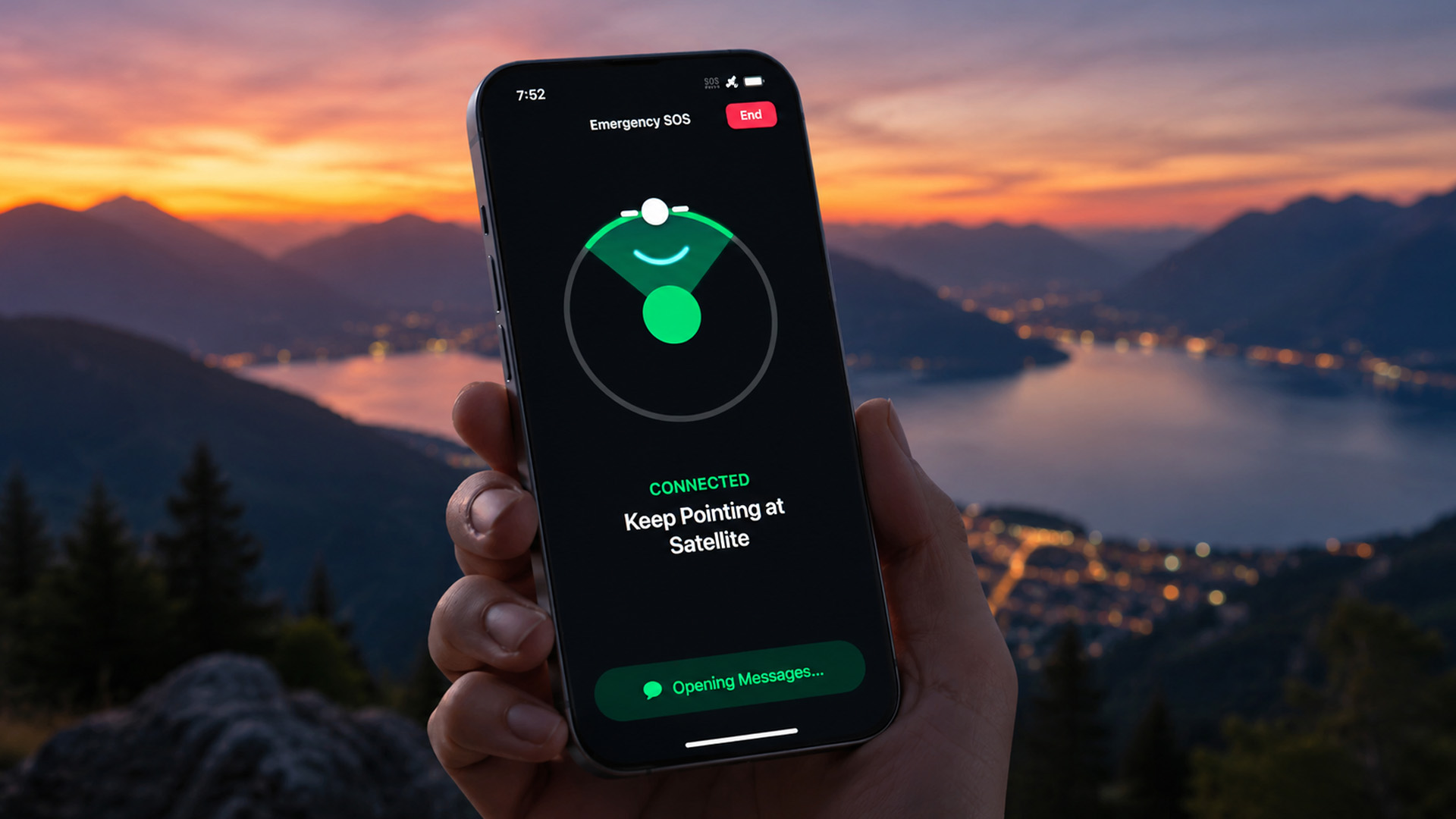
- 5G satellite internet (NTN): iOS 27 is reportedly set to support 5G Non-Terrestrial Networks, though this feature may be limited to iPhone 18 Pro and Pro Max models with Apple's next-generation C2 modem.
- Satellite in Apple Maps: Maps may gain satellite connectivity support, allowing navigation even in areas with no mobile signal.
- Photos and Messages via satellite: You may be able to send and receive photos and iMessages via satellite connection, extending the feature beyond emergency SOS use.
- Third-party satellite API: Developers could gain an API to build satellite connectivity into their own apps.
What app-level changes are expected?
- Safari: Design tweaks are expected, along with improvements to tab management, and the rumoured auto-naming of Tab Groups via Apple Intelligence.
- Weather: UI and data presentation updates are expected, building on improvements made in iOS 26.
- Wallet: A custom pass generator may arrive, allowing users to create their own passes and tickets to store digitally.
- Keyboard: A new animation when the keyboard slides up is reportedly coming, a small but welcome polish.
- Image Playground: Improvements to the AI image generation tool are expected.
What Home Screen improvements are rumoured?
- Undo and Redo for Home Screen edits: Apple is reportedly adding these two options to the long-press Home Screen menu, making it much easier to reverse accidental changes when rearranging your apps and widgets.
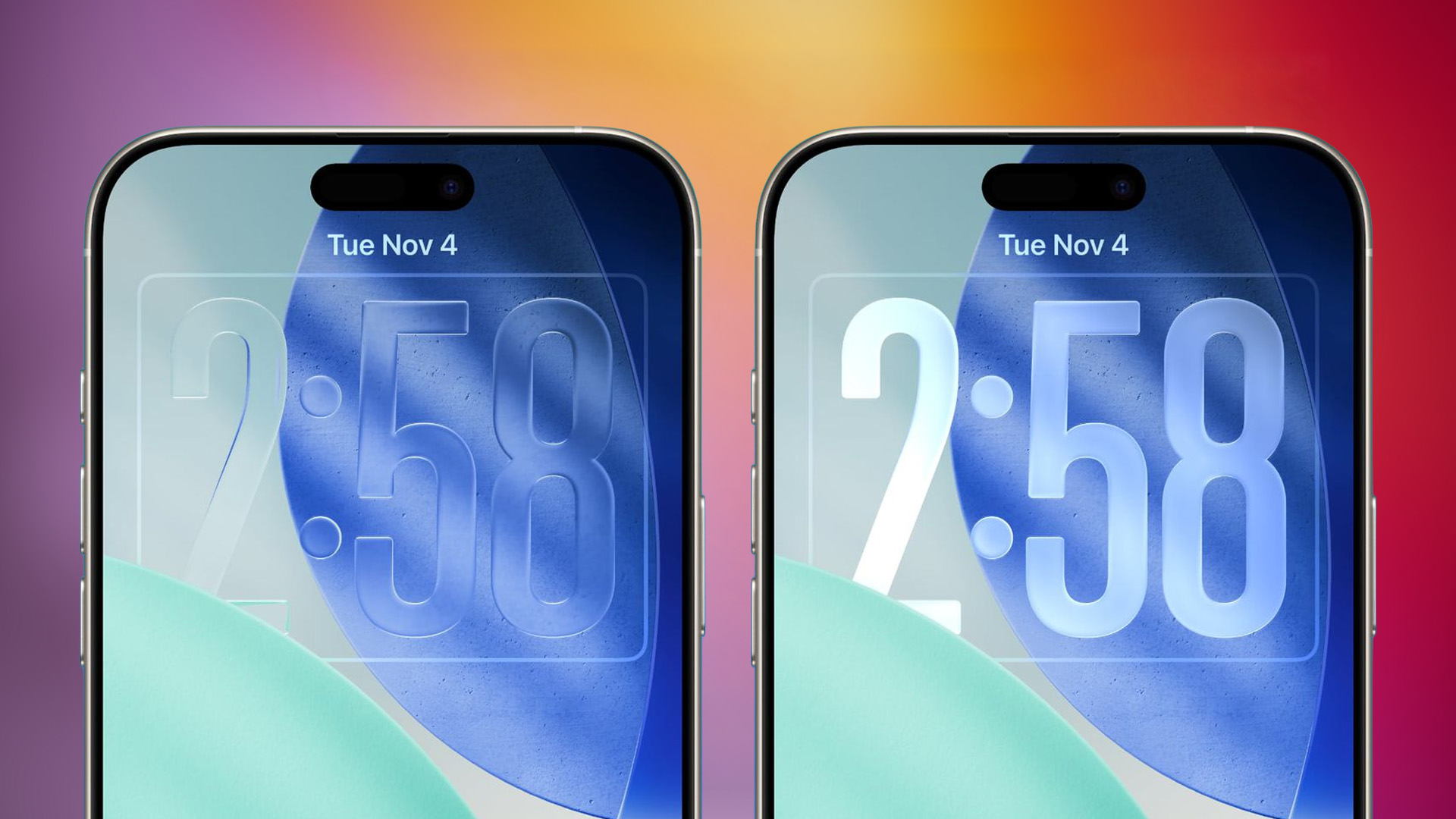
- Liquid Glass UI refinements: The Liquid Glass design introduced in iOS 26 is expected to receive tweaks and polish in iOS 27, rather than a complete redesign.
What about the iPhone Fold?
Apple's long-rumoured first foldable iPhone, expected to launch in September 2026 alongside iOS 27, will require specific OS adaptations. Reports suggest iOS 27 will support two apps side by side on the iPhone Fold's larger internal display, bringing proper multitasking to iPhone for the first time. Apps are also expected to gain side bars to take advantage of the extra screen real estate. This is essentially iPadOS-style multitasking, but for iPhone.
iOS 27 Rumoured Features at a Glance
If you're after a quick-reference summary of all the best iOS 27 features expected so far, this table has you covered. Bear in mind that all of this remains unconfirmed until Apple's official announcement.
|
Feature Area |
What's Rumoured |
Who Benefits Most |
|
Siri |
Chatbot interface, Siri app, personal context, cross-app actions, world knowledge |
All compatible iPhones |
|
Apple Intelligence |
Visual Intelligence expansion, smart home AI, Writing Tools updates |
iPhone 15 Pro+ & iPhone 16/17/18 |
|
Photos |
Extend, Enhance, Reframe AI editing tools |
iPhone 16+ |
|
Camera App |
Fully customisable widget-based interface |
All compatible iPhones |
|
Battery & Performance |
Code cleanup, legacy removal, efficiency improvements system-wide |
All compatible iPhones (incl. older models) |
|
Connectivity |
5G satellite NTN, satellite Maps, satellite Photos/Messages |
iPhone 18 Pro / Pro Max |
|
Safari |
UI tweaks, AI Tab Group naming |
All compatible iPhones |
|
Home Screen |
Undo/Redo for edits, Liquid Glass refinements |
All compatible iPhones |
|
iPhone Fold support |
Multitasking, side-by-side apps, side bars |
iPhone Fold owners |
|
Wallet |
Custom pass generator |
All compatible iPhones |

Should You Be Excited About iOS 27?
Honestly? Yes. While iOS 27 features might not deliver the dramatic visual shake-up some users crave, the combination of a long-overdue Siri overhaul, powerful new AI tools, a genuinely customisable Camera app, and meaningful battery optimisation represents a well-rounded Apple iOS update.
The "Snow Leopard" approach could be exactly what the iPhone software update needed after years of piling on new features without polishing the foundations. Keep an eye on WWDC on 8 June 2026 for the official word, and in the meantime, Laptop Outlet is your go-to for the latest Apple devices ready to make the most of it.

Just So You Know...
When is iOS 27 expected to be released in the UK?
iOS 27 is expected to launch in September 2026 for all users, following an expected reveal at WWDC on 8 June 2026.
Which iPhones will support iOS 27?
iOS 27 is expected to support iPhone 12 and later. The iPhone 11 and second-gen iPhone SE are rumoured to be dropped.
Will iOS 27 improve battery life on older iPhones?
Yes, battery optimisation improvements from Apple's code cleanup are expected to benefit all compatible iPhones, including older models.
What is the biggest Siri improvement expected in iOS 27?
A full chatbot-style interface with a dedicated Siri app, personal context, and cross-app actions are considered the headline Siri upgrades.
Are the iOS 27 AI features available on all iPhones?
Full Apple Intelligence features are generally limited to iPhone 15 Pro and newer. Older supported devices get performance and UI improvements.
Is iOS 27 a major redesign like iOS 26?
No. iOS 27 is expected to refine iOS 26's Liquid Glass design rather than overhaul it, focusing on stability and performance improvements instead.
| Read More |
| WWDC26: Everything Apple Is Expected to Announce on June 8 |
| The New Siri Is Everything iOS 18 Promised and Didn't Deliver |
| The Camera App Got a Brain: iOS 27's New Siri Mode Explained |
Related Articles


Last Updated: February 12, 2026
Apple’s latest software update, iOS 26.3, is here, and it brings a solid mix of refinements, fixes, and performance improvements designed to keep your iPhone running smoothly. If you’ve been living in the world of iOS 26.2 and wondering what’s new, what changed on the iOS 26.3 release, and whether it’s worth tapping “Update Now,” you’re in exactly the right spot. Let’s break down everything you need to know about the iOS 26.3 update.
iOS 26.3 Release Date: When Did It Launch?
Apple just dropped iOS 26.3 on 11 February 2026, and while it’s not the headline-stealing overhaul of the year, it’s seriously one of those updates you’ll want on your phone. These mid-version updates typically arrive to address issues discovered after the previous rollout, as well as to improve device performance.
Like most iOS updates, iOS 26.3 was released gradually, meaning some users received it immediately, while others saw it appear over the following days.
If iOS 26.3 is available for your device, you’ll
Published: March 05, 2026
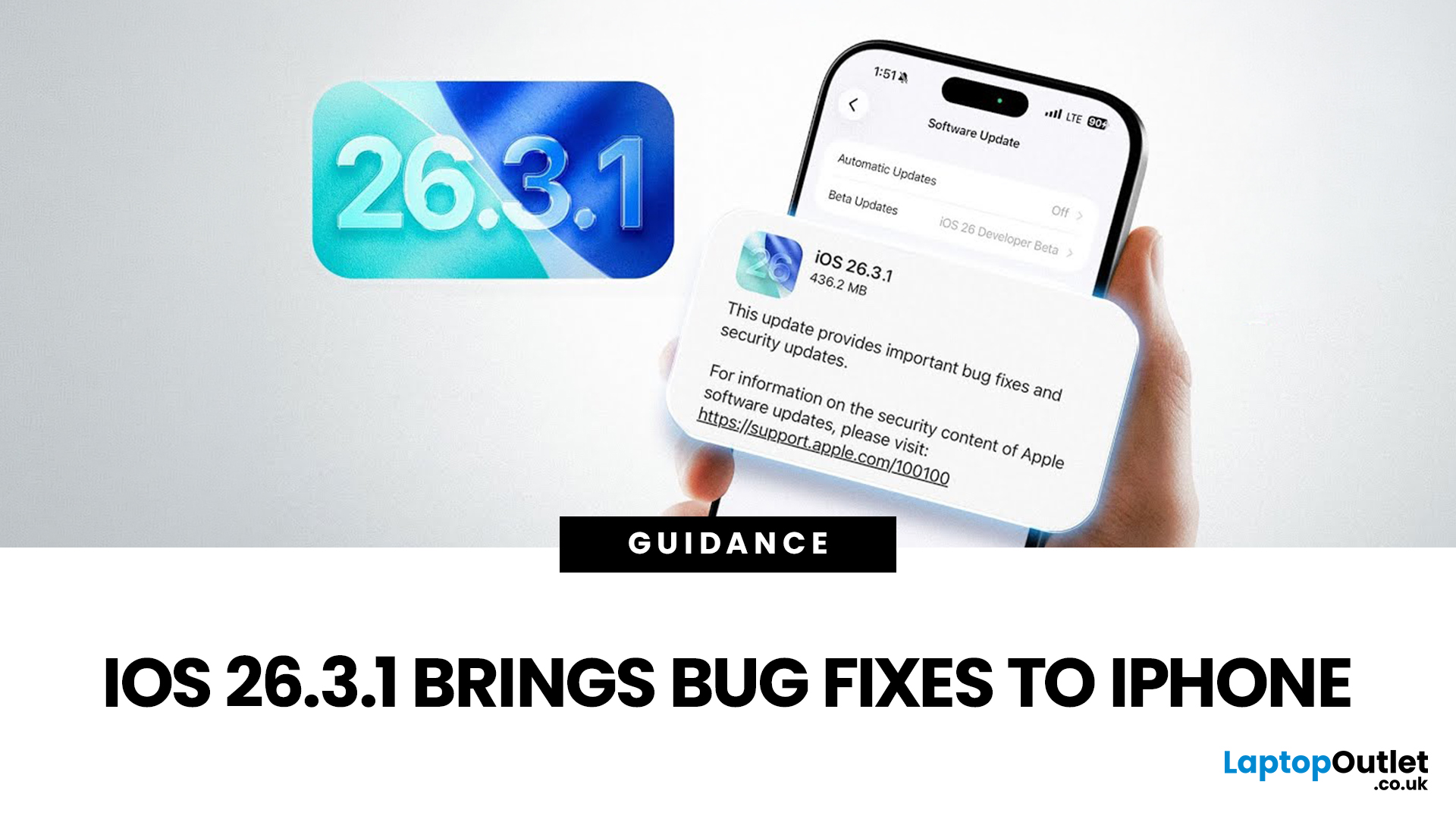
Apple has officially rolled out the iOS 26.3.1 update for iPhone users, bringing several important bug fixes, security patches, and performance improvements. While this is not a major feature update, it focuses on improving system stability and fixing issues reported in the previous iOS 26.3 version.
Minor iOS updates like iOS 26.3.1 are important because they often resolve bugs that affect everyday performance, connectivity, and device security. If you own a compatible iPhone, installing the iOS 26.3.1 update can help ensure smoother performance and better protection against vulnerabilities.
In this guide, we’ll cover the iOS 26.3.1 release date, features, download steps, supported devices, and answer the common question: Should you update to iOS 26.3.1?
iOS 26.3.1 Release Date
Apple released the iOS 26.3.1 update on March 04, 2026, after the launch of iOS 26.3, aiming to fix several issues discovered after the previous version went live.
Typically, Apple rolls out minor updates like
Last Updated: March 12, 2026
If you've been keeping an eye on your Software Update settings lately, you've probably spotted iOS 26.4 Beta 4 sitting there tempting you.
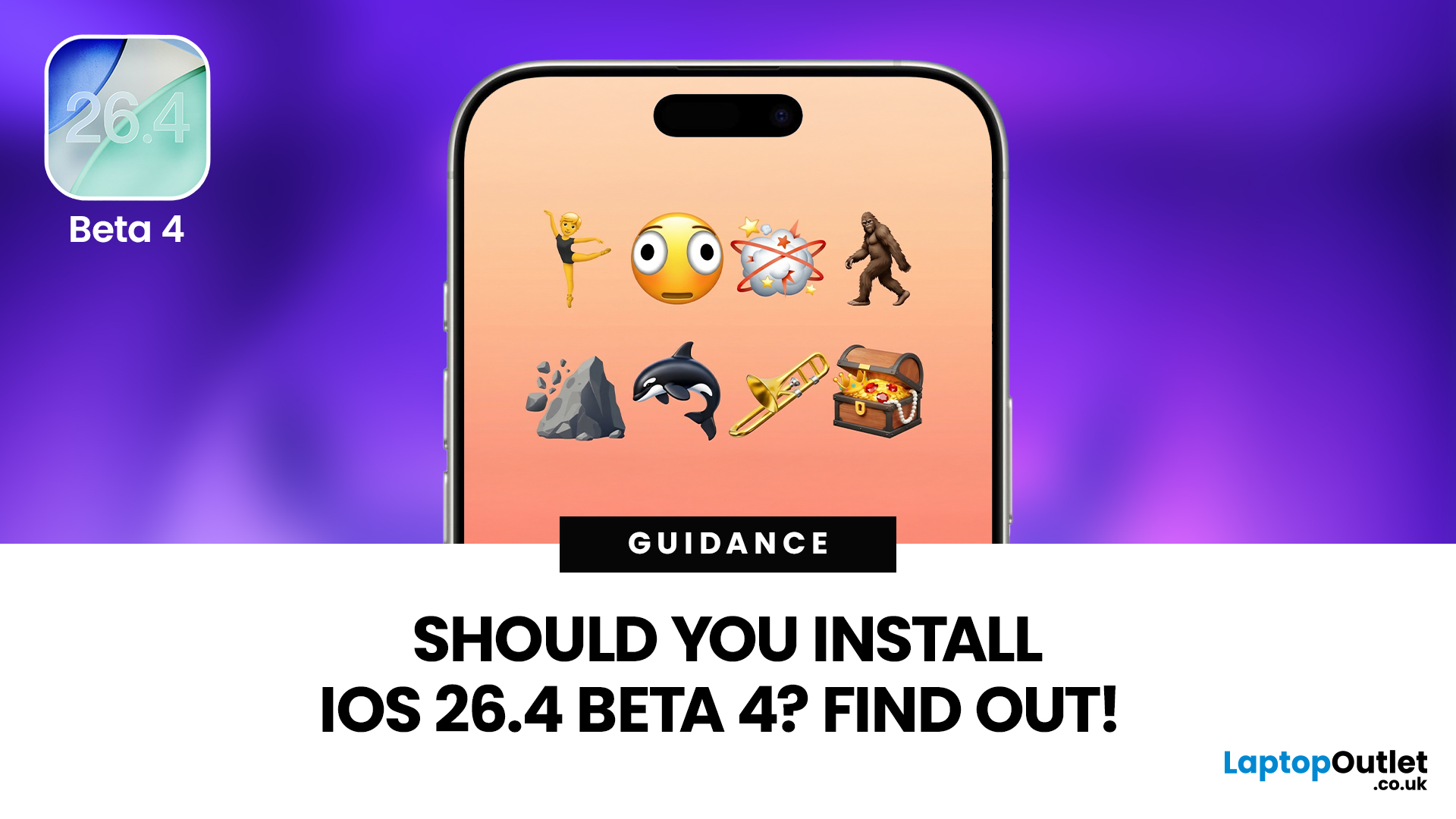
Released on 9th March 2026, this is the fourth developer beta in Apple's testing cycle for the 26.4 update, and it's bringing some genuinely useful changes alongside the usual round of bug fixes and behind-the-scenes polish. The question is, should you install iOS 26.4 Beta 4, or is it better to sit tight and wait for the stable release?
This guide walks you through everything you need to know, from the new features and bug fixes to performance improvements and whether this beta is actually safe enough for everyday use.
What Is iOS 26.4 Beta 4?
iOS 26.4 Beta 4 is the fourth pre-release build in Apple's current testing cycle, arriving roughly a week after Beta 3 with build number 23E5234a. At this late stage in the beta process, Apple's focus has shifted from new features to polish, bug resolution, and getting the system ready for a mass rollout. The
Last Updated: March 12, 2026
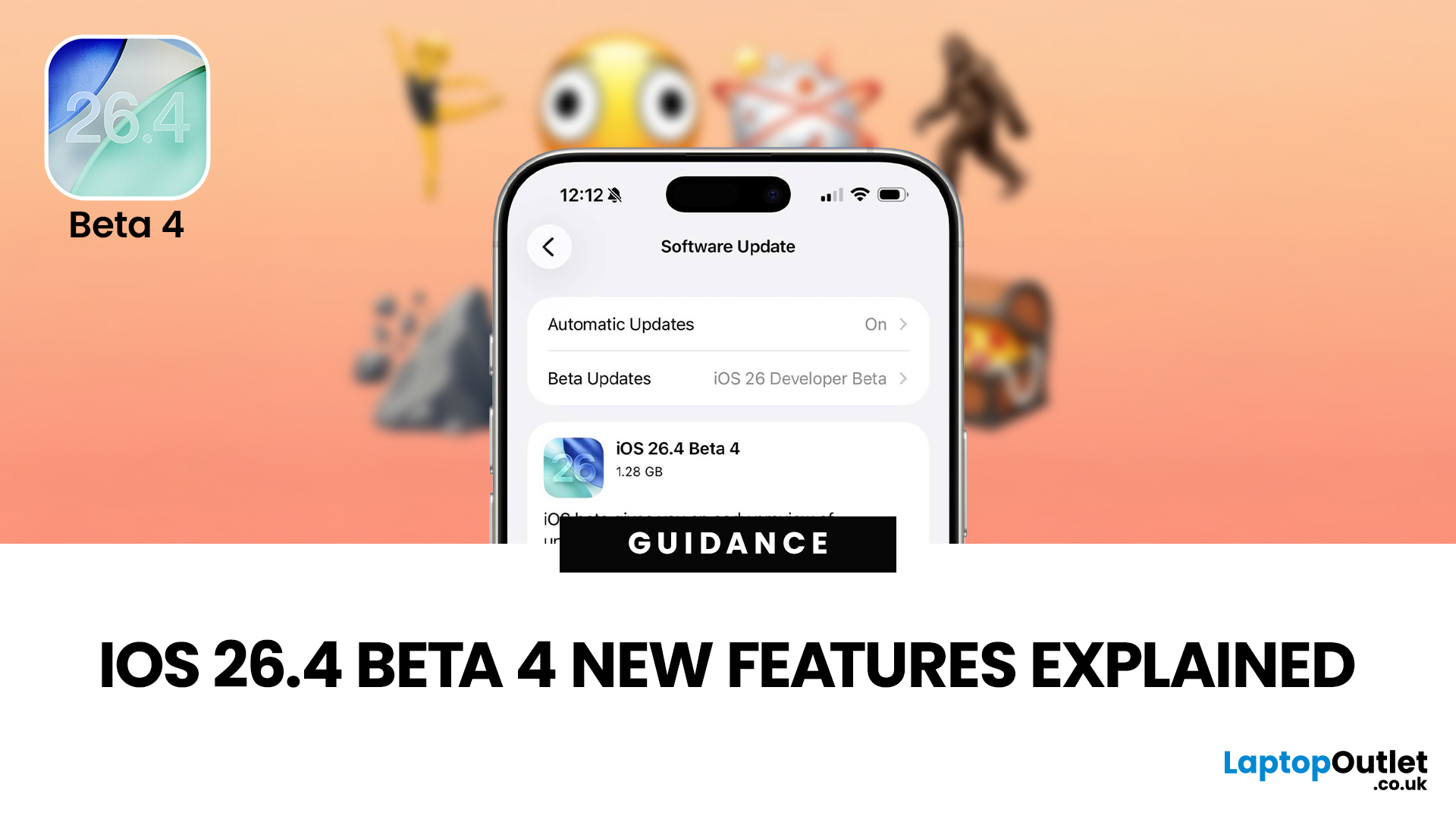
The iOS 26.4 Beta 4 update is now available, offering iPhone users a clearer picture of what Apple is refining ahead of the final release. While this is not the biggest beta in the cycle, it still introduces a number of useful adjustments, visible additions, and background refinements that matter.
If you have been searching for iOS 26.4 Beta 4 features, this release appears to focus less on dramatic surprises and more on improving the overall experience. That includes user-facing additions like new emoji, interface refinements, accessibility adjustments, and continued work across key parts of the iPhone experience.
So, what is actually new in iOS 26.4 beta 4?
The biggest highlights include new emoji, a change to an accessibility setting, the removal of the earlier RCS encryption beta feature, and support for newer Apple devices. If you are testing the beta or simply trying to keep up with what is coming next for the iPhone, this is the update worth paying attention to.
iOS 26.4 Beta 4
Published: March 12, 2026
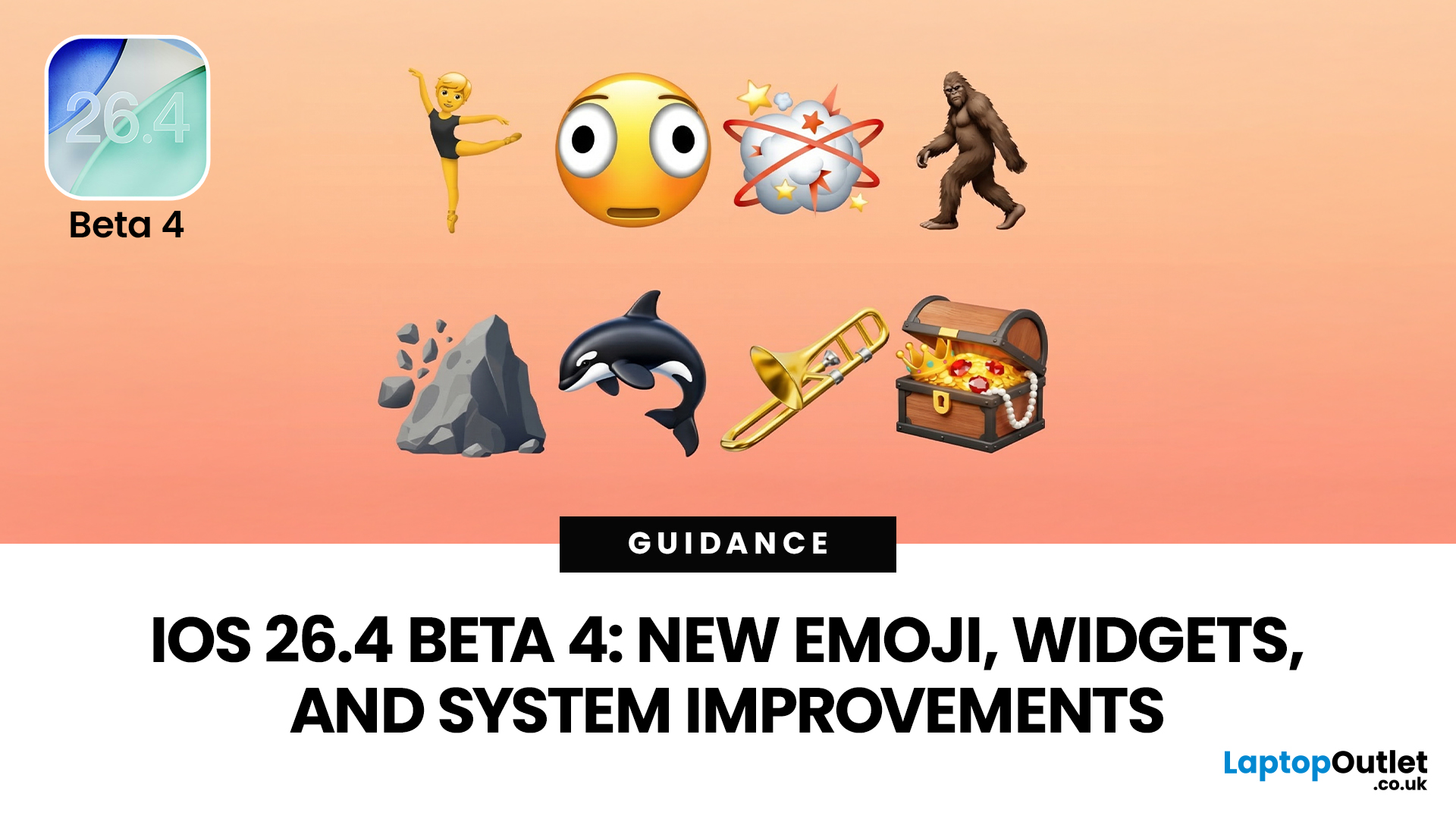
Apple dropped the fourth developer beta of iOS 26.4 on 9 March 2026, and it's packed with changes iPhone users will genuinely enjoy. The iOS 26.4 Beta 4 new features cover everything from a fresh set of emoji to home screen widgets and some important security upgrades.
Whether you're a developer testing the build or simply curious about what's heading your way this spring, here's a full breakdown of what's new.
What Is iOS 26.4 Beta 4?
This is Apple's fourth developer-focused build in the iOS 26.4 testing cycle, released roughly a week after Beta 3. The build number 23E5234a typically signals that the software is approaching release candidate status and is very close to a public launch.
As is common at this stage, the iOS 26.4 Beta 4 new features focus more on polish and refinements than entirely new headline additions. That said, there is still plenty arriving in this update that's worth paying attention to.
iOS 26.4 Beta Emoji: New Characters Are Finally Here
One of the most anticipated

Last Updated: June 03, 2026
Apple’s iOS updates often follow a predictable pattern: major annual releases introduce headline features, while mid-cycle updates refine the experience. The iOS 26.4 update fits firmly into the latter category, but that does not make it insignificant. In fact, it introduces a range of improvements that directly impact everyday usage, from battery efficiency to system stability and feature enhancements.
For users in the UK, where iPhone usage remains consistently high across both premium and older models, updates like iOS 26.4 can make a noticeable difference in performance and usability. This guide provides a complete breakdown of what’s new in iOS 26.4, including features, changes, improvements, and whether it is worth installing.
What Is the iOS 26.4 Update?
The iOS 26.4 update is a mid-cycle software release designed to improve the overall performance and reliability of devices running iOS 26. Unlike major updates, it does not introduce a redesigned interface or radical new systems.
Published: March 31, 2026
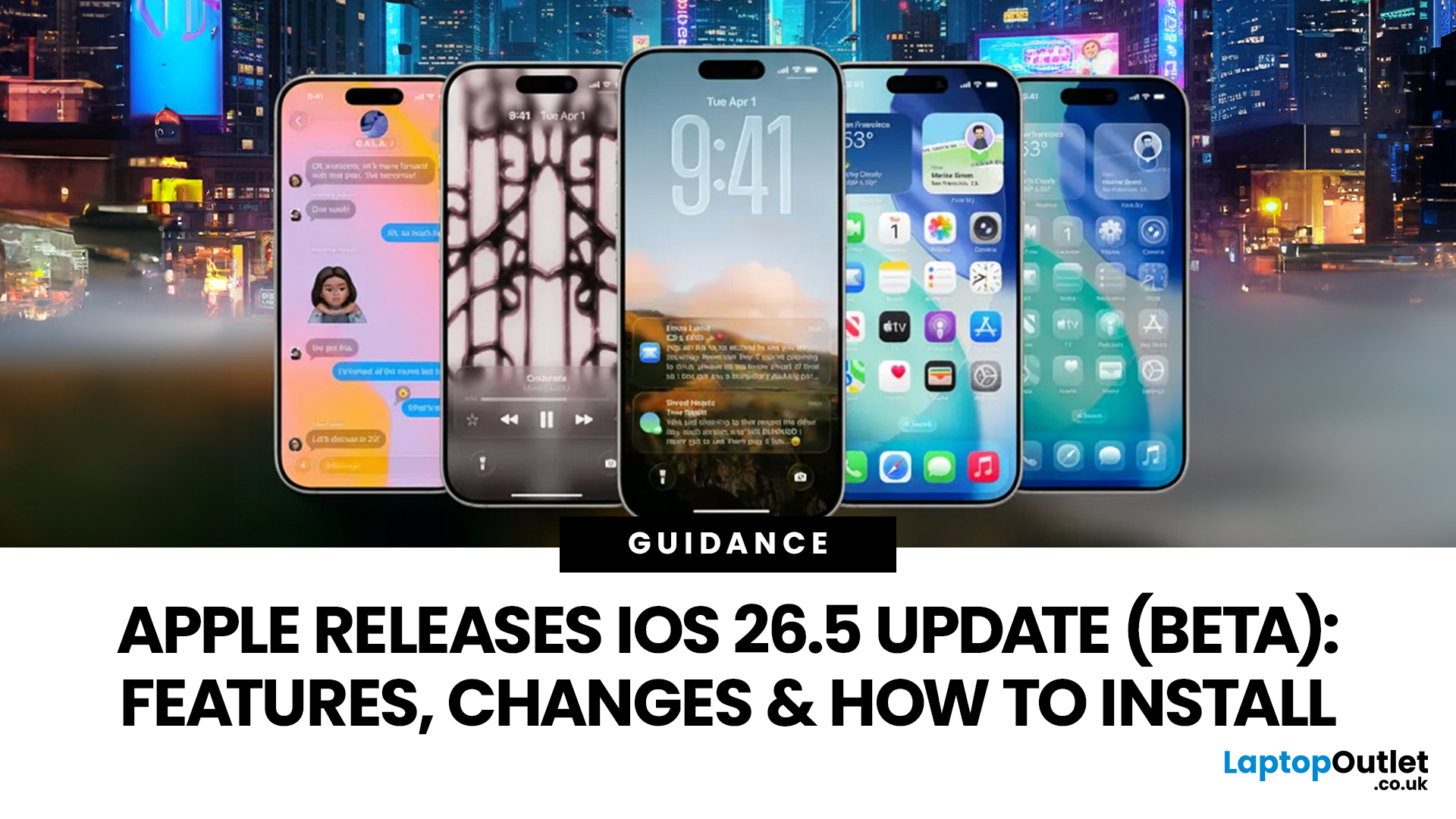
Apple has rolled out iOS 26.5 beta, giving developers and early testers a first look at the next iPhone software update. While this is not Apple's biggest beta release this year, it still brings a number of important changes worth paying attention to. From improvements in Messages to new additions in Apple Maps, the latest iOS beta shows that Apple is continuing to refine the iPhone experience ahead of a wider rollout.
For anyone searching for what’s new in the iOS 26.5 update, the early answer is simple. This update is more focused on practical improvements than headline-grabbing changes. The biggest talking points so far include the return of RCS end-to-end encryption, new Apple Maps features, smaller system updates, and the continued absence of the major Siri improvements many users have been waiting for.
If you want a full breakdown of the iOS 26.5 beta features, the key changes, and how to install the update on your iPhone, here is everything you need to know.
Apple iOS 26.5 Beta

Last Updated: July 06, 2026
Apple pushed the iOS 26.5 Beta 3 update to developers on April 20, 2026, and the vibe is pretty clear: this is a tidy-up build, not a flashy one. The update carries build number 23F5059e, landed one week after beta 2, and is mainly about polish, stability, and clearing out bugs that were still hanging around in the earlier 26.5 cycle.
The headline fix in Apple’s notes is straightforward. iOS 26.5 beta 3 bug fixes include a patch for an issue where the Unity and Kaleidoscope wallpapers could fail to install or could not be removed from the Wallpaper Gallery. That makes this release feel more like a clean-up pass than a feature drop, which is honestly not a bad thing this late in the beta cycle.
Is iOS 26.5 Beta 3 Worth Installing?
For most beta testers, yes, but only with the right expectations. If you are already on the iOS 26.5 beta track, Beta 3 looks like a sensible install because it tightens up bugs, keeps the release moving, and appears to smooth out the rougher edges people
Last Updated: May 13, 2026
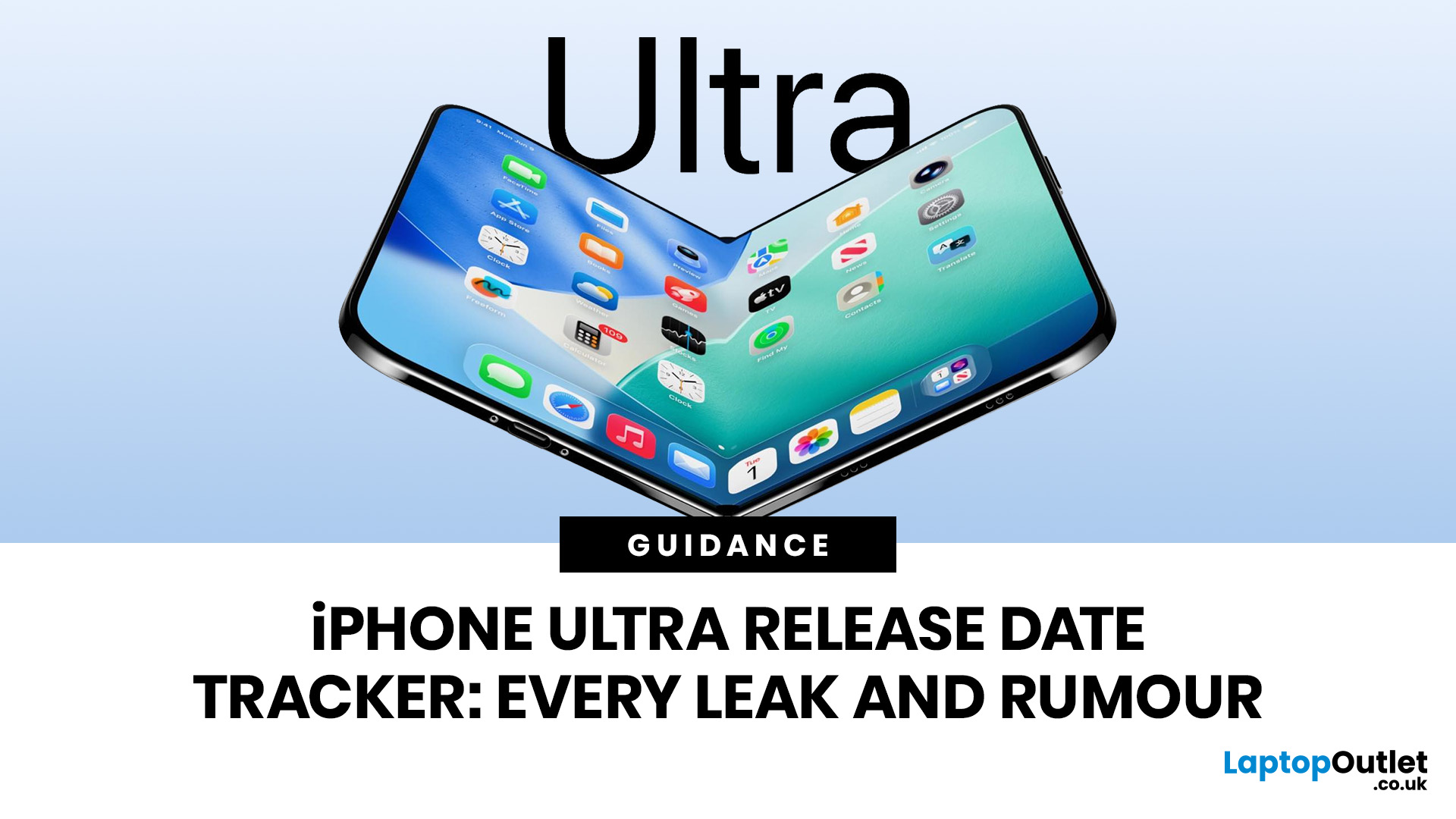
The iPhone Ultra release date is one of the hottest Apple rumours right now, and honestly, the hype is doing a lot. Is Apple finally making a foldable iPhone? Will it sit above the Pro Max? Is it actually called the Apple iPhone Ultra, or are we all just collectively manifesting?
As of 7 May 2026, Apple has not officially announced an iPhone Ultra. Apple’s most recent flagship cycle was the iPhone 17 range, with the iPhone 17 Pro and iPhone 17 Pro Max announced on 9 September 2025. That matters because Apple usually sticks close to its September iPhone launch rhythm, and most current iPhone Ultra rumours are pointing towards the same kind of Autumn reveal window.
So, no, the iPhone Ultra is not confirmed yet. But the leak trail is getting loud.
iPhone Ultra Release Date: What’s the Latest?
The current rumour consensus suggests that Apple’s first foldable iPhone could launch in Autumn 2026, most likely around September 2026, potentially alongside the iPhone 18 Pro line-up. Rumours reports
Published: May 13, 2026
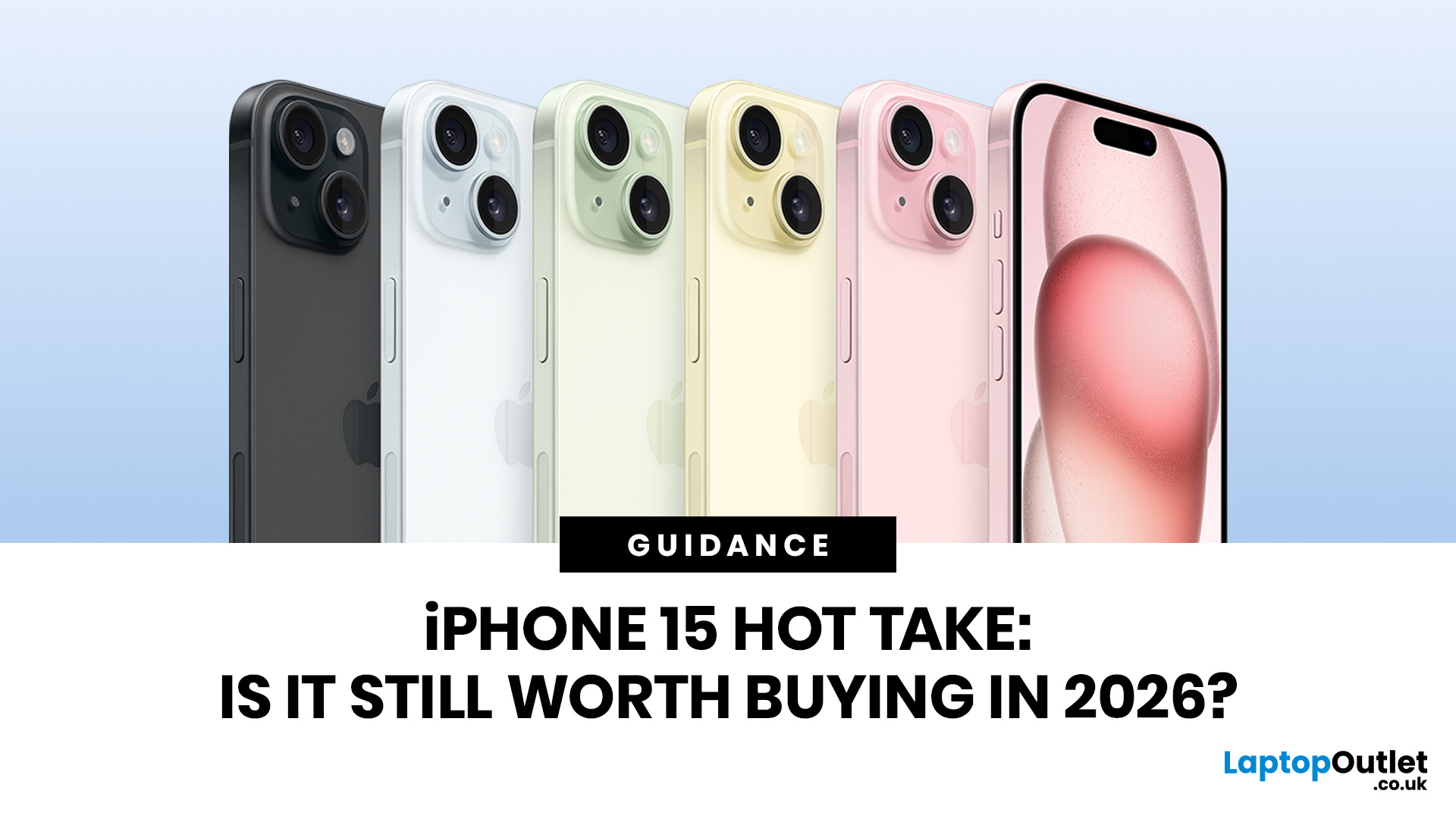
Quick Answer: Yes, the iPhone 15 is still worth buying in 2026, but only at the right price.
It is still a modern, capable iPhone for everyday use. You get USB-C, Dynamic Island, a 48MP main camera, 5G, MagSafe, strong A16 Bionic performance, and iOS 26 compatibility. Apple’s own technical specs still position it as a highly capable phone, with USB-C, a 48MP main camera, Bluetooth 5.3, MagSafe wireless charging, and up to 20 hours of video playback.
The catch is Apple Intelligence. The standard iPhone 15 and iPhone 15 Plus do not support Apple Intelligence. Apple’s compatibility list starts with iPhone 15 Pro models and iPhone 16 models or later.
So, the real question is not, “Is the iPhone 15 still good?” It is.
The better question is: are you happy buying a strong non-AI iPhone in 2026 if the price is clearly lower than newer models?
When the answer is yes, the iPhone 15 still makes sense.
Why the iPhone 15 question is different in 2026
The iPhone 15 is no longer the newest iPhone.

