



Should You Install iOS 26.4 Beta 4? Features, Fixes & Changes
If you've been keeping an eye on your Software Update settings lately, you've probably spotted iOS 26.4 Beta 4 sitting there tempting you.
Released on 9th March 2026, this is the fourth developer beta in Apple's testing cycle for the 26.4 update, and it's bringing some genuinely useful changes alongside the usual round of bug fixes and behind-the-scenes polish. The question is, should you install iOS 26.4 Beta 4, or is it better to sit tight and wait for the stable release?
This guide walks you through everything you need to know, from the new features and bug fixes to performance improvements and whether this beta is actually safe enough for everyday use.
What Is iOS 26.4 Beta 4?
iOS 26.4 Beta 4 is the fourth pre-release build in Apple's current testing cycle, arriving roughly a week after Beta 3 with build number 23E5234a. At this late stage in the beta process, Apple's focus has shifted from new features to polish, bug resolution, and getting the system ready for a mass rollout. The public release is expected in late March or early April 2026.
Who Can Install It?
iOS 26.4 Beta 4 is currently available through the Apple Developer Programme. You'll need an Apple developer account to access it, though a free account is sufficient. Head to Settings, then General, then Software Update, and the beta will appear once your developer profile is active. A public beta via Apple's Beta Software Programme is expected to follow shortly after.
Which Devices Are Supported?
Any iPhone capable of running iOS 26.3 will support iOS 26.4. Beta 4 also adds compatibility for the new iPhone 17e and latest M4 iPad Air, allowing developers to test app performance on Apple's newest hardware ahead of its wider rollout.
Key Features in the iOS 26.4 Beta Update
The bulk of iOS 26.4's visible changes landed in Betas 1 and 2. Beta 4 refines and stabilises those features. Here's a rundown of the most important iOS 26.4 beta update features making their way to iPhones.
Apple Music Overhaul and Playlist Playground
The biggest change in this Apple iOS beta update is Apple Music's redesign. Albums and playlists now display full-screen artwork with refreshed playback controls.
More importantly, a new AI-powered feature called Playlist Playground lets you generate a 25-song playlist from any text prompt — type "rainy day reading" or "Friday evening wind-down" and Apple Intelligence does the rest.
You can refine results with follow-up prompts and select matching cover art. A new Concerts Near You section also surfaces upcoming gig dates for artists in your library.
Video Podcasts via HLS
Apple Podcasts gains support for HTTP Live Streaming (HLS), allowing seamless switching between audio and video within the same episode. Video quality adjusts automatically depending on your connection, and episodes can be downloaded for offline viewing. This is part of the broader iOS 26.4 bug fixes and media improvements rolling out across the cycle.
New Emoji: Unicode 17
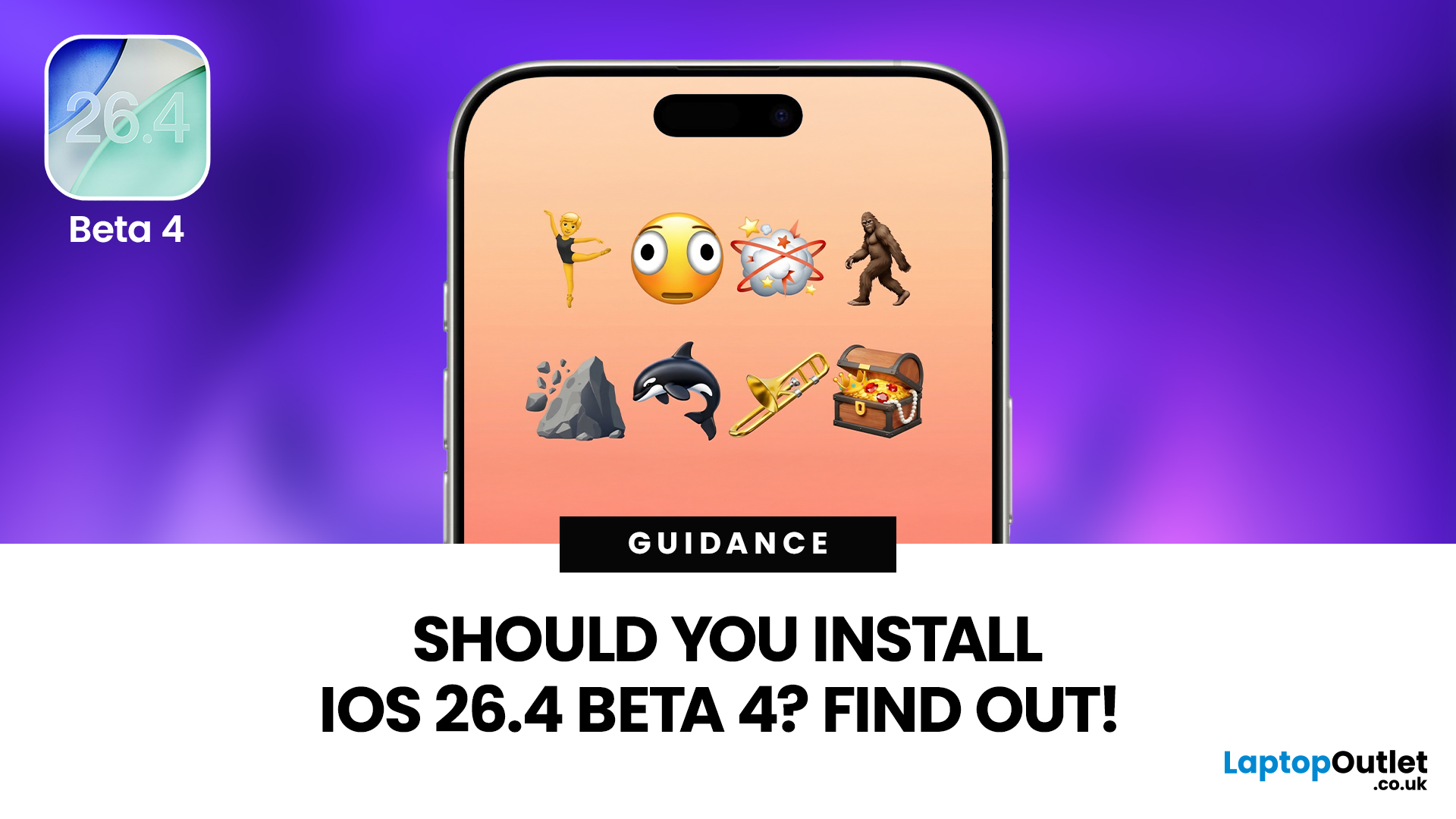
The most visible change in iOS 26.4 Beta 4 is the arrival of several new emojis, including:
- Trombone
- Treasure Chest
- Distorted Face
- Hairy Creature (bigfoot/sasquatch)
- Fight Cloud
- Orca
- Landslide
iOS 26.4 Beta 4 also adds new skin tone choices for people wrestling and for dancers with bunny ears, and the ballet dancer emoji now includes a gender-neutral version.
Stolen Device Protection On by Default
Perhaps the most consequential change across the iOS 26.4 cycle is that Stolen Device Protection now activates automatically when you install the update.
Previously an opt-in feature many users never found, it now requires Face ID or Touch ID for sensitive actions like changing your Apple Account password or disabling Find My when you're away from a trusted location.
A one-hour security delay adds a further layer of protection for the most critical account changes. If you use your iPhone for banking or work, this improvement alone makes iOS 26.4 worth noting.
Ambient Music Widgets and Other Additions
A new Ambient Music widget lands in Beta 4, available in small and medium sizes for the Home Screen and Lock Screen. It gives quick access to four mood-based background music modes: Chill, Productivity, Sleep, and Wellbeing.
Elsewhere, hotspot data usage statistics have moved to the Personal Hotspot section where they're actually useful — handy if you regularly tether your phone to a laptop or tablet. For UK users, iOS 26.4 is also testing App Store age verification changes in line with regional digital platform regulations.
What's Changed or Removed in Beta 4
Not everything survives the journey from Beta 1 to Beta 4 unchanged. Understanding these shifts is central to any honest iOS 26.4 Beta 4 review.
RCS End-to-End Encryption Pulled
The most discussed removal in Beta 4 is end-to-end encryption (E2EE) for RCS messaging. Tested in Betas 1 through 3, Apple has confirmed it will not ship with the final iOS 26.4 stable release. The feature will arrive in a future iOS 26 update, eventually bringing iPhone-to-Android messaging up to the same security standard as iMessage. It's a delay, not a cancellation, but worth flagging.
Accessibility and UI Refinements
The 'Reduce Highlighting Effects' accessibility toggle has been renamed 'Reduce Bright Effects' to better describe its function. Visual polish across dark mode has also improved, with Control Centre pop-up menus and notification elements now displaying with more consistent tone. The wallpaper gallery in Settings has been reorganised into themed packs that download on demand, saving on-device storage.
Is iOS 26.4 Beta 4 Stable Enough to Use Daily?
This is the crux of the question. When asking is iOS 26.4 Beta 4 stable for daily use, the honest answer is: it's the best pre-release build yet, but it's still beta software.
Known issues in iOS 26.4 Beta 4 include a wallpaper saturation bug, occasional animation lag, missing battery usage data for certain days, and delayed reminder badge counts. Some third-party apps may also crash or refuse to launch.
Owners of older handsets like the iPhone 11 and 12 have reported noticeable speed improvements, and cellular connectivity is stronger thanks to a modem update, but battery drain during intensive tasks remains higher than on the stable iOS 26.3.1.
What's Not in iOS 26.4: The Siri Situation
If a revamped Siri with generative AI is what you've been waiting for, iOS 26.4 won't deliver it. Apple confirmed the major Siri overhaul has been pushed to iOS 26.5 or iOS 27, with the latter likely previewed at WWDC 2026 in June. iOS 26.4 is a transitional release that improves the current feature set without the AI-assistant breakthrough many users expected.

So, Should You Install iOS 26.4 Beta 4? The Verdict
Here's the quick breakdown:
- Developers and app testers: Yes. Beta 4 is the most polished build yet, with new emoji, updated device support, and refined features worth testing before public launch.
- Public beta users with a secondary device: Yes, with a backup in place. This is a solid preview of a meaningful update.
- Everyday users on their primary iPhone: Wait. The stable release is only weeks away, and the bugs aren't worth the risk on your daily phone.
- Users waiting for AI Siri: Hold off entirely. That feature is at least one or two updates away.
iOS 26.4 is shaping up to be a solid update, but beta software is never without its rough edges. If you can wait a few weeks, the stable release will give you everything here without the headaches.

Just So You Know...
What's new iOS 26.4 beta 4?
Beta 4 primarily focuses on stability and introduces seven new Unicode 17 emoji. It also refines Playlist Playground in Apple Music, video podcast playback, on-by-default Stolen Device Protection, Ambient Music widgets, and UI polishing in dark mode.
Is iOS 26.4 Beta 4 safe to install on my main iPhone?
Not recommended for primary devices. Known bugs include a wallpaper saturation issue, occasional animation lag, missing battery usage data, and some third-party app crashes. Always back up your iPhone before installing any beta.
Does iOS 26.4 Beta 4 include the new Siri AI features?
No. Apple's major Siri overhaul with generative AI and deeper app integration has been delayed out of the iOS 26.4 cycle entirely. These features are now expected to land in iOS 26.5 or iOS 27, which is likely to be previewed at WWDC 2026 in June.
When will iOS 26.4 be publicly released?
Based on Apple's current beta cadence and historical spring release windows, iOS 26.4 is expected publicly in late March or early April 2026. A Release Candidate build is anticipated shortly before launch.
How do I install iOS 26.4 Beta 4?
Register for Apple's developer or public beta programme at developer.apple.com using a free Apple ID. Then go to Settings > General > Software Update on your iPhone. Back up your device fully before proceeding, as beta software can introduce unexpected issues.
What iPhone models are compatible with iOS 26.4?
Any iPhone that supports iOS 26.3 will run iOS 26.4. Beta 4 specifically adds support for the new iPhone 17e and M4 iPad Air. Older supported models like iPhone 11 and iPhone 12 are seeing improved performance in this beta cycle.
| Read More: |
| iOS 26.4 Beta 4: New Emoji, Widgets, and System Improvements |
| Everything New in iOS 26.4 Beta 4: Features, Changes & Updates Explained |
| iOS 26.3.1 Released With Bug Fixes for Apple iPhone |
Related Articles

Last Updated: May 05, 2026
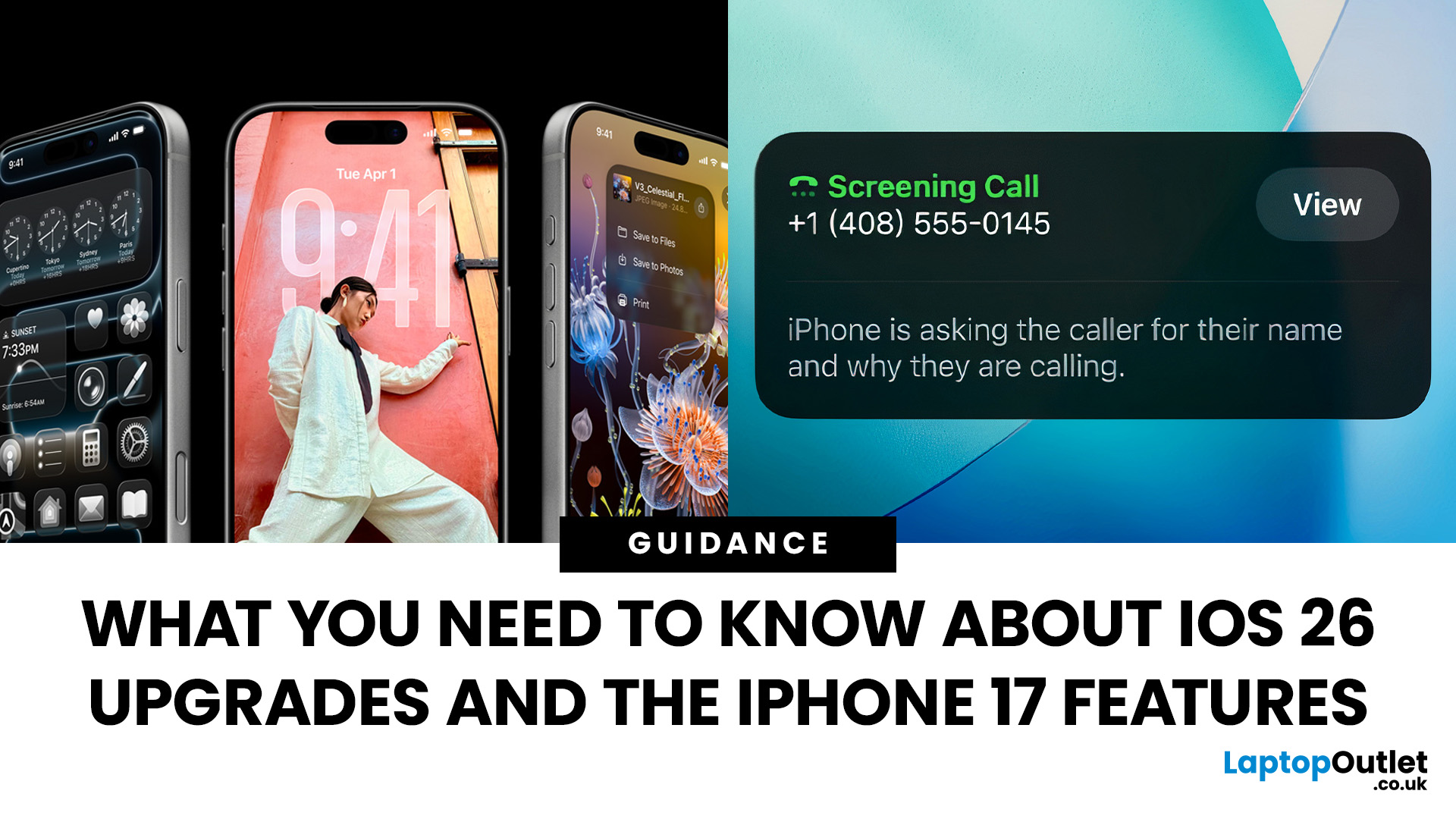
Apple’s 2025 drop is a one-two punch: iOS 26 brings a fresh look and smarter tools, while the iPhone 17 line turns those ideas into everyday wins. If you’re deciding whether to update, upgrade, or both, this guide lays out what’s new, why it’s useful, and how to get the most from it on day one.
iOS 26 At a Glance
Apple describes iOS 26 as a major update centered on a gorgeous new design, intelligent experiences, and daily improvements to the apps you use. In practice, that means a cleaner interface, on-device smarts that actually help, calmer communication, and quality-of-life tweaks across CarPlay, Music, Maps, Wallet and more.
A beautiful new look: Liquid Glass everywhere

The first thing you’ll notice is the design. iOS 26 introduces Liquid Glass, a translucent material that reflects and refracts what’s behind it. It brings a gentle sense of depth to icons, widgets, controls and navigation without making the interface feel busy. The result is expressive and modern, yet instantly familiar.
Last Updated: September 15, 2026
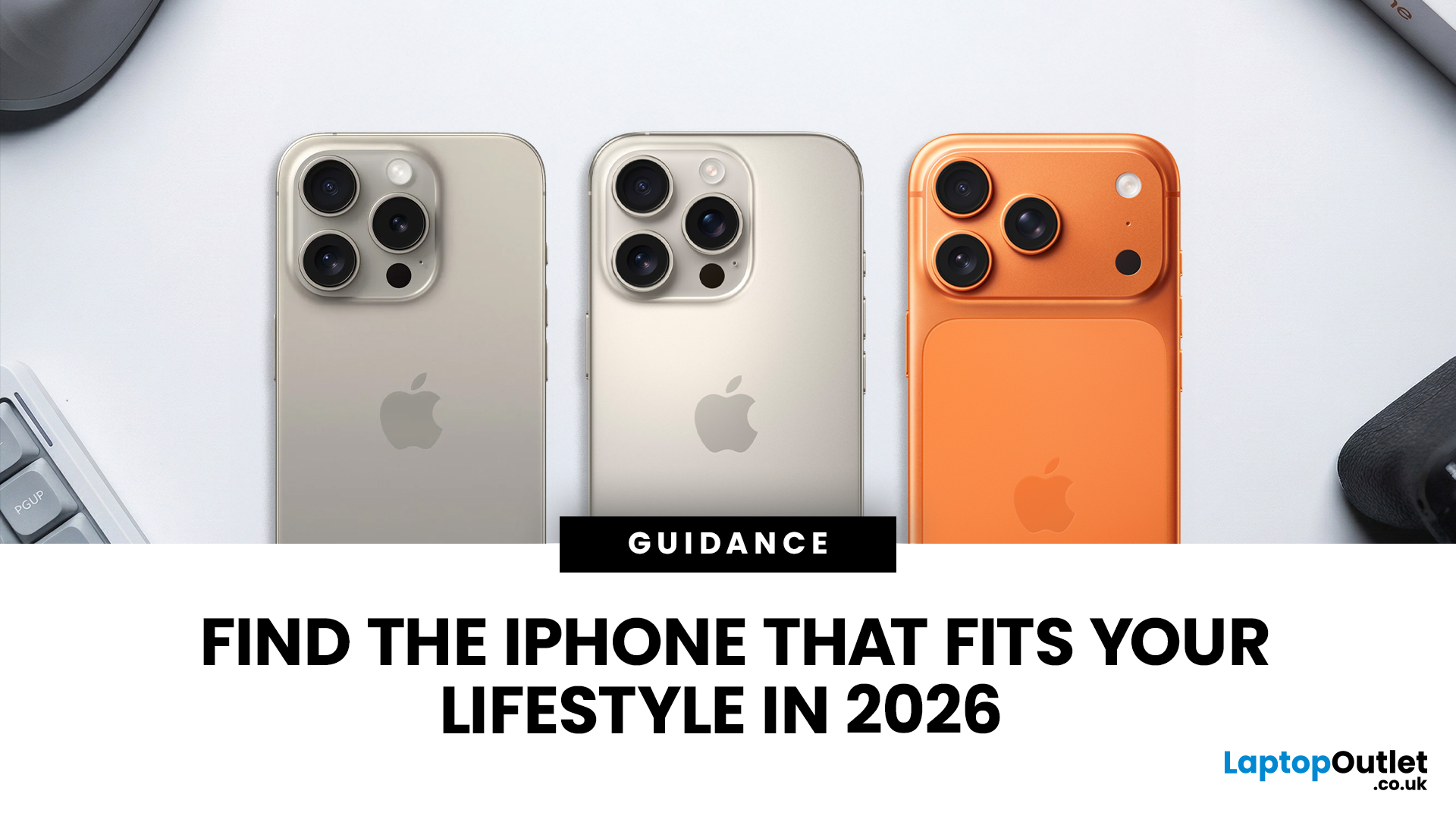
Buying an iPhone in September 2026 is a little different from earlier in the year. Apple has now announced the iPhone 18 Pro and iPhone 18 Pro Max, while the iPhone Duo brings a completely new foldable option. At the same time, the iPhone Air, iPhone 17, iPhone 17e and iPhone 16 remain available from Apple in the UK.
The best choice should not be automatically the newest or most expensive model. It depends on how much you want to spend, the size you prefer, how much you use the camera, how long you need the battery to last and whether you are comfortable waiting for a newly announced model to go on sale. This iPhone buying guide focuses on those practical differences so you can make a clear decision without paying for features you are unlikely to use.
Quick answer
Best overall for most buyers: iPhone 17. It has a 6.3-inch 120Hz ProMotion display, A19 chip, dual 48MP camera system and 256GB storage as standard.
Best premium choice: iPhone 18 Pro or Pro Max. Pre-orders open 12 September and

Last Updated: February 12, 2026
Apple’s latest software update, iOS 26.3, is here, and it brings a solid mix of refinements, fixes, and performance improvements designed to keep your iPhone running smoothly. If you’ve been living in the world of iOS 26.2 and wondering what’s new, what changed on the iOS 26.3 release, and whether it’s worth tapping “Update Now,” you’re in exactly the right spot. Let’s break down everything you need to know about the iOS 26.3 update.
iOS 26.3 Release Date: When Did It Launch?
Apple just dropped iOS 26.3 on 11 February 2026, and while it’s not the headline-stealing overhaul of the year, it’s seriously one of those updates you’ll want on your phone. These mid-version updates typically arrive to address issues discovered after the previous rollout, as well as to improve device performance.
Like most iOS updates, iOS 26.3 was released gradually, meaning some users received it immediately, while others saw it appear over the following days.
If iOS 26.3 is available for your device, you’ll
Last Updated: March 04, 2026
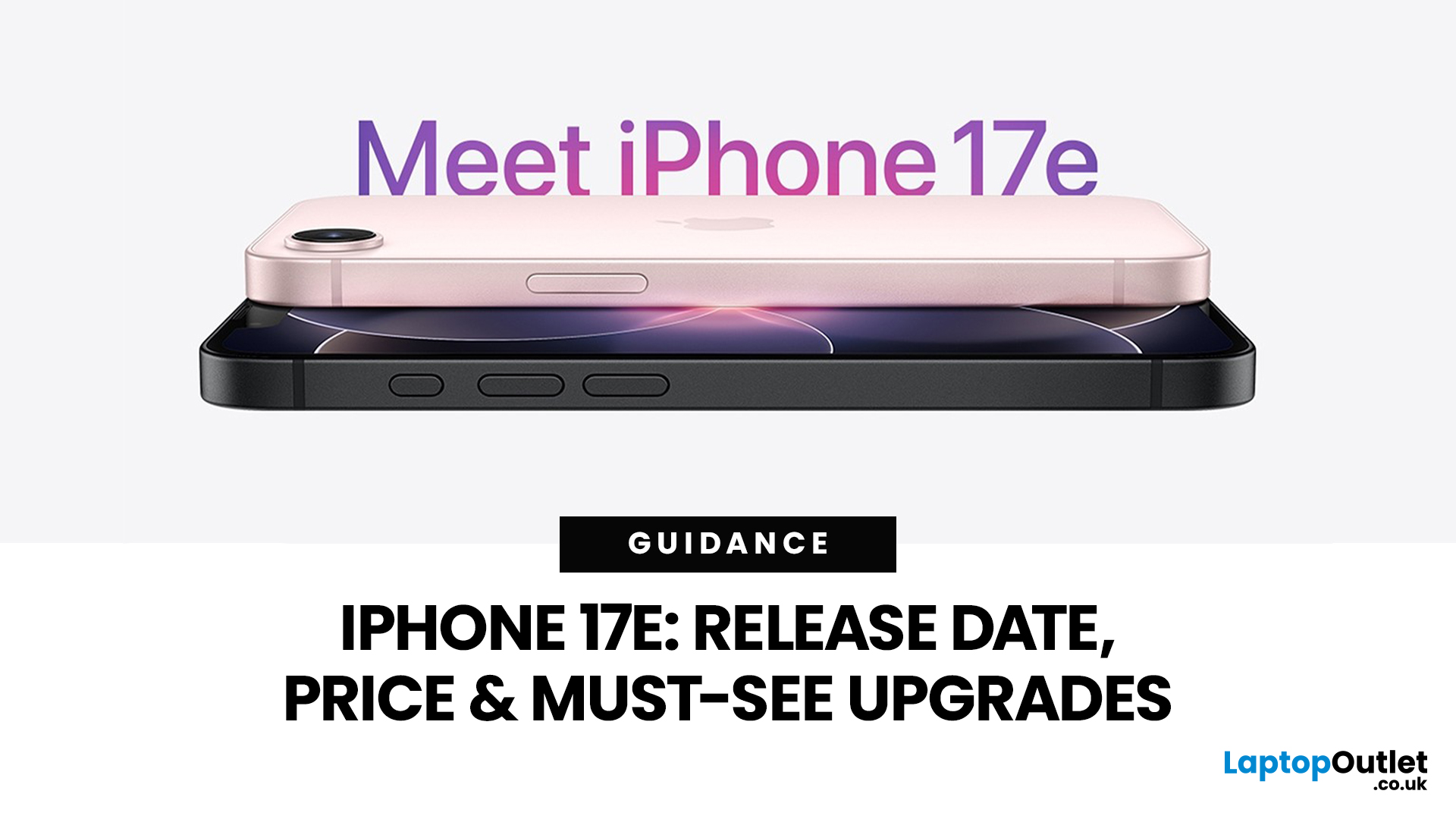
Your complete guide to Apple’s newest “value” iPhone for UK buyers, with the latest confirmed details on launch timing, pricing, key upgrades, and answers to the most searched questions online.
Release Date - When UK Buyers Can Get It
Apple has officially announced that the iPhone 17e will be available in early March 2026:
- Preorders begin: 4th March 2026
- General availability (in-store & online): 11th March 2026 9 (We’ve outlined the biggest launch-day advantages in our article.)
This continues Apple’s recent pattern of spring launches for its more affordable iPhone models, offering a separate window from the big autumn flagship releases.
If you want a deeper breakdown of real-world speed, gaming ability and camera quality, read our full blog on iPhone 17e camera and performance.
UK Pricing - How Much It Costs in the United Kingdom
In the UK, Apple has positioned the iPhone 17e as a competitively priced smartphone that still delivers meaningful upgrades:
- 256 GB: around £599 (base model)
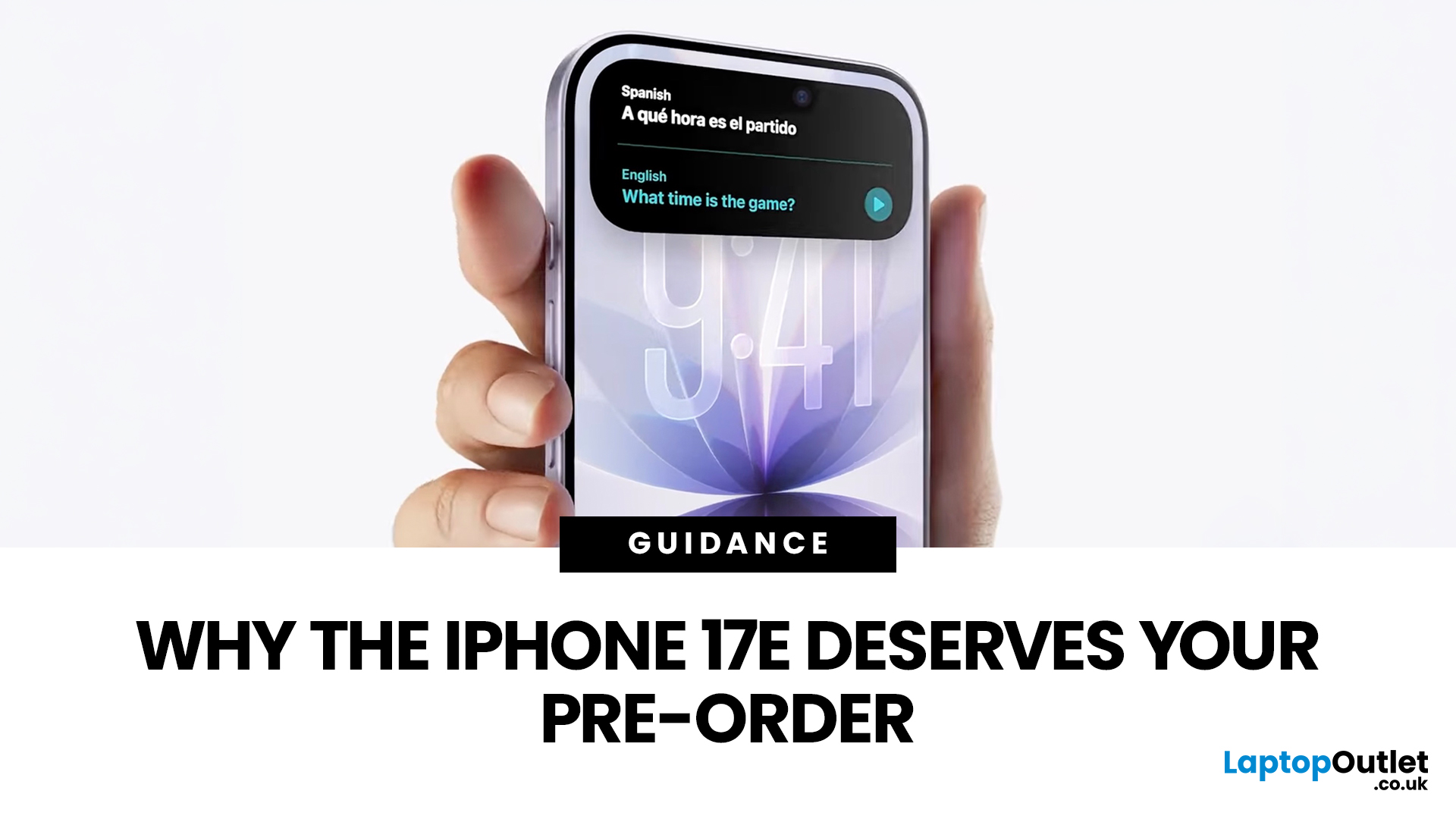
Last Updated: March 04, 2026
If you’re in the UK and you’ve been waiting for an iPhone that hits the sweet spot between price, features, and longevity, the iPhone 17e is shaping up to be exactly that. Apple’s UK Store listing shows pre-orders open at 2:15 pm on 4th March, with availability from 11 March, starting at £599.
So… should you place an iPhone 17e pre-order as soon as it opens? Here are the top 5 reasons UK buyers might genuinely want to.
Quick UK iPhone 17e facts (at a glance)
- UK pre-order date & time: 2:15pm on 4th March
- UK availability: 11th March
- UK price: £599 (256GB) / £799 (512GB)
- Colours: Black, White, Soft Pink
- Standout upgrades: MagSafe (up to 15W), 48MP Fusion camera, A19 chip, Ceramic Shield 2
1) You’ll have the best shot at getting the colour + storage you actually want
Pre-orders aren’t just hype, they’re practical.
When demand spikes, it’s usually specific combinations that go first (popular colour + storage). With iPhone 17e you’ve got three colours (including the new Soft Pink) and two
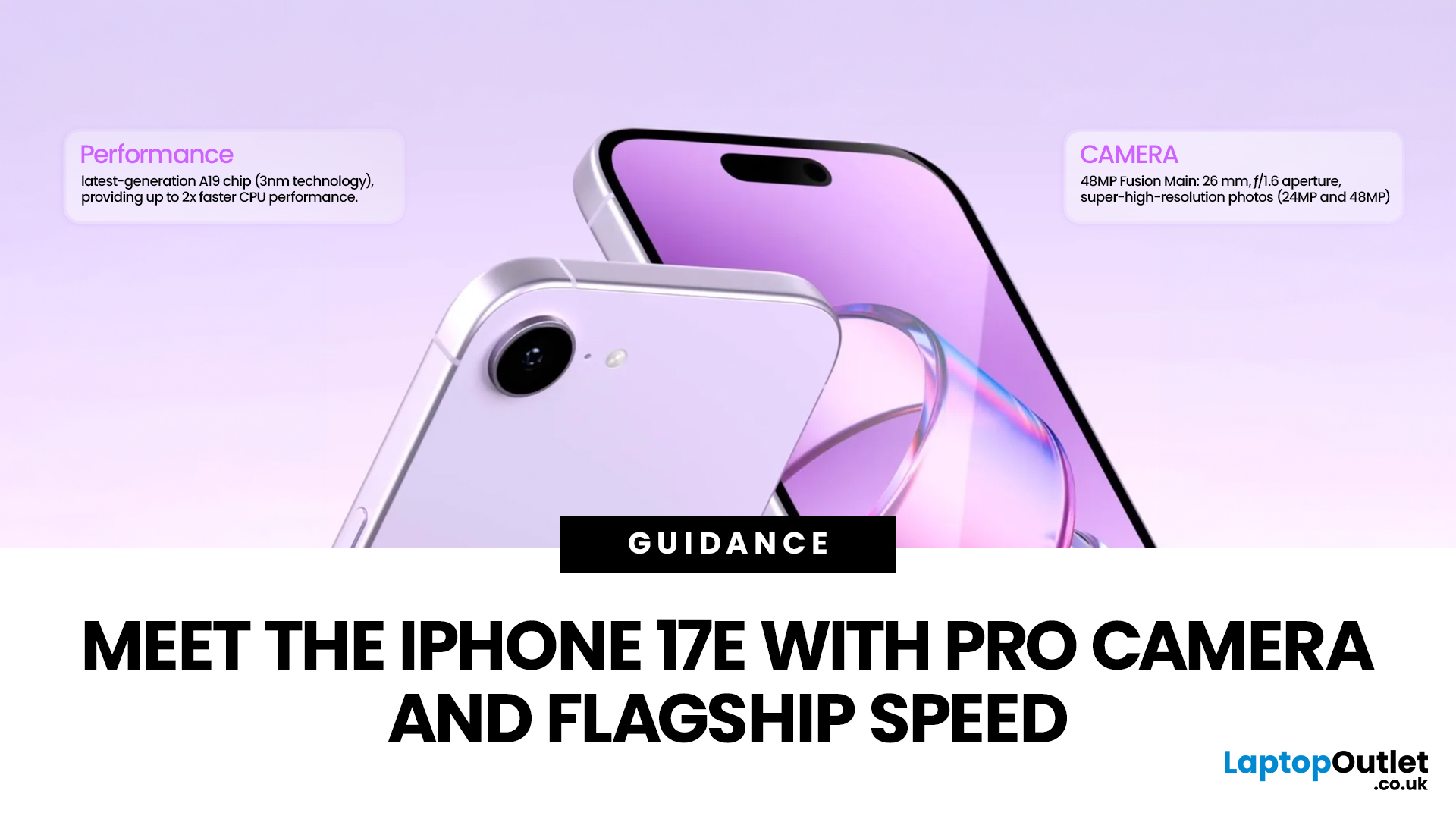
Last Updated: March 04, 2026
Apple launched the iPhone 17e on 2 March 2026, and it has already caught a lot of attention. Priced at £599 with 256GB of base storage, it sits as the most affordable entry point into the iPhone 17 family. That is £200 less than the standard iPhone 17, yet the two share the same A19 chip generation.
But affordable does not mean basic. This iPhone packs serious upgrades, particularly in camera and performance. So, is it worth your money in 2026? Let us break it all down.
iPhone 17e Camera System: What's New in 2026
The iPhone 17e camera is one of the biggest talking points of this release. Apple has kept a single rear camera setup, but what it does with that one sensor is genuinely impressive.
48MP Fusion Camera: A 2-in-1 System
The rear camera features a 48MP Fusion sensor with an f/1.6 aperture and optical image stabilisation. On the surface, the megapixel count matches the iPhone 16e. However, Apple has made meaningful improvements underneath.
The most notable addition is the optical-quality
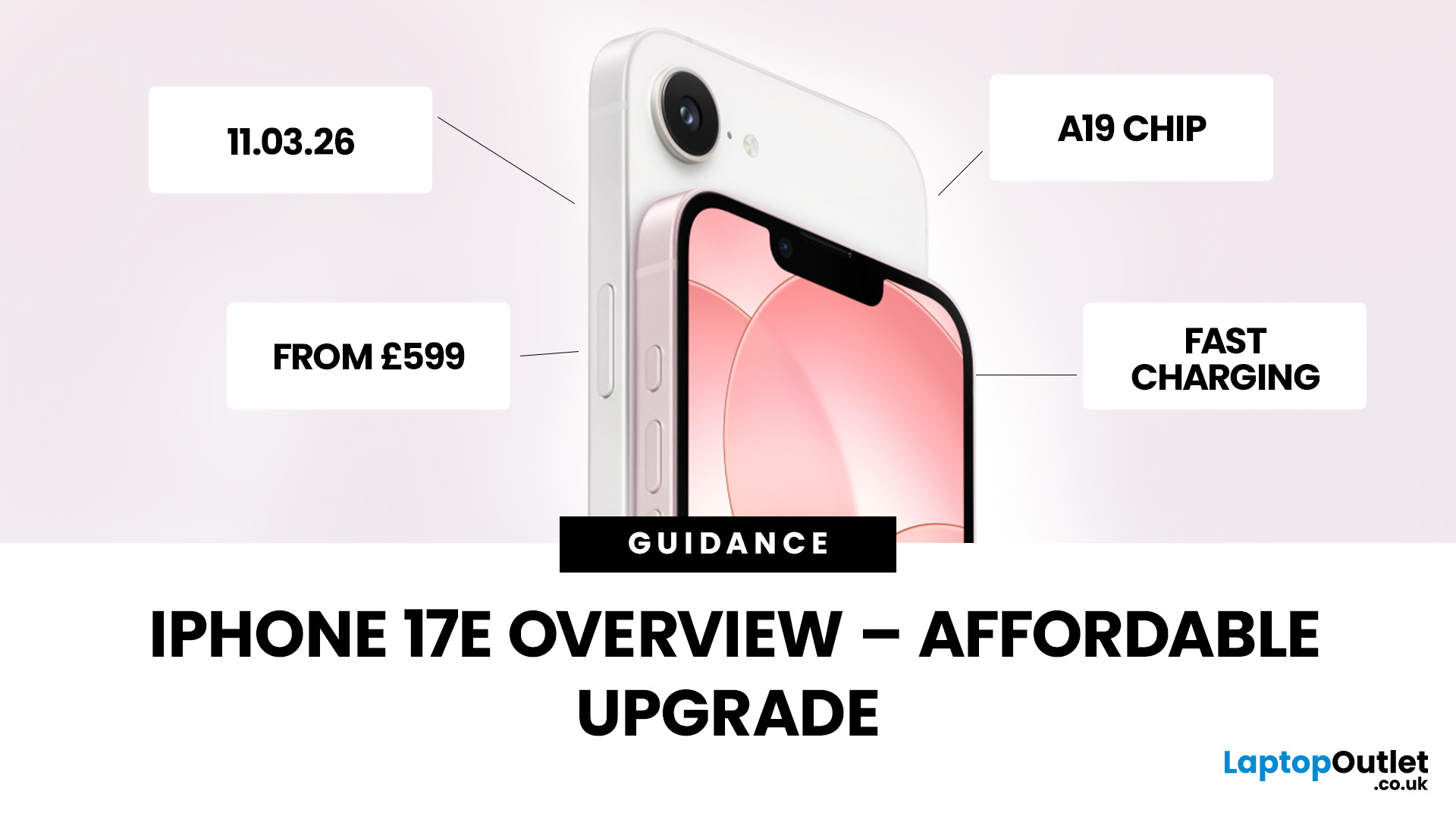
Last Updated: March 04, 2026
Apple has officially unveiled the iPhone 17e, positioning it as the most affordable way to get into the iPhone 17 lineup in 2026. If you’re in the UK and weighing up whether this is the right upgrade, here’s everything you need to know, including the iPhone 17e release date, UK price, specs, colours, features, and how it compares to the iPhone 17 and iPhone 16e.
iPhone 17e Release Date (UK)
Apple confirmed that pre-orders begin on 4 March, with the iPhone 17e available from 11 March.
That means UK buyers won’t have long to wait, and as with previous launches, early stock could sell quickly, especially for popular colours and higher storage configurations.
iPhone 17e UK Price and Storage
The iPhone 17e starts at £599 in the UK for the 256GB model, with the 512GB version priced at £799 .
Apple is also offering 0% finance options, with monthly payments available from £24.95 per month over 24 months.
What this means for UK buyers
- It’s £200 cheaper than the standard iPhone 17, which starts
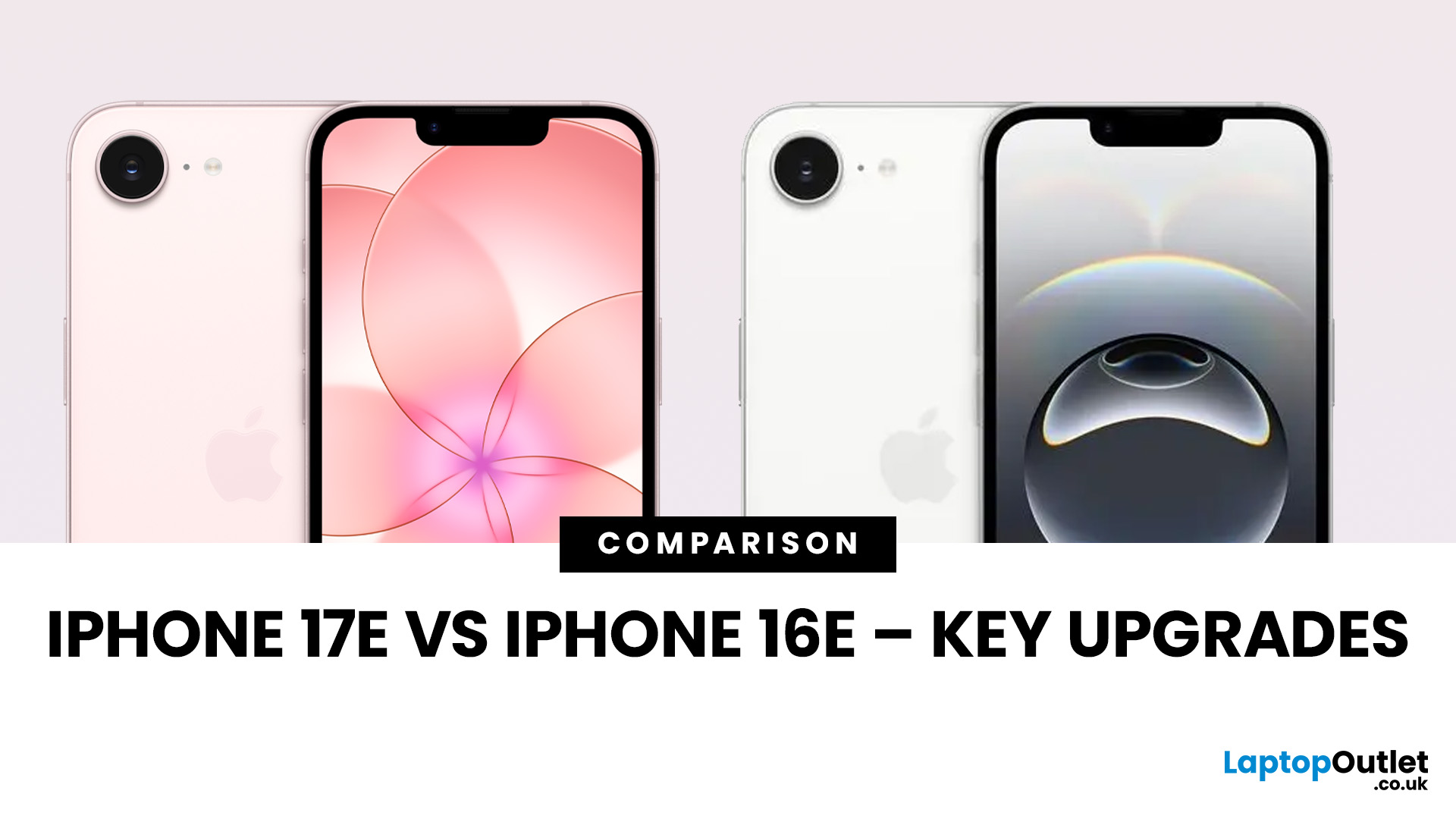
Last Updated: March 04, 2026
Apple’s “e” iPhones are the simple buys in the lineup: modern OLED screen, strong main camera, long battery, and a price that does not try to compete with the Pro models. The iPhone 17e keeps that formula but fixes a couple of pain points from the iPhone 16e and adds upgrades that matter in daily use, not just on a spec sheet.
If you are deciding between iPhone 17e vs iPhone 16e, the short version is this: iPhone 17e is the better long-term buy because it brings MagSafe back, doubles the base storage, and moves to the newer A19 chip, while keeping the same starting price in major markets like the UK.
Quick Answer: Which One Should You Buy?
Buy iPhone 17e if you want the smarter default choice
You should choose iPhone 17e if you care about any of these:
- MagSafe accessories and better wireless charging convenience
- More storage without paying extra
- A newer chip for longer iOS and Apple Intelligence headroom
- Slight durability improvements on the front glass
Buy iPhone 16e if the discount
Published: March 05, 2026
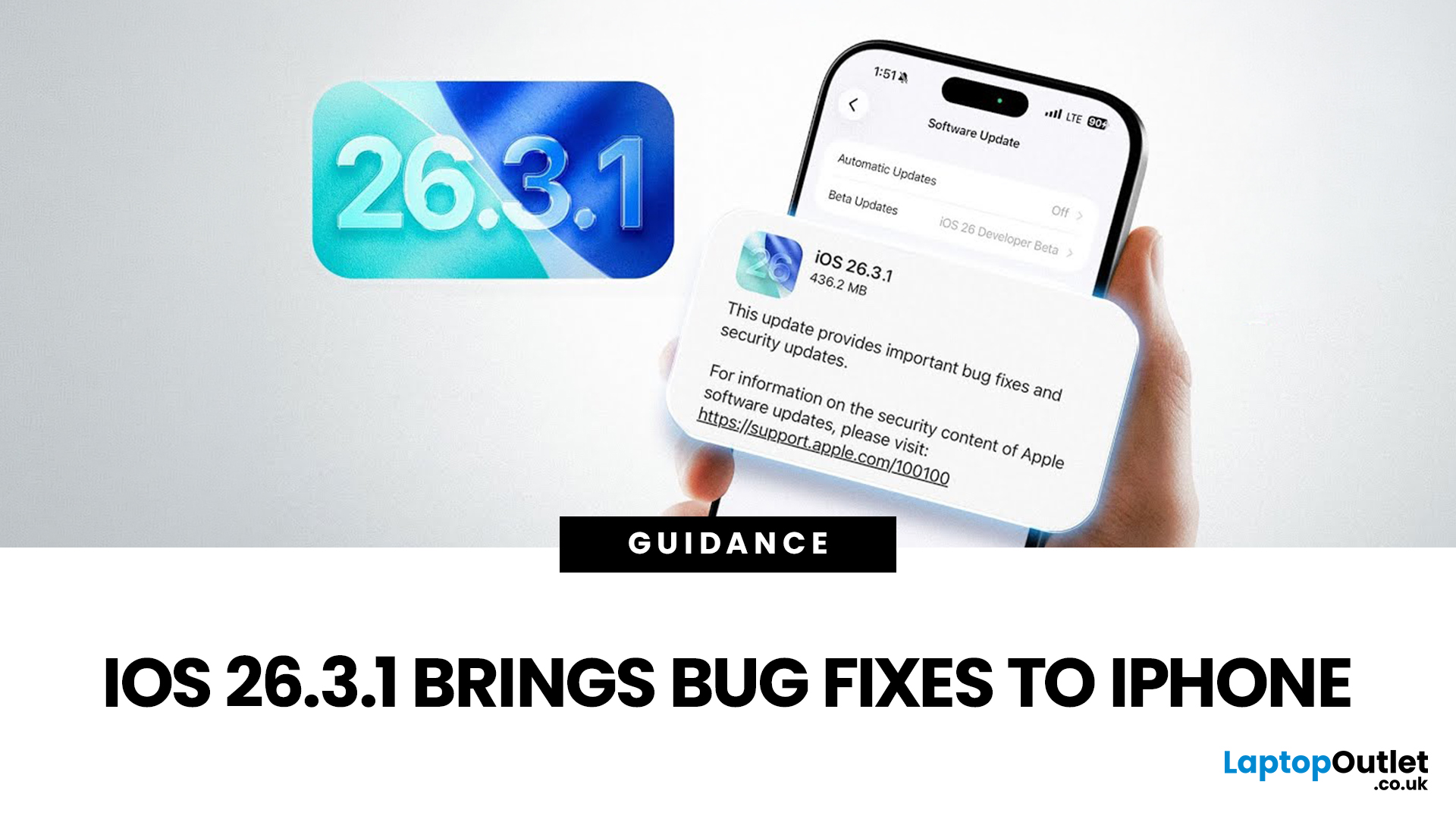
Apple has officially rolled out the iOS 26.3.1 update for iPhone users, bringing several important bug fixes, security patches, and performance improvements. While this is not a major feature update, it focuses on improving system stability and fixing issues reported in the previous iOS 26.3 version.
Minor iOS updates like iOS 26.3.1 are important because they often resolve bugs that affect everyday performance, connectivity, and device security. If you own a compatible iPhone, installing the iOS 26.3.1 update can help ensure smoother performance and better protection against vulnerabilities.
In this guide, we’ll cover the iOS 26.3.1 release date, features, download steps, supported devices, and answer the common question: Should you update to iOS 26.3.1?
iOS 26.3.1 Release Date
Apple released the iOS 26.3.1 update on March 04, 2026, after the launch of iOS 26.3, aiming to fix several issues discovered after the previous version went live.
Typically, Apple rolls out minor updates like
Last Updated: March 06, 2026
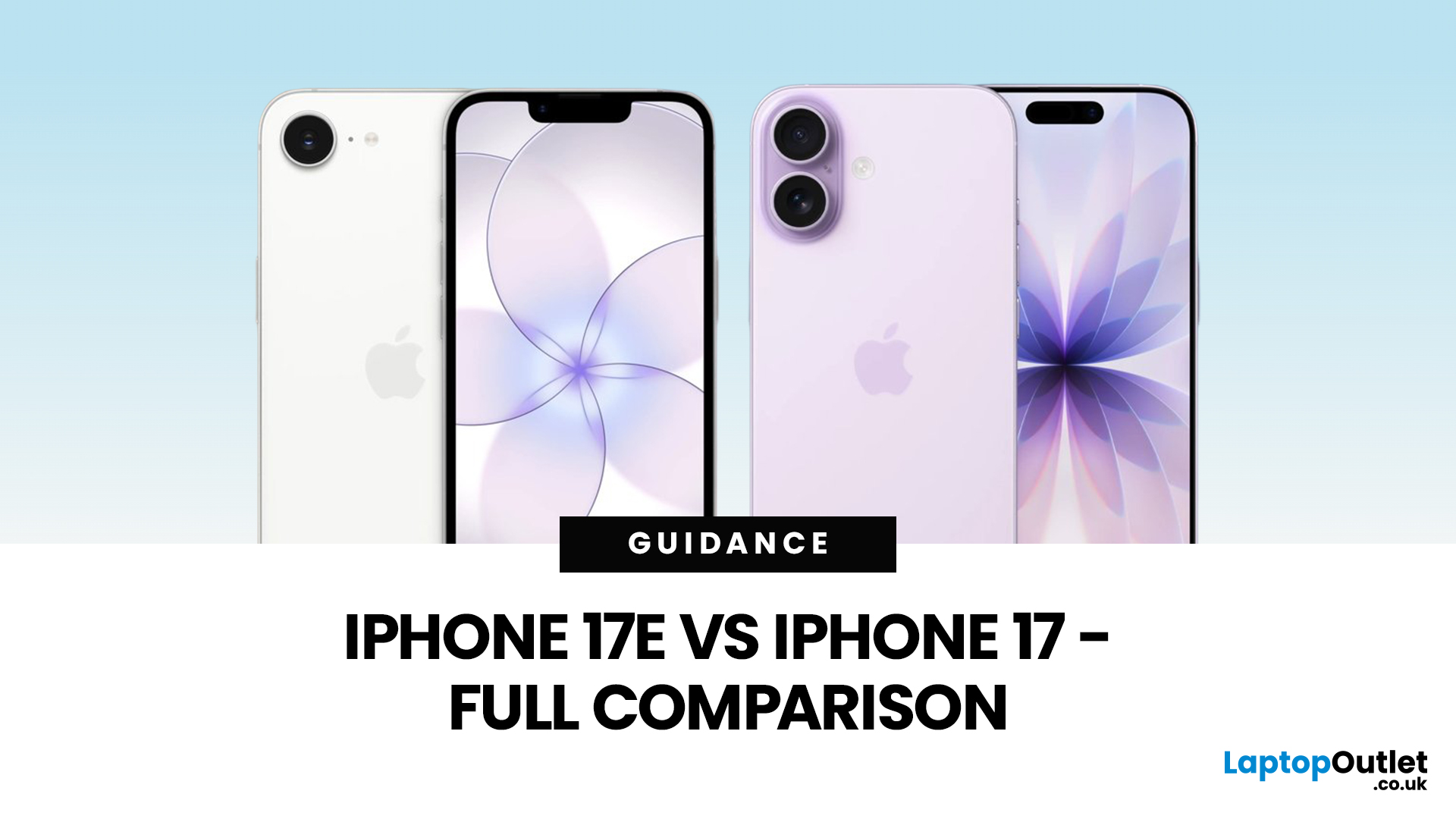
Apple has done that thing again where two phones look nearly the same… until you’re about to pay and suddenly it’s “wait, why am I spending £200 more?” If you’re deciding between iPhone 17 vs iPhone 17e, you’re basically trying to answer one question: will you feel the upgrades, or is it just spec-sheet sparkle?
The iPhone 17e (sometimes written as iPhone 17 e) is Apple’s newest “value” iPhone, designed to give you the essentials without the flagship price tag. In the UK, the iPhone 17e price starts at £599 for 256GB, while the standard iPhone 17 starts at £799 for 256GB, that’s the main reason the difference between iPhone 17 and 17e matters so much.
On paper, the iPhone 17e vs iPhone 17 looks closer than you might expect. Both share the A19-generation performance, but the iPhone 17 adds upgrades you’ll notice daily, especially smoother screens and more flexible cameras.
We cover everything UK shoppers need: size, display, cameras, battery, charging, connectivity, price, and iPhone 17e

