



Everything New in iOS 26.4 Beta 4: Features, Changes & Updates Explained
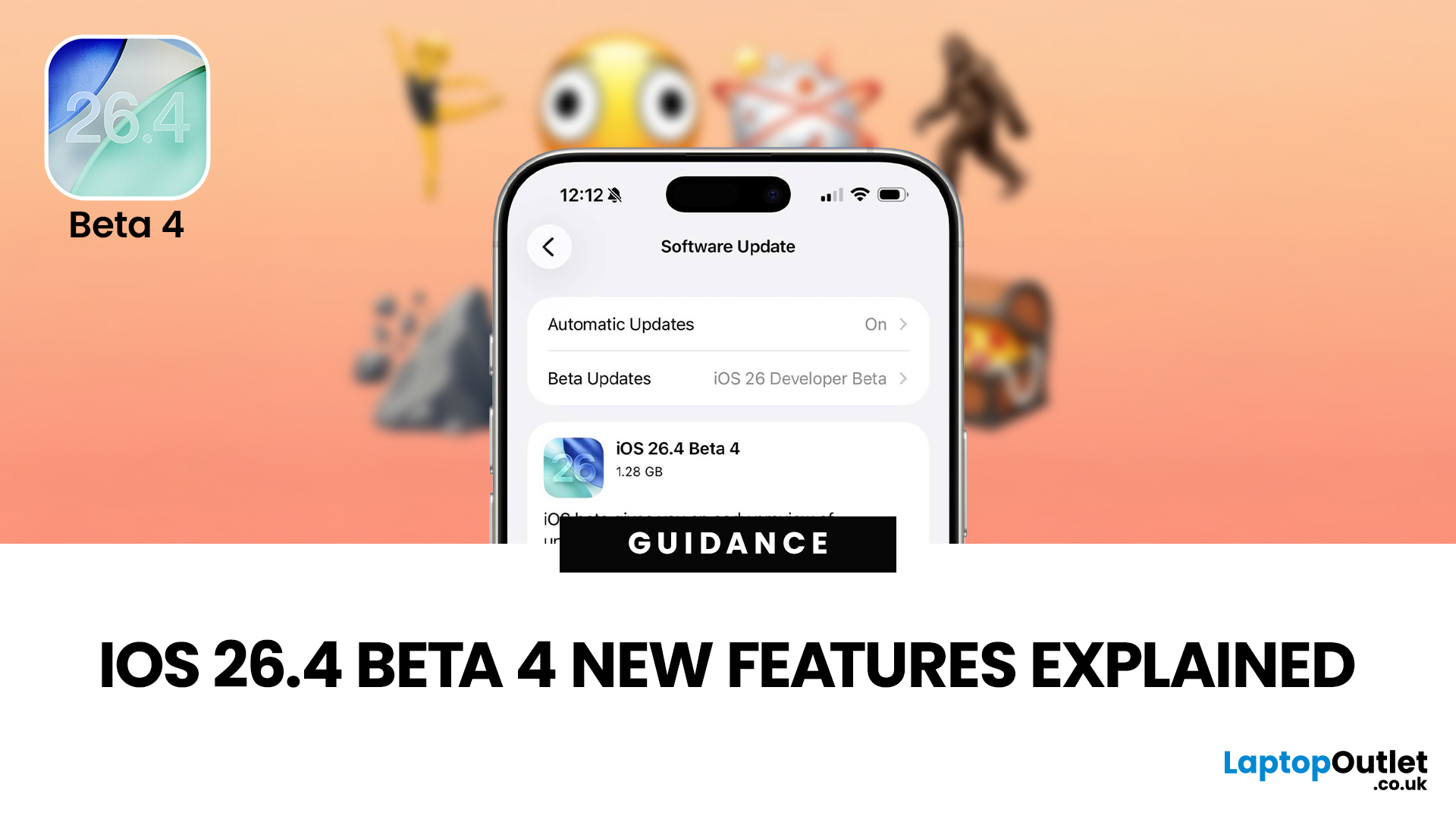
The iOS 26.4 Beta 4 update is now available, offering iPhone users a clearer picture of what Apple is refining ahead of the final release. While this is not the biggest beta in the cycle, it still introduces a number of useful adjustments, visible additions, and background refinements that matter.
If you have been searching for iOS 26.4 Beta 4 features, this release appears to focus less on dramatic surprises and more on improving the overall experience. That includes user-facing additions like new emoji, interface refinements, accessibility adjustments, and continued work across key parts of the iPhone experience.
So, what is actually new in iOS 26.4 beta 4?
The biggest highlights include new emoji, a change to an accessibility setting, the removal of the earlier RCS encryption beta feature, and support for newer Apple devices. If you are testing the beta or simply trying to keep up with what is coming next for the iPhone, this is the update worth paying attention to.
iOS 26.4 Beta 4 at a Glance
Before diving into the full breakdown, here are the main new features in iOS 26.4 and the biggest points to know from beta 4:
- New emojis have been added
- Apple continues refining accessibility controls
- The earlier RCS encryption beta feature is no longer part of this build
- Support continues expanding across newer Apple hardware
- Several broader iPhone iOS 26.4 improvements remain active in the beta cycle
Want the quick verdict before installing? Read our full guide on whether you should install iOS 26.4 Beta 4, including the main fixes, changes, and who should wait.
iOS 26.4 Beta 4 Feature Reference
The table below gives a quick view of the most notable iOS 26.4 Beta 4 features and the wider iOS 26.4 changes still active in the current beta cycle.
|
Feature |
Area |
What it does |
Beta 4 status |
|
New Emoji |
System-wide |
Adds a fresh batch of emoji and expanded character options for everyday messaging |
New in beta 4 |
|
Reduce Bright Effects |
Accessibility |
Helps reduce bright flashing interface effects for a more comfortable viewing experience |
New in beta 4 |
|
RCS End-to-End Encryption |
Messages |
Earlier testing no longer appears active in this build |
Removed from beta 4 |
|
Playlist Playground |
Apple Music |
Helps users build playlists with prompt-based suggestions and smarter music discovery |
Part of the wider iOS 26.4 cycle |
|
Concerts Near You |
Apple Music |
Surfaces nearby live events and artist-related concert discovery |
Part of the wider iOS 26.4 cycle |
|
Enhanced Album & Playlist Views |
Apple Music |
Gives music pages a more immersive, artwork-led presentation |
Part of the wider iOS 26.4 cycle |
|
Add Song to Multiple Playlists |
Apple Music |
Makes it easier to organise tracks across more than one playlist at once |
Part of the wider iOS 26.4 cycle |
|
Advanced Video Podcasts |
Apple Podcasts |
Brings HLS-powered video playback with smoother switching between watching and listening |
Active in the iOS 26.4 cycle |
|
New Device Support |
Compatibility |
Expands support for newer Apple hardware in the current beta build |
Added in beta 4 |
|
Stability & Refinements |
System |
Focuses on polish, compatibility, and general bug fixing ahead of release |
Ongoing in beta 4 |
Not every feature listed above first appeared in beta 4. Some are broader iOS 26.4 additions that remain active as Apple continues refining the update.
New Emoji Arrive in iOS 26.4 Beta 4
For most people, the most fun and most visible change in iOS 26.4 beta 4 is the addition of new emojis.
Apple has added a fresh batch of emoji to the latest beta, giving users more ways to react, message, and post across apps. These additions may seem small in the grand scheme of a software update, but emojis are among the iPhone features people notice immediately.
The newly added emojis include:
- Trombone
- Treasure chest
- Distorted face
- Hairy creature
- Fight cloud
- Orca
- Landslide
There are also updates to certain existing emoji options, including new skin tone variations and more inclusive character choices.
For everyday users, this matters because emoji updates are not just cosmetic. They become part of how people communicate across Messages, WhatsApp, social platforms, notes, captions, and more. New emoji nearly always drive interest because they are among the easiest changes to see and use right away.
If you are the kind of iPhone user who enjoys spotting what is new first, this is probably the feature you will notice before anything else in the latest iOS 26.4 Beta 4 update.
A New Accessibility Change: Reduce Bright Effects
Another important change in the iOS 26.4 beta update is a revised accessibility setting called Reduce Bright Effects.
This appears to be Apple’s way of giving users more control over intense visual effects in the interface, especially where bright flashes or strong light-based animations could feel uncomfortable. The name itself is more direct and easier to understand, which is a welcome move.
In simple terms, this setting is designed to make the iPhone’s visual experience feel less harsh for people who are sensitive to abrupt brightness changes or flashing interface elements.
That may sound like a small adjustment, but it is actually quite useful. Modern software design increasingly uses glowing surfaces, animated transitions, layered transparency, and bright movement effects. These can look polished, but they are not always comfortable for everyone.
These sorts of iPhone iOS 26.4 improvements may not grab headlines like a flashy redesign, but they often make a bigger difference in daily use.
The benefit is obvious:
“More comfort, less strain, and better control over how the iPhone looks and feels”.
iOS 26.4 Beta 4 Changes Also Include a Shift in RCS Encryption Testing
One of the more technical iOS 26.4 beta 4 changes is that the earlier RCS end-to-end encryption beta no longer appears in this release.
This is significant because some testers had been watching closely to see whether Apple would continue expanding that feature during the iOS 26.4 beta cycle. Instead, beta 4 suggests Apple has pulled it back for now.
For regular users, here is what that means in plain English:
- The feature is not progressing in this build
- It appears Apple is not ready to roll it out more widely yet
- Anyone expecting it to arrive in the immediate update should lower expectations for now
That does not necessarily mean the feature has been abandoned. More likely, Apple is still refining how it wants to handle the rollout, compatibility, or implementation. But as things stand in beta 4, it is no longer one of the active user-facing elements of the update.
This is an important point because it slightly changes the story around iOS 26.4. Earlier beta interest in RCS encryption generated excitement, but beta 4 shifts the focus back to general polish and smaller practical improvements.
For a more focused look at the user-facing additions in this release, see our breakdown of the new emoji, widgets, and system improvements in iOS 26.4 Beta 4.
Support for Newer Apple Devices
Another notable update is expanded support for new Apple hardware, including newer iPhone and iPad models.
That is good news for anyone testing the latest devices, because beta compatibility is always an important part of the rollout story. Apple often uses later beta versions to improve stability and support across newer products, and that seems to be the case here as well.
For users, this means better alignment between the newest hardware and the latest pre-release software. It also suggests Apple is moving closer to a more stable final version of the update.
While this kind of change does not always make flashy headlines, it matters a great deal in practice. Software support is where the user experience either feels smooth and reliable or frustrating and unfinished. Wider hardware support is usually a positive sign that the update is maturing.
This iOS 26.4 Beta 4 Update Is More About Polish Than Big Surprises
If you were expecting iOS 26.4 beta 4 to deliver a massive list of dramatic new tools, you may find this update a little modest. But that is not necessarily a bad thing.
In fact, this beta feels like the kind of release Apple often uses to tighten the experience, rather than reinvent it.
That means:
- smaller visual adjustments
- better compatibility
- improved consistency
- fewer rough edges
- more confidence ahead of the final release
For many users, that is actually more valuable than a long list of flashy additions. Big features grab attention, but smaller improvements often make the iPhone feel better day to day.
This is why iOS 26.4 beta 4 is best understood as an update that refines what is already there, while adding a few noticeable changes users can enjoy straight away.
What These iPhone iOS 26.4 Improvements Mean for Everyday iPhone Users
If you are not a developer, you might wonder whether a beta update like this is really worth paying attention to.
The answer is yes, especially because beta releases often reveal what is likely to appear in the final software update for everyone else.
For the average iPhone user, the main takeaways are simple:
1. You are getting more personality in the software
The new emoji are the easiest example of this. They are small, fun, and instantly usable.
2. Apple is improving accessibility
The updated brightness-related accessibility controls show that Apple is still paying attention to comfort and usability, not just visual style.
3. Someanticipatedcommunication features may need more time
The absence of the RCS encryption beta feature shows that not everything moves forward at the same pace.
4. Apple is continuing tostabilisethe iOS 26.4 release
Support for newer devices and quieter refinements usually point to a more polished release ahead.
In other words, iOS 26.4 beta 4 may not be the most dramatic update of the year, but it is still important.
Should You Install iOS 26.4 Beta 4?
If you are already on the beta programme, installing beta 4 makes sense if you want the latest changes, improved compatibility, and the newest visible additions.
However, as with any beta software, there are still some basic points to keep in mind:
- Beta software can include bugs
- Battery life may vary
- Some apps may not behave perfectly
- Performance can shift from one beta build to another
If your iPhone is your main everyday device and you rely on it for work, travel, banking, or content creation, it is usually safer to wait for the final public release.
But if you enjoy testing new features early and can handle the occasional issue, beta 4 looks like a more refined step in the iOS 26.4 journey.
How to Install iOS 26.4 Beta 4
Registered Apple developers can install iOS 26.4 beta 4 (build 23E5234a) right away. To check for the update, open Settings > General > Software Update on your iPhone. If your Apple developer access is active, the beta should appear there automatically.
Apple also offers a public beta route for non-developer testers who have enrolled in the company’s beta software programme. Once enrolled, eligible users can download the update through the same Software Update section.
As with any beta release, it is important to be careful before installing it. As mentioned above, pre-release software can still contain bugs, performance issues, or app compatibility problems. If possible, install it on a secondary device rather than your main iPhone. If you do plan to use it on your primary device, make sure you create a full backup first.
Apple has not confirmed the final public release date yet, although the stable iOS 26.4 update is widely expected in the coming weeks.
The Bigger Picture Around iOS 26.4
Even though beta 4 itself is mainly about refinement, the broader iOS 26.4 update cycle is clearly shaping up around usability, media improvements, interface polish, and a smoother overall experience.
That is worth remembering because not every update needs to be revolutionary to matter.
Sometimes the best software releases are the ones that:
- make the interface easier to live with
- improve comfort and accessibility
- add small but enjoyable touches
- quietly prepare the platform for a stronger public release
That is very much the feeling with iOS 26.4 beta 4.
Still on an older iPhone build? You can also compare this beta with Apple’s last stable patch in our iOS 26.3.1 bug-fix roundup.

Is iOS 26.4 Beta 4 Worth It?
The iOS 26.4 beta 4 update is smaller in scope, but it is still meaningful...
If you are tracking iOS 26.4 Beta 4 features, the update brings a mix of visible additions, technical changes, and quieter refinements that shape the overall release. New emoji, accessibility tweaks, ongoing feature support, and a more polished experience all help make this a meaningful step forward.
If you want the simplest takeaway, it is this:
iOS 26.4 beta 4 is less about flashy innovation and more about smart refinement, and for many iPhone users, that is exactly what matters most.

Common Questions About iOS 26.4 Beta 4
What is new in iOS 26.4 beta 4?
The main changes include new emoji, a revised accessibility option called Reduce Bright Effects, the removal of the earlier RCS encryption beta feature, and support for newer Apple devices.
Does iOS 26.4 beta 4 add new emoji?
Yes, it adds several new emoji, making it one of the most visible user-facing changes in the update.
Is RCS end-to-end encryption included in iOS 26.4 beta 4?
No, that earlier beta feature does not appear to be present in this build.
Is iOS 26.4 beta 4 a major update?
Not really. It is more of a refinement update with smaller but useful changes rather than a major feature-heavy release.
Should I install iOS 26.4 beta 4?
If you are comfortable using beta software, it may be worth trying. If you prefer stability on your main iPhone, waiting for the final release is the safer choice.
Is iOS 26 beta 4 smooth?
If you mean iOS 26.4 beta 4, it appears to be smoother than the earlier 26.4 betas, mainly because this stage of the cycle is focused more on refinement, bug fixes, compatibility and polish than on major new additions. That said, it is still beta software, and Apple explicitly warns that beta builds may contain errors or not perform as reliably as a final public release.
Which phones will get iOS 26 beta?
Any iPhone that supports iOS 26 can install the beta once enrolled in Apple’s beta programme. According to Apple’s compatibility list, that includes the iPhone 11 series and newer, iPhone SE (2nd and 3rd generation), the iPhone 16 range, including iPhone 16e, and the iPhone 17 range, including iPhone 17e and iPhone Air.
What time did iOS 26 beta 4 release?
If you are referring to iOS 26.4 beta 4, Apple officially lists the release date as 9 March 2026. Public reporting from the main Apple news sites placed the rollout at around 10:09 to 10:10 a.m. Pacific Time on that day, which is roughly 5:10 p.m. UK time
| Read More: |
| How to Reset iPhone |
| iPhone 17 vs iPhone 16: Should You Upgrade? |
| iPhone 17 Camera Glitch Explained and When Apple Fix Is Coming |
Related Articles

Last Updated: May 05, 2026
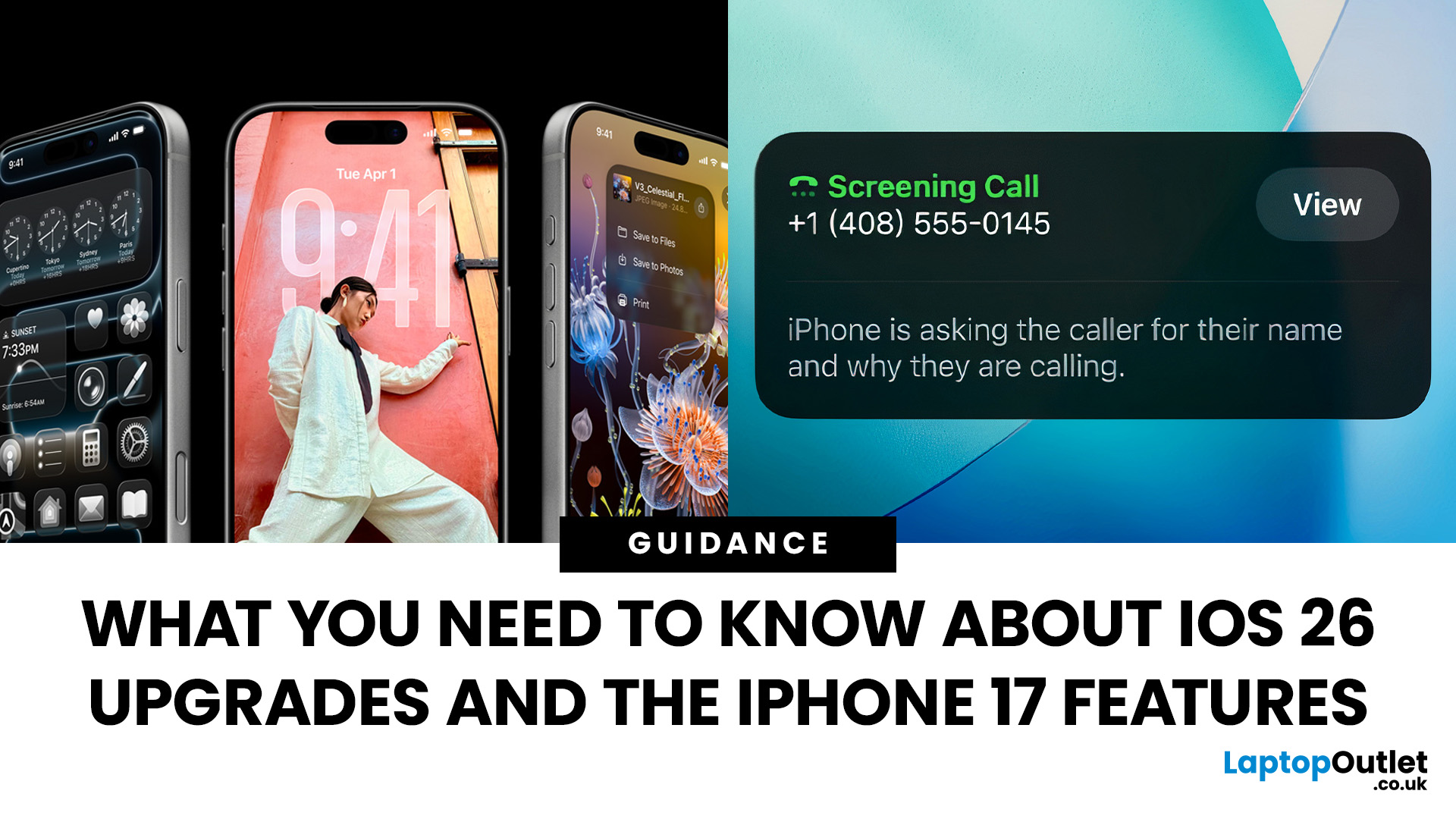
Apple’s 2025 drop is a one-two punch: iOS 26 brings a fresh look and smarter tools, while the iPhone 17 line turns those ideas into everyday wins. If you’re deciding whether to update, upgrade, or both, this guide lays out what’s new, why it’s useful, and how to get the most from it on day one.
iOS 26 At a Glance
Apple describes iOS 26 as a major update centered on a gorgeous new design, intelligent experiences, and daily improvements to the apps you use. In practice, that means a cleaner interface, on-device smarts that actually help, calmer communication, and quality-of-life tweaks across CarPlay, Music, Maps, Wallet and more.
A beautiful new look: Liquid Glass everywhere

The first thing you’ll notice is the design. iOS 26 introduces Liquid Glass, a translucent material that reflects and refracts what’s behind it. It brings a gentle sense of depth to icons, widgets, controls and navigation without making the interface feel busy. The result is expressive and modern, yet instantly familiar.
Last Updated: September 15, 2026
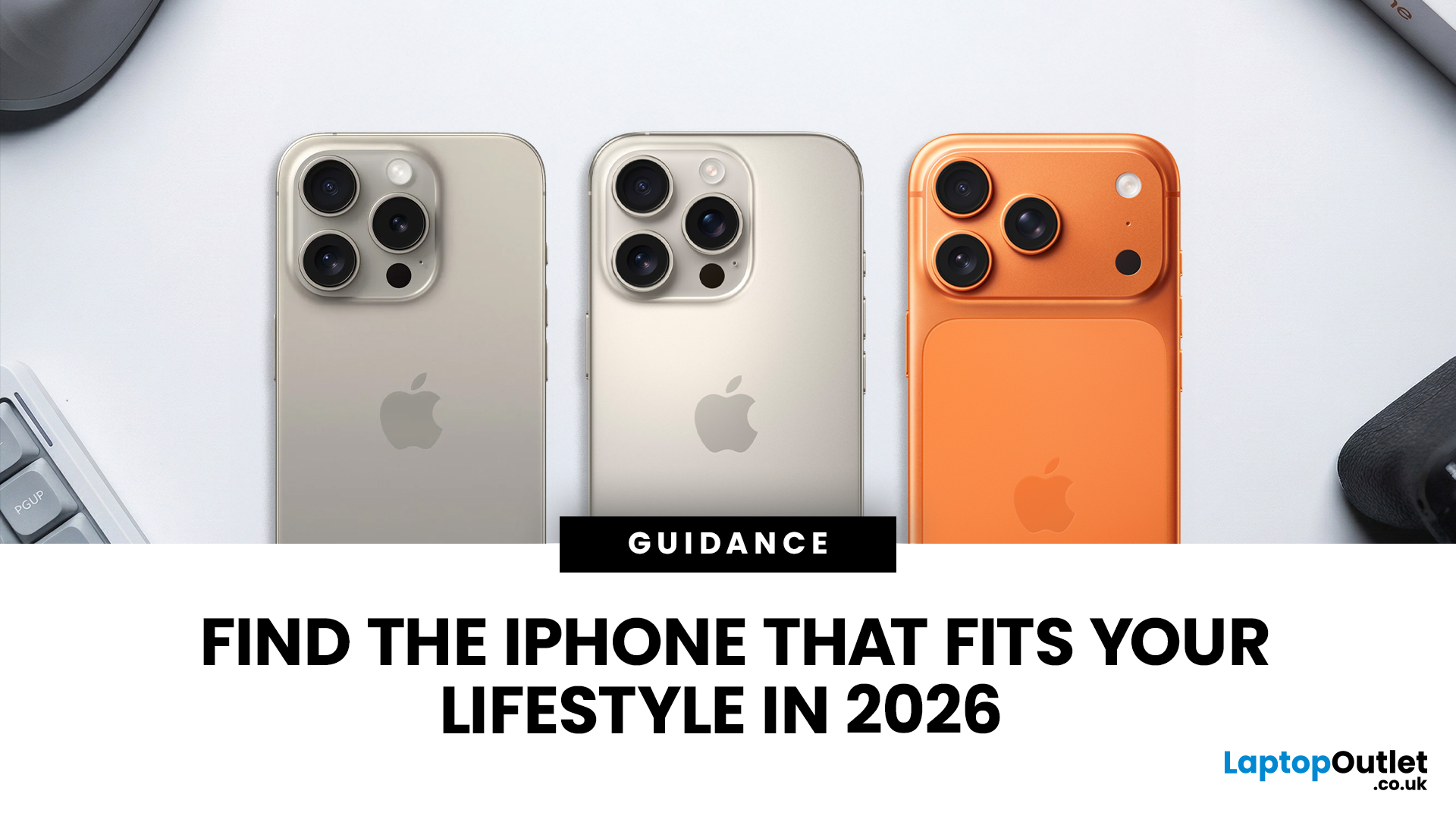
Buying an iPhone in September 2026 is a little different from earlier in the year. Apple has now announced the iPhone 18 Pro and iPhone 18 Pro Max, while the iPhone Duo brings a completely new foldable option. At the same time, the iPhone Air, iPhone 17, iPhone 17e and iPhone 16 remain available from Apple in the UK.
The best choice should not be automatically the newest or most expensive model. It depends on how much you want to spend, the size you prefer, how much you use the camera, how long you need the battery to last and whether you are comfortable waiting for a newly announced model to go on sale. This iPhone buying guide focuses on those practical differences so you can make a clear decision without paying for features you are unlikely to use.
Quick answer
Best overall for most buyers: iPhone 17. It has a 6.3-inch 120Hz ProMotion display, A19 chip, dual 48MP camera system and 256GB storage as standard.
Best premium choice: iPhone 18 Pro or Pro Max. Pre-orders open 12 September and

Last Updated: February 12, 2026
Apple’s latest software update, iOS 26.3, is here, and it brings a solid mix of refinements, fixes, and performance improvements designed to keep your iPhone running smoothly. If you’ve been living in the world of iOS 26.2 and wondering what’s new, what changed on the iOS 26.3 release, and whether it’s worth tapping “Update Now,” you’re in exactly the right spot. Let’s break down everything you need to know about the iOS 26.3 update.
iOS 26.3 Release Date: When Did It Launch?
Apple just dropped iOS 26.3 on 11 February 2026, and while it’s not the headline-stealing overhaul of the year, it’s seriously one of those updates you’ll want on your phone. These mid-version updates typically arrive to address issues discovered after the previous rollout, as well as to improve device performance.
Like most iOS updates, iOS 26.3 was released gradually, meaning some users received it immediately, while others saw it appear over the following days.
If iOS 26.3 is available for your device, you’ll
Last Updated: March 04, 2026
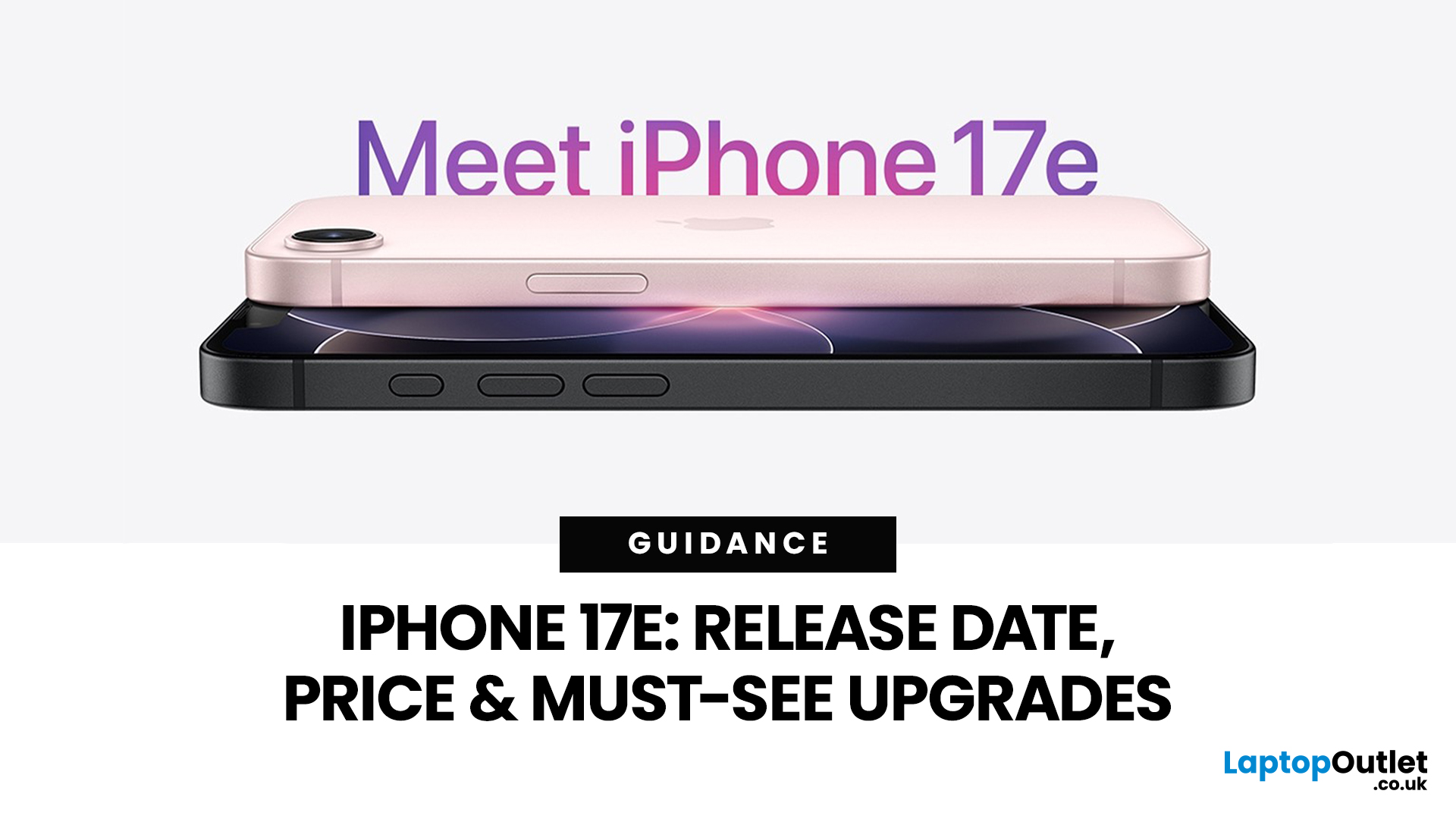
Your complete guide to Apple’s newest “value” iPhone for UK buyers, with the latest confirmed details on launch timing, pricing, key upgrades, and answers to the most searched questions online.
Release Date - When UK Buyers Can Get It
Apple has officially announced that the iPhone 17e will be available in early March 2026:
- Preorders begin: 4th March 2026
- General availability (in-store & online): 11th March 2026 9 (We’ve outlined the biggest launch-day advantages in our article.)
This continues Apple’s recent pattern of spring launches for its more affordable iPhone models, offering a separate window from the big autumn flagship releases.
If you want a deeper breakdown of real-world speed, gaming ability and camera quality, read our full blog on iPhone 17e camera and performance.
UK Pricing - How Much It Costs in the United Kingdom
In the UK, Apple has positioned the iPhone 17e as a competitively priced smartphone that still delivers meaningful upgrades:
- 256 GB: around £599 (base model)
Last Updated: March 04, 2026
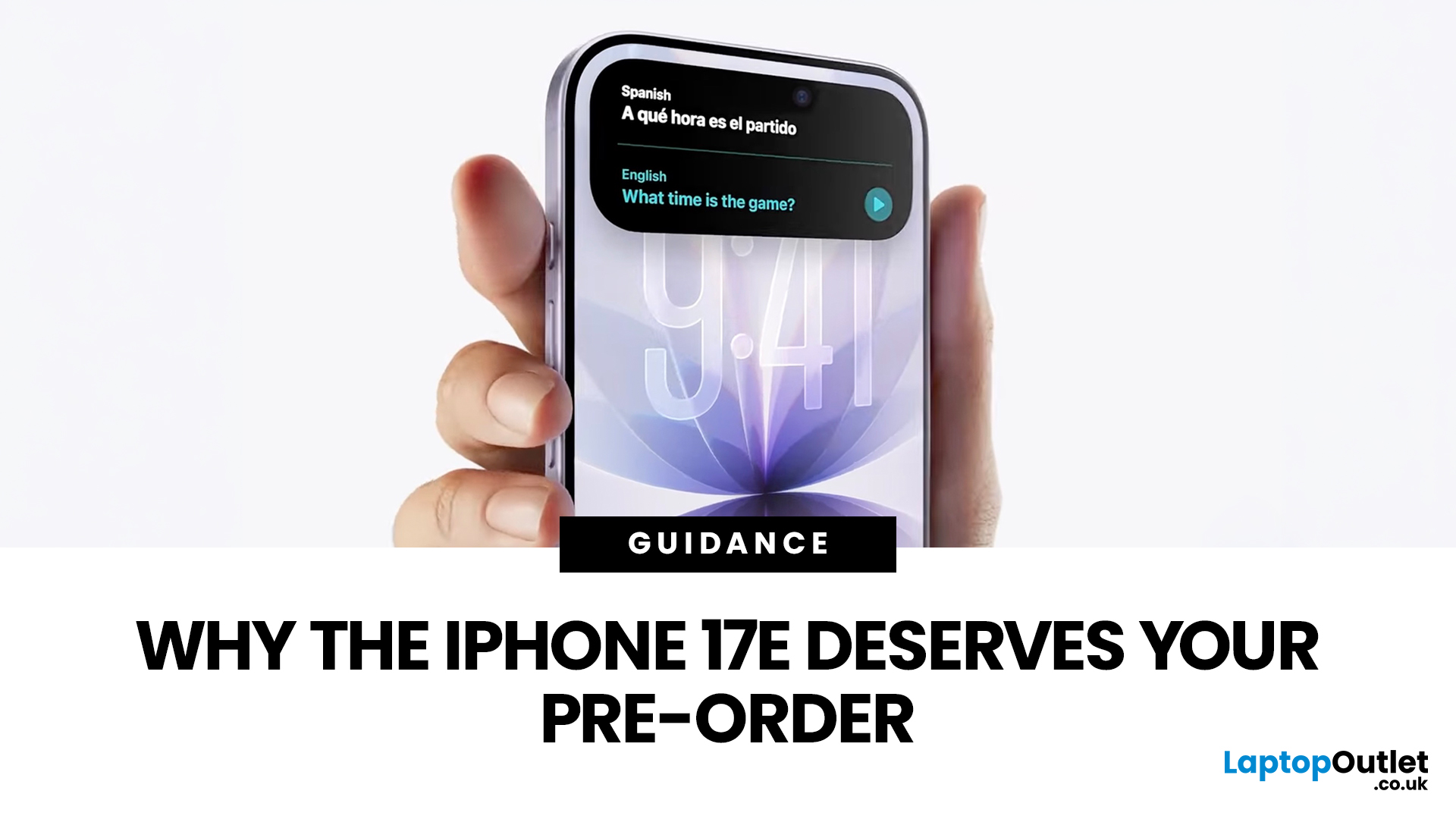
If you’re in the UK and you’ve been waiting for an iPhone that hits the sweet spot between price, features, and longevity, the iPhone 17e is shaping up to be exactly that. Apple’s UK Store listing shows pre-orders open at 2:15 pm on 4th March, with availability from 11 March, starting at £599.
So… should you place an iPhone 17e pre-order as soon as it opens? Here are the top 5 reasons UK buyers might genuinely want to.
Quick UK iPhone 17e facts (at a glance)
- UK pre-order date & time: 2:15pm on 4th March
- UK availability: 11th March
- UK price: £599 (256GB) / £799 (512GB)
- Colours: Black, White, Soft Pink
- Standout upgrades: MagSafe (up to 15W), 48MP Fusion camera, A19 chip, Ceramic Shield 2
1) You’ll have the best shot at getting the colour + storage you actually want
Pre-orders aren’t just hype, they’re practical.
When demand spikes, it’s usually specific combinations that go first (popular colour + storage). With iPhone 17e you’ve got three colours (including the new Soft Pink) and two
Last Updated: March 04, 2026
Apple launched the iPhone 17e on 2 March 2026, and it has already caught a lot of attention. Priced at £599 with 256GB of base storage, it sits as the most affordable entry point into the iPhone 17 family. That is £200 less than the standard iPhone 17, yet the two share the same A19 chip generation.
But affordable does not mean basic. This iPhone packs serious upgrades, particularly in camera and performance. So, is it worth your money in 2026? Let us break it all down.
iPhone 17e Camera System: What's New in 2026
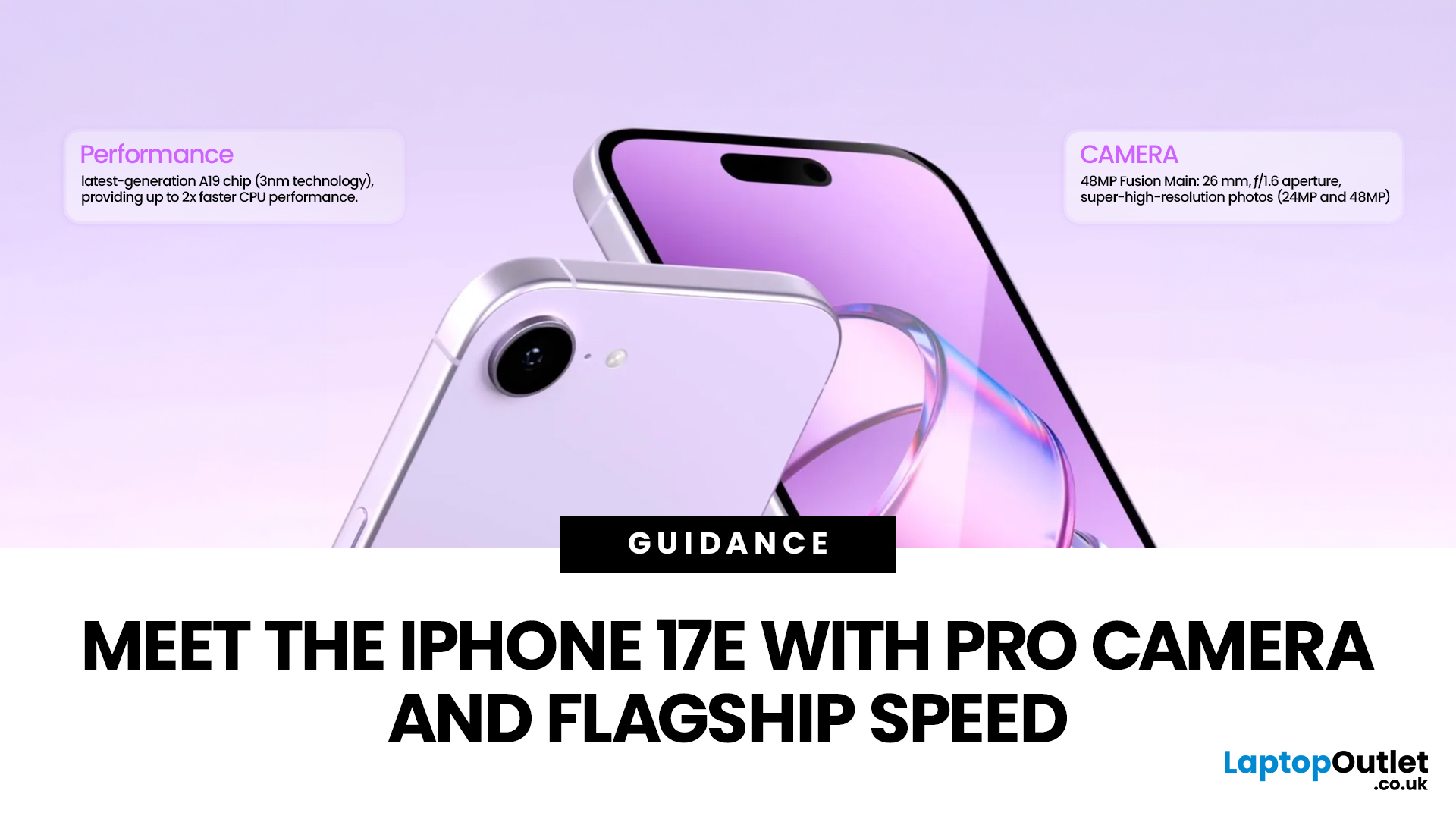
The iPhone 17e camera is one of the biggest talking points of this release. Apple has kept a single rear camera setup, but what it does with that one sensor is genuinely impressive.
48MP Fusion Camera: A 2-in-1 System
The rear camera features a 48MP Fusion sensor with an f/1.6 aperture and optical image stabilisation. On the surface, the megapixel count matches the iPhone 16e. However, Apple has made meaningful improvements underneath.
The most notable addition is the optical-quality
Last Updated: March 04, 2026
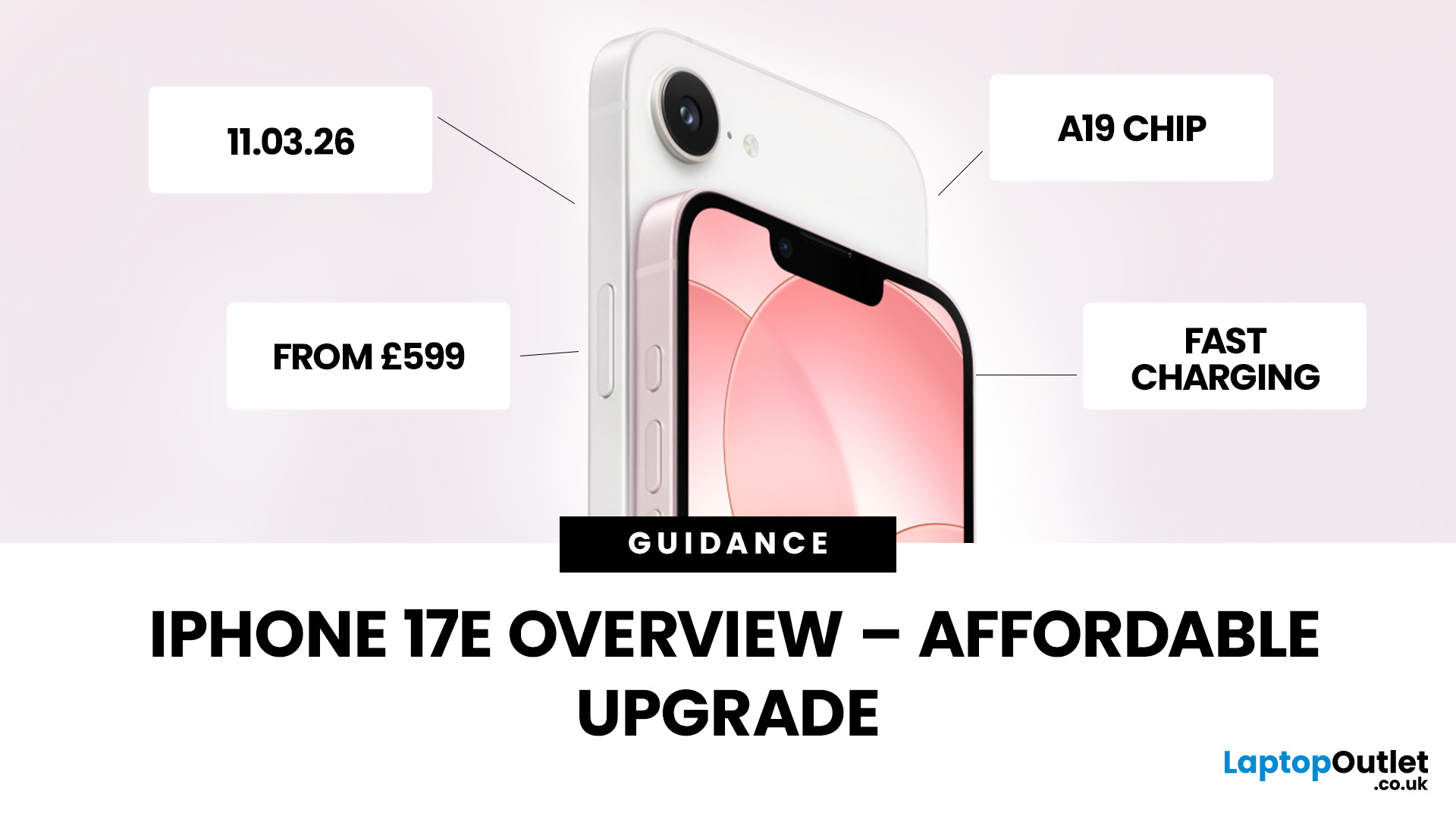
Apple has officially unveiled the iPhone 17e, positioning it as the most affordable way to get into the iPhone 17 lineup in 2026. If you’re in the UK and weighing up whether this is the right upgrade, here’s everything you need to know, including the iPhone 17e release date, UK price, specs, colours, features, and how it compares to the iPhone 17 and iPhone 16e.
iPhone 17e Release Date (UK)
Apple confirmed that pre-orders begin on 4 March, with the iPhone 17e available from 11 March.
That means UK buyers won’t have long to wait, and as with previous launches, early stock could sell quickly, especially for popular colours and higher storage configurations.
iPhone 17e UK Price and Storage
The iPhone 17e starts at £599 in the UK for the 256GB model, with the 512GB version priced at £799 .
Apple is also offering 0% finance options, with monthly payments available from £24.95 per month over 24 months.
What this means for UK buyers
- It’s £200 cheaper than the standard iPhone 17, which starts
Last Updated: March 04, 2026
Apple’s “e” iPhones are the simple buys in the lineup: modern OLED screen, strong main camera, long battery, and a price that does not try to compete with the Pro models. The iPhone 17e keeps that formula but fixes a couple of pain points from the iPhone 16e and adds upgrades that matter in daily use, not just on a spec sheet.
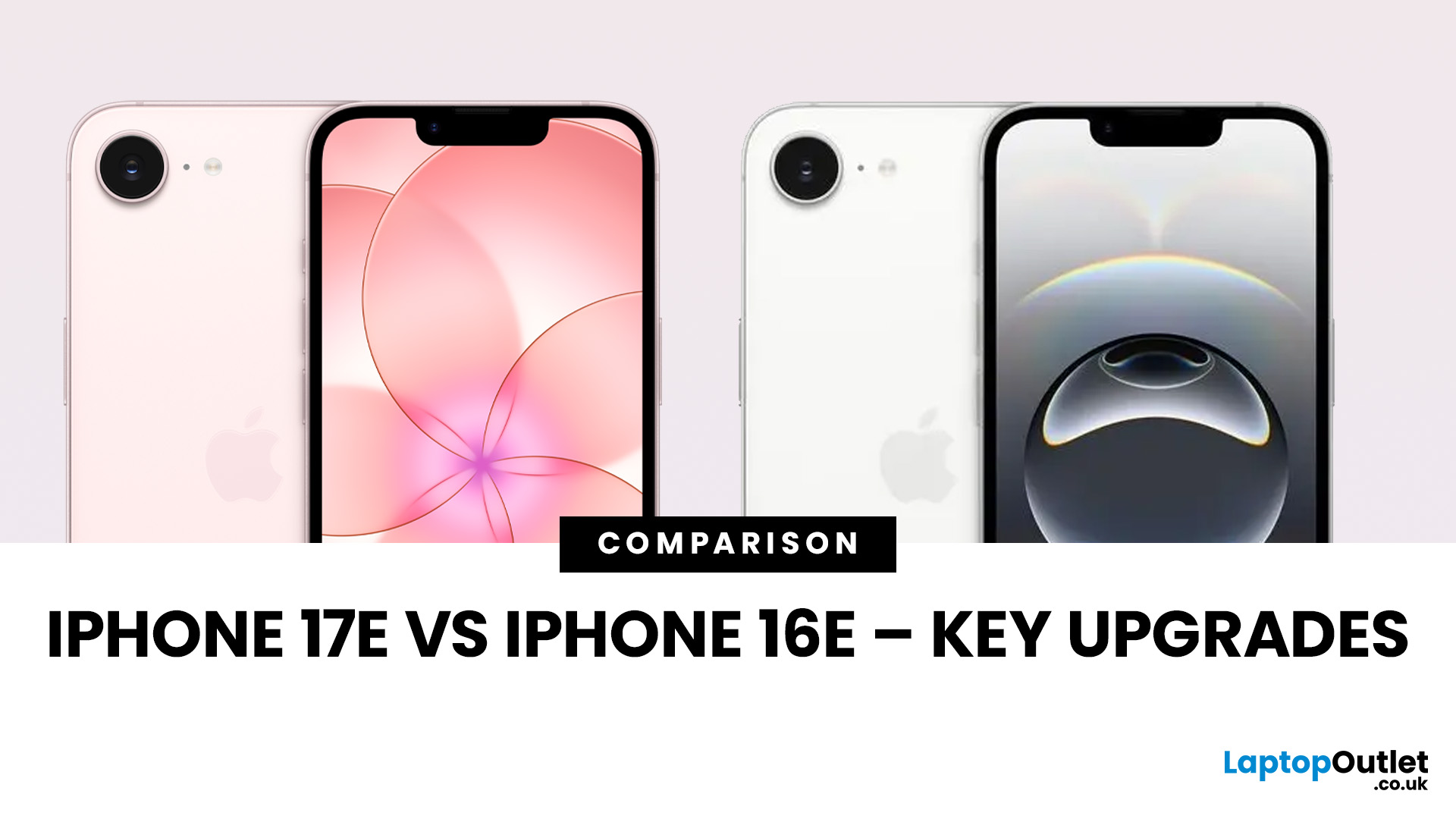
If you are deciding between iPhone 17e vs iPhone 16e, the short version is this: iPhone 17e is the better long-term buy because it brings MagSafe back, doubles the base storage, and moves to the newer A19 chip, while keeping the same starting price in major markets like the UK.
Quick Answer: Which One Should You Buy?
Buy iPhone 17e if you want the smarter default choice
You should choose iPhone 17e if you care about any of these:
- MagSafe accessories and better wireless charging convenience
- More storage without paying extra
- A newer chip for longer iOS and Apple Intelligence headroom
- Slight durability improvements on the front glass
Buy iPhone 16e if the discount
Published: March 05, 2026
Apple has officially rolled out the iOS 26.3.1 update for iPhone users, bringing several important bug fixes, security patches, and performance improvements. While this is not a major feature update, it focuses on improving system stability and fixing issues reported in the previous iOS 26.3 version.
Minor iOS updates like iOS 26.3.1 are important because they often resolve bugs that affect everyday performance, connectivity, and device security. If you own a compatible iPhone, installing the iOS 26.3.1 update can help ensure smoother performance and better protection against vulnerabilities.
In this guide, we’ll cover the iOS 26.3.1 release date, features, download steps, supported devices, and answer the common question: Should you update to iOS 26.3.1?
iOS 26.3.1 Release Date
Apple released the iOS 26.3.1 update on March 04, 2026, after the launch of iOS 26.3, aiming to fix several issues discovered after the previous version went live.
Typically, Apple rolls out minor updates like
Last Updated: March 06, 2026
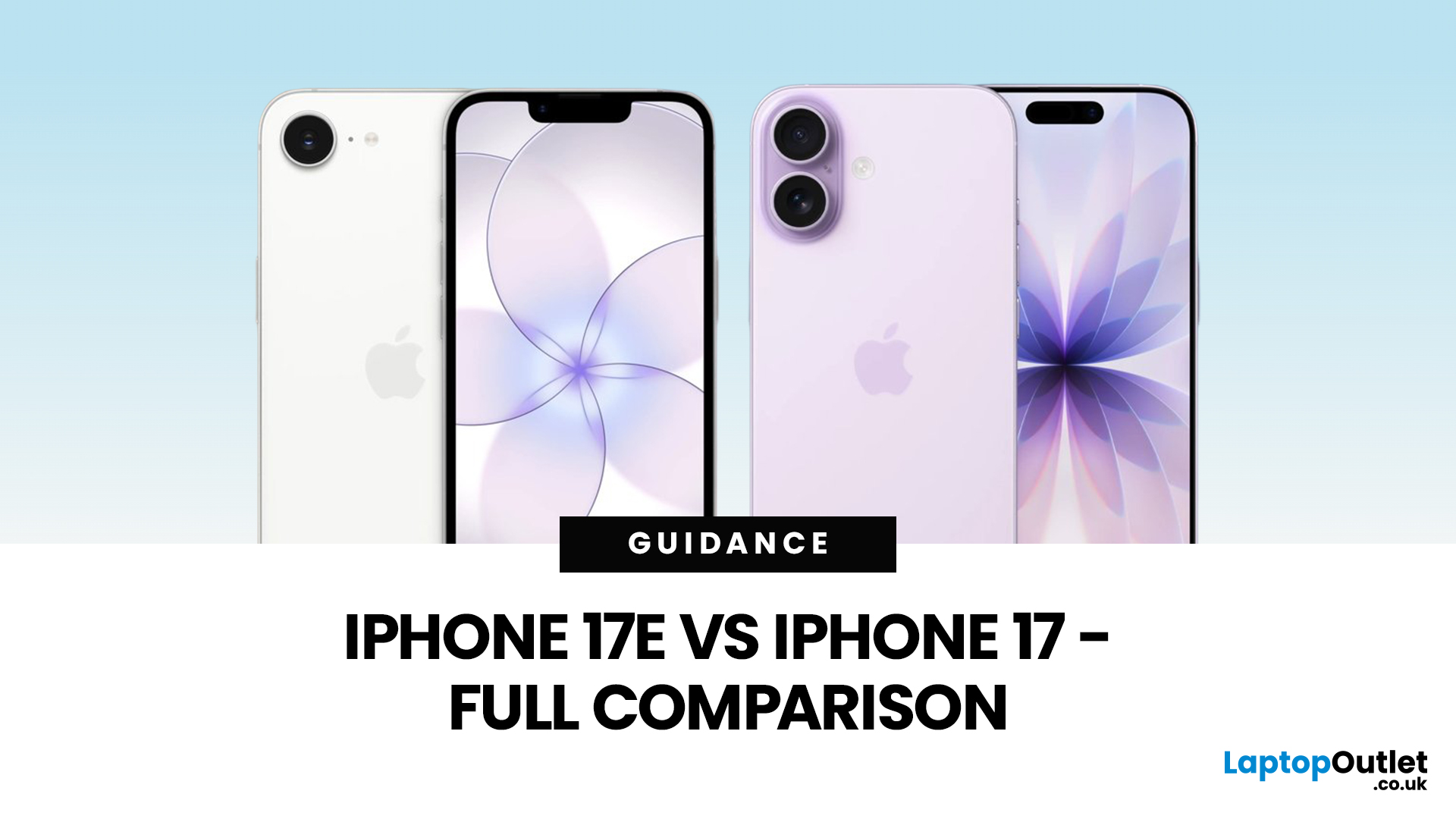
Apple has done that thing again where two phones look nearly the same… until you’re about to pay and suddenly it’s “wait, why am I spending £200 more?” If you’re deciding between iPhone 17 vs iPhone 17e, you’re basically trying to answer one question: will you feel the upgrades, or is it just spec-sheet sparkle?
The iPhone 17e (sometimes written as iPhone 17 e) is Apple’s newest “value” iPhone, designed to give you the essentials without the flagship price tag. In the UK, the iPhone 17e price starts at £599 for 256GB, while the standard iPhone 17 starts at £799 for 256GB, that’s the main reason the difference between iPhone 17 and 17e matters so much.
On paper, the iPhone 17e vs iPhone 17 looks closer than you might expect. Both share the A19-generation performance, but the iPhone 17 adds upgrades you’ll notice daily, especially smoother screens and more flexible cameras.
We cover everything UK shoppers need: size, display, cameras, battery, charging, connectivity, price, and iPhone 17e

