



Best Microsoft Deals: MS Surface to Boost Your Productivity
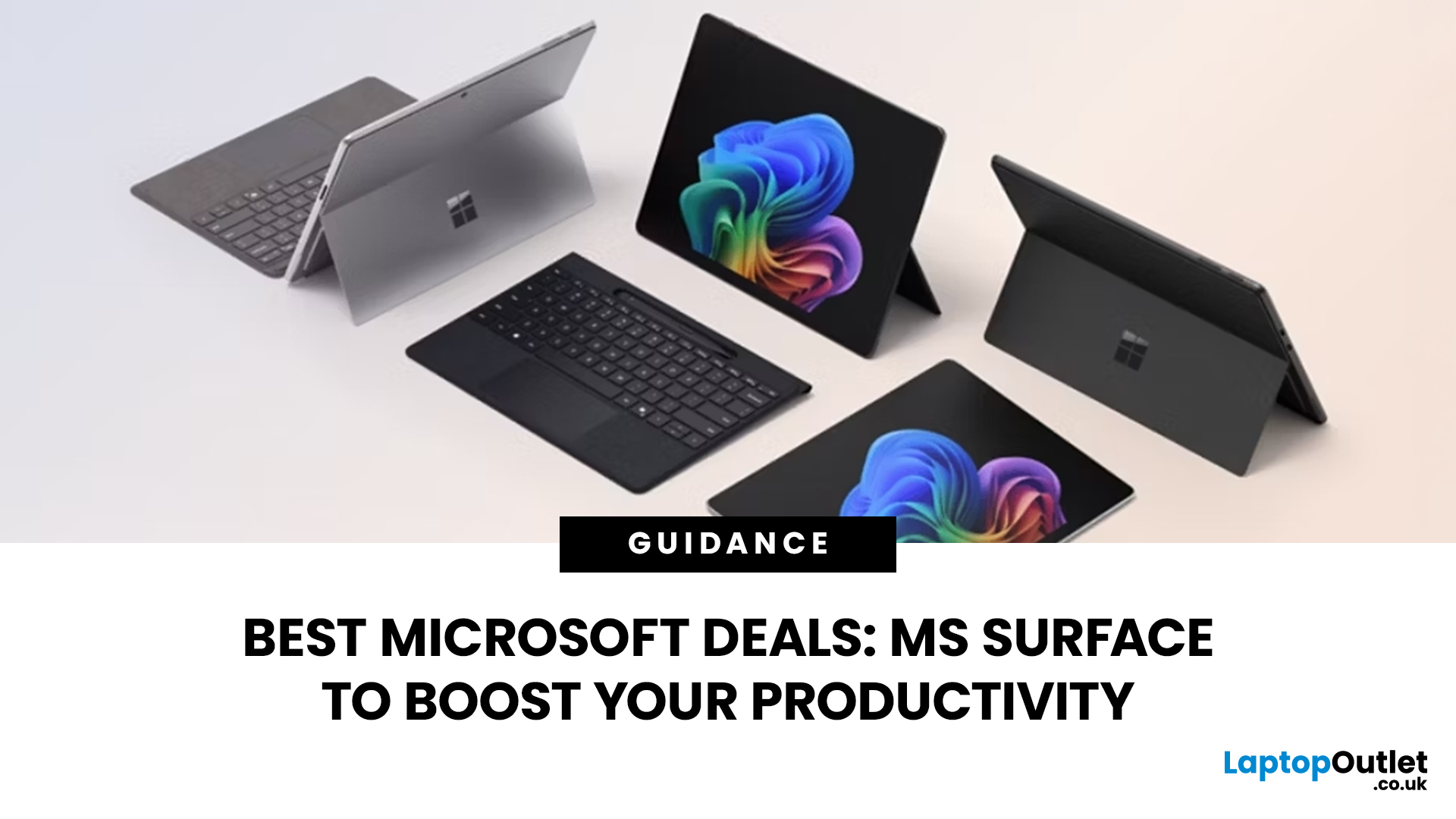
A laptop should make your working day easier, not add more friction. Microsoft Surface devices are designed around that idea, combining Windows 11, touchscreen displays, portable designs, and increasingly powerful AI features within a single productivity-focused platform.
The latest Microsoft deals can also make it easier to find the right Surface without paying for specifications you do not actually need. Whether you work remotely, study, travel regularly or manage demanding business tasks, choosing the right Microsoft Surface laptop or 2-in-1 can help you work more efficiently.
At Laptop Outlet, you can compare current Microsoft devices across different screen sizes, processors, memory capacities and storage options rather than relying solely on the newest or most expensive configuration.
Why Microsoft Surface is Built for Productivity
Microsoft Surface has changed considerably since earlier generations such as Surface Laptop 4 and Laptop 5. Current Surface Laptop and Surface Pro devices increasingly focus on AI-assisted computing, portability and close integration with Windows 11.
Microsoft's Copilot+ PC specification requires a capable neural processing unit, or NPU, designed to accelerate AI workloads locally. Current compatible Surface devices can therefore support features such as Windows Studio Effects, Recall and other Windows AI experiences, although feature availability can depend on your hardware, Windows version and region.
That does not mean everyone needs a Copilot+ PC. For everyday browsing, Microsoft 365, emails and video calls, processor performance, RAM, storage and battery life should still be your main considerations.
Surface Laptop or Surface Pro?
Before looking at Microsoft laptop deals, decide which Surface format actually suits the way you work.
Surface Laptop for Everyday Productivity
Surface Laptop uses a conventional clamshell design, so it is generally the more natural option if you spend most of your day typing.
Current versions are available across several display sizes, including compact 13-inch models and larger 13.8-inch and 15-inch configurations. Depending on the model, you can find Snapdragon or Intel Core Ultra processors alongside modern Windows 11 features.
A Surface Laptop makes particular sense for:
- Office and Microsoft 365 workloads
- Research and web-based work
- Long typing sessions
- Remote and hybrid working
- Video meetings
- University work
- Frequent travel
If those tasks describe most of your day, compare current Microsoft laptop deals around RAM, storage and screen size before paying extra for processing power you may rarely use.
Surface Pro for Flexible Working
Surface Pro takes a different approach. It combines a touchscreen tablet design with support for a detachable keyboard, giving you considerably more flexibility than a traditional laptop. That makes Surface Pro deals particularly relevant if you regularly move between typing, handwritten notes, presentations and touch-based work.
Surface Pro can suit:
- Mobile professionals
- Students taking digital notes
- Presenters
- Designers and illustrators
- Field workers
- Users who want a tablet and Windows PC in one device
Remember that accessories can vary between packages. Always confirm whether the keyboard, pen or other accessories you need are included before comparing the final cost.
How Surface Can Help You Work More Efficiently
Faster Multitasking
Your laptop does not need the most powerful processor available to feel responsive. What matters is having enough performance and memory for your actual workload.
For standard productivity, 16GB RAM is becoming a sensible target when you regularly keep multiple browser tabs, Office applications and communication tools open simultaneously. Heavier creative, analytical or development workloads may justify more.
Fast SSD storage also helps Windows, applications and files load quickly while giving you space for documents, media and locally stored projects.
If you are unsure what the dedicated AI hardware actually does, our guide to Neural Processing Units (NPUs) explains how they handle features such as noise suppression, live captions and other AI workloads.
Copilot+ PCs and AI Features
One of the biggest changes to the modern Surface range is Microsoft's focus on Copilot+ PCs.
These machines use processors with dedicated NPUs capable of handling supported AI workloads more efficiently. On compatible systems, Windows AI features can assist with tasks such as visual effects during video calls, content creation, searching and other productivity workflows. This is particularly useful if you expect AI-assisted tools to become part of your daily work.
However, do not buy a Copilot+ PC solely because it carries an AI label. Check whether the software you regularly use benefits from those capabilities. Conventional CPU performance, memory, battery life, and application compatibility remain just as important.
Want to know what you can actually do with the hardware? See our guide to Windows 11 Copilot+ features for a closer look at AI-powered search, Recall, and other supported productivity tools.
Touchscreen Productivity
Touchscreens remain one of the strongest characteristics of the Surface family.
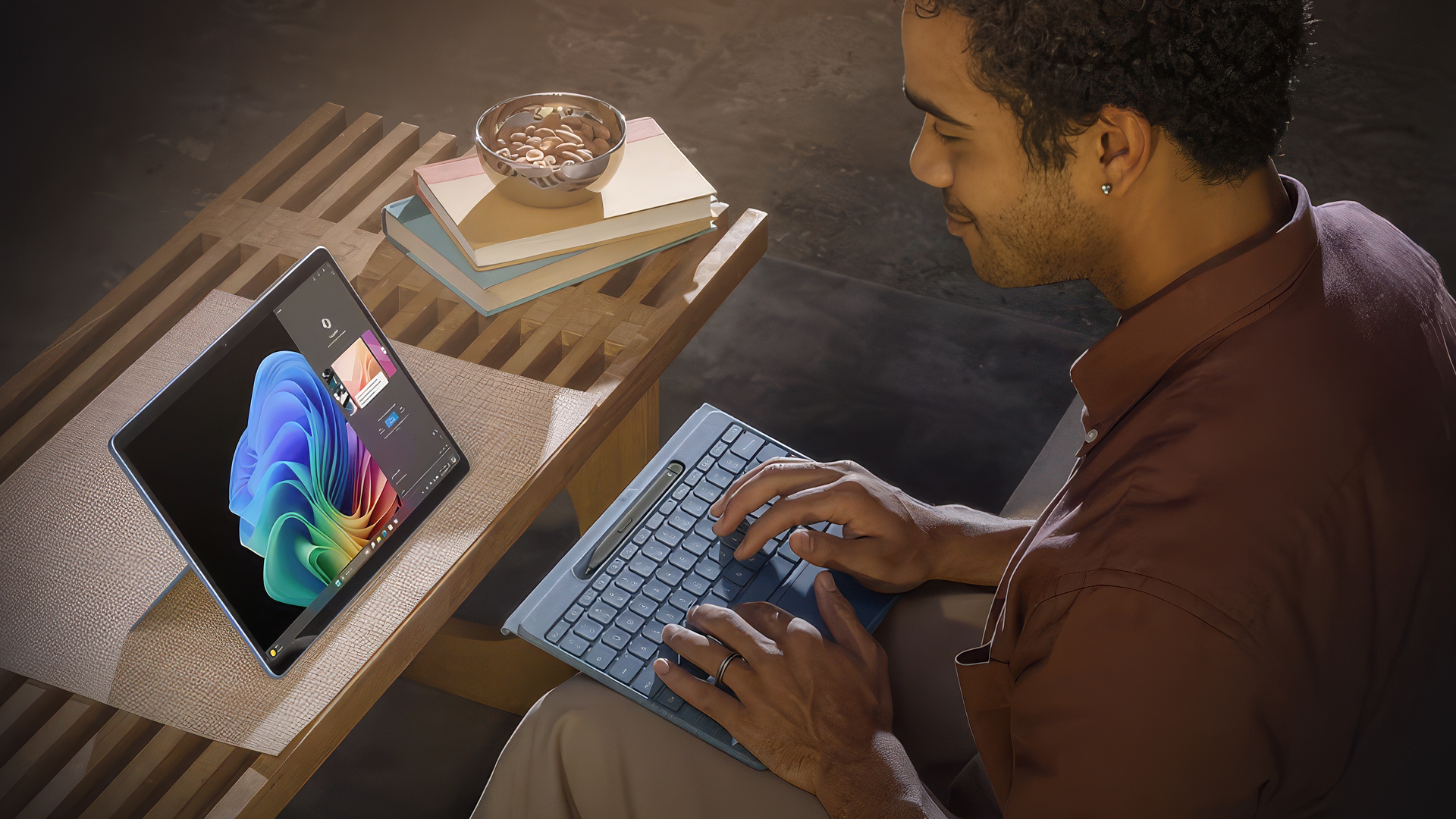
You can scroll through documents, annotate compatible files, interact directly with applications or switch between keyboard and touch input depending on the task. Surface Pro goes further by supporting tablet-style workflows and compatible digital pens.
For someone who only types at a desk, touch may be a convenience rather than an essential feature. For note-taking, presentations, creative work, or mobile use, it can materially change how you interact with the device.
Better Video Calls and Hybrid Working
Modern work often involves Teams meetings, collaborative documents, and remote communication.
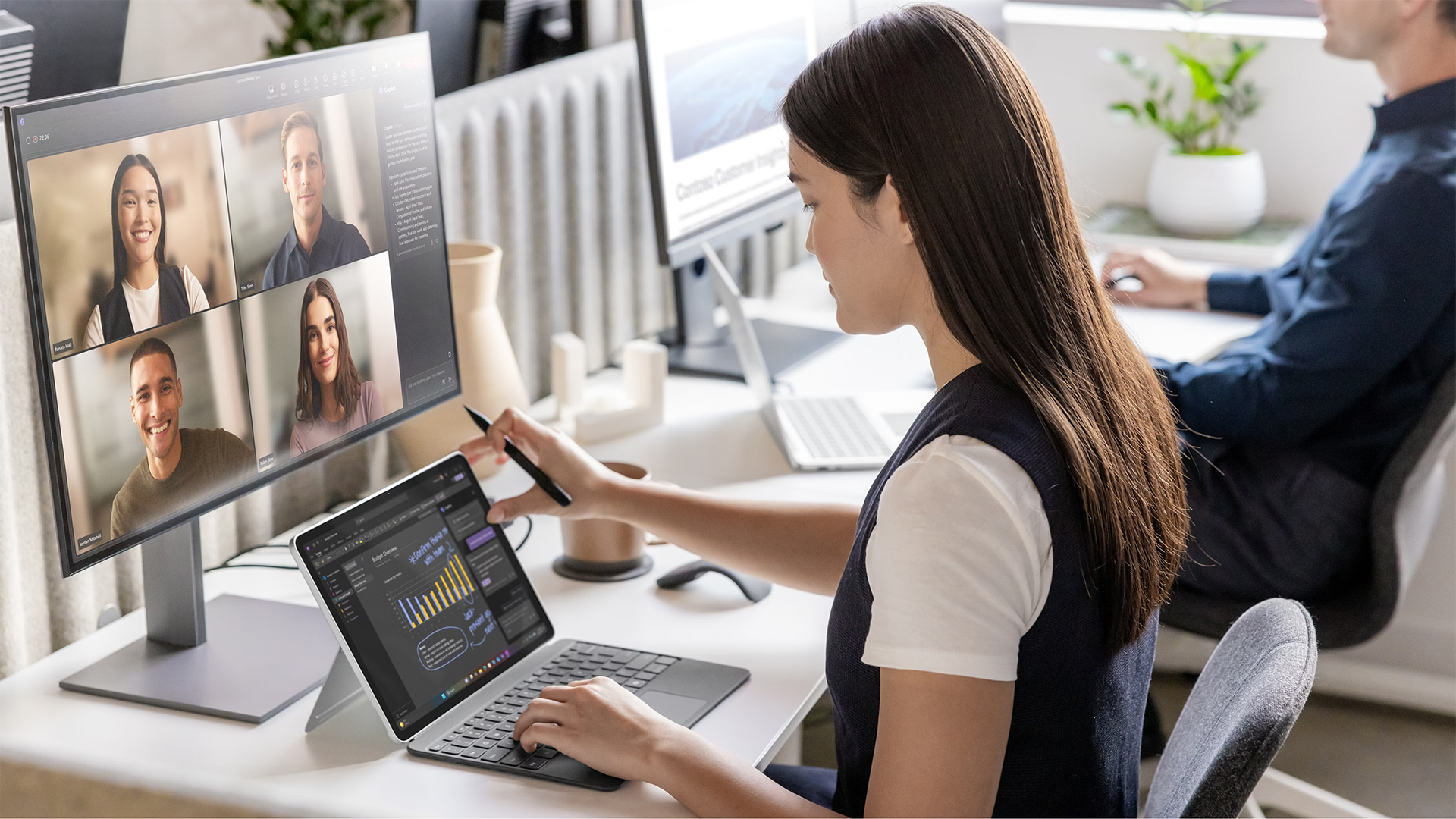
Current Surface devices combine built-in cameras, microphones and Windows features such as Studio Effects on supported hardware. These can help with functions including background effects and automatic framing during compatible video calls.
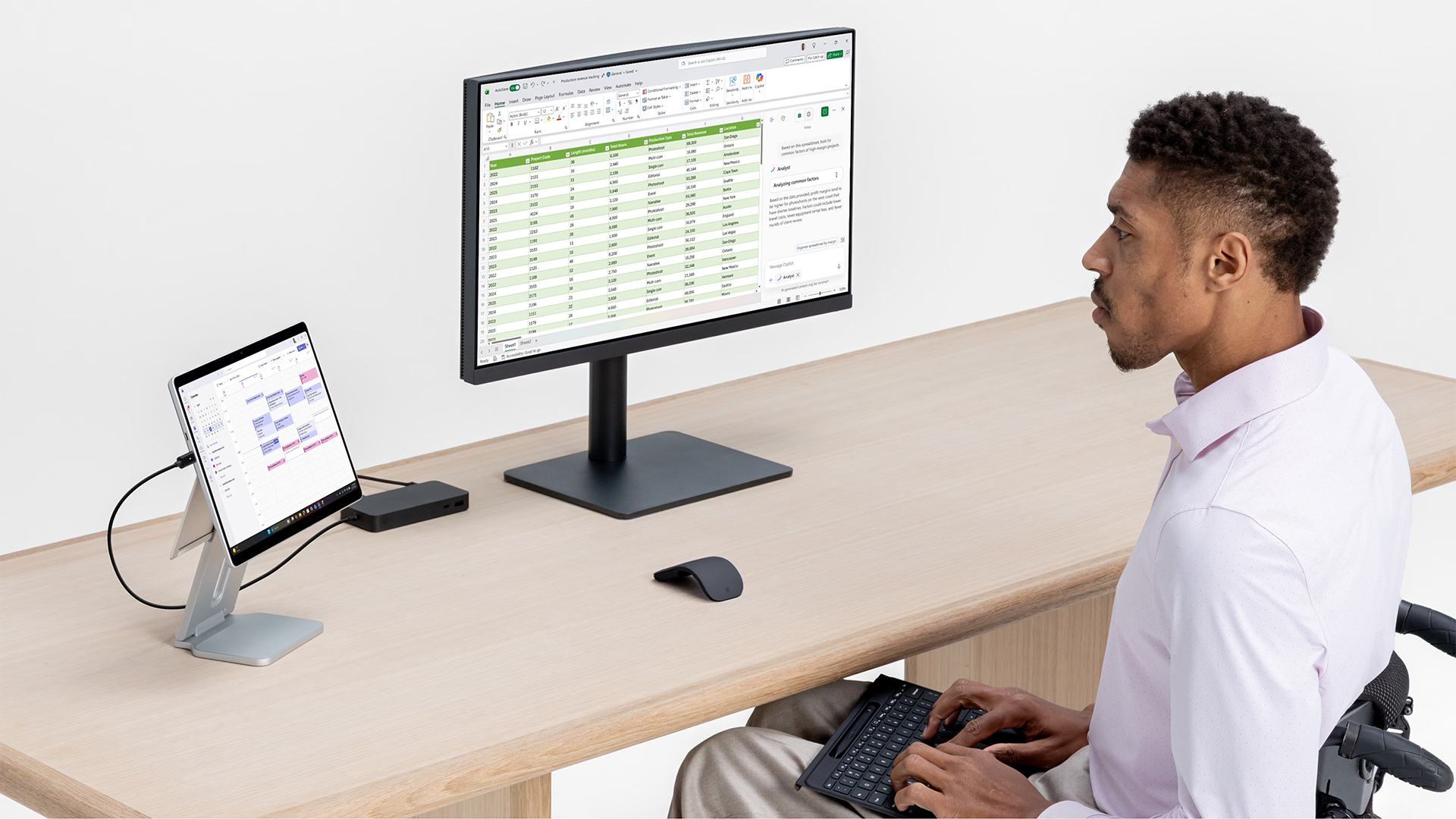
You can also connect compatible external displays and peripherals through USB-C on current models, making it easier to turn a portable Surface into a larger desk setup when you return to the office or home workspace.
Battery Life and Portability
Battery life matters when you spend significant time away from a plug socket, but manufacturer figures should always be treated as estimates rather than guaranteed everyday runtimes. Your actual battery life will depend on factors such as:
- Screen brightness
- Video conferencing
- Browser activity
- Wireless connectivity
- Background applications
- Performance settings
- AI and creative workloads
Surface Laptop and Surface Pro devices are designed with mobile working in mind, so portability remains a major reason to consider them. If you travel frequently, compare weight and screen size alongside battery specifications. A smaller model may be more practical than a larger laptop even if the bigger configuration provides slightly more screen space.
Check App Compatibility Before Choosing a Processor
Current Microsoft Surface devices can use either Intel or Qualcomm Snapdragon processors depending on the configuration.
Most everyday Windows software works well on modern Snapdragon-based Windows PCs, either natively or through Microsoft's compatibility technologies. Even so, specialist software, older peripherals, specific drivers or business applications may have particular requirements.
How to Find the Right Microsoft Deal
A genuine Microsoft deal is not simply the Surface with the largest price reduction. The useful deal is the configuration that matches what you intend to do.
Compare the Specification, Not Just the Price
Two Surface laptops can look almost identical while having very different:
- Processors
- RAM capacities
- SSD sizes
- Display sizes
- Windows editions
- Connectivity
- Business features
Compare those specifications before deciding which represents the better purchase for you.
Check the Product Condition
Both new and refurbished Microsoft devices can make sense depending on your requirements.
When considering refurbished hardware, check its condition grade, warranty and supplied accessories. A reputable retailer should make this information clear before purchase.
Check the Warranty
Warranty coverage is particularly important when buying a laptop for work or study because unexpected downtime can affect considerably more than the hardware itself.
Laptop Outlet lists warranty information on individual products, so check the specific Surface configuration rather than assuming every device includes identical coverage.
Microsoft Surface Deals at Laptop Outlet
Laptop Outlet currently stocks Microsoft Surface configurations covering different productivity requirements, including Microsoft Surface laptops using Snapdragon and Intel Core Ultra processors.
Rather than choosing one universal "best Surface", start with your workload.
If you mainly use Office applications, browsers and video calls, prioritise portability, sufficient RAM and comfortable screen size. More demanding multitasking or professional workloads may justify additional memory, storage or higher-performance processors.
For greater flexibility, you can also compare Surface Pro deals if a detachable 2-in-1 better matches the way you work. Stock and specifications can change, so checking the latest available configurations gives you a more accurate comparison than relying on older model recommendations.
What Should You Look for Before Buying?
Before choosing from current Microsoft deals, ask yourself five questions:
1. Do I prefer a conventional laptop or a 2-in-1?
Choose Surface Laptop for a traditional typing experience or Surface Pro when tablet flexibility matters.
2. How much RAM do I need?
16GB is a practical starting point for modern multitasking, while demanding professional applications may benefit from more.
3. How much storage will I use?
Consider both your current files and what you are likely to store over the laptop's lifetime.
4. Do my applications support Windows on Arm?
Check compatibility before choosing a Snapdragon configuration if you rely on specialist software.
5. Will I actually use Copilot+ features?
AI capabilities can be useful, but they should complement the fundamentals rather than replace them.

Conclusion
The modern Microsoft Surface range is much more than a collection of slim touchscreen laptops. Surface Laptop provides a familiar portable PC experience, while Surface Pro gives you greater flexibility for touch, typing and pen-based workflows. Newer Copilot+ models also add dedicated hardware for supported Windows AI features.
The right choice depends on how you work. Prioritise the screen size, processor platform, RAM, storage, software compatibility and form factor that match your routine rather than automatically choosing the highest specification.
When comparing Microsoft deals at Laptop Outlet, checking those fundamentals first will help you find a Surface that genuinely improves productivity instead of paying for features you are unlikely to use.
Is Microsoft Surface good for productivity?
Yes. Surface devices are designed around Windows productivity, portability and touchscreen interaction. Current models can suit Microsoft 365, meetings, research, multitasking and hybrid working, depending on the specification you choose.
Which is better, Surface Laptop or Surface Pro?
Surface Laptop is generally better for conventional keyboard-based working. Surface Pro is more flexible because its detachable design supports tablet, touch and pen workflows as well as laptop-style use with a compatible keyboard.
Are Microsoft Surface laptops Copilot+ PCs?
Many current Surface Laptop and Surface Pro models qualify as Copilot+ PCs, although this depends on the specific configuration. Check the processor, memory and official Copilot+ specification before buying.
Is Snapdragon good for Microsoft Surface?
Snapdragon Surface devices can provide strong performance and efficiency for compatible Windows applications. If you use specialist or legacy software, confirm Windows on Arm compatibility before choosing one.
How much RAM should a Surface laptop have?
For general modern productivity, 16GB is a sensible starting point. More memory can help if you regularly use large datasets, creative software, development tools or many demanding applications simultaneously.
Are refurbished Microsoft Surface devices worth considering?
They can be, particularly when the condition, battery expectations, warranty and accessories are clearly stated. Compare those factors with the equivalent new device rather than judging a refurbished Surface solely by price.
| Read More: |
| Laptop Buying Guide 2026: How to Choose the Right One |
| How Remote Work Is Changing Laptop Buying Decisions |
| Laptop Specs Explained: CPU, RAM, GPU & Storage Guide for Beginners |
Related Articles

Last Updated: July 10, 2026
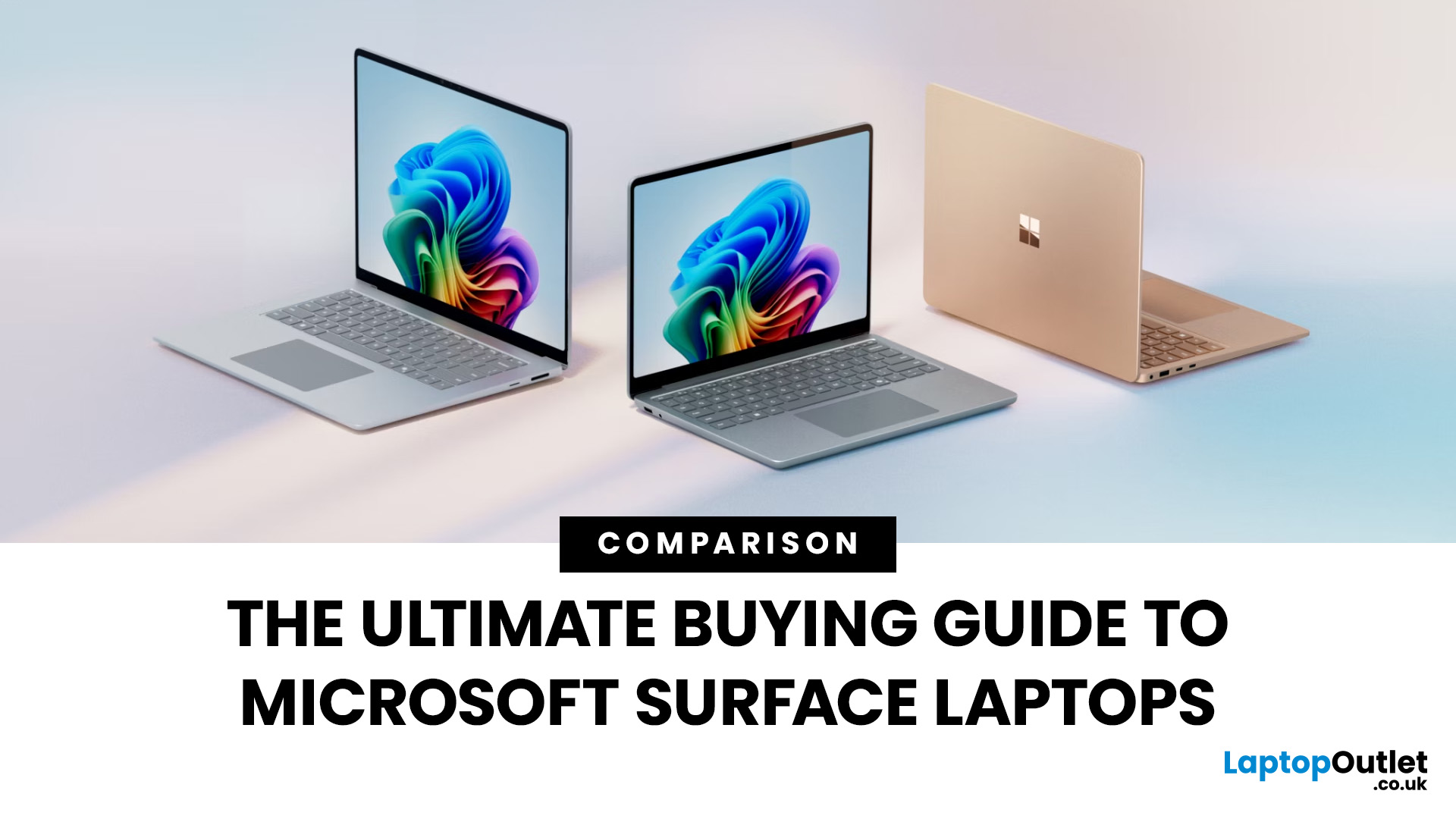
The Microsoft Surface Laptop series has redefined what modern laptops can offer, combining premium design, strong performance, and seamless integration with Windows. With so many models available, from the lightweight Surface Laptop Go to the powerful Surface Laptop Studio, buyers often ask: Which Surface is right for me? That’s where a Microsoft Surface Laptop Buying Guide becomes essential.
Surface laptops stand out for more than just portability and style. With the rise of Copilot+ PC Surface benefits, AI-powered features like Windows Recall and productivity tools make these devices more than laptops; they’re intelligent companions for work, study, and creativity.
Why Choose Microsoft Surface?
Microsoft Surface laptops have earned a reputation as premium devices that combine design elegance, reliable performance, and powerful software integration. For many buyers, the appeal of Surface lies in how seamlessly it blends hardware and software, something only a handful of manufacturers
Last Updated: October 08, 2025
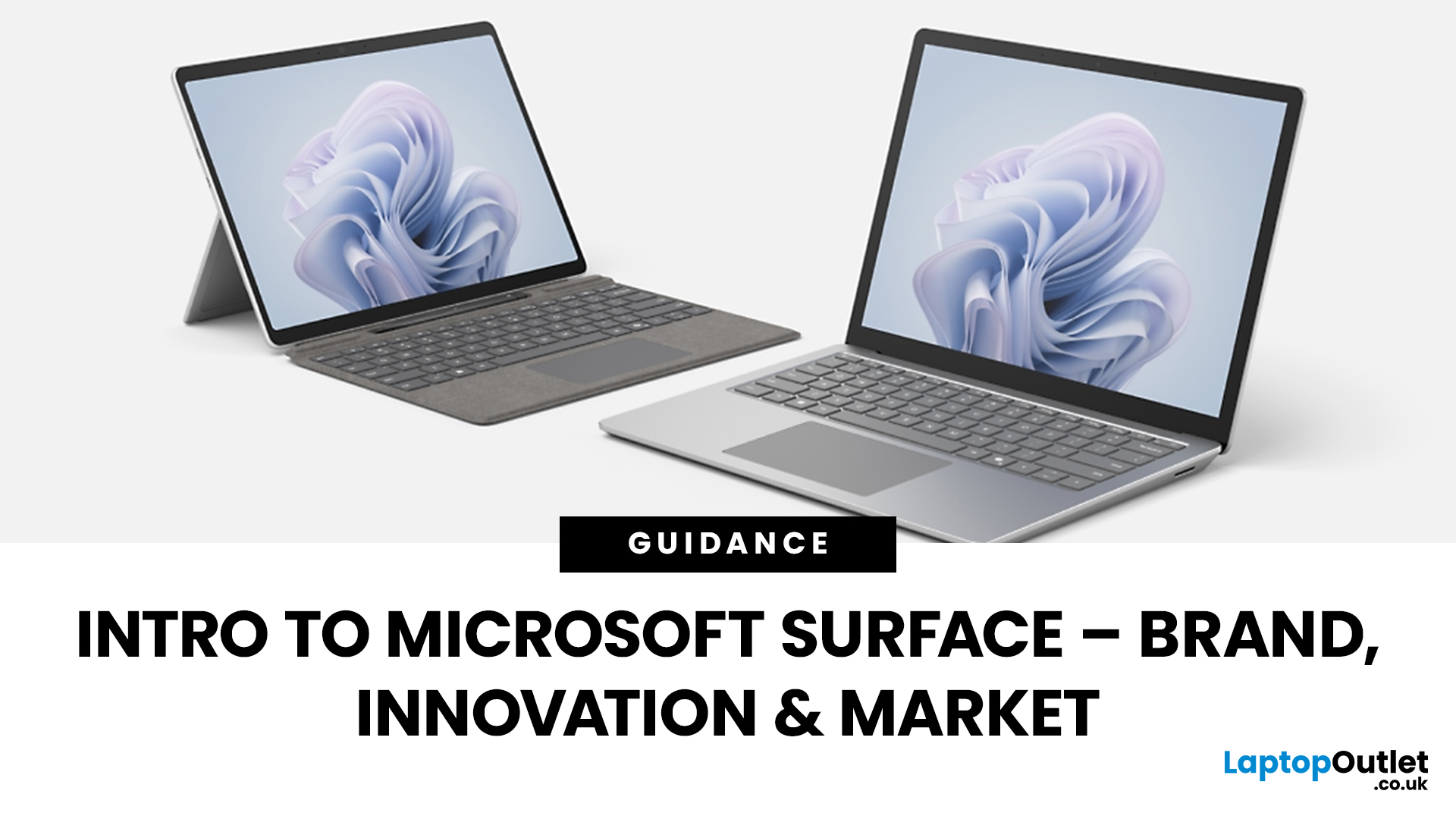
Since the debut in 2012, Microsoft’s Surface line has redefined the laptop and hybrid device market. Known for sleek design, advanced features, and seamless Windows integration, the Surface range has grown into a powerful competitor in both business and consumer segments. This Microsoft Surface brand overview explores the company’s innovation journey, the role of AI-powered laptops, how Surface compares to rivals like Apple MacBook, and its evolving market position in 2025.
Microsoft Surface Brand Overview
Why the Surface Brand Matters
The Microsoft Surface range has grown from a bold experiment in hybrid computing to one of the most recognisable names in premium laptops and 2-in-1 devices. In 2025, it represents not just sleek hardware but also a gateway to Microsoft’s wider ecosystem of AI-powered tools, Windows 11 innovations, and cloud services. From the ultra-portable Surface Go to the powerhouse Surface Laptop Studio, every device reflects Microsoft’s mission to balance design,
Last Updated: October 28, 2025
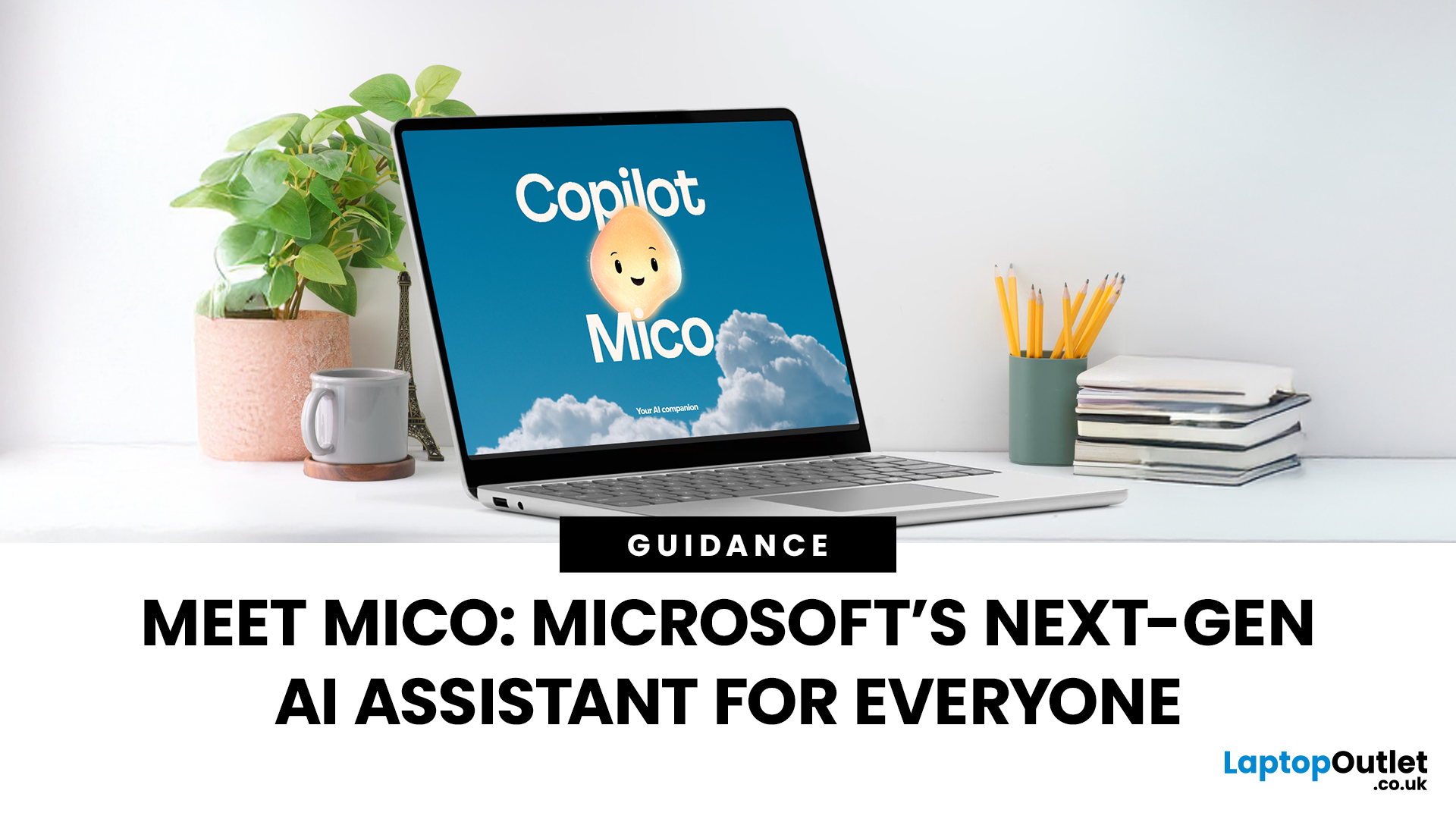
Meet Mico ... Microsoft’s brand-new AI companion that gives Copilot a friendly face and a touch of personality.
Mico isn’t just another chatbot. It’s designed to feel more human, to listen, react, and adapt to your mood and style. Whether you’re working, studying, or just having a chat, Mico aims to make your experience with technology warmer and more natural — almost like talking to a digital friend who actually gets you.
In this article, we’ll cover everything you need to know about Microsoft’s new AI companion, Mico - what it is, how it works, why it matters, and how it could change how you use your laptop.
What exactly is Mico?
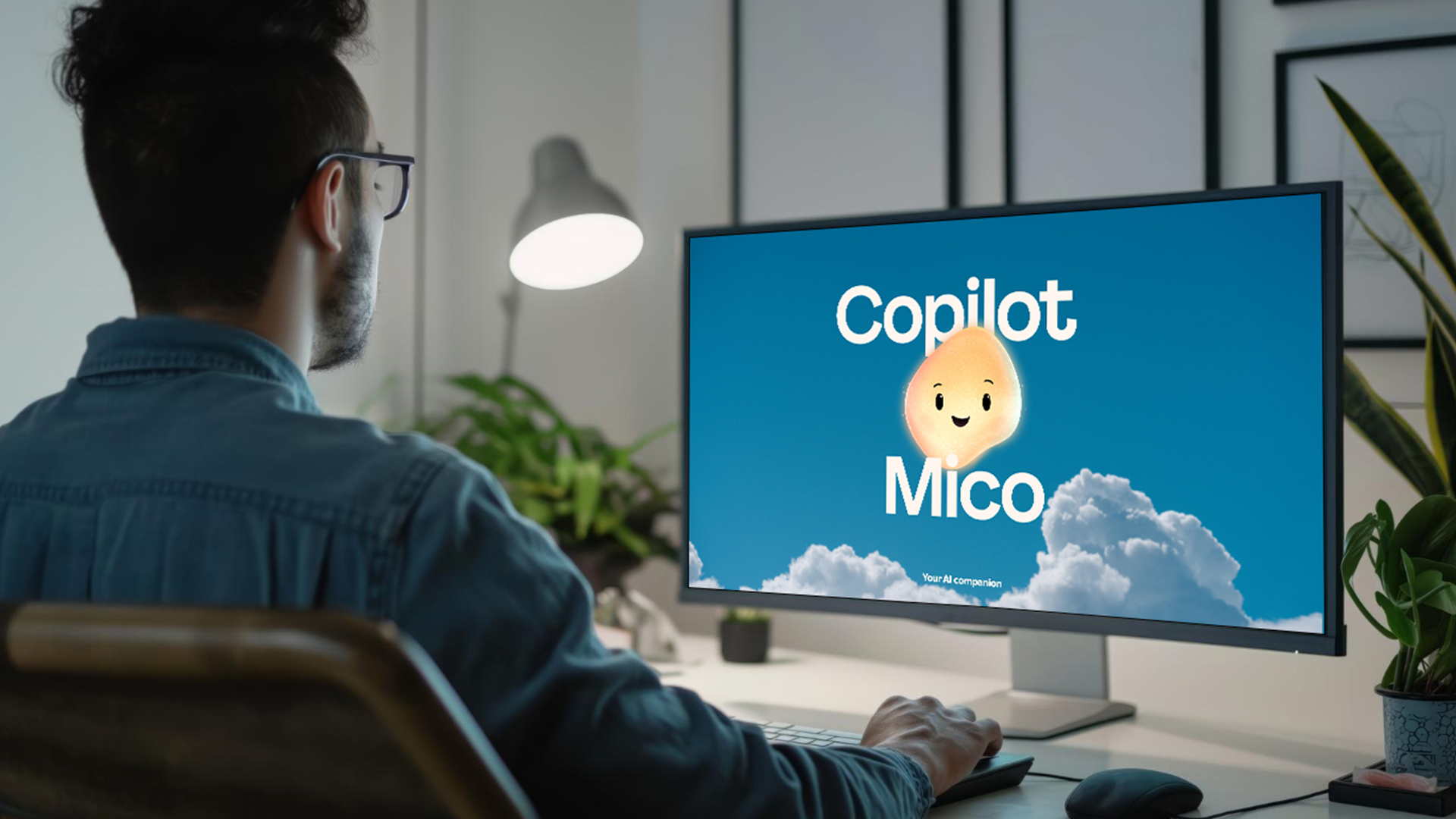
Microsoft has quietly taken a big step in reshaping its AI assistant by introducing Mico, a more expressive, human-centred avatar for Copilot. Rather than simply another chatbot, Mico offers a visual character and voice interaction to make AI feel friendlier and more natural. According to reports, it “listens, reacts, adapts to your vibe” and changes colour

Last Updated: November 05, 2025
AI assistants are rapidly becoming part of our digital daily lives - helping with writing, searching, summarising, and smarter interfaces. Microsoft is no exception, offering its flagship assistant Microsoft Copilot and now introducing a newer companion named Mico. While they share purpose and technology, they are not exactly the same. Let’s explore what each one is, how they differ, when you might use one over the other, and what it means for users and organisations.
What is Microsoft Copilot?

Microsoft Copilot is Microsoft’s generative-AI assistant platform, built to integrate deeply into its software ecosystem (Windows, Microsoft 365, Edge, Bing) and to assist with productivity tasks, information gathering, content creation, and workflows.
Key capabilities
- It can summarise documents, draft emails or reports, generate content, analyse data in Excel, build slides in PowerPoint, and support meeting recaps in Teams.
- It is powered by large-language models (LLMs) and integrated contextual

Last Updated: January 21, 2026
There’s a reason people still say “Just get a Surface” when someone asks for a serious Windows tablet.
In a world full of Android slates, experimental hybrids, and ultra-cheap tablets that barely last a year, Microsoft Surface tablets have carved out a very specific reputation:
clean design, proper productivity, and devices that feel like Windows was made for touch - because, well, it was.
In 2026, Surface tablets aren’t trying to chase trends. They’re refining what they already do best: turning tablets into genuinely useful computers that flex between work, study, creativity, and everyday life.
Why Microsoft Surface Tablets Still Set the Standard
When Microsoft launched the first Surface, it wasn’t just another tablet. It was a statement:
Windows doesn’t belong to laptops only.
Fast forward to 2026, and Microsoft Surface 2-in-1 tablets are still the reference point for the entire category. Whether you’re looking at Detachable tablets, Surface 2-in-1 devices, or Windows touchscreen tablets,
Last Updated: March 13, 2026
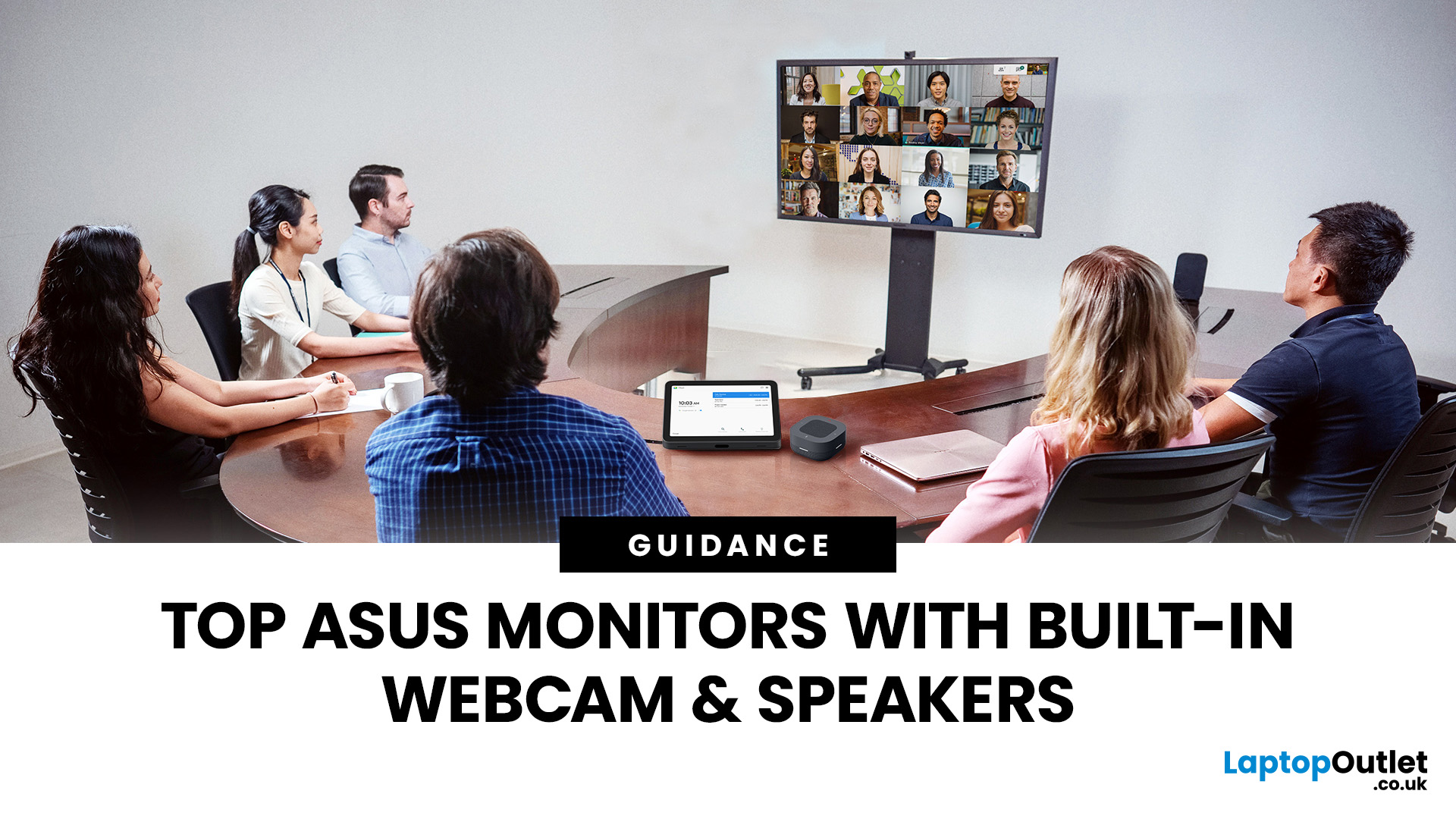
Choosing the right ASUS monitor with a webcam can significantly simplify how modern meeting rooms operate. As hybrid work becomes the norm, businesses are looking for cleaner, more efficient conferencing setups that don’t rely on multiple external peripherals. An integrated solution that combines display, camera, microphone, and speakers into one device makes deployment faster and more cost-effective. For small meeting spaces and huddle rooms in particular, an ASUS business monitor with speakers and a built-in webcam offers a practical alternative to a full conferencing kit.
What to Know About Microsoft Teams Rooms Compatibility
It’s important to clarify how an ASUS monitor with webcam fits into a Microsoft Teams Rooms environment.
Microsoft Teams Rooms (MTR) systems are typically powered by a dedicated PC or collaboration bar. The monitor itself is not the Teams Rooms system, instead, it acts as the display and USB conferencing endpoint. When paired with a Teams-enabled PC, many ASUS
Last Updated: April 06, 2026
The gaming industry is once again on the brink of transformation, and Microsoft appears ready to lead the charge. Enter Project Helix, the rumoured next-generation Xbox console that could redefine not only console gaming but the entire ecosystem connecting Xbox, PC, and cloud platforms.
With increasing competition from Sony, rapid advancements in hardware, and the growing dominance of cloud gaming, Microsoft’s strategy has evolved far beyond traditional consoles. Project Helix is expected to embody this evolution, merging power, flexibility, and innovation into one unified gaming experience.
In this deep dive, we’ll explore everything we know (and what we can reasonably expect) about Project Helix, including its potential features, hardware specifications, release window, and how it could shape the future of gaming.
What Is Project Helix?
Project Helix is widely believed to be Microsoft’s codename for its upcoming next-gen Xbox console, likely targeting a release around 2026 or beyond.
Last Updated: April 06, 2026
As Microsoft continues to reshape its gaming ecosystem, attention has shifted towards what comes next after the current Xbox Series generation. One of the most talked-about developments is Project Helix, a name that has started to surface in discussions around the future of Xbox. If you are trying to understand about Project Helix, what it could mean for gamers, and how it fits into broader Microsoft gaming plans, this guide breaks it down in a clear, practical way.
What is Project Helix?
At its core, Project Helix explained simply is this: it is believed to be Microsoft’s next major step in Xbox development, potentially tied to the next generation of hardware, cloud integration, and platform evolution. While Microsoft has not officially confirmed full details, industry reports and development signals suggest that Project Helix is not just a single device. Instead, it appears to be part of a wider strategy that blends:
- New Xbox hardware
- Cloud gaming expansion
- Deeper integration with Windows
Last Updated: July 06, 2026
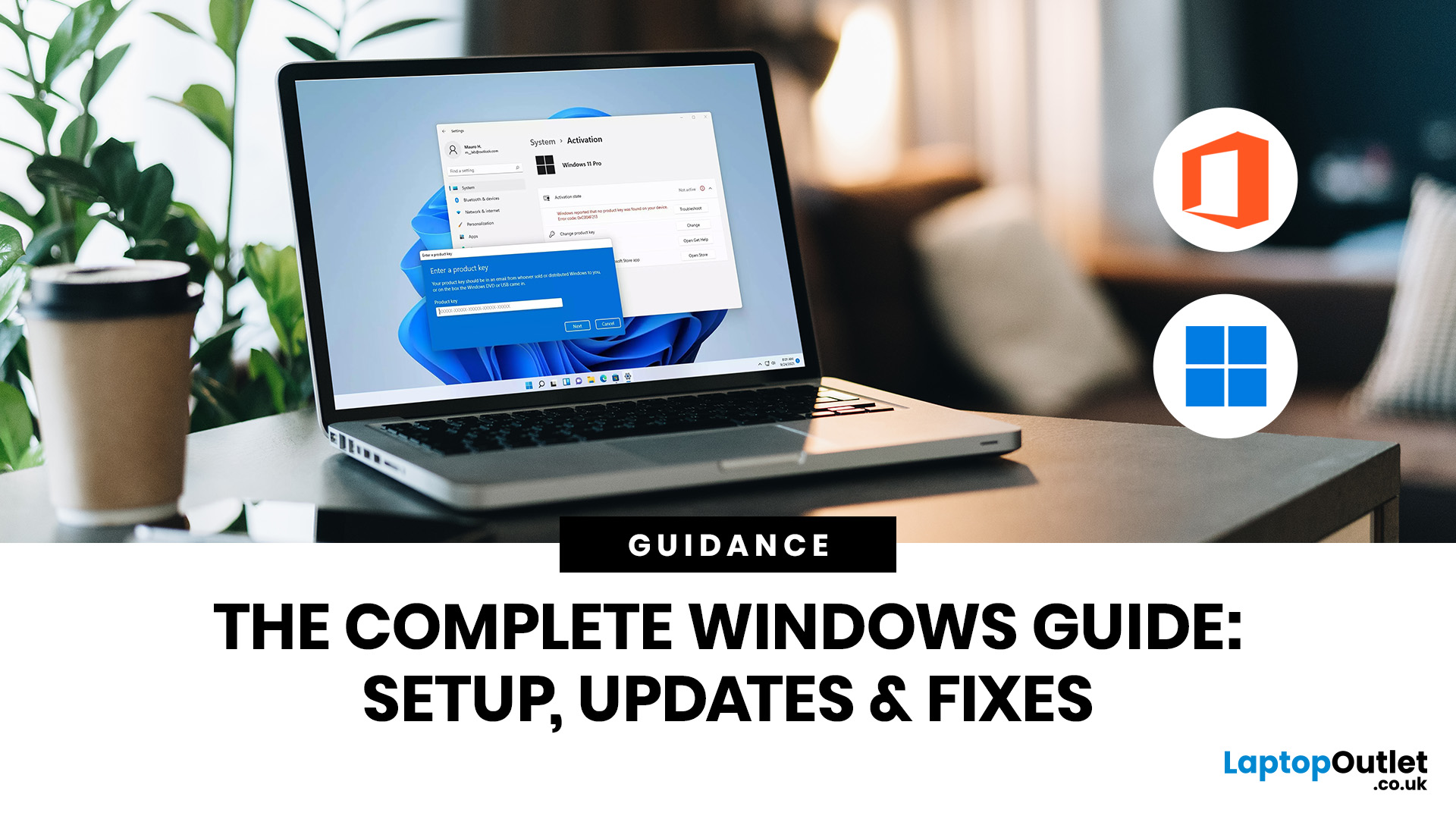
If you need to activate Windows Office key products on a new or existing device, the good news is that the process is usually straightforward once you know which licence you have. Whether you are looking for a Windows activation guide, Microsoft Office activation steps, or a quick fix for an activation error, this guide walks you through it in plain English.
Windows 10 and Windows 11 can be activated with either a 25-character product key or a digital licence, while Microsoft 365 and standalone Office versions are typically activated by signing in with the Microsoft account, or work or school account, linked to the purchase.
What is a Microsoft Activation Key?
A Microsoft activation key is usually a 25-character code used to activate Windows or redeem certain Office purchases. For Windows, activation depends on either a product key or a digital license. For newer Office and Microsoft 365 products, the Microsoft account attached to your purchase often replaces the product key for reinstalling
Last Updated: June 10, 2026
Microsoft is updating Windows Secure Boot certificates before they begin expiring in June 2026. Most supported Windows PCs will receive the update automatically, but users should check Windows Update, Secure Boot status, BIOS/UEFI firmware, and BitLocker recovery key access to avoid future security issues.
Microsoft is rolling out an important Windows Secure Boot update before older Secure Boot certificates begin expiring in 2026. For most home users on supported Windows devices, the update should arrive automatically through Windows Update. But if your PC is older, managed by an organisation, running Windows 10 without Extended Security Updates, or has outdated BIOS/UEFI firmware, you may need to check your device before June 2026.
Secure Boot is the Windows security feature that helps ensure your PC starts using trusted software only. Microsoft says Secure Boot certificates originally issued in 2011 begin expiring in June 2026, and devices need newer 2023 certificates to keep receiving

