



Mico vs Copilot: What’s the Difference Between Microsoft’s Two AI Assistants?

AI assistants are rapidly becoming part of our digital daily lives - helping with writing, searching, summarising, and smarter interfaces. Microsoft is no exception, offering its flagship assistant Microsoft Copilot and now introducing a newer companion named Mico. While they share purpose and technology, they are not exactly the same. Let’s explore what each one is, how they differ, when you might use one over the other, and what it means for users and organisations.
What is Microsoft Copilot?

Microsoft Copilot is Microsoft’s generative-AI assistant platform, built to integrate deeply into its software ecosystem (Windows, Microsoft 365, Edge, Bing) and to assist with productivity tasks, information gathering, content creation, and workflows.
Key capabilities
- It can summarise documents, draft emails or reports, generate content, analyse data in Excel, build slides in PowerPoint, and support meeting recaps in Teams.
- It is powered by large-language models (LLMs) and integrated contextual signals (such as your Microsoft 365 content) to provide grounded responses.
- It is available across Windows 11 devices, Microsoft 365 subscriptions, Bing/Edge, and via mobile apps.
Positioning & purpose
Copilot is designed for productivity and knowledge-work: making you faster, more efficient, and smarter in the apps you already use. Think: “your AI assistant in Word, Excel, Outlook, Teams, and on your Windows PC.” It’s especially aligned to business, professional, and heavy user workflows.
What is Mico?

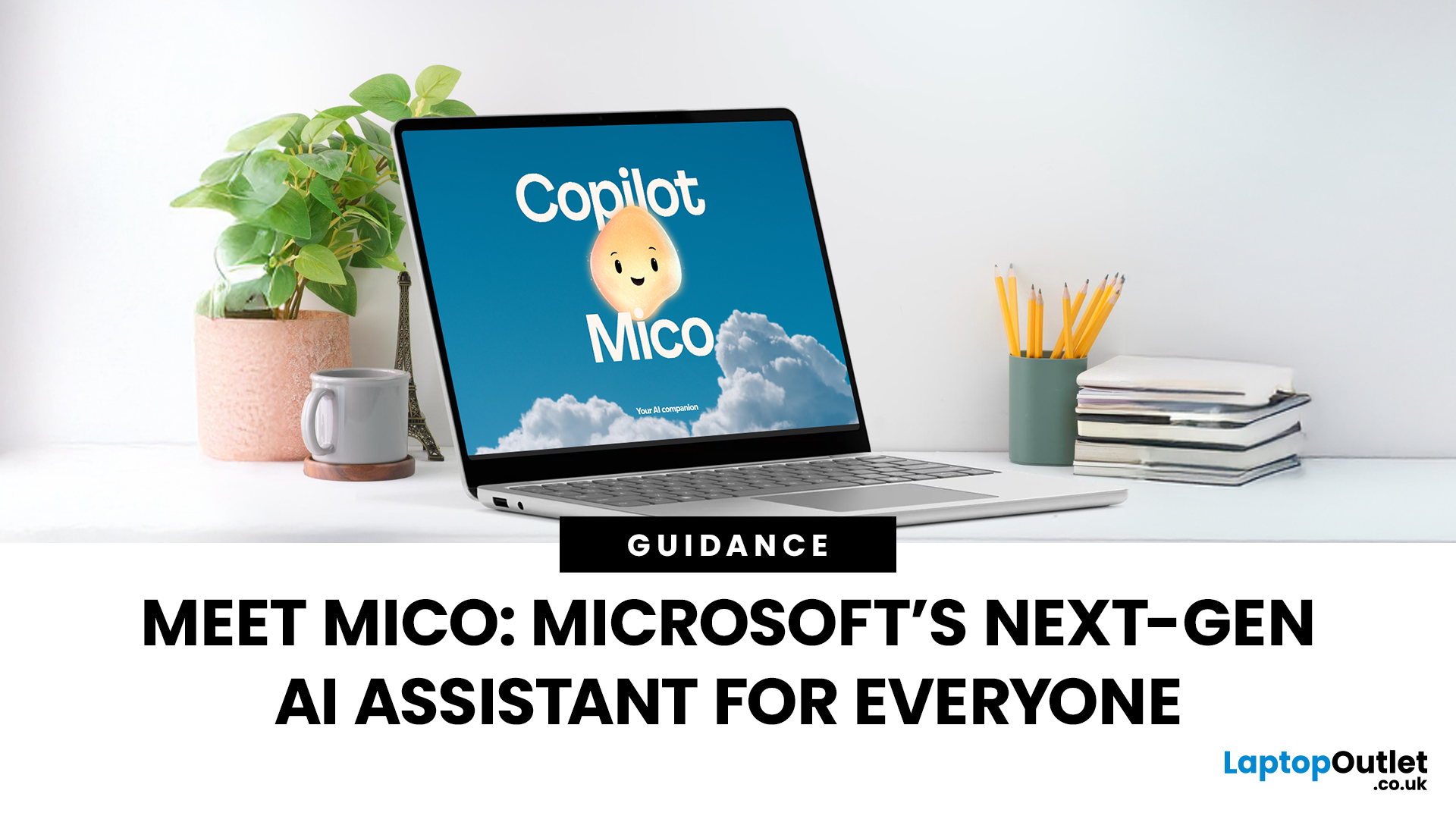
Mico is Microsoft’s more recently unveiled avatar and conversational interface for the Copilot assistant. It’s not a completely separate AI engine - instead it represents a new UI/persona layer designed to make Copilot feel more human-centred, expressive, and accessible.
What Mico brings
- A floating, shape-shifting cartoon-style avatar (blob/flame) that reacts visually and emotively to your voice interactions.
- Optional activation: you can turn off the avatar if you prefer a more traditional interface.
- Designed to support voice interaction, emotional expression, and more natural conversational flow with Copilot.
- Introduced as part of a wider update to Copilot’s interface and capabilities (group chats, “real talk” mode, improved memory, etc.).
In short, Mico is the “face” of Copilot - a user-friendly companion that simplifies the interaction, rather than a wholly separate assistant with distinct core functions.
Read to get more information on What Is Mico? Everything You Need to Know About Microsoft’s New AI Helper.
Core Differences Between Copilot & Mico
Here are the main differences to know, focusing on purpose, interface, capabilities, and use-case.
|
Aspect |
Microsoft Copilot |
Mico |
|
Role & scope |
Full-fledged AI assistant across Microsoft services (Windows, 365, Edge, Bing) with deep productivity features. |
Persona/avatar layer for Copilot - focuses on voice and conversational experience, visual emotive cueing. |
|
Primary interface |
Text/chat based, integrated into apps, tasks, search. |
Visual and voice centric - animated avatar, more approachable. |
|
Core capabilities |
Content creation, data analysis, workflow automation, summarisation, app integration. |
Builds on Copilot’s engine; emphasises conversational ease, voice activation, expressive feedback, social/collaborative features. |
|
Target user experience |
Professional-grade productivity, knowledge work, multi-app workflows. |
Simplified, friendly interaction - aiming at more casual and inclusive use cases, voice-first. |
|
Distinct features |
Deep Microsoft 365 integration, enterprise controls, data protection frameworks. |
Avatar Mico, “real talk” mode for challenging assumptions, support for group chats, more personal tone. |
|
Availability & branding |
Already broadly available under Microsoft Copilot name, multiple variants (Windows Copilot, Microsoft 365 Copilot). |
Recently launched/announced - rolling out as optional overlay to Copilot voice mode (as of late 2025). |
Use-Cases — When You Would Use One vs The Other
Use Copilot when you need:
- Deep productivity support: drafting reports, analysing data, building presentations, summarising meetings.
- Contextual app integration: working across Word, Excel, PowerPoint, Outlook, Teams.
- Enterprise or advanced workflows that require robust controls and tight data governance.
Use Mico when you want:
- A more conversational, voice-enabled interaction with your assistant - e.g., speak to your PC while cooking, reading, studying, or walking through steps.
- A more approachable, friendly UI (avatar, animations) especially for less technical users, or for scenarios where a chat-only interface feels dry.
- Group-based, collaborative tasks (e.g., students or teams) where the more social/expressive interface might enhance engagement.
In practice, many users will experience both - Mico is layered on top of Copilot, so the difference may come down to how you interact (voice + avatar) rather than what you can do.
Strengths & Limitations
Strengths of Copilot:
- Extremely powerful and versatile, one of the strongest AI assistant offerings in the productivity space.
- Deep integration across Microsoft ecosystem and broad functional coverage.
- Enterprise-grade security and manageability.
Limitations of Copilot:
- Can be overkill or complex for casual users who only need simple chat/voice assistance.
- Still subject to typical LLM challenges (hallucinations, context switch errors) despite improvements.
- Subscription/licensing model may apply for full features.
Strengths of Mico:
- Enhances usability and accessibility of Copilot - voice mode, friendly avatar lowers entry barrier.
- Makes voice-based interaction feel more natural and social, potentially increasing adoption.
- Good fit for educational, collaborative, and lighter use-cases.
Limitations of Mico:
- Being an overlay avatar/interface, the core intelligence remains in Copilot’s; so it doesn’t replace Copilot’s heavy workflows.
- As of the current rollout, it may be optional/limited in availability (region, voice mode only).
- Some users may find the avatar distracting or prefer a more minimal UI.
Which Should You Choose?
Here’s a decision guide:
- If you’re a professional, creator, knowledge-worker, or organisation needing full AI-assistant functionality in your productivity apps, go with Microsoft Copilot as your main tool.
- If you are looking for a simpler, more approachable voice assistant experience - perhaps for study, home use, or collaboration - then Mico adds a friendlier face to Copilot and may be the better entry point.
- If you already have Copilot, and want more natural interactions (voice, avatar, social features), enable Mico as a complementary layer - nothing stops you using both together.
- For casual users, students or anyone primarily using voice/chat for simple tasks, Mico may provide the more enjoyable & accessible experience.
The Future: What’s Coming?
Microsoft is clearly pushing the evolution of AI assistants toward being more natural, more conversational, and more socially capable. Recent announcements include:
- Copilot in Windows 11 / voice activation (“Hey Copilot”) across more devices.
- Expanded Copilot Vision & context-aware assistance (screen reading, task automation).
- Mico avatar and group-chat/collaboration features for more social/interactive AI use.
- Deeper AI integration across hardware (AI PCs) and services, meaning future versions of Copilot/Mico will be even more capable.
So the difference between Copilot and Mico may blur over time — one may become the underlying engine and the other the user-facing personality. What matters is the experience you want: deep productivity vs conversational ease.

Your What, Why and How’s for Mico vs Copilot
1. Is Mico a separate AI from Microsoft Copilot?
No - Mico isessentially a user interface/persona layer built on top of Copilot’s intelligence.
2. Does Copilot still support voice and avatar modes if Idon’twant Mico?
Yes - you can use Copilot with traditional chat/text interface. The Mico avatar is optional.
3. Can both Copilot and Mico be used in business or enterprise settings?
Copilot already supports enterprise-grade features and controls. Mico currently appears more focused on consumer/voice modes, but Microsoft may extend its use more broadly in time.
4. Do I need a separate licence for Mico or Copilot?
Licensing depends on your region and version of Copilot (Windows, Microsoft 365, etc.). Mico is a UI enhancement rather than a separate engine;you’ll still need the supporting Copilot service.
5. Which tool is better for education or students?
If you need full workflow support in Word/Excel/Teams,then Copilot is powerful. If you prefer a simple, friendly voice interaction or collaborative chat environment, Mico may be more accessible and engaging.

Conclusion
In the evolving landscape of generative AI, Microsoft’s two-pronged offering of Copilot and Mico shows a thoughtful segmentation: the engine and the interface, the productivity tool and the conversational companion. For users demanding productivity, app integration, and enterprise-grade features, Microsoft Copilot remains one of the strongest assistants available. For users who prefer voice-first interaction, a more personable UI, or collaborative/social use-cases, Mico adds a fresh and engaging layer atop that power.
Rather than choosing one instead of the other, many users will benefit most from using them together: let Copilot fuel the intelligence and let Mico shape the interaction. As Microsoft continues to develop both, the boundaries may blur, but the user experience will only get richer.
Related Articles

Last Updated: November 12, 2025
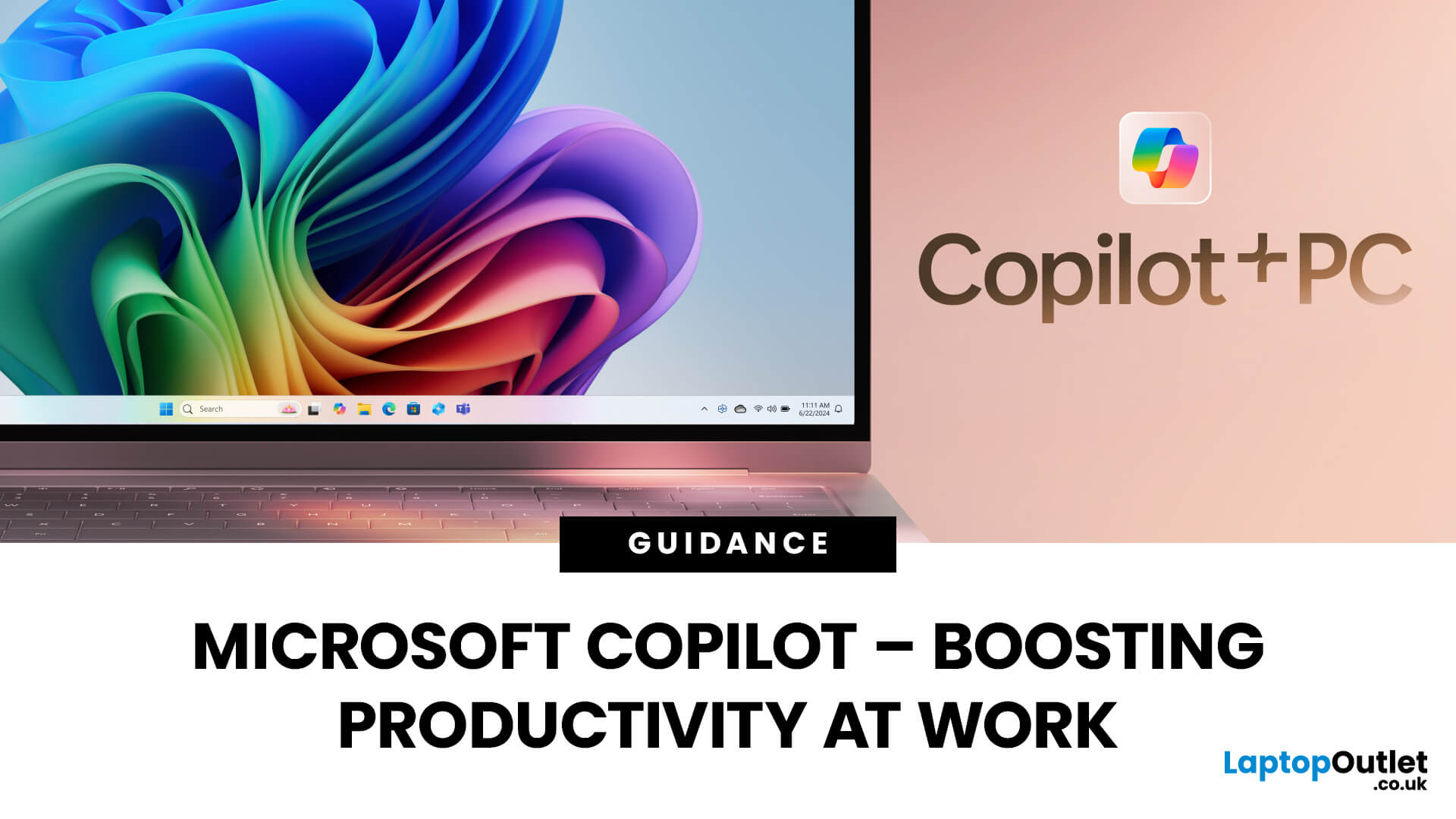
Microsoft Copilot is redefining how professionals work by seamlessly integrating AI assistance into everyday tools like Word, Excel, Outlook, and Teams. From drafting reports to analysing data and managing emails, Copilot streamlines routine tasks, freeing up time for creativity and strategy. Let’s explore how Microsoft Copilot empowers you to work smarter, not harder.
What is Microsoft Copilot?
Microsoft Copilot is a transformative tool for work because of its generative AI capabilities, deep integration with Microsoft 365, real-time assistance, task automation, and personalisation. With tailored assistance and natural language interaction, Microsoft’s intelligent AI assistant delivers an individualised user experience. Combined with the right set of user skills, using Copilot at work can lead to increased productivity, improved decision making, and enhanced creativity. Professionals can use Copilot with devices like the Surface Pro for more optimal performance.
Microsoft Copilot:
Last Updated: December 11, 2025
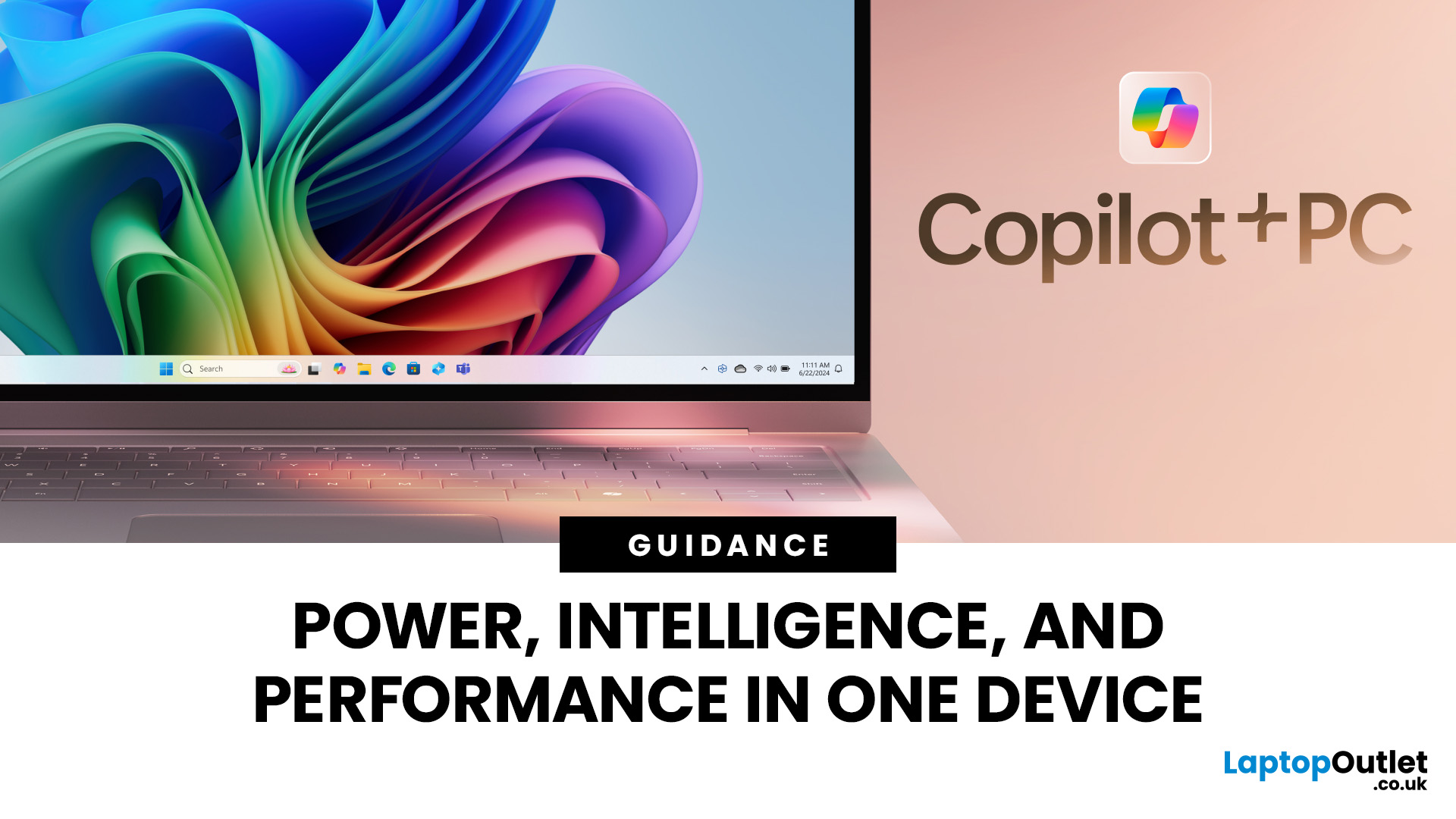
Microsoft introduced the world’s fastest and most powerful Windows PCs ever, Surface Copilot+ PCs. These are not just your run-of-the-mill updates to their previous models; instead, they are complete game changers. With the announcement of these AI-powered systems, Microsoft has again put itself at the vanguard of innovation.
Copilot+ PCs are powered by Qualcomm’s new Snapdragon X chips (or optionally Intel Core Ultra series in business variants), which feature an NPU (Neural Processing Unit) specially designed to handle complex AI (artificial intelligence) tasks that traditional PCs aren’t capable of.
Microsoft’s concept of AI is exciting (as is the technology behind Copilot+ PC), and the advantages are out-of-the-box. For instance, you don’t necessarily need a cloud connection for certain features (since some AI processing runs locally), and the security is top-notch as you’re not sharing all your information with third-party AI tool providers. All tools should be already embedded
Published: September 26, 2025
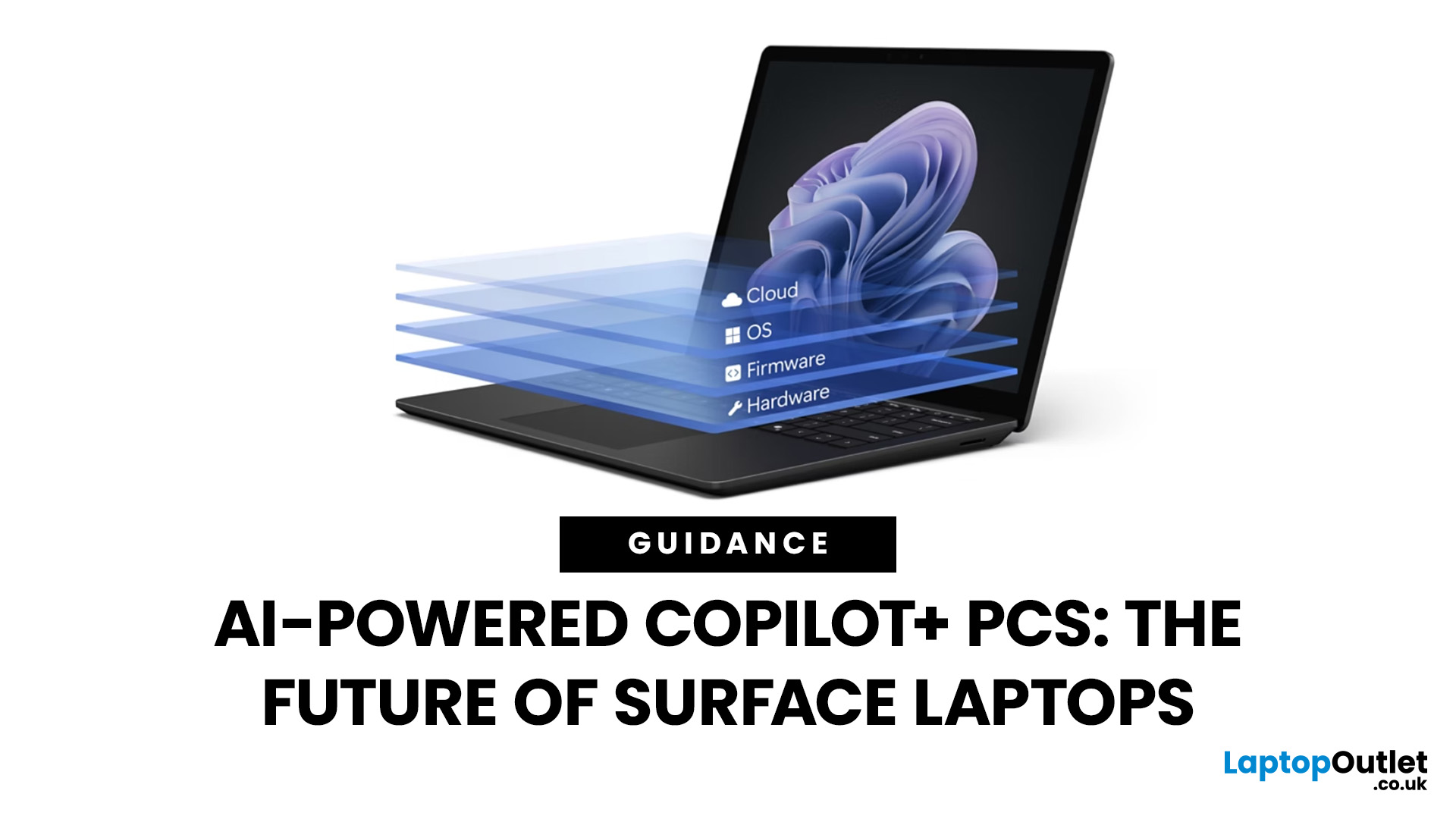
Artificial intelligence is no longer confined to data centres or specialised software - it has entered the very heart of personal computing. With the rise of Copilot+ PCs, Microsoft is redefining what a modern laptop can achieve by embedding advanced AI capabilities directly into everyday workflows. Unlike conventional machines, these devices are designed from the ground up to harness AI, powered by dedicated neural processing units (NPUs) and seamless integration with Windows 11.
Among the growing range of Copilot+ PCs, Microsoft Surface laptops stand out as the true flagships. Built to optimise productivity, creativity, and collaboration, they combine elegant design with cutting-edge technology, delivering features such as Windows Recall, Click to Do, and intelligent multitasking. Together with the Snapdragon X processor, Surface laptops provide unrivalled speed, efficiency, and battery life - all tailored for AI-driven performance. As a result, they are more than just laptops; they are
Last Updated: April 08, 2026
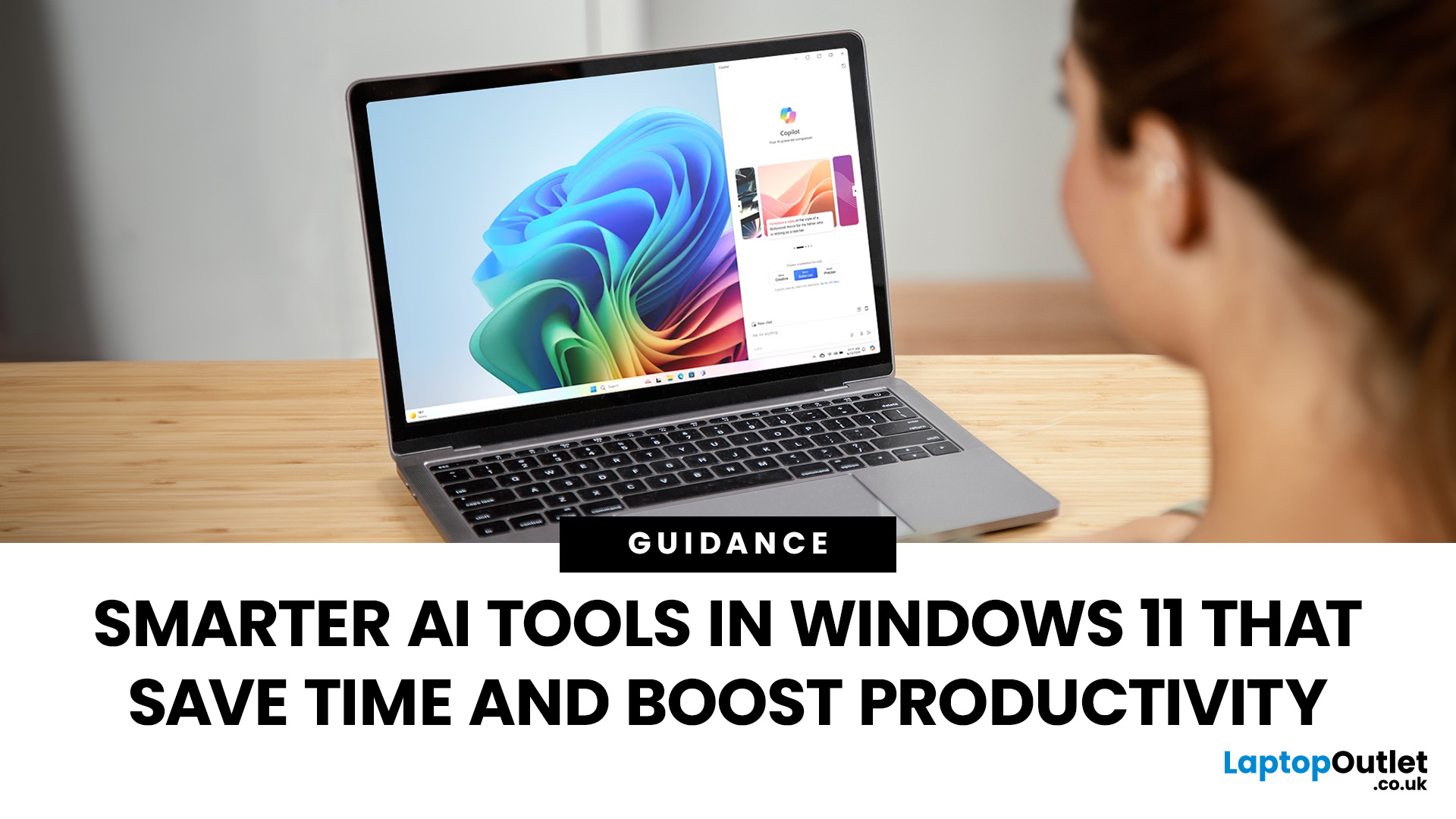
Remember when using a laptop was all about speed and specs i.e. faster processors, bigger storage, sharper screens? Those things still matter, but in 2025, the real game-changer is AI built directly into your PC. Microsoft’s new Windows 11 Copilot+ PCs are designed for exactly that.
Instead of just running apps faster, these laptops think alongside you. They can find files you barely remember creating, relight a photo as if you’re in a studio, or even recall what you were working on hours ago with a simple search. In short, they’re not just computers anymore - they’re collaborators.
In this post, we’ll dive into what makes Copilot+ special, unpack the latest AI tools in Windows 11, and show how customers can best benefit from these features.
What Makes a Copilot+ PC Different?
A Copilot+ PC is more than just a Windows 11 device. At its core is a Neural Processing Unit (NPU), a chip designed specifically to handle AI tasks. With this hardware in place, features like Recall and Windows
Last Updated: October 28, 2025
Meet Mico ... Microsoft’s brand-new AI companion that gives Copilot a friendly face and a touch of personality.
Mico isn’t just another chatbot. It’s designed to feel more human, to listen, react, and adapt to your mood and style. Whether you’re working, studying, or just having a chat, Mico aims to make your experience with technology warmer and more natural — almost like talking to a digital friend who actually gets you.
In this article, we’ll cover everything you need to know about Microsoft’s new AI companion, Mico - what it is, how it works, why it matters, and how it could change how you use your laptop.
What exactly is Mico?
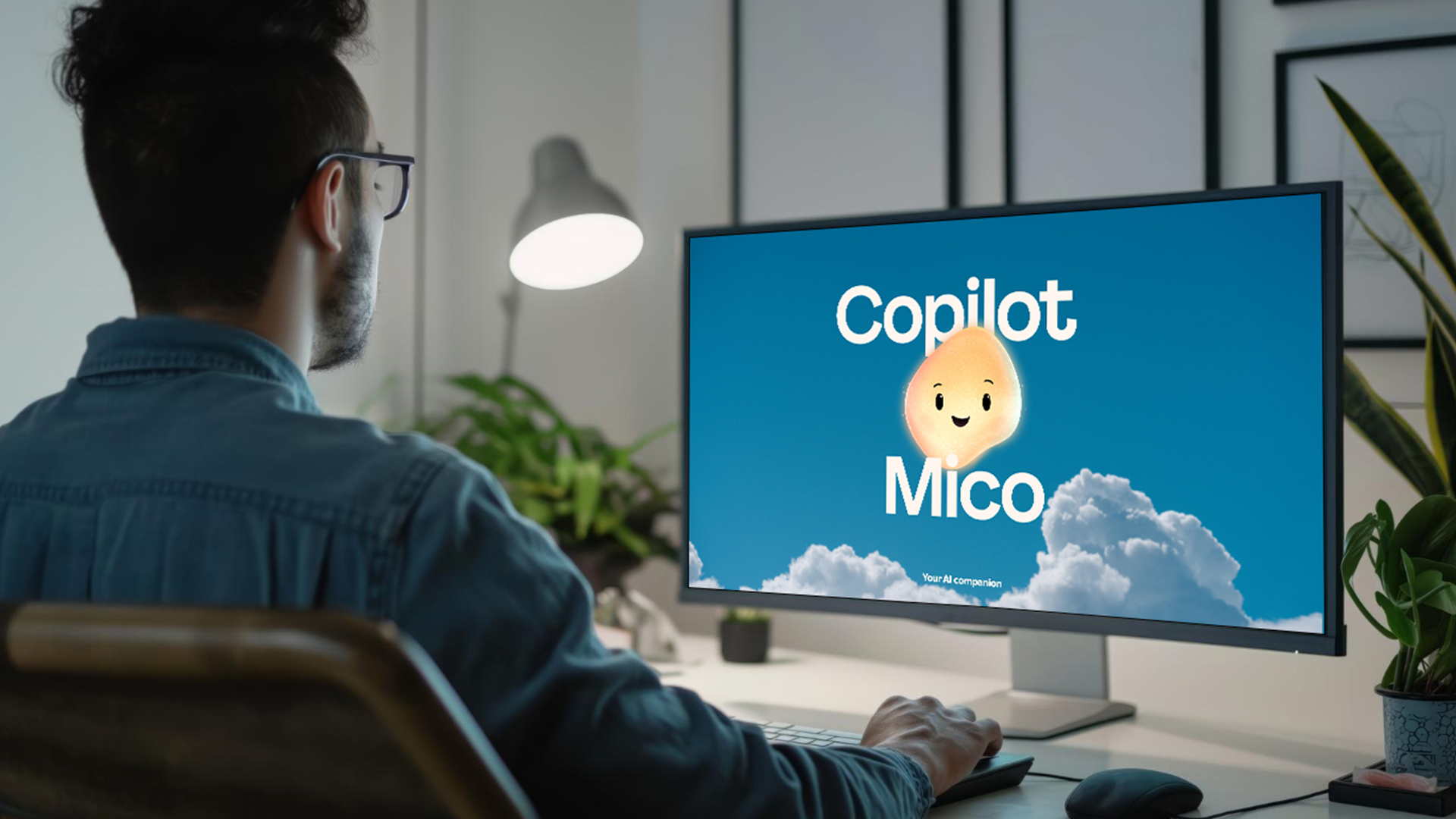
Microsoft has quietly taken a big step in reshaping its AI assistant by introducing Mico, a more expressive, human-centred avatar for Copilot. Rather than simply another chatbot, Mico offers a visual character and voice interaction to make AI feel friendlier and more natural. According to reports, it “listens, reacts, adapts to your vibe” and changes colour

