



Windows 11 Copilot+ Features: AI Tools That Boost Productivity
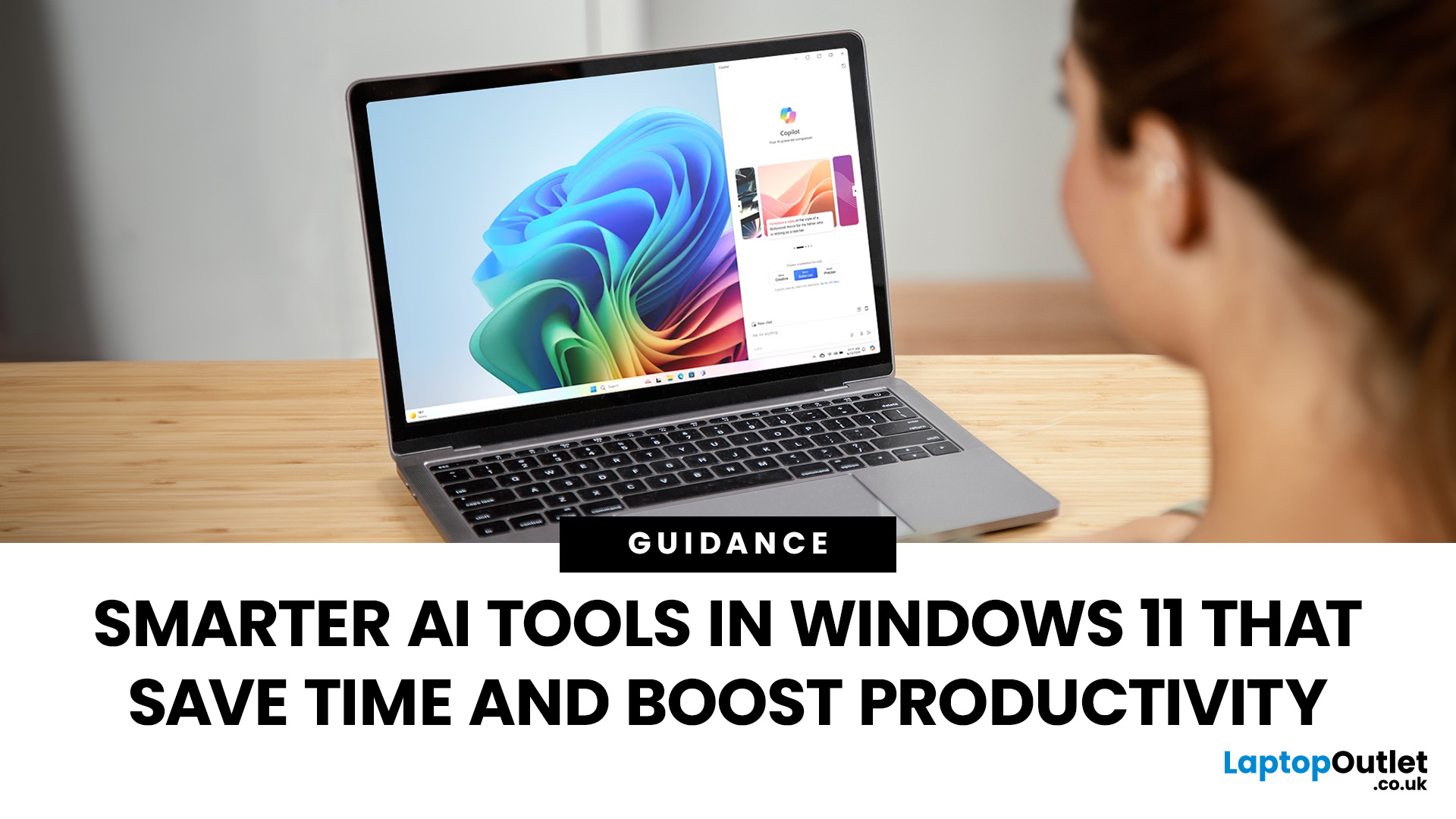
Remember when using a laptop was all about speed and specs i.e. faster processors, bigger storage, sharper screens? Those things still matter, but in 2025, the real game-changer is AI built directly into your PC. Microsoft’s new Windows 11 Copilot+ PCs are designed for exactly that.
Instead of just running apps faster, these laptops think alongside you. They can find files you barely remember creating, relight a photo as if you’re in a studio, or even recall what you were working on hours ago with a simple search. In short, they’re not just computers anymore - they’re collaborators.
In this post, we’ll dive into what makes Copilot+ special, unpack the latest AI tools in Windows 11, and show how customers can best benefit from these features.
What Makes a Copilot+ PC Different?
A Copilot+ PC is more than just a Windows 11 device. At its core is a Neural Processing Unit (NPU), a chip designed specifically to handle AI tasks. With this hardware in place, features like Recall and Windows 11 AI-powered search run smoothly, often without needing an internet connection. Microsoft describes Copilot+ machines as the “fastest, most intelligent, and most secure Windows PCs ever built.”
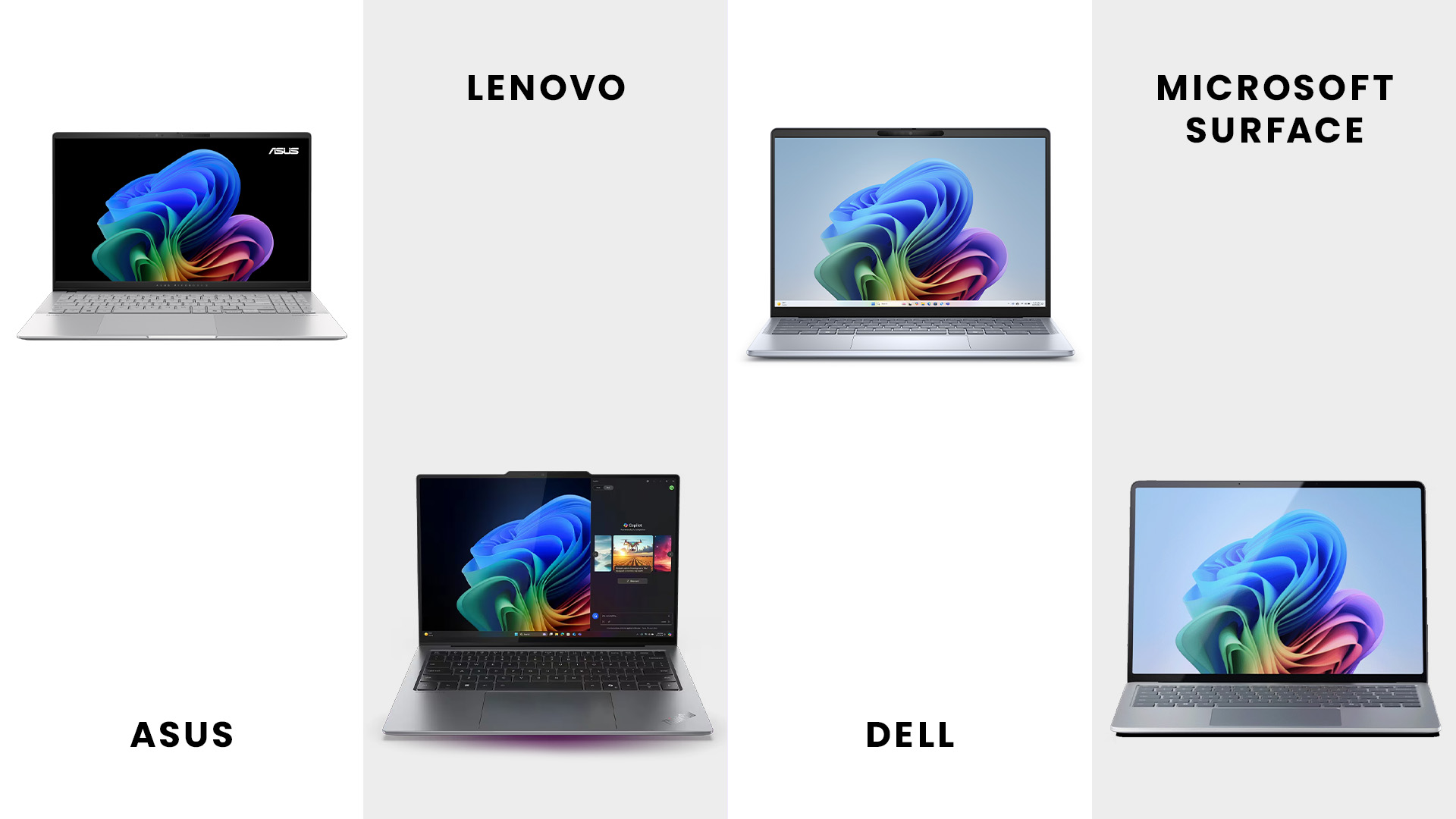
This focus on AI is already influencing laptop design across major brands. ASUS Copilot+ laptops built for AI workflows are being tuned for creators and professionals who need extra performance for multitasking and creative work. On the other hand, Lenovo Windows 11 laptops with smart features are bringing AI into everyday productivity, giving students and business users a smarter way to work. Together, these represent a growing market of Copilot+ compatible Windows 11 laptops designed for different needs but built around the same AI foundation.
The Key Windows 11 Copilot+ Features
Microsoft has introduced a wide range of AI tools in Windows 11 laptops, but a few stand out for how directly they improve daily productivity.
1. AI-powered Search:
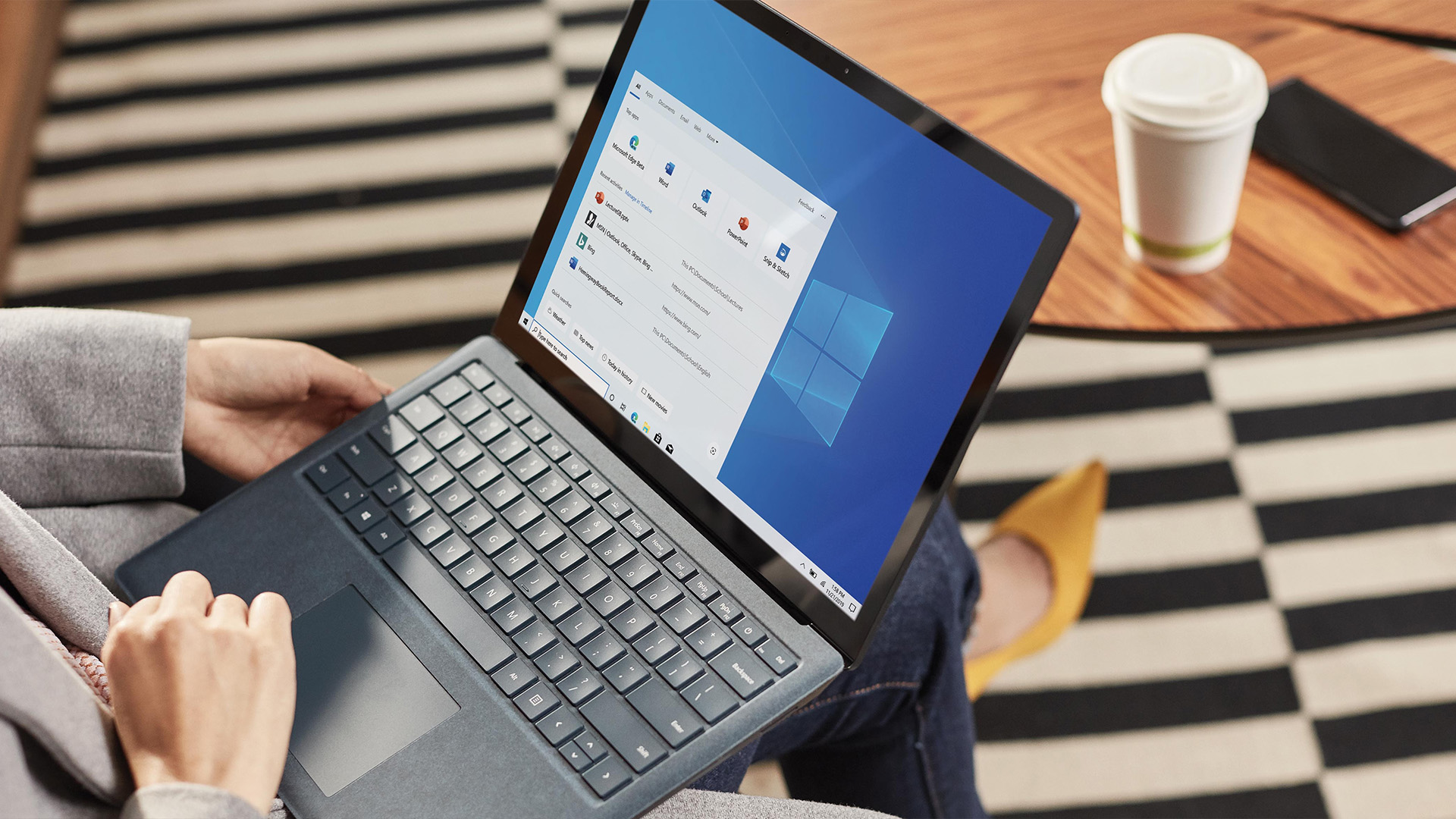
Traditional file search forces you to remember file names or keywords. Copilot+ PCs flip that around with AI-powered search.
- You can type queries like “show me the presentation draft I was editing last week about Q2 sales” and Windows will surface the right file.
- It doesn’t just look for exact matches; it understands concepts and context.
- Even better, much of this works offline because the NPU handles the semantic indexing locally.
For anyone who juggles dozens of files and folders daily, this AI feature is a real time-saver.
2. Recall:

Probably the most talked-about Copilot+ feature is Recall.
- Recall takes snapshots of your screen activity and makes them searchable later.
- That means you can literally “scroll back in time” to find a paragraph, website, or chat you saw earlier.
- Everything stays stored locally, encrypted, and under your control. You can pause, delete, or block apps from being captured.
It’s a bit like having a photographic memory built into your laptop ... useful, but also sensitive. Microsoft delayed this feature once over privacy concerns, but it’s now returning with stronger protections.
3. Click to Do:
Click to Do makes it easy to act directly on what is in front of you. Highlight some text on your screen, right-click, and you’ll now see a set of intelligent actions. This is Click to Do.
- Highlight an address? Open it instantly in Maps.
- Select a chunk of text? Summarize it, rewrite it, or drop it into Word.
- Copy a date? Add it straight to your calendar.
This feature reduces the constant switching between apps. It’s subtle, but it makes workflows feel more natural.
4. AI-Powered Creative Tools:
Copilot+ PCs also come with upgrades to the built-in creative apps:
- Photos Relight: Add or adjust virtual lighting in your pictures. You can drop in up to three light sources and tweak their angle, color, or intensity - no Photoshop required.
- Paint Enhancements: Generate stickers from text prompts, isolate objects automatically, and clean up backgrounds faster.
- Snipping Tool Updates: Features like “Perfect Screenshot” and a built-in color picker help streamline quick edits.
- Notepad with AI: On Copilot+ PCs, Notepad can now rewrite text, summarize notes, or assist with formatting.
If you plan on using Windows 11 productivity tools like Photos Relight or AI-powered editing, display quality matters just as much as processing power. For a deeper look at what screen technology best suits your needs, check out our guide on Windows 11 laptop display technologies.
5. Faster Recovery and Smoother Restarts:
Nothing kills productivity like downtime. Copilot+ PCs introduce Quick Machine Recovery via:
- Systems can restart from crashes or errors in as little as two seconds.
- Windows can self-diagnose and repair certain issues without user intervention.
For professionals who rely on their laptop daily, this resilience adds peace of mind.
6. Accessibility and Inclusion Tools:
Microsoft is also extending Copilot+ AI into accessibility features:
- Live Captions now translate audio from multiple languages into English subtitles in real time.
- Narrator gains new tools like “speech recap,” summarizing recent audio for visually impaired users.
- Voice Access continues to evolve, letting people control their PC entirely with voice commands.
Where Things Stand: What Works, What’s Coming
Not all features arrive at once, and availability can depend on the hardware inside the laptop.
- Already Live: AI search, Recall (with opt-in), Click to Do, some Photos/Paint features, accessibility tools.
- Rolling Out: Full semantic search across file types, broader Recall support, more app integrations.
- Preview / Limited: Copilot Vision (analysing live screen context), advanced photo categorisation in Photos, deeper cloud integration.
Some features are Snapdragon-first and will come later to Intel and AMD models. And certain tools are still region-locked.
Why Choose a Windows 11 Copilot+ Laptop?
So why should someone care about all this?
- It saves time. Search smarter, recover files faster, and let the system do the tedious bits.
- It reduces friction. Contextual actions mean fewer app switches and interruptions.
- It adds value. These aren’t just faster laptops and PCs - they’re systems designed to keep evolving with software updates.
- It’s future-proof. The NPU inside ensures these machines are ready for the next generation of AI tools.
How to Buy the Right Copilot+ Laptop?
Now that we’ve covered what Windows 11 Copilot+ features can do, the next step is figuring out which laptop actually makes the most sense for you. With Windows 11 Copilot+ PCs, the deciding factor is how well the hardware supports AI tools and whether it can grow with future updates:
1. Use Case

If you’re considering a Copilot+ machine, think about your use case:
- If you are creator: Check out ASUS Copilot+ laptops built for AI workflows. They’re known for performance screens and strong GPU/NPU combos.
- For professionals: Find Lenovo Windows 11 laptops with smart features. Lenovo often emphasises business-friendly durability and productivity.
- For everyday users: Explore Copilot + compatible Windows 11 laptops to see more affordable Copilot+ options that still bring AI tools into your daily routine.
- For business and hybrid work: Dell laptops combine enterprise-grade reliability with the latest Copilot+ features, making them a strong choice for office and remote setups.
- For Surface fans: Microsoft Copilot+ laptops showcase the newest AI capabilities in Windows 11, paired with premium design and Studio Effects for video calls.
2. Check the NPU (Neural Processing Unit)
The NPU is the dedicated AI chip inside a Copilot+ PC. It’s what powers features like Recall and AI-powered search.
- The latest Qualcomm Snapdragon X2 Elite Extreme offers up to 80 TOPS, giving you plenty of room for more advanced AI tools as they roll out.
- Intel’s new Lunar Lake and AMD’s Ryzen AI 300 series also feature strong NPUs, often with 40+ TOPS performance.
- If you’re buying a Copilot+ PC, always check the NPU rating. A higher score means your laptop will be more future-proof.
3. ARM vs x86
Copilot+ laptops now come in two main chips:
- ARM (Snapdragon-based PCs): Known for excellent battery life, slim designs, and fanless builds. Great if you want a light laptop that lasts all day.
- Intel and AMD Copilot+ PCs: Offer strong software compatibility for traditional Windows apps and higher flexibility for gaming or professional software.
Your choice depends on your workflow. For students and mobile users, ARM might be ideal. For professionals using specialised apps, Intel or AMD could be the safer bet.
4. Memory and Storage
AI features need extra resources. To avoid slowdowns:
- Aim for at least 16 GB RAM (many premium models now start here by default).
- Choose 512 GB storage if you often work with large files, though 256 GB is the recommended minimum.
5. Look at the New 2025 Features
Microsoft continues to expand Windows 11 Copilot+ features through updates. Recent highlights include:
- Expanded Click to Do: more smart actions directly from highlighted text or images.
- Narrator with speech recap: useful for accessibility, but also handy when reviewing audio-heavy documents.
- AI-powered multitasking: Windows predicts which apps you’re likely to need next and manages resources accordingly.
6. Check Out the Latest Models
Some laptops worth highlighting in 2025:
- DELL Pro 14 Plus PB14250 Copilot+: Slim, lightweight, Intel Core Ultra 5 processor, and 16GB RAM.
- Microsoft Surface 7 Copilot+: Equipped with Intel Core Ultra 7 processors, dual studio microphones with voice focus, Windows Studio Effects for video calls, and more.
- Lenovo ThinkPad T14s Gen 6 (Intel) Copilot+ PC: Built with business users in mind, combining durability with AI-driven resource management.
If you’re interested in how AI-ready laptops stack up against gaming powerhouses, don’t miss our roundup of the top Windows 11 gaming laptops with RTX graphics in 2025.

Final Word: Productivity, Redefined
The shift to Windows 11 Copilot+ PCs shows just how quickly laptops are evolving. What used to be a race for more power or better displays has now turned into a race for intelligence. Features like Recall, AI-powered search, Click to Do, and smarter creative tools reflect the way we actually use our laptops - juggling documents, calls, images, and notes all at once. With an NPU inside, Copilot+ machines are built to keep learning and improving, making them feel more like a partner than just hardware.
Choosing the right Copilot+ PC depends on your needs, but if you want a broader view of specs, features, and buying tips across all Windows 11 laptops, our complete buying guide for Windows 11 laptops will walk you through every step.

Everything You Want to Know About Copilot+ PCs
What’s the difference between Copilot and Copilot+?
Copilot is Microsoft’s AI assistant built into Windows. Copilot+ refers to laptops with special AI hardware (NPUs) that unlock extra features like Recall and advanced search.
What is the Copilot feature of Windows?
It’s an AI helper that can answer questions, draft text, search files in plain English, and perform actions like taking screenshots or using voice commands.
What are the Copilot+ PC requirements?
A Copilot+ PC needs Windows 11 24H2 or later, an NPU with at least 40 TOPS, and ideally 16 GB RAM with 256 GB storage.
What are the versions of Copilot?
There are four: Copilot (free), Copilot Pro, Copilot for Microsoft 365, and Copilot Studio for custom business workflows.
Can Copilot write essays?
Yes, it can generate drafts and ideas, but it’s best to edit and add your own voice for originality.
What is the difference between AI and Copilot?
AI is the underlying technology. Copilot is Microsoft’s way of turning that technology into useful tools inside Windows and Office.
Related Articles

Last Updated: November 12, 2025
Are you looking for a laptop that’s as sleek as it is smart? Then buckle up! The Lenovo Yoga Slim 9 is an incredibly lightweight laptop that combines a slick design with capable performance.
This laptop distinguishes itself by setting new standards for premium design and performance. It’s crafted with meticulous attention to detail, a stunning appearance, and a responsive touchscreen.
But it’s not just about the looks; the Yoga Slim 9 packs a punch with an OLED touchscreen (up to 4K/3840×2400 with Dolby Vision), modern Intel Core P-series processors, and efficient thermals. Despite the high-resolution panel, battery life is solid for its class. However, some users may find the keyboard’s short travel a drawback.
This blog will explore the features and functionalities of the Lenovo Yoga Slim 9 and discover why it is a top choice for users seeking a combination of innovation, style, and productivity in their laptops and notebooks.
So, let’s get to it!
Key Features
Some of the standout
Last Updated: November 13, 2025
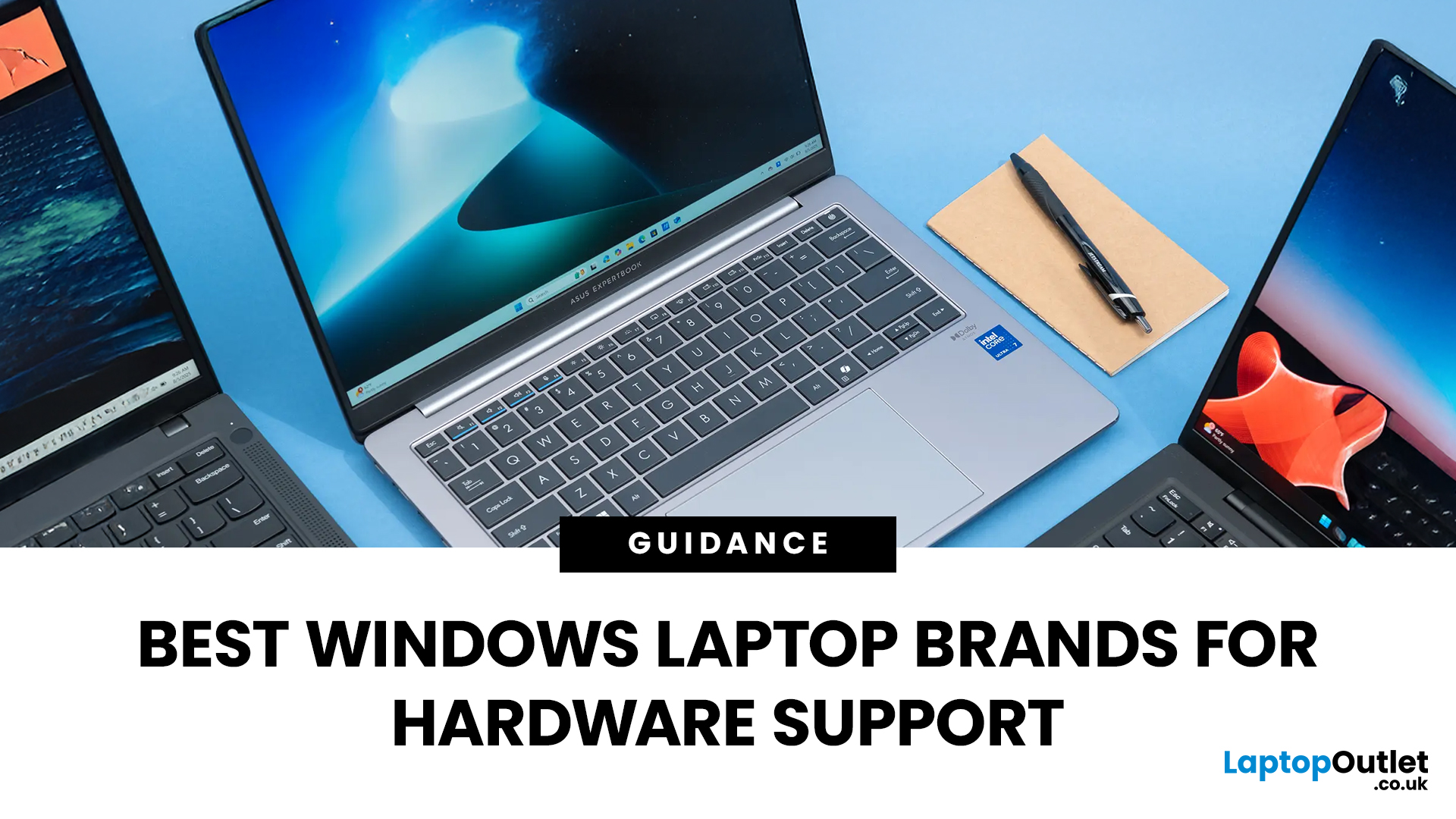
Shopping for a new laptop can be tricky as the best brands go head-to-head to grab your attention, and you want a model that does everything you need and lasts for years.
Although some brands are well regarded for their high-quality laptops, even the best brand manufacturers' models have flaws or performance lags. We've all had that friend who got a fantastic deal on a laptop with a large screen and impressive features, only to hear about its slow performance, sluggish battery, and dim screen later.
Simply put, there isn't the best laptop brand, as it depends entirely on your needs and tastes. However, several options stand out, like ASUS, MSI, Dell, and Lenovo.
To keep it simple, we have tested and reviewed models from dozens of brands and below are our recommendations for the best brands in terms of hardware support.
ASUS
ASUS is also known as ASUSTeK, a Taiwanese brand. It is one of the largest laptop manufacturers in the world today, featuring gaming and business machines.
Last Updated: September 11, 2025
Ready to Install Windows 11?
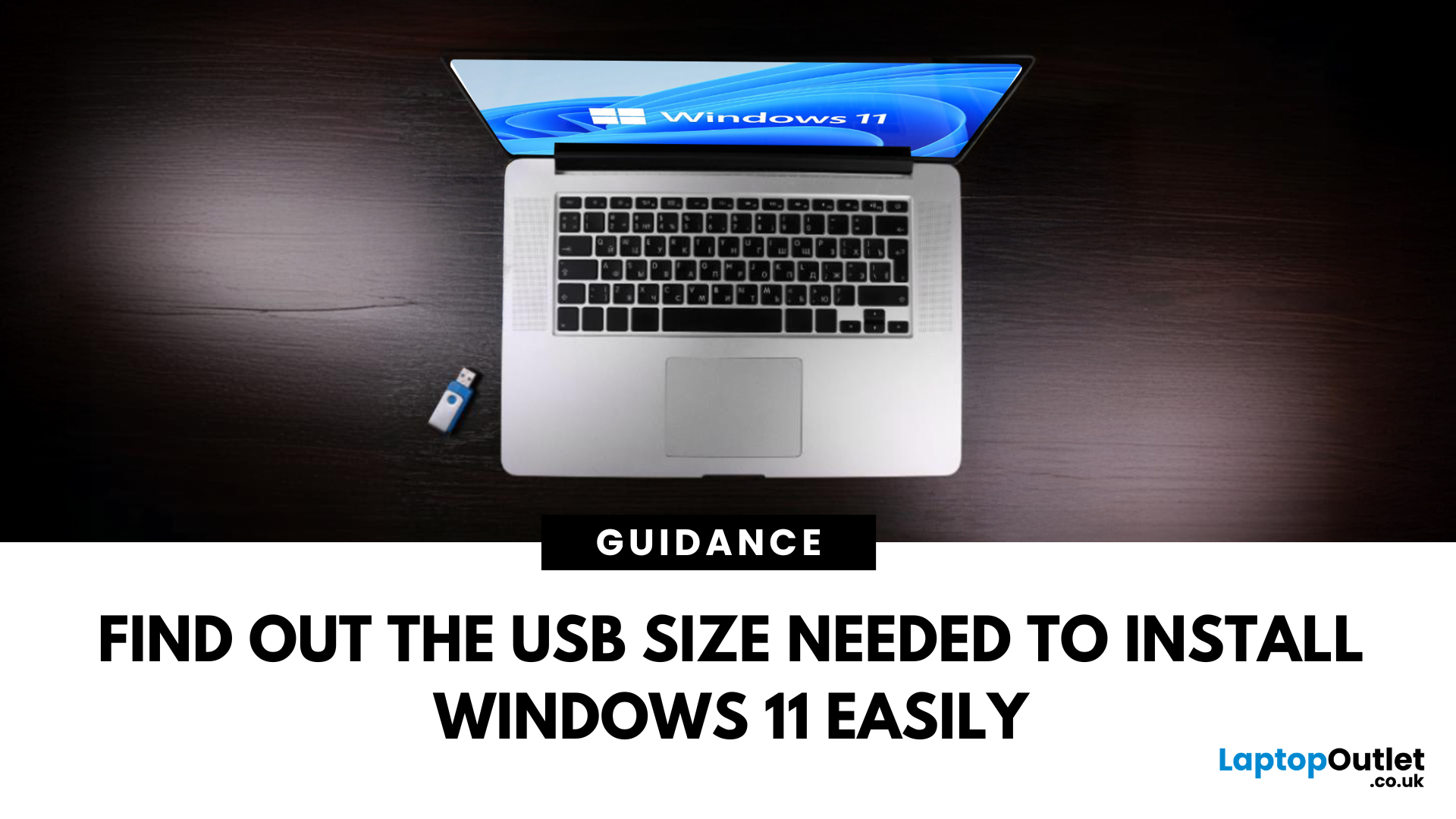
If you're planning to install Windows 11 using a USB stick, one of the first things to sort out is the size. Too small, and it won’t fit the installer. Too large, and it’s unnecessary. Let’s clear up exactly what size USB you need to install Windows 11 and how to get it ready.
Minimum USB Size for Windows 11 Installation
- At least 8GB of storage is required
- Recommended: 16GB or more for extra space and reliability
Microsoft officially recommends a USB drive with 8GB minimum, but using a 16GB or 32GB USB stick ensures you won’t run into space issues.
USB Format Requirements
Before using the USB stick:
- Format it as FAT32 (for UEFI systems) or NTFS (for BIOS/Legacy systems)
- Use tools like Rufus (Windows) or Disk Utility (Mac) to format and prepare the drive
Create a Bootable USB for Windows 11
Using Microsoft’s Media Creation Tool:
- Download the Media Creation Tool from Microsoft’s website
- Run the tool and choose Create installation media
Last Updated: June 25, 2025
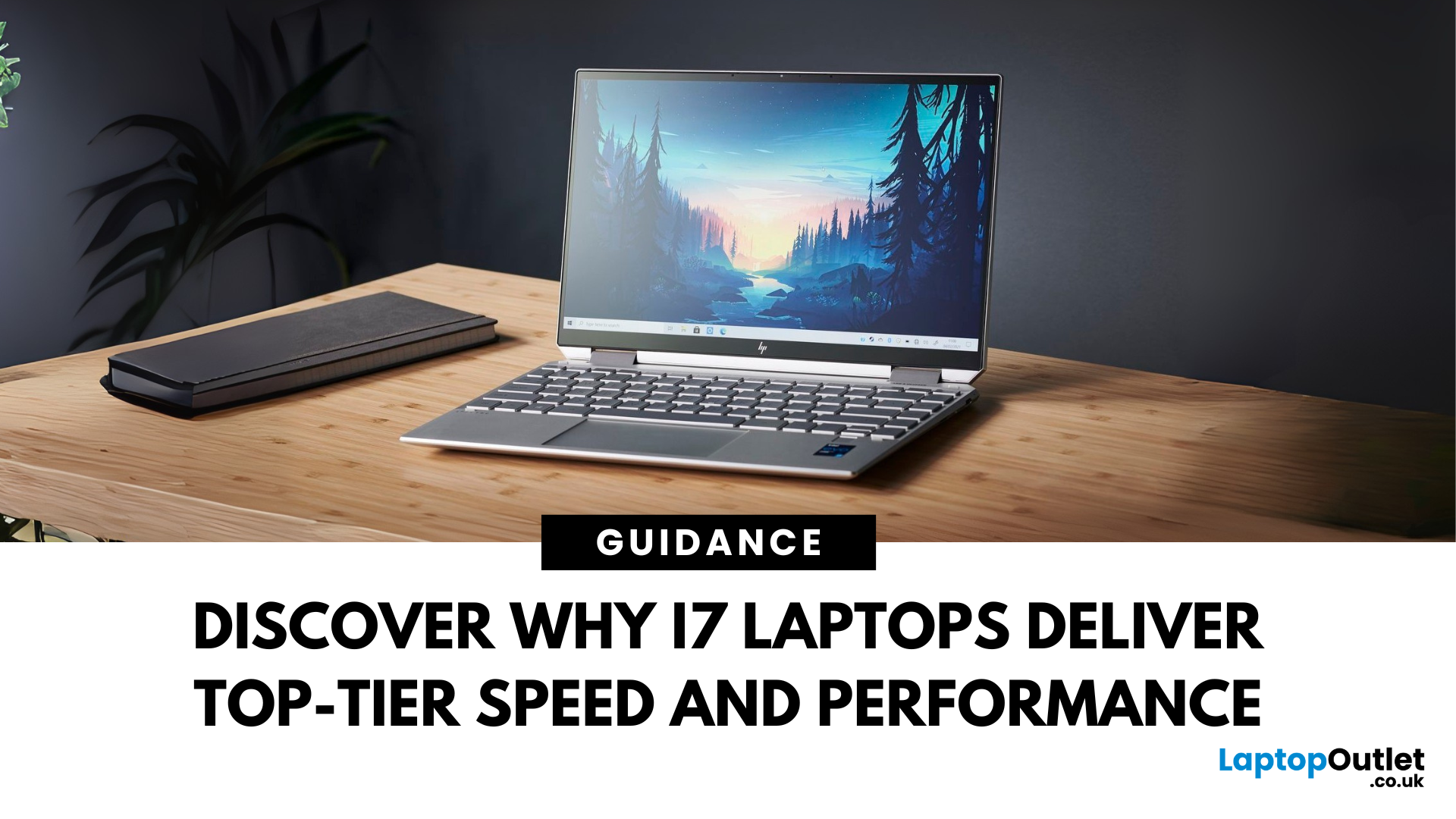
When it comes to high-performance computing, Intel Core i7 Windows laptops stand out as the ultimate choice for power users. Whether you're a professional handling complex tasks, a student managing heavy workloads, or a gamer seeking seamless performance, i7 laptops offer the speed, efficiency, and reliability you need. In this comprehensive guide, we'll explore why i7 Windows laptops are the go-to option for those who demand top-tier performance.
Why Choose an i7 Windows Laptop?
For those who demand more from their tech—whether it's lightning-fast performance, reliable efficiency, or future-ready multitasking—Intel Core i7 laptops stand out as the ultimate choice. Here's why:
Power-Packed Multicore Performance
With high core and thread counts, Intel Core i7 Windows laptops make light work of processor-intensive tasks like 4K video rendering, software development, AI training, and advanced simulations. Power users like content creators and engineers can expect lag-free editing, real-time
Last Updated: March 17, 2026
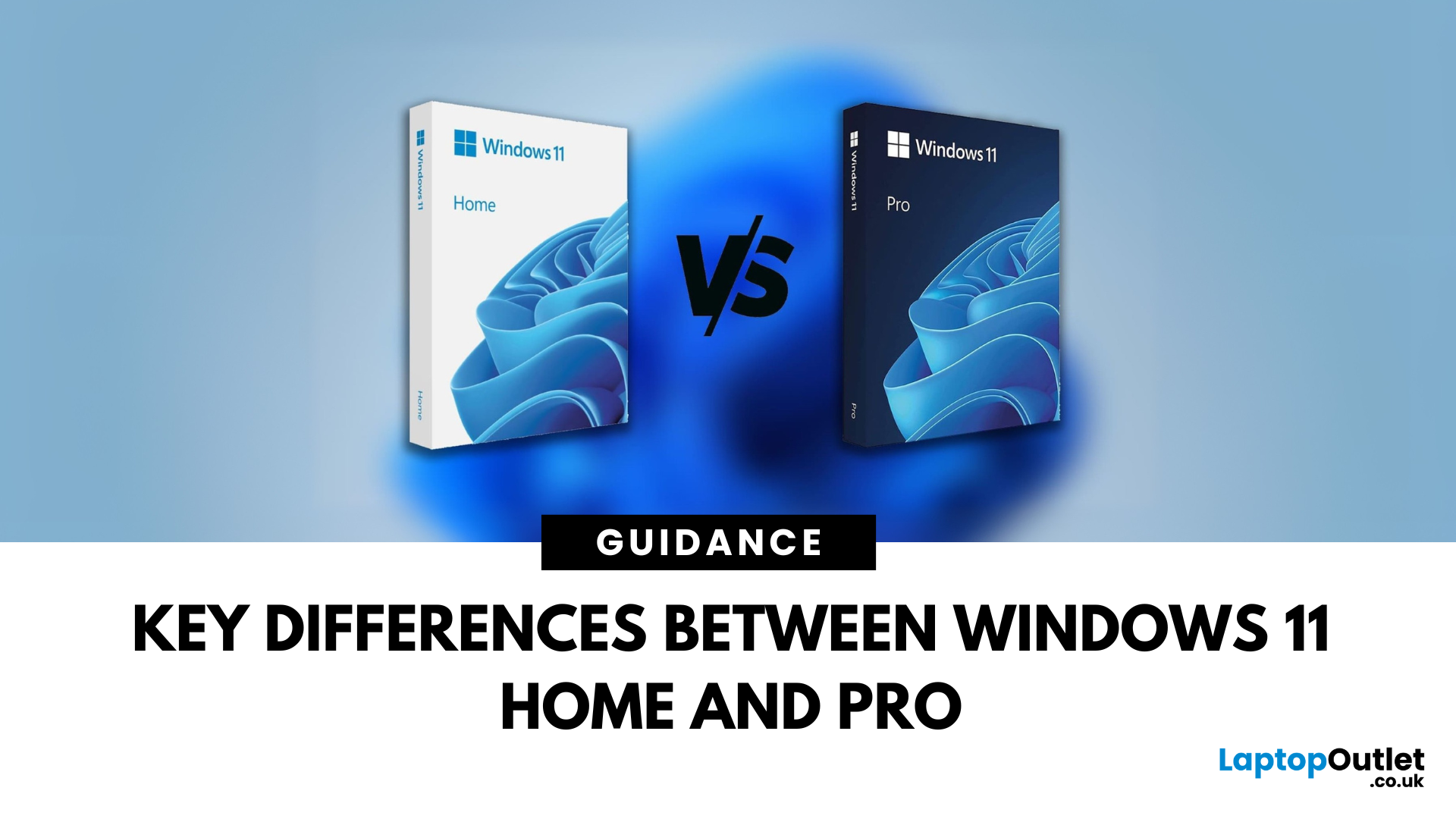
Planning an upgrade or buying a new laptop? You’ve probably noticed two editions of Windows 11: Home and Pro. But which one is right for you? Let’s compare their features to help you decide.
Who Should Choose Windows 11 Home?
Perfect for: Everyday users, students, gamers
- Clean, modern interface with widgets and Snap Assist
- Gaming-friendly with Auto HDR and DirectStorage
- All the essentials for secure and fast performance
- Supports Microsoft Store apps, voice access, and touchscreens
Think of Home as the all-rounder version—smooth for work, play, and everything in between.
Who Should Choose Windows 11 Pro?
Perfect for: Professionals, business users, advanced power users
Includes everything in Home plus extra business tools:
- BitLocker (for advanced device encryption)
- Hyper-V (virtualisation for running multiple OSes)
- Windows Information Protection (WIP)
- Remote Desktop for secure access on the go
Enhanced security with Windows Hello for Business and TPM 2.0
Can join
Published: October 08, 2025
The battle between Intel and AMD has shaped the laptop world for decades. With the release of Intel Core Ultra processors and the new AMD Ryzen Z2 series, that rivalry has entered a new phase - one defined not just by raw speed, but also by AI integration, efficiency, and Windows 11 optimisation.
Intel’s Core Ultra chips (available in Core Ultra 5, 7, and 9 tiers) mark a major shift in design, blending performance and efficiency cores with a dedicated AI NPU (Neural Processing Unit). Meanwhile, AMD’s Ryzen Z2 processors are raising eyebrows with their RDNA 3.5 graphics and strong balance between performance and battery efficiency.
So, which one is better for you? In this guide, we’ll break down the Intel vs AMD Windows 11 laptops debate, comparing performance, AI features, battery life, and creative workloads. Whether you’re a student, gamer, or professional, by the end you’ll know which processor suits your needs.
Intel Core Ultra – What’s New?
Intel’s Core Ultra range is its most significant
Last Updated: February 24, 2026
Choosing the right gaming laptop in 2025 comes down to striking a balance between raw power, intelligent features, and future-ready design. With Windows 11 now fully optimised for AI-powered performance, Auto HDR, and DirectStorage 1.2, gaming has never been smoother or more immersive. Pair that with the latest NVIDIA RTX 40 and 50-series GPUs, and you get a portable machine that rivals desktop-level experiences.
This guide explores the best Windows 11 gaming laptops with RTX graphics, helping you understand which models deliver the most value for gamers in different categories — from budget RTX 4060 machines to ultra-premium RTX 5090 rigs. Whether you’re into esports, AAA titles, or content creation alongside gaming, these laptops are designed to keep up with your demands.
Why Windows 11 Gaming Laptops with RTX Graphics Stand Out
AI-Driven Gaming Features
Windows 11 laptops in 2025 integrate Windows Game Mode, Copilot, and AI-based resource management. Together, they ensure your CPU

Published: October 08, 2025
Choosing the right laptop in 2025 can be overwhelming, given the wide range of options available across budgets, designs, and performance levels. With Microsoft’s Windows 11 becoming the most optimised OS for hybrid work, gaming, and everyday use, selecting the right device is more important. In this Windows 11 laptops buying guide, we’ll cover everything you need to know before purchasing. From Windows 11 laptop comparisons to use-case specific recommendations for students, business users, and gamers, this guide ensures you make an informed decision.
Why Choose a Windows 11 Laptop?
Enhanced Performance
In 2025, Windows 11 is fully optimised for the latest Intel Core Ultra (Meteor Lake) and AMD Ryzen 8000/9000 series processors. These chips integrate dedicated NPUs (Neural Processing Units), which offload AI workloads from the CPU and GPU, resulting in:
- Faster multitasking across productivity apps like Microsoft 365, Adobe Creative Suite, and Teams.
- Improved power efficiency, extending

